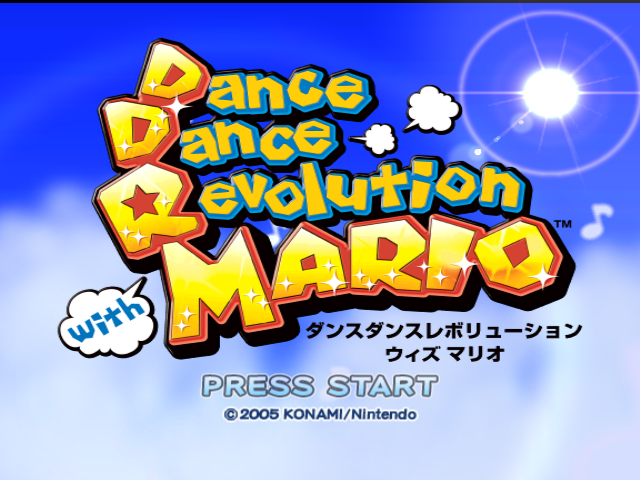
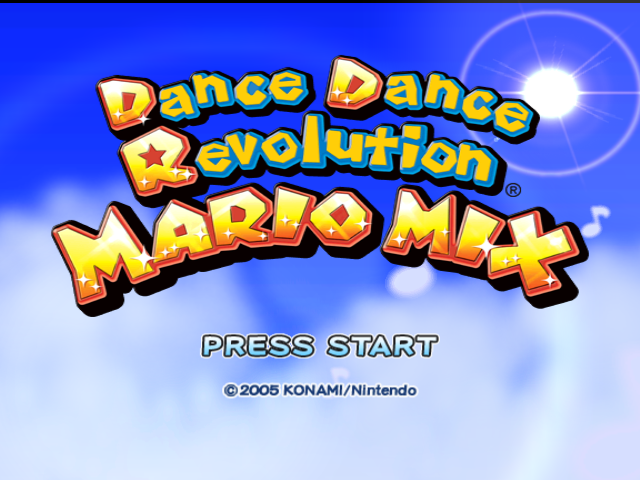
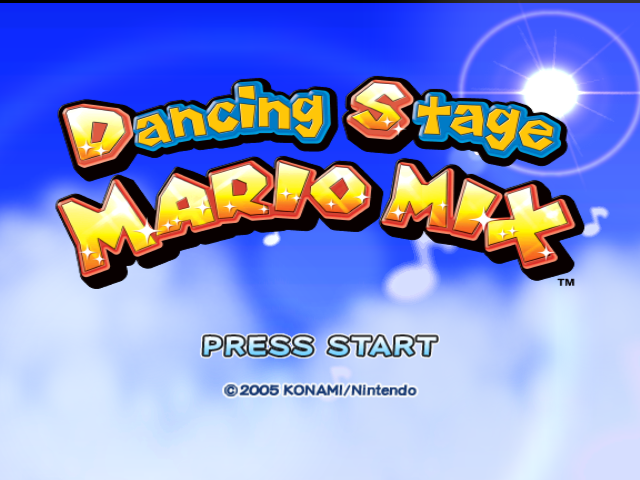
A bizarre combination of franchises, Dance Dance Revolution: Mario Mix is exactly what it sounds like. It's also probably the only game where Waluigi has a significant role besides Mario Tennis. WAAAA!
The game's credits song, which is the original version of Super Mario Bros.'s Ground Theme, has its own chart data, found in the 28th file within ssq.bin. The chart played is always a difficulty higher than what is selected when starting Story Mode (for example, if the player chose Easy, the chart played will be Normal). With that said, the song has an Easy chart, though it never goes used as there is no difficulty below it.
Three of game's music tracks, which can be found in MRODDR_Snd.msm, have unheard alternate mixes. The file indexes take in consideration the Japanese release of the game.
Track
File
Unused
Used
Notes
Garden Boogie
181, 182
Has quieter instrumentation, and does not have a 2 second cooldown at the start.
Pirate Dance
147, 148
Has different instrumentation and mixing.
149, 150
Has an extended section about 51 seconds in.
Up, Down, Left, Right
183, 184
Two alternate versions with added vocal samples throughout, which match the song's Easy and Normal charts, respectively.
To do:
Create a Debug Menu Listing like the ones for Mario Party 1-Mario Party 8 and add the controls for DANCE VIEW and MOTCHK.
Replace mapsel.bin (data Folder) and mapsel.rel (dll folder) with selmenu.bin and selmenuDll.rel. Start a new story mode save or load an existing save in story mode and you should be taken to the debug menu. It's nearly identical to the one used in Mario Party 6, as both games share the same engine.
You can also use the Gecko Code 0411518C 80114F54 to load the menu in the North American version.
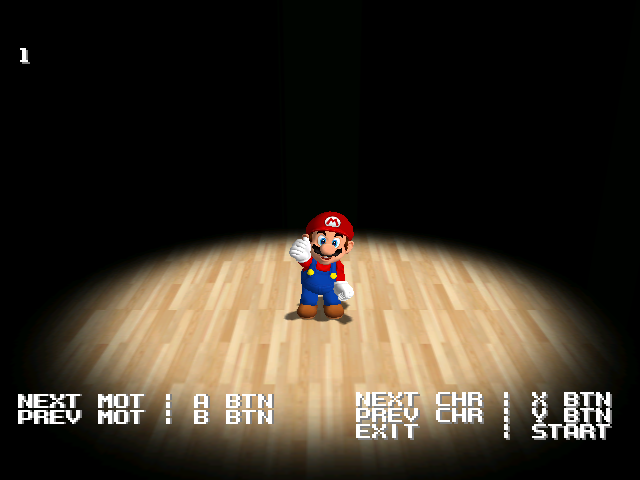
Lets you view the dance moves of each character. For some reason, it endlessly zooms out, which can get annoying. You can use the following Gecko code to prevent it in the North American version:
Enter these Gecko codes 0400C280 60000000 (EU) or 0400C278 60000000 (NA) and you will see the screen surrounded by red borders which specify the region of the screen that is safe for UI elements to use. The borders specify that within 16 pixels from the horizontal edges and within 40 pixels of the vertical edges are not safe to use.
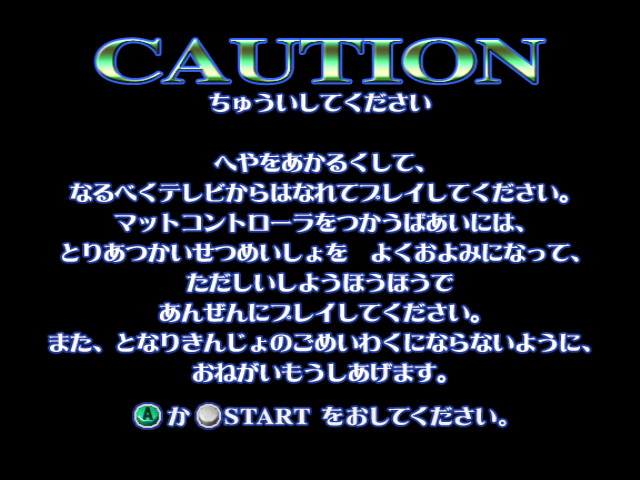
CAUTION

Please take note:

Please play in a well-lit room. If possible, maintain a safe distance from the television screen.
When using the mat controller, read the instruction manual carefully and use it correctly to ensure you play safely.
Furthermore, please be considerate of your neighbors and try not to disturb them.

Press A or START.
The song Cabin Fever was partially redone for the international releases. There are noticeable differences in the instrumentation for the intro, as well as in the percussion throughout the song.
Japan
International
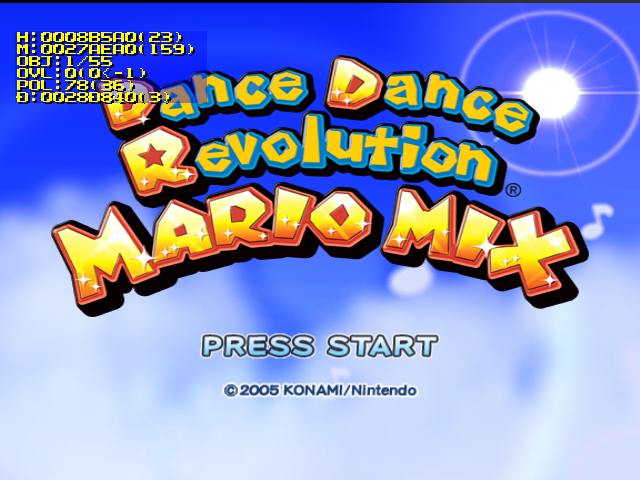
Some of the narrator's voice lines are different in the Japanese version: "Let's DDR!" in the title screen and/or "Aw, you couldn't make it!" when the player gets an F (D in the Japanese version).