Featured article
 This article has a talk page!


Resources#
 Unused AudioA whole load of unused voices, many of them referencing features that aren't in the final game.
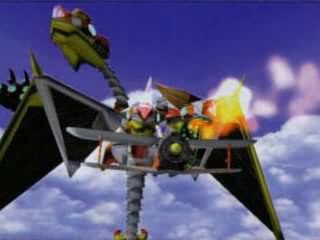 Unused ObjectsSky Chase once had a mechanical dragon boss?!
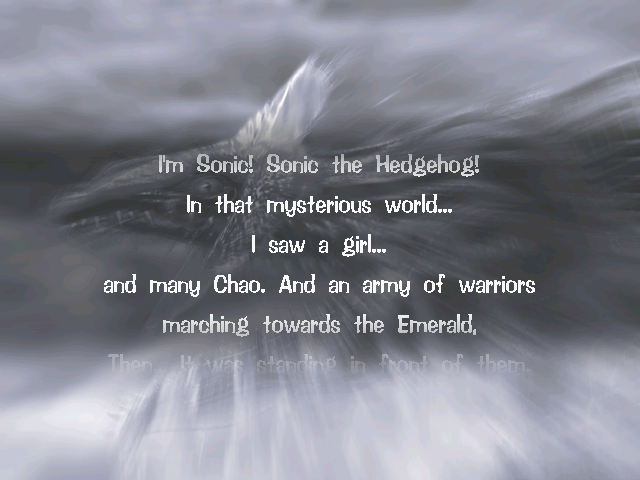 Adventure ModeThe recap that never was.
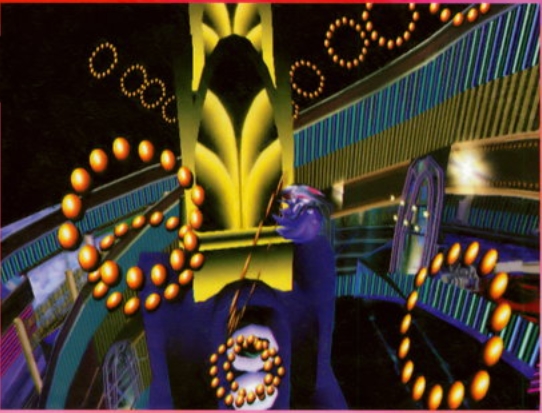 Action StagesA few blocked-off paths.
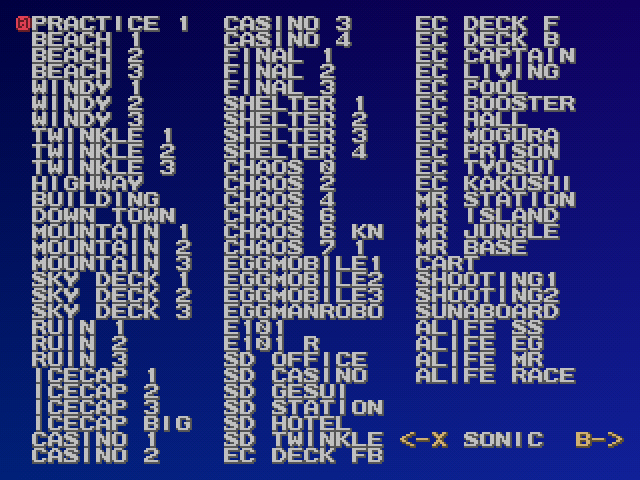 Developer ToolsDebug menus and tools that were left in the final game.
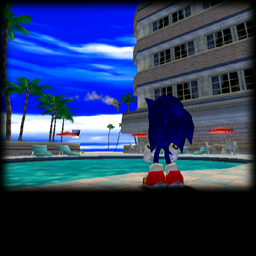 OdditiesSomething seems different...
Version Differences#
Unused Graphics#
Menus#
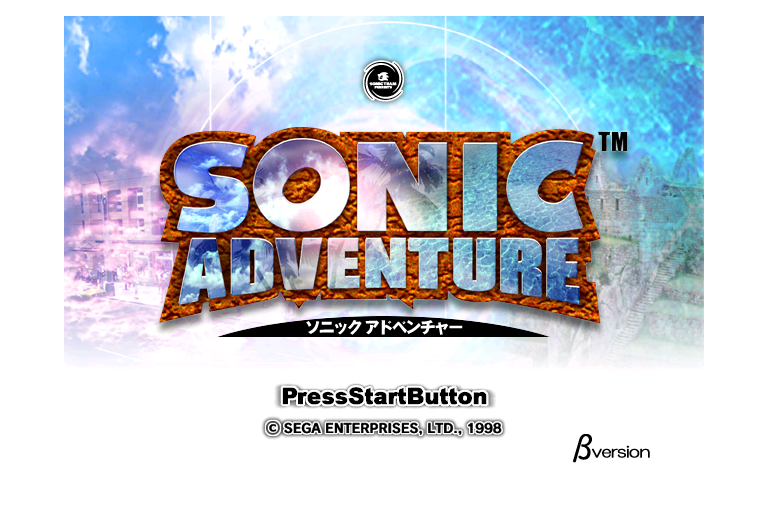
A "β version" of the Japanese title screen can be found in TITLE.PRS. This is technically used, but only in the hidden TGS mode.

A teaser found in COMESOON.PRS, a file only present in the original Japanese version. The Japanese text translates to "Scheduled for release at the end of the year".
It was used at the end of stages in pre-release demos, including the AutoDemo.
(Translation: Windii)
Loading Screen
 A loading image that can be found in
 LOADING.PRS. Like the title screen it's still technically used in-game, but only in the hidden TGS Mode.
Vs. Tails

Among the menu graphics for the last completed stage, "Vs. Tails" can be found. As Tails is never fought by any character, it goes unused. It can be found in AVA_STNAM_E.PRS.
HUD#
Early Pause Menu
 Pieces of an early version of the Pause Menu can be found in
 CON_REGULAR_US.PRS in the original Japanese version of the game. The image on the left is a mockup of what the menu looks like when put together.
Both this and a Japanese counterpart are in the AutoDemo, with the latter being used albeit hidden. In later versions, this file was replaced with CON_REGULAR_E.PRS.


Level Icons

Icons for the letters S, A, B and C can be found. These were probably intended to be used with an older HUD that can be seen in pre-release materials and the AutoDemo, which contains a "Level" element in the HUD that these letters may have been used for. They can be found in CON_REGULAR.PRS.
Stopwatch Item
 A stopwatch that would have likely frozen the timer and/or enemies, given the name of its texture, "item_tstop". There's an unused 'ticking' sound effect in the general sound effects bank that was made for this item, too. It can be found in
 OBJ_REGULAR.PRS. In Sonic Adventure 2, an object that halts time around the player appears in Cannon's Core.
Tornado 2 Health Bar

The red "Tornado" life gauge is used in both acts of Sky Chase, despite the fact that a separate life gauge exists for the Tornado 2. As such, this blue "Tornado2" gauge is never used. Both health bars are stored together in the texture file ST_128S_HPGEJI.PVR.
Lure Icon
 A fishing lure icon that can be found in
 FISHING.PRS. This icon is used as part of Big's life counter in the AutoDemo.
Misc.#
Chao Emotes
 Other Chao emotions, left out for unknown reasons. They can be found in
 AL_ICON.PRS.
Realistic Blue Hedgehog
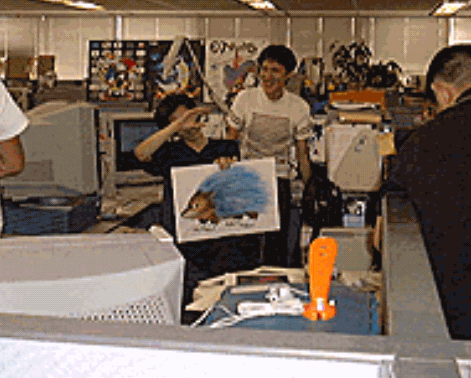 A photo of Yuji Uekawa (with Naoto Ohshima next to him) holding a drawing of a realistic-looking blue hedgehog. This picture can also be found in Sonic and the Secret Rings alongside a "making of" video. The photo seems to have been taken during recording for a Sonic Adventure production presentation VHS tape, as seen here. It can be found in
 DRAMA0.GIF.
Star Panel
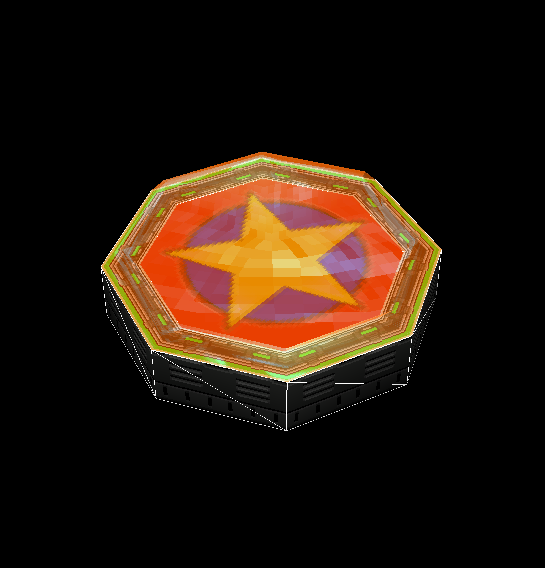 The star panel seen in various early materials for the game (including the AutoDemo) can still be found in
 1ST_READ.BIN. It was used to mark the position the player would land at after finishing a series of jump panels.
Spring Model
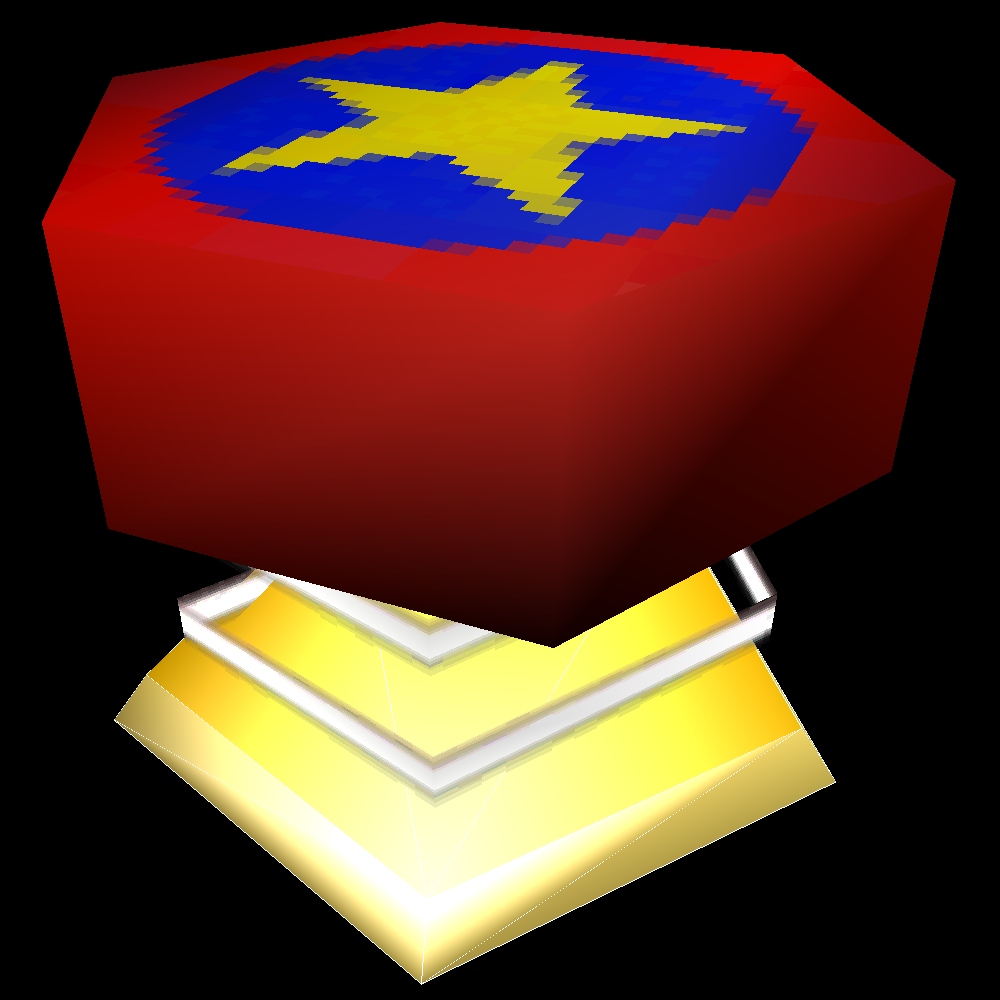 Sonic Adventure was built on the engine seen in the Sonic World section of Sonic Jam, but this is the only Sonic Jam asset to be found on the Dreamcast disc. This model can be found inside
 1ST_READ.BIN. Its texture is also otherwise unused (inside \SONICADV\OBJ_REGULAR.PVM) - other objects (Springs etc.) use a different, more detailed version instead.
(Source: Sonic Retro)
Hot Shelter Website Screenshot
 Among the files on the disc used for the Internet pages is this screenshot of Big in Hot Shelter. The screenshot implies it would have been used in one of the website's hint pages, but it's never used. Note that the hint monitor is in a different location in the final game.
Characters#
Actions and Animations#
Watch on YouTubeTails has a small number of actions in the game that he never uses as either the player character or while following Sonic:
- Tails has a working "Pinball mode" for the pinball tables in Casinopolis. Tails lacks the ability to shake the table, just like Sonic in the original Japanese version.
- Jump Panels are fully functional as Tails, despite him not being able to use them while following Sonic. Knuckles/Amy can also use them, but get stuck on the second panel. Big/Gamma can't use them at all.
A number of animations in the game go unused. Some are never used because they're never needed, but others aren't used entirely. There's also quite a few "empty" slots - which just point to the character's standing animation.
- Sonic uses a "looking up" animation at the beginning of Tails' first two stages and in cutscenes. Tails has the same slot freed up for it, but it's empty.
- Sonic, Super Sonic, Tails, Knuckles and Gamma have animations for reverting back to the standing pose from their 'stage clear' ones.
- Amy and Knuckles have animations for reverting back to their standing pose when landing on the ground after getting damaged by an enemy in the same manner as Sonic, Tails and Big. Both animations were used in the AutoDemo.
- Everyone has animations for landing from a fall both normally and while holding an object, but only Gamma's is actually used. Everyone else jumps to their standing pose (aside from Sonic, who goes into his 'action' stance). Despite this the animation slot for the standing animation they use after jumping is different to the regular one. A similar animation is used for Tails and Knuckles for Windy Valley's trampolines, but that one leaves them in the air rather than landed (And Knuckles can't go to Windy Valley without cheats anyway). Amy's landing animation was used in the AutoDemo after attacking with her hammer in the air, but was taken out in the final due to it overwriting her walking animation, so it'd look weird when running.
- Sonic and Tails are both able to pull objects but neither of them can do so because they never encounter anything that can be pulled.
- Knuckles has a number of empty animation slots that were formerly used for his early combos - the effects on his hands while performing the moves still exist and can be seen if his punching animation is replaced with one of these slots.
- Amy has a "balancing" animation.
- Super Sonic has animations for bouncing on a spring, despite the Perfect Chaos battle not having any springs.
- Tails has slots for showering in Casinopolis. However, all of them are empty and don't trigger for 2P Tails regardless.
Eggman and Tikal#
The Dr. Eggman and Tikal objects used in cutscenes are actually programmed the same way as the playable characters, and can be played via hacking. They both have only the most basic movement functions, walking and jumping. They can't hurt or get hurt by enemies and obstacles, and cannot run on wind paths and some loops. Pressing the Action button activates free movement mode.
Watch on YouTubeWatch on YouTube
Dying before hitting a checkpoint or changing segments in an Action Stage causes the game to crash, as they do not have starting position lists.
Z Button#
Watch on YouTubeBy pressing Z, you can make the player turn their head towards the camera. This can be done with anyone aside from Gamma and Super Sonic (though Big will only move his pupils). It works on the character select menu as well, with Sonic responding to controller 1 and Tails responding to controller 2.
While this button was not standard on the official Dreamcast controller, some alternate controllers (such as Sega's Dreamcast Arcade Stick or Mad Catz's Panther DC) supported it, and it can be mapped and used in emulators. For Flycast, set the controller type to Panther/Full in order for it to work.
In Sonic Adventure DX, this was removed for all characters except Tikal. The code for turning the other characters' heads still exists but goes unused. (Sonic on PC: 0x493DA5)
Additional Board Controls#
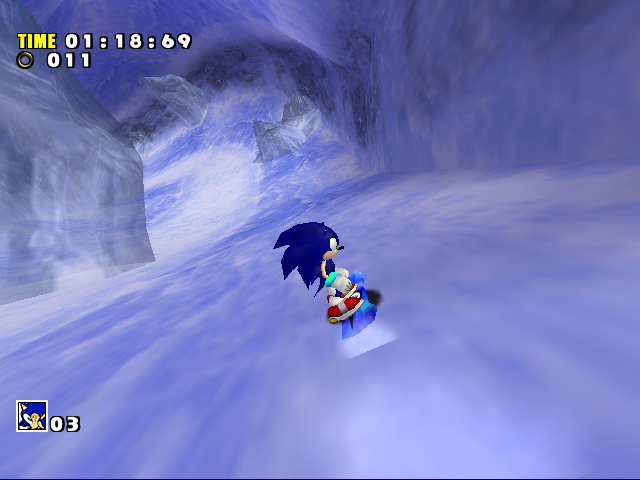
By having A held after a jump or pressing B or X as Sonic or Tails while riding a snowboard you can make them duck. It has no effect on either character and they'll return to normal as soon as they use another animation such as turning or falling. The animation is part of an earlier set of snowboard controls that were used in the AutoDemo where Sonic and Tails visibly ducked down before jumping similar to realistic snowboards. It was removed from the final version's snowboarding likely because it caused uncomfortable delays that could cause the player to miss trick ramps.
Holding down on the analog stick as Sonic will cause him to stand sideways on the board. This seems to be part of a broken braking mechanic, as not only does Sonic attempt to slow down beforehand but neither of these animations appear as Tails - the board just appears to move on its own while playing as him.
The TGS tutorial screens do not mention either of these features.
Pachacamac's eyes#
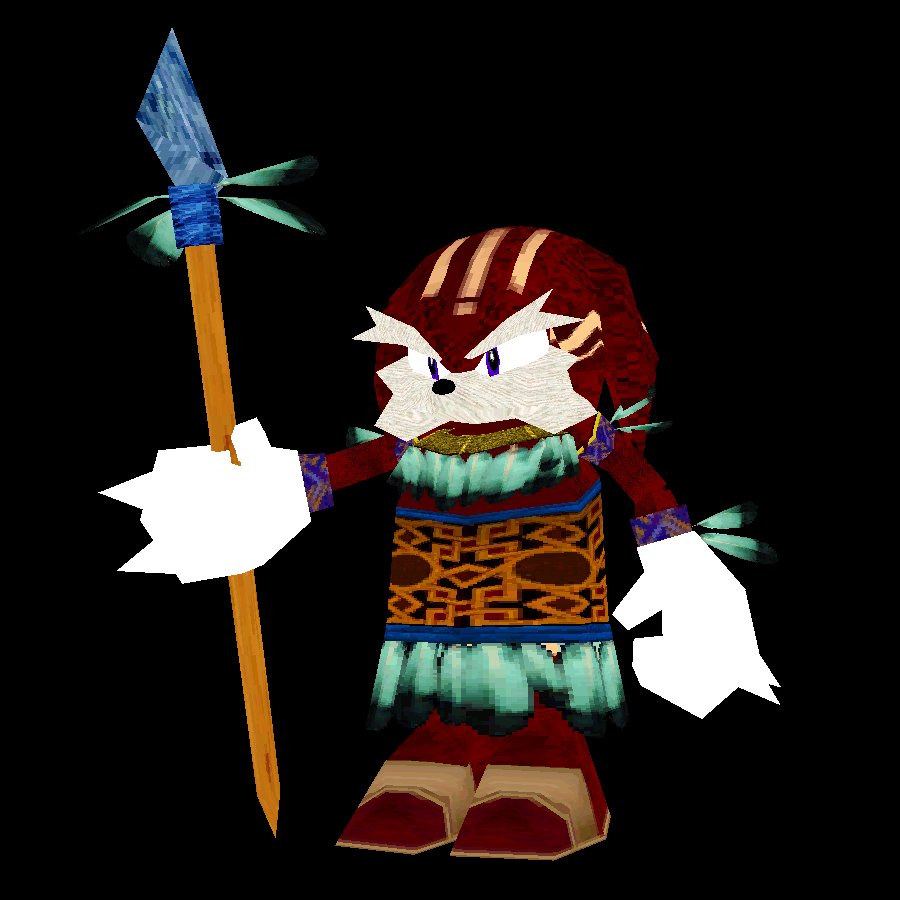
Tikal's father is always seen with closed eyes in-game, but his model does have them - they're just covered up every time he appears.
Lighting#
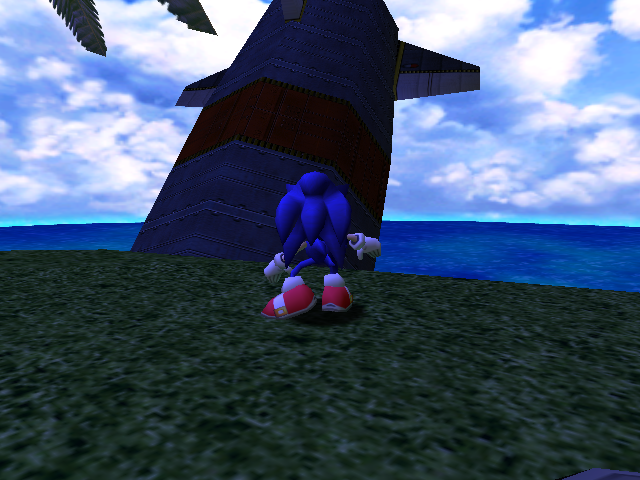
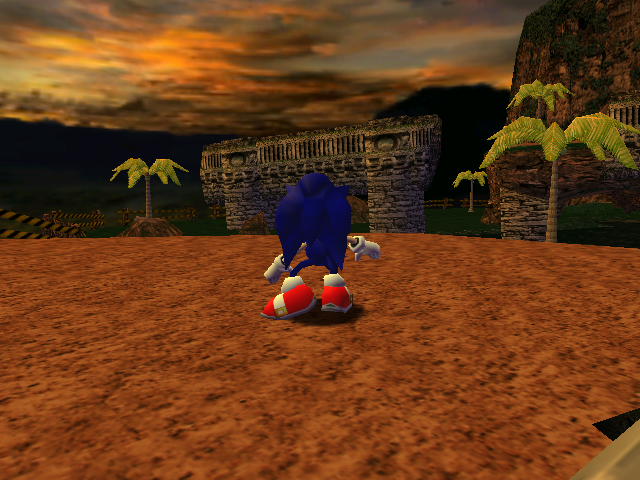
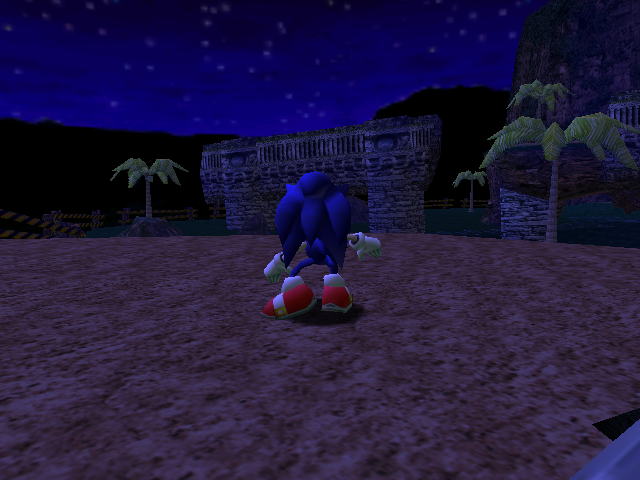
Sonic Adventure uses a palette lighting engine that reads data from a group of files with the prefix "PL". Several of these files are never used at all.
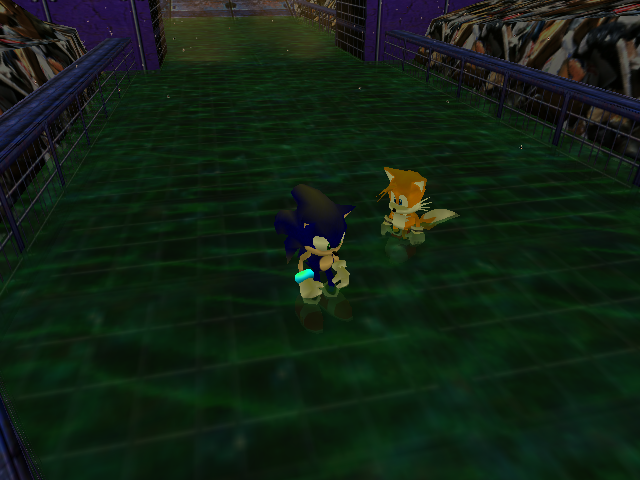
PL_9MB
An extra palette for the sewers in Casinopolis, identical to the regular one other than its specular palette. When the object O MUD is present this is gradually applied, aiming to make the player look dirtier as they move through the stage. However, since O MUD itself is unused the same goes for the palette associated with it.
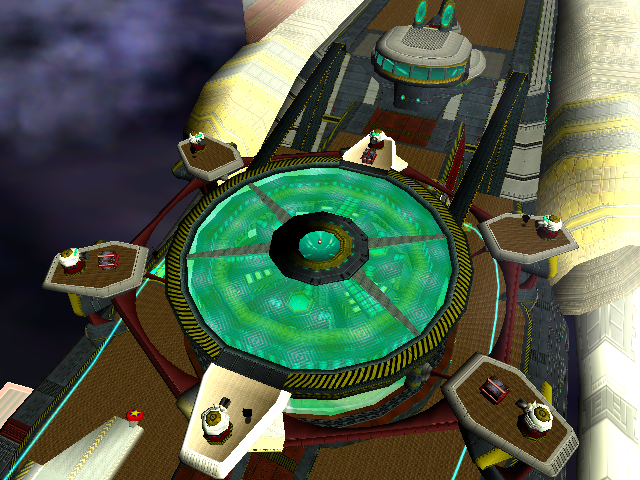
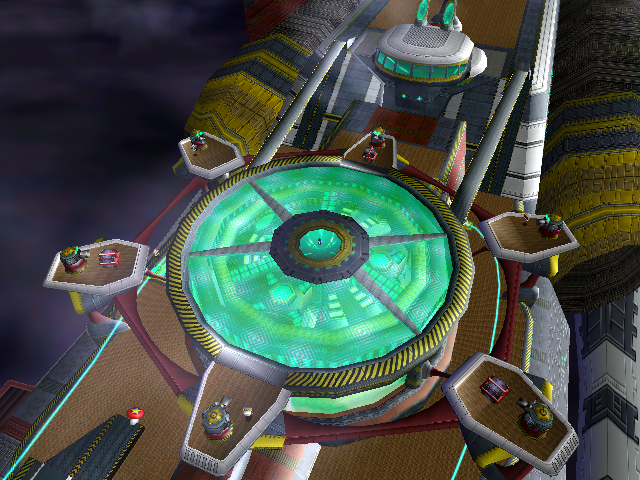
Egg Carrier
PL_T1B and PL_T4B are palettes for the exterior of the ship, much brighter than the palette normally used. Despite not being used, PL_T4B can be seen in multiple credit images (as well as Gamma's flashback of Amy), but PL_T1B isn't seen at all. They may have been related to a scrapped lightning effect that can be seen in pre-release footage of the Egg Carrier's transformation.
Mystic Ruins
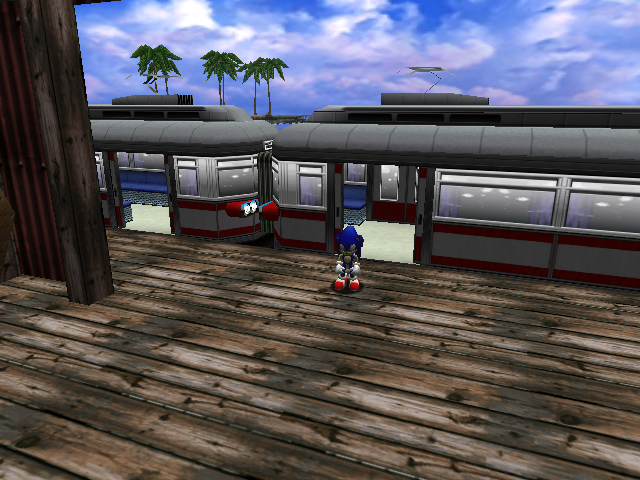
PL_MRD, PL_MRE and PL_MRN don't follow the same naming convention as the other palettes. They're actually early versions of the Mystic Ruins palettes (PL_X0B, PL_X1B and PL_X2B respectively). They look similar to the used ones, but have darker shading on characters and objects.
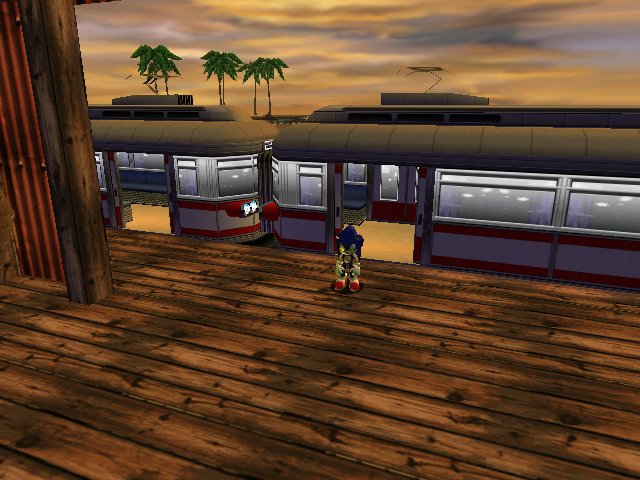
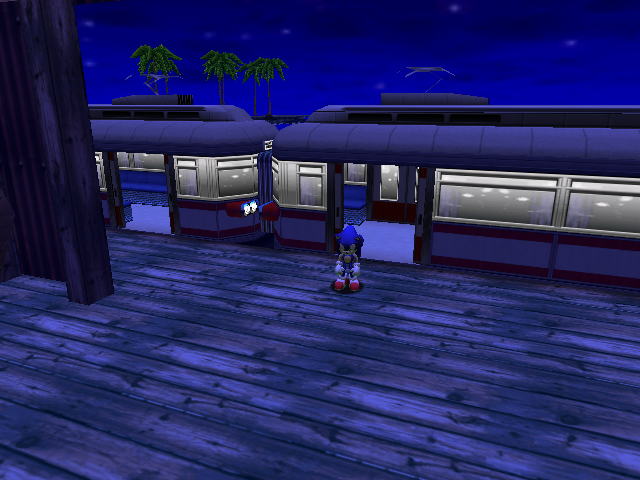
Chao Gardens
All of the Chao Gardens have PL files for each time of day (with the exception of Station Square's evening). The Chao Gardens in Station Square and the Egg Carrier never appear at evening or night, so they never use these extra files. Interestingly, the Mystic Ruins garden does appear at evening and night, but doesn't use the files either - the garden uses the daytime lighting at all times.
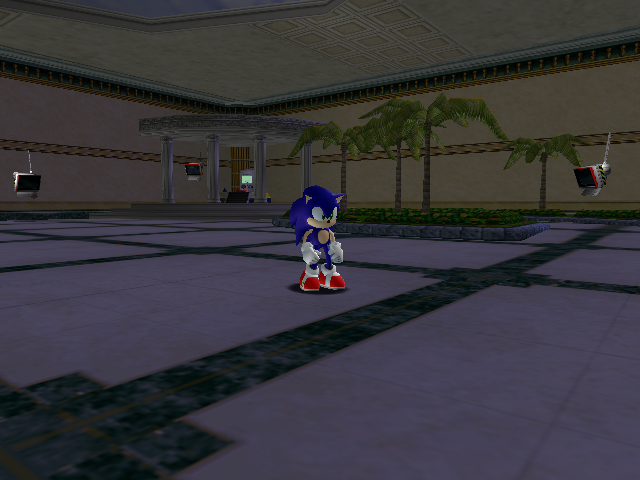
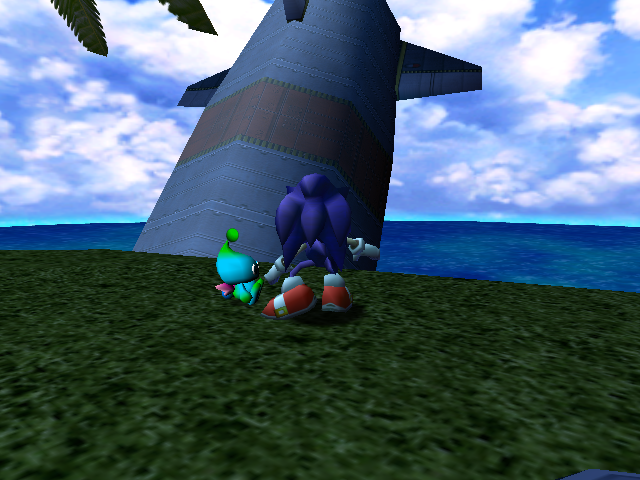
Tokyo Game Show Leftovers#
Watch on YouTubeWithin all versions of Sonic Adventure remain the menus from the Tokyo Game Show version of the game. The ID for the current menu can be found at the following address:
- Japanese: 8C84F4C4
- US 1.0: 8C822B84
- US 1.1: 8C81E904
- Europe: 8C81E844
- International: 8C8302E4
To access the TGS Menus, change the value to 12 in the Japanese release or 15 in the US, European, and International releases.
NOTE: For emulators the address needs to be adjusted. If using Demul, subtract 60000000. If using NullDC, subtract 6FFE0000.
For the 2004 US PC version, replace the seven bytes at C53A in sonic.exe with seven 90 bytes, or install the "TGS Menus" mod from this page.
Interestingly the address that controls the TGS Menu ID has a value (13) that sends the player to the Chao Garden, but there's no known way of doing this normally.
Title Screen#
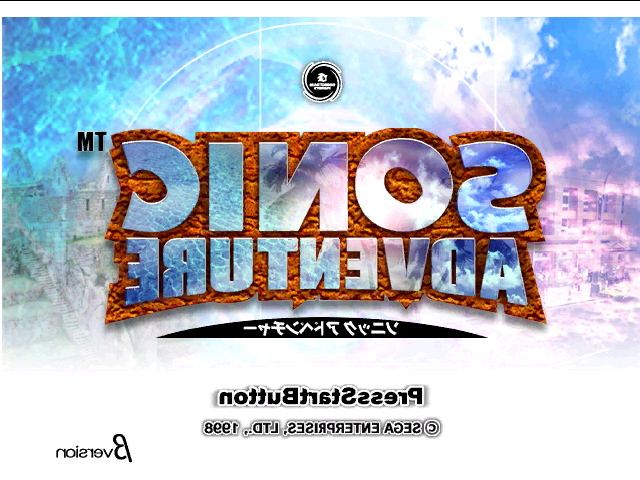
The title screen is a simple static image, which for some reason is flipped horizontally. After 10 frames (a third of a second in the Dreamcast version, a sixth of a second in the PC version) it plays Tikal's theme music. After 150 frames (5 seconds in Dreamcast, 2.5 seconds in PC) it displays the unused "Now Loading..." graphic and then plays a demo.
Pressing the X and Y buttons together in the Dreamcast version brings you to the developer level select, but in the PC version it causes the game to abruptly exit. Pressing Start brings you to the character select menu.
Pressing A + Start will cause Tails to say "Uh oh, What's this?". Note that if the voice file is swapped with the AutoDemo's, instead the voice that plays will be Knuckles saying (a line that translates to) "How dare you."
If you have previously used a browser disc to save internet settings to the Dreamcast's internal memory, then pressing A + Start plays a ring sound and goes to the Internet menu/browser on the Sonic Adventure disc.
Character Select#
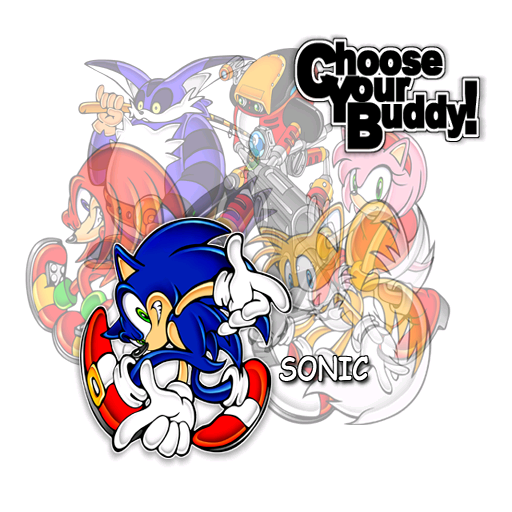
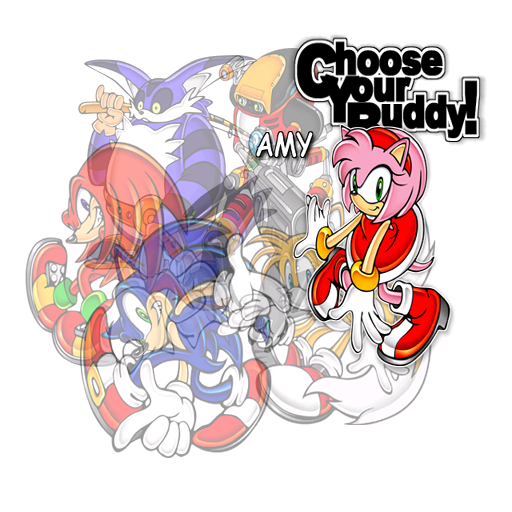
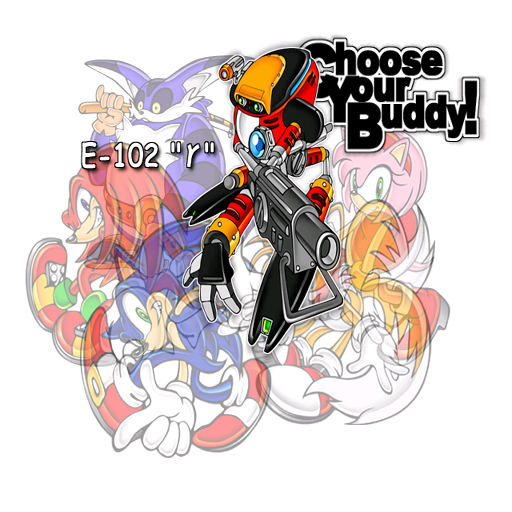
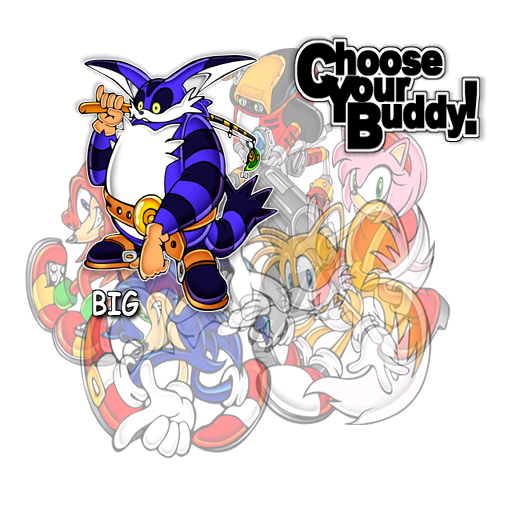
The character select screen is also rather simple, pressing Left, Right, L, or R will switch the screen between six static images. After 600 frames (20 seconds on Dreamcast, 10 seconds on PC) the game will return to the title screen, although the character select music will continue playing. Pressing Start will display the two "How To Play" images and then begin the character's story from the beginning.
Pressing X + Y + A / Start on this menu plays a jingle, but doesn't seem to have any effect otherwise. Holding A or B sends the player to their selected character's demo stage instead of their story, with the B button version enabling controls.


How To Play#
How to Play pictures from the TGS version of the game. English versions of these files can be found in the AutoDemo.
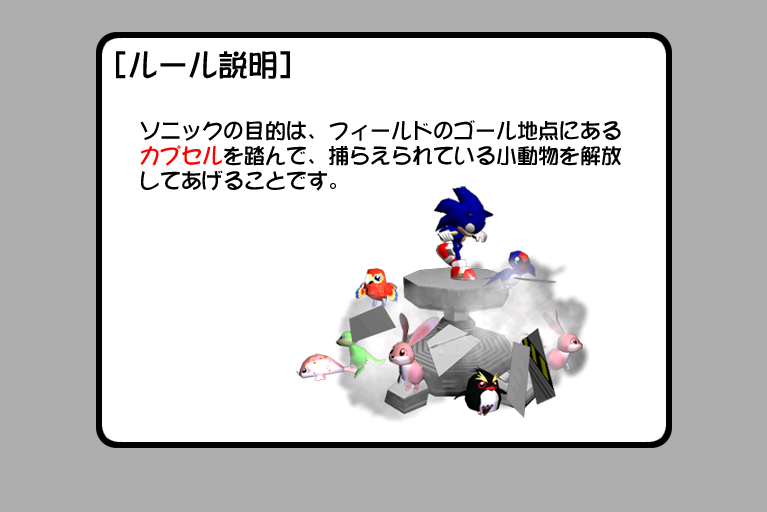
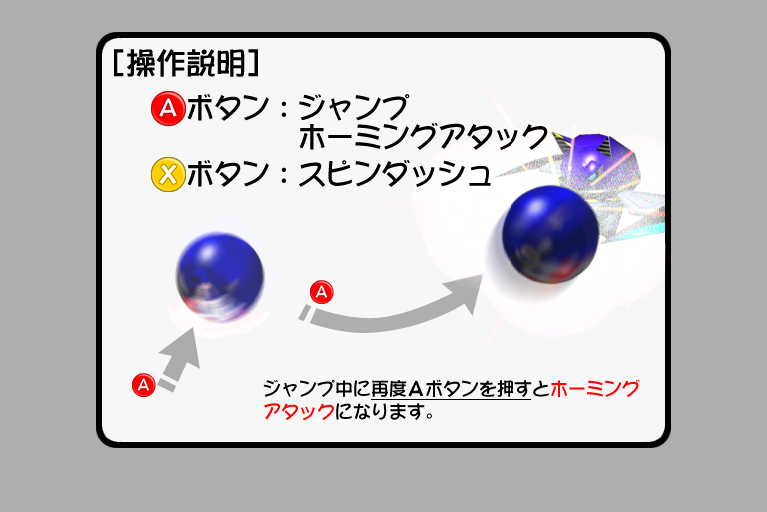


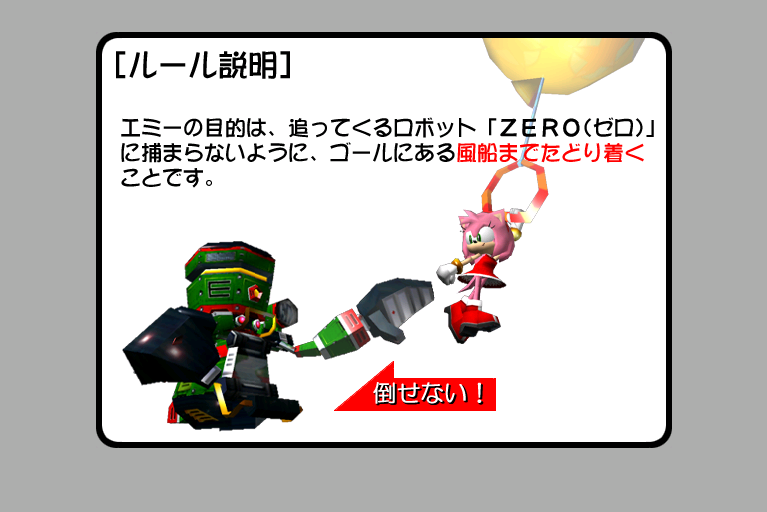
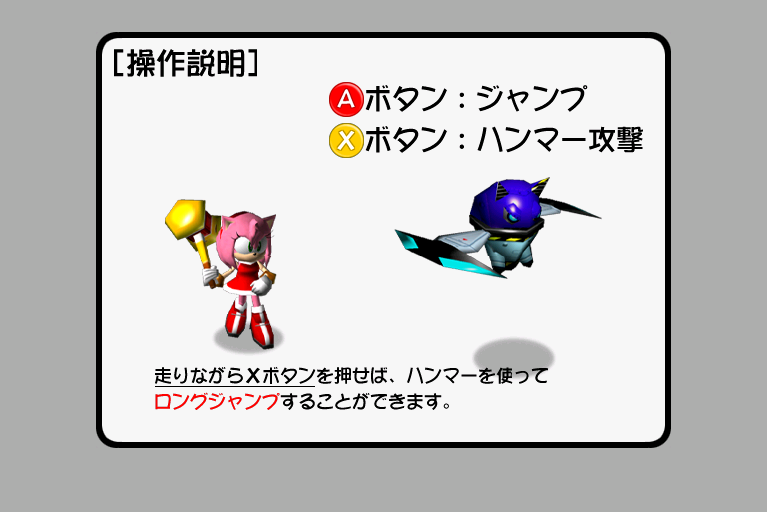
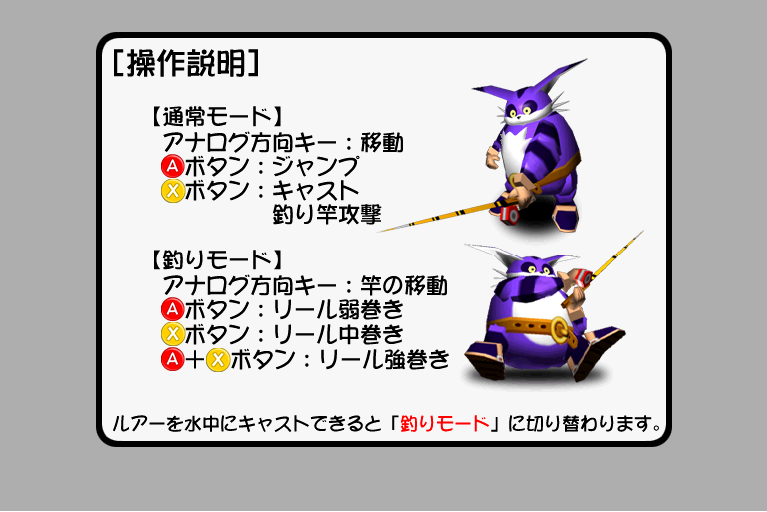

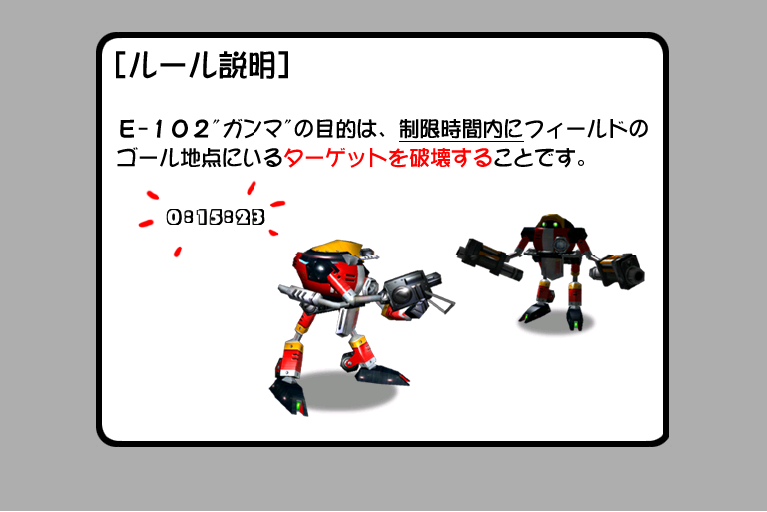
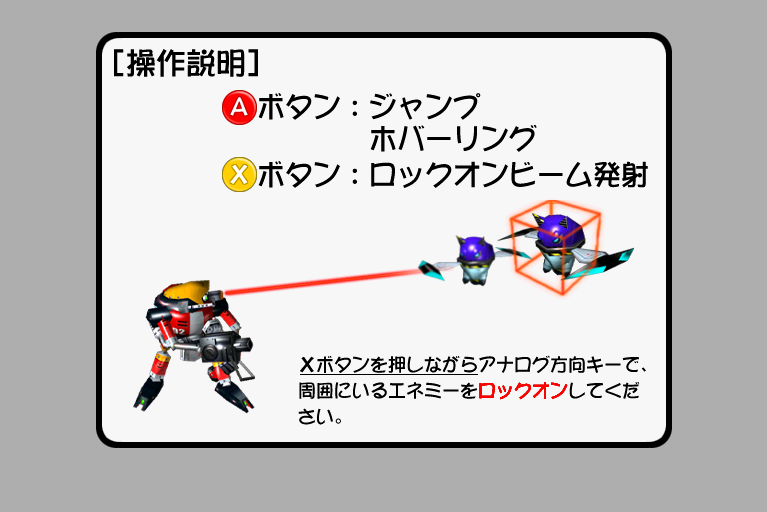
Gliding Tutorial#
In the TGS version of the game, Knuckles was given a gliding tutorial before playing his stage. While the tutorial doesn't appear in the final game even when accessing the hidden TGS menus, the overlay used for it can still be found in the file K_TUTORIAL.PRS.


Debug Menus#
These menus are in the same section of code as the TGS menus, but there does not seem to be any way to activate them other than hacking. Pressing the L and R buttons switches between the three menus and Up and Down changes the current selection within the menu.
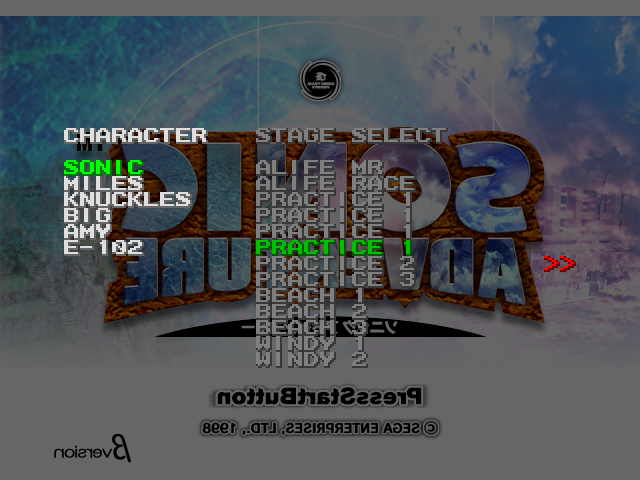
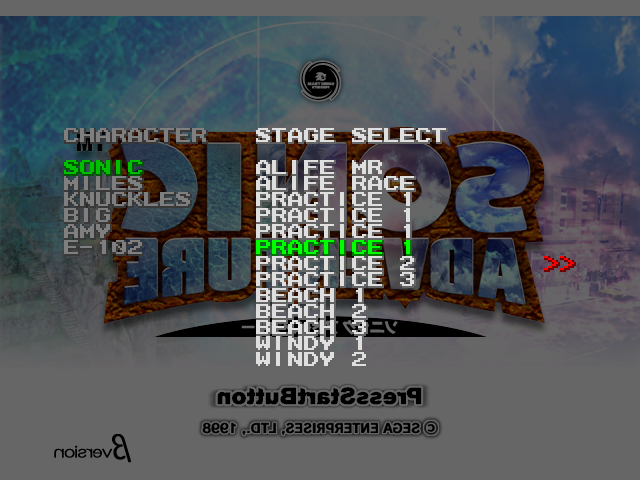
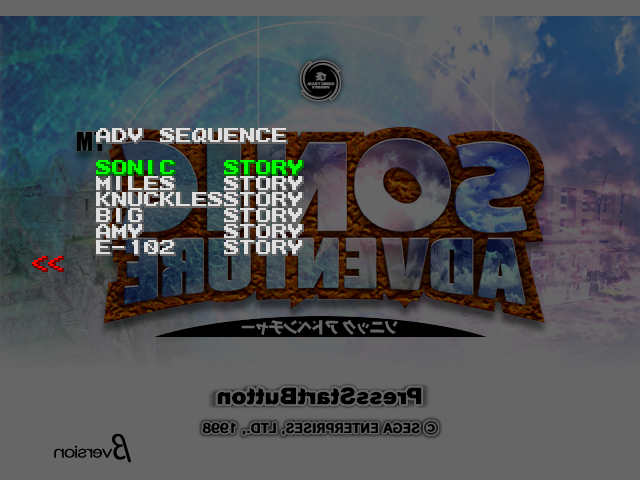
The "CHARACTER" menu changes the character you play as.
The "STAGE SELECT" menu allows you to pick a stage to start from, using the same text as the other level select menu. "PRACTICE 1" leads to Hedgehog Hammer, and "PRACTICE 2" and "PRACTICE 3" lead to empty levels. Left and Right can be held to scroll the list faster. In the PC version, the text for the level names was removed, but the "TGS Menus" mod restores the text from the Dreamcast version.
The "ADV SEQUENCE" menu seems to allow you to select a story, but it has no effect on anything.
Pressing Start begins gameplay in the specified stage with the specified character. Since none of the proper story events have happened, picking any Adventure Field level will likely leave you stuck with no option but to return to the title screen, and due to an oversight, the game puts you in "Adventure" mode in the Action Stages without setting an Adventure Field to return to, so selecting the "Quit" option from the pause menu simply puts you in Hedgehog Hammer (level 0).
PC Wallpapers#
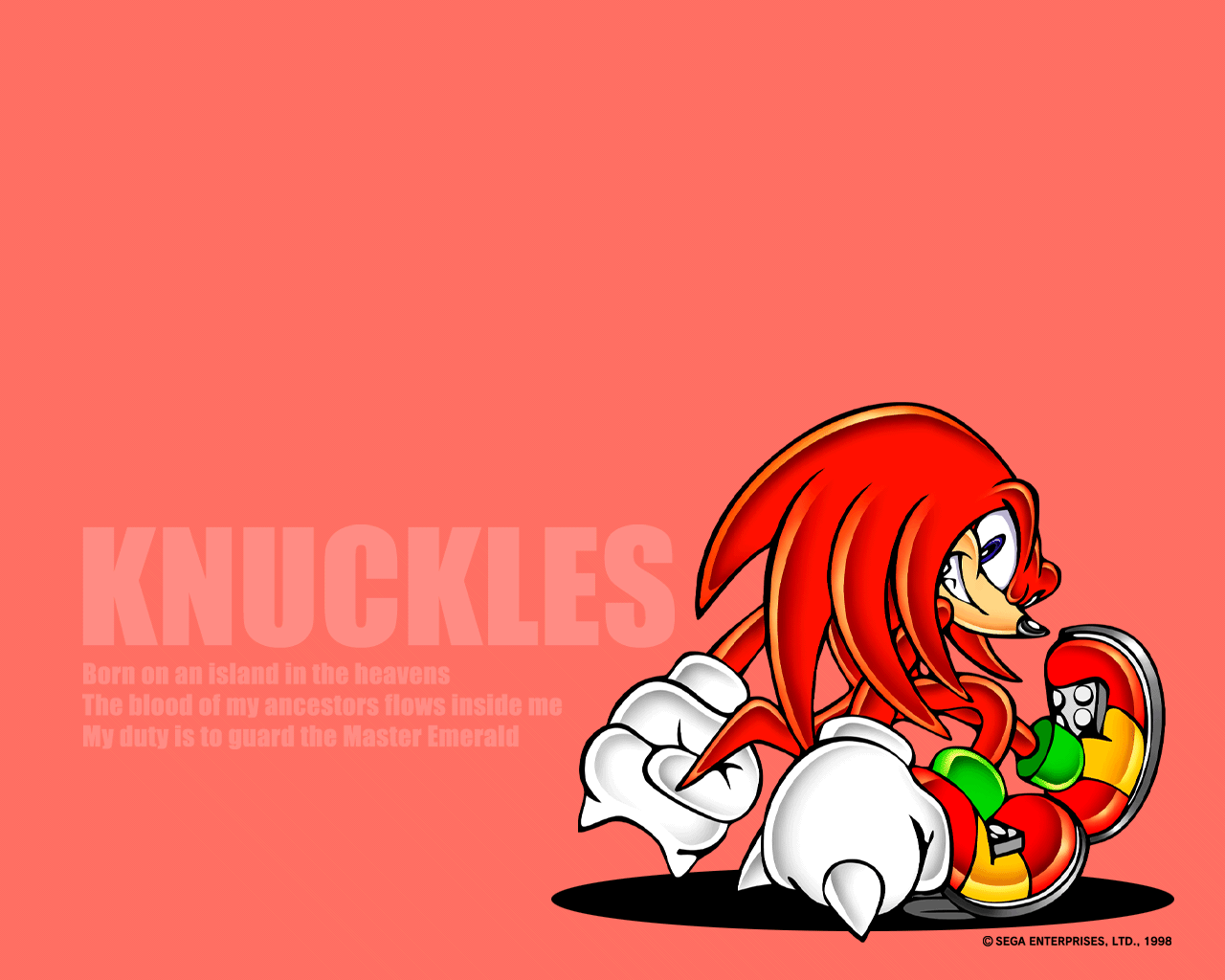
If the game disc is inserted into a PC, a folder can be found containing a selection of different wallpapers depending on which version of the game is being used:
All versions
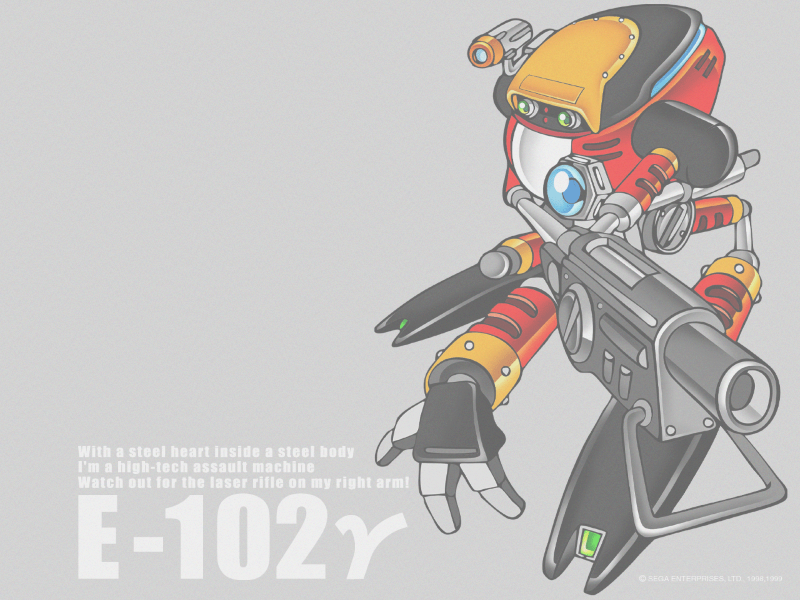
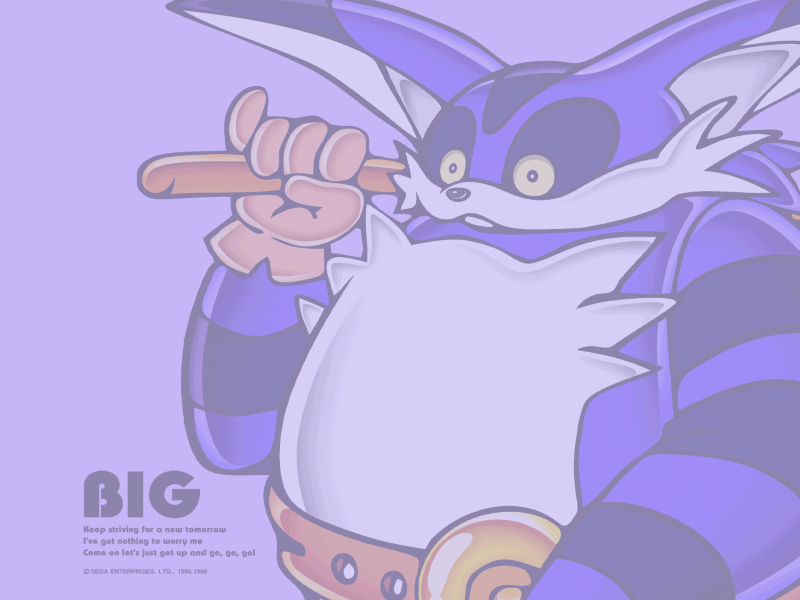
Original Japanese version

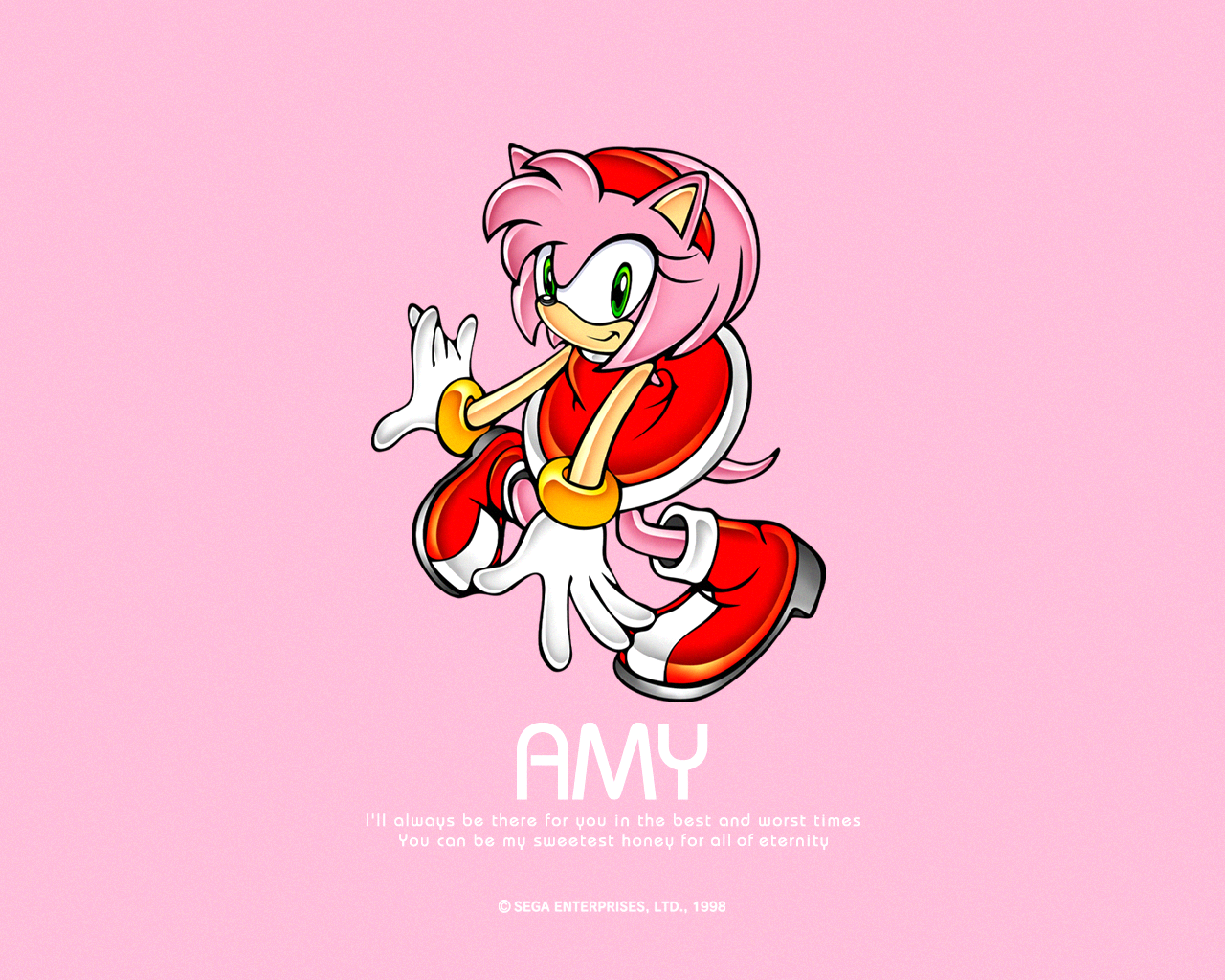

International versions