This article has a talk page!
This page details one or more prototype versions of Street Fighter 6.
A downloadable demo of Street Fighter 6 was released on April 21, 2023 for the PlayStation 4 and PlayStation 5, and for Xbox Series X and PCs via Steam a few days later. The Nintendo Switch 2 version's demo was released on June 5, 2025. Dated two months before the full game's release, the player is able to play in the Fighting Ground, and the first chapters of World Tour. There are some minor differences compared to the final game.
System Menu Differences#
PS4/PS5 & Switch 2 Game Icon#
Demo |
Retail |
|---|---|
 |
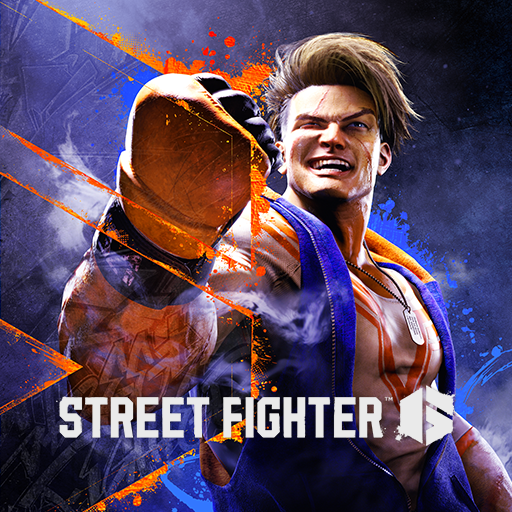 |
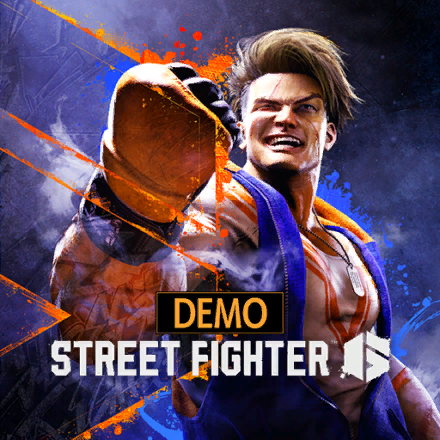
The demo version has "DEMO" above the logo on the PlayStation 4/PlayStation 5 and Nintendo Switch 2 game icons.
PS4 & PS5 Startup Banner#
Demo |
Retail |
|---|---|
 |
 |
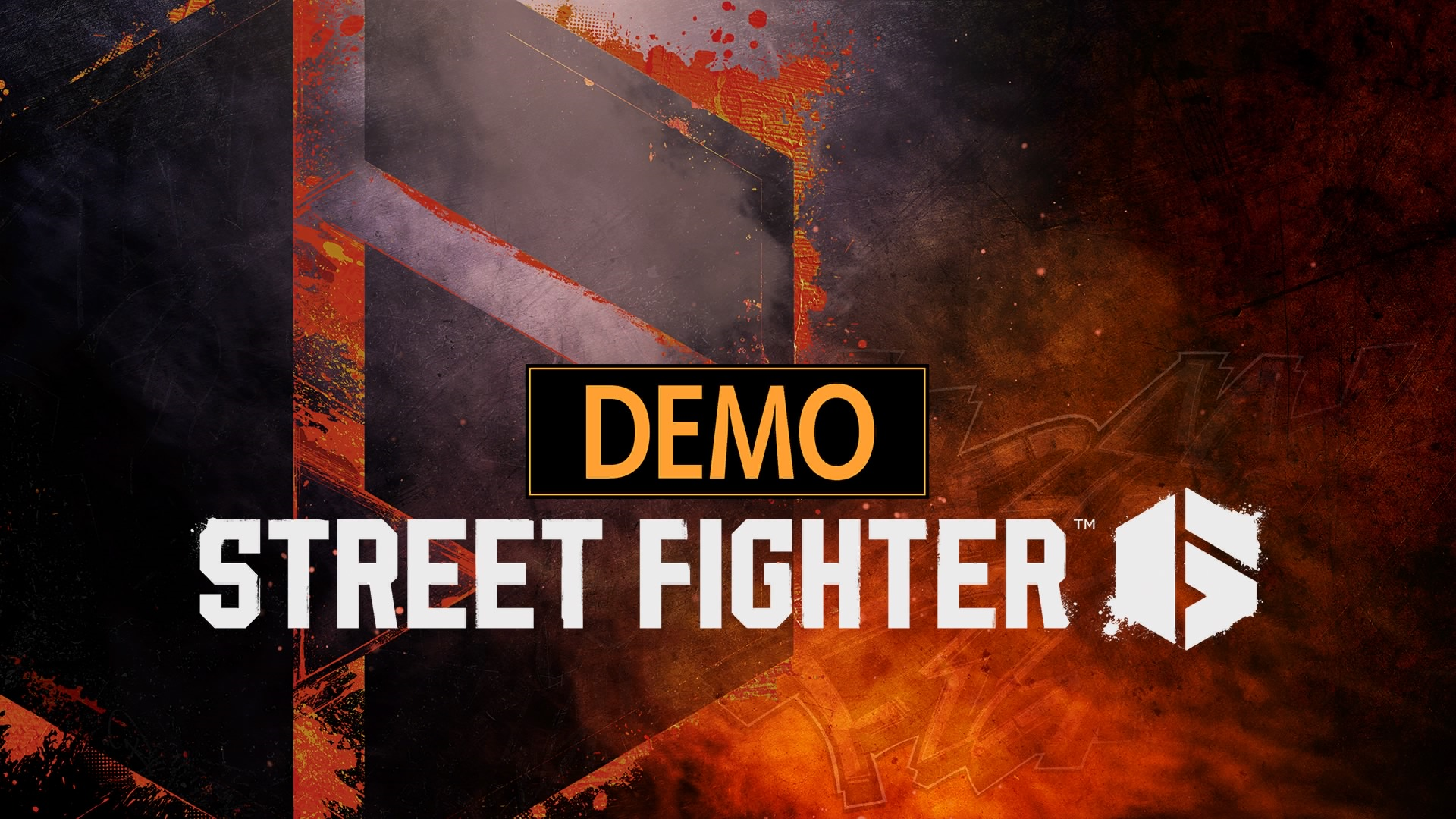
The same change also applies to the game's PlayStation 4 and PlayStation 5 startup banner.
Steam Shortcut Icon#
Demo |
Retail |
|---|---|
 |
 |
The demo version has "DEMO" below on the Steam game shortcut icon that was absent for the retail version.
Steam Library Header, Icon and Logo#
Demo |
Retail |
|---|---|
 |
 |
Demo |
Retail |
|---|---|
 |
 |
Demo |
Retail |
|---|---|
 |
 |
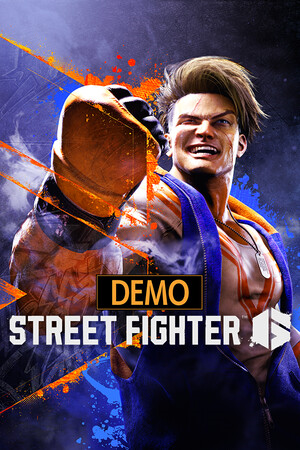
The same change also applies to the game's Steam library icon, header and logo.
In-game & Menu Differences#
Startup Notice#

After the Health Warning screen, the demo version shows a notice before the Capcom and RE Engine logos, which does not appear in the Final game.
Title Screen#
Demo (PS4/PS5, Xbox Series X & Steam) |
Demo (Switch 2) |
Retail |
|---|---|---|
 |
 |
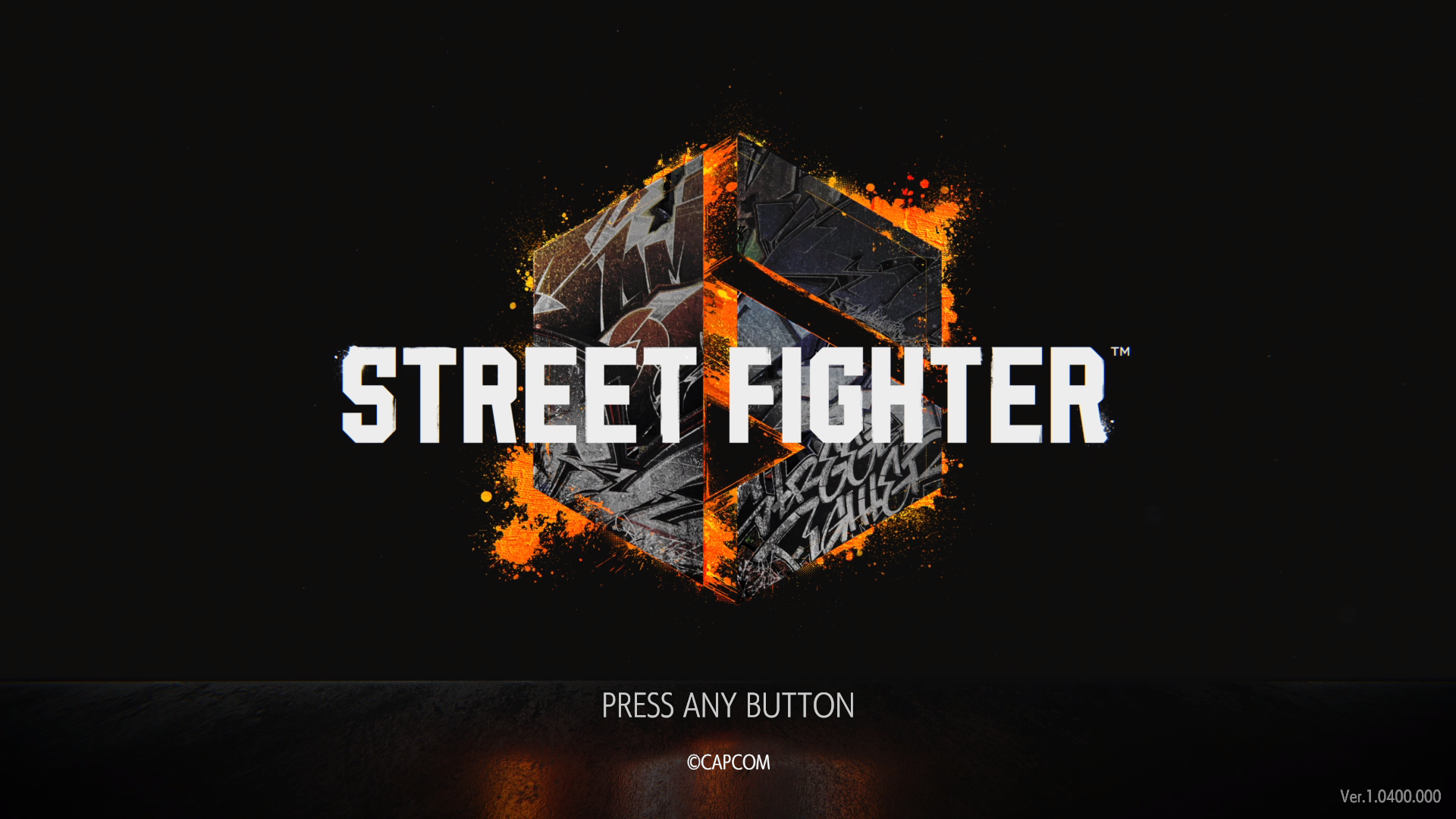 |
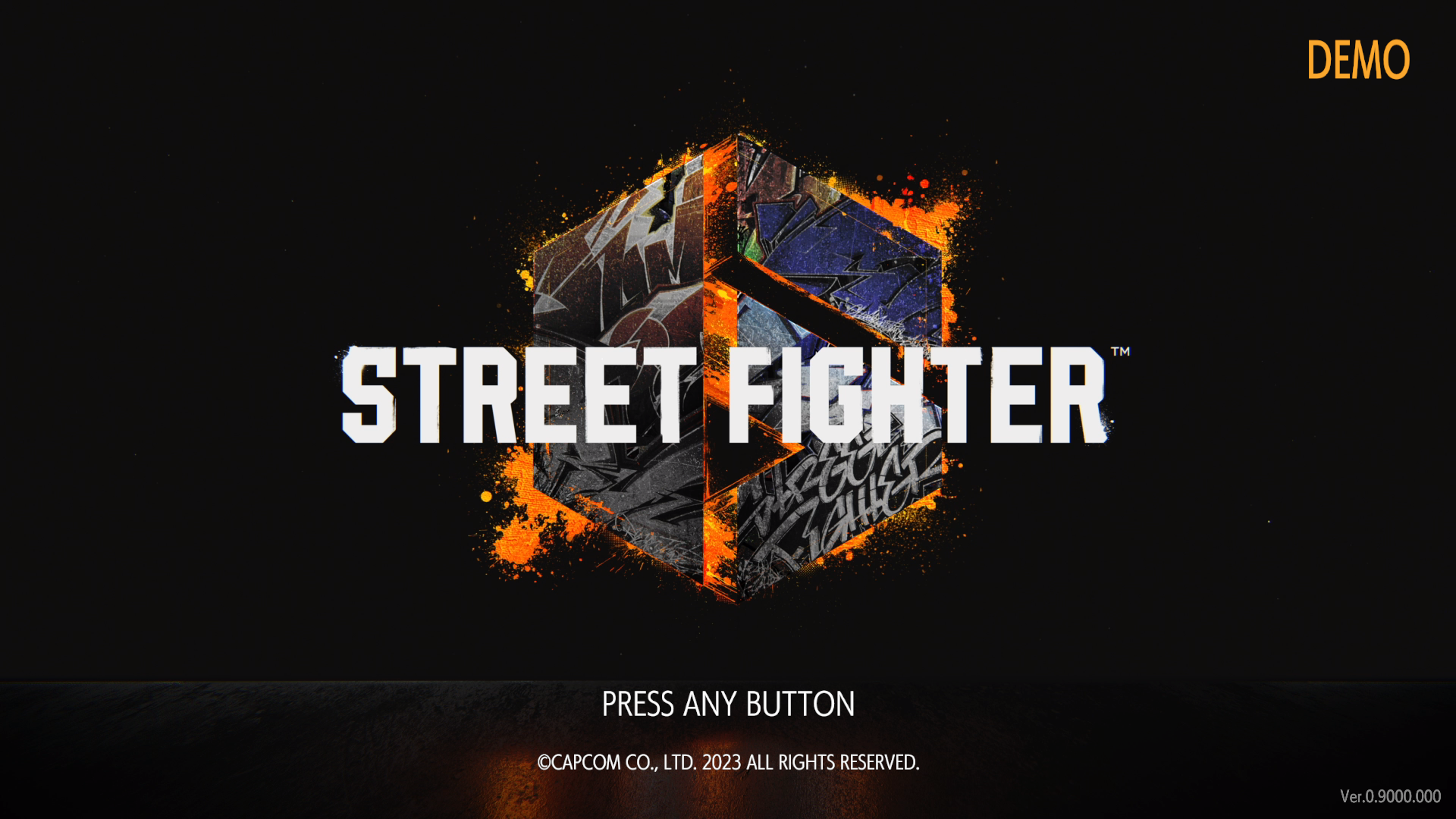
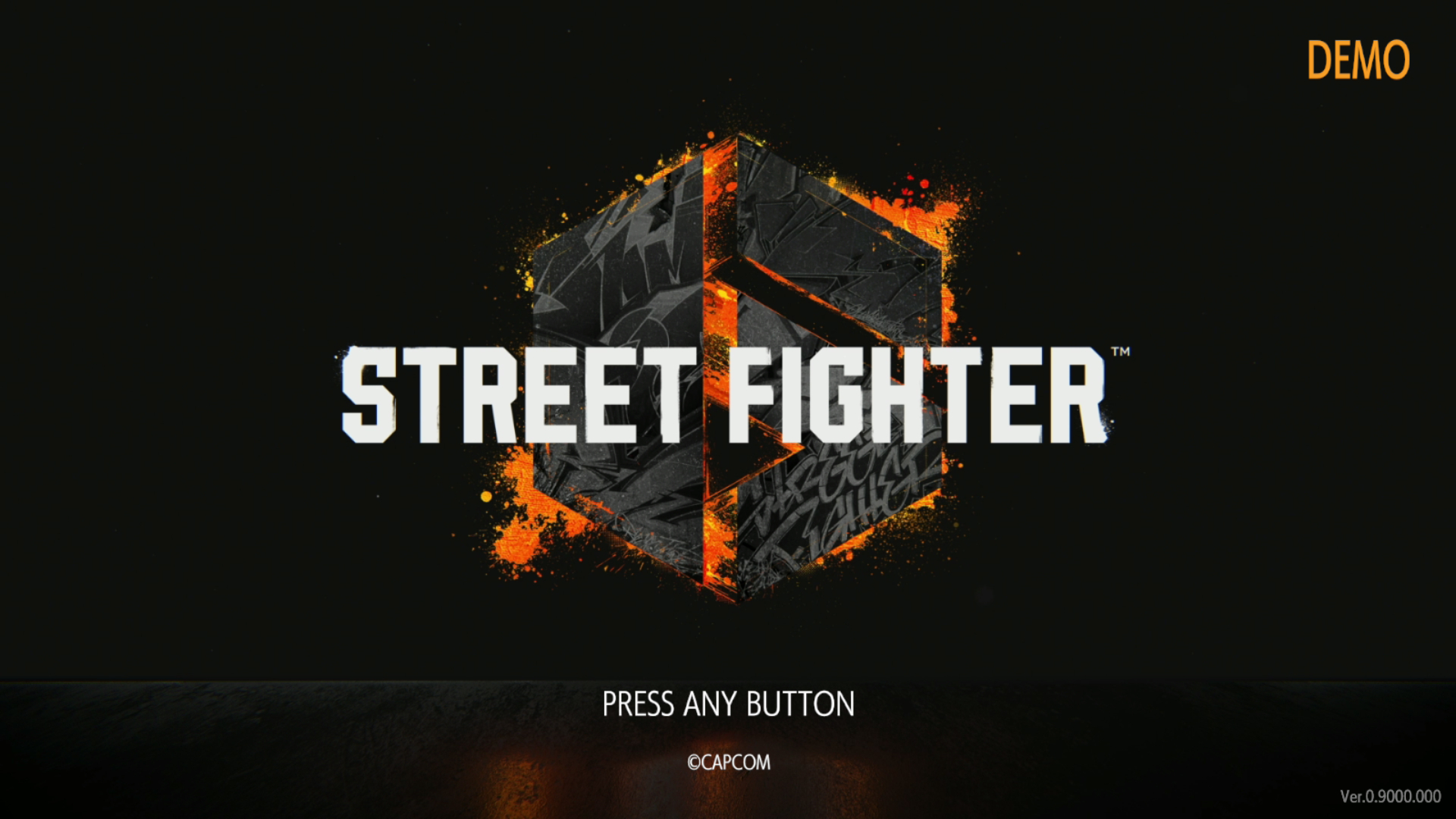
The demo has "DEMO" on the top-right corner of the title screen.
Main Menu#
Demo |
Retail |
|---|---|
 |
 |
Demo |
Retail |
|---|---|
 |
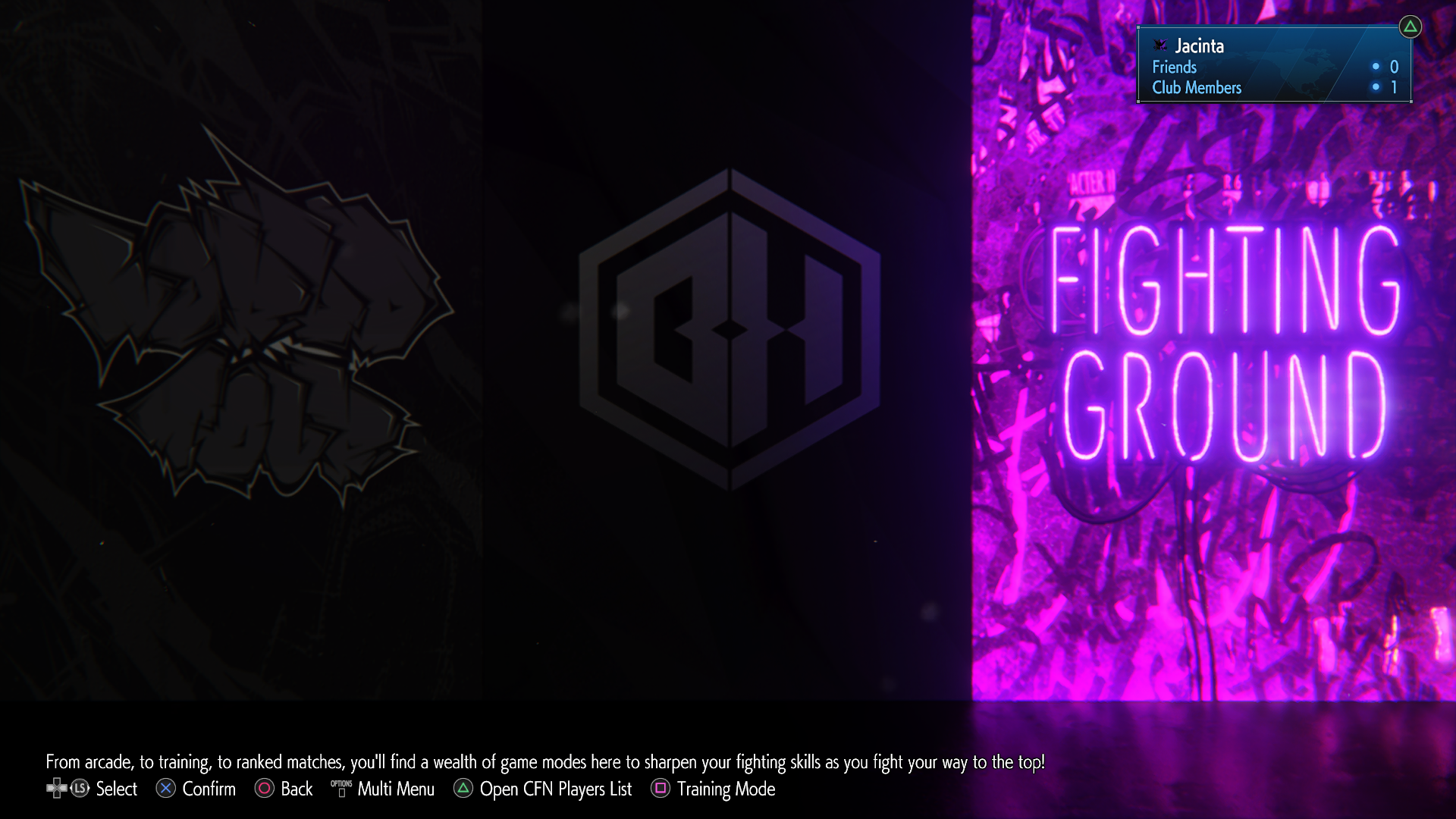 |
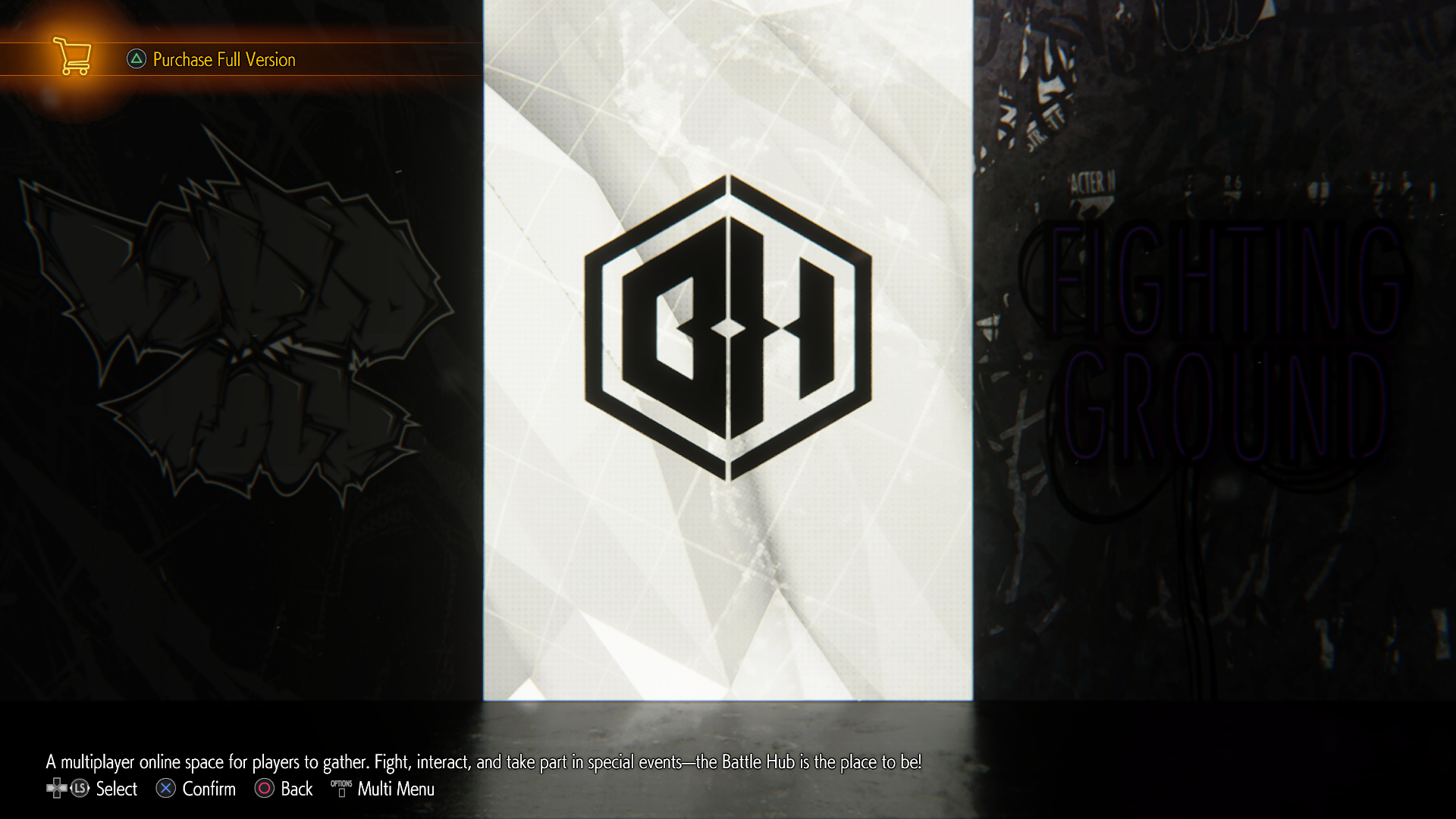
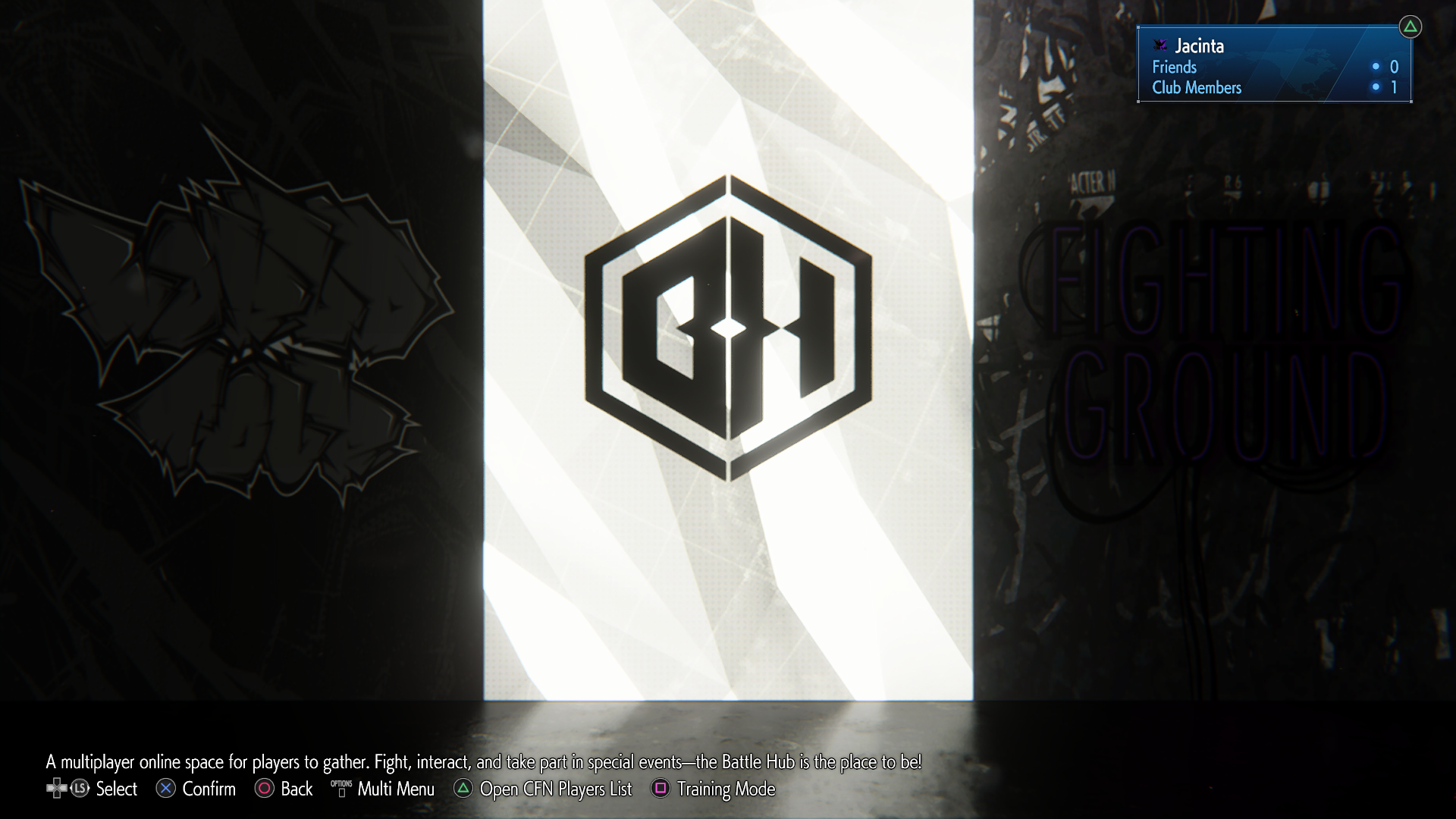
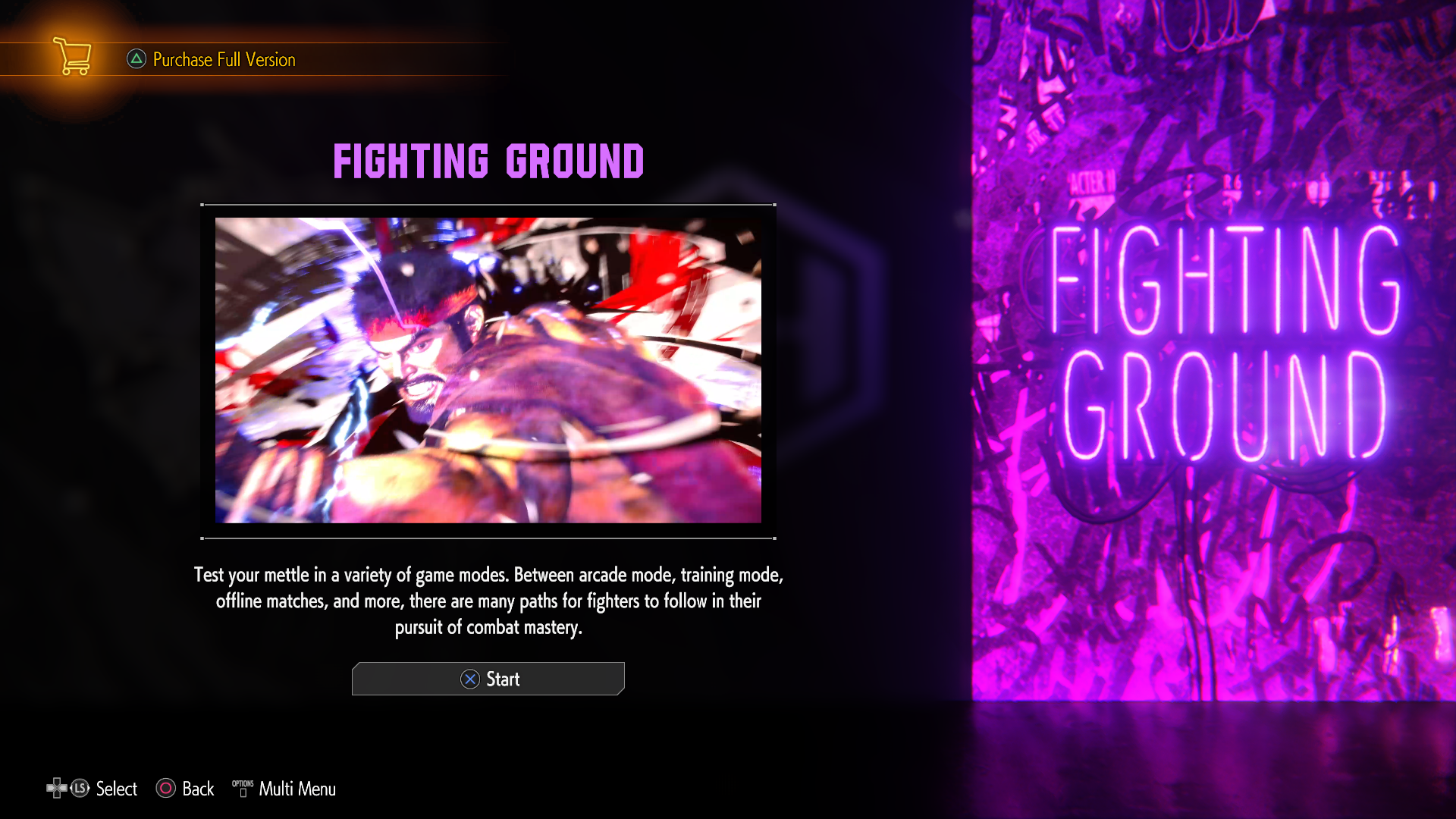
The demo has an option to purchase the full game via the console's online storefront. While you cannot access the Battle Hub in this demo (aside from watching the "Entering the Battle Hub" cutscene), the Fighting Ground also has an alternate menu description in the demo than the Final game's one.
Demo |
Retail |
|---|---|
"Test your mettle in a variety of game modes. Between arcade mode, training mode, offline matches and more, there are many paths for fighters to follow in their pursuit of combat mastery." |
"From arcade, to training, to ranked matches, you'll find a wealth of game modes here to sharpen your fighting skills as you fight your way to the top!" |
Multi Menu#
Demo (PS4/PS5, Xbox Series X & Steam) |
Demo (Switch 2) |
Retail |
|---|---|---|
 |
 |
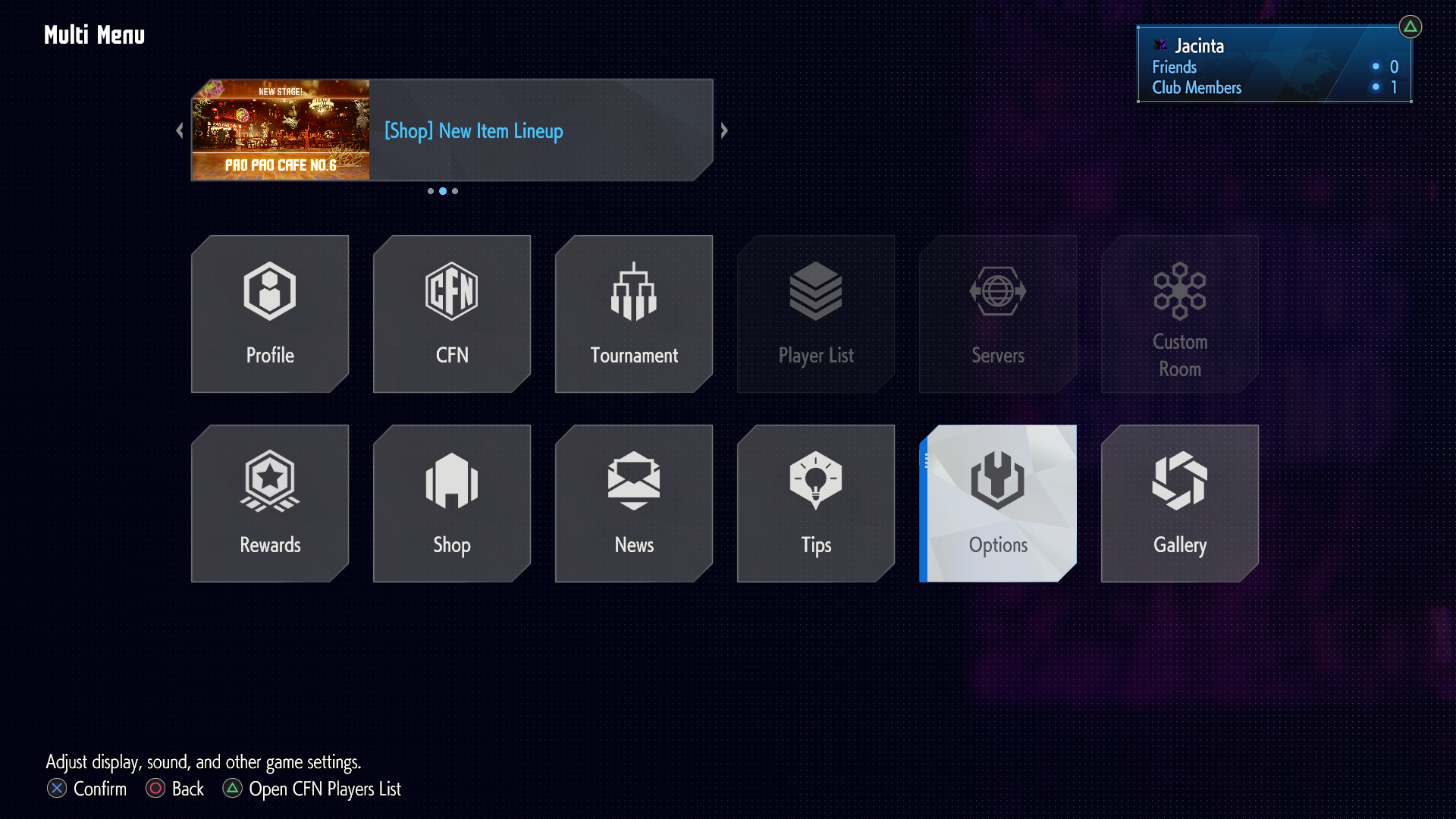 |
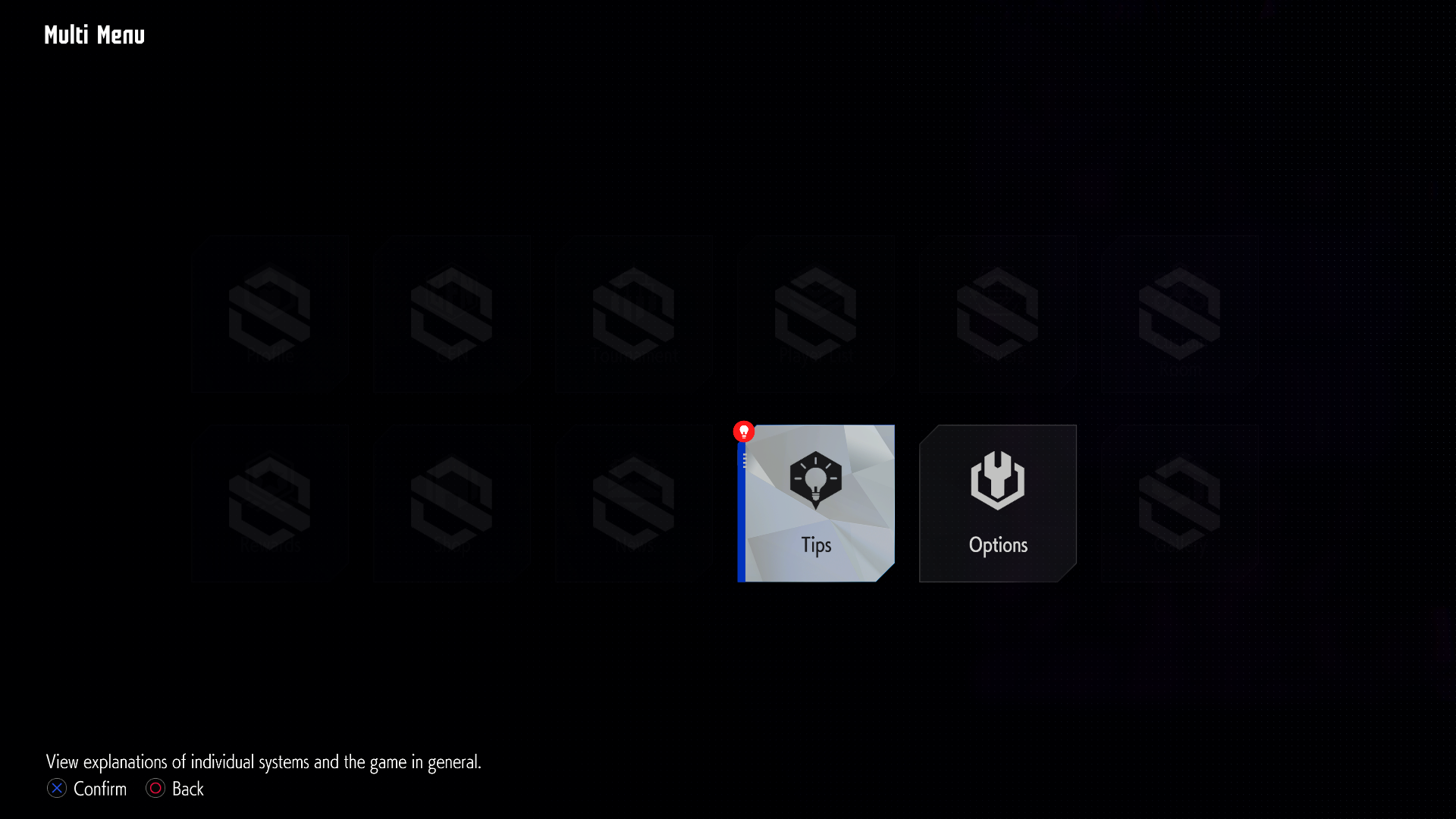
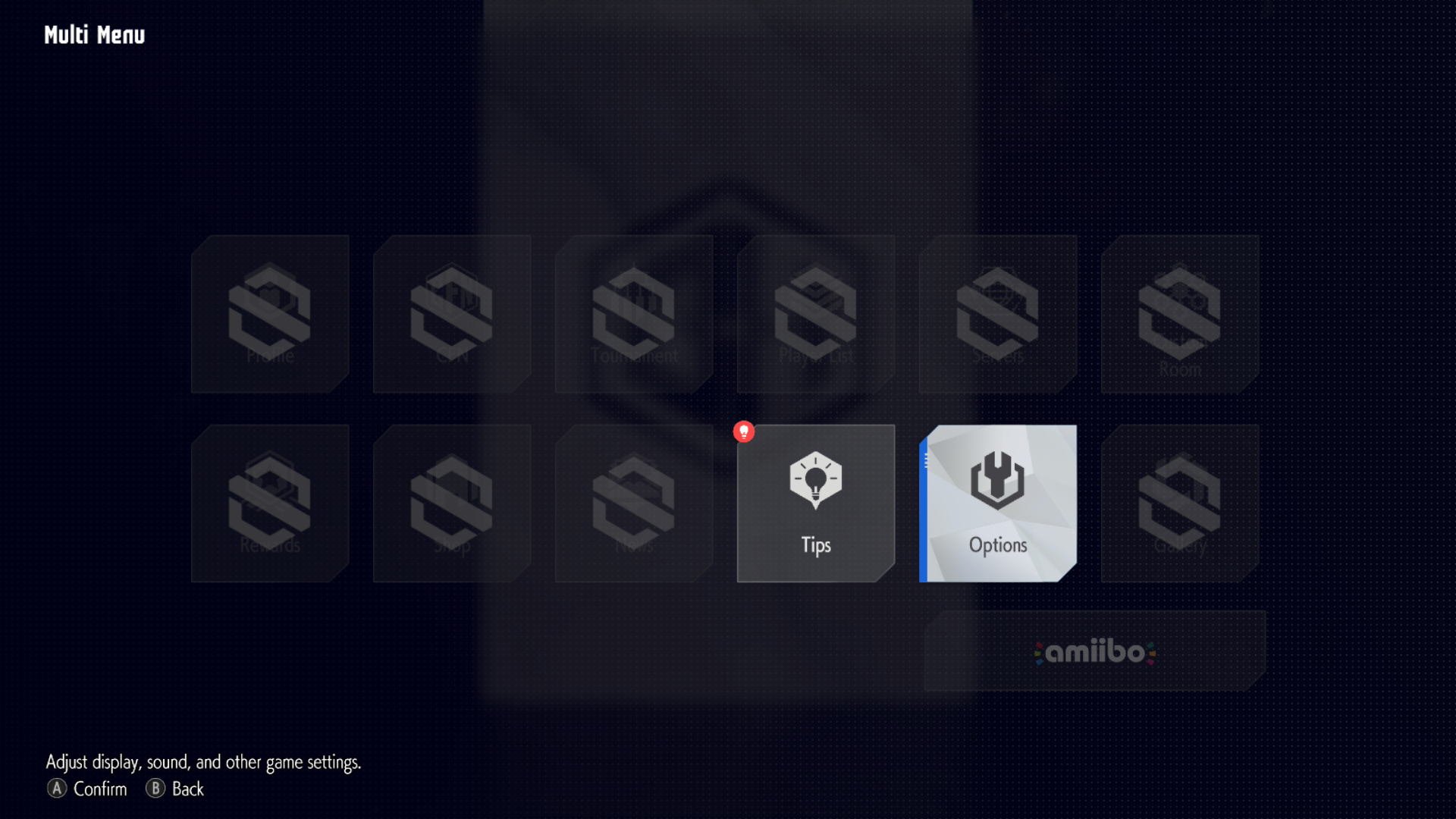
The Multi Menu can be opened in the demo, but most of the options are unavailable besides Tips and Options. You also cannot use amiibo in the Switch 2 version of the demo.
Fighting Ground Menu#
Demo (PS4/PS5, Xbox Series X & Steam) |
Demo (Switch 2) |
|---|---|
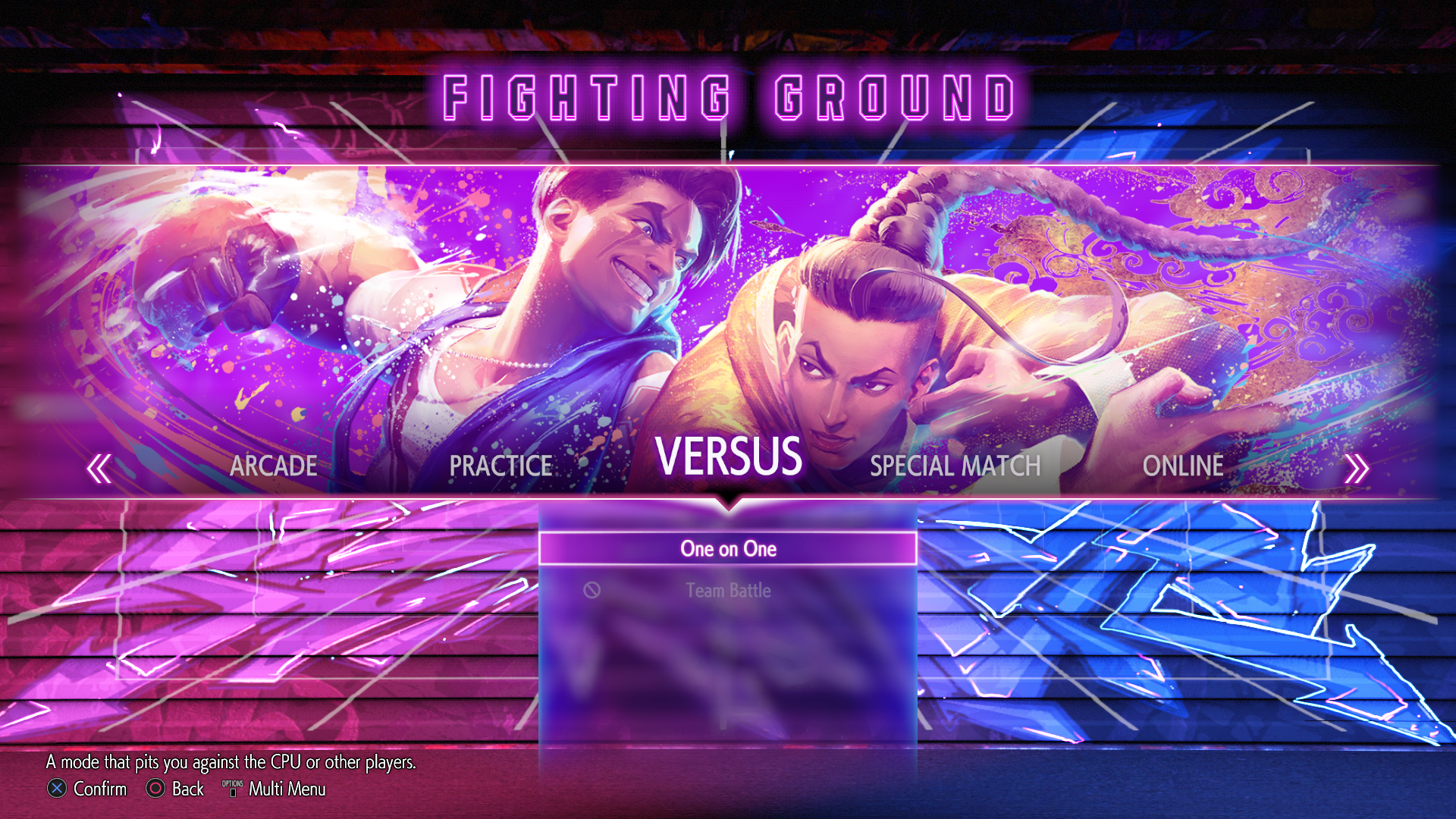 |
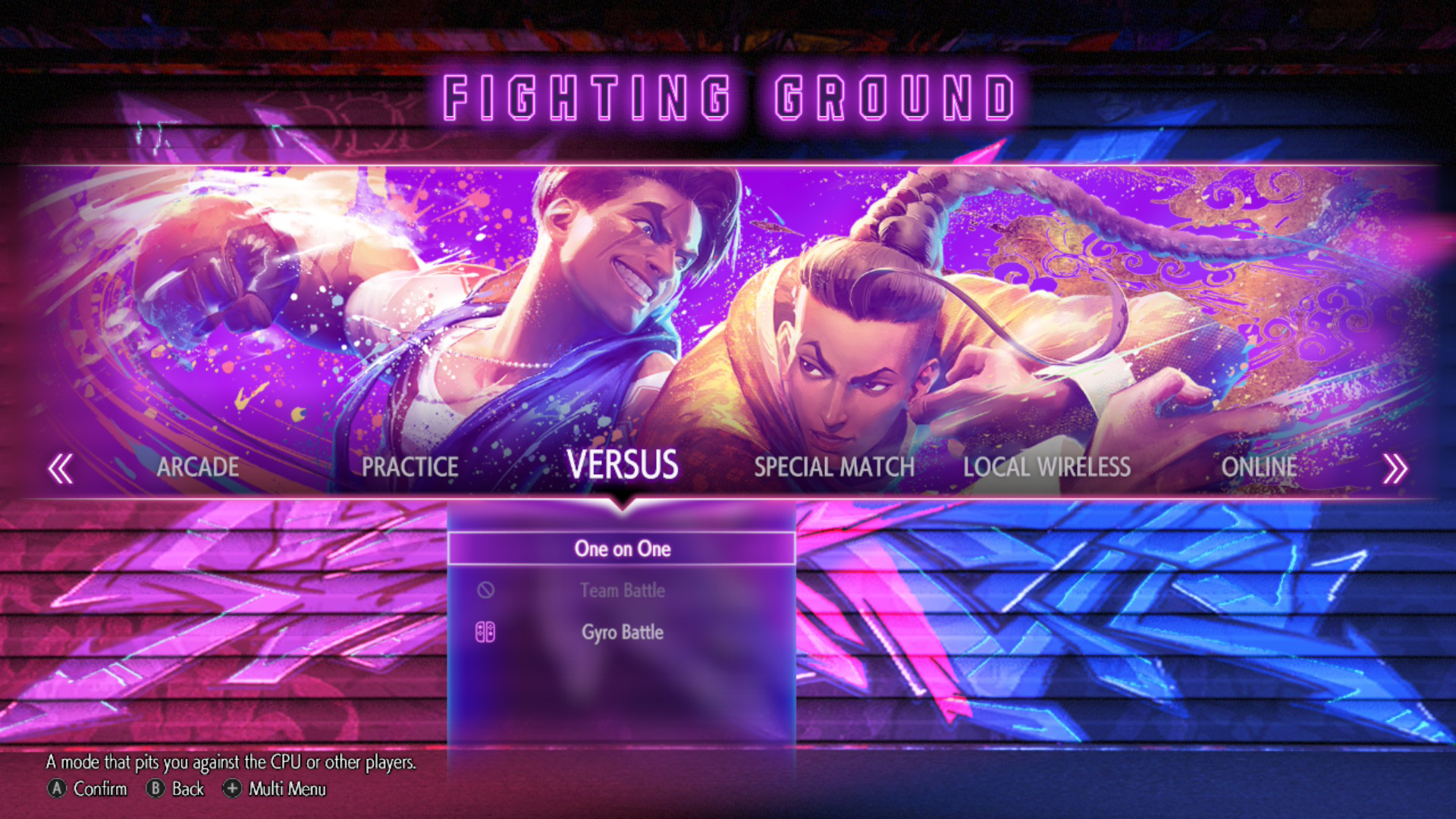 |
Retail (PS4/PS5, Xbox Series X & Steam) |
Retail (Switch 2) |
|---|---|
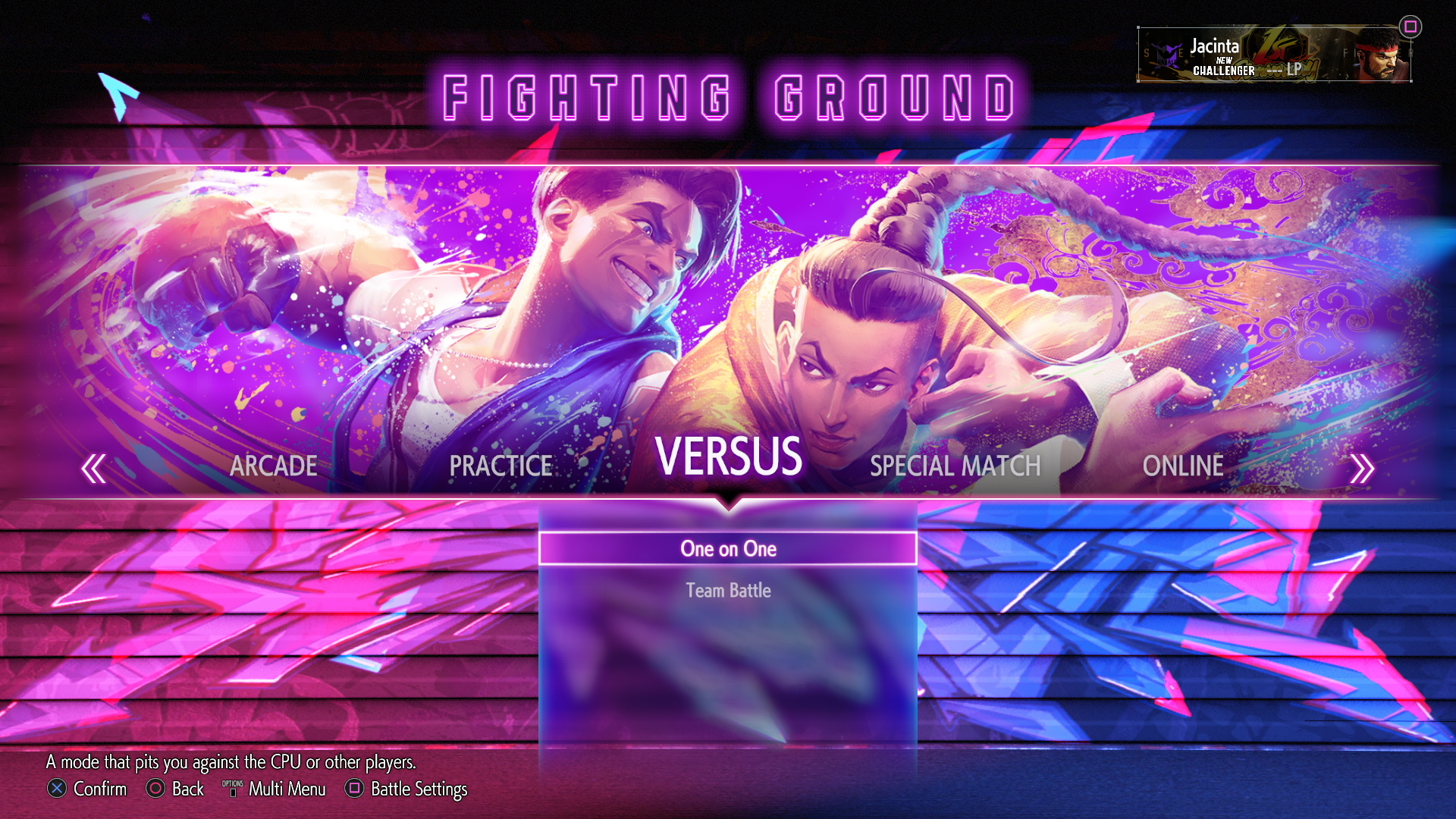 |
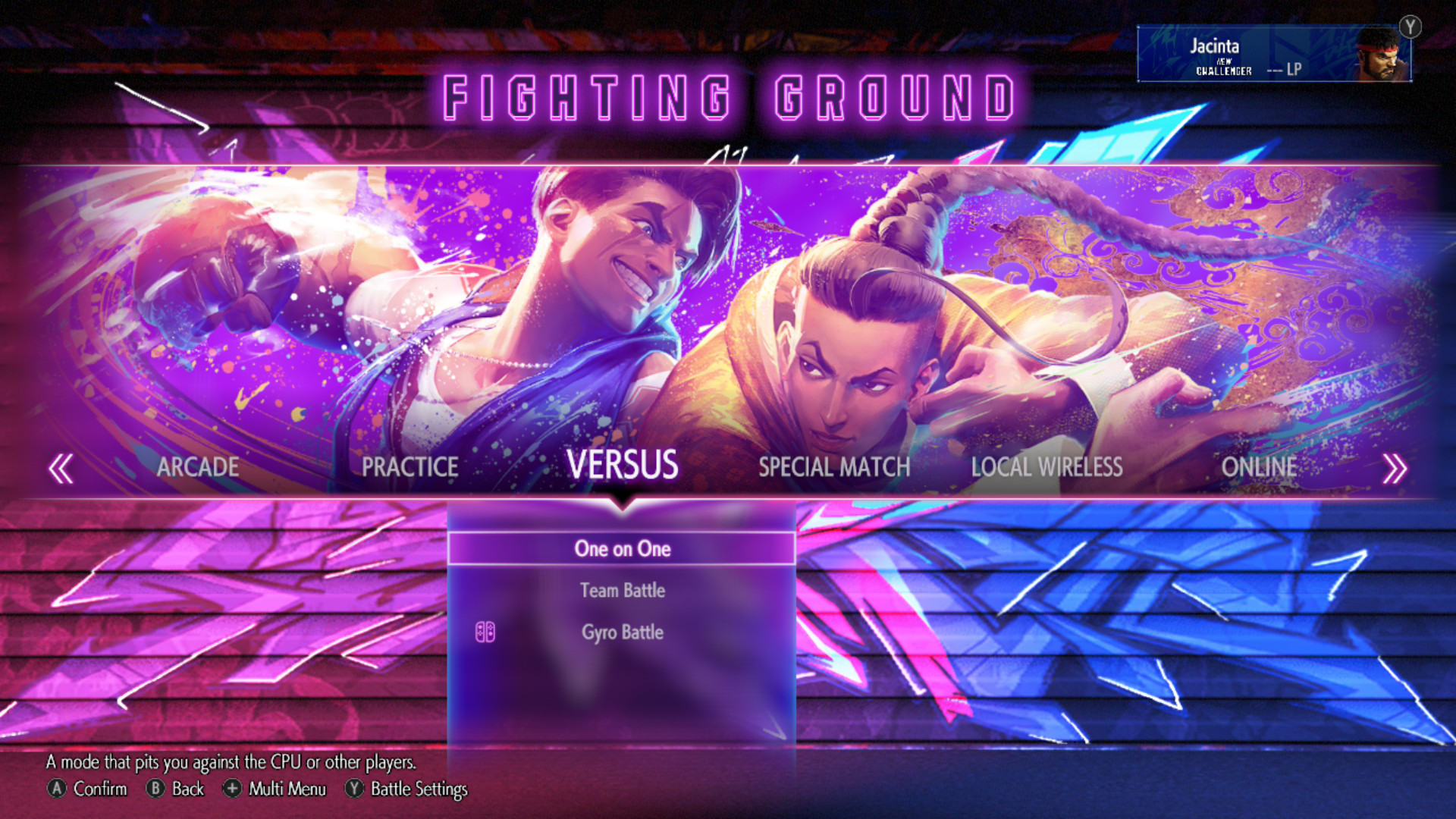 |
While some of the modes in the Fighting Ground menu are available, some of them cannot be accessed in the demo.
Stage Select#
Demo (PS4/PS5, Xbox Series X & Steam) |
Demo (Switch 2) |
Retail |
|---|---|---|
 |
 |
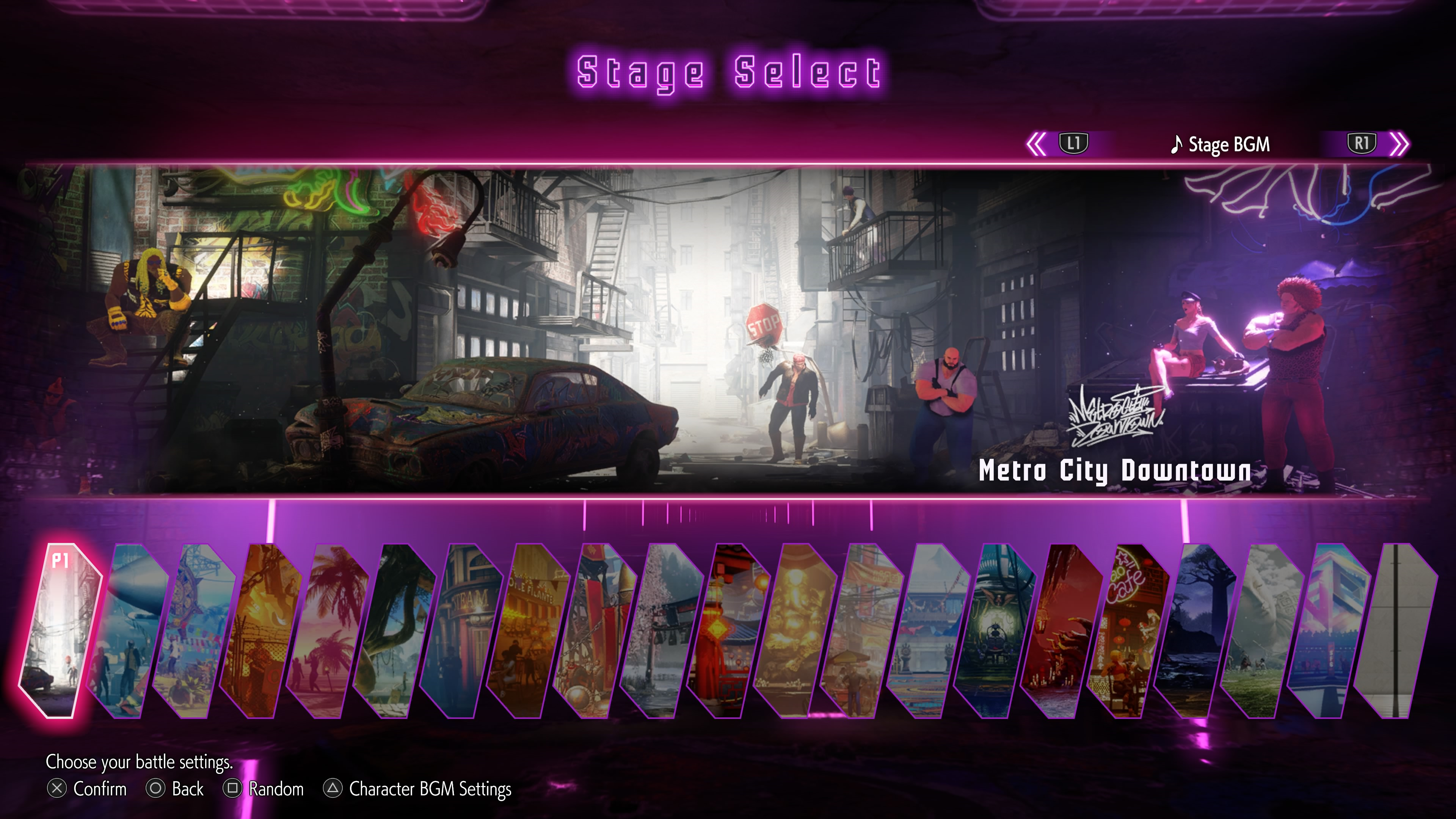 |
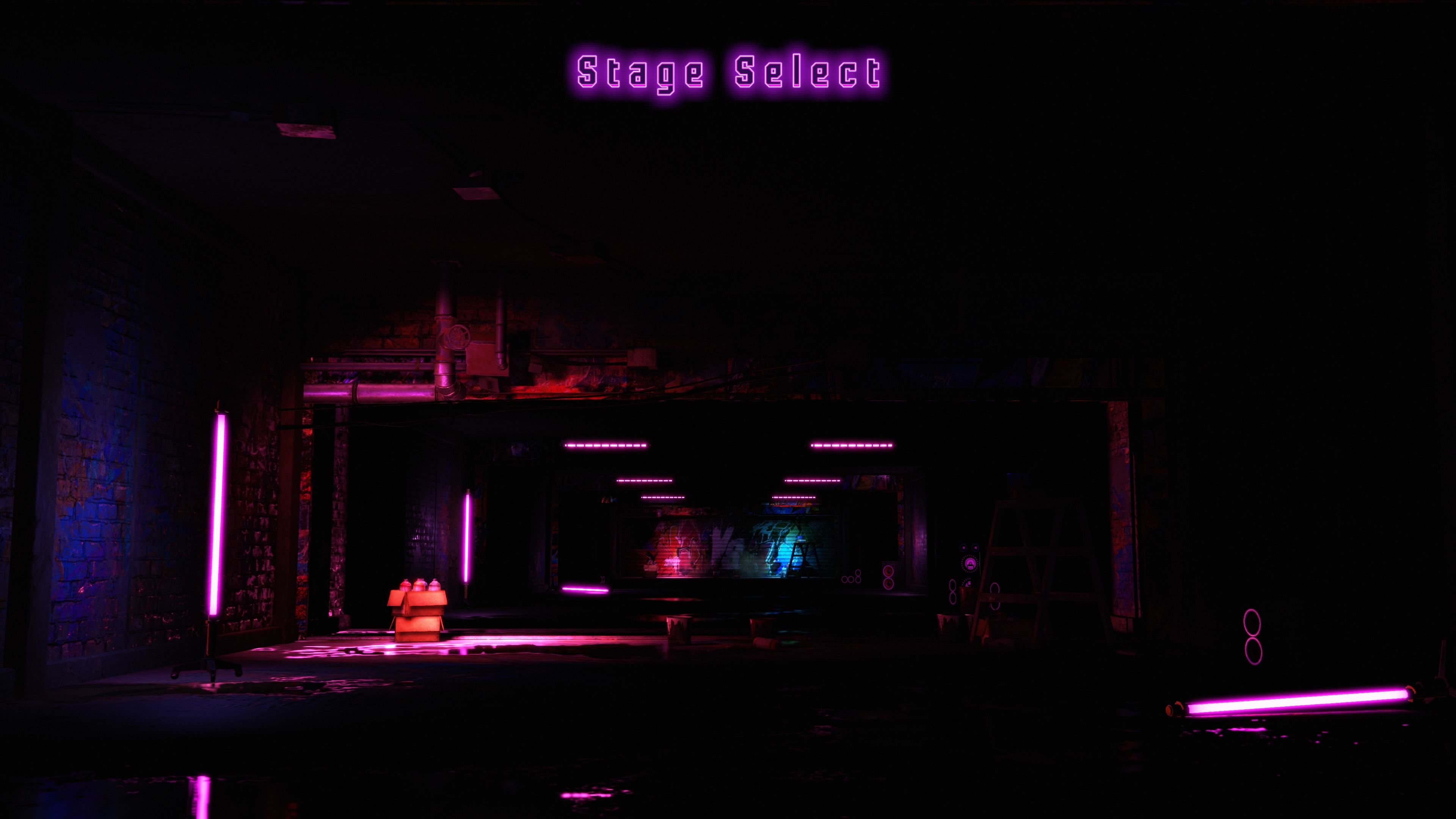
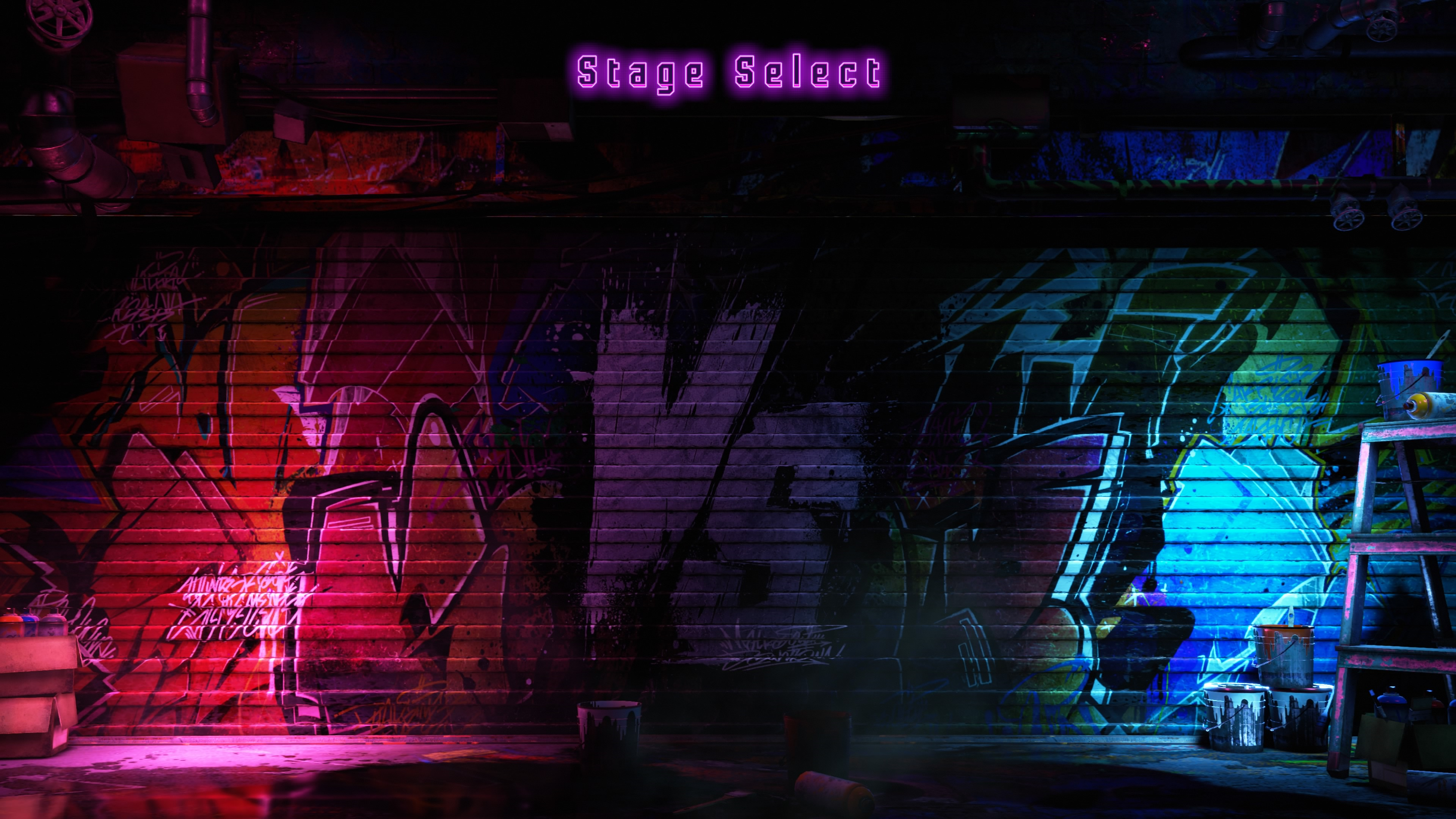
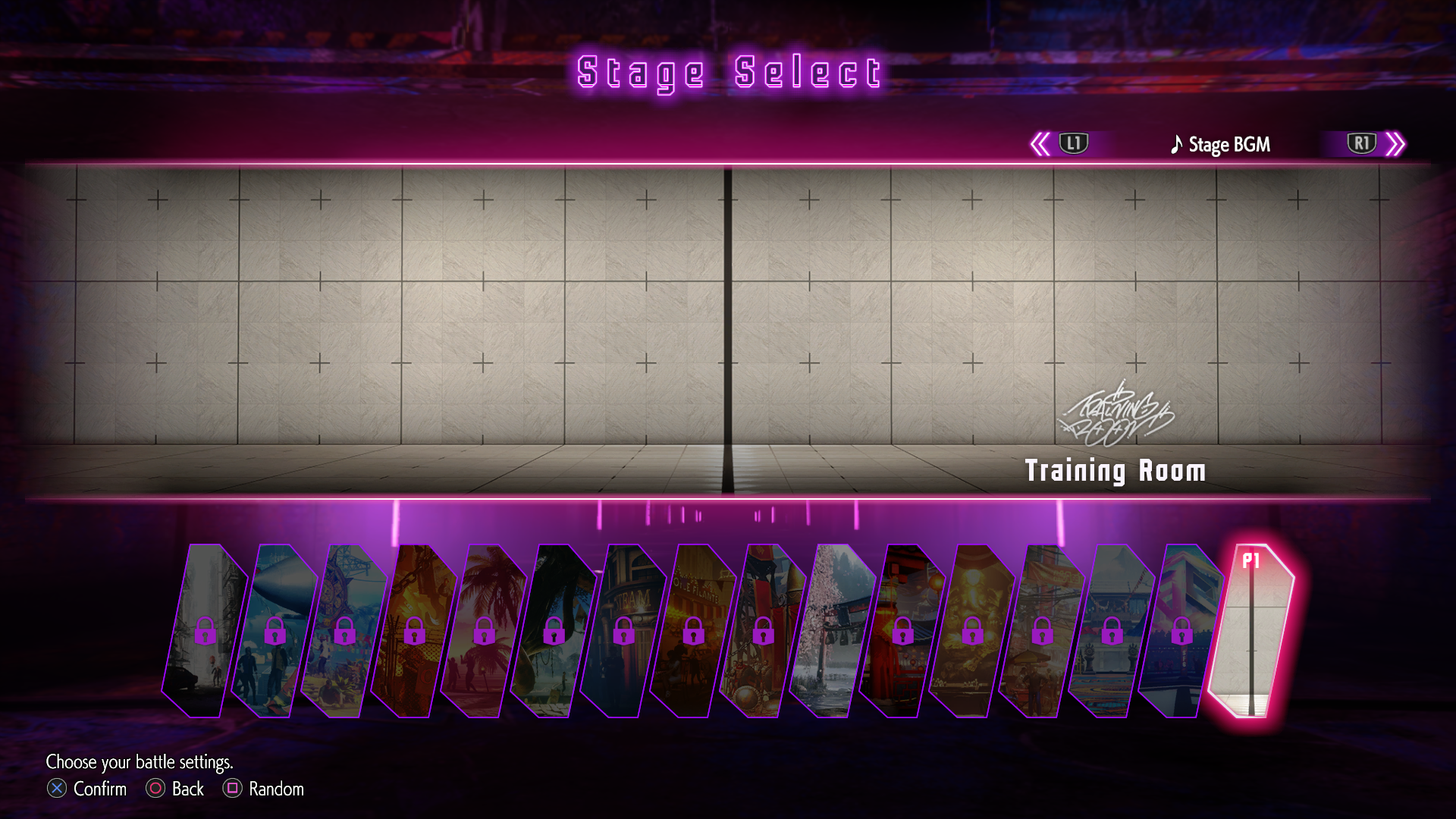
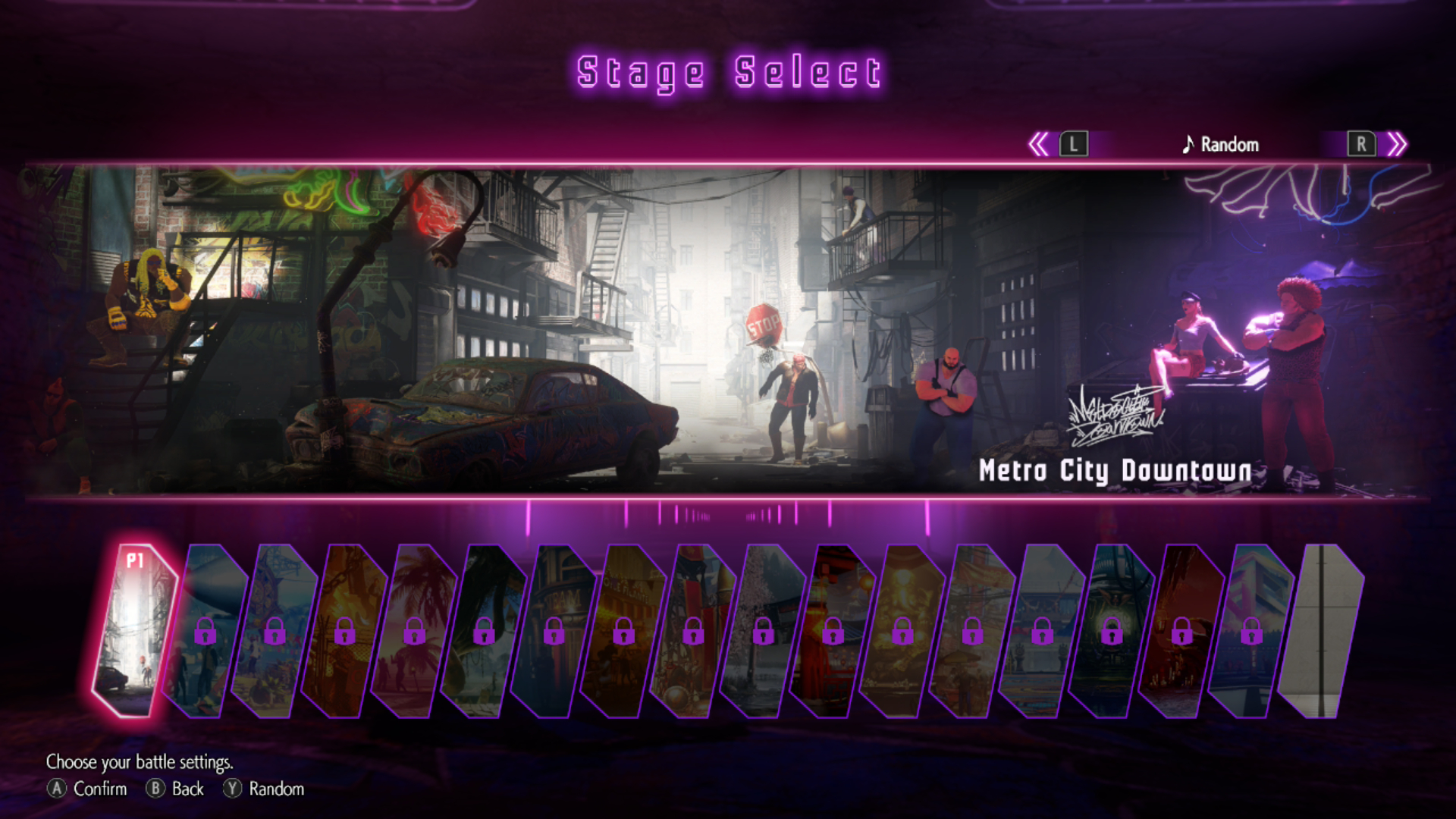
While the other stages are locked in all versions, only two can be chosen in the PS4/PS5, Xbox Series X and Steam versions of the demo; Genbu Temple and Training Room. The Switch 2 version of the demo allows Metro City Downtown to be chosen instead of Genbu Temple due to Ryu being absent.
Character Select#
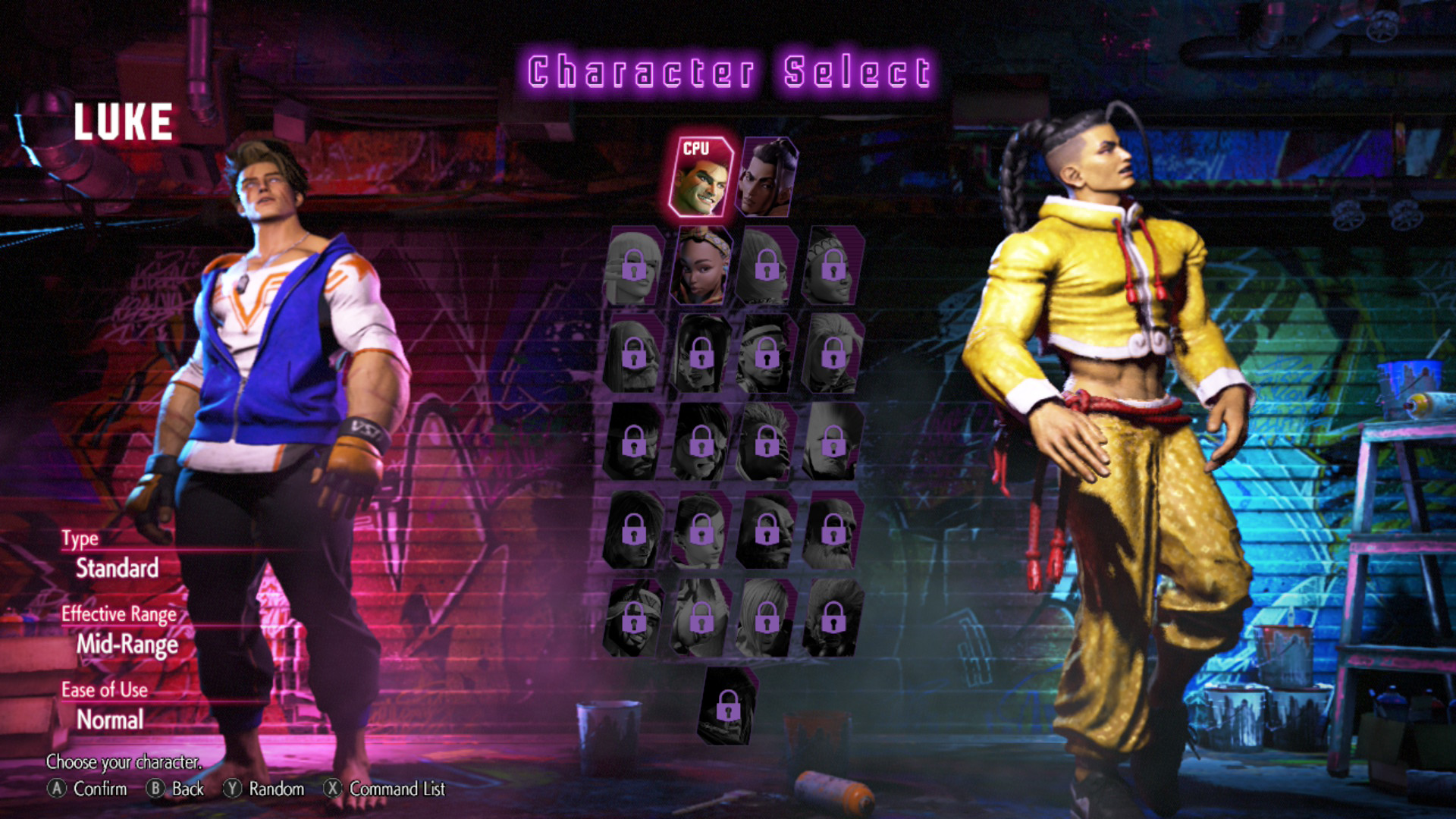
Demo (PS4/PS5, Xbox Series X & Steam) |
Demo (Switch 2) |
Retail |
|---|---|---|
 |
 |
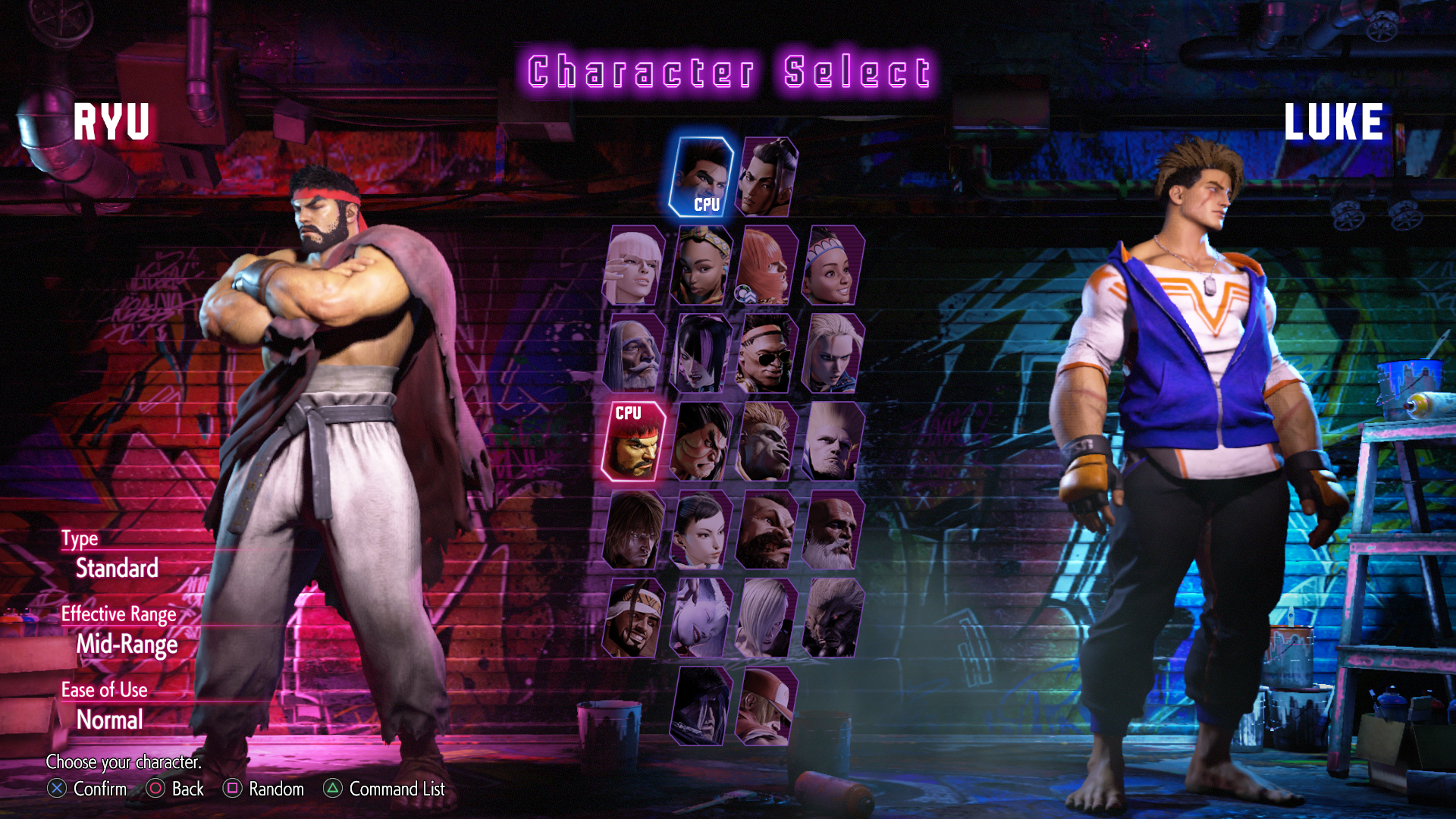 |
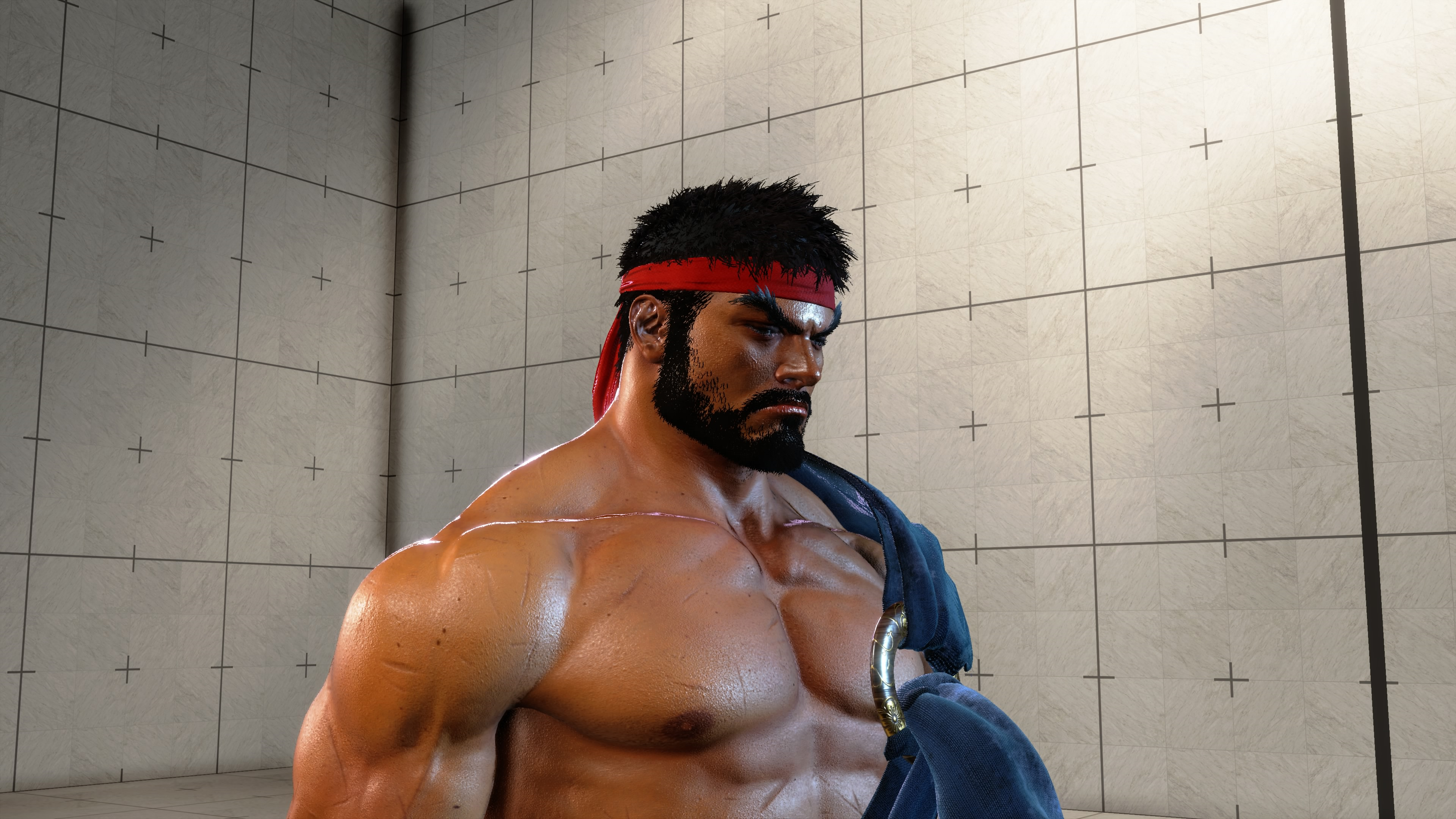
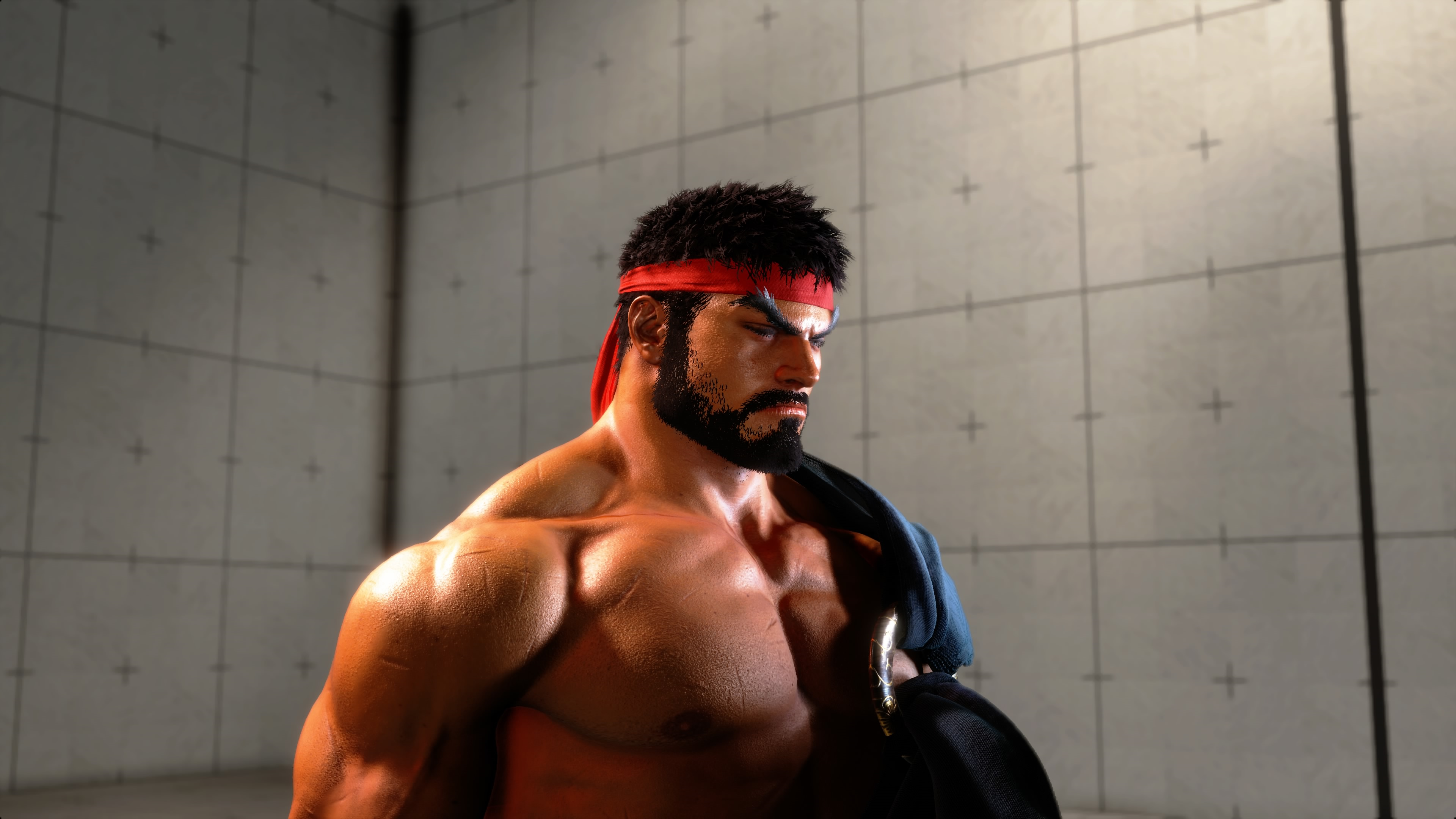
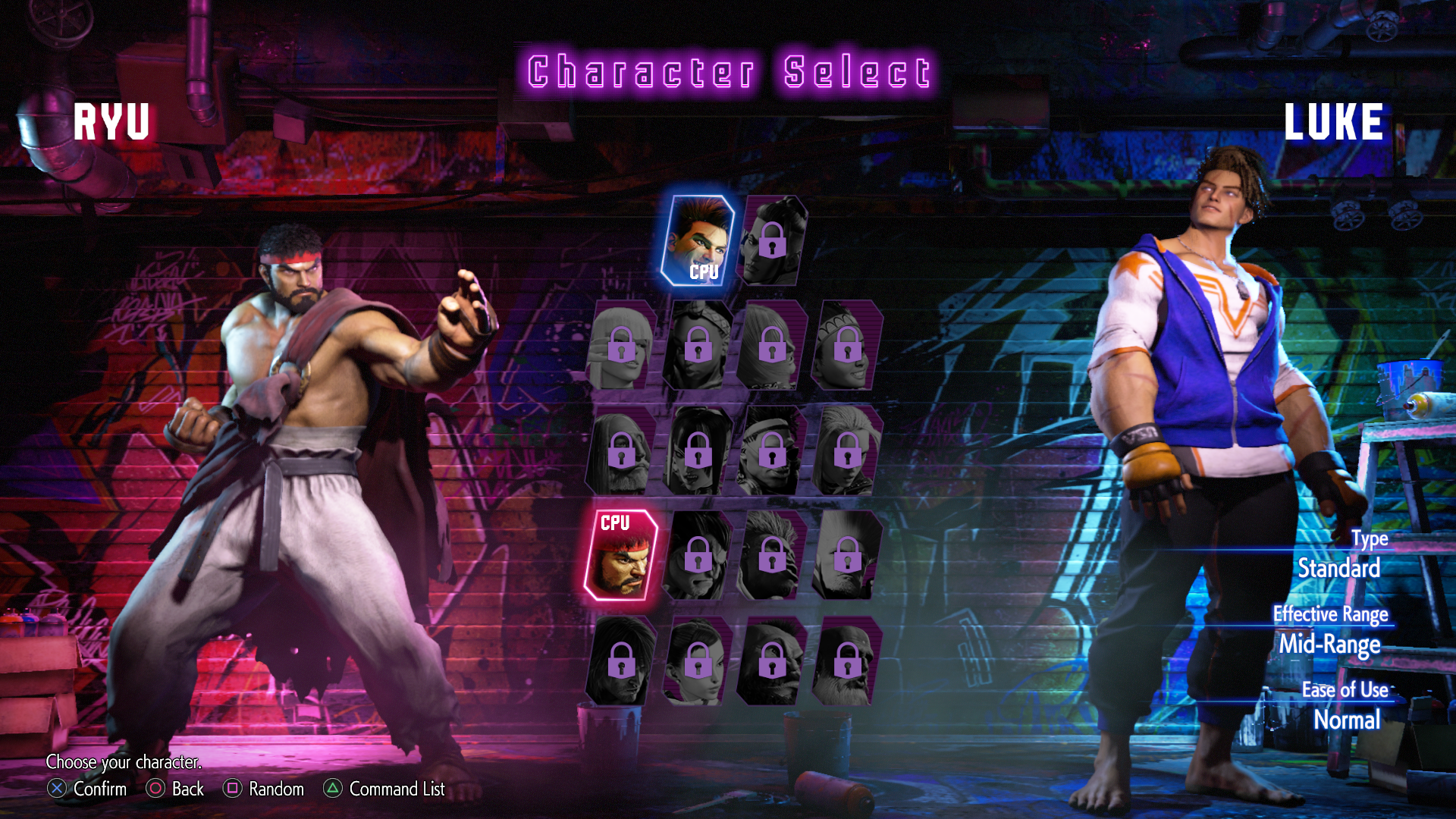
While the other characters are locked in all versions, just two fighters can be chosen in the PS4/PS5, Xbox Series X and Steam versions of the demo; Luke and Ryu. However, in the Nintendo Switch 2's version of the demo, three characters can be chosen. As well as Luke, Jamie and Kimberly are both able to be selected in place of Ryu.
Music Player Tracklist Selection#
Each version of the demo has its own selection of tracks played via the in-game Music Player in gameplay. While all versions of the demo use the same set of music tracks, some of them were exclusive between platforms.
Exclusive to PS4/PS5, Xbox Series X, Steam |
Exclusive to Nintendo Switch 2 |
|---|---|
♪ Viator - Ryu's Theme |
♪ Mr. Top Player - Jamie's Theme |
♪ Genbu Temple - Stage Battle |
♪ Ninjastar Pop - Kimberly's Theme |
N/A |
♪ Bushin Ninjastar Cypher - Kimberly's Super Art |
N/A |
♪ Metro City Downtown - Stage Battle |
N/A |
♪ Buckler's Boot Camp - Calorie Contest |
Sound Effects and Voices#
While all versions of the demo use the same set of sound effects and voices in gameplay, most of them were exclusive between platforms. All the sound effects and English and Japanese voices for Ryu, and the play-by-play and color commentators' Ryu-related commentary lines are exclusive to the PS4/PS5, Xbox Series X and Steam versions of the demo, while the sound effects and English and Japanese voices for Jamie and Kimberly, and the play-by-play and color commentators' Jamie-related commentary lines and Kimberly-related commentary lines are exclusive to the Switch 2's demo.
"Thanks for Playing!" Screen#
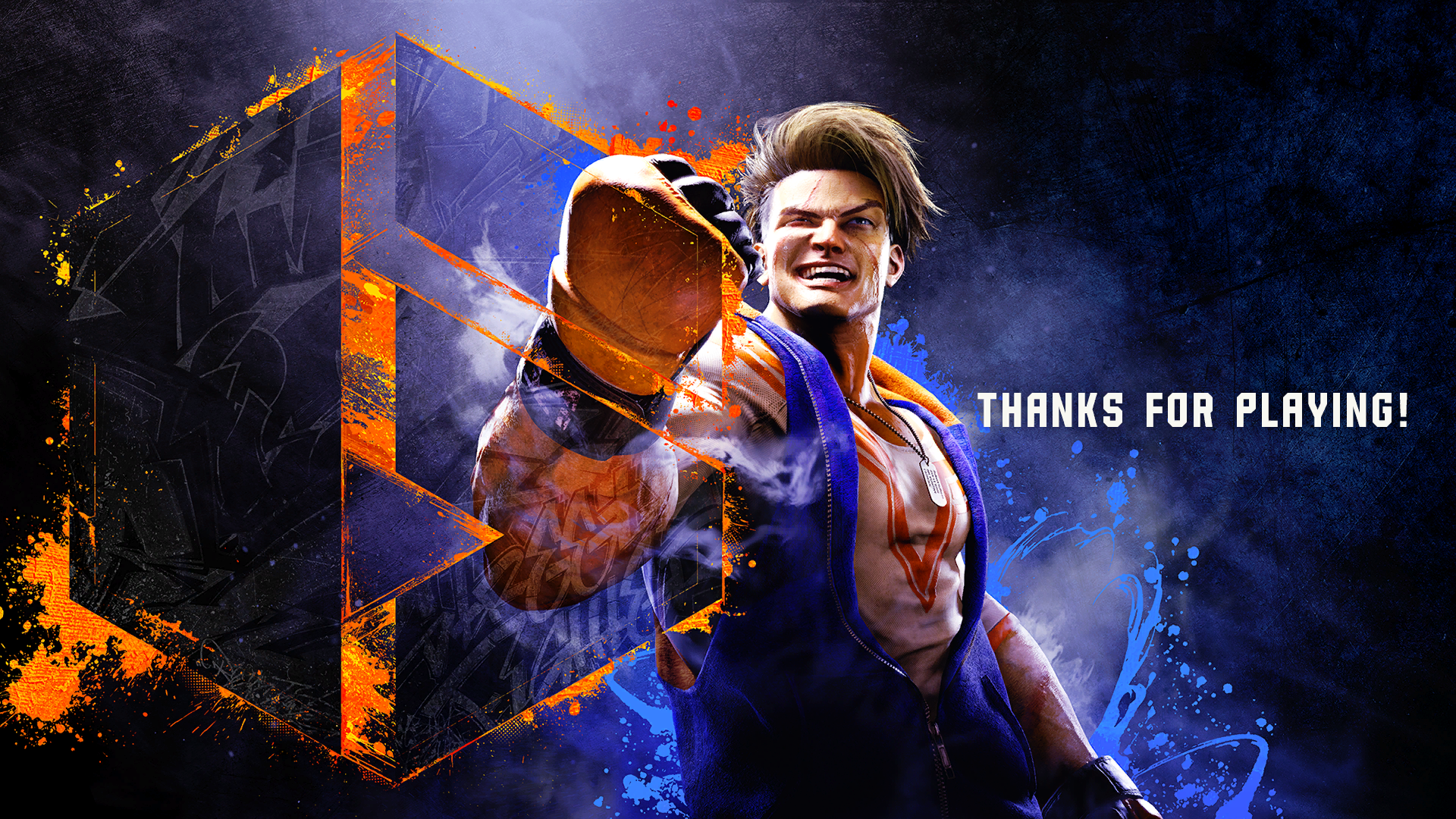
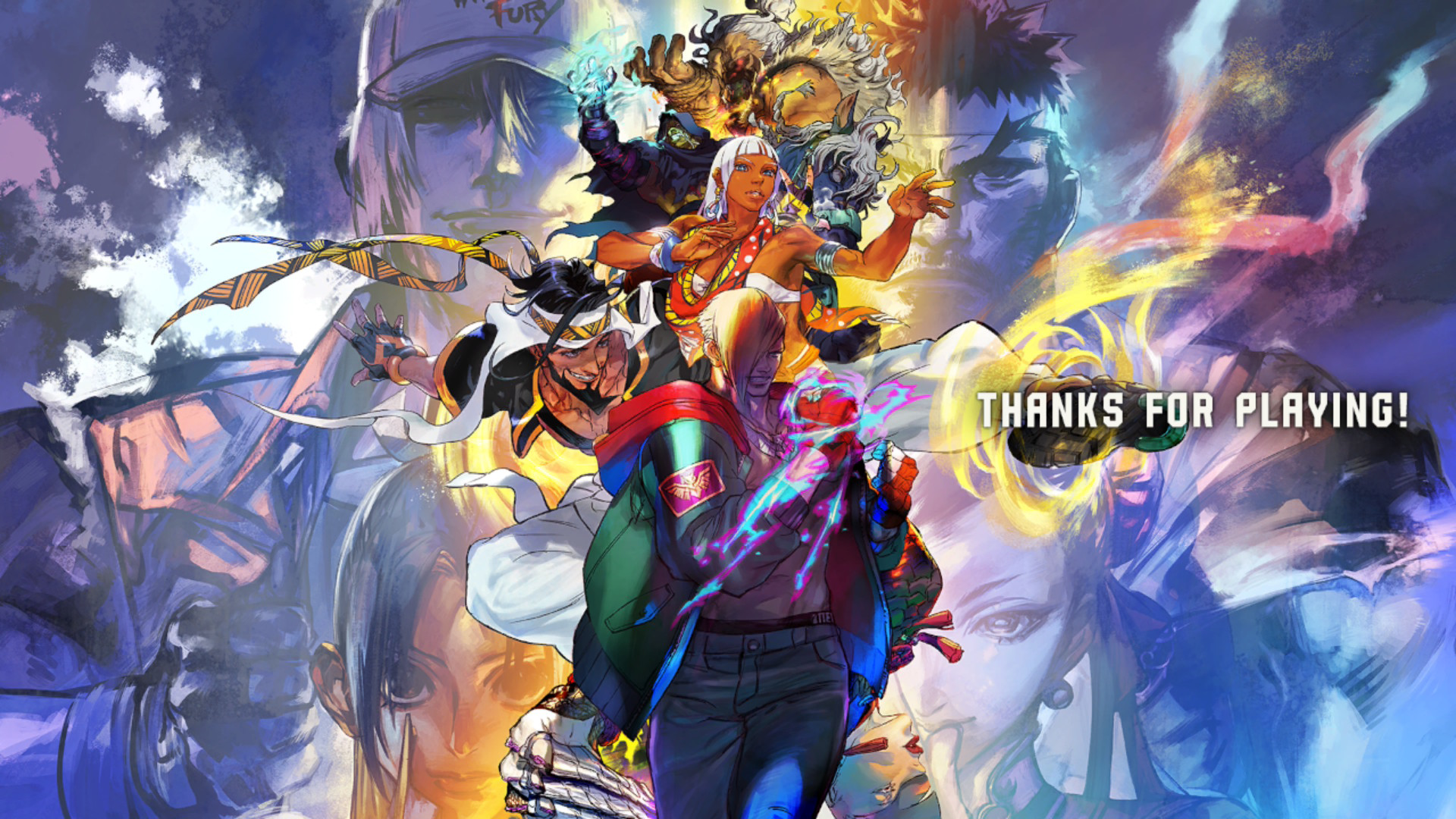
After playing World Tour for a while, or after a few matches in Fighting Ground, this "Thanks For Playing!" screen appears (like the ones seen in the prerelease kiosk trial demo builds), before returning the player to the Title Screen and presenting the choice to purchase the full game online. The background also varies between each version of the Demo.
PS4/PS5, Xbox Series X & Steam |
Nintendo Switch 2 |
|---|---|
 |
 |
The "Obtain Full Version" message that appears after this screen is also different for each platform.
PS4/PS5 |
Xbox Series X |
Steam |
Nintendo Switch 2 |
|---|---|---|---|
"View the full version product page on the PlayStation Store?" |
"View the full version product page on the Microsoft Store?" |
"View the full version product page on Steam?" |
"View the full version product page on the Nintendo eShop?" |
In-game Bugs#

|
To do: |
Due to being an downloadable pre-release Demo, there were some bugs hidden inside the game before release, as some of the features weren't functioning as intended before the full game's release. These bugs listed below only apply to the PS4/PS5, Xbox Series X and Steam versions, as they have no effect in the Switch 2 version.
Fighting Ground#
- If you enter your console's mini-menu while on the Fighting Ground main menu, or during a match, all model animations will stop until you return back into the game (this doesn't apply in some areas). Also, the UI graphics will still animate.
- In the Fighting Ground main menu's case, the animations will stop after entering the console's mini-menu.
- When you enter your console's mini-menu, while entering the Fighting Ground's Character Select screen, the "Stage Select" text will remain until you return back into the game.
- All sounds and voices will pause when you enter your console's mini-menu. They will resume upon returning to the game.
- When starting a match, if you pause the pre-fight intros at the right time, in rare cases, you can disable the normal shading for lighting (until returning back into gameplay).
- If you choose to skip the pre-fight intros, the characters will go straight into the second half of their pre-fight animation before the round starts, but the camera will still be in the pre-fight scene position for a frame before switching.
- When starting a normal match's next round, if you manage to pause at the right time, you can see the camera position changed to that used for Extreme Battles.
- If you enter your console's mini-menu before the match positions reset for the next round, the fade transition will play as normal, but the colors will be grayscale until you return to the game.
- If you enter your console's mini-menu on the Results screen, the match victory animations (except for the UI) will also be paused. If pausing before the victory animation, the in-fight camera position will still be seen until you return to the game.