


Hidden Firmware Info#
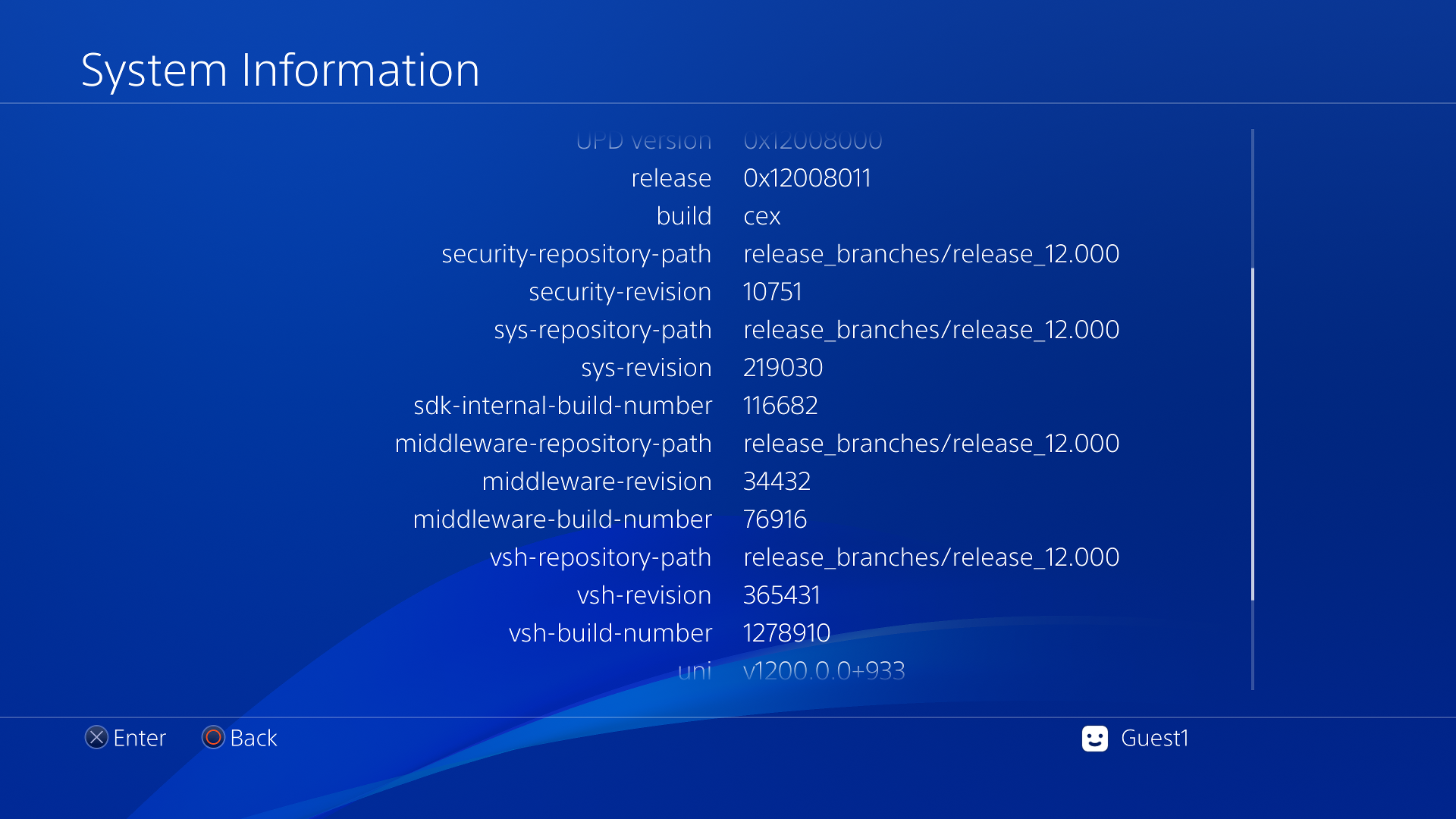
Go to Settings -> System -> System Information, hold L1 + L3 + Triangle for 7 seconds, then release them and immediately press Up + Options. When done, extra info can be seen such as the VSH and Middleware revision, repository path and build number, along with the UPD version and SDK internal build number.
The information displayed is stored in system/priv/etc/index.dat.
Hidden Internet Browser Font Settings#
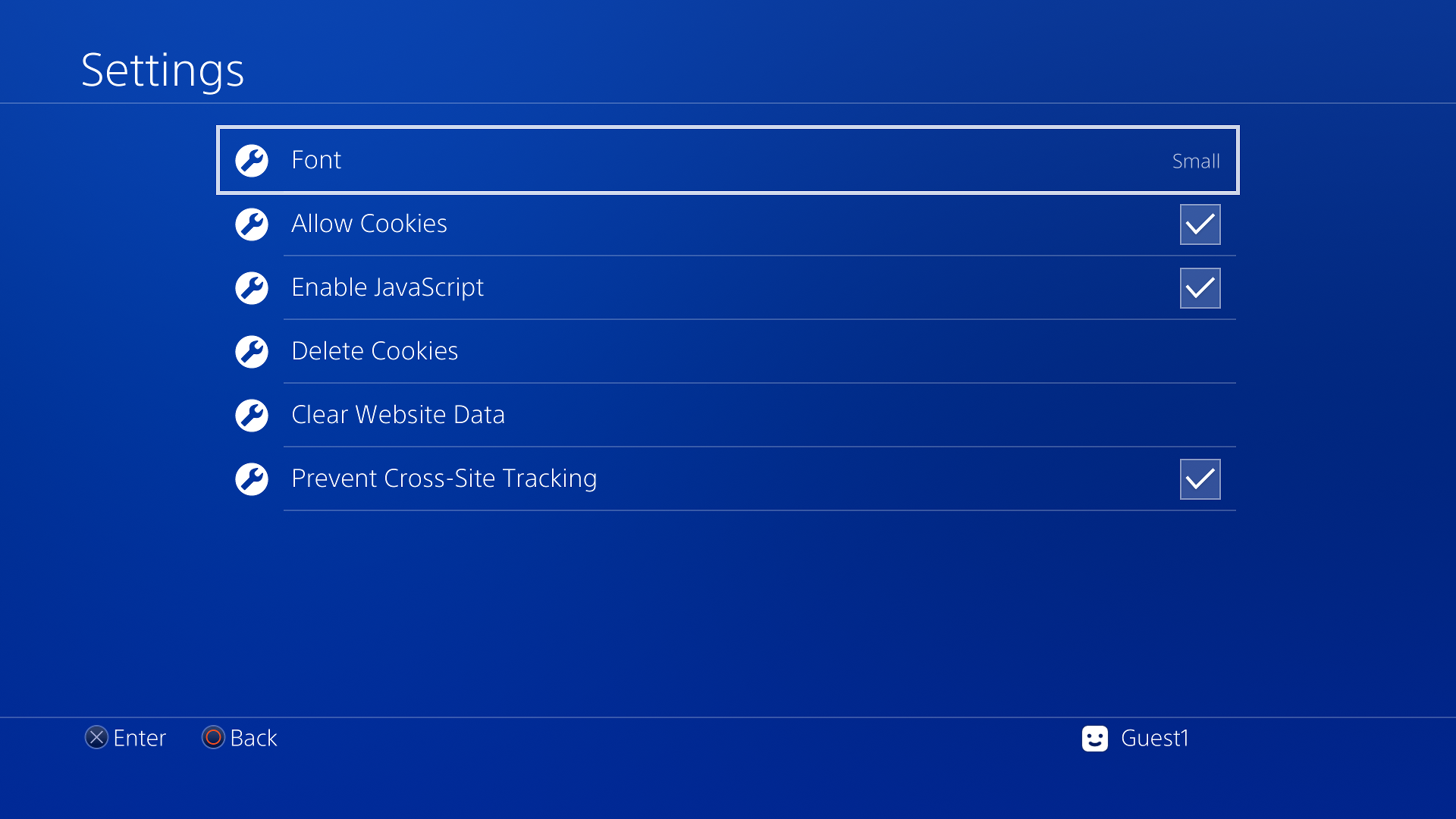
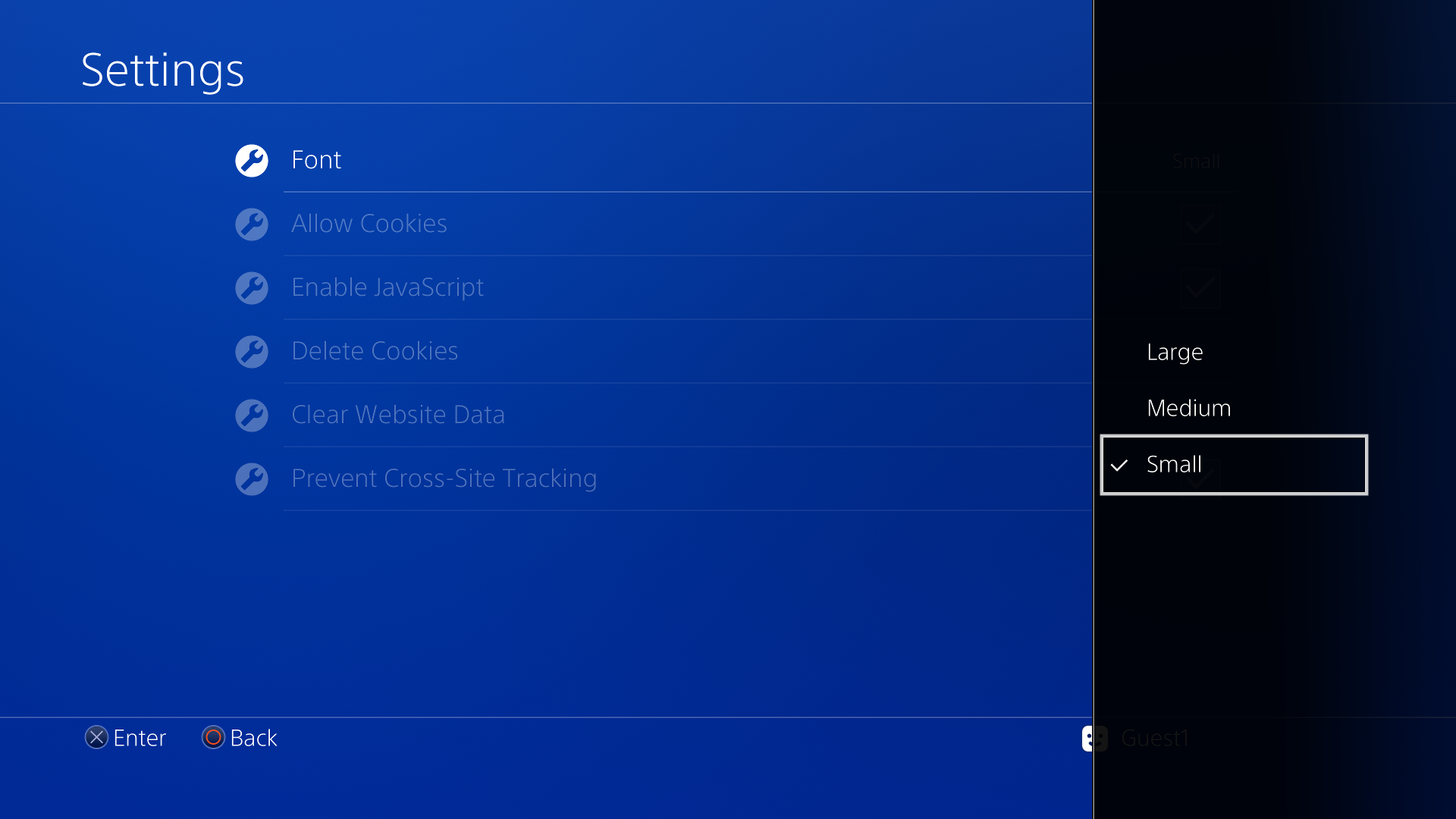
In Web Browser settings, press the following sequence: L1, R1, L1, R1, L2, R2, L2, R2, Square, Triangle, Options, L3 and R3. This hidden menu lets users change the font size for websites.
 |
 |
Unused Sounds#
These unused sounds are found in Sce.PlayStation.PUI.rco.
Would've been originally used for when a game boots up.
An earlier version of the Cursor Cancel sound effect, which takes longer to fade out.
Hidden Copyright Info#
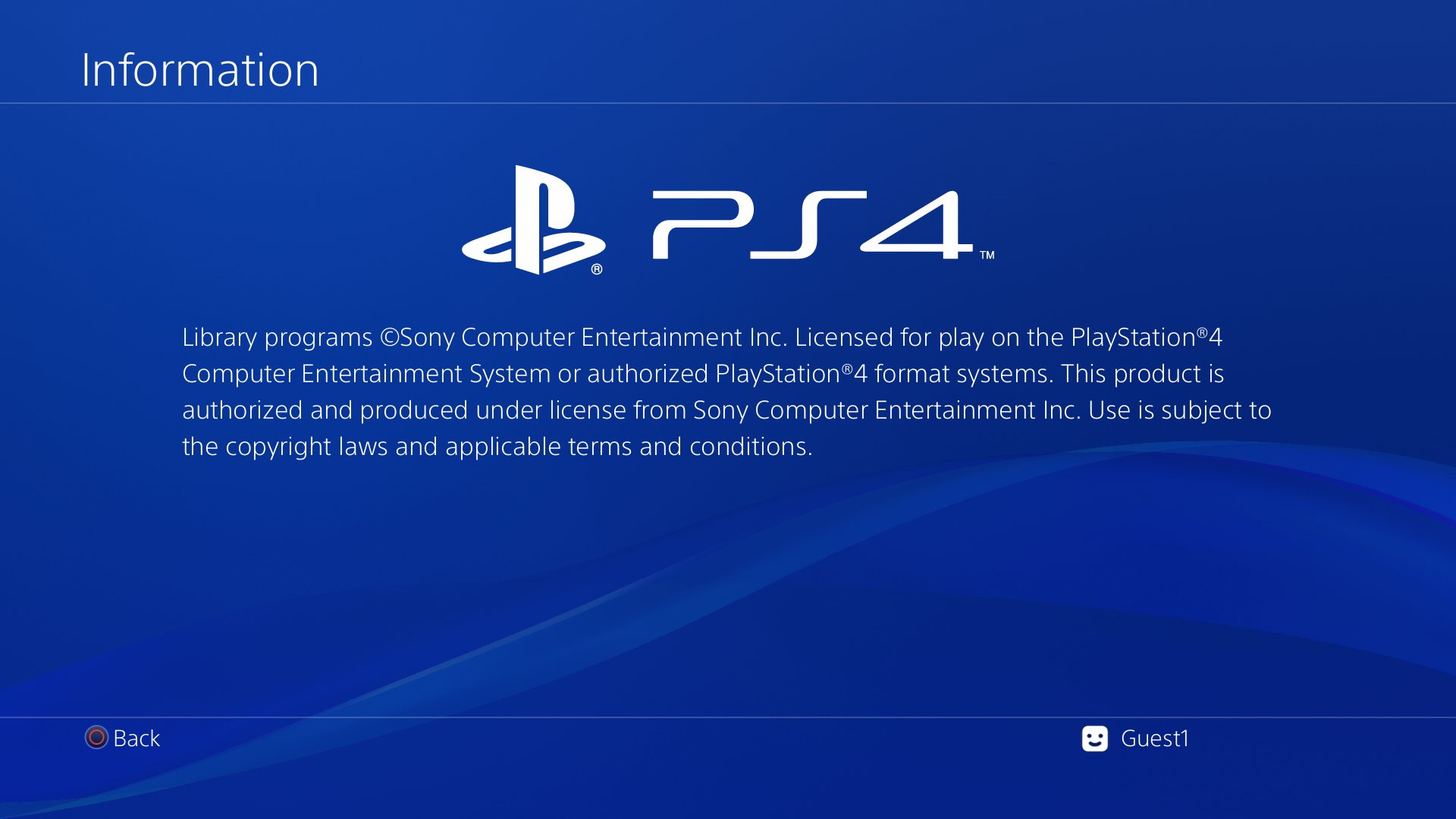
On the information menu for any game, press in the following order: Triangle, Square, and Options.
Hidden Test File#
VshAutoUpdate_info.txt can be found in system_ex/vsh-asset. It contains this:
This is a test file for Vsh Auto Update
日本語のテスト
Text |
Translation |
|---|---|
日本語のテスト |
Japanese Test |
Debug Settings Menu#
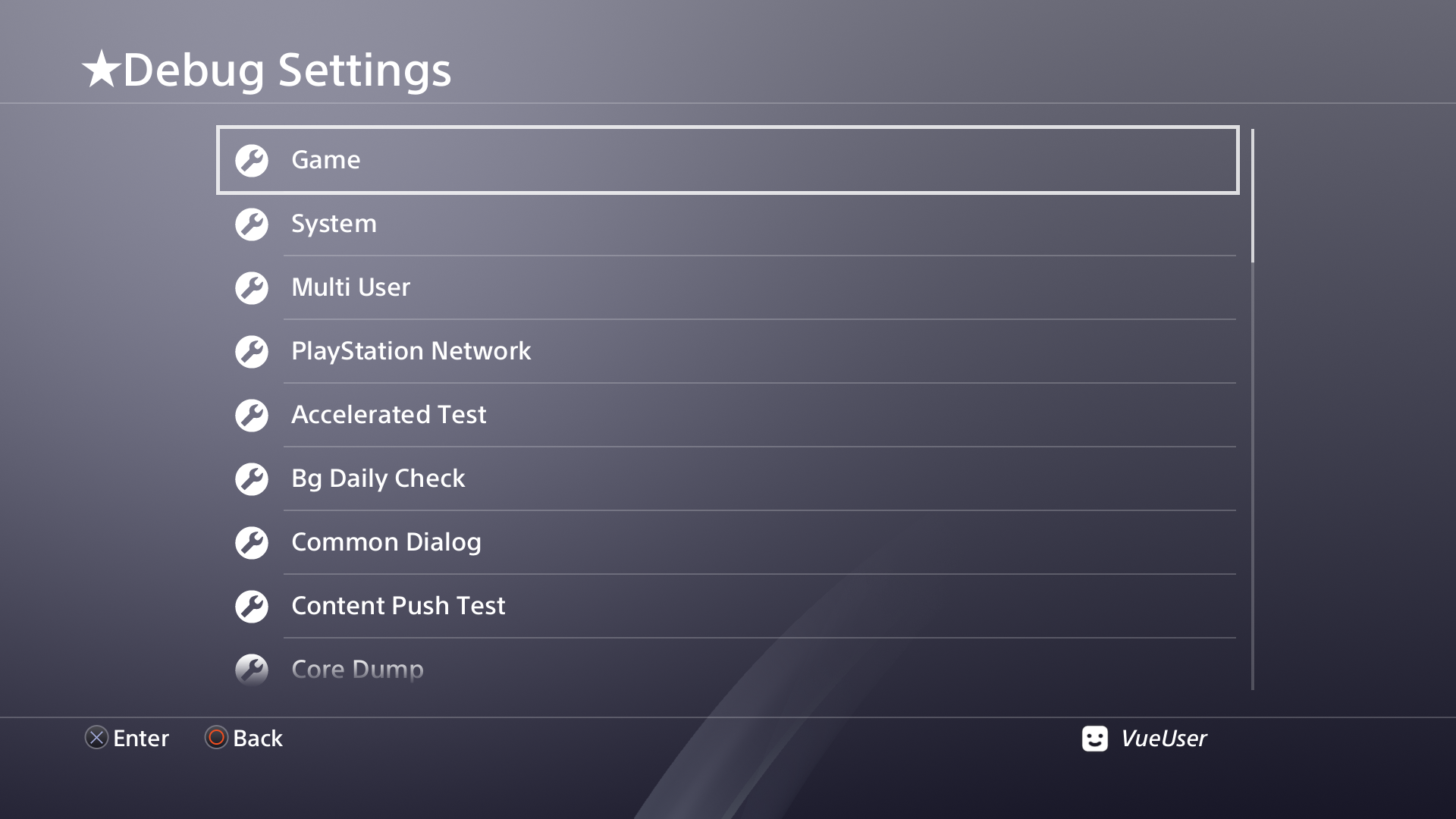
The PlayStation 4 has a debug settings menu. While normally only available on devkit/testkit consoles, it can be enabled using GoldHEN's Debug Settings. This menu contains debug settings for many system features, along with some rather weird features such as intentionally corrupting the system's databases or crashing the VSH.
Remote Web Inspector#
The PS4 appears to have a hidden remote web inspector in system/common/lib/remote-web-inspector. It appears to do what it says on the tin, with a target IP address, port, tab and frontend URL. This was first added in firmware 1.50.

It also uses this image which is not used anywhere else.

Developer Warning/Error Messages#
Found at 0x608F7 in system/common/lib/UIProcess.self.
WARNING!!!!!!! do not send long message from WebPage to ShellUIFound at 0x3EC92 in system/common/lib/libkernel.sprx.
WARN!!! Failed to check title workaround aginst 201910.
WARN!!! Failed to check title workaround against 210925.
Revisional Differences#
In September 2016, with firmware version 4.00, the user interface was given a redesign, which includes new backgrounds, redesigned icons, smaller popup notifications, and a revised What's New tab. The 4.00 update also added support for folders in the home menu and Library.
Regional Differences#

|
This page or section needs more images. |
The Japanese and Asian versions of the PS4 contains a system setting that allows the user to choose to use the X button to confirm as opposed to the Circle button. This was added in firmware version 6.50.