Made by a different company than its precursors, Voya Nui Online Game tried to give players a fun game where you play as a hero of the Voya Nui story arc and save the island from the tyranny of the Piraka and claim the Mask of Life. Unfortunately, since the dev's only other games were flash MMORPGs, what we got was a fetch quest simulator with a clunky turn-based battle system.
Unused Maps#
Maps 1-20, 191, 192, 441, and 494 don't have a position set on the minimap.
Map Number |
Thumbnail |
Description |
|---|---|---|
1 |
 |
A test map, the only time the LEGO tiles are used. |
2 |
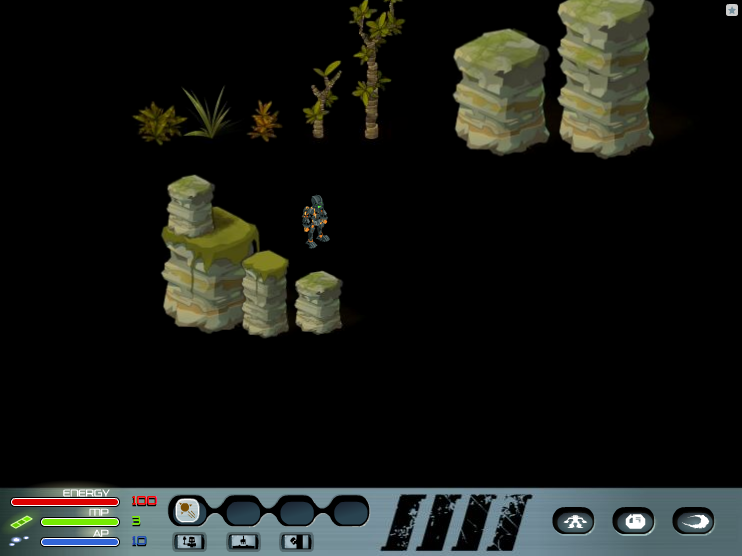 |
A map object test level. |
3 |
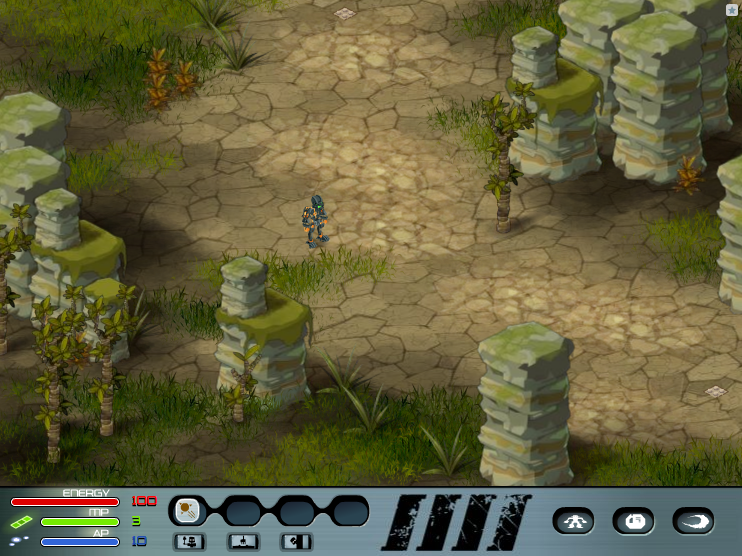 |
A full test map. |
4 |
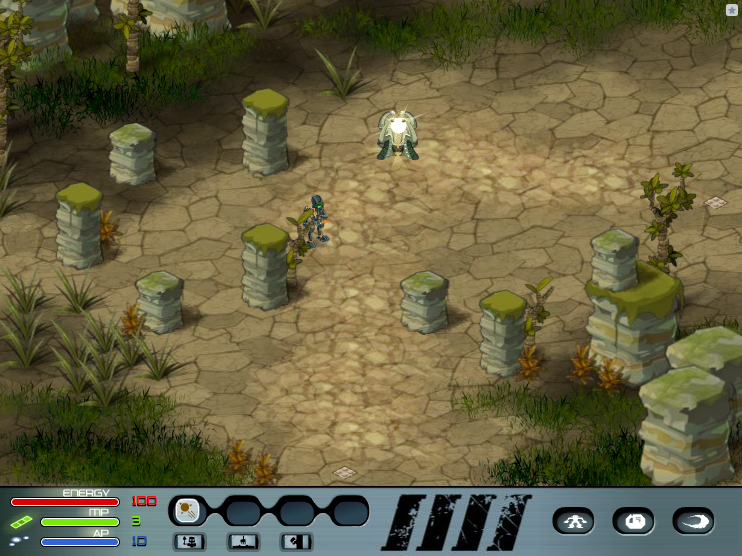 |
Linked map testing; has an otherwise unused object. |
5 |
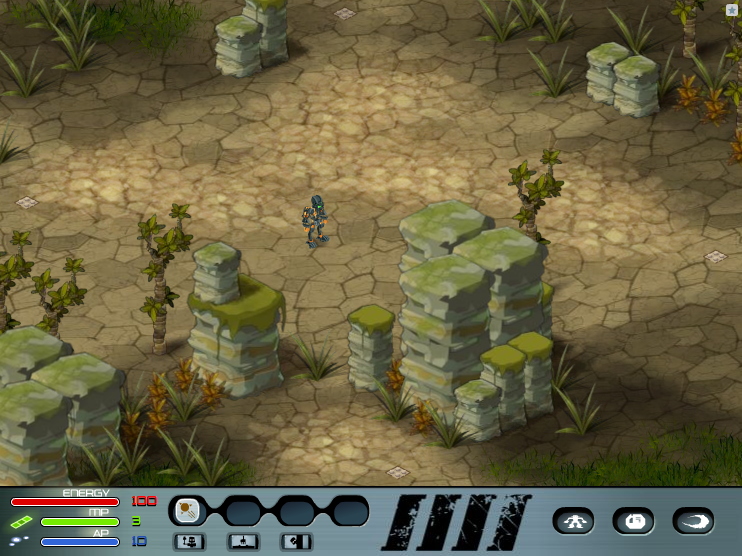 |
Linked map testing. |
6 |
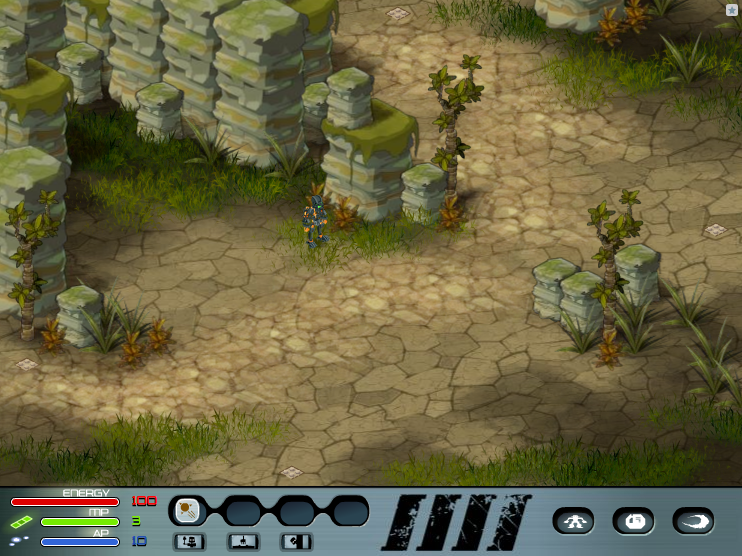 |
Linked map testing. |
7 |
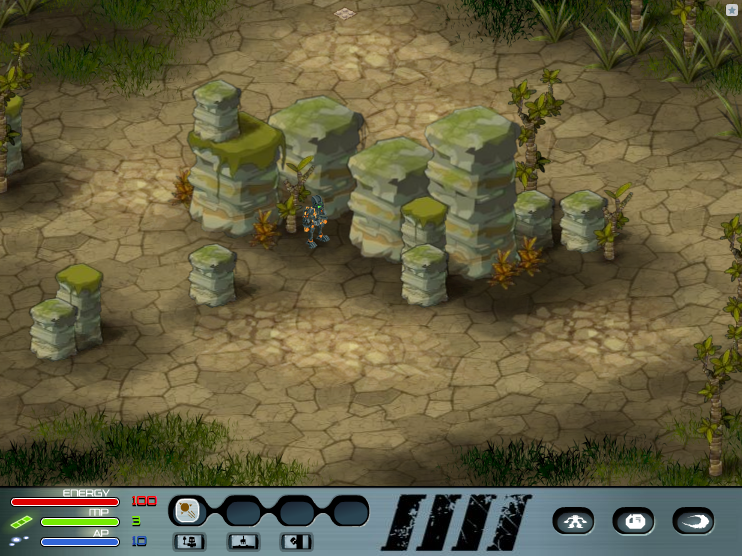 |
Linked map testing. |
8 |
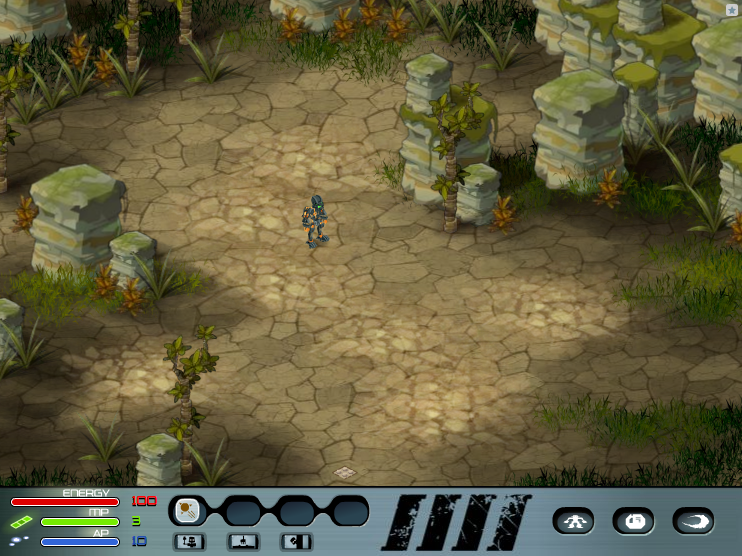 |
Linked map testing. |
9 |
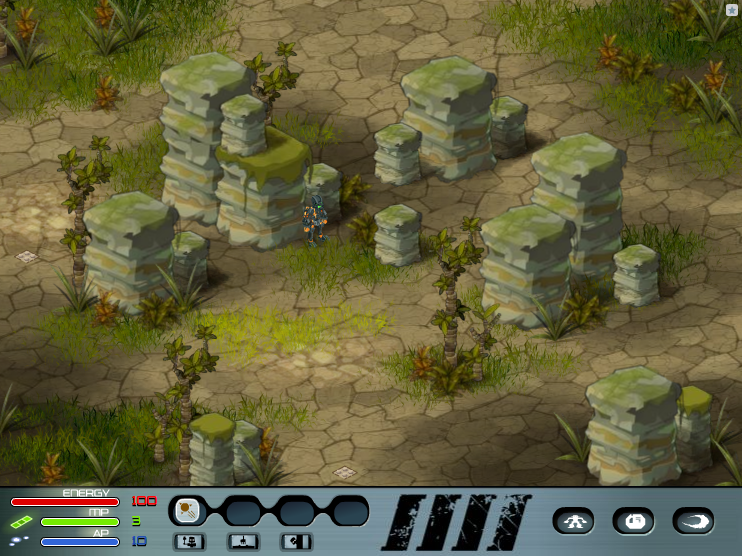 |
Linked map testing. |
10 |
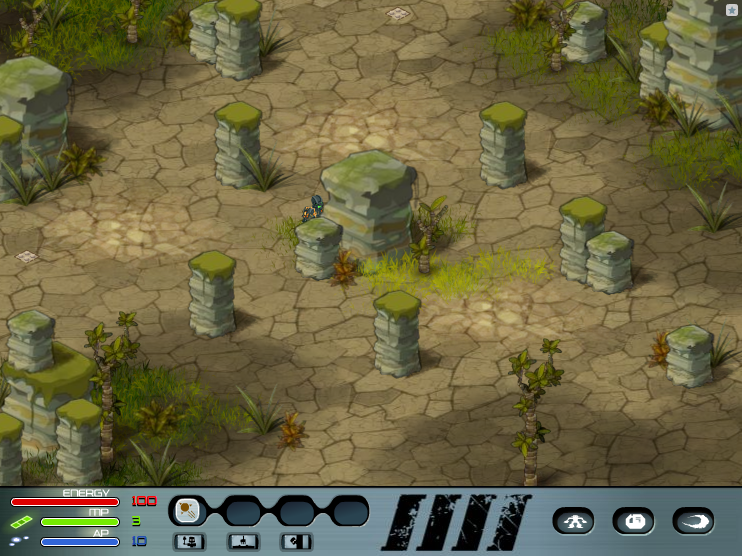 |
Linked map testing. |
11 |
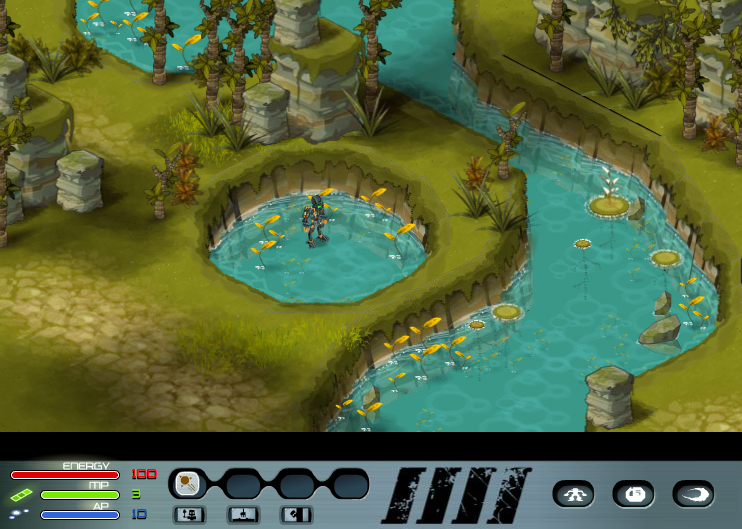 |
Water scenery and random object testing. |
12 |
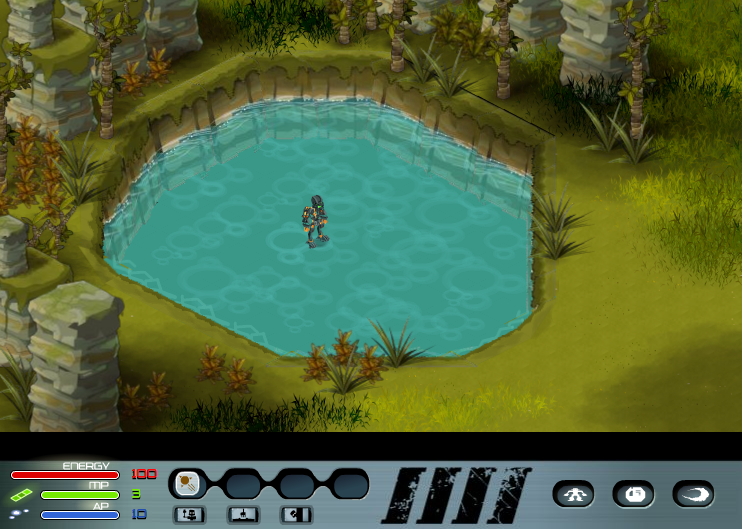 |
Test lake map. |
13 |
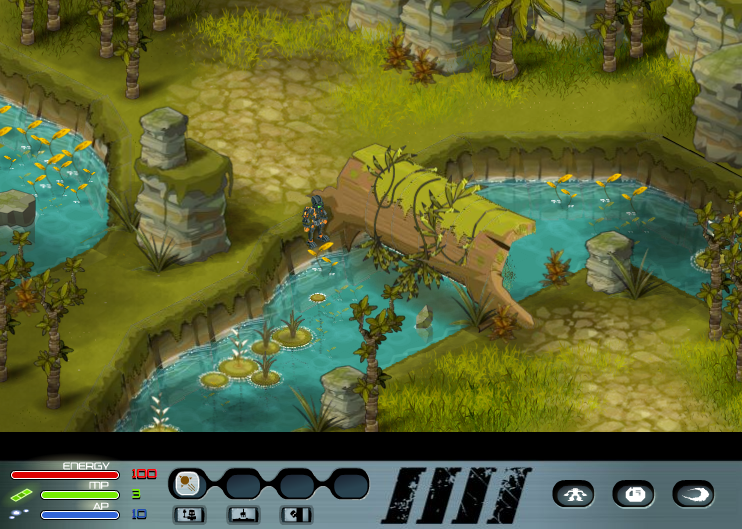 |
Log/masking test map. |
14 |
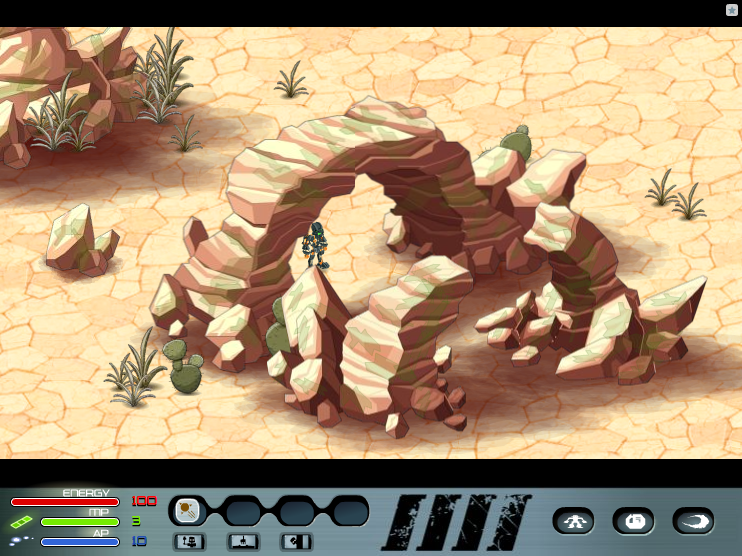 |
Desert tileset test map. |
15 |
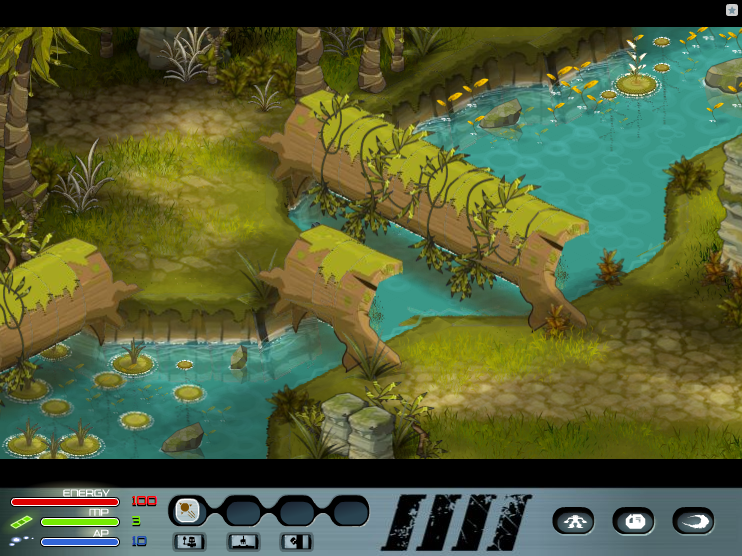 |
Further testing of log objects; pathfinding test? |
16 |
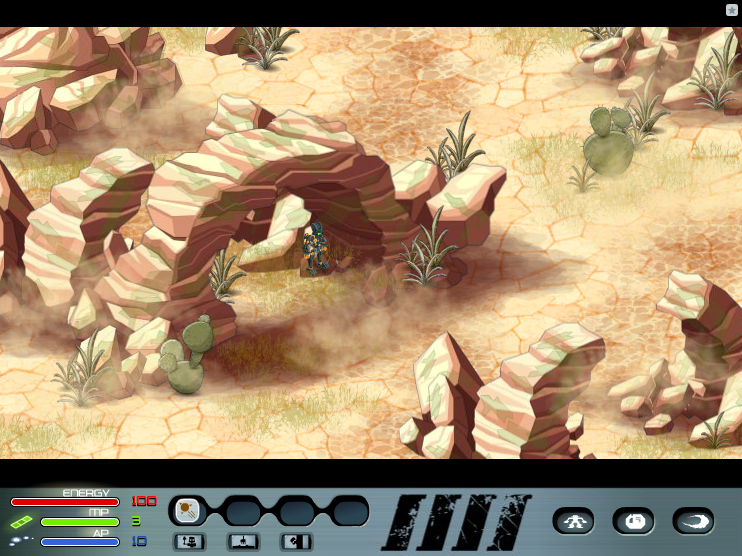 |
Dust test map. |
17 |
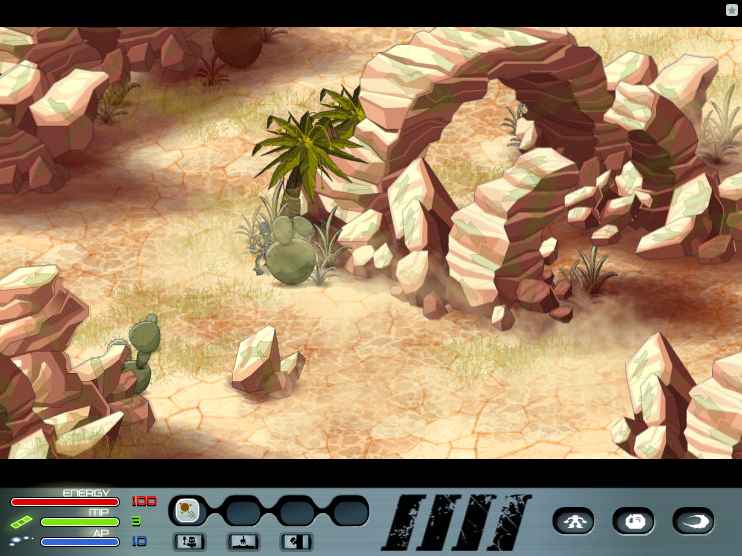 |
Dust/shadow test. |
18 |
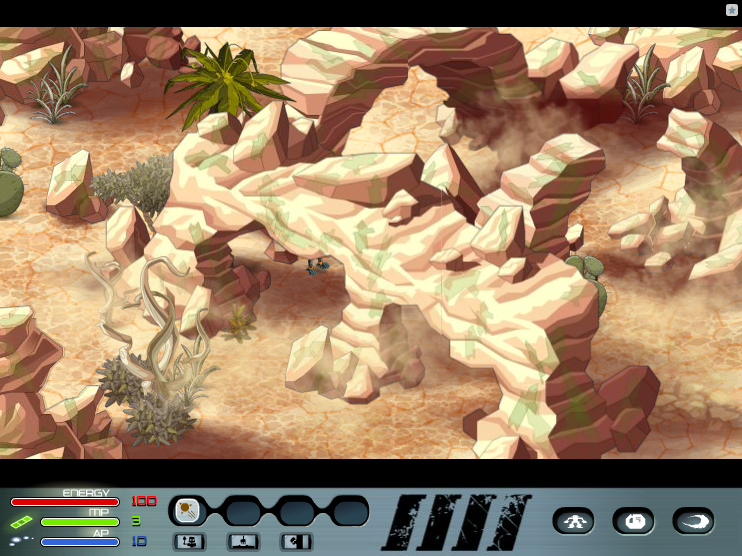 |
Dust/shadow test. |
19 |
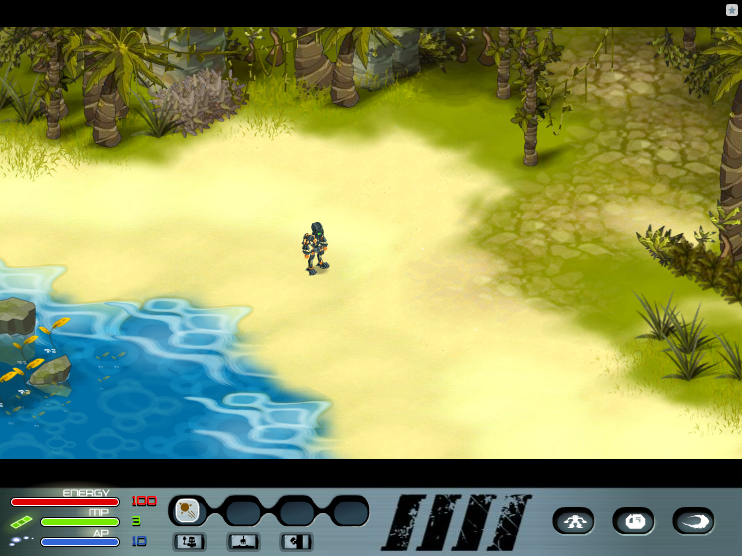 |
Coast tileset test. |
20 |
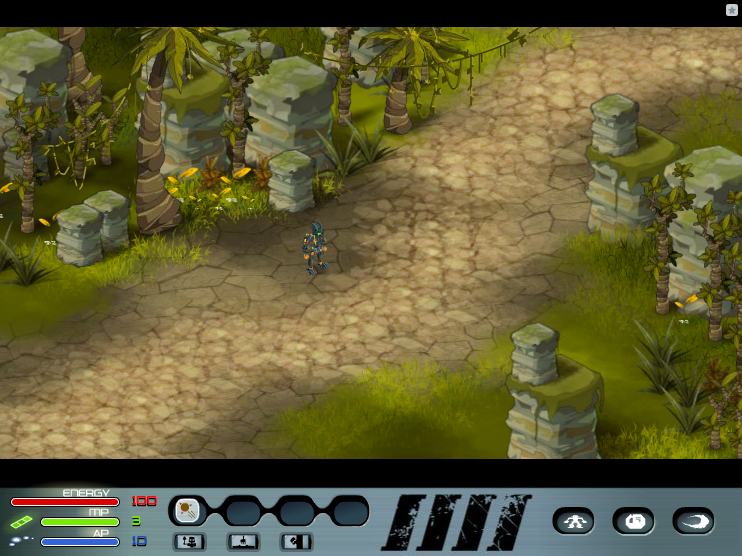 |
Path/village tile test. |
121 |
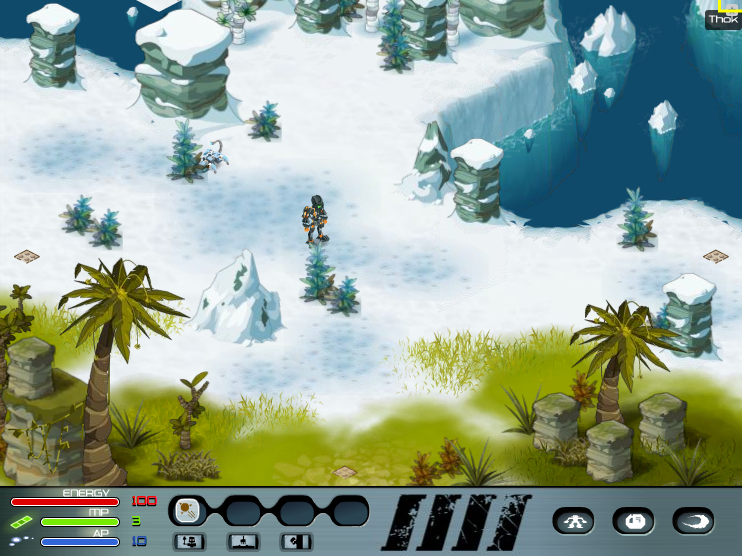 |
Thok is offscreen to the upper right. |
191 |
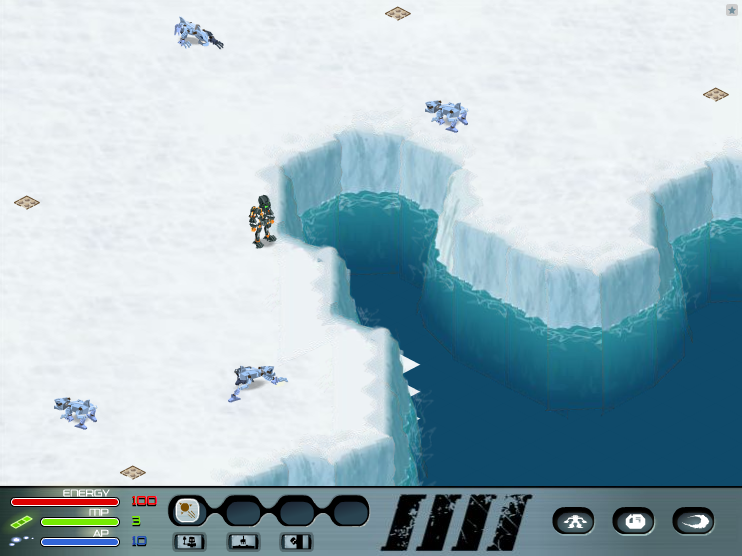 |
Cut ice coastline map. |
192 |
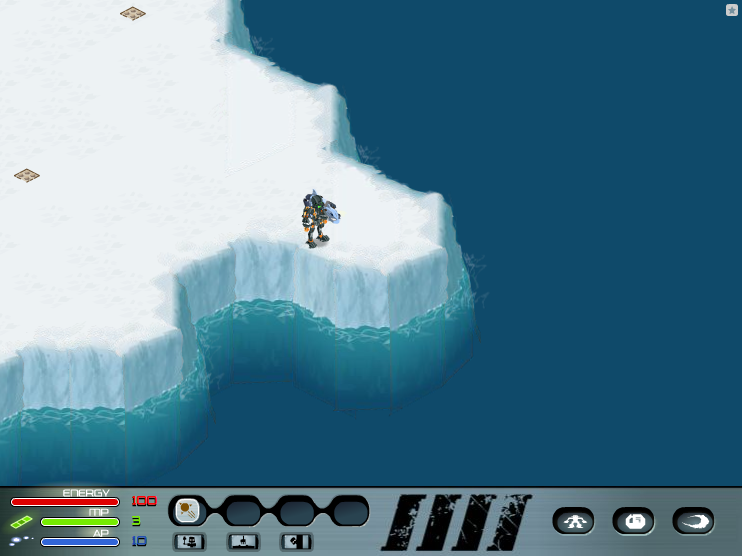 |
Cut ice coastline map. |
441 |
 |
Map with no tiles but a fire burnak. |
450 |
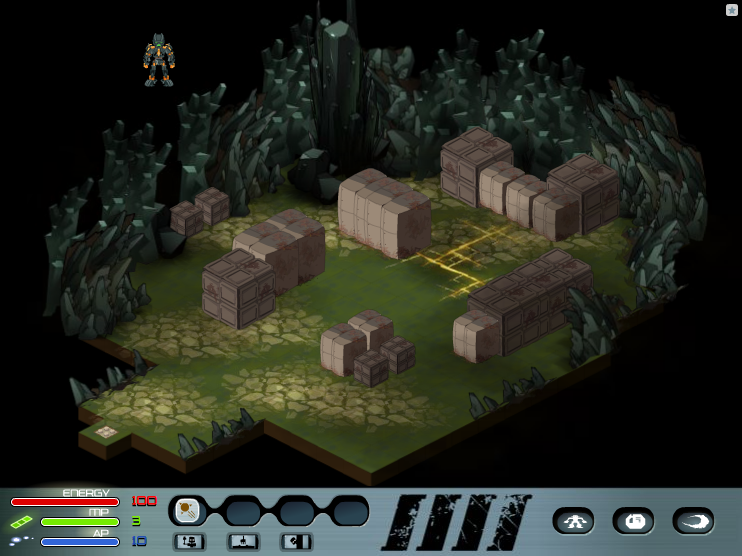 |
You can walk outside the top left of the map. |
480 |
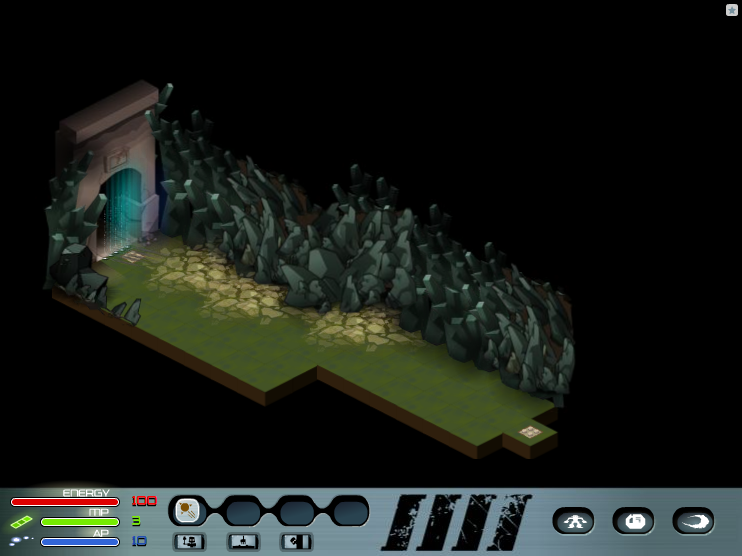 |
Has a door that cannot be passed. Leads to the maps in the 490s. |
487 |
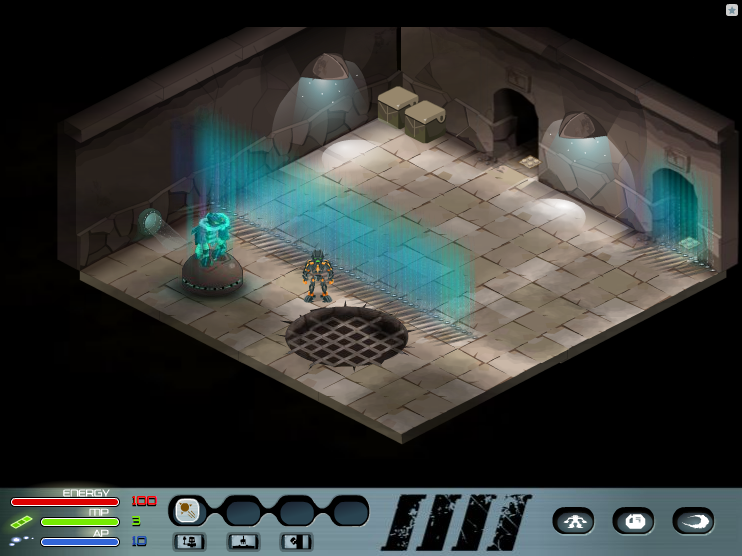 |
Interior room, similar to the maps immediately before this one. Hologram prototype Hahli object is present. |
488 |
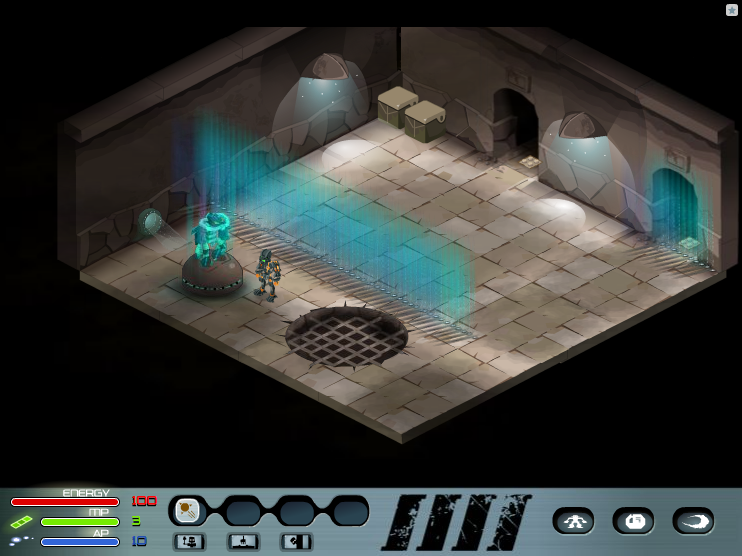 |
A copy of 487. |
494 |
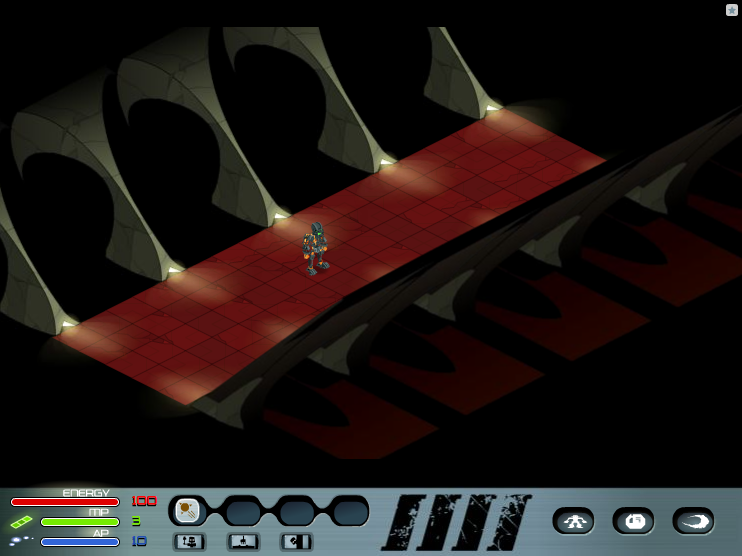 |
Unused Chamber of Truth room. |
521 |
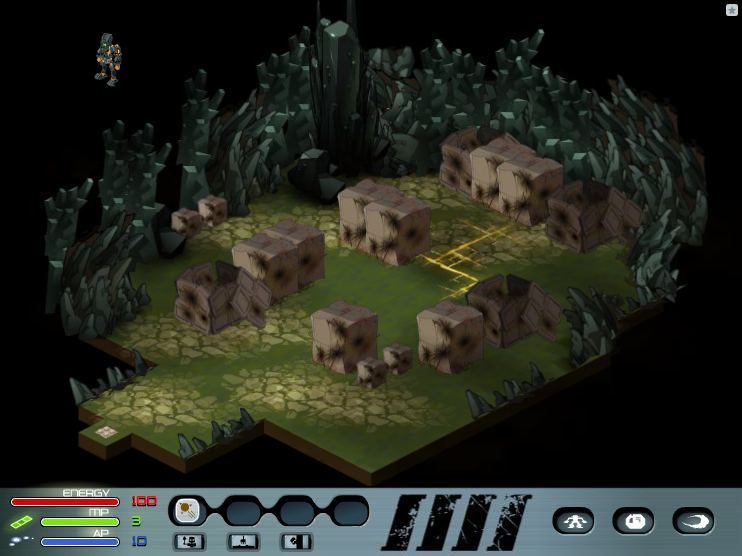 |
Same floor as the non-wrecked version (450). |
525 |
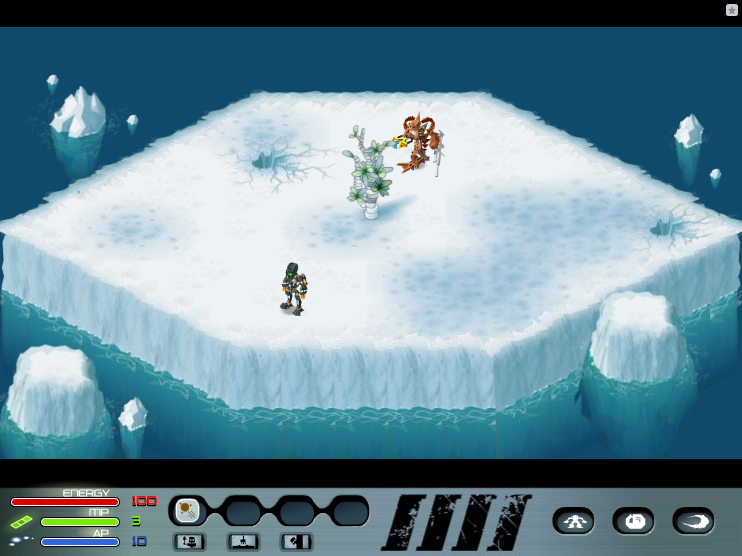 |
Unused island where you can fight Avak. |
Debug Console#
Pressing Ctrl+~ will pull up a console window. There are four buttons in the top right: Close, Minimize (which cycles the debug window's size from large to small, looping), Maximise (same but small to large), and Copy (copies all text in the log to the clipboard, ignoring newlines). In order to use any commands, you have to type which module you want to access. The options are 'core', 'ui', 'audio', and 'worker' (capitalization doesn't matter). Once you hit Enter, the module will be added to the prompt string like a folder, reading for example "CORE > ". Typing ".." while in a module will return you to the top level debug shell. There's an autocorrect function that seems left over from an earlier version of the debug console, as the autocompleted strings don't seem usable in any way. Hold down Shift then press the Right Arrow key, and the console autocompletes " > " + "UI", "CORE", "AUDIO", or "WORKER".
Commands#
Text in parentheses list all possible options for a command's argument, when applicable.
Core >
- info - Displays the asset and webservice path and returns the chapters variable from the constants object. In 1.0.0, also returns "test: " and the character type.
- build - Returns the version string in "loader.swf".
- where - Returns the player name, map location, tile the player is on, and the number of enemies in the area.
- gimmy - Gives the player one of every item.
- move
- random #1 #2 - Returns a random number between and including #1 and #2.
- skin
(1-6, 10-28, 101-109, 1000-1001, 9999) - Changes the player's graphics with that of the specified file. - level
(1-50) - increases the player's level to . If is omitted, ups it by one. - makemerich - Adds one of each elemental shard to the inventory.
- pieceofcake - Adds a Life Stone, Nui Blaster, Medium Attack Armor of Air, Thok Key, and three Hidden Caves Keys to the inventory. Attempts to also add an item #234 and two of item #235, but they don't exist anymore.
- itemlist - Seemingly broken, tries to display the equipped items.
- equip
- (2-291) - Puts the specified item into your inventory.
- spell
(0-3) (1-182) - Puts the spell with ID in hotbar slot counting from 0. Omitting both fields, will list all equipped spells. - god - Toggles whether enemies will attack you when on a quest.
- fight - Toggles between "mode roleplay" (outside of combat) and "mode combat" (in a battle).
- cancel - Abandons a fight, complete with experience loss.
- step
(1-107) - Sets the active quest to be the one specified by the number *quest*. - nextstep - Jump to the next quest.
- chapter
- Starts the chapter specified, if it exists. - onemorenight - Adds 1 to the variable in the constants object that tells the game how many chapters there are. Doesn't affect actual gameplay.
- script