 This article has a talk page!
 Prototype Info
 Prerelease Info
 Bugs
Bugs
 Developer OptionsFrom options that give unused objects to various normally inaccessible cheats and debug options.
 The Urbz LeftoversCity life that was too advanced for Sims.
Build Tags#
All of these are found in the executable.
Platform |
Build Version |
Sandbox Version |
|---|---|---|
GameCube (USA) |
F.09.12.0 |
1.mainline_SKU1.0.63 |
GameCube (EUR) |
F.09.17.0 |
1.mainline_SKU2.0.100 |
PlayStation 2 (USA) |
F.09.20.0 |
- |
PlayStation 2 (EUR) |
F.09.20.0 |
- |
Xbox (USA) |
F.09.12.0 |
1.mainline_SKU1.0.63 |
Xbox (EUR) |
F.09.17.0 |
1.mainline_SKU2.0.100 |
Obscured Personality Animations#
Because of the personality menu covering up the Sim in Create-A-Sim, all of these animations are not normally seen in full. Watch on YouTube
Unused Graphics#
Early Logo#

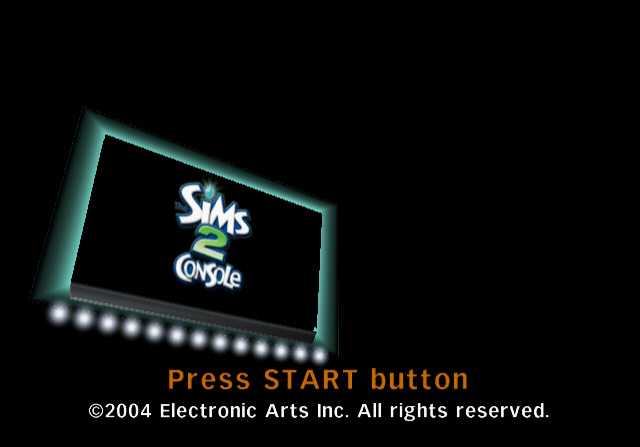 An early logo, which seems to be the same shape as The Urbz: Sims in The City logo with the working title The Sims 2 Console. When hacked into The Urbz, it aligns perfectly with the logo, including the alpha channel to hide the gradient background.
E3 World Map#

A world map, which judging by the filename seems to have been used at E3 2005, only one month before The Urbz 2 was completely reworked. The map contains some interesting differences:
- Pleasantview, Strangetown and Melbourne aren't mentioned or seen at all.
- The map design originally had a big city center.
- The HMS Amore's dock was placed more towards the sea.
- The Biodome wasn't underwater, and instead was placed on a sort of hill.
- The Alien Crash Site was on top of a mountain, near the sea rather than in a desert area.
- The Cliffside Retreat seemed to have overlooked a big city.
- It seemed the city also had a suburban neighborhood, which is where Rockwell Acres is placed.
Eyetoy Icons#
These icons were used during the development as the default Eyetoy icons. In the final game, it generates 5 different icons based on your own Sim. These later would end up returning in The Sims 2: Pets as paintings your Sim can draw in the GameCube version. They have a significantly earlier head style reminiscent of The Urbz.


Fonts#
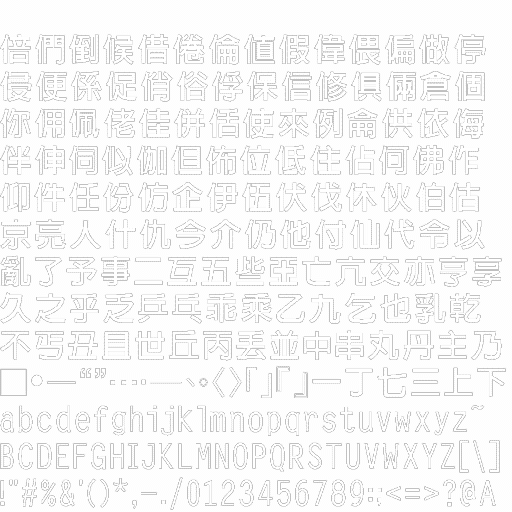
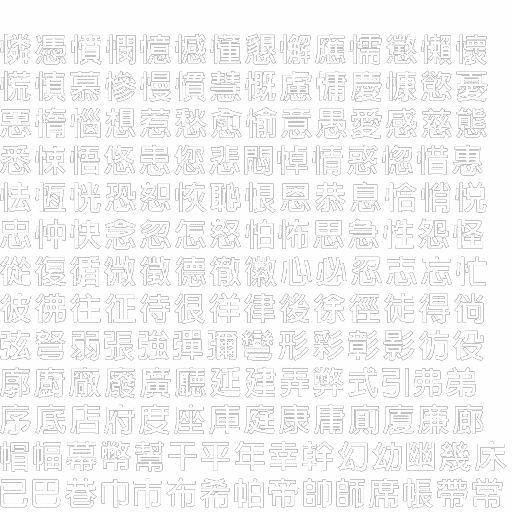
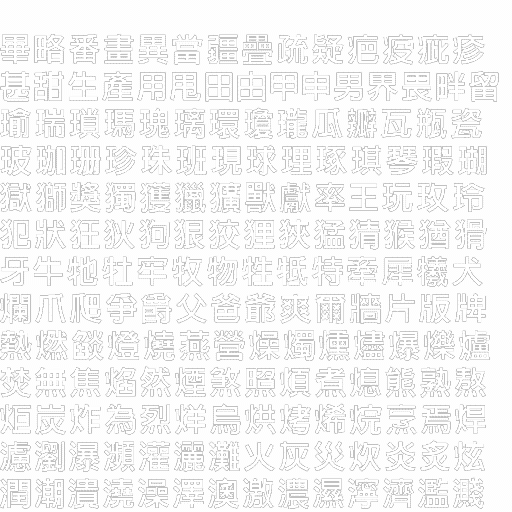
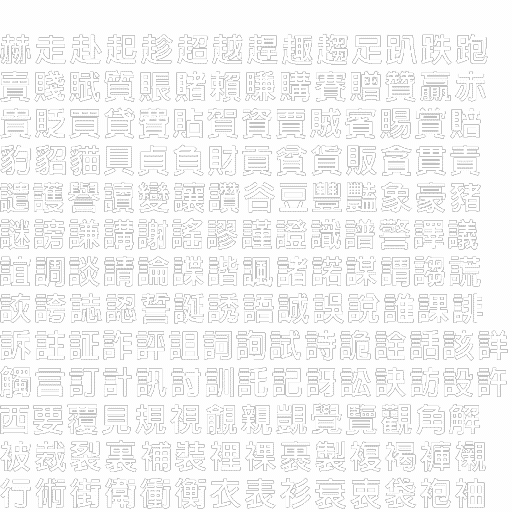
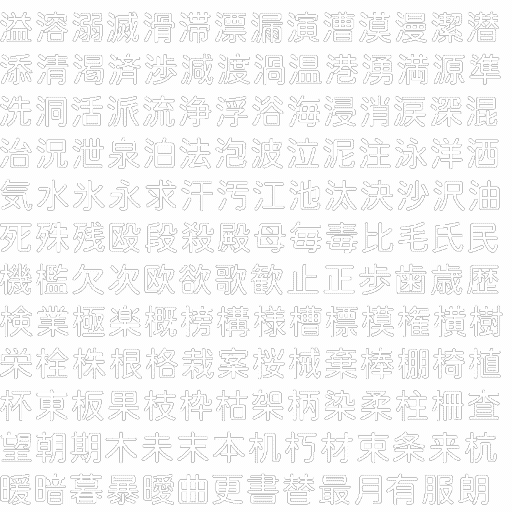
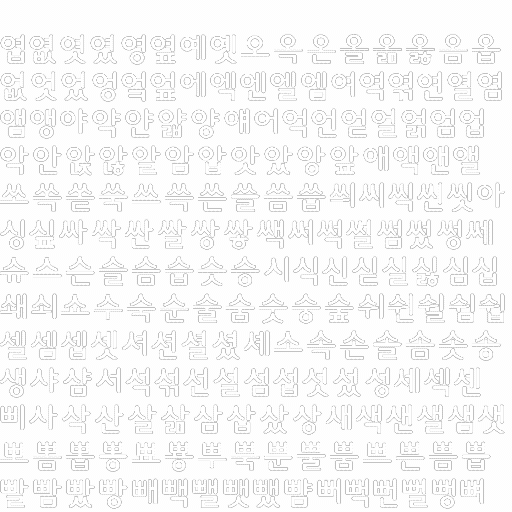
Since this game was never officially translated and released anywhere in East Asia, it makes all of these font textures go unused.
Chinese |
|---|
|
font_china_s24_p0 |
|
font_china_s24_p4 |
|
font_china_s24_p8 |
|
font_china_s24_p12 |
Japanese |
|---|

|
font_japan_s24_p0 |
|
font_japan_s24_p5 |
Korean |
|---|

|
font_korea_s24_p0 |
|
font_korea_s24_p3 |
Miscellaneous#
|
|
To do: |
Technically font_systemfont_s12_p0 is used but only visible when certain debugging options are enabled.

|

|
font_onestroke_script_s24_p0 |
font_systemfont_s12_p0 |
Unused Files#


The BINARIES.ARC container has a few interesting files, such as a placeholder icon.sys file that's linked to saveicon.ico, copyicon.ico and deleteicon.ico, and unused slime#.ico save icons, where # is replaced with numbers 1 - 3. The three icons that the placeholder icon.sys is linked to are the same as the regular save icons you see after making a save.
The unknown/unused slime#.ico files are animated, and strangely, are a duplicate from the PS2 ROM itself.
slime1.ico |
slime2.ico |
slime3.ico |
|---|---|---|
 |
 |
 |

For whatever reason, copying the save file is prohibited on all PS2 Sims 2 games, meaning this copy save icon is never seen under normal circumstances.
copyicon.ico |
|---|
 |
Overwritten Model#
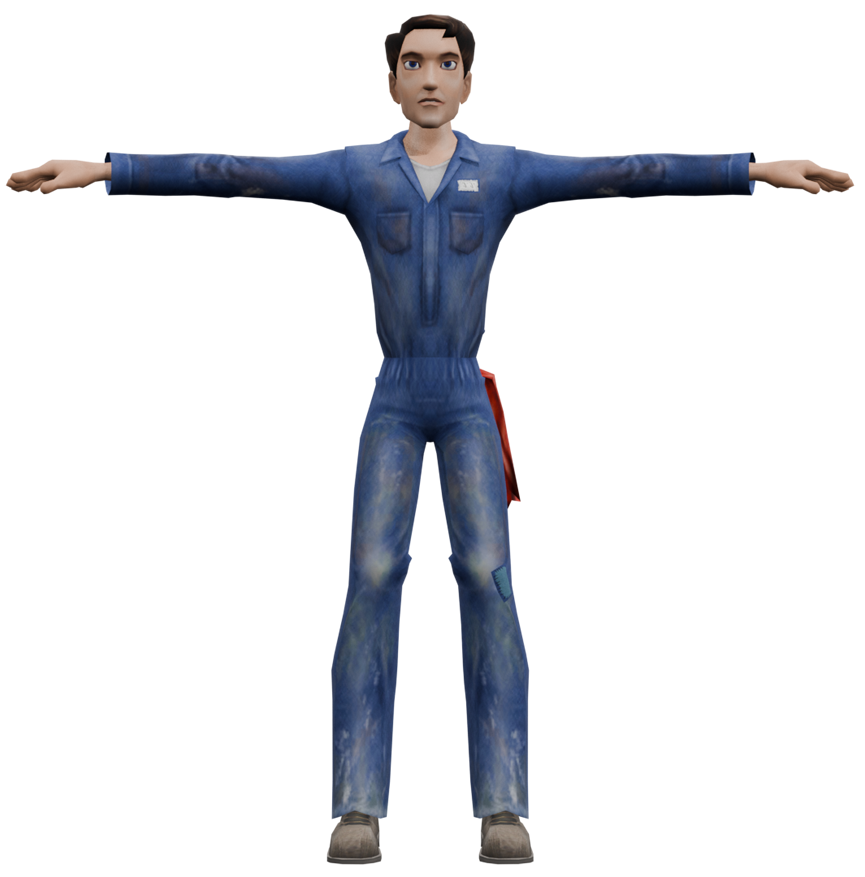
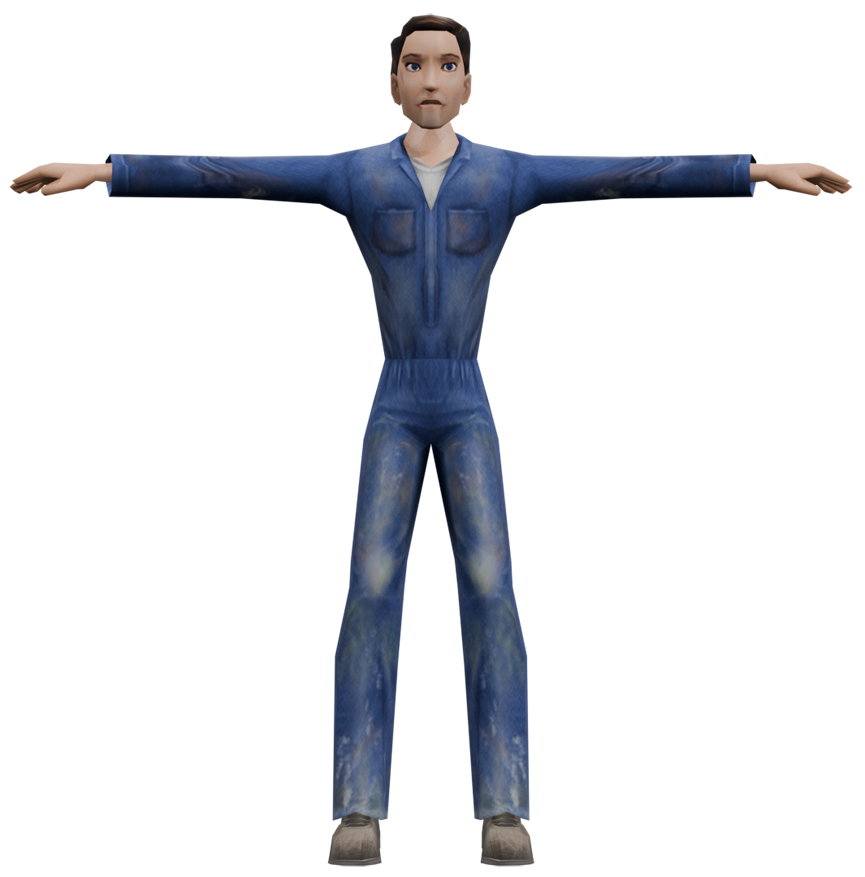
While npc_captain_catastrophe, npc_chinese_food_deliveryman, npc_hot_topic_girl are leftovers from The Urbz, the models for npc_cop, npc_darius, npc_harry_the_hustler, npc_jj_helper, and npc_mopoe are all overwritten by the same unique model. Although it may initially appear to be a leftover from The Urbz, this model doesn’t exist in the original Urbz files and also uses modified Urbz meshes.
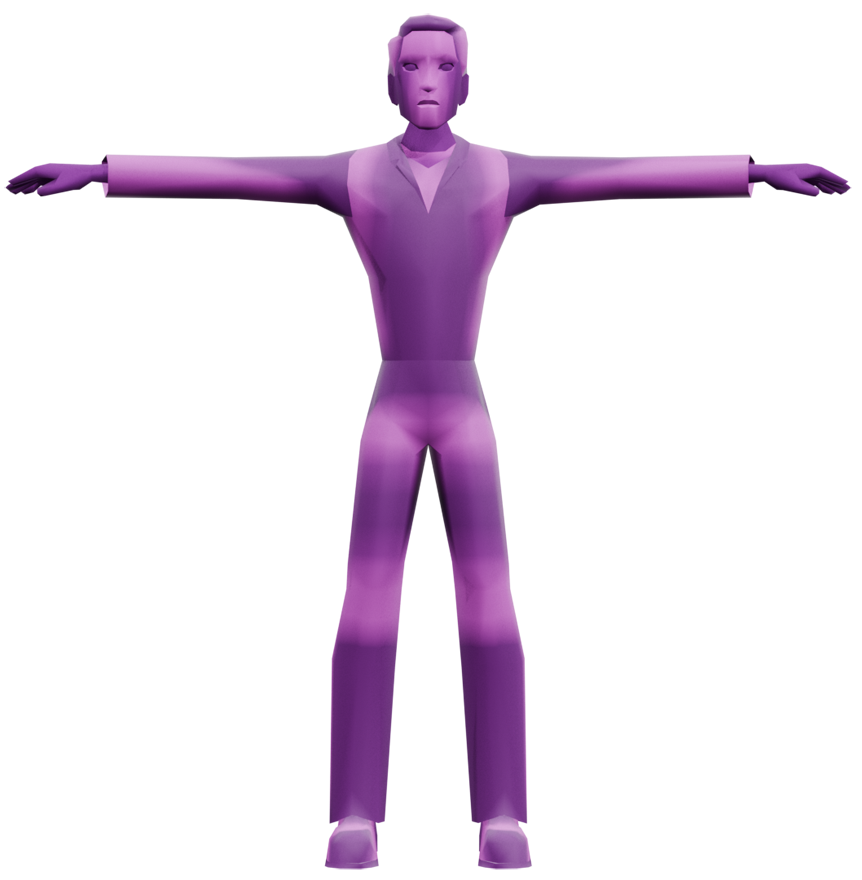
It's missing textures by default. But when importing textures from the Urbz, it uses an edited version of a Diamond Heights hair (am_hh_celebrity_formal_parted) and an edited version of J.J. Bradley's outfit. The model is missing its tongue and teeth, it also has squarer hands than standard Urbz models, suggesting this is an unfinished or placeholder model.
Original Urbz meshes |
The model in The Sims 2 |
|---|---|
 |
 |
At times, it'll randomly spawn in the M4 20 Prototype. It usually appears on the sidewalk with missing textures, and cannot be interacted with.
Team Photo#
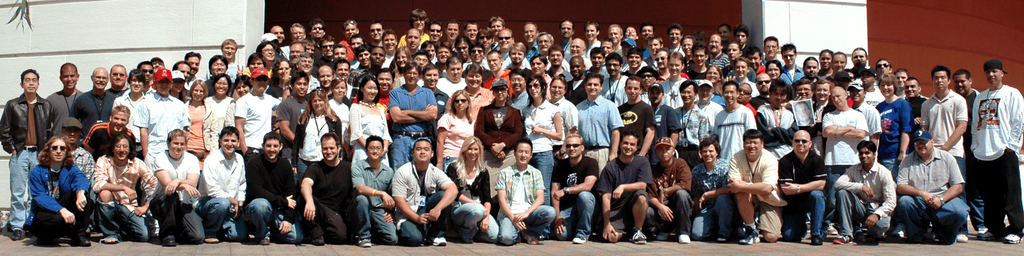
A panoramic photo of the developers that worked on the video game can be viewed by pressing Right, Down, Right, Down and Right on the PlayStation 2 version during the credits on the main menu. They are stored in four different 256x256 graphics, and the displayed image is a recreation of the photo with all of them combined together.
Development Text & Code#
All of these are found on the retail GameCube discs.
 |
File: TheSims2_GameCube-logs.zip (695 KB) (info) |
version.h#
The only thing that differs between the NTSC-U and PAL versions is the timestamp.
USA#
//  The Sims
//  Copyright 2005 Electronic Arts Inc.
//
//  \file   version.h
//
//  \brief  ??
//

//
// This file defines the current build version. Used by the PS2 platform.
// Version string format: majorver, milestone, month, day, build (resets to 1 every day)
// This file is generated by code.
//

#ifndef VERSION_H
#define VERSION_H

// CM Versioning scheme.  Values do not change in checked in version.
#define BUILD_TIMESTAMP "2005-09-12-0502"
#define BUILD_USER "codebuilder"
#define BUILD_HOSTNAME "CM3-BUILD25"
#define BUILD_FILEVERSION 1,mainline_SKU1,0,63
#define BUILD_VERSION "1.mainline_SKU1.0.63"

/////////////////////////////////////////////////
// Sandbox versioning
#define SANDBOX_FILEVERSION BUILD_FILEVERSION
#define SANDBOX_VERSION     BUILD_VERSION

/////////////////////////////////////////////////
// Build Versioning
//  first  Milestone letter(D=Development,P=PreAlpha,A=Alpha,B=Beta,F=Final), month, day, version that day
#define VERS_LIST   'F',9,12,0
#define VERS_STRING "F.09.12.0"

#if EA_PLATFORM_PLAYSTATION2
    #define V_LIST          VERS_LIST
    #define V_STRING        VERS_STRING
#elif EA_PLATFORM_XBOX
    #define V_LIST          VERS_LIST
    #define V_STRING        VERS_STRING
#elif EA_PLATFORM_GAMECUBE
    #define V_LIST          VERS_LIST
    #define V_STRING        VERS_STRING
#elif EA_PLATFORM_WINDOWS
    #if EDITH_IN_SIMS
        #define V_LIST          VERS_LIST
        #define V_STRING        VERS_STRING
    #else
        #define V_LIST          VERS_LIST
        #define V_STRING        VERS_STRING
    #endif
#endif

#define BUILD_VER_NUMS      V_LIST
#define BUILD_VER_STRING    V_STRING

#endif // VERSION_HEUR#
//   The Sims
//  Copyright 2005 Electronic Arts Inc.
//
//  \file   version.h
//
//  \brief  ??
//

//
// This file defines the current build version. Used by the PS2 platform.
// Version string format: majorver, milestone, month, day, build (resets to 1 every day)
// This file is generated by code.
//

#ifndef VERSION_H
#define VERSION_H

// CM Versioning scheme.  Values do not change in checked in version.
#define BUILD_TIMESTAMP "2005-09-16-1725"
#define BUILD_USER "codebuilder"
#define BUILD_HOSTNAME "CM3-BUILD25"
#define BUILD_FILEVERSION 1,mainline_SKU2,0,100
#define BUILD_VERSION "1.mainline_SKU2.0.100"

/////////////////////////////////////////////////
// Sandbox versioning
#define SANDBOX_FILEVERSION BUILD_FILEVERSION
#define SANDBOX_VERSION     BUILD_VERSION

/////////////////////////////////////////////////
// Build Versioning
//  first  Milestone letter(D=Development,P=PreAlpha,A=Alpha,B=Beta,F=Final), month, day, version that day
#define VERS_LIST   'F',9,17,0
#define VERS_STRING "F.09.17.0"

#if EA_PLATFORM_PLAYSTATION2
    #define V_LIST          VERS_LIST
    #define V_STRING        VERS_STRING
#elif EA_PLATFORM_XBOX
    #define V_LIST          VERS_LIST
    #define V_STRING        VERS_STRING
#elif EA_PLATFORM_GAMECUBE
    #define V_LIST          VERS_LIST
    #define V_STRING        VERS_STRING
#elif EA_PLATFORM_WINDOWS
    #if EDITH_IN_SIMS
        #define V_LIST          VERS_LIST
        #define V_STRING        VERS_STRING
    #else
        #define V_LIST          VERS_LIST
        #define V_STRING        VERS_STRING
    #endif
#endif

#define BUILD_VER_NUMS      V_LIST
#define BUILD_VER_STRING    V_STRING

#endif  // VERSION_H
Build Dates#
[9/12/2005 0:05:53] Building Sims - GameCube...
[9/12/2005 0:05:53] Making QuickDatas...
Initial build date.
[9/12/2005 5:25:18] Building Datasets...
[9/12/2005 5:25:18] Making Datasets...
Finished intital Build Date.
Unused Text#
code_version.txt
100138
1.mainline_SKU1.0.63
101050
1.mainline_SKU2.0.100 content_version.txt
100130
1.Content.ML.145
101074
1.Content.ML.159 Oddities#
Flooring Error#
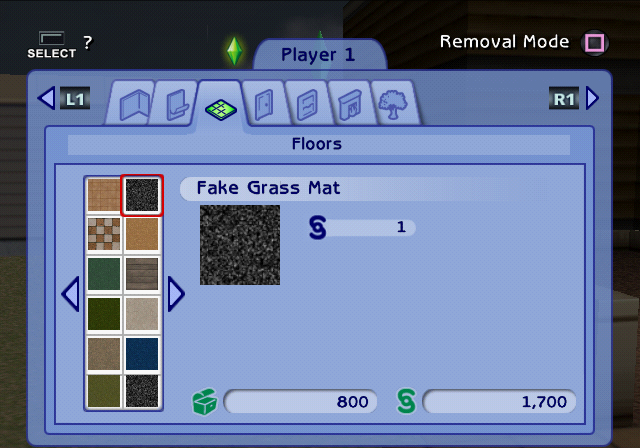
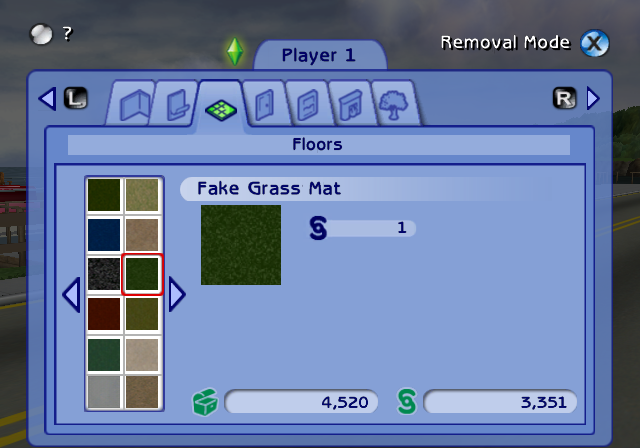
One of the flooring, Fake Grass Mat, has an incorrect preview texture on PlayStation 2 and doesn't always appear in the Build/Floors section. Whenever it does appear, it reuses the texture from "Pave the Earth", but Xbox and GameCube displays it properly.
PlayStation 2 |
GameCube & Xbox |
|---|---|
 |
 |
Plaank Bookcase Variants#
For some reason there are two versions of the Plaank Bookcase. The one seen on the left is found pre-placed in Cliffside Retreat, Bio Dome and Andromeda Arms but cannot be bought, and the one on the right is the regular Plaank Bookcase that is purchasable by the player. The glass shelves for both objects are from the bookshelf_expensive model file, the books themselves for the purchasable bookcase are also from bookshelf_expensive, but the books for the "unused" bookcase are from a separate model named bookshelf_glass.
The Official Prima Guide for this game also shows that the early bookcase is supposed to be the same Plaank Bookcase. 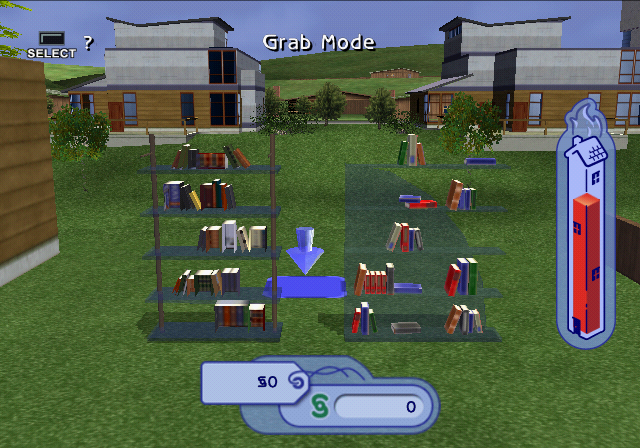
Regional Differences#
Loading Text#
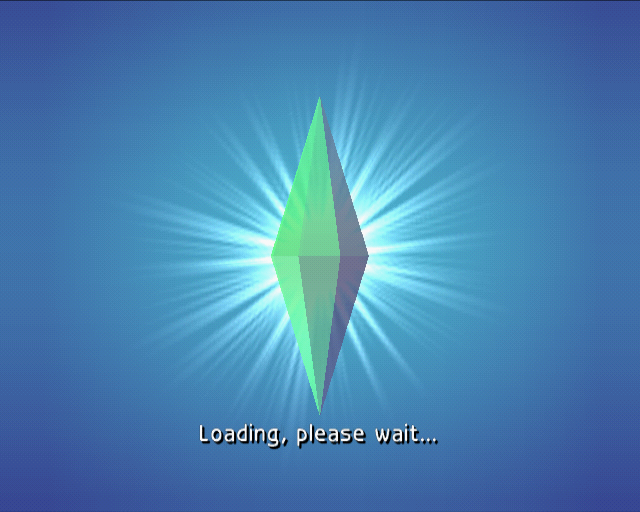
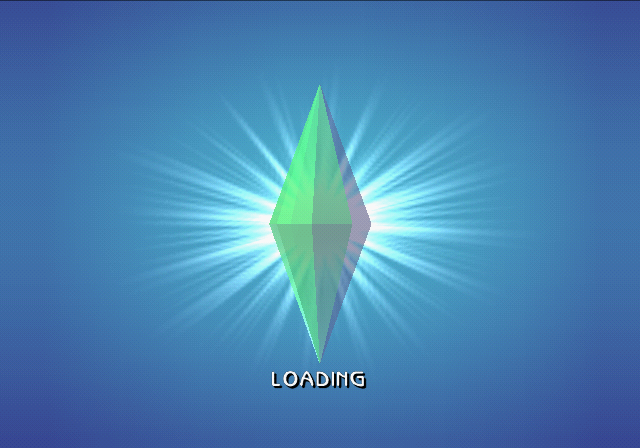
The loading screen text is slightly more verbose in the PAL release.
PAL |
NTSC |
|---|---|
 |
 |
Platform Differences#
|
|
To do: |
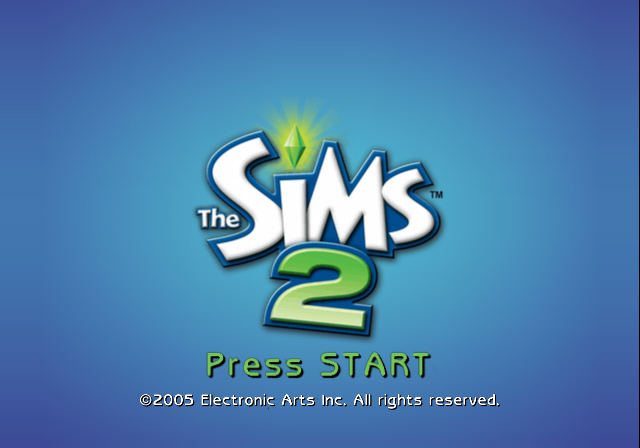
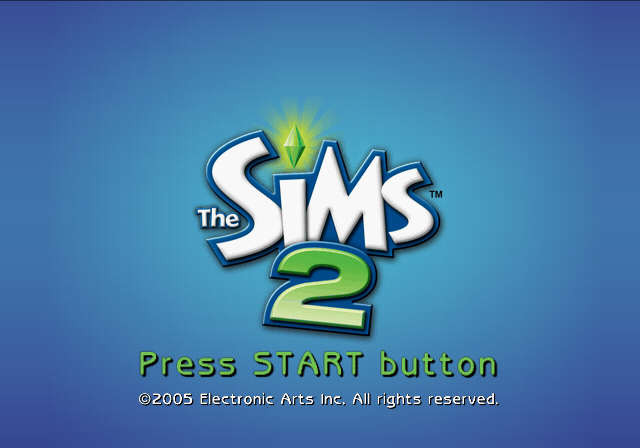
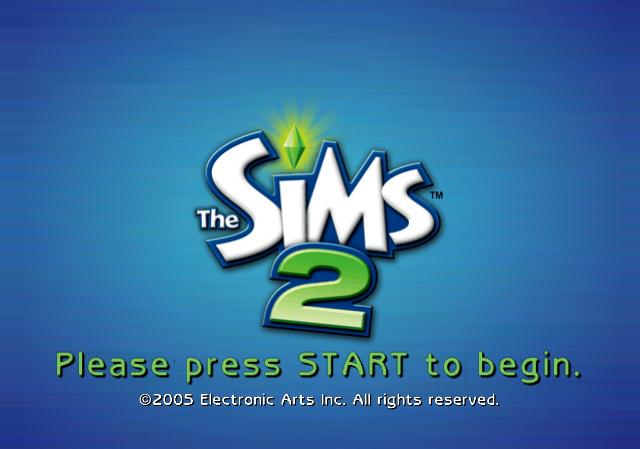
Start Screen#
The level of politeness for telling you to press Start is different for each platform. What's also notable is the background gradient being more detailed on Xbox.
GameCube |
PlayStation 2 |
Xbox |
|---|---|---|
 |
|
 |
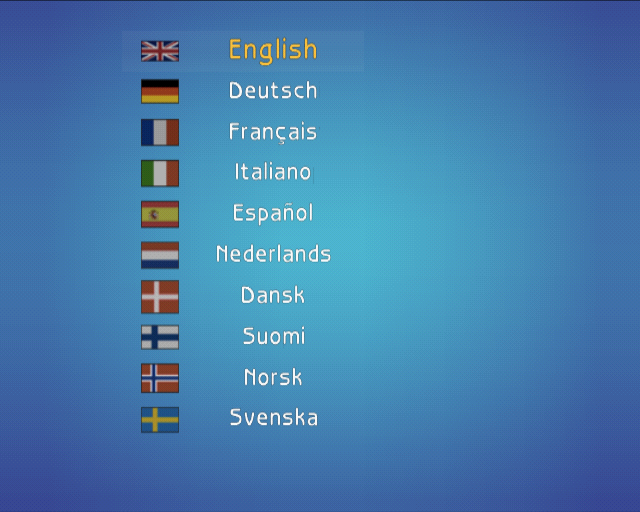
Language Select#
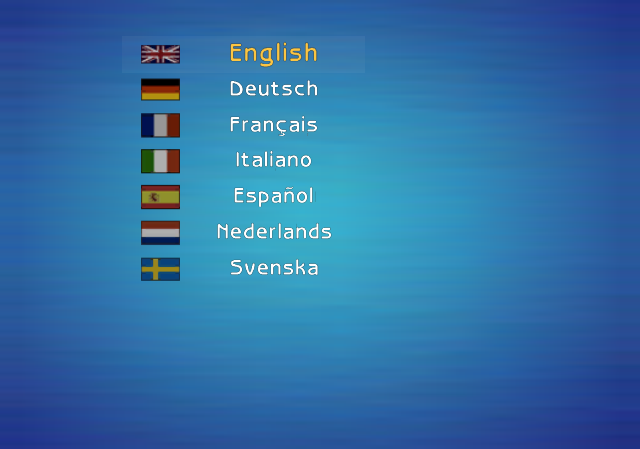
While GameCube relies on the system settings to set the language, PlayStation 2 and Xbox has a language select menu for the PAL release. Xbox happens to have fewer languages, those missing languages being Danish, Finnish and Norwegian.
PlayStation 2 |
Xbox |
|---|---|
 |
 |
Xbox Loading Screens#
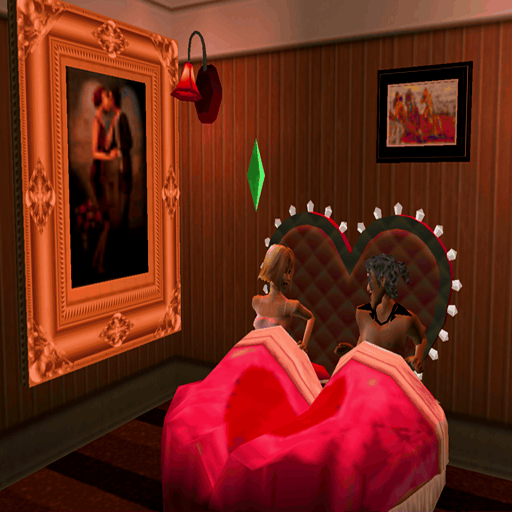
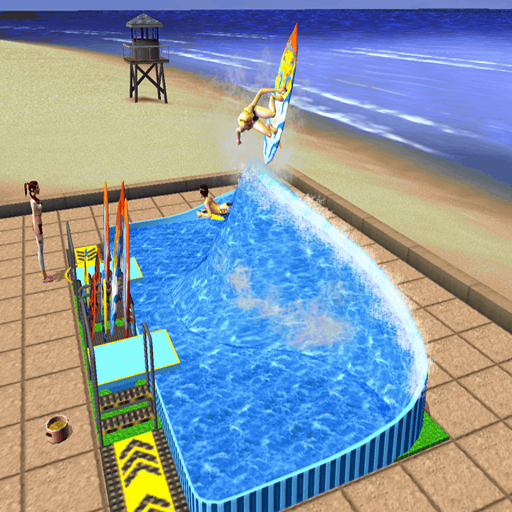
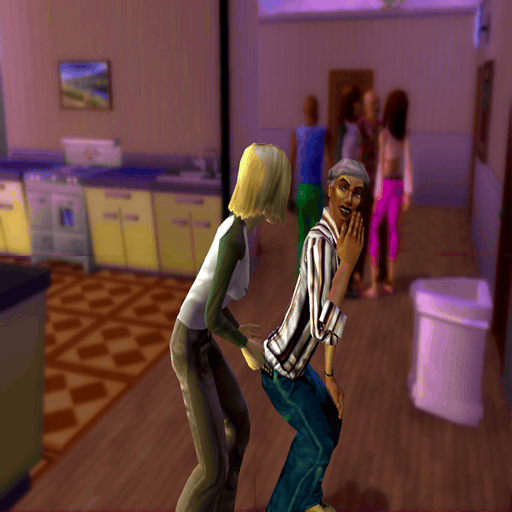
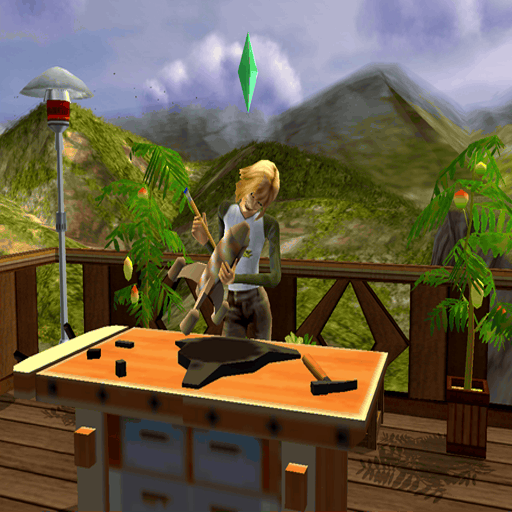
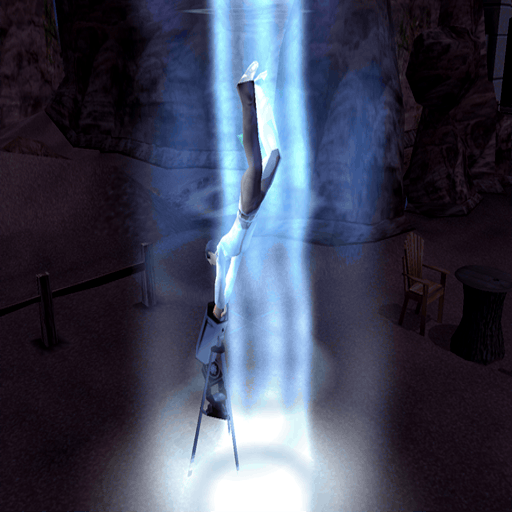
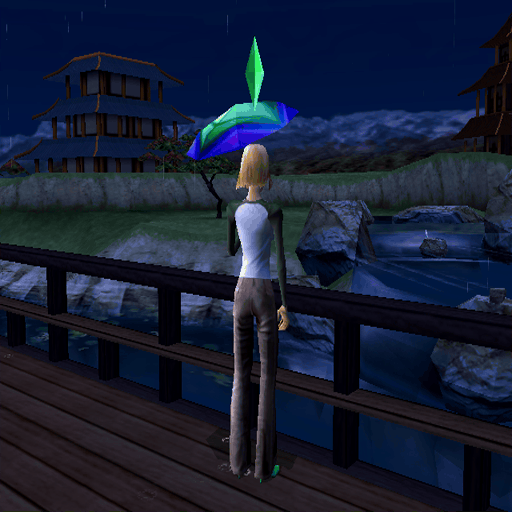
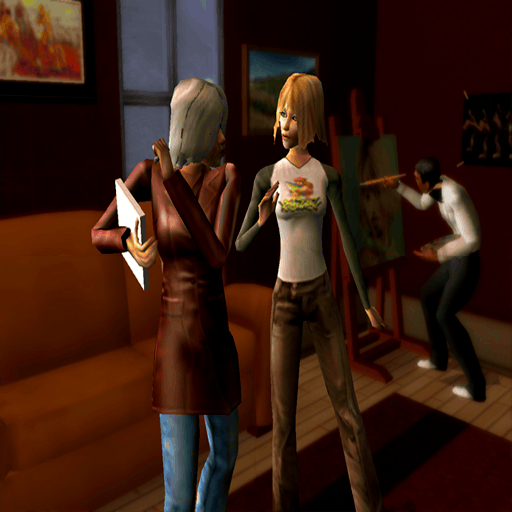
The Xbox version has unique loading screen backgrounds that can be seen. These textures also exist in the PS2 and GameCube versions, however they are 8×8 in size, and even if it's shown in-game there, there's no way it can be seen at that small of a size.
PlayStation 2 & GameCube |
Xbox |
PlayStation 2 & GameCube |
Xbox |
|---|---|---|---|
 |
 |
 |
 |
 |
 |
 |
 |
 |
 |
 |
 |
 |
 |
 |
 |