Prototype Info
 Prerelease Info
 BuffsBefore they were Moodlets, they were Sims 2-styled icons!
 Secret Debug CommandsAccessible via mod!
 Revisional DifferencesCool new base game furniture at the cost of removing Grim Reaper genetics.
Removed Traits#
|
|
To do: |
There are several unused traits in the game. Some were merged with existing traits, while others are unused because they would have possibly caused the game to receive a higher ESRB rating
Name |
Icon |
Description |
Additional Notes |
|---|---|---|---|
Boring |
 |
Boring Sims spout yawn inducing conversation topics that put others to sleep. Their jokes are terrible and they don't appreciate the funny jokes of others. Oftentimes they are satisfied doing nothing. |
Replaced with No Sense of Humor. |
Braggart |
style="text-align:center"; |None |
Braggarts enjoy talking about how awesome they are (even if they aren't) to others, all the time. |
Part of Snob. |
Chess Mastermind |
style="text-align:center"; |None |
Sims that are Chess Masterminds always know exactly what to do with every piece on the board several moves before their opponents. |
Part of Genius. |
Conversationalist |
 |
Conversationalists love a good conversation with family and friends. They can keep almost any conversation from going south. |
Replaced with Friendly. Part of Charismatic. |
Crybaby |
 |
Crybabies have a tearful reaction to negative situations. They won't get mad, they won't get even, they'll just cry. |
Part of Loser and Over-Emotional. |
Disdains Dessert |
style="text-align:center"; | None |
Sugar and excess calories just aren't for Sims that Disdain Dessert. For these Sims, desserts are off the menu. |
|
Dreamer |
 |
Dreamers dream big! They never settle for the small stuff and are rewarded more when their wishes are satisfied. |
Replaced with Ambitious. |
Easily Bored |
 |
Easily Bored Sims find small talk incredibly mundane. They also need to be entertained more frequently than the average Sim. |
Part of Childish. |
Gloomy |
 |
Gloomy Sims see the negative side of everything and are rarely pleased. |
Replaced with Grumpy. |
Good at Massages |
 |
Sims that are Good at Massages give amazing massages. They have the gift of incredible hands. |
Part of Flirty. |
Greedy |
 |
Greedy Sims desire money with every fiber of their being. It drives them throughout life and at every turn. |
Replaced with Mooch. |
Hates Computers |
style="text-align:center"; |None |
Sims that Hate Computers will never use a computer willingly. They hate the machines, for no apparent reason. |
Part of Technophobe. |
Hates Reading |
style="text-align:center"; |None |
Sims that Hate Reading will never willingly pick up a book to read unless forced to do so. They always prefer to spend their time in other ways. |
Conflicts with Bookworm. |
Likes Giving Hugs |
style="text-align:center"; |None |
Hugs are hard to get just right. There are some great huggers out there, though. The best hugs are given by those who Like Giving Hugs! |
Conflicts with Great Kisser. |
Materialistic |
 |
Materialistic Sims love buying new things, and therefore tend to strive towards great wealth. They dream of owning the most expensive items and work hard towards that goal. |
Conflicts with Frugal. |
Mean |
style="text-align:center"; |None |
Mean Sims love to fight, mostly because they never lose in a brawl. They take satisfaction with every new Enemy made and dream of new ways to be nasty to others. |
It has the same description with Mean Spirited, which might mean this is the original name of the trait. |
Pack-Rat |
style="text-align:center"; |None |
Pack Rats love to be surrounded by stuff and hate it when things are thrown away. Such a waste! |
Conflicts with Frugal. Replaced with Materialistic and Slob. |
Paranoid |
style="text-align:center"; |None |
Paranoid Sims are constantly looking over their shoulder for unexpected threats. They see the truth... everywhere. |
Replaced with Coward. |
Plain |
style="text-align:center"; |None |
What's there to say about Plain Sims? |
|
Quick Recovery |
 |
Broken promises will no longer lead to disappointment. Get back on your feet and go! |
|
Rude |
 |
Rude Sims love to mock and insult others with harsh words. A sneer is often found on their faces, and apologies never escape their lips. |
Part of Inappropriate, Hot Headed, and Mean Spirited. |
Ruffian |
style="text-align:center"; |None |
Sims that are Ruffians are typically up for a brawl. The decision is easier to make when you know you'll never lose, naturally. |
Part of Mean Spirited. |
Shy |
 |
Shy Sims will never approach anyone that isn't a friend and tend to stick to their rooms if they are able. They are also uncomfortable around large crowds of people. |
Replaced with Loner. Recreated in The Sims 3: Late Night. |
Stubborn |
 |
Stubborn Sims have a really difficult time accepting apologies and tend to hold grudges for a long time. |
Replaced with Hot-Headed. |
Stupid |
style="text-align:center"; |None |
The road to knowledge is a slow one for Stupid Sims. They just don't get things. It's not their fault - they try real hard! |
Replaced with Absent-Minded. |
Sweet Talker |
 |
Sweet Talkers are the best suck-ups in school, at work, or even when complimenting their friends and neighbors. They love to flatter and are very good at it. |
Replaced with Schmoozer. |
Unforgiving |
style="text-align:center"; |None |
None |
Only referenced in Personas.xml game file. |
Vain |
 |
Vain Sims love to admire themselves in the mirror and they will never turn down a compliment. As far as they are concerned, the sun revolves around them. |
Part of Snob. Similar to Diva. |
Wanton |
 |
None |
There is no description for this trait. It might have been related to the game's "WooHoo" mechanic, and was possibly scrapped to avoid a higher age rating. |
Worrywart |
 |
Worrywarts are easily stressed by the smallest problem and have a hard time getting back to a normal, relaxed state of mind. They take solace in sharing their worries with others. |
Replaced with Neurotic. |
Testing Cheat#
As in The Sims 2, you can access several debugging features by pressing CTRL + SHIFT + C during gameplay and typing "testingcheatsenabled true" into the command box.
Control-Click#
Control-click on any moodlet in the moodlet panel to eliminate it. If it's motive-related, the offending motive will be filled completely.
In addition, if you entered the cheat on the Load/New Game menu, then you can Control-click the area between the chest and the points in the Lifetime Happiness meter to add 500 lifetime happiness.
Additional Cheats#
The following cheats can only be used once testingcheats are enabled.
ageuptonpc: Makes any toddlers who grow up to be children NPCs in the household.
familyfunds HOUSEHOLD ######: Set the amount of Simoleons of the family. For example, familyfunds TCRF 32767 will set the TCRF family's total funds to $32767, even if they had more. To use it on a household with a space on their surname, the surname must be typed with quotation marks, i.e. familyfunds "TC RF" 32767.
maptags on/off: Toggles map tags. No longer needed after patch 1.7, since it's now a normal option in the options menu. It still works, though.
discotags on/off: Toggles map tags changing color and blinking. Fun!
playsounds on/off: Toggle all audio.
recordvideo small/medium/large low/moderate/high/max: Start recording a video with the specified settings.
speed 0-8: Changes game speed. 0 is normal, 8 is the slowest possible.
buydebug on/off: Unlocks a Buy Mode slot with many unbuyable, event and debug objects.
Object Debug Menus#
These are accessed by Shift-clicking on a specific object.
Mailbox#
- Make All Happy: Removes most negative moodlets, maximises needs and generally maxes out your mood.
- Make Friends For Me:
- Make Needs Static/Dynamic: Toggles needs decay.
- Make Me Know Everyone:
- Force Visitor: Forces someone to show up.
- Force NPC: Force an NPC to show up.
- Set Career: Set the current Sim's career to the specified path, branch and rank.
Workplace#
- Force Opportunity: Seems to only force work-related opportunities. No skill-related opportunities seem to come up.
- Force Event:
- Force All Events:
All Community Lots and Neighbour's Houses#
(Requires Ambitions Expansion)
- Spawn Job: Only available for Sims employed in Professions or the Medical Career. Also depends on the Profession or Career.
The Floor#
- Teleport: Zap your Sim over to this tile.
- Build/Buy on this lot: Added in the 1.7 patch.
All Sims#
- Trigger Age Transition:
- Add To Active Household/Family:
- Favorite Music: Added in the 1.7 patch. Options for favorite color and food do not exist, strangely.
Current Active Sim#
- Modify Traits for Active Sim:
- Trigger Age Transition:
Non-Household Sim#
- Add to Household:
Any Object#
- Object/Delete It: Added in the 1.7 patch.
Meters#
You can raise or lower your Sim's current motive, relationship and profession progress (in Ambitions) by just clicking and dragging on the bar.
Scrapped Ruins of Karnak Tomb#
Introduced in the World Adventures expansion, there is an elaborate landmark tomb in Al Simhara called the Ruins of Karnak (based on the real-world location of the same name). Despite being a landmark tomb, the lot only contains a single tiny room in the basement with no secrets to discover. If the lot is edited it's possible to view various empty test chambers below the lot, suggesting that a deeper tomb was initially planned but ultimately cut. Further supporting this is an unused named keystone called the Key to Karnak, which can be used with keystone panels that have been configured to accept it.
Some time after the expansion's release, EA uploaded a version of the Ruins of Karnak to the exchange that features a labyrinthine tomb called the Tomb of Tolhar the Peaceful. However, the Key to Karnak still remains unused and has no relation to this version of the tomb at all.
Oddities#
Going Over The Weight Limit#
There are multiple ways to go over the weight limit in the game, that the game allows you to in the Create A Sim. As a result of doing these actions multiple times, your sim will be extremely obese and will look weird.
- Stealing candy from a baby/toddler (Requires Evil trait)
- Eating ice cream from a ice cream truck.
- Eating food from a food truck.
Werewolf Form Cannot Age Up#
If you have a sim that's currently in their werewolf form, and try to blow the candles from a Birthday Cake. They will not age up at all, likely due to a oversight for the form itself. In which you will need to revert them back to their human form in order to age up the Sim.
Anti-Piracy#
Two weeks before The Sims 3 was released, it was leaked onto the internet. If you start a leaked copy of The Sims 3, the game launcher will notify you that the copy of the game is unauthorized, and you will not be able to access "The Sims 3 Store" or download the free neighborhoods.
Unused Graphics#
|
|
To do: |
UI Graphics#

 Two placeholder graphics, used for unobtainable moodlets.

An early logo for the game.
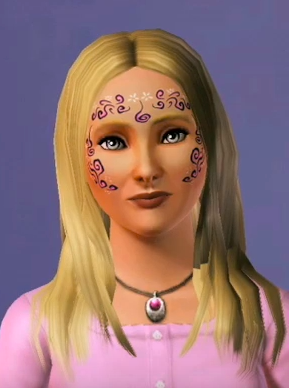
An unused hairstyle, featured in a gameplay clip from november 2008. Also features an unused eye texture.

Another unused hairstyle, unknown date. Also features an unused eye texture.
Unused Splash Screens#
Two unused save loading splash screens featuring Sunset Valley, looking different from the final game. According to the filenames, there were apparently supposed to be two variations in day and night flavors rather than one.

Unused Weather icons#
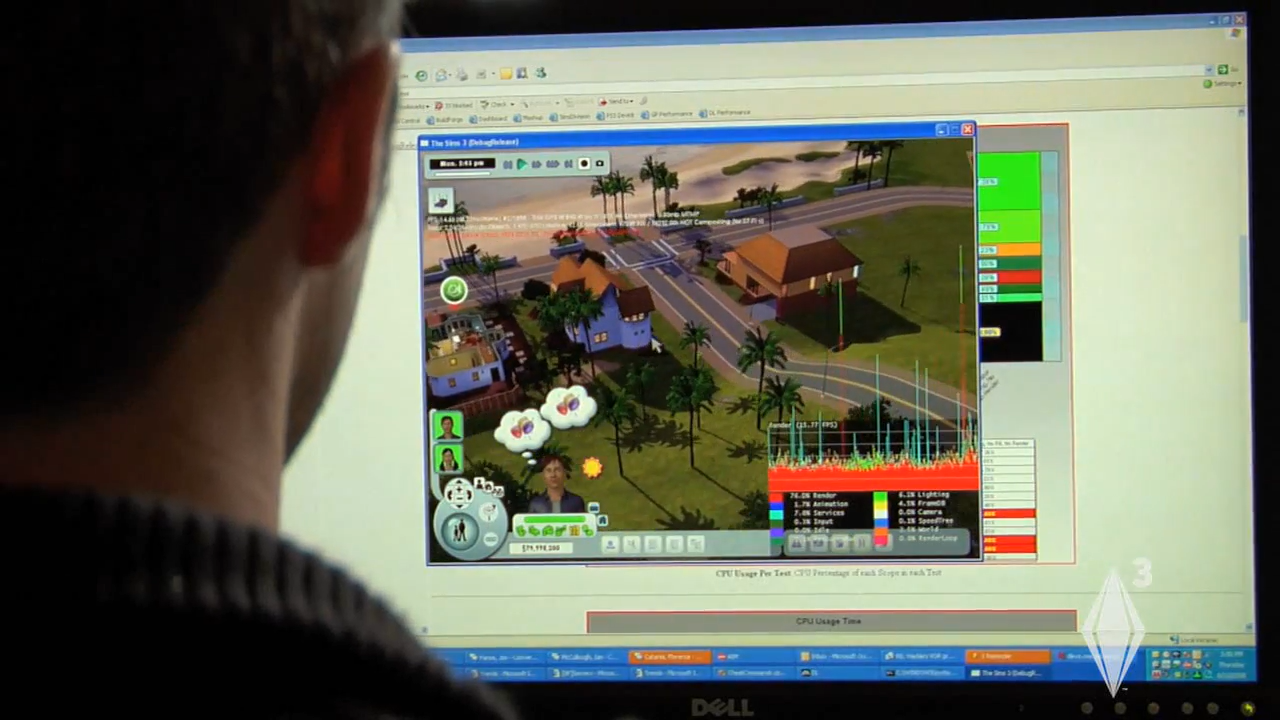
There are a set of four unused weather icons. This is likely left over from when there was going to be Weather in the base game, according to a behind-the-scenes prerelease video.
Though Weather would be introduced in Seasons, the icons would get new designs.
Icon |
Name |
|---|---|
 |
motives_mood_sunny |
 |
motives_mood_cloudy |
 |
motives_mood_rainy |
 |
motives_mood_stormy |
Similar file names to those in the above table can also be found in the Sims 3\GameData\Shared\NonPackaged\ folder, for example, Sky_Stormy1.ini or Sky_Overcast1.ini.
However these icon filenames includes mood part, which may indicate that these icons were planned to reflect our Sims' humor.
Unused Map Tags#
Map tags are used to show important locations in the game. Some are mockups for existing tags but some are unused.
Icon |
Name |
Description |
|---|---|---|
 |
ClothingStore |
Clothing stores were planned, but scrapped in favor of having all clothing items available in the wardrobes. |
 |
mausoleum |
Every graveyard in The Sims 3 has one of these. This is just an early version of the icon used to represent it. |
Expansions#
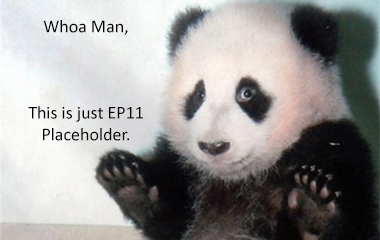
A placeholder graphic for Into The Future featuring a panda with some humorous text on it.
Unused Models#
Unused Building Shells#
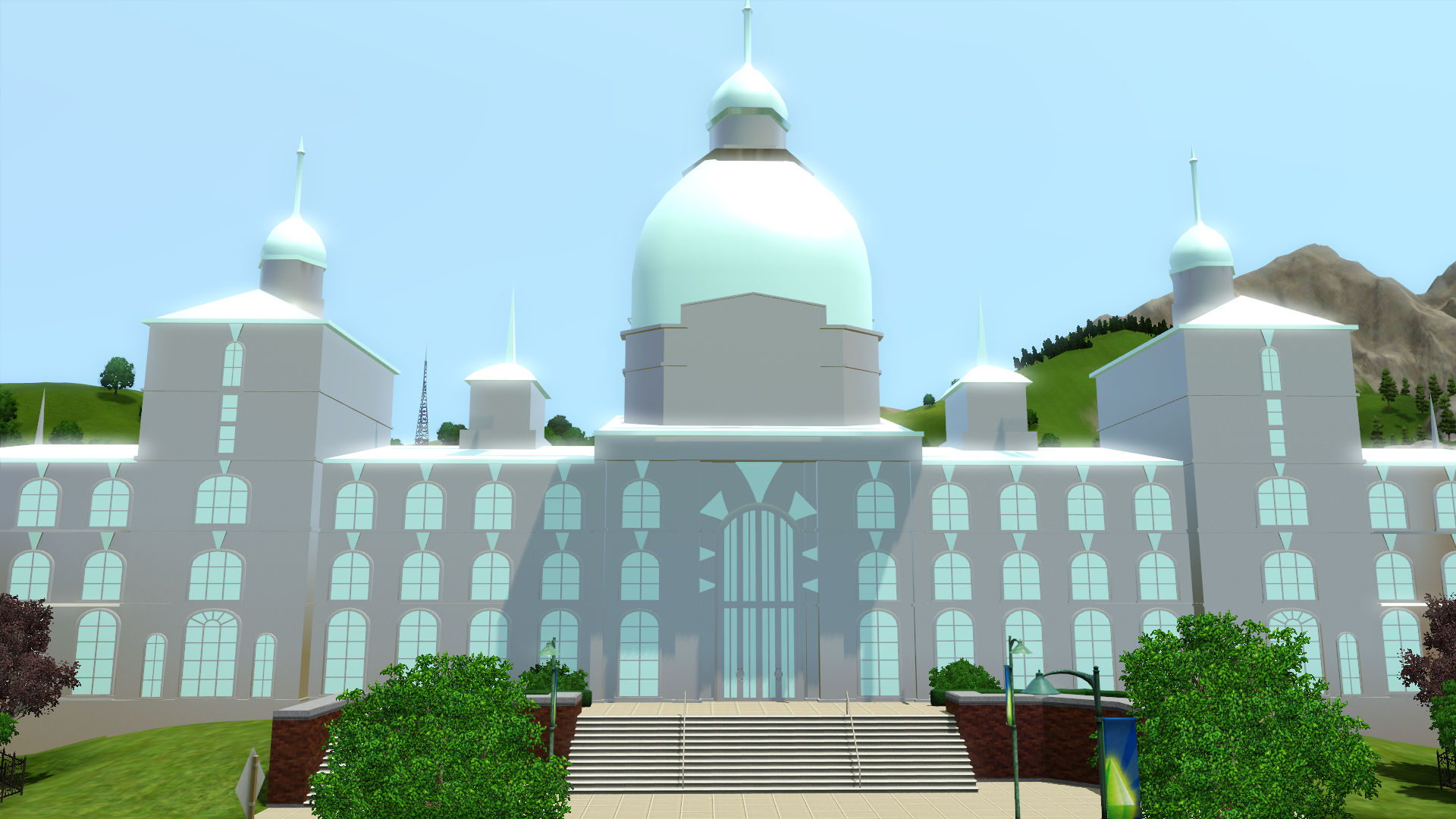
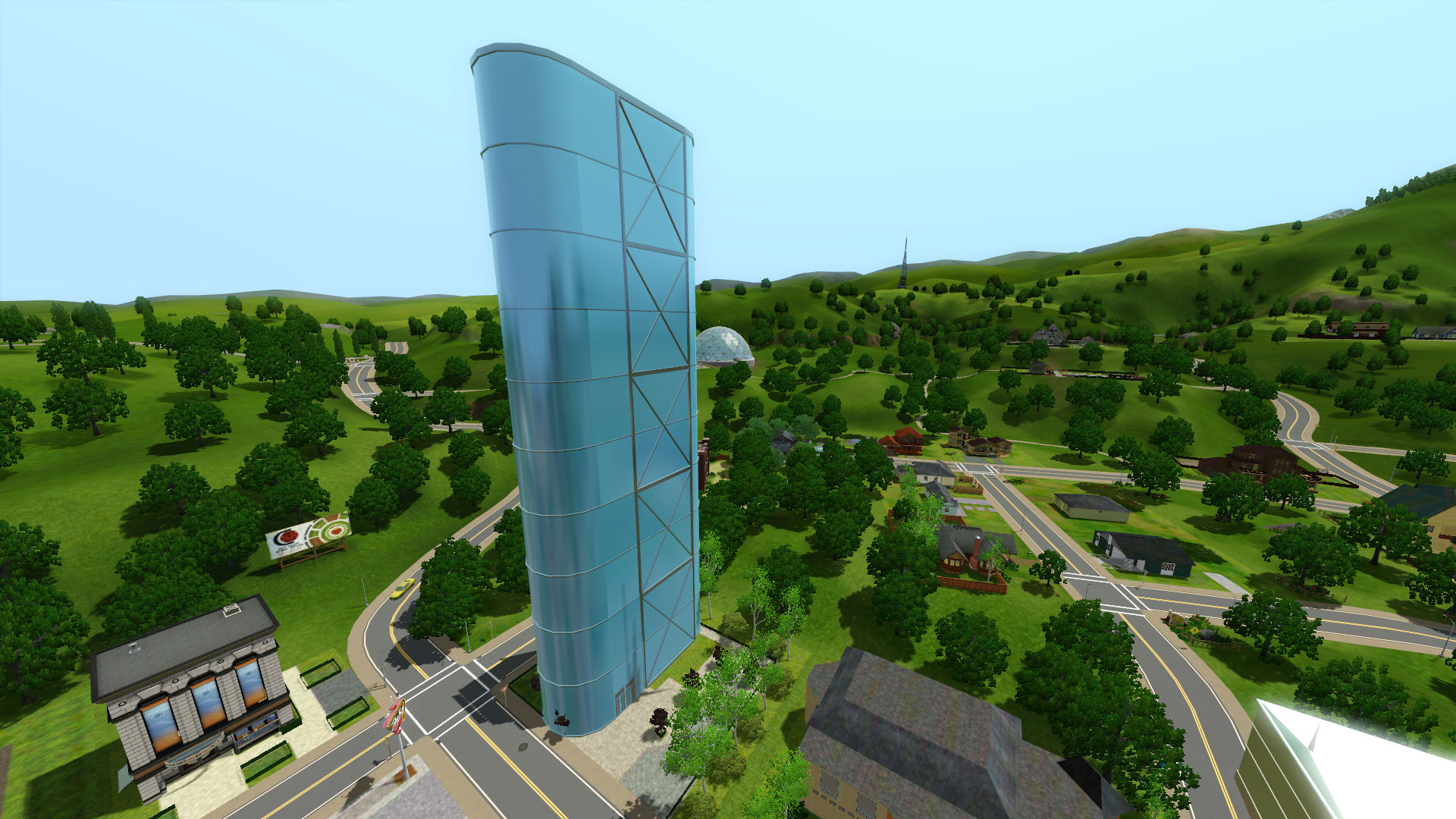
In game files there are two unused shells that appear very basic and probably were never intended to be released. First one appears to be the town hall and the second one looks like the office building.