 Unused TexturesThe game sure went through many different styles.
 Unused TextFeaturing a handful of scrapped characters!
 Unused ScriptsComment to be written.
 Unused SoundsComment to be written.
Cheat Menu#
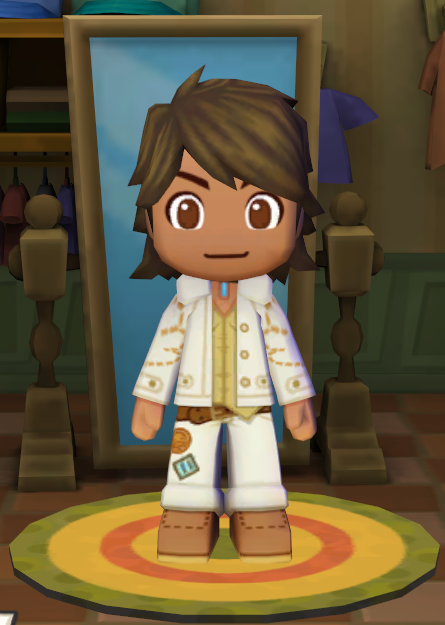
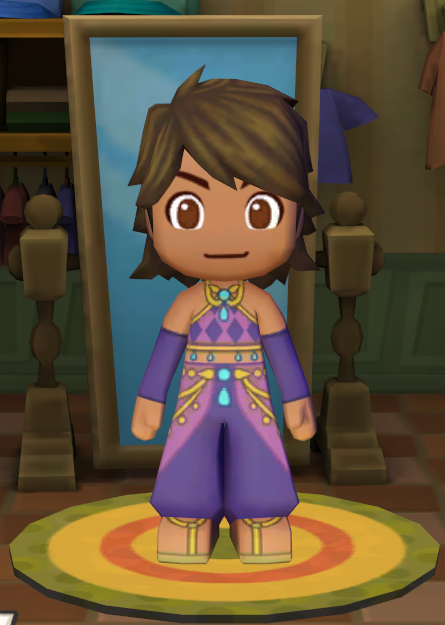
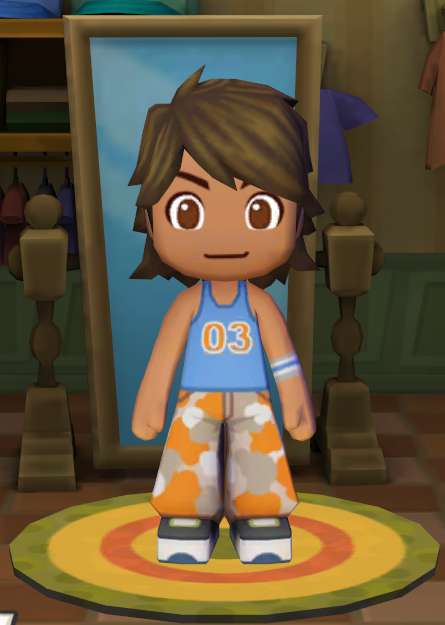
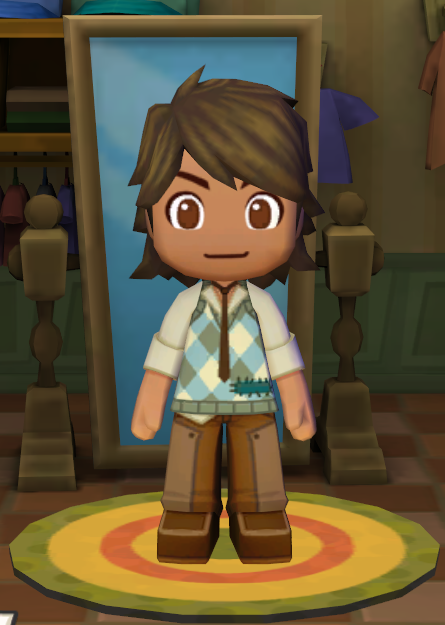
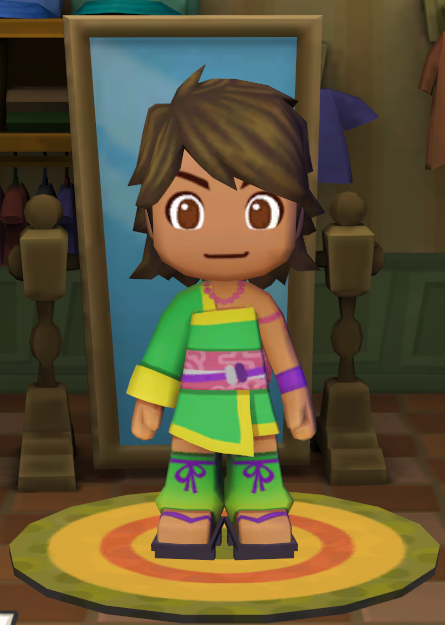
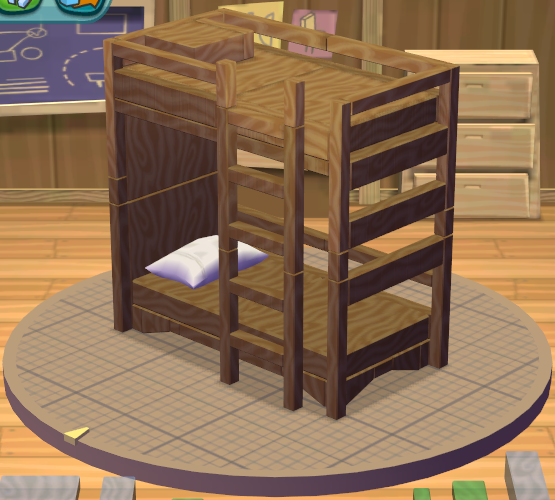
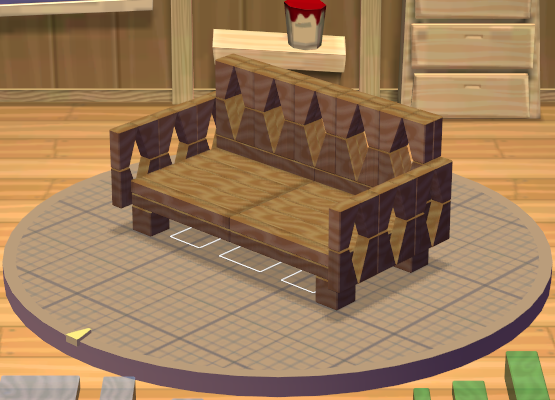
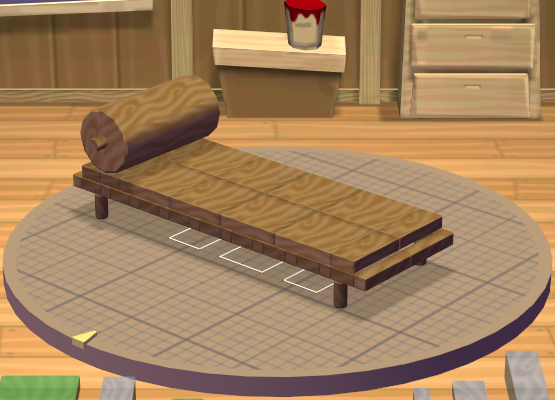
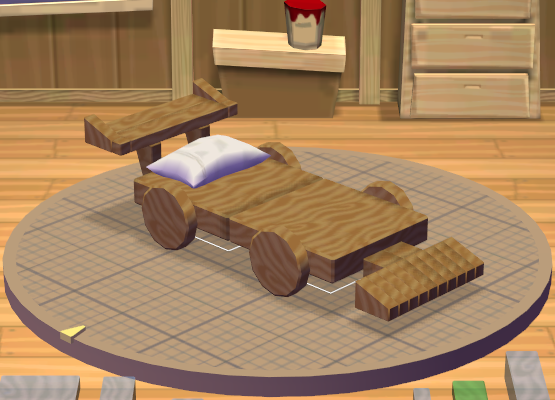
Long thought to be inaccessible in the Windows version is a hidden menu that allows players to enter cheat codes to unlock five new outfits to dress Sims in, and five new blueprints to build in the workshop.
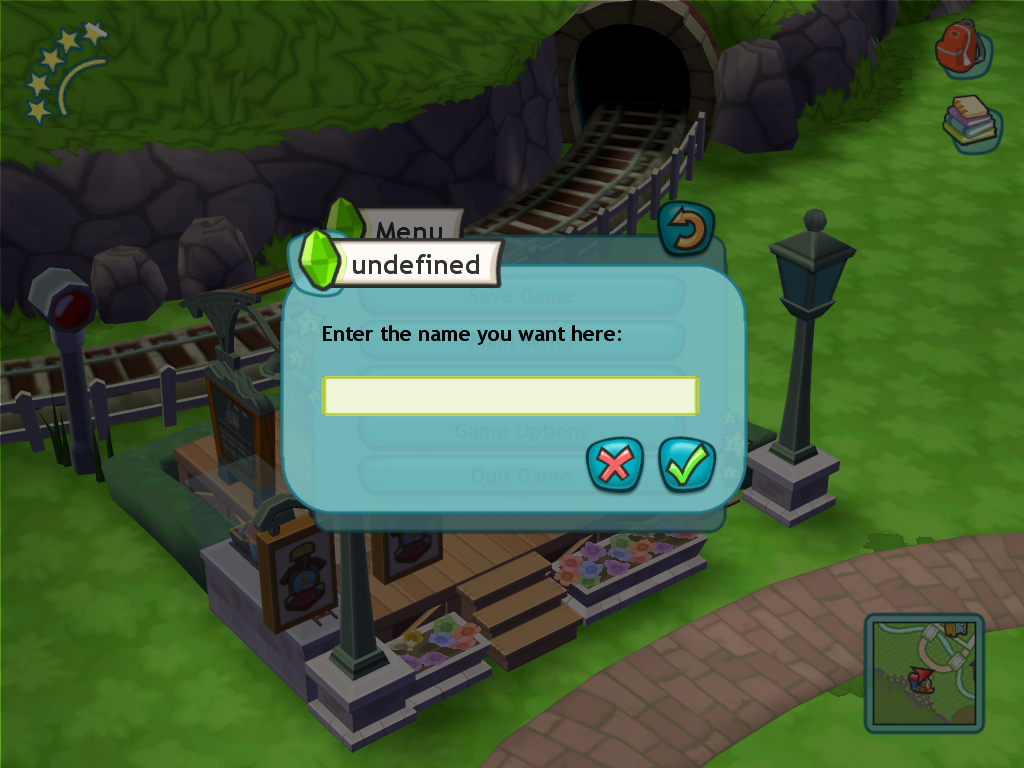
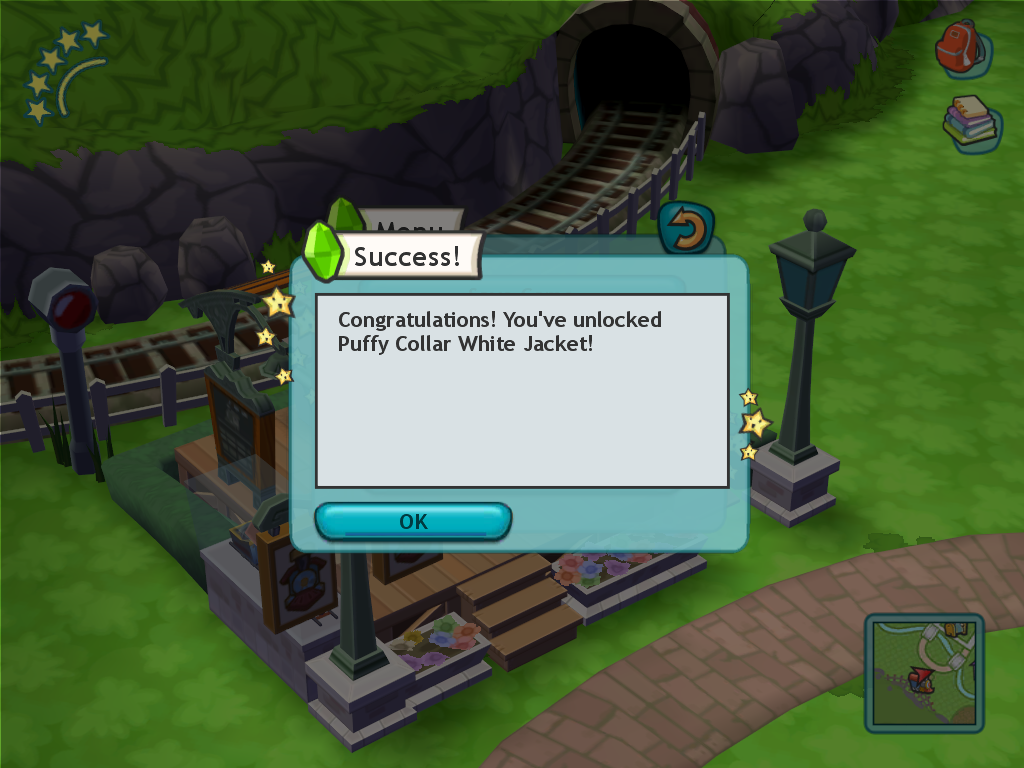
The menu can be accessed by entering the following button combination (with the numbers being entered on the keyboard's number pad) while on the pause menu:
V B 2 8 2 8 4 4 6 6
|
Wii |
Windows |
|---|---|
|
|
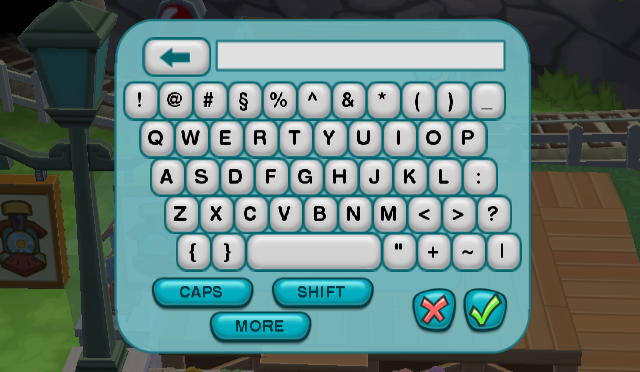
The Cheat Menu was even reworked to remove the on-screen keyboard, since there was no longer any need. Although the rework was evidently not thorough, as the text in the menu asks the player to input a name rather than a cheat code and the header at the top of the new condensed menu reads undefined.
Outfits#
Body Model |
Design |
Screenshot |
Cheat Code (Case Sensitive) |
|---|---|---|---|
|
|
| |
|
|
|
| |
|
|
|
| |
|
|
|
| |
|
|
|
| |
|
Blueprints#
XML File |
In-Game Name |
Screenshot |
Cheat Code (Case Sensitive) |
|---|---|---|---|
|
|
| |
|
|
|
| |
|
|
|
| |
|
|
|
| |
|
|
|
| |
|
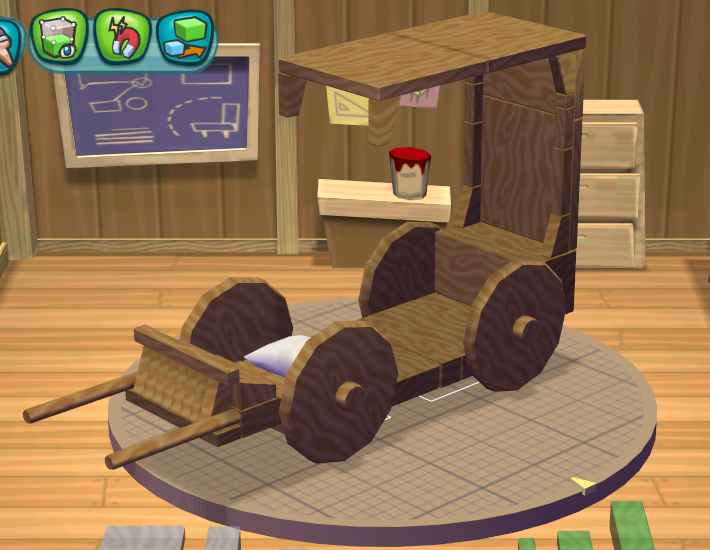
Inaccessible Content#
Tag Minigame Music#
Used during the online-only tag minigame. Due to online services being shut-down, the track is effectively unused.
Online Sound Effects#

|
To do: |
The sound effects that played while online are also now unused due to the discontinuation of online services and can only be heard if the game is made to play the sounds via custom lua code or via modifying the "Sfx.package" file.
Audio |
Filename |
Summary |
|---|---|---|
ui_share_cancel01 |
Comment to be written. |
|
ui_share_invite_acc01 |
Comment to be written. |
|
ui_share_invite_exit01 |
Comment to be written. |
|
ui_share_invite_kickout01 |
Comment to be written. |
|
ui_share_kickout01 |
Comment to be written. |
|
ui_share_login01 |
Comment to be written. |
|
ui_share_logout01 |
Comment to be written. |
|
ui_share_text_alert01 |
Comment to be written. |
|
ui_shared_invite_acc01 |
Comment to be written. |
Essences#
While the Windows version introduces some new Essences found only in the Garden Area, they vary by save and all following Essences below cannot be obtained without editing PlayerRecord.xml. These essences would all be obtainable in the MySims Cozy Bundle re-release.
- Telescope
- UFO
- Rubber Ducky
- Beta Fish
- Penguin
- Puppet
- Uber Shiny
- Goby
- Robo Fish
- Bat Fish
Unused Levels#
Internally, areas of the game are referred to as levels and will be referred to as levels for the purposes of this article.
luaTest#
By replacing the contents of an accessible world file such as townSquare.world (as was done in the picture shown on the left) with the contents of luaTest.world, one can access a test environment that appears to have been used during development to possibly test interactions between the player and objects. There are entries for objects and two characters, Chef Gino and Ray, in the level's data, as well as multiple objects. These objects and Ray will not load by default as their specified object definitions were renamed during development. Ray's definition being renamed to "Townie_Spooky_Ray_Def" and the objects all having "Basic_" added to their names. Fixing these will result in all the objects and Ray appearing correctly.
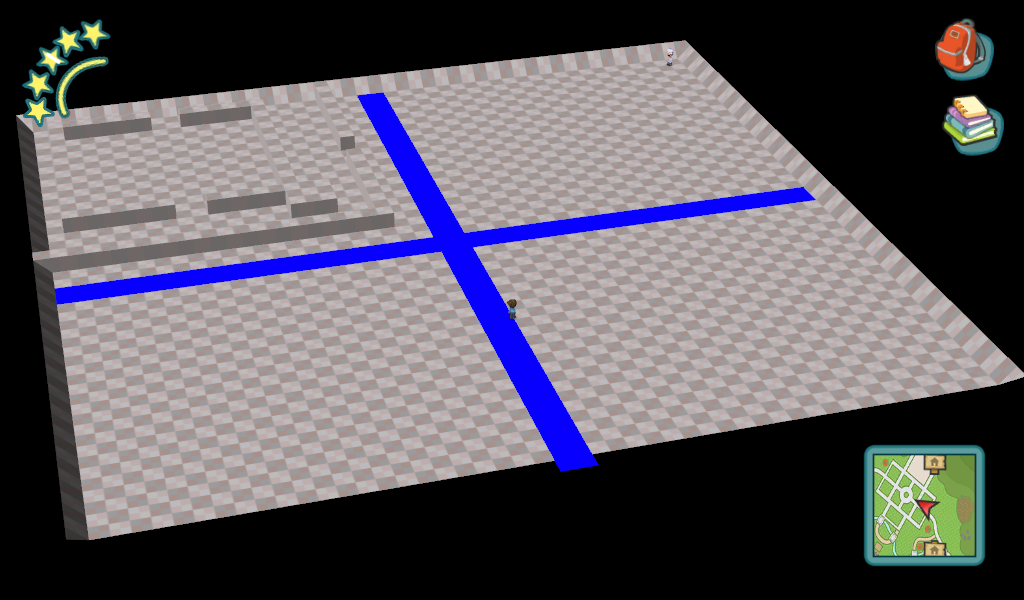
testAutonomy#
A level that was used for testing the autonomy of NPC characters, two characters have entries to appear here, Chef Gino and Poppy, with Poppy initially not appearing due to a typo, with "FloristYounger1" being specified as "FloristYounger_1" with an underscore. Again, much like luaTest, using the correct object definition will have her show up. The level uses the same model and collision as luaTest.
nookPrototype_15x15#
Unlike the previous two test levels, this does not have a leftover .xml file. As a result an existing level file had to be modified, the

oneBedroomA#
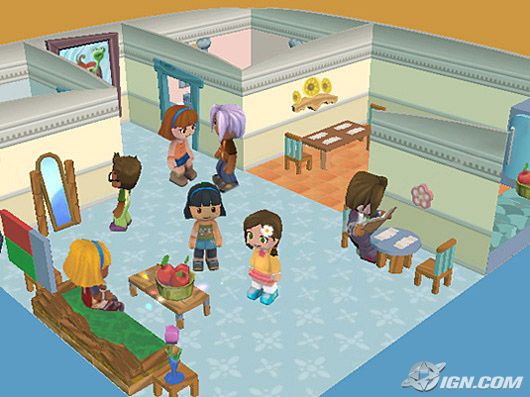
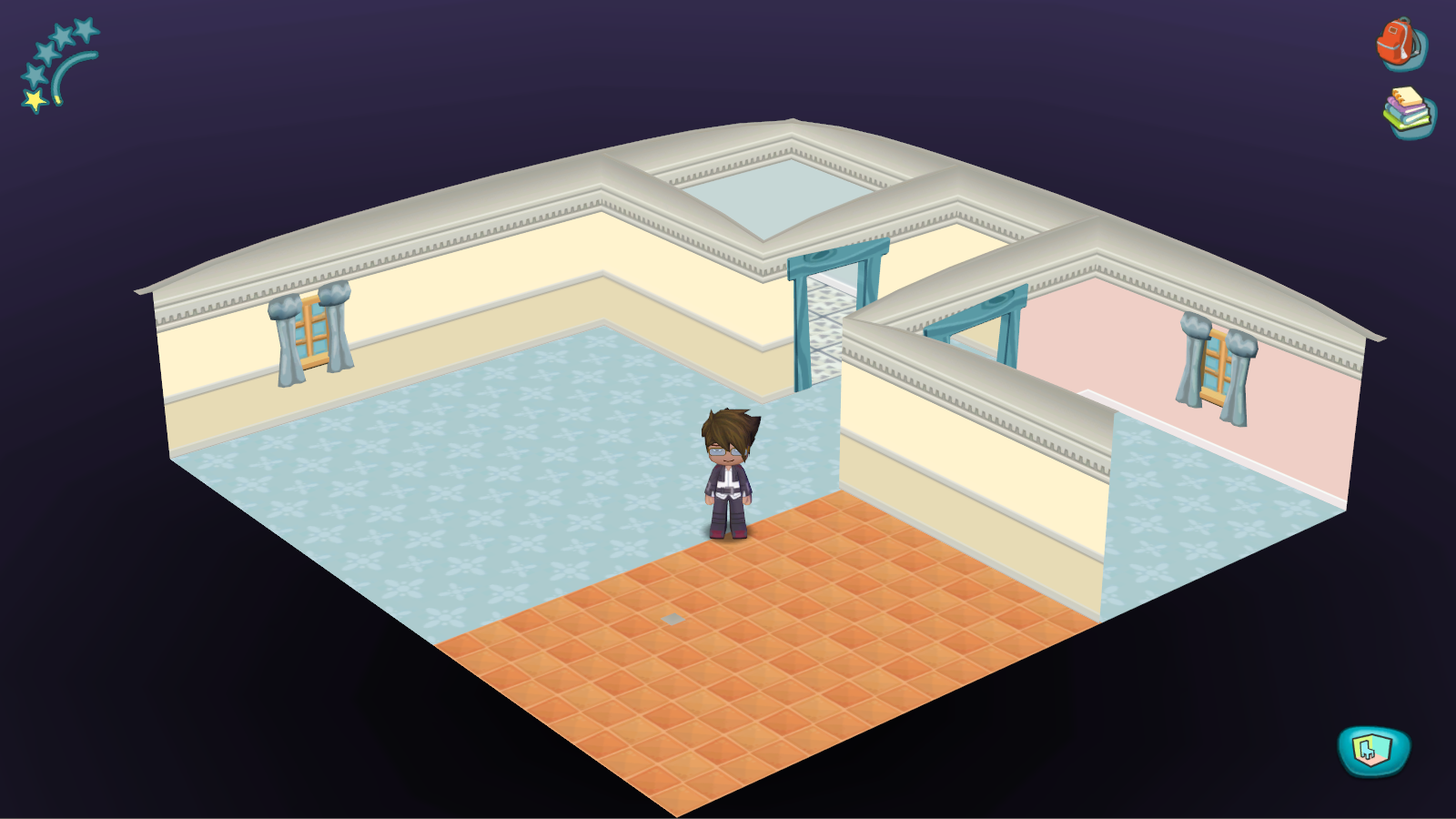
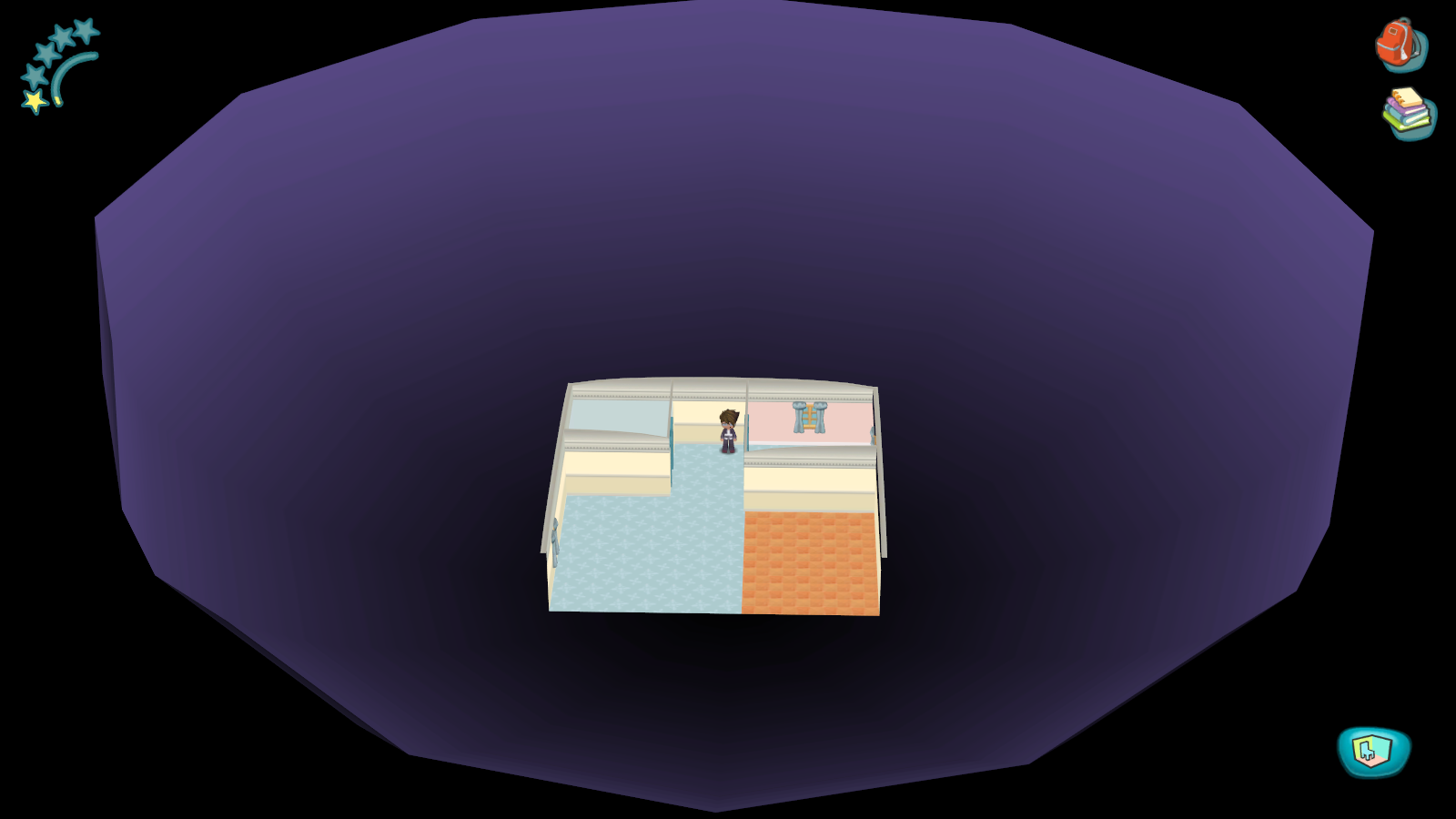
This also did not have a leftover .xml and had to be remade. A simple one bedroom interior, it matches an interior seen in a pre-release screenshot almost perfectly, the one difference being the absence of a wall between the kitchen and living room area. Much like the pre-release screenshot and unlike the rest of the game, this level doesn't have any shadows or lighting. Interestingly this is the only interior to have anything outside its walls, with a half-dome featuring violet to black gradient, as opposed to every other interior, which just features a black void.
twoBedroomA#
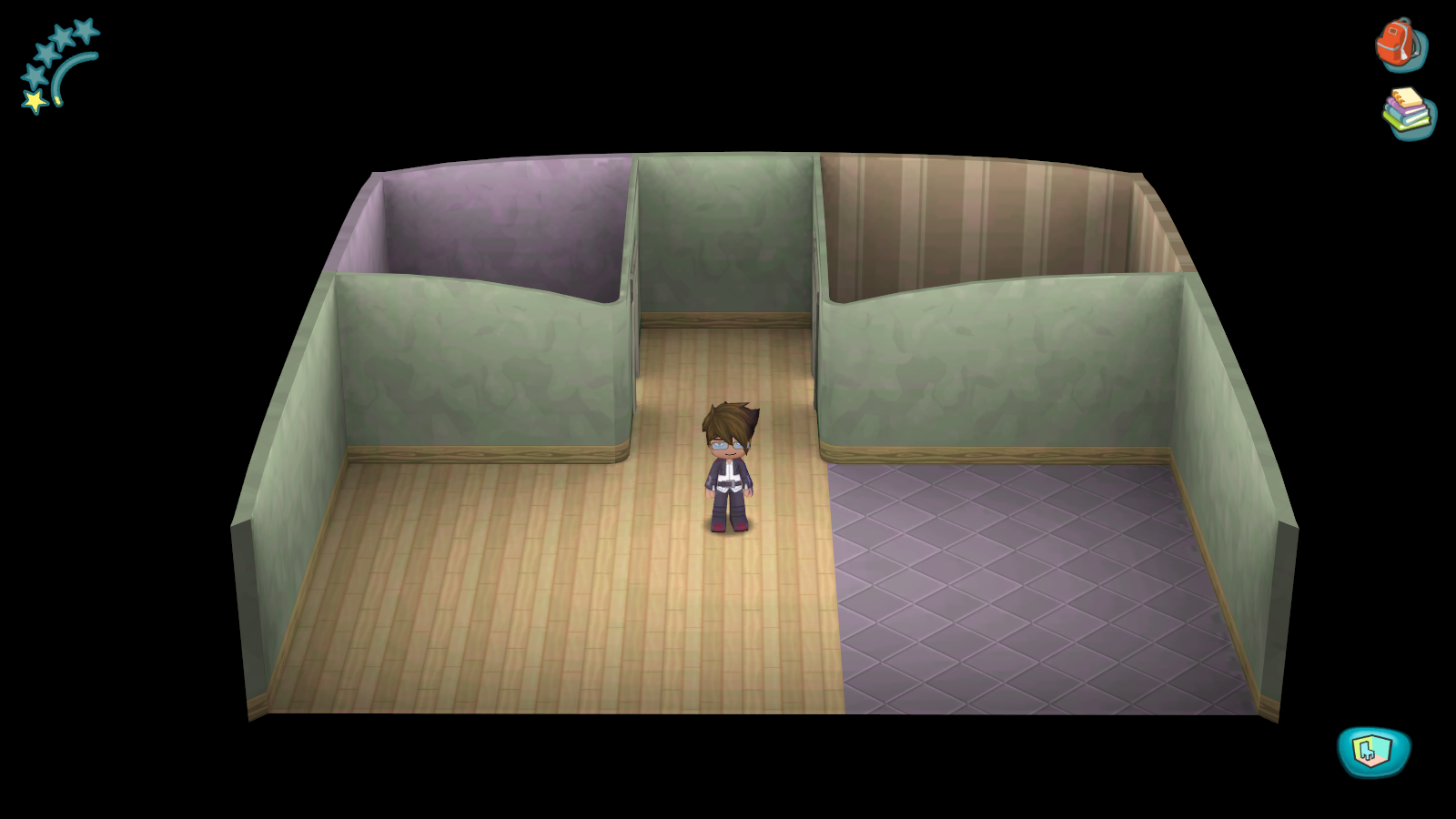
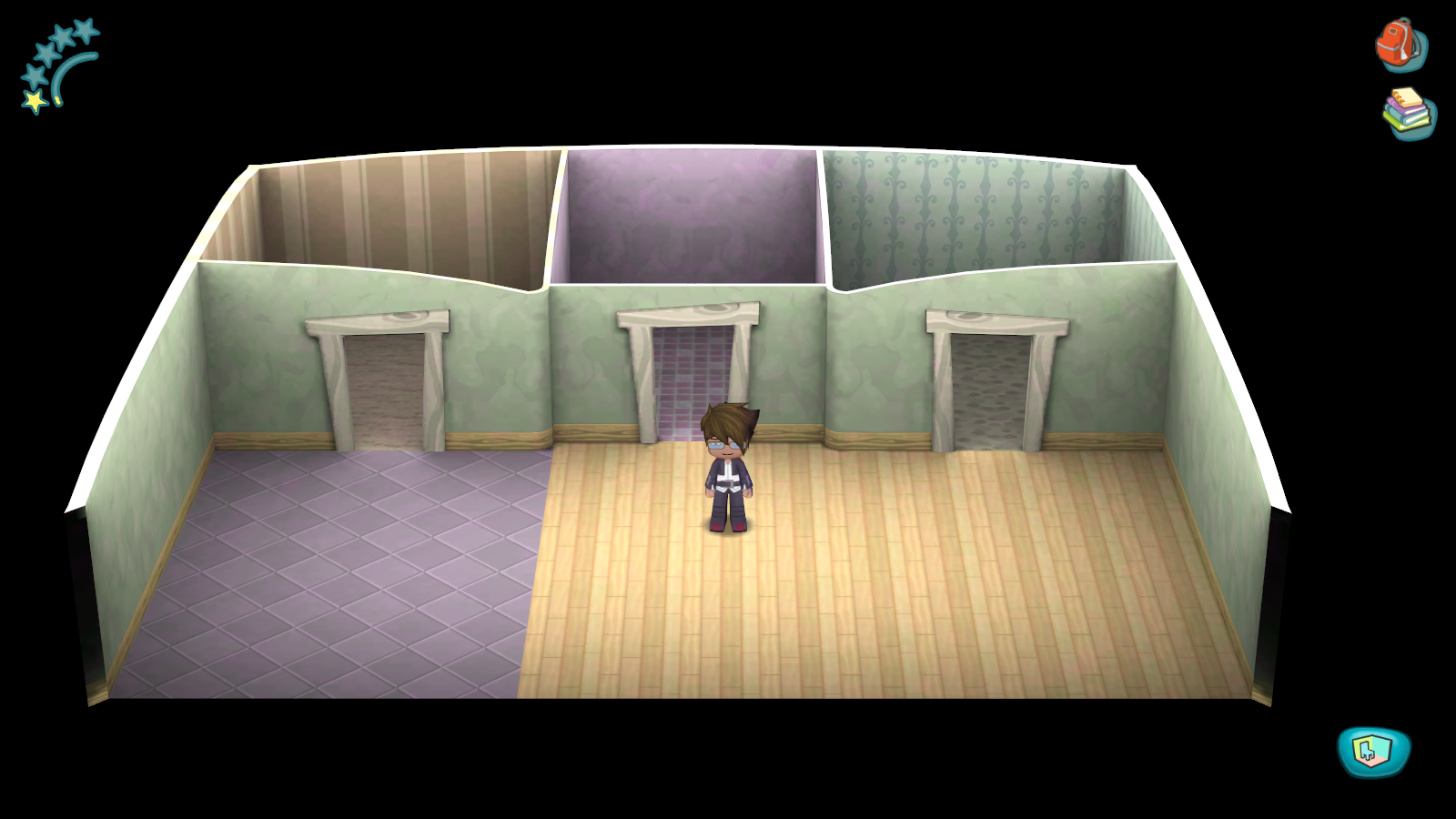
Like the previous two this did not have a leftover .xml file. A larger version of the standard one bedroom interior, this one features two bedroomsǃ But other than the absence of a hallway down the middle, there's nothing else of interest.
Unused Essences#

It is worth noting that all unused essences do not use a proper icon like the one shown on the left, but rather use either a simplistic placeholder or the palette icon.
Wood#
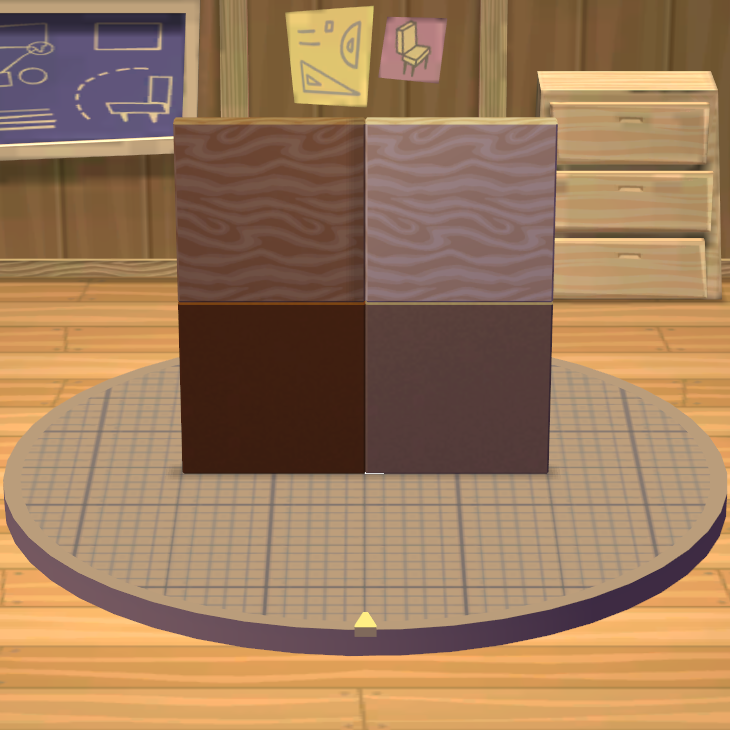
While not technically unused, it is unobtainable in the same way as every other essence because it is used as the "default" paint in the workshop. As a result its flair model, icon, and palette are never seen in-game. By modifying the essence's file, it is possible to add it to the game as a regular essence that can be used in the workshop like the others.
Model |
In-game |
Icon |
Palette |
|---|---|---|---|
 |
 |
 |
 |
Acorn#
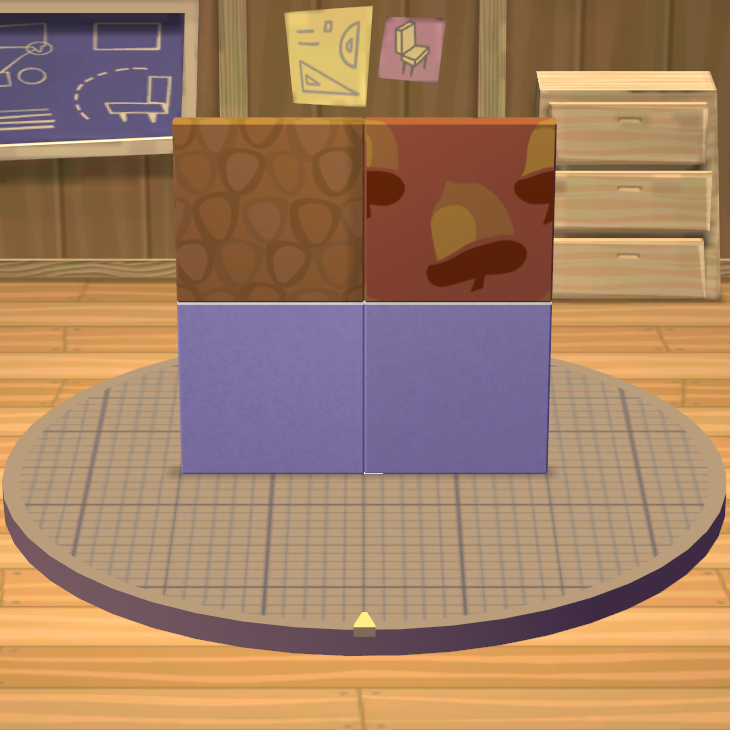
Unlike the Wood essence, the Acorn essence had no leftover xml file, and had to be reconstructed to be put in-game, it was as simple as taking an existing file and changing the references from whatever the essence originally was to acorn. Oddly enough the Acorn essence does not have a palette icon, and the flat color paints show up as plain white.
Model |
In-game |
Icon |
Palette |
|---|---|---|---|
 |
 |
 |
N/A |
Hedgehog#
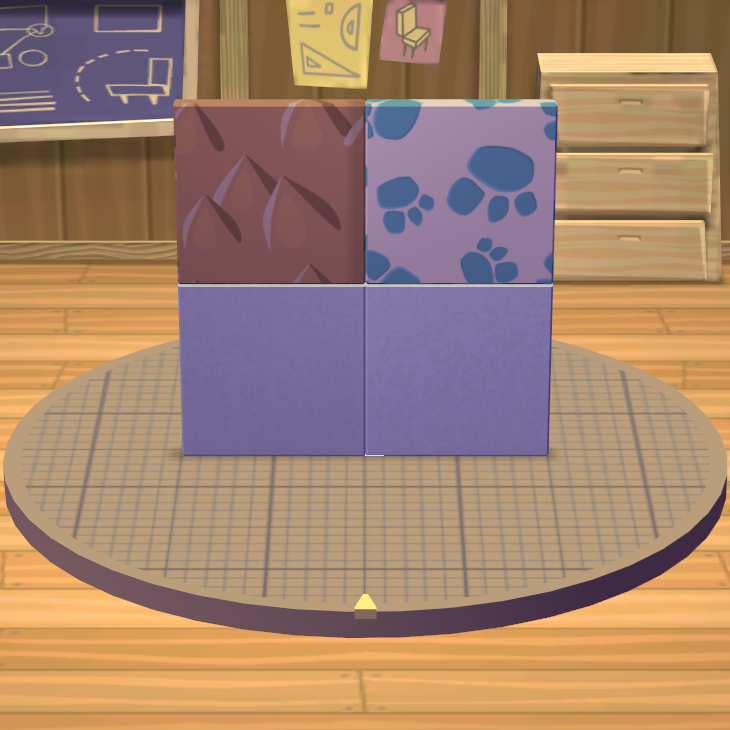
Like the Acorn essence, the Hedgehog essence had no leftover xml file and had to be reconstructed to be put in-game. Also like the Acorn Essence the flat color paints show up as plain white.
Model |
In-game |
Icon |
Palette |
|---|---|---|---|
 |
 |
 |
 |
Early Essences#
Some essences went under redesigns during development, miraculously the models and textures were left in the final product and can be modded back in.
Red Apple#
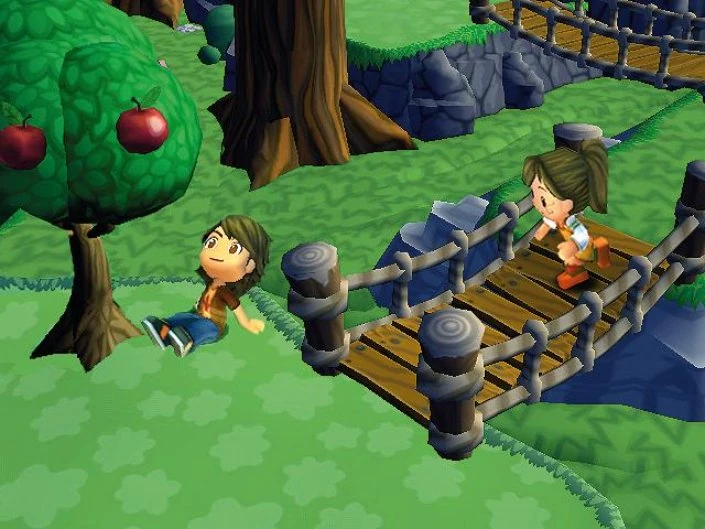
The red apple essence went under a relatively minor design change, with the early version's squat appearance with prominent stem and leaf being changed out for a much taller version with a less prominent leaf and no stem. The early red apple can be seen in several pre-release screenshots such as this one here.
Early |
Final |
Model Name |
|---|---|---|
 |
 |
apple |
Gold#
Unlike the red apple, the change to the final game's gold essence from its earlier counterpart is far more dramatic, with its early version taking the appearance of a gold nugget rather than a coin. It can be seen most prominently in this pre-release screenshot here.

Early |
Final |
Model Name |
|---|---|---|
 |
 |
propDebrisGoldNugget |
Unused CAS Parts#
Mayor's Suit#
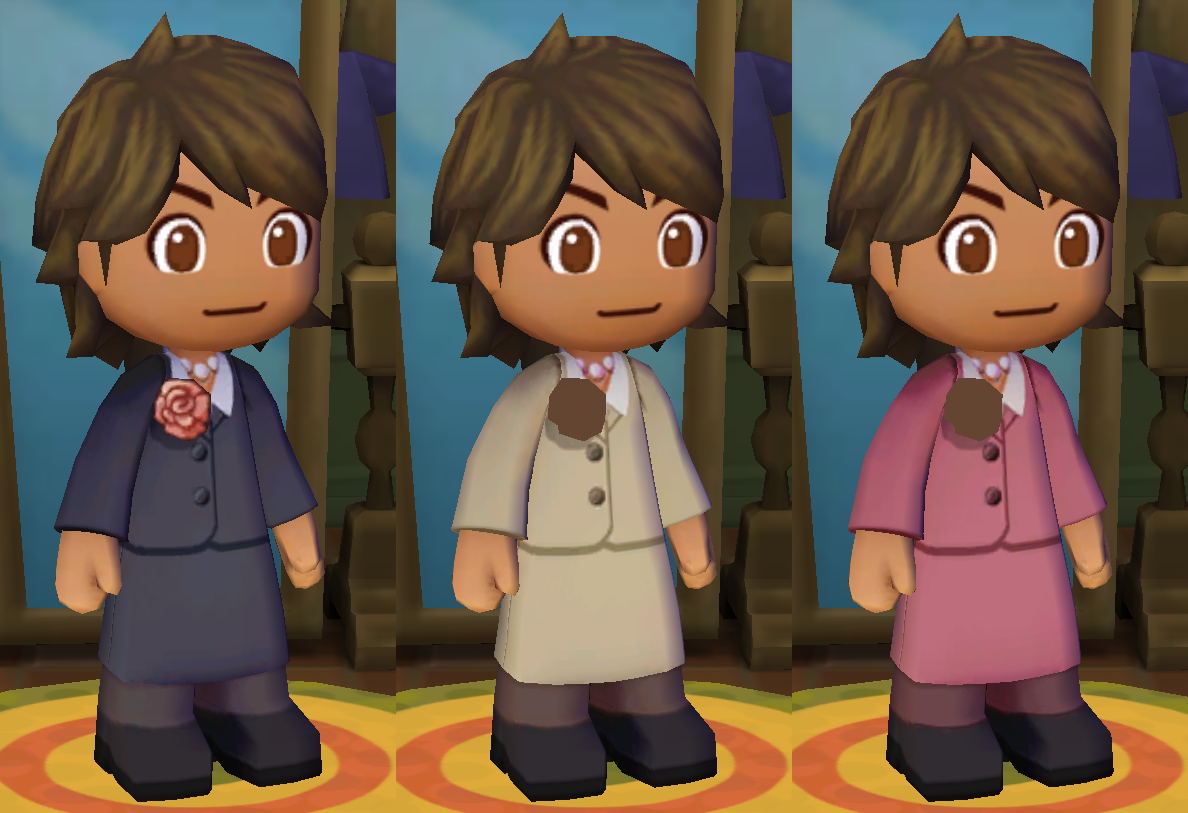
Three recolors of the Mayor's suit were cut from the game. Only the black recolor has a flower, the other two do not, but the UV is still present, creating an odd beige blob.
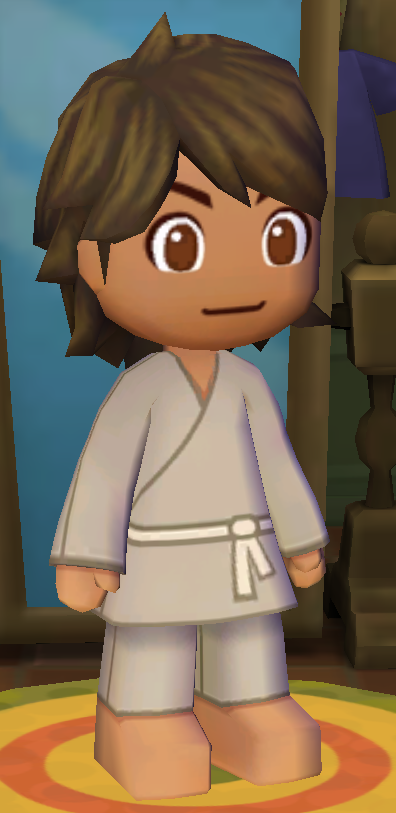
Essence Master's Robe#
An outfit originally meant for the Essence Master remains in the game, unused. It was later reused in MySims Party.
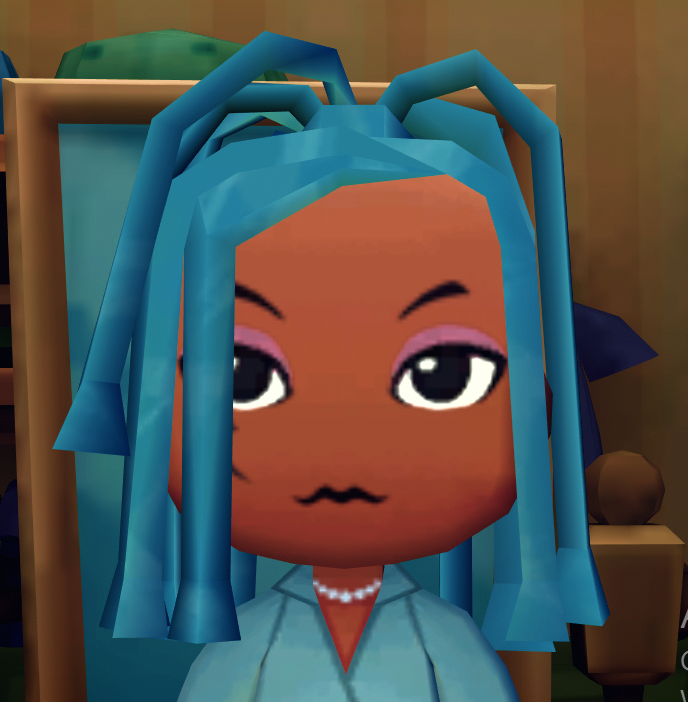
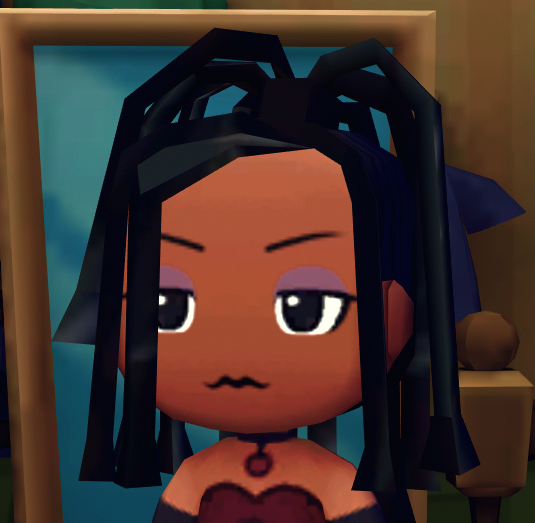
Cornrow Hairstyle#
An unused hairstyle. Only comes in the color blue. Modified photo shows what the hair model was meant to resemble. This hairstyle would be added back into the MySims Cozy Bundle re-release on Nintendo Switch, abeit without the original blue color.
Model as is |
Model colour modified |
|---|---|
 |
 |
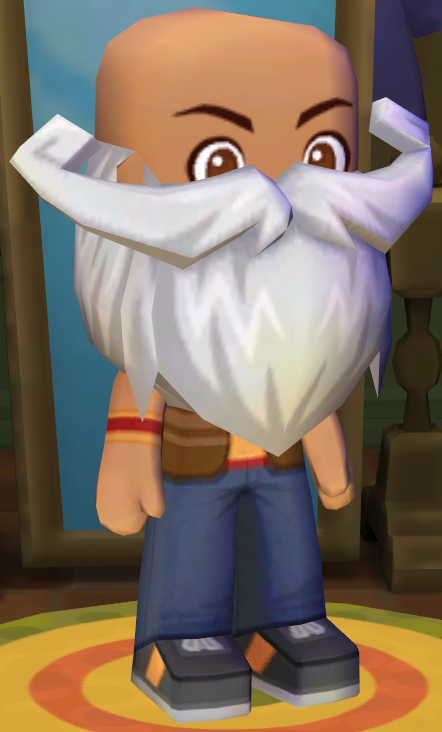
Essence Master's Beard#
A big bushy beard that only comes in white unlike every other hairstyle in the game that comes in four or sometimes even five colors. The model would later be adapted into Marlon's beard in MySims Kingdom on the Wii.
Unused Sounds#
|
|
To do: |
There is an unused sound in the game called ui_bcm_rotate which is directly from The Sims, when you rotated an object. The sound including a few other unused sounds are heard in an earlier version of MySims Wii's Build Mode.
Unused Music#
Disc Channel Jingle#
Leftover from the Wii version is the jingle used in the Disc Channel.
Madame Zoe's Themes#
Original versions of the theme songs for the character Madame Zoe.
Player's Themes#
The house the player owns in-game was meant to have its own unique music track like every other building in-game. Both are versions of the song used in the game's menus.
Create-A-Sim#
Two unused music tracks for the game's Create-A-Sim mode, called Fruit A Topia and The Sum of Six Sims respectively from the The Sims 2: Pets Expansion Pack. These were likely placeholders. They also exist in the Wii version's files.
Unused Swarm Effects#
The config.swm, or "Swarm Master Configuration File" has a scrapped swarm effect file listed for the Hedgehog animal, and is included to be used in the game despite neither the folder or the effect file existing in both the Wii and PC versions of the game. MySims Kingdom would later use animal based effects, but without any of the formatting and most if not all effects being stored in a single Swarm.package file.
#-----------------------------------------------------------
#  A N I M A L
#  for pets and animal effects
#-----------------------------------------------------------
sinclude "Animal/HedgehogEffects.swm"
Unused Essence Drops#
Some object interactions have Essence drops defined for them, despite, not being available to the player, rendering them unused.
Object |
Interaction |
Essence |
Spawn Rate |
|---|---|---|---|
Jukebox / Stereo / Turntable |
Goth Dance |
Scary |
5% |
Counter |
Be Bored |
Sad |
2% |
Chair |
Write Letter |
Pencil |
5% |
Chair |
Interest Sit (Studious) |
Pencil |
5% |
Couch |
Interest Sit (Studious) |
Pencil |
1% |
Stargaze Activity#
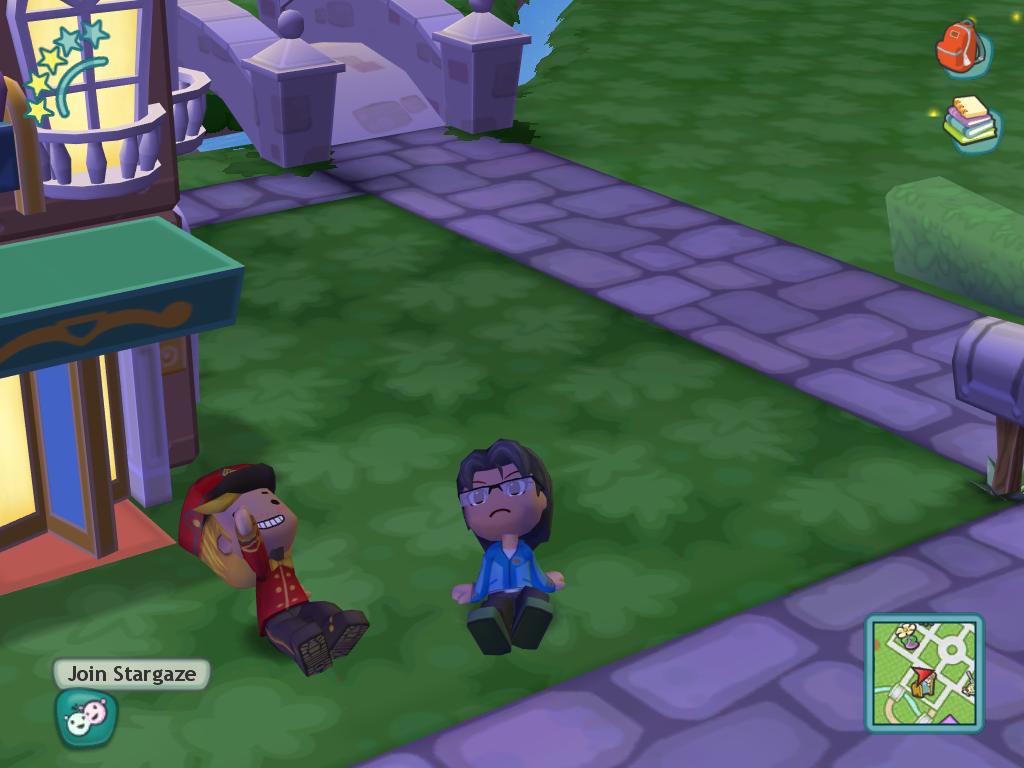
Stargaze is an unused, but mostly funcional outdoors activity, which would have been available to Sims at night, similar to Seances. Unlike other activities, all Sims can start or join a Stargaze regardless of their interests. Up to six sims can join a stargaze, where they will sit on the ground looking at the sky, occasionally doing animations such as pointing or waving. This activity has a chance of dropping Stars.
Development Leftovers#
Removed Folders#
The DDFList.txt file contains folders that the game uses to obtain various files from, with some of the specified folders having been removed.
../GameData_Win32/Sfx
characters
Objects
textures
UI
fonts
Lua
Lua/CharacterBase
Lua/Controllers
Lua/Essences
Lua/Jobs
Lua/NPCs
Lua/Socials
Effects
Effects/Character
Effects/Level
Effects/Object
Effects/Test
Effects/UI
Levels
../ToolsData/Rigs
Global
Some folders here were made redundant, such as the multiple Lua folders. In the final game, all Lua scripts are stored in LuoDL.package and are in 7 compiled Lua scripts, LuaPackedScript_00 to 07.
The characters folder is still used, abeit with a capital C instead of lowercase, while textures (with a capital T), fonts, UI and Objects not being used and instead have their own package files.
It's currently unknown what ToolsData/Rigs would have held, but it is also defined in the Wii version of this text file as well, suggesting it was used during development, or possibly used for storing the Rigs and animations used in-game at one point before being packed into their respective package files.
LuaNonShipping#
In the PC versions only, there is a LuaNonShipping folder which contains various debugging and developer scripts. These scripts cannot be run on their own however, as with normal installs, the game uses LuoDL.package to store the game's scripts, and with all Lua code being packed into multiple files. Their "requires" also specifying Lua scripts that were packed up in the final retail release.
Revisional Differences#
In 2010, a slightly different version was released for a limited time at Taco Bell stores in America. This version only contains the English, Spanish and Canadian French languages. One notable difference however, is that the LuoDL.package file does not exist and none of the Lua scripts are packed like in the retail and digital releases, and thus include all developer comments as well as all of the commented out code that were removed during the packing process.
Regional Differences#
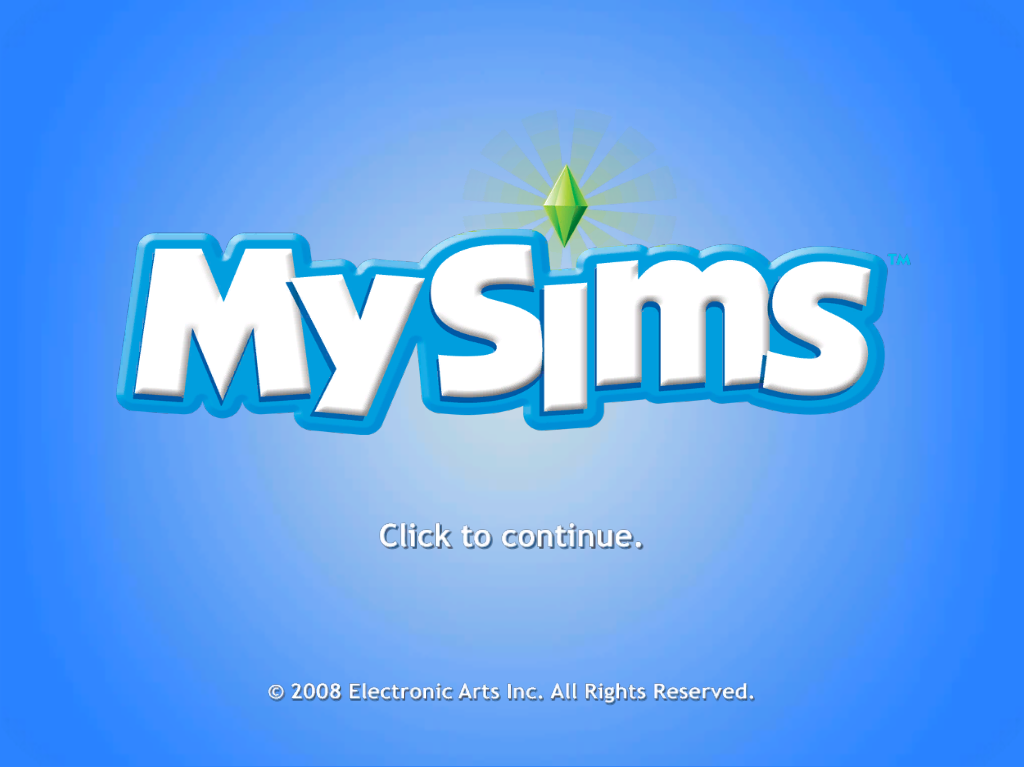
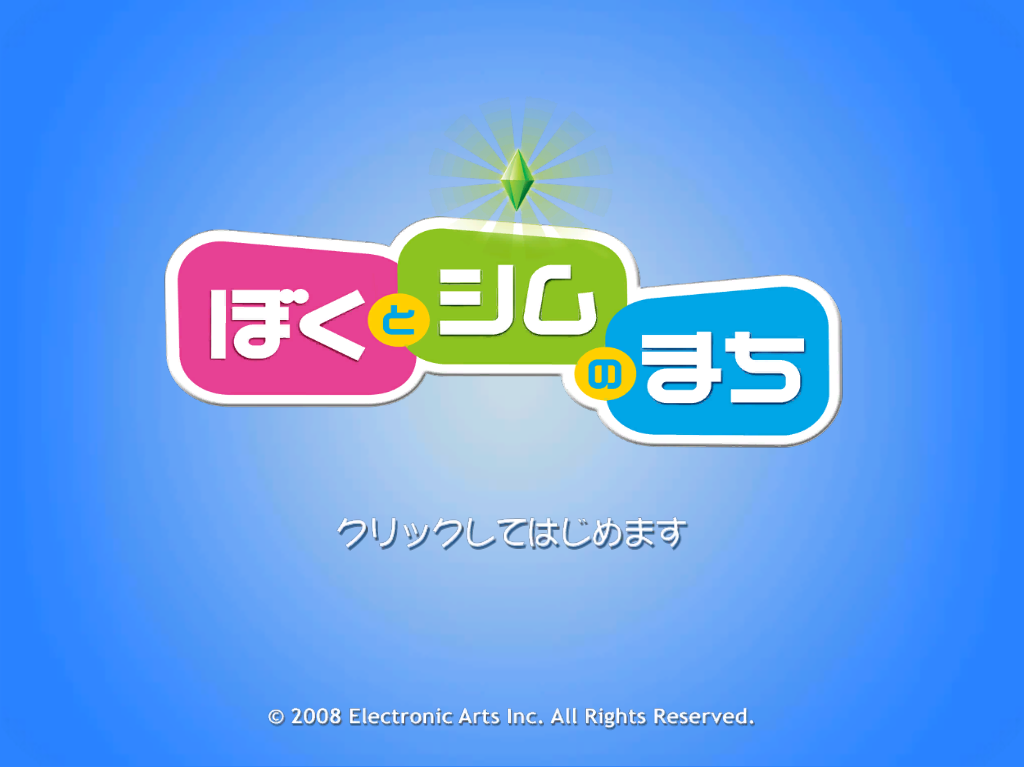
The Japanese version notably uses a different logo, whereas all other languages use the English logo. This also results in the game not playing the intro video since the logo in that video still uses the English version.
The Japanese, Chinese Simplified, Chinese Traditional and Korean languages all use different fonts to accommodate for their own character sets.
It appears that Thai would have been a supported language, but never got a proper localisation as strings exist for it and has a valid language option in the Lua scripts and the registry entry as 0x0000000E or 14 in decimal. However, as shown below, all strings are just the English ones with gibberish text added next to it, suggesting that time constraints forced the Thai localisation to be scrapped, or that MySims was planned for release in Thailand but was later cancelled, which could explain the leftover values and code.
  <THA_TH>
    <String>
      <id>AbandonTask</id>
      <text>Abandon Task3Åàe</text>
      <subcategory>NPC</subcategory>
    </String>
    <String>
      <id>ACCOUNT_ERR_ACCOUNT_BANNED</id>
      <text>This account has been banned.8Åàeå£Åàe</text>
      <subcategory>Generic</subcategory>
</String>|
|
To do: |
Warning Screens for presumably the Chinese languages to display upon booting the game exist in the WarningScreen folder, but are never used.