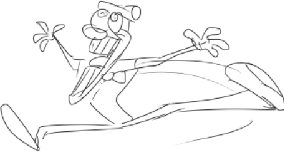
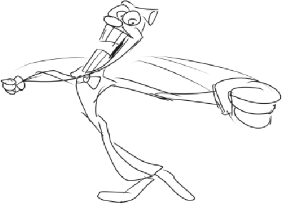
One of the Patreon builds titled Blue Block Land had sprites created for a placeholder hub room in a time when gates did not display level names and also had a simple gate for all levels you could play in. These served as a temporary replacement until that was implemented. There's also sprites for ranks and a "cover" for the build of sorts.
The mixup of the "Blue Block Land" and "Purple Block Land" names is the result of the solid objects being changed from blue to purple in one of the builds. These solids were, ironically, changed again for the final game to be a pink transparent square.
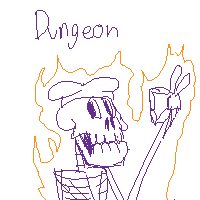
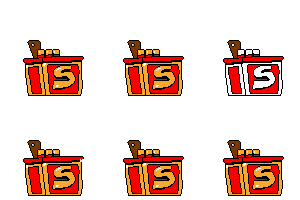
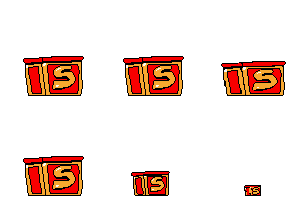
sprite1026 The build's cover image for build v4, which presents the addition of wall climbing and the fireass transformation. (Text: Purple Land Week 3 (+1) Butt & Wallclimbing)sprite10261111 A window that would've appeared in front of a gate to indicate the level wasn't cleared yet. (Text: No Rankings Yet)sprite10261 Cover for the tutorial, which was John Gutter in this case.sprite102611 Cover for Pizzascape. (Text: Fun fact: Knight took shit in their armors)sprite1026111 Cover for The Ancient Cheese.sprite10261112 Cover for Bloodsauce Dungeon. By then, the game adapted purple solids.spr_entrancegate The gate used for entering levels.

The 2023 Halloween Update added a whole bunch of collectibles relating to Mr. Stick, alongside sprites for goblin follower that possibly would've functioned like a toppin.
spr_stickcollect_largecoin A large coin bearing Mr. Stick's likeness.spr_stickcollect_coin A small coin, also bearing his likeness.spr_stickcollect_billstack A wad of cash with wings.spr_stickcollect_bill A flying dollar.spr_stickcollect_bennies A green coin with the face of the goblin mentioned above.
spr_stickcollect_largecoinbag A big angry bag-o-money.spr_stickcollect_largecoinbag_open The bag opening.spr_stickcollect_largecoinbag_end A flag emerging from the bag.spr_stickcollect_smallcoinbag A smaller, more innocent looking money bag.spr_stickcollect_smallcoinbag_open The bag opening.spr_stickcollect_smallcoinbag_end A flag emerging from the briefcase.spr_stickcollect_billlargestack A briefcase that resembles a bull.spr_stickcollect_billlargestack_open The briefcase opening.spr_stickcollect_billlargestack_end A flag emerging from the briefcase.
spr_stickchest A crude placeholder graphic of a chest, is seen in video footage giving collectables upon being touched.spr_stickswitch_0 A placeholder sprite of a switch.spr_stickswitch_1 The same switch, now activated.
spr_goblin_rest The goblin resting.spr_goblin_intro The goblin performing an intro, probably after being freed from its cage.spr_goblin_idle The goblin's idle animation.spr_goblin_run Running animationspr_goblin_balloon The goblin riding a miniature blimp.spr_goblin_taunt Taunt sprite for the goblin.
In leaked gameplay footage, a static Gerome is seen following the player. Implying that may have been the Goblin using Gerome as a placeholder.
spr_goblincage The cage the goblin is locked in.spr_goblincagedebris_0 Debris from the cage.spr_goblincagedebris_1 Ditto.spr_goblincagedebris_2spr_goblincagedebris_3spr_goblincagedebris_4spr_goblinkey The cage's key.
Unlike most sprites here, the key is actually referenced several times. obj_key and obj_keyfollow check if they're sprite is set to it and check variables "goblinkey", which is supposed to belong to obj_player but has been removed, and "global.goblinkey" which has also been removed. scr_player_keyget(), the state for getting a key, checks if goblinkey is set to true when creating obj_keyfollow, setting the object's sprite to the goblin key if it is. Both obj_key and scr_player_keyget set the goblinkey variable to false, preventing obj_keyfollow's sprite from being set to spr_golinkey in case goblinkey is somehow set to true beforehand. scr_playerreset(), the script ran when resetting, sets goblinkey to false.
spr_editor_cursor The editor's cursor. Not very visible, though...spr_editor_bg The icon for the background changer. Based off of Gamemaker Studio 2's background icon.spr_editor_objects Icon for editor objects. Basedoff of the breakable blocks in the final game.spr_editor_menu The menu icon.spr_editor_rooms Icon meant for setting rooms. Based off of Gamemaker Studio 2's room icon.spr_editor_tiles The icon for selecting tiles. Based off of Gamemaker Studio 2's tile icon.spr_editor_utilicons_0spr_editor_utilicons_1spr_editor_utilicons_2spr_editor_utilicons_3
All of the editor icons used in the new level editor, as introduced in the Halloween Update.
Left over in the Noise Update files are icons for Swap Mode that never got used in the final game. These would have been used for the main menu, but instead are replaced with smaller versions of the normally-used icons.
Alongside the unused Swap Mode icons, there are also unused icons meant for the character select screen. These icons are used if the room is somehow entered while the global.swapmode variable is set to false, but the main game uses the P1 and P2 icons like in the older version of the screen.
A mirrored version of the Noisey follower from The Crumbling Tower of Pizza facing to the left. This sprite is never used and uses the default, unmirrored idle sprite.
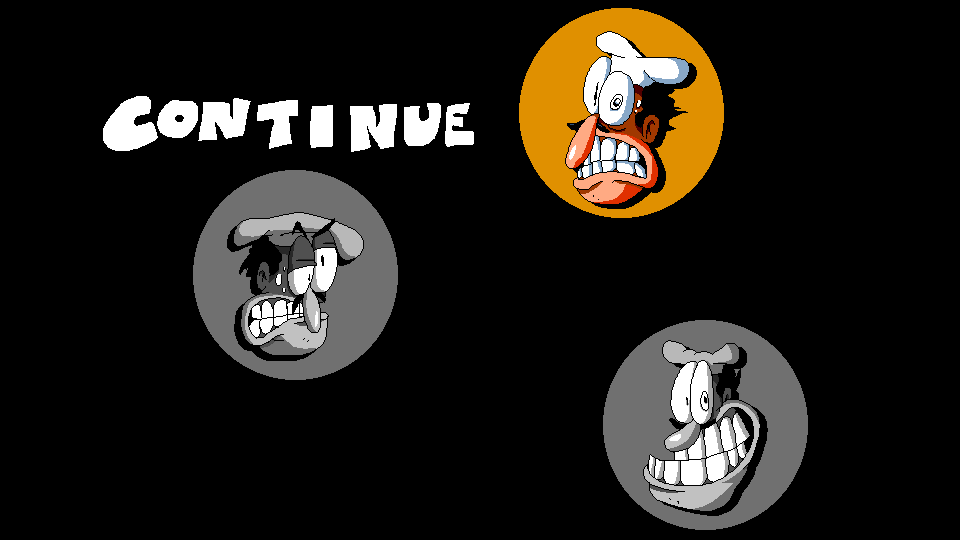
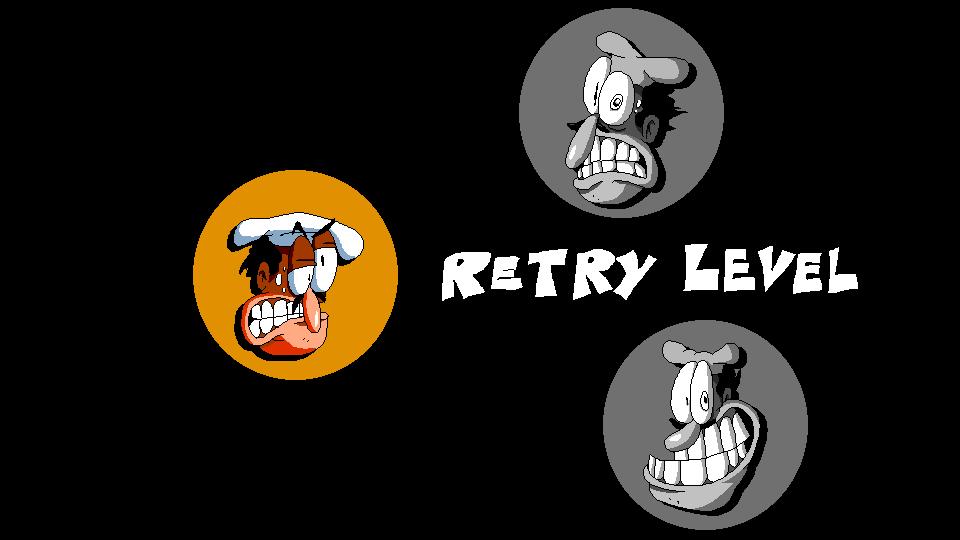
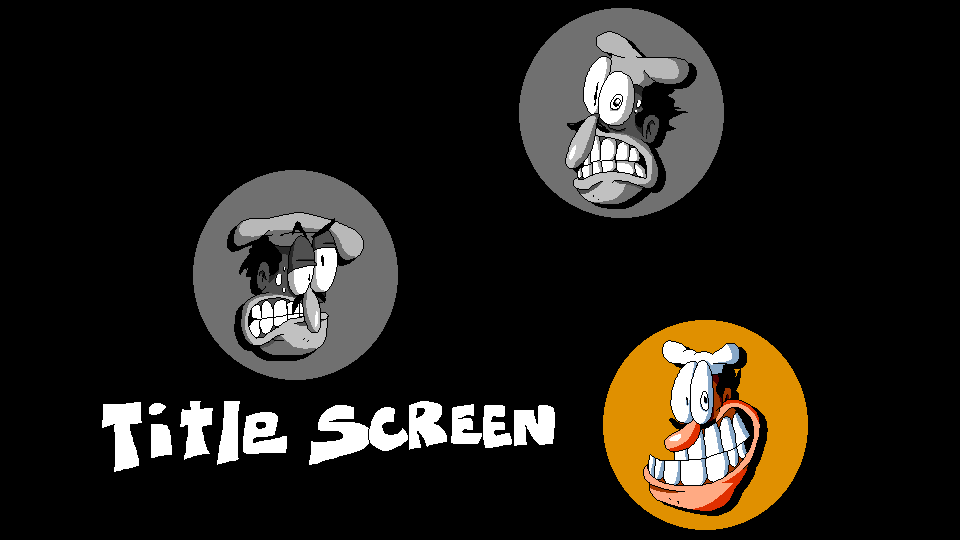
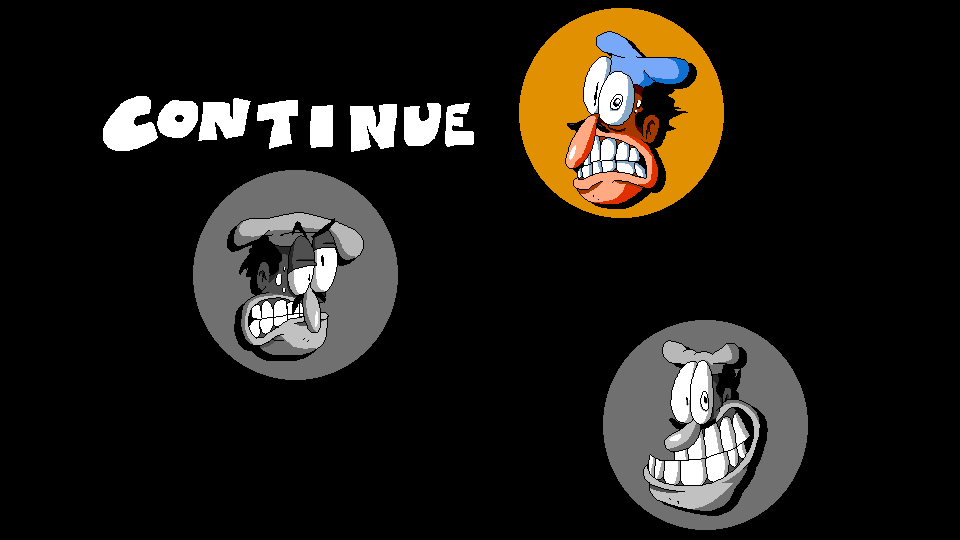
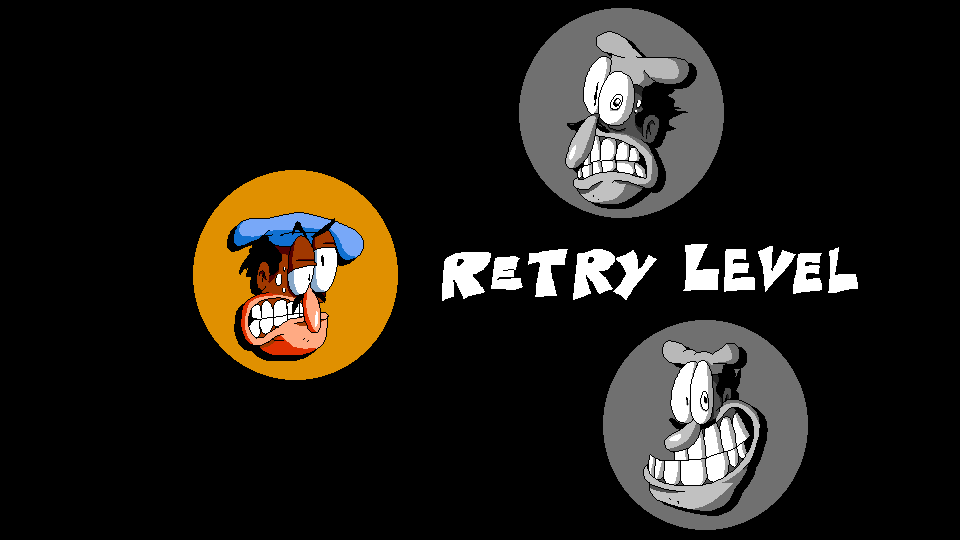
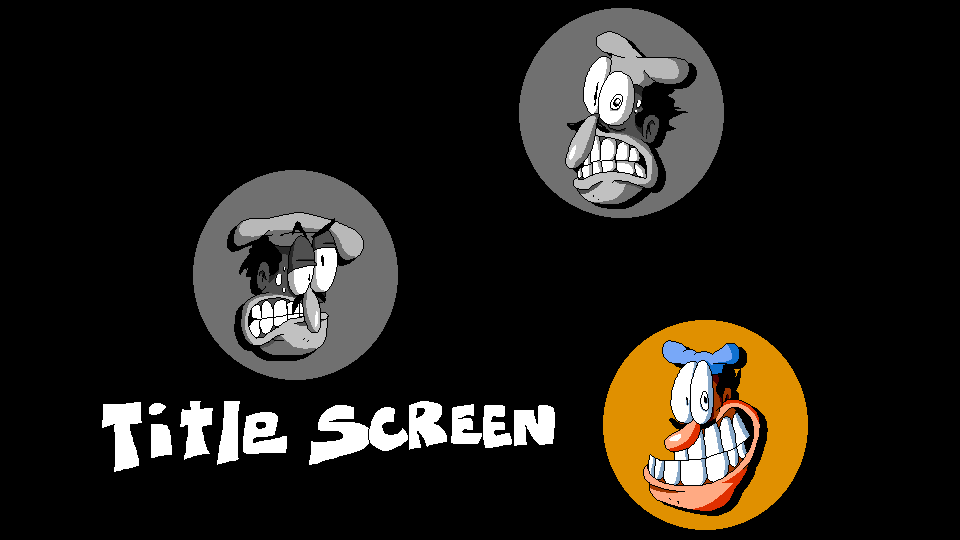
Sprites for one of the old pause screens (titled spr_pausescreen) that was used from the SAGE 2019 demo up to the April 2021 builds. It fully covers the screen and only gives three options, featuring Peppino's face next to the text.
Continuing a level.Restarting a level, which wouldn't work if you were in a hub room for example.Exiting a level or returning to the title screen if you were in a hub room.
In the SAGE 2019 Demo (in which this early pause screen originated), Peppino was depicted in his blue attire, matching the outfit he normally wore during gameplay. While his hat was updated to be white in later builds, the same modification wasn't made for the unhighlighted icons.
Continuing a level.Restarting a level.Exiting a level or returning to the title screen.
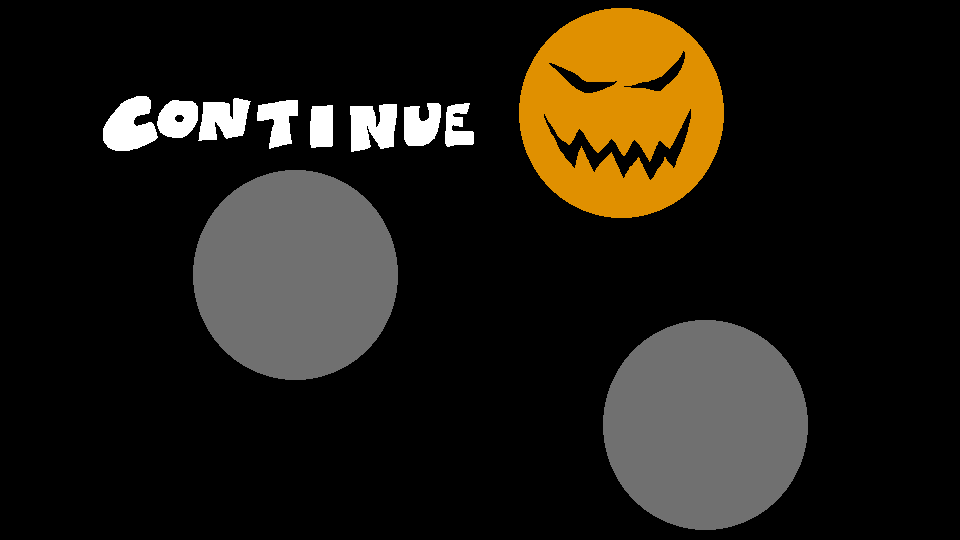
During the Hardoween season (aka the Noise's Hardoween demo), the pause screen was temporarily changed to have spooky Jack-o'-lantern faces replace Peppino's head.
Continuing a level, now with a evil pumpkin face!Restarting a level, with a worried pumpkin face.Exiting a level or returning to the title screen, with a smug pumpkin face.
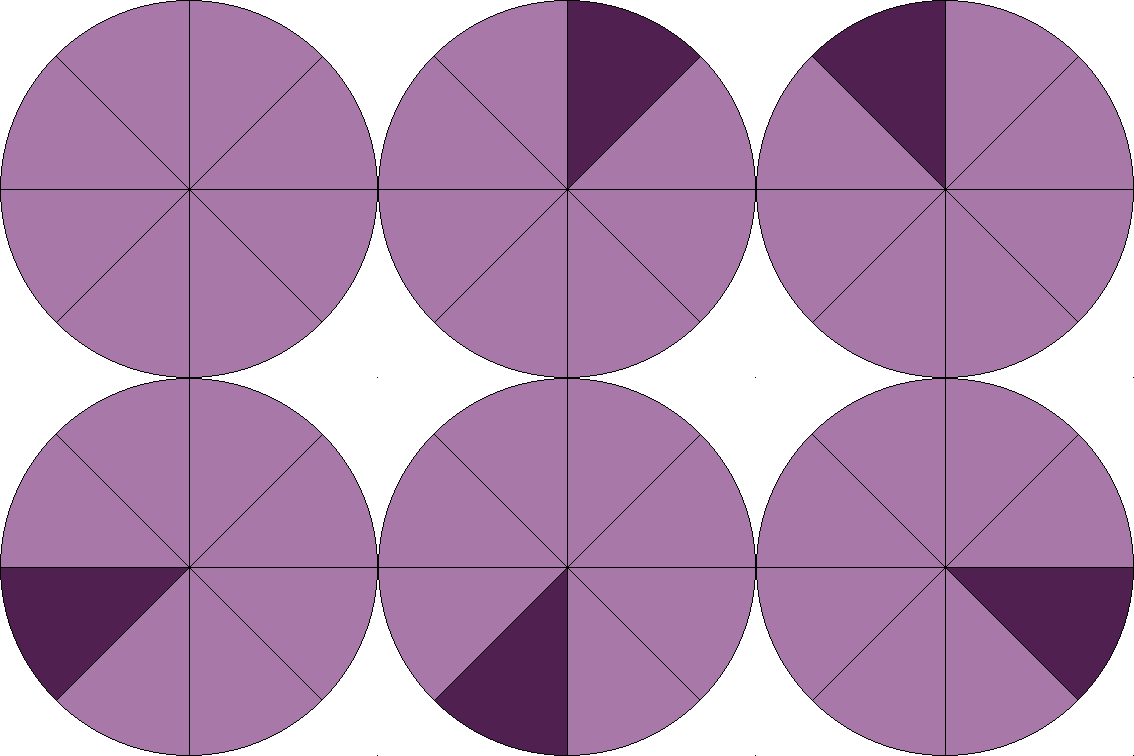
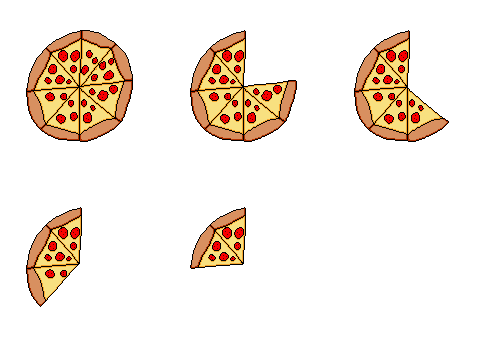
spr_inv Inventory slot for the key. Unlike most early HUD elements, this one survived all the way to Octobe22.spr_pizzahealthbar The health bar, consisting of eight slices of pizza.spr_speedbar A bar showing how fast you're going. It'll be at max on mach 3. The bar itself was tiled in-game by a few degrees.spr_speedbarmax The bar rapidly flashing, showing you're in mach 4.spr_shotgunbackup Display besides the inventory slot indicating you've got an extra shotgun, a mechanic that was used in the SAGE 2019 demo.spr_fuelHUD A fuel display that went right under the score, which was used by the scrapped chainsaw move, which had limited time usage.spr_bulletHUD A bullet counter that went next to the fuel display.spr_pizzaHUD A reload system for the shotgun to show how long it would take before the gun was reloaded. In pre-release footage, it would have tracked the amount of Pizza Points you had, with single points (pizza toppings, defeated enemies) showing up as a single pizza slice on the HUD, and 10 points being shown as the number of full pizzas you had.spr_pizzaHUDcomplete Usage is unknown, since it didn't show up after a reload.
This page or section needs more images. There's a whole lotta words here, but not enough pictures. Please fix this. Specifically: Fix broken thumbnails for tvrevolver and tvchainsaw
The old HUD also had a TV! It was placed on the top-right side of the screen and it was used for displaying points, ranks, transformations and more! All these graphics went unused by the April 2021 build and removed from the game by the Eggplant build.
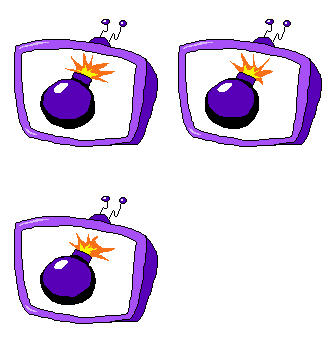
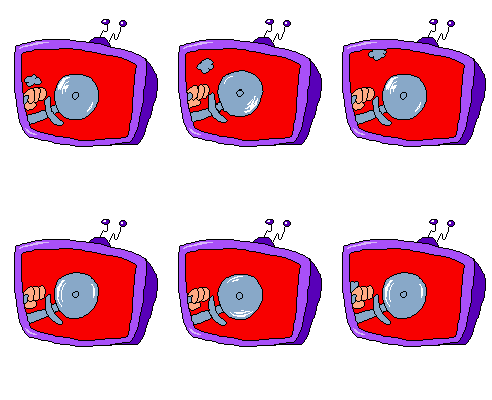
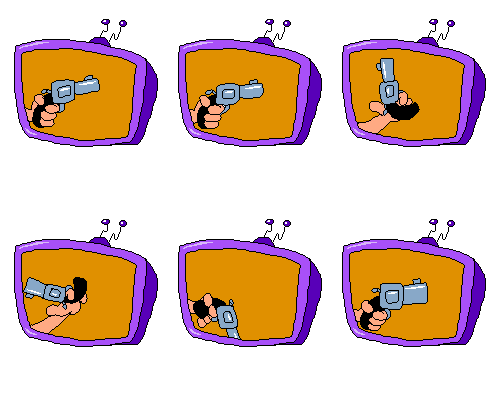
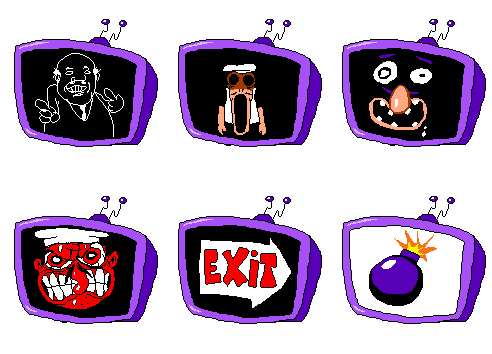
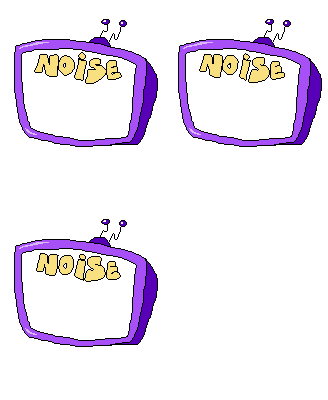
spr_tvdefault The default look of the TV. It would be showing the player score normally.spr_tvbanana Shown when the player slips on a banana peel.spr_tvbomb The graphic for the Bomb Transformation. Was also shown during the escape sequence.spr_tvknight Shown when the player becomes a mighty knight.spr_tvchainsaw The TV showing a chainsaw, was meant to be an alternative move to the revolver and the shotgun.spr_tvrevolver Peppino rolling a revolver in his hand. During development Peppino could use the revolver at any time as long as he had ammo.spr_tvrad The TV tellin' the player they're RAD indeed. Shown in the Halloween Demo when riding a skateboard.spr_tvdook Peppino looking cool while smoking a cigar. Was shown after he collected a shotgun, the new HUD also has similar graphics.spr_tvclap A pair of floating hands clapping, was shown when the player reached a checkpoint.spr_tvtreasure Graphics for when the player collects a Tower Treasure.spr_tvexit The TV telling the player to exit the level after Pizza Time started.spr_tvskull/spr_tvtimeout The TV showing a skull. This happened when the Pizza Time timer ran out.spr_tvhurt Graphics for when the player gets hurt.spr_tvpillar Pillar John, leftover of a very old mechanic where you had to feed him the toppings in order to access the treasure room and start Pizza Time.spr_tvescape A combination of spr_tvtalking1, spr_tvtalking2, spr_tvtalking3, spr_tvtalking4, spr_tvexit, and spr_tvbomb that would activate once Pizza Time occurs.spr_tvtalking1 Graphics for when the player gets hurt too much. Similar graphics were readded for the new HUD.spr_tvtalking2 Peps looking very angrily at you, even though he has no eyes here. They were also shown during the escape sequence.spr_tvtalking3 A pair of disembodied eyes and mouth in the dark.spr_tvtalking4 Now Peppino's mad for real, you're going to hell!spr_tvnoise The TV saying "NOISE". Used during the Noise miniboss in Strongcold, with his health appearing in the empty area below the text.
Combos
spr_combo Combo graphics with different colored backgrounds.spr_tvcomboresult TV graphics for an "OK" combo (x1).An "Alright" combo (x2).A "Good" combo (x3).A "Very Good" combo (x4 and above).
Ranks
spr_tvranka Rank A graphics, was shown when the player collected enough points to earn it.spr_tvrankb Rank B graphics.spr_tvrankc Rank C graphics.spr_tvrankstatus An animation which combines all three rank graphics.
Level Preview TVs
spr_tvdesert TVs used in the Desert build to show which level you are about to play. No graphic for the Freezer level exists, though.spr_tvmansionspr_tvsewerspr_tvfactory
Some animations were made for the new HUD that eventually went unused.
spr_tv_combo The combo icon that would be on the TV.spr_tv_combo Old version of the above, directly from the April 2021 build.spr_peppinobullet_collectible Also from the April 2021 build. This was used when Peppino had his pistol move in that build.
Animations that were created for the TV's speech bubble, as mentioned here.
spr_tv_bubbleopen The TV bubble opening up.spr_tv_bubble The TV bubble's neutral animation.spr_tv_bubbleclose The TV bubble closing down.spr_tv_bubbleclosed The TV bubble closed. This oddly uses the last frame of the closing animation.
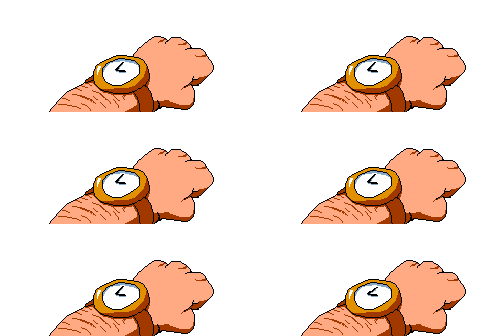
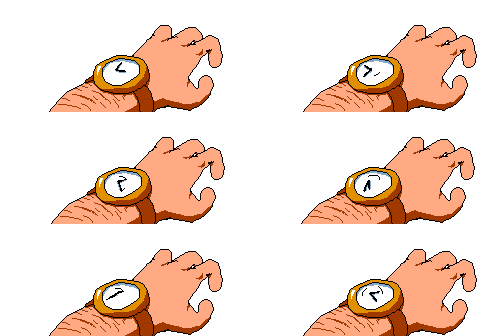
These two sprites of a watch on Peppino's wrist originally appeared beside the bar that appears during Pizza Time as seen in old development streams. The code for animating the sprites still exists in the Create and Step events for obj_tv, but the Draw GUI event is missing the code to make the sprites appear.
Used throughout most of Pizza Time.Used when time is almost up.
In earlier builds, fighting bosses would have a time limit, akin to Wario Land 4. Once the timer ended, the boss would be over. In some cases, the boss would move on to another phase.
spr_bosstimer_bar The boss timer's bar.spr_bosstimer_bell The bell.spr_bosstimer_hammer The hammer.spr_bosstimer_barfill The texture used for filling up the bar.spr_bosstimer_hammer The hammer hitting the bell. Used when a round or fight is over.
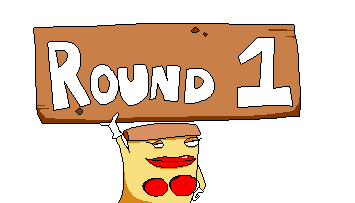
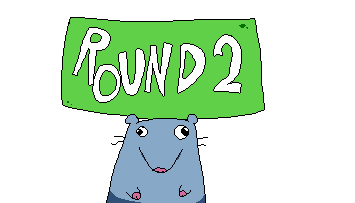
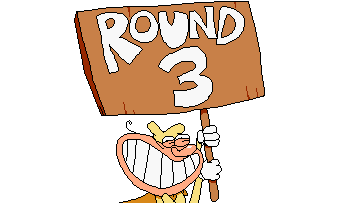
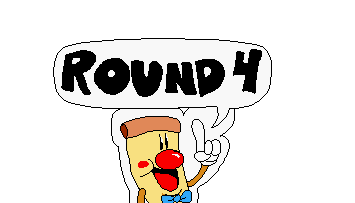
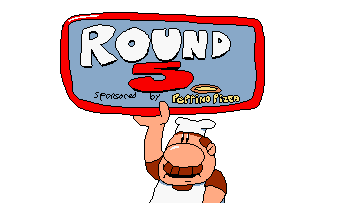
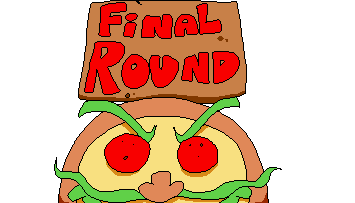
Alongside a timer, various characters, including the unseen Pizza Lady, would pop out the bottom of the screen to announce a new round and the first one.
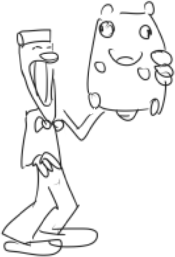
The unused and unseen Pizza Lady.Brick the Rat (or just a general Stupid Rat).The Noise holding up Round 3's sign.Pizzaboy makes a cameo!Gustavo sponsoring Peppino's Pizza.Pizzaface himself.
Sprites from an old character change cube object still exist in the final game, however the Noise's sprite for the cube still uses his color palette from the Peppino's Xmas Break demo.
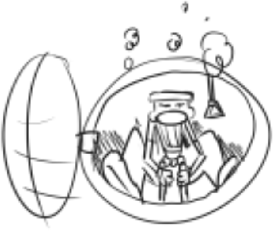
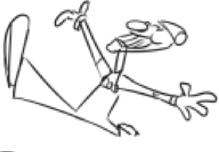
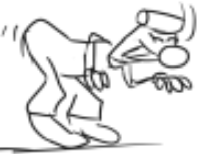
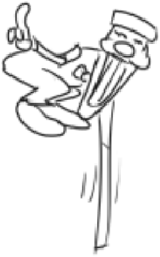
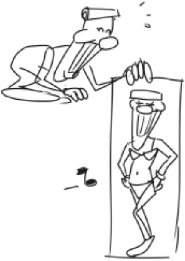
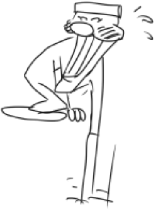
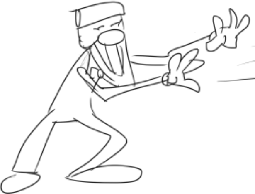
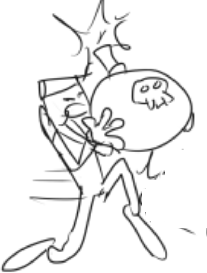
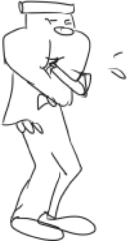
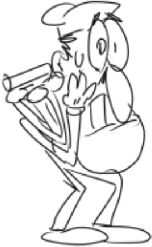
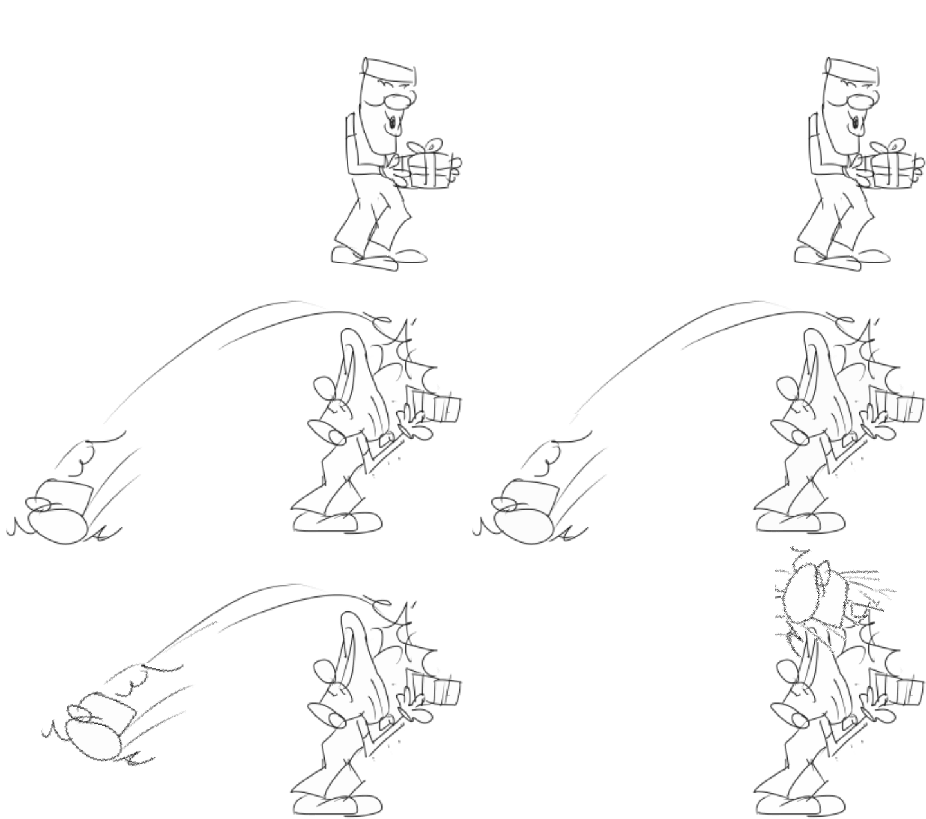
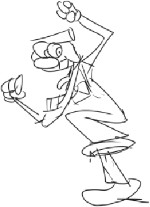
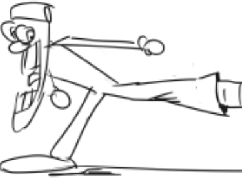
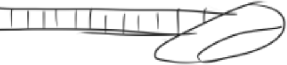
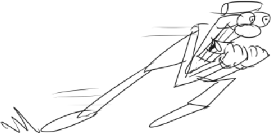
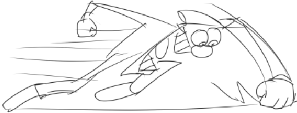
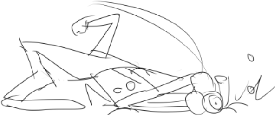
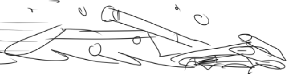
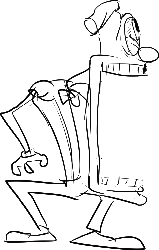
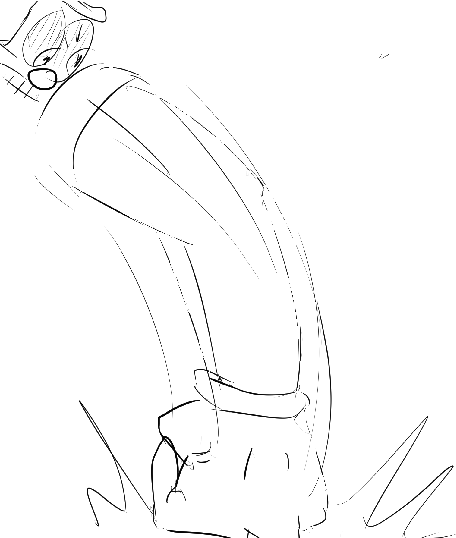
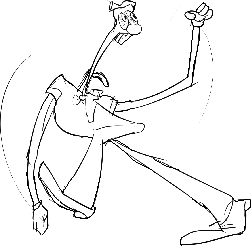
A good number of sketches created for the 2nd and 3rd phases of Pizzahead's boss fight are in the game's files as separate sprites created from cutouts. Not every attack seen here appears during the final fight.
spr_pizzahead_transition1 Pizzahead in the Pizzaface capsule, who controls it instead of sitting on a toilet.spr_pizzahead_transition2 Pizzahead jumping out of Pizzaface.spr_pizzahead_look Pizzahead preparing to grab something from underneath.spr_pizzahead_fishing Pizzahead grabbing something.spr_pizzahead_sexypicture1 Pizzahead grabbing a picture of himself.spr_pizzahead_sexypicture2 Pizzahead quickly hiding the picture.spr_pizzahead_throw Pizzahead throwing something away, likely the gun loadout.
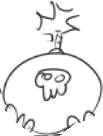
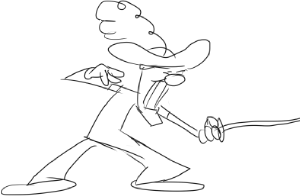
spr_pizzahead_bombrun Pizzahead with a bomb.spr_pizzahead_bomb A bomb that Pizzahead drops.spr_pizzahead_bombrunaway Pizzahead running away from the bomb.spr_pizzahead_eat1 Pizzahead holding a Stupid Rat.spr_pizzahead_eat2 Pizzahead eating the rat rather than throwing it.spr_pizzahead_enguarde Pizzahead as a musketeer, ready for Peppino to come at him.spr_pizzahead_portraitthrow Pizzahead throwing Peppino's face from the old HUD as mentioned above. Was likely adapted into the bouncing TV attack.spr_pizzahead_surprisebox The only sketches with animations - Pizzahead using a surprise box from behind.
One of the more bizarre things that these sketches reveal is that the final phase was going to play out a lot different than in the final game. Originally, Pizzahead wouldn't have pulled the floor bosses up for Peppino to rematch, but instead completely lose it with attacks depicting him frantically charging and punching Peppino. According to the developers and playtesters, this phase was scrapped as the developers didn't want to portray Pizzahead as an angry character, and instead be seen as nothing more than a clown. The proper sprites that were created for this phase never showed up in the game's files at all.
A couple of duplicate sketches exist as well in the form of spr_pizzahead and spr_pizzahead2.
spr_pizzahead_bigkickstart Pizzahead preparing to kick.spr_pizzahead_bigkick Pizzahead launching a kick.spr_pizzahead_bigkickhitbox Part of Pizzahead's big kick.spr_pizzahead_dash Pizzahead dashing towards Peppino.spr_pizzahead_groundpunch Pizzahead punching the ground.spr_pizzahead_headslam Pizzahead slamming his head into the ground.spr_pizzahead_headslam2 Pizzahead damaging his face from the headslam.spr_pizzahead_getout An attack in which Pizzahead screams at Peppino to get out.spr_pizzahead_getoutprojectile The projectile that Pizzahead screams.spr_pizzahead_giantpunch Pizzahead punching the ground from the other side.spr_pizzahead_spinning Pizzahead spinning out of rage.spr_pizzahead_spinningkick Pizzahead performing a spinning kick.spr_pizzahead_spinningpunch Pizzahead performing a lariat.
There's crude placeholder versions of the flush cards seen in Fast Food Saloon that lack any animations. These were used in the Rework build, in the Pinball level.
spr_flush_facedownOLD Turned flush card.spr_flush_pizzaOLD Flush card with a pizza.spr_flush_ratOLD Flush card with a rat snout.spr_flush_skullOLD Flush card with a skull.
A few uncolored, non animated sprites for the Noise's phase 2 transition still remain in the files, and were used as a base for the finalized sprites. Both of the first frames are missing, as they were overwritten with the full final animations.
spr_noise_phasetrans2P Peppino looking at the flying Noise balloon.spr_noise_phasetrans3P Peppino screaming.spr_noise_phasetrans4P Peppino looking at the Noise.spr_noise_phasetrans2 The Noise looking at his flying Noise balloon.spr_noise_phasetrans3 The Noise screaming.spr_noise_phasetrans4 The Noise looking scared.
A placeholder for the Halloween update's jumpscares that appear in hub areas. This sprite was added into the files during to the previously mentioned Halloween update.
 This article has a talk page!
 Unused TilesetsThe forgotten bricks that built the Pizza Tower.
 Unused BackgroundsDeserts, cold strongholds, and more!
 Loose GraphicsThe crust and crumbs that got left behind.
 Old Graphic DesignsPizzas worth trying, even if they're ancient!
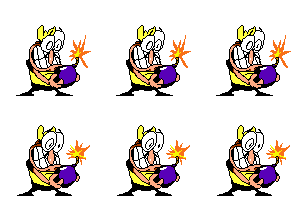 Unused Peppino GraphicsOh boy, there's a lot. And we mean a lot.
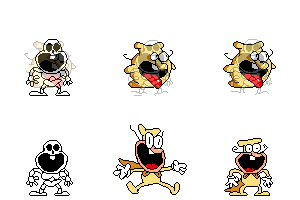 Unused Noise GraphicsThat pesky gremlin again.
 Unused Gustavo & Brick GraphicsPlenty of old animations, dating all the way back to Gustavo's debut as an NPC.
 Unused Pepperman GraphicsA perfect pepper never falters!
 Unused Vigilante GraphicsWhen you're a sharpshooter, nobody gets out of your crosshairs.
 Scrapped Snick GraphicsEveryone's (second) favorite speedy mammal mascot!
 Unused Enemy GraphicsThe best of the baddies.