 This article has a talk page!
Final Fantasy Crystal Chronicles is the first Final Fantasy for a Nintendo console since the release of Final Fantasy VI in 1994. It is an action role-playing game that can be played in single player or in multiplayer using up to four Game Boy Advance systems.
It was also Square Enix's only GameCube game, despite establishing a studio (The Game Designers Studio) for the very purpose of making games for the system. It did lead to later games in the series for the Nintendo DS and Wii.
A remastered version was released for PlayStation 4, Nintendo Switch and smartphones in 2020.
Sub-Page#

Development Mode#
Version |
Action Replay code |
|---|---|
Japan |
0401E9D0 A004005C |
USA |
0401EF6C A004005C |
Europe |
0401F178 A004005C |
The development mode can be controlled with a second controller plugged into port 2:
A     = Open Debug Menu
B     = Close Debug Menu
Z     = Debug Info On/Off
L     = Select Player/Controller
R     = Debug Camera On/Off
START = Speed x0
X     = Speed x0, x1/8, x1/4, x1/2
Y     = Speed x1, x8
The debug menu can be controlled with controller 1 or 2:
A            = Toggle Menu Option
B            = Close Debug Menu
D-Pad Up/Down = Select Debug Option
The debug camera can be controlled with controller 1:
L             = Move Up
R             = Move Down
A-Stick Up    = Move Backward
A-Stick Down  = Move Forward
A-Stick Left  = Zoom In
A-Stick Right = Zoom Out
C-Stick Up    = Look Down
C-Stick Down  = Look Up
C-Stick Left  = Look Left
C-Stick Right = Look Right
The debug process bar can be controlled with controller 1:
L (Hold) = Show Extended Process Info(Source: Ralf@gc-forever)
Unused & Early Graphics#
Level Graphics#

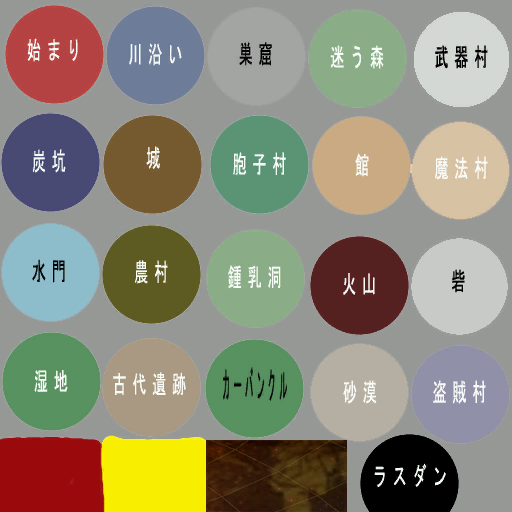
This texture displays basic descriptions of the levels in the game (in Japanese). This includes both towns and dungeons. The bottom black circle is the final boss battle with Raem. All text is translated starting from the top left to the bottom right.
Original |
Translation |
|---|---|
始まり |
Beginning |
(Source: BlackFurniture, MekuCube)
World Map Graphics#
A copy of the debug menu shown above, but with some changes. This appears with the world map textures, so it may have been added after the first debug menu.
(Source: BlackFurniture)

This texture shows some level names, along with draft versions of location icons. This texture was most likely also used for an early level selector, given that it was found together with the world map textures. Notice the poor translation to English.
Lindblum could be a reference to the location of the same name in Final Fantasy IX, which Crystal Chronicles already shares many themes and enemy types with.
(Source: BlackFurniture)

A draft texture for the creature that moves the caravan.
(Source: BlackFurniture)
Developer scribbles
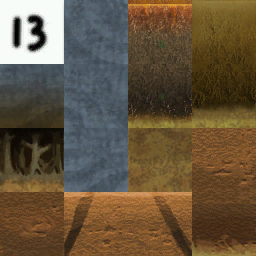
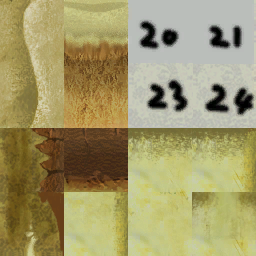
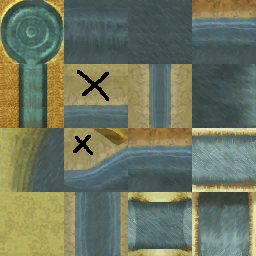
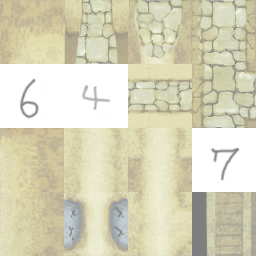
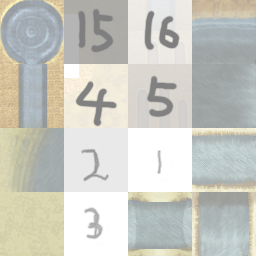
World map textures with developer scribbles. It is unclear if these are used in the final game, but there are duplicates without the scribbles.
(Source: BlackFurniture)
Draft Textures#
Found within the material files for the levels, these textures contain draft textures or concept art. They were most likely used for blocking out the level design.
Moschet Manor#
These all appear to be concept art. They fit well with the theme of the level, so the level designers may have used them for reference.
Moschet Manor concept art
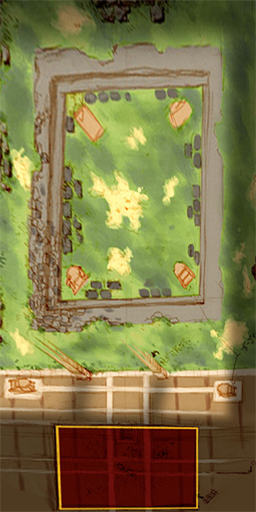
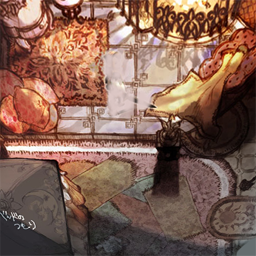
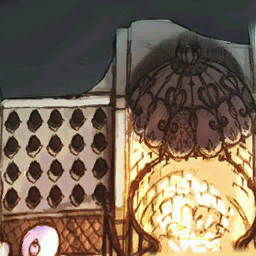

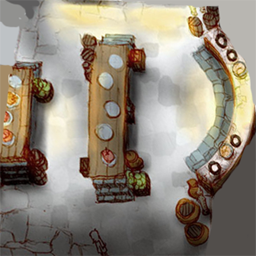
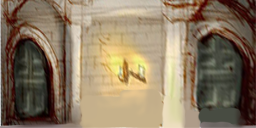
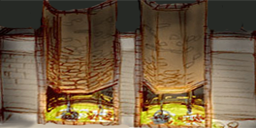
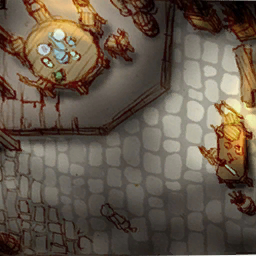
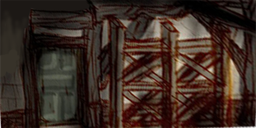

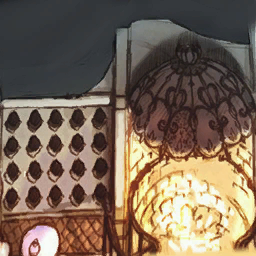
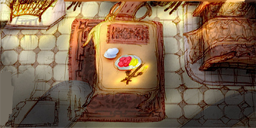
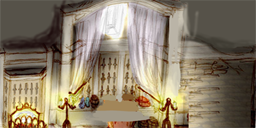

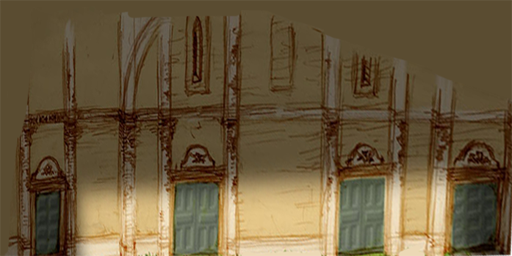
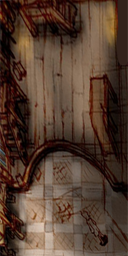
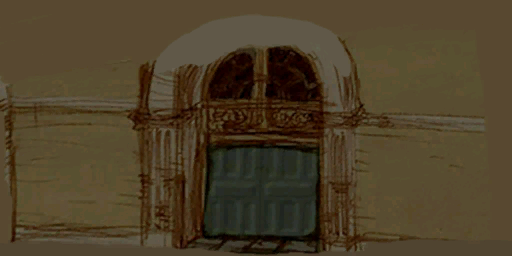
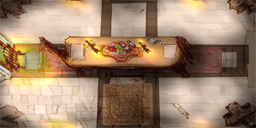
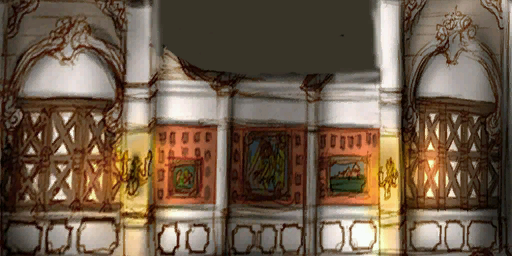
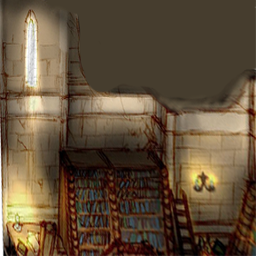

(Source: BlackFurniture)
Mushroom Forest#
These translate to "stop growth" and "connect growth", respectively.
The Mushroom Forest draft textures


(Source: BlackFurniture)
Rebena Te Ra#
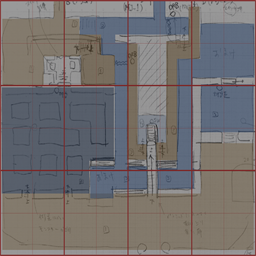
The first texture is clearly a design reference, showing the layout of the level. It has some scribbles like "ORB" and Japanese text, which would indicate where to place certain items in the level. There is also a draft texture with developer scribbles.
Rebena Te Ra draft textures

(Source: BlackFurniture)
Portraits#

A HUD icon for Mio's portrait, even though Mio never uses a portrait in-game. Mio uses a different text overlay for conversations instead.
(Source: BlackFurniture)
Menu Graphics#

An unused graphic for the character creation screen, indicating that at one point in development players could set their character's birthday.
(Source: BlackFurniture, MekuCube)

Another unused graphic for the character creation screen, indicating that at one point the player could start the game at a location of their choice (instead of being forced to start in Tipa). It is unclear whether this feature was for demo purposes only, or if it was a planned feature.
(Source: BlackFurniture, MekuCube)
Demo Graphics#
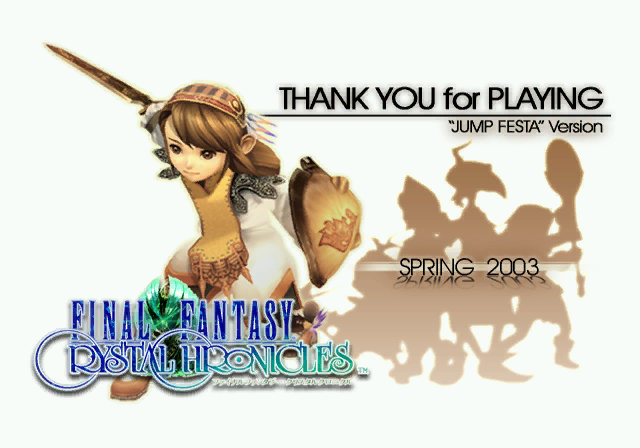
Playable demos were available during Jump Festa 2003 and E3 2003. These textures were used for those events.
Jump Festa 2003 Demo#
(Source: BlackFurniture)
The splash image used for the Jump Festa 2003 demo.
E3 2003 Demo#
These textures were used in the E3 2003 demo. They are found in e3_stage.tex and e3_thanx.tex.
E3 textures
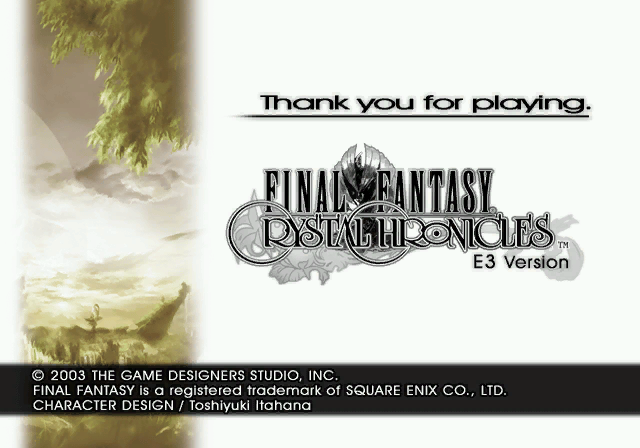




These textures show a stage selector, along with the game logo. It is worth noting that E3 Tida Village is tinted purple, while the final Tida Village has a faint blue tint.
(Source: BlackFurniture)
Odditites#
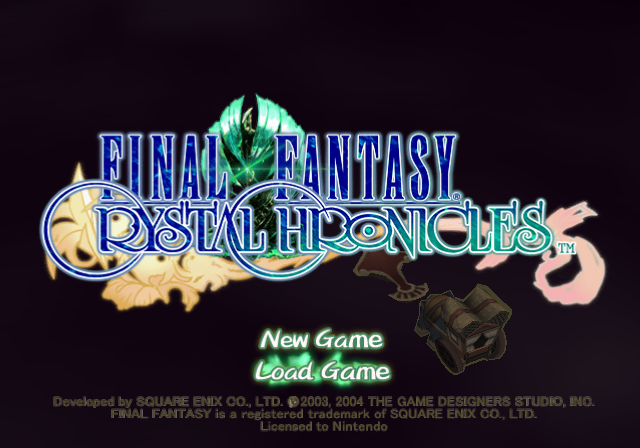
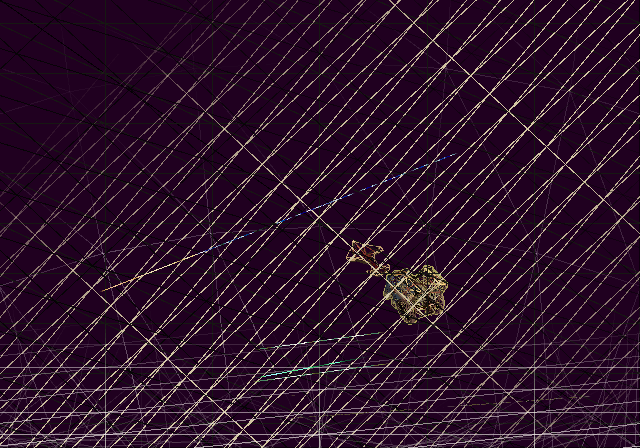
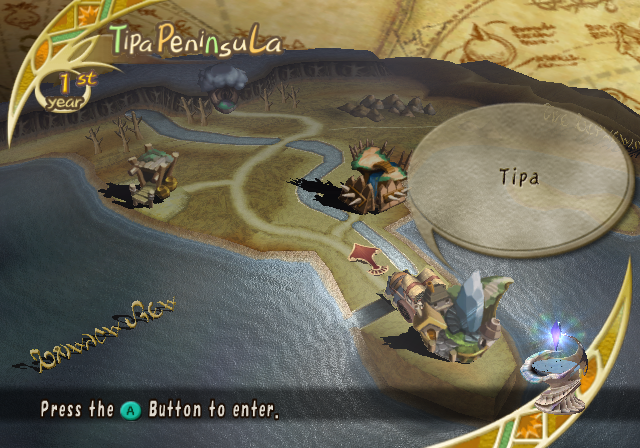
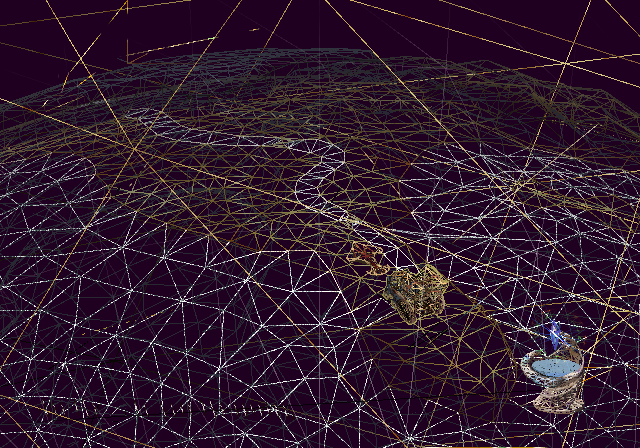
Hidden behind the title screen is a portion of the map to Tipa Paninsula. Left to right: Title screen with a camera hack, title screen in wireframe mode, normal render of Tipa Paninsula, and Tipa Paninsula in wireframe mode.
(Source: TheGameMaster)