
|
To do: |
With the Wii Fit Plus Channel, you can check your progress in Wii Fit Plus.
Build Date#
Present in timeStamp.txt, in the root of the 00000002.app archive.
USA/Japan |
Korea |
Europe |
Taiwan |
|---|---|---|---|
|
|
|
|
Debugging Material#
Build Display#
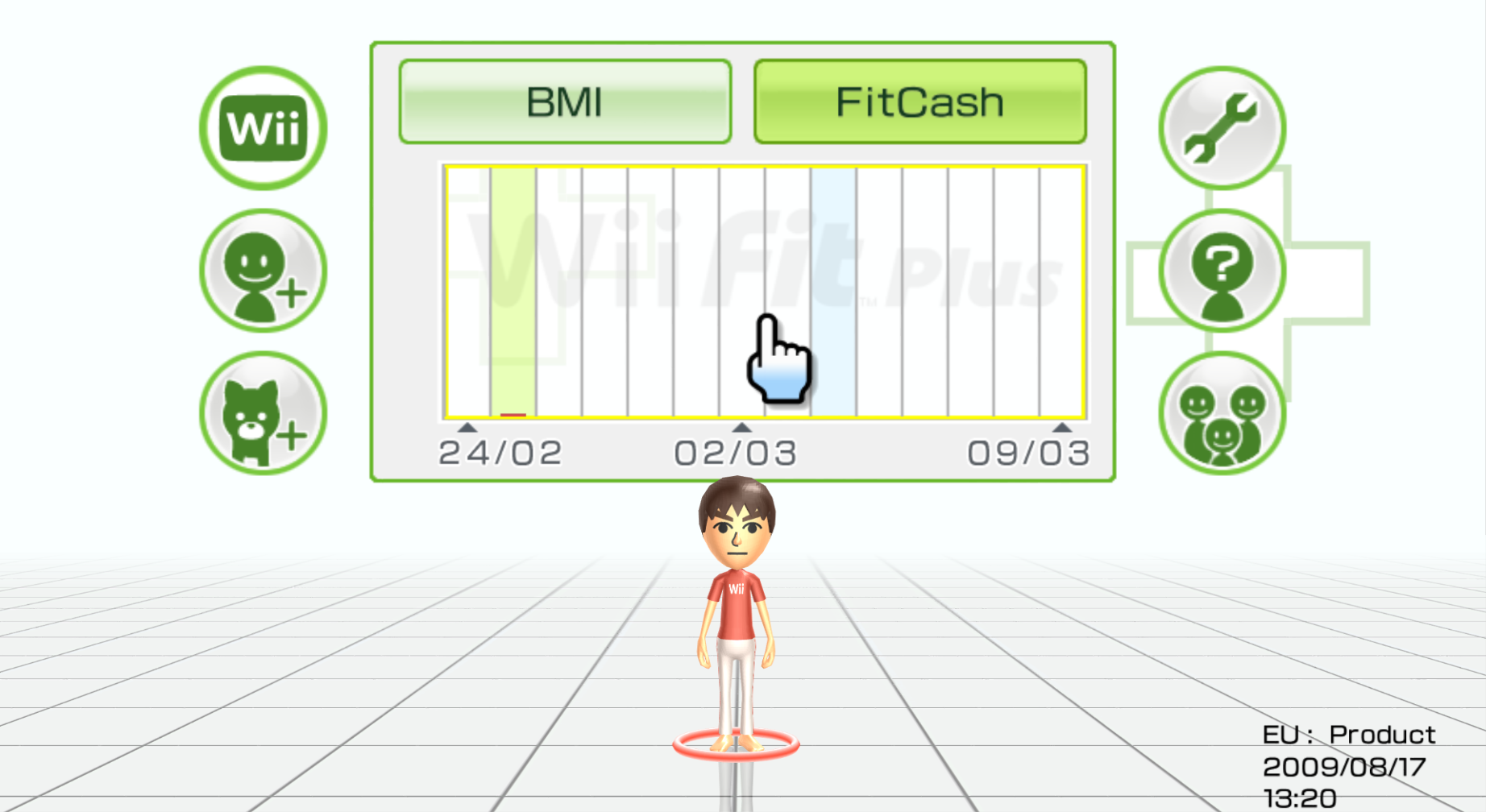
Oddly not stubbed out in product builds of the software is a hidden display for the product build date. According to the developer documents in an internal developer wiki found in the 2020-09-09 Nintendo leaks, pressing a button combo going by "A, Up (D-Pad), 2, Down (D-Pad), B, 1, 1, B, Left (D-Pad), A and Right (D-Pad)" on a Wii Remote at the square (title screen) will show a display in the bottom right corner in black for the region and product build type (found in the executable) and also print out the data in timeStamp.txt until the scene is exited, there is no sound cue.
|
First-Party | |
|---|---|
|
Default Channels |
Wii Menu • Mii Channel • Photo Channel (1.0 Restore Program) • Wii Shop Channel • Forecast Channel • News Channel • Wii Menu Electronic Manual • Wii + Internet: Get Connected Video |
|
Installable Channels |
Everybody Votes Channel • Internet Channel (Demo) • Check Mii Out Channel • Nintendo Channel • Wii Fit Channel • Mario Kart Channel • TV no Tomo Channel G Guide for Wii • Wii Speak Channel • Wii no Ma • Demae Channel • Digicam Print Channel • Wii Fit Plus Channel • Kirby TV Channel • The Legend of Zelda: Skyward Sword Save Data Update Channel • Wii U Transfer Tool • USB Memory Repair Program |
|
Third-Party | |
|
Installable Channels |
|
|
The Wii series | |
|---|---|
|
Wii Sports |
Wii Sports • Wii Sports Resort • Wii Sports + Wii Sports Resort • Wii Sports Club • Nintendo Switch Sports (Demo) |
|
Wii Play |
|
|
Wii Fit |
Wii Fit (Wii Fit Channel) • Wii Fit Plus (Wii Fit Plus Channel) • Wii Fit U |
|
Wii Party |
|
|
Other |
|