 This article has a talk page!
This is a sub-page of Superliminal/Unused Areas and Objects.
Unused Lighting#

|
This needs some investigation. |
TC_TurnAroundRoom#
|
Unused lights off |
Unused lights on |
|---|---|
|
|
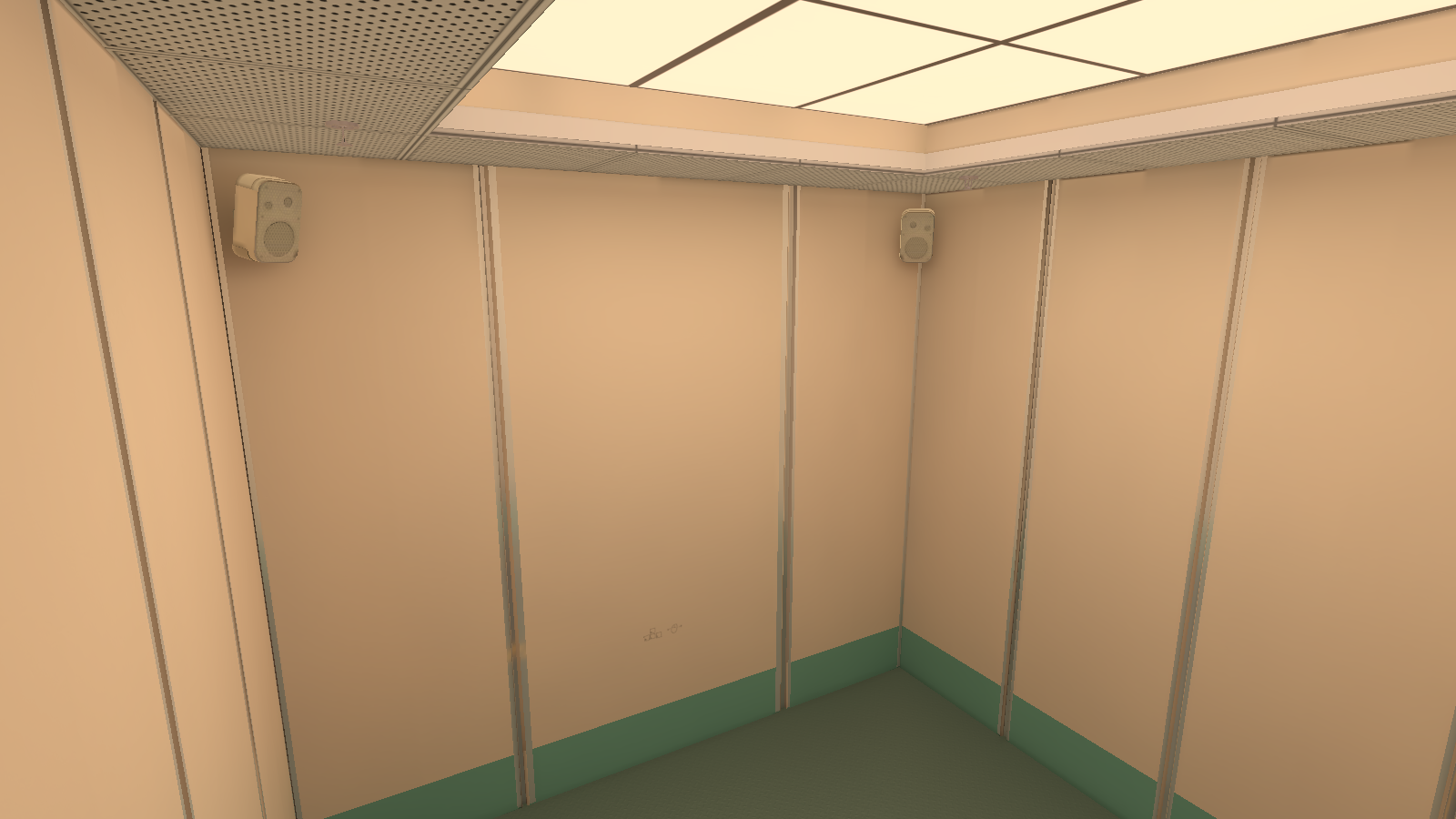
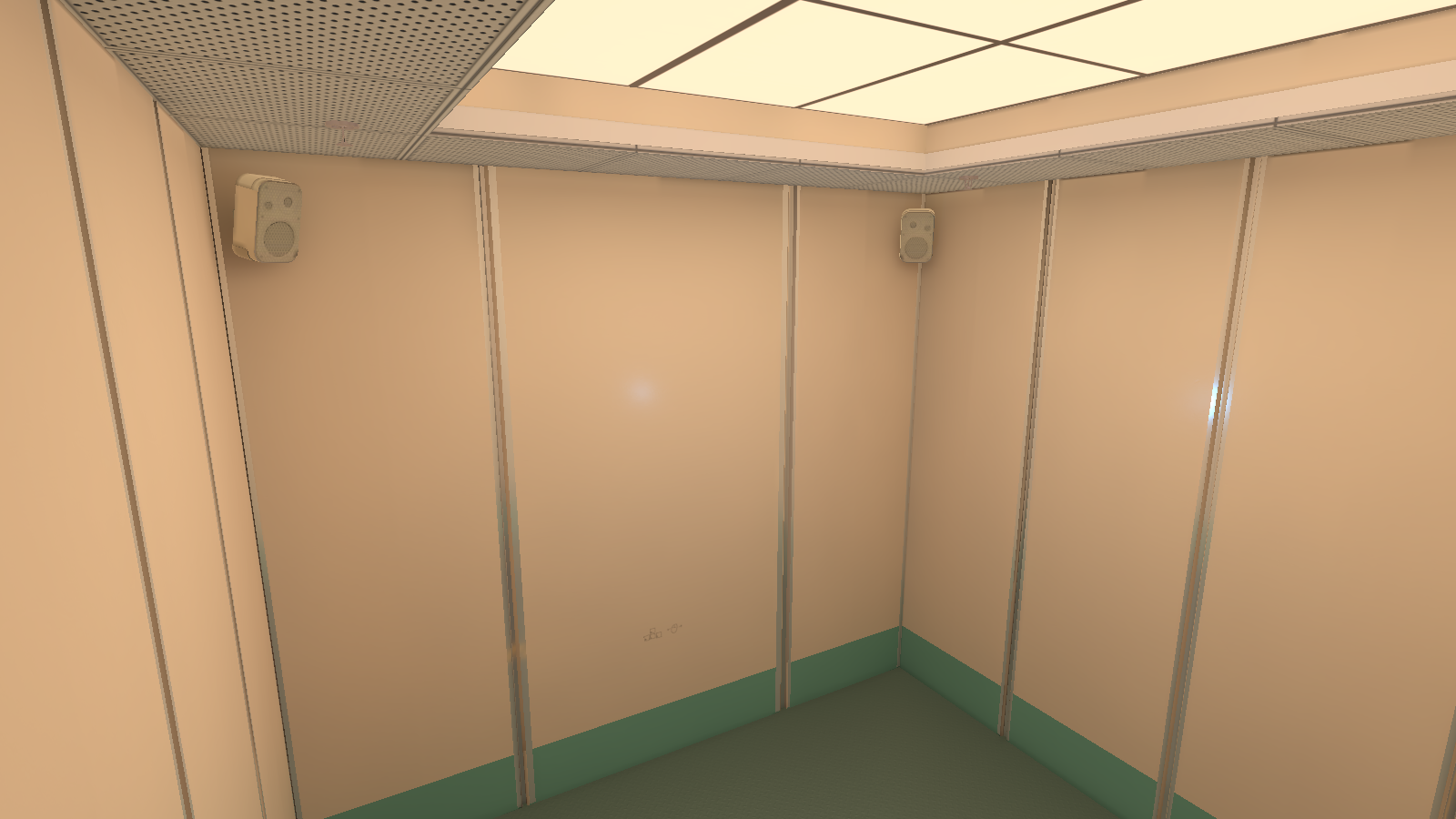
There is one unused point light (2) in the middle of the room.
TC_PawnThruHoleRoom#
|
Unused lights off |
Unused lights on |
|---|---|
|
|
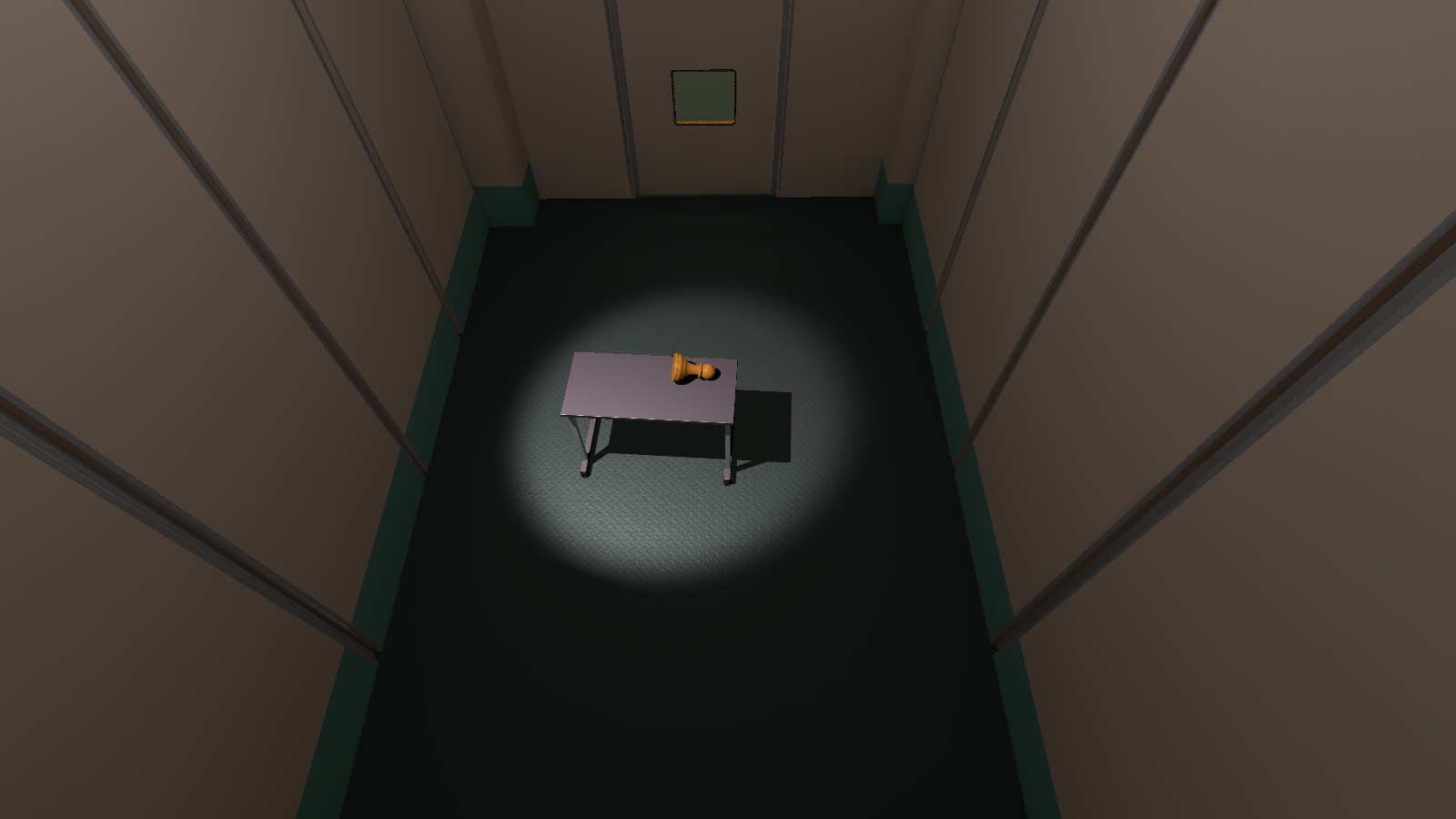
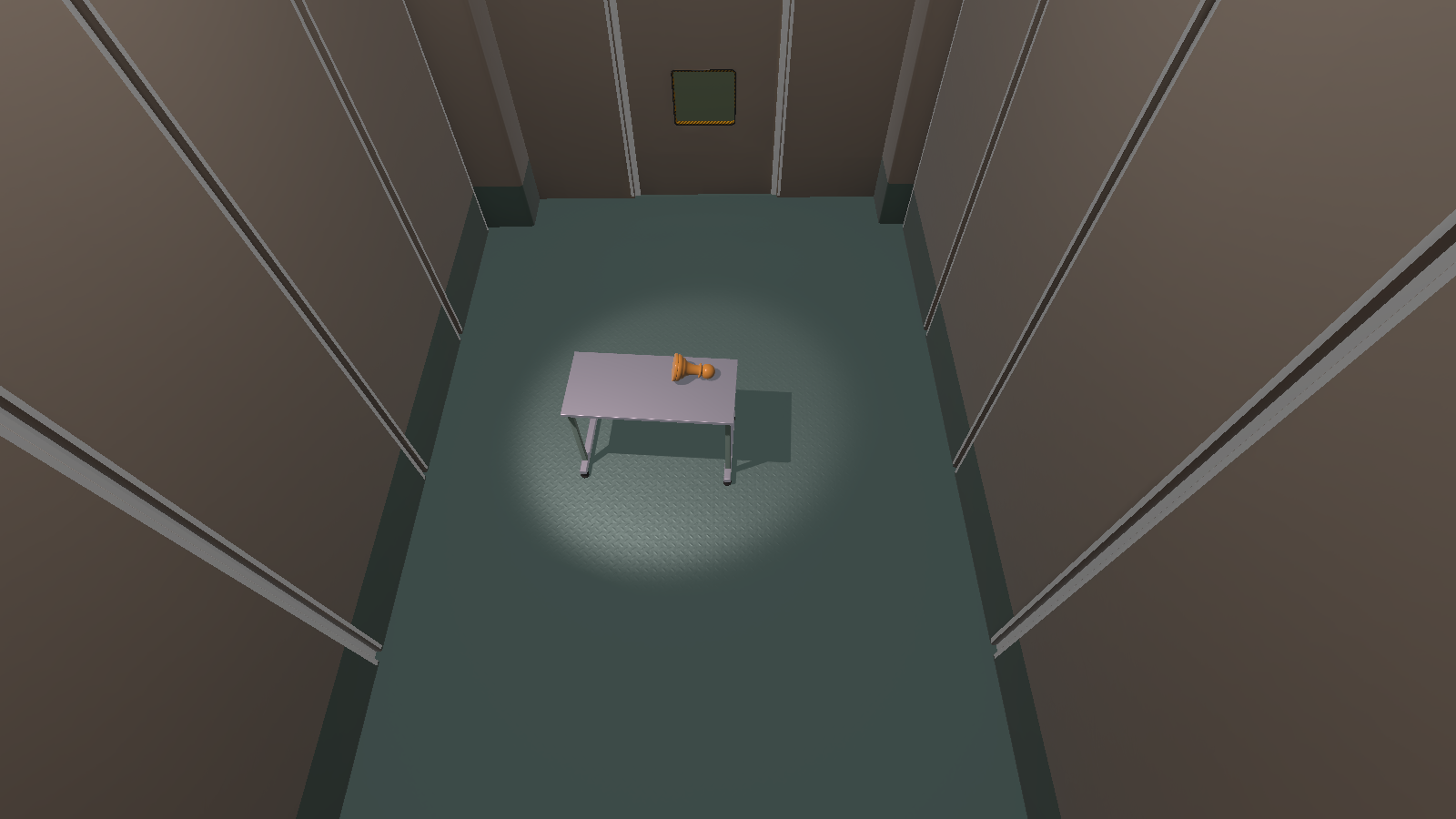
There is an unused reflection probe light (19) around the room that can only be visible if "OnlyDrawProbeWhenInView" is turned off in it's components.
TC_CubeThroughHoleWithGrates#
|
|
This needs some investigation. |
|
Unused lights off |
Unused lights on |
|---|---|
|
|
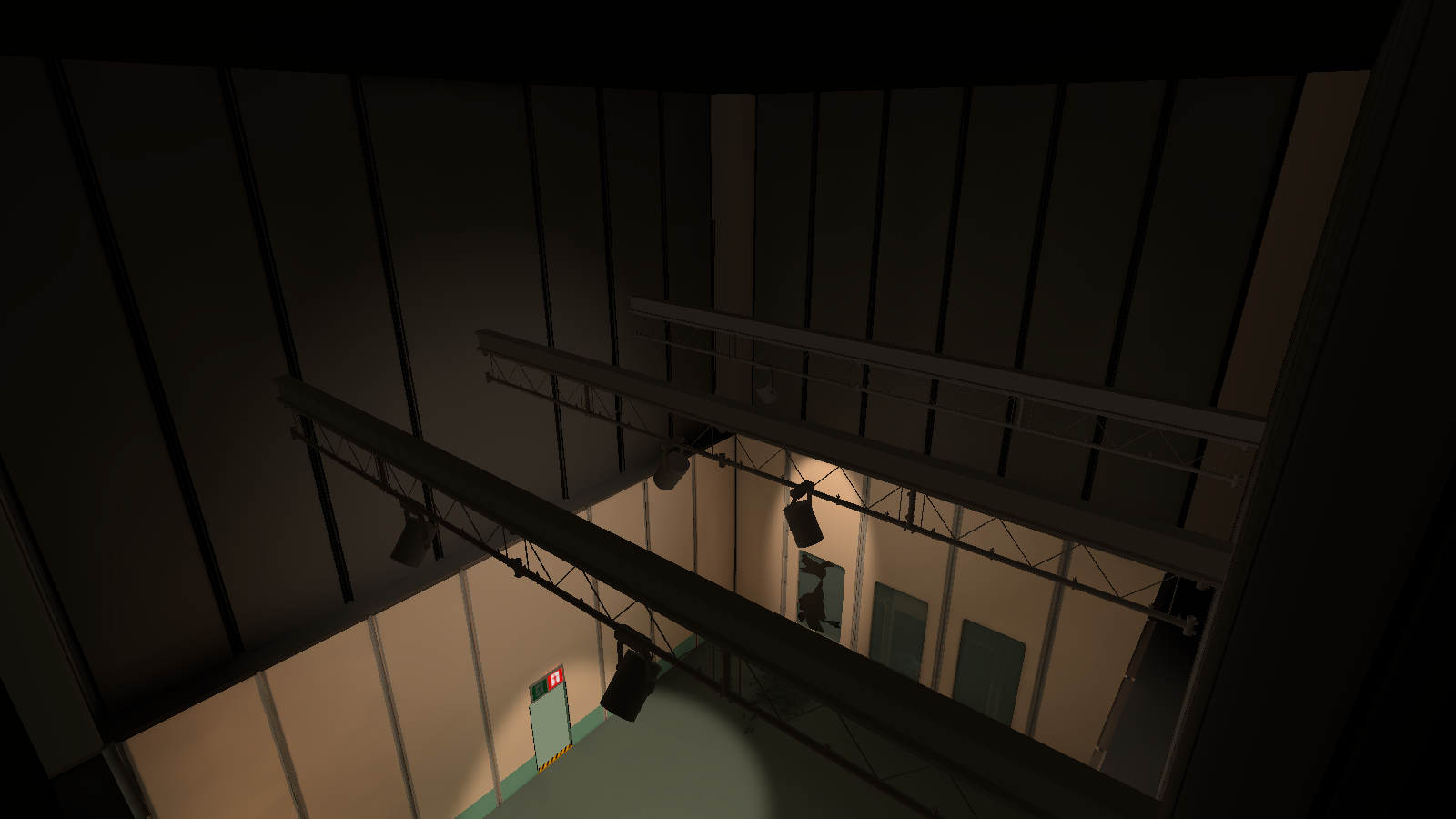
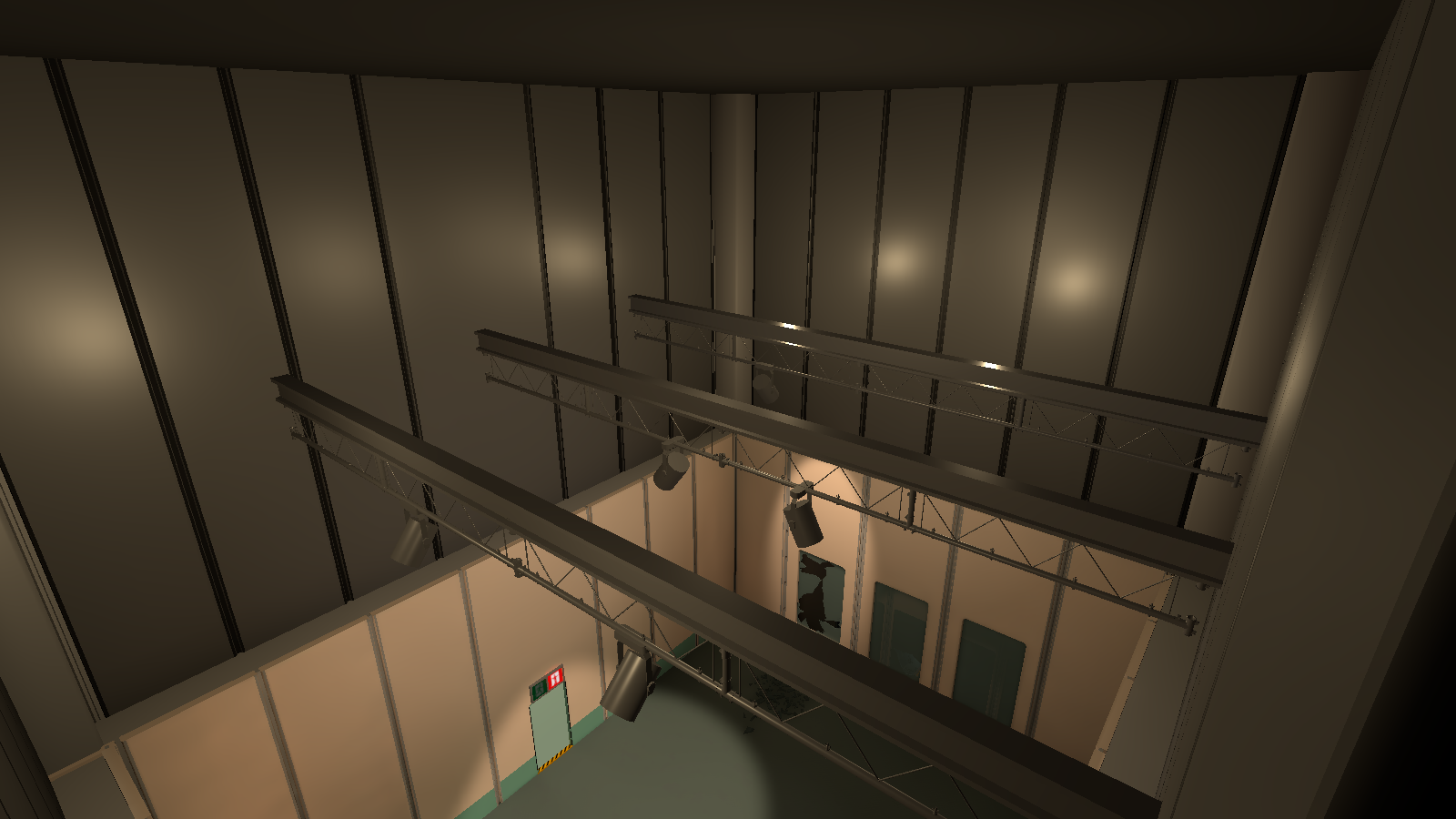
There is six unused point lights (0-5) on the ceiling.
TC_PortalHallway#
|
Unused lights off |
Unused lights on |
|---|---|
|
|
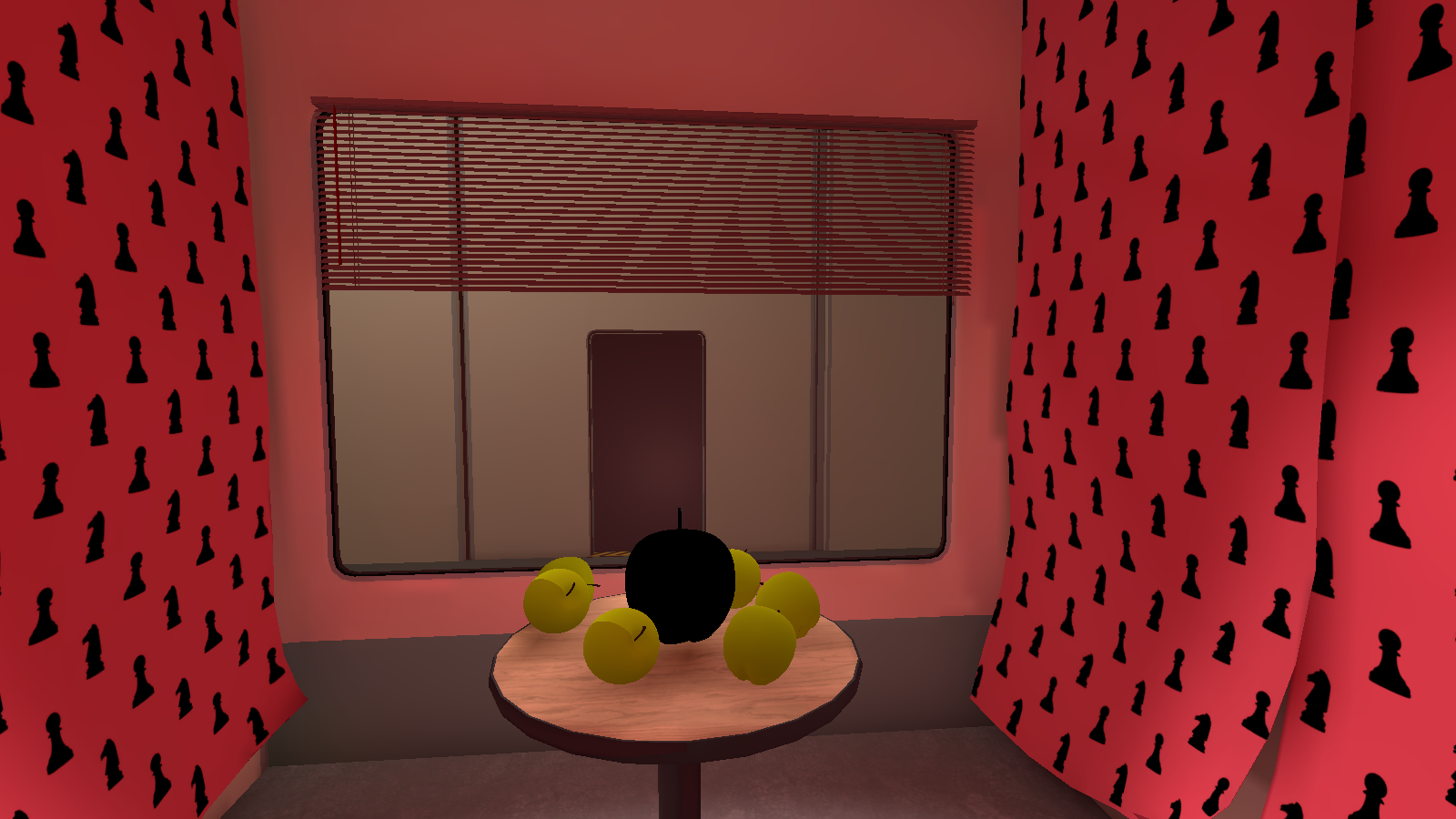
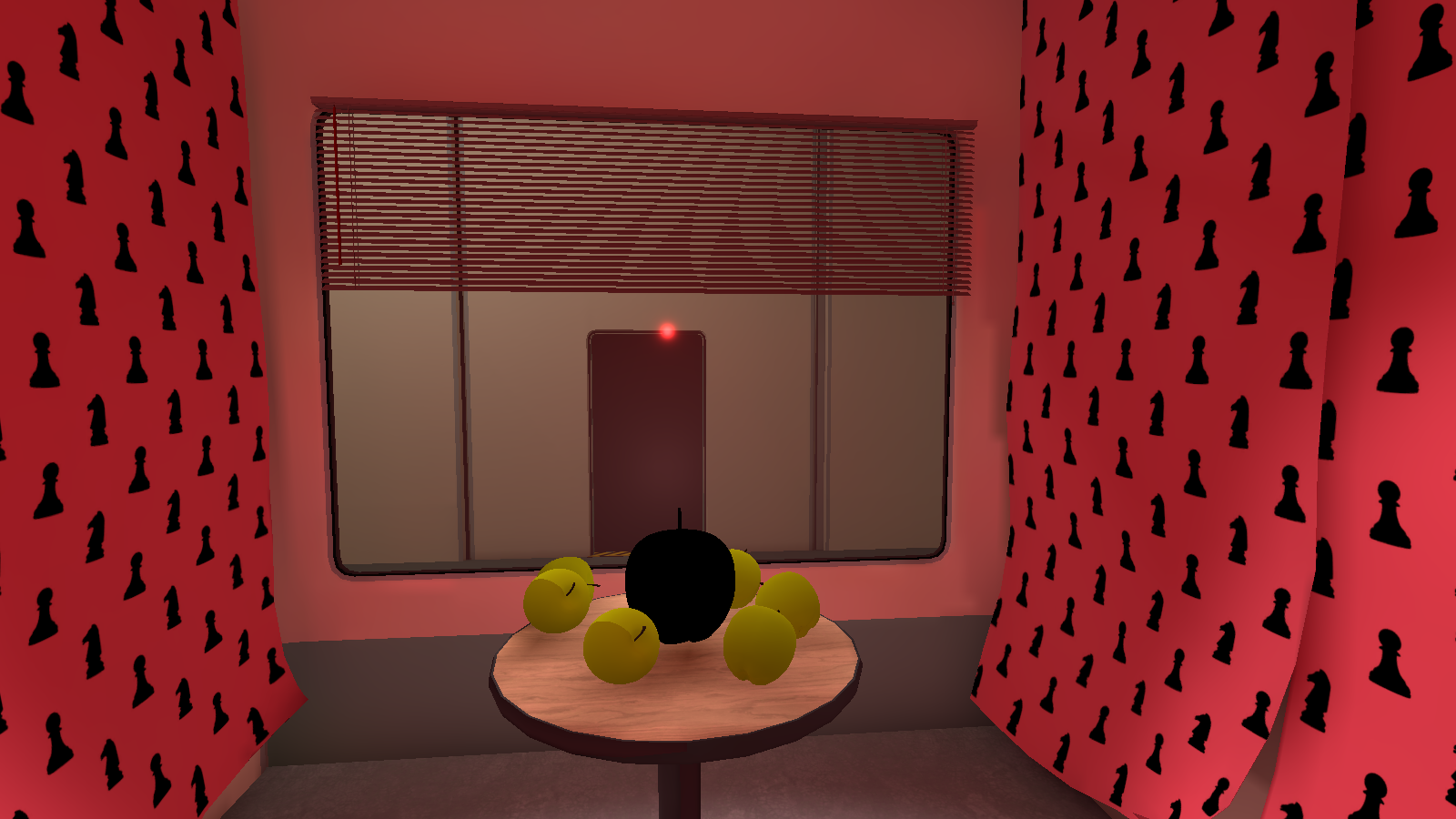
Inside the red display room, is an unused red spot light (6) that is only visible from the other side of the window.
TC_BackAreaFallHall#
|
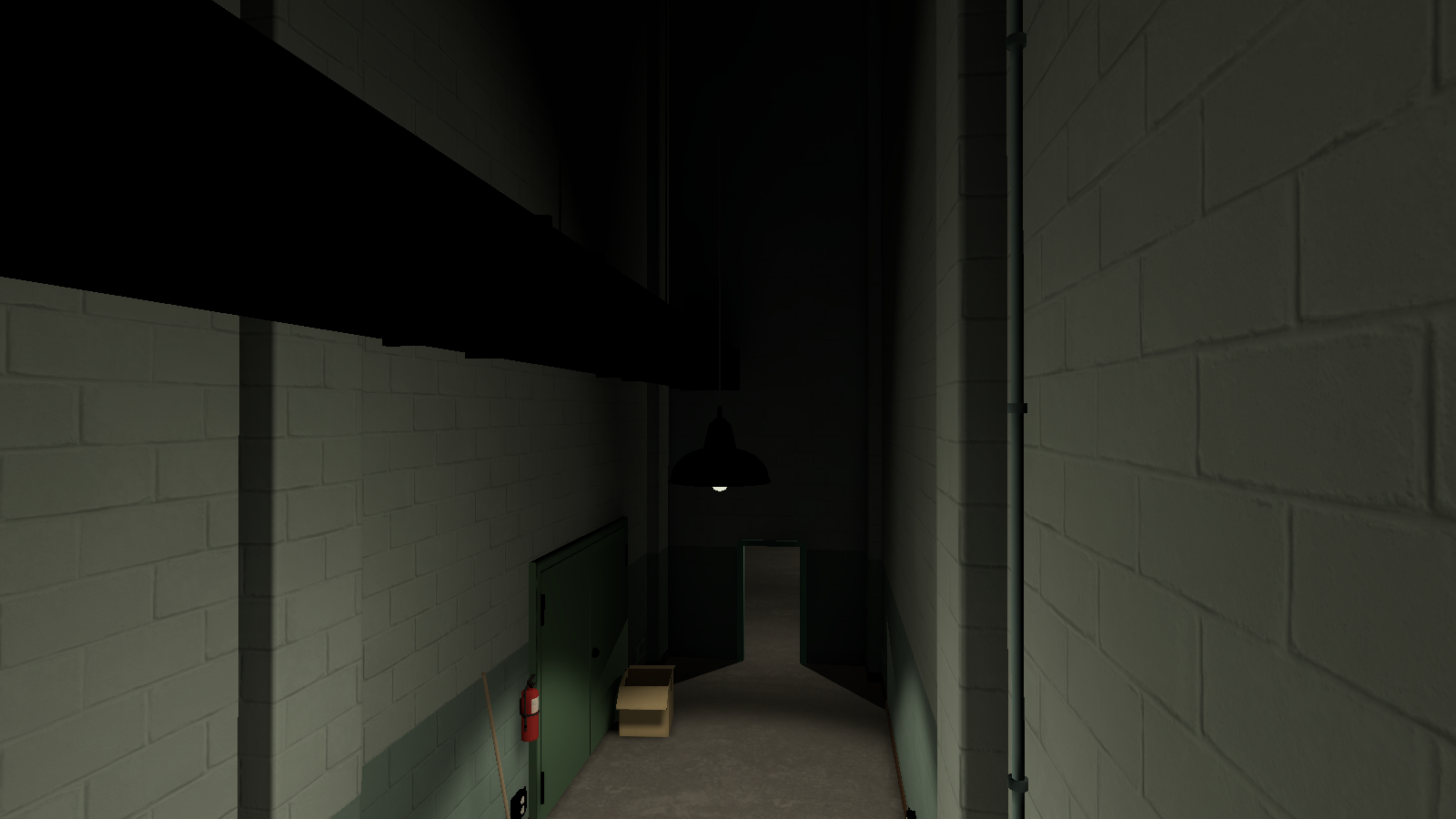
Unused light 1 off |
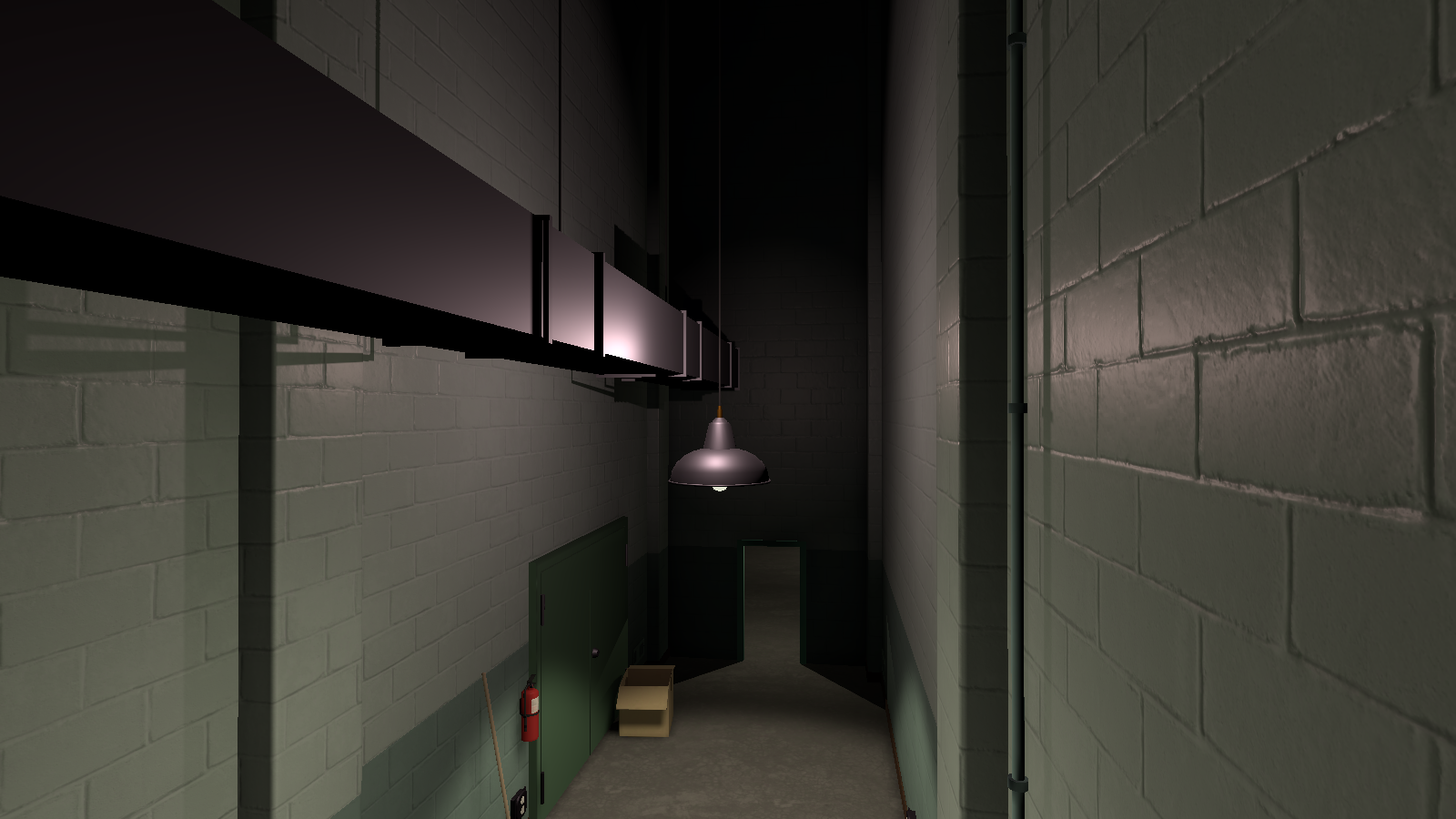
Unused light 1 on |
|---|---|
|
|
|
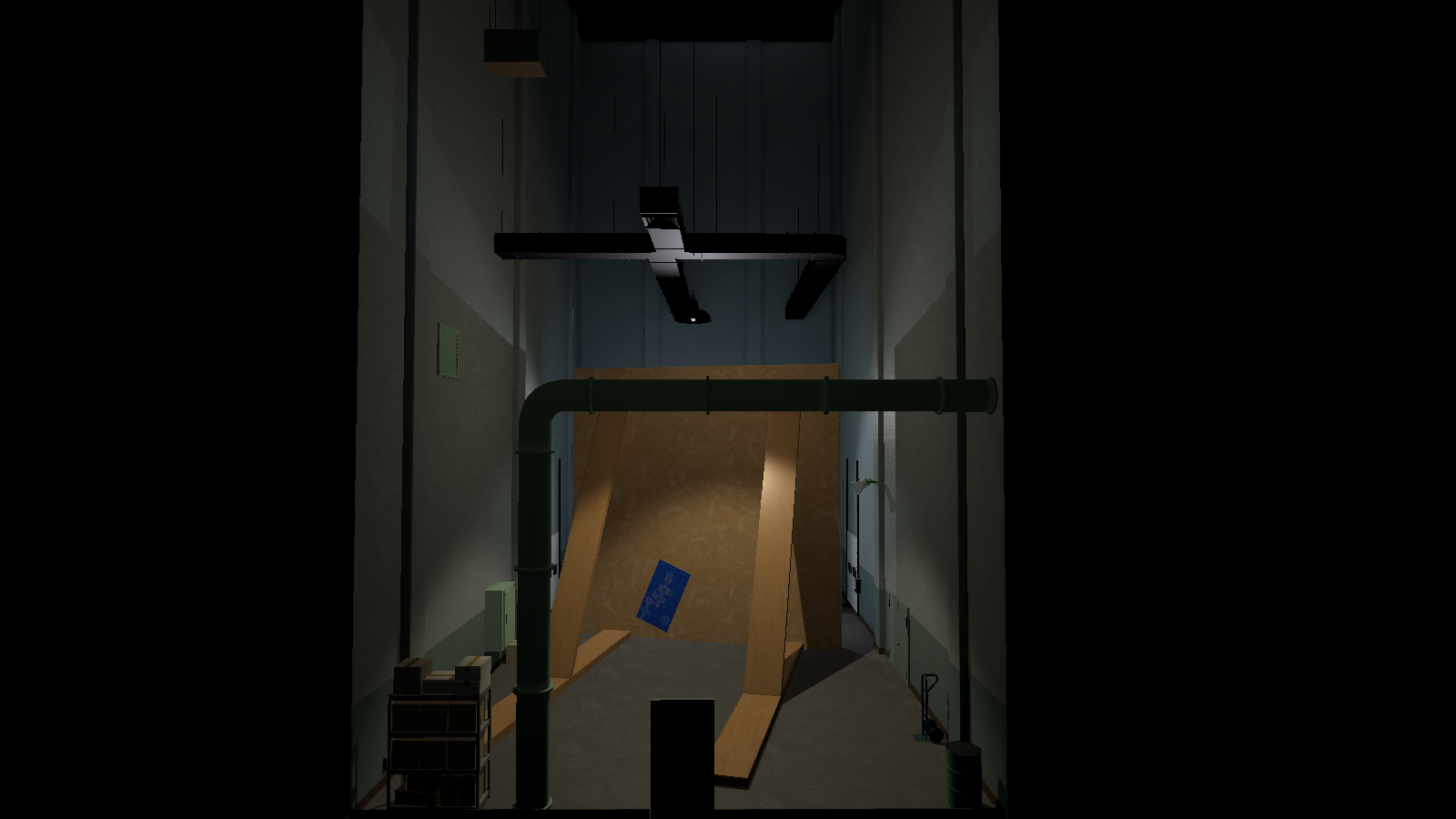
Unused light 2 off |
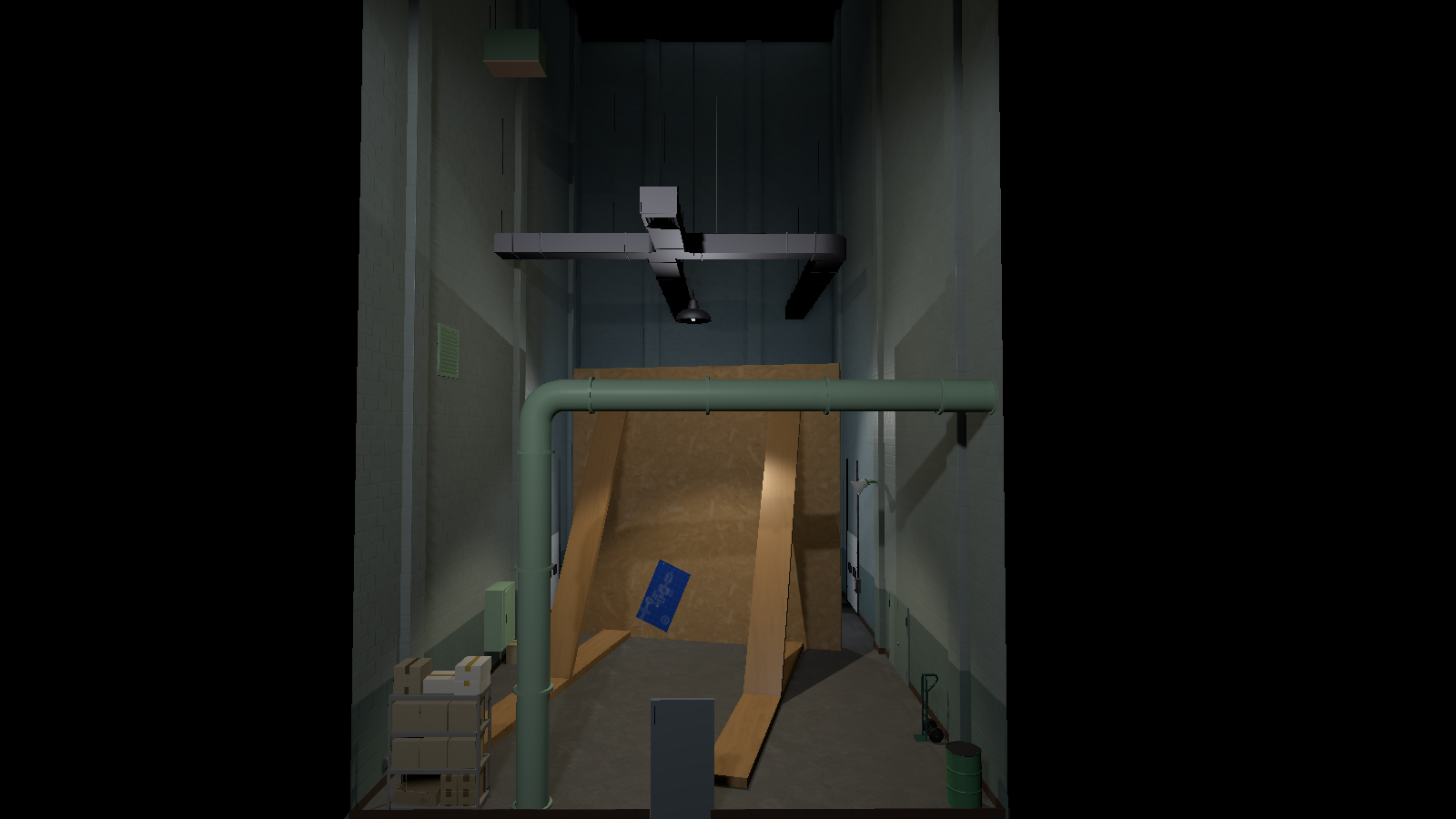
Unused light 2 on |
|---|---|
|
|
There is two unused point lights (both labelled "Point Light (1)"), one for the first hallway lamp and the back of the cloud room.
Unused Objects#
TC_TurnAroundRoom#
|
|
This needs some investigation. |
Filecabinet 1#
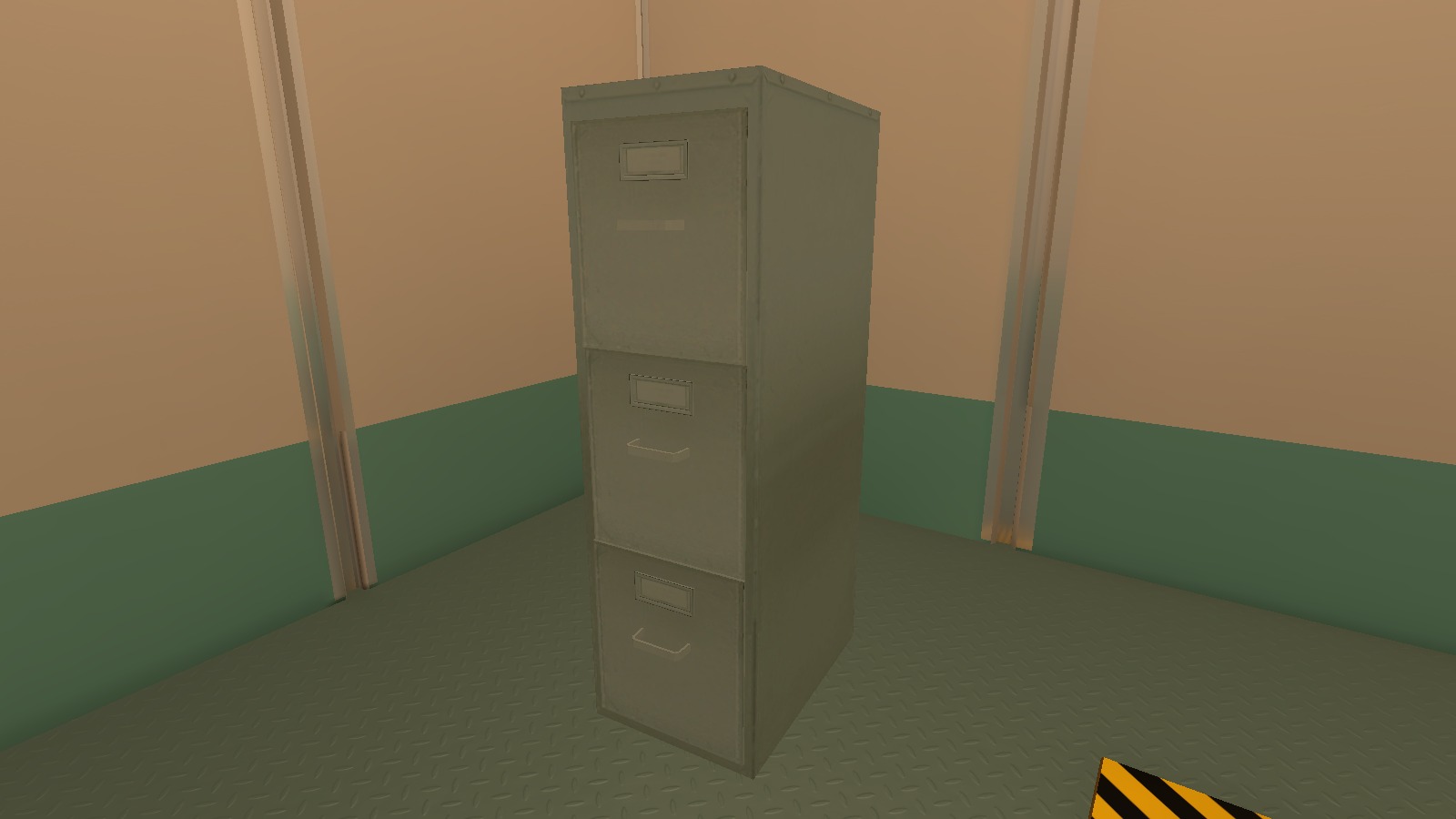
To the left of the table is an unused file cabinet.
Office Wall 1#
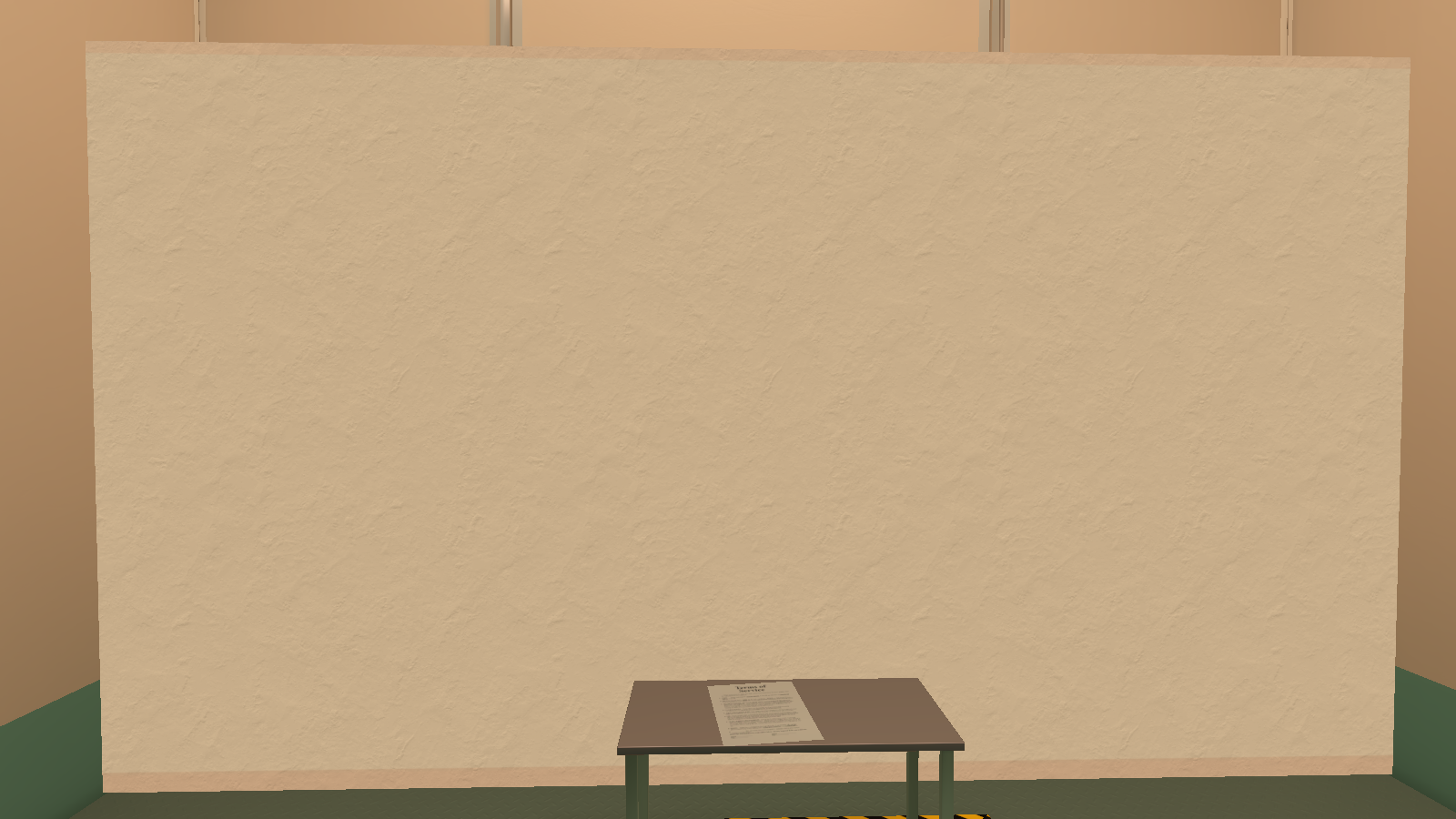
Behind the table is an unused office wall.
TC_Hallway#
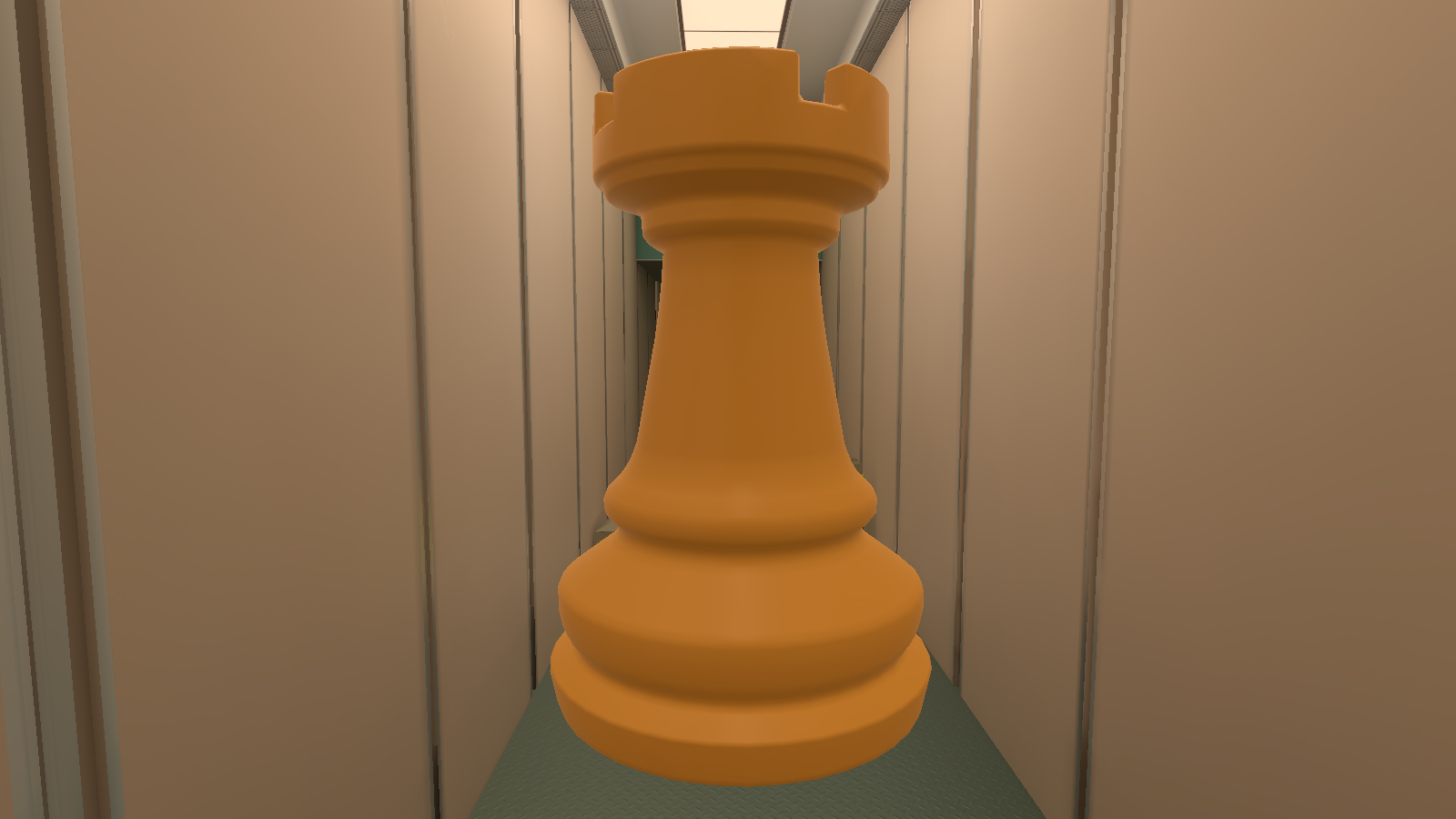
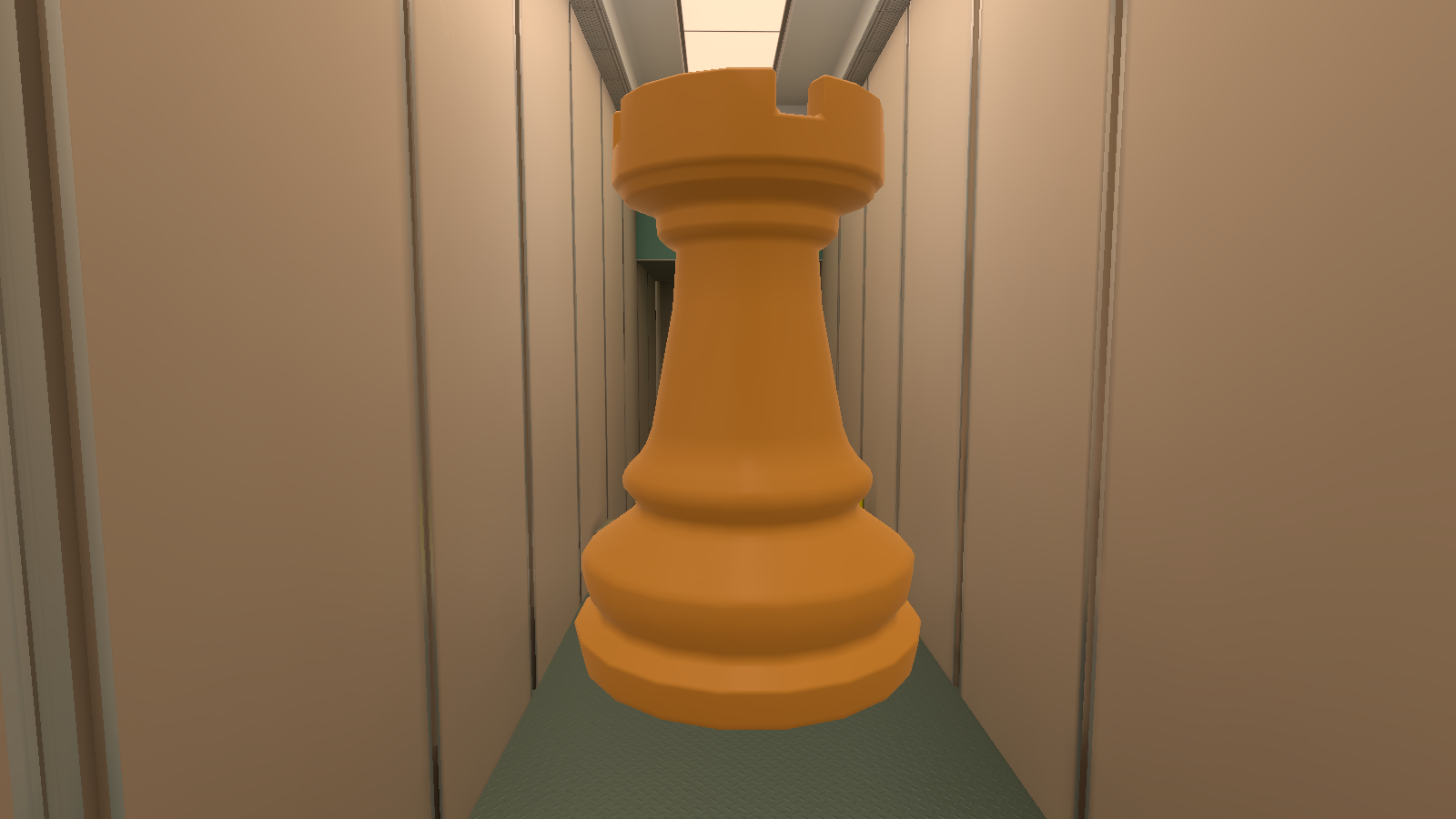
Chess_Piece_Rook_Common_Prop#
|
Chess_Piece_Rook_UpRes_White_Common_Prop (1) (Used) |
Chess_Piece_Rook_Common_Prop (Unused) |
|---|---|
|
|
Near the rook is an unused rook. This was probably used in early development since the used rook has "UpRes" in its model name.
Label#
|
|
This needs some investigation. |
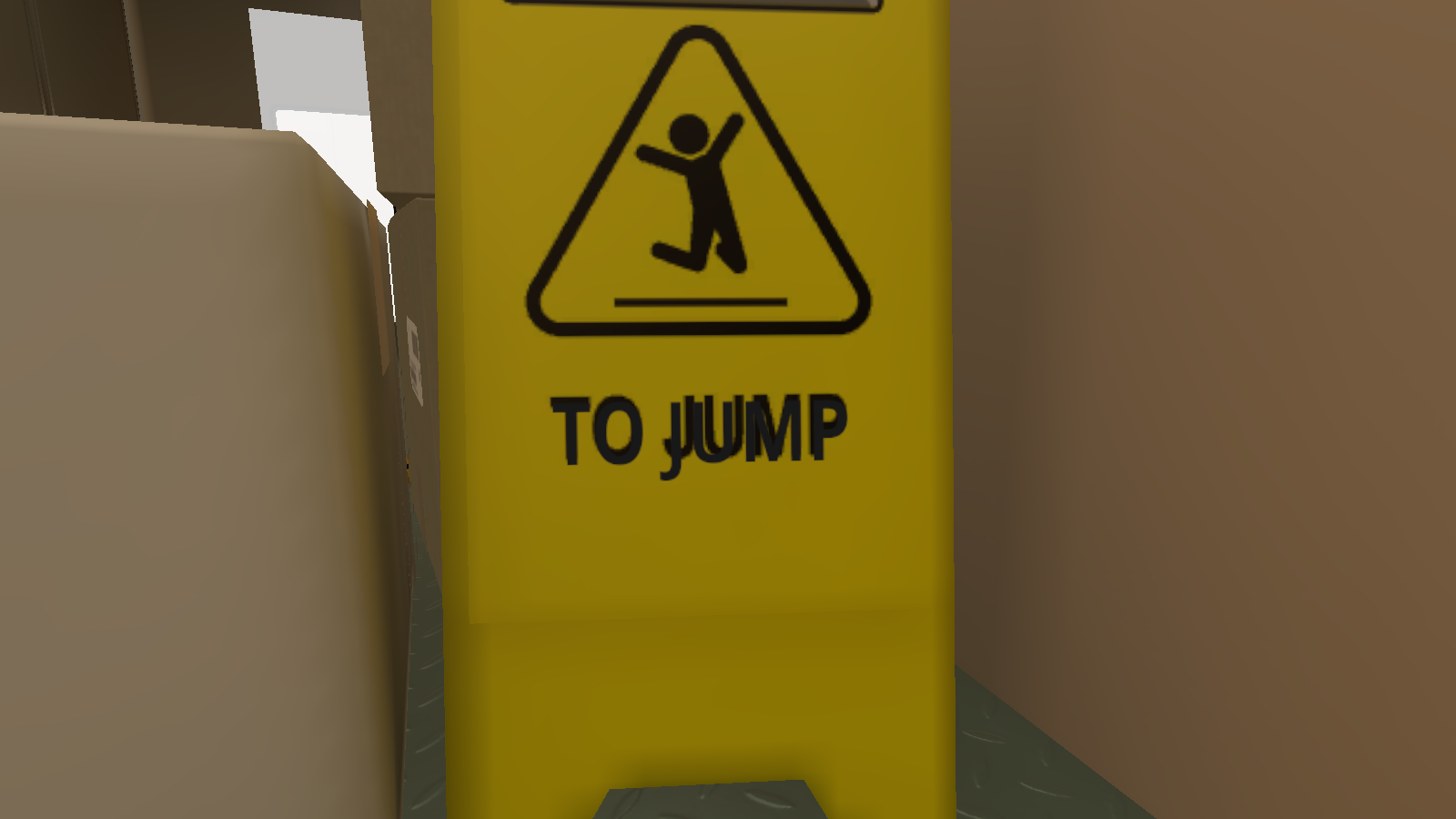
On the wet floor sign, there is an unused alternate label that says "TO JUMP" but has different placement and a longer end for the J. This is a leftover object from the Epic Games builds.
TC_GrabALotOfStuff#
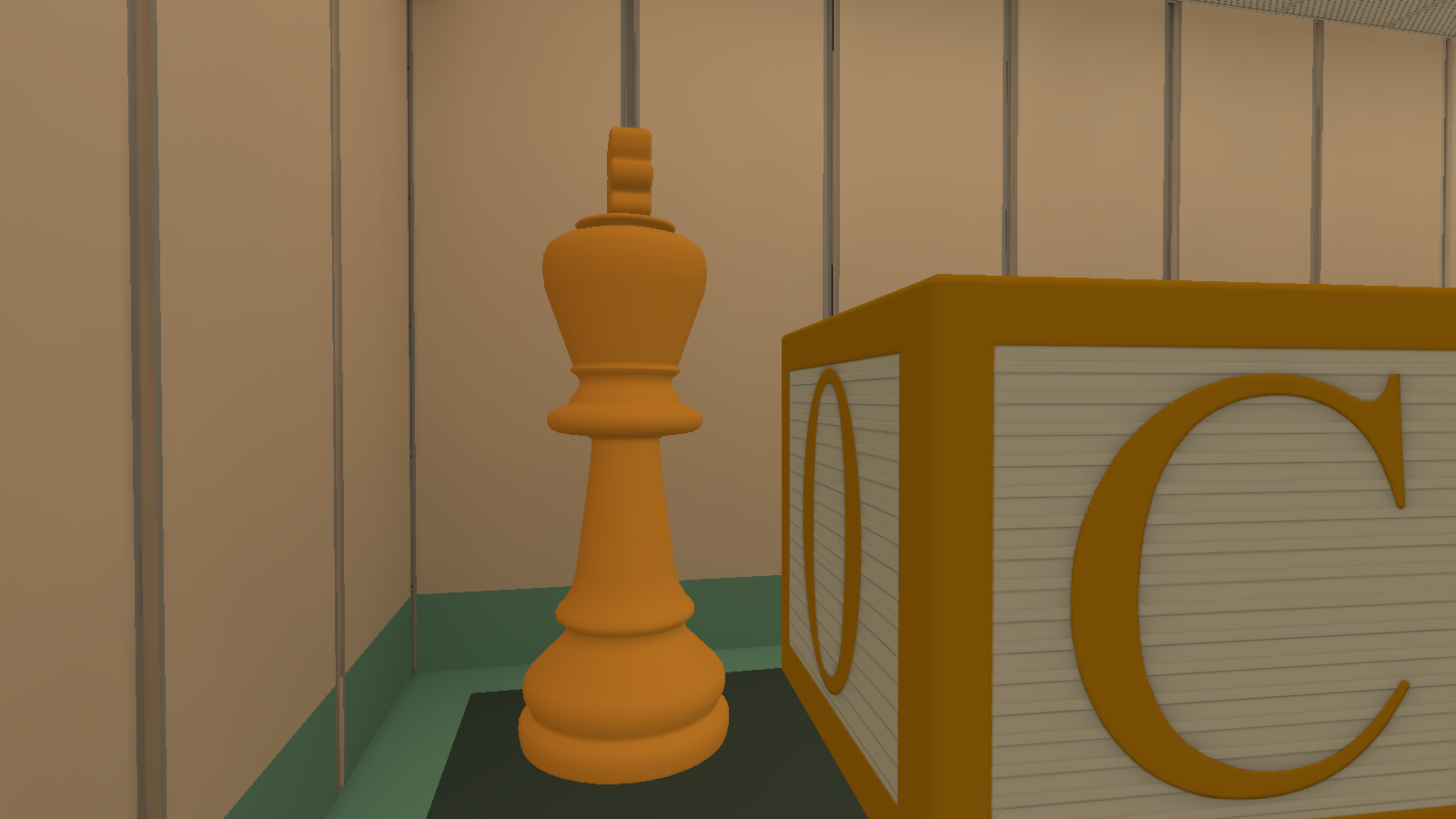
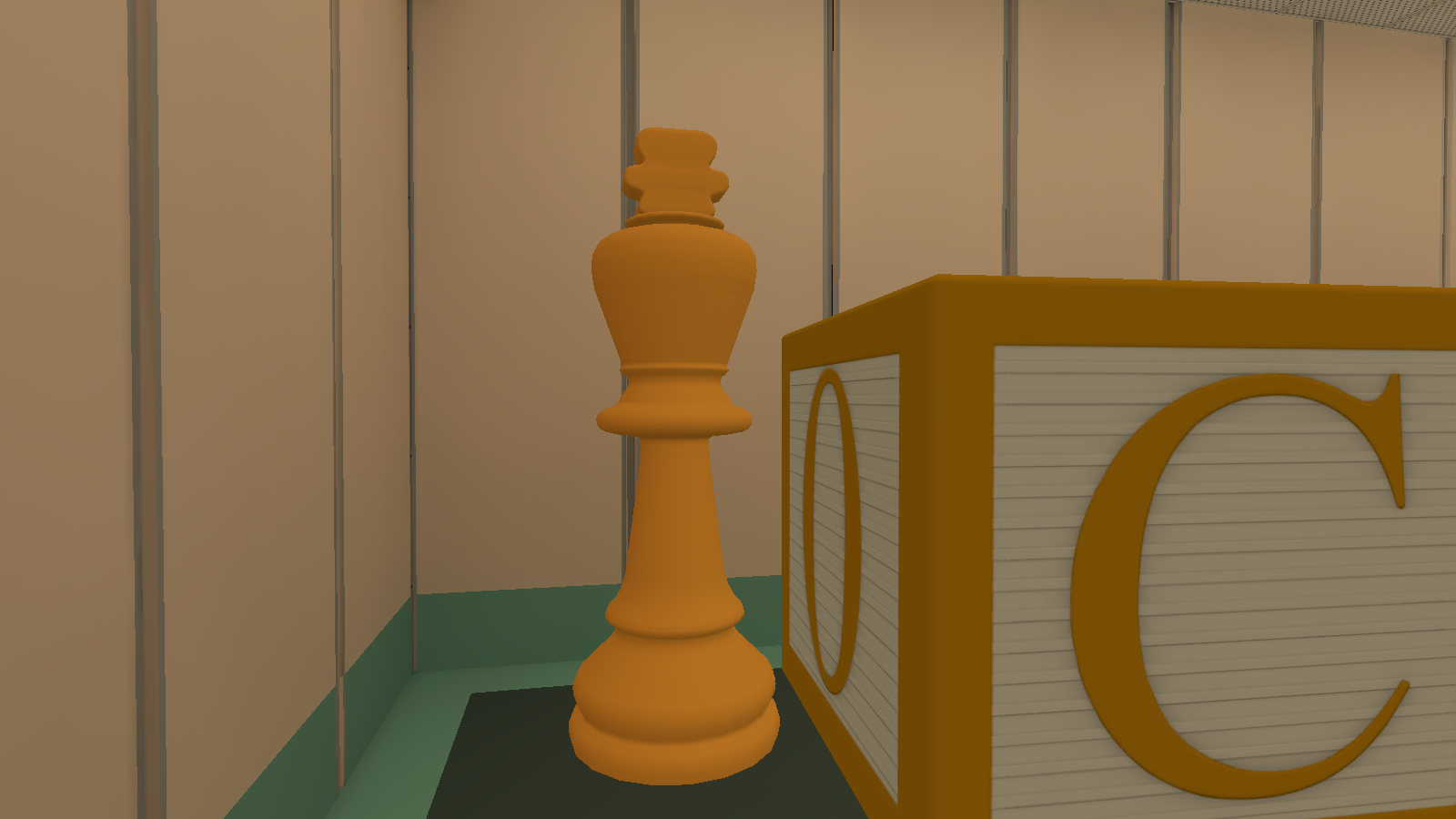
Chess_Piece_King_Common_Prop (1)#
|
Chess_Piece_King_UpRes_White_Common_Prop (Used) |
Chess_Piece_King_Common_Prop (1) (Unused) |
|---|---|
|
|
To the top left of the room, where the king is, is an unused king near it. This was probably used in early development since the used rook has "UpRes" in its model name.
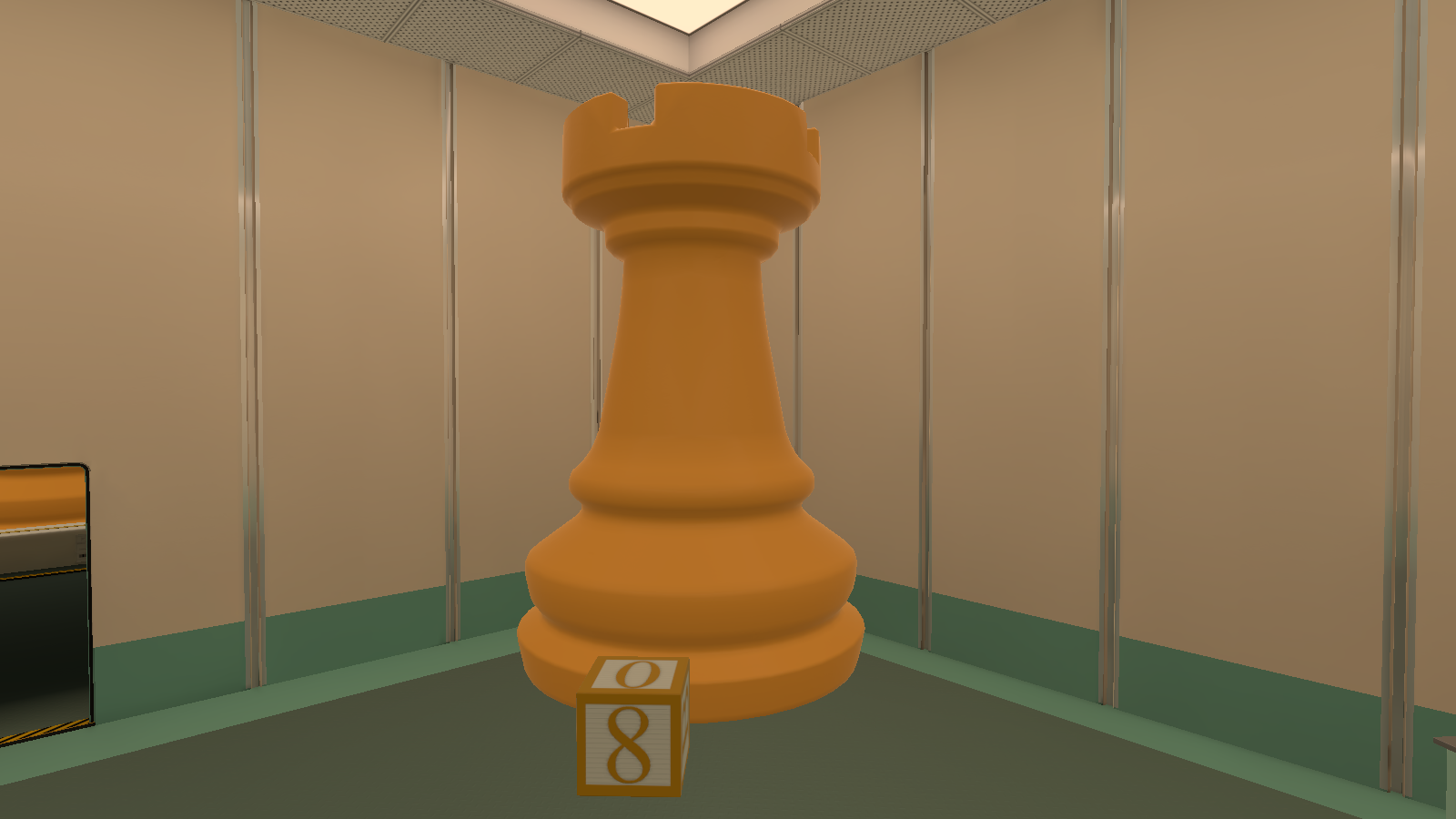
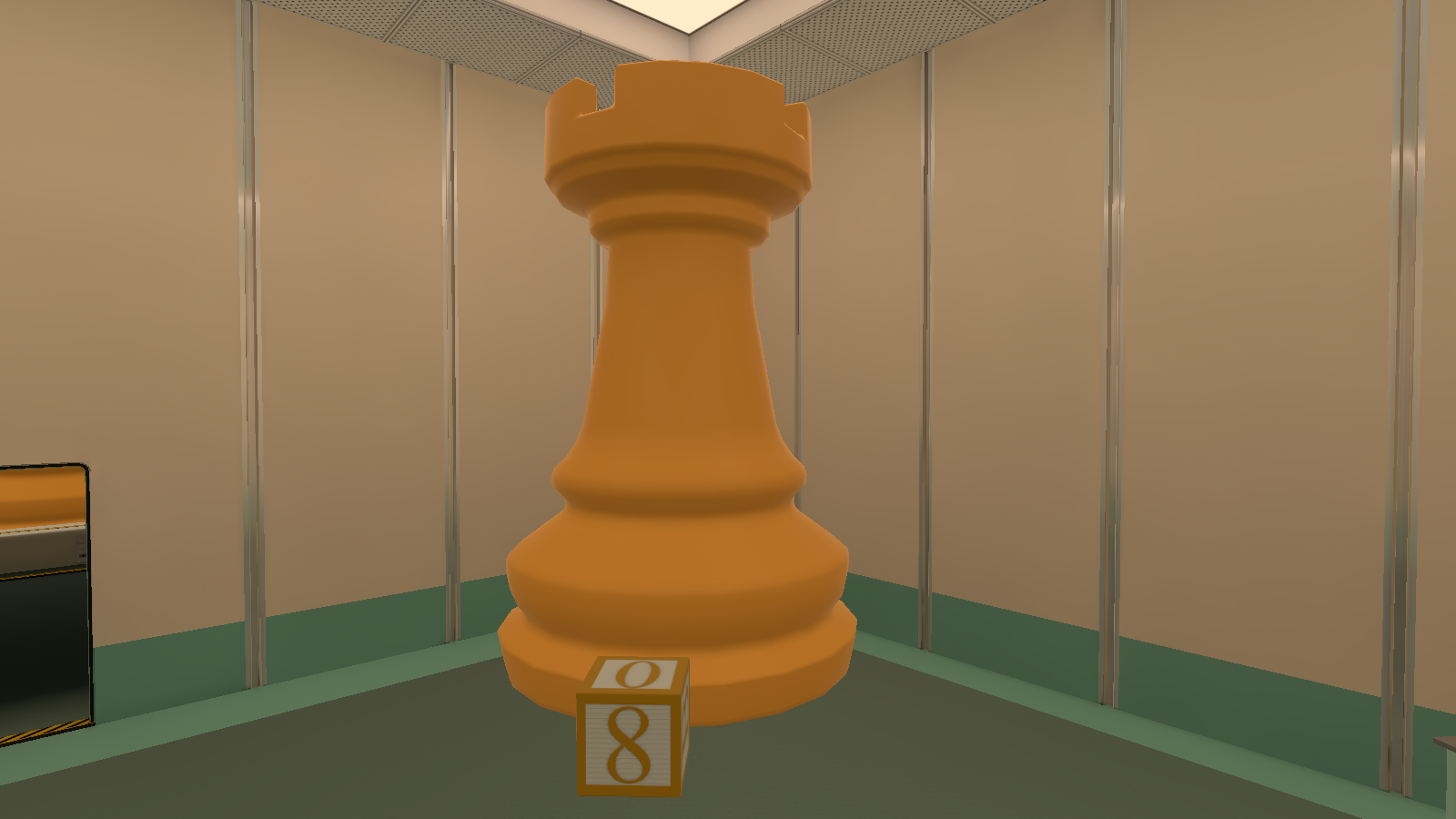
Chess_Piece_Rook_Common_Prop (1)#
|
Chess_Piece_Rook_UpRes_White_Common_Prop (Used) |
Chess_Piece_Rook_Common_Prop (1) (Unused) |
|---|---|
|
|
To the bottom right of the room, where the rook is, is an unused rook near it. This was probably used in early development since the used rook has "UpRes" in its model name.
TC_FirstButtonRoom#
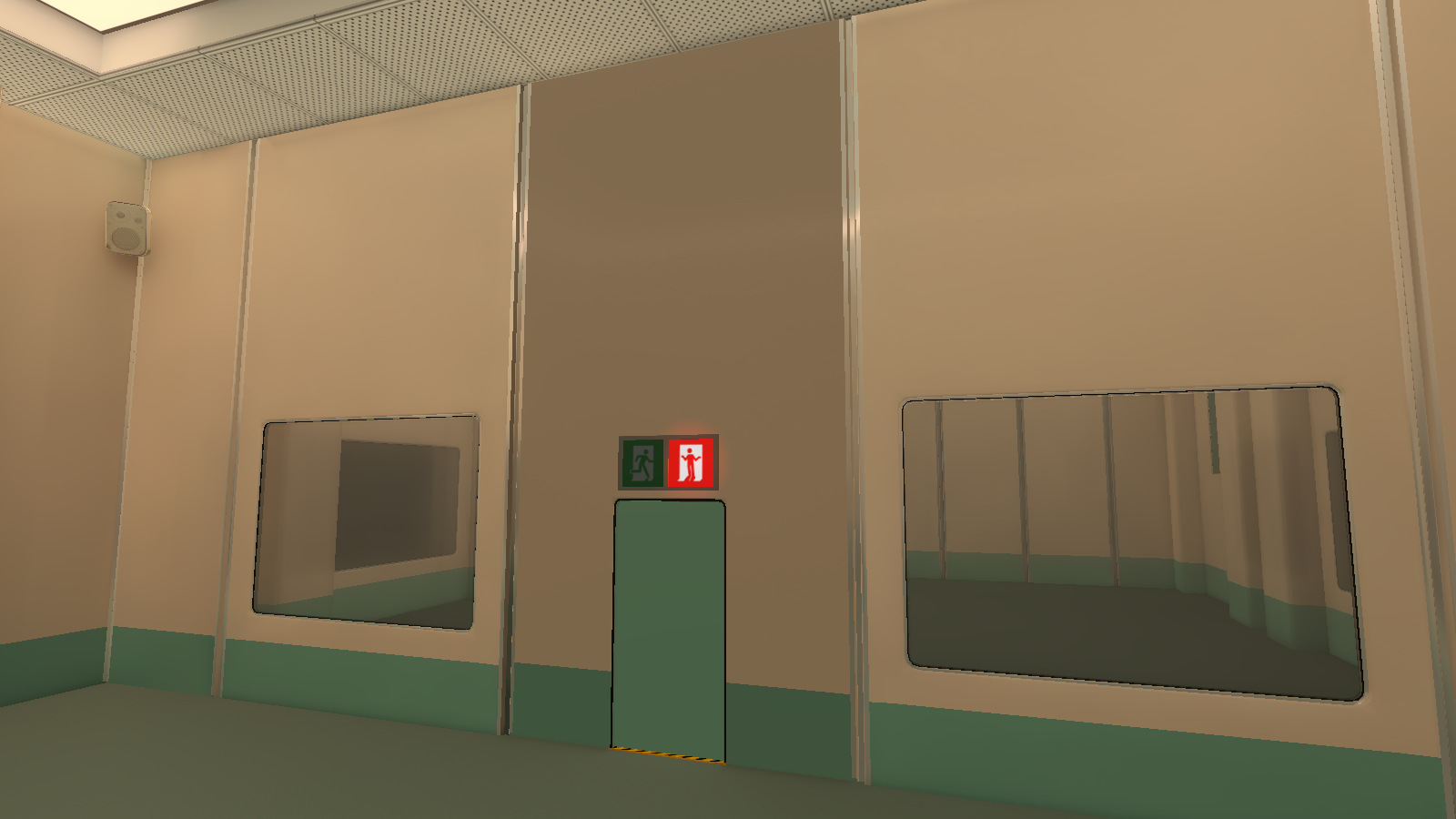
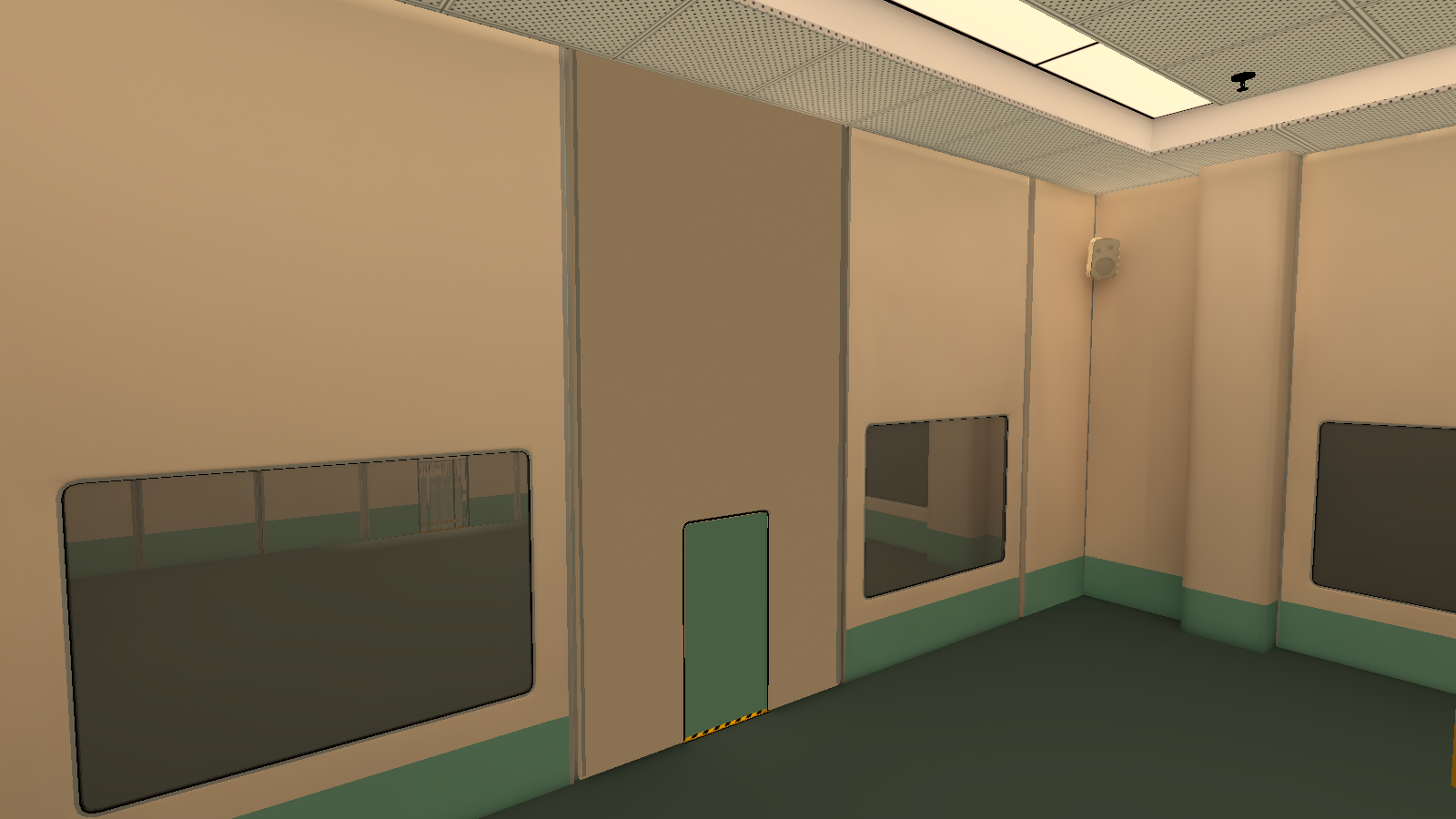
Chamber_ModularWall_Doorway_001 (6)#
|
Front |
Back |
|---|---|
|
|
In the middle of the room, where the first exit door is an unused exit wall with less lighting and no green line on the back. The used exit wall has a line on the back.
TC_HallwayPawnIllusion_EM#
chess: pawn 4 (8)#
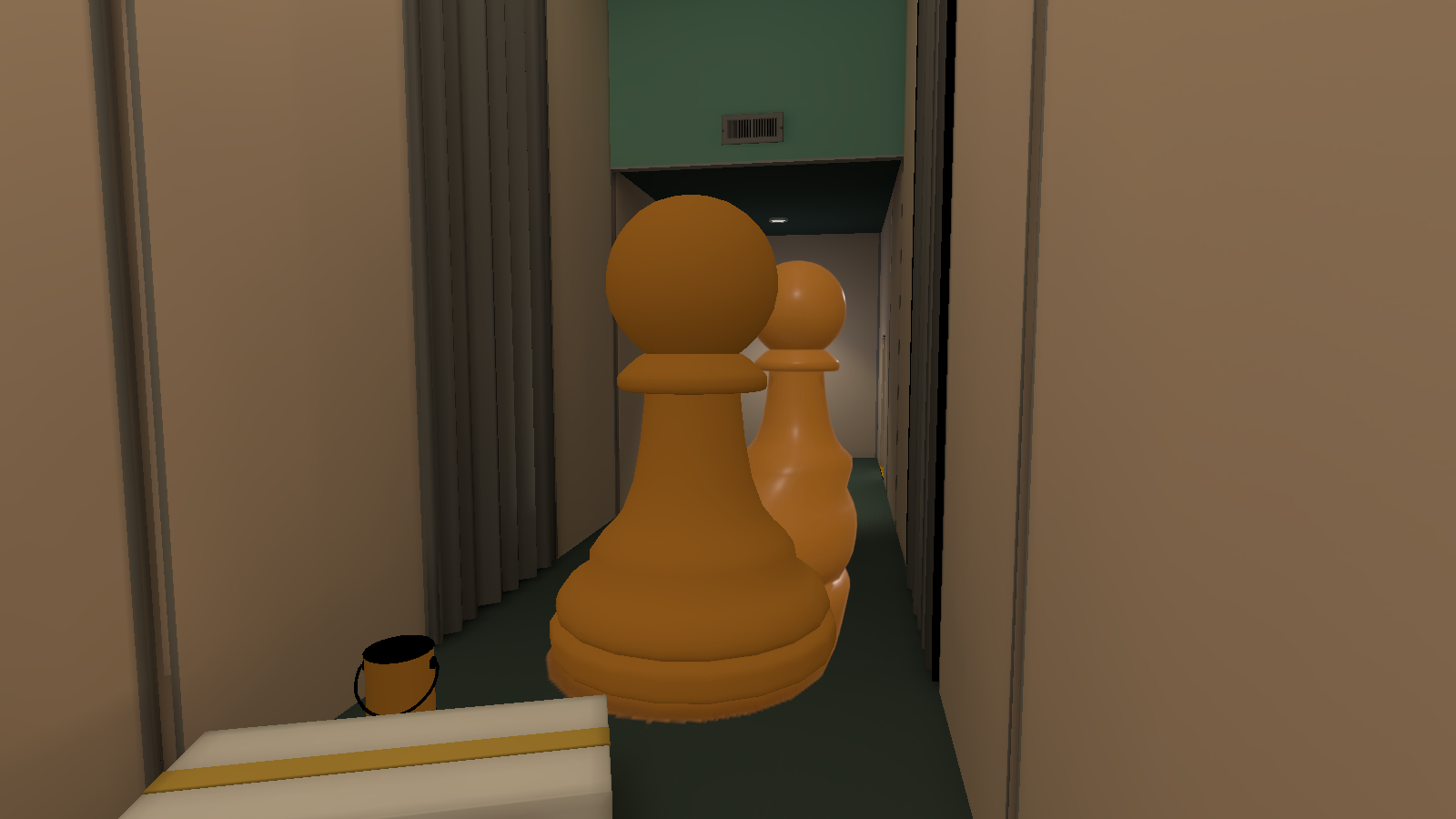
Right where the pawn illusion's bottom starts is an unused pawn piece. This was probably used for the texture, but this model doesn't have the same reflection lighting as the texture in the back.
GDC2020_Objects#
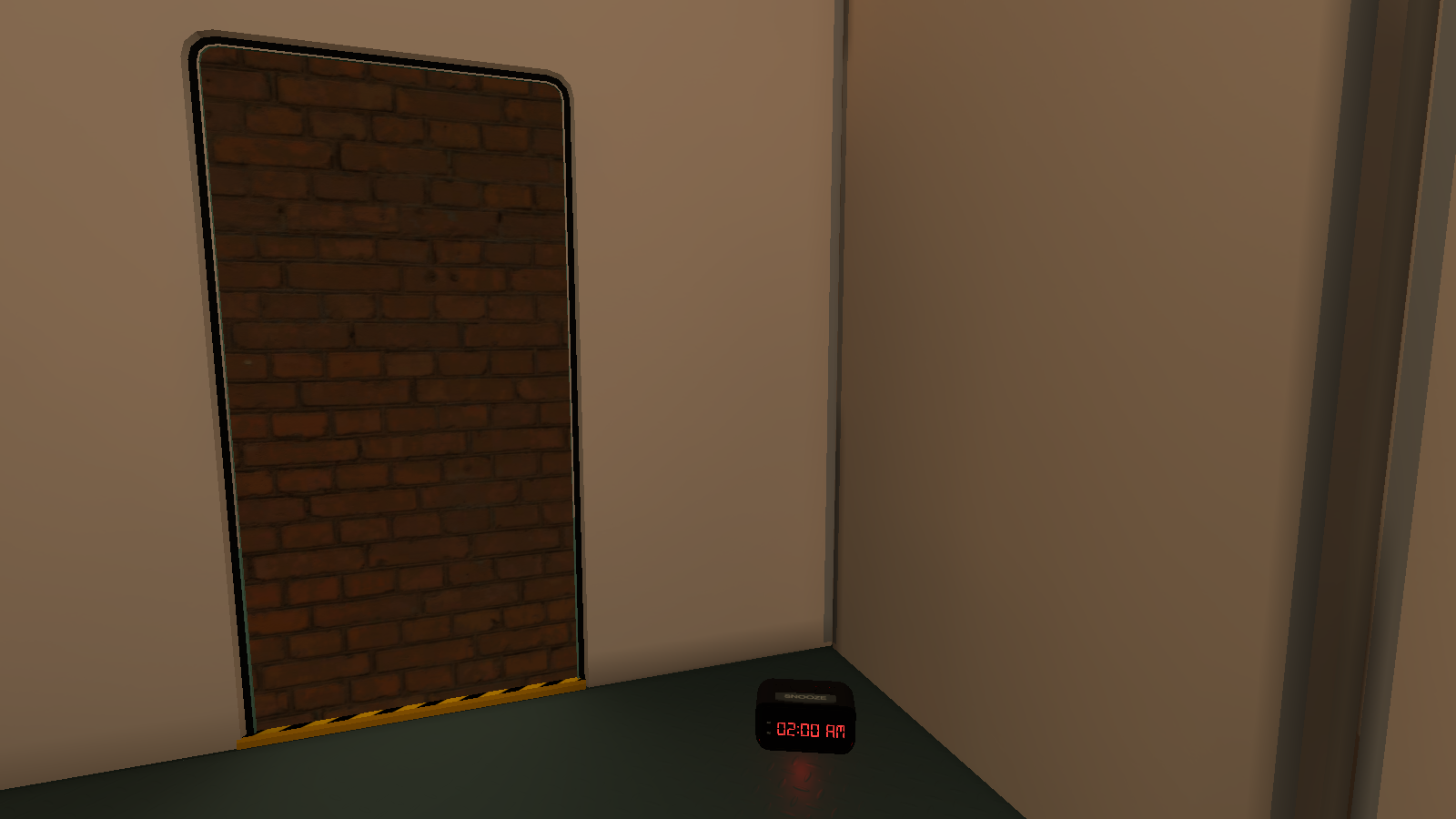
In the entrance hallway, before the room where you're supposed to the pawn onto the button, is some unused objects that seem to be used for the 2020 Game Developer's Conference, but was cancelled due to COVID-related reasons, so these objects got repackaged for the Steam Game Festival: Spring Edition 2020. There is brick wall that is in place of where the doorway is supposed and an alarm clock that if activated, sends you to the next level.
TC_PawnThruHoleRoom#
ActiveSequenceLight (1)#
|
Door_001_Common_Prop |
Door_001_Common_Prop (1) |
|---|---|

|

|
Out of bounds and near the small hallway before this room is two unused doors with a red light shining on west door.
Note: Almost all of the objects in here are disabled. Here's the scene hierarchy for reference:
- ActiveSequenceLight (1) (Enabled by default, everything below [unless specified] is disabled)
- FollowingBlocker (1)
- Door_001_Common_Prop (Enabled by default, west door)
- Door_001_Common_Prop (1) (Enabled by default, east door)
- ActiveSequenceTrigger (Unknown if visible)
- pointRed (The red light that is shining on the west door)
- FollowingBlocker (1)
Cube (13)#

Out of bounds and west of TC_CubeThroughHoleWithGrates, is an unused green rectangle. It is unknown why it's connected TC_PawnThruHoleRoom.
NoItemsPoster (1 & 2)#

|
This page or section needs more images. |
|
NoItemsPoster (1) |
NoItemsPoster (2) |
|---|---|
|
|
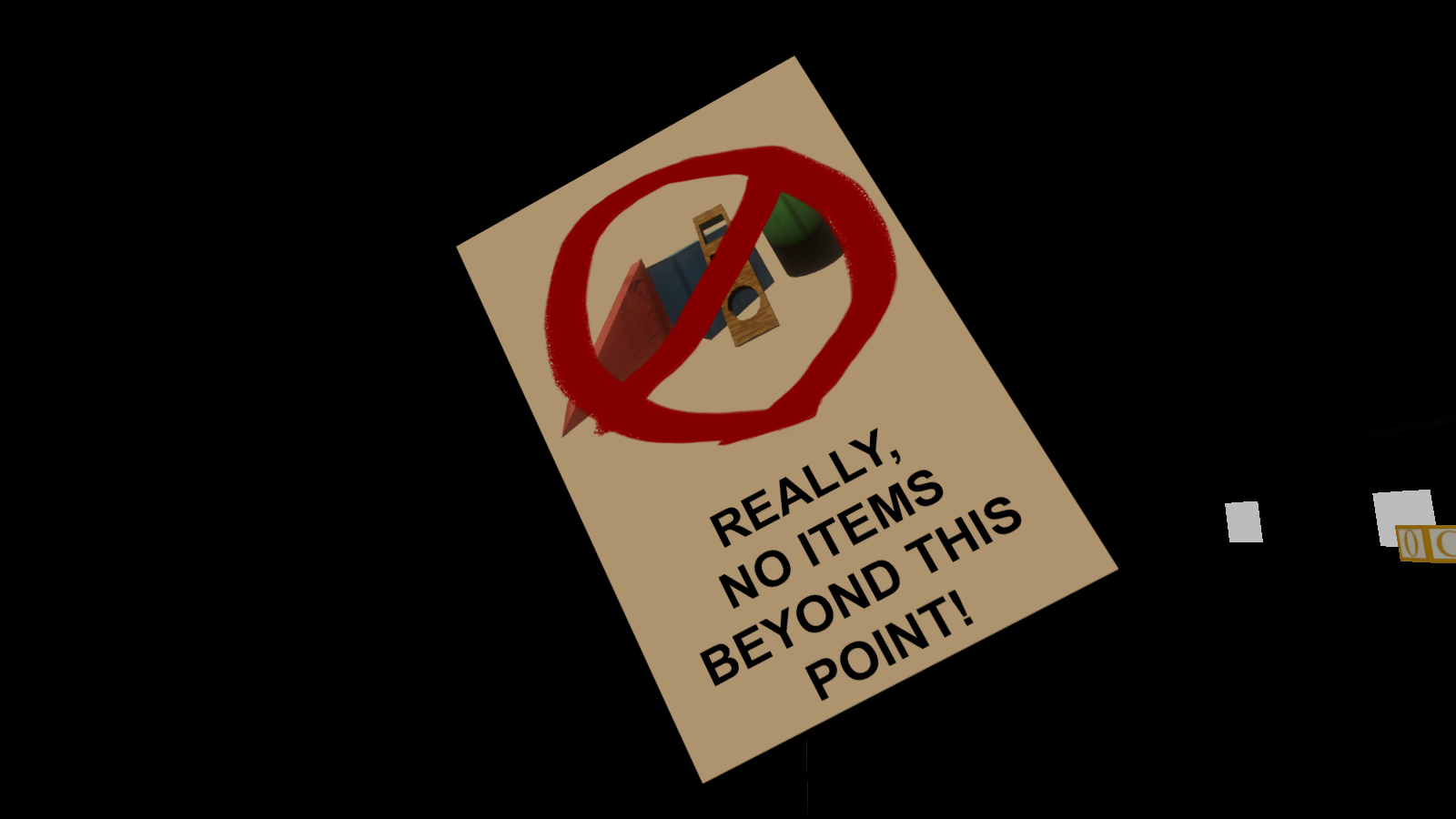
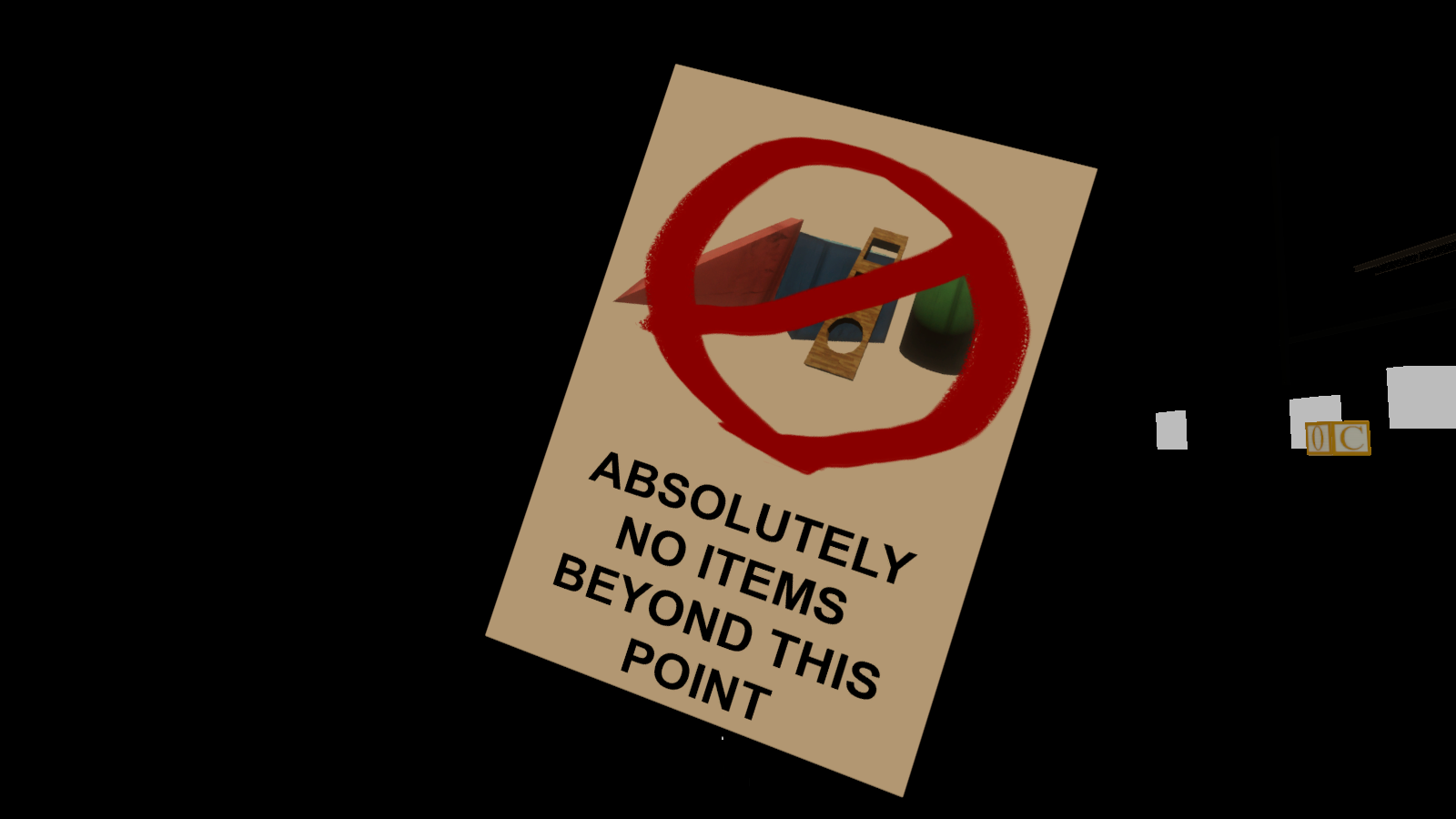
Out of bounds and west of the hallway before the RampPuzzle, are two unused "No Items" posters.
TC_RampPuzzle#

|
To do:
|
Chamber_ModularWall_05 (169)#
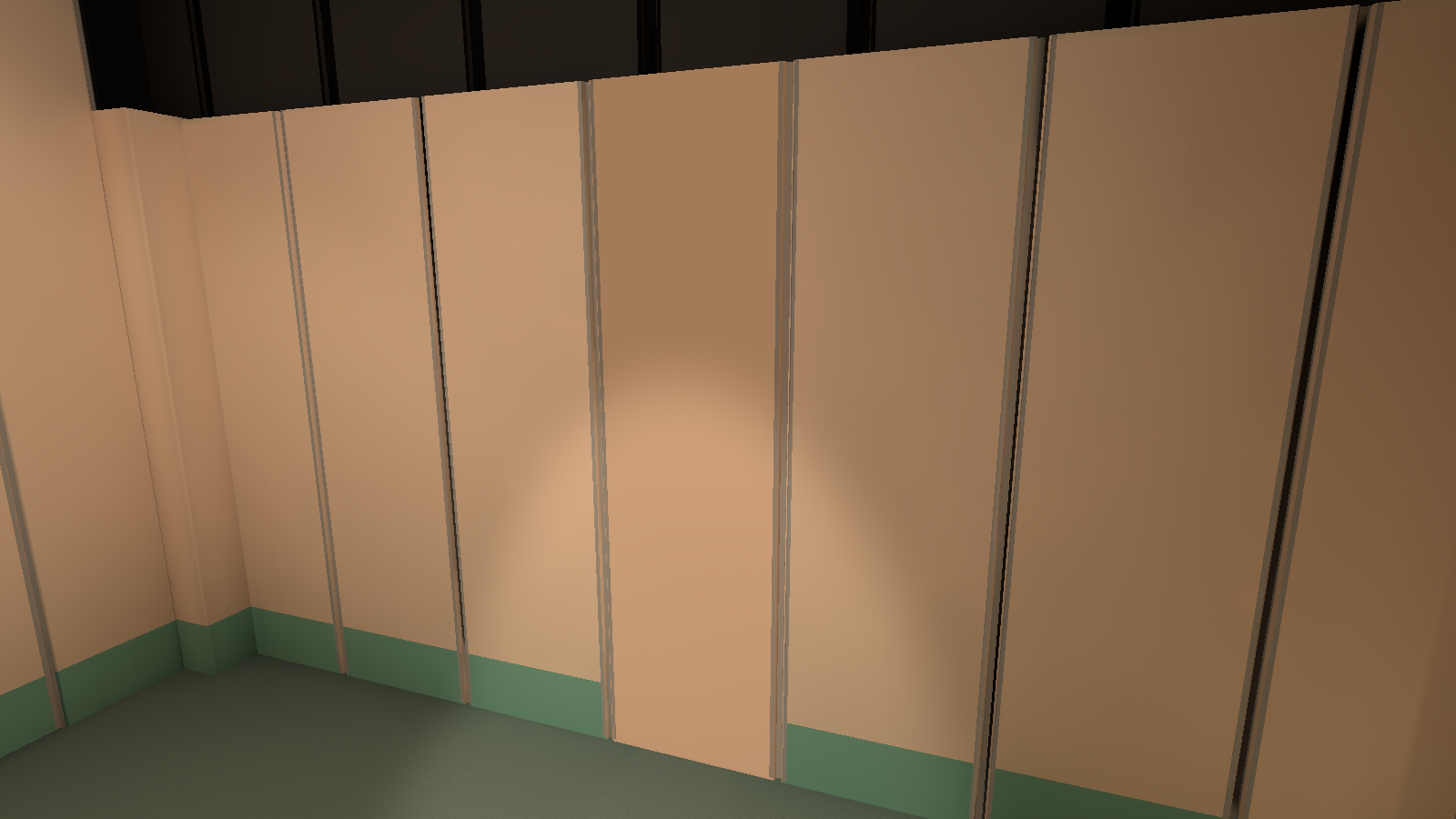
In front of the entrance is an unused wallboard that is turned on its backside.
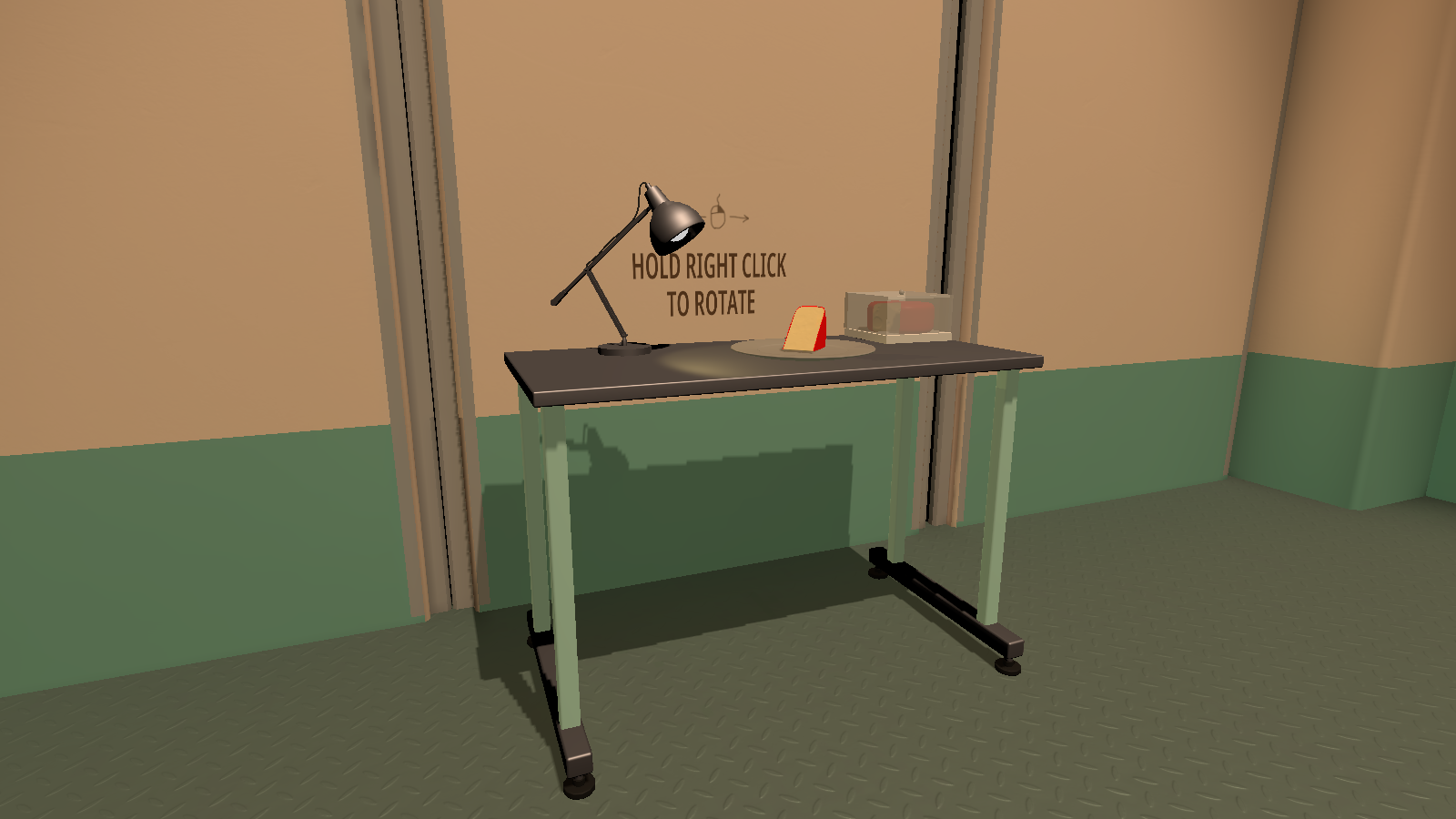
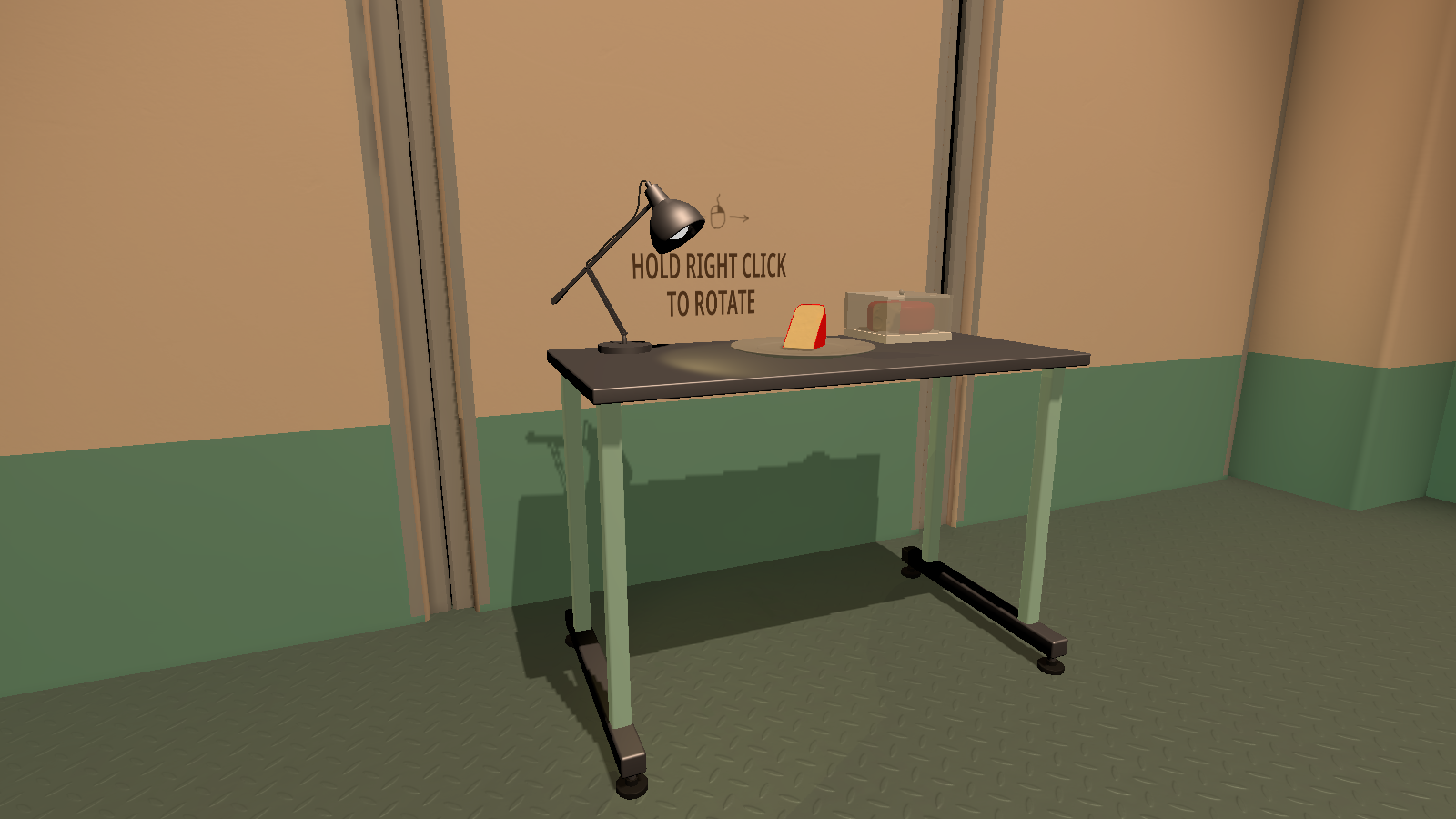
Table_001_Chamber_Gameplay#
|
SL_TC_Table_001_Chamber_Gameplay (3) (Used) |
SL_TC_Table_001_Chamber_Gameplay (Unused) |
|---|---|
|
|
Right where the table on the west side of the room is, is an identical unused table that is in a different location. The unused table also doesn't have any colliders in it's object children.
TC_AlarmClockCloneHallway#
Barrier#
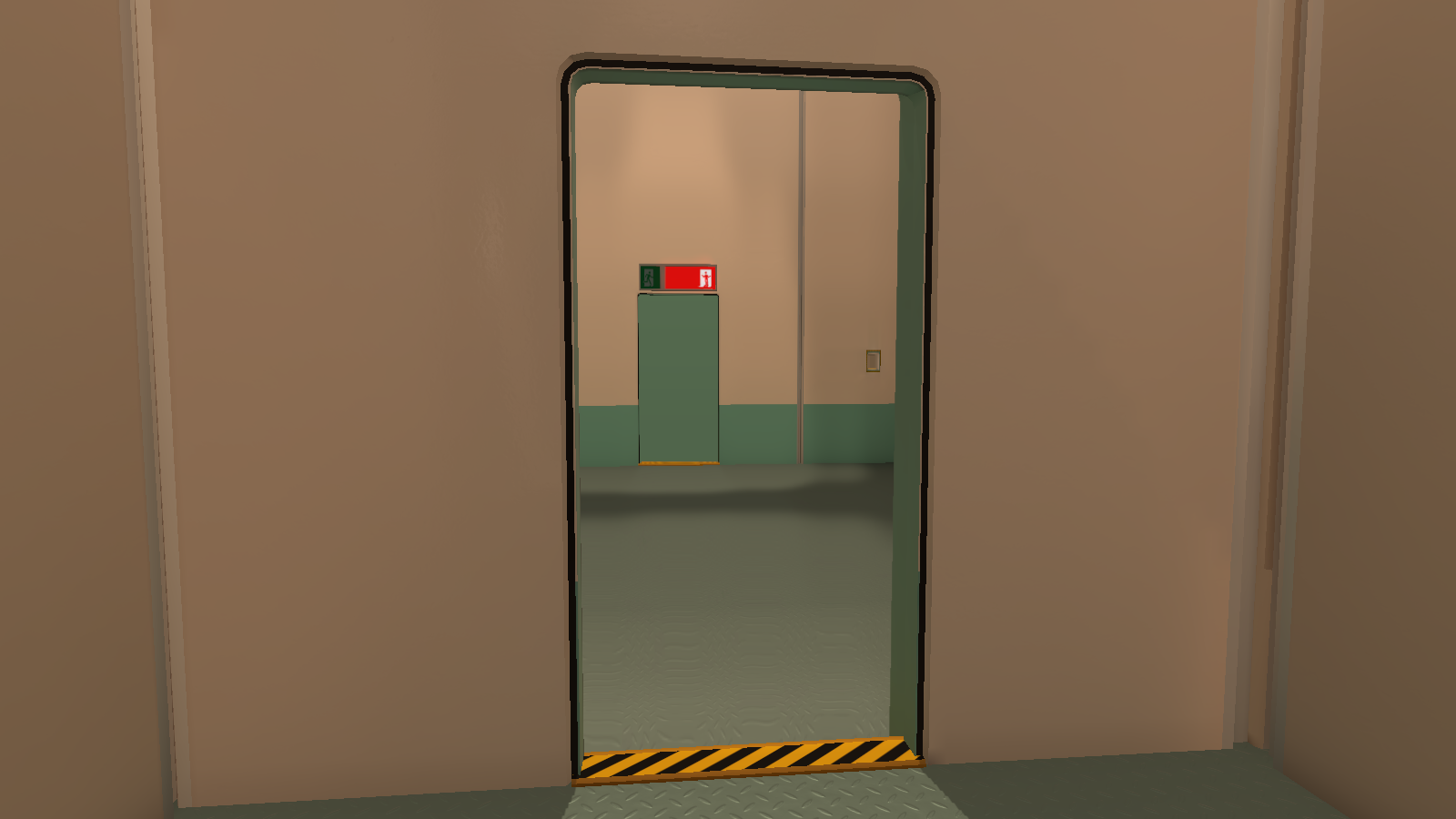
Right where the door is for the next room is an unused barrier that works as intended. It was probably used as an alternate barrier if the previous one wasn't chosen to be enabled.
Door_Open_002_Pull_Off_Common_Gameplay#
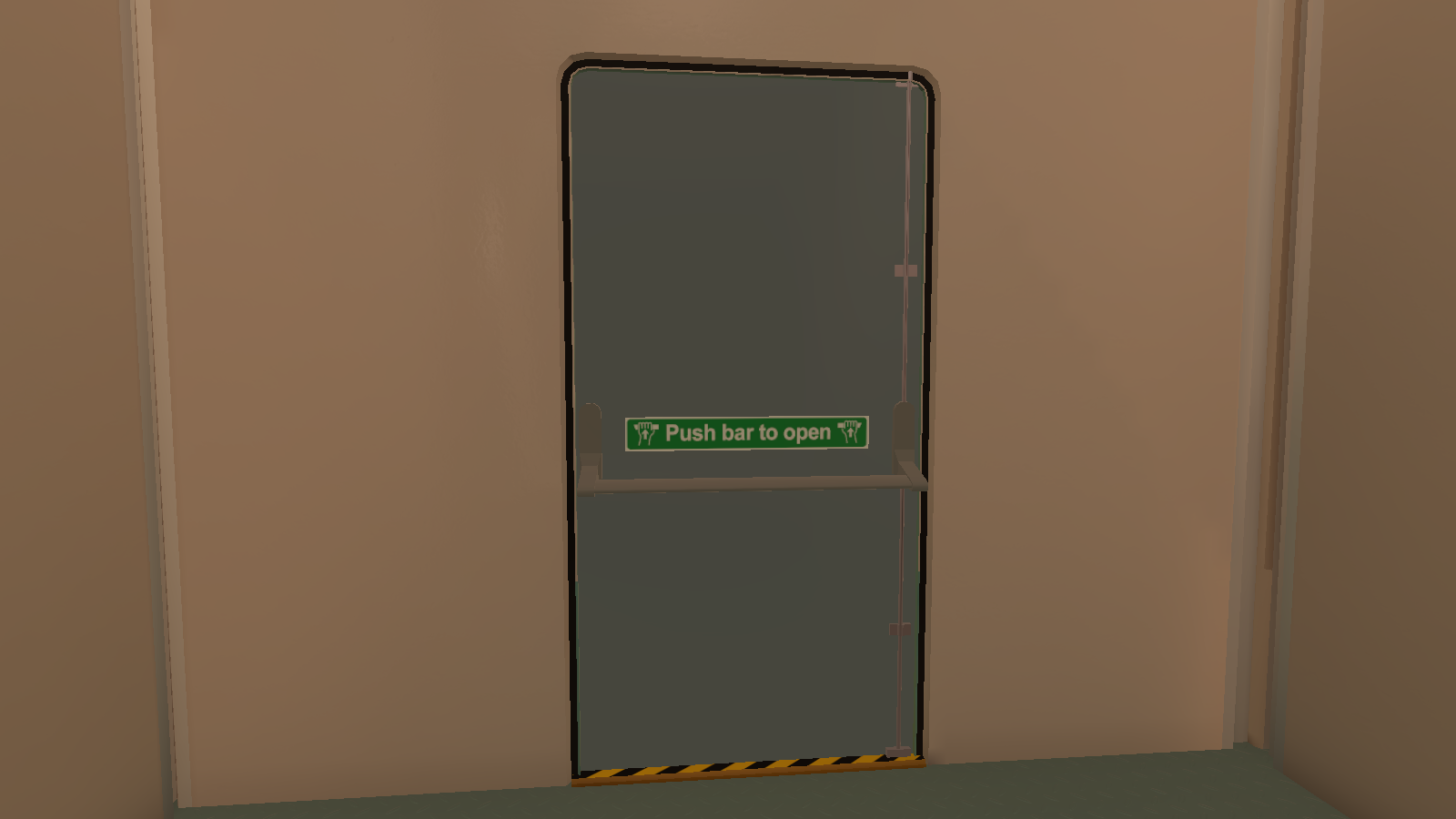
Right where the door is for the next room is an unused door that is grabbable.
TC_ShrinkLargeCube#
|
|
To do:
|
Chamber_ModularWall_05 (243 & 244)#
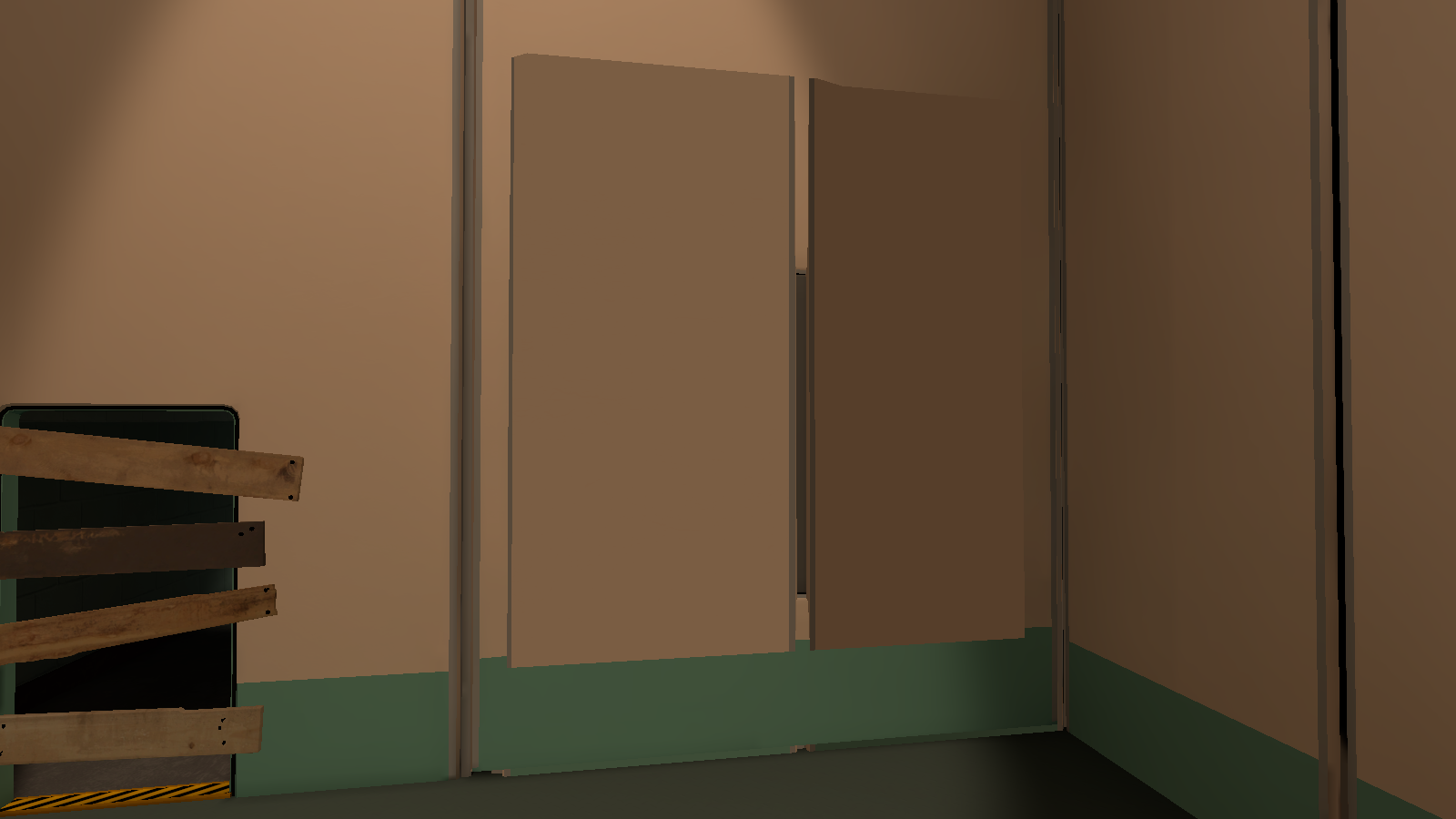
In front of the window on the westside of the room is two unused wallboards.
ThisDoorShouldBeClosed#
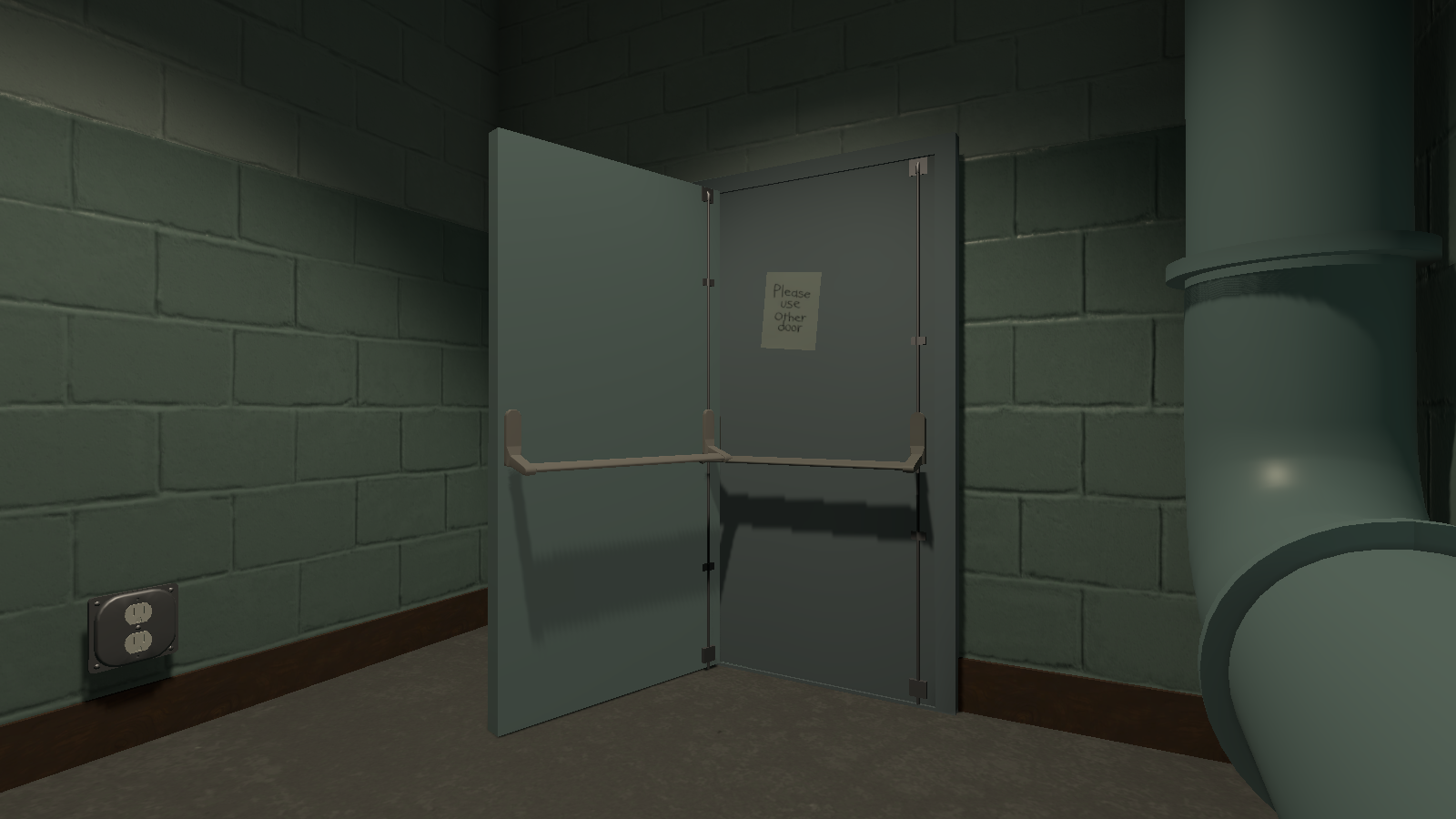
In the back of the side room, right next to the closed door is an unused open door.
TC_CubeThroughHoleWithGrates#
|
|
This needs some investigation.
|
Chamber_ModularWall_05 (366-369)#

Behind the east windows with the broken glass, is an unused group of four wallboards.
Chamber_ModularWall_LowWindow_Vent_001#
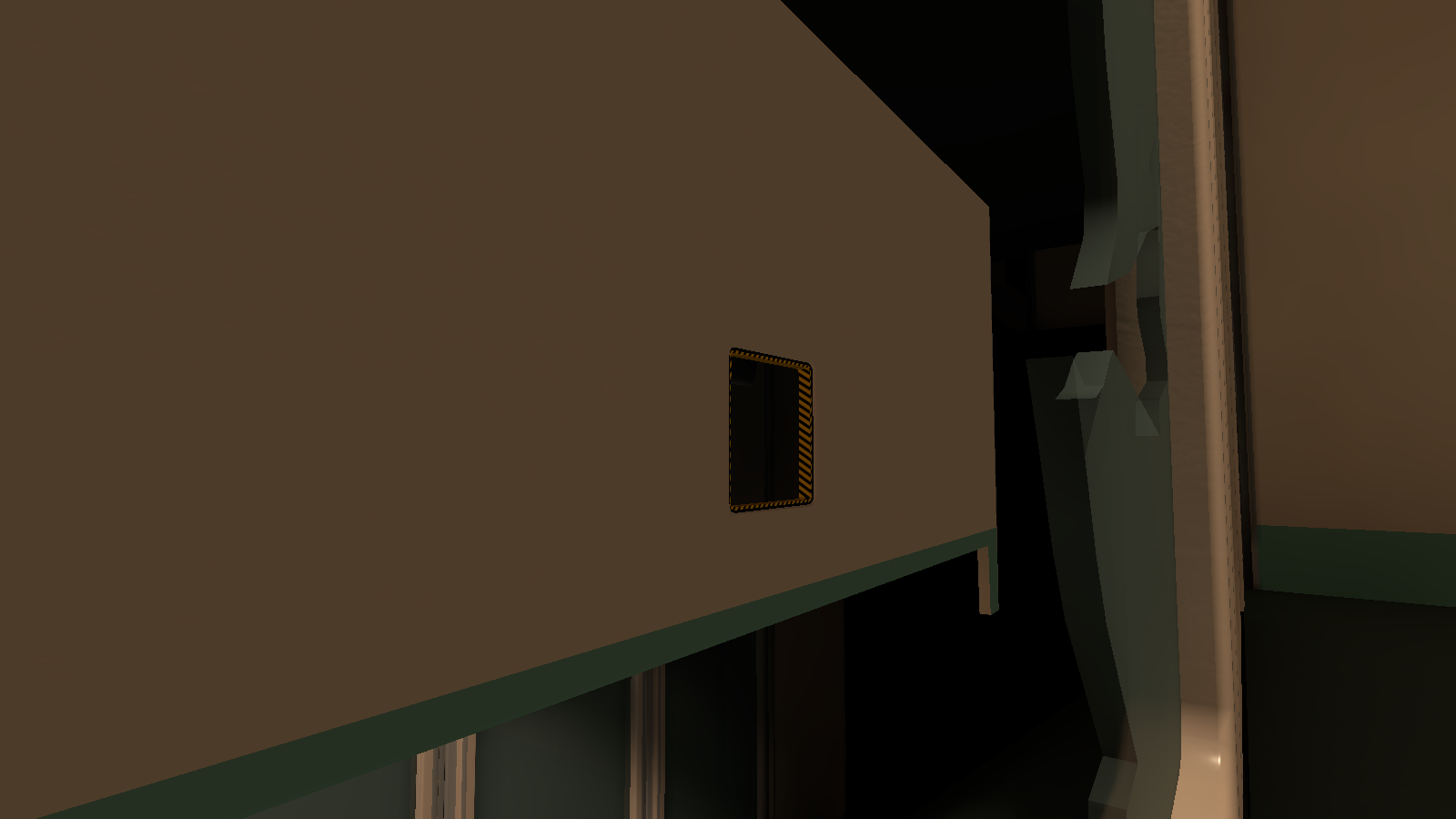
Behind the east windows with the broken glass, is an unused long wall with a small vent.
Office_Scaffold_001_NOTVISIBLE & Office_Scaffold_001 (1)_NOTVISIBLE#
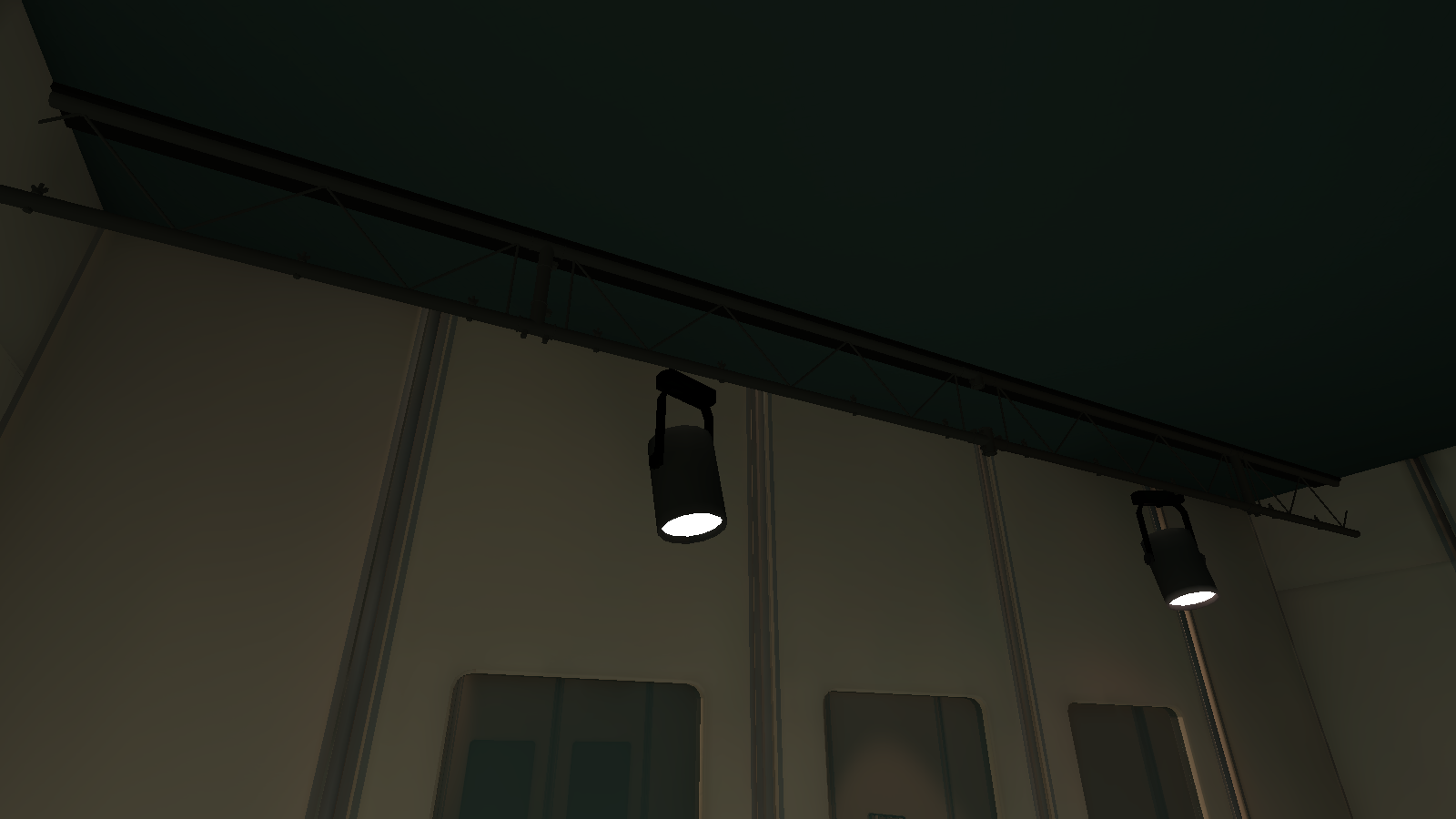
Behind the west windows with the long vent removed, is some unused scaffolding for the spotlight gantry.
TC_OvertheWallRoom#
CautionTape (0 & 1)#
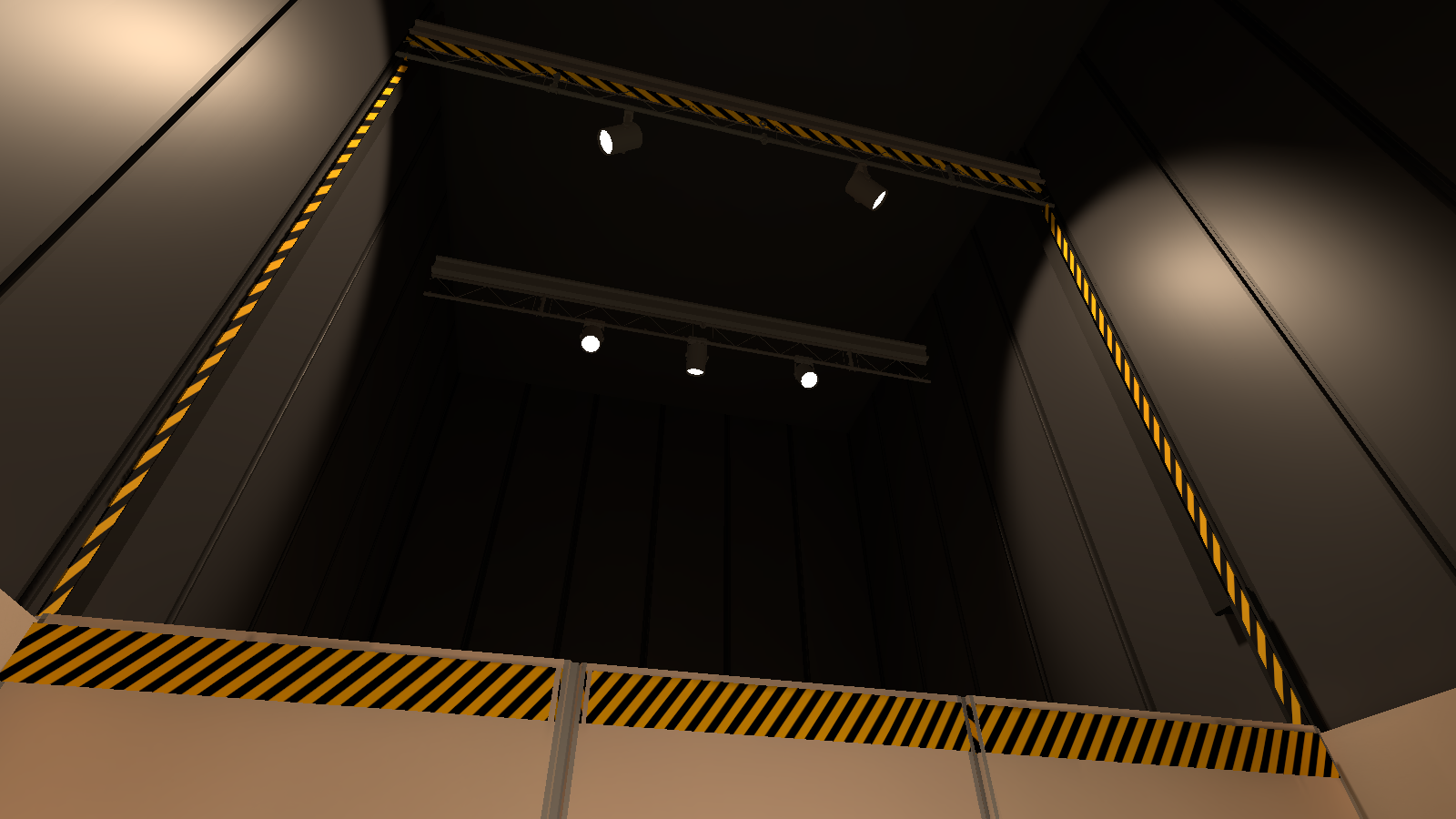
In the middle of the black wallboards on the west and east side of the room is two lines of unused caution tape.
Chamber_Modular_Tall_Window_001 (0 & 1)#
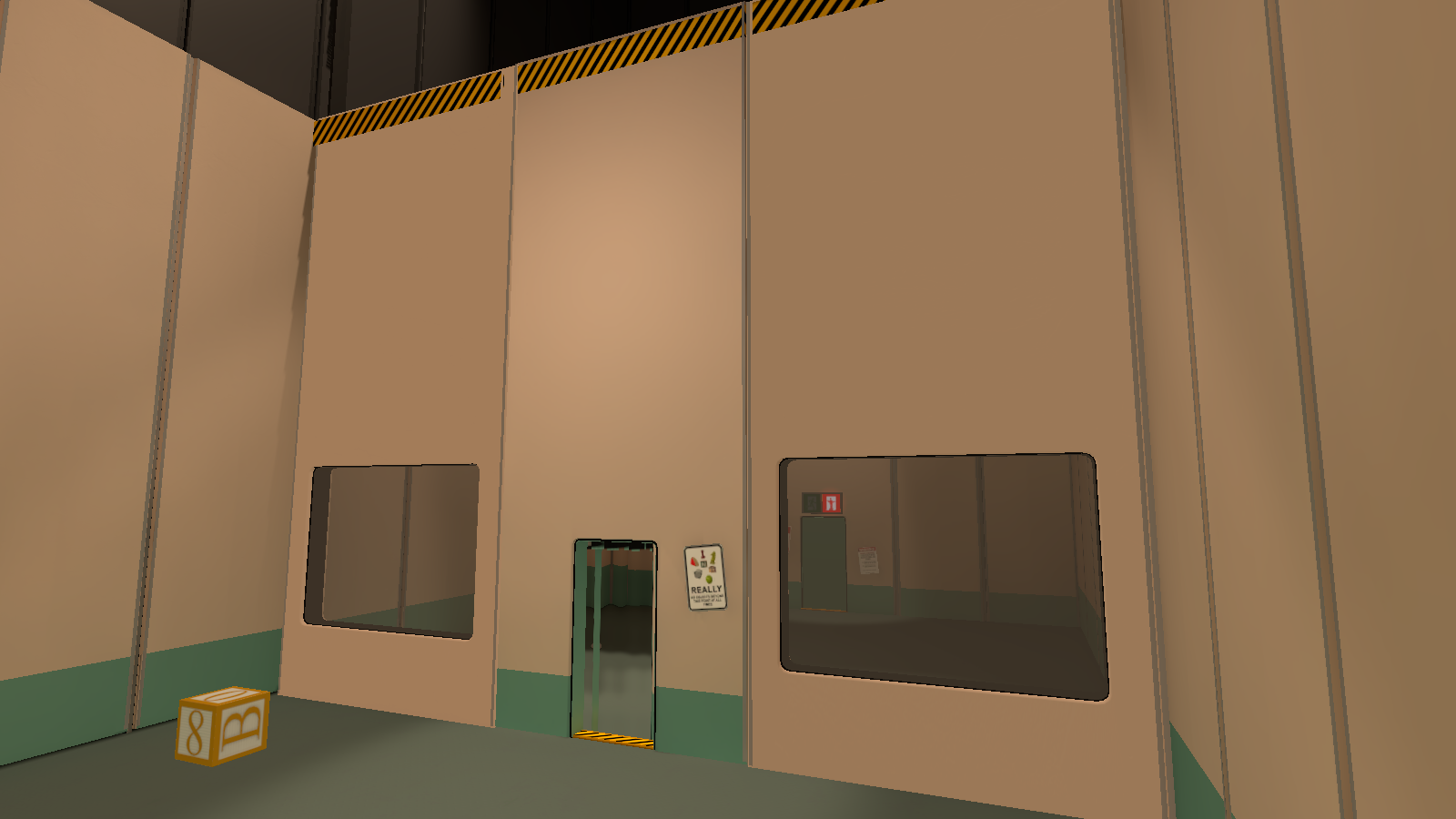
In the middle of the room where the left and right wallboards are, are two unused wallboards with no green line on the bottom.
Chamber_ModularWall_023#
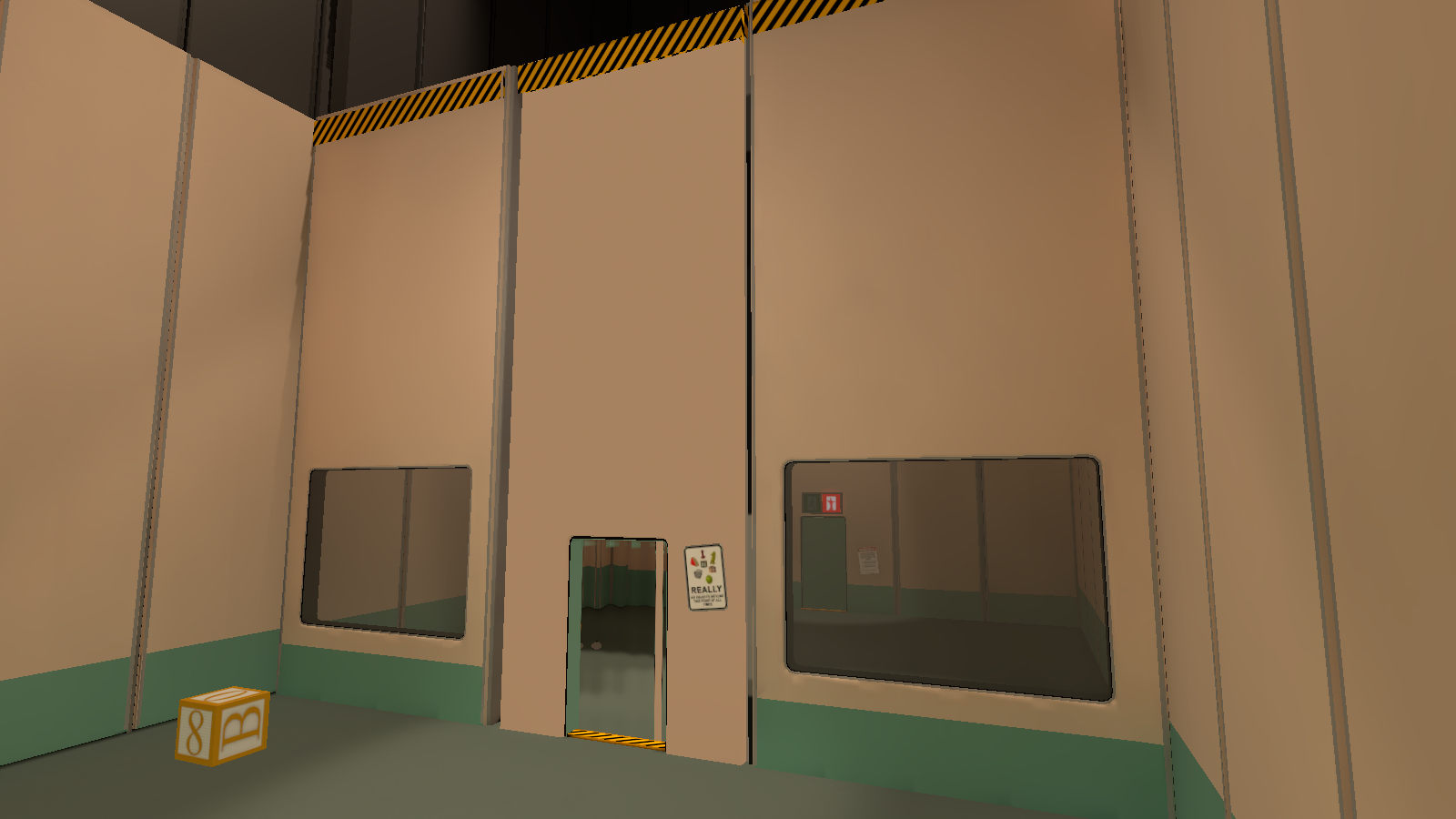
In the middle of the room where the middle doorway is, is an unused slightly narrower doorway with no green line on the bottom.
Desk_002_Common_Prop (1)#
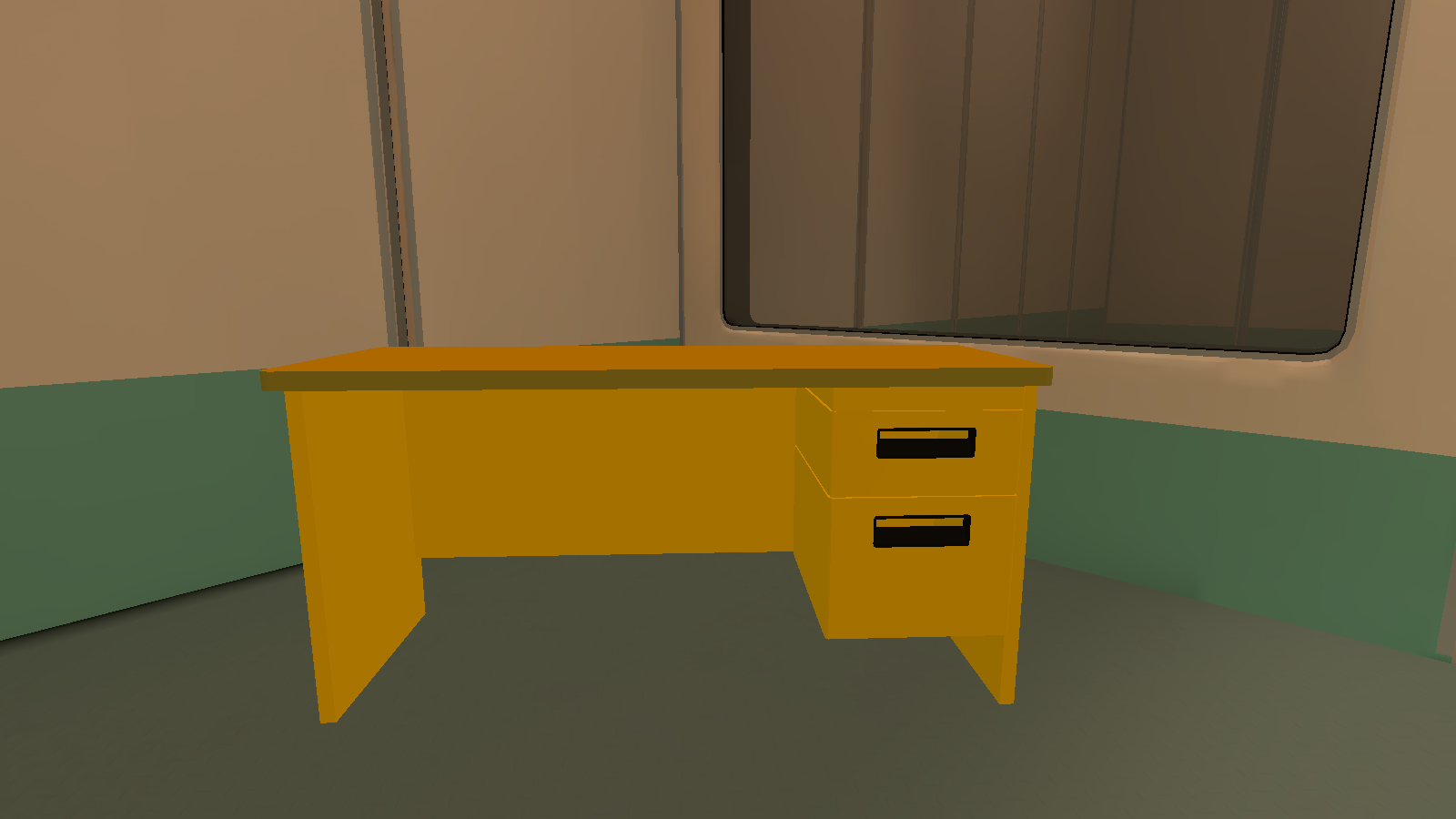
Right where the toy block is supposed to be, is an unused yellow desk that is grabbable. In the scene library the object itself is enabled by default but is not seen due to it's parent "Desk (3)" being disabled by default.
Door Open#
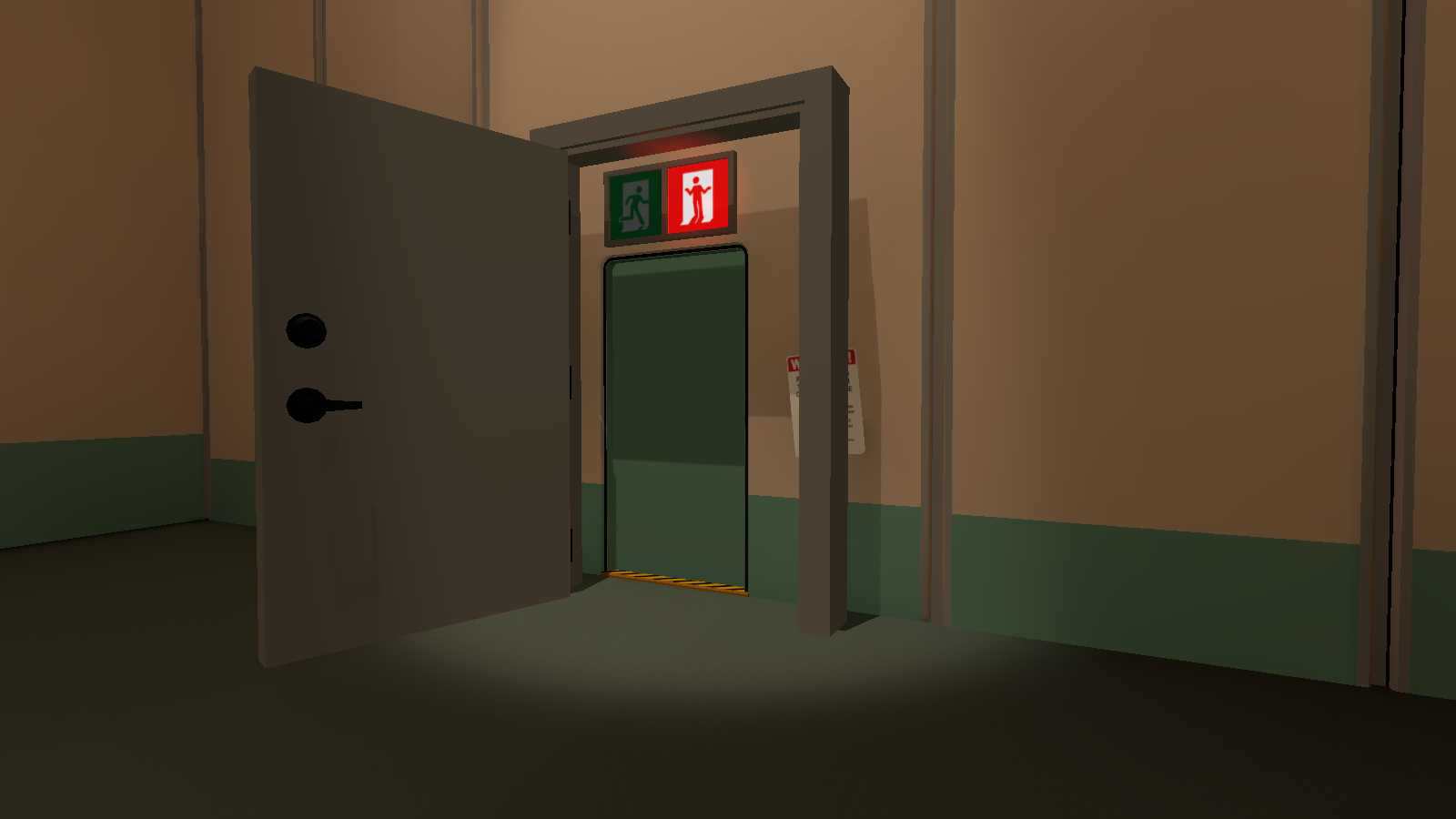
Right where the exit door is, is an unused open door.
TC_TwoButtonRoom_EM#
|
|
This needs some investigation.
|
Chamber_ModularWall_001 (165)#
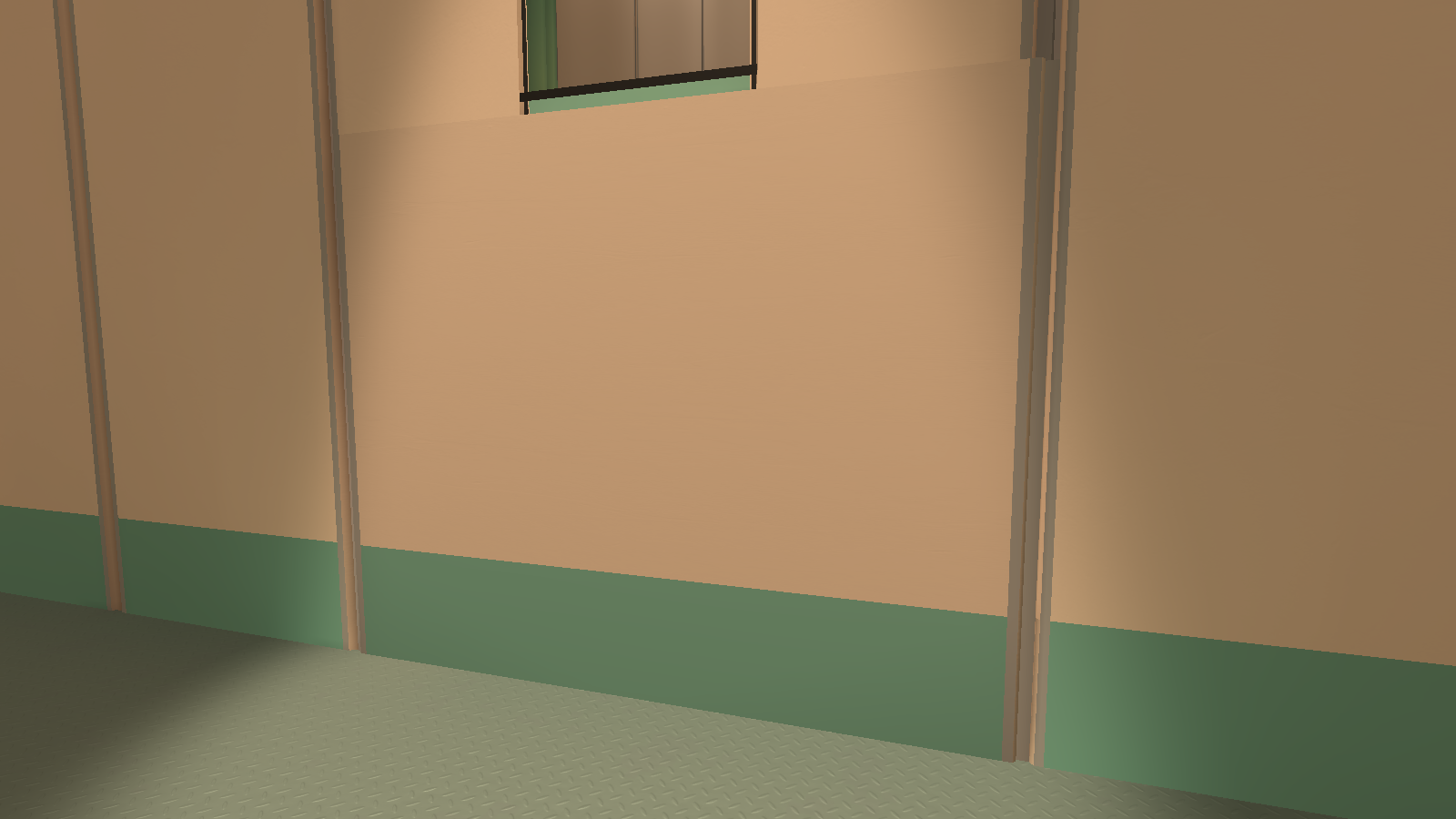
Under the entrance doorway is an unused rectangular wallboard.
TC_WallsFallOverRoom#
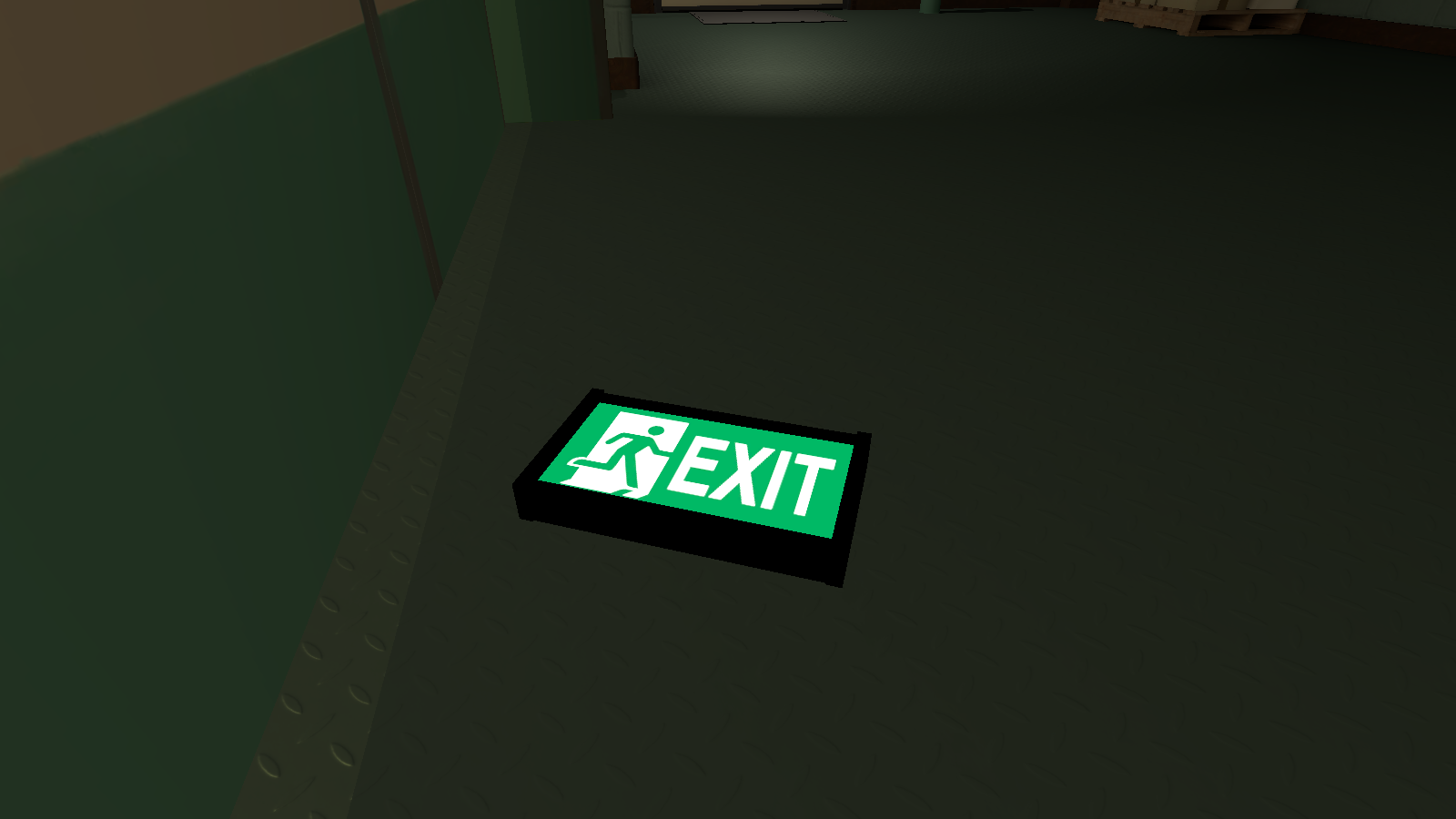
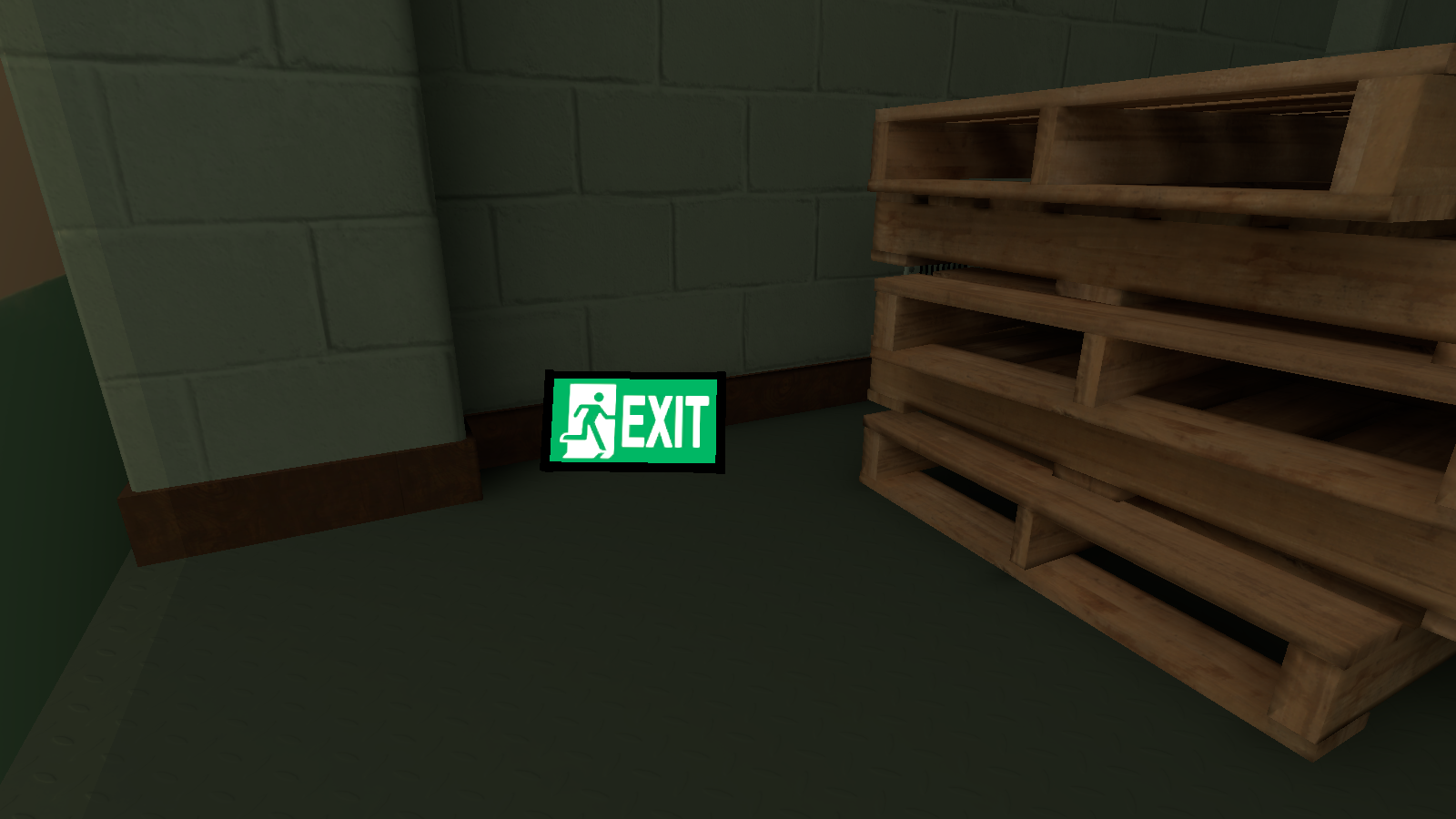
Exit_Sign_001_Exit_Common (0, 1 & 3)#
Exit_Sign_001_Exit_Common |
Exit_Sign_001_Exit_Common (1) |
Exit_Sign_001_Exit_Common (3) |
|---|---|---|
 |
 |
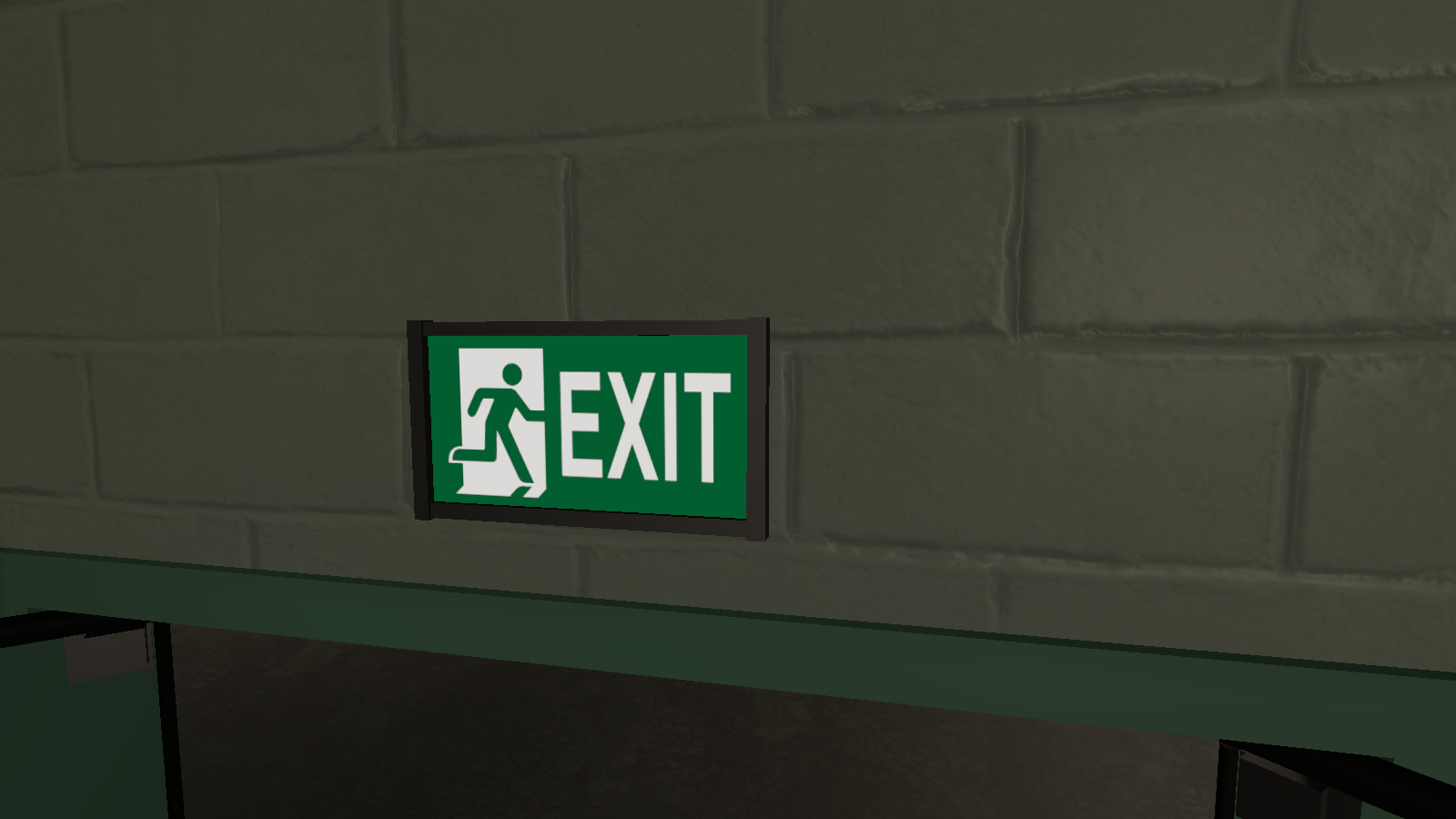 |
Outside of the fake exit room is three exit signs that are all grabbable.
Painted_Panel_001_Chamber_Gameplay (39)#
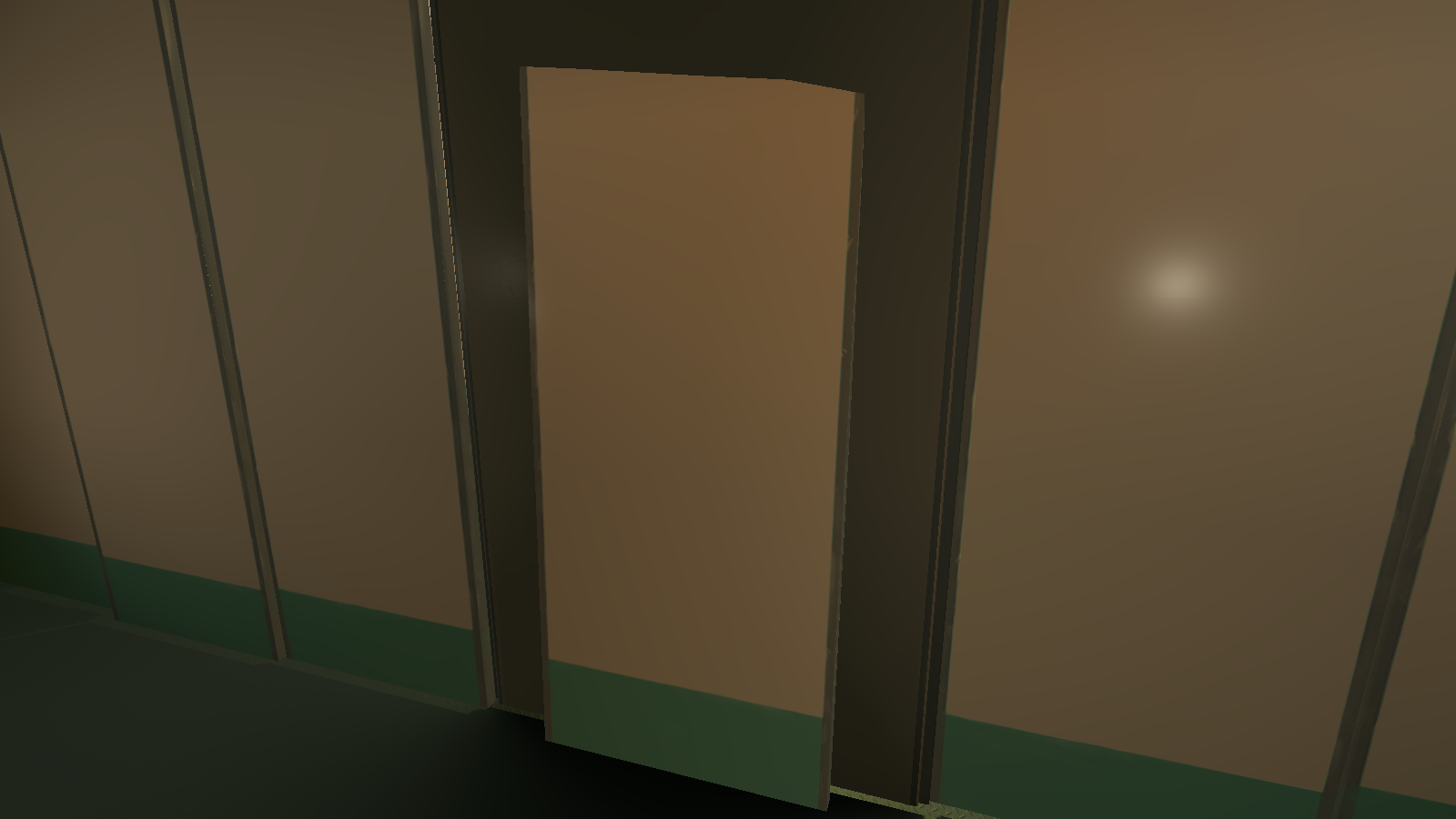
Behind the fake exit is an unused wallboard that is tilted diagonally.
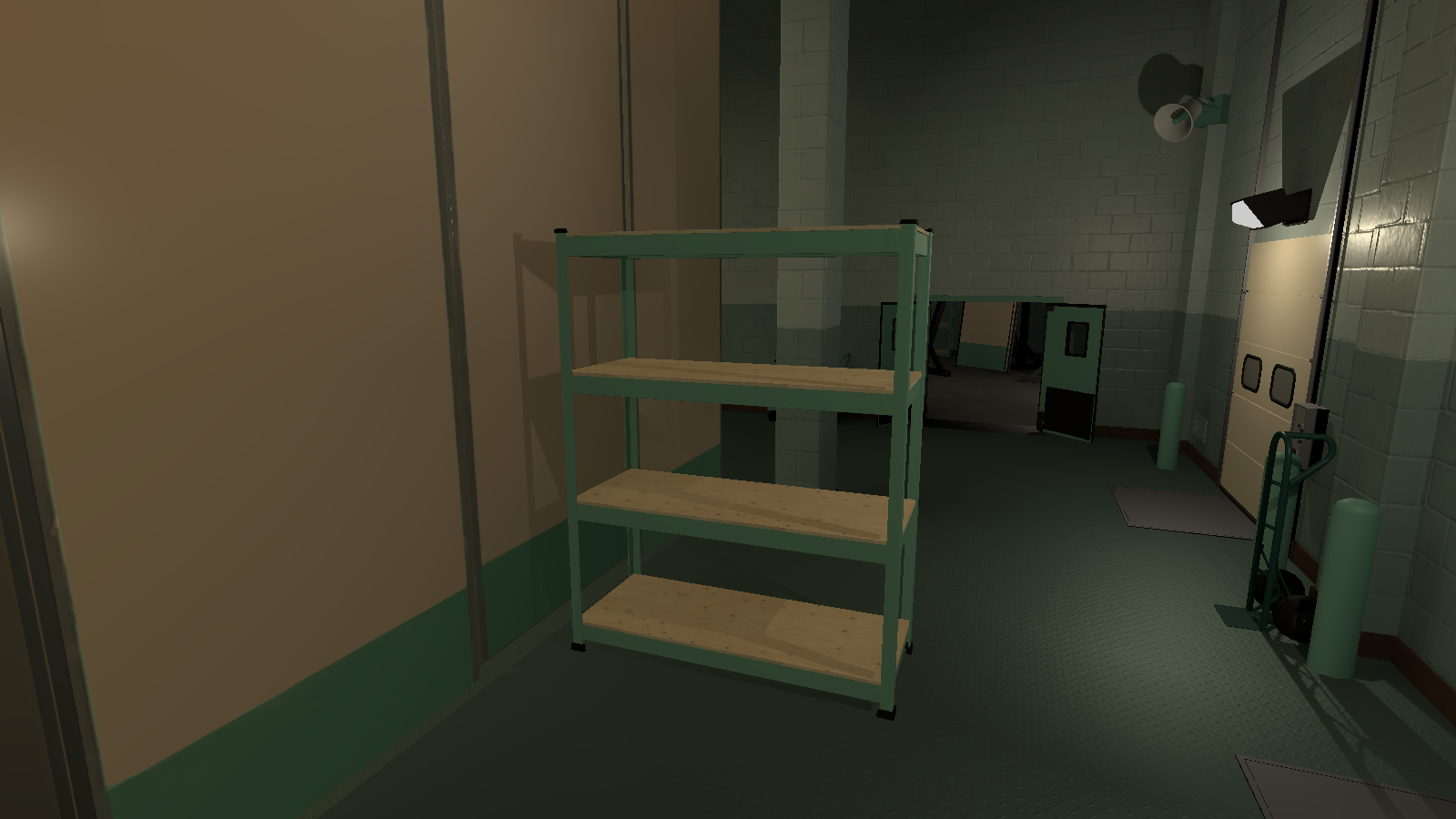
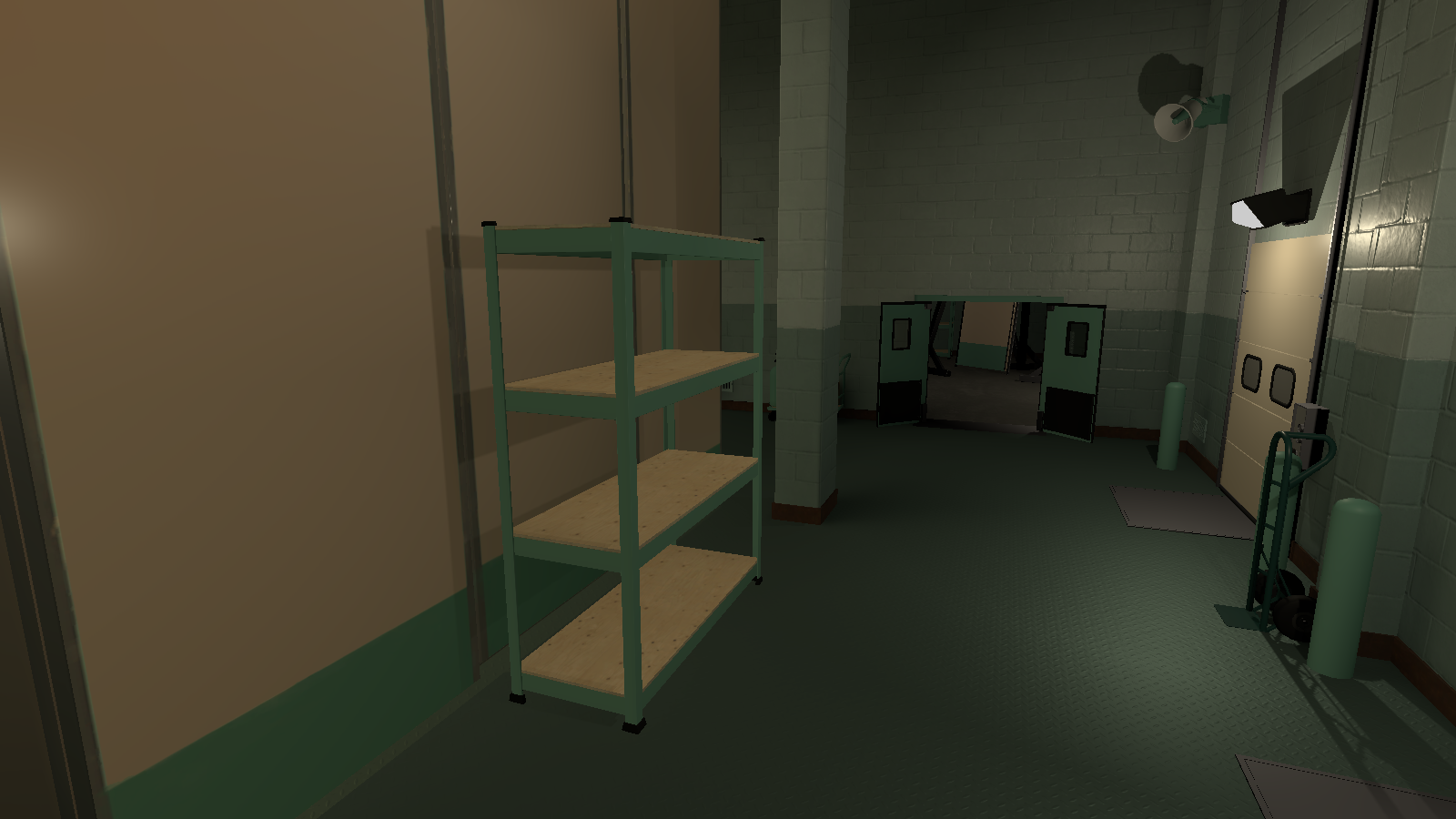
Shelving_001_Back_Prop (7)#
|
Shelving_001_Back_Prop (6) (Used) |
Shelving_001_Back_Prop (7) (Unused) |
|---|---|
|
|
Behind the wallboards right where the shelf, is an unused shelf that is placed horizontally rather than vertically.
WallPanels#
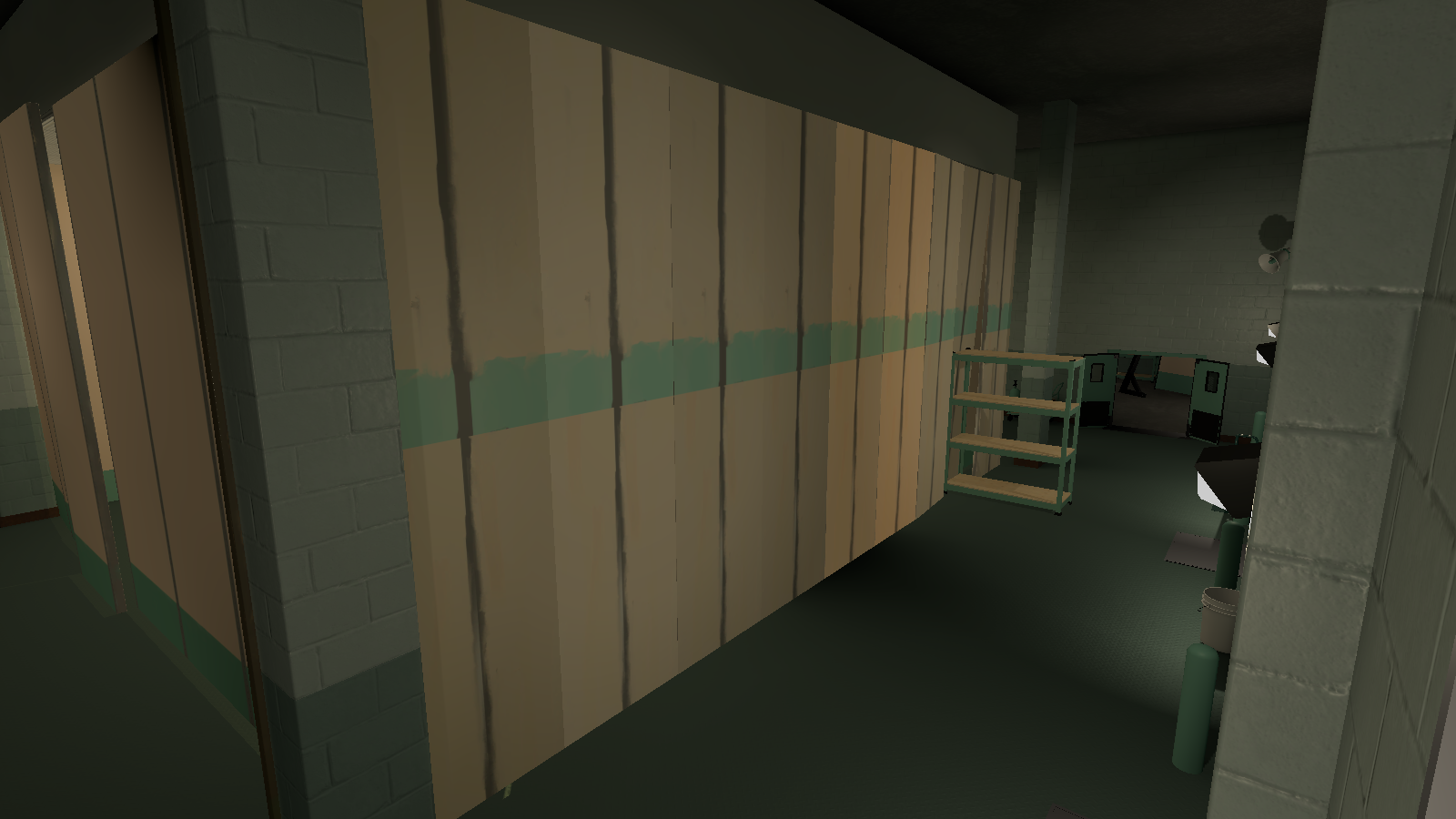
Behind the used wallboards on the northside of room is nine unused fake wall boards that look crudely done.
TC_BackAreaWithAlarmClock_EndLevel#
Alarm_Clock_Gameplay_Prop#
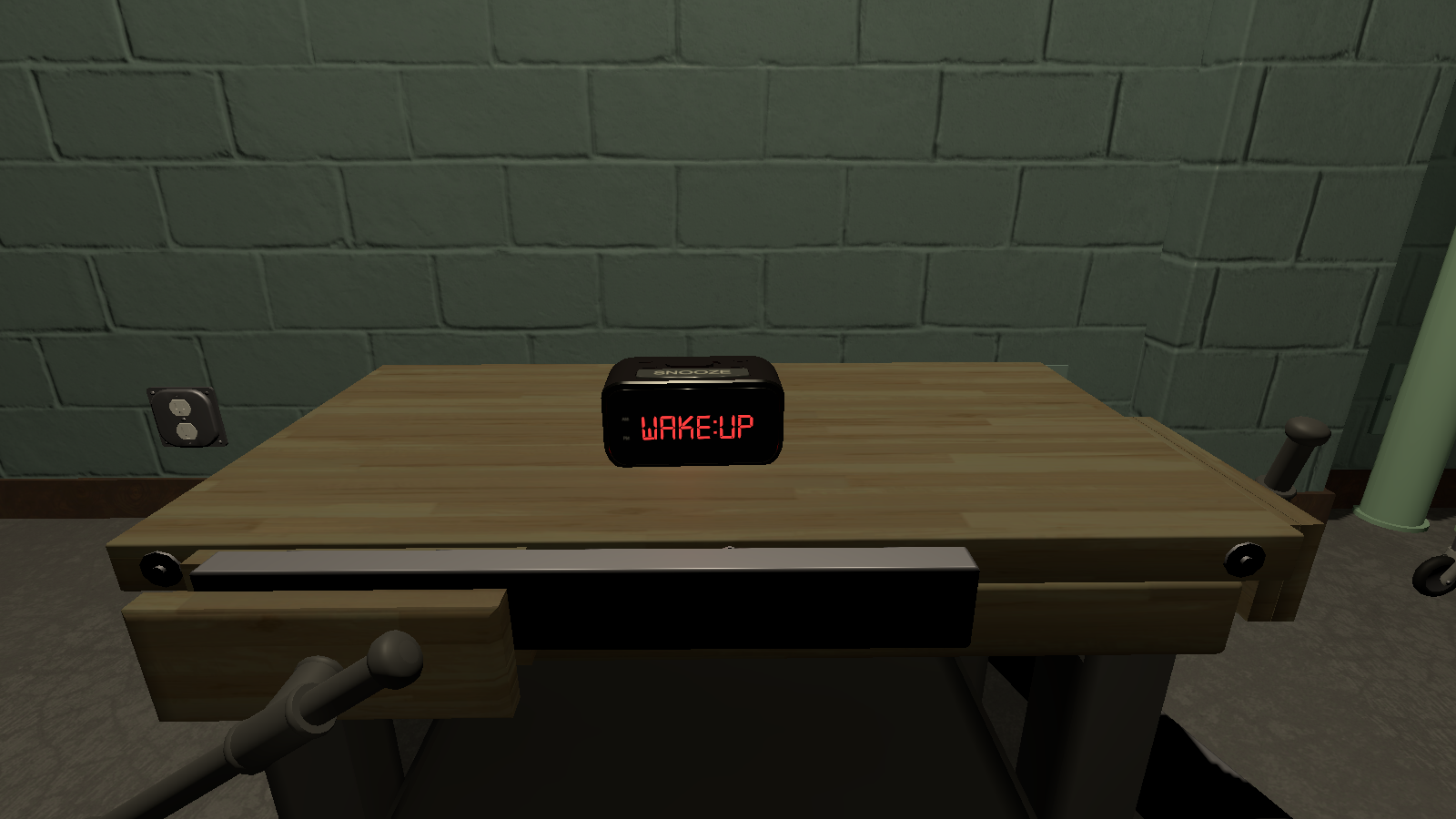
Located on top of the workbench, is an unused interactive alarm clock with the words "WAKE:UP" on it flickering on and off, while making a beeping sound. Interacting with the alarm clock will send you to the next level (Optical).
Door_Open_002_B_Back_Struc#
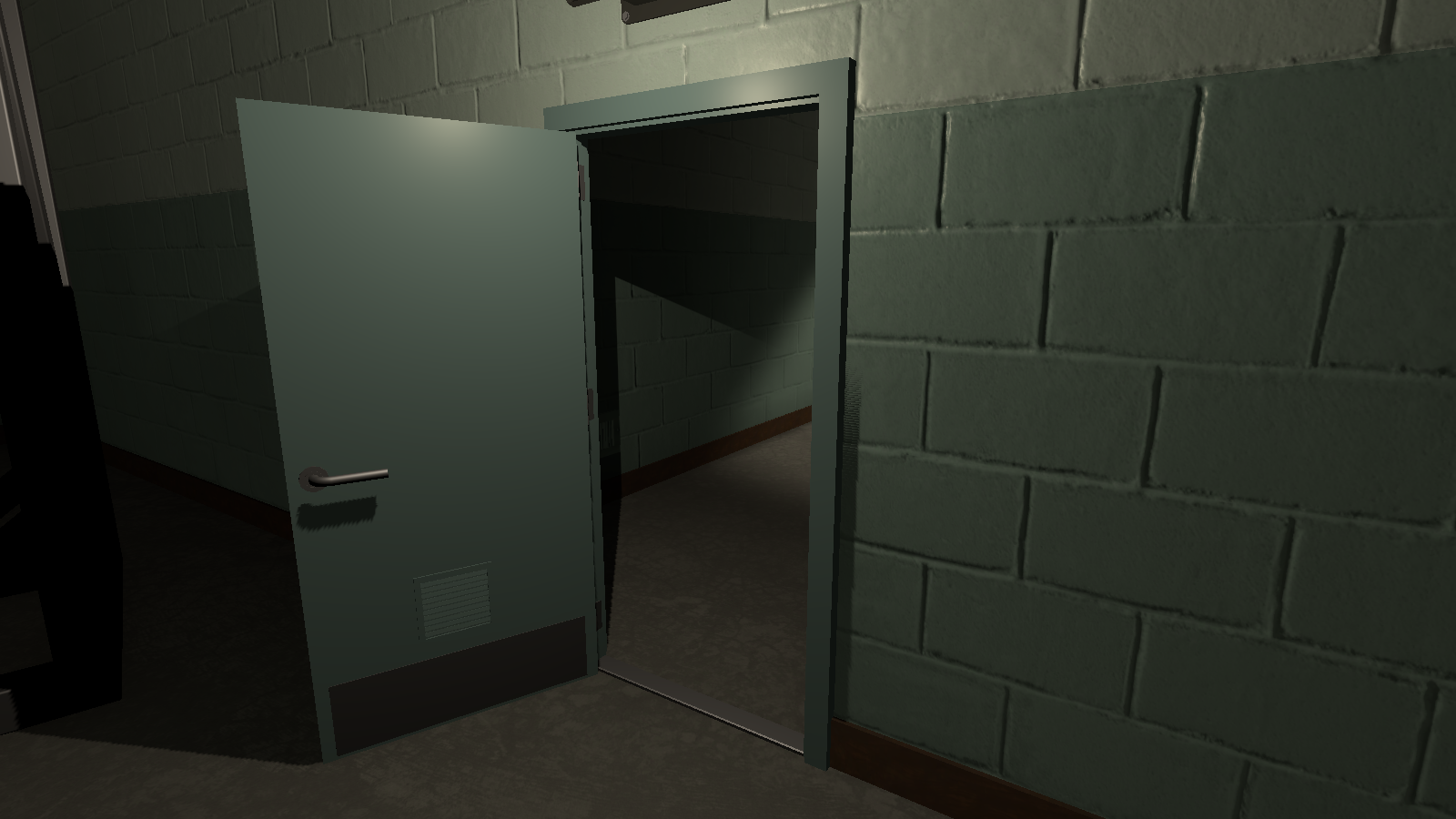
The door to the hallway has an unused open door.
TC_BackAreaFallHall#
|
|
This needs some investigation.
|
Clock_Wall_001_Common_Prop#
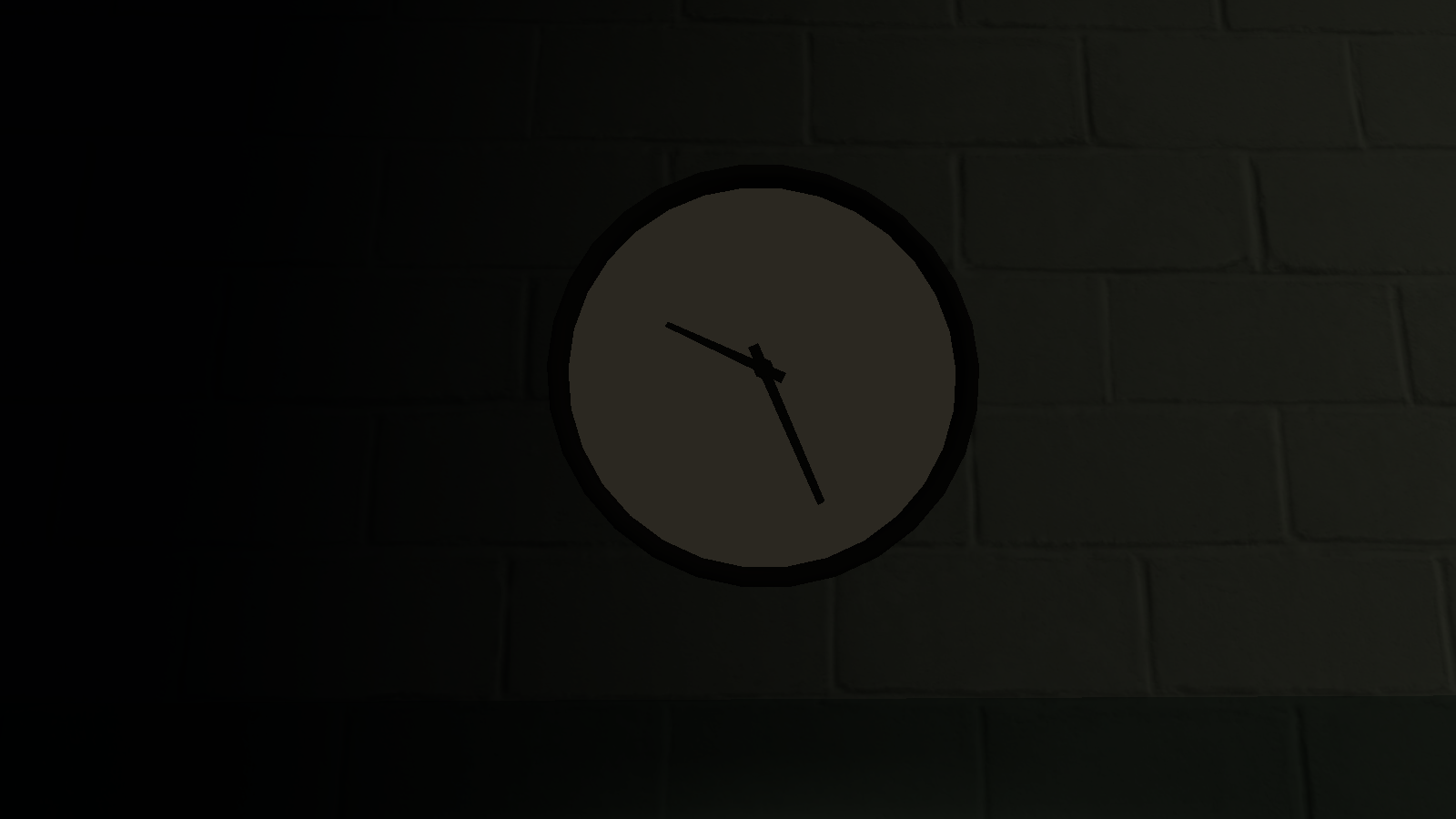
In the middle of the hallway on the east wall is an unused clock that is identical to the clock on the opposite wall.
DoorLoop02 & 03#
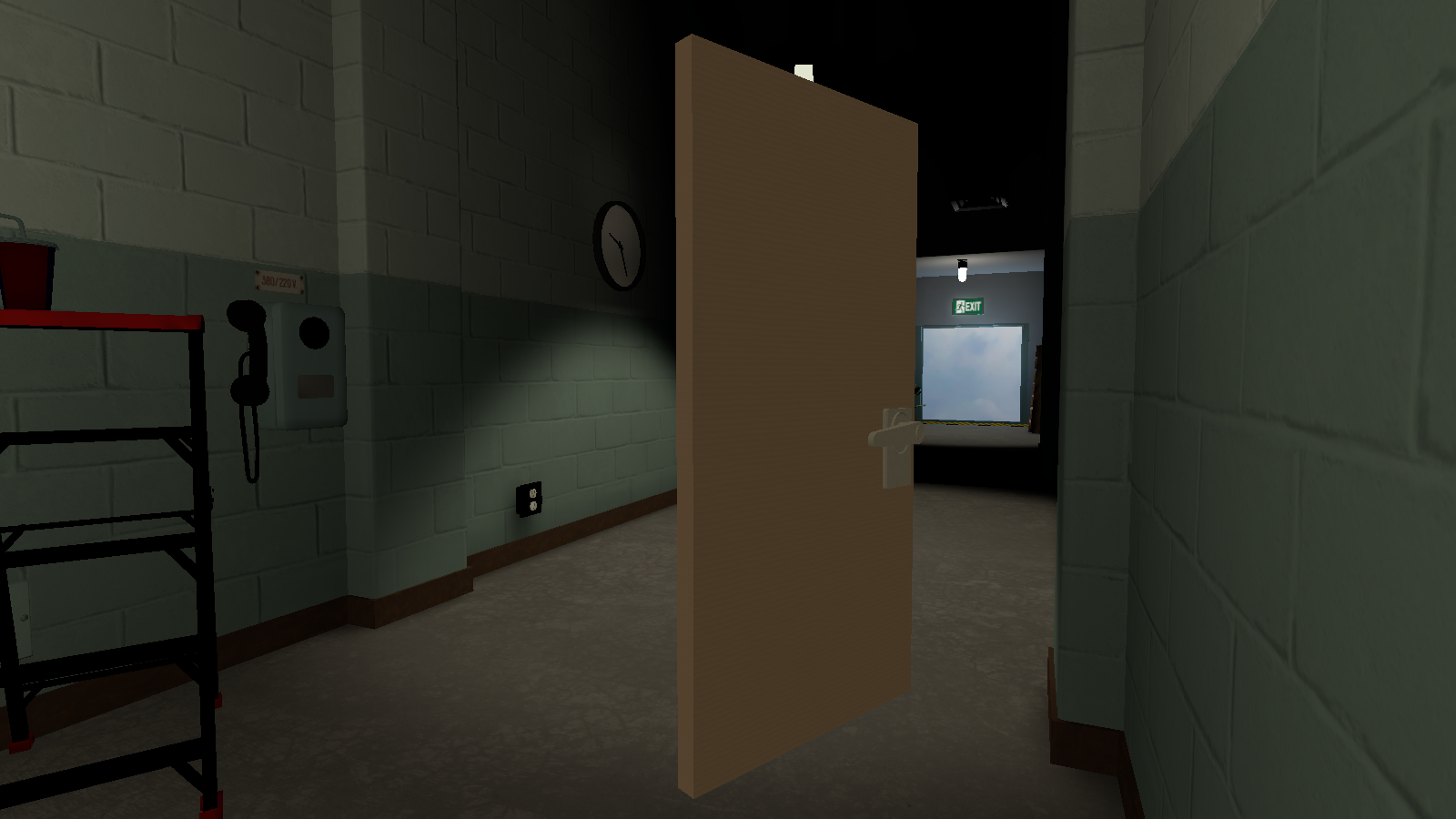
In the middle of the hallway, there is two identical unused doors. Interacting with them does nothing.
GroundPlaneWithCollider#
|
GroundPlane (Used) |
GroundPlaneWithCollider (Unused) |
|---|---|
|
|
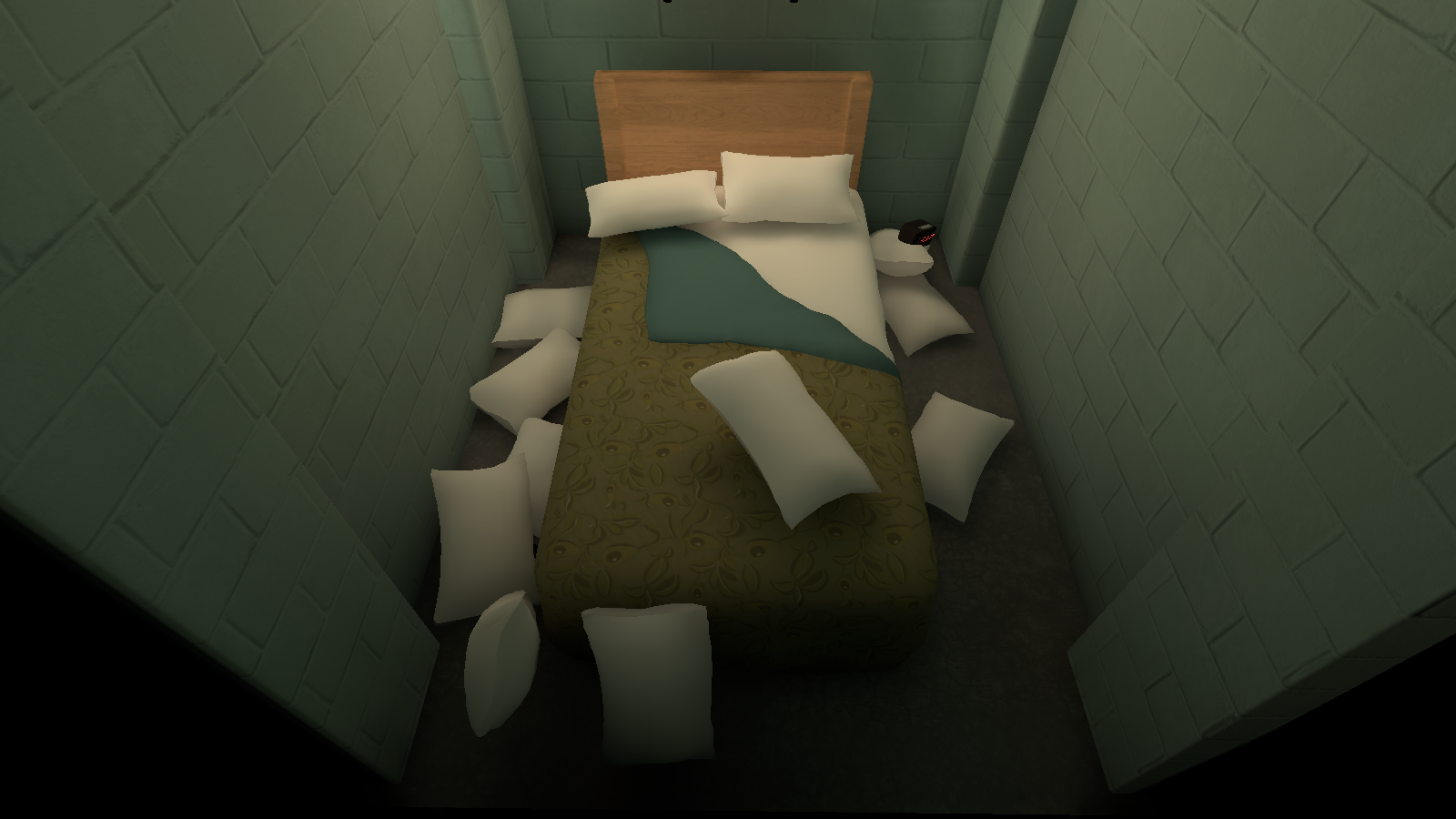
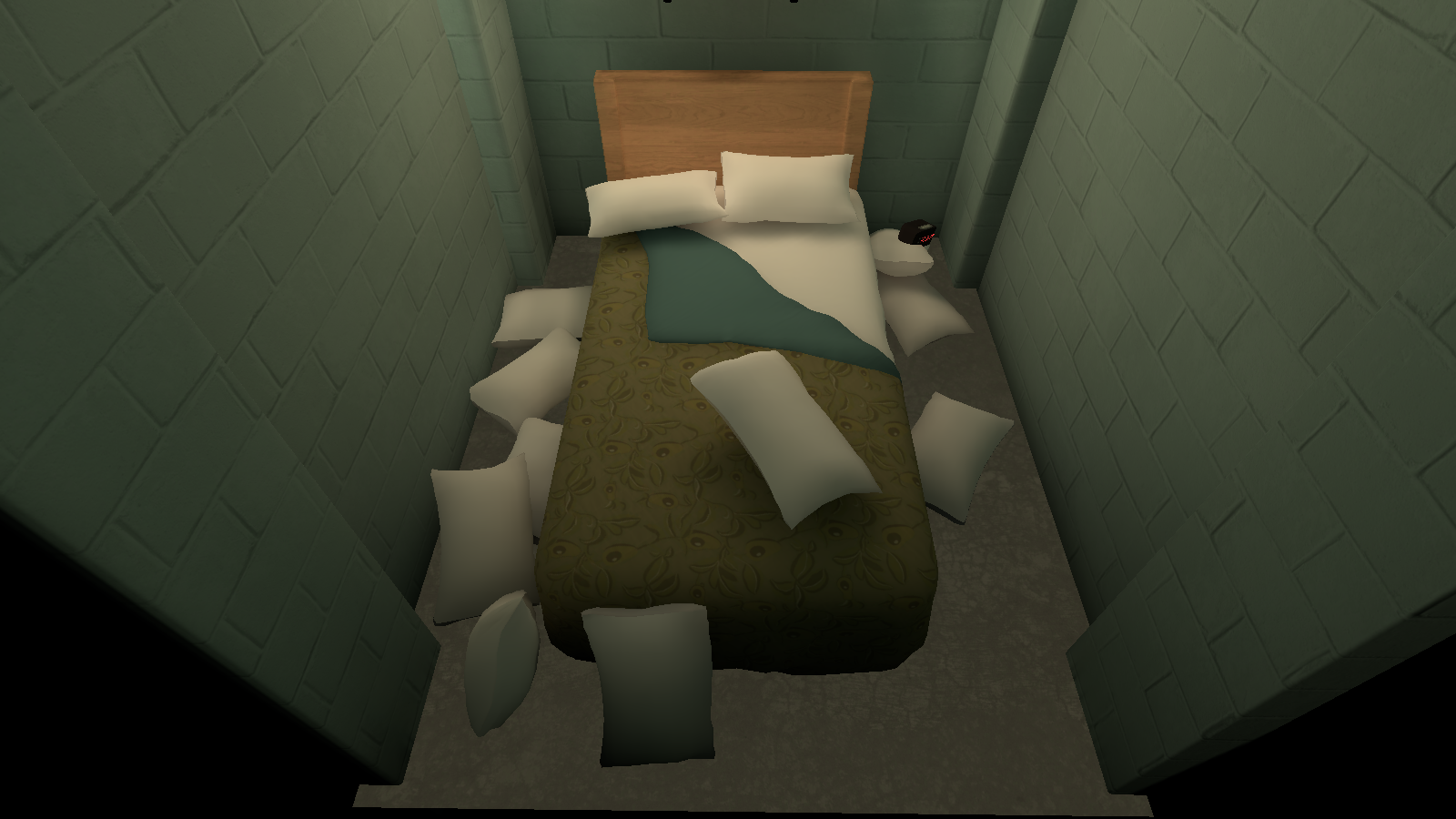
Under the bed is an unused alternate floor that doesn't have any shadows.
_CloudBillboard#
Cloud_Stand_Common_Prop#
|
TC_BackAreaFallHall/Props/Cloud_Stand_Commom_Prop (Used) |
_CloudBlillboard/Props/Cloud_Stand_Common_Prop (Unused) |
|---|---|
|
|
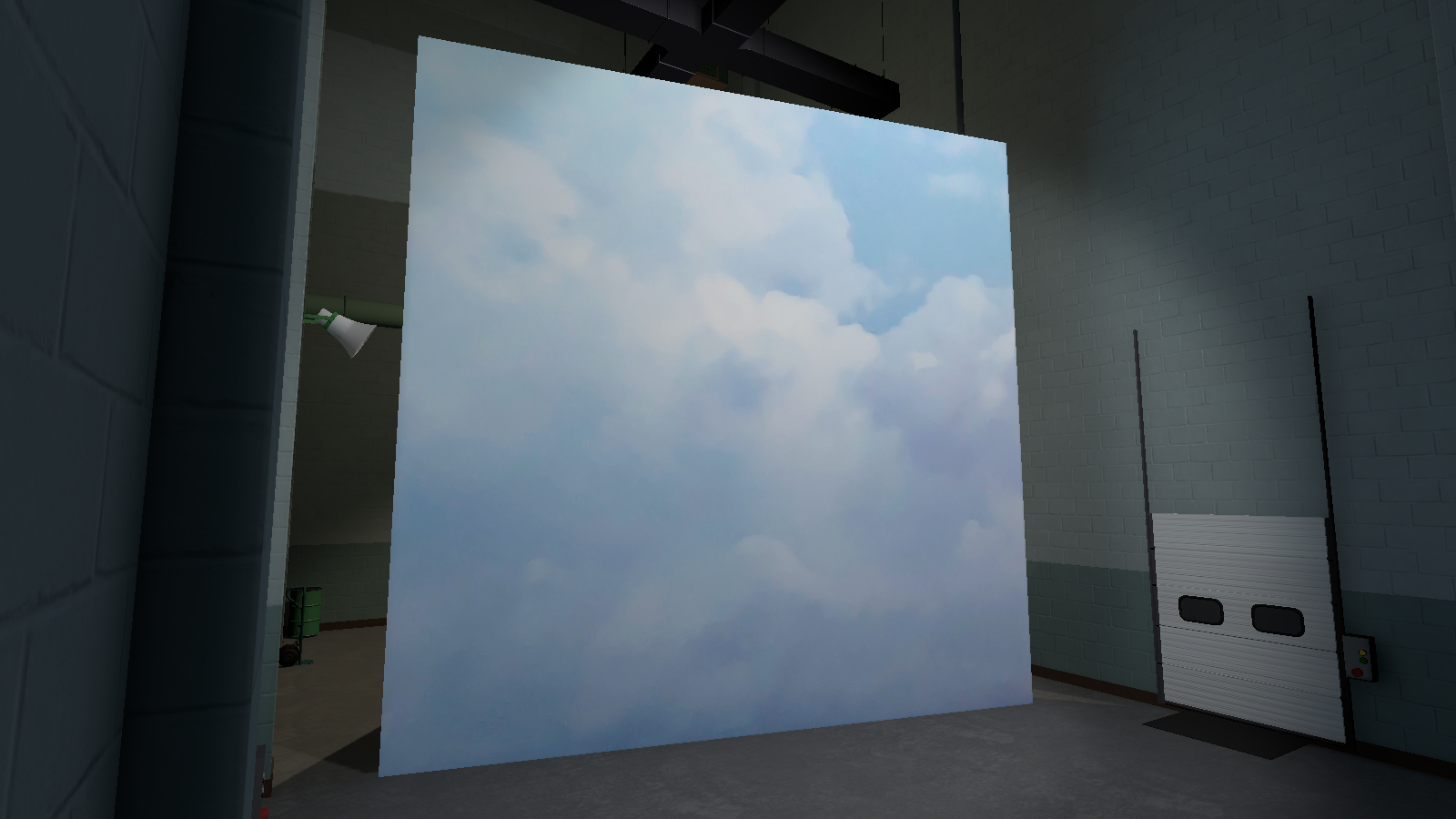
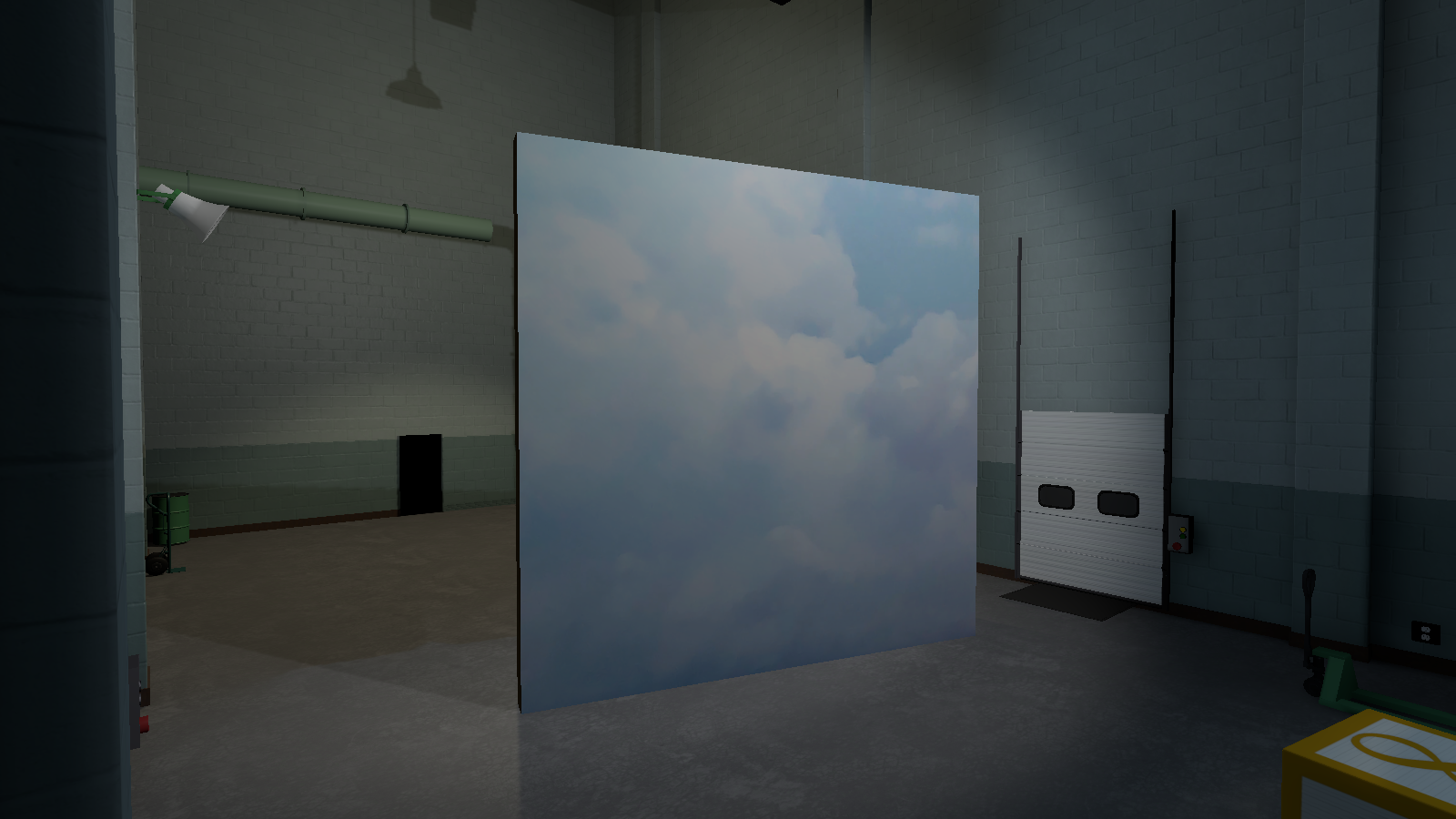
Right where the cloud billboard is, is an unused smaller cloud billboard. The one used in this room is actually connected to the hallway rather than here.
Door_Open_001_B_Back_Struc#
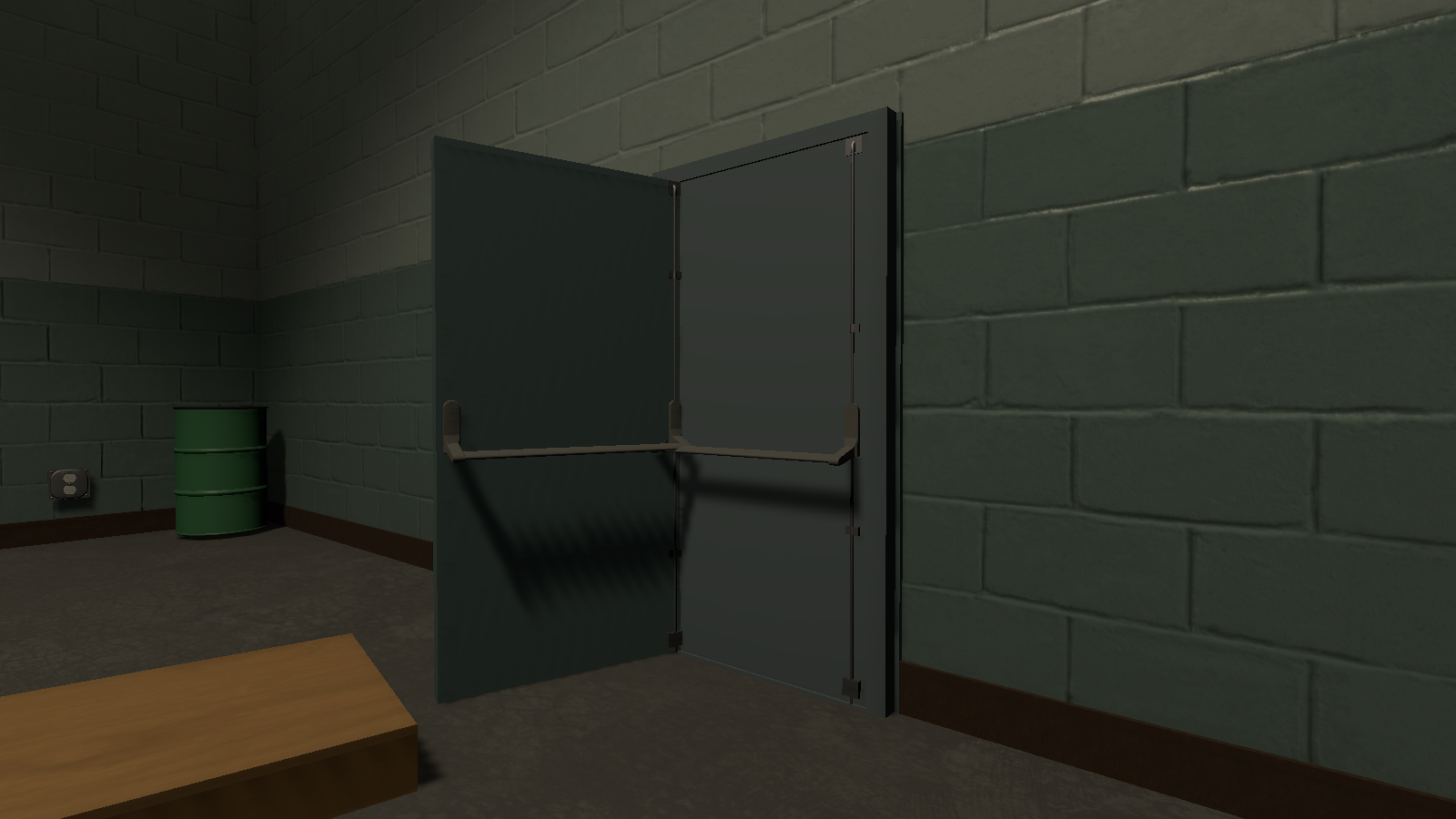
In the back of the room, where the door is, is an unused open door.
Door_Open_001_B_Back_Struc (1)#
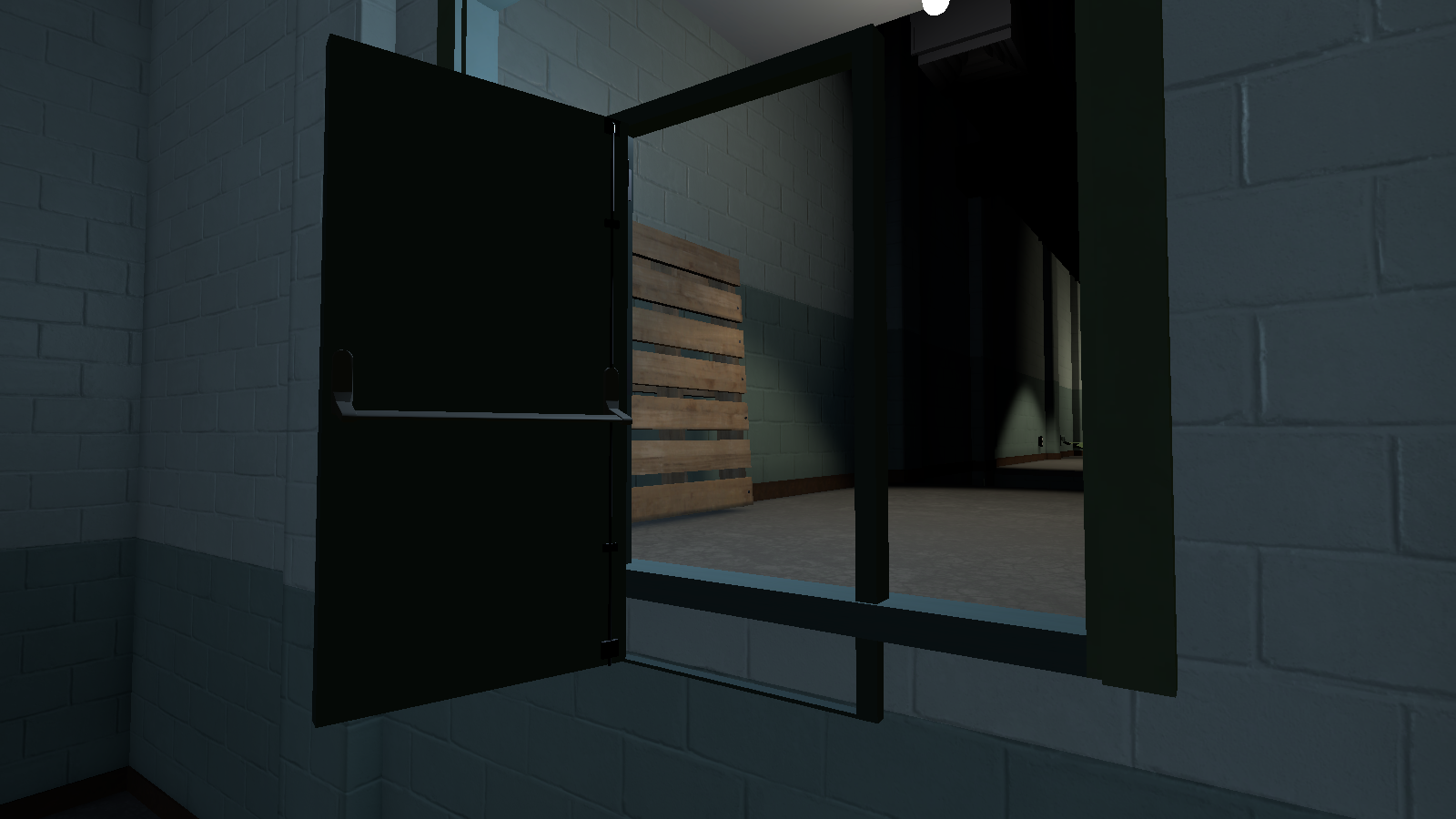
Right where the entrance to this room is, is another unused open door.
WallOfFire#
|
|
This needs some investigation.
|
Watch on YouTubeBy enabling "WallOfFire" and not moving yourself or the camera, a giant wall of fire with smoke around it will spawn. It goes from the start of the map to the end of the hallway in the back of the level. It does not have any functionality to kill or damage the player.