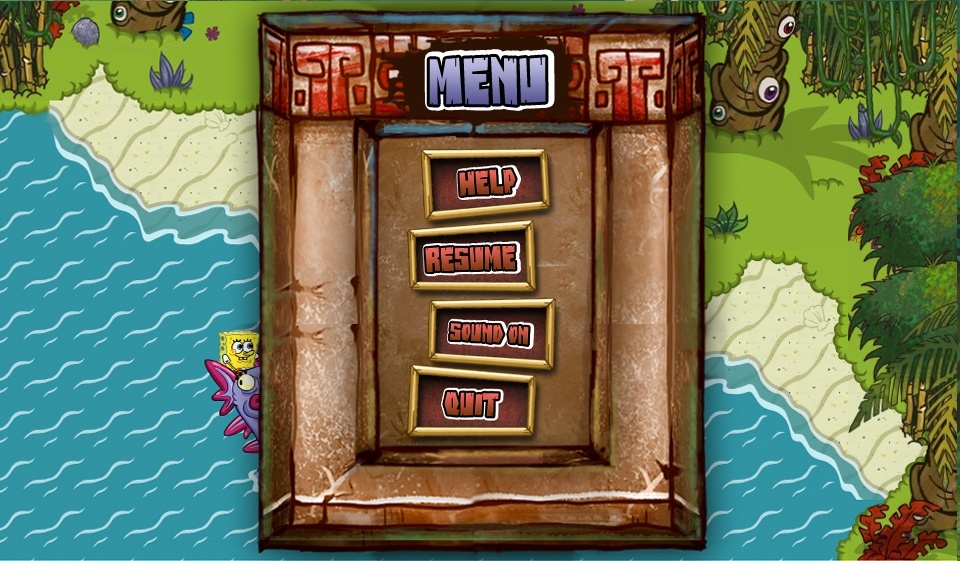
ui_spongeboy.png is a pink font that was possibly used for early UI, as all of them have an SBSP logo-like font and a black font flattened inside all of the files.
The configuration file contains descriptions to tell developers what to do with the elements and examples of how the elements work.
    <!-- SERVICES -->
    <!-- Enable, disable, and configure services here -->

    <!-- PACK DEFINITIONS -->
    <!-- Define packs and flump folders to be loaded later -->

    <packs>
        <!-- EX
        <pack id="pack_folder1"/>
        <pack id="pack_folder2">
            <flump id="flump_folder"/>
        </pack>
        -->

    <!-- CHUNKS -->
    <!-- Define larger bundles of chunks and packs to load -->

    <chunks>
        <!-- EX
        <chunk id="chunk">
            <chunk>load_part_1</chunk>
            <pack>load_part_2</chunk>
        </chunk>
        -->
These messages can be found at the beginning of every translation file.
<!--<translation attributes>-->
<!-- defaultFont dictates the font (based on the id set in fonts.xml) that all fields will use unless fontId is specified within that field's individual tag.-->

<!-- <Node Attributes> -->
<!-- id is not Optional. It tells flash which text field to change. -->
<!-- fontScale is Optional. It allows you to customize the size of the font used in this particular field. 1 is normal. 2 is double size. .5 is half size. Defaults to 1.-->
<!-- fontName is Optional. It allows you to customize the font used in this particular field. Leave it out to use the default font (specified by defaultFont).-->
<!-- offsetX is Optional. It allows you to move the text field a certain number of pixels on the X axis. Leave it out or use 0 if you don't want to move the text. -->
<!-- offsetY is Optional. It allows you to move the text field a certain number of pixels on the Y axis. Leave it out or use 0 if you don't want to move the text.-->
 This article has a talk page!