 This article has a talk page!
Pokémon Channel is the spiritual successor/sequel to Hey You, Pikachu!, featuring similar gameplay mechanics, but with pointing and clicking instead of voice commands. Notable features include a Pokémon mini emulator, an exclusive anime titled "Pichu Bros. in Party Panic", and lots of TV watching.

Unused Models#
bar.dat#

A bar with "power" written on it.
baruca_default.dat#

A rectangular-shaped Ditto.
common_dsk_X_all.dat#

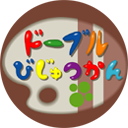
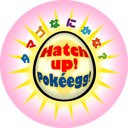


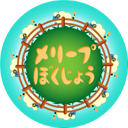



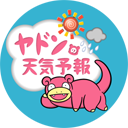
There are discs for all TV channels (including two slightly different versions of Slowpoke's Weather Forecast for some reason), implying that you may have originally had to find a disc for each channel rather than just for Pichu Bros. Part 5 (which is the only disc that has a translated variant). In the European version, all the discs have been replaced with copies of Pichu Bros Part 5.

common_song_book.dat#
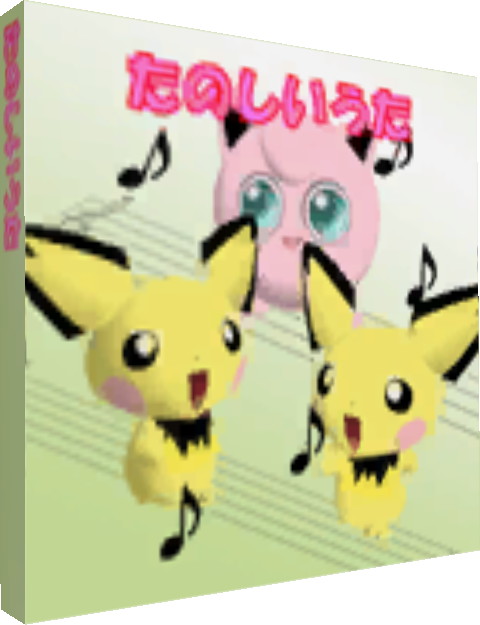
An untranslated song book with Jigglypuff and the Pichu Brothers on it.
common_ice_bou.dat#

A popsicle stick that translates to "miss". In Japan it's common for popsicles to be part of a little lottery game. If you get the right popsicle stick, you could win a small prize, like a free popsicle. Since this one says "miss" it indicates a non-winning stick. Better luck next time.
common_tissue_box.dat#

A simple tissue box.
m_fusen_X.dat#




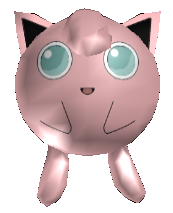


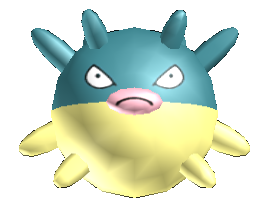
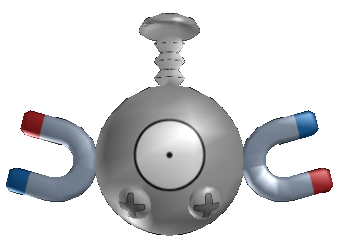


Several inflatable Pokémon toys that may have been meant to be purchased from Shop 'N Squirtle.
m_myroom_pc.dat#
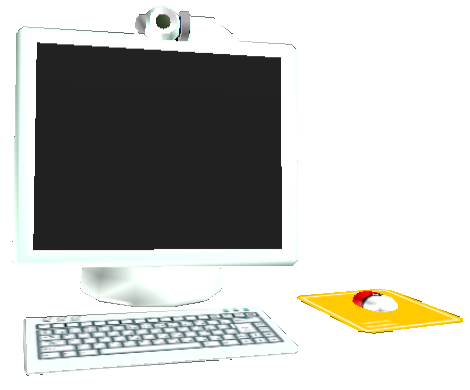
A model of a computer. While it can't be seen, there's actually a picture on the monitor with a wallpaper from Hey You, Pikachu!.
m_myroom_tirasi.dat#
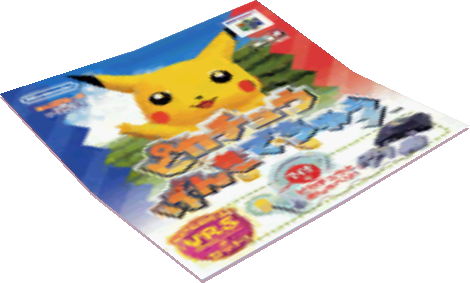
A Japanese poster for Hey You, Pikachu!.
nice_card.dat#
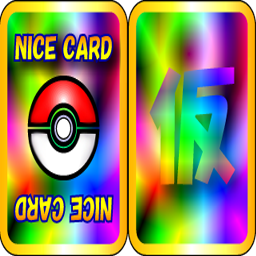
A primitive Nice Card design. The back has the kanji symbol 仮, meaning "Temporary".
nuri_640.dat#
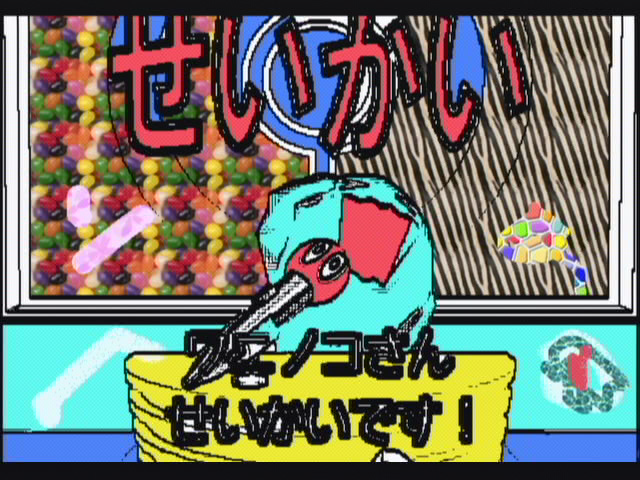
A Japanese screenshot of Quiz Wobbuffet that has been edited using the in-game Smeargle Paint tool. The filename "nuri" most likely refers to 塗り (to paint).
pch_title.dat#
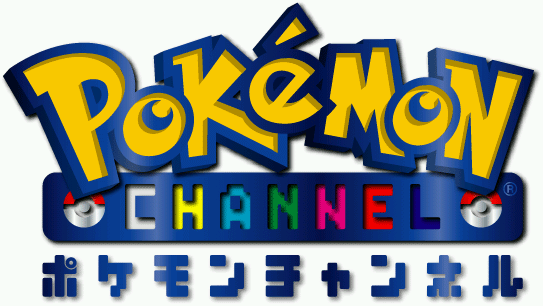
An early, more colorful version of the game's logo. The text at the bottom just translates to Pokémon Channel (ポケモンチャンネル).
system_opening_picyu.dat#

A ribbon that reads Pichu (ピチュー), indicating that Pichu was originally meant to be seen during the opening sequence.
system_opening_ribon.dat#

Another ribbon that reads Pikachu with friends (ピカチュウとなかまたち), also meant for the opening sequence.
t_signpost_X.dat#



Three signposts, likely meant to appear on-screen when entering each respective area.
t_tvguide_X.dat#
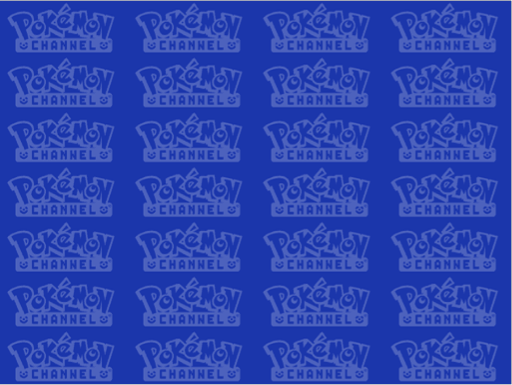


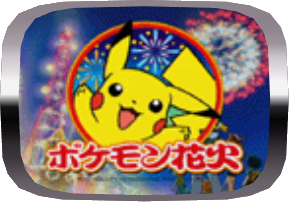
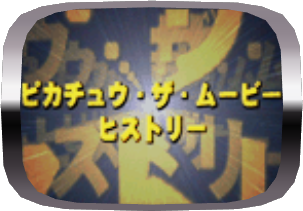
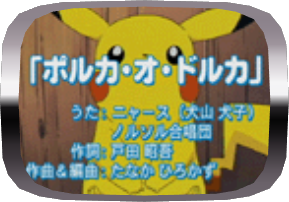
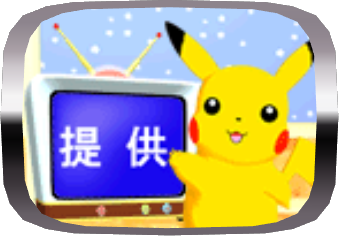


A large assortment of what may be leftovers from an E3 demo.
t_tv_guide_omake_bg.dat#


Amongst omake_bg in the latter's textures are screenshots from the films Spell of the Unown and Jirachi, Wish Maker.
t_tvguide_bg.dat#
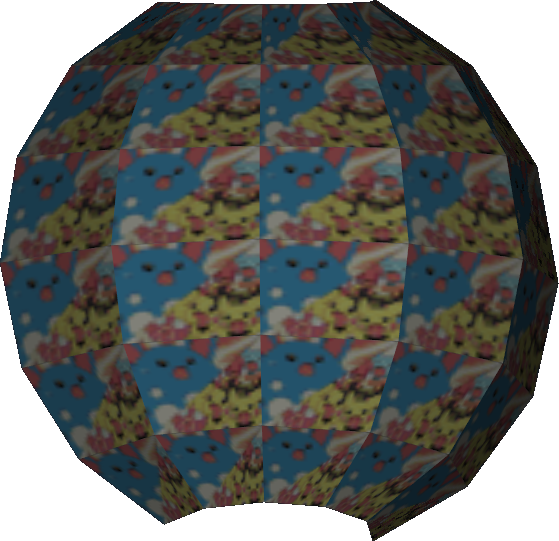

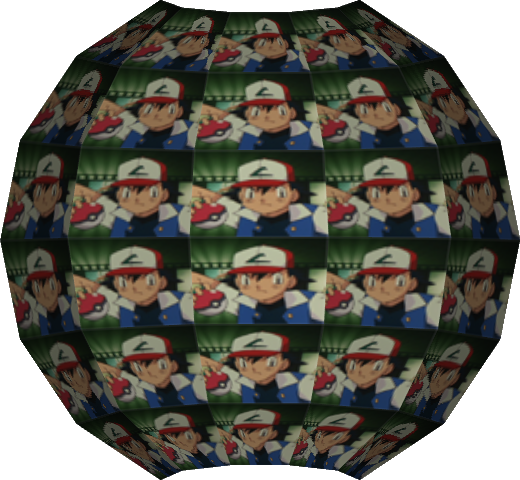
Exclusively in the Japanese version is t_tvguide_bg.dat, a sphere with an animated texture that cycles through in-game screenshots.
t_ookido.dat#

A picture of Professor Oak with the character 仮 (temporary) on his forehead.
test_640.dat#

A TV screen test, mostly based on the famous Philips PM5544. The named company and phone number are of a real serviceman in Poland (http://www.serwis-tv.com).
Obscured Graphics#
Squirtle's Eyes#
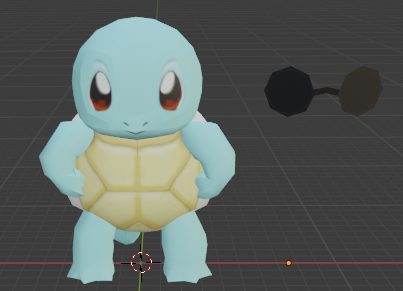
Squirtle's model has eyes, but they are covered up by the sunglasses he is wearing. As such, they're normally not seen by the player.
Unused Music#
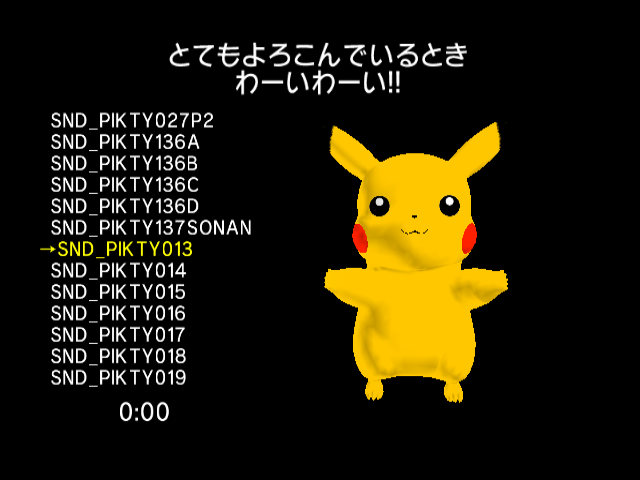
All music from Hey You, Pikachu! is still present and can be heard in the sound test menu.
Unused Scenes#
opening_demo_tv3_short.pkc#
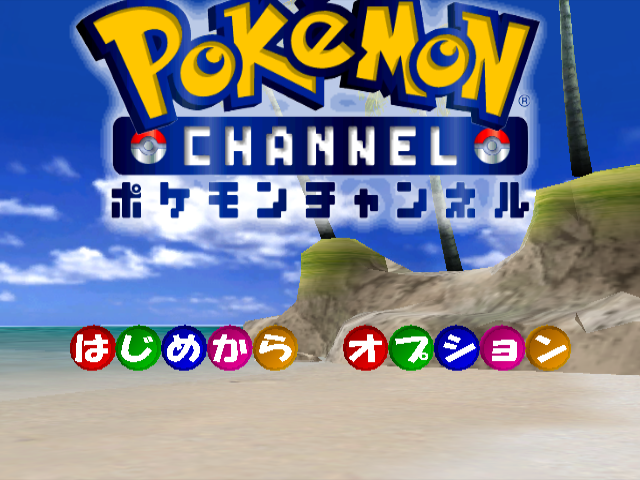
This unused title screen is fully functional. Just replace opening_demo_tvomake_short.pkc with opening_demo_tv3_short.pkc with the file mentioned above.
An unused title screen that takes place in Cobalt Coast. There is no cursor. While this is not used in-game, the Cobalt Coast background is used for the Pokémon Channel Bangumi Kakuchou Pack bonus disc's title screen, which is exclusive to Japan. It can be reinserted into the game with the following code:
PTGZ-9A1Y-NEVX7
5G6Z-2BMJ-8HJZF
PGGG-AK35-19DZ9|
Japan (Bangumi Kakuchou Pack) |
International (Unused) |
|---|---|
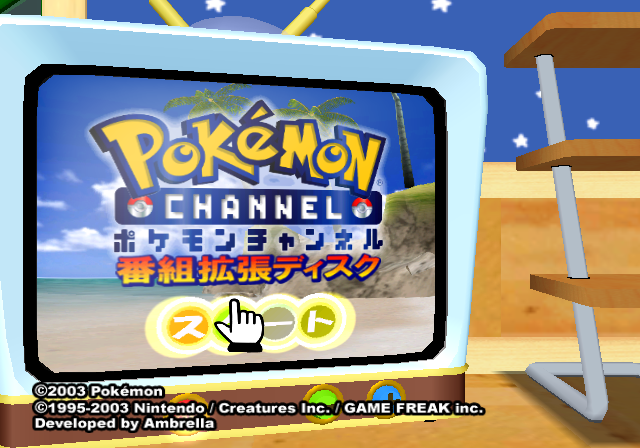
|
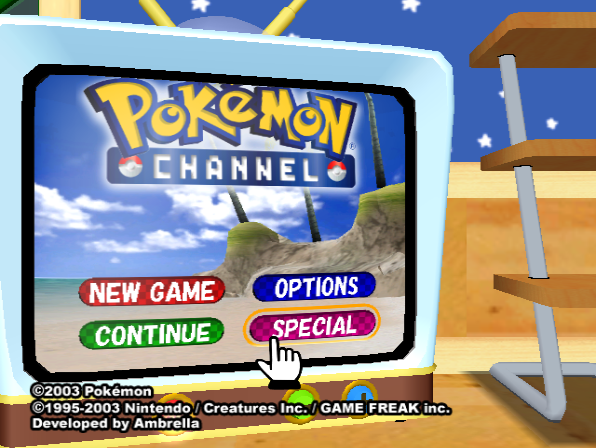
|
opening_demo_tv2.pkc#
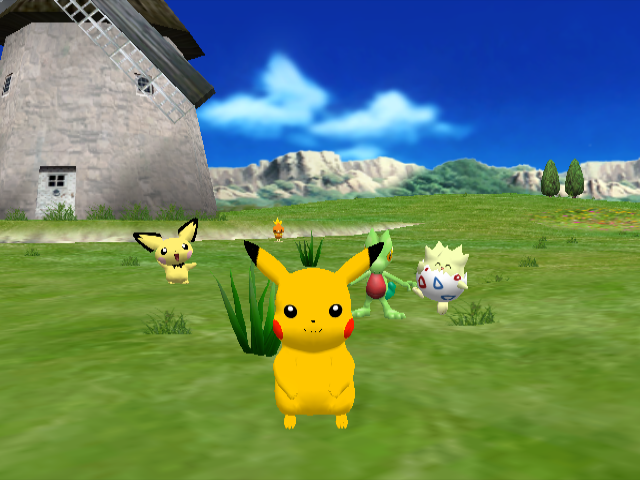
An unused variant of the opening cutscene with Pikachu, Treecko, Torchic, Pichu, and Togepi.
Regional Differences#

|
To do: |
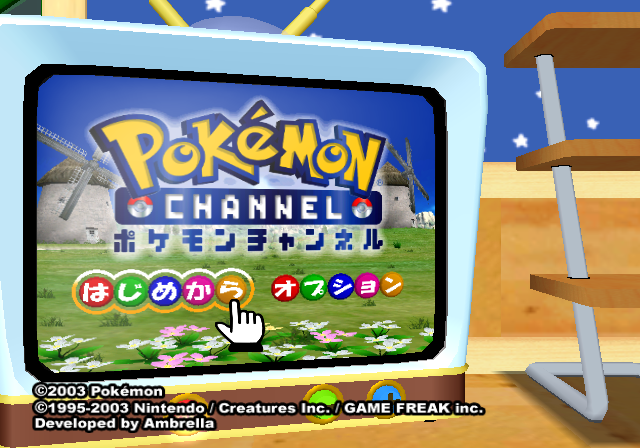
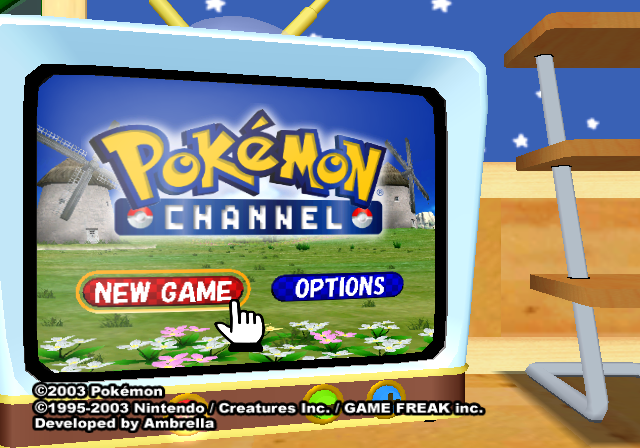
Title Screen#
|
Japan |
International |
|---|---|
|
|
Jirachi#
The European version has the Jirachi event that was on the Japanese and American Bonus Disc that players got when pre-ordering Pokémon Colosseum. Europe didn't get the chance to get this Bonus Disc, and with it the ability to obtain Celebi (Japan) or Jirachi (US) along with a fix to the Berry Glitch. In this respect, Jirachi was more accessible because the game didn't need to be pre-ordered, and all that needed to be done was to unlock the full showing of "Pichu Bros. in Party Panic".
This event is still only for Pokémon Ruby and Sapphire, though.
Cry Changes#
Like Hey You, Pikachu!, most of the Pokémon voices were changed to match the English dub of the anime.
SD Card#

|
This needs some investigation. |
The Japanese version has the ability to save pictures using the GameCube SD card adapter. This can be activated in international versions with the following Action Replay codes.
Europe |
|---|
|
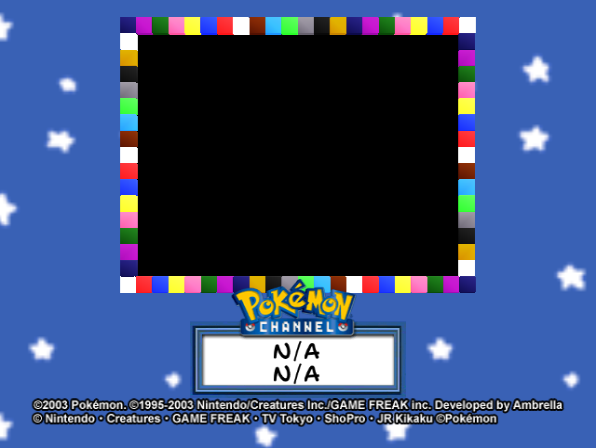
And about the SD Card stuff for Memory Card slot A, there's a file named sdcard.pkc that triggers this in the NTSC version. When opened replacing opening_demo.pkc, it does nothing. Pressing the START button just blackens a bit the screen. Replacing the Binder script (nicecard.pkc).
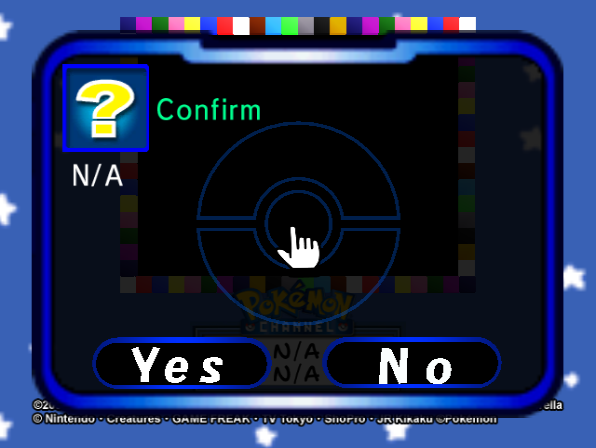
It shows the same thing, but pressing the A button triggers a confirm box saying "N/A", and lets you select Yes or No.
- Selecting Yes triggers even more message boxes saying "N/A", and finally triggers an error. Then you can trigger the confirm box again by pressing the A button again.
- Selecting No just resets the game.
But the most interesting thing is that pressing Yes seems that tries to import something from an SD Card, but fails. Attempting to insert anything in Memory Card slot B and selecting Yes crashes the game.
(Source: Ralf@gc-forever)