 This article has a talk page!

Unused Graphics#

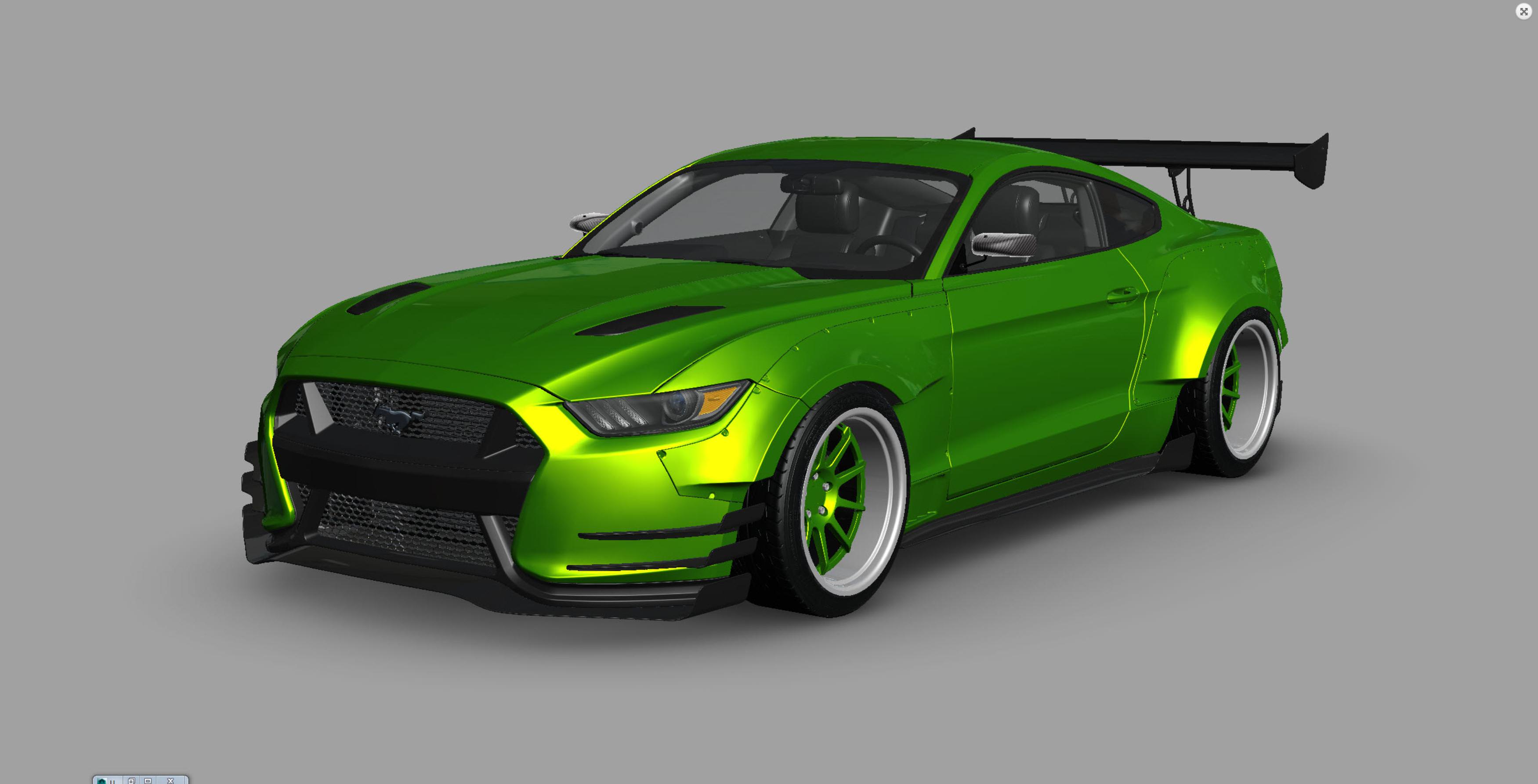
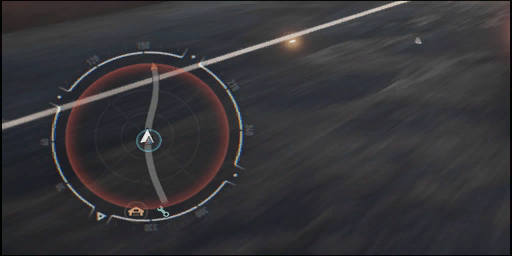
The filename, "Not_To_Be_Used_White_Line", is pretty self-explanatory for this unused road texture.
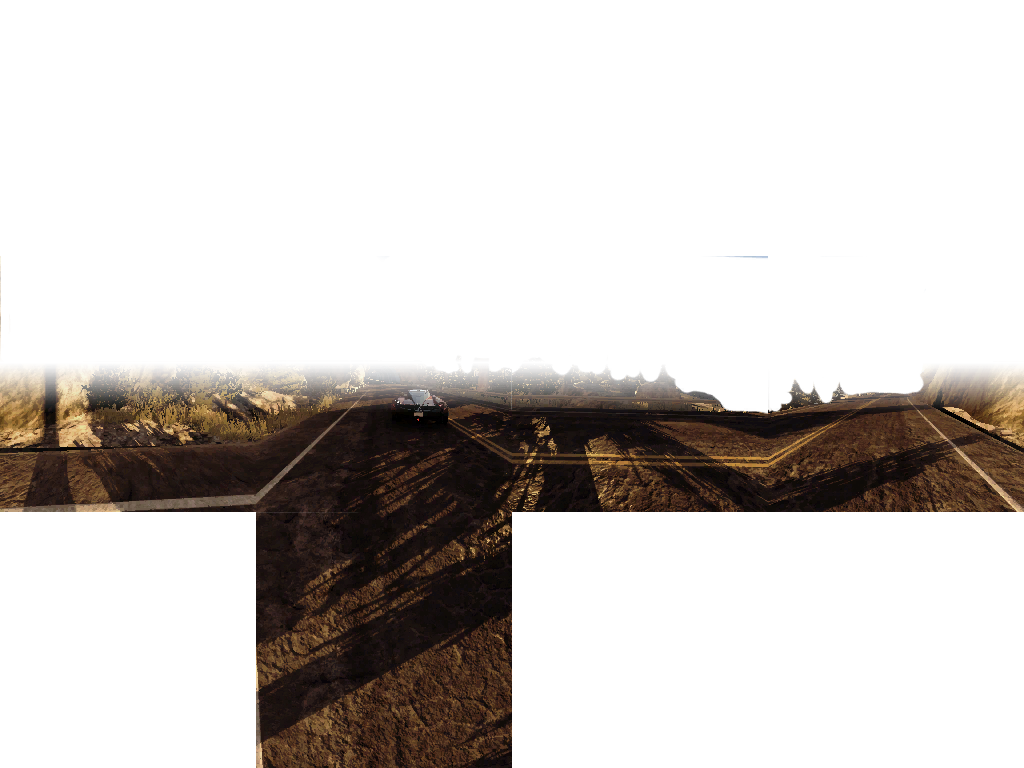
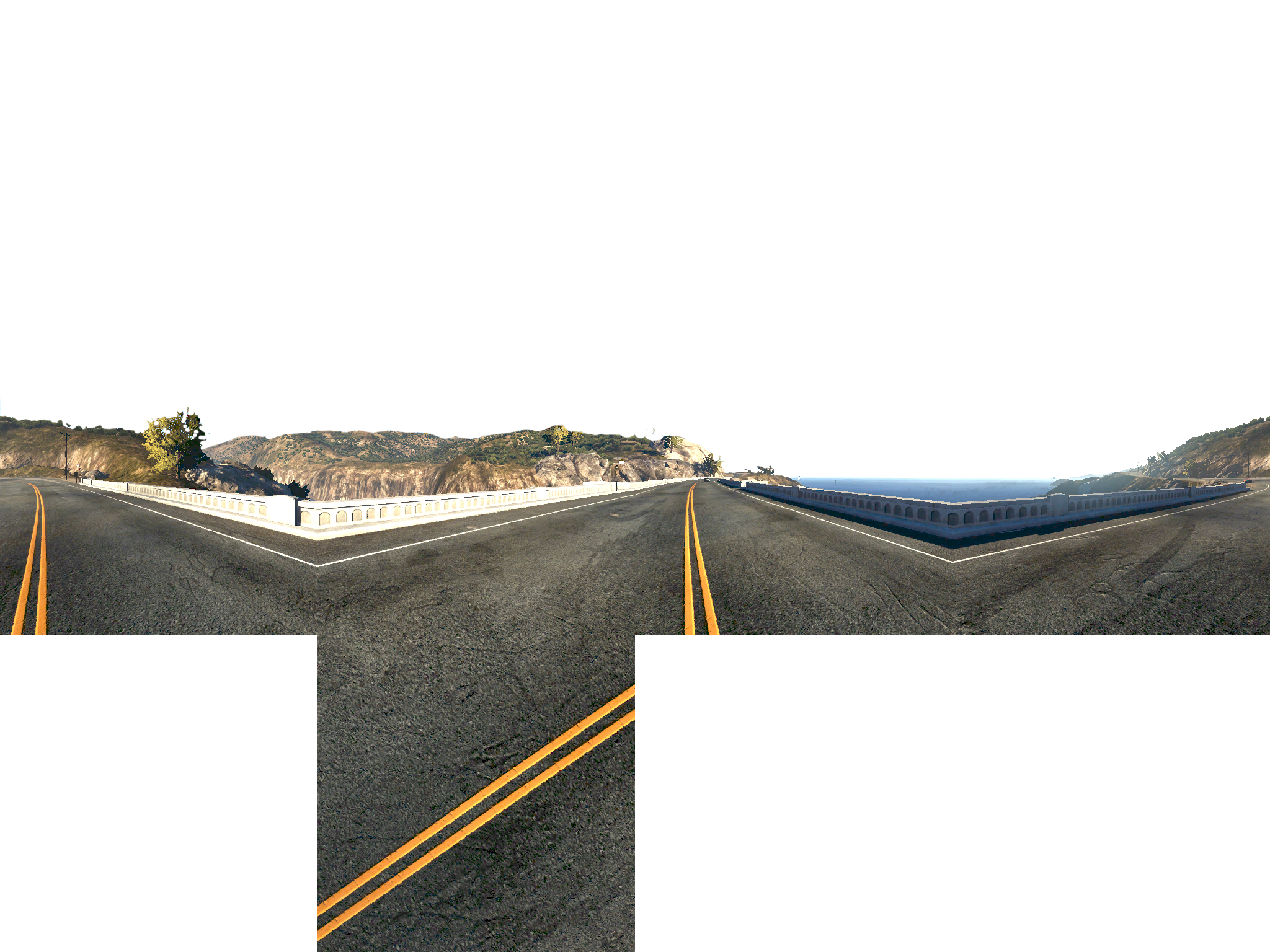
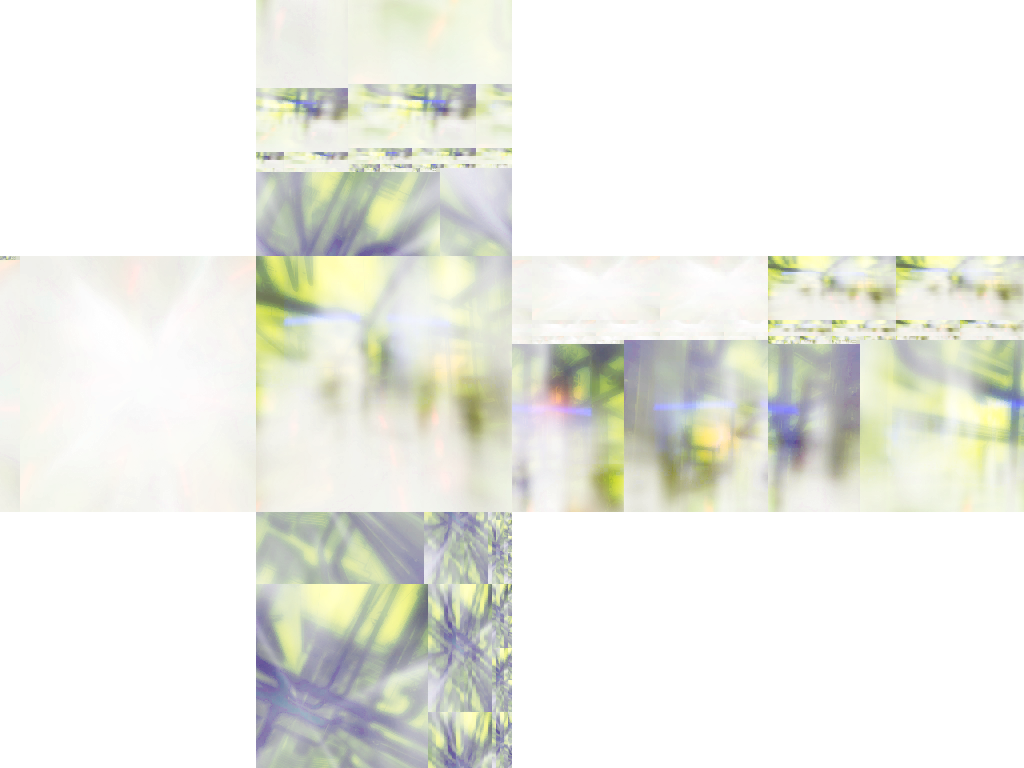
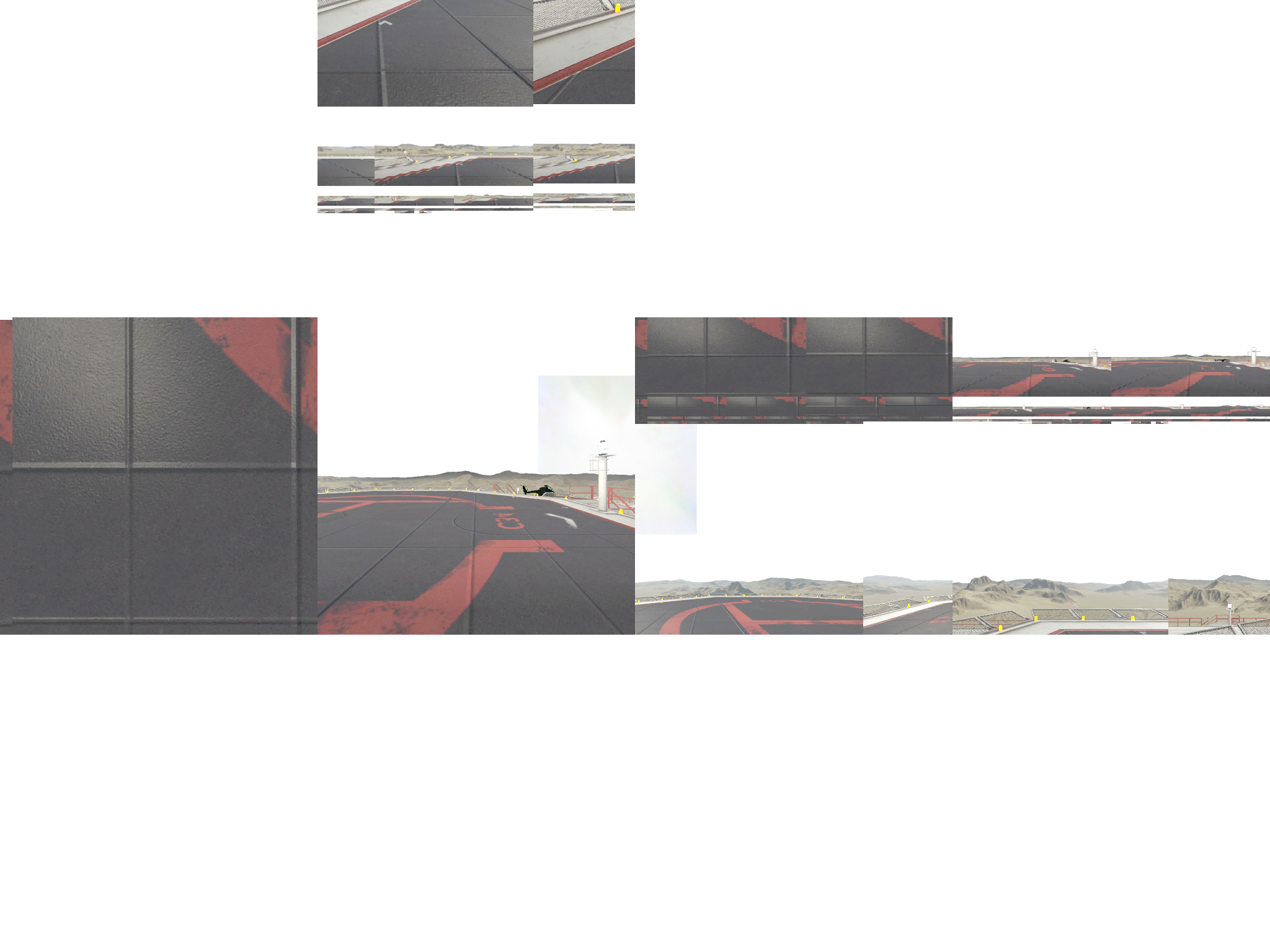
Cubemap textures from early in the game's development.
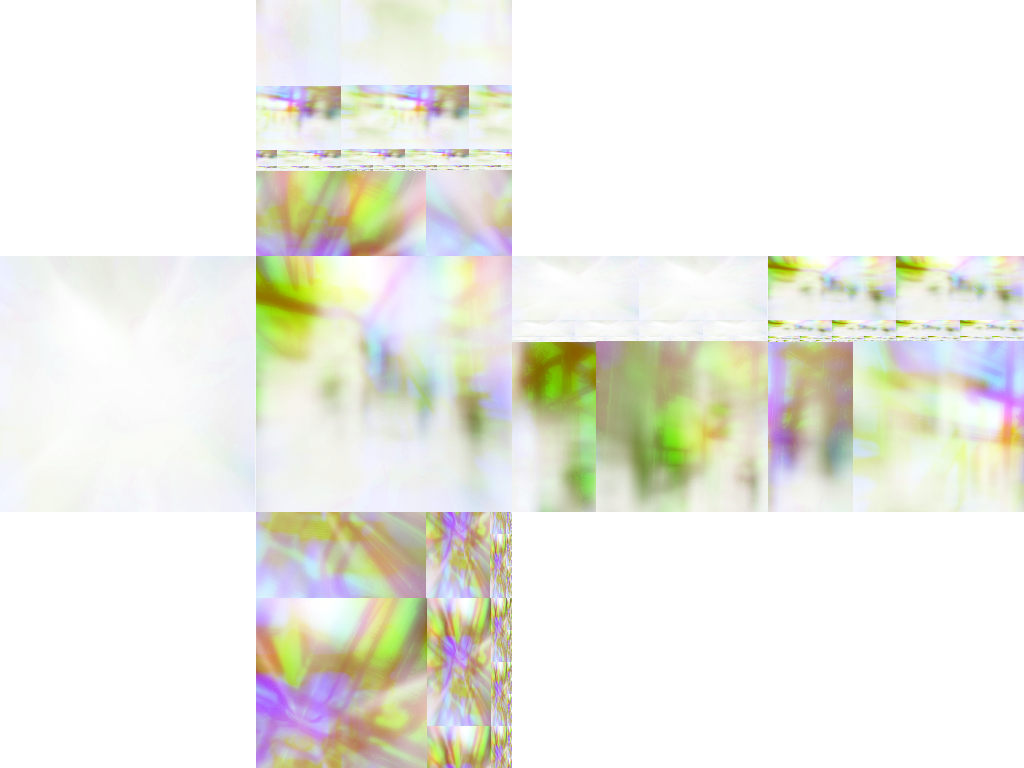
Default static & custom Envmap textures from early in the game's development.


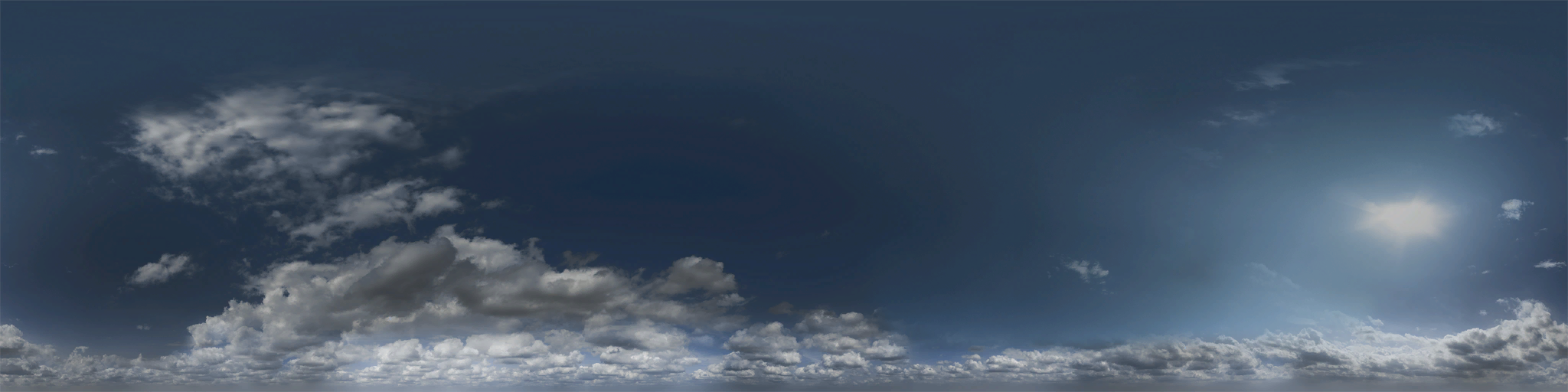


Default sky textures from early in the game's development & unused skies.


A default gradient texture from early in the game's development, an unused sky gradient & fog gradient texture.
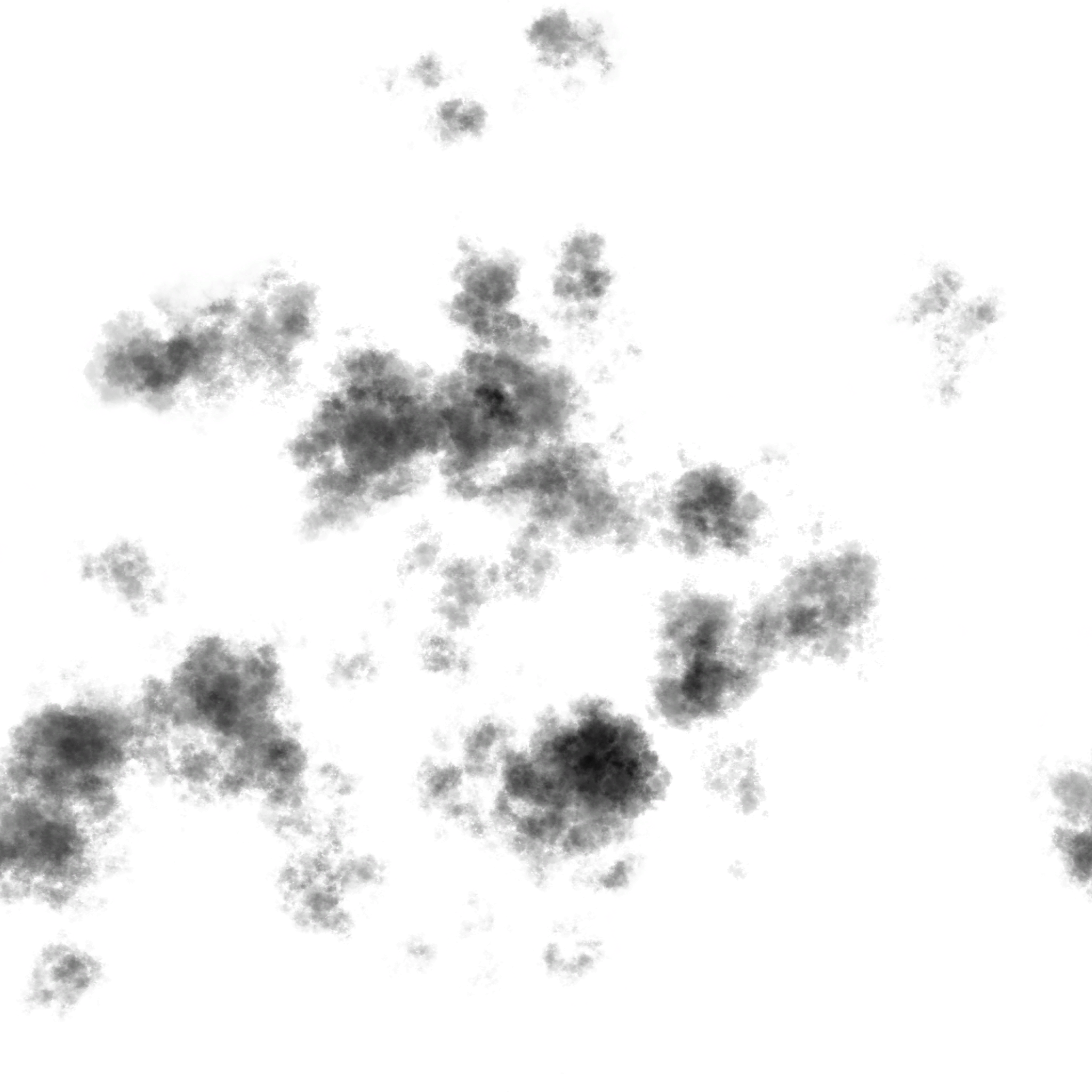
Unused cloud shadow texture.
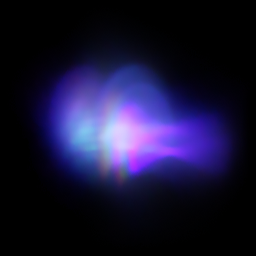

Unused sun flare textures.


Other Unused gradient textures.

AR Icon Textures - The top right icon, "IconBillboard", seemingly has to do with being able to break billboards, but that feature was scrapped. The top left icon, "IconTopTakeDown", might have been related to a special event where the player could wreck as many racers and cops as you can in a time limit, similar to the Takedown events in Burnout. The bottom left icon, "Icon Drift", might have been related to drift zones, but this was also scrapped.

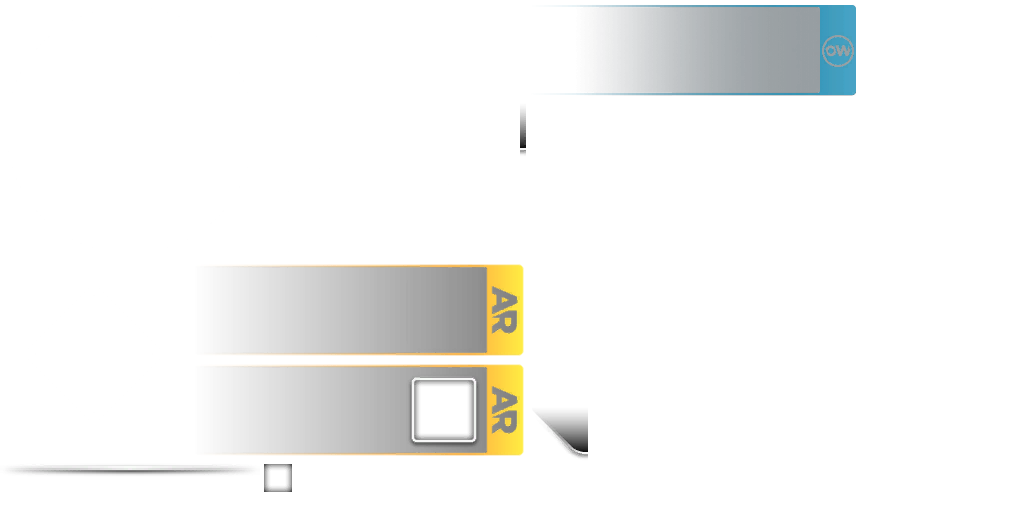


Unused All Drive/Autolog/OverWatch textures.
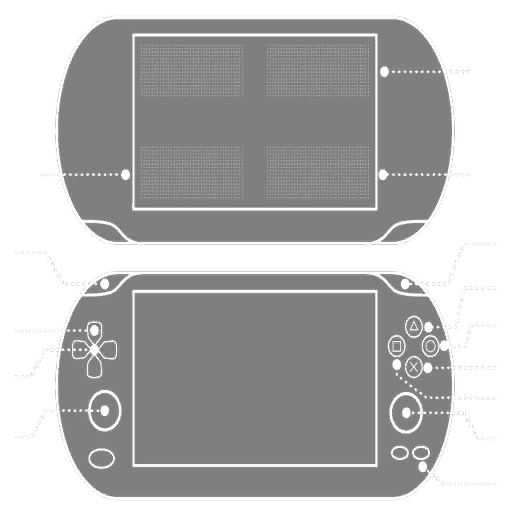
Vita - Unused control diagrams for the PS Vita. It is unknown if this refers to the PS4's Remote Play feature or if a port of Rivals was in development before being cancelled.
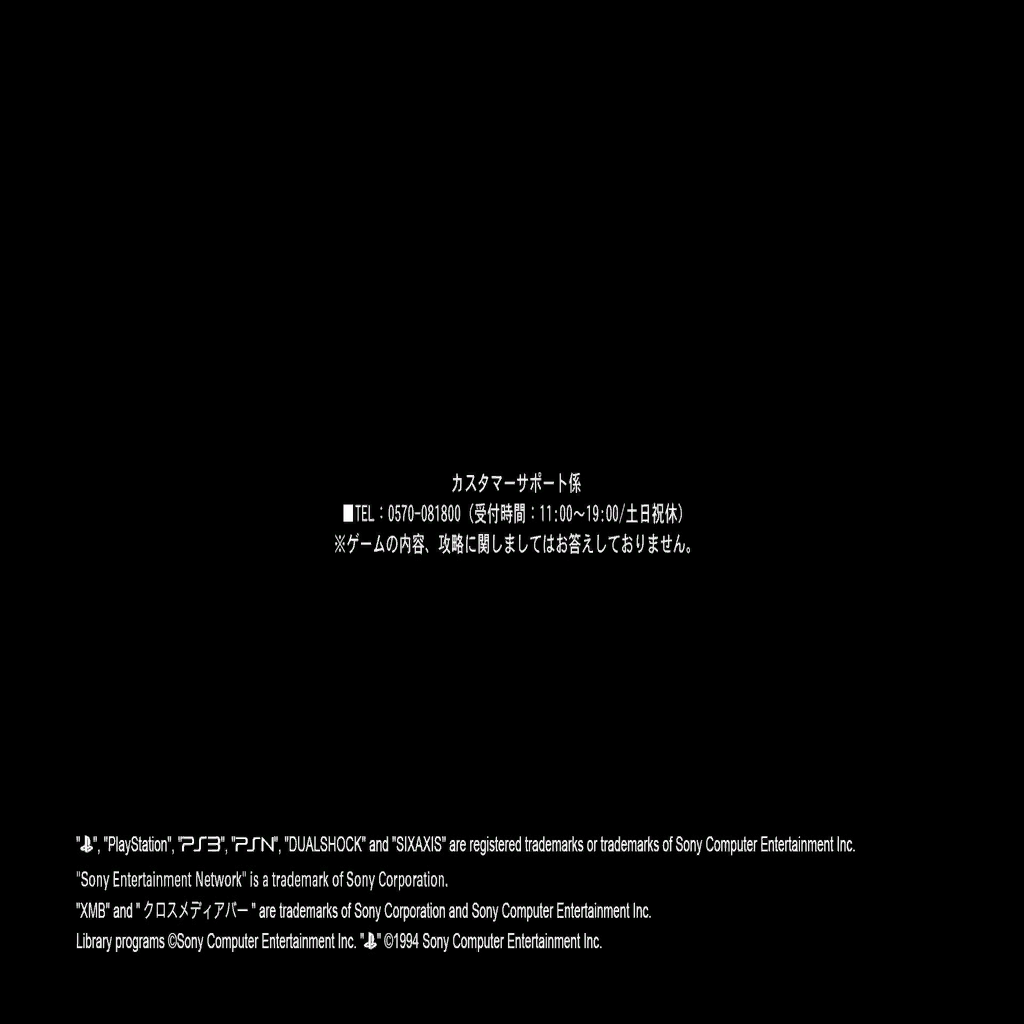
SCJ Warning - an unused Japanese legal screen for the PS3 version. The text is translated as follows:
                                Customer Support
Tel: 0570-081800 (Reception hours: 11:00-19:00/Closed on Saturdays, Sundays and national holidays)
We do not answer with regards to contents and hints for the game.
Language Selection - A texture for an option that was supposed to be a language selection at the beginning of the game.
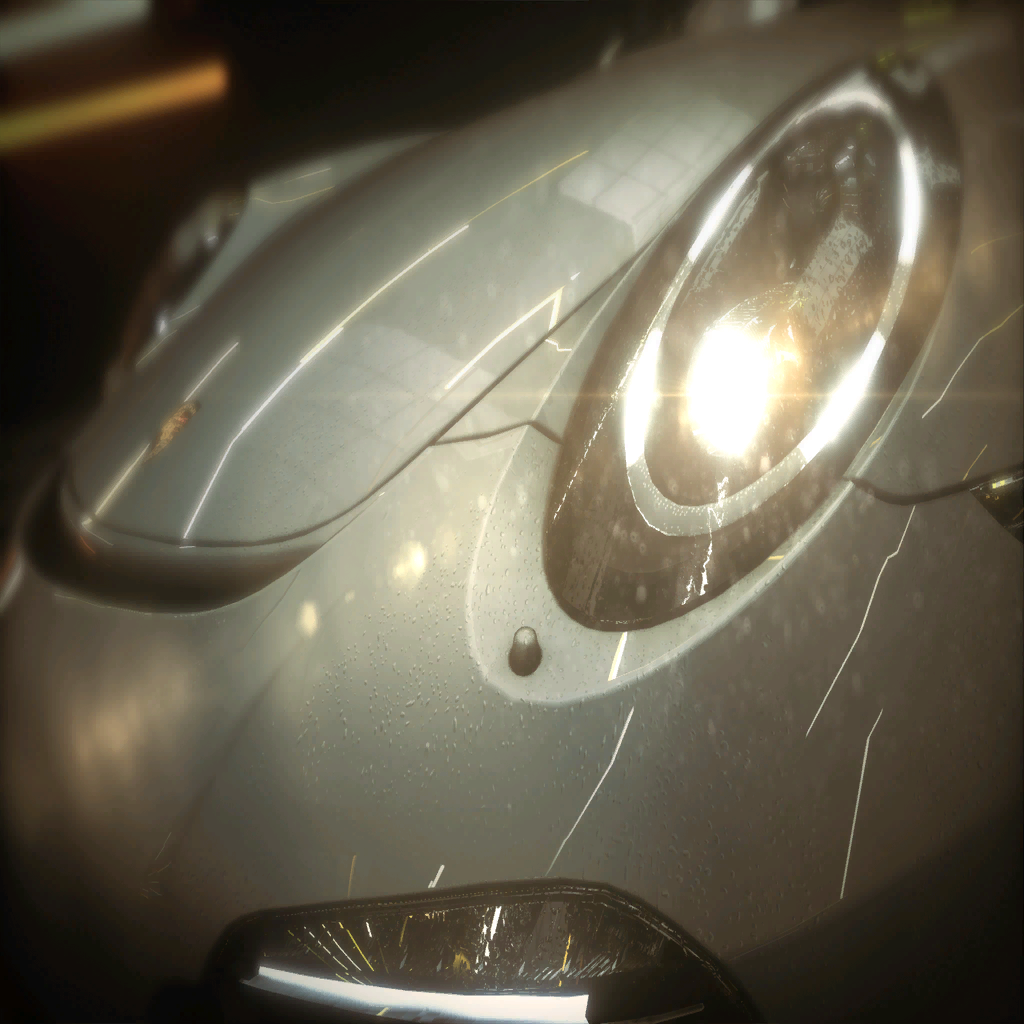
Unused Racer Loading Screen
Hideout Personalization/Pursuit Tech Textures 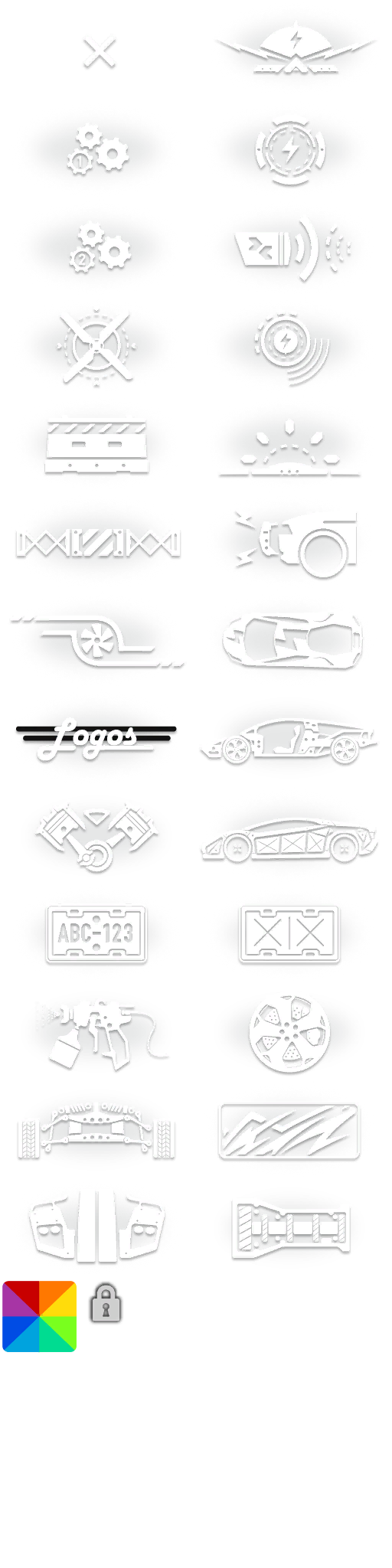
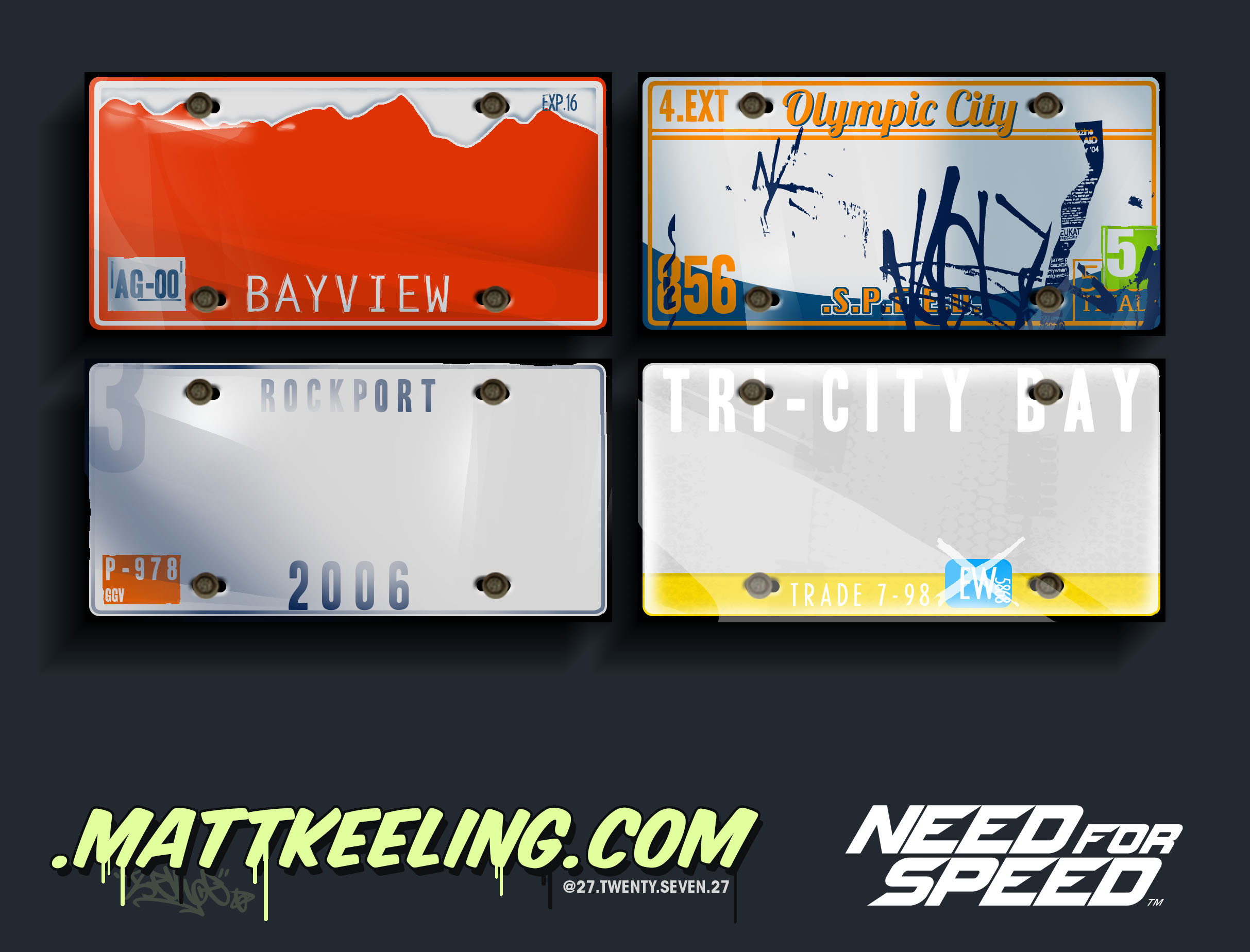
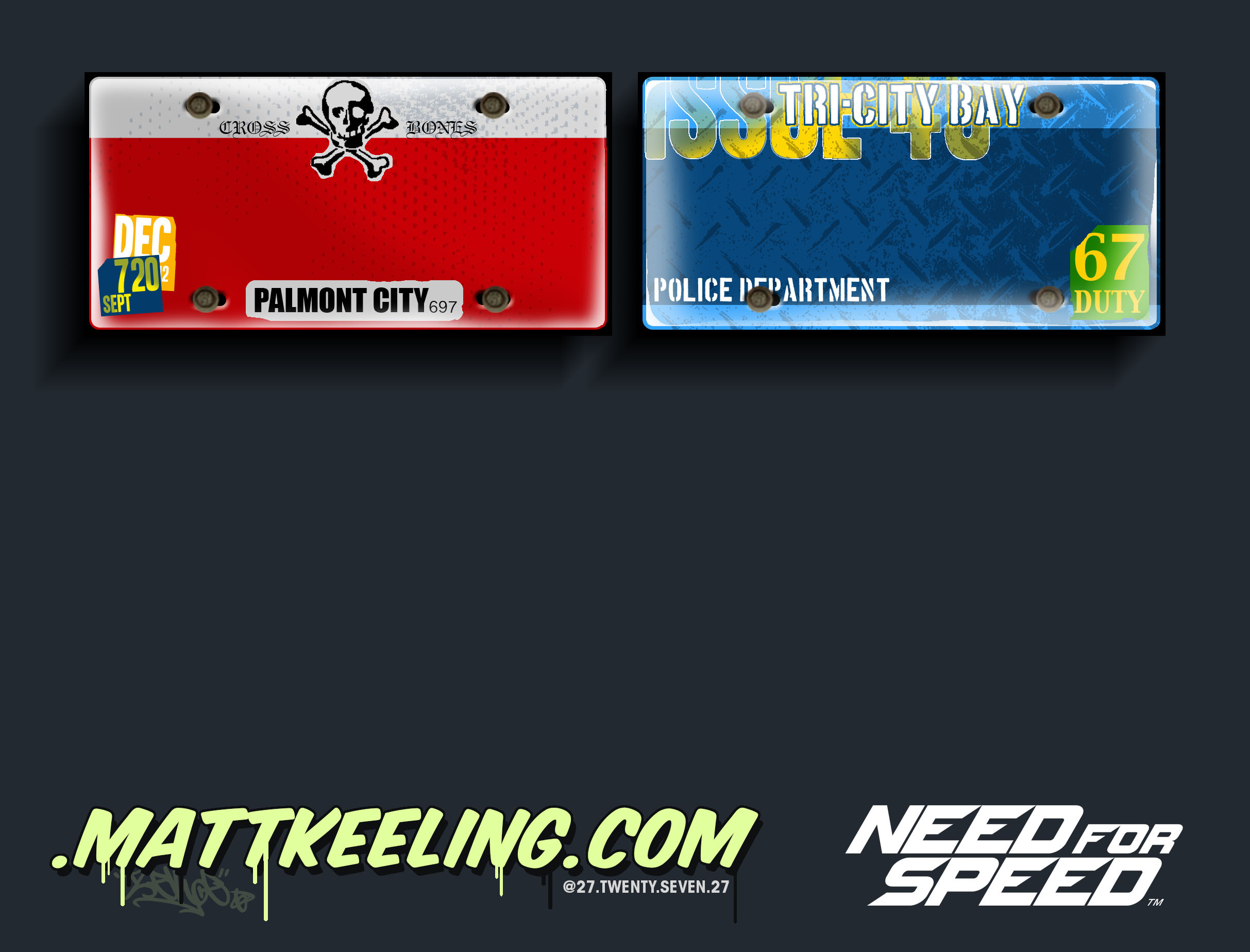
Unused License Plate Concepts 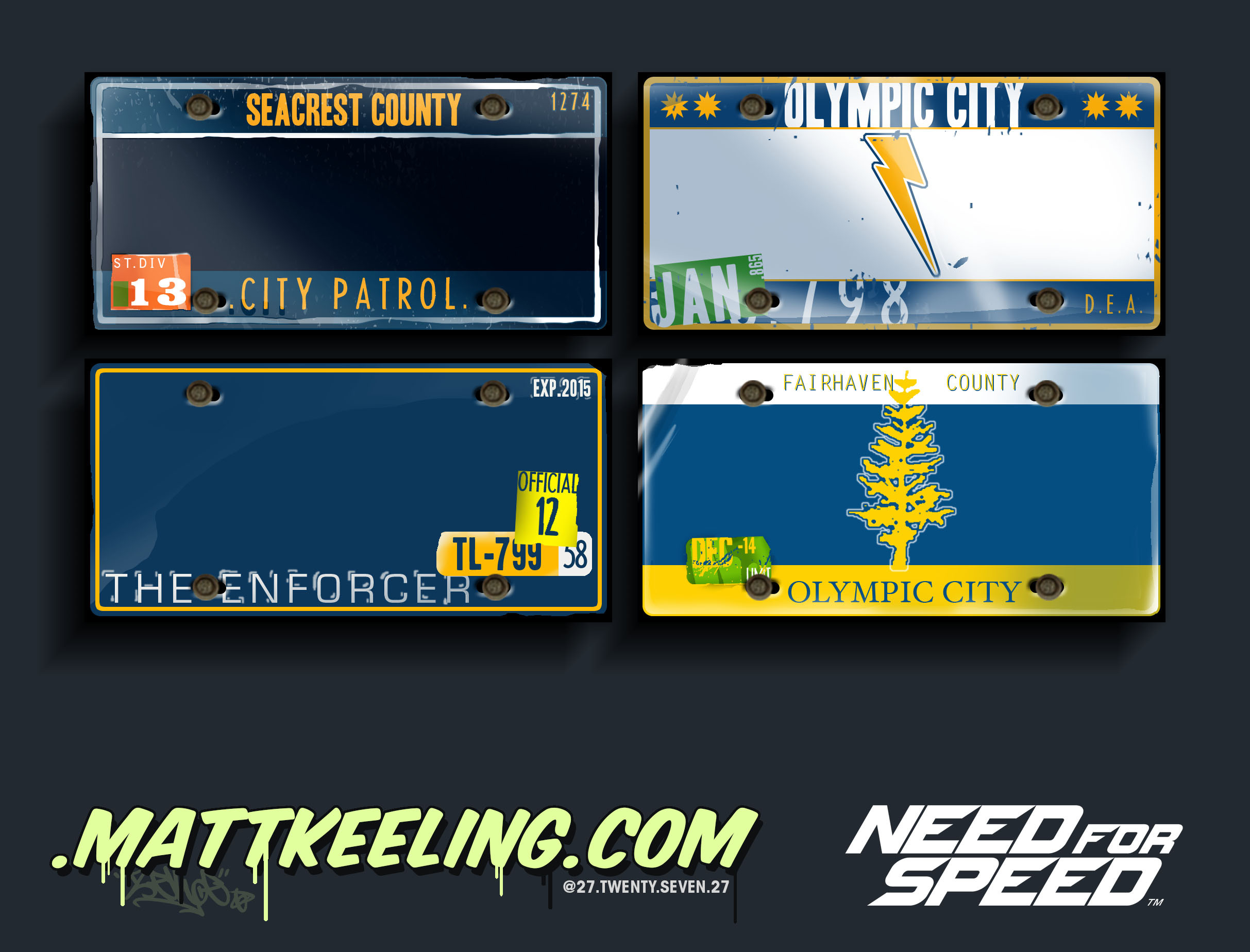
Unused Car Vinyl Concepts
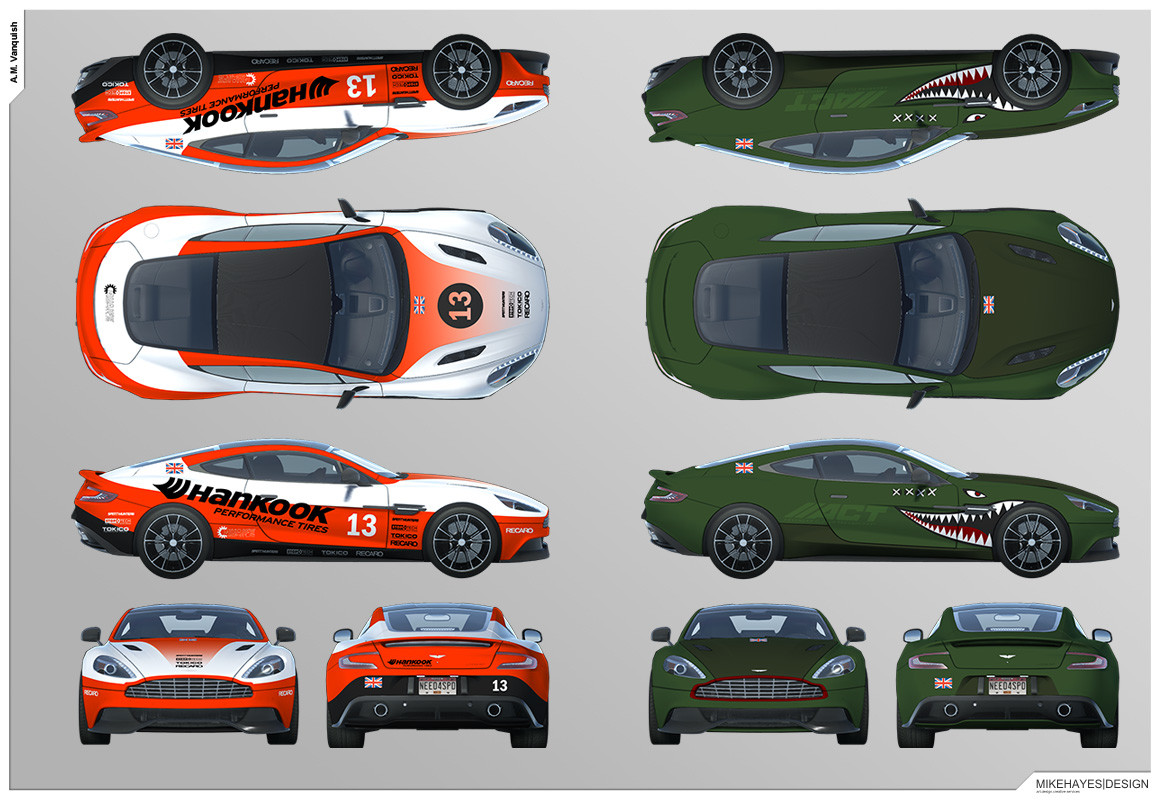
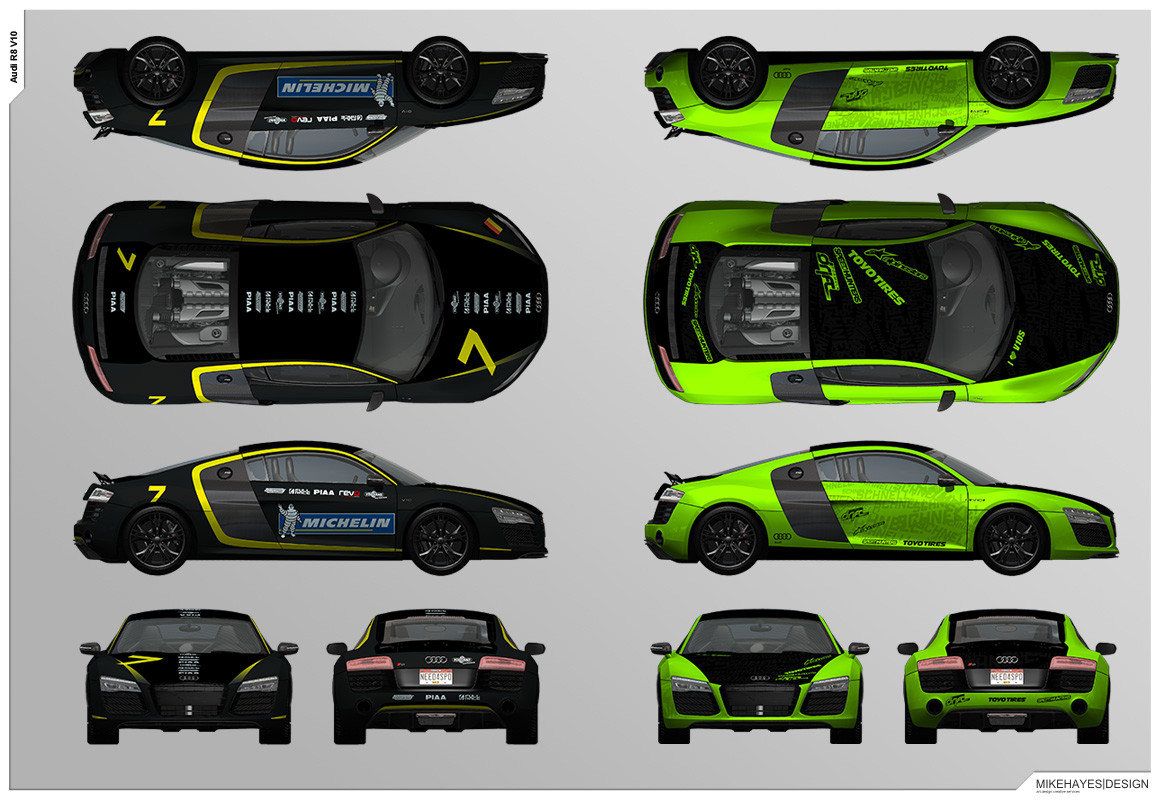
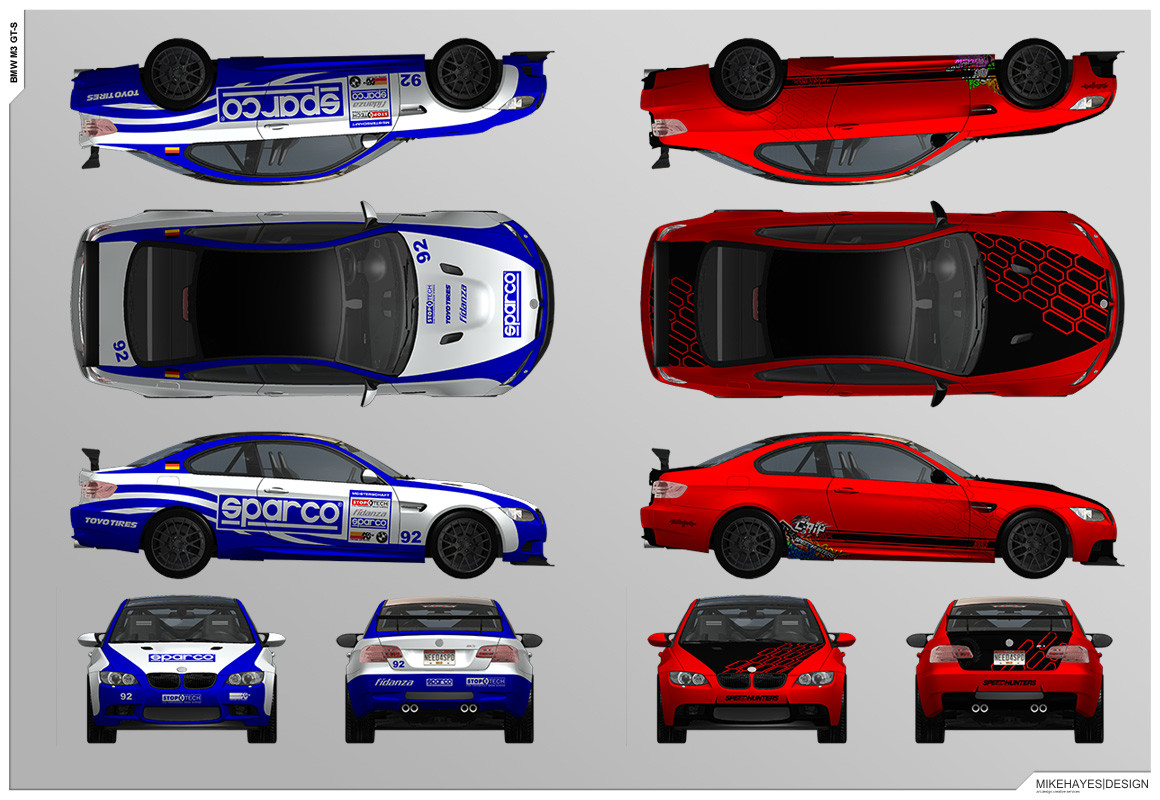
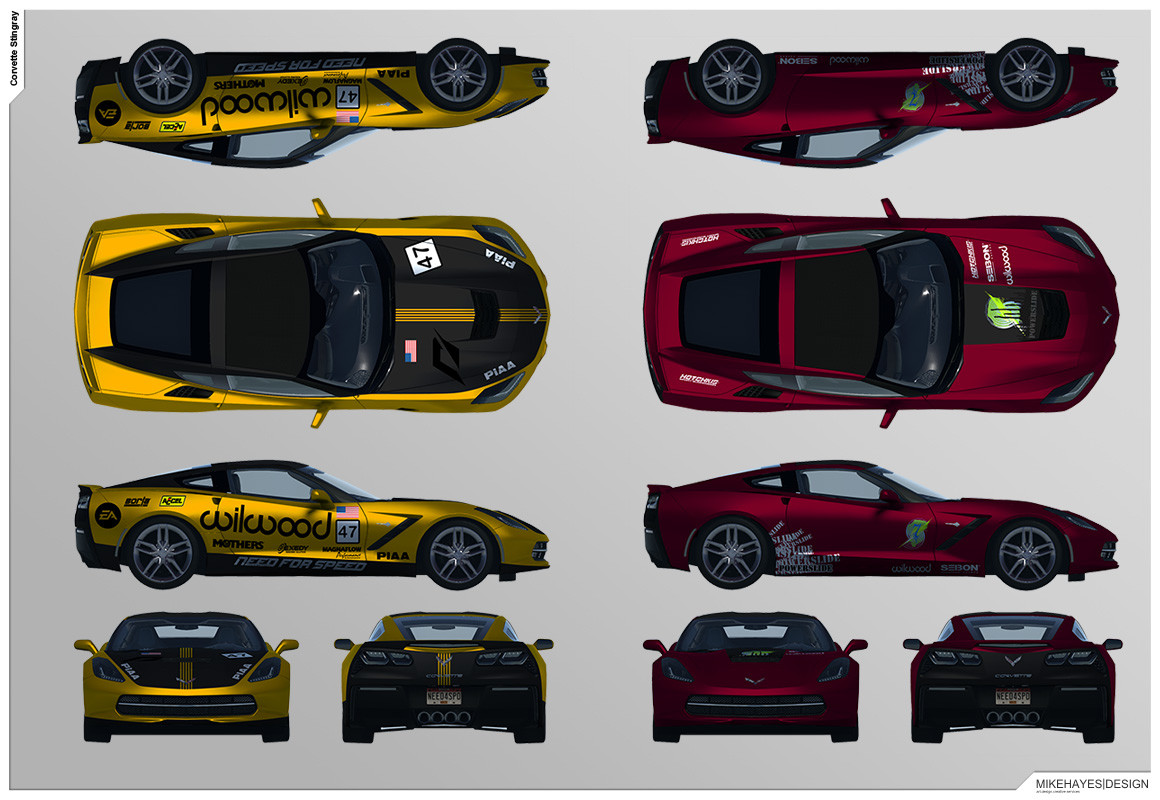
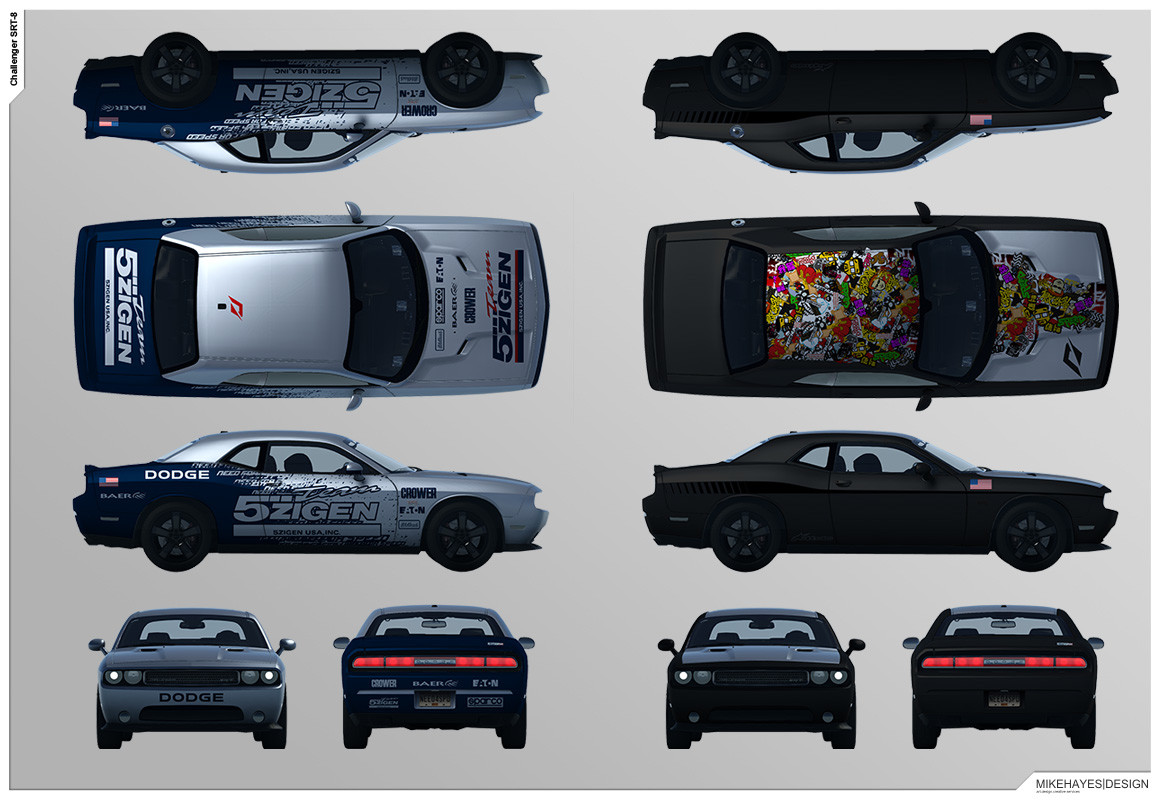
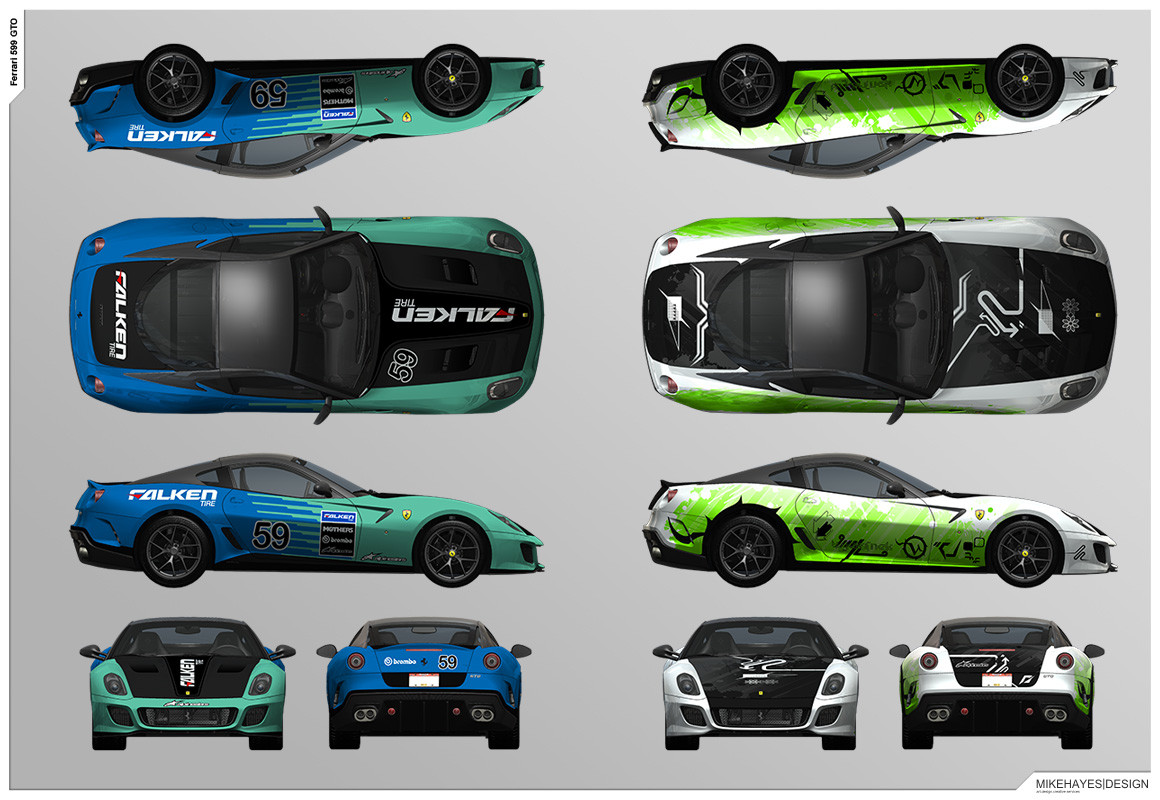
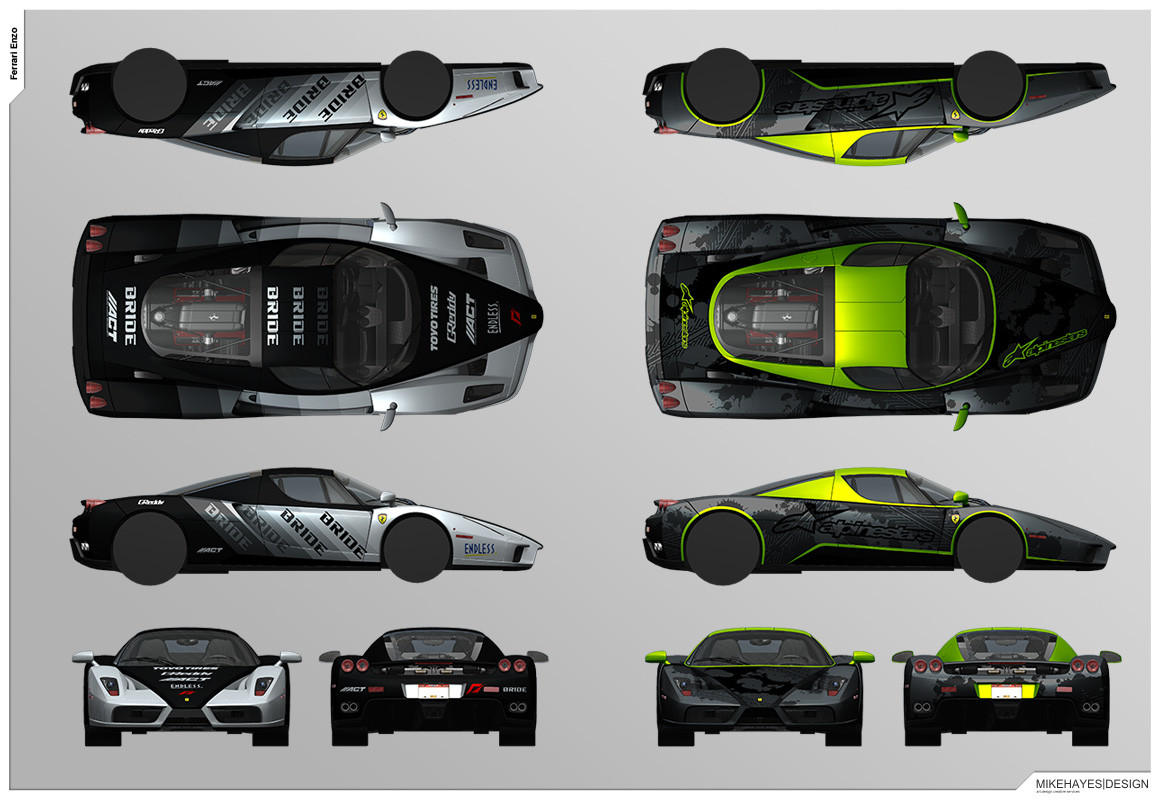
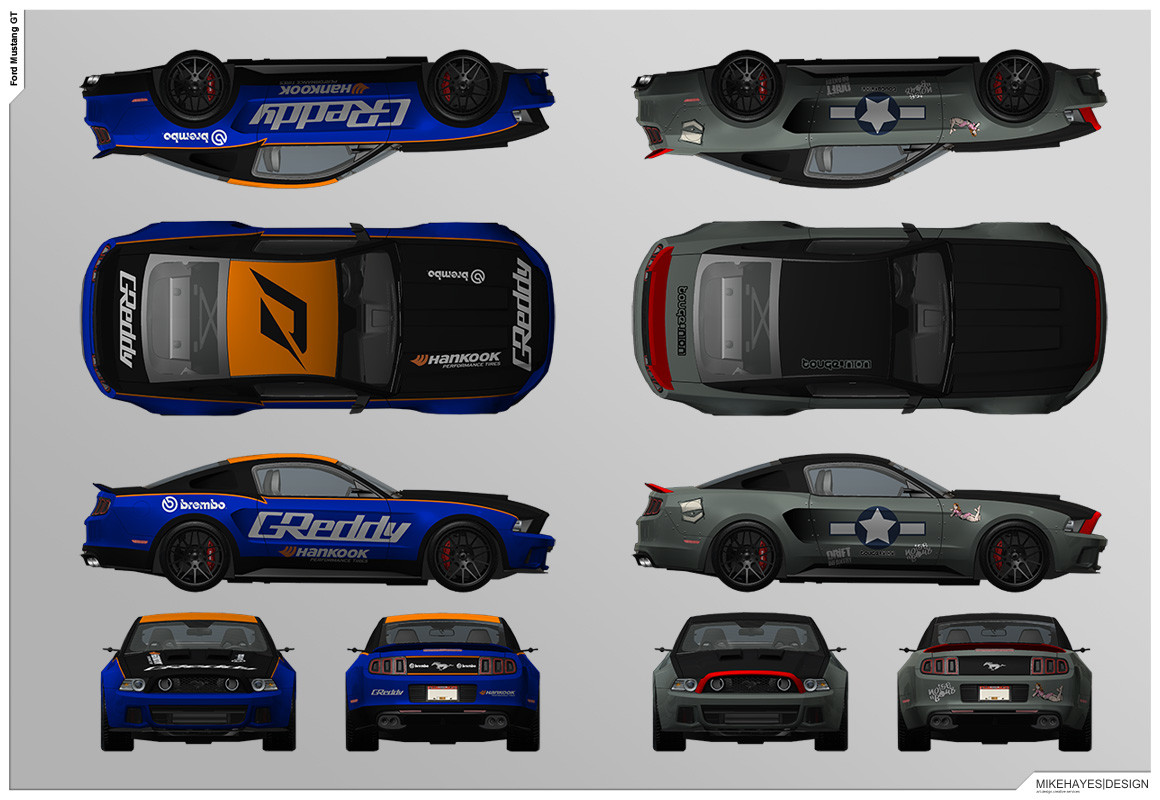
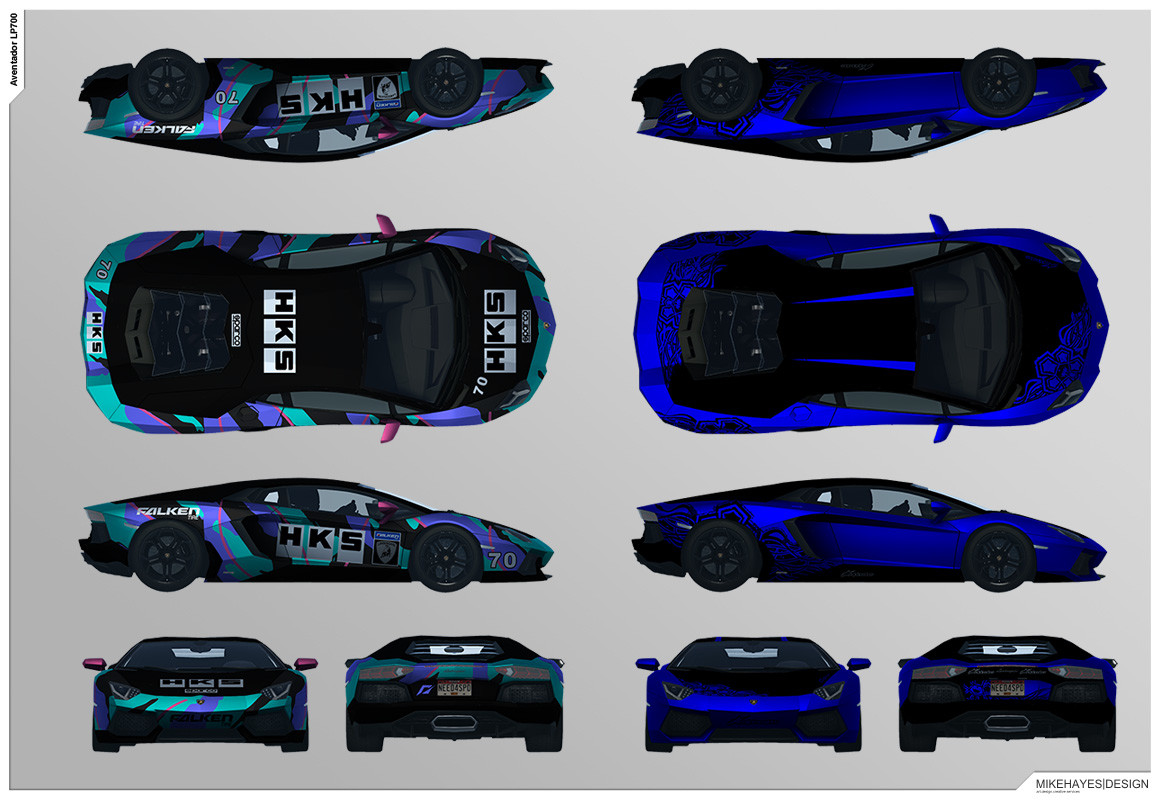
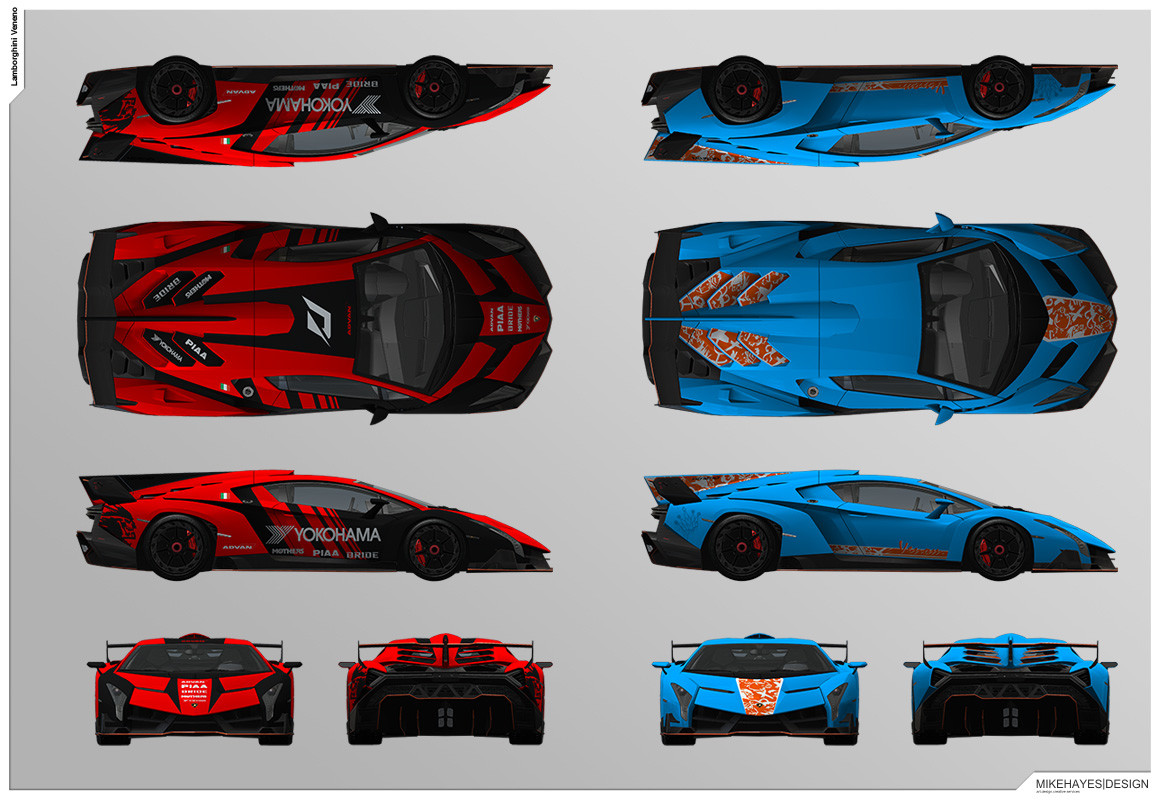
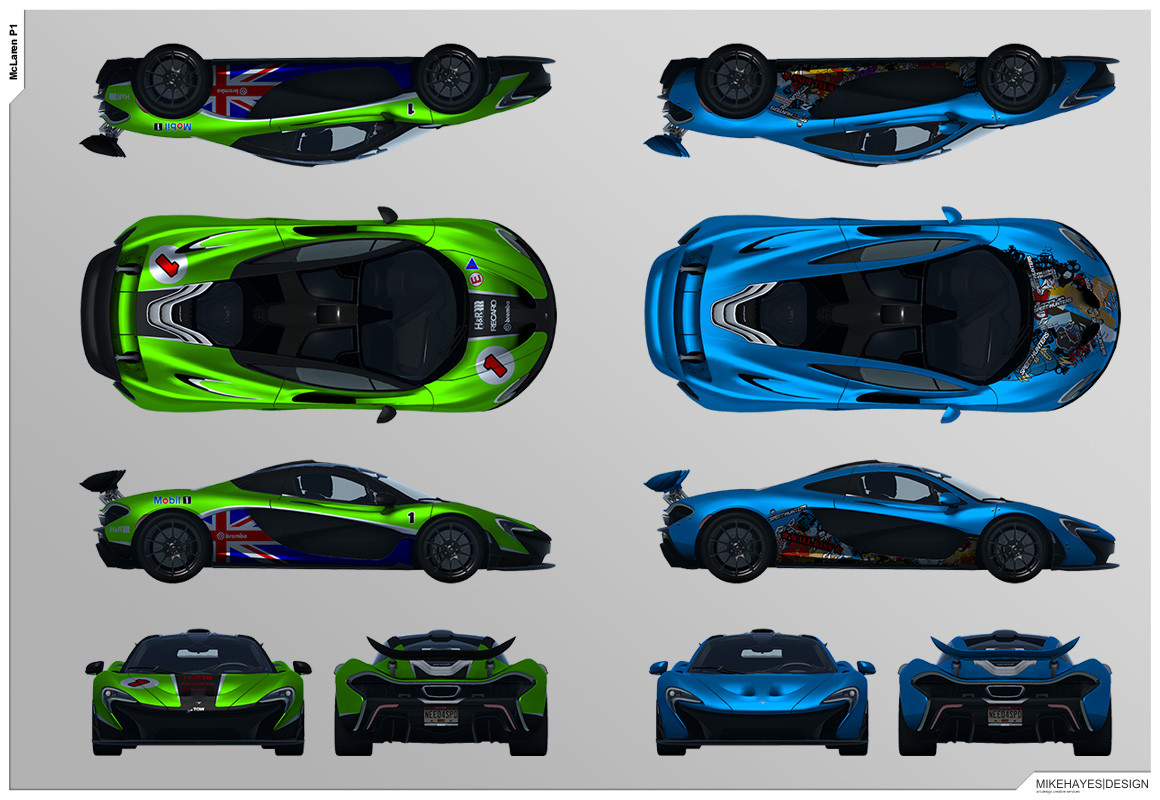
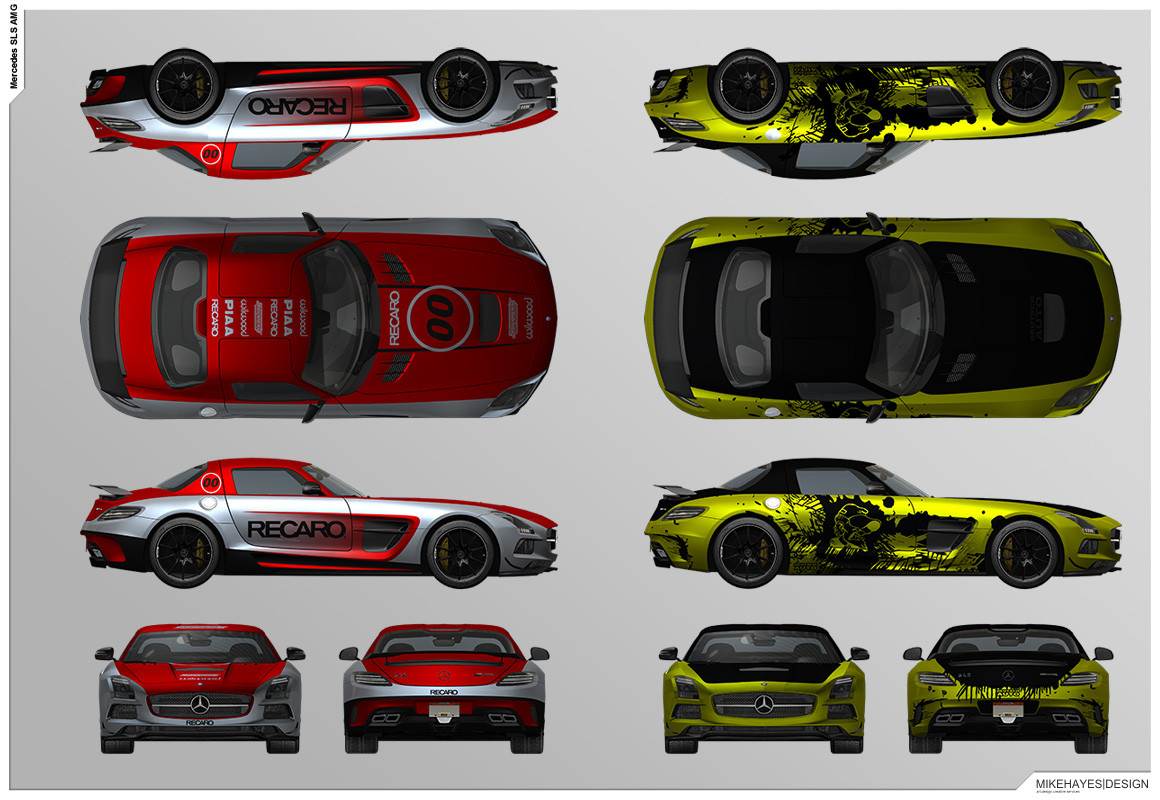
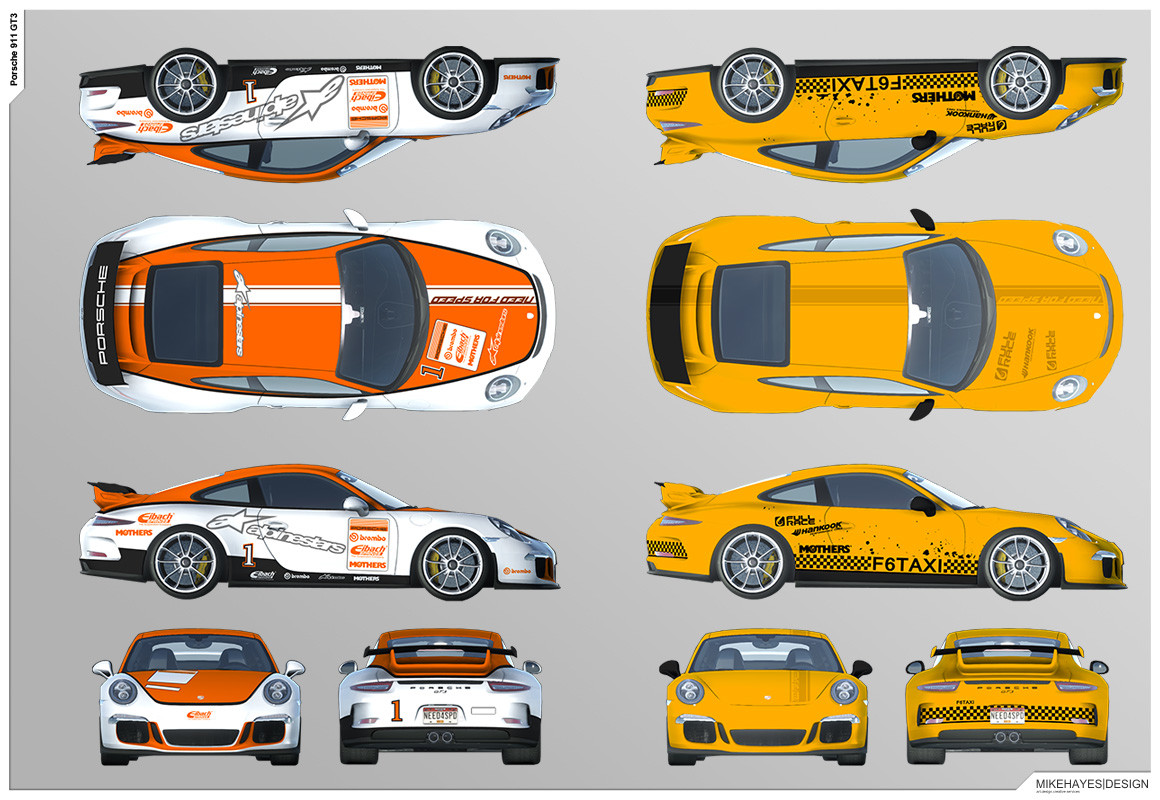
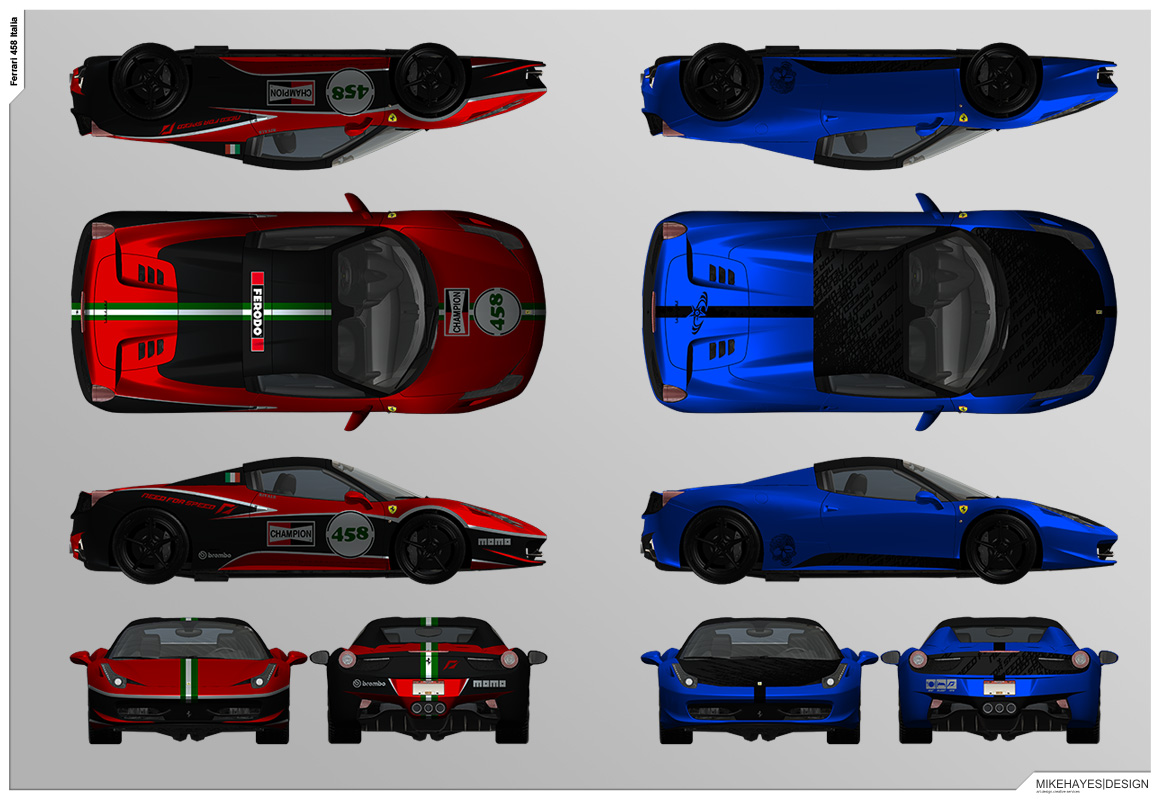
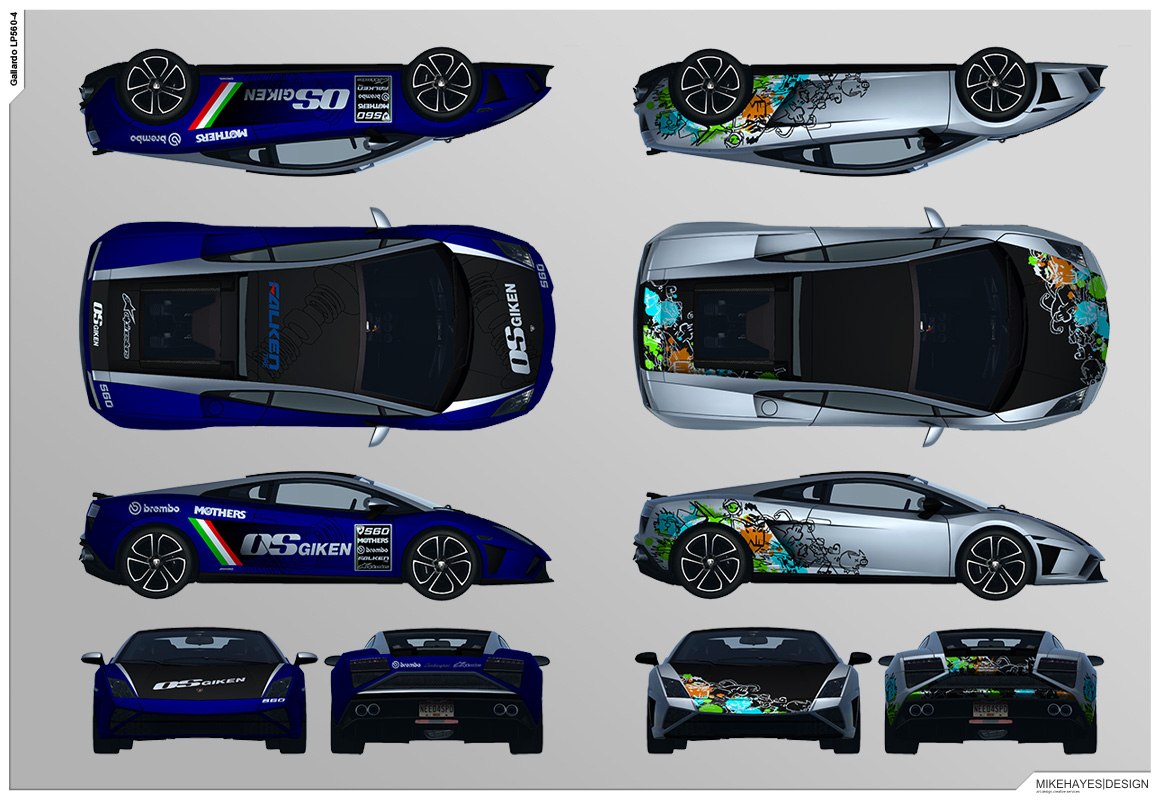
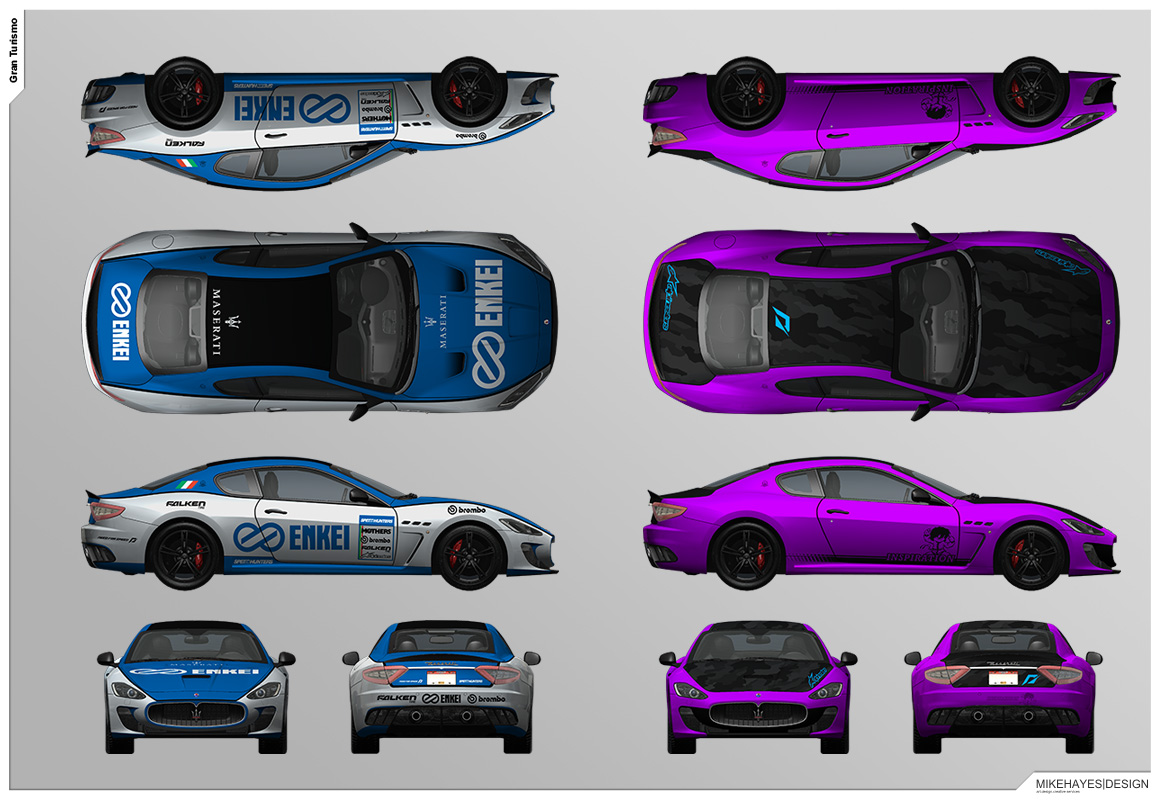
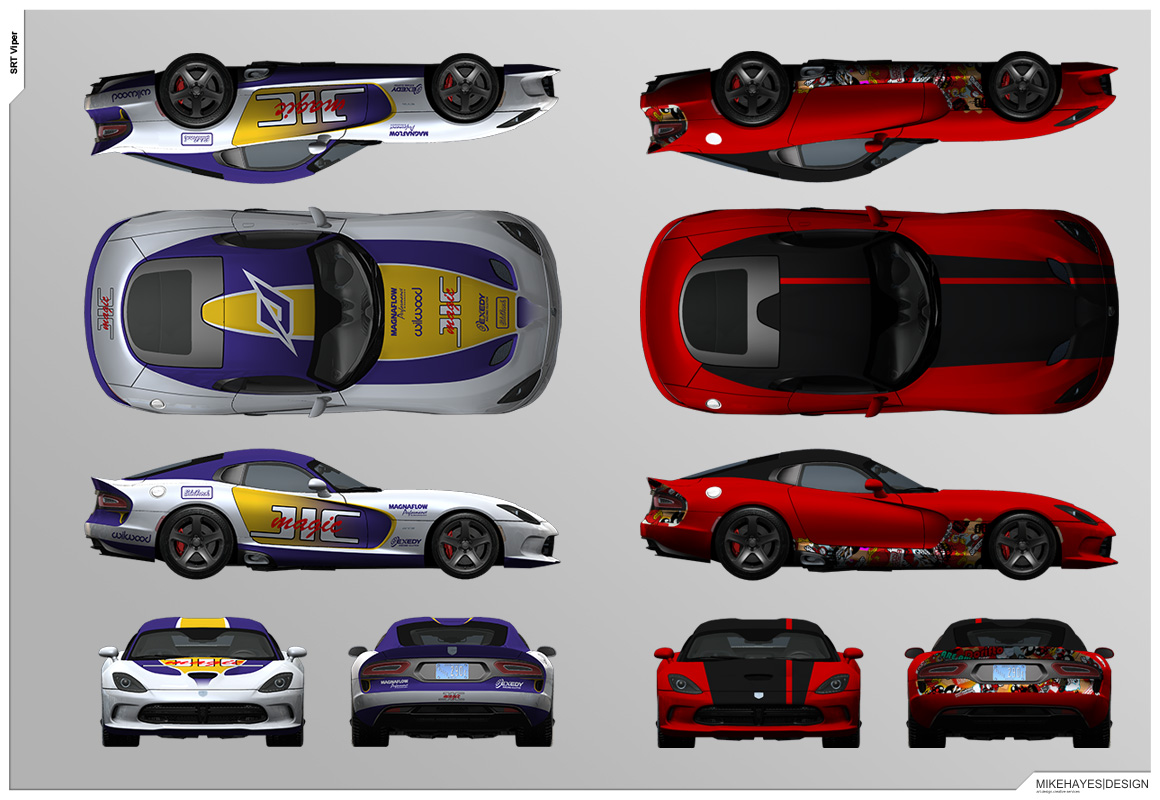


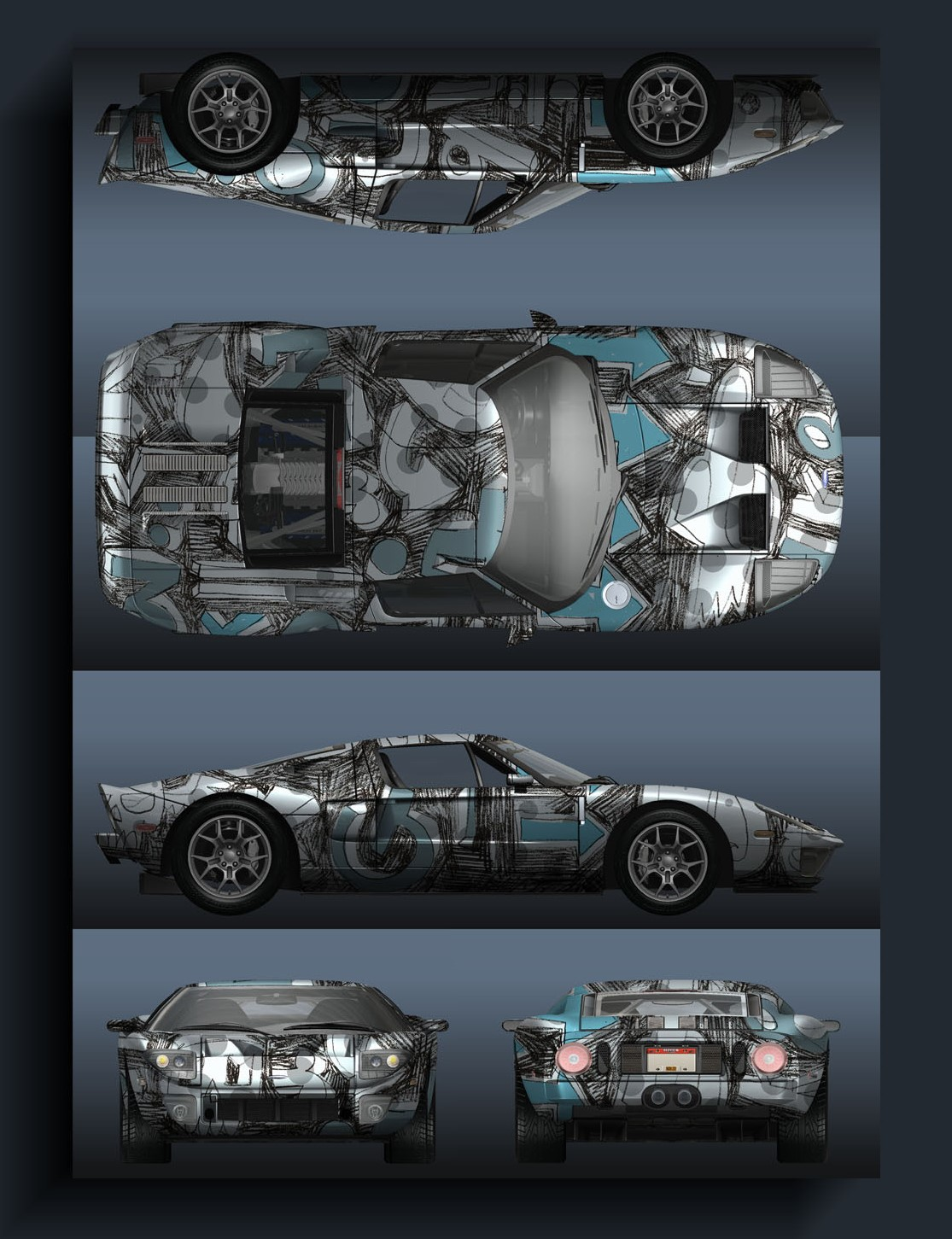
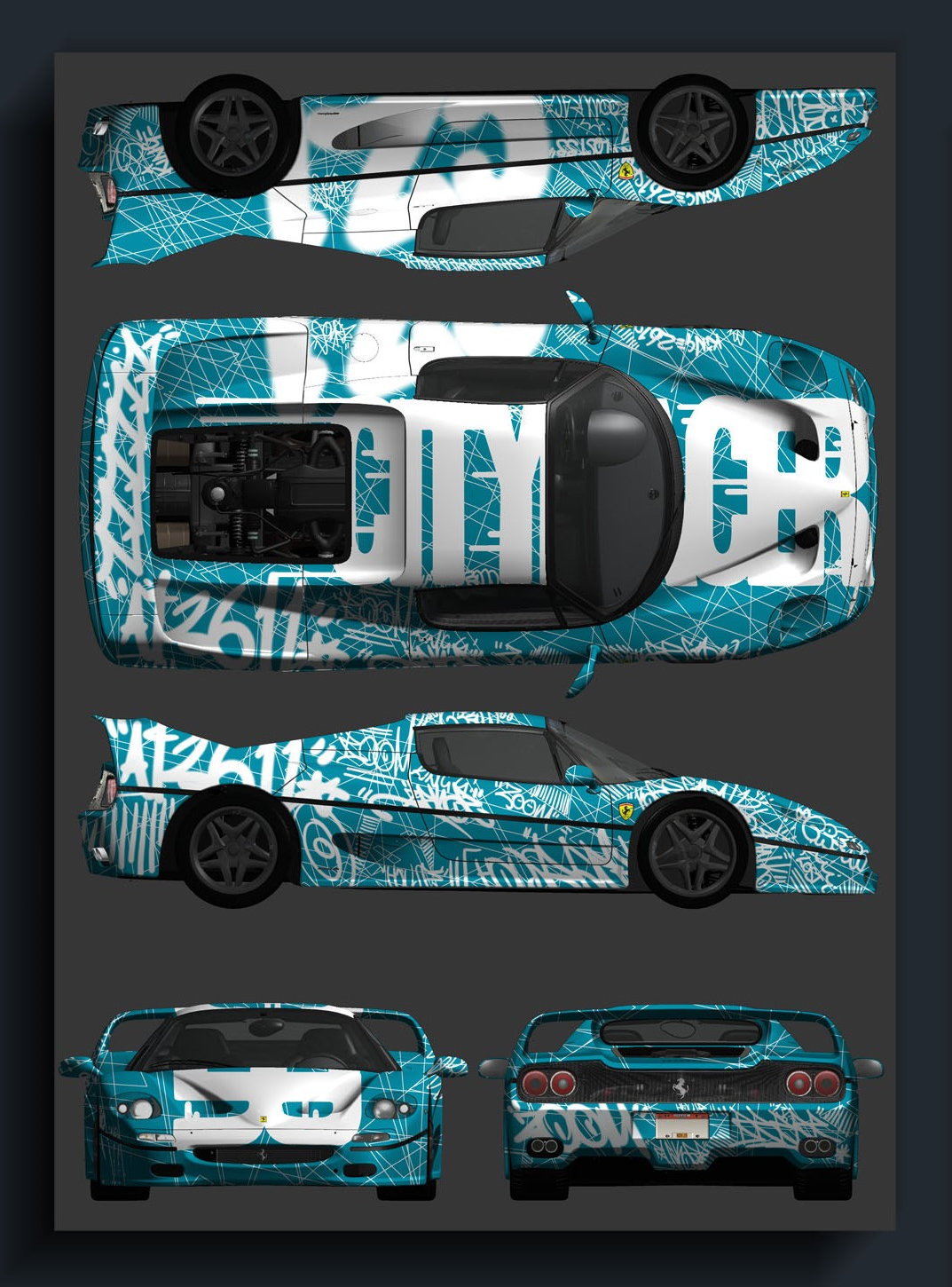
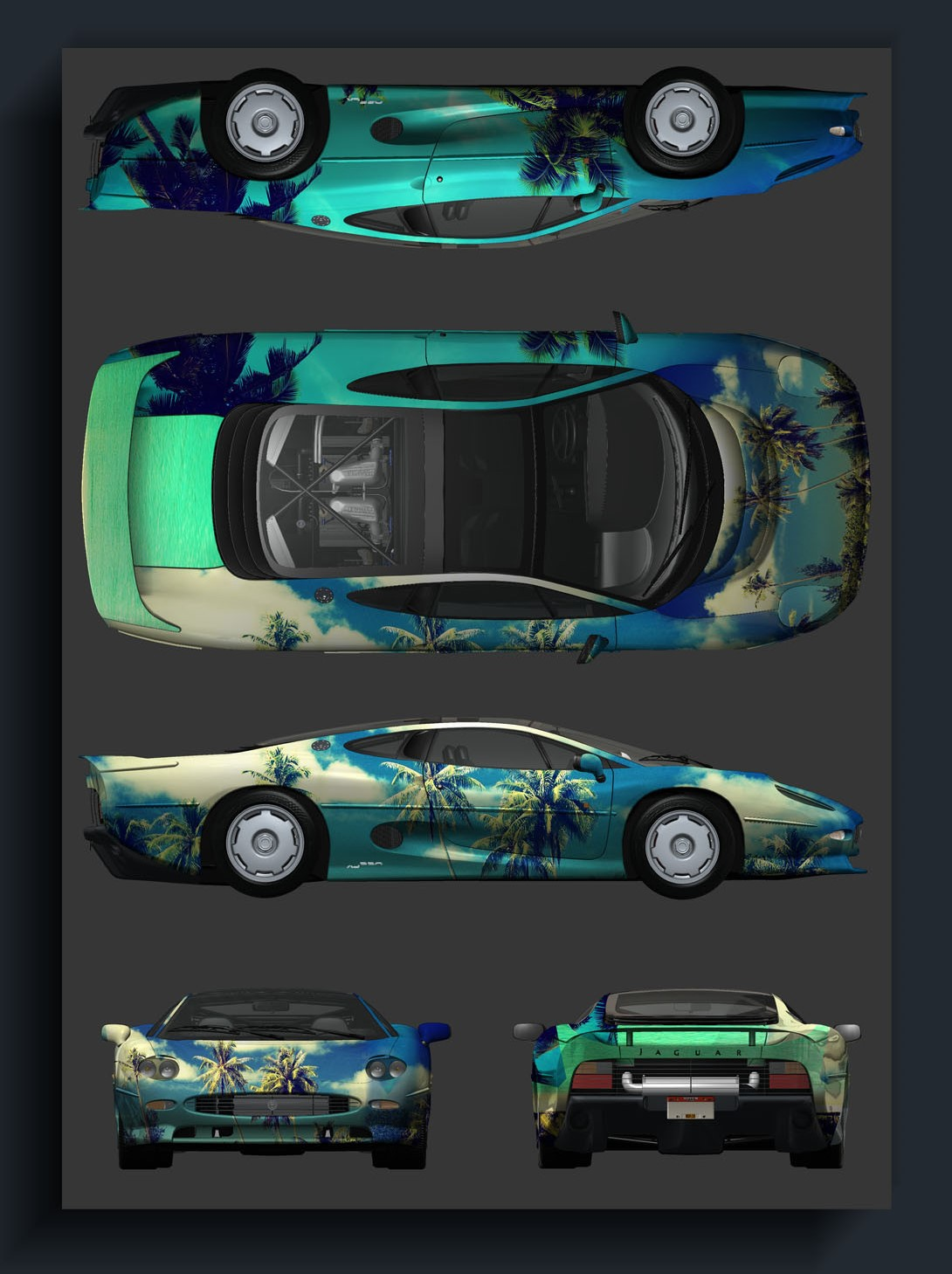
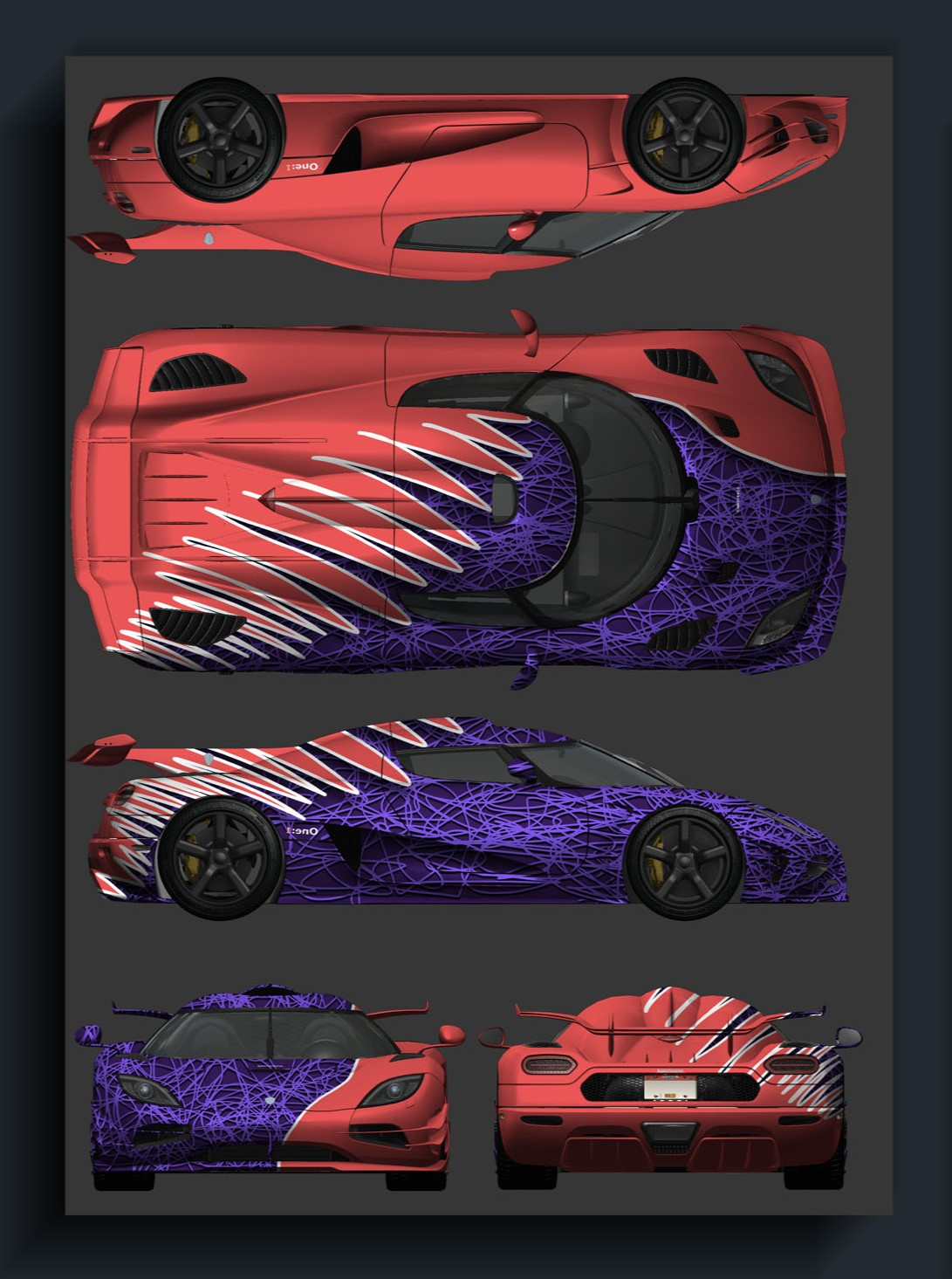
NOTE: At first glance, most of the liveries seem to be the same, however if you compare them with vanilla, you can notice the changes. From a small change in the decal layout to liveries that have never been used. You can also notice that some liveries were supposed to be for different cars.
Unused Levels#
Alessandro_TL
LivingWorld_TL
Demo_Benchmark
DemoLevel_milestone1
JAW_R08_R09
TestLevel_TOD
Removed Songs#
These songs were featured in various prerelease trailers and a beta before being removed in the final game.
- "Overdose" by Little Daylight was featured in the 2nd September 2013 Build.
- "Conquistador" by 30 Seconds to Mars was featured in the AllDrive Feature trailer.
- "Slam Funk" by Aaron Wheeler was featured in the Network trailer.
- "What I Need" by Champion was featured in the trailer for the Complete Edition.
Unused Videos#
Hidden Unlocks#
Watch on YouTubeWatch on YouTubeWatch on YouTubeWatch on YouTubeWatch on YouTubeWatch on YouTube
Unused Sounds#
Online#
Autolog Alert
Oncoming Player
Overwatch Notification
OW Car Damaged
OW Car Repaired
OW Helicopter Deployed
OW Jammer Activated
OW Nitrous Depleted
OW Nitrous Refilled
OW Pursuit Tech Depleted
OW Pursuit Tech Refilled
OW Roadblock Deployed
Pursuit Tech#
NOTE: TCRF is unable to play these audio files, so you must download them in order to hear them.
Shockwave Charging
Shock Ram Charging
Tutorial Training#
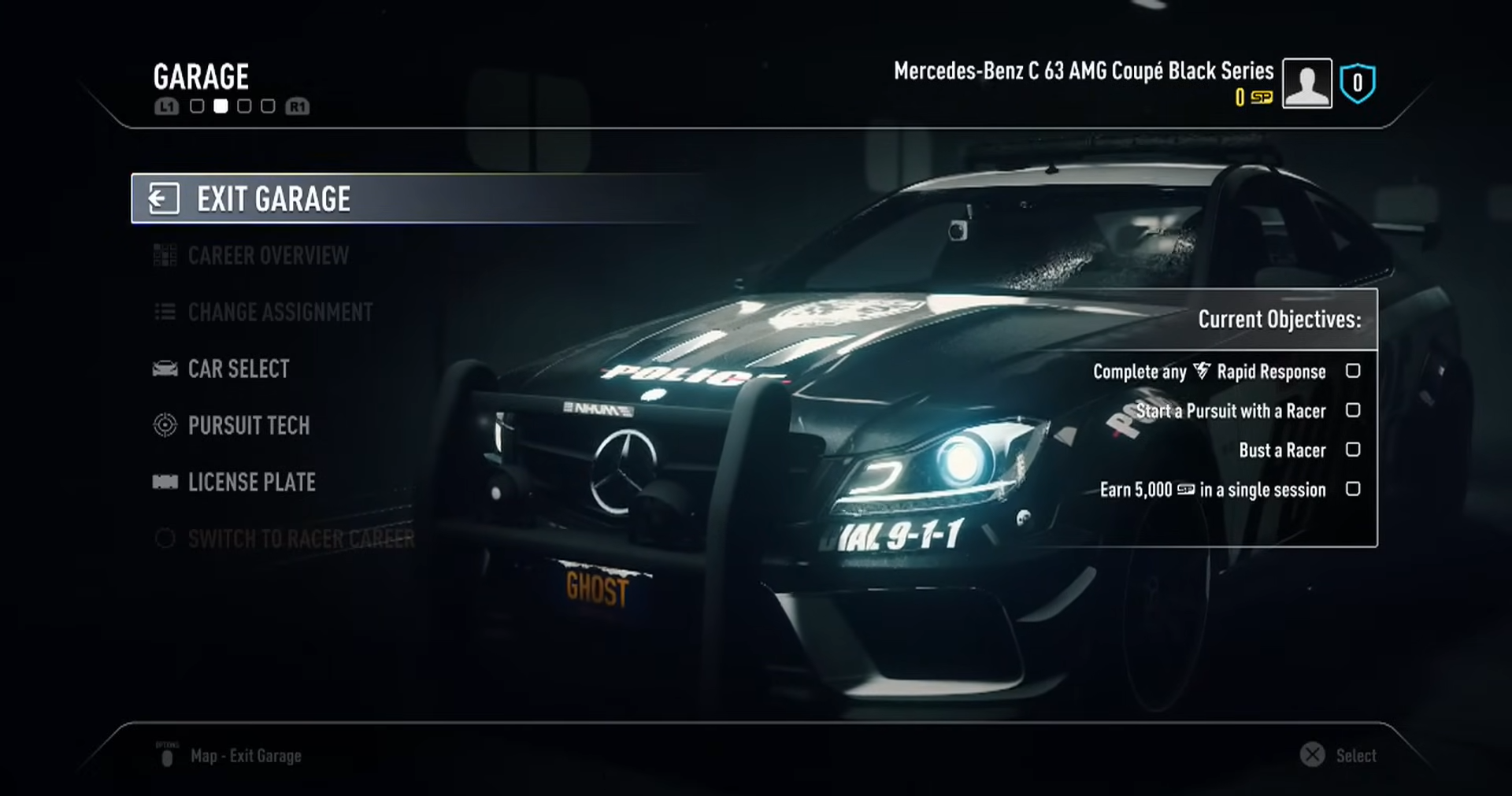
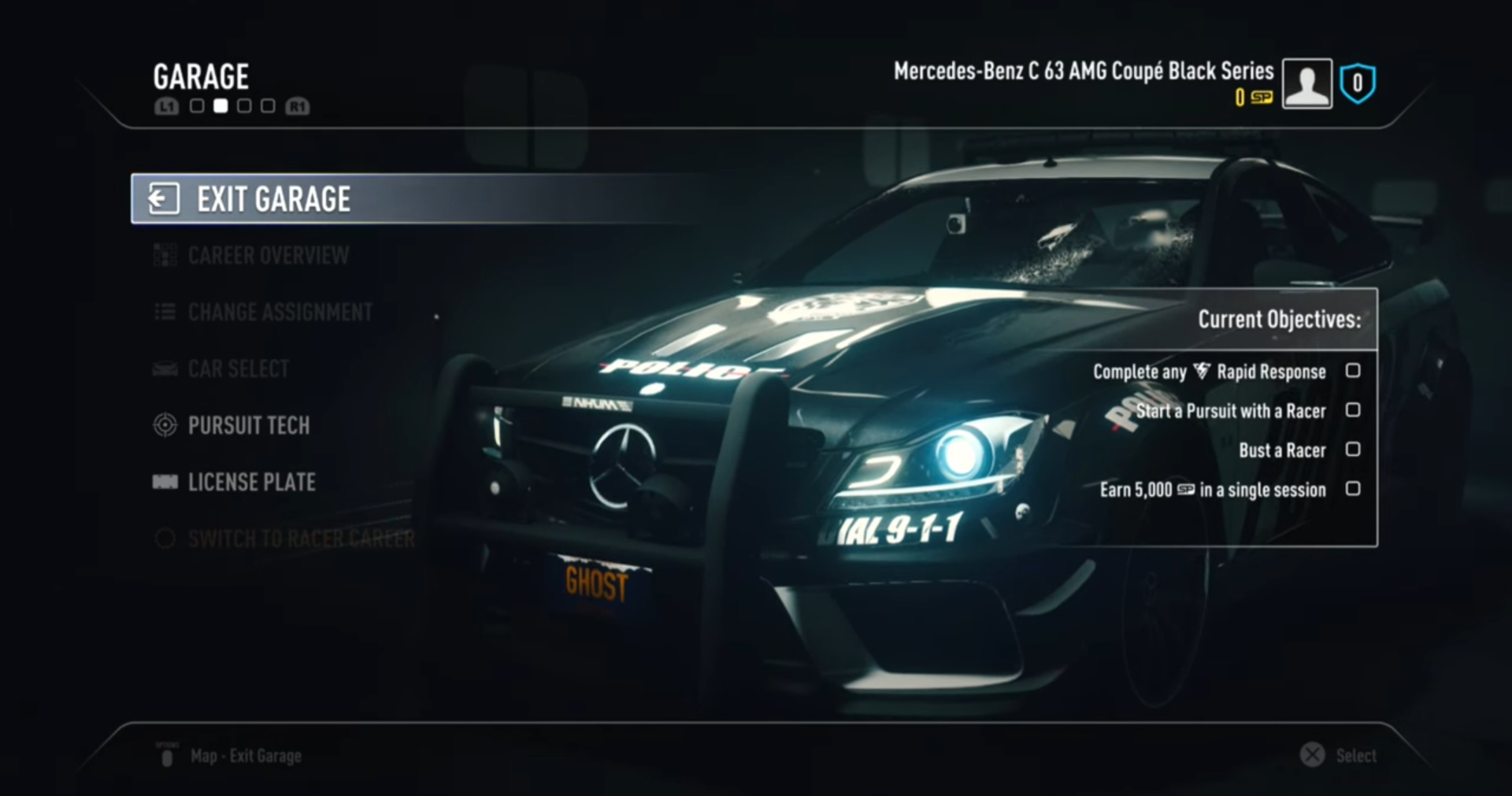
NOTE: Car Select audio only goes unused past the 1.03 version of the game on eigth-generation consoles and PC. It can still be heard on both seventh-generation consoles, and copies of the game that are on version 1.02 or below.
Car Select Racer VO
Car Select Cop VO
Description Turbo VO
Description Stun Mine VO
Description SpikeStrip VO
Description Shockwave VO
Description Shock Ram VO
Description Roadblock VO
Description Jammer VO
Description Heli VO
Description ESF VO
Description EMP VO
Command Post Switch To Racer Select VO
Hideout Switch To Cop Select VO
Speedlist Complete VO
Entering Hideout After Training VO
Assignment Completed VO
Entering Command Post After Training VO
Car Sound Effects#
Siren Blips#
Evidently, these siren sound effects were supposed to implemented, similarly to Hot Pursuit (2010), but the developers ran out of time.
Siren Blip Wave 1
Siren Blip Wave 2
Siren Blip Wave 3
Siren Blip Wave 4
Turbo BOV#
Jaguar CX75 Turbo BOV Low Load
Jaguar CX75 Turbo BOV Low Load 2
Jaguar CX75 Turbo BOV Medium Load
Jaguar CX75 Turbo BOV Medium Load 2
Jaguar CX75 Turbo BOV High Load
Jaguar CX75 Turbo BOV High Load 2
Jaguar CX75 Turbo BOV High Load 3
Gear Shift#
Gear Shift Mustang Drag
Gear Shift Mustang Drag 2
Gear Shift Mustang Drag 3
Heavy Gear Shift
Backfire#
Generic Backfire
Generic Backfire 2
Generic Backfire 3
Other#
Objective Completed
Failed
Toggling
Unused Events#
Watch on YouTubeBelow are seven unused events. It's possible they were used for testing purposes.
- layer1_testtimeattack
- layer11_testrace-short
- layer0_test_racerhotpursuit
- layer1_rapidresponsetest
- layer0_test_hotpursuit
- layer13_hotpursuit2_driftwoodheights_10
- layer0_interceptortest
Online Features#
All Drive#
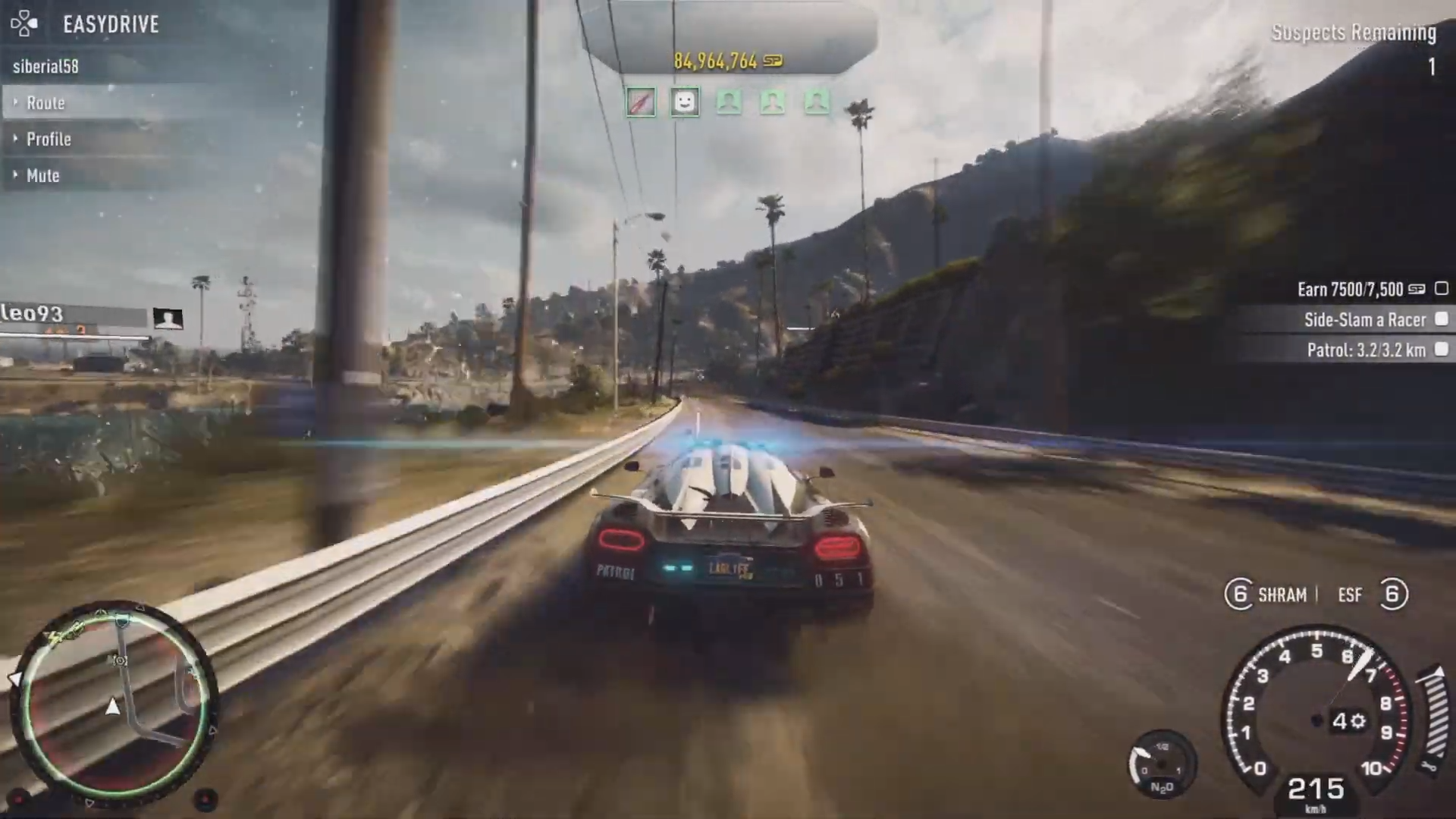
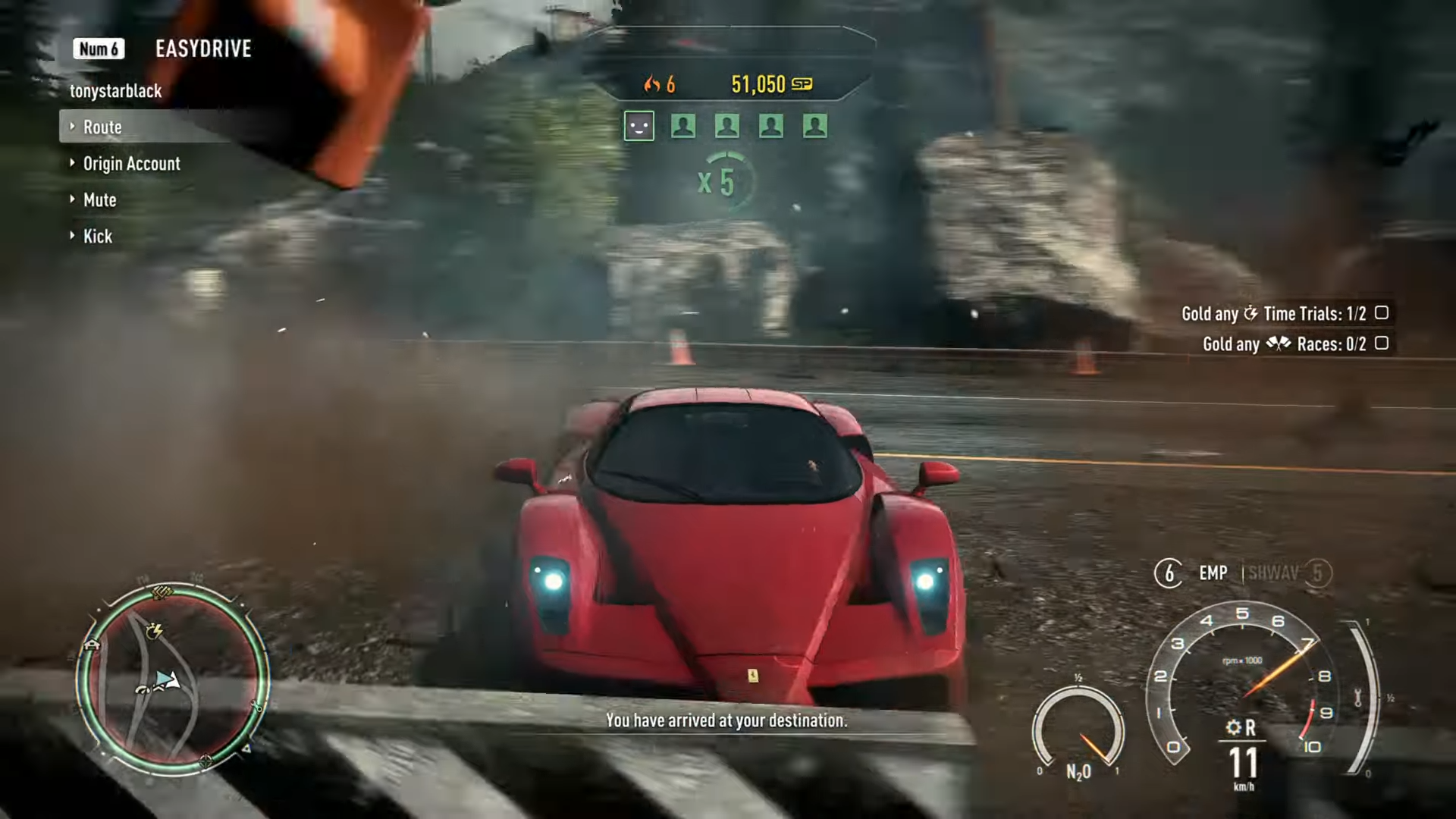
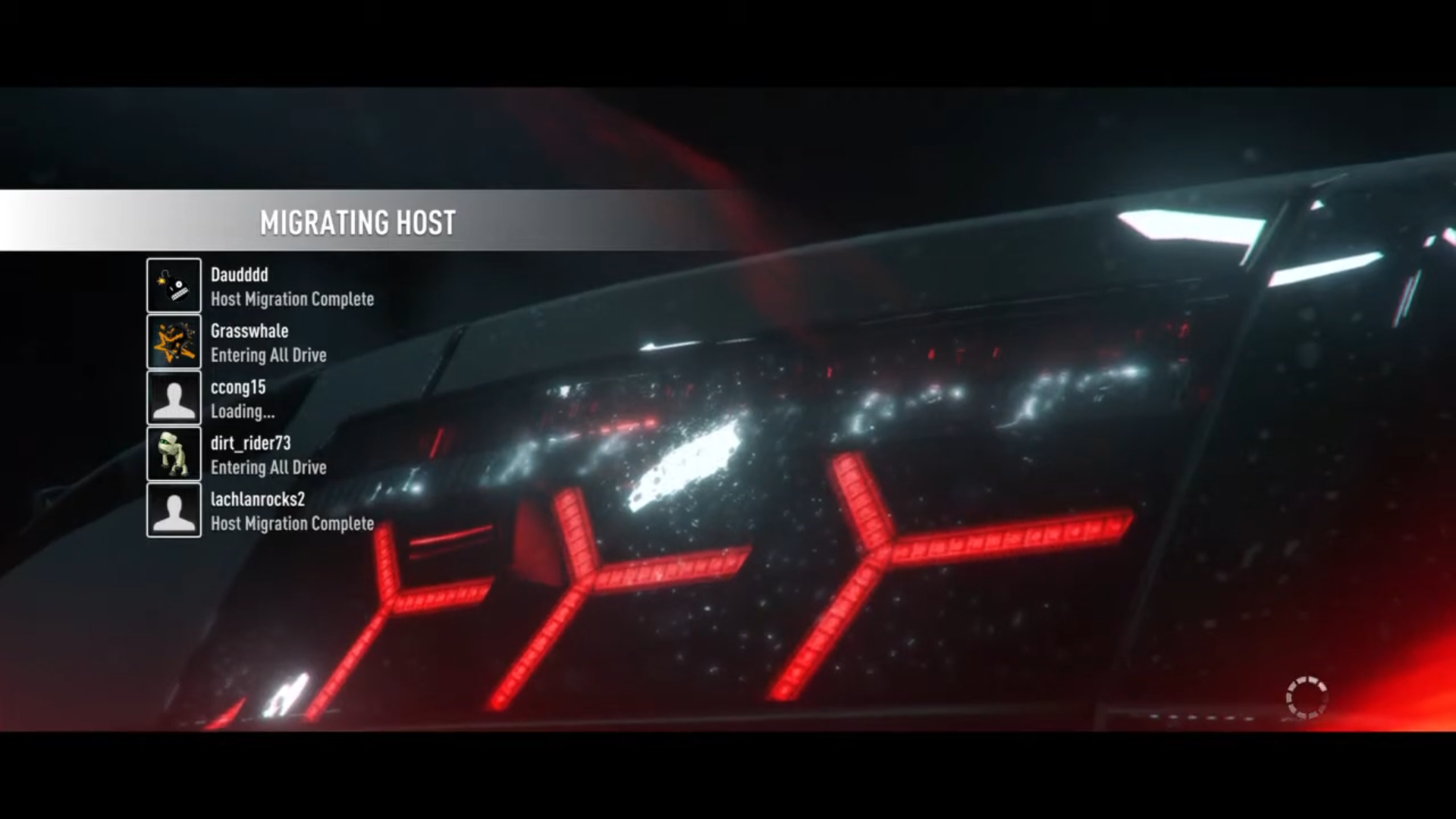
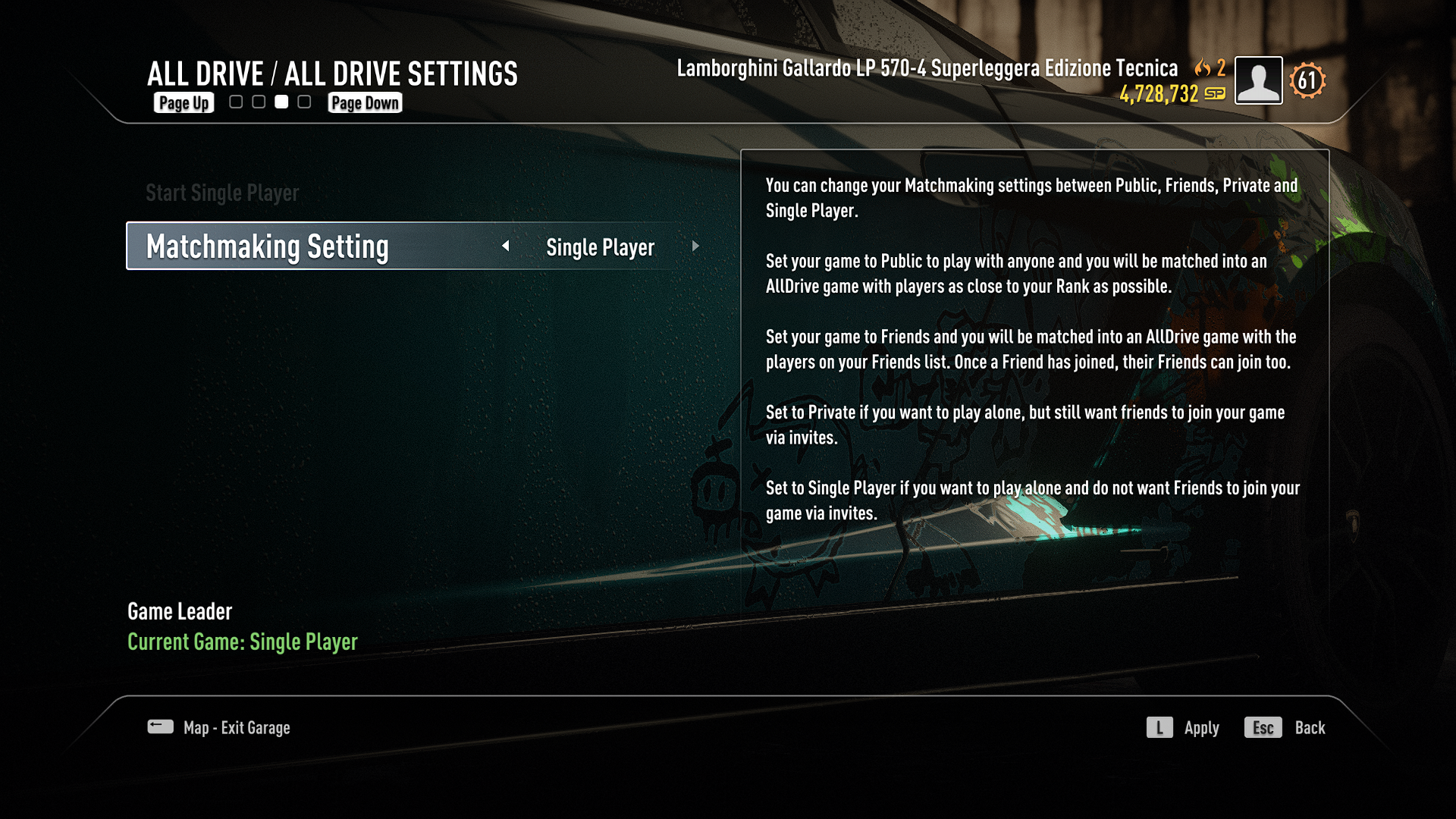
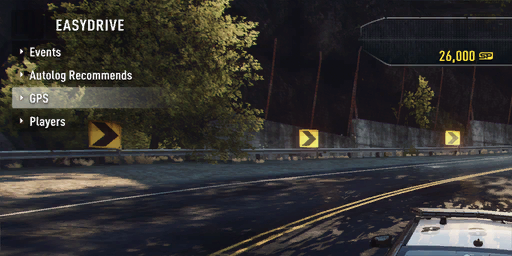
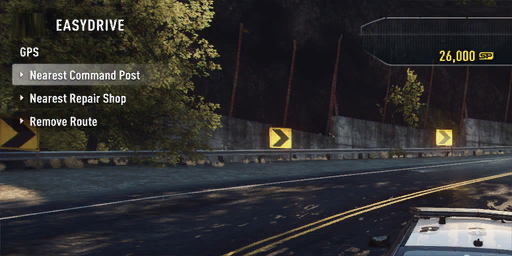
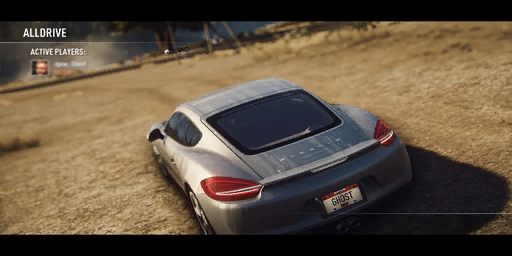
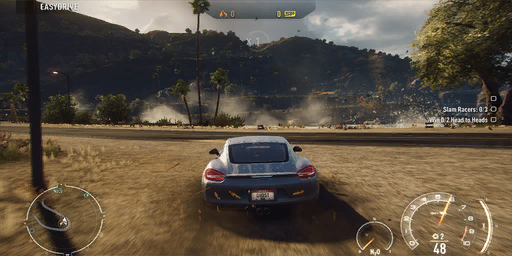
A fresh feature for Multiplayer that seamlessly allowed you, your friends and other drivers to do speedlists/assignments together, drive no matter which side all of you were on, and start the events together by pulling up to the event. It included a Players section in EasyDrive where you were able to select a route to a roaming player, check their console profile or Origin/EA App account, or mute their in-game microphone. However, there was one additional option if you were a Host, allowing you to kick the player from the session, so that after getting kicked, the person wouldn't be able to join back to your session again, unless you lost your Host status after leaving the session and Host migration would choose another player to become the Host. All Drive also allowed you to change your matchmaking settings to Single Player, Private, Friends Only, or Multiplayer without restarting your game.
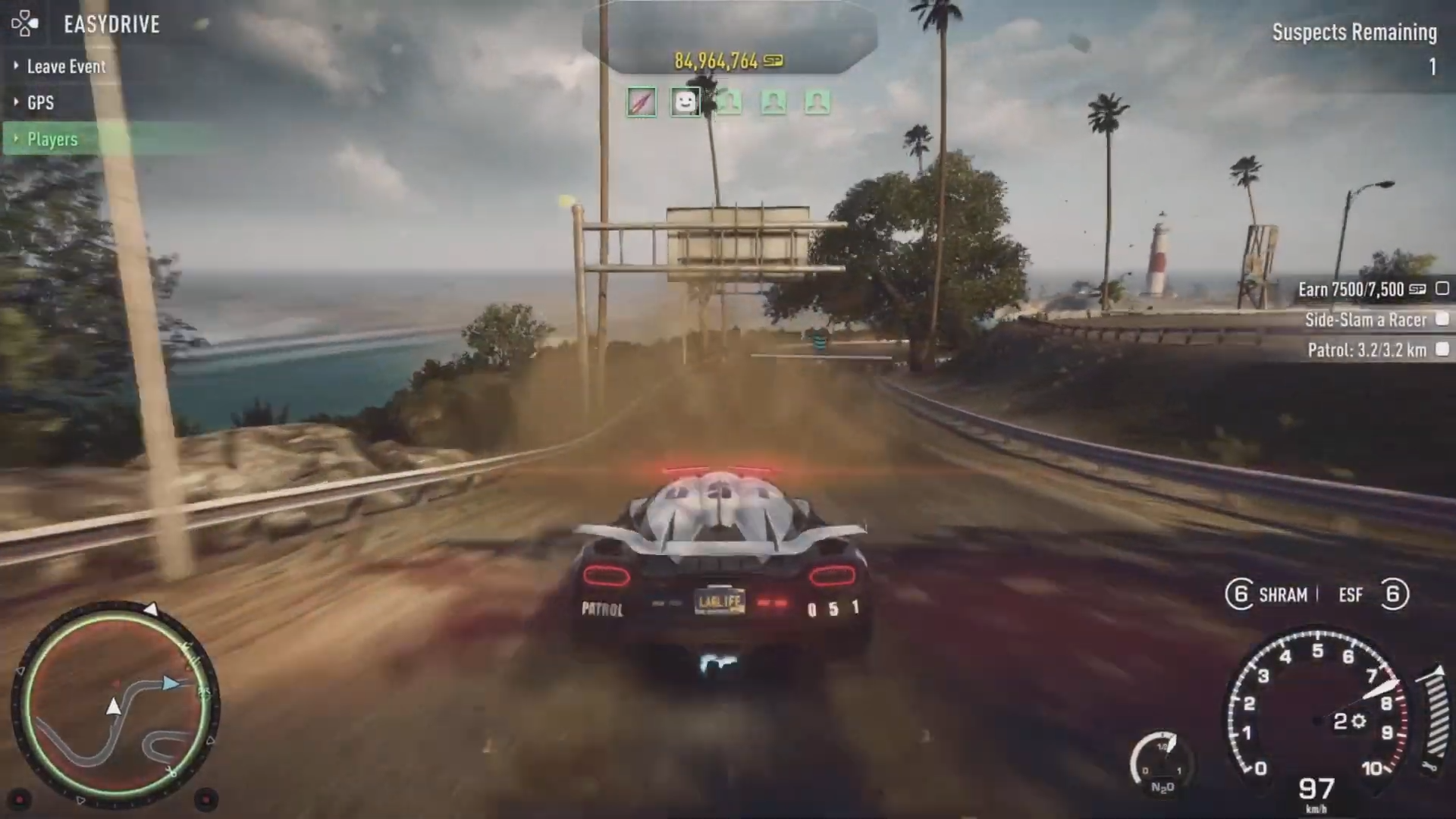
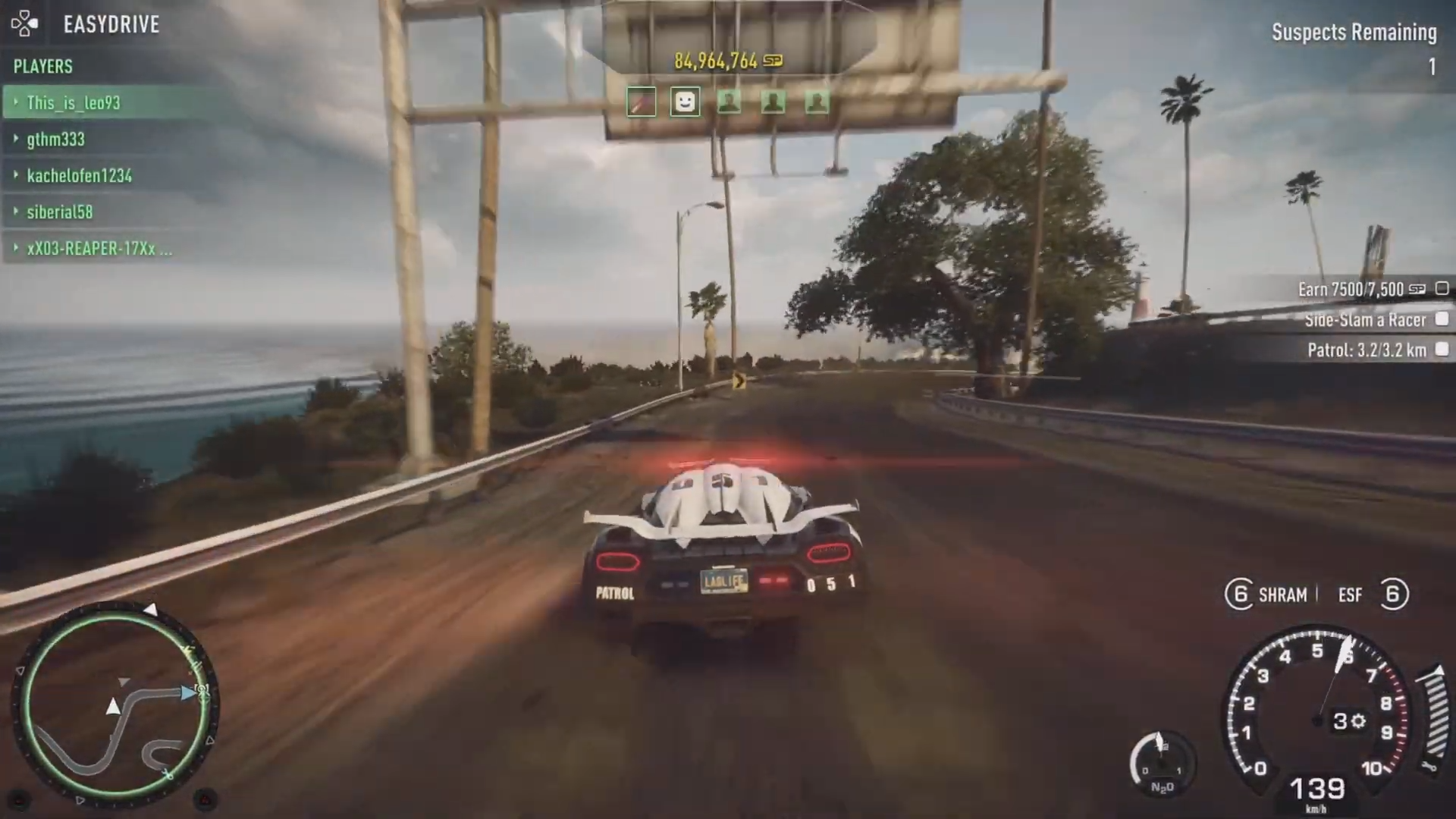
The bigger the group, the more SpeedPoints you would earn or lose, for example:
Player Count (EMP Hit Score - 200 SP) |
All Drive Multiplier |
Reward |
|---|---|---|
2 Players |
1.2x |
240 SP |
3 Players |
1.4x |
280 SP |
4 Players |
1.6x |
320 SP |
5 Players |
1.8x |
360 SP |
6 Players |
2.0x |
400 SP |
Player Count (EMP Hit Score - 200 SP) |
All Drive Multiplier |
Reward |
Racer Max Multiplier |
Reward |
|---|---|---|---|---|
2 Players |
1.2x |
240 SP |
10x |
2400 SP |
3 Players |
1.4x |
280 SP |
10x |
2800 SP |
4 Players |
1.6x |
320 SP |
10x |
3200 SP |
5 Players |
1.8x |
360 SP |
10x |
3600 SP |
6 Players |
2.0x |
400 SP |
10x |
4000 SP |
Fun Fact: Apparently, the devs behind Rivals capped the FPS to 30 for all platforms to ensure the All Drive feature works correctly.
Autolog#
It returned to Need For Speed Rivals with more improvements after being in previous titles like NFS Hot Pursuit 2010, The Run, Shift 2: Unleashed, and Most Wanted 2012. It allowed you and your friends to see each other on the leaderboards and compare your times, speed, or meters, regardless of whether it was an event, collectable (Photoradars, Speed Zones, Jumps), or a speedlist.
Autolog was also able to alert you with recommended faster times via EasyDrive from your friends, encouraging you to select and rival for the higher spot on the leaderboard. 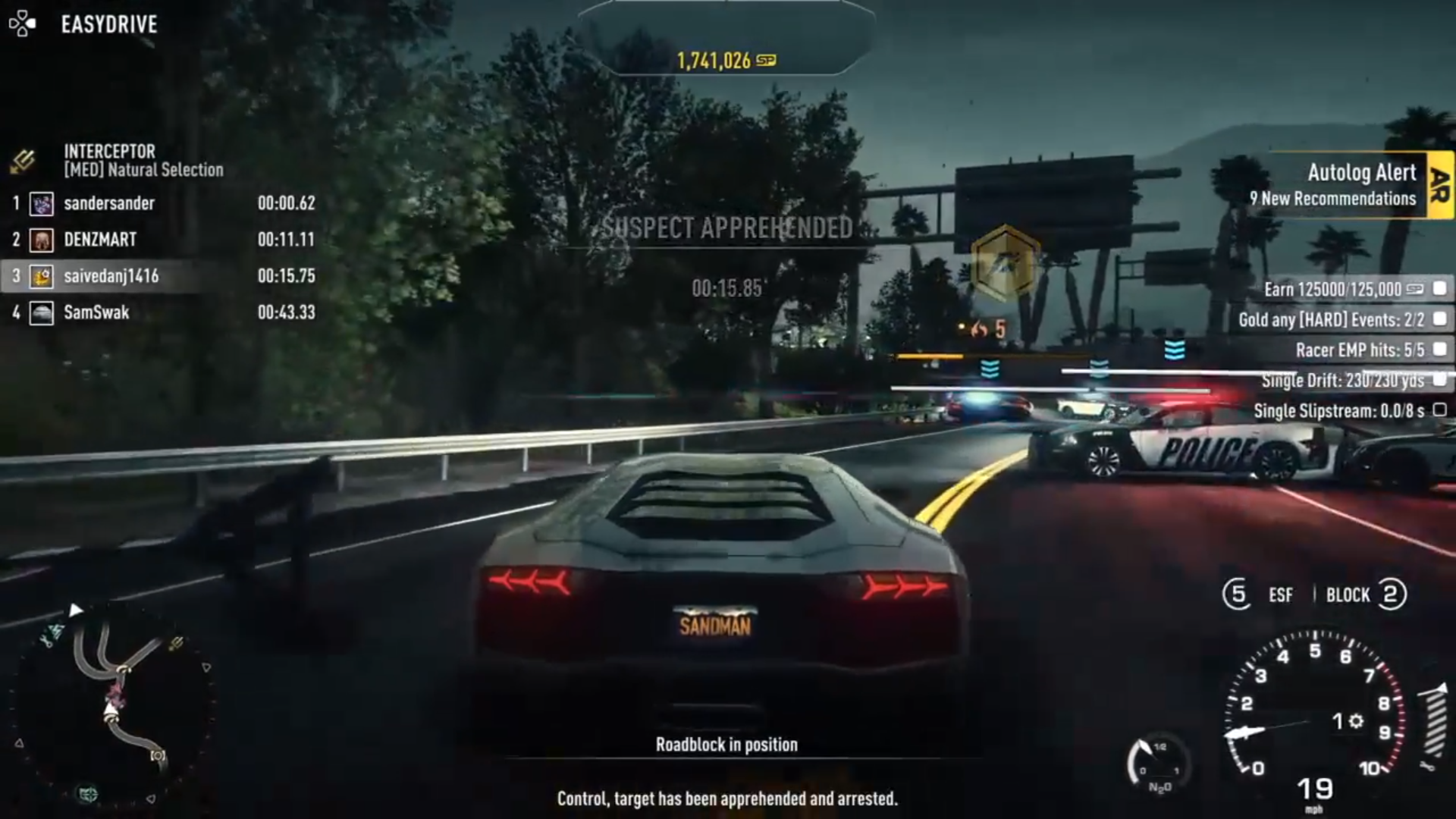
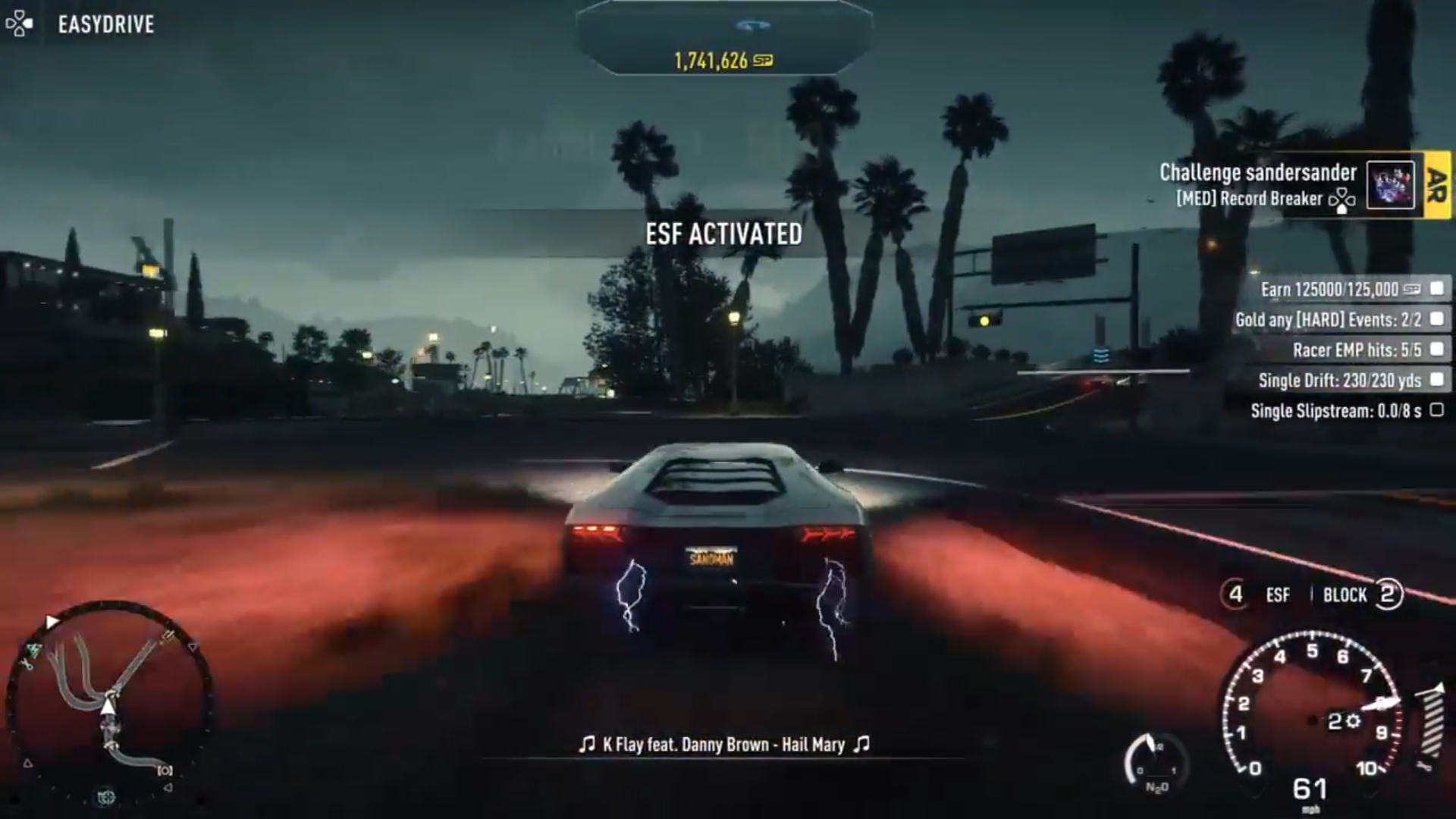
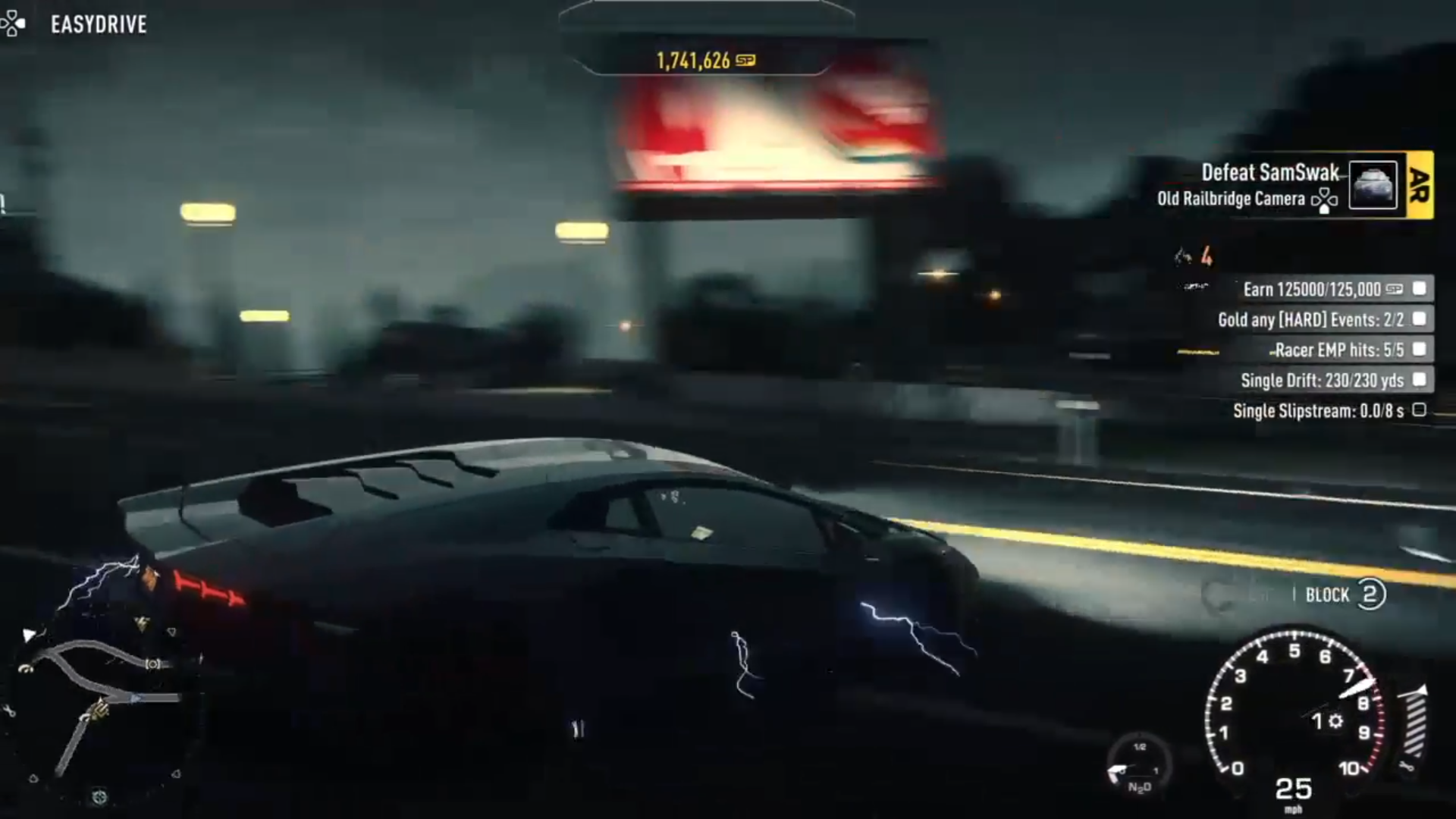
Or you could check it yourself using EasyDrive -> Autolog Recommends. 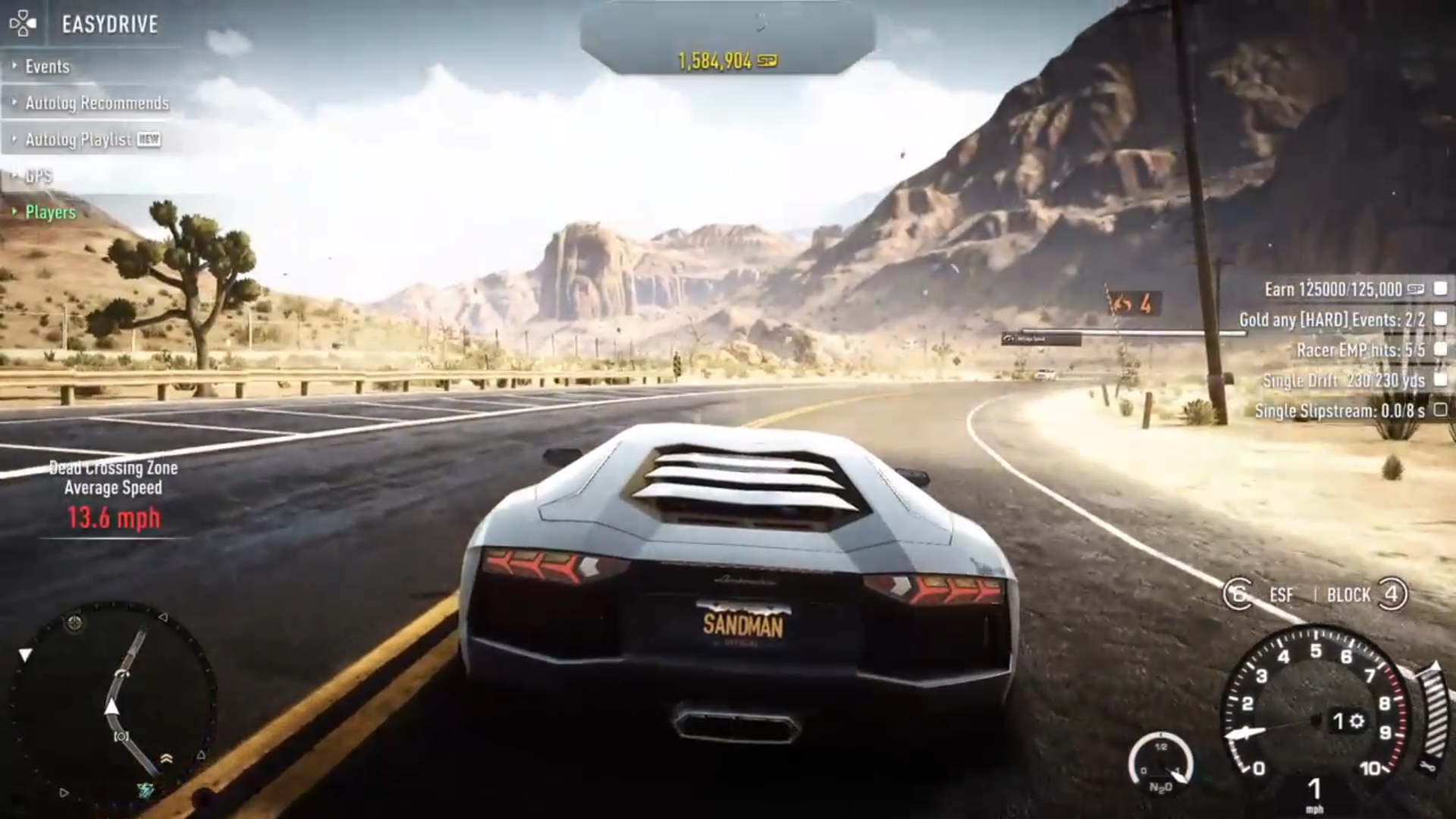
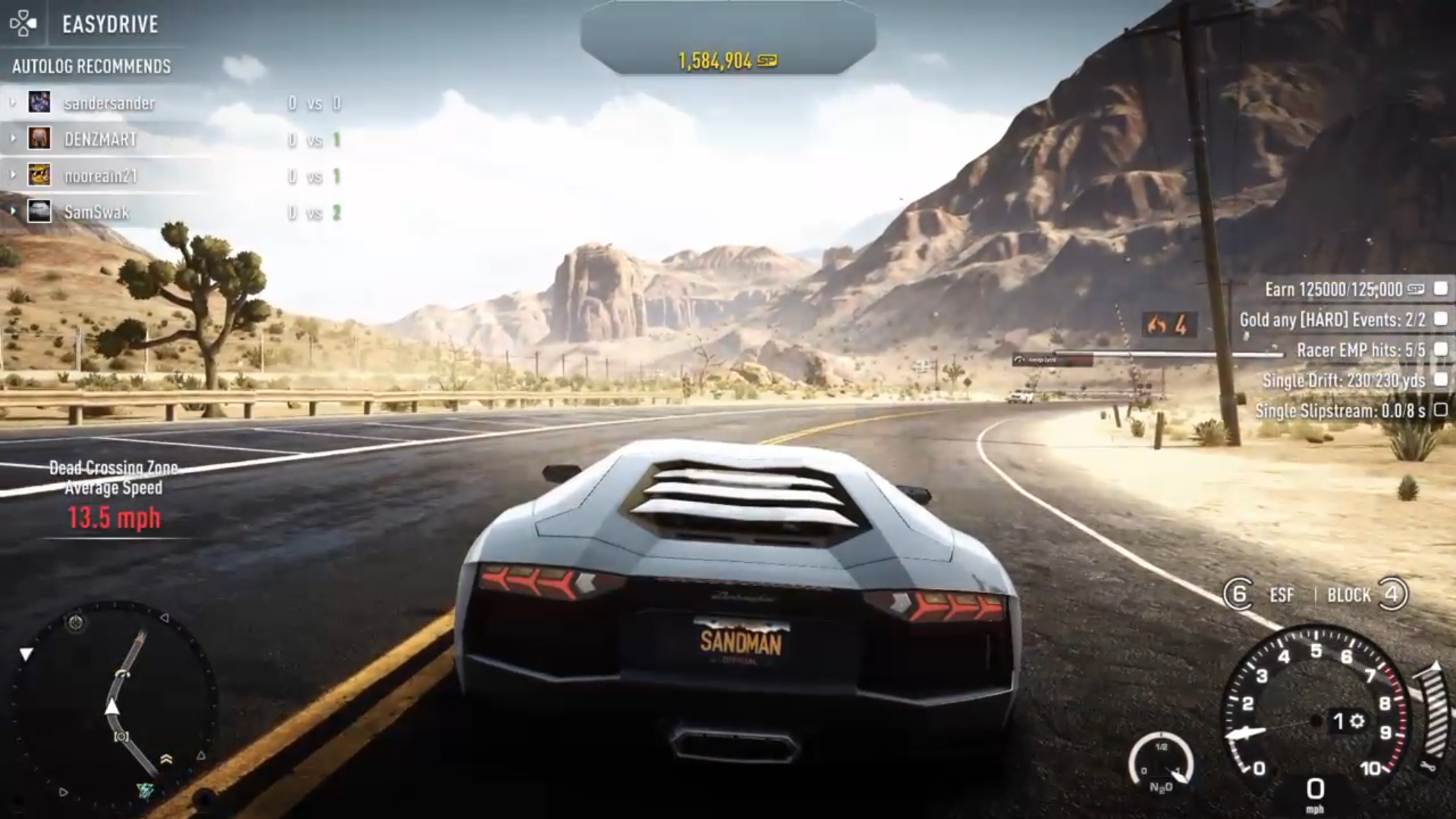
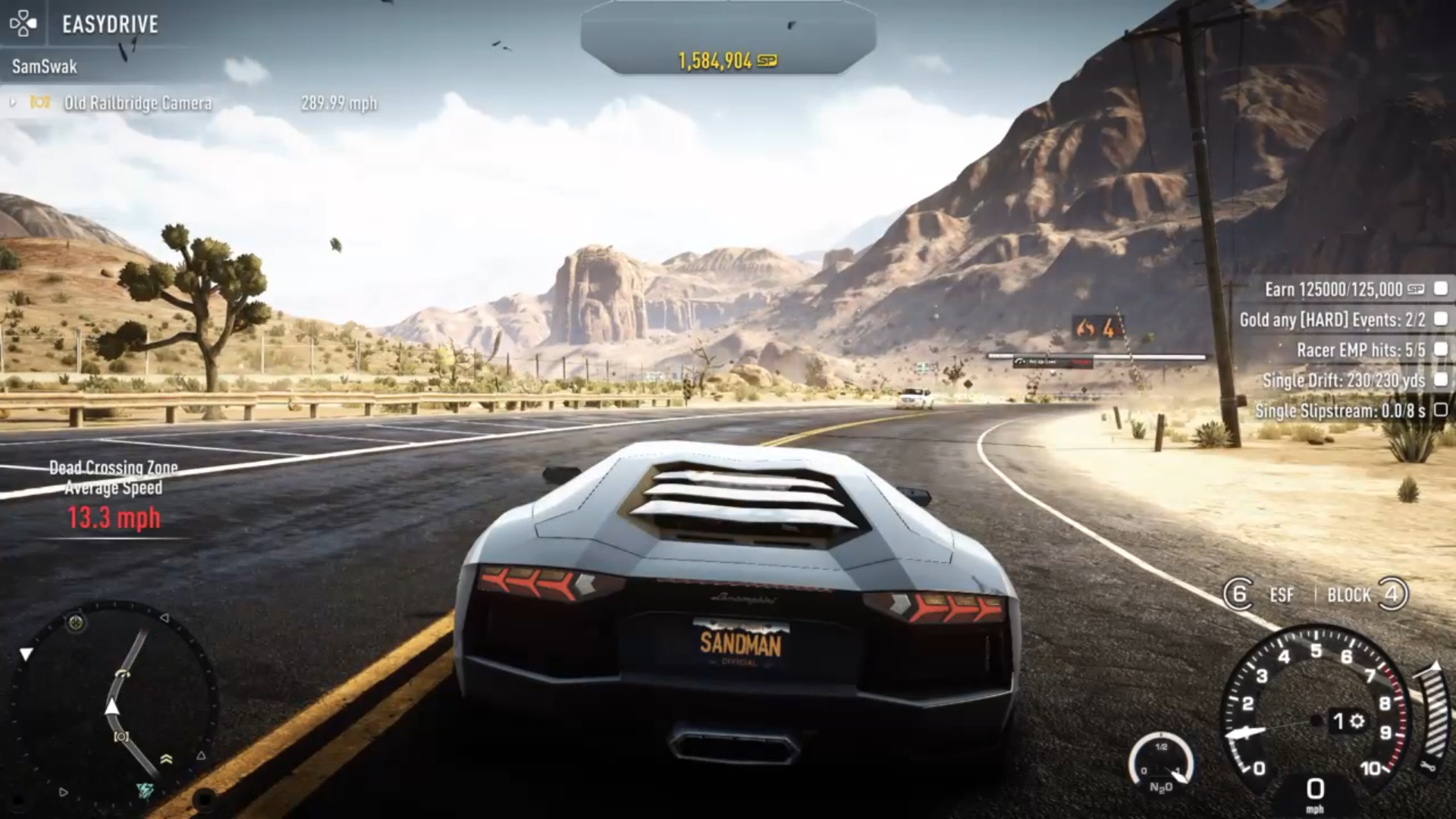
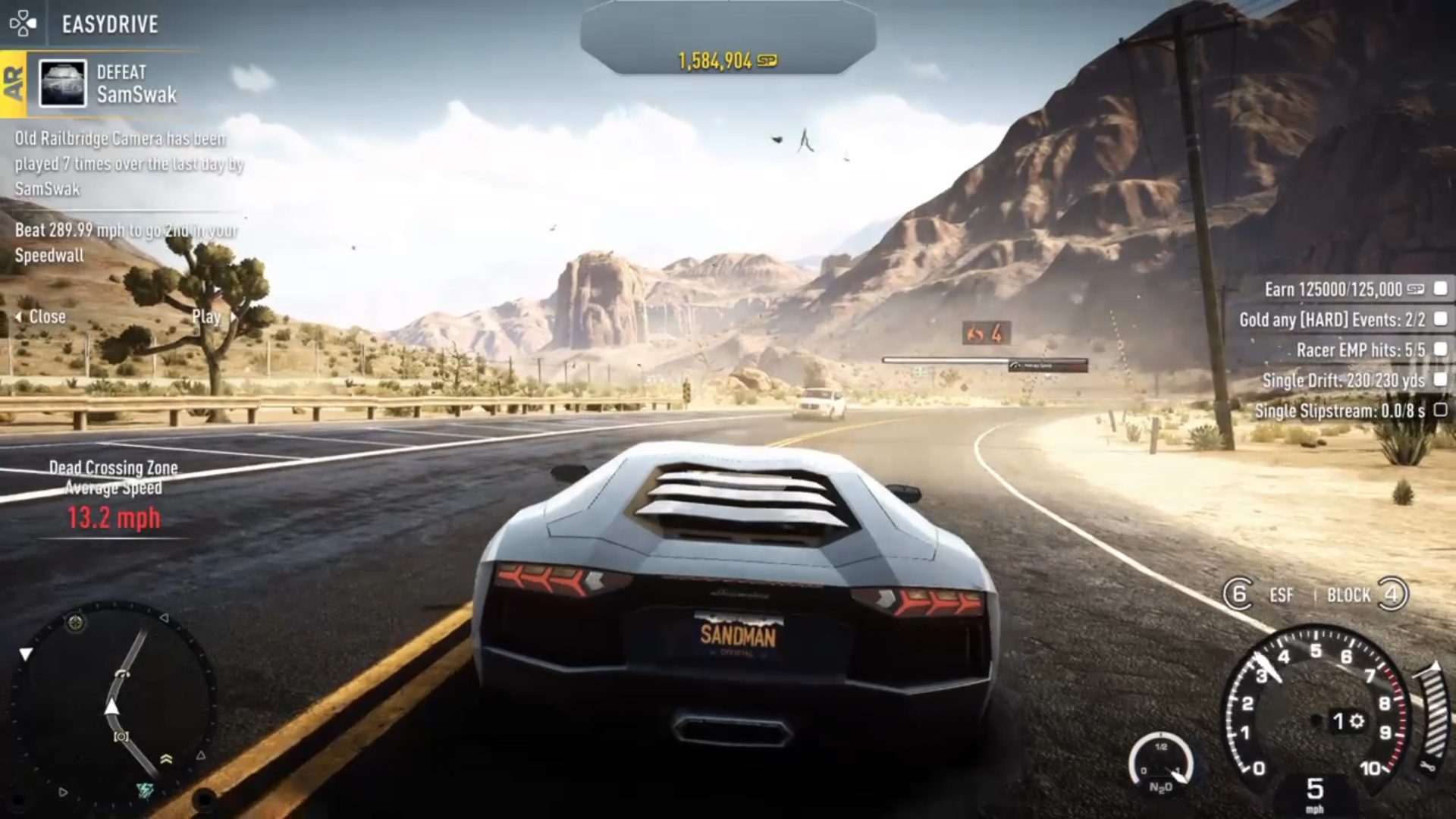
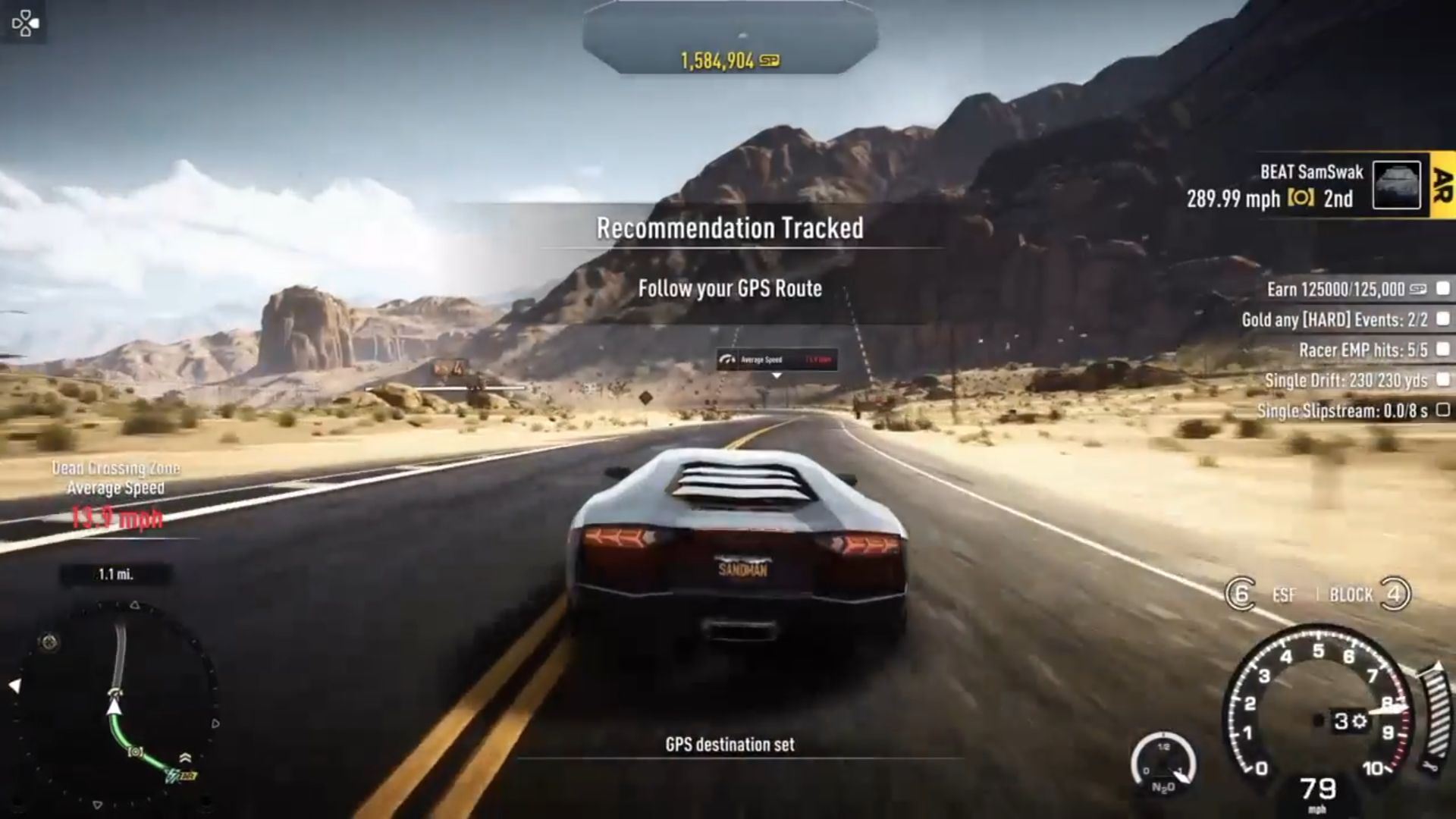
This feature also showed you the recommended times on the event/collectable leaderboards in a yellow background and black colored time. 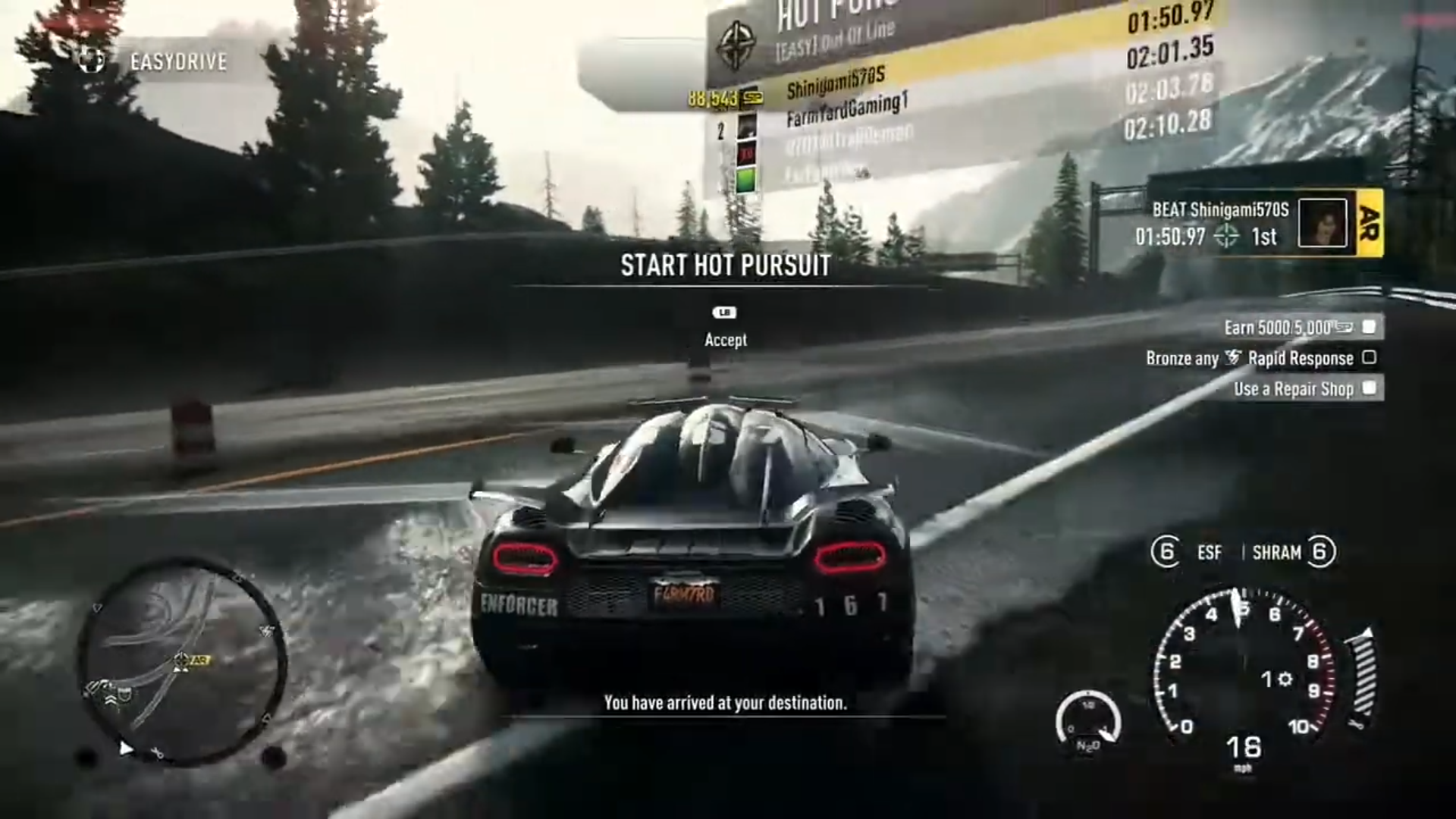
It also had a duel system, whereby if you weren't able to beat the recommended event, Autolog would inform you how much of a time or speed gap you had between you both with red color, and encourage you to try again, but if you could beat it, it would inform you about the quicker time or faster speed gap with green color and give you a duel point, including 100 SP bonus for beating the recommendation. 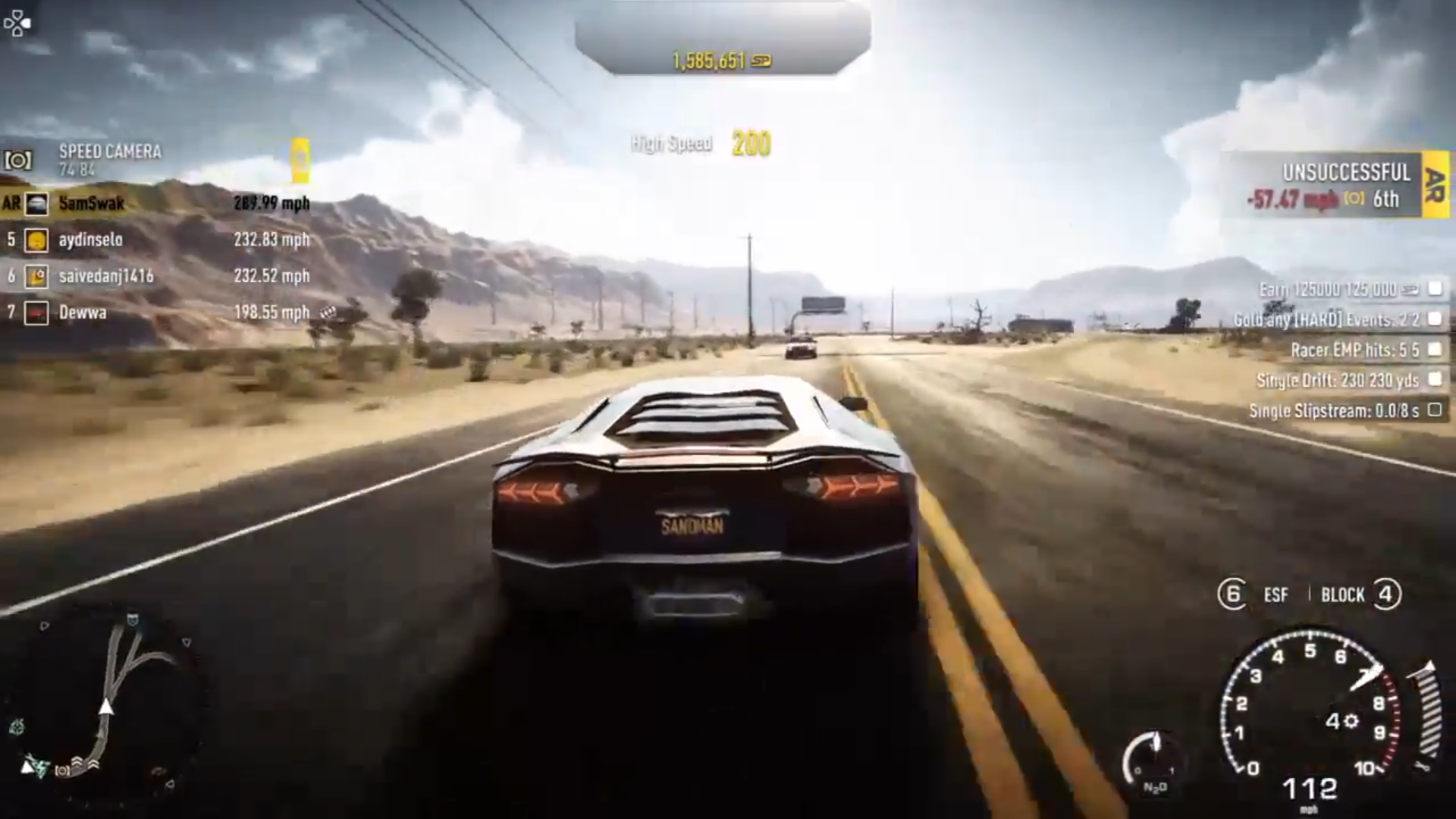
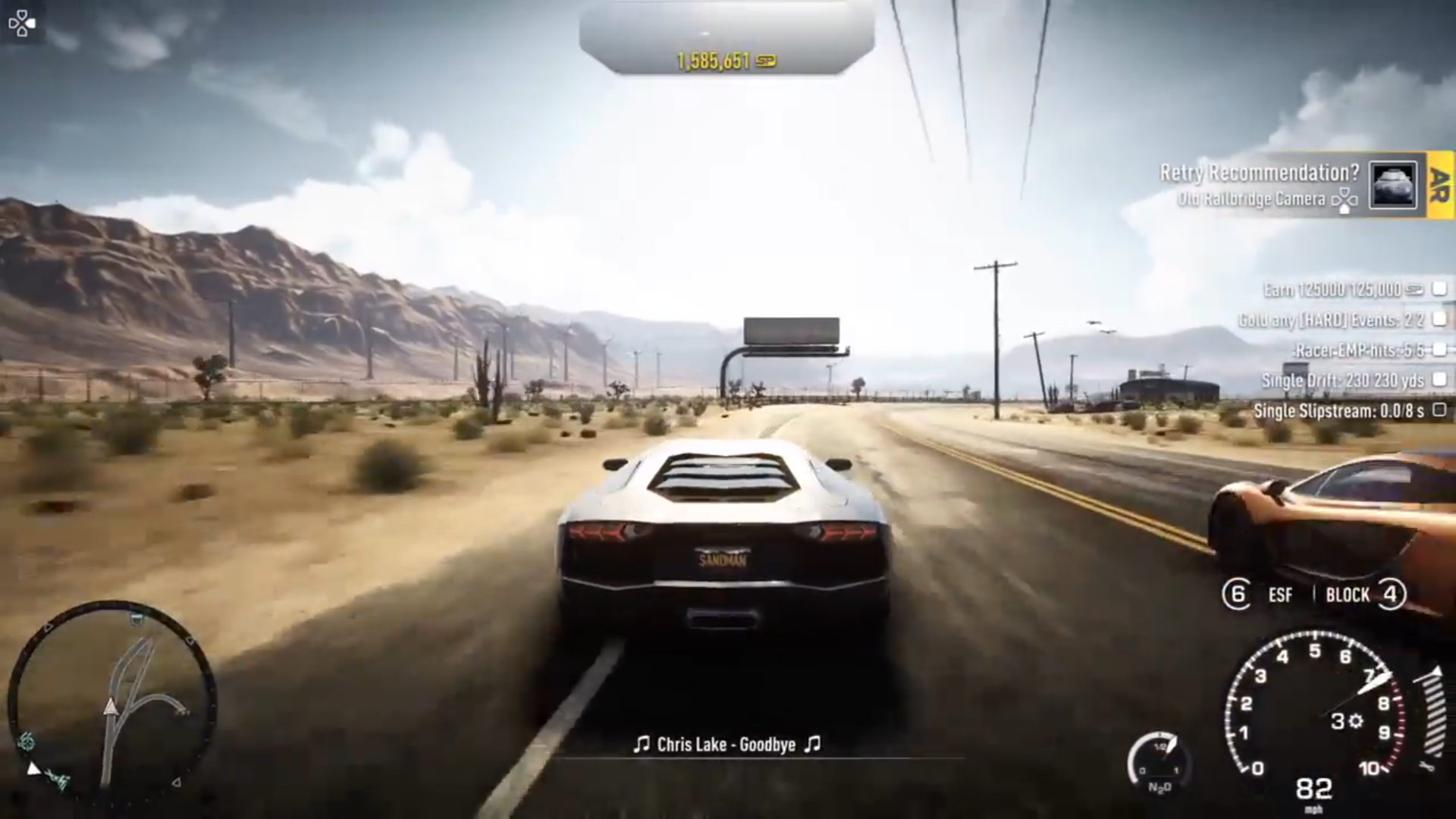
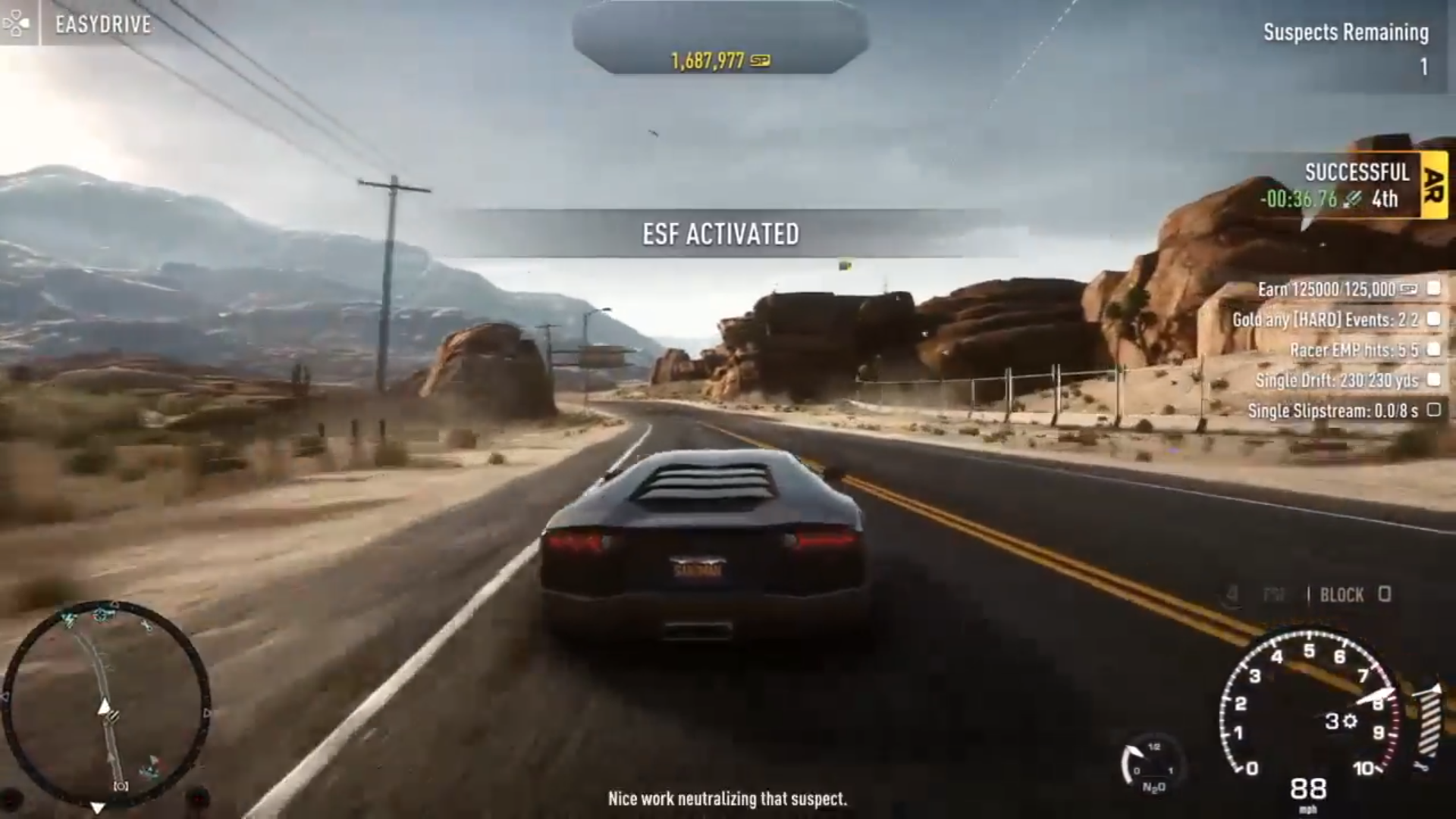
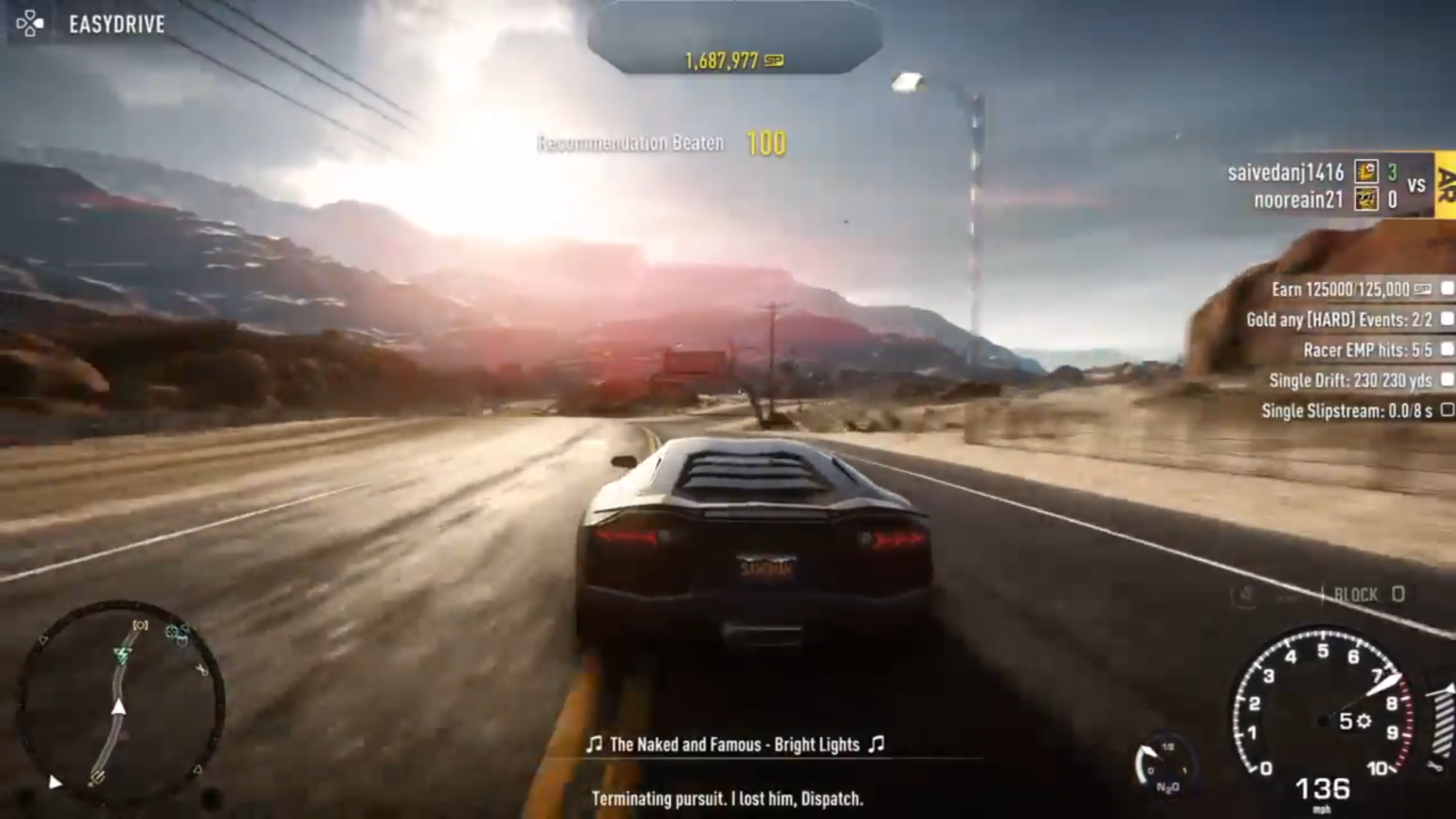
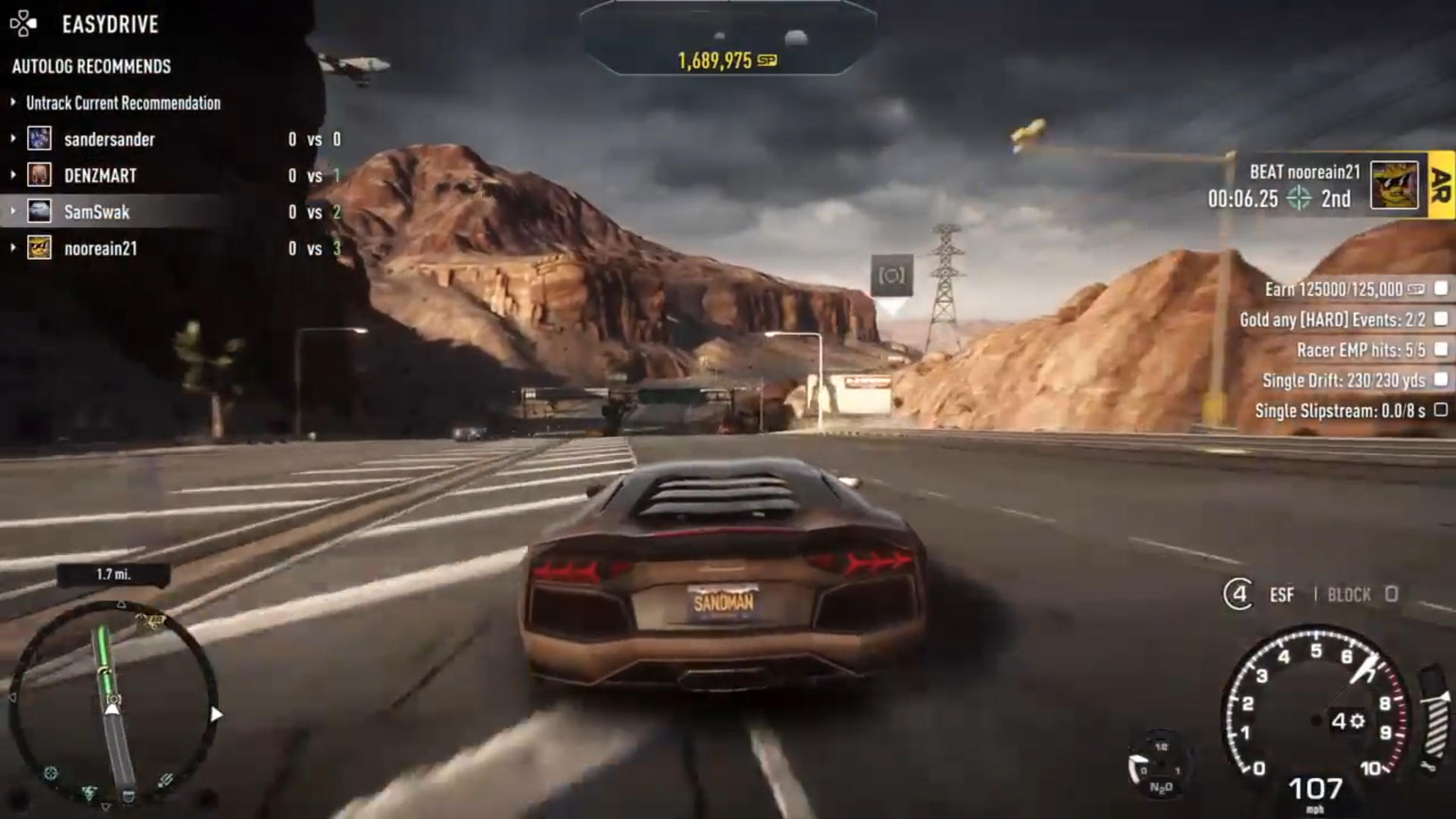
When it comes to speedlists, a pop-up would appear with a timer indicating how much time you have to beat it until your time exceeds the record of the 1st person on the leaderboard. If you exceed it, it will show the 2nd person. If you still won't beat it, then 3rd person and beyond. 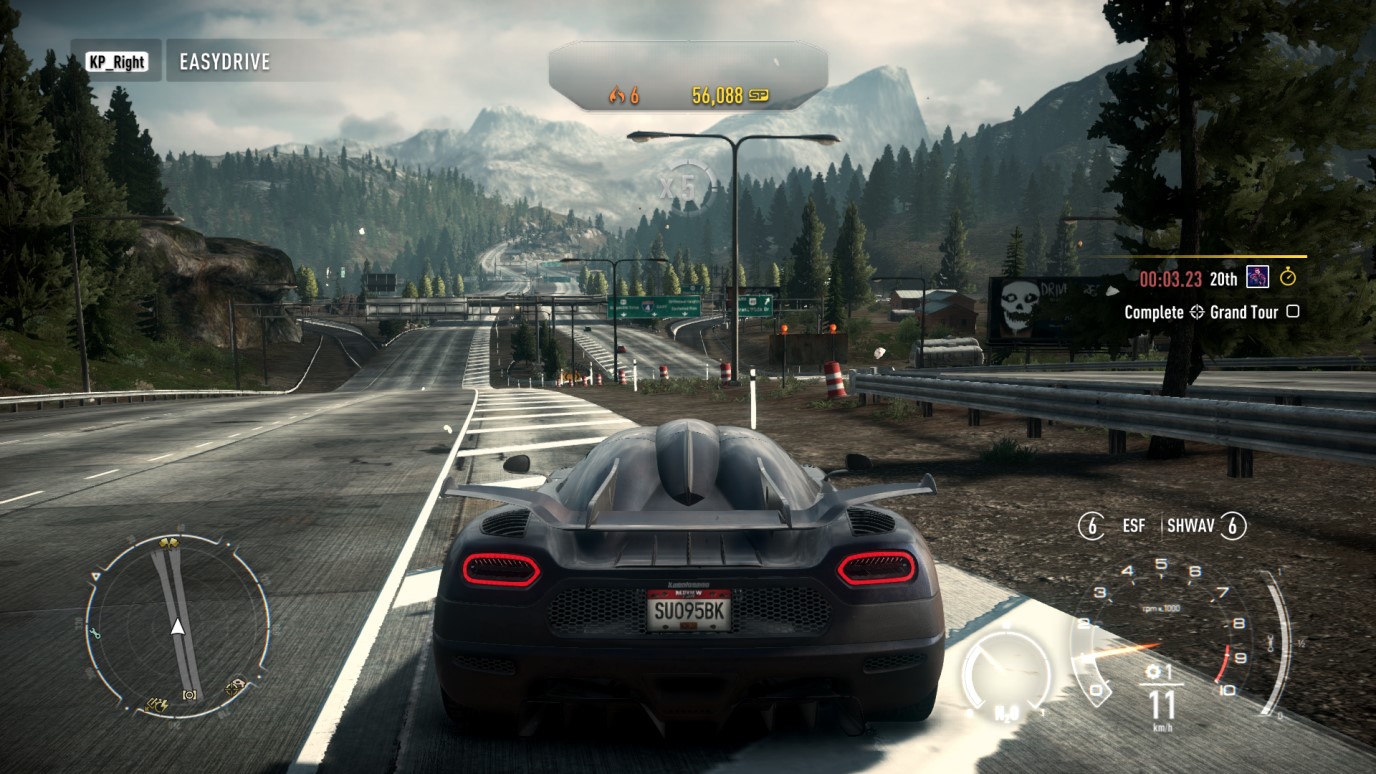
Need For Speed Network#
Powered by Autolog, it was a more in-depth version of Autolog available for iOS, Android and PC until March 15, 2018. It was capable of showing you the leaderboards with your time and all of your friends, unlike Autolog, which had a limit of 4 people showing on the leaderboard. Network could display your friend lists from Origin, PlayStation and Xbox, with an option to view their profile game progression and add more friends to your list, as well as show you friend recommendations. You were able to look at your own Profile with more detailed stats & progression than in-game, etc, it had Autolog Recommendations, Playlist "Autolog Playlist" with OverWatch Challenges + your custom playlist that you could create by adding Recommended Autolog event/collectable records from friends, set a GPS waypoint to your game from the app, and see your and others Activity. Looking at other drivers roaming around Redview County in real time was also possible, that is, if they used the same gaming platform as you for Rivals. Network also had a feature called "Rival Comparison" which on the map showed a comparison between you and your most competitive friend with whom you both dominated in events & collectable leaderboards, that was checked via percentage (%) to determine which person had the most quantity of domination, regardless of the platform they used to play the game. Additionally, by clicking the "Compare" option, it included detailed stats & progression comparison.
Watch on YouTubeThe most information mentioned can be seen in this video too.
OverWatch#
Part of Need For Speed Network, players could use OverWatch to manipulate the gameplay session of other players from their Autolog friends list. Participating in OverWatch would reward the player with Speed Points that contributed towards their OverWatch rank. The max rank that you were able to achieve was 50, and you could see your friends OW Level progression in the in-game friend list too. 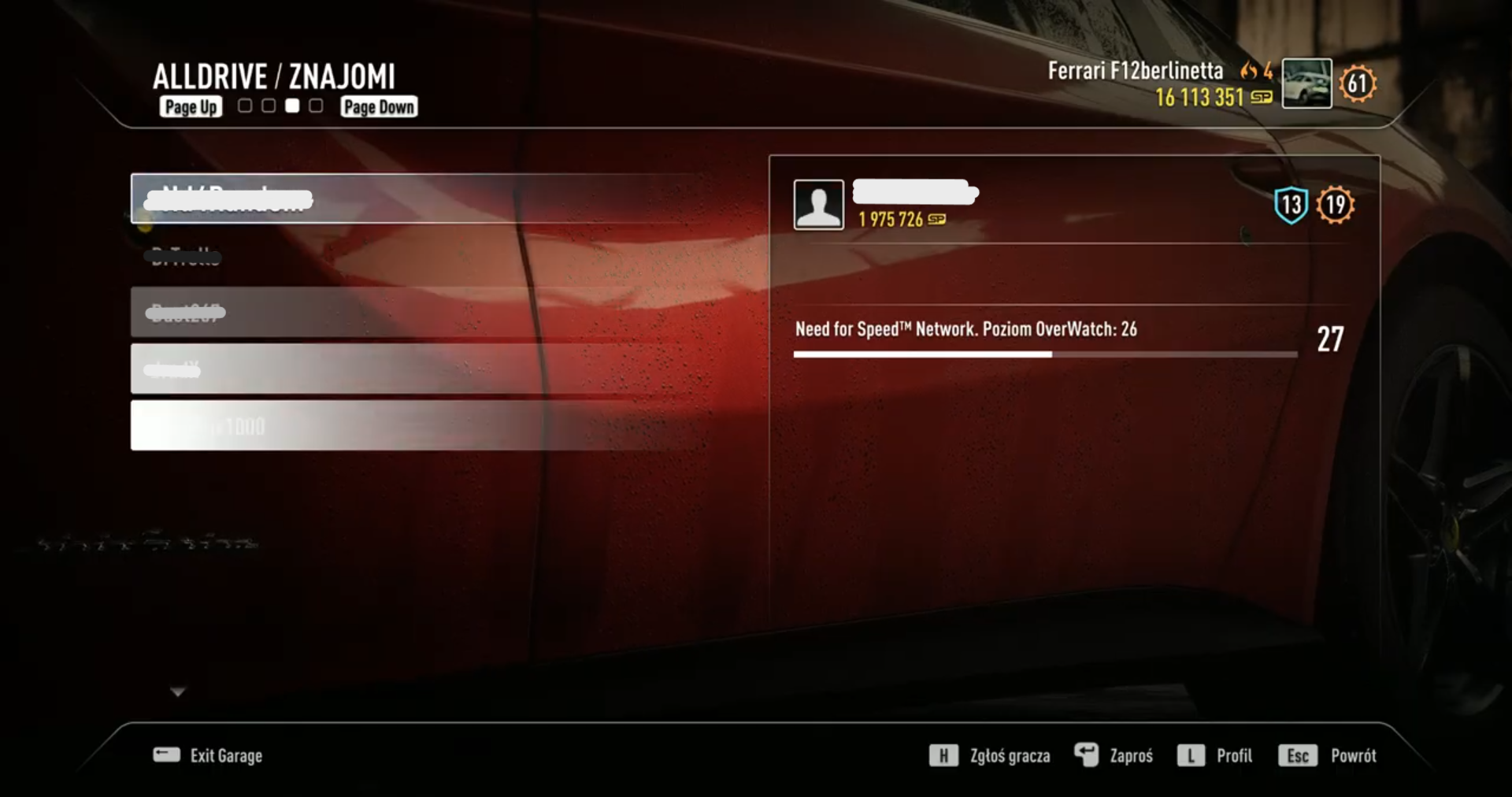
Sadly, Overwatch also shut down for all platforms on March 15, 2018. Due to Overwatch's shutdown, the Maserati GranTurismo MC Stradale, Bentley Continental GT V8, and all Overwatch-exclusive liveries were made unobtainable.
Videos#
Watch on YouTubeWatch on YouTubeWatch on YouTubeWatch on YouTubeWatch on YouTubeWatch on YouTubeWatch on YouTube
Missions#
They ran for a certain amount of time and rewarded you OverWatch SP when finished.
Mission |
Cost & Time |
Reward |
|---|---|---|
Extra Fuel Send your Network Driver off to patrol Redview County and return with OverWatch Fuel. |
0 Fuel / 30:00 Min |
Full Fuel |
Jump Challenge Send out your Network Driver to record the longest jump they can. The bigger the jump they record the more SP you will earn. |
10 Fuel / 10:00 Min |
35 - 150 SP |
McLaren P1 on Driftwood Heights RCPD are looking for a McLaren P1 that has been tearing up the coastline along Driftwood Heights. Send out your Network Driver to bring them in first. |
12 Fuel / 8:00 Min |
55 - 150 SP |
SRT Viper on Fork Tongue Trail An SRT Viper has been sinking its teeth into all challengers along Fork Tongue Trail. Send out your Network Driver to force them out from the rock they’re hiding under and make that Bust. |
16 Fuel / 20:00 Min |
110 - 800 SP |
Drift Challenge Send the Network Driver to record the longest drift they can, the bigger the drift the more SP you will earn. |
35 Fuel / 40:00 Min |
250 - 900 SP |
Grand Peak Drive Race The toughest challenge awaits your Network Driver in the Grand Peak Race, where its steep climbs, tight turns and instant drops will push them to their limit. |
45 Fuel / 1:00:00 Hr |
150 - 600 SP |
Destroy Speed Cameras The Cop’s network of Speed Cameras track the Racers as they speed across Redview County. Blind the Cops and help the Racers by seeing how many your Network Driver can destroy. |
30 Fuel / 5:00:00 Hr |
200 - 500 SP |
APB Send out the Network Driver against the entire Redview County Police Dept. to see how long they can survive before they are Busted. The longer they stay out, the more SP you will earn. |
35 - 40 Fuel / 4:00:00 - 8:00:00 Hr |
425 - 850 SP |
Ferrari F12 On Troll Pass (Need to find the description) |
10 Fuel / 5:00 Min |
70 SP |
Eastwood Rise Time Attack Send your Network Driver into the tall Pines and Sequoias of Eastwood Rise to set the fastest run they can in a Time Attack. |
15 Fuel / 1:00:00 Hr |
210 - 900 SP |
Sun Valley Run Patrol Patrol the Harsh desert environment of Sun Valley Run with your Network Driver where the fastest and most reckless Racers own the highways and see how many they can Bust. |
50 Fuel / 8:00:00 hr |
325 - 1000 SP |
OverWatch Rank System#
Level |
Reward |
|---|---|
0 |
Nitro Renewal Ability (Max 100%) |
2 |
OverWatch Challenge #1 |
4 |
Car Repair Ability (Max 100%) |
6 |
OverWatch Challenge #2 |
8 |
Ammo Reduction (Max 4) |
10 |
OverWatch Challenge #3 |
12 |
Roadblock Ability |
14 |
OverWatch Challenge #4 |
16 |
Nitro Decrease Ability (Max 100%) |
18 |
OverWatch Challenge #5 |
20 |
OverWatch Challenge #6 |
22 |
Jammer Ability |
24 |
OverWatch Challenge #7 |
26 |
Helicopter Ability |
28 |
OverWatch Challenge #8 |
30 |
OverWatch Challenge #9 |
32 |
Ammo Renewal (Max 4) |
34 |
OverWatch Challenge #10 |
36 |
Car Destroy Ability (Max 25%) |
38 |
OverWatch Challenge #11 |
40 |
OverWatch Challenge #12 |
42 |
OverWatch Challenge #13 |
44 |
OverWatch Challenge #14 |
46 |
OverWatch Challenge #15 |
48 |
OverWatch Challenge #16 |
50 |
OverWatch Challenge #17 |
OverWatch Challenges#
Challenge nr |
Event |
Type |
Time |
Reward |
|---|---|---|---|---|
#1 |
[EASY] Redline |
Time Attack |
03:12.00 Min |
OverWatch Dazzle Camo Livery for Dodge Challenger SRT8 & 500 SpeedPoints |
#2 |
[EASY] Justice Served |
Rapid Response |
03:27.00 Min |
OverWatch Euro Livery for Aston Martin Vanquish & 500 SpeedPoints |
#3 |
[EASY] Travelling Light |
Time Attack |
03:20.00 Min |
Maserati GranTurismo MC Stradale & 500 SpeedPoints |
#4 |
[EASY] Tactical Response |
Rapid Response |
04:11.00 Min |
OverWatch Discreet Livery for BMW M3 GTS & 500 SpeedPoints |
#5 |
[EASY] Speed Hunter |
Time Attack |
03:28.00 Min |
OverWatch Tourer Livery for Maserati GranTurismo MC Stradale & 500 SpeedPoints |
#6 |
[EASY] Going Offensive |
Rapid Response |
03:41.00 Min |
OverWatch Red Camo Livery for Maserati GranTurismo MC Stradale & 500 SpeedPoints |
#7 |
[EASY] Light 'Em Up |
Rapid Response |
03:23.00 Min |
OverWatch Blue Camo Livery for Mercedes-Benz SLS AMG Coupé Black Series & 500 SpeedPoints |
#8 |
[EASY] To The Limits |
Time Attack |
02:02.00 Min |
OverWatch Mask Livery for Audi R8 Coupé V10 Plus 5.2 FSI Quattro & 500 SpeedPoints |
#9 |
[EASY] Blue Rush |
Rapid Response |
02:20.00 Min |
Bentley Continental GT V8 & 500 SpeedPoints |
#10 |
[MED] Epic Ride |
Time Attack |
03:30.00 Min |
OverWatch Liberator Livery for Lamborghini Gallardo LP 570-4 Superleggera Edizione Tecnica & 500 SpeedPoints |
#11 |
[EASY] Emergency Call |
Rapid Response |
04:28.00 Min |
OverWatch Disguise Livery for Porsche 918 Spyder & 500 SpeedPoints |
#12 |
[MED] Unsung Hero |
Time Attack |
03:11.00 Min |
Bentley Continental GT V8 {ENF} & 500 SpeedPoints |
#13 |
[EASY] Unstoppable |
Rapid Response |
02:06.00 Min |
OverWatch Continental Livery for Ferrari F12berlinetta & 500 SpeedPoints |
#14 |
[MED] Push It |
Time Attack |
03:03.00 Min |
OverWatch Stealth Livery for Lamborghini Aventador LP 720-4 50th Anniversary Edition & 500 SpeedPoints |
#15 |
[EASY] Give It All |
Rapid Response |
01:53.00 Min |
OverWatch Shock Livery for Lamborghini Veneno & 500 SpeedPoints |
#16 |
[MED] Gear Shift |
Time Attack |
02:43.00 Min |
OverWatch Colour Splash Livery for Pagani Huayra & 500 SpeedPoints |
#17 |
[EASY] Full Force |
Rapid Response |
03:44.00 Min |
Bentley Continental GT V8 {UC} & 500 SpeedPoints |
Revisional Differences#
Ford Mustang GT (Gen 5) Name Change#
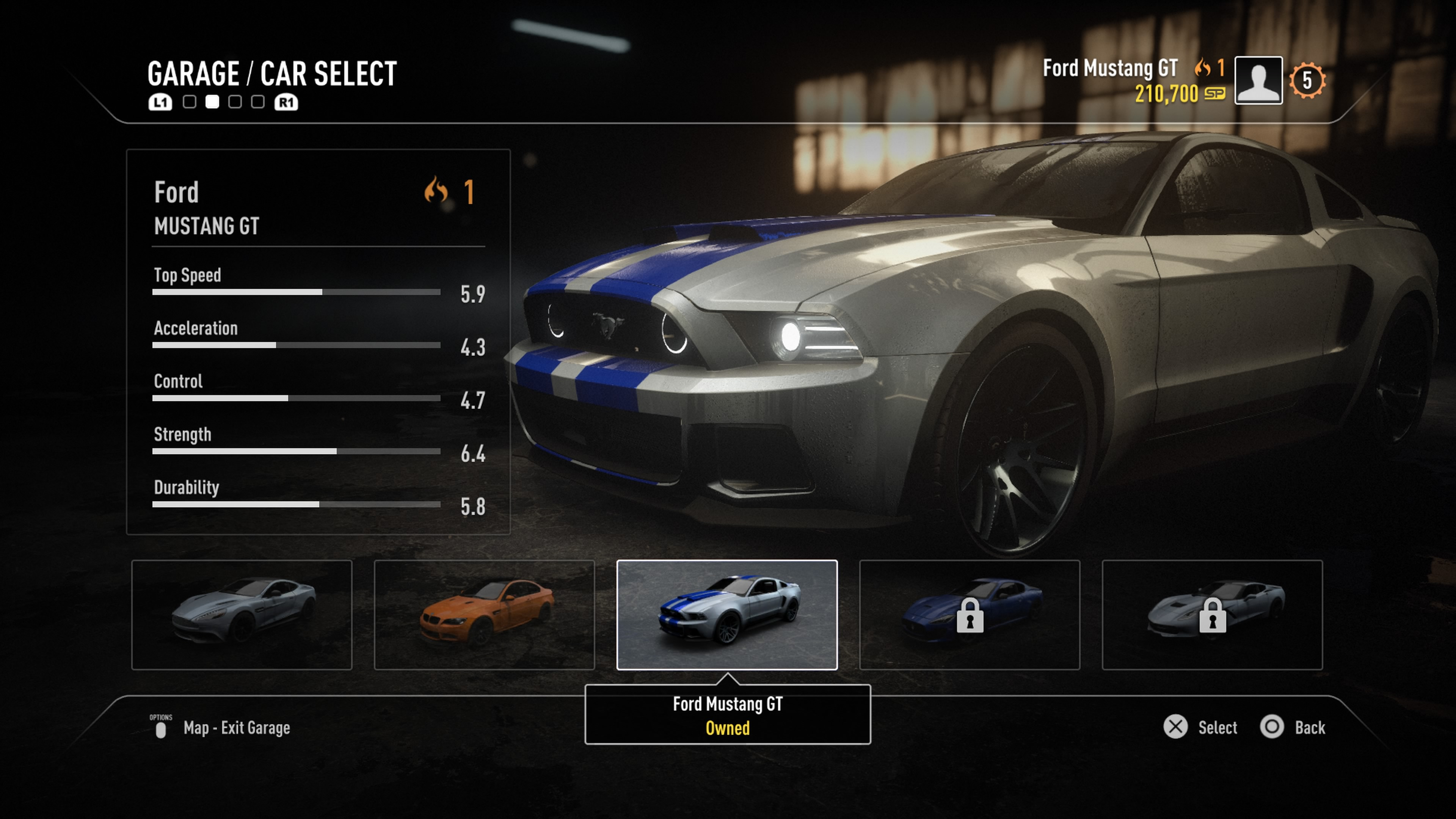
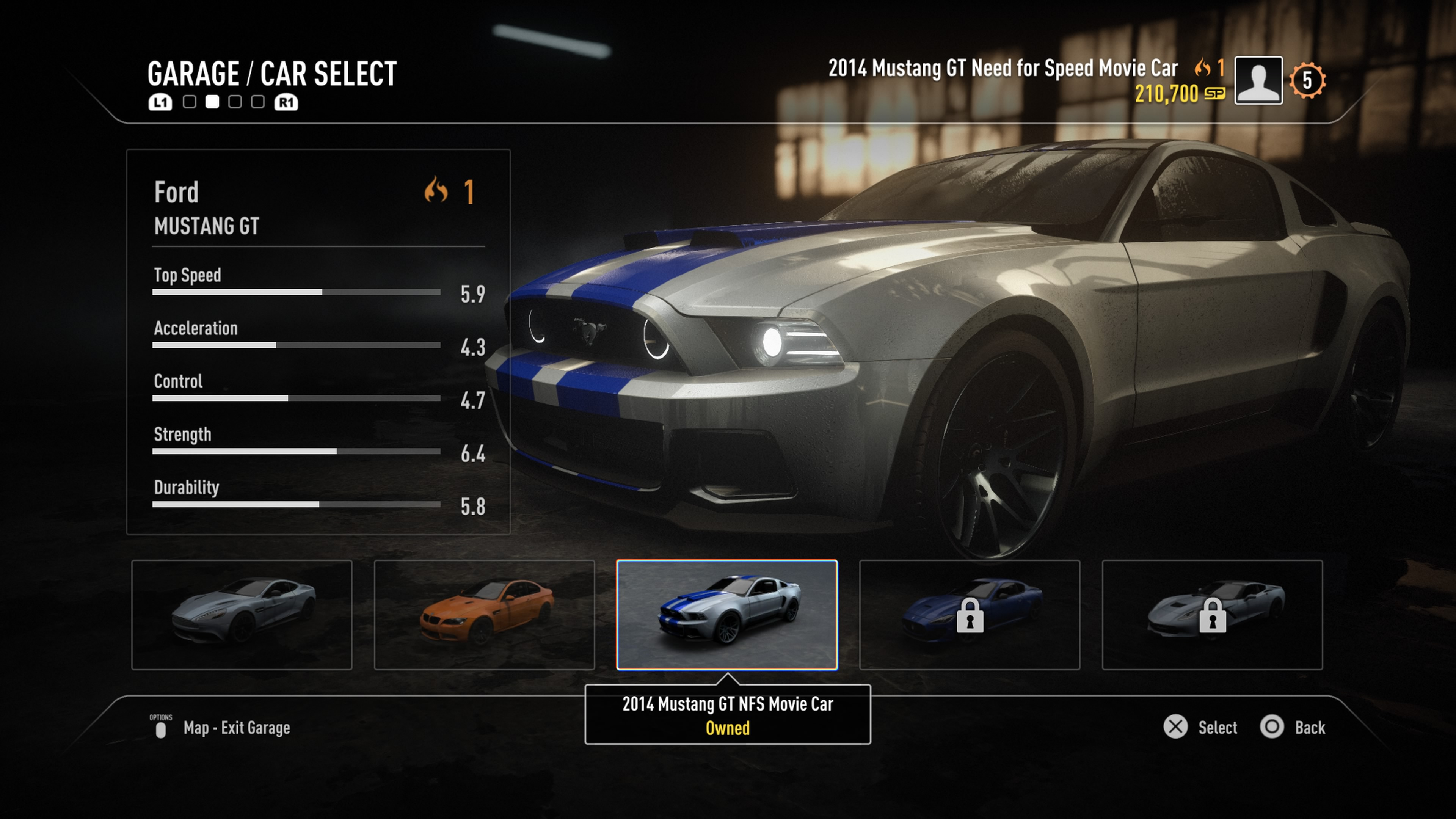
In update 1.02, the 6th Generation of the Ford Mustang was added as a free vehicle. Along with this, the name of the 5th Generation Mustang was changed from the simple Ford Mustang GT, to the 2014 Mustang GT NFS Movie Car. This was more than likely done to prevent confusion between both cars.
Pre-1.02 |
Post-1.02 |
|---|---|
 |
 |
Tutorial Car Select Unavailable#
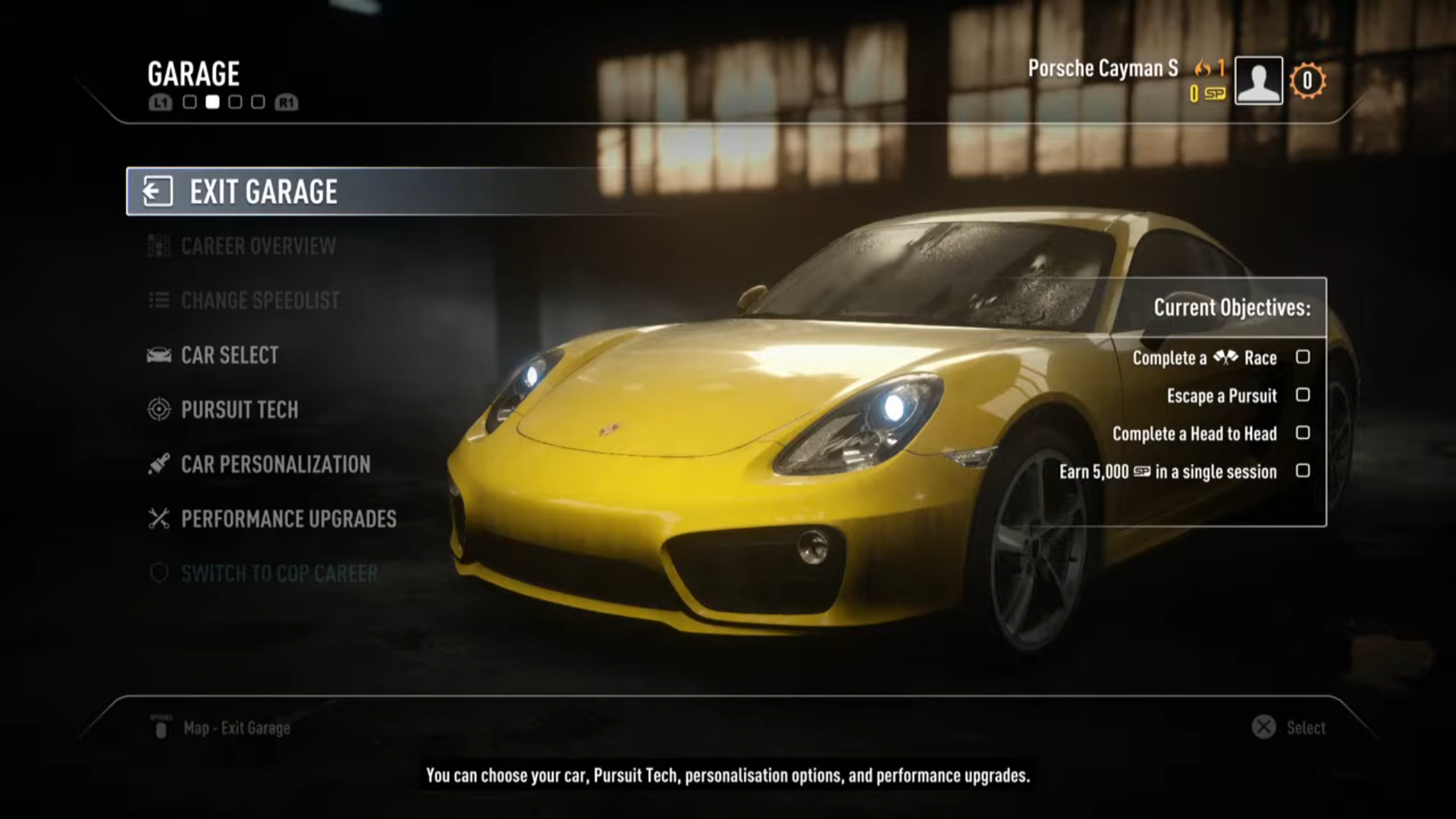
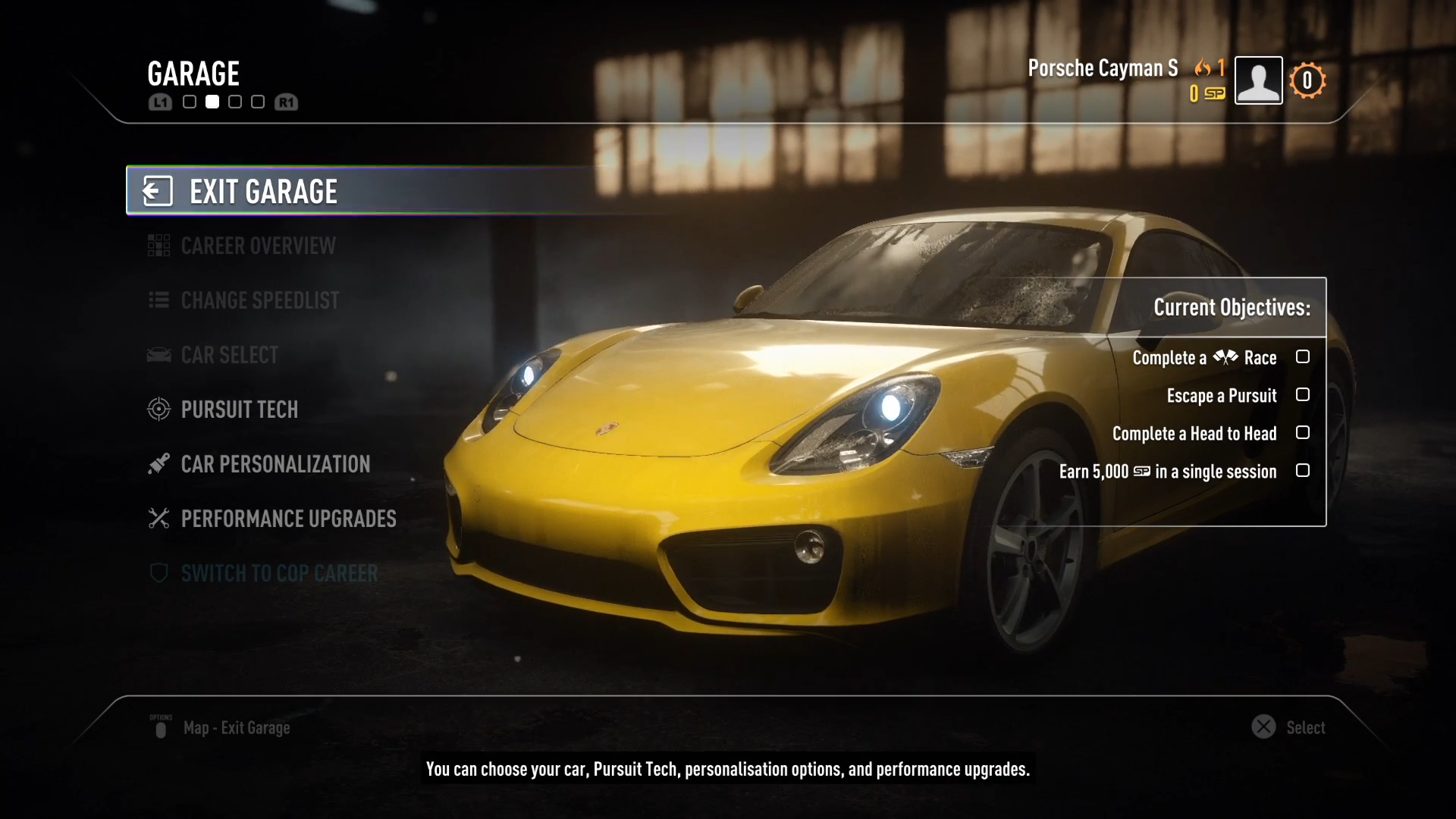
During the tutorial, you were able to check the car list and the "Car Select VO" would play for both sides. However, update 1.03 made it unavailable and the audio unusable. This does not occur on the seventh-generation ports of Rivals, whether you update the game or not.
Pre-1.03 |
Post-1.03 |
|---|---|
 |
 |
 |
 |
Platform Differences#
When purchasing the Loaded Garage Pack (or Complete Edition) of Rivals on PlayStation, the player will not unlock the pre-order exclusive Dodge Viper TA, and instead will only gain access to the other pre-order exclusive car, the Nissan GT-R RCPD. It's unknown why this happens, as the Xbox/PC ports of the game gain access to both cars when purchasing said DLC.
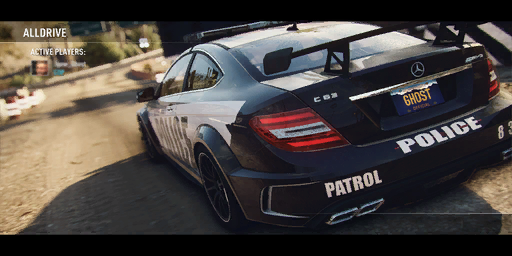
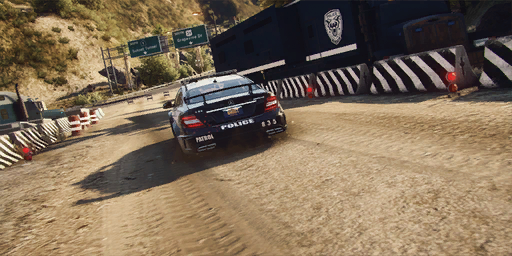
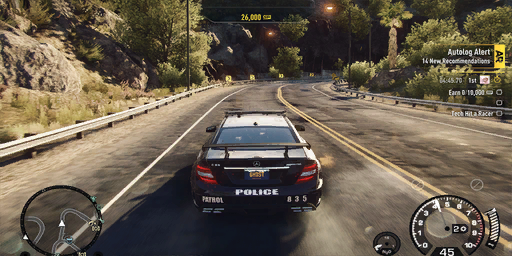
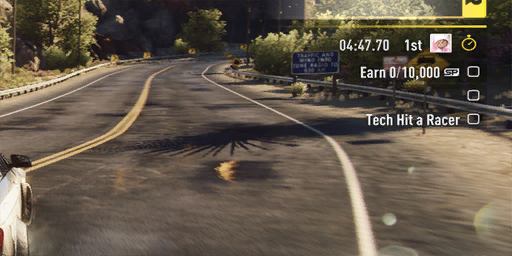
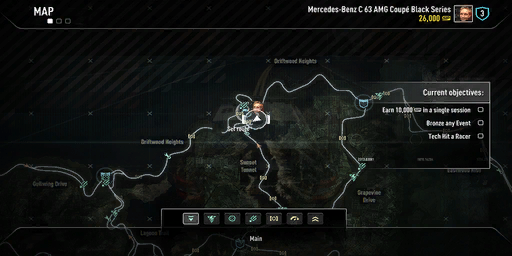
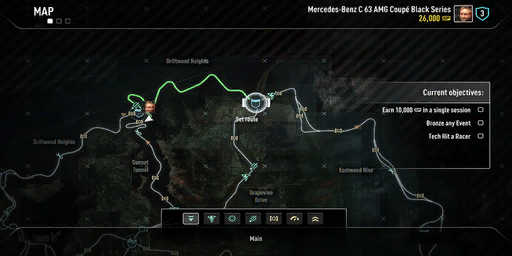
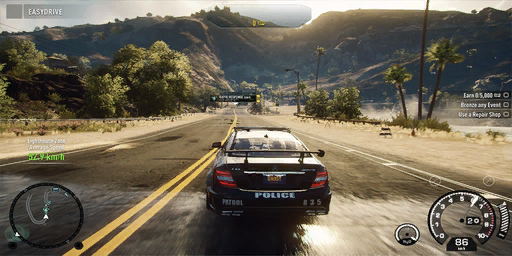
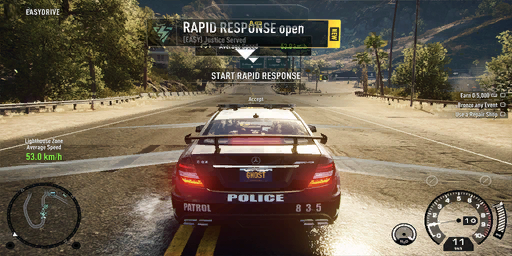
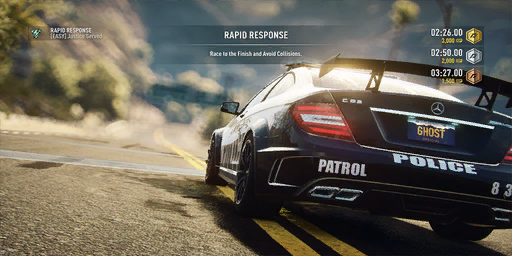
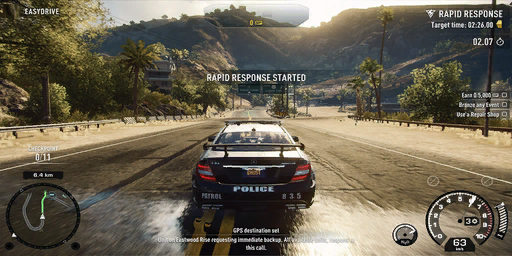
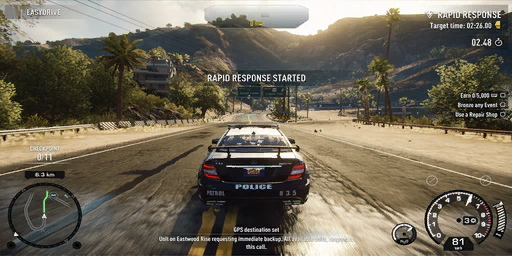
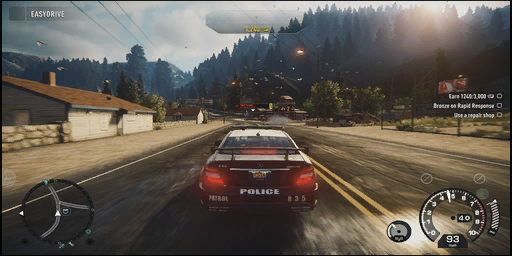
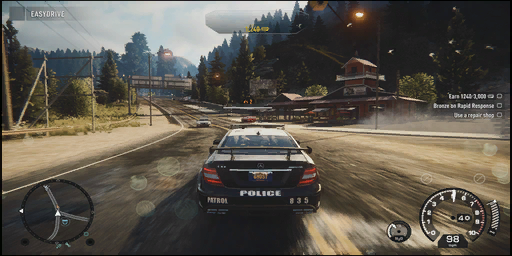
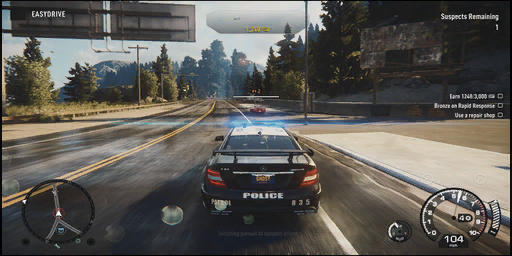
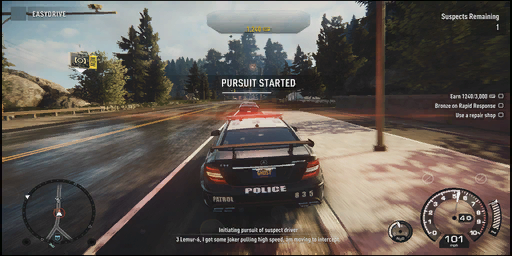
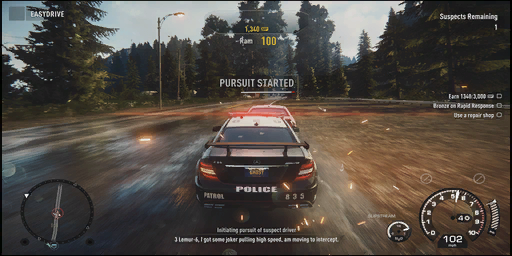
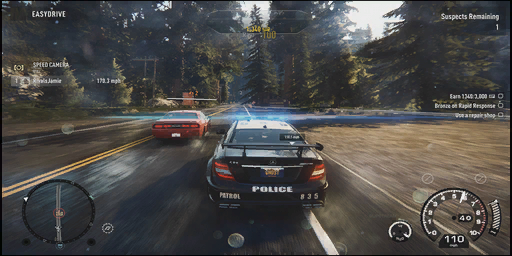
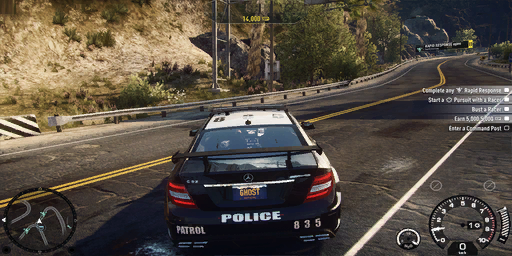
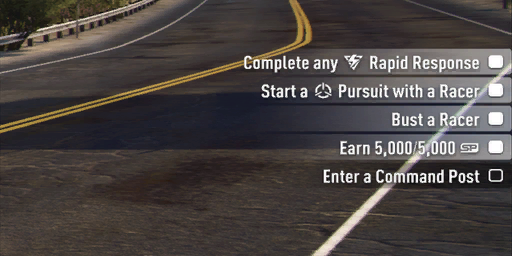
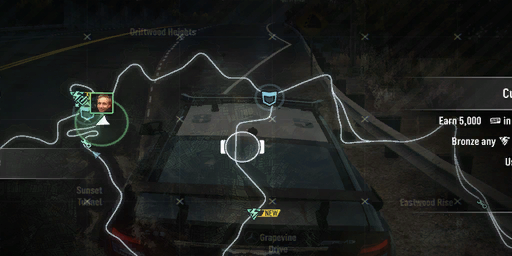
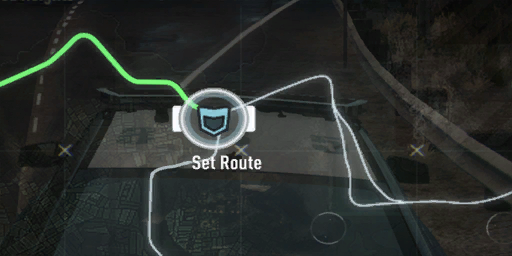
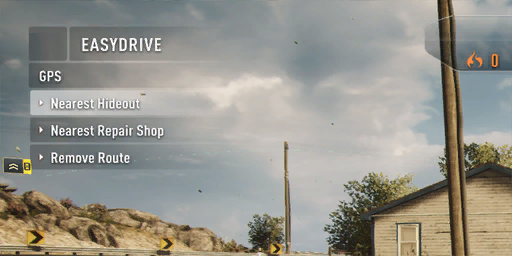
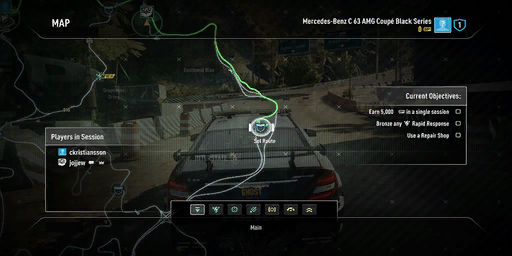
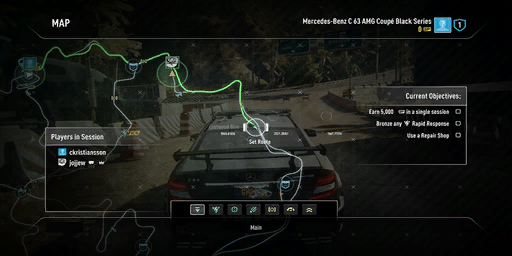
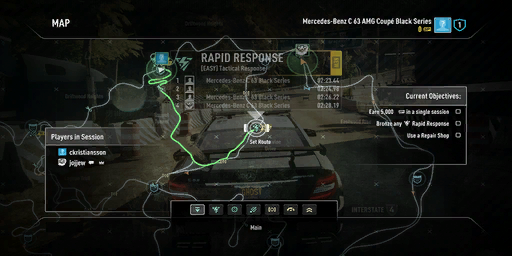
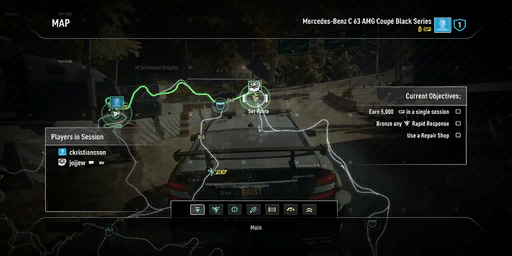
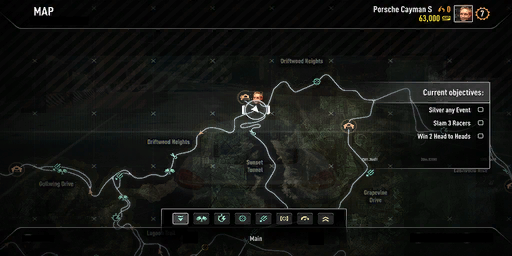
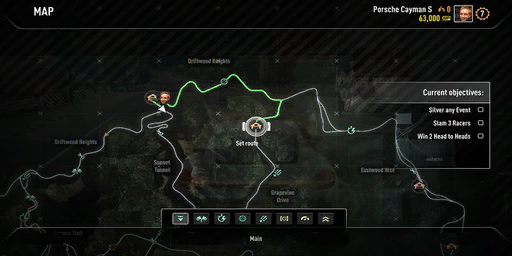
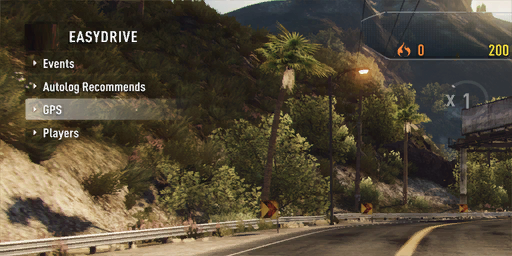
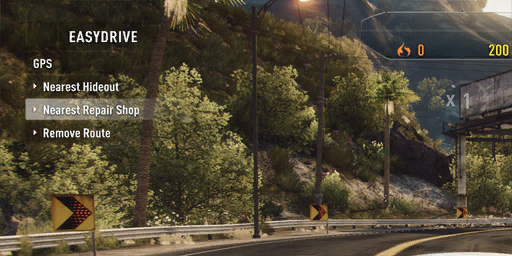
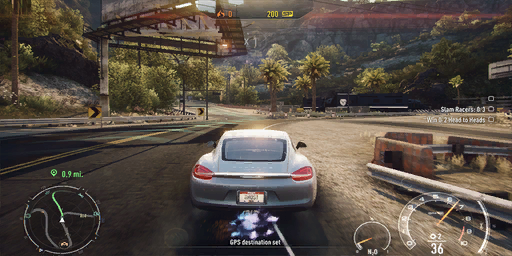
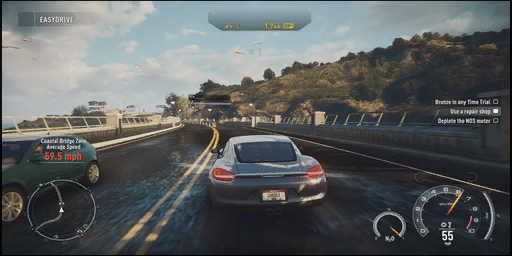
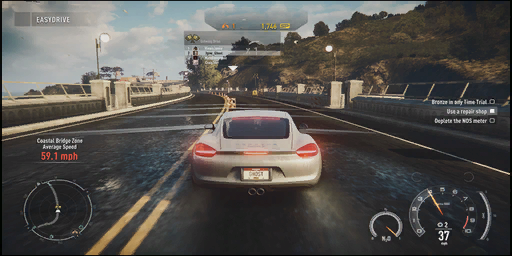
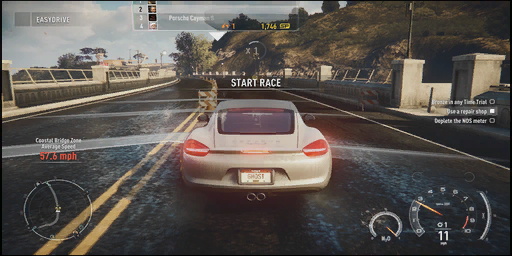
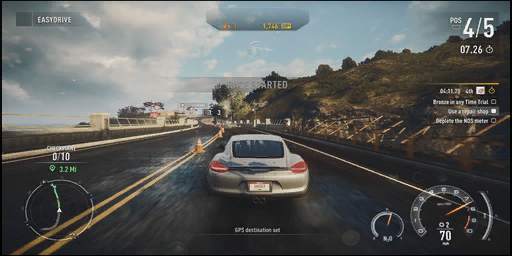
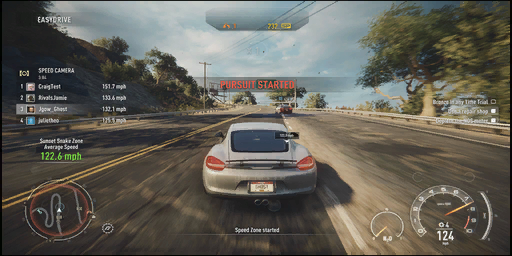
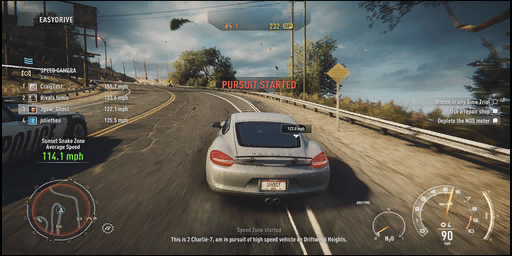
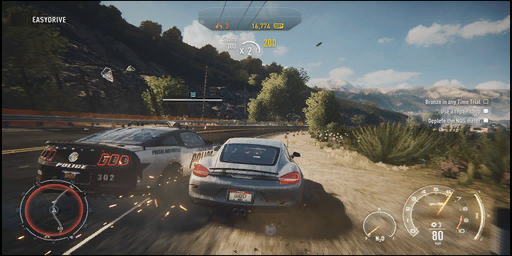
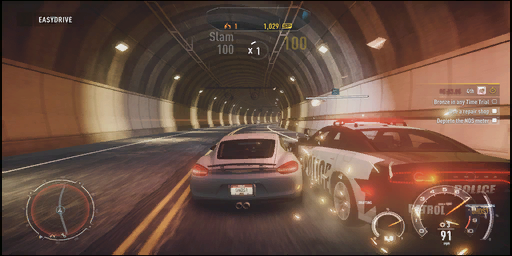
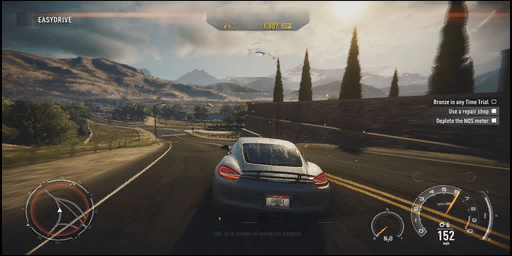
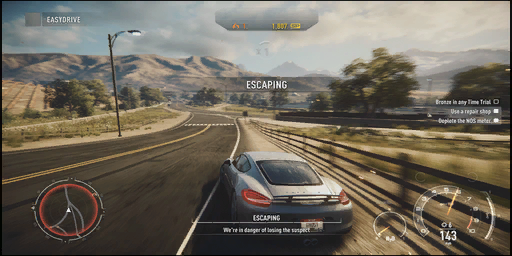
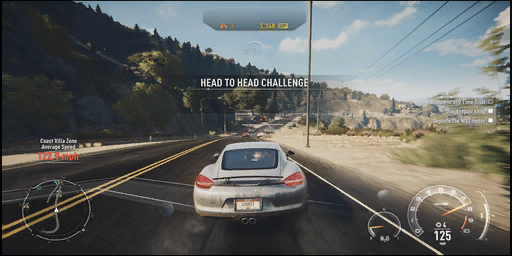
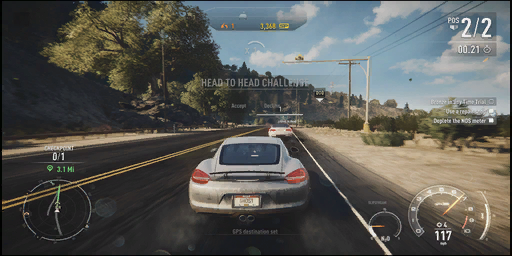
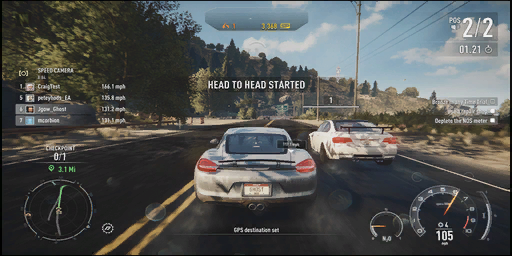
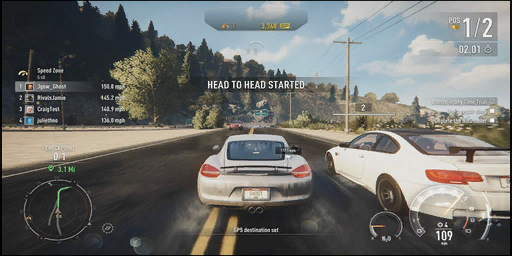
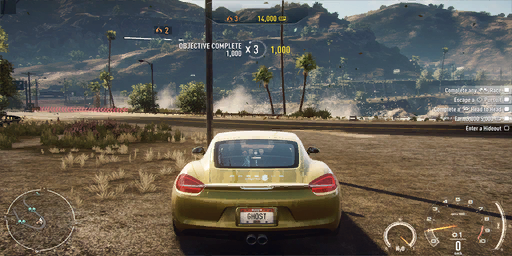
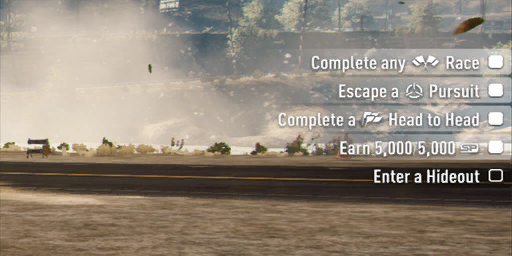
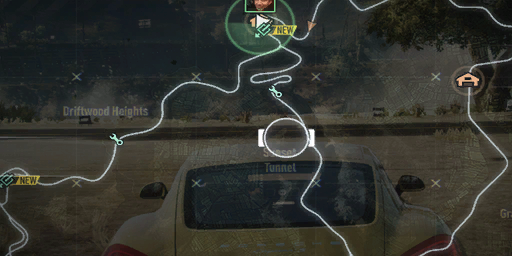
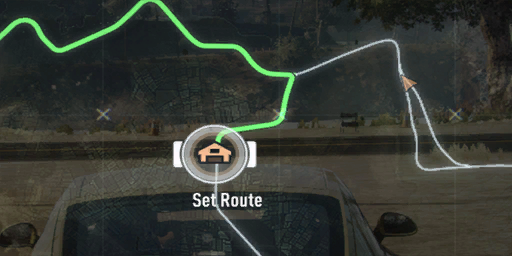
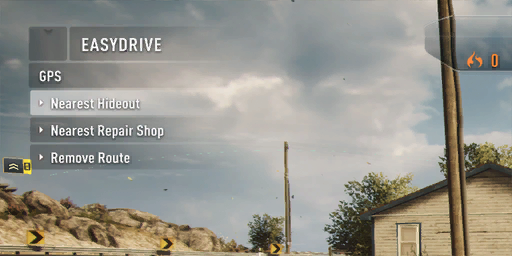
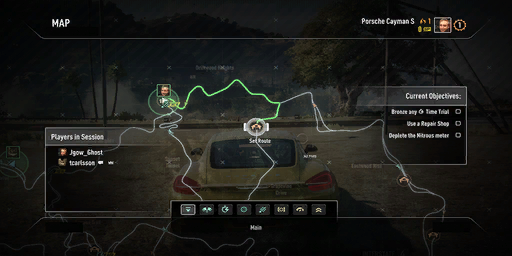
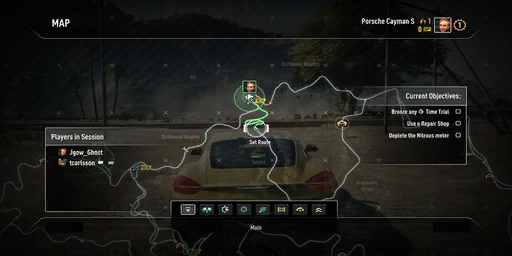
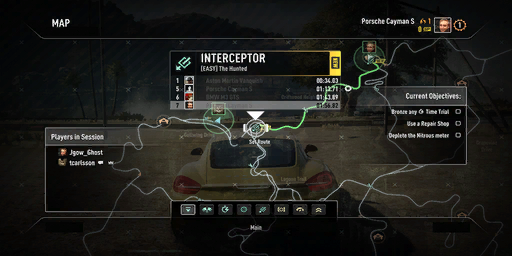
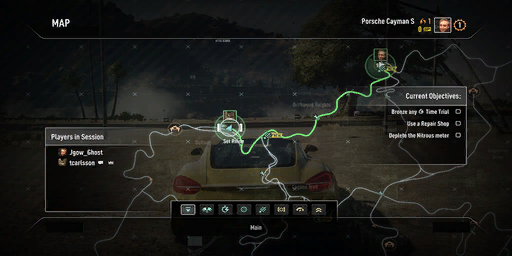
The seventh-generation ports of Rivals don't use tutorial videos during training, instead, they use pictures, unlike the eighth-generation ports of Rivals.
PS3/XBOX 360 Training Pictures
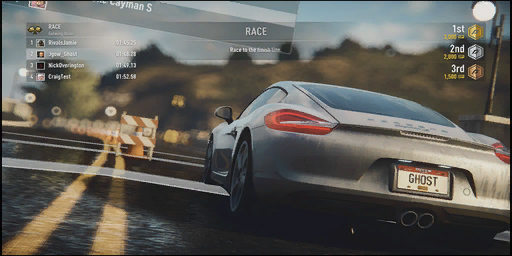
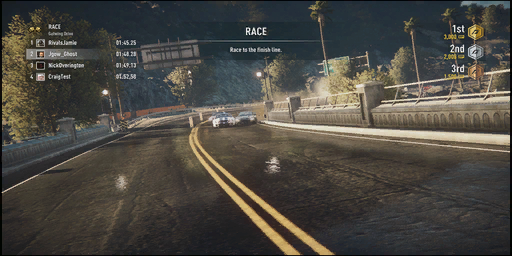
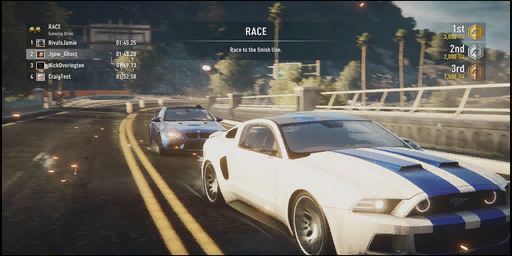
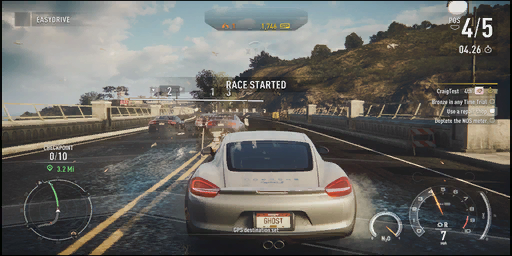

Language Differences#
In the German & Dutch versions of Rivals, the difficulty names have been replaced with stars. 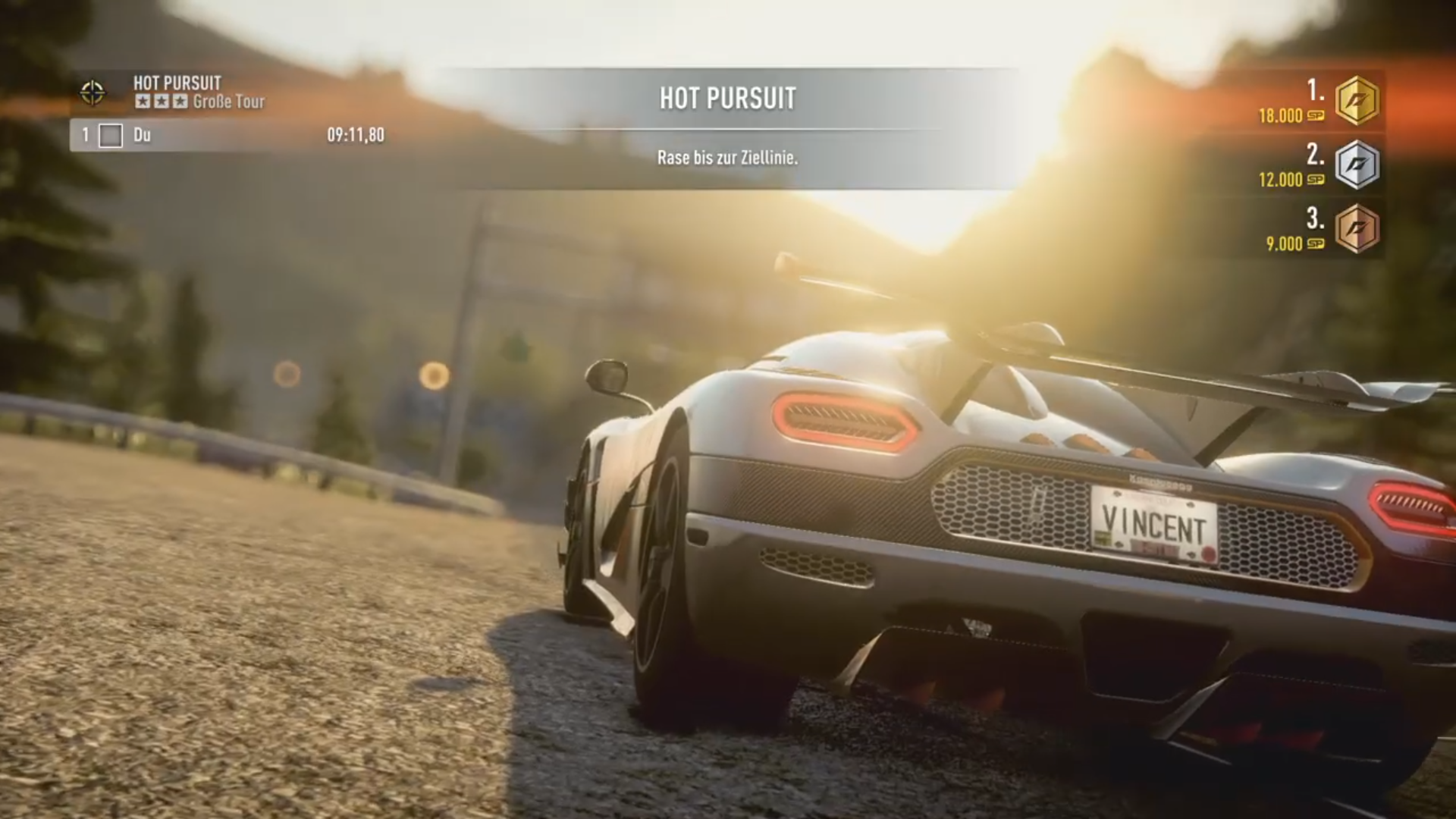
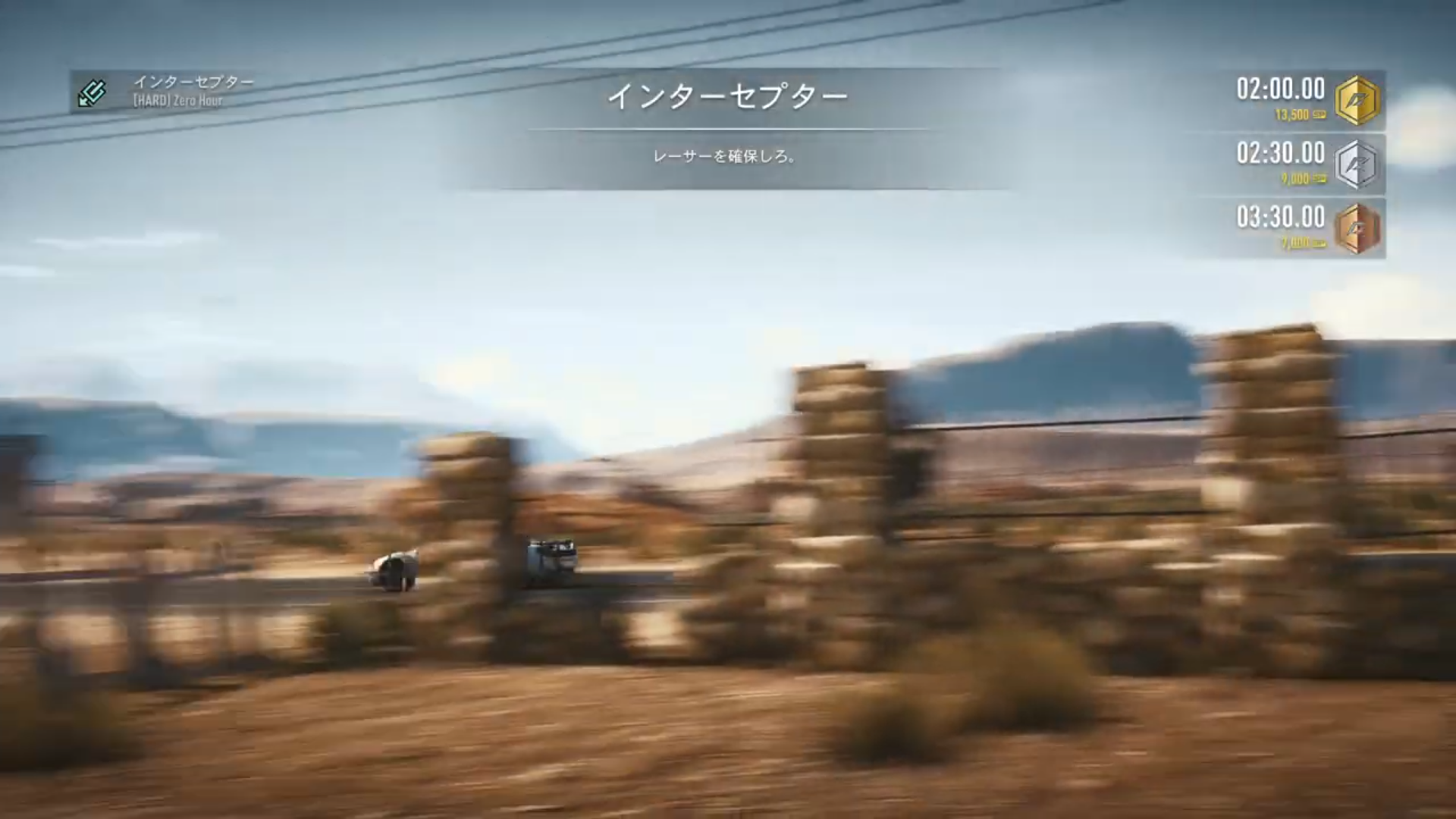
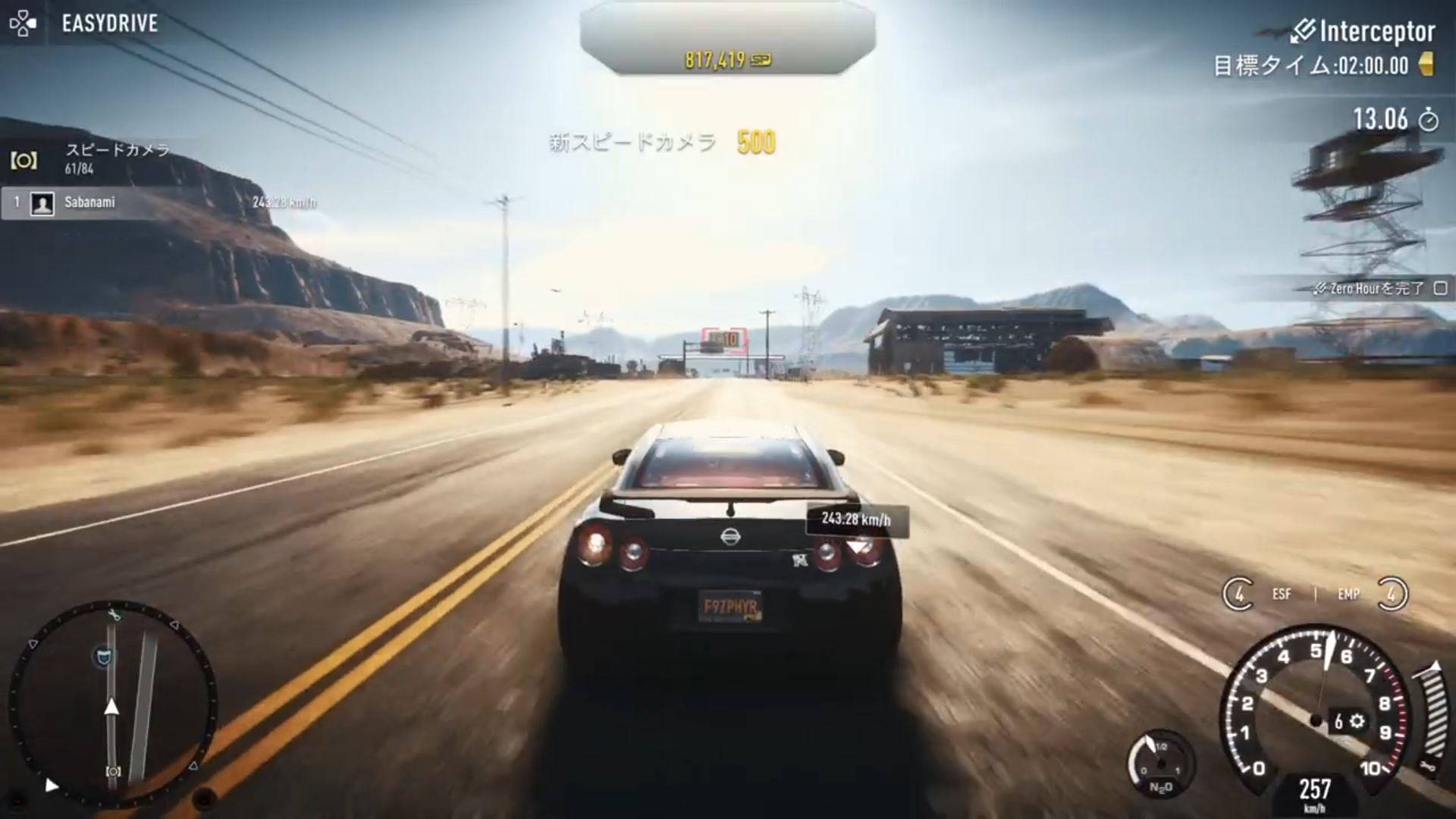
The Japanese version has a smaller and less bold font for most UI elements that don't use the Japanese alphabet or numbers, and for timers, it uses a dot instead of a comma. 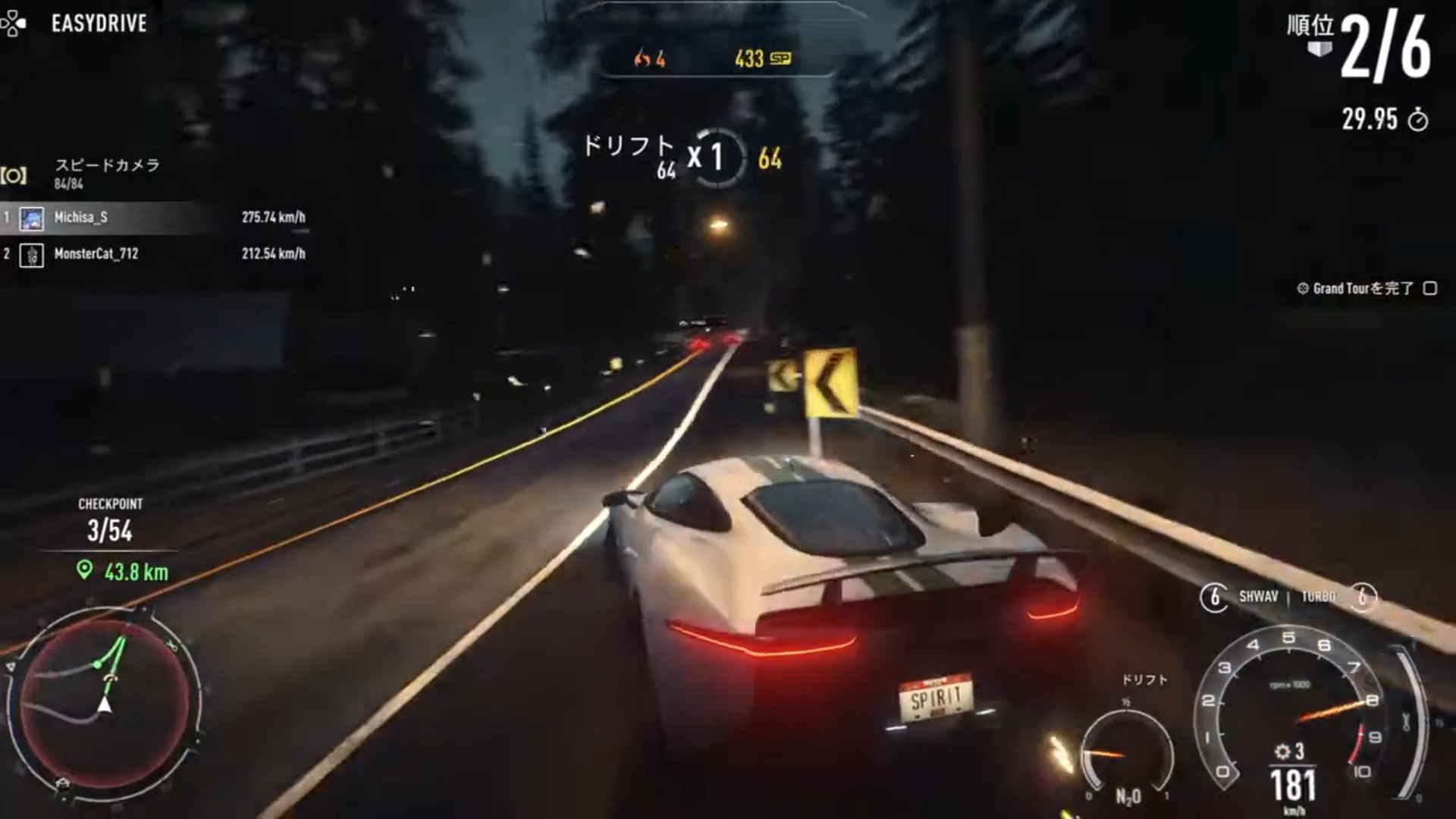
References#
- https://www.ea.com/legal/service-updates/i-q↩︎
- https://www.ea.com/games/need-for-speed/need-for-speed-rivals↩︎
- https://www.playstation.com/en-us/games/need-for-speed-rivals/↩︎
- https://store.steampowered.com/app/1262600/Need_for_Speed_Rivals/↩︎
- https://www.xbox.com/en-US/games/store/need-for-speed-rivals/C3VM0TMWNZ5M↩︎