
|
This needs some investigation.
|

|
'...But what does it mean?' |
When booting up the Japanese version for the first time, you will be greeted with a message asking if you own Tomodachi Collection. Since that game wasn't released internationally, this option was removed when localized. Watch on YouTube
Continuing to accept prompts will result in the eShop being launched to redirect to a page to download a Japanese-exclusive dedicated tool called "トモダチコレクション 新生活 Mii引越しソフト" (Tomodachi Collection: New Life Mii Moving Software).
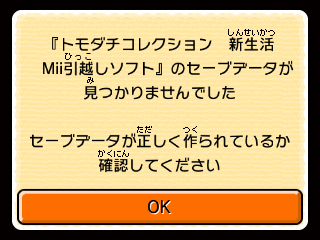
If you already have the software installed on the system, then a message will appear when booting the game, indicating that the Miis were not copied.
Images |
Japanese |
Translation |
|---|---|---|
 |
|
|
Then, the first two images from above will appear. Afterwards, the below message will display in place of the last three images, automatically sending you to the app when "OK" is pressed.
Images |
Japanese |
Translation |
|---|---|---|
 |
|
|
Tomodachi Collection: New Life Mii Moving Software#
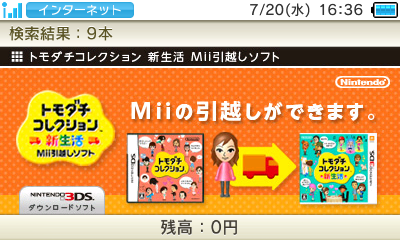
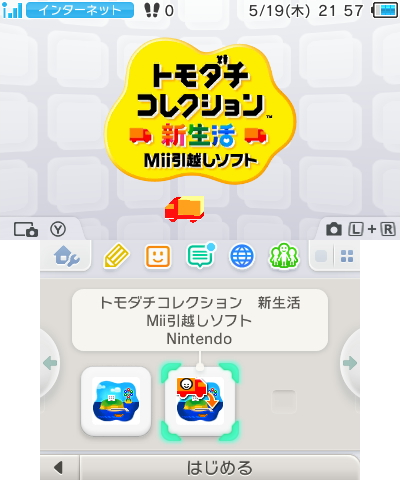 The software works by inserting a physical copy of Tomodachi Collection, where it will copy a maximum of 100 Miis to the SD card. As soon as Tomodachi Life is launched, the game will detect them automatically.
If you boot the app without a copy of Tomodachi Collection inserted, this message will appear:
Images |
Japanese |
Translation |
|---|---|---|
 |
|
|
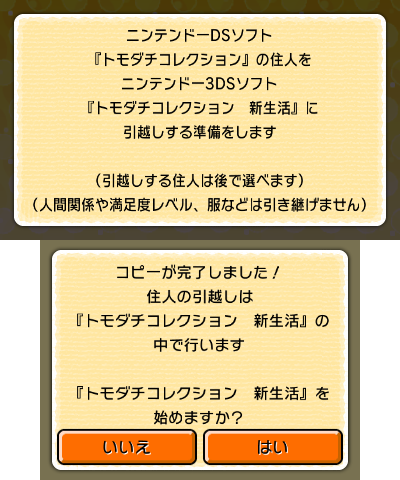
If a game is inserted, the following messages will appear.
Image |
Japanese |
Translation |
|---|---|---|
 |
|
|
 |
|
|
 |
|
|
If all the steps are done correctly, upon booting Tomodachi Life again, you will be greeted with a menu to choose what Miis to move (like in Town Hall).
Unused Content#
The placeholder banners present in the main Tomodachi Life game are also present in this moving software, still used when accessed on an out-of-region console. While the main game crops the ends of the graphic, this program uses the entire banner.