 Prerelease Info
 AnimationsFun fact: If your definition of "animation" is liberal enough, there's more unused animations in this game than animations that actually get used.
 Unused TextCan you help me by collecting 6 Hex-em Hold-em cards in Bonesborough?
Unused Level#
An unused, unfinished level can be found in the game's files. The level has an id of 103, the highest id of any level in the game, grouping it with other "non-standard" levels such as the tutorial and final boss levels. This level is the only one in which the cauldron enemy is placed within the level boundaries.
Unused Graphics#
Menu Items#
item_frame_half

A bar featuring a less-polished version of the UI aesthetic seen in-game.
collections_locked

This sprite would appear over any relic quest that was unavailable at the time, due to its corresponding level not yet having aired. Now that all of the relics have been unlocked, this sprite is inaccessible without modifying the system date.
collections_unlocked

An unlocked version of the padlock in collections_locked. This sprite was never seen in-game; instead a golden exclamation point is used to denote any available relic quests.
preload_0

A gray circle referred to in the code as "debug_button".
Market Minigame#
Shoppers and early UI

The lower bodies of two shoppers from the "Sell, Sell, Sell!" minigame (which are usually covered by the counter) can be seen in this sheet, plus some unused UI elements. The solid and empty bars are referred to as "market_meter_backing" and "market_meter_overlay" respectively, however a different meter that more closely resembles the UI aesthetic is used in-game. A solid white arrow can be seen to the left of the unused meters, referred to in the code as "market_selection_arrow".
More shoppers and some unused UI
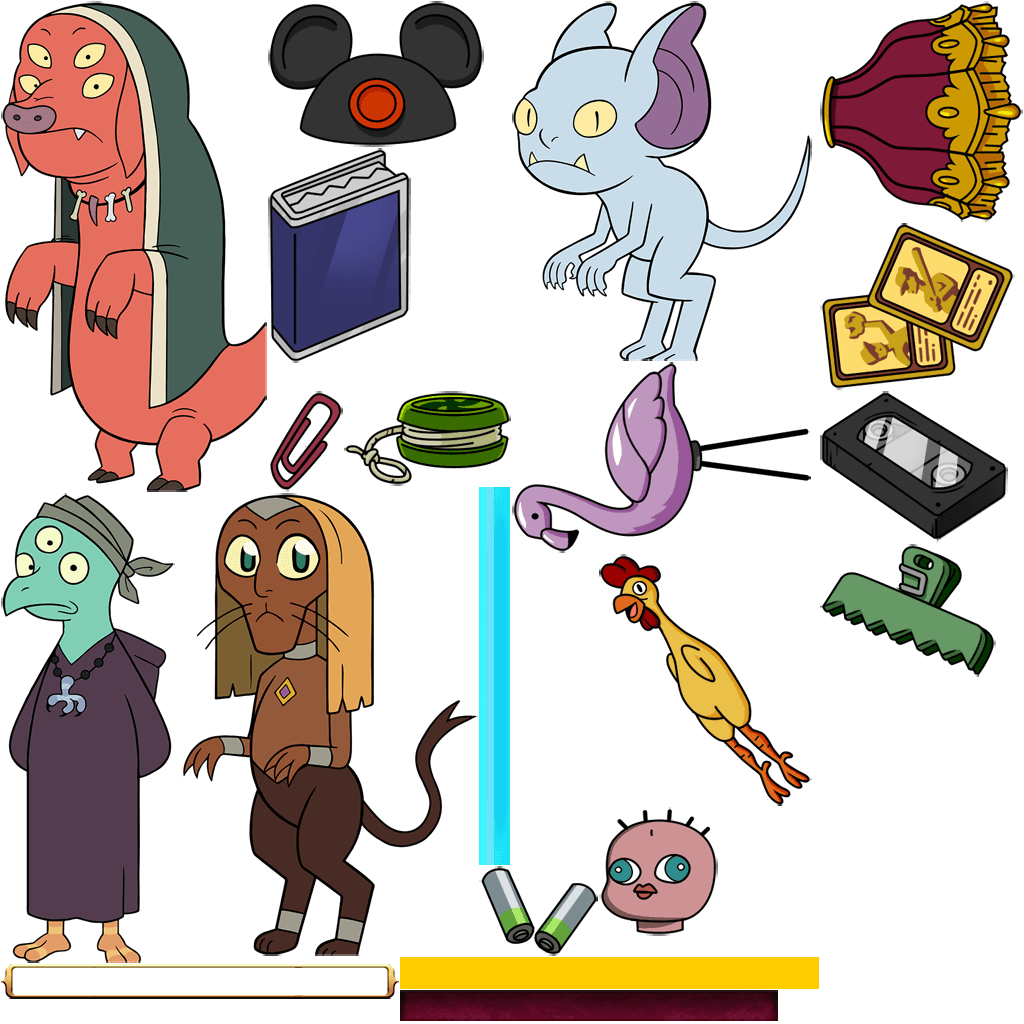
The rest of the shoppers can be found on this sheet, as well as an unused solid yellow bar named "market_meter_fill".
Enemies#
obstacle_jar_1

The jar enemy's sprite sheet contains 3 sprites for a tongue and 3 sprites for that tongue's outline, which are used in an unused "chomp_tongue" animation.
obstacle_jar_2

There is also a entirely unused second jar enemy, complete with an atlas file, bones, and even animations copied and properly adapted from obstacle_jar_1.
obstalces_cauldron

Although this cauldron is fully rigged, animated, and even referred to in the game's code, it never appears in a level. Although it may not look much like an enemy, the game code that refers to this object is the same as the code for enemies that are used in the game. Interestingly, this is the only enemy sprite sheet that starts with "obstacles_" rather than "obstacle_".
obstacles_cauldron_bubble_particle

Bubble particles associated with the above cauldron enemy.
mock_enemy_flier_

If an external program is used to render the game's level data, this sprite will appear wherever a flyer enemy is called to spawn. Because this sprite uses the name "enemy_flier_", any attempt to render it in-game will instead spawn a flier enemy at its position.
NPCs#
king_z

Inside the guard's sprite sheet, there's this cartoon Z. The sprites and animations for King sleeping are stored alongside the guard's files, but this Z isn't used with those animations.
mouth_open

Similarly to king_z, this sprite appears on Eda's sprite sheet, but is not used in any animations.
portal_door

While in-game the portal door is only seen standing open without moving, the sprite sheet contains pieces that could be used to animate the door opening and/or closing.
Parts of Levels#
magic_plant_soil (old)

An alternate version of the pile of soil that ladder plants grow from. This one uses much thicker brushstrokes than the final version.
mock_sign_right

A version of the diagonally-pointing arrow seen in the tutorial that instead points directly forward.
Unused Sounds#
Dialogue Taken Directly from the Show#
Name |
Audio |
Transcript |
|---|---|---|
sfx_eda_quest_complete |
Eda: Nice! |
|
sfx_hooty_finally |
Hooty: Finally, I get to be a part of something! |
|
sfx_hooty_hi |
Hooty: Hi Luz! |
|
sfx_hooty_intro |
Hooty: Hoot hoot! |
|
sfx_hooty_outro |
Hooty: Hoot! |
|
sfx_luz_gasp |
Luz gasping. |
|
A handful of Luz's sound effects are voice lines and sounds ripped directly from the first few episodes, and these unused sound effects follow suit.
Original Dialogue#
Name |
Audio |
Transcript |
Associated quest |
|---|---|---|---|
27_PREF_RPG_LUZ |
Luz: Hang on, one sec. |
Quest 3 |
|
29_PREF_RPG_LUZ |
Luz: Does this mean you'll teach me a spell? |
||
30_PREF_RPG_EDA |
Eda: Something just as good. Here, take this. |
||
37_PREF_RPG_LUZ |
Luz: Hang on, one sec! |
Quest 4 |
|
44_PREF_RPG_LUZ |
Luz: One sec! |
Quest 5 |
|
52_PREF_RPG_LUZ |
Luz: On second thought... |
Quest 6 |
|
67_PREF_RPG_LUZ |
Luz: Hang on. |
Quest 8 |
|
71_PREF_RPG_EDA |
Eda: Sure, whatever. |
Quest 9 |
|
72_PREF_RPG_LUZ |
Luz: You don't have a cauldron? What kind of witch are you? |
||
73_PREF_RPG_EDA |
Eda: No back-talk. Head out into the forest and get me that cauldron. |
||
74_PREF_RPG_LUZ |
Luz: I'll be right back... |
||
84_PREF_RPG_LUZ |
Luz: One sec. |
Quest 10 |
|
91_PREF_RPG_LUZ |
Luz: Hang on. |
Quest 11 |
|
98_PREF_RPG_LUZ |
Luz: Be right back! |
Quest 12 |
|
107_PREF_RPG_LUZ |
Luz: One sec. |
Quest 13 |
|
114_PREF_RPG_LUZ |
Luz: Be right back. |
Quest 14 |
|
121_PREF_RPG_LUZ |
Luz: One sec! |
Quest 15 |
|
129_PREF_RPG_KING_13PCT_PITCH_7PCT_TC |
King: NOO! |
Ending |
|
129_PREF_RPG_LUZ |
Luz: NOO! |
Most of these are simply alternate "cancel" dialogue for various missions that have been replaced by one single "Gimme a sec" that's used in every level, but some are entire conversations that either replaced or just completely cut from the game. All of the game's dialogue is sorted by which level it's played in, giving some hints as to what these unused conversations were intended to be like.
Sound Effects#
Name |
Audio |
Description/Notes |
|---|---|---|
sfx_potion_hit |
Heavy poof sound. |
|
sfx_portal |
Magical whooshing sound. This sound is called to play alongside the portal's entrance animation, but like the portal's animations, this sound effect is never noticeable in-game. |
|
sfx_pickup |
A light "plucking" sound effect, much higher-pitched than the pickup sound effect used in game. According to the original MP3's header information, this sound effect is "phwoop03" from the SoundRangers.com stock sound library. |
|
sfx_mimic_bite |
Clacking and suction sounds. An alternate version of this sound effect, mimic_bite_2, adds a wood creaking sound to the beginning of this sound and is used in-game. |
|
Music/Short stingers#
Name |
Audio |
Description/Notes |
|---|---|---|
sfx_start |
A stinger that sounds similar to the ones often used at the beginning of an episode of the show. |
|
sfx_amiss |
Mysterious-sounding stinger. This stinger is loaded once alongside the title screen music and again alongside the player's sprite, but there isn't any code that plays it. |
|
music_hub_2 |
A background song that turns into a peaceful melody before abruptly cutting off. Like the other songs used in the game, this one is taken from the music of the first episode. |
|
sfx_failed |
A downbeat stinger, possibly an alternate game over sound effect. A pitched-up version of this stinger is used in the first episode of the show. |
|
Unused Code Entry Screen#
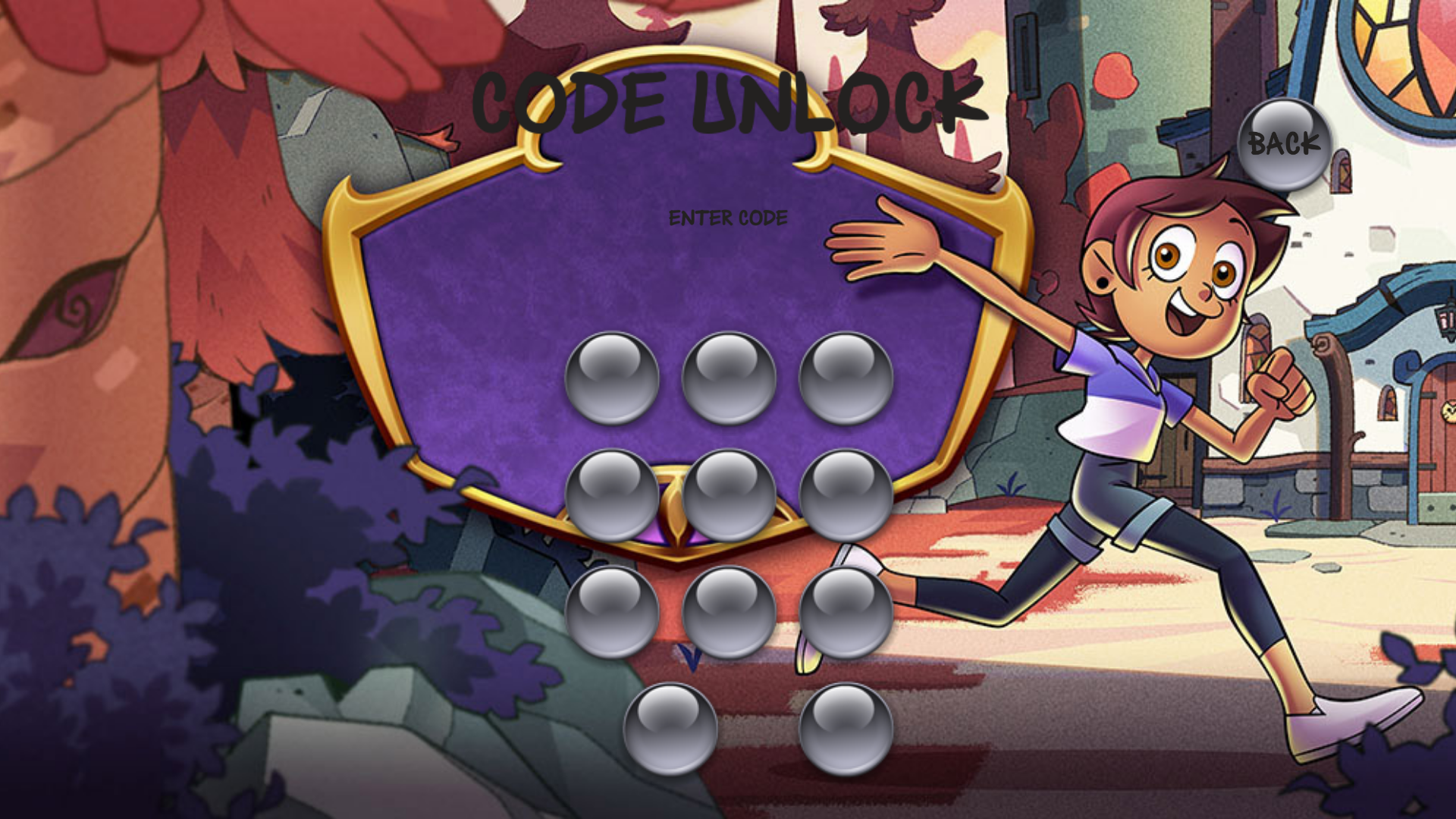
A screen featuring a keypad, with the title screen used as an unfitting background. While there is code in the game dedicated to labeling all of the buttons, due to typos none of these labels actually appear. All of the buttons have no noticeable function beyond animating when pressed, with the exception of the back button, which closes the menu.
Using the keyboard to type codes is also supported, but like the buttons, there's no feedback that this does anything. By using the keyboard to type in the code set in the config.xml file (00000, unless config.xml is manually edited) and pressing ↵ Return, the unused flag BOOL_CODE_UNLOCK will be set to true. The flag will not be set if the same code is entered by pressing on the corresponding buttons.
Debug Content#
Level Test Buttons#
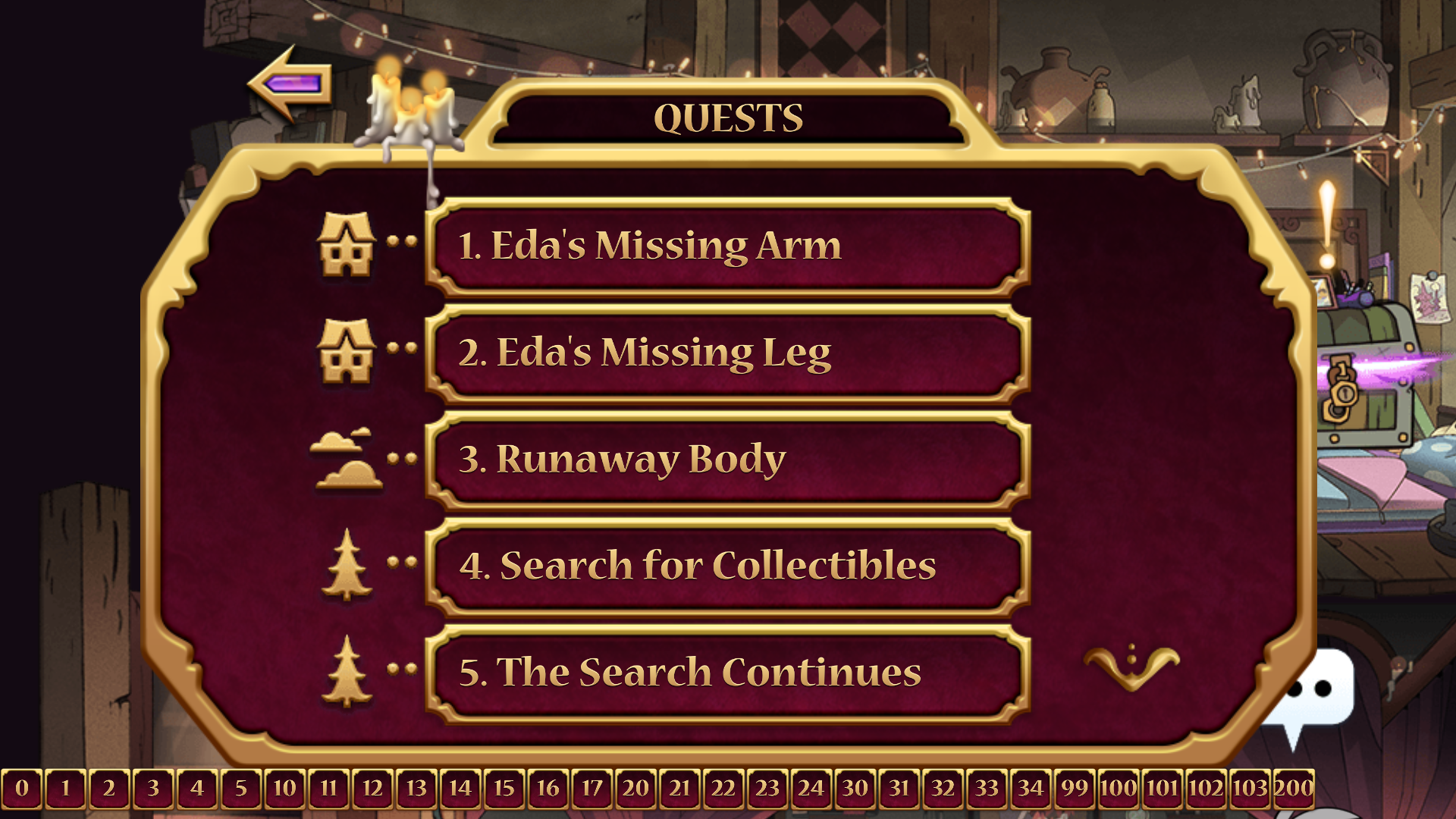
The unused function _CreateLevelTestButtons takes an array of variables as an input and creates a set of buttons that, when clicked, attempts to load a level with an id of the given variable. The game's code does not contain any arrays that could be used with this function, so an array of every level id the game can load has been used to demonstrate its functionality here.
If the level is one that has an objective (that is, any of them other than the hubs), the objective will be the same as the last level played, but the quest description will say "Find Eda's Leg" instead. (If the last level was Runaway Body or Return of the King, the level will have the "reach the door" objective from Traps for King. If the last level was Sell, Sell, Sell, the level will have the "find human collectibles" objective.)
Relic Test Buttons#
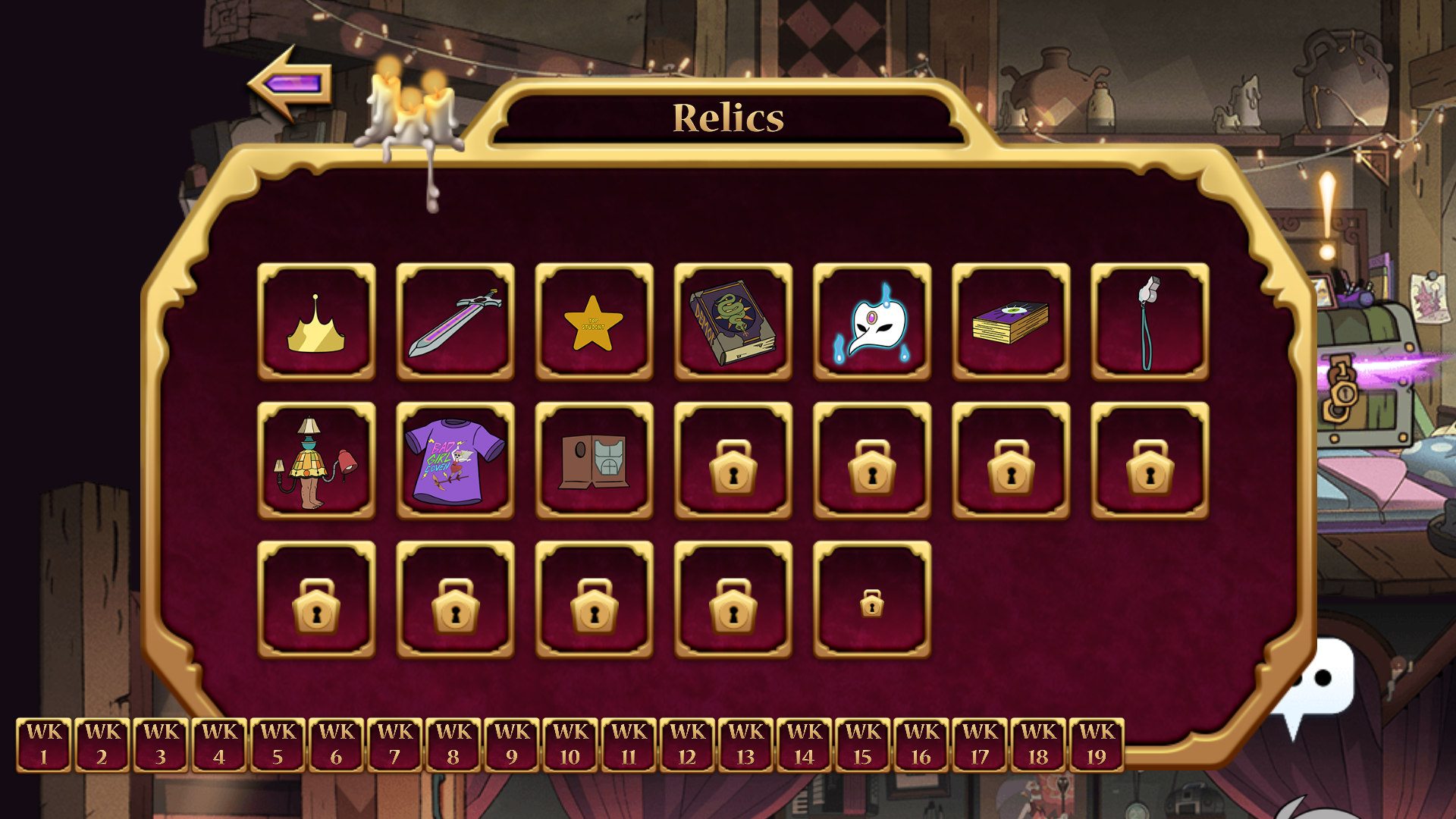
WK 19 button pressed |
WK 10 button pressed |
WK 1 button pressed |
|---|---|---|
 |
 |
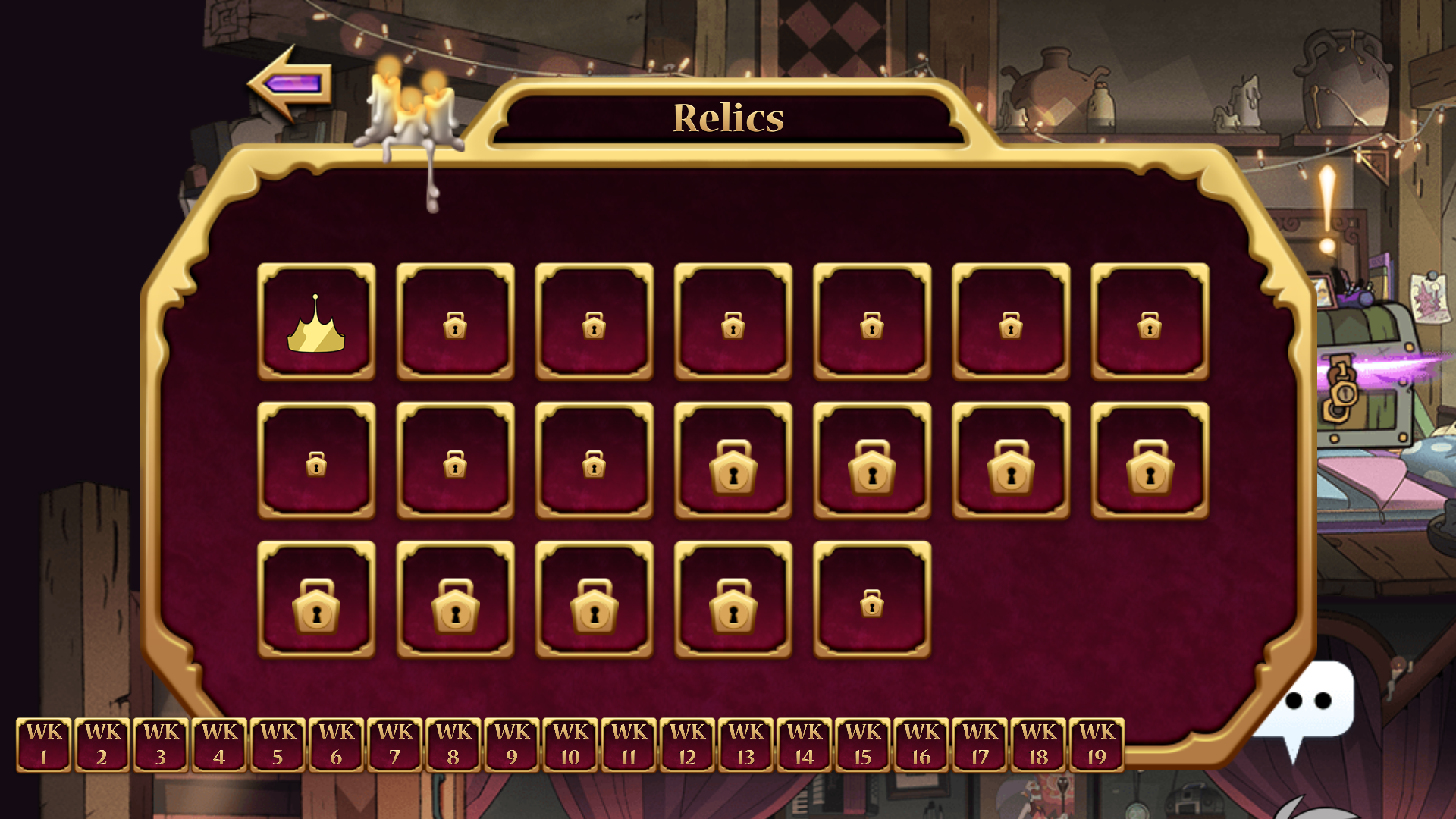 |
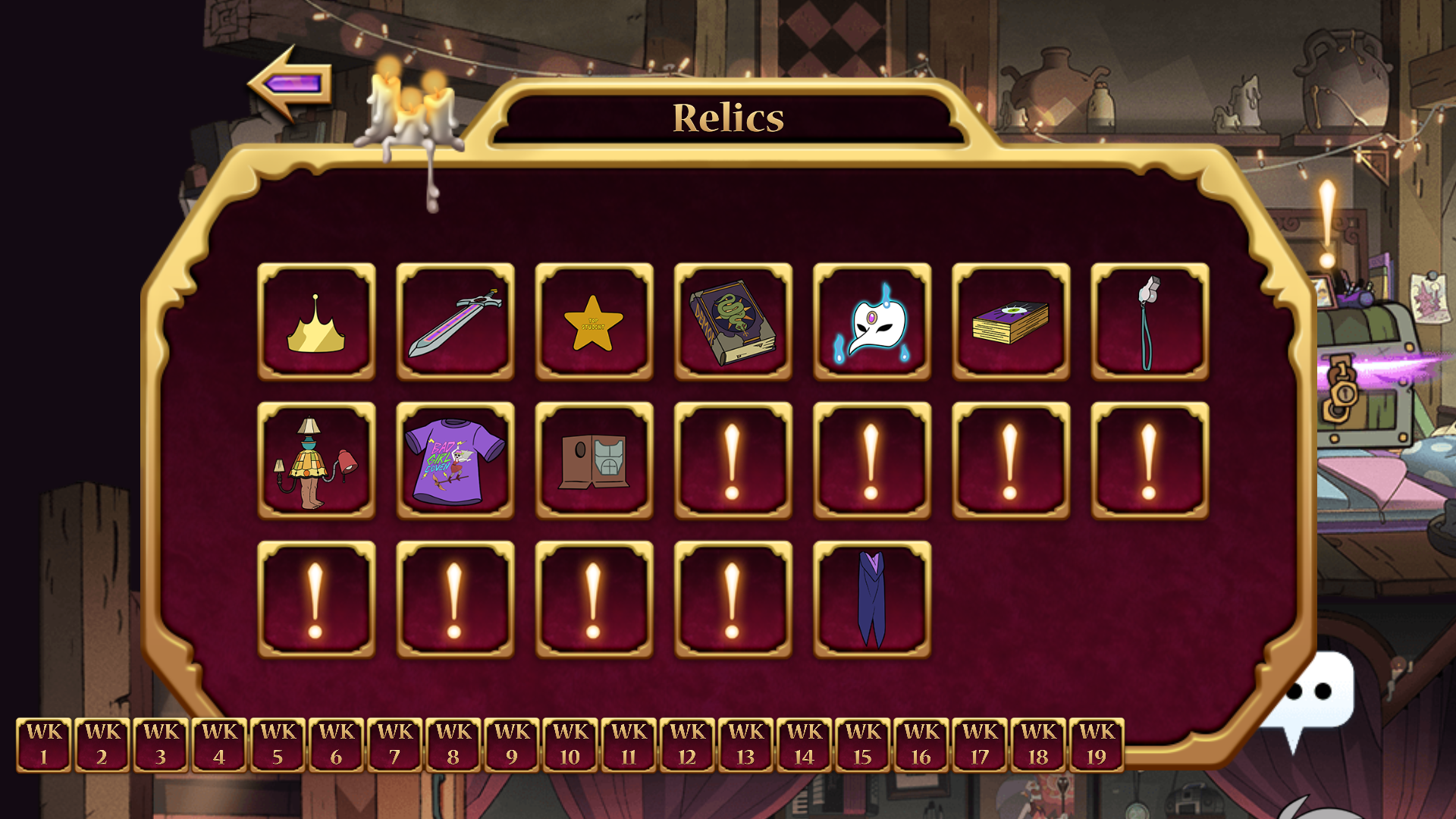
The unused function _onCreateDebugButtons typically crashes the game when called due to setting an nonexistent visibility variable. If the offending line is commented out and the function is called while the relic menu is being loaded, it will create a a set of buttons corresponding to each relic in the game. When one of the buttons is pressed, all relics following that week's relic will become locked as if the system date was before those relics' unlock dates. The improper sizing of some of the lock icons is the result of an oversight caused by the game not accounting for a relic being both locked and already collected.
Debug Screen#
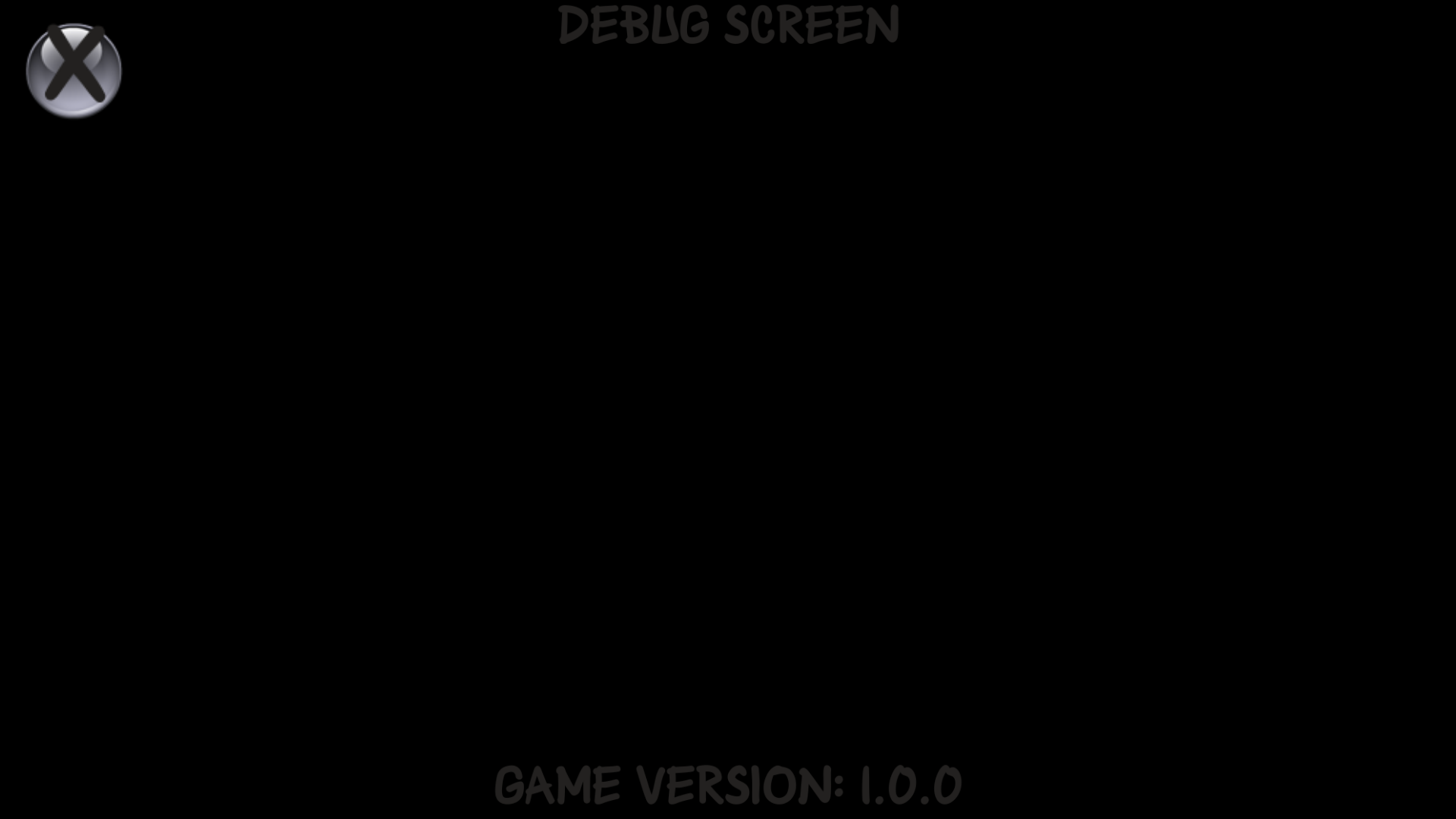
A very barren debug screen. Although the line at the bottom claims that the game version is 1.0.0, The help menu found in-game states the game's version is 1.05.
Sprite Selector#
workinman.DebugSpriteSelector contains a static variable called _ALLOW_DEBUG, setting it to true allows being able to pulling up a window for modifying the transform positions, alpha level and visiblility of a sprite on the fly when clicking on one while holding ⇧ Shift. Only versions less than 1.0.5 can access it.
Debug Panel#
Pressing ⇧ Shift + ~ displays a debug pane for Workinman's HTML5 engine, allowing you to adjust the time scale, show guide boxes, toggle cloud flags, wipe local storage and open the default debug screen. According to the welcome message, the tool is supposed to only be in debug builds. Only versions less than 1.0.5 can access it.
Other Oddities#
Unused Enumerator Values#
Several of the enumerator variables used in the game contain extra states not used in the game.
- INTERACTION_TYPE: Used to track what interaction the player can do in a defined area, such as use items or open the relics menu. Contains the unused value CAPTURE_BOSS, which was likely replaced by TRAP, the next value in the list.
- POWERUP_TYPE: Used to track the item that was just used. While there is a Winged Shoes item to go with the WING_SHOES value, it acts as a simple double jump rather than an item used at special points like the others, leaving this value unused.
- PLATFORMER_STATE: Used to track the states Luz can be in during the game. This one has several unused values.
- UNSET: Presumably intended as an error handler or default value during initialization, but the IDLE state is used for those circumstances instead.
- CRESTING: Based on the fact it's between JUMPING and FALLING, this was likely intended to track when Luz was at the peak of her jump, but the final game has no need to keep track of that particular state.
- KO: Possibly intended for some sort of "knocked out" animation. In the final game, the game over screen instantly appears when the player loses all their health.
- ATTACK: While some of the items could be classified as "attacks" while being used, they all have different methods of tracking when they're in use.
- WALL_ATTACH_L, WALL_ATTACH_R, and DETACHED: No other evidence of any sort of "attaching to walls" mechanic exists in the game's code.
- CLIMBING: Possibly also related to the above "attaching to walls" mechanic, or for climbing something else. Either way, there are no further references to climbing in the code.
- QUEST_TIER: Each quest has a variable to track its "tier," but nothing is done with this value in-game, and every quest is given the INTRO value, while the TIER_1, TIER_2, and FINAL values go unused.
- QUEST_GIVER: Like QUEST_TIER, this variable is tracked but never used, and every quest has the value EDA. Interestingly, while some of the game's quests are given by a guard NPC rather than Eda, the only other possible values for QUEST_GIVER are KING and HOOTY.
- HAND_MOVE_STATE: This variable is used to track the movement state of each hand platform in a level. The hands are constantly in motion as soon as the level starts, leaving the START value unused.
- PICKUP_TYPE: This variable keeps track of the kinds of pickups that can be found in levels. The first unused value, HEALING, is likely an alternate version of the ORB value used for the healing light orb pickups. The other unused value, HEXEM_CARD, is likely connected to the unused test converesation that refers to "Hex-em Hold-em" cards. (This is probably talking about the in-universe game "Hexes Hold 'Em", although it's unclear whether this is a typo or an alternate name that was used during the show's production, as this game was in development before the show aired.)
- ENEMY_TYPE: This variable tracks the different harmful obstacles encountered in the game. Included is a CAULDRON value for the unused cauldron enemy.