 This article has a talk page!
 Prototype Info
 Prerelease Info
 Unused LevelsTest levels, early versions of existing levels and developer-made community levels that died along with the game's servers.
 Unused Text"To put it plainly...he didn't half talk some rubbish, that's why we turned him into sausages."
Unused Costumes#
DATA/ROM/CHARACTER contains a handful of costumes that either aren't used or can't be obtained normally.
LittleBigPlanet 2 Curators#
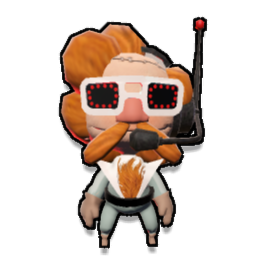
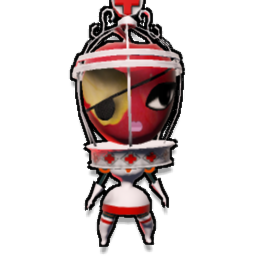
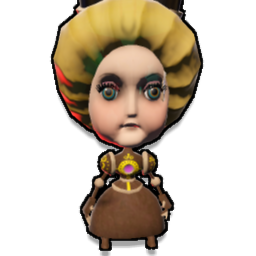
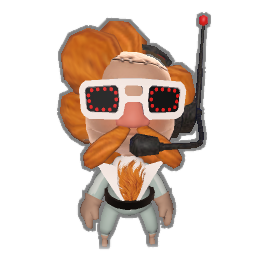
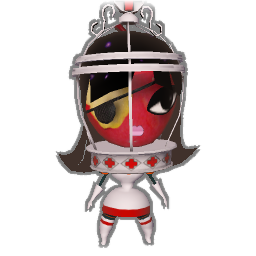
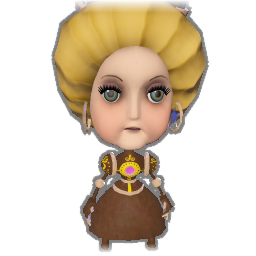
AVALON_CHAR_0000047F, EVE_CHAR_00000487 and VICTORIA_CHAR_00000400 are costumes of Avalon Centrifuge, Eve Silva Paragorica and Victoria von Bathysphere respectively, which are all characters from LittleBigPlanet 2. These characters are referenced in this game's Story Mode, but their costumes are never given out. Below are all of the icons associated with these costumes.
AVALON_CHAR_0000047F |
EVE_CHAR_00000487 |
VICTORIA_CHAR_00000400 |
|---|---|---|
 |
 |
 |
 |
 |
 |
 |
 |
 |
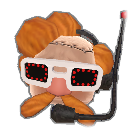 |
 |
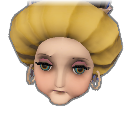 |
Unused Hoard Variants#
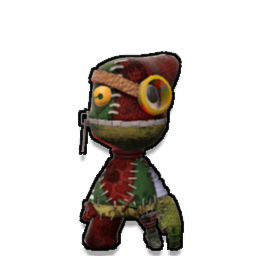
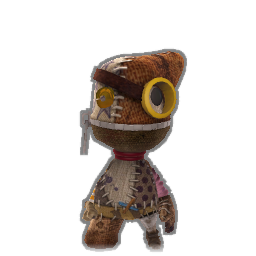
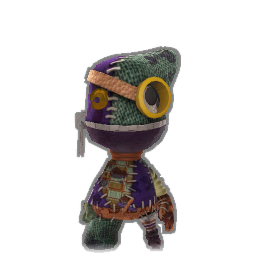
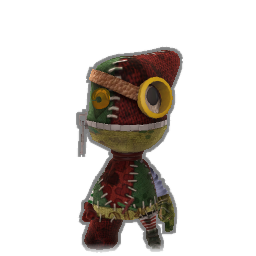
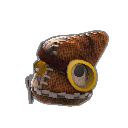
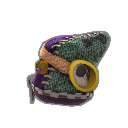
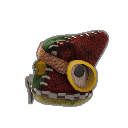
There are three unused variations of the Hoard characters, being HOARDCHAR_0000040B, HOARDCHAR03_00000550 and HOARDCHAR04_000004FA. While these variants can be seen in the opening FMV and certain tutorial videos, they do not appear anywhere in-game, either in Story Mode or in user-made levels where the Hoard are set to spawn. Below are all the icons associated with these variants.
HOARDCHAR_0000040B |
HOARDCHAR03_00000550 |
HOARDCHAR04_000004FA |
|---|---|---|
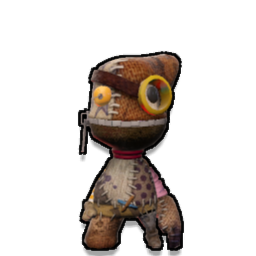 |
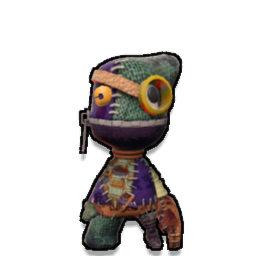 |
 |
 |
 |
 |
 |
 |
 |
 |
 |
 |
Unused Karts#
MAXKART#
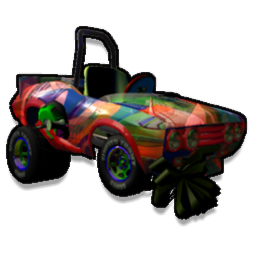
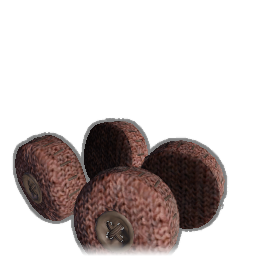
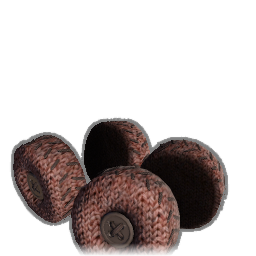
DATA/ROM/VEHICLE/MAXKART contains files for five unused Karts. Their icons depict recoloured vehicle parts from ModNation Racers, however, the "SMALL" icons either show disembodied wheels, floating steering wheels or are effectively blank images. Attempting to load any of these karts causes the game to crash, likely due to them relying on nonexistent assets.
MAX0_00000010 |
MAX1_00000011 |
MAX2_00000041 |
MAX3_00000043 |
MAX4_00000065 |
|---|---|---|---|---|
 |
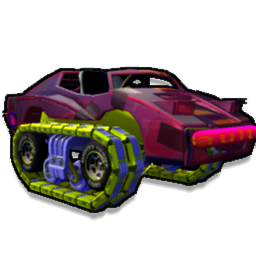 |
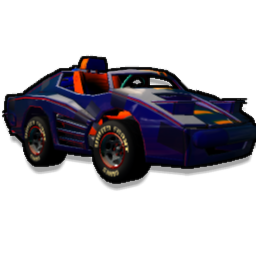 |
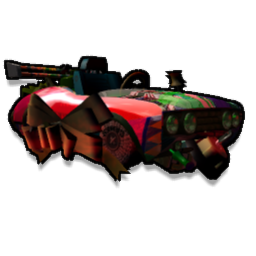 |
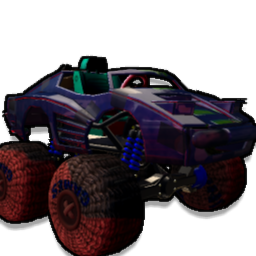 |
 |
Blank Image |
Blank Image |
 |
 |
Shopping Cart#
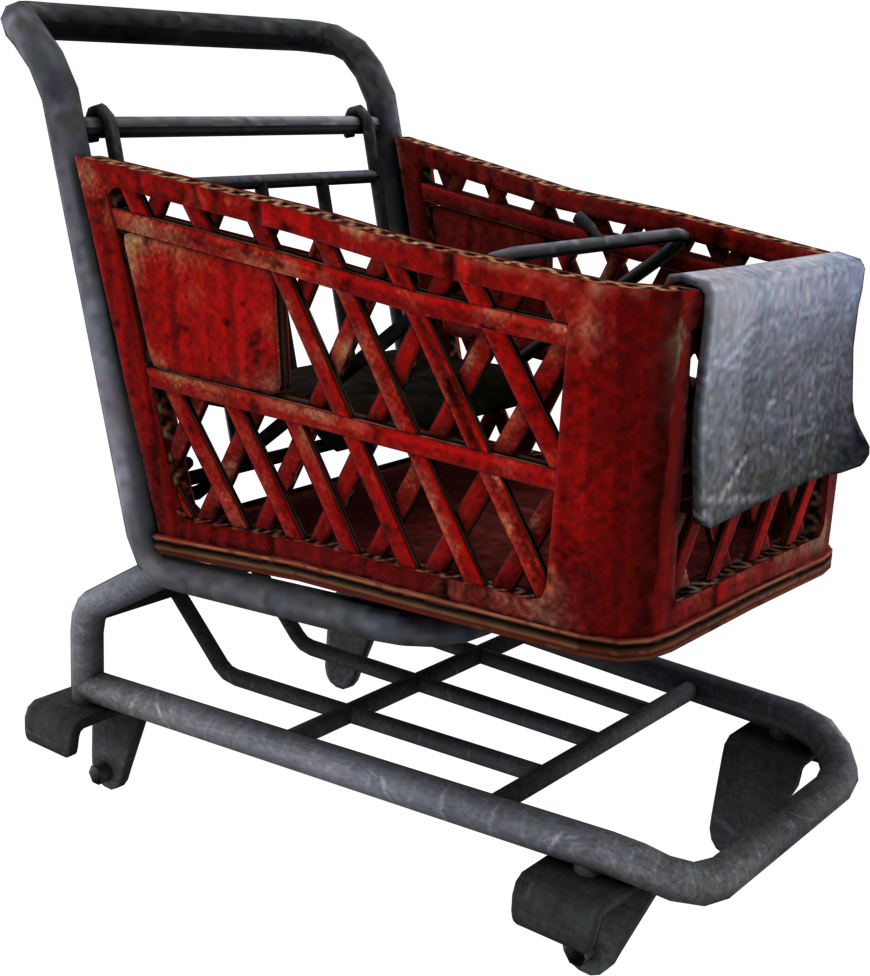
Models for a cardboard shopping cart can be found in DATA/CREATE/KART/KARTMODELPACKSTREAMING.BIN. Of the three unused kart bodies, this is the only one that has a database entry in DATA/PARTDB/PARTS.BIN. There are no models or textures for alternate suspension types.
Popit Icon |
Model Render |
|---|---|
 |
 |
Tag's Kart#
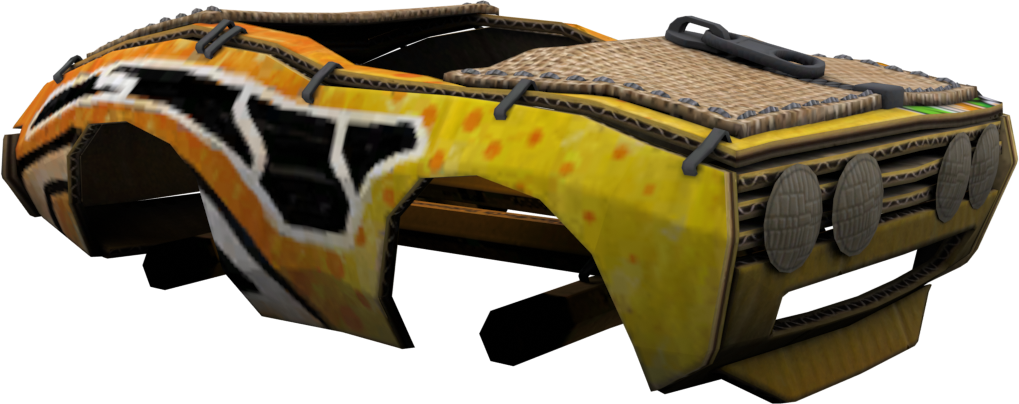
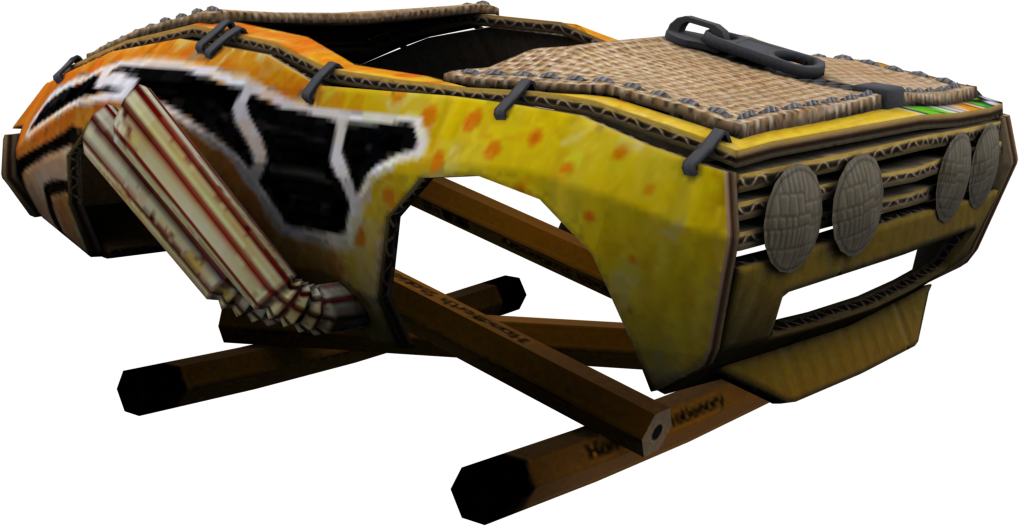
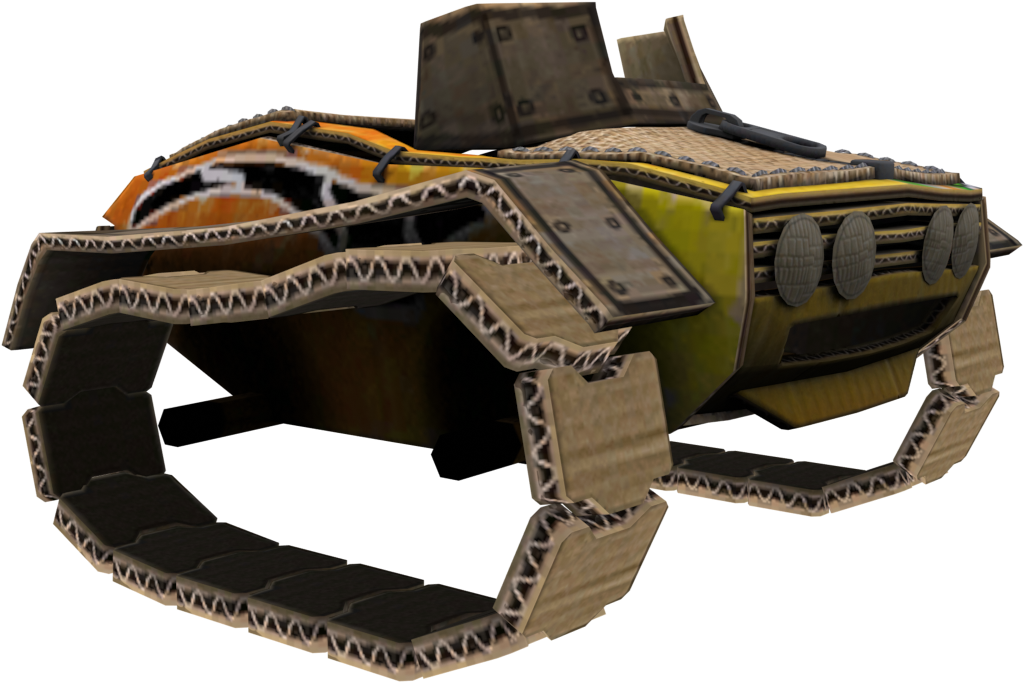
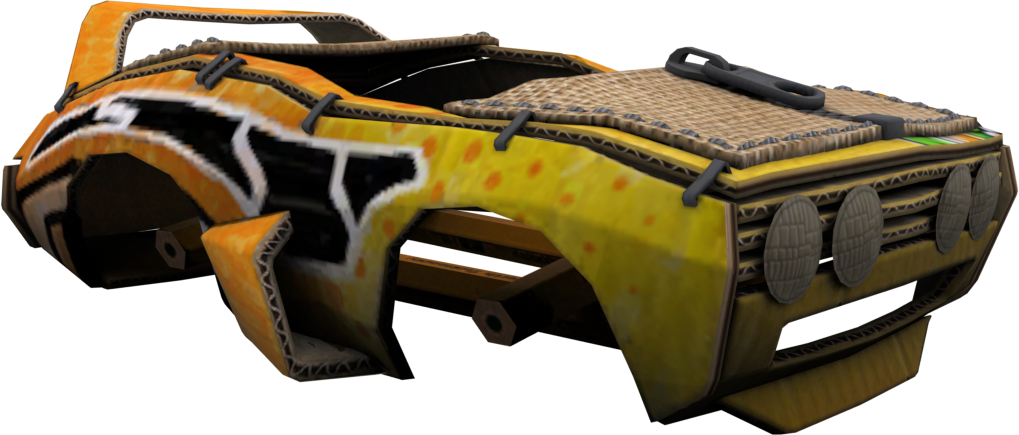
DATA/CREATE/KART/KARTMODELPACKSTREAMING.BIN contains models for a kart body based on Tag's Kart from ModNation Racers. While models, icons and textures exist for all six suspension types, there are no shadow textures associated with it; a black square will appear underneath the kart in the Pod and in pre/post race cutscenes.
This kart can be seen in at least two pieces of prerelease media; in the announcement trailer, the bonnet can be seen briefly in what appears to be an early version of Craftworld GP. The kart's Monster Truck form can also be seen in an early version of Sugar Rush in the E3 trailer.
Suspension Type |
Popit Icons |
Model Renders |
|---|---|---|
Stock |
 |
 |
Dragster |
 |
|
Low Rider |
 |
|
Monster Truck |
 |
 |
Tank |
 |
 |
Hover |
 |
 |
Ice Cream Truck#
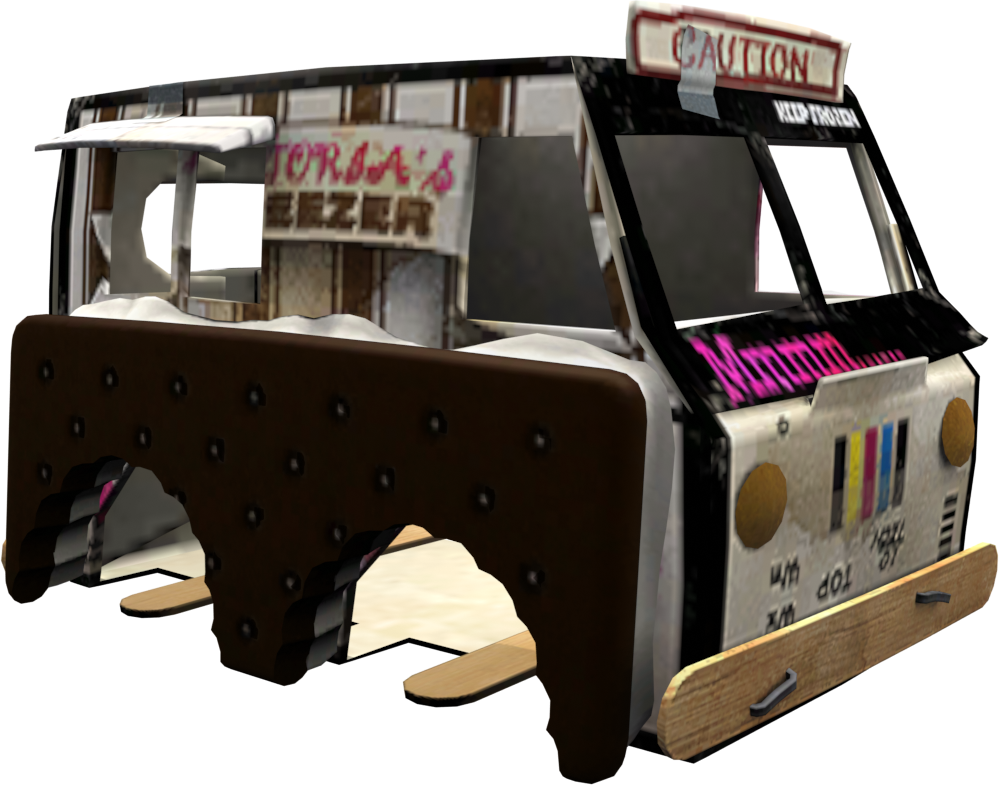
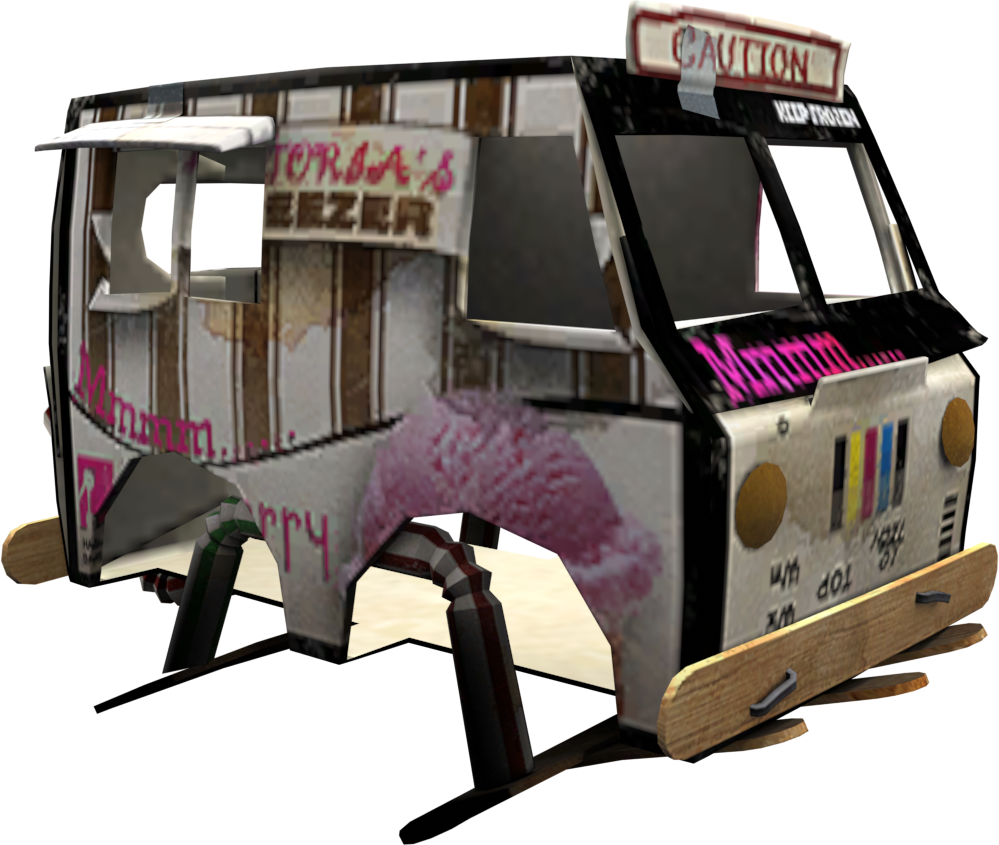
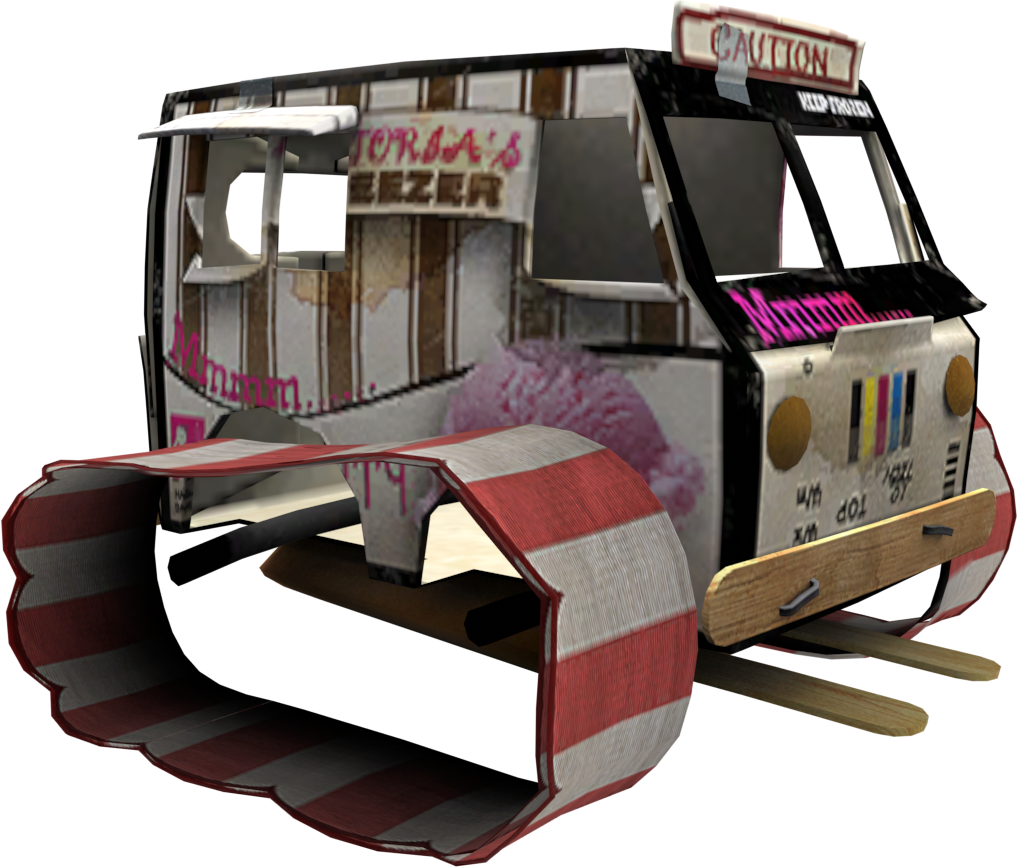
An ice cream truck kart body can be found in DATA/CREATE/KART/MDOELPACKSTREAMING.BIN. This was intended to be a Media Molecule themed pre-order bonus, as evidenced by a CLIENTDRM.XML file in the Press Kit Sample Code prototype. Models exist for every suspension type, though the tank doesn't appear to have an icon associated with it. There are no shadow textures for this kart, so a black square appears underneath it in the Pod and in pre/post race cutscenes.
Suspension Type |
Popit Icons |
Model Renders |
|---|---|---|
Stock |
 |
 |
Dragster |
 |
|
Low Rider |
 |
|
Monster Truck |
 |
 |
Tank |
No icon |
 |
Hover |
 |
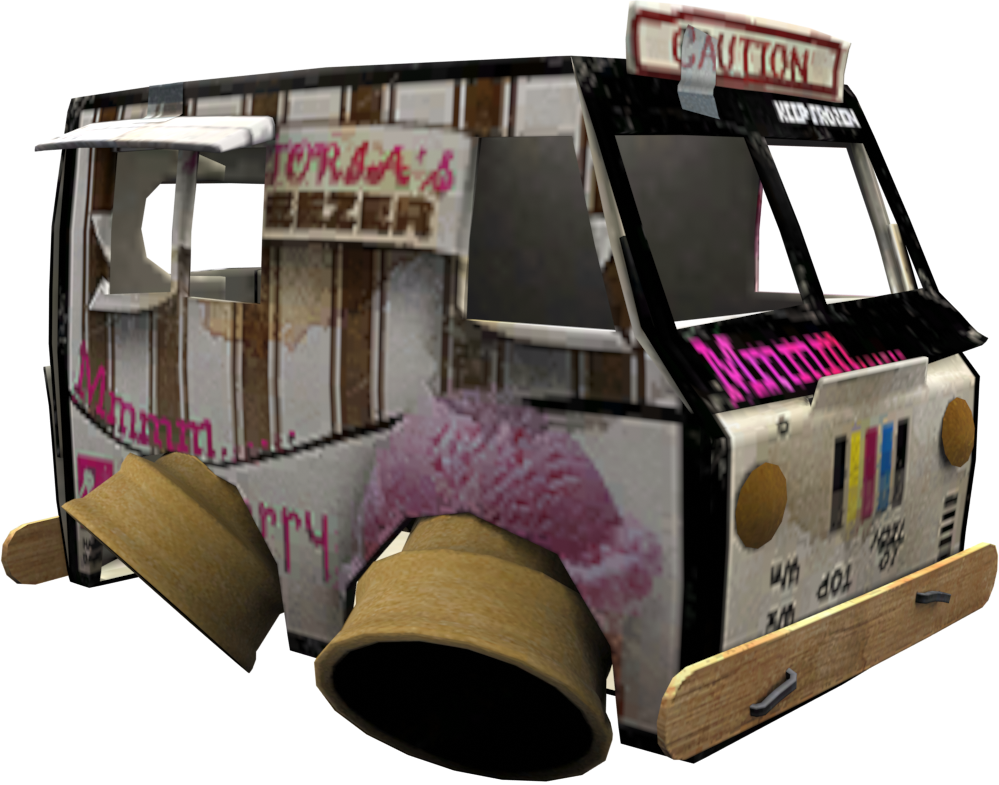 |


The Ice Cream Truck also has a unique cone seat and cherry wheel associated with it, which also go unused.
Unreleased Kart Parts#
Kart pieces which aren't necessarily unused themselves, but which cannot be selected on their own.
Wheel_SnapButton#

A brass snap button. These are used in their Monster Truck form on the Hoard Copter, but are otherwise not given the player; the Popit icon for this wheel goes unused as a result. If DATA/PARTDB/PARTS.BIN is modified to make them selectable, they will work with most other kart bodies and suspension types, but will turn invisible when switching to the Hover suspension.
Emergency Services Wheels#


In the Emergency Services Karts Pack, the only kart whose wheels are available separately is the Police Car; the wheels belonging to the Ambulance, Fire Truck, and Sea Rescue Dingy are equipped when selecting those karts, but are not selectable on their own from the Kart Parts section of the Popit. While they mostly work on other kart bodies, switching to the Hover suspension type reveals that they were not created with other kart bodies in mind, either turning invisible due to lacking an appropriate model, or in the case of the Fire Truck, using a non-standard model that disconnects the "wheel" from its intended attachment point.
Tron Karts Pack Wheels#

The Light Runner from the Tron Karts Pack uses a unique set of wheels that cannot be used on other kart bodies; its Popit icon also goes unused because of it. If the game is modded to add the Light Runner Wheel to the Kart Parts menu, they can be used on other kart bodies, though they will turn invisible when using the Monster Truck or Hover suspension types.
The two Light Cycles from the same pack use a special set of wheels that render them practically invisible. If added to the player's Popit, the wheels have no icon and use the placeholder name "Wheel_LightCycle".
Unused Objects#

|
To do: |
DATA/ROM/OBJECTS contains what are referred to in-game as "Team LBP Objects" — a collection of prefabs which were made by the developers using the in-game tools, and then saved for later use. Many of these are used throughout Story Mode or are part of the stock weapon pool, but a few of them go unused.
Each object is comprised of four files: a .CM2 file containing the object's metadata, a .TOB file which contains the object itself (this is what gets loaded when selecting a captured object in the Goodies Bag) and two .PNG icons in different sizes (256x256 and 128x128).
Icon |
Internal Label |
Notes |
In-game Screenshot |
|---|---|---|---|
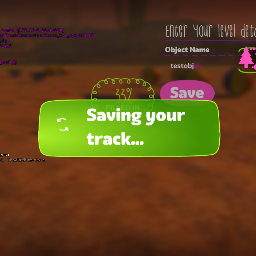 |
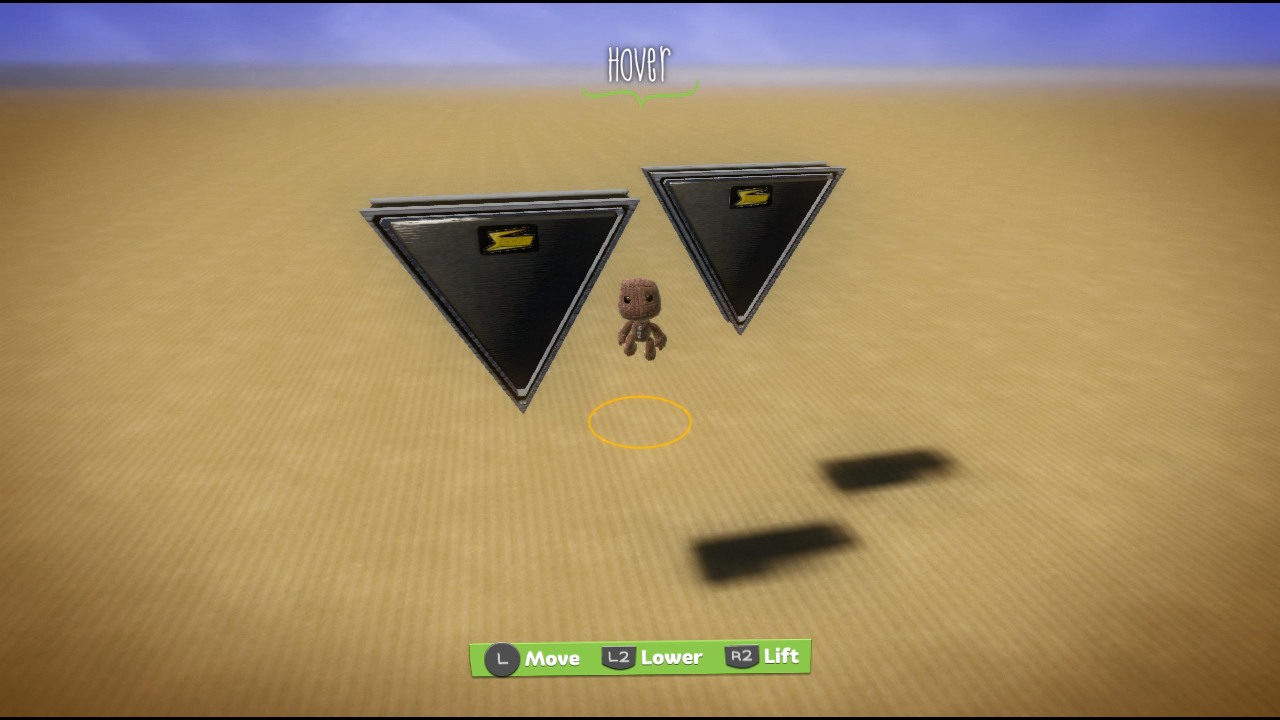
TESTOBJ_0000031A |
A pair of triangular speaker objects. The icon is more interesting than the object itself, as it depicts an early level save screen with the Canyons background. |
 |
 |
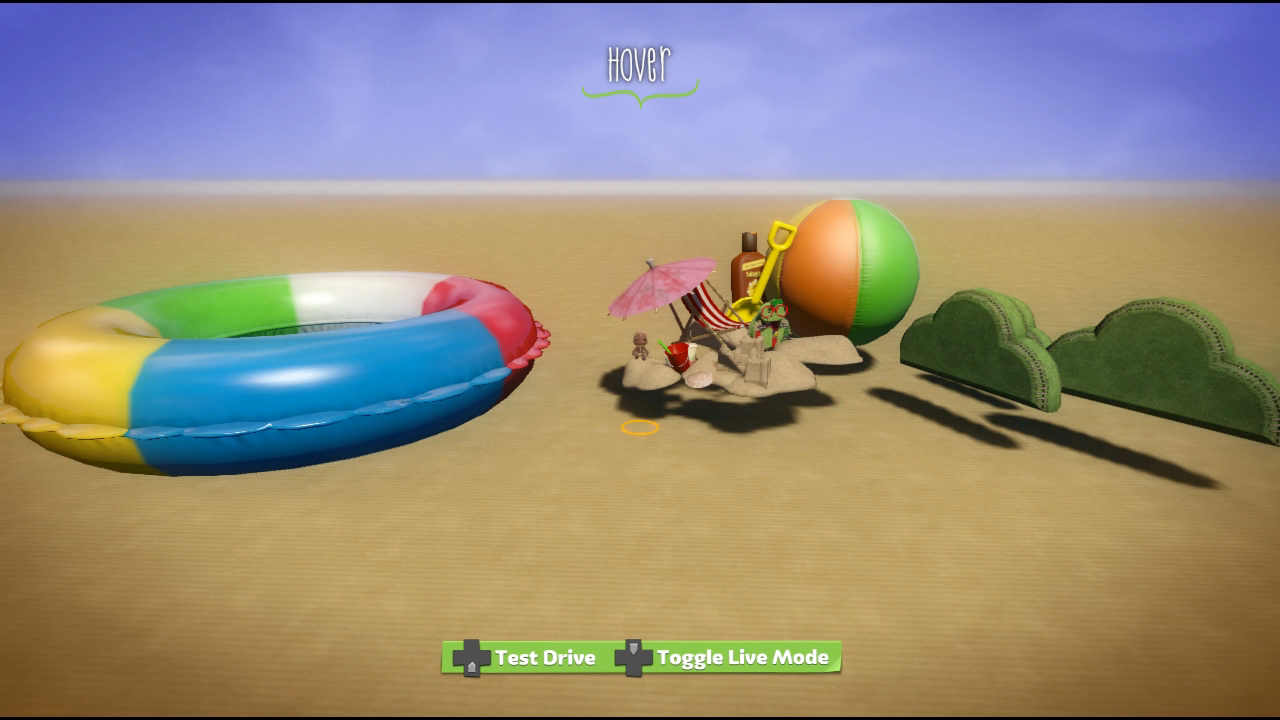
GENERIC_RAYSET1_00000EBC |
A group of props from Monster Islands with Ray the Turtle smack in the middle. The inflatable ring is attached to a Piston Motor, causing it to bob up and down as if it were floating on the water's surface. The arrangement of props is loosely based on the set seen in Turtle Island's pre-race cutscene. |
 |
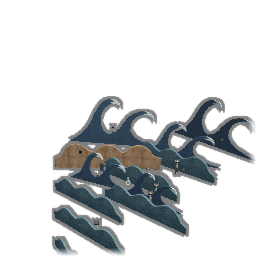 |
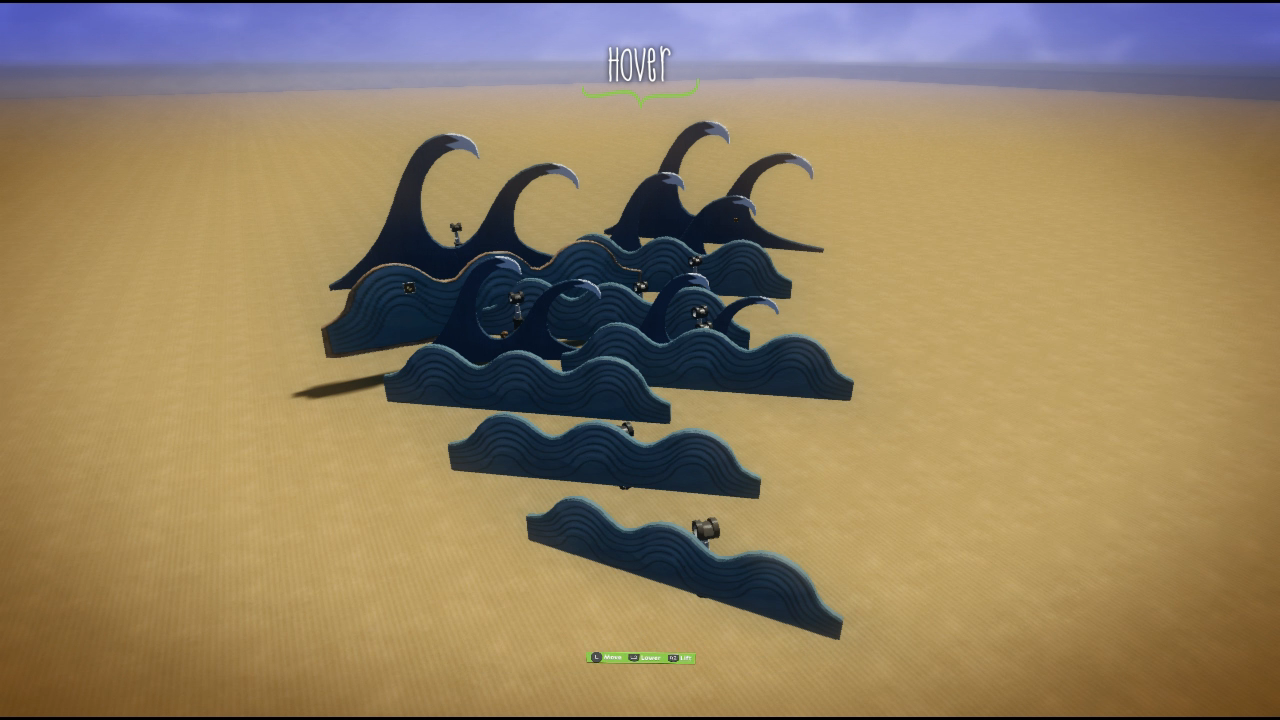
GENERIC_RAYSET2_00000F2F |
A set of wave objects that bob up and down. May have been used as the basis for the rolling waves seen throughout Monster Islands' levels. |
 |
 |
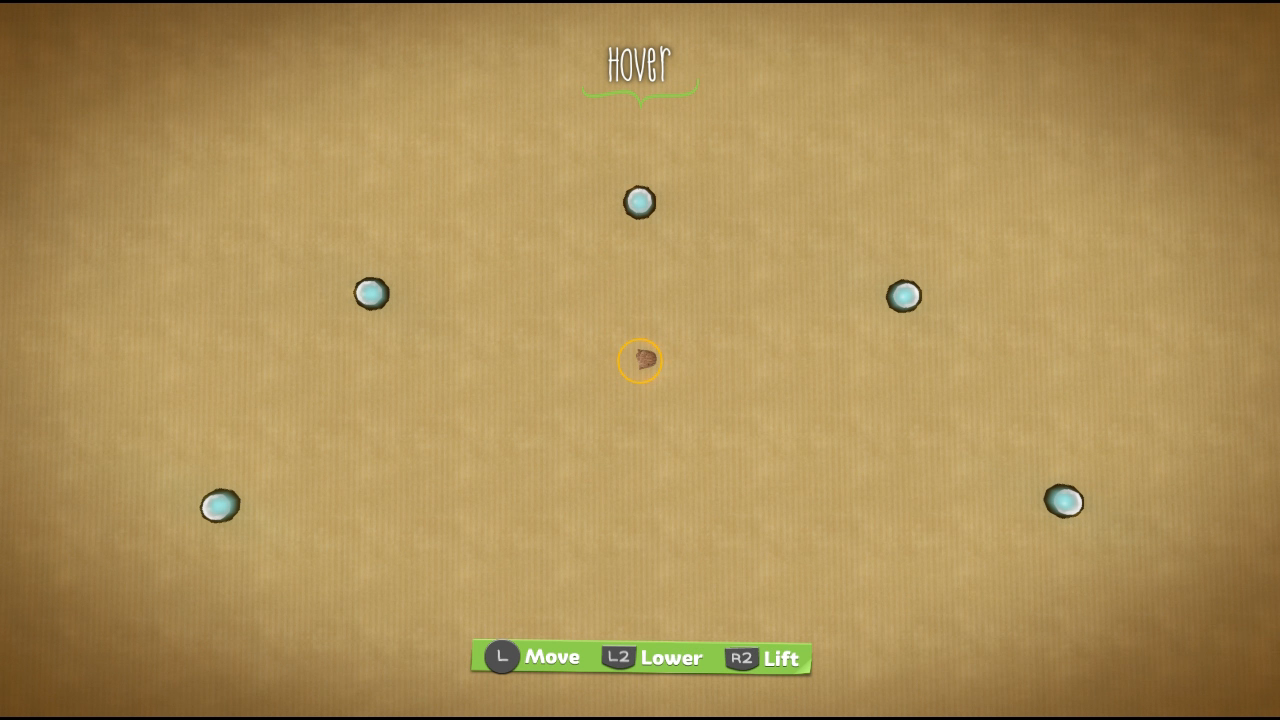
GENERIC_SCORE_5XHAIRPIN_00000F93 |
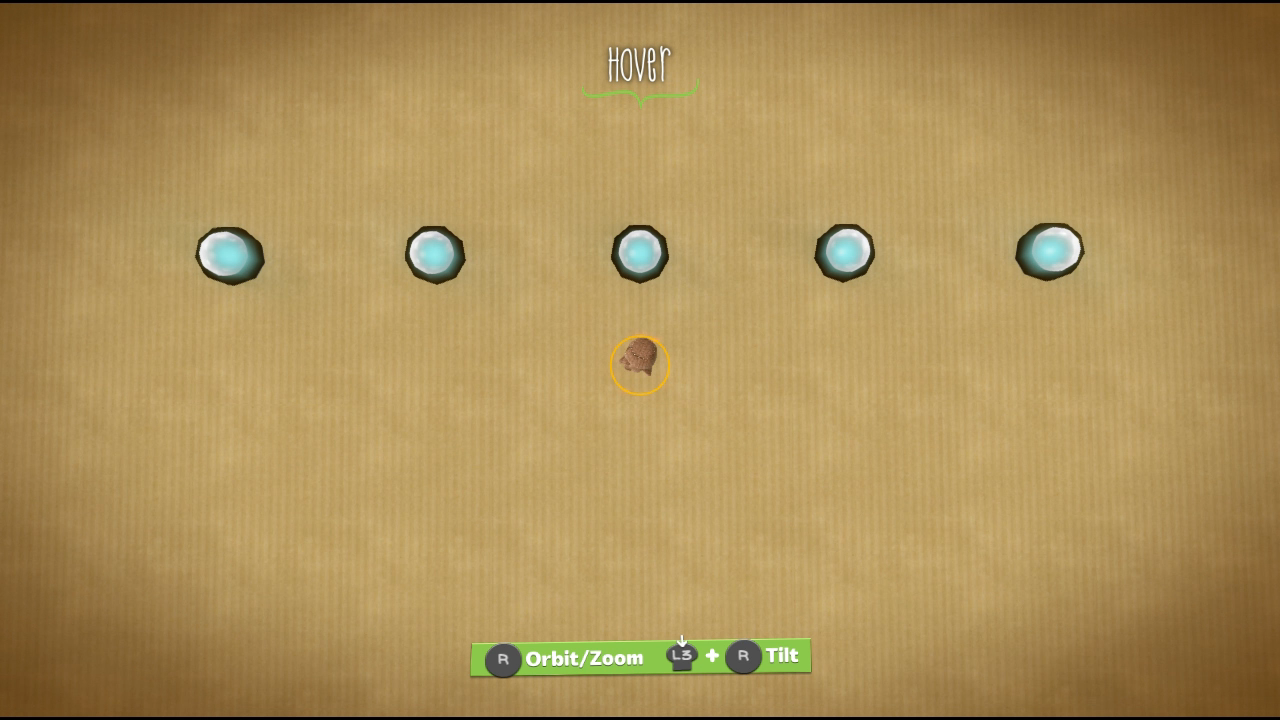
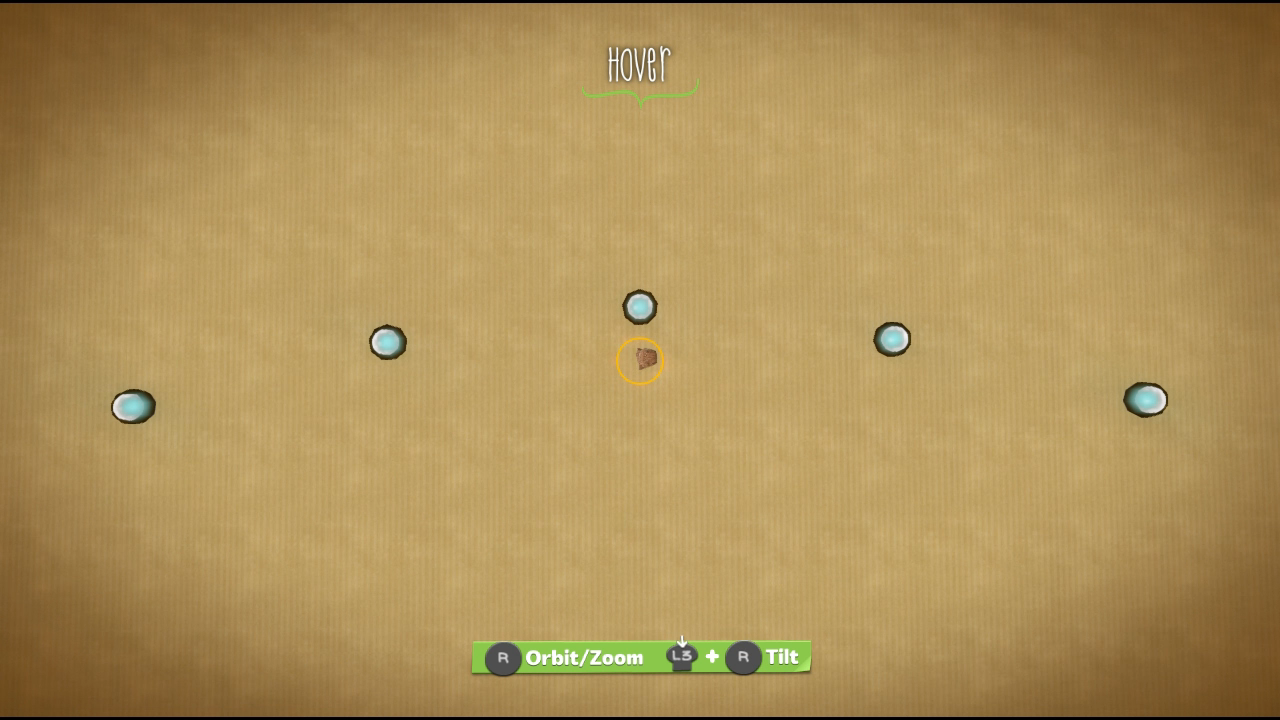
Various sets of Score Bubbles in different configurations. Mostly different sizes of the Score Bubble objects that are given out. Not a lot to say about these, really. |
 |
 |
GENERIC_SCORE_5XLINELONG_00000EFA |
 |
|
 |
GENERIC_SCORE_5XSOFTCORNER_00000DB8 |
 |
|
 |
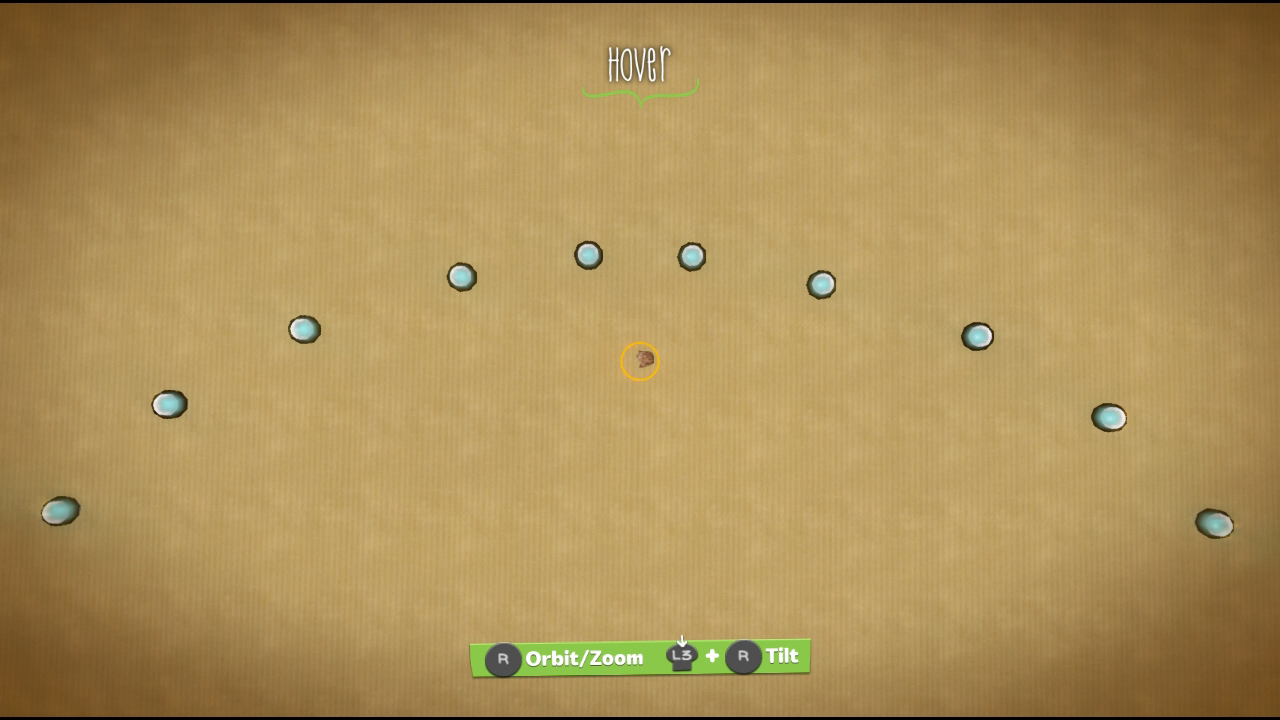
GENERIC_SCORE_10XCORNER_00000DAD |
 |
|
 |
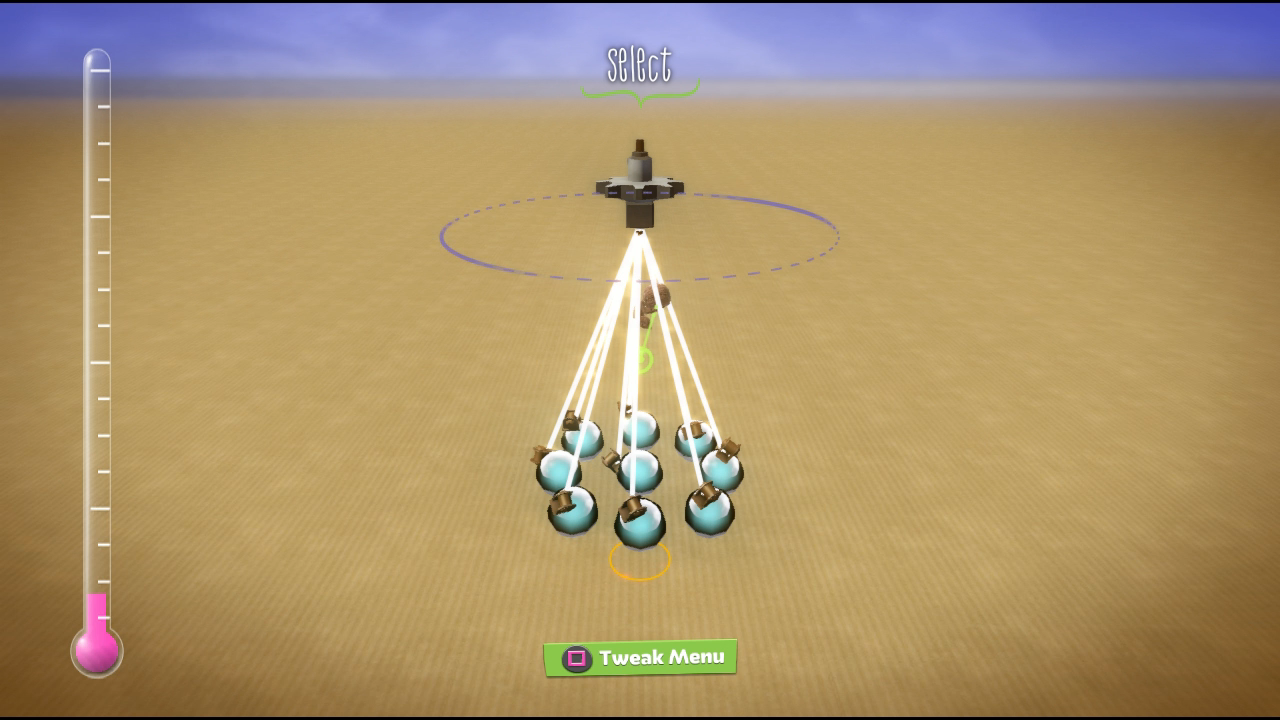
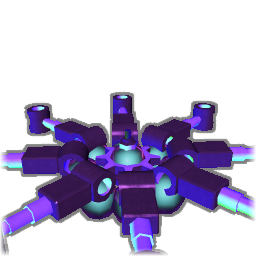
GENERIC_SCORE_X9RING_00000E70 |
Nine Score Bubbles arranged in a ring, all of which are attached to a Rotate Motor, causing them to spin. |
 |
 |
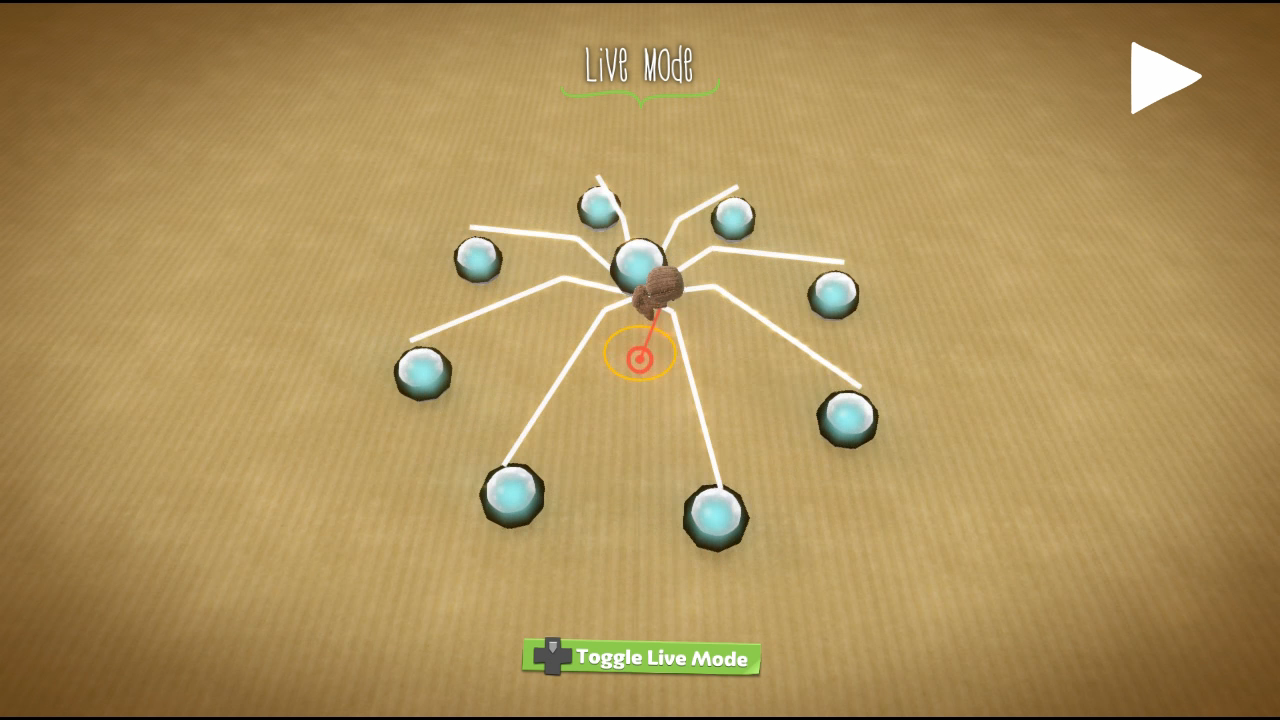
GENERIC_SCORE_9XRINGEXP_00000E37 |
Nine Score Bubbles arranged in a ring. The outer eight bubbles are attached to Piston Motors, which in turn are attached to a Rotate Motor — in effect, the bubbles rotate in a ring that slowly expands and contracts. For whatever reason, the outer eight bubbles are pinned to the terrain, which can be observed whilst moving the group with the Popit Cursor; the centre one is not pinned. |
 |
Weapons#
Icon |
Small Icon (if different) |
Internal Label |
Tweak Differences (if any) |
|---|---|---|---|
Unused |
Used |
||
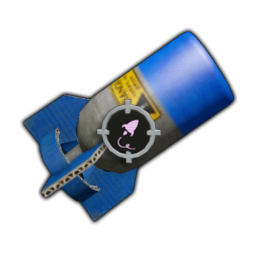 |
 |
WEAPON_LEADERATTACK2_00000DA8 |
Flight Mode
Physics
|
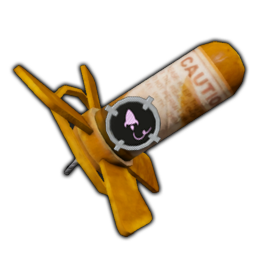 |
Same as large version |
WEAPON_MULTIMISSILE2_00000EB7 |
Physics
|
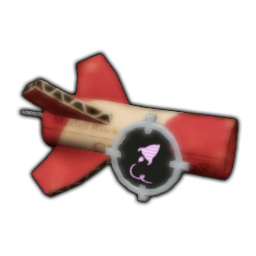 |
Same as large version |
WEAPON_SEEKINGMISSILE2_00000E9F |
Physics
|
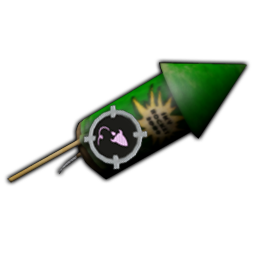 |
Same as large version |
WEAPON_STRAIGHTMISSILE2_00000E5C |
Physics
|
Weapon .TOB Backups#
On top of the used weapons that exist as separate objects, many of the used weapons have backups of their .TOB files, which contain early versions of their respective weapons.
Weapon |
.BAK Filename |
Tweak Differences (if any) |
|
|---|---|---|---|
Unused |
Used |
||
Shockwave |
WEAPON_BATTERINGRAM_00000DD1.TOB.BAK |
Physics
|
Physics
|
Boxing Glove |
WEAPON_AUTOPILOT_00000DE6.TOB.BAK |
Physics
|
Physics
|
Blue Rocket |
WEAPON_BATTERINGRAM_00000DD1.TOB.BAK |
Type
Visuals
Stun Type
|
Type
Visuals
Stun Type
|
WEAPON_BOOST_00000E2A.TOB.BAK |
Visuals
|
Visuals
|
|
Battle Red Seeker |
WEAPON_FLASHLIGHT_00000DE8.TOB.BAK |
Identical |
|
Leader Seeker |
WEAPON_LEADERATTACK_00000F72.TOB.BAK |
Flight Mode
|
Flight Mode
|
Lob Bomb |
WEAPON_LOBBEDBOMB_00000DC0.TOB.BAK |
Identical |
|
Lobbed Bomb Area Effect |
WEAPON_AE_LOBBEDBOMB_00000E17.TOB.BAK |
Type
|
Type
|
Mine |
WEAPON_MINE_00000EFD.TOB.BAK |
Identical |
|
Triple Mine |
WEAPON_MINE_00000EFD.TOB.BAK |
Identical |
|
Flash Bang |
WEAPON_MULTIMISSILE_00000E6A.TOB.BAK |
Identical |
|
Fast Forward |
WEAPON_PORTAL_00000E23.TOB.BAK |
Identical |
|
Paintinator |
WEAPON_RAPIDFIRE_00000F59.TOB.BAK |
Visuals
|
Visuals
|
Red Seeker |
WEAPON_SEEKINGMISSILE_00000F3A.TOB.BAK |
Identical |
|
Lightning Bolt |
WEAPON_SNIPERMISSILE_00000EA5.TOB.BAK |
Physics
|
Physics
|
Straight Shot |
WEAPON_SEEKINGMISSILE_00000F3A.TOB.BAK |
Physics
|
Physics
|
VS Level Cutscene Remnants#
Most levels along the main path of Story Mode (with the exceptions of Karting Lessons, On the Wormpath, and The Garage at the End of the Craftverse) have Versus variants intended to be played against other human players. To better accommodate an online multiplayer experience, these levels have been modified from their normal main path versions, removing all Score and Prize Bubbles, as well as any pre or post race cutscenes. A handful of Versus levels still contain remnants of their respective cutscenes, which can be found by loading them in Create Mode.
Garden Grip VS#
Watch on YouTubeGarden Grip VS contains most of the logic for the opening cutscene (attached to one of the towers at the start line) and the paths that the AI actors are meant to follow, however, all of the Movie Spawn Points and cutscene specific props (the Queen, the cows, etc) are missing. The 'Queen of Craft' music that normally plays when the Queen appears is also absent. It is possible to view what's left of this cutscene by loading the level in Create Mode and unchecking the "Cinematics Disabled" option on the Gameplay Settings page of Global Settings.
Mine the Gap VS#
Watch on YouTubeMine the Gap VS contains the cutscene's Sequencer (located behind the Scoreboard area), but the Movie Spawn Points and cutscene specific props are absent. Again, the cutscene can be viewed by unchecking the "Cinematics Disabled" option in the level's Gameplay Settings.
Turtle Island VS#
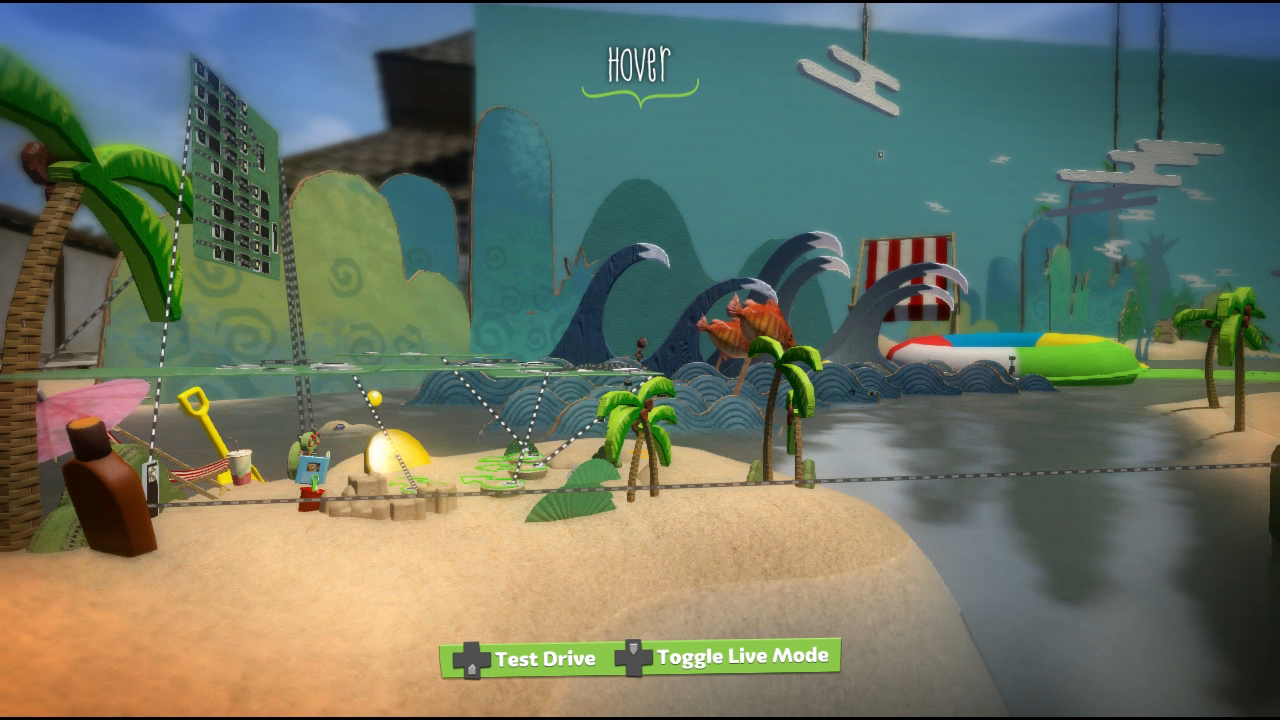
Turtle Island does not contain the pre-race cutscene's logic, however, some of the props, paths and Movie Spawn Points are still present. The backdrop from the opening shot, as well as Ray's island are present, but both of these get destroyed when the race begins.
Huge Spaceship VS#
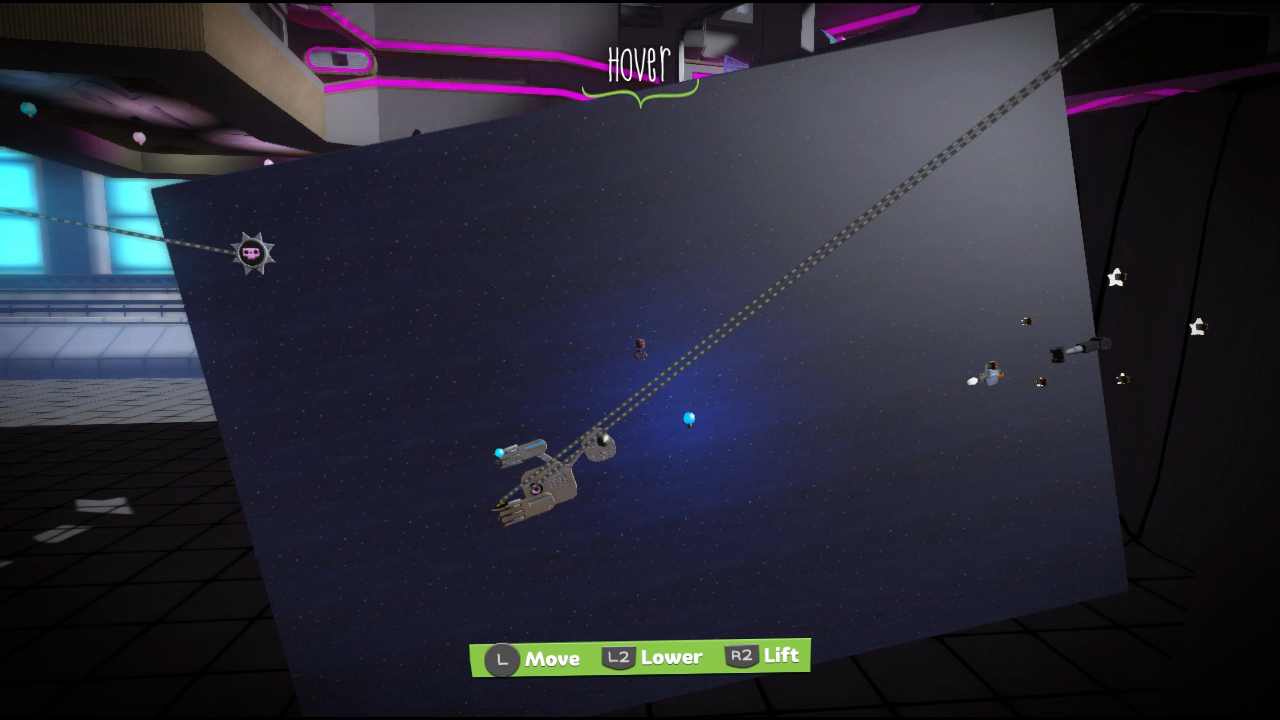
Huge Spaceship VS only contains one remnant of its post-race cutscene: the small set showing Huge Spaceship flying to the Space Bass. The rest of the cutscene's objects and logic are nowhere to be found.
Lost in Bass VS#
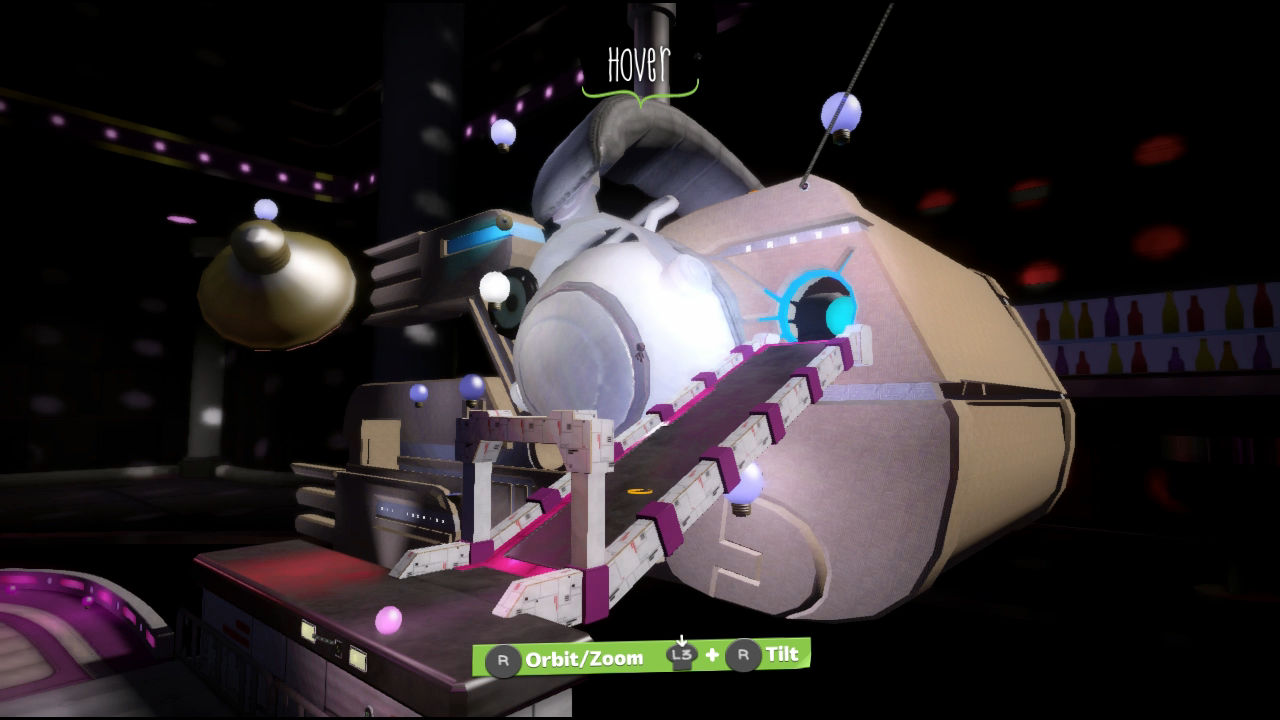
In the opening cutscene for Lost in Bass, Huge Spaceship docks on the Space Bass, with Sackboy and the Hoard driving out through its eye. The Huge Spaceship object and its associated props are present but are immediately destroyed once the race starts. The rest of the cutscene's props and logic are nowhere to be found.
Early Pod Background#
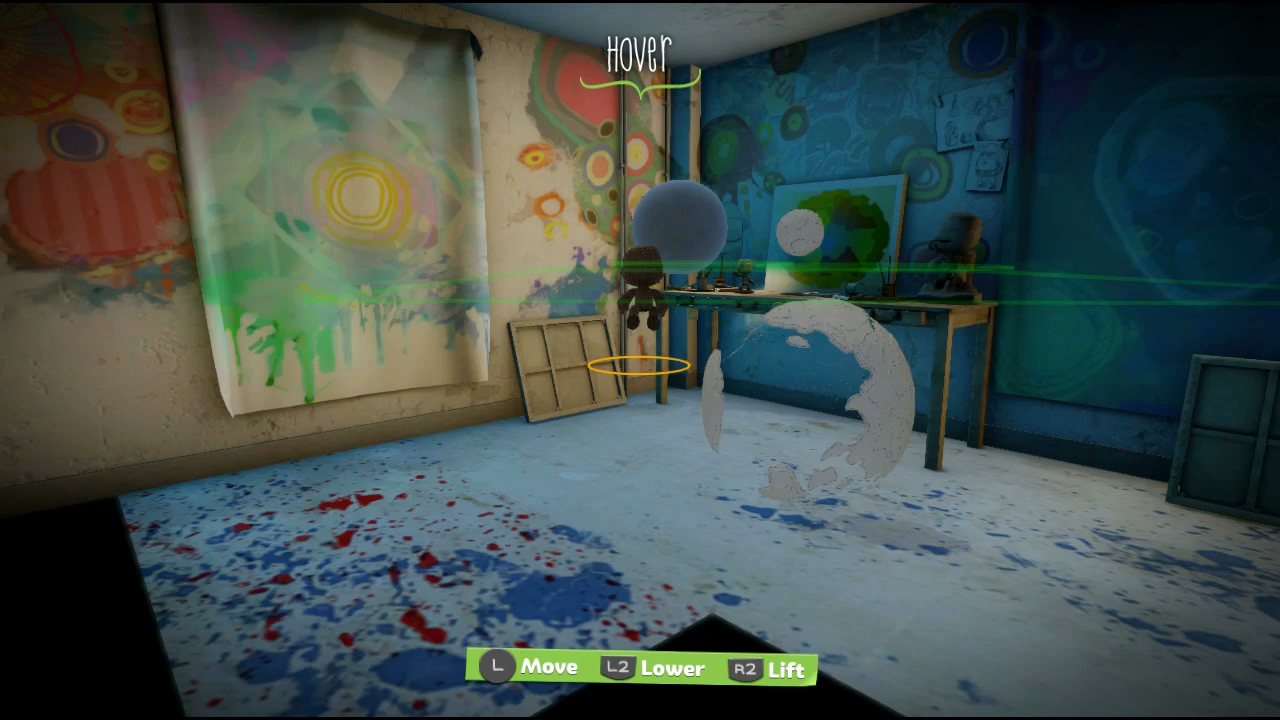
By entering the Pod level in Create Mode and changing the Background Pano Style to 2, the Pod background from LittleBigPlanet 2 can be seen, albeit with the outer chunks removed to save on resources. Unlike the final Pod background the Earth and Moon are baked into the geometry, though for some reason the Earth's land is separated from the actual planet. The final Pod is much bigger than the room it was originally meant to occupy, suggesting this version was designed with a much smaller Pod in mind.
Early Graphics#
Race HUD#
DATA/UI/ART/RACE/UIARTRACETEXTUREPACK.TEMP.BIN contains early versions of a couple of HUD elements.
Weapon Well
Early |
Final |
|---|---|
 |

|
Custom Dial
Early |
Final |
|---|---|
 |
 |
Unused Graphics#
Kart Polaroid#

Found amongst Pod-related graphics in DATA/UI/ART/POD/TEXTUREPACK_POD.TEMP.BIN is a polaroid with a blue icon of a kart. A similar icon that features a blue Sackperson icon is used for the default player polaroid image, but this kart variation is never used.
PlayStation Eye Polaroid Image#
Found amongst the PlayStation Eye overlays in DATA/UI/ART/GLOBAL/UIARTGLOBALTEXTUREPACK.TEMP.BIN is a polaroid overlay. While this isn't unused in and of itself, there is an image inside the frame that normally can't be seen due to the inside of the frame being fully transparent. By removing the overlay's transparency in an image editor, a picture of someone in a plastic box - presumably one of the developers - is revealed.
Unedited Transparency |
Adjusted Transparency |
|---|---|
 |
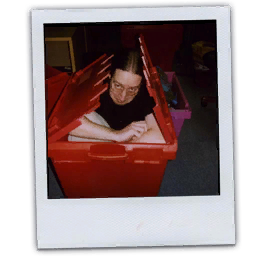 |
Team Minimap Icons#
Red Team |
Blue Team |
|---|---|
|
|


DATA/UI/ART/GLOBAL/UIARTGLOBALTEXTUREPACK.TEMP.BIN contains six red and blue icons that were most likely intended for use on a minimap. They do not appear to fit in with this game's art style.
ModNation Racers Leftovers#
Found in various places in the game's data are leftover graphics from United Front's previous racing game, ModNation Racers.
Kart Customisation Options#


A handful of icons for kart customisation options can be found in DATA/CREATE/KART/KARTICONSTEXTUREPACK.PERM.BIN. Of particular note, this includes customisation categories exclusive to ModNation Racers, including spoilers, antennae, and license plates. The models and textures associated with these items do not exist in LittleBigPlanet Karting.
Track Studio Icons#


DATA/UI/ART/ICONS/TRACKSTUDIO/UIARTTRACKSTUDIOTEXTUREPACK.TEMP.BIN contains a handful of icons leftover from ModNation's Track Studio.
PlayStation Store Icon#

Found in various TEXTUREPACK files throughout the game is a PlayStation Store icon for ModNation Racers.
Unused Music#
Buried within SONYKARTDEFAULT.PCK are five licensed music tracks that are never used anywhere. In early prototypes of the game, the background music was randomly chosen at the start of each race or battle, and these tracks were part of the rotation.
Music |
Song Info |
|---|---|
'African People' by Trentemøller |
|
'Hully Gully' by Tommy Kinsmann |
|
'Remind Me - Live' by Röyksopp |
|
'Square Rave' by Squarepusher |
|
'Toccata and Funk in D Minor' by Walter Murphy |
Unused Videos#
Unfinished Intro#
DATA/MOVIES/INTROMOVIE.BIK is an unfinished version of the live action intro, using the original LittleBigPlanet's Orb of Dreamers theme as a placeholder. The stickers that float through the air in the finished video are absent, and Stephen Fry's narration is read by a different person. It also starts with a title card, which lists a date of 02.04.12; as the live action intro was produced by Maverick Media — a London based creative agency — this date could be read as the 2nd of April, 2012.
Early Karting Lessons Videos#
DATA/MOVIES/TUTORIALS contains early versions of the tutorial videos from Karting Lessons. They appear to have been recorded with an older version of the game, and although they have no audio themselves, the narration from the final videos matches up with the early footage pretty closely.
Unused Narration#
Voice Clip |
Subtitle |
Debug Label |
Context/Notes |
|---|---|---|---|
Your POD really is the business end of a rattling good idea and there’s some new fangled updates to enhance your dreamscape karting experience. |
|
An earlier, longer version of the Pod introduction narration that's split across three clips, rather than just one like the final game. |
|
Use your POD to choose games or locate your Sack-chums. You can even have friends over so there’s no need to meet up in supermarket car parks and thrash your karts up and down annoying the shoppers. |
|
||
Use the CONTROLLER to access your pod computer. The MENU button is your kart key, if you like. Tap it to begin the adventure. |
|
||
If you’d like a little more time getting the hang of the LittleBigPlanet racing experience before you kart yourself off into the big league then we have a smorgasbord of mini practice games for you to get your molars into. Play them for fun or honing your skills or to just get obscenely high scores to post and impress your peers. Or if you don’t live by water, your friends. |
|
The narrator introducing the tutorial minigames. The debug label seems to suggest that these may have been on their own planet at one point, but in the final game they are part of LittleBigPlanet (the first story world), unlocked by completing the first few levels. |
|
Aha, you’ve reached your first Score based level. Points are the goal here! The highest count counts. Get yourself a big bally tally and the game is yours, squire. Drift, hit enemies and collect score bubbles! |
|
A pair of voice clips intended when encountering a score or time based level respectively. |
|
Well now, your first Time based level hey. You are in the big league. Go you. In these levels, try your best to get to that finish line as quickly as possible! Here there is a definite greed for speed. Drive carefully though, less crash more dash. |
|
||
Another mini-game for you to grapple with and what better than one that introduces you to the marvellous mechanical GRAPPLING HOOK. An amazing bit of kit that will help you avoid obstacles that would otherwise prevent you from reaching Time Extension Checkpoints. Press and hold down the GRAPPLE BUTTON to grab and hold onto a sponge and when you’re really competent you can release yourself and time your descent to pop a few of the more out-of-reach PRIZE BUBBLES. Crafty or what? |
|
Pre-race commentary for a scrapped side level in which the player uses the Grapple Hook to reach time-extending checkpoints. No such level exists in any known build of the game. |
|
This is a no-rules, rev it and weep, Mad Max style, trash ‘em and crash ‘em race. But we don’t need dodgy outfits and the outback – oh no. Not when we can enjoy all the thrills and oil spills of a badly kept garage floor. Come on you crazy little grease monkeys, into your karts and to heck with the health and safety regulations! |
|
Pre-race commentary for a scrapped level titled "Death Rally". No level by this name exists in the final game — used or otherwise — but the subtitle's debug label suggests it was intended for Hoard, Sweet Hoard (the seventh story world). |
Internal Project Name#
EBOOT.BIN contains references to a couple of internal project names, the most interesting of which being UnitedFront_SCEA_ModNationRacers2_PS3, which is repeated three times starting at offset 10C5231 (confirmed on the UK disc version). Separately, multiple source code directories are referenced, which include a folder named Kart2.
Build Information#
|
|
To do: |
In the root of the DATA folder, a build timestamp can be found in the conveniently-titled DATESTAMP.DAT. This file consists of a 0x0D length block, with two bytes for the Year, Month, Day, Hour, Minute, Second and Millisecond in big endian byte order, followed by a string that reads rweber; the rest of the file is padded with 0s. Below is a table listing the contents of DATESTAMP.DAT in different versions of the game, with punctuation marks added for readability.
Version |
Datestamp |
|---|---|
Blu-ray Disc (UK) |
|
Digital (US) |
|
Revisional Differences#
Version 1.10#
Released on February 19th, 2013.
v1.00 |
v1.10 |
|---|---|
 |
 |
 |
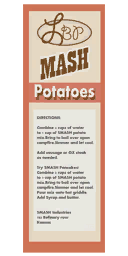 |
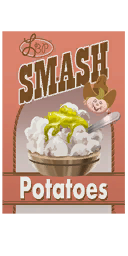
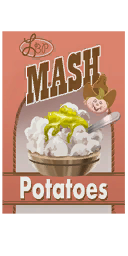
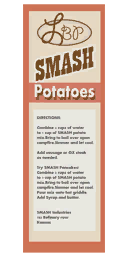
- The text on the Smash Potato Box stickers from the Progress Emporium was changed from "Smash Potatoes" to "Mash Potatoes".
|
The LittleBigPlanet series | |
|---|---|
|
PlayStation 3 |
LittleBigPlanet (Prototypes) • LittleBigPlanet 2 (Prototypes) • LittleBigPlanet 3 (Prototypes) |
|
PlayStation Portable |
|
|
PlayStation 4 |
|
|
PlayStation Vita |
LittleBigPlanet PS Vita (Prototype) • LittleBigPlanet 2 Cross-Controller App |
|
Windows, PlayStation 5 |
|
|
iOS, Android |
|