 This article has a talk page!
 Prototype Info
 Prerelease Info
 Bugs
Bugs
 Unused TextI've created a Player Challenge in #LittleBigPlanetHUB on #PS3. Why don't you try to beat it?
 Unused DialogueOh didn't you hear? He died suddenly and unexpectedly.
 Unused PlansA bunch of unused items, emitter plans, duplicates, and a whole ton of fun.
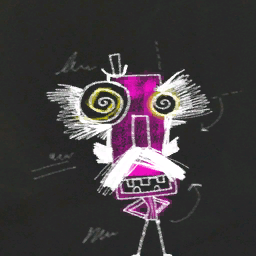 Subbed Level InformationUnnamed Level.
Unused Graphics#
Debug Screenshot#

An unused in-game photo of Huge Ship's head. The most interesting aspect of the photo is the debugging information at the bottom.
Unused Loading Screen Animation#

Previously only seen in pre-release footage for the game, this is an unused animation originally intended for the loading screen. This would eventually be used on the "Downloadinating!" screen in the unreleased LittleBigPlanet HUB. It is seen in the LBP2 Pre-Alpha's loading screen also.
Early Clive Texture#
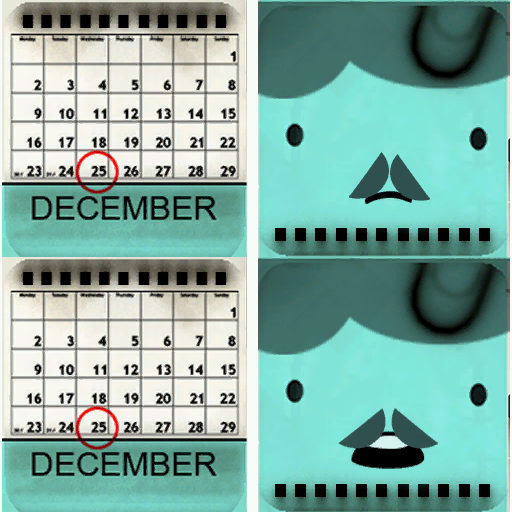
gamedata/lbp2/character/clive/clive_face.tex is an early texture for Clive Handforth's face, seen in earlier builds, and gameplay at press conferences.
Early Eve Texture#
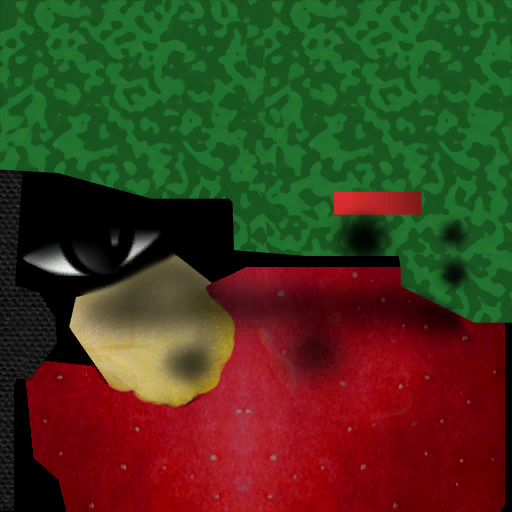
A texture for an earlier design of Eve, which had a green worm sticking out of her head. Her eye is also different.
Placeholder Motion Control Prompts#


Two placeholder graphics for twisting the PlayStation Move Controller, found in gamedata/texture_library/ui/.
Move Beta Placeholder Music Icon#

A placeholder music icon leftover from the Move Beta is present.
DLC Test Stickers#


gamedata/texture_library/stickers/dlc/dlc_test_stickers contains 10 stickers that were most likely used for testing DLC-related functionality.
Placeholder Face#
LBP1 |
LBP2 |
|---|---|
 |
|
The placeholder graphic used for Emitters with missing preview icons was changed from Arnold Schwarzenegger in the movie Total Recall to a new picture, presumably of one of the developer's faces.
Replaced Tutorial Icon#
LBP1 |
LBP2 |
|---|---|
 |
 |
The ghost icon from the tutorials in LBP1 was replaced with a different icon, possibly from an earlier build. The object itself exists in the Deploy Build as a usable item.
Replaced Skin Icon#
LBP1 |
LBP2 |
|---|---|

|

|
The icon for the pink splat skin was replaced with a different icon from an earlier build,
Early Clu & Anon Skin Icon#
Original |
New |
|---|---|
 |
 |
After the Tron: Evolution Minipack was released, the icon for the Clu & Anon skin was changed.
mss_gonzo_in_the_o.tex#

gamedata/texture_library/th_muppets/mss_gonzo_in_the_o.tex is a sticker of Gonzo holding a trumpet. It can be seen as part of the level badge for The Great Gonzo!, but the sticker itself doesn't appear to be used.
Motion Controller Stickers#
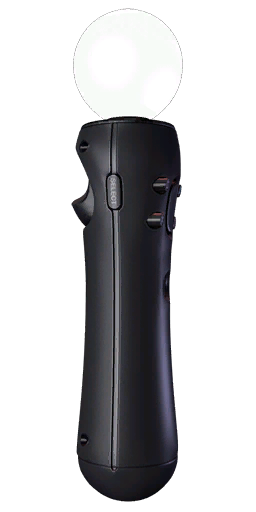
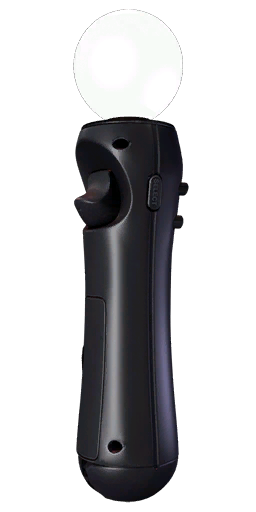
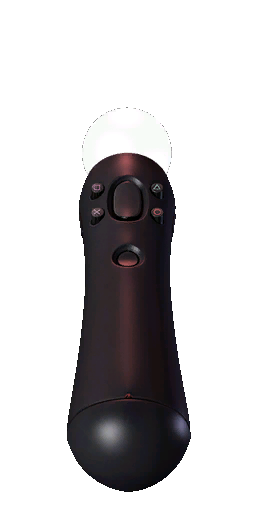
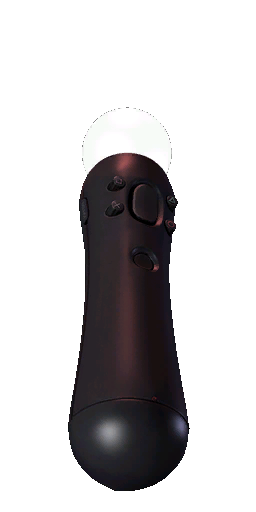
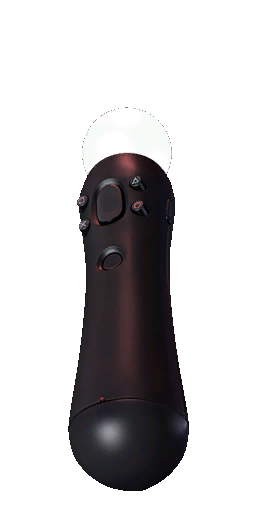

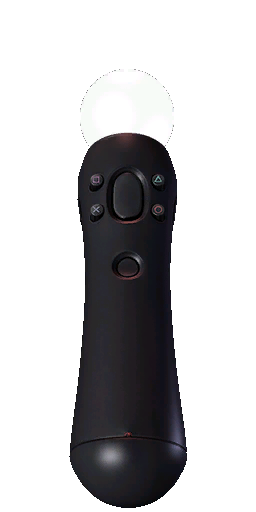
Stickers that were used for showing players how to tilt the PlayStation Move Motion Controller, but weren't given out.
Cross-Controller Pack Stickers#

|
To do: |

|

|

|
|

|
|

|
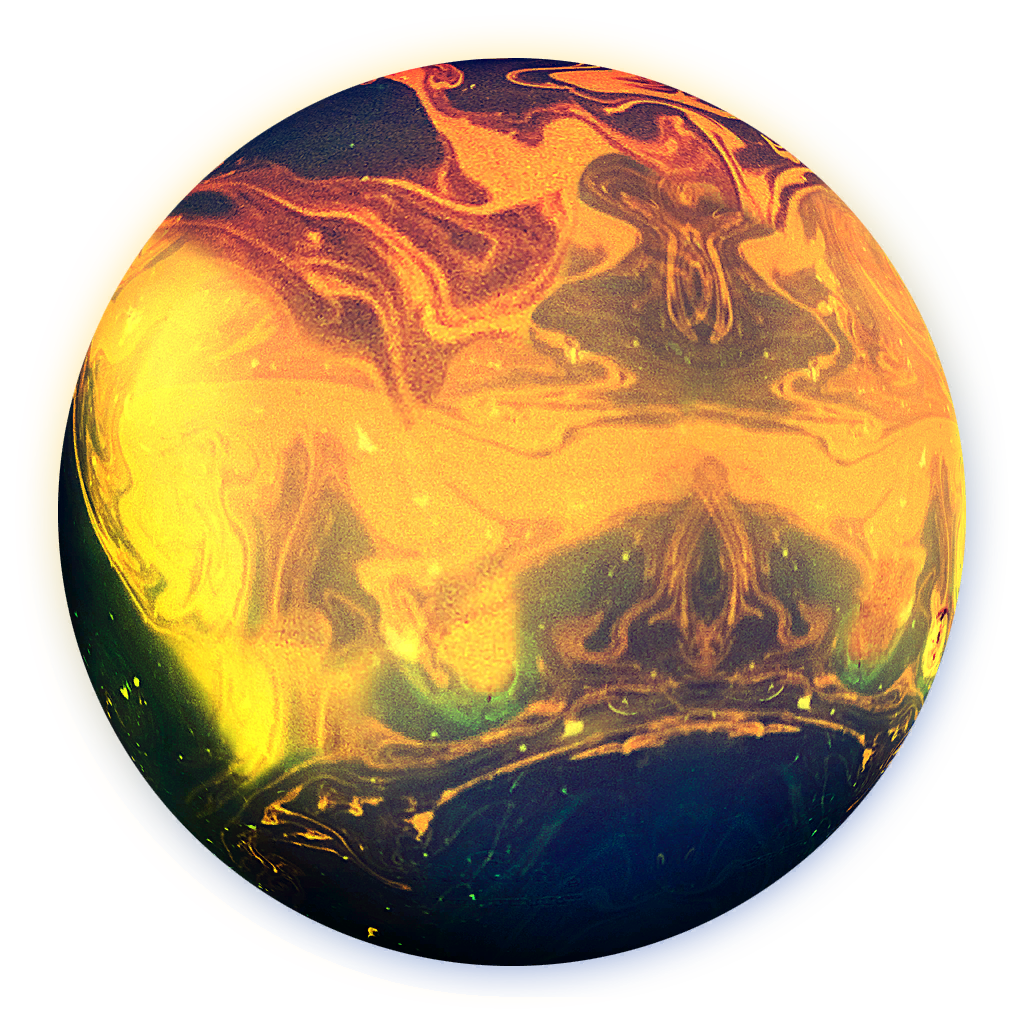
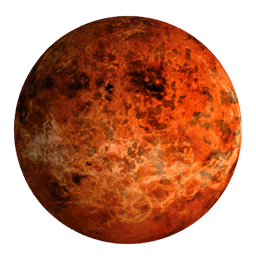
Stickers that weren't given out in the LittleBigPlanet 2: Cross-Controller Pack.
Placeholder Cross-Controller Badge#
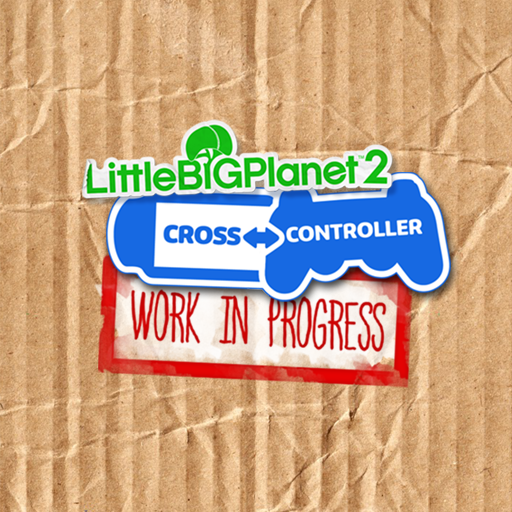
gamedata/texture_library/level_badges/dlc_badges/crosscontrol/badge.png is a level badge associated with the Cross-Controller Pack, most likely intended as a placeholder. The hidden planet that has the Cross-Controller tutorials use this as their icons.
Placeholder Toy Story Music Icons#


Some early icons for the music from the Toy Story kit. Notice that one of them uses an ungiven sticker.
Danger Tweaker Horrible Gas Icon#

gamedata/texture_library/ui/electronics_materials_lethalise_gas.tex is a Horrible Gas icon that appears to be related to the Danger Tweaker, suggesting that you could originally turn things into Horrible Gas via logic. This icon goes unused because the only hazards available in the Danger Tweaker are Fire, Electricity and Plasma. The icon would later be used in LittleBigPlanet 3, where Horrible Gas was added to the Danger Tweaker.
Pink Material Icons#


Objects with a strange glowing pink material can be found among Da Vinci's Hideout's files. These are leftover icons for Collectabubbles from earlier builds.
News Fill#
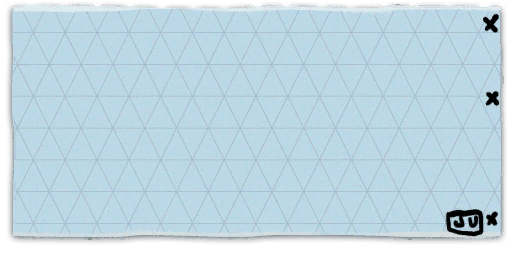
gamedata/texture_library/ui/news_fill.tex is the news background with crude X's and "JU" scribbled on it. The used version, news_fill2.tex has a coffee stain on it.
Unused Materials#
Attract-O-Felt#
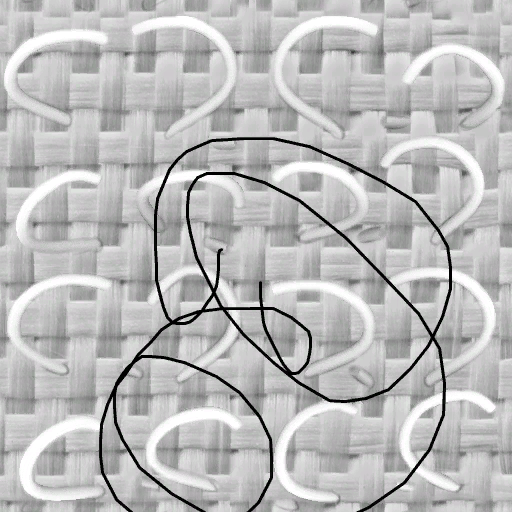
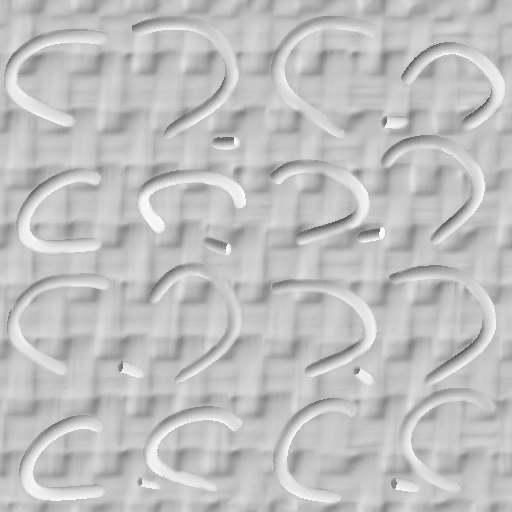
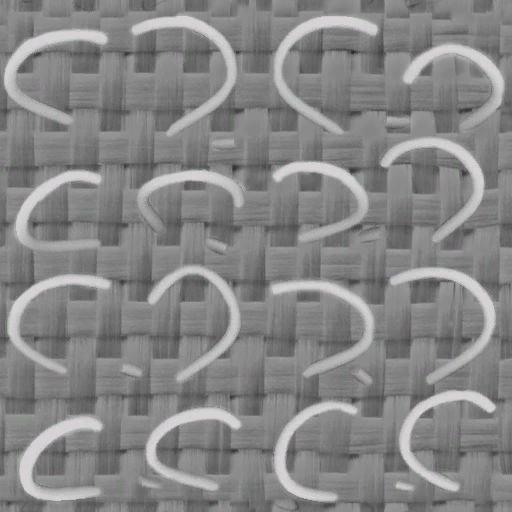


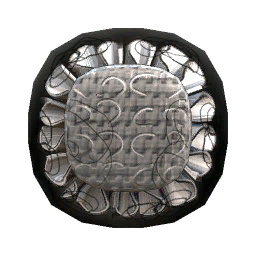
gamedata/lbp2/th_muppets/materials contains textures for an early iteration of Attract-O-Gel referred to as attractofelt. Someone on the development team seems to have scribbled on the diffuse textures.
Move Pack Doormat Trim#

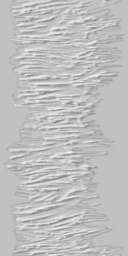
The doormat material from the Move Pack has an alternate version that has a trim.
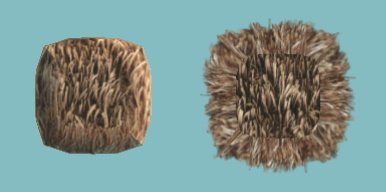
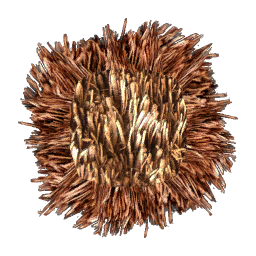
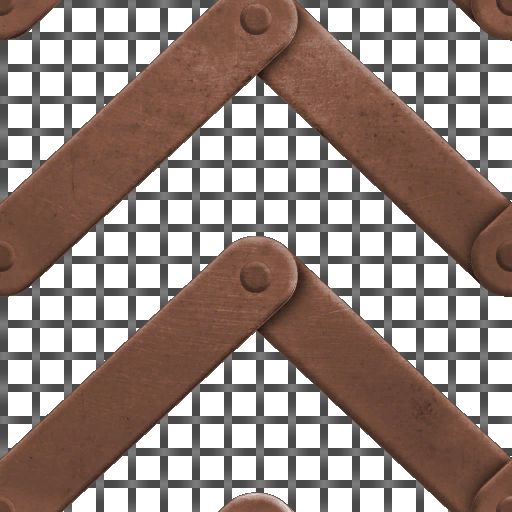
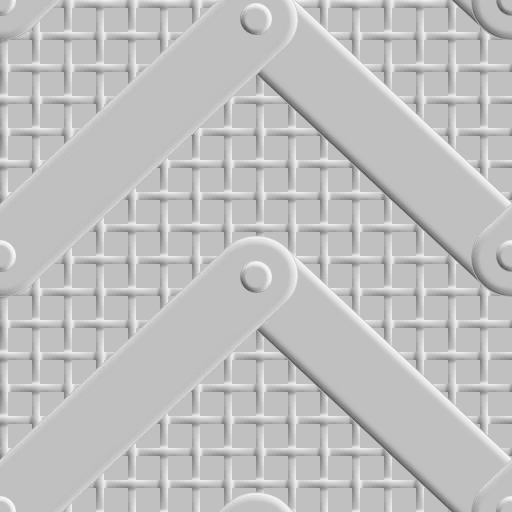
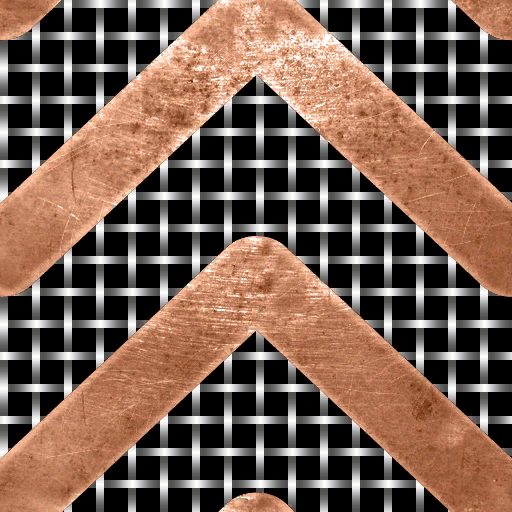
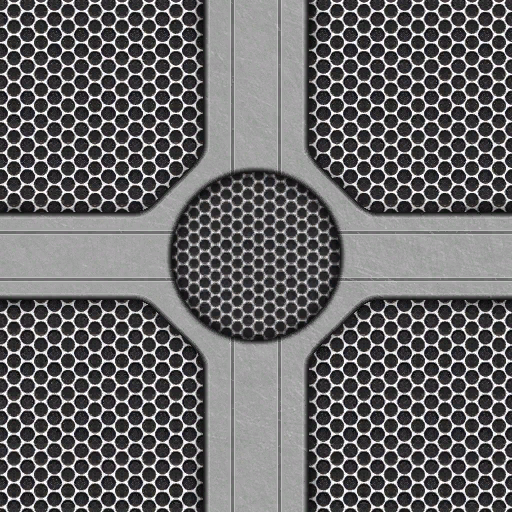
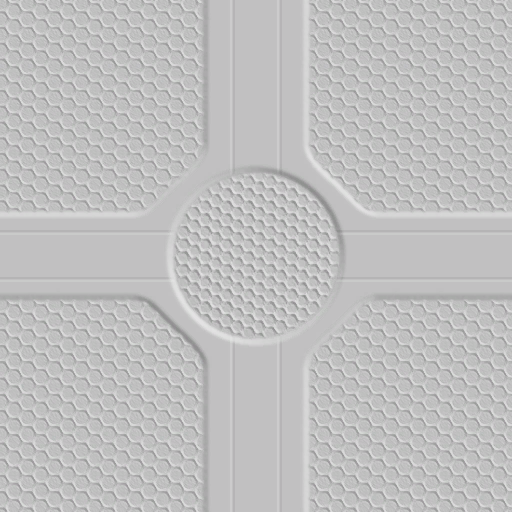
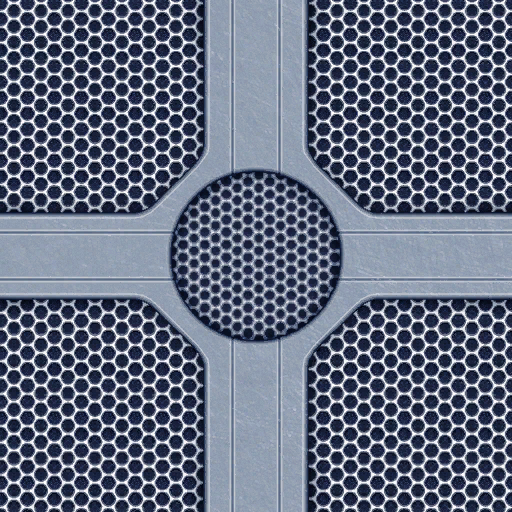
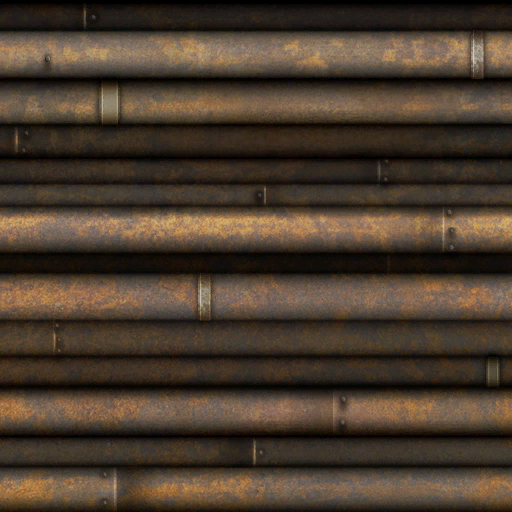
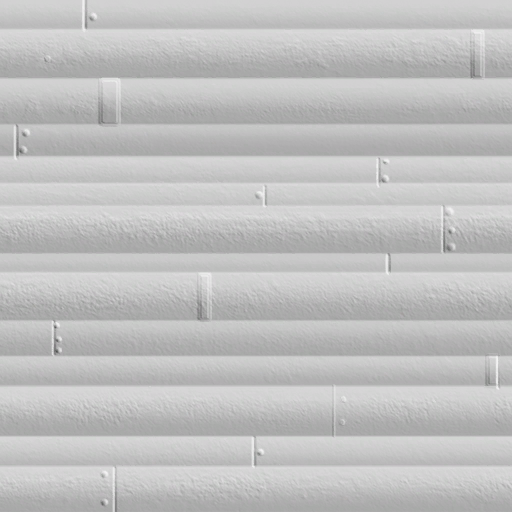
Cross Controller Kit Materials#
|
|
To do: |
A lot of materials weren't given out in the LittleBigPlanet 2: Cross-Controller Pack.
Diffuse Map |
Normal Map |
Specular Map |
|---|---|---|
 |
 |
 |
 |
 |
 |
 |
 |
 |
 |
 |
 |
Early Logic Models#
Early models for several pieces of logic can be found within gamedata/lbp2/unthemed/mesh/electrics_kit and gamedata/lbp2/unthemed/gadgets/direct_control. These early models more closely resemble the art style of the tools and gadgets from the first game. Some of these models can be seen in early screenshots, and some can even be found within certain story levels in the Private Beta. In the final game, all of the gadgets were redesigned to be more uniform, with each gadget using one of a handful of different models, coupled with a different graphic applied to its screen to convey the gadget's functionality.
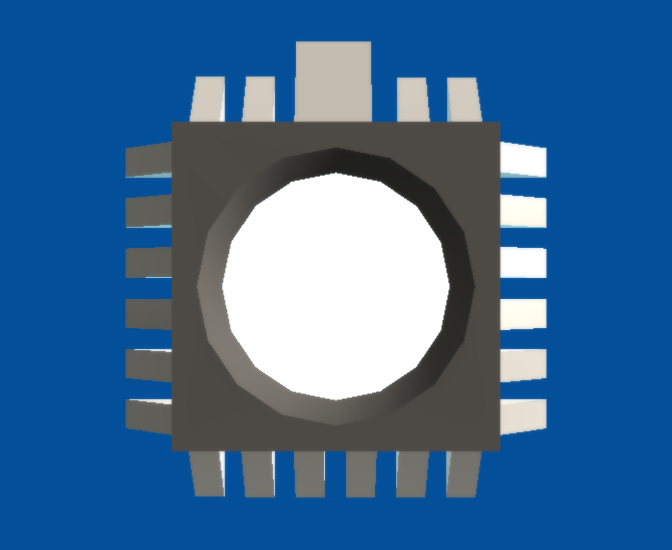
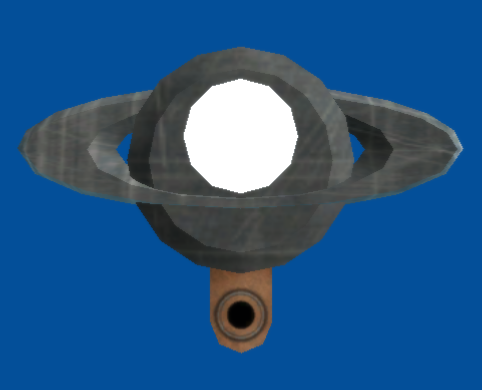
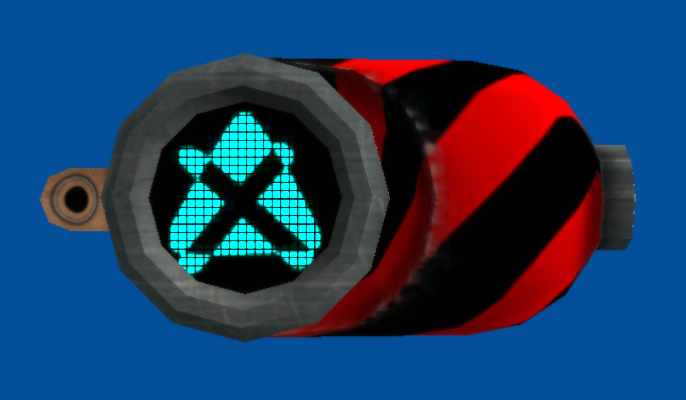
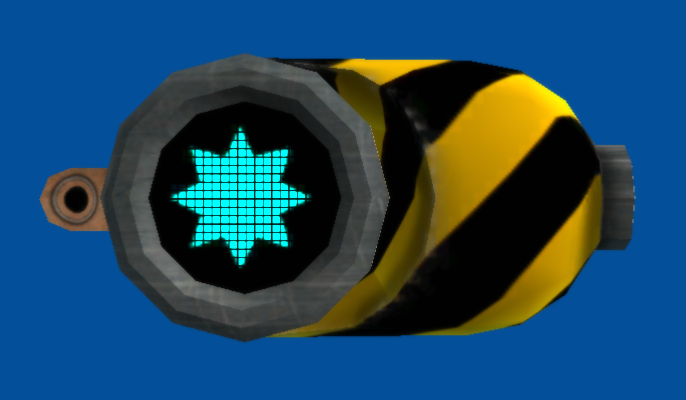
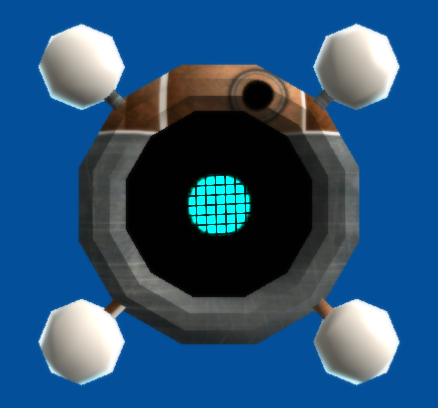
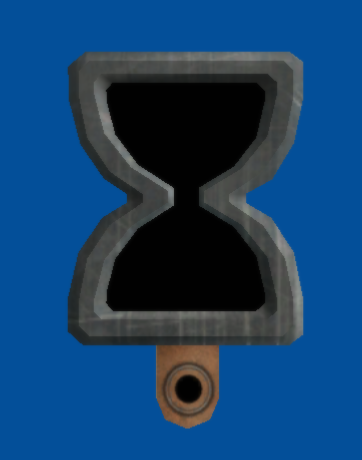


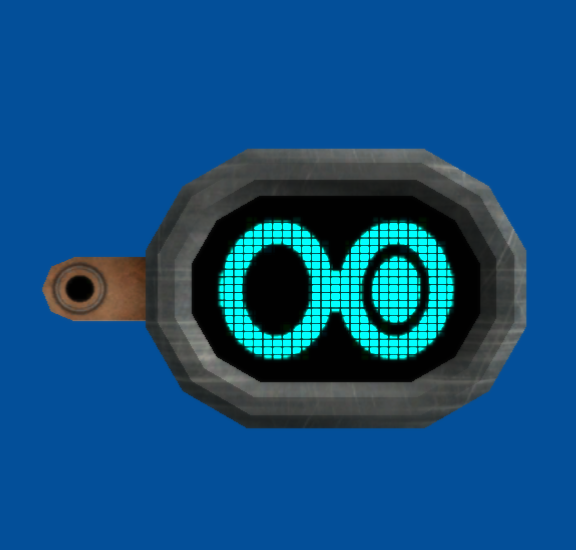
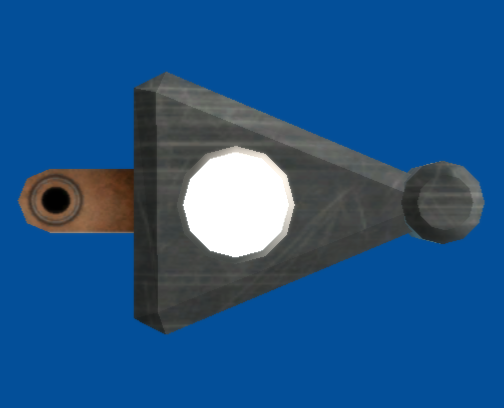
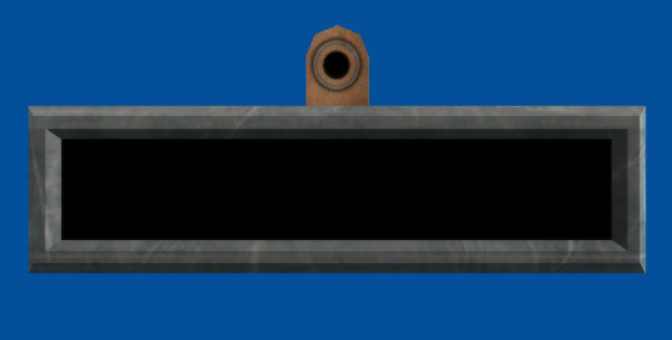

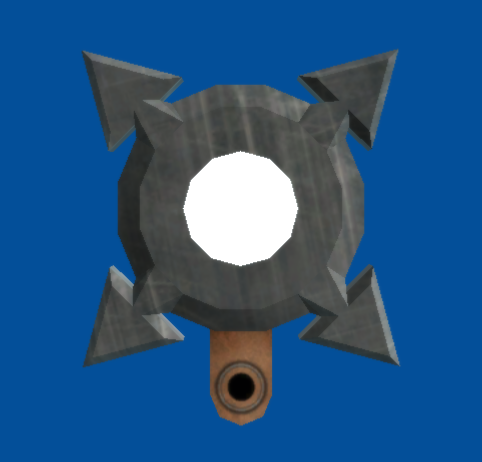
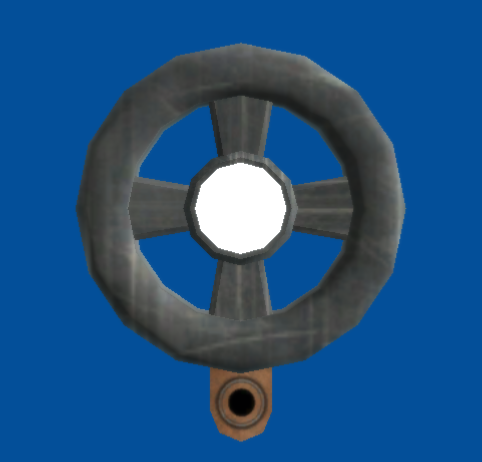
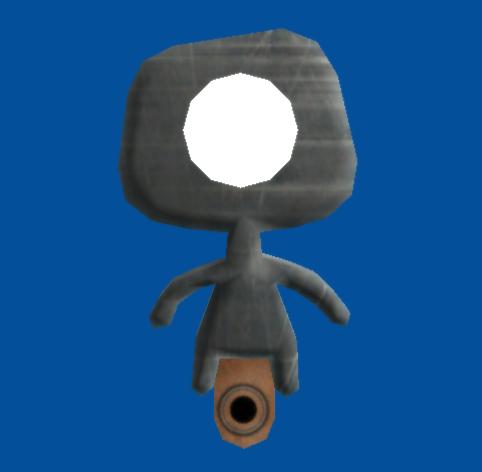
Early Screen Textures#
Danger Tweaker#

Associated with trigger_danger.mol is a texture that has all of the icons that would be applied to the Danger Tweaker's screen. The lack of a Plasma graphic suggests that it was created before the Plasma Tool had been added to the game.
Destroyer#

Associated with trigger_destroy.mol is a texture with all of the icons that would be applied to its screen. There are only four icons present (explode, dissolve, disappear and fade), suggesting that it was made before the rest of the destruction effects had been implemented.
Early Default Pod Background (Creator's Background)#
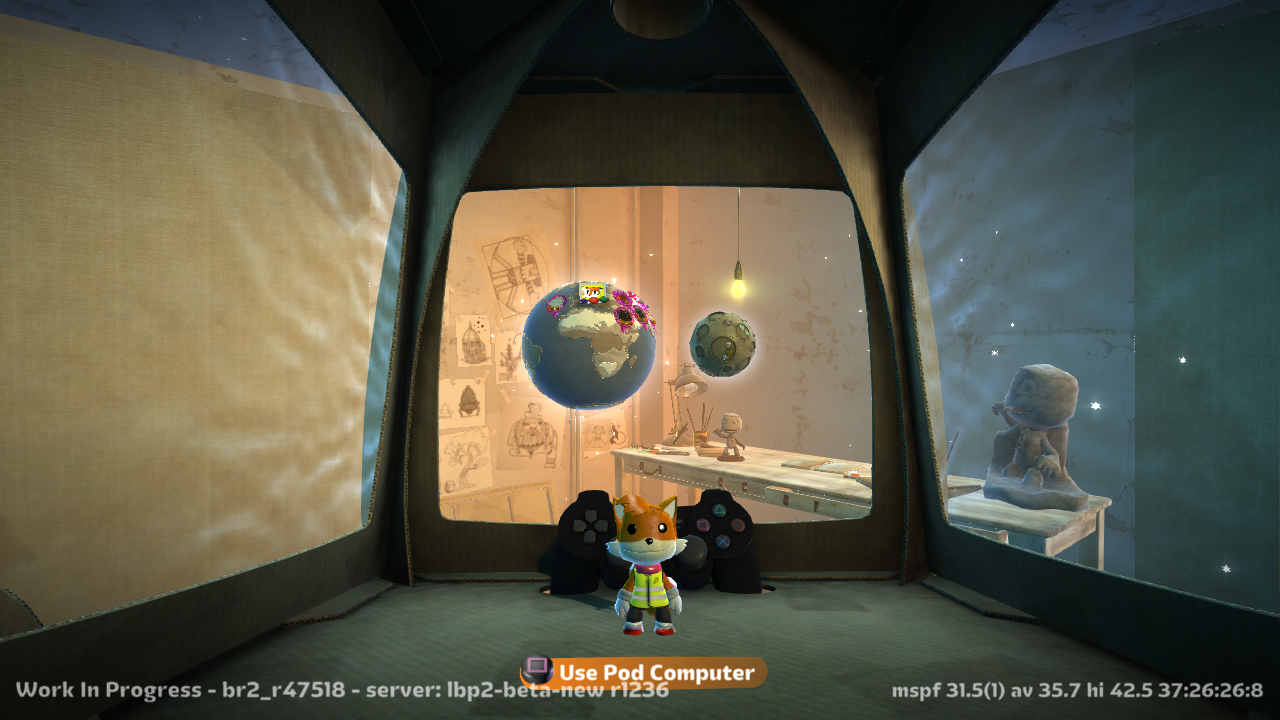
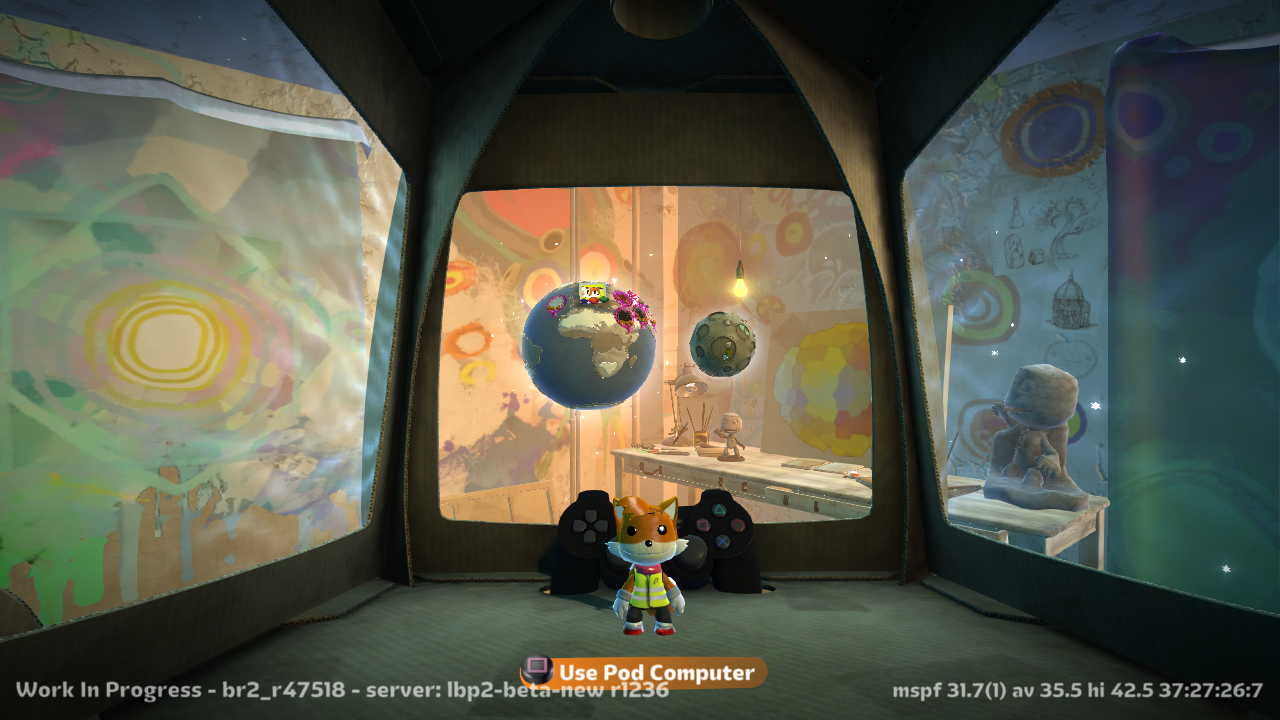
An early version of the default Pod background model can be found at gamedata/mesh_library/cosmos/cosmos_room/cosmos_room.mol. It's nearly identical to the final version found at gamedata/mesh_library/cosmos/cosmos_room/cosmos_room_default_lbp2.mol apart from a lot of the paintings and posters on the wall either being missing entirely or being unfinished. Another thing to note is the fact that it replaces the Pod background model from LBP1.
Unused Logic#
Logic gadgets that were either removed from the game, or just never given out as prizes.
Icon |
Name |
Description |
Additional Notes |
|---|---|---|---|
 |
Pin Giver |
Awards a Pin to the player when activated. |
Used in various level kits like the Move Pack to award a Pin to the player when a certain goal is reached. |
 |
Circuit Node |
Use Logic Nodes to neaten up your circuit boards by making the wires go where you want them to! |
While not unused in and of itself, it has a .plan file and description which suggests that it was originally intended to be stored in the Popit with the rest of the gadgets. Since it never gets added to the Popit though, its .plan file and description go unused. |
Unreleased Downloadable Costumes#
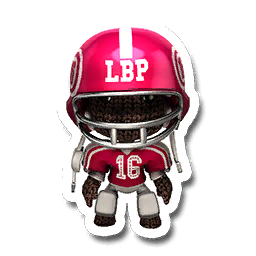
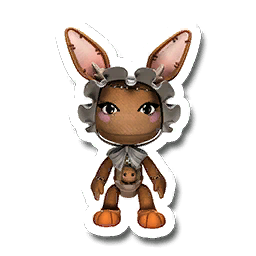
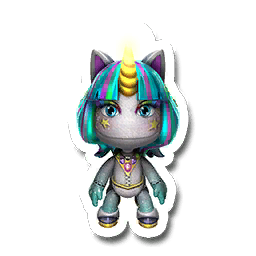
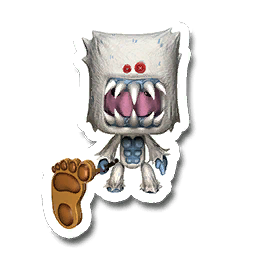
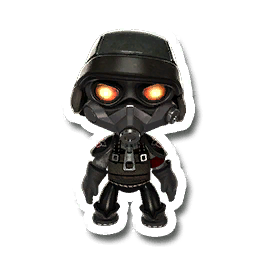
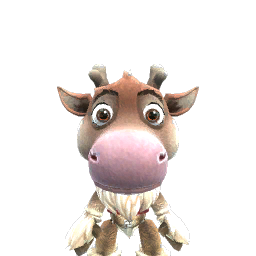
Found within the last few patches for the game, the Killzone Helghast costume can be found at gamedata/lbp2/dlc/killzonehelghast/, costumes from Run Sackboy! Run! can be found at gamedata/lbp2/dlc/rsbr/, and the Frozen costume pack, later released in LittleBigPlanet 3, has a Sven costume for Sackboy, while the final version is for Oddsock.
Unused Team Versus Mode#
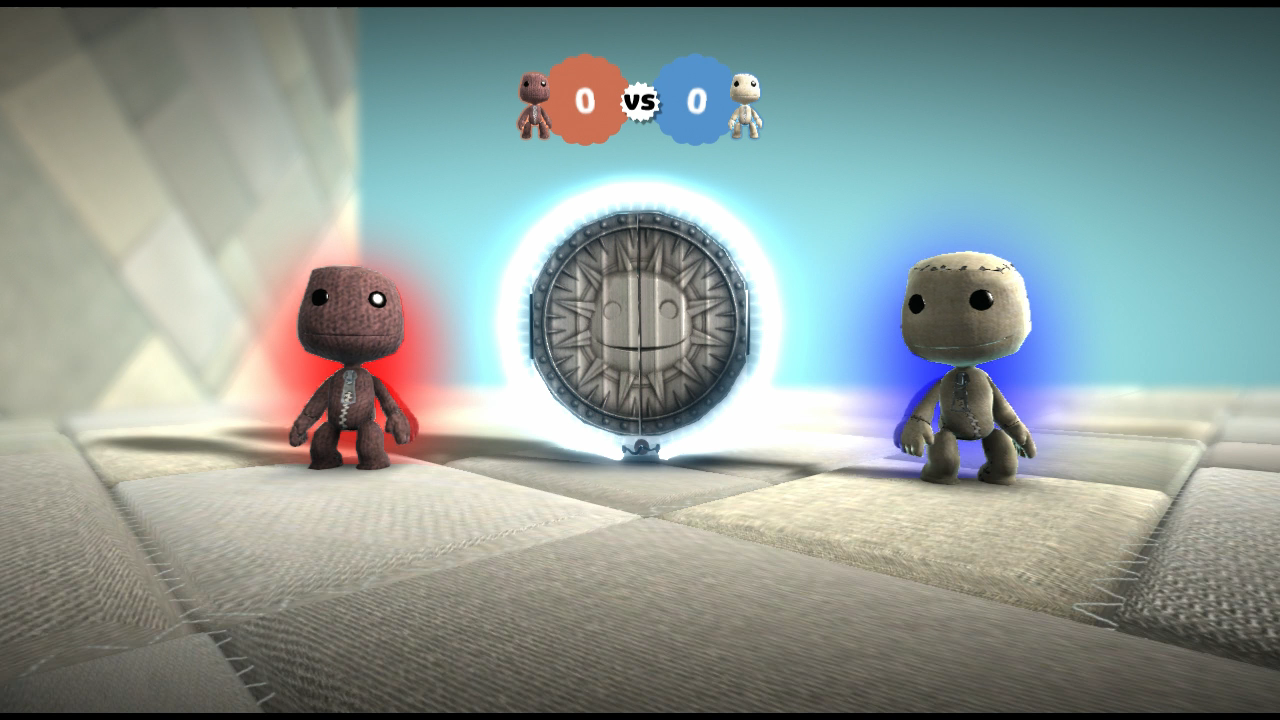
There is a byte in memory that determines the current level's game mode, with 0 being Cooperative, 1 being Versus and 2 being Cut Scene. By setting this byte to 5, an unfinished Team Versus mode can be accessed. This mode can be played in 1v1, 1v2 or 2v2 depending on how many players are in the party. Players are surrounded by either a red aura or a blue aura depending on their team, and the goal is to score more points than the other team.
For the most part scoring works as it does in standard Versus, where players gain points for killing other players and lose points for being killed by stage hazards. Unlike other game modes Score Bubbles, Prize Bubbles and Unprotected Creature Brains do not award points when collected, and score multipliers have no effect, meaning the only ways to gain points in this mode are by killing players on the opposite team or by activating Score Givers. When the Scoreboard is activated, the score counter does not fly onto the Scoreboard's screen like in other game modes.
Unused Gameplay Tools#
|
|
To do:
|
Found within the game's code are two unused Create Tools: the Sticker Scrubber and Unphysicalize Tool (renamed to Dephysicalize Tool in LittleBigPlanet PS Vita and LittleBigPlanet 3).
When hearting these tools on your profile via a debug enabled build of LittleBigPlanet 2 or a littlefart editor, these tools have notable differences compared to later LBP titles, one of them being the names having the prefix "*DEV ONLY*".
The Dephysicalize Tool, also known as the "Unphysicalize Tool" in LittleBigPlanet 2, is very limited, and doesn't dephysicalize many meshes. Due to it's unfinished state, gluing a dephysicalized object to any other object will not work and editing a dephysicalized object that was already glued to another object will make them no longer grouped. Another thing to note about this tool is that layer boundaries are completely ignored by the object meaning that using In/Out Movers can make the object go in any layer. The interesting thing about that is the effect can be carried over to LittleBigPlanet 3 via importing save data.
The other tool is the Sticker Scrubber. Not much is different about it apart from it only removing stickers on materials and not meshes and cannot remove any decorations either unlike how it does in the later games.
POPPET_TOOL_STICKER_WASH
POPPET_TOOL_UNPHYSICS
E_POPPET_STICKER_WASH_MESSAGE
E_POPPET_UNPHYSICS_MESSAGE
Unused Tutorial Level#
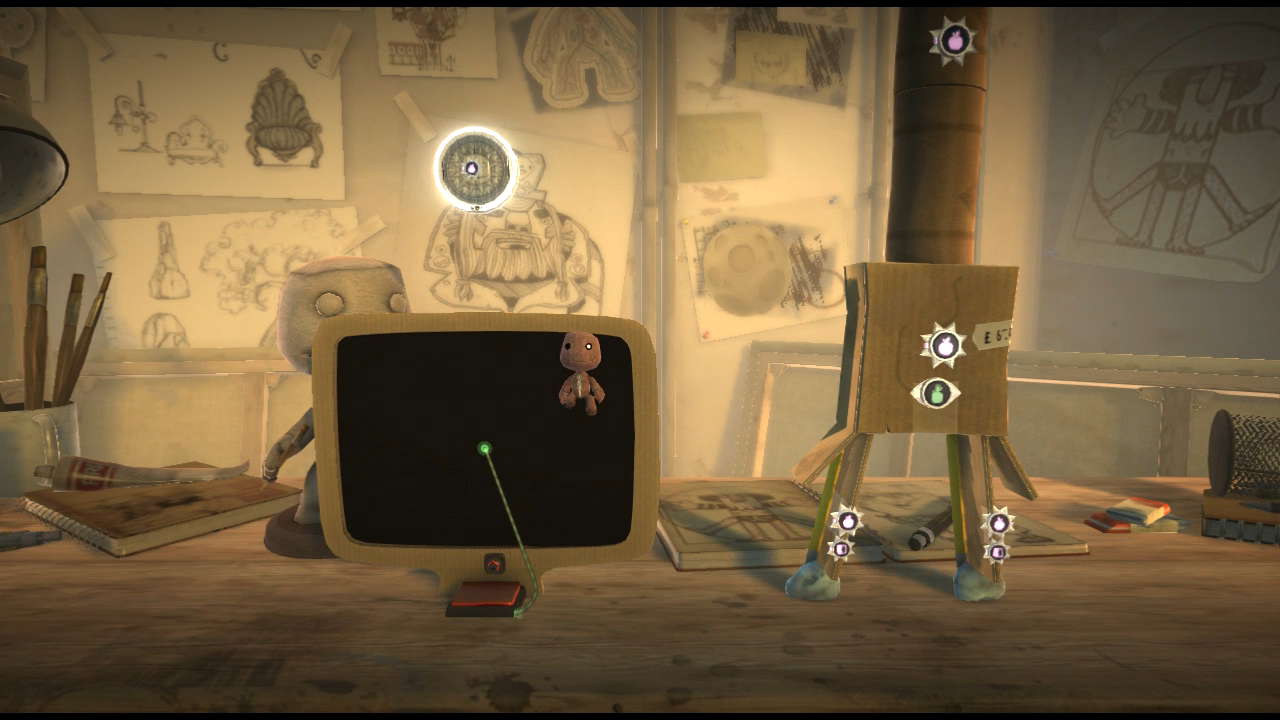
gamedata/lbp2/dlc/move/tutorials/levels/tutorial_4.bin is a tutorial level dedicated to the Paint Tool. It contains a video board showing the Paint Tool's tutorial video, and a standard tutorial exit with no Prize Bubbles, suggesting it was cut fairly early on. Unlike the other tutorial levels, the Popit is not confined to a limited selection of tools. This level can be accessed using a glitch, which uncovers a hidden planet revealing the Move Pack tutorials, including this one.
Unused Animations#
gamedata/lbp2/character/sackboy/direct_control_seat contains 13 animation files related to the Controlinator, 7 of which are never seen normally.
Controlinator Collide#



collide_front.anim, collide_side.anim and collide_back.anim show Sackboy being hit whilst using the Controlinator, likely as a result of something colliding with whatever Sackboy is controlling.
Controlinator Compact#




seat_into_compact.anim and compact_into_seat.anim depict Sackboy being flattened and unflattened, most likely as a result of the Controlinator retracting into its compact state. It is not possible to have a character occupy a Controlinator in its compact state, so these animations go unused. Alternate versions of these animations exist, labelled side_seat_into_compact.anim and side_compact_into_seat.anim, which were most likely intended to be used when the Controlinator's Side-Mounted tweak is enabled.
Unused Sound Effects#
Emitter Creation Effects#
There are six sound effects that correspond to two Emitter creation effects that were removed from the final version.
Audio |
Filename |
Internal Reference Path |
|---|---|---|
explode_appear_01.wav |
gameplay/lbp2/dissolve_effects/explode_appear |
|
explode_appear_02.wav |
||
explode_appear_03.wav |
||
disolve_appear_01.wav |
gameplay/lbp2/dissolve_effects/disolve_appear |
|
disolve_appear_02.wav |
||
disolve_appear_03.wav |
Early Multiplayer Sounds#
There are four unused sound effects that were intended for the competitive multiplayer mode. These would have played whenever a player gained or lost points. The "receive" sound was later used in Run Sackboy! Run! as part of the sound effect that plays when overtaking another player's score.
Audio |
Filename |
Internal Reference Path |
|---|---|---|
multiplayer_get_points_01.wav |
gameplay/lbp2/multiplayer_scoring/receive |
|
multiplayer_get_points_02.wav |
||
multiplayer_loose_points_01.wav |
gameplay/lbp2/multiplayer_scoring/loose |
|
multiplayer_loose_points_02.wav |
Raven#
There are seven sound effects of a raven with an unknown purpose.
Audio |
Filename |
|---|---|
raven_squawk_angry_01.wav |
|
raven_squawk_angry_02.wav |
|
raven_squawk_angry_03.wav |
|
raven_squawk_throat_01.wav |
|
raven_squawk_throat_02.wav |
|
raven_squawk_throat_03.wav |
|
raven_squawk_throat_04.wav |
Player Boing#
A boing sound meant for the winner's icon on the Scoreboard in Versus levels. This is used but it gets drowned out by the other sound effects, and becomes inaudible when the feedback screen appears.
Audio |
Filename |
Internal Reference Path |
|---|---|---|
player_boing_01.wav |
gameplay/lbp2/multiplayer_scoring/winner_boing |
Debug Remnants#
Debug Display#
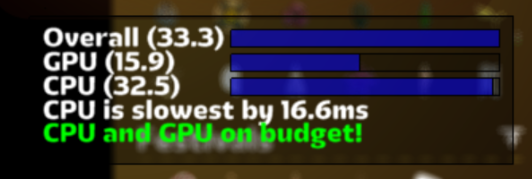
A decoration given out in the game's story mode called "Golden Apple Stem" from the Eve's Asylum theme has a debug display leftover in its icon. It's cut off, but it can be seen to the right of the icon. In debug builds of LittleBigPlanet 2 and 3, this is the debug function "Show cpu+gpu timings" in the Optimising category of the debug menu.
Golden Apple Stem Icon |
Show cpu+gpu timings display |
|---|---|
 |
 |
TTY Notes#
|
|
To do:
|
Leftover in the game's executable are various printf() notes to help the developers debug the game. Some contain profanity.
LooksFucked %f (0x%x)
CrappyOldLBP1Switch
RetardedOldJoint
Whoah! %s is not sorted - SortedIndex is %d, should be %d
cellHttpSendRequest failed to send everying :(
cellHttpRecvResponse failed to receive everything :(
Load from network fail, we're shutting down :(
Load from network fail, not ready :(
Npc bailed out of jump after 15 frames as failed to get off the ground :(
Unable to find a good level to go into. Pod looks broken, and it's not been possible to fix it
The telemetry buffer has overflowed. Oh noes!
Oh noes: cached level data isn't loaded yet, so have to block
WARNING: Defaulting to SCEE because title ID doesn't match any of our known ones
WARNING: Trying to start operation %s (%d) whilst still finishing %s (%d)
WARNING: Failed to find connection for player %s
Warning: Failed to find player number for client %s, pad %d - maybe they just left?
Failed to find thing uid %d to decorate - maybe it exploded?
hmm, maybe get a coder to look into downcoding these?
less/simpler stuff on screen plz!
less stuff in level plz!
use less switches dude
use less emitters dude
use less impact switches
less sackbots active in whole level kthx
less physics vertices/convexes/shapes/joints please|
The LittleBigPlanet series | |
|---|---|
|
PlayStation 3 |
LittleBigPlanet (Prototypes) • LittleBigPlanet 2 (Prototypes) • LittleBigPlanet 3 (Prototypes) |
|
PlayStation Portable |
|
|
PlayStation 4 |
|
|
PlayStation Vita |
LittleBigPlanet PS Vita (Prototype) • LittleBigPlanet 2 Cross-Controller App |
|
Windows, PlayStation 5 |
|
|
iOS, Android |
|