In Disney's Brother Bear, human-now-bear Kenai has to reach the Salmon Run in order to get his human form back. He's aided by a fellow bear Koda, and yet threatened by his brother Denahi, who has a knack for constantly screaming at the player whilst battling him.
Debug Mode#
Like the rest of KnowWonders Unreal Engine 1 games, Brother Bear has a special environment for debugging purposes which can be re-enabled in thedefault.ini' config file: find the following string in the file and switch "False" to "True":
[HGame.baseConsole]
bDebugMode=False
If done correctly, the game shall display debugging text and the build version should appear in the lower right corner of the pause screen.
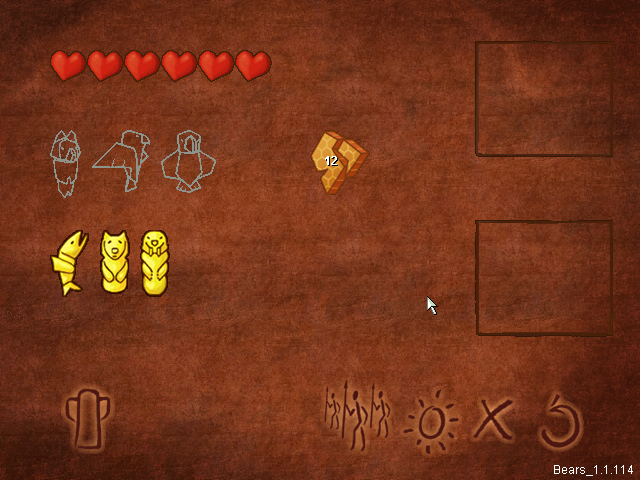
The Spanish version (shown above) has the build string Bears_1.1.114, whereas the American release has Bears_1.1.94
Commands#
- F4 - toggles the "Shorcuts Window".
- F6 - restores health.
- F7 - toggles debug mode.
- Space - skips cutscenes.
- Page Up/Page Down - increases and decreases game speed, respectively.
- Delete - enables a free camera view (or "ghost mode").
- Num 7 - saves the game anywhere.
Shortcut Window#
Allows the user to access every level, view pre-defined bookmarks, and listen to a few bits of dialogue in-game.
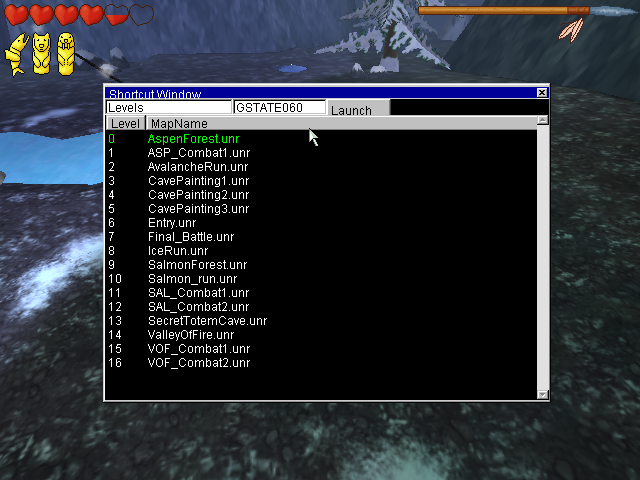
GSTATE modifies the progress in the overall game, thus altering the gameplay when selecting maps with this utility. For instance, if the user sets GSTATE to 00 and loads one of the later maps, the honeycomb pieces won't be spawned.
Unused/Cutscene-Only Areas#
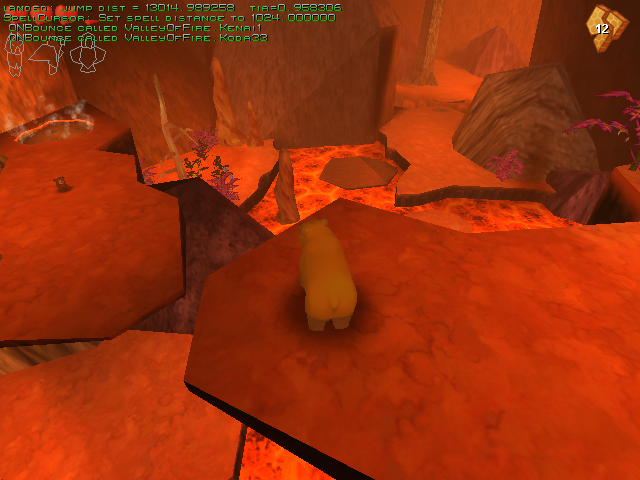
This game has a single unused level, and four stages only accessible in cutscenes or under determined circumstances (like the minigames).
CavePainting01.unr#
This map serves for Rutt and Tuck's narrative cutscenes and the "secret" movie that is unlocked after getting all six totems. GSTATE may be set to 60 in order to play the bonus cutscene.
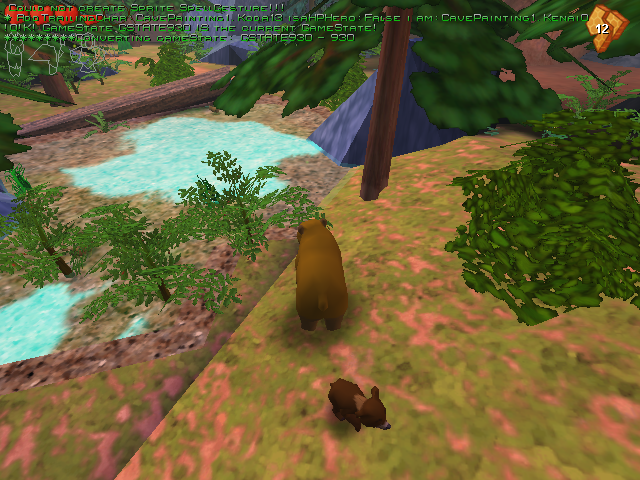
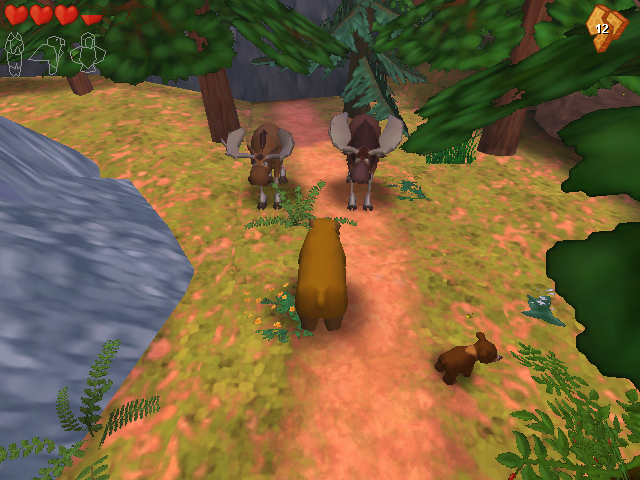
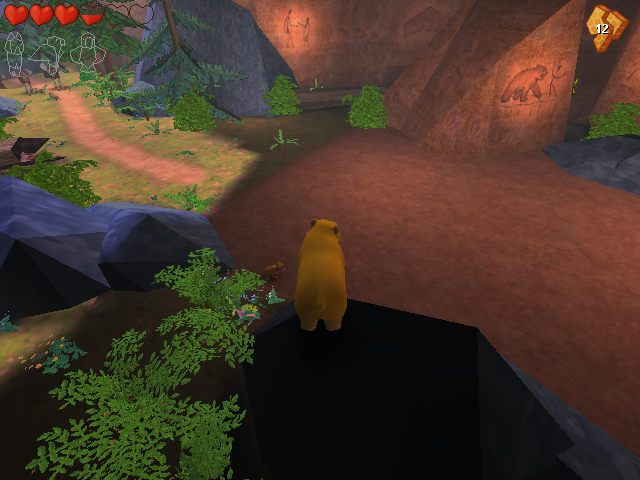
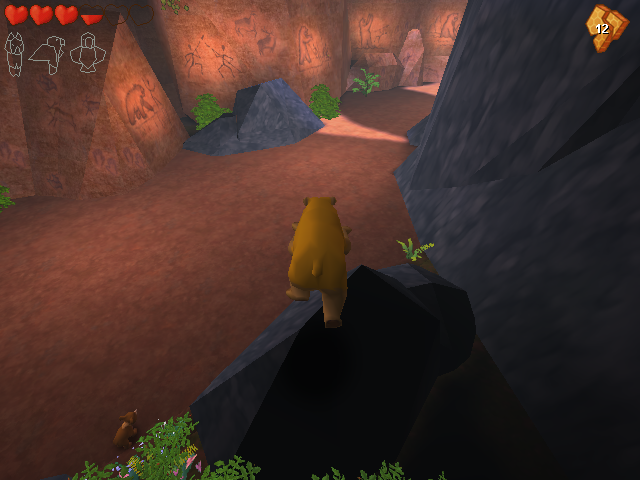
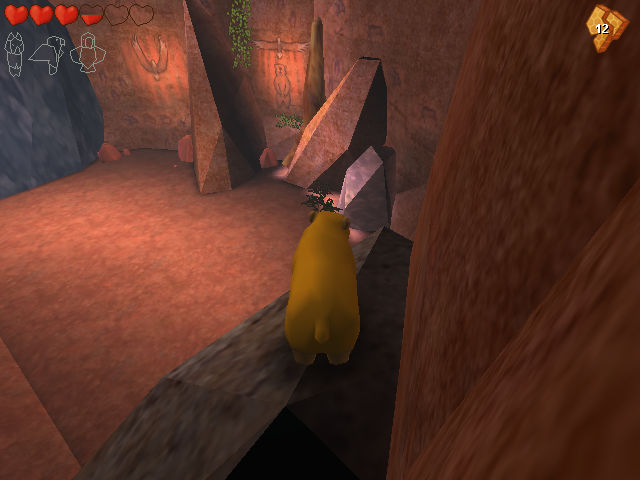
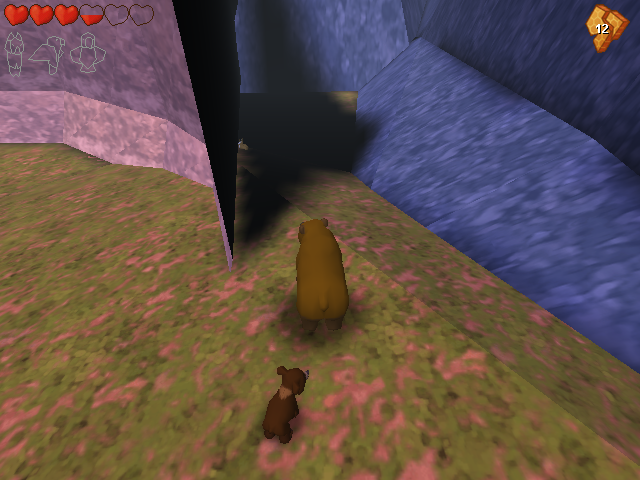
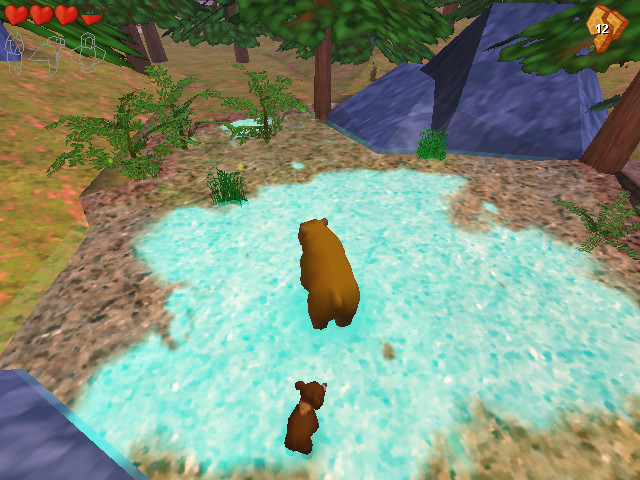
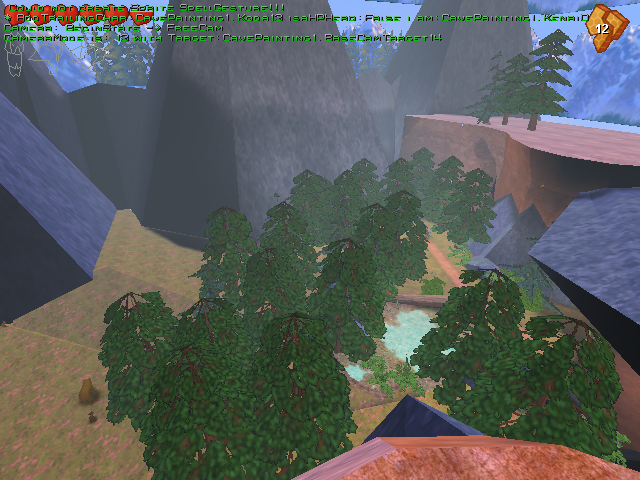
This location also contains an...
Out-of-bounds Box#
If the free camera is enabled, the player may head towards Rutt and Tuck's spawnpoint. Past the mountain, there is a small cube with its own skybox and floor. Kenai can be placed here by pressing Delete again.
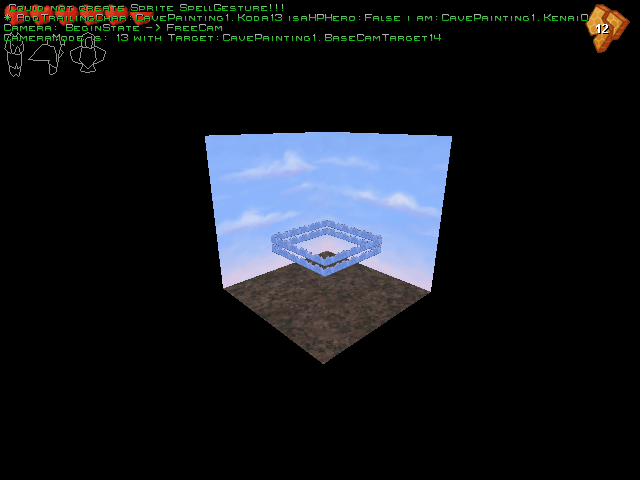
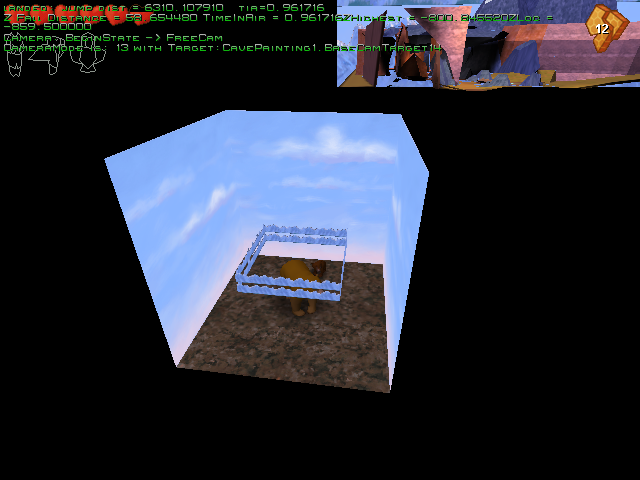
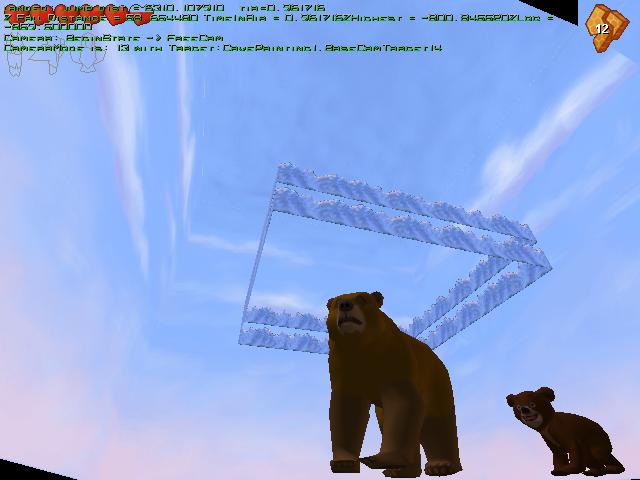
Some of the textures used in this space can be found in Textures\DavidsBearTest.utx
Entry.unr#
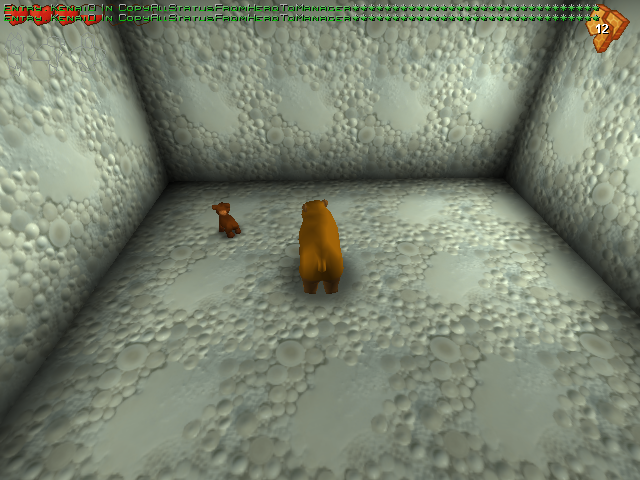
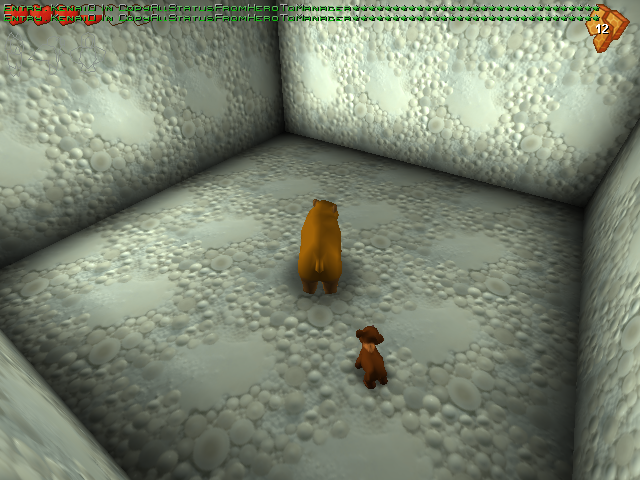
A test map can be accessed using the "Levels" option; it's a cube covered with the default Unreal Engine 1 texture. Note that free camera mode does not work in this environment.
IceRun.unr#
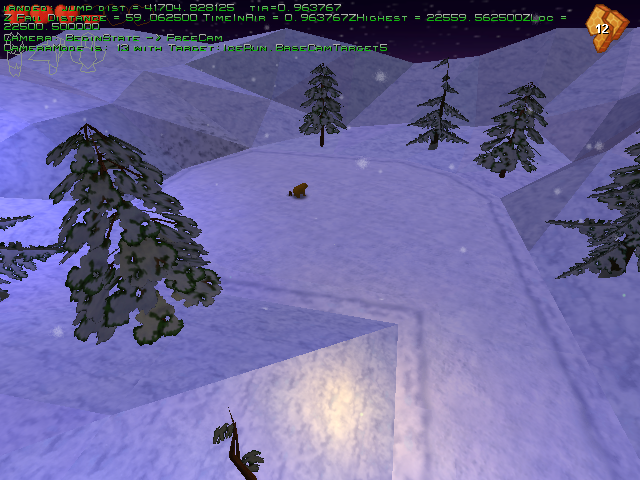
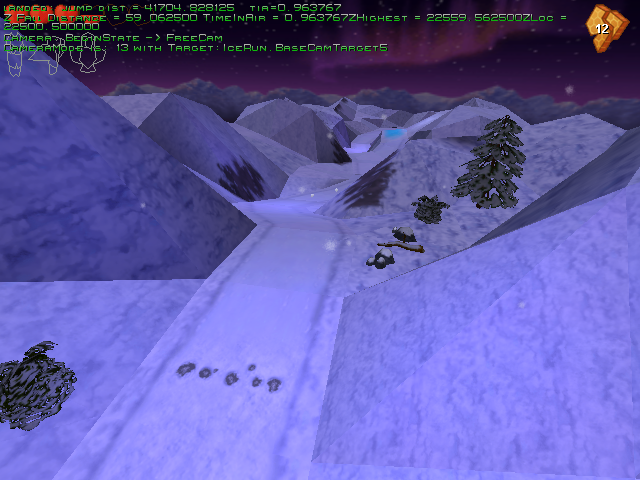
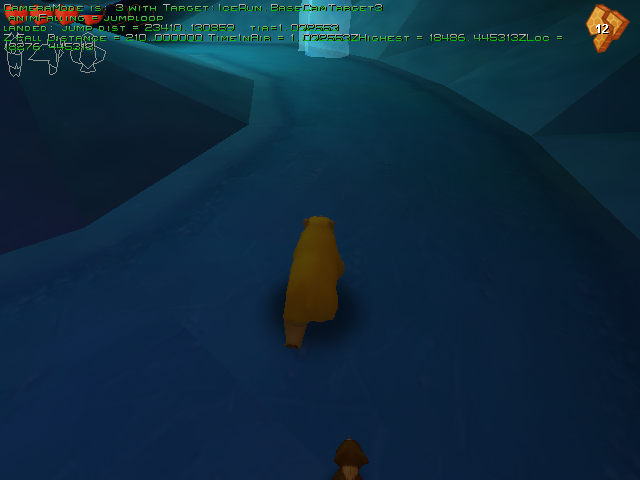
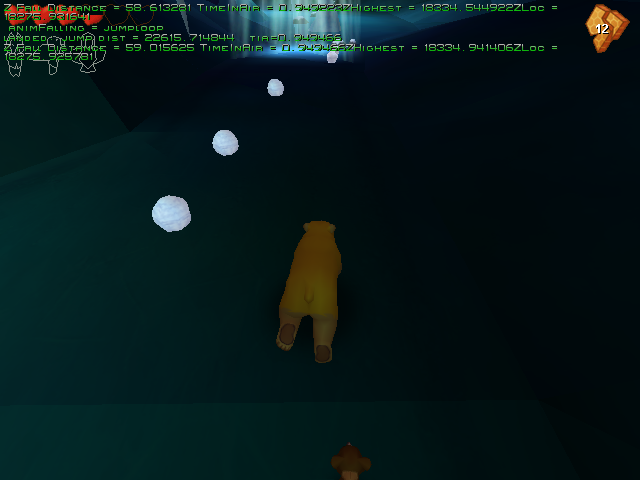
The map from the first minigame can also be explored on foot. The GSTATE value needs to be set at 00, otherwise the cutscene for the minigame will play.
- Snowballs and the Orca totems are collectible, but have no effect.
- Falling through the gap inside the mountain resets the level.
Salmon_run.unr#
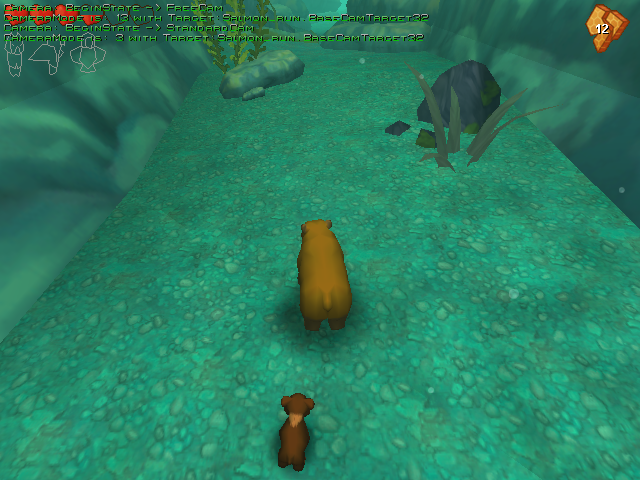
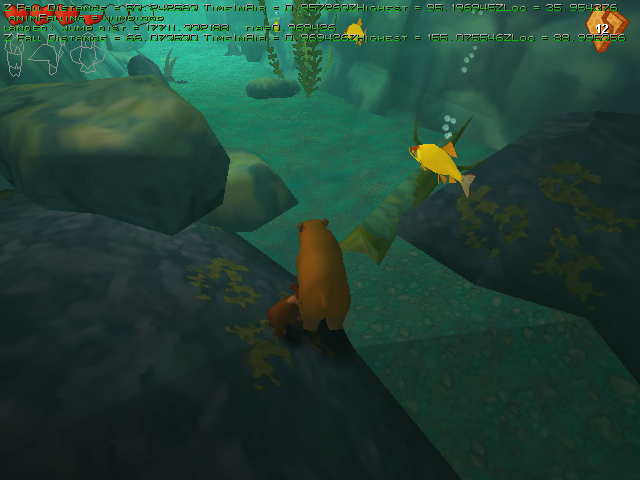
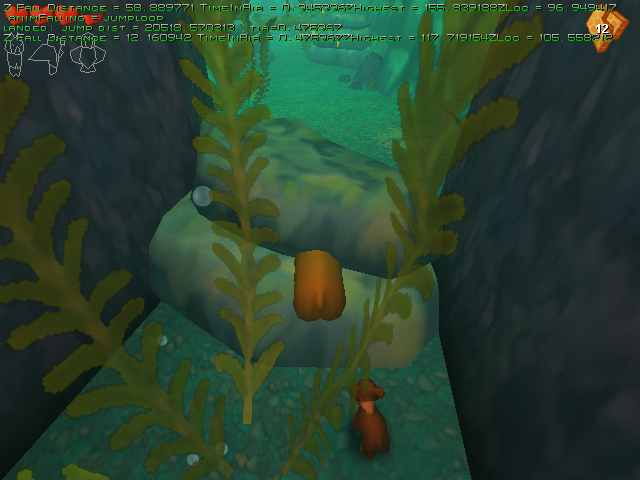
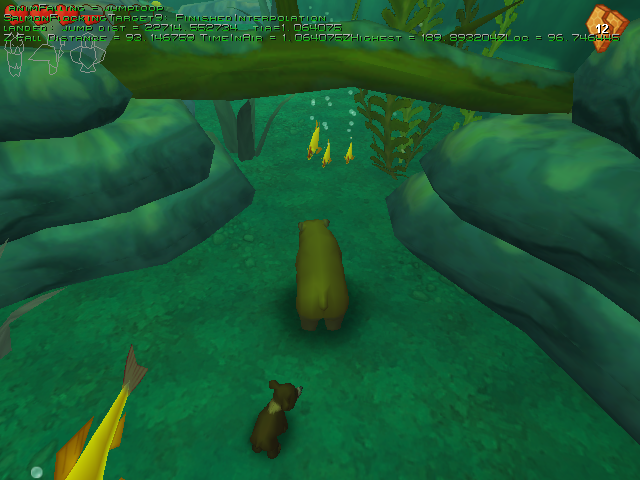
The map prior to the final battle can be explored with Koda... underwater! GSTATE is required to be set at 40 or less, otherwise the cutscene for the minigame will play.
- Kenai will go through the salmon fish if tried to be collected.
- Many rocks are lacking collisions.
- The generic bears the player races are not present.
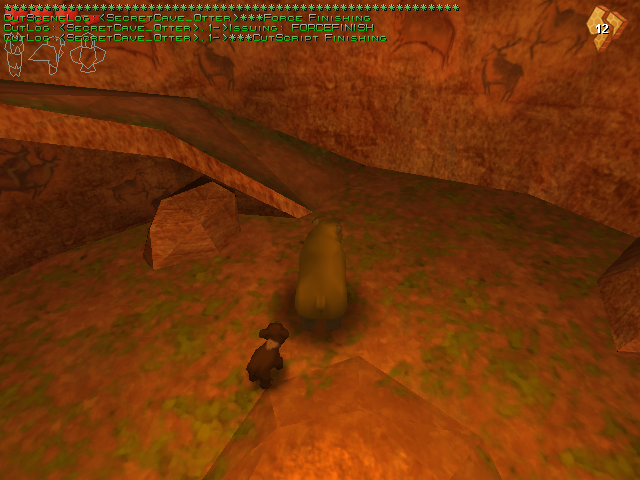
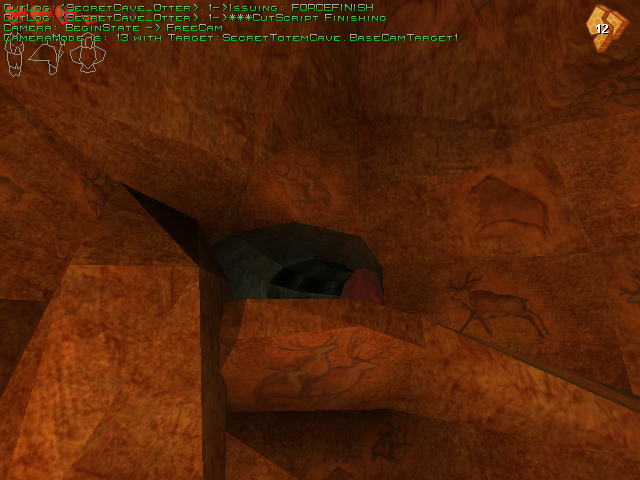
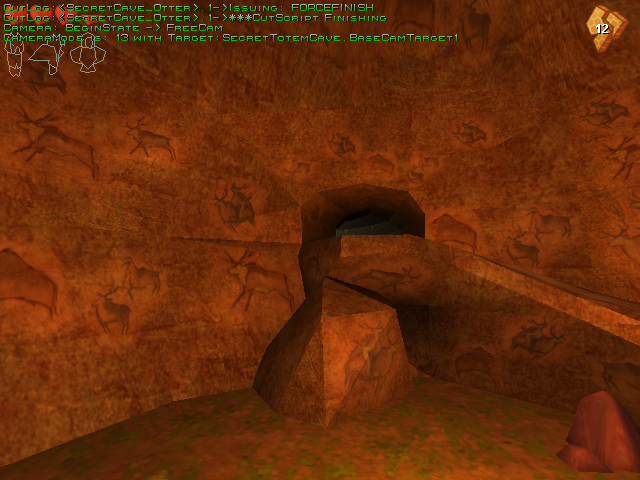
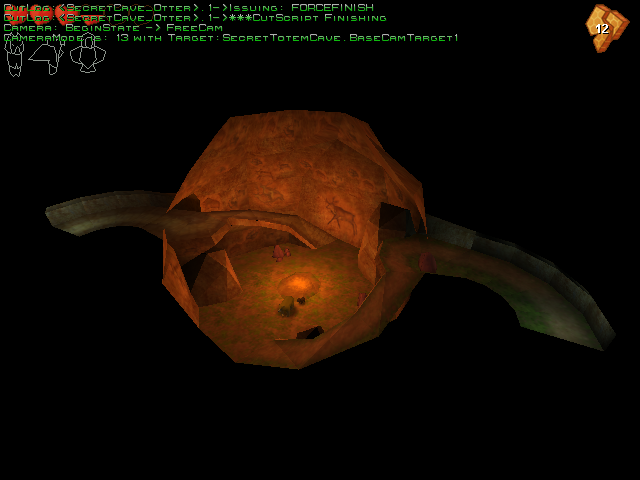
SecretTotemCave.unr#
The scenario used when Kenai snatches an animal totem, only intended to be used in a cutscene. Any GSTATE value can be used.
Unused Graphics#
Load Savegame Thumbnails#
The launcher displays saved games along a small picture of the current stage. Two of these are not used in the final game.
Image |
Filename |
Description |
|---|---|---|
 |
Default.bmp |
A thumbnail of the game's screen. It is only used if the game is forced to save within debug mode. |
 |
GlacierRun.bmp |
Image for the very first stage where Kenai runs through shattering ice mountains. |
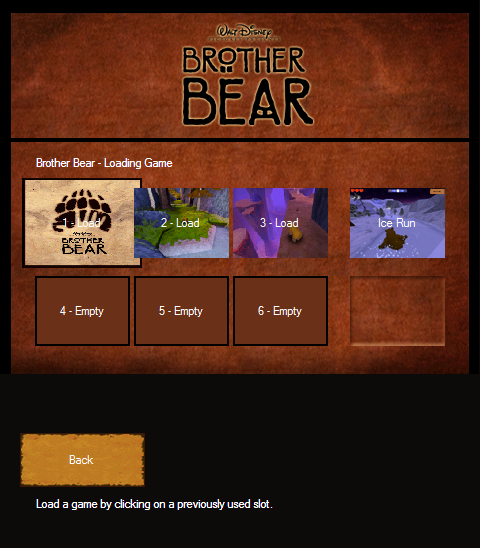
- Default.bmp appears after manually saving a game in an area where saving normally isn't possible.
Early Logo#

The logo used in the placeholder splash screens is stored in the Help directory within the game's installation path.
Not Replaced#
CavePaintings_pd.utx contains 13 identical pictures labeled caveRock##_pd.bmp, numbered from 00 to 12. Likewise, Rock_MM.utx has 14 placeholder images to be swapped.


Reptilian Assets#
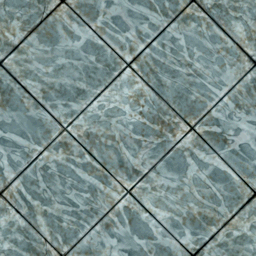
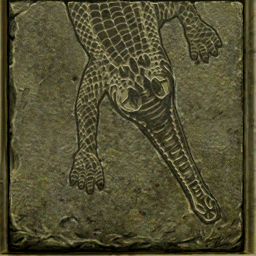
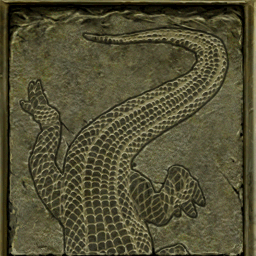
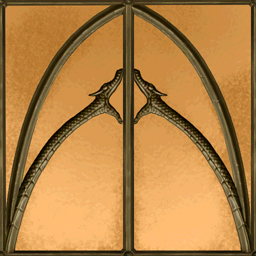
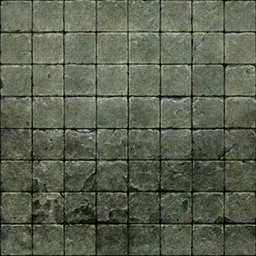
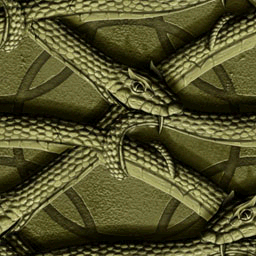
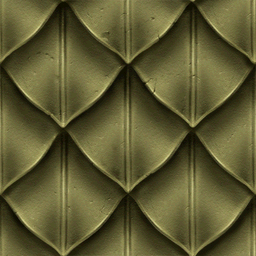
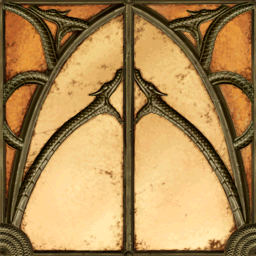
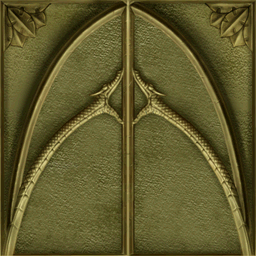
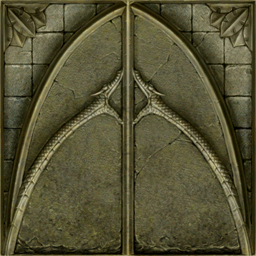
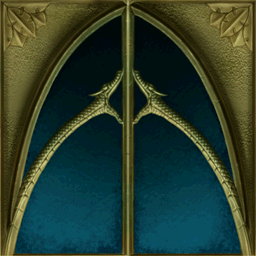
ConsoleTexReptilRm.utx has archives that don't quite belong to a Brother Bear game... at all.

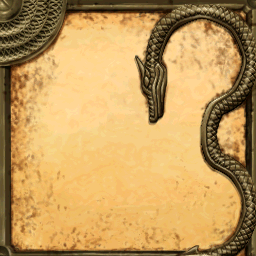
Texture 101#

A possible guide on how to make textures. This picture is featured on the following archives under the name guide2_cv.bmp.
- GroundsDS.utx
- Guides.utx (only contains the image and a palette file)
- HP_FX.utx
Miscellaneous#
- HP_FX.utx:
Image |
Filename |
Description |
|---|---|---|
 |
Gem.bmp |
Texture for a crimson gem. |
 |
paw.bmp |
Unused icon for the game's logo. |
- HPEdit.utx: a handful of icons from a developer kit.


- bearTest.utx: has two ice-tinted textures that are nowhere to be seen in any of the snow levels.


- Pallettes.utx: a ton of copies of a single image with a different palette slapped on each one.
Harry Potter and the Chamber of Secrets Remnants#
Present in the game's .utx archives are many assets from the second Harry Potter game.
- HP_FX.utx:
Image |
Filename |
Description |
|---|---|---|
 |
healthmeter.bmp |
Upside down rendition of Harry Potter's health meter. |
 |
Les_fire_01.bmp |
A red, foggy like fire texture. |
 |
Les_Sparkle_01.bmp |
Blue sparkle. |
 |
Les_Sparkle_03.bmp |
Green sparkle. |
 |
Les_Sparkle_04.bmp |
White sparkle. |
 |
Les_VoldSpell.bmp |
A green, foggy like fire texture. |
 |
LesBlueFire_01.bmp |
A blue, different foggy like fire texture. It is bigger than the rest. |
 |
Sparkle_8.bmp |
A lens-flare like sparkle thing. |
 |
Goldstar01.bmp |
A golden star. |
 |
Key3.bmp |
A silver key. |
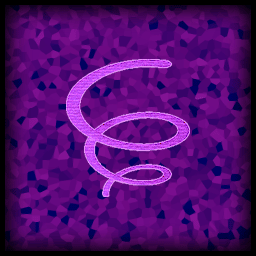 |
S_Rug2.bmp |
Texture of the rug in which the player can cast the Spongify spell. |
Most of these are also present in HPParticle.u.
- SpellShapes.utx - graphics for each spell in Chamber of Secrets, along with its palettes and .WETTEXTURE files.


- The Help folder has the graphics for the game's settings' UI. Neither of which are used by the launcher or in the pause menu.
 |
 |
 |
 |
 |
 |
Unused Text#
Demo Leftover#
Stored at System\Startup.int, nothing too fancy.
String |
Text |
Translation |
|---|---|---|
'''CantRun=""' |
Esta demo no se puede utilizar para ejecutar la versión de pago de Hermano Oso (tm). |
This demo cannot be used to run the paid version of Brother Bear (tm). |
'''CantLoadMap=""' |
Sólo la versión de pago de Hermano Oso (tm) puede cargar este mapa. |
Only the paid version of Brother Bear (tm) can load this map. |
Unreal CD-ROM#
System\Window.int contains many informational messages regarding the Unreal Engine CD. The most evident strings are displayed below.
[General]
InsertCdText=Please insert the Unreal CD-Rom into your drive and press OK to continue, or Cancel to exit.
InsertCdTitle=Cd Required At Startup

[FirstRun]
LowMemory=Unreal has detected that you have %i megabytes of memory available. To improve performance, the "Low Detail Textures" and "Low Sound Quality" options have been enabled. You may change this settings in the "Performance Settings" menu.

NonMMX=Unreal has detected that you're using a non-MMX PC. Based on this, the sound playback rate has been set to use the least CPU power. You may change this settings in the "Advanced Options / Audio" menu.

Starting=Unreal is starting up with new settings. If you experience any problems, please read the Troubleshooting section of the Release Notes in the "Start" menu.

[IDDIALOG_Directory]
IDC_Directory=Installation Folder
IDC_ChoosePrompt=Please choose the installation folder.
IDC_PathTitle=&Path:
IDC_DirectoryTitle=&Directories:
IDC_DrivesTitle=Dri&ves:
IDC_NetworkButton=&Network

[IDMENU_NotifyIcon]
ID_NotifyIcon=Menu
ID_NotifyShowLog=&UnrealServer Console
ID_NotifyAdvancedOptions=&Advanced Options
ID_NotifyExit=E&xit UnrealServer
Unsorted CD Files#
Various files scattered in the disc hint that multiple translations were planned, yet they remain as placeholders.
Autoplay Backgrounds#
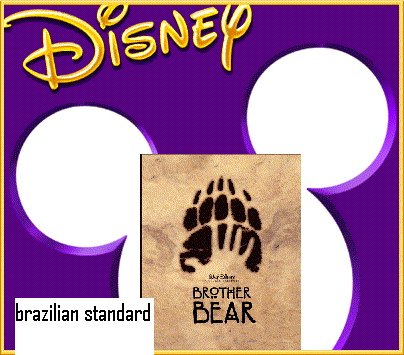
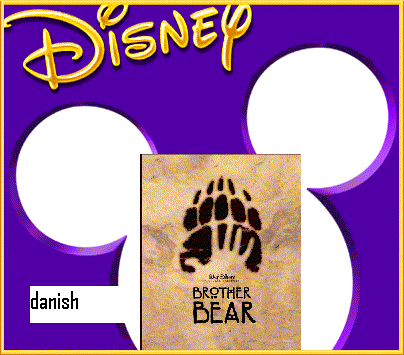
SETUP\BURST\Bitmaps contains many placeholder images intended for the installation/game launcher (AUTOPLAY.exe). The only finished translation, in Spanish, has a later modify date than the rest (16/10/2003 06:25 pm as opposed to 15/11/2003 05:58 pm).



DirectX Warning#
warn.txt is a text file which notifies the user that installing DirectX 9.0 is required. 15 additional files detail this information in several languages. Three of these documents are placeholders that are missing its Korean, "Brazilian standard" and Taiwanese translations. These can be found in the SETUP folder and are labeled warnKO.txt, warnPS.txt, and warnTW.txt respectively.
Disney Interactive Website#
The "Brazilian standard" (BrzStan.inf) and Korean (korea.inf) data files in SETUP\BURST\Strings were not adapted. Only one file out of four was translated to Japanese (jpn.aps).
Splash Screens#
Meant to be placed before the setup process begins. These can be found in SETUP\MEDIA.
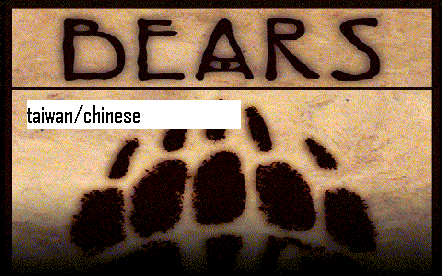
Note that the splash refers to the game as "Bears" which was the work in progress title for the film.
SDK Leftovers#
Some files from the Unreal devkit are still present in the System folder.
Autorun.ini#
A configuration file from an installation CD.
[autorun]
open=setup.exe
icon=help\unreal.icoBRIGHT.exe#
A command-line application used for converting textures.
BRIGHT 1.81 (c) 1999  by Erik de Neve, Epic MegaGames, Inc.
Best palette Reduction for Industrial Grade High quality Textures.

This software is a trade secret of Epic MegaGames, Inc. and Erik de Neve.
Use of this software is only permitted under the Unreal non-disclosure and
licensing agreements.  All distribution prohibited.
Please report any violations to help@epicgames.com.

Run BRIGHT /? for a list of command line options.
(More info: Unreal Texture)
sx.exe#
Another command-line executable. It's an audio conversion file distributed by Electronic Arts.
sx v2.25.01 (Sound eXchange) Jun 11 2002 by Dave Mercier, EAC
USAGE: sx <format> [options] <sourcefiles>
sx -h for more help
(More info: Multimedia.cx Wiki)