 This article has a talk page!

|
This page contains no introduction. |
Debug Menu#

|
To do: |
Once again, a fairly elaborate debug menu remains in this game. You can apply the following code for a cheat device that supports raw codes, such as a CodeBreaker or a GameShark to enable it.
Master Code (For an actual PS2 only)
901000A4 0C0D20B7

Debug Menu At Boot
003482EC 00000000

Dengeki PlayStation D61 Codes Only:

Master Code (For an actual PS2 only)
901000A4 0C0D1D29

Debug Menu At Boot
D03474C0 0000882D
003474C4 00000000
With the code above active, upon booting the game for the first time, you will come across the debug menu.

Upon first boot, we will come across this screen. It's likely some of the names in this menu represent various developer names that worked on the game. The option, Konishi has no function.
HIGDON#

This menu contains quite a bit of variety on what you can do here.
- Selecting ipu will allow you to view all of the background images, such as town scenery.
- Selecting movie will allow you to watch all the movies in the game.
Tex2D#


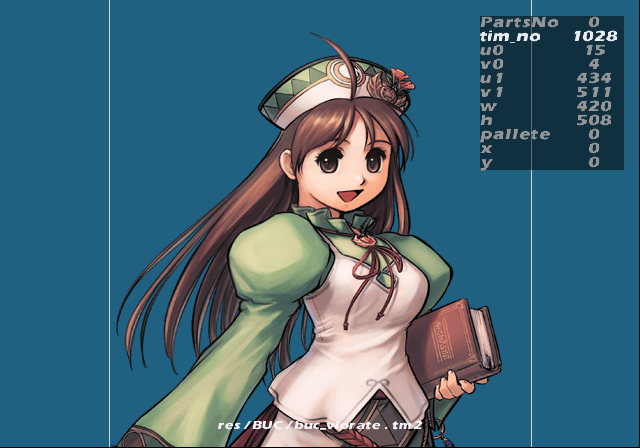
This menu contain's options to view all of the images in the game and adjust them to your leisure.
sound#

The sound test option. You can listen to all the music here, as well as SFX and voices.
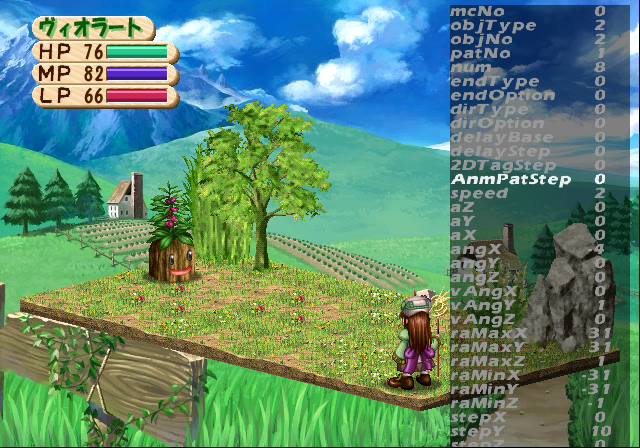
AnmObj#


This option will allow you to view all the sprites in the game, as well as their animations. You can also change the background color, sprite color, and positions of them.
illusion#
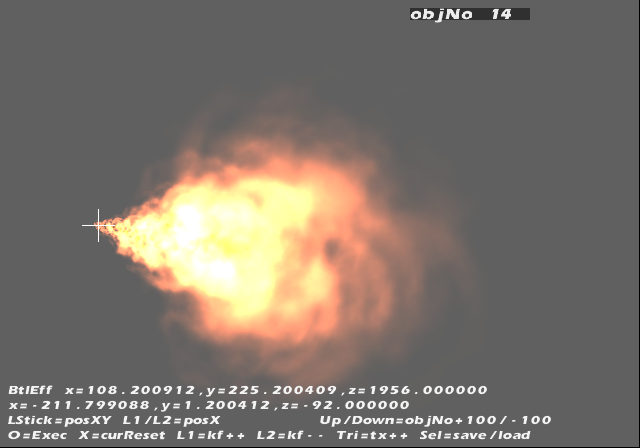


This option allows you to select and view all the special effects here. There is options to save the edits to a HDD, memory card, or a PC as well here. It's unclear how those options work.
Buc#
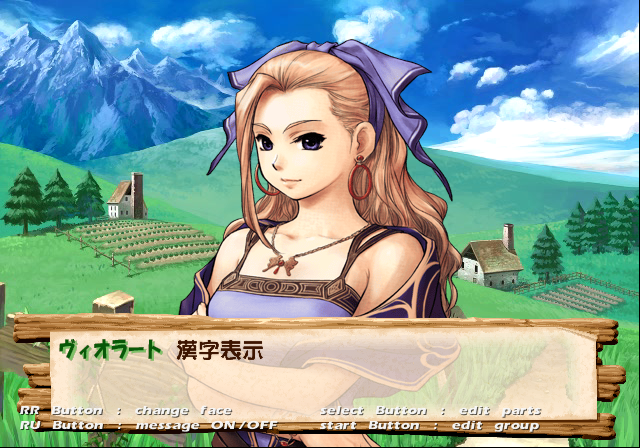
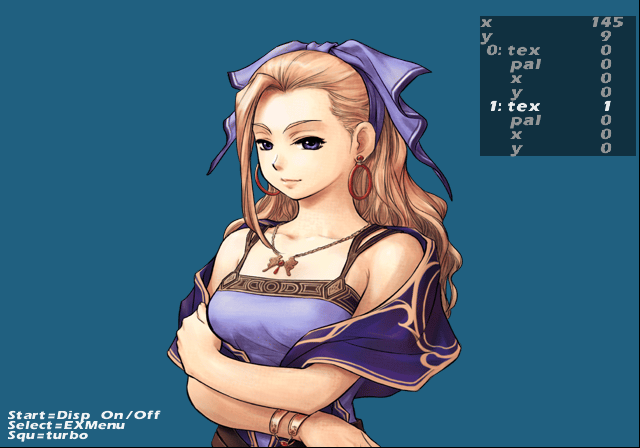
You can view all of the character images and edit them here.
DqEdit#
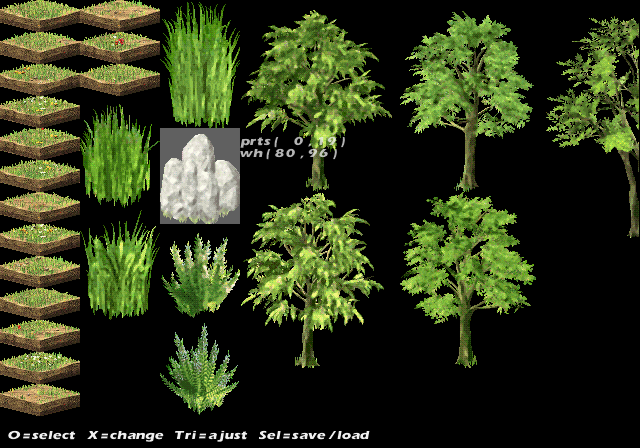


A dungeon part editor can be seen here. You can even make entire new dungeons here. There is options to save the edits to a HDD, memory card, or a PC as well here. It's unclear how those options work.
DunTest#

This option allows you to view all of the dungeons in the game.
DunWalk#
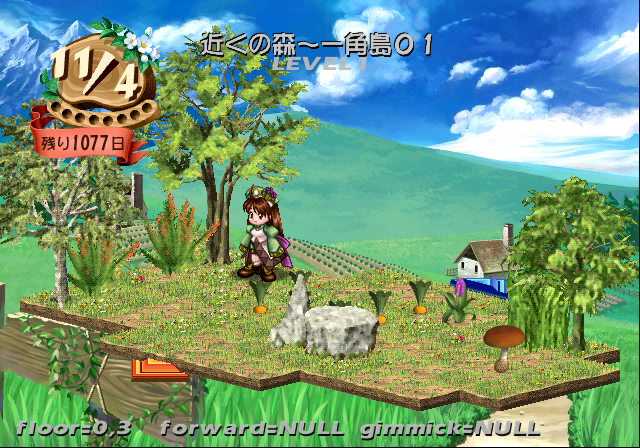
This option allows you to walk around in all of the dungeons in the game. It will also display a few debug options as well.
Y.TAKEZAWA#

This sub-menu contains a lot of options relating to a variety of things you can do here.
T.NAKAI#

This menu mostly contains a variety of different battle test options.
BtlTest#

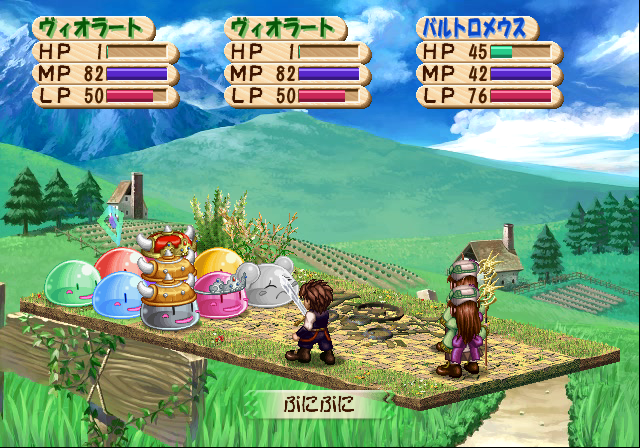
This option allows you to enter test battles with your choice of enemies and party members.
BtlSkillTest#
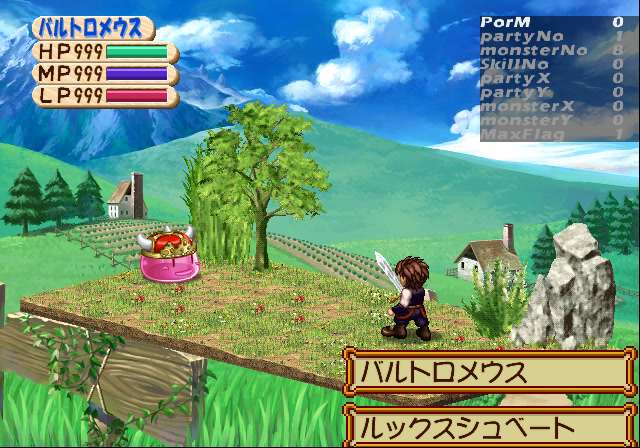

This option allows you to change various attack patterns for enemies and party members.
BtlEffectMc#
This option allows you to select and change various in-battle skill effects.
EffectBaseTest#

Inside this option you can change all of the parameters for effects that affect party members and text.
(Source: Original TCRF research)
Debug Logging#
Within the game is a printf function that doesn't print anything anymore. This would have logged various background information to a debug unit. This logs information such as files loaded and memory information. It would also report errors if any occurred. To re-enable this mode, apply the below code:
Re-enable printf Messages
20369D68 080D3946
If you are playing the game on a regular PlayStation 2, you will need to use a TOOL, RDB, or a debug version of OPL to view the logs. If you are playing on an emulator, you can see this information by enabling the option "Show Console". Below is an example of what type of information gets logged.
EzADPCM driver version 0.11
 Exit EzADPCM loader thread
goto adpcm cmd loop
loadmodule: id 37, ret 0
result=37 result2=0
AdpcmInit
EzADPCM: create thread ID= 26944571
rest:0
 alloc memory 0x000cdd00 - 0x000ced00 (1000)
AdpcmSetSpu2Addr
ADPCM set spu2addr:5010
EzMIDI: create thread ID= 26941757, ¥VPACK¥V0000.VP;1
¥VPACK¥V1000.VP;1
¥VPACK¥V2000.VP;1
¥VPACK¥V3000.VP;1
¥VPACK¥V5000.VP;1
¥VPACK¥V6000.VP;1
¥VPACK¥V7000.VP;1
¥VPACK¥V8000.VP;1
¥VPACK¥V9000.VP;1
¥STREAM¥OP.PCM;1
¥STREAM¥OP_INST.PCM;1
¥STREAM¥ED_0.PCM;1
¥STREAM¥IIZUKA.PCM;1
¥STREAM¥ED_1_7.PCM;1
¥STREAM¥EDBAD.PCM;1
---CacheMiss2---[fpack/font.fp]
¥RPK.BIN;1
pmode:0,clut_flg:1
w:16,h:1
idx:res/TIM/font/FONT01.TIM
CLUT size:44
idx:res/TIM/font/FONT01.TIM
w:256,h:256,wbit:8,hbit:8,wbyte:128
---CacheMiss2---[sound/se/A5System.bd]
---CacheMiss2---[sound/se/A5System.hd]
[Chara.c:d]power_src=0
[Chara.c:d]add=18
---CacheMiss2---[fpack/title.fp]
pmode:0,clut_flg:1
w:16,h:2
idx:res/TIM/title/TITLE2.TIM
CLUT size:76
idx:res/TIM/title/TITLE2.TIM
w:256,h:128,wbit:8,hbit:7,wbyte:128
---CacheMiss2---[fpack/parts.fp]
pmode:0,clut_flg:1
w:16,h:16
idx:res/TIM/parts/A5_ICON.TIM
CLUT size:524
idx:res/TIM/parts/A5_ICON.TIM
w:256,h:128,wbit:8,hbit:7,wbyte:128
---CacheMiss2---[sound/se/A5basicSet.bd]
---CacheMiss2---[sound/se/A5basicSet.hd]
---CacheMiss2---[sound/se/ICseq.sq]
---CacheMiss2---[res/IPU/bg_title.ipu]
---CacheMiss2---[fpack/effect.fp]
pmode:0,clut_flg:1
w:16,h:1
idx:res/TIM/effect/eff_12.tim
CLUT size:44
idx:res/TIM/effect/eff_12.tim
w:128,h:128,wbit:7,hbit:7,wbyte:64
pmode:1,clut_flg:1
w:256,h:1
idx:res/TIM/effect/eff_10.tim
CLUT size:524
idx:res/TIM/effect/eff_10.tim
w:128,h:256,wbit:7,hbit:8,wbyte:128
---CacheMiss2---[sound/bgm/MainBank.bd]
---CacheMiss2---[sound/bgm/MainBank.hd]
---CacheMiss2---[sound/bgm/Lovebank.bd]
---CacheMiss2---[sound/bgm/Lovebank.hd]
---CacheMiss2---[sound/bgm/LoveKSQ.sq]
---CacheMiss2---[fpack/conf_comp.fp]
pmode:0,clut_flg:1
w:16,h:8
idx:res/TIM/conf_comp/CHOGO.TIM
CLUT size:268
idx:res/TIM/conf_comp/CHOGO.TIM
w:256,h:256,wbit:8,hbit:8,wbyte:128
seqStep 0 <- 13 check:0
msg 4
---CacheMiss2---[fpack/window.fp]
seqStep 1 <- 0 check:0
MMS_LOAD_INDEX:Error -105
seqStep 4 <- 1 check:-105
msg 14
(Source: Original TCRF research)