 This article has a talk page!

|
This page contains no introduction. |
Debug Menu#

|
To do: |
Like all of Gust's PlayStation 2 Atelier games before Atelier Iris: Eternal Mana, a fairly elaborate debug menu remains in this game as well. You can apply the following code for a cheat device that supports raw codes, such as a CodeBreaker or a GameShark to enable it.
Master Code (For an actual PS2 only)
901000A4 0C09AA77
Enable Debug Menu At Boot
0026A9EC 00000000
With the code above active, upon booting the game for the first time, you will come across the debug menu.

Upon first boot, we will come across this screen. It's likely some of the names in this menu represent various developer names that worked on the game.
HIGDON#

This menu contains quite a bit of variety on what you can do here.
- Selecting ipu will allow you to view all of the background images, such as town scenery.
- Selecting movie will allow you to watch all the movies in the game.
Tex2D#


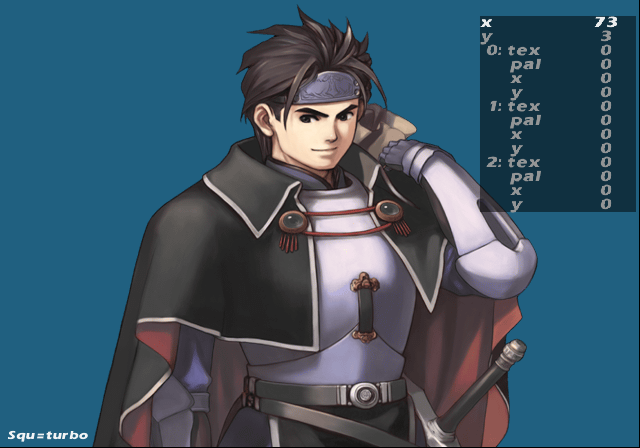
This menu will let you view all of the images in the game and adjust them to your leisure.
sound#

The sound test option. You can listen to all the music here, as well as SFX and voices.
AnmObj#

Entering this option will let you view all the standard sprites in the game, as well as their walking patterns.
BqEdit#
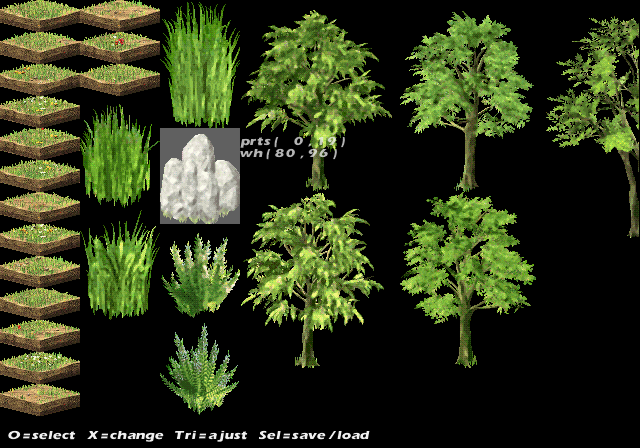


A dungeon part editor can be seen here. You can even make entire new dungeons here. There is options to save the edits to a HDD, memory card, or a PC as well here. It's unclear how those options work.
BtlTest#

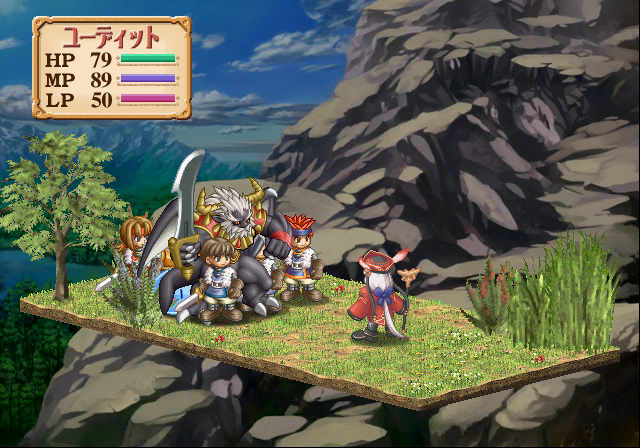
This option allows you to enter test battles with your choice of enemies.
BtlAnm#

Much like the AnmObj debug option, this version allows you to view battle sprites and view their animations.
Buc#
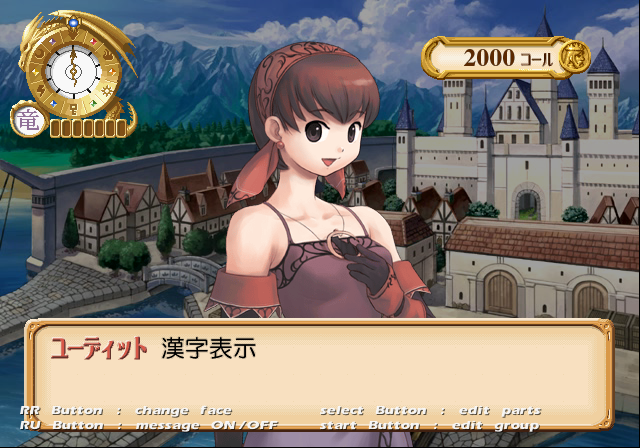
In this option, you can view all of the character images and edit them here.
Miscellaneous#

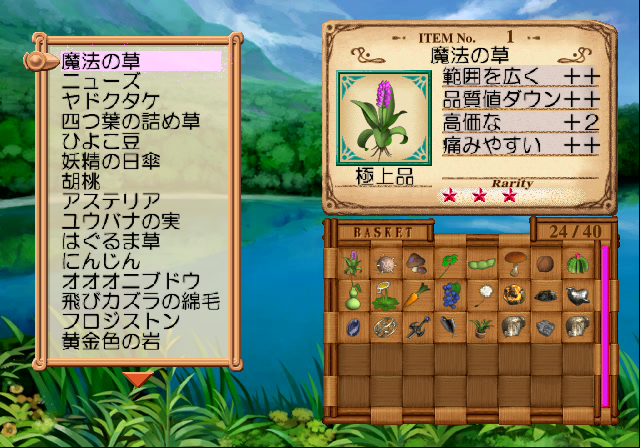
Just like this menu's name, this option contains various options.
MORIKAWA#

This menu contains various shop related debug options.
KONISHI#

Another menu with an assortment of options, such as map select tools, memory card viewer, and bonus menu debug tools.
QV#


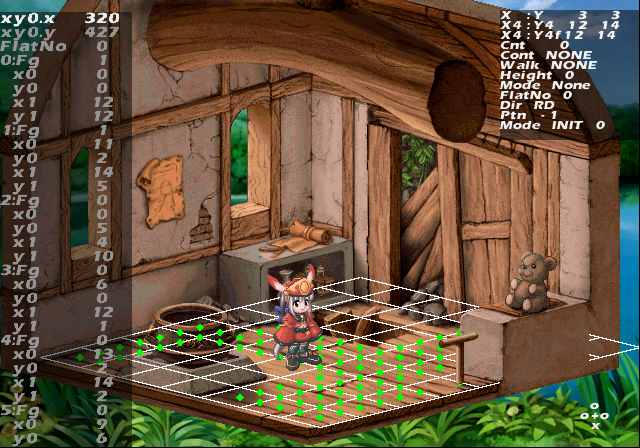
The level select option. This will allow you to jump to all the town maps in the game. Selecting QvPreview will take you to map specific cutscenes.
Event#

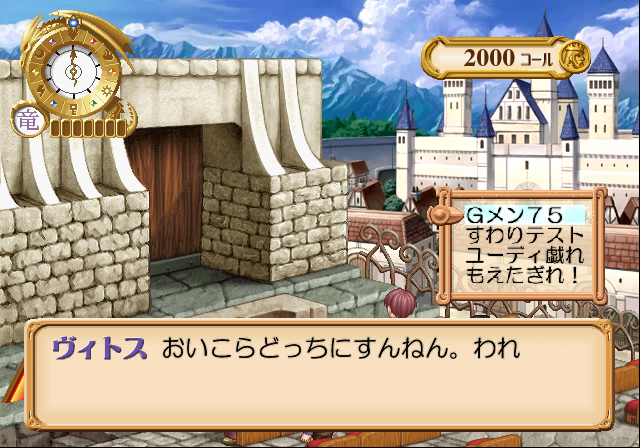
This option allows you to view all of the event cutscenes in the game. Selecting Test00 will bring you to another debug menu.
K.TAKAYANA#
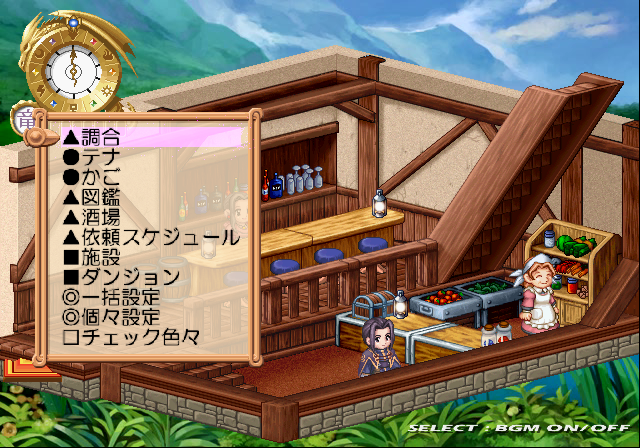
Another menu with an assortment of options, such as giving you the option to put any item in your basket.
Y.TAKEZAWA#

Another menu with a lot of options. You can check the HDD contents and install the game here it appears, as well as a lot of other options.
(Source: Original TCRF research)