Super Monkey Ball Deluxe is basically an updated version of Super Monkey Ball 2 which includes all of the levels from Super Monkey Ball as well as some new levels.
Most of the unused content from the first Super Monkey Ball and Super Monkey Ball 2 can still be found in Super Monkey Ball Deluxe, so this page will cover content only unused in Deluxe.
Sub-Pages#


Debug Mode#

|
This needs some investigation. |
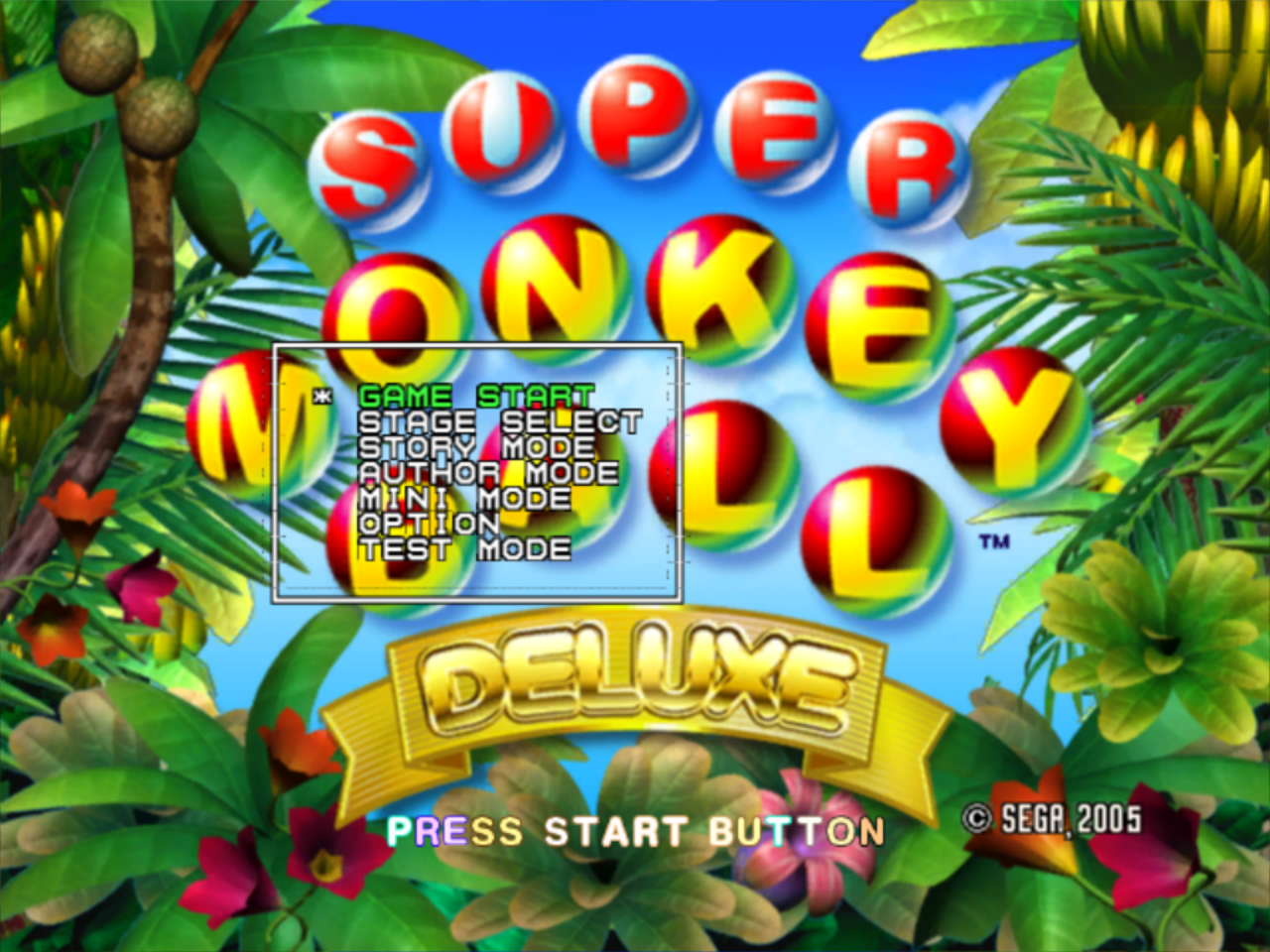
Super Monkey Ball Deluxe, essentially being a port of Super Monkey Ball 2, shares the same debugging elements as its predecessor. These features can be enabled in the PlayStation 2 version using one of the following cheat codes:
NTSC-U |
NTSC-J |
|---|---|
|
|
(Source: Yutori (NTSC-J Code))
For the Xbox version, the debug functions can be accessed by setting the memory value at address 0x892118 to 03, or address 0xD08BE118 on Xbox 360.
Alternatively, you can apply the below patch to default.xbe to have the debug mode always enabled.
 |
Download Super Monkey Ball Deluxe (USA) Xbox Debug Patch File: Super_Monkey_Ball_Deluxe_(USA)_Xbox_Debug_Patch.7z (1KB) (info) |
Once enabled, the main debug menu can be opened at the title screen by pressing X + Circle (PS2) or A + B (Xbox) at the same time. Another menu can be opened by pressing L1 + Start or Left Trigger + Start at any point in the game. This second menu (and anything created by it) can be re-positioned and resized using the thumb sticks, and closed with L1 + Triangle or Left Trigger + Y. Focus between multiple menus can be switched with L1 + X or Left Trigger + A.
A few cheat commands are also enabled:
- Pressing D-Pad Up will add 100 seconds to the game's timer, with a maximum time of 360.98.
- Pressing Square + Triangle or X + Y will instantly complete the current level.
- The game can be debug paused with R1 + Start or Right Trigger + Start which will display "DEBUG MODE" in the top right corner of the screen. Unpause with just Start.
- Pressing R2 or White while debug paused will advance the game by one frame.
- Pressing Square + Circle or X + B while debug paused will display a cursor that allows you click on UI elements with X or A and move them around the screen with the Left Stick.
- Pressing Triangle + Circle or Y + B while debug paused will unlock the camera. Pressing again will reset it but it won't take effect until the game is unpaused. Unlocking the camera also disables the above cursor.
In the PS2 version, the debugging functions are not particularly stable, and a good portion of the options and tools either do not do anything, or appear to have been deleted. For example, the ball position debug tool will always report a position and speed of 0. Certain debug menu tests, such as the sound and ADX tests, will crash the game, while others lead to a blank screen that can be left by pressing Start. Attempting to access certain levels on the stage select screen will crash the game, as well. This only occurs when attempting to load the stage itself, as it is possible to view the stage models using the in-game model viewer. However, there are some differences to note between Super Monkey Ball 2's debug menu and the Deluxe version, as some features that would crash Super Monkey Ball 2 work perfectly in this version.
Mini Mode#
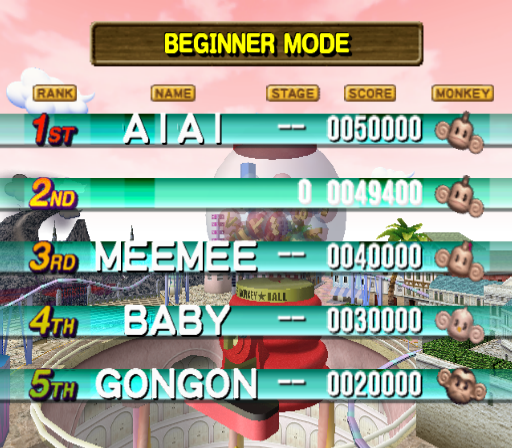
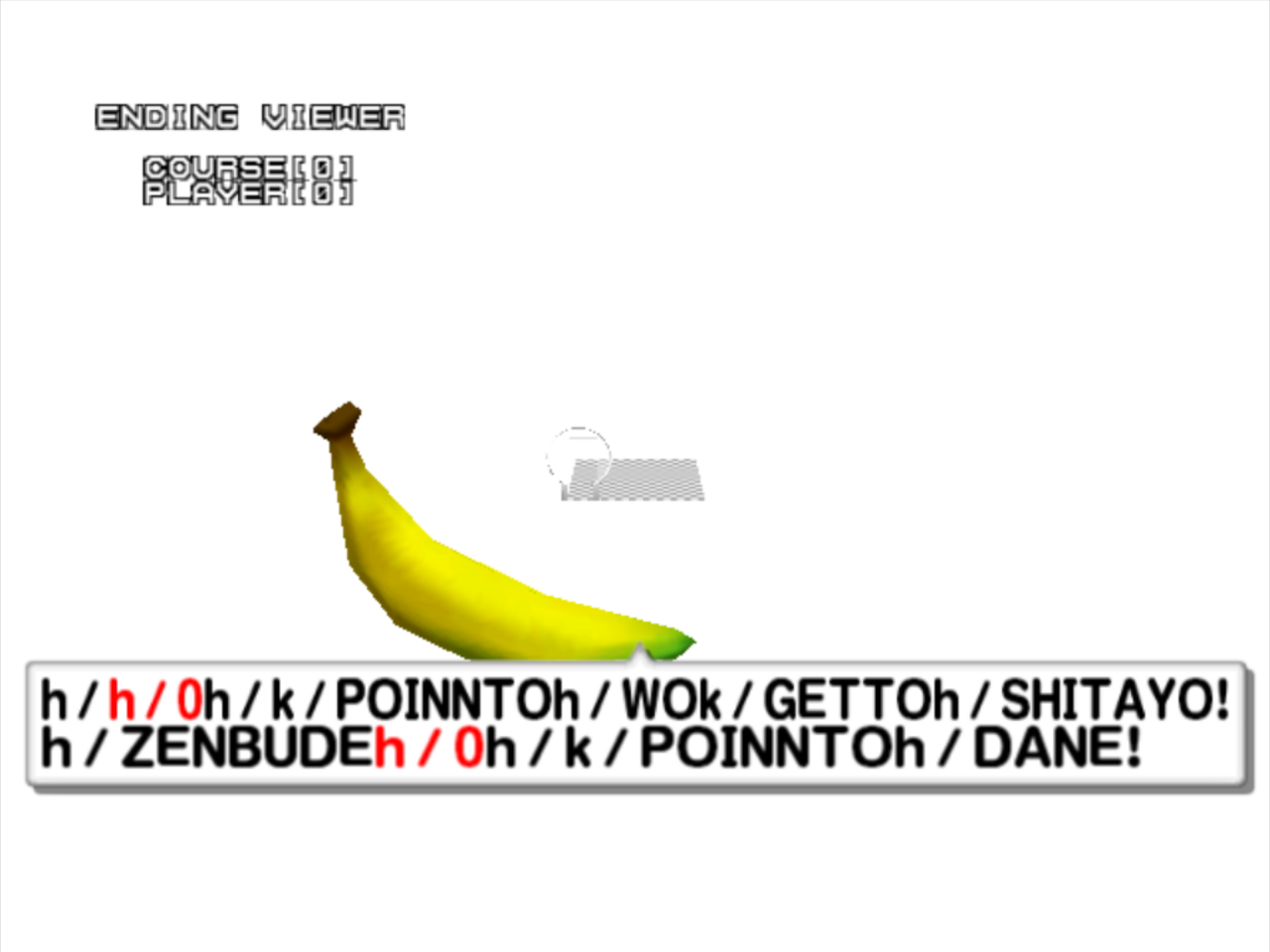
The mini mode allows for party games to be quickly launched. There are four other options that do not function properly in Super Monkey Ball 2 that work in this version.
Images#

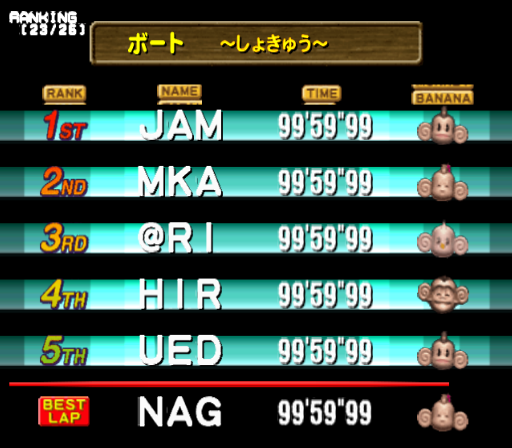
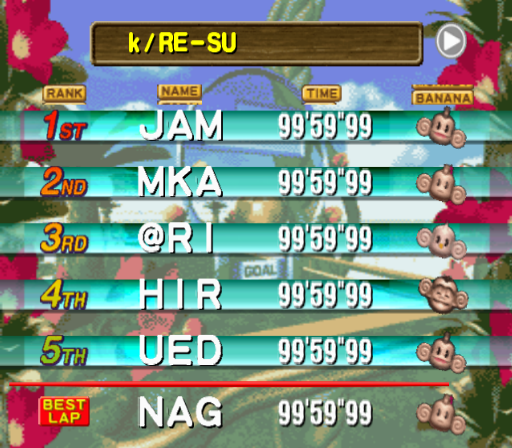
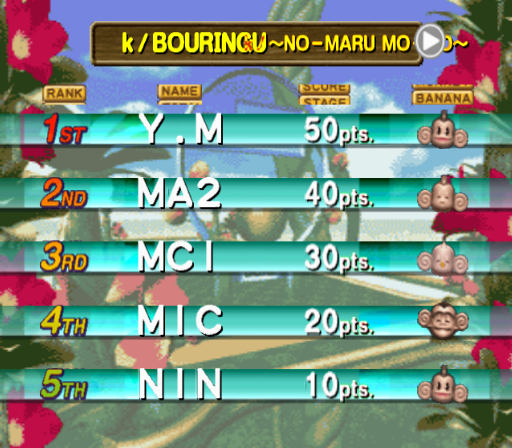
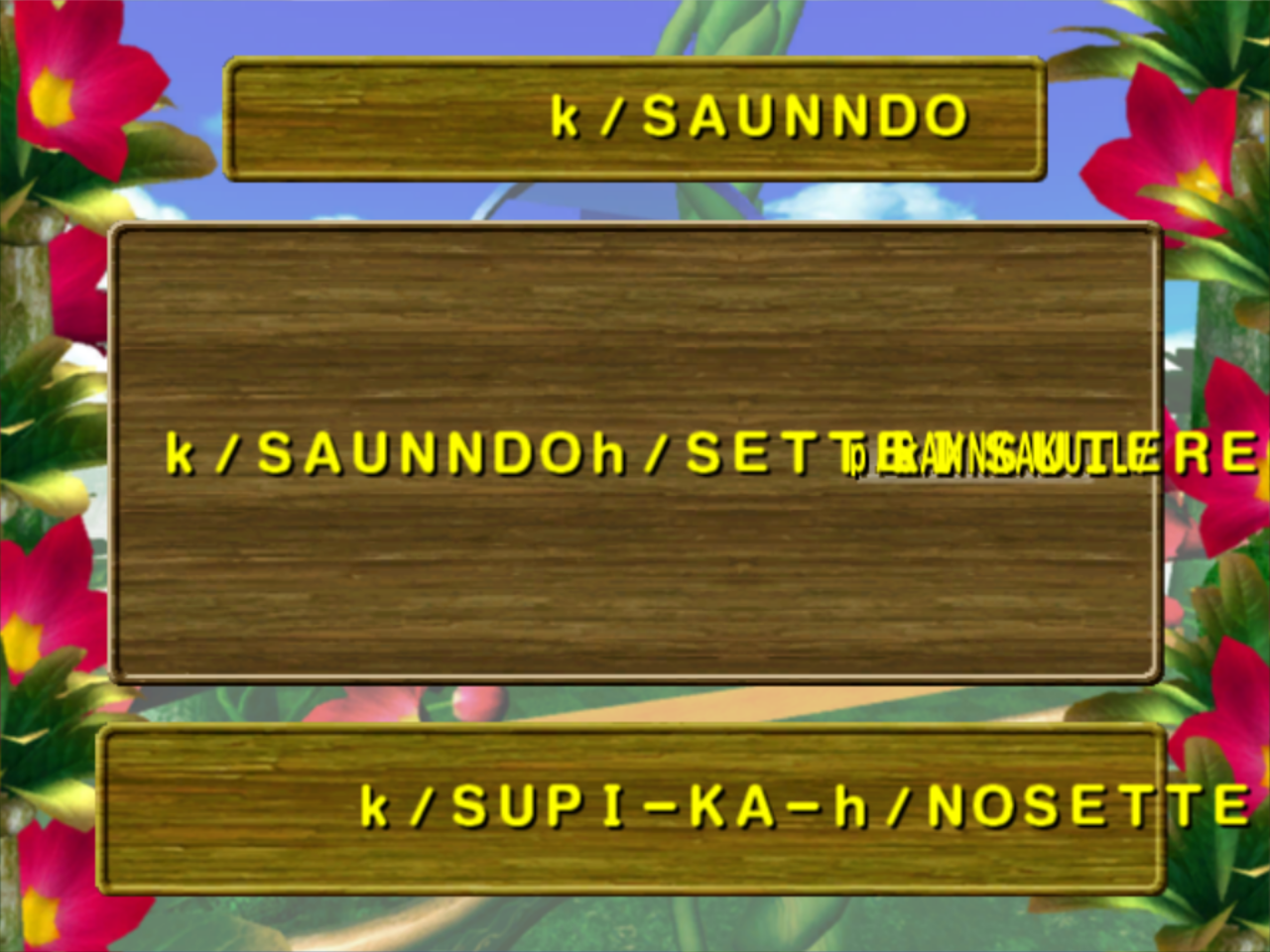
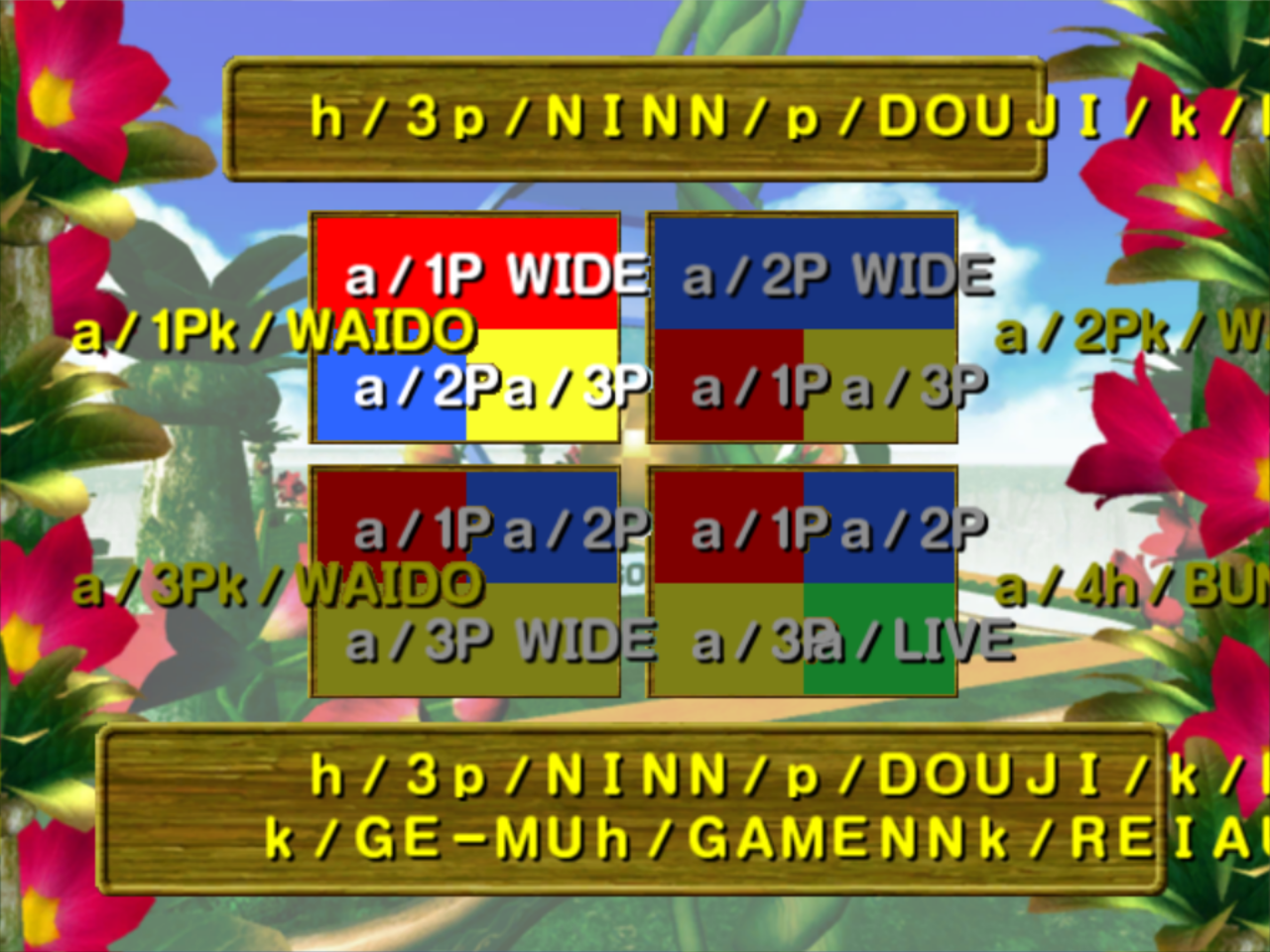
Legacy Option Menu#
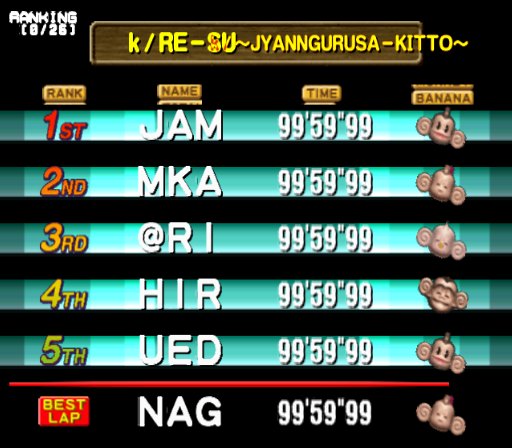
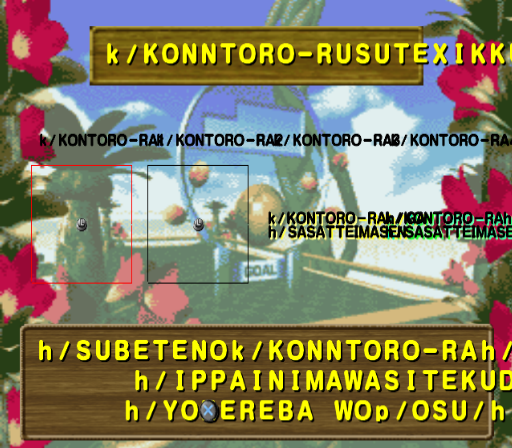
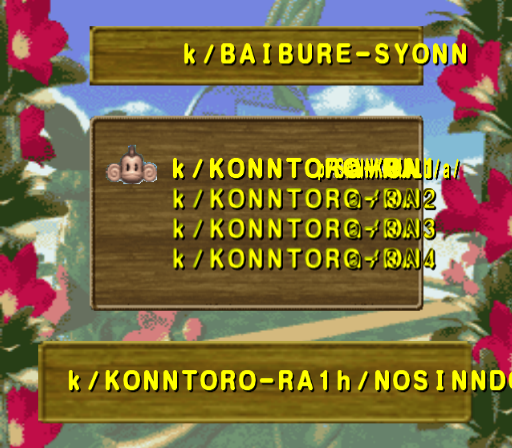
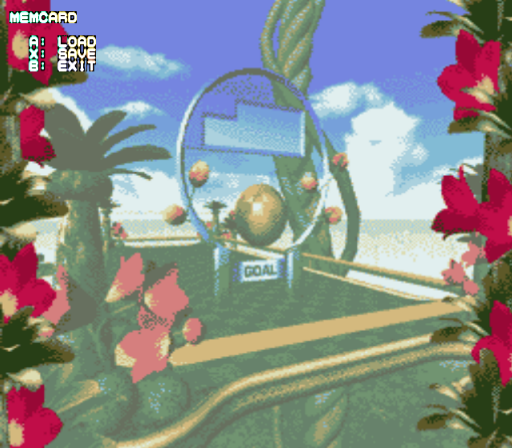
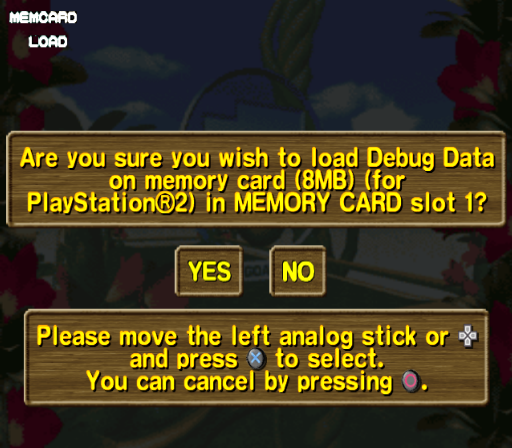
The legacy option menu from Super Monkey Ball makes an appearance here. The ranking system has a different appearance than the one found in Super Monkey Ball 2. The controller calibration screen features a control stick calibration menu, where a box must be drawn out with the analog stick. This calibration system existed in Super Monkey Ball 2, but is not accessible by normal means in the PS2 version of the game. The calibration tool apparently works, but the outline of the box is much thinner and multiple circles of the analog stick are required to fill an entire box. The mysterious "debug data" also makes a return in Deluxe, its purpose is not currently known.
Images#
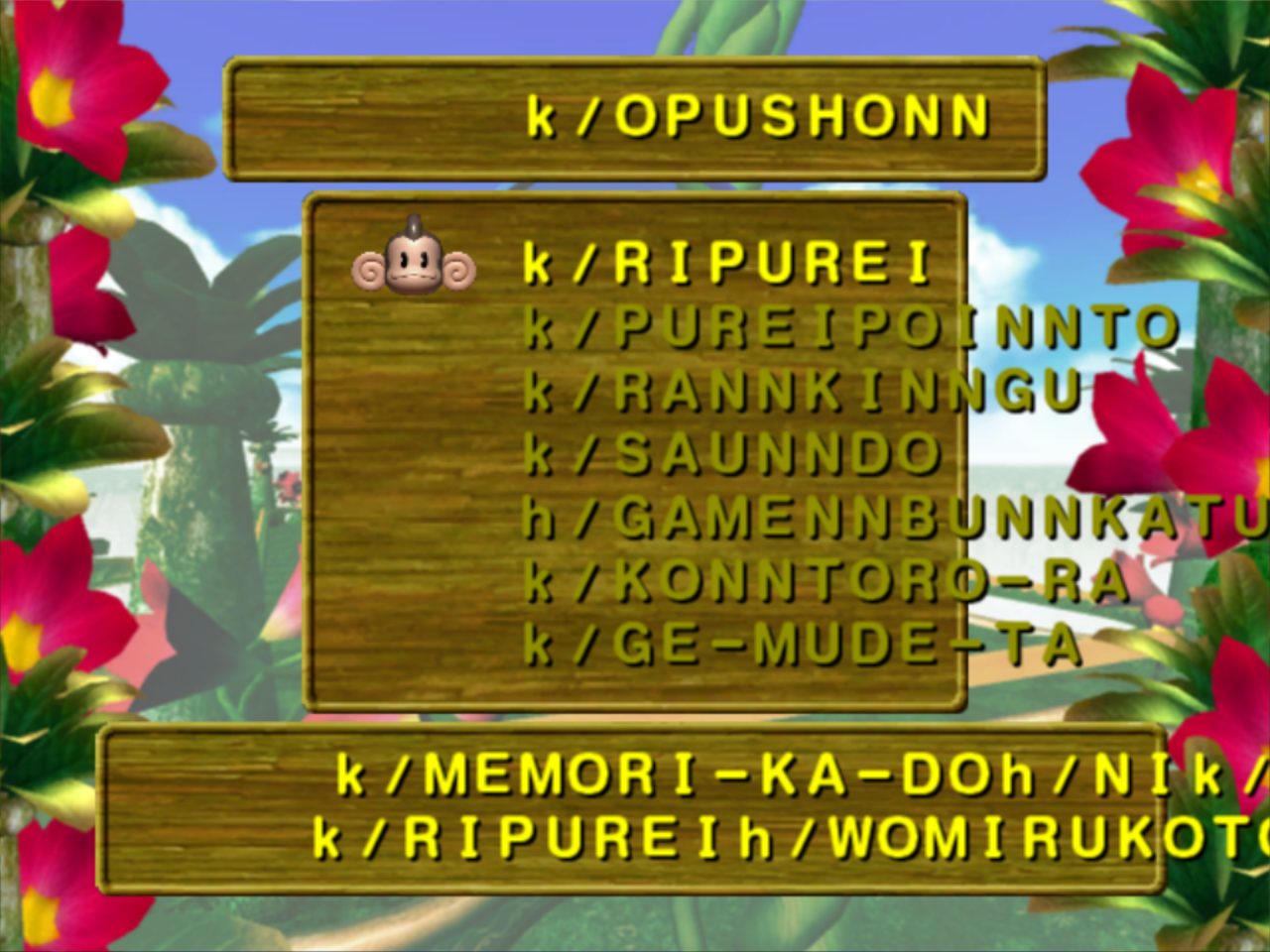
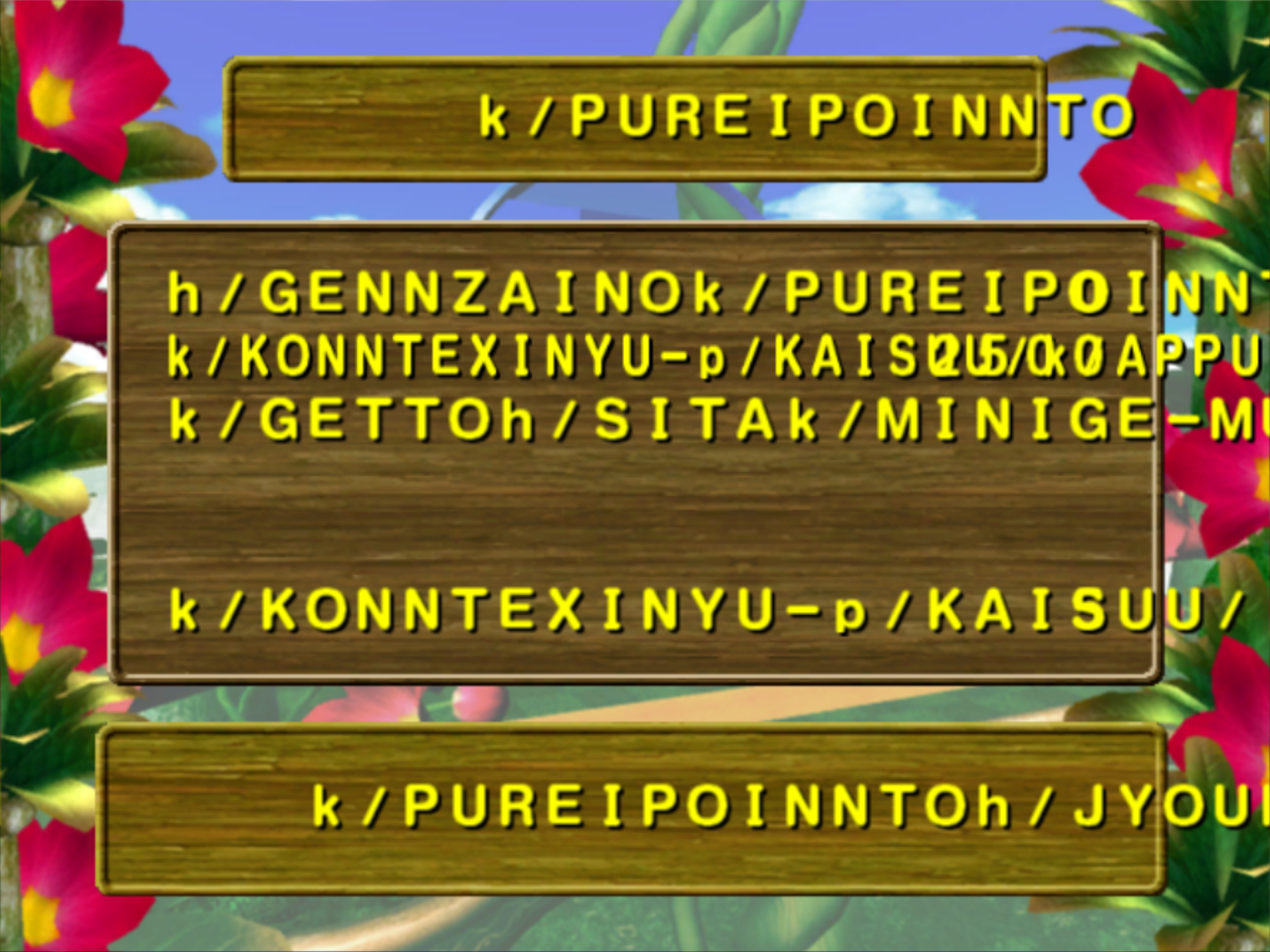
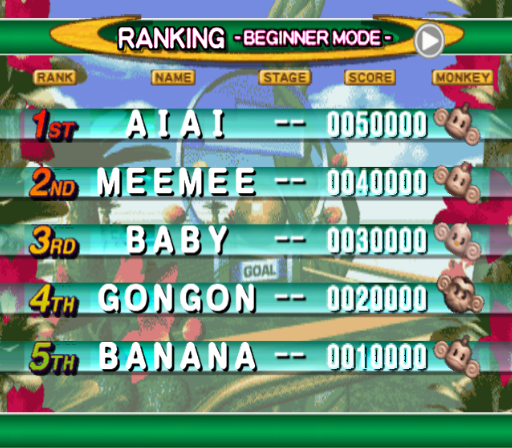
Test Mode#
DIP Switches#
Unlike the DIP switch menu found in other Super Monkey Ball games, there are small notes describing the function of each DIP switch in this version.
DIP Switch |
Attached Note |
DIP Switch |
Attached Note |
|---|---|---|---|
DIP_DEBUG |
DEBUG ACTIVE |
DIP_ONLY24MB |
USE 24M RAM ONLY |
DIP_DISP |
DEBUG MESSAGE ON |
DIP_SHADOW_DISP |
SHOW TEXTURE SHADOW AS DEBUG |
DIP_STCOLI |
STAGE COLLISION |
DIP_SPRITE_OFF |
SPRITE OFF |
DIP_TRIANGLE |
STAGE TRIANGE [sic] COLLISION |
DIP_SNDREQ_DISP |
DISPLAY INFORMATION OF SOUND REQUEST |
DIP_TAIKEN |
EXPERIENCE MODE |
DIP_SE_VOL_RESET |
SOUND VOLUME WITHOUT OFFSET |
DIP_TIME_STOP |
TIMER PAUSE |
DIP_APE_FACEDIR |
APE FACE DIRECTION |
DIP_NAMEENTRY |
NAME ENTRY MODE |
DIP_SEL_ALL_CTRL |
4 CONTROL SELECTED |
DIP_FIX_WORLD |
STAGE WITHOUT LEAN |
DIP_APE_NUMBER |
APE NUMBER |
DIP_TEST_CAM |
TEST CAMERA |
DIP_1P_TEST_CAM |
1P TEST CAMERA VIEW |
DIP_NO_INTR |
FOCUS INVERSE |
DIP_PREVIEW_SAVE |
PREVIEW SAVE MODE |
DIP_CAPTURE |
CAPTURE (CAN'T BE COMPREHENSION. BY ENDOU) |
DIP_AUTHOR_DEBUG |
AUTHOR MODE DEBUG |
DIP_PERF_ALWAYS |
PERFORMANCE ON/OFF |
DIP_DISP_POS |
DISPLAY POS |
DIP_PLAY_STG_ALL |
PLAY_STG_ALL |
DIP_SOA |
SOA FOR DEBUG |
DIP_PLAY_PNT_X10 |
10 TIMES OF ACHIEVEMENT |
DIP_TEST_TEAM |
TEST TEAM DEBUG |
DIP_SARU_0 |
0 APE REMAINING |
DIP_NO_MINIMAP |
NO MINIMAP |
DIP_SWITCH_15 |
UNDEFINED |
DIP_NO_STAGE |
NO STAGE |
Images#
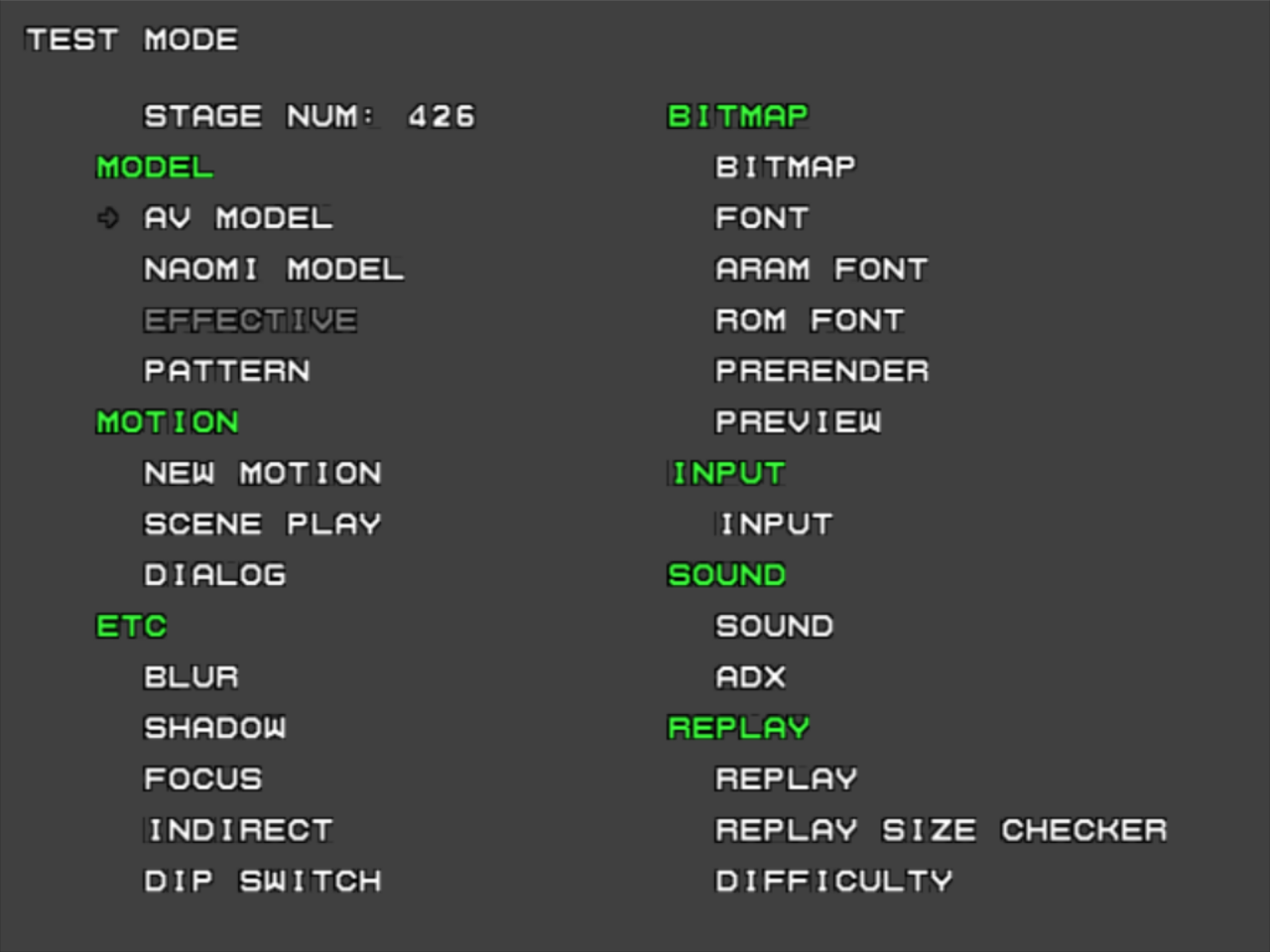
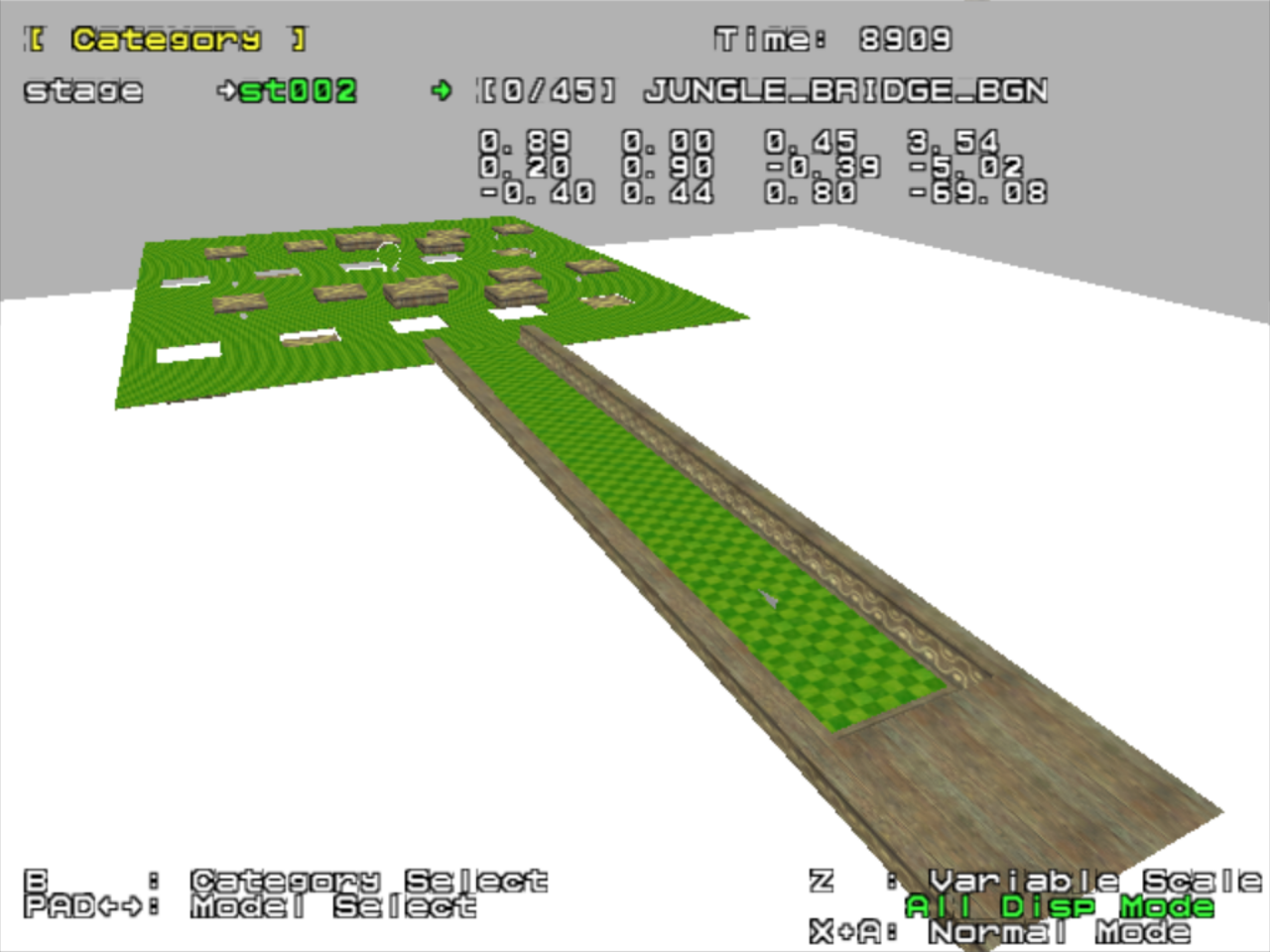
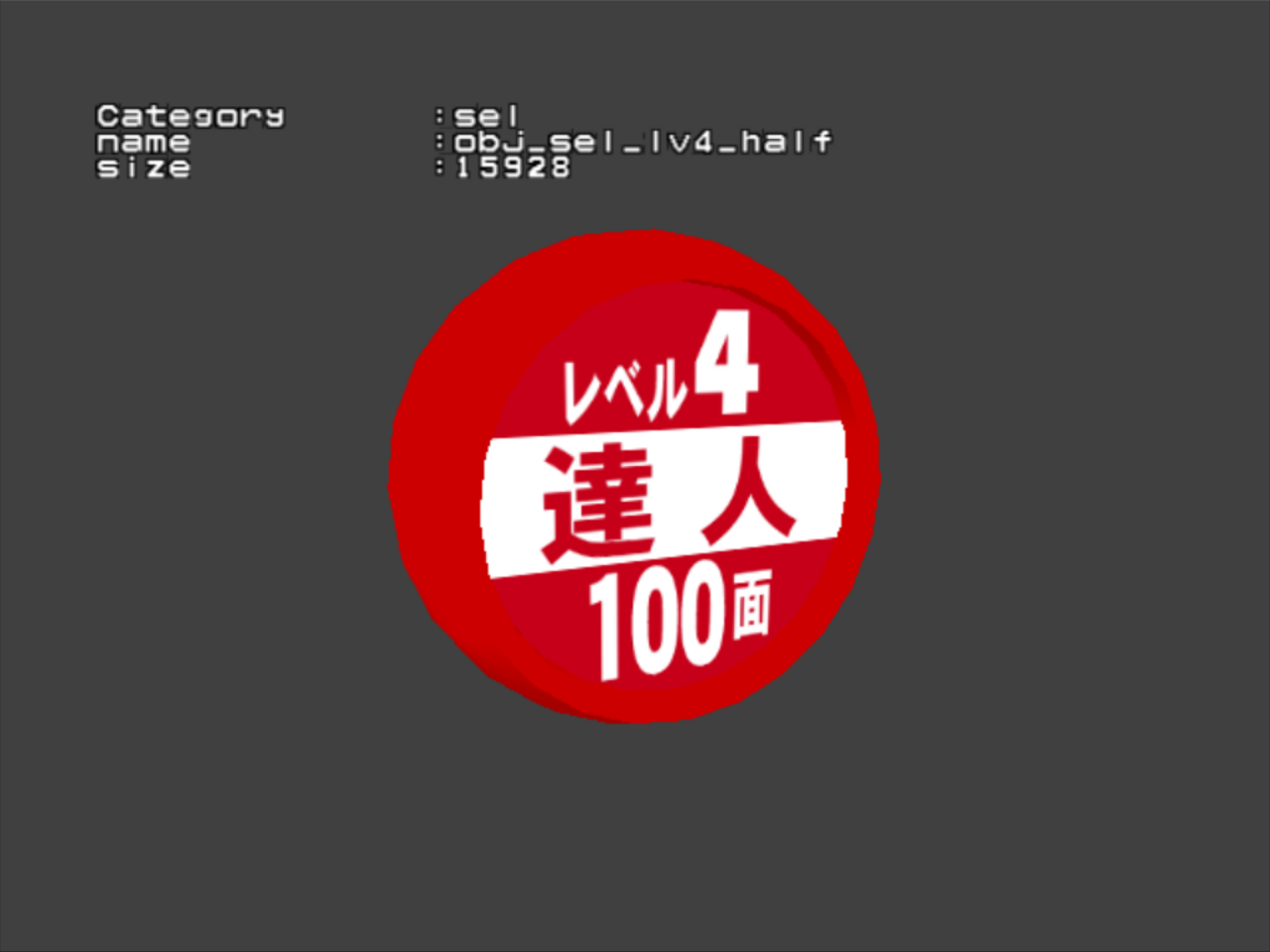


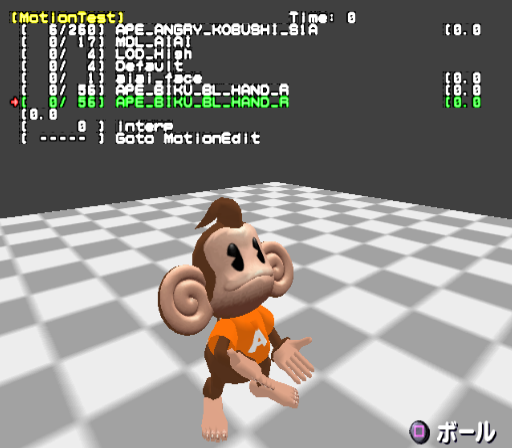


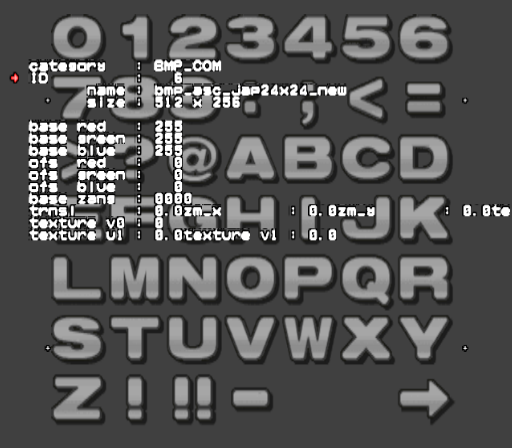
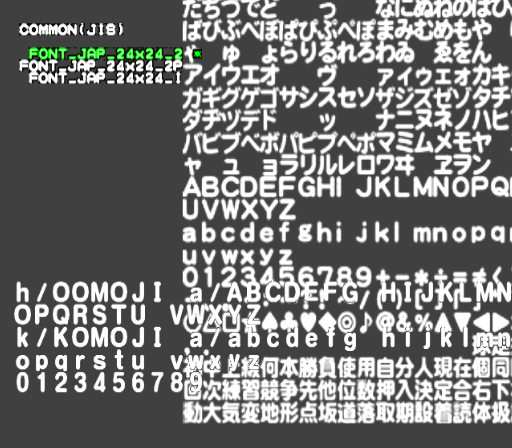


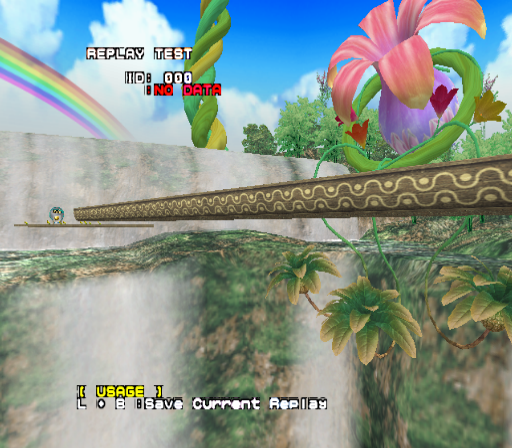
REPLAY SIZE CHECKER - Blank screen.
DIFFICULTY - Blank screen.
Unused Levels#
Deluxe features three unused levels, in addition to the unused levels from the previous two games.
Stage 340#
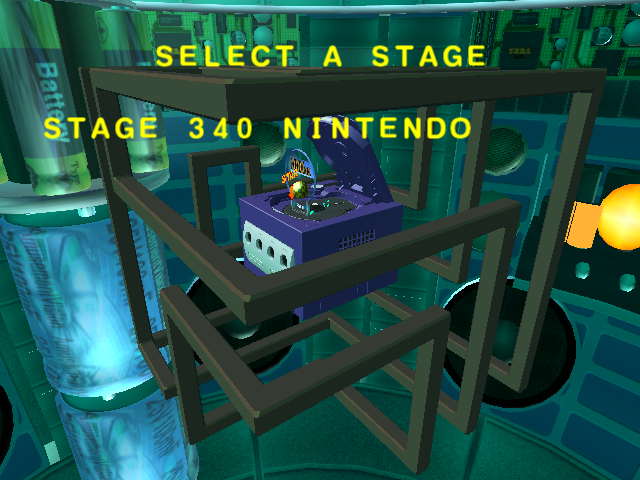
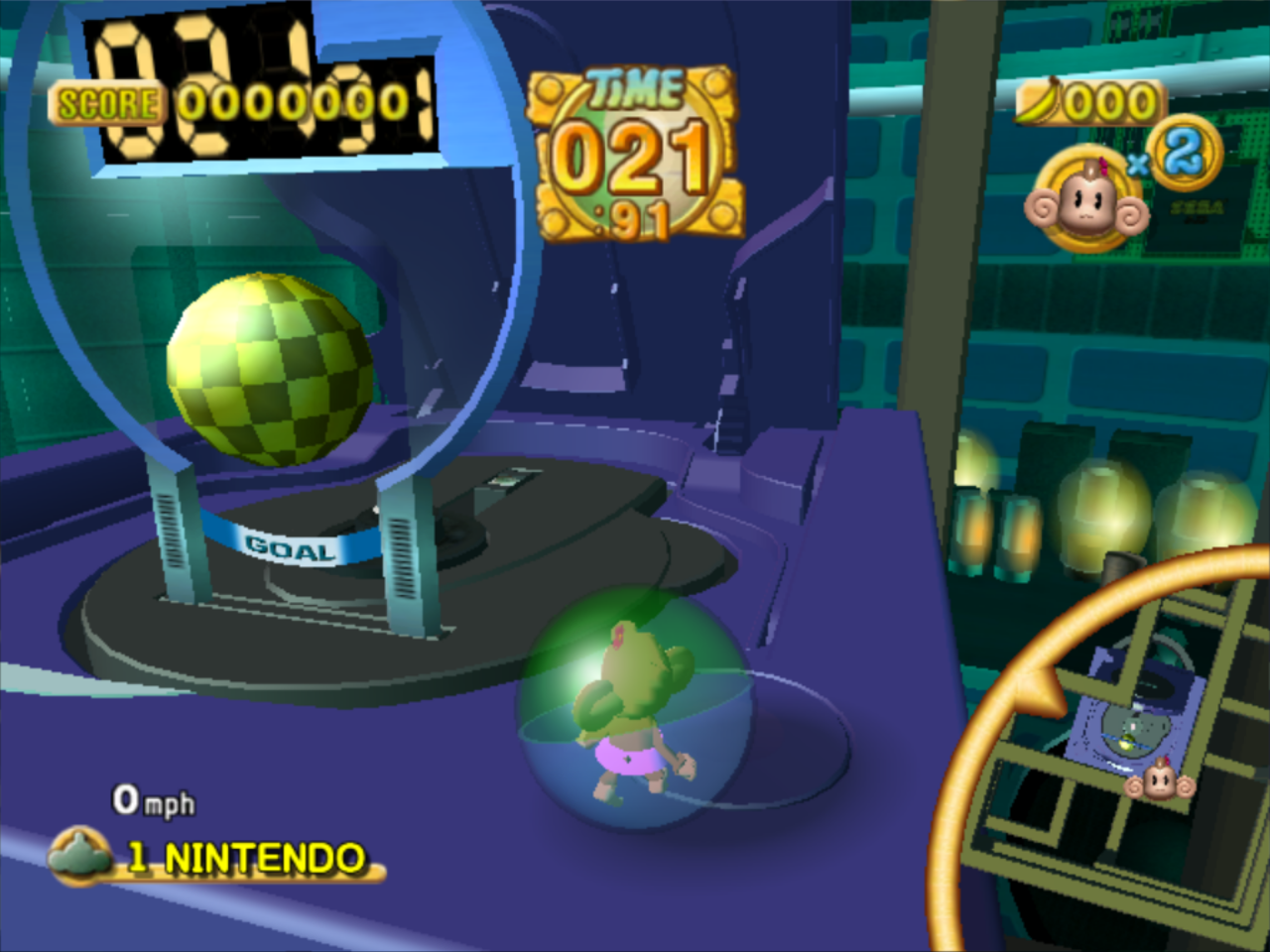
The Nintendo GameCube level left over from Super Monkey Ball 2. In Deluxe, it was replaced with Destiny, a rotating dice.
Stage 643#
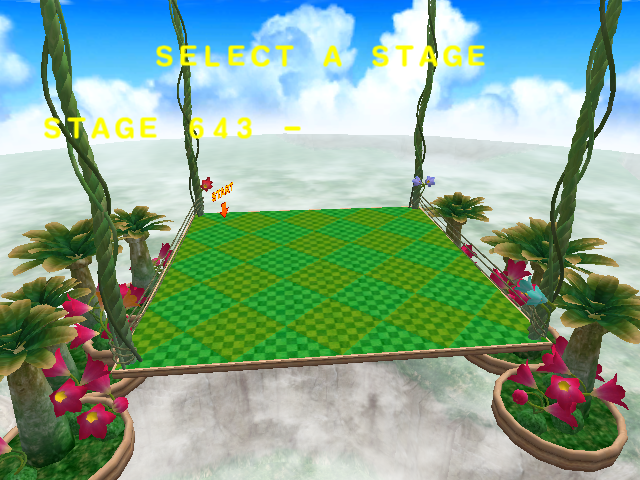
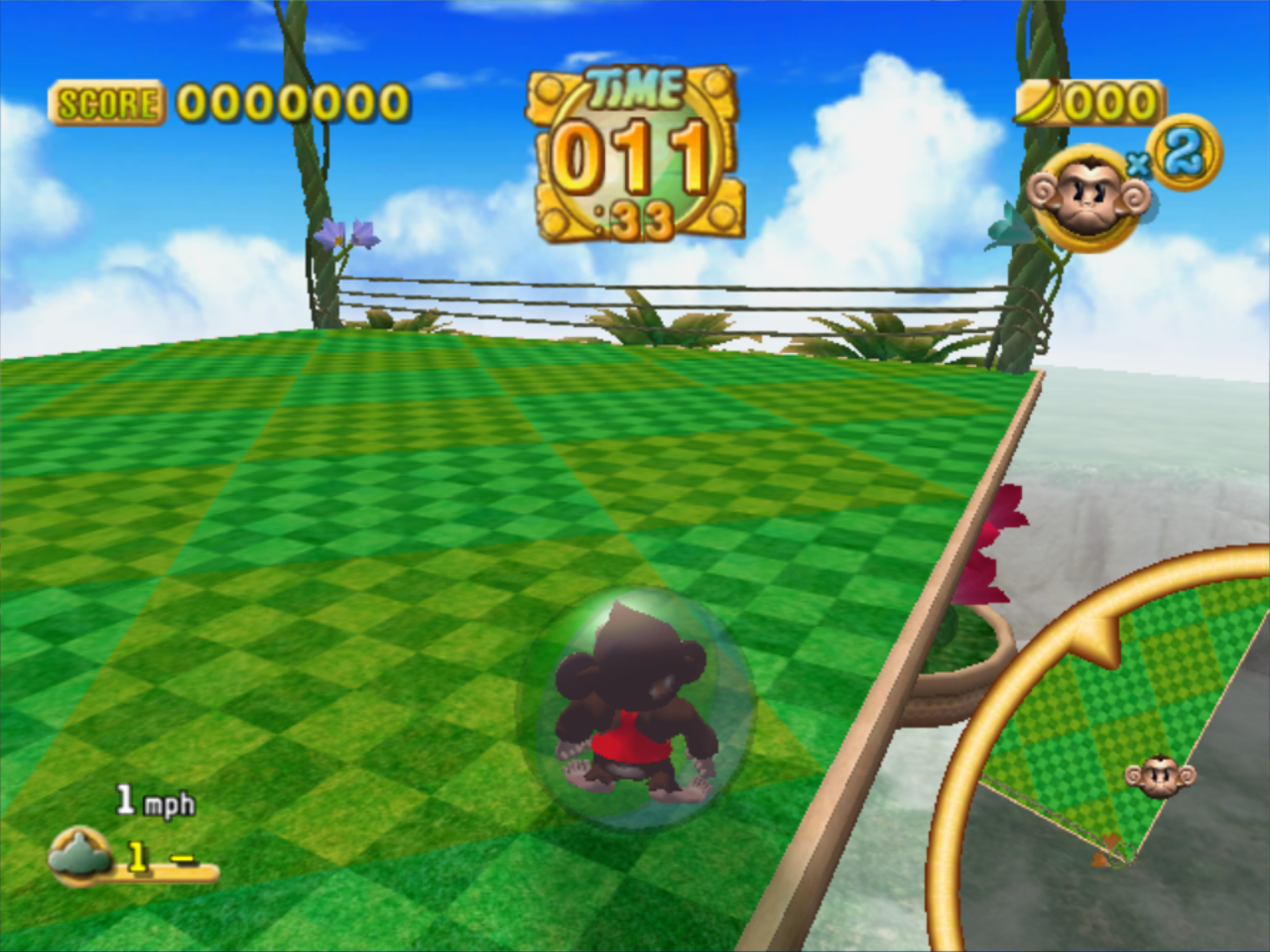
Mid-Summer Jungle Square, one of the Monkey Fight arenas from Super Monkey Ball.
Stage 680#
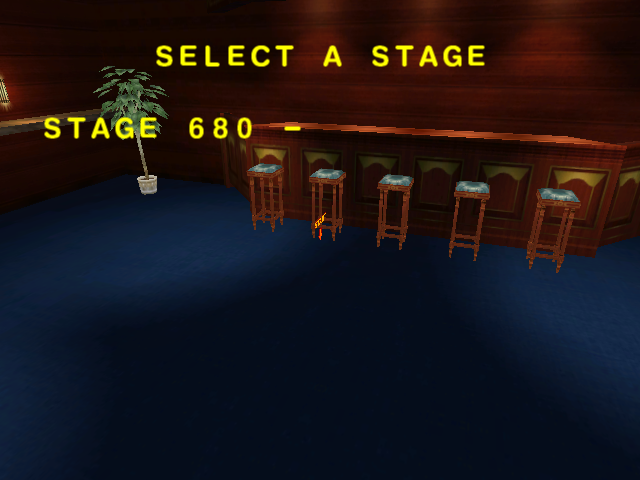
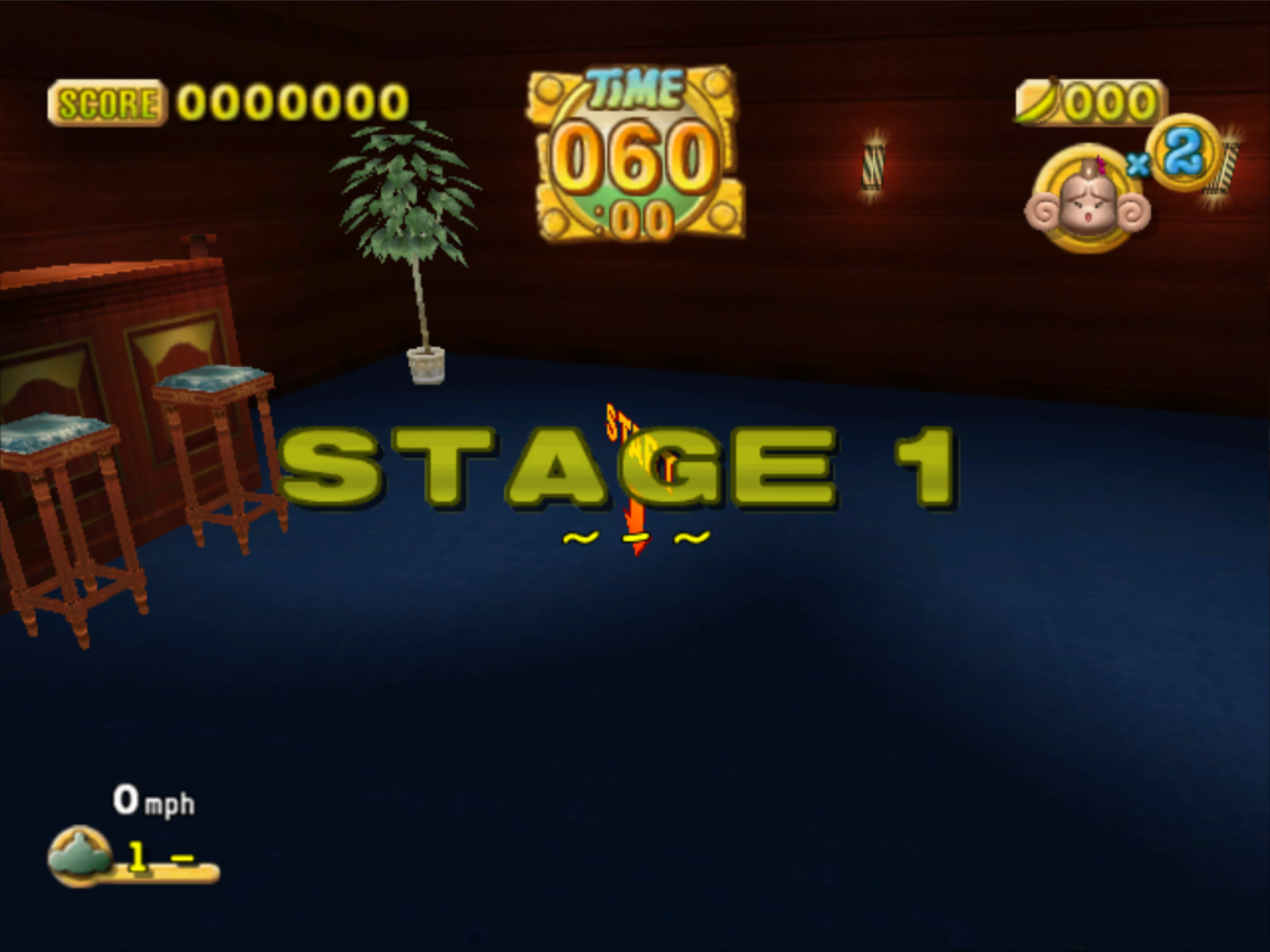
The Monkey Billiards map from Super Monkey Ball. The Monkey Billiards map from Super Monkey Ball 2 is used instead.
Unused Text#
Press the POWER button to turn off the Nintendo GameCube.Leftover text from Super Monkey Ball 2. This was originally used when the game crashes.
(Source: Ferrox)
Unused Audio#
The Amusement Vision logo chime from the first two games which is never used here.
The space theme from Super Monkey Ball which isn't used despite the space background from that game being present in Super Monkey Ball Deluxe.
(Source: Ferrox)
Porting Differences#
Differences From Super Monkey Ball#
- All levels now have names.
- The space themed levels now use the song from the ice themed levels for some reason, while the ice levels use the music from the temple levels. The proper space music is on the disc, but goes unused.
- The rolling sound effects are missing.
- All Dole branding has been removed.
- Since Amusement Vision was merged back into Sega, the logo is no longer shown in the intro.
- The floor in the credits minigame doesn't tilt.
Differences From Super Monkey Ball 2#
- All cutscenes are now FMVs instead of being rendered in-engine.
- Some of the level names were changed.
- In the story mode, there are now 20 levels per world. You still only have to complete just 10 of them.
- The practice mode now shows a percentage of how successful you are at completing each level.
- All party games are unlocked from the start.
- Cutscenes are now unlocked as you progress through the story mode instead of using play points to unlock them.
- Extra monkeys are now unlocked by gaining extra lives in challenge mode instead of using play points to unlock them.
- The credits minigames are now unlocked when you complete the story and challenge modes.
- The level "Nintendo", a rotating GameCube, is replaced with "Destiny", a rotating dice.
PS2/Xbox Differences#
Although both the Xbox and PS2 ports are identical content-wise, the PS2 port was downgraded a bit due to its weaker hardware.
- The Xbox port runs at 60 FPS and the PS2 port runs at 30 FPS.
- Loading times are a bit longer in the PS2 port.
- Textures are generally lower resolution and more grainy in the PS2 port.
- Some levels, like Folders and Ring Bridges, have less detailed backgrounds in the PS2 port.
- Some graphical effects, like reflections, are missing in the PS2 port.
|
The Super Monkey Ball series | |
|---|---|
|
Arcade |
|
|
GameCube |
Super Monkey Ball • Super Monkey Ball 2 (Demo) • Super Monkey Ball Adventure |
|
Game Boy Advance |
|
|
N-Gage |
|
|
PlayStation 2 |
Super Monkey Ball Deluxe (Prototype) • Super Monkey Ball Adventure |
|
Xbox |
|
|
Nintendo DS |
|
|
PlayStation Portable |
|
|
Wii |
|
|
Nintendo 3DS |
|
|
Nintendo Switch |
Super Monkey Ball: Banana Blitz HD • Super Monkey Ball Banana Mania • Super Monkey Ball Banana Rumble |
|
Xbox One, PlayStation 4, Windows |
Super Monkey Ball: Banana Blitz HD • Super Monkey Ball Banana Mania |
|
PlayStation 5, Xbox Series X, Amazon Luna |
|