 This article has a talk page!
This is a sub-page of South Park: The Fractured But Whole.

|
To do: |
Graph files (menus and UI elements) are stored in .muigraph files.
Debug/Test Menus#
_camel_template#
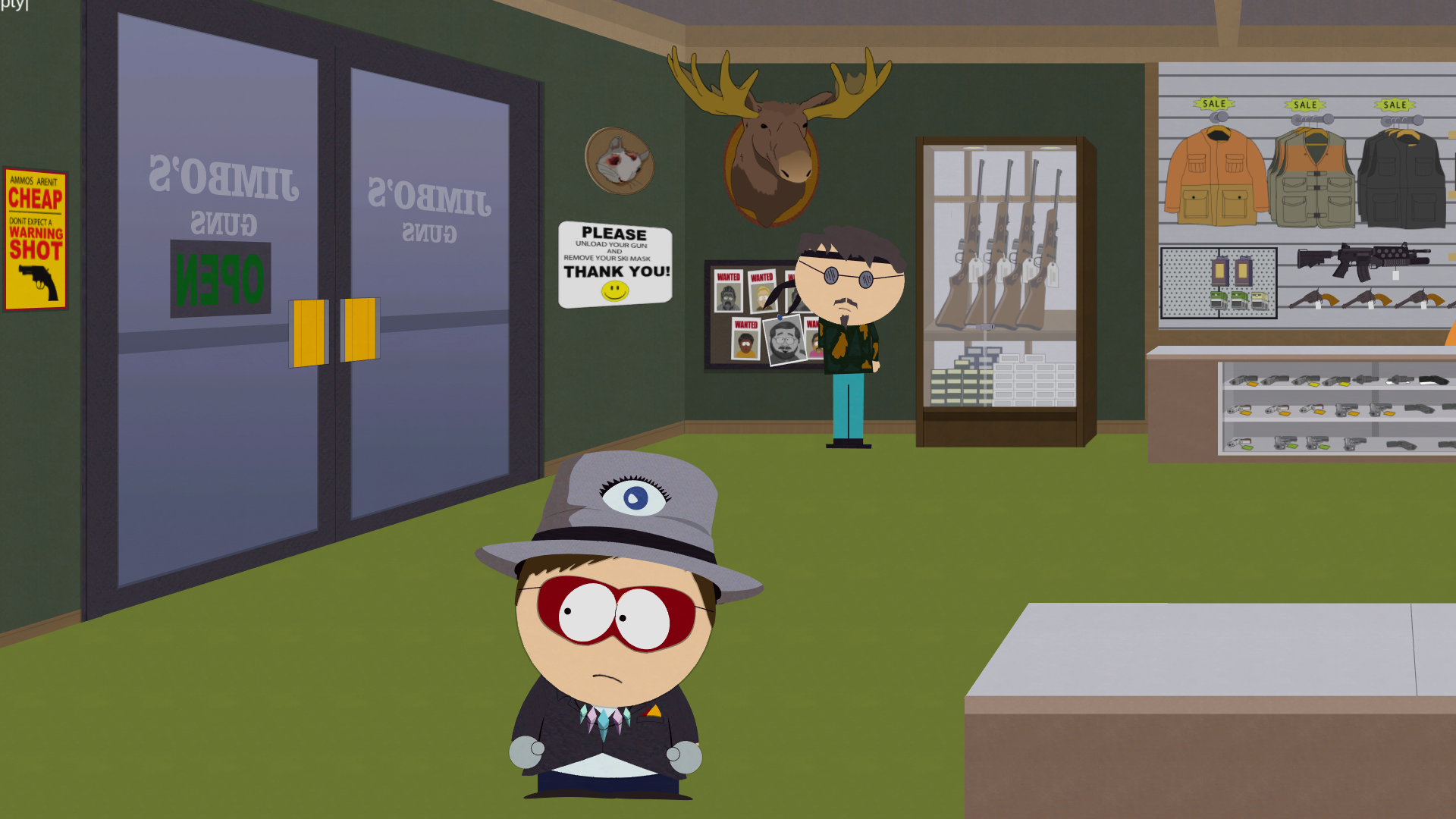
A menu that simply displays the text "|empty|" on the top left of the screen.
_kydon'tshityourself_testgraph#
|
|
To do: |
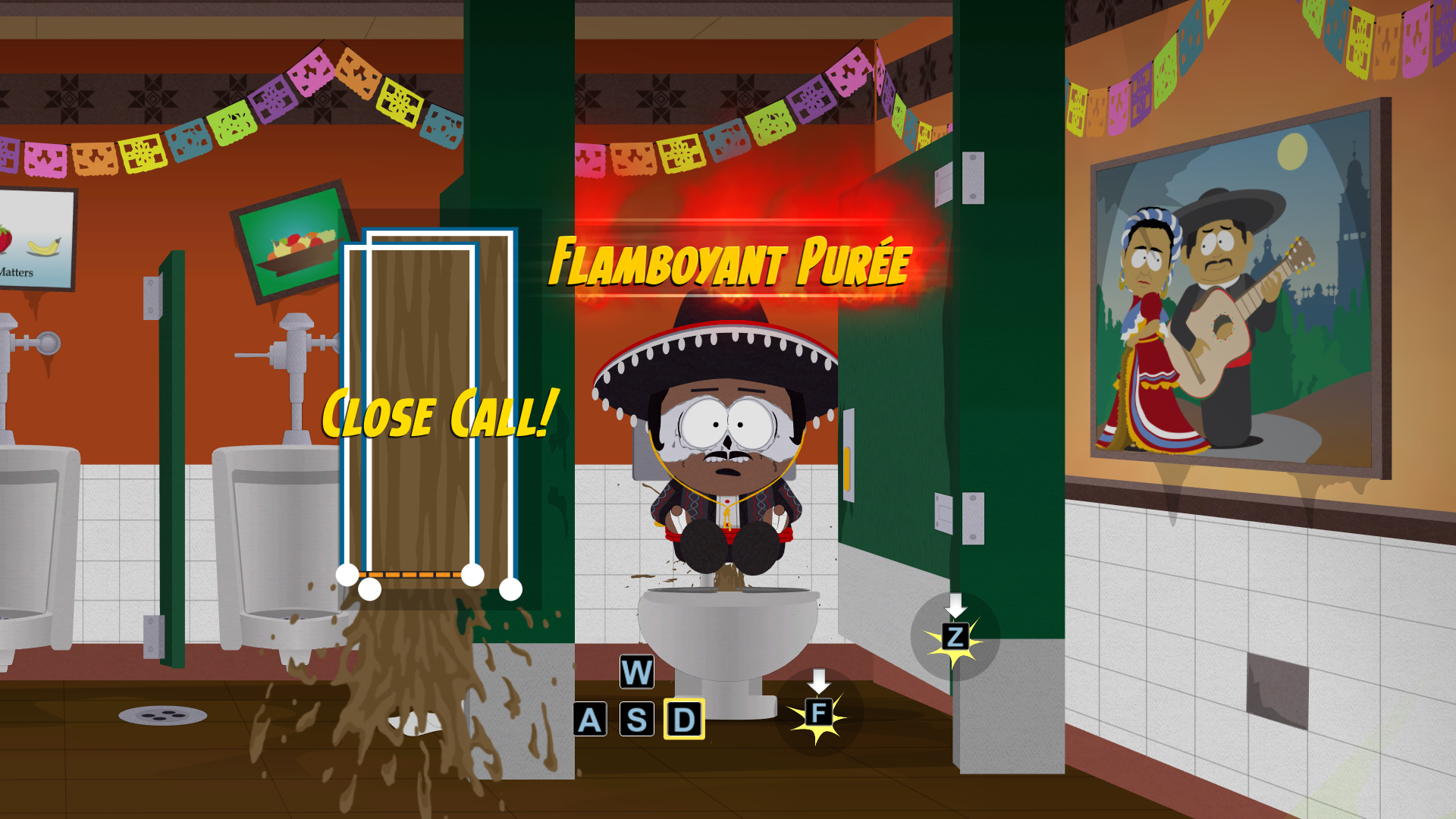
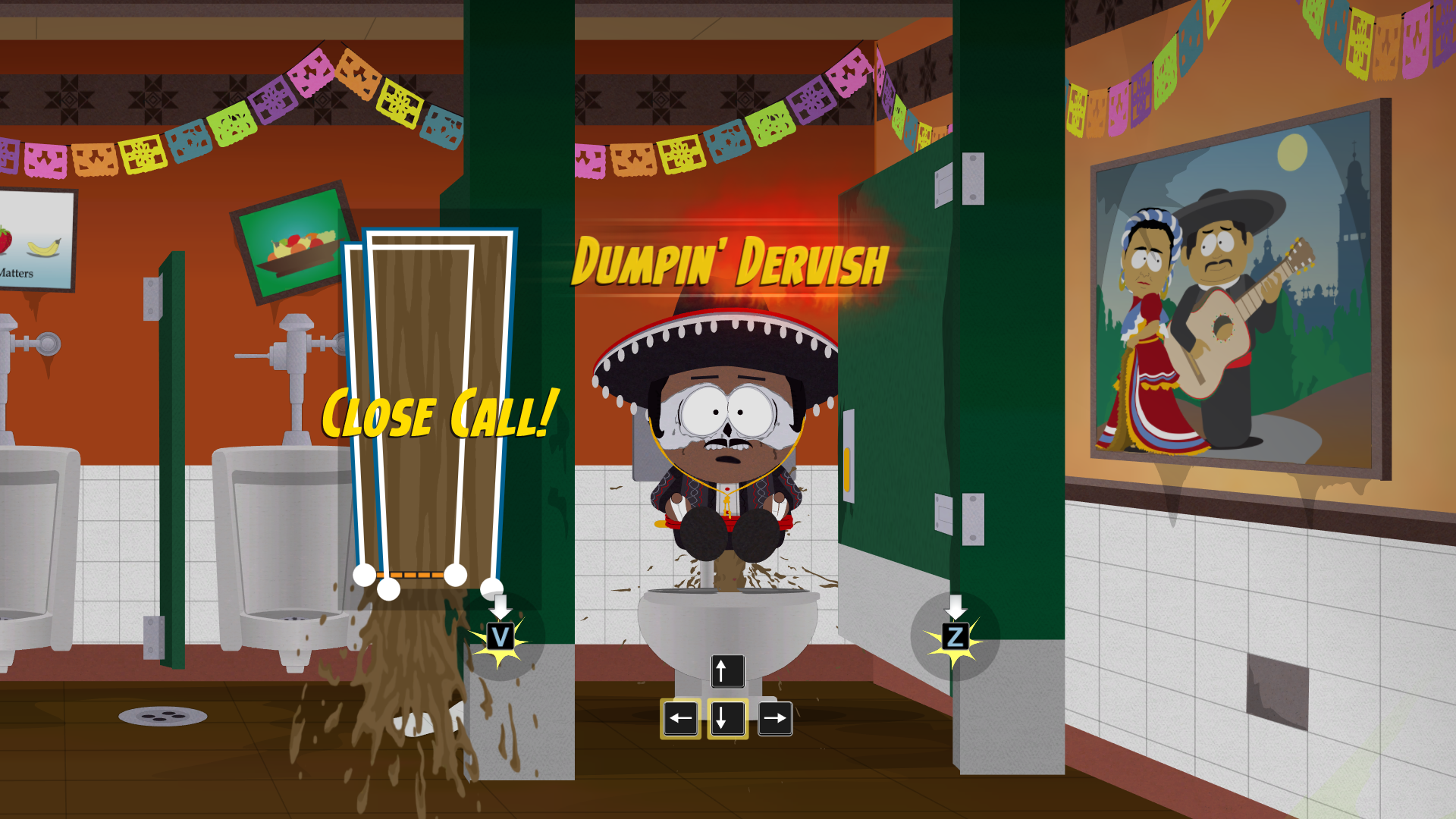
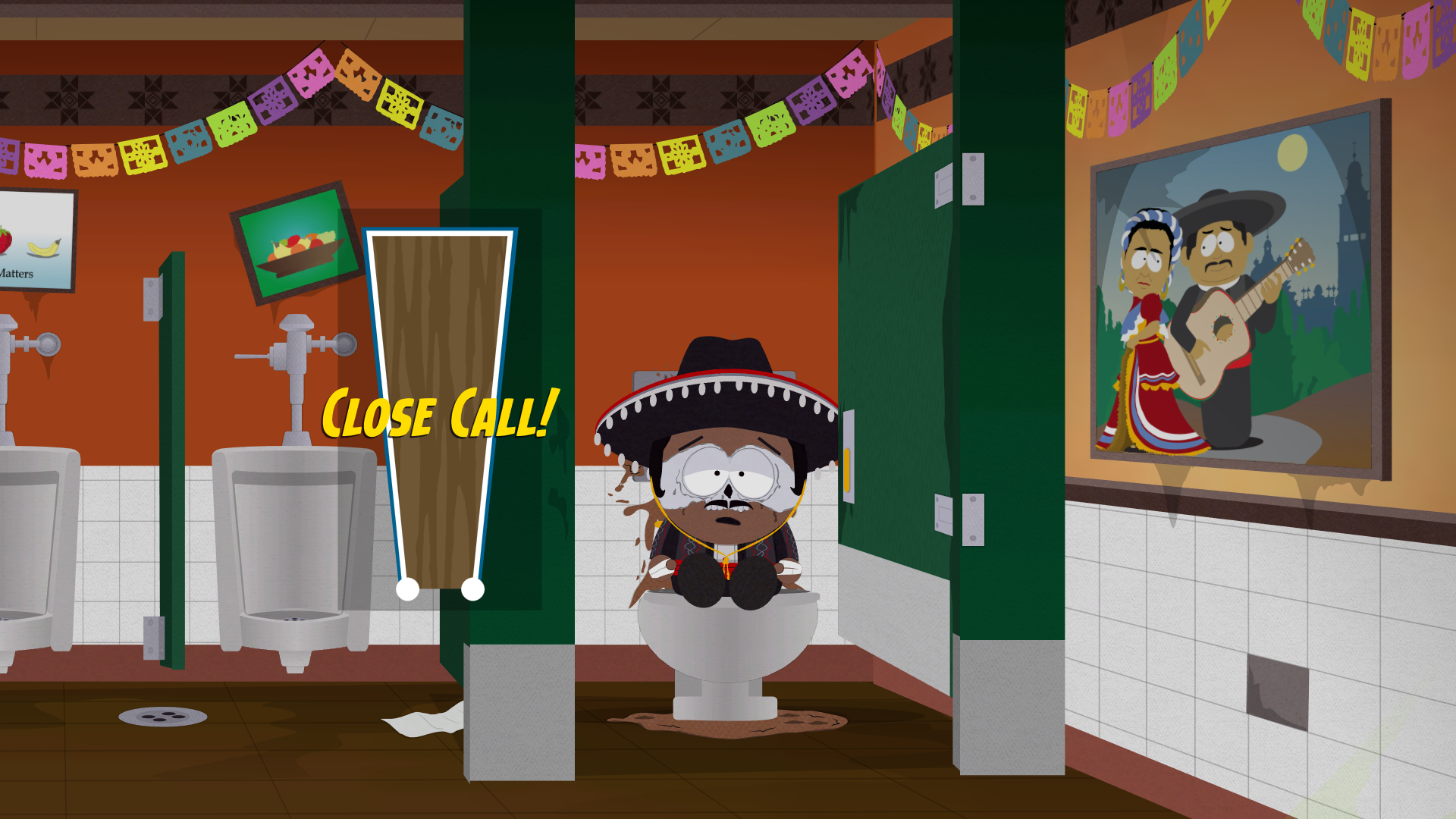
As the name suggests, this is a test version of the toilet minigame in Casa Bonita. The biggest difference is that it's not animated.
_kyshittingtransition_testgraph#
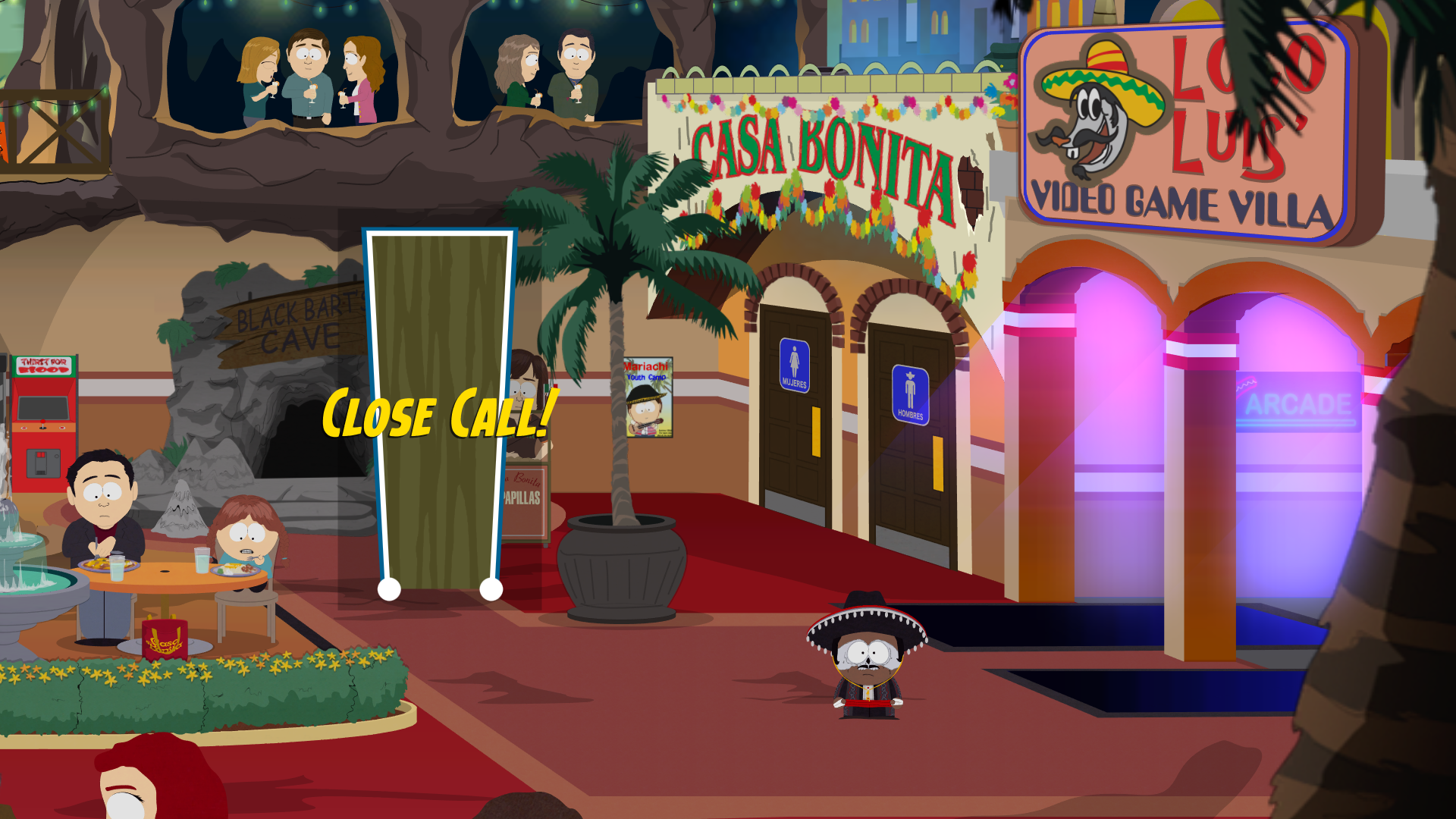
Same as _kydon'tshityourself_testgraph, except it's animated.
_kyshootingscore_testgraph#
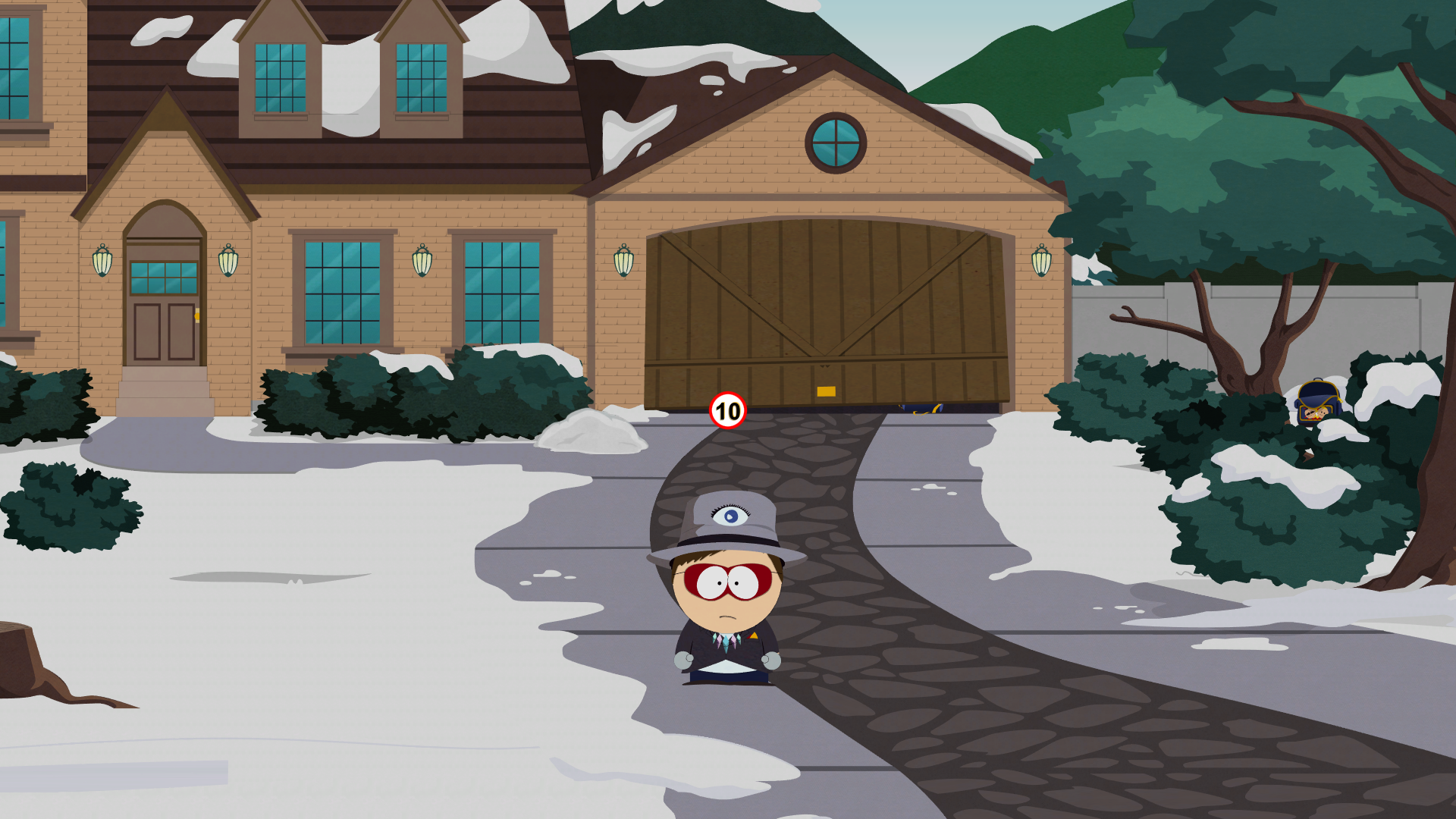
A menu that displays the number 10 from the El Chupacabra minigame in Casa Bonita.
active_timeline_placement#
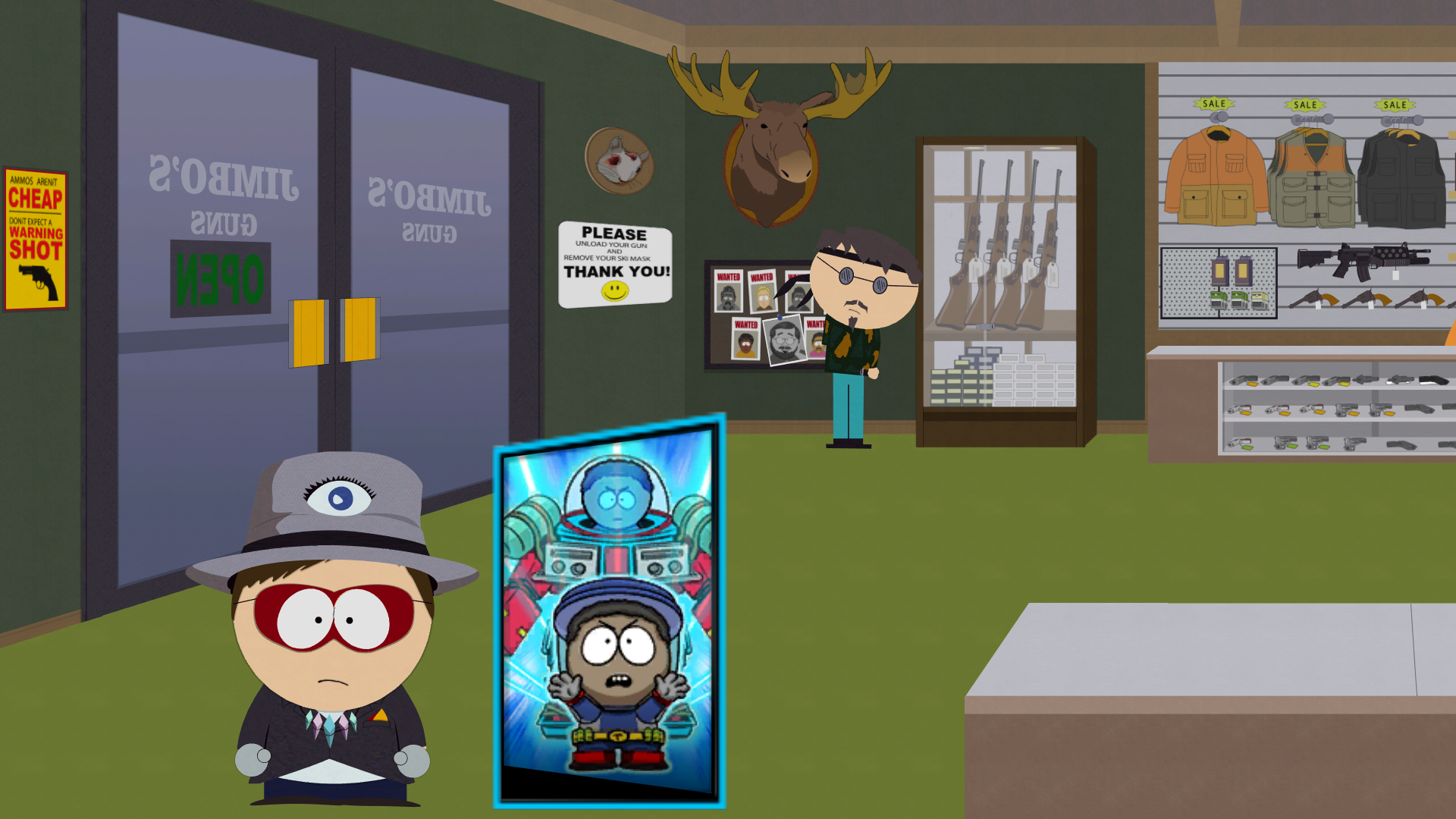
A menu which displays Tupperware's Ultimate icon inside a timeline portrait.
anim_dropframeinatrix-playground#
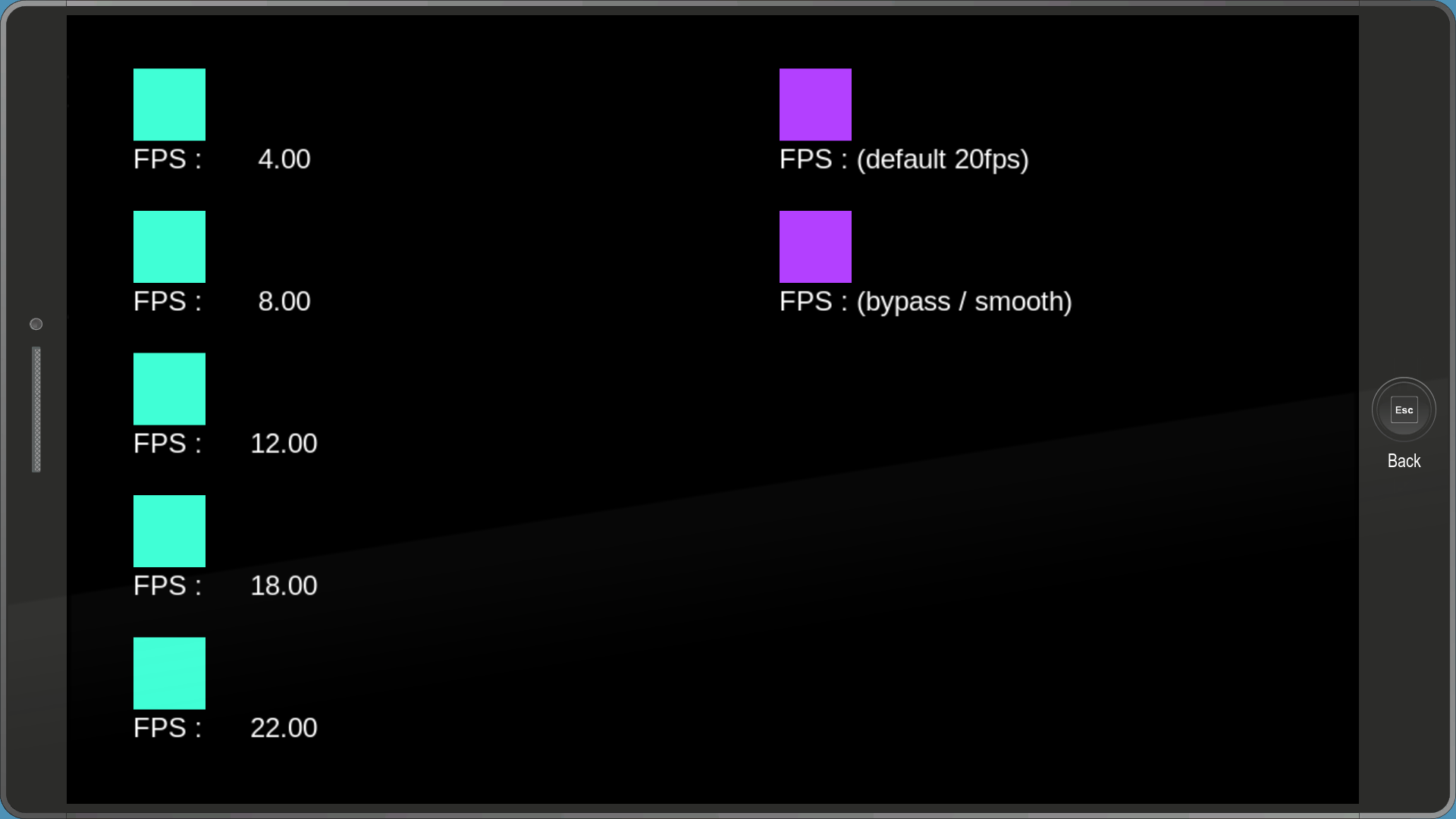
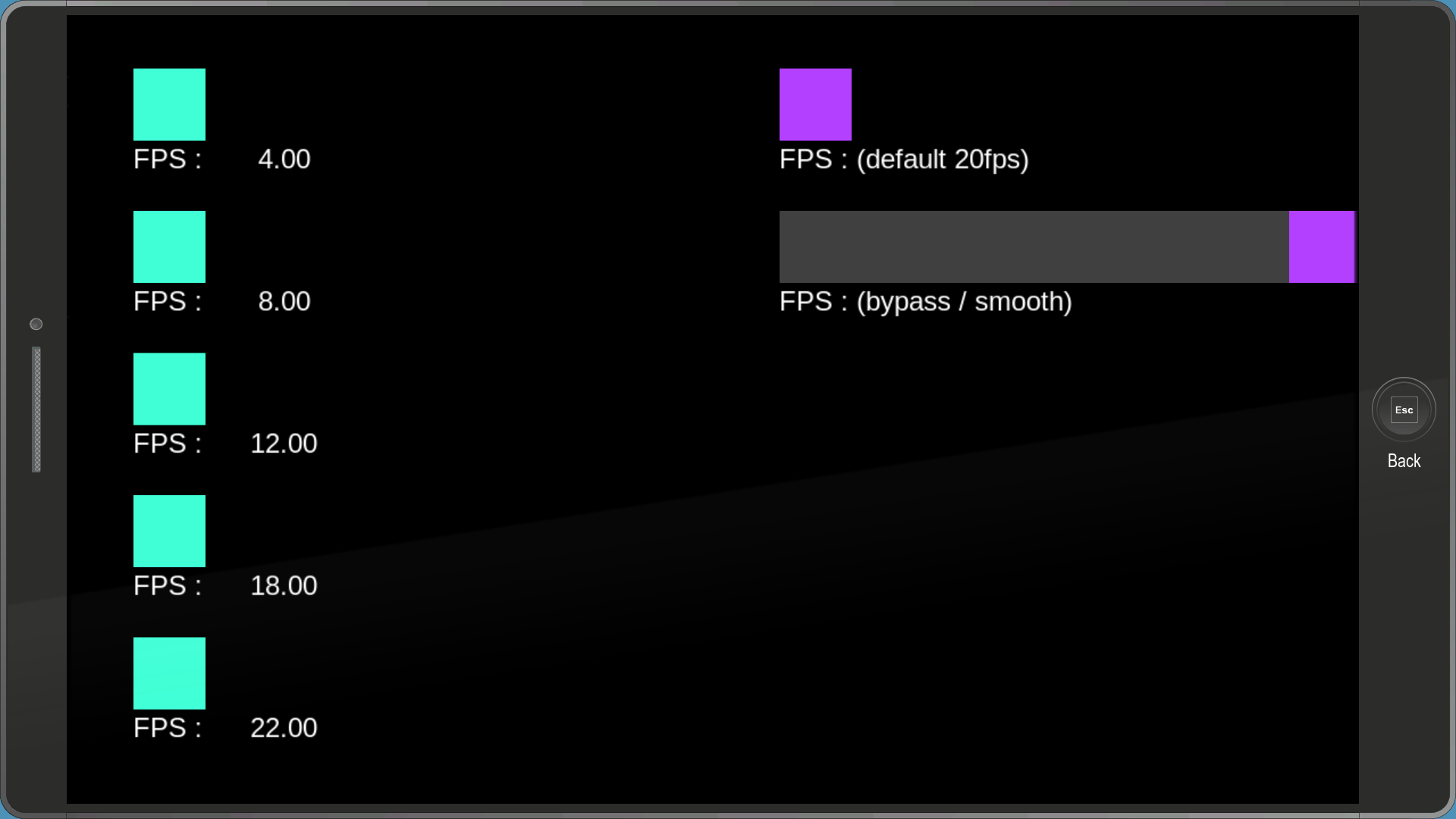
An FPS test menu. Highlighting any of the squares will make them move at the appropriate speed seen below them.
anim_zoetrope-playground#
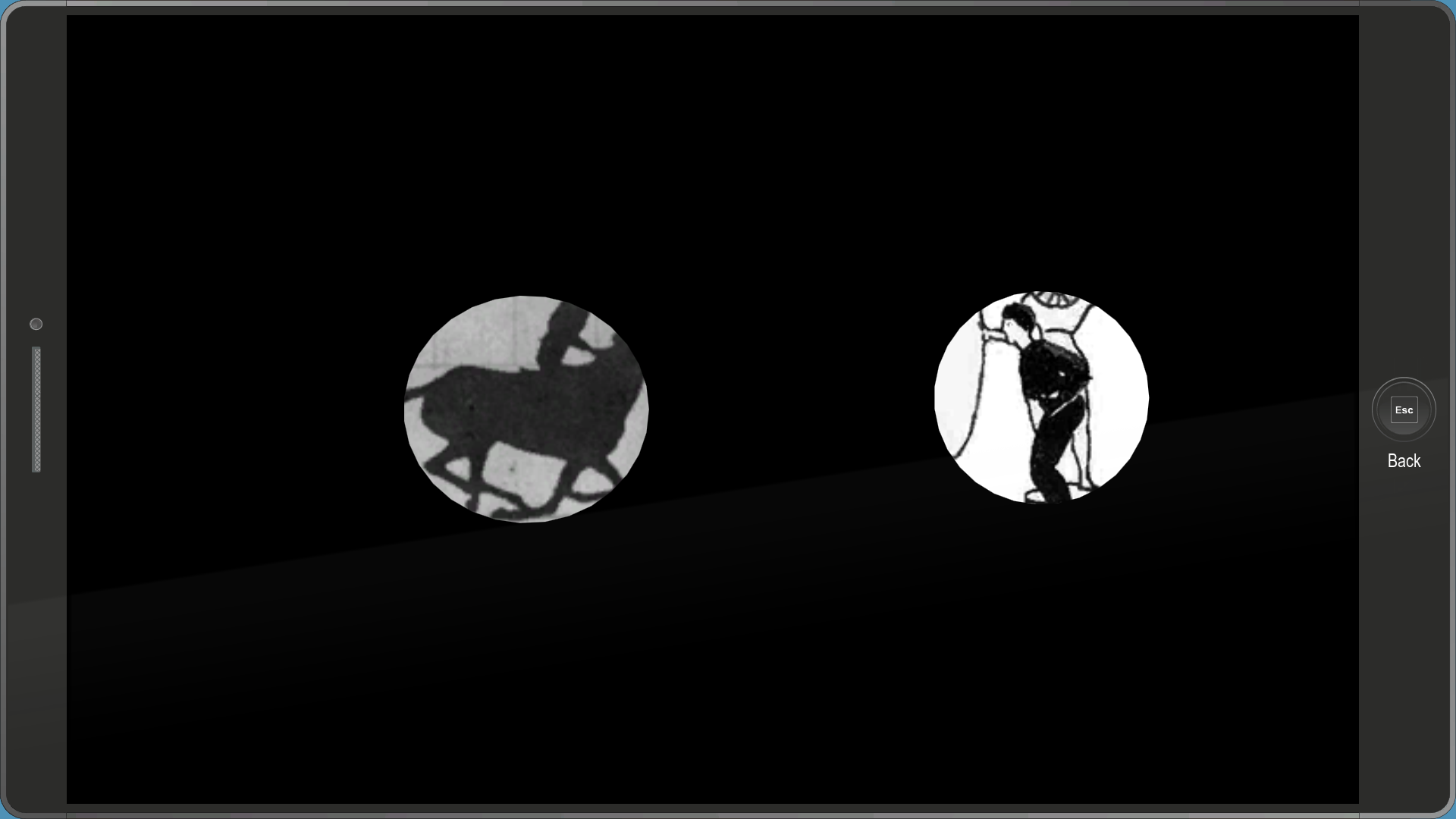
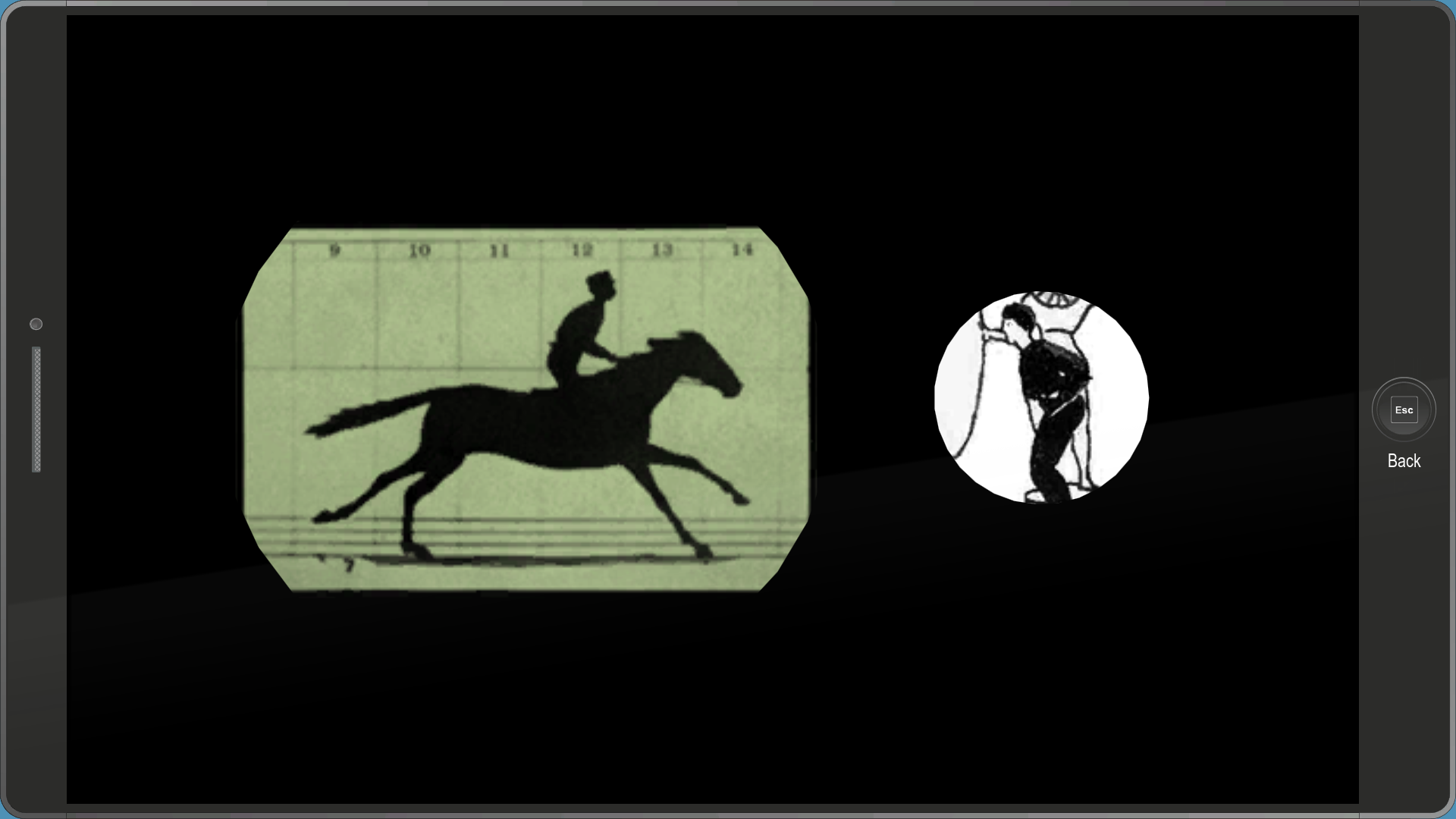
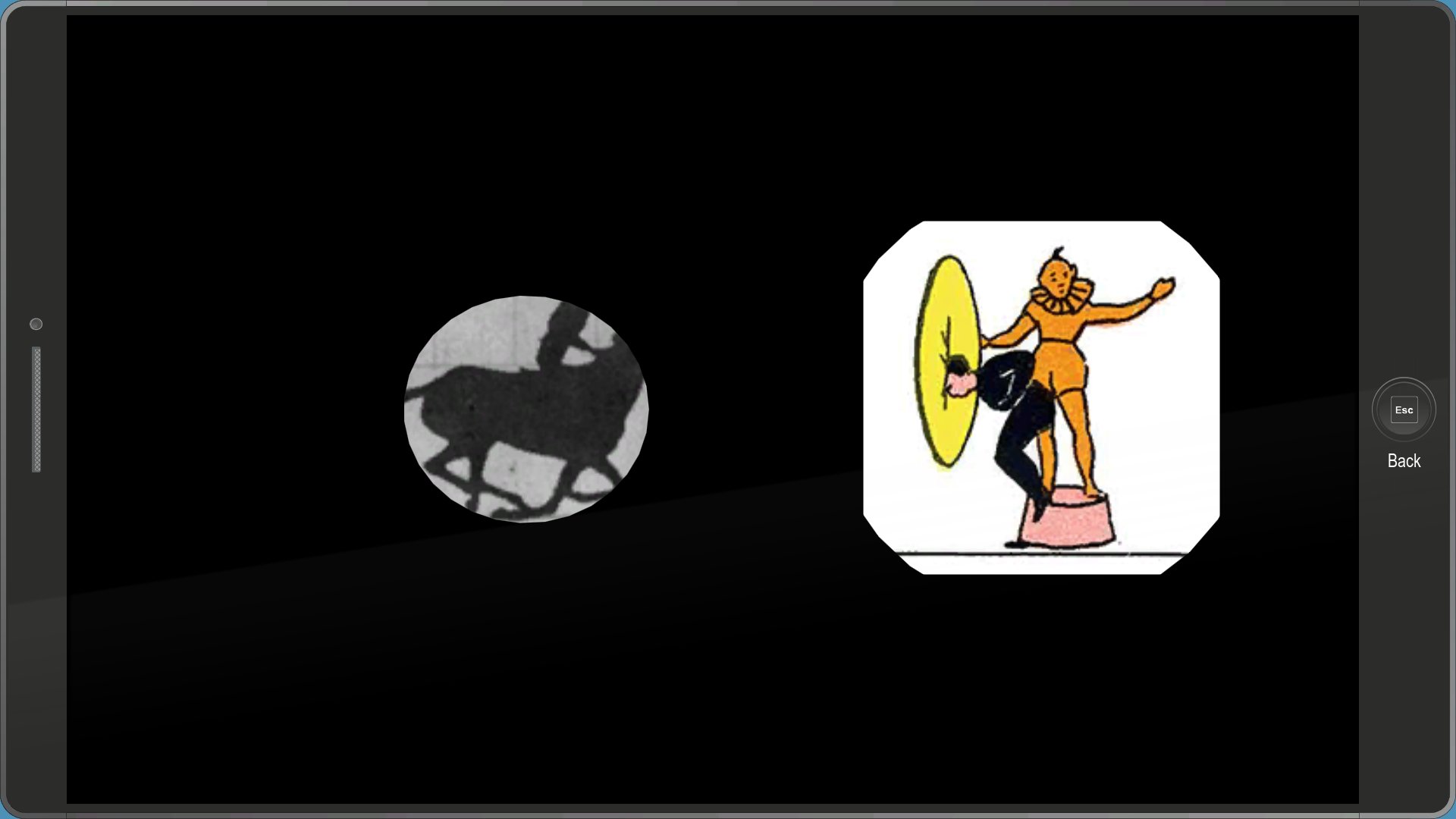
Another animation related debug menu, which contains two Zoetrope animations, both of them being made up of 10 frames. Highlighting any of the previews plays the animations.
appicon_deletedownload#


A really strange menu. It contains an invisible X icon and a bar. Hovering over the X will make it appear with a pop-up animation, and after a few seconds it will disappear. After the bar fills up, it will disappear.
artifacts_layoutdefinition#
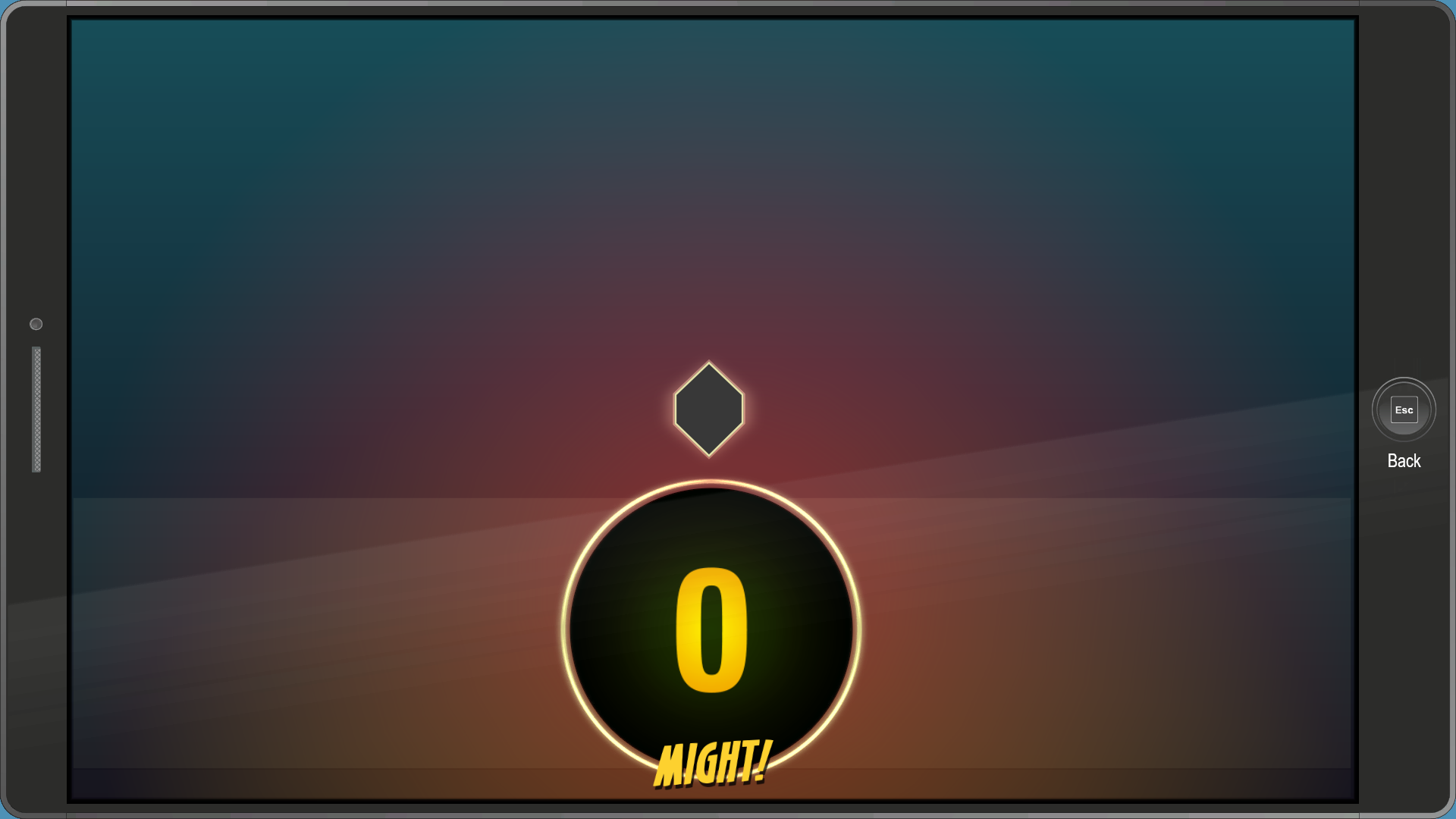
A menu used to test the Artifacts app's layout. The DNA icon in the middle constantly rotates.
blending_modes_tests#
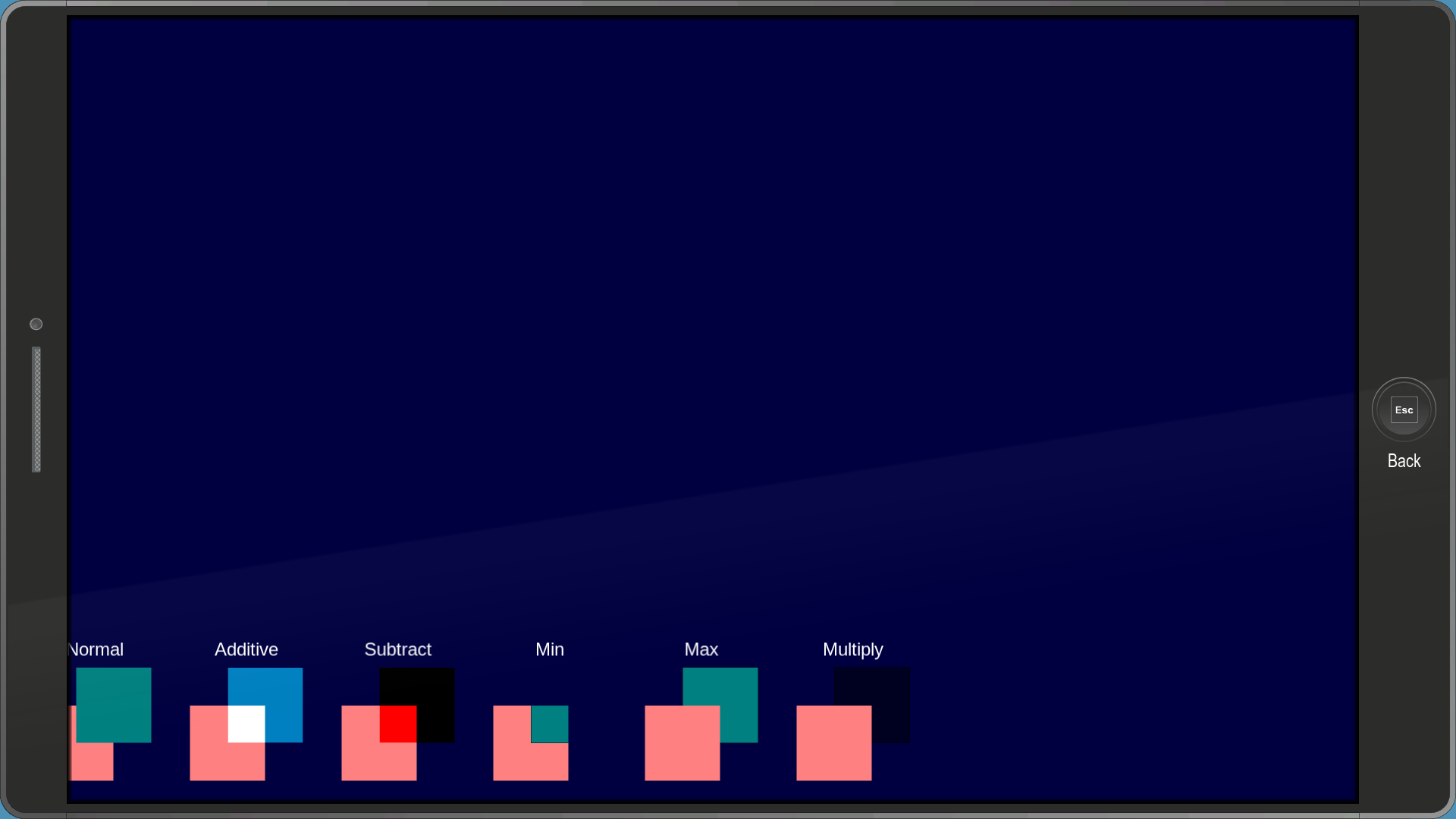
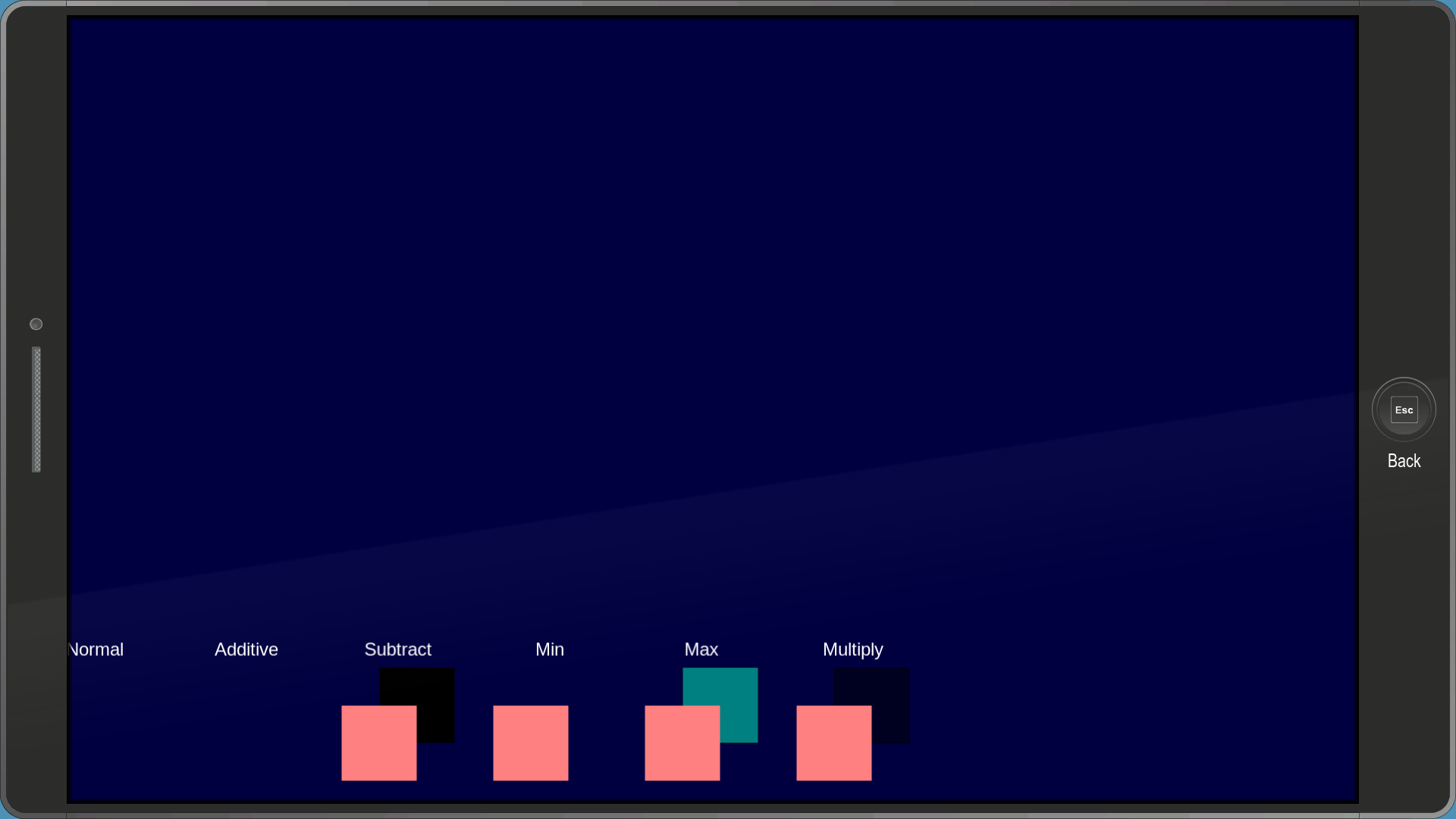
A menu for testing color blending. The color of the squares appears to change depending on which area you're in.
button_description_demo_01#
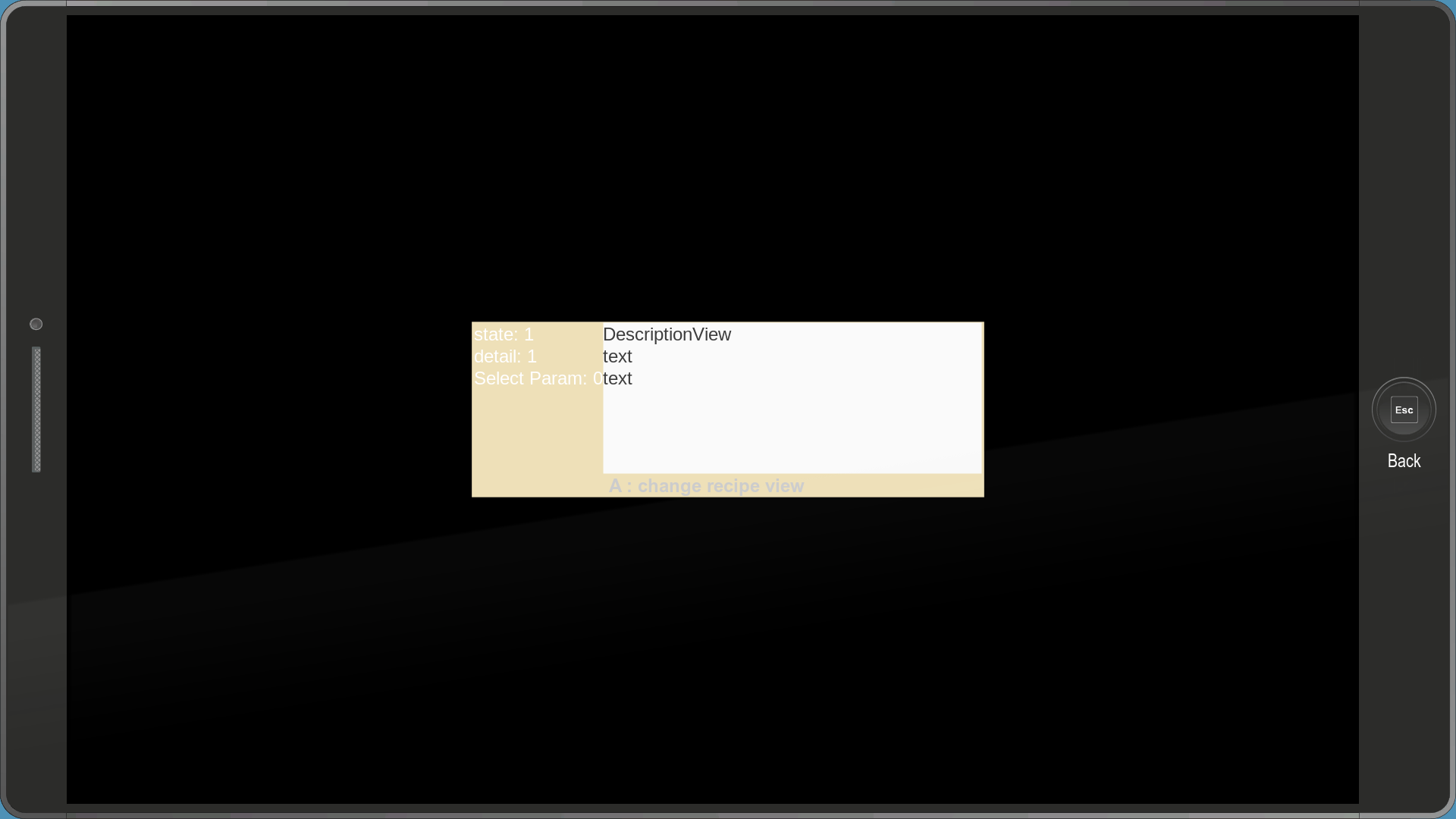
Seems to be a very early inventory menu.
colortestrgbtranslate#

A menu which, according to some developer comments, was used as "an attempt to rationalize the decimal RGBA (or HSBA) values stored by snowdrop".
debug_saveloadmenu#

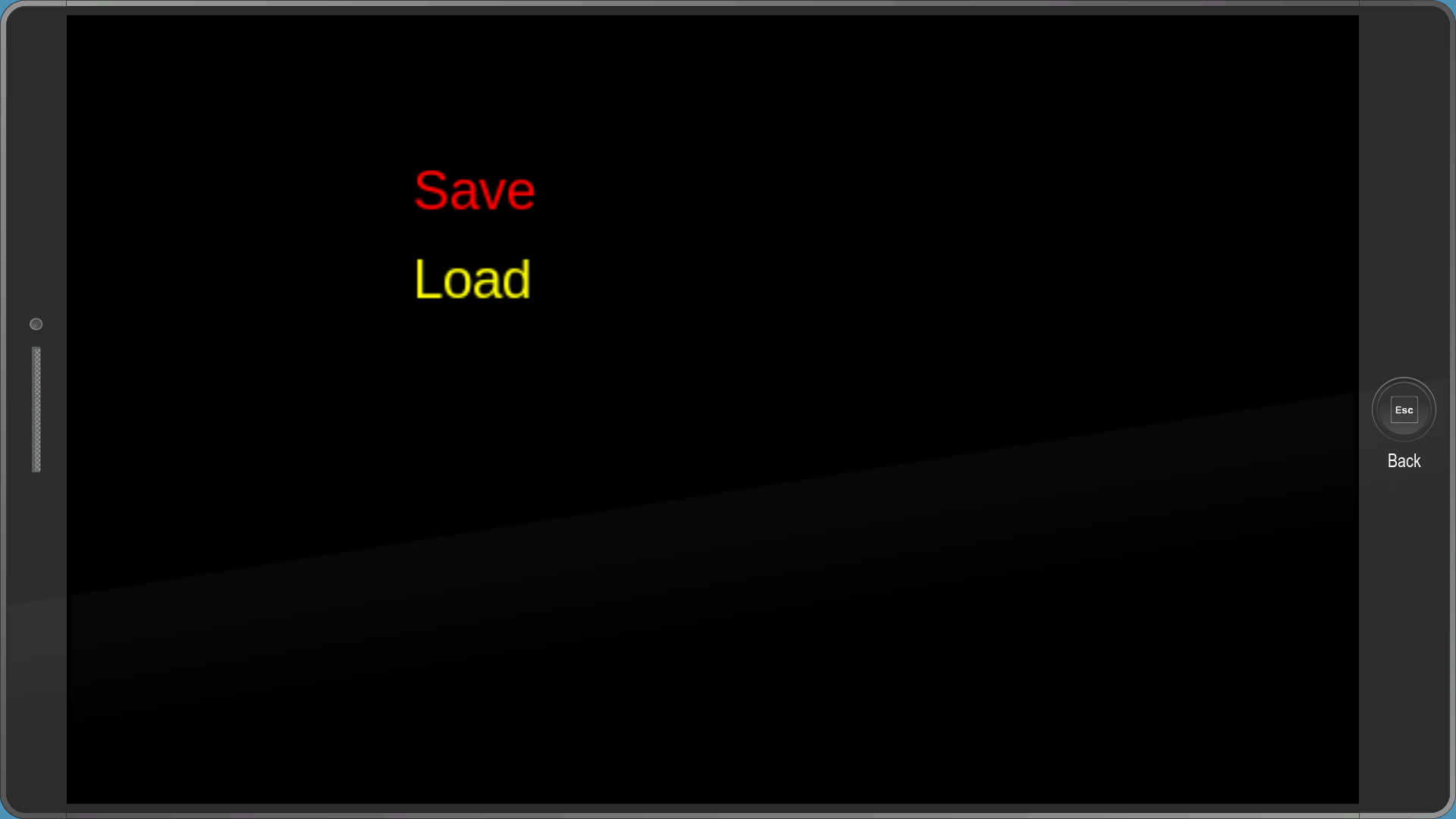
This menu is...weird. It has 6 options: Save, Load, Reset, Load Crafting Inventory, Load Equipment Inventory and Load Costume Inventory. Save, Load and Reset don't seem to do anything, while the other 3 seem to reset your inventory.
debug_scrollbar#
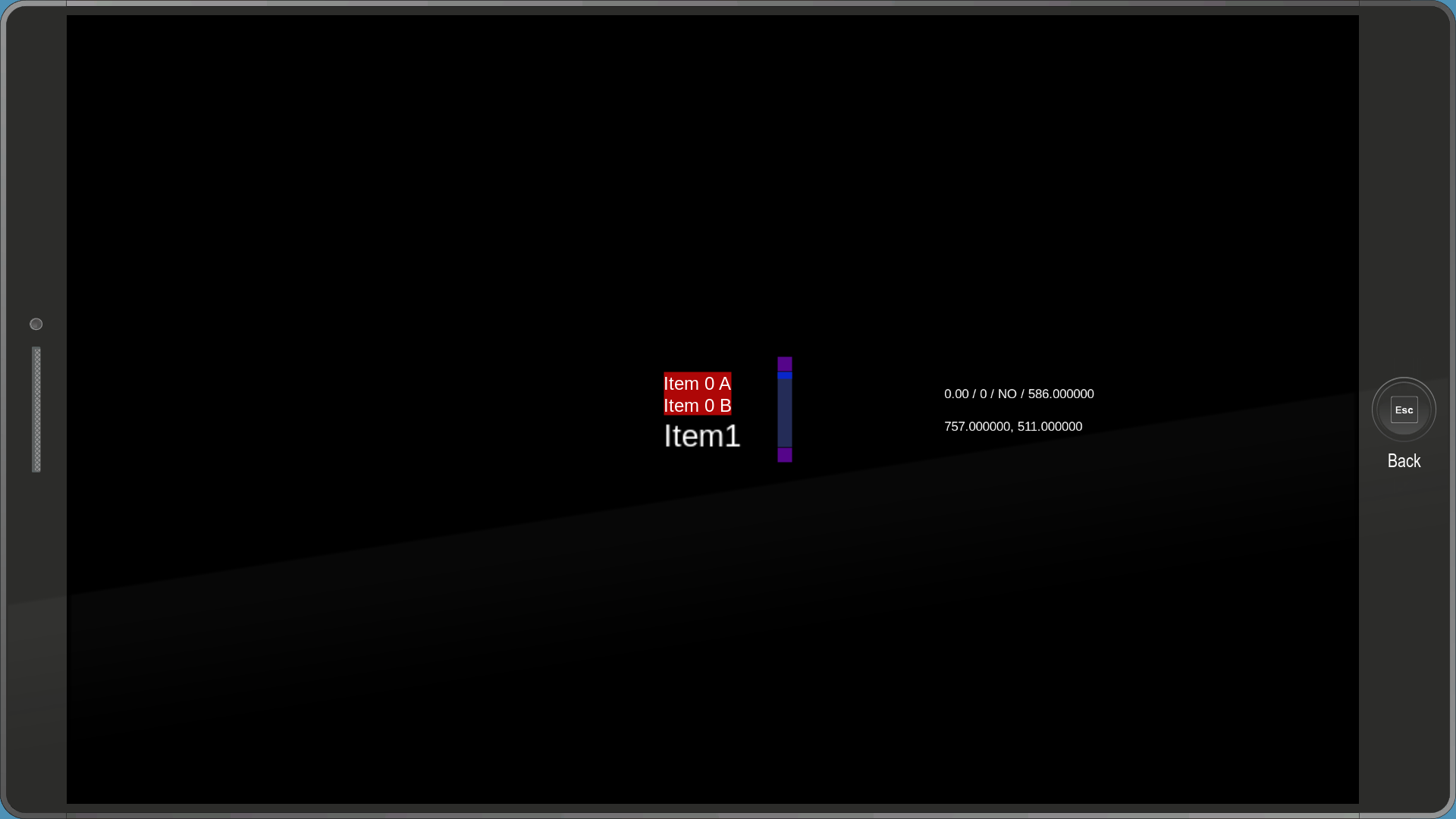
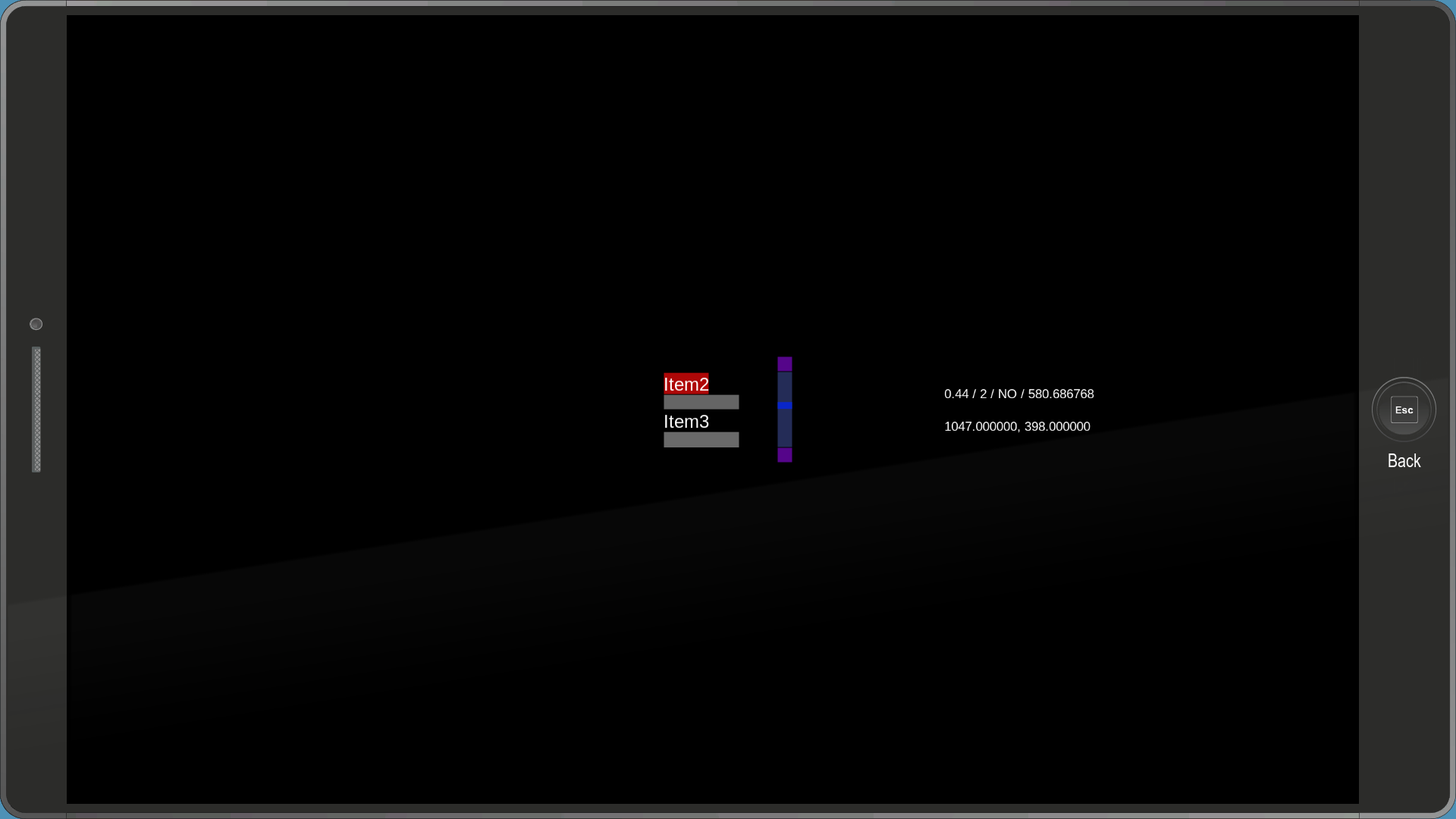

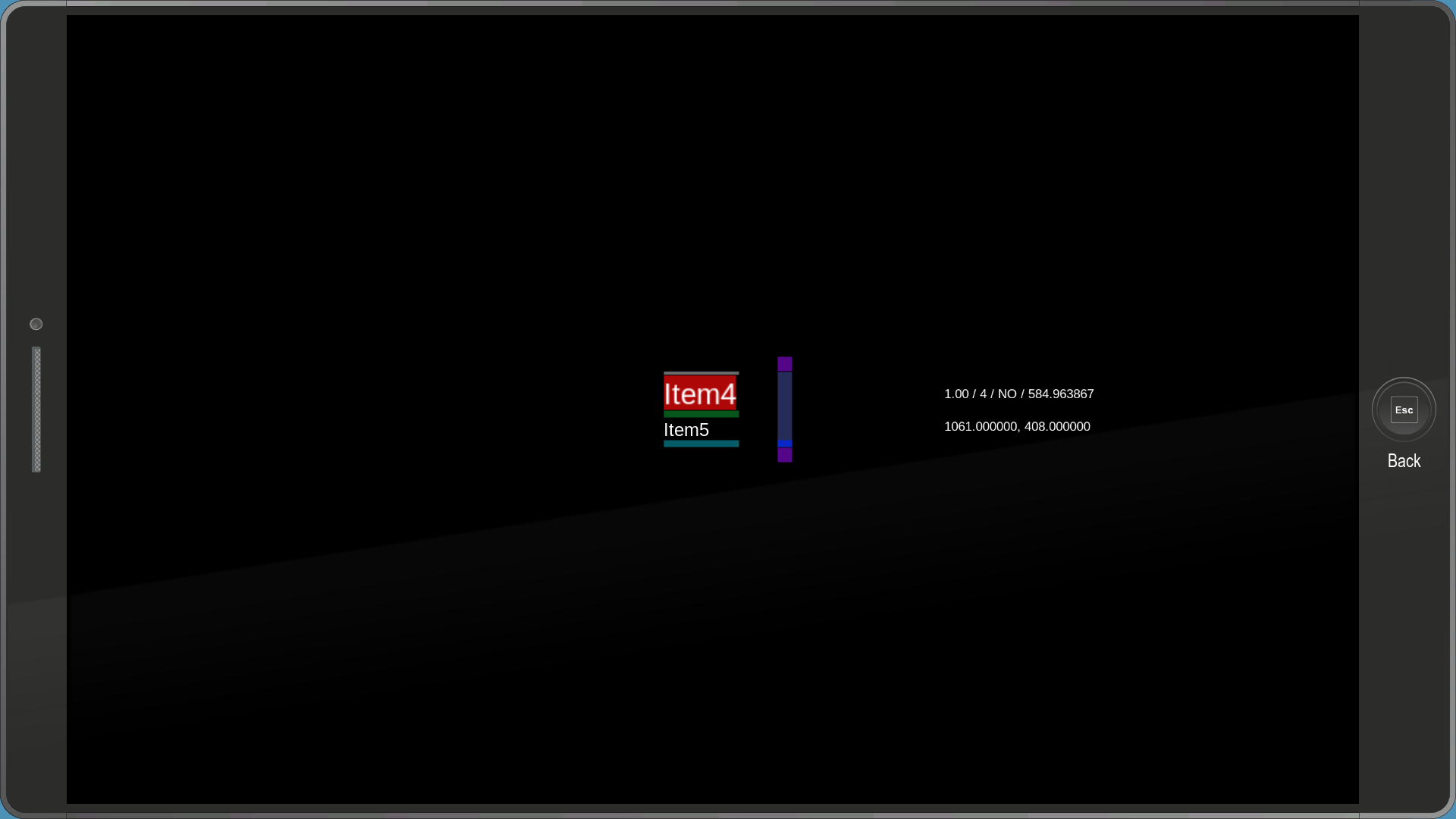
A simple menu used to test scrollbars. It has several items with various sizes. The cursor's current position is also displayed on the right.
demo_icon_in_shape#
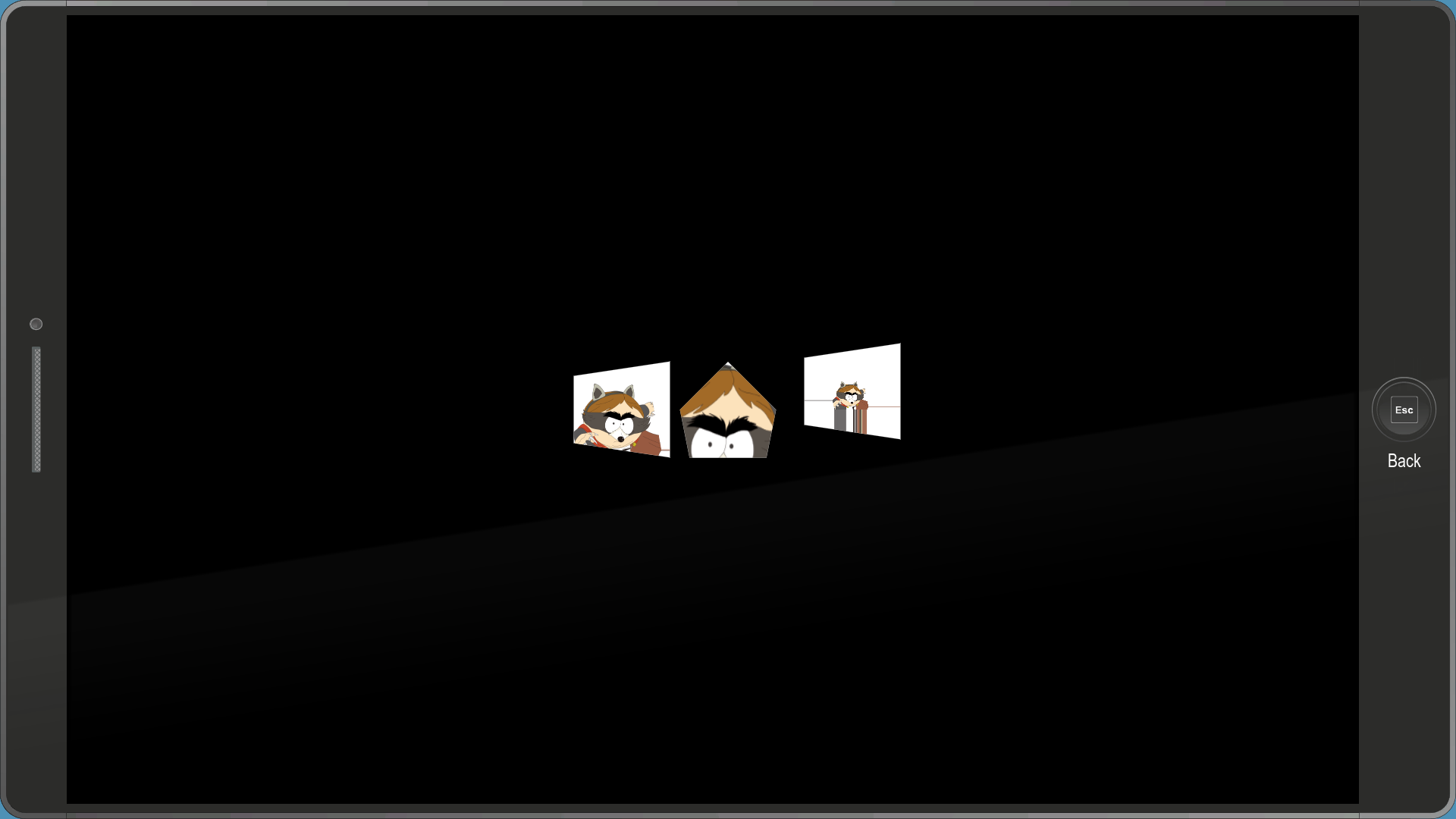
This menu contains...exactly that. An otherwise unused image of The Coon in various different shapes.
debug_add_all_classes#
A menu which unlock every class.
debug_fasttravel#
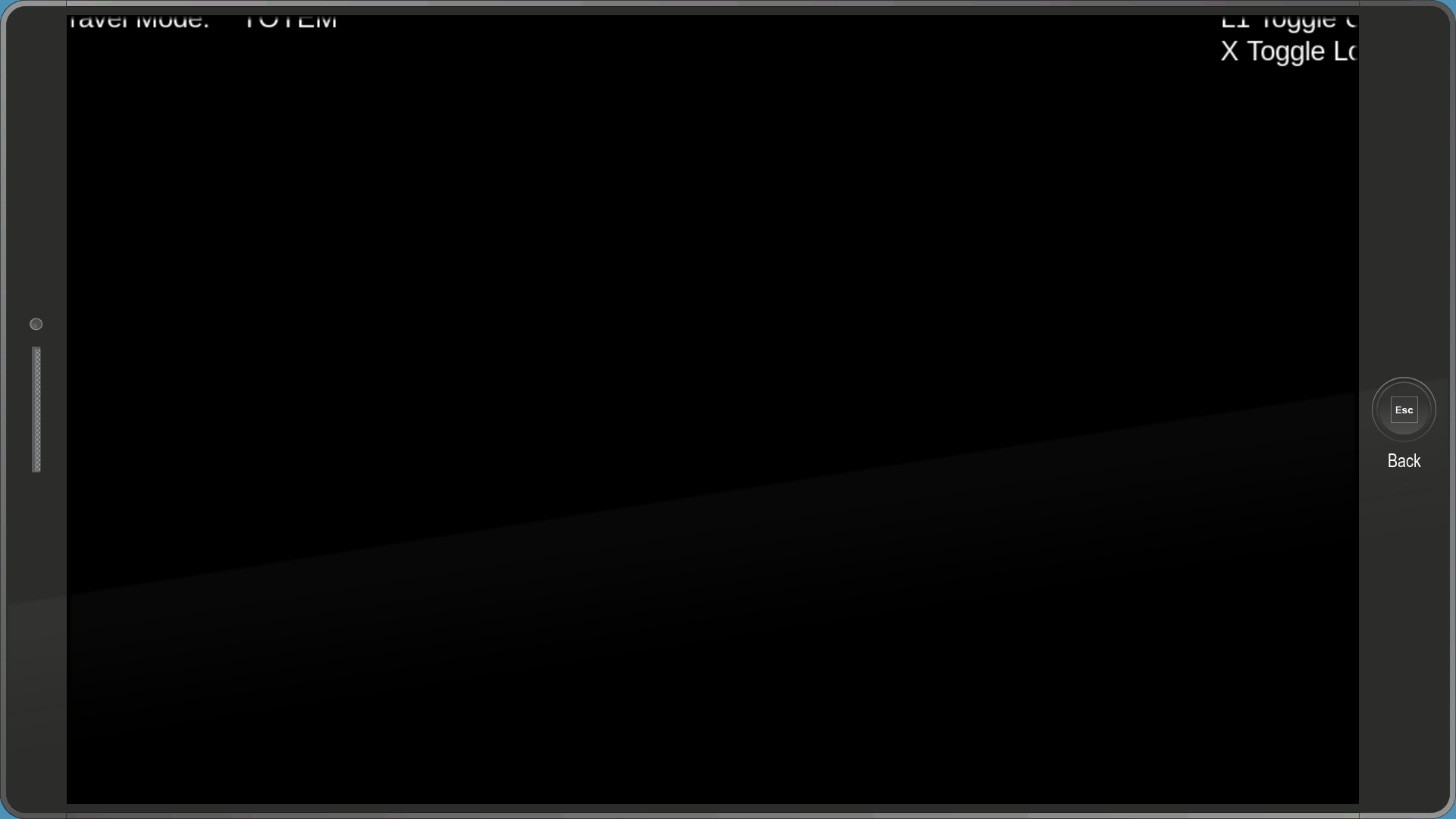
A debug menu used to test the Fast Travel system.
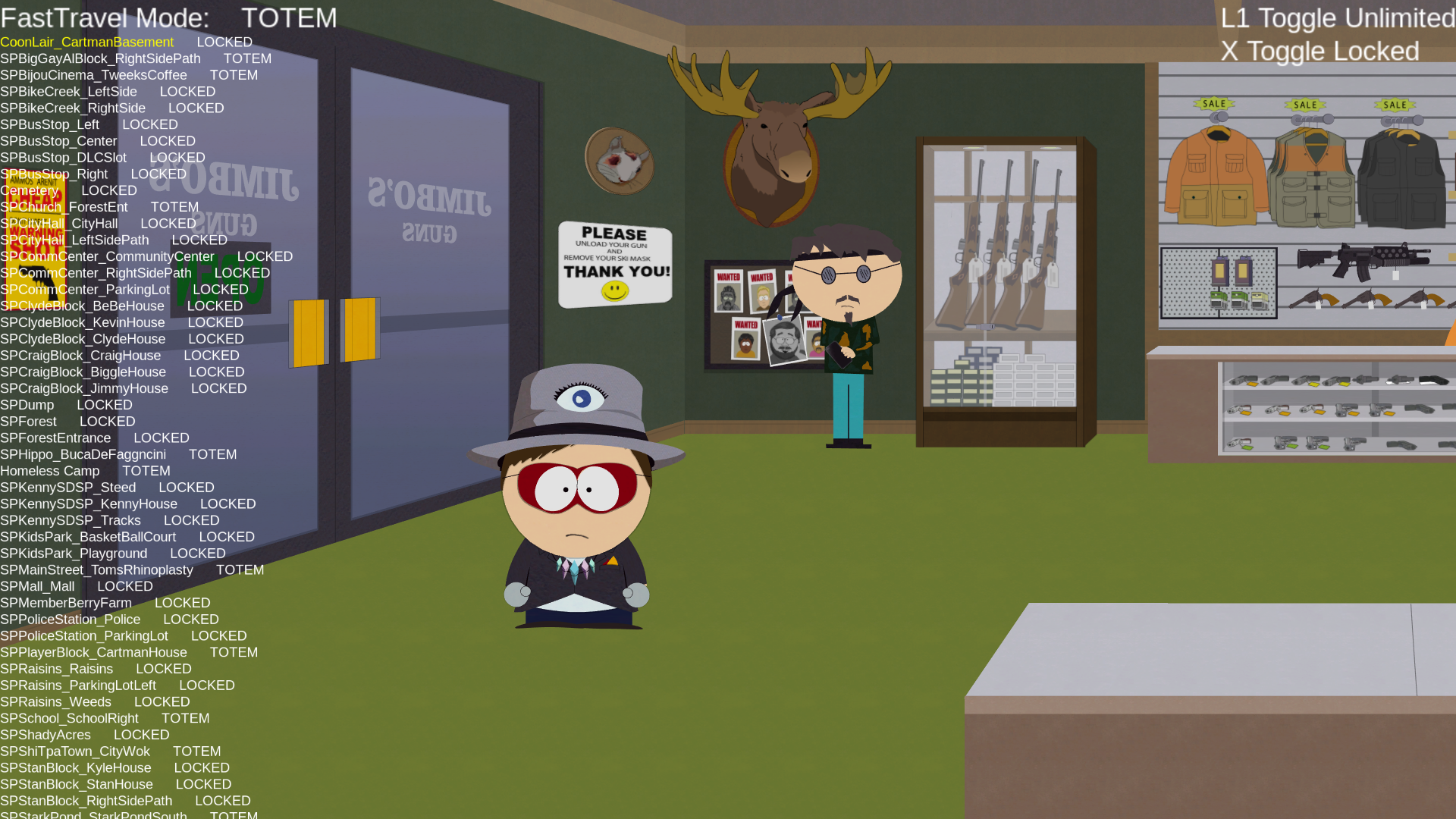
Loading the menu in-game reveals a huge list of area names, even ones that don't have Fast Travel flags.
debug_only_subtitles_and_pip#
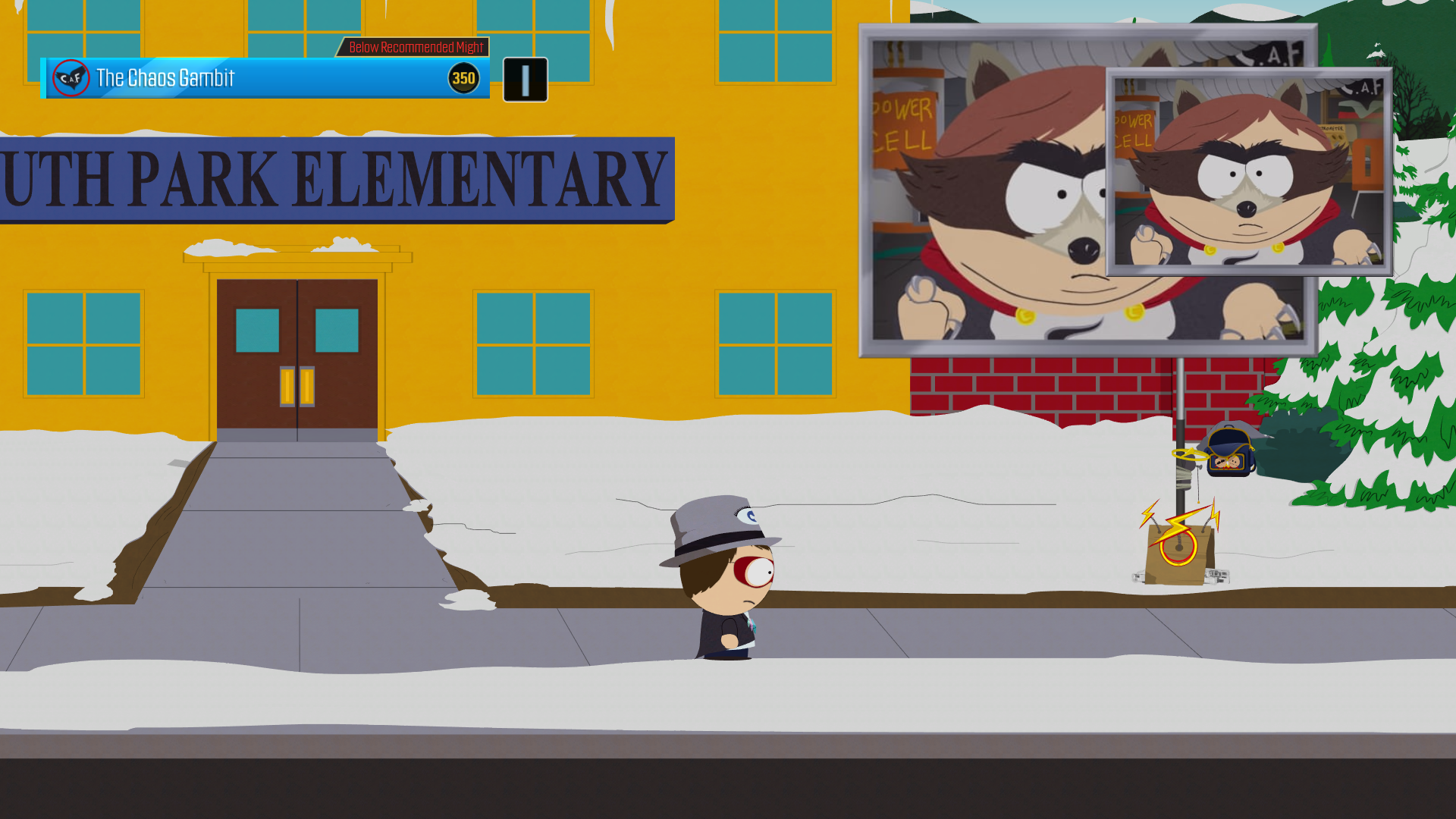
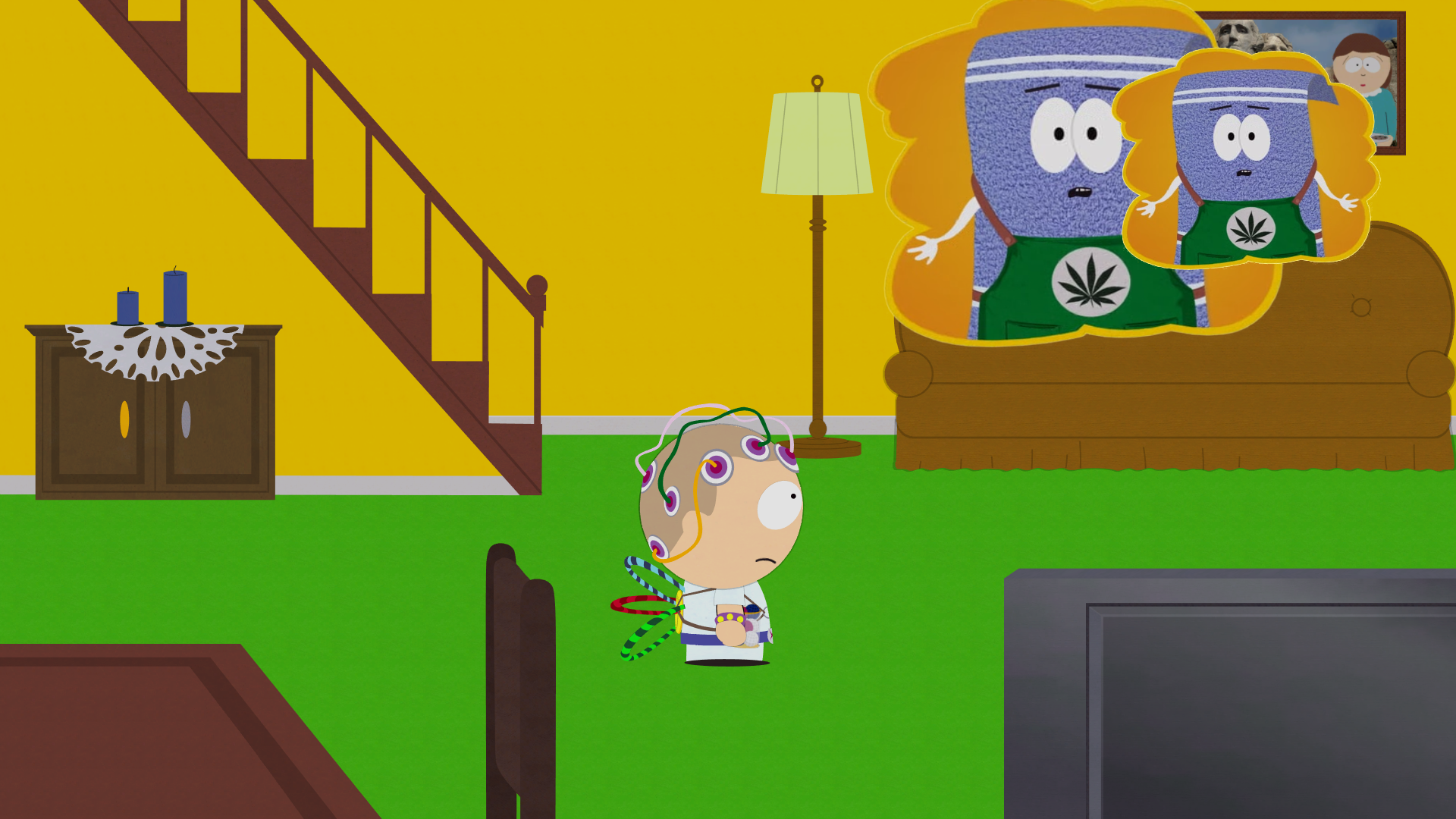
A menu which, when enabled, creates a small duplicate of every PiP window.
debug_debugmenu#
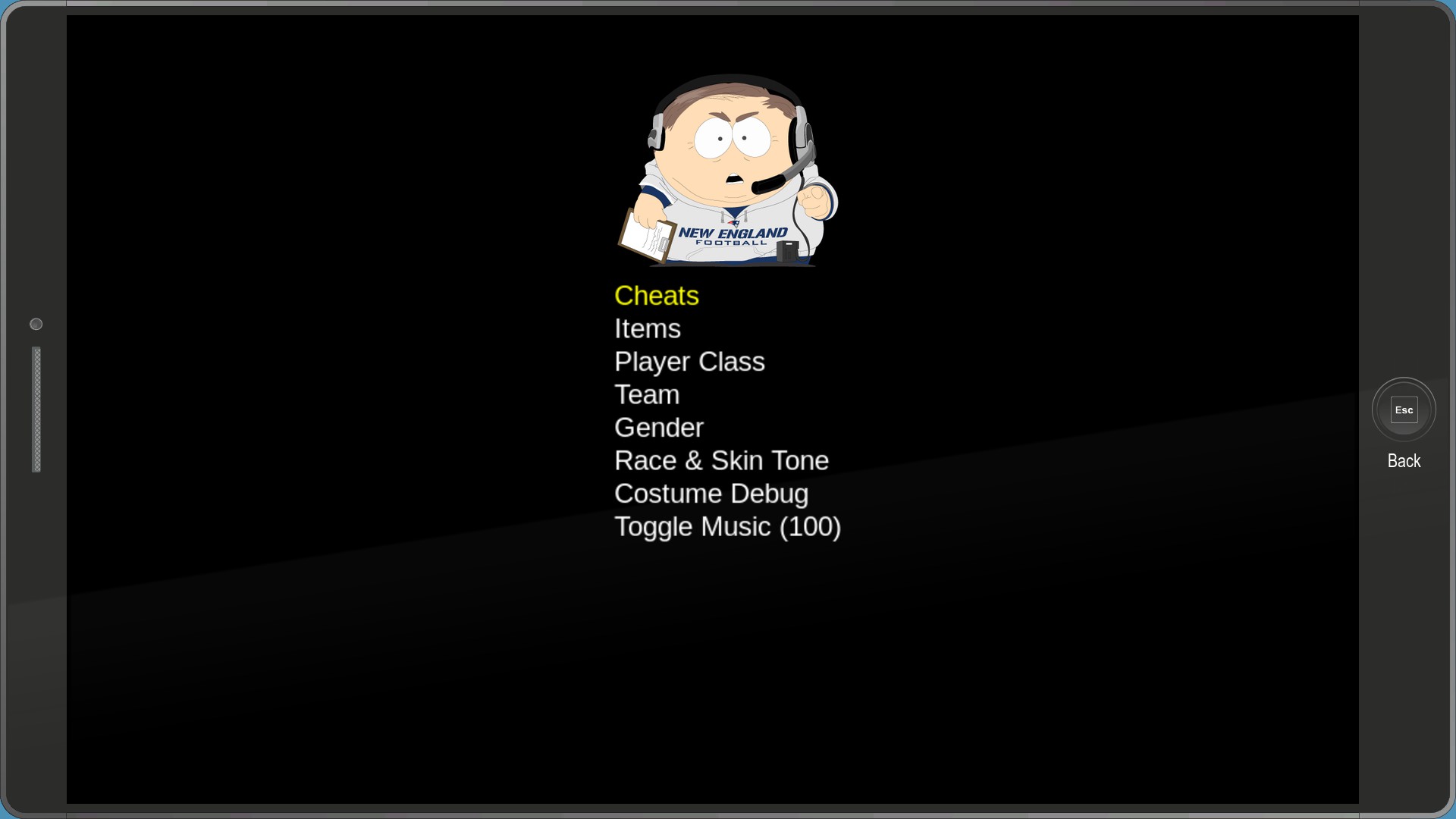
A simple debug menu that was mostly used to switch the New Kid's gender and race quickly. While you can use a keyboard to scroll through the menu, selecting options requires a controller.
debug_cheatmenu#
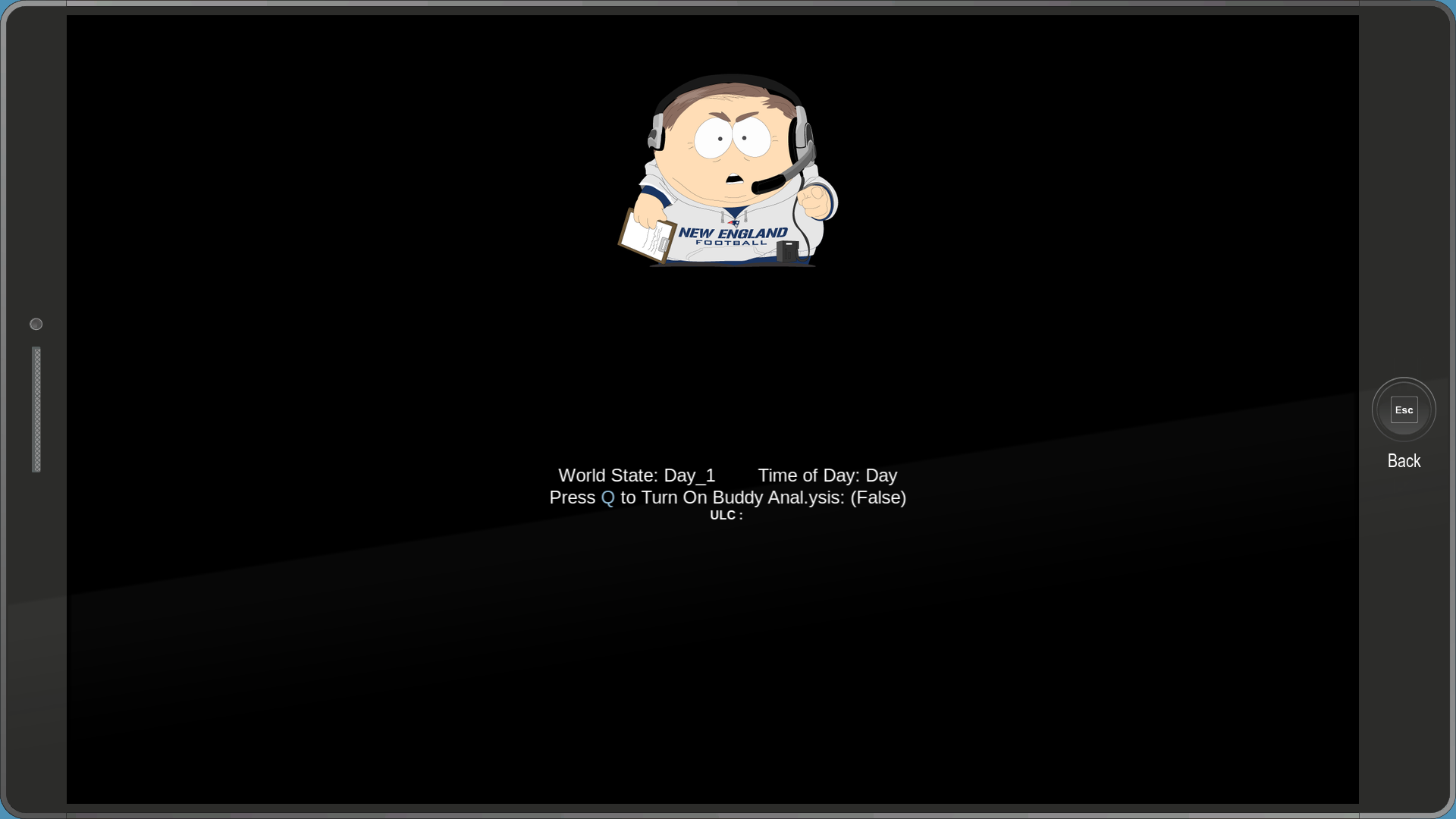
The Cheats menu...doesn't have any cheats. Instead, it displays the world state and the time of day. The only option that can be changed is "Buddy Analysis". What this does is currently unknown.
debug_itemdebugmenu#
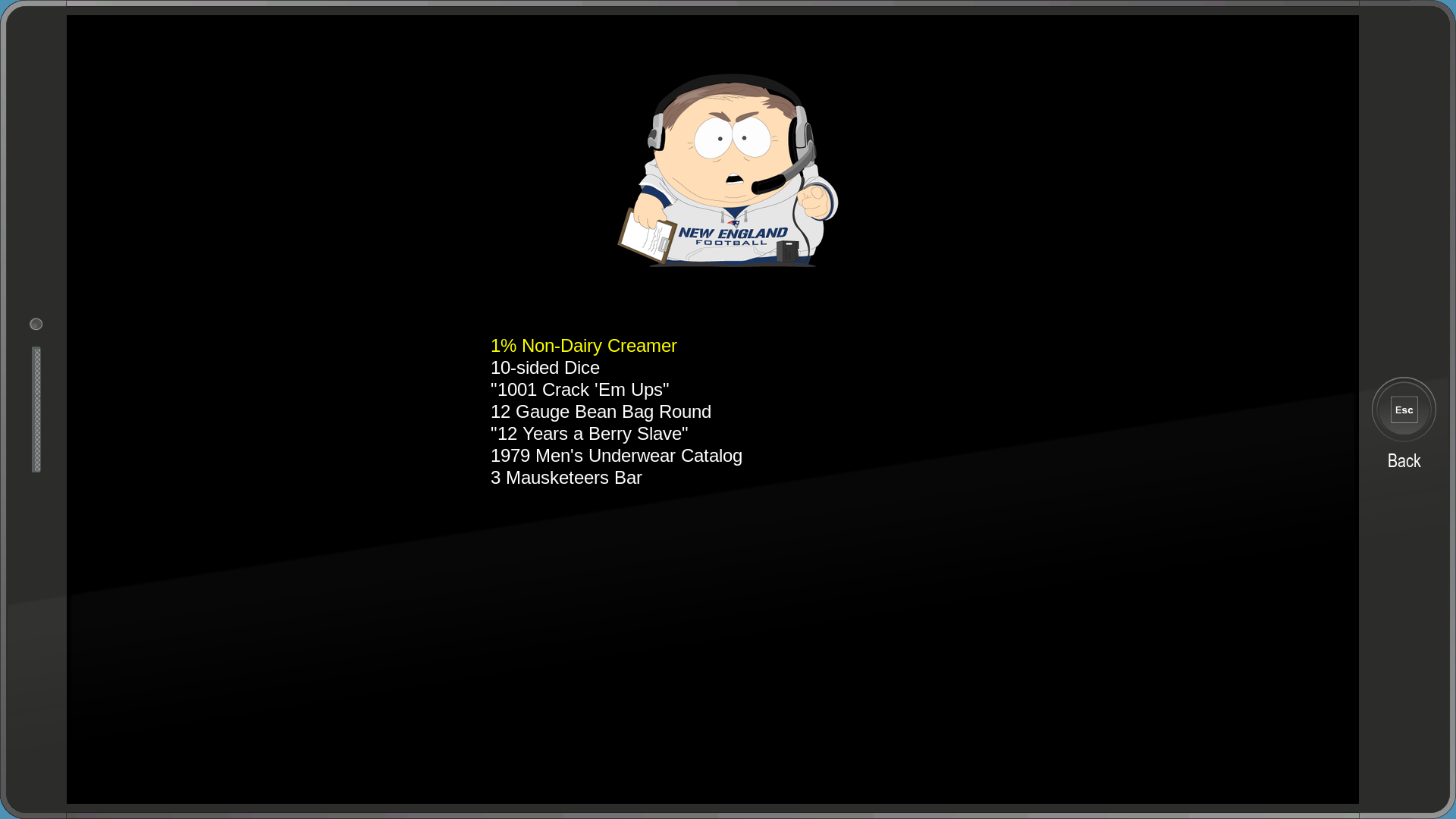
The Items category allows you to add and remove any item from your inventory, even components. The list appears to stop scrolling at around the "Butters' Creamy Goo" item, however there are more items below it.
debug_classdebugmenu#
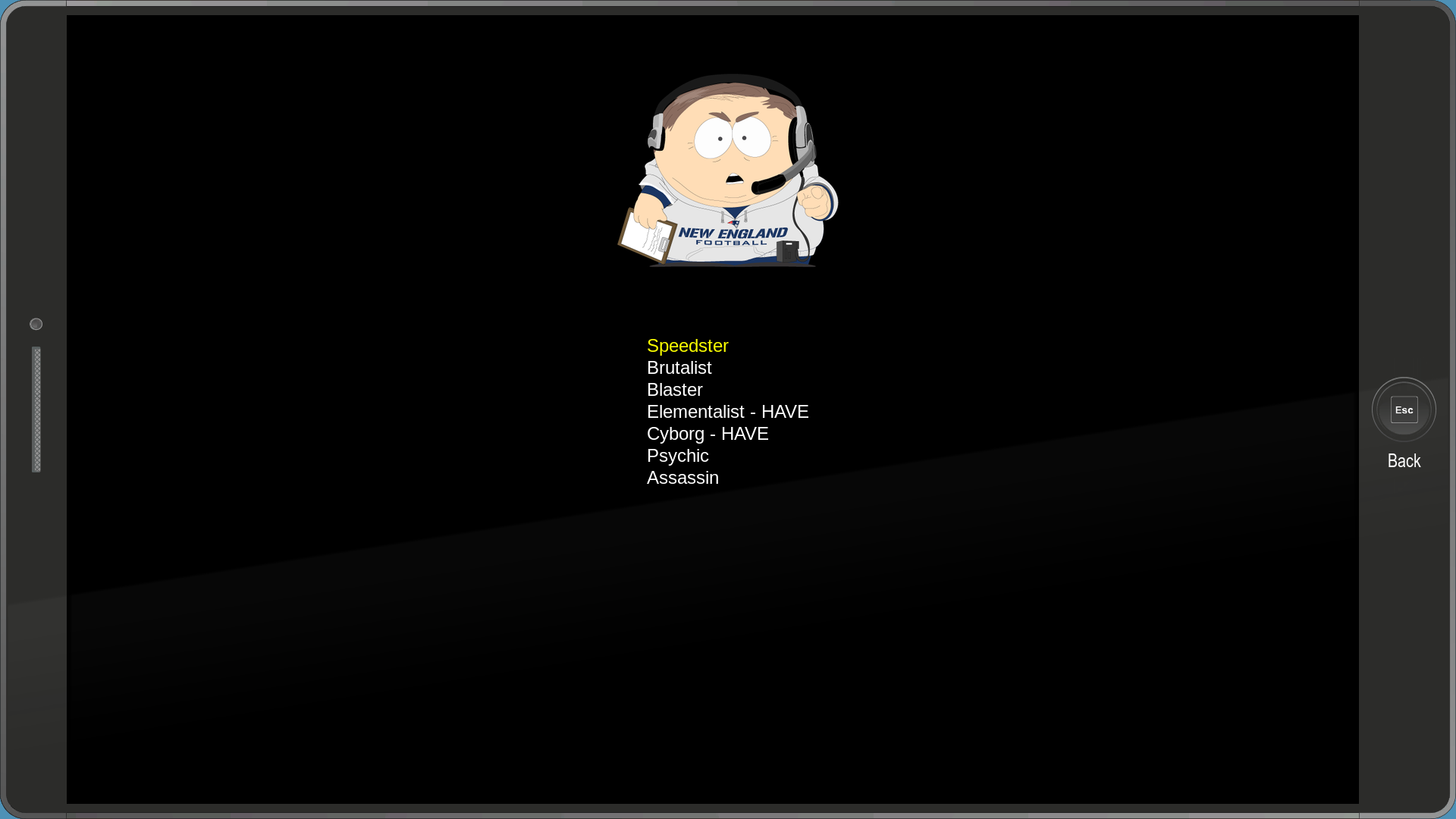
Similarly, the Player Classes category allows you to add and remove any class.
debug_teamdebugmenu#
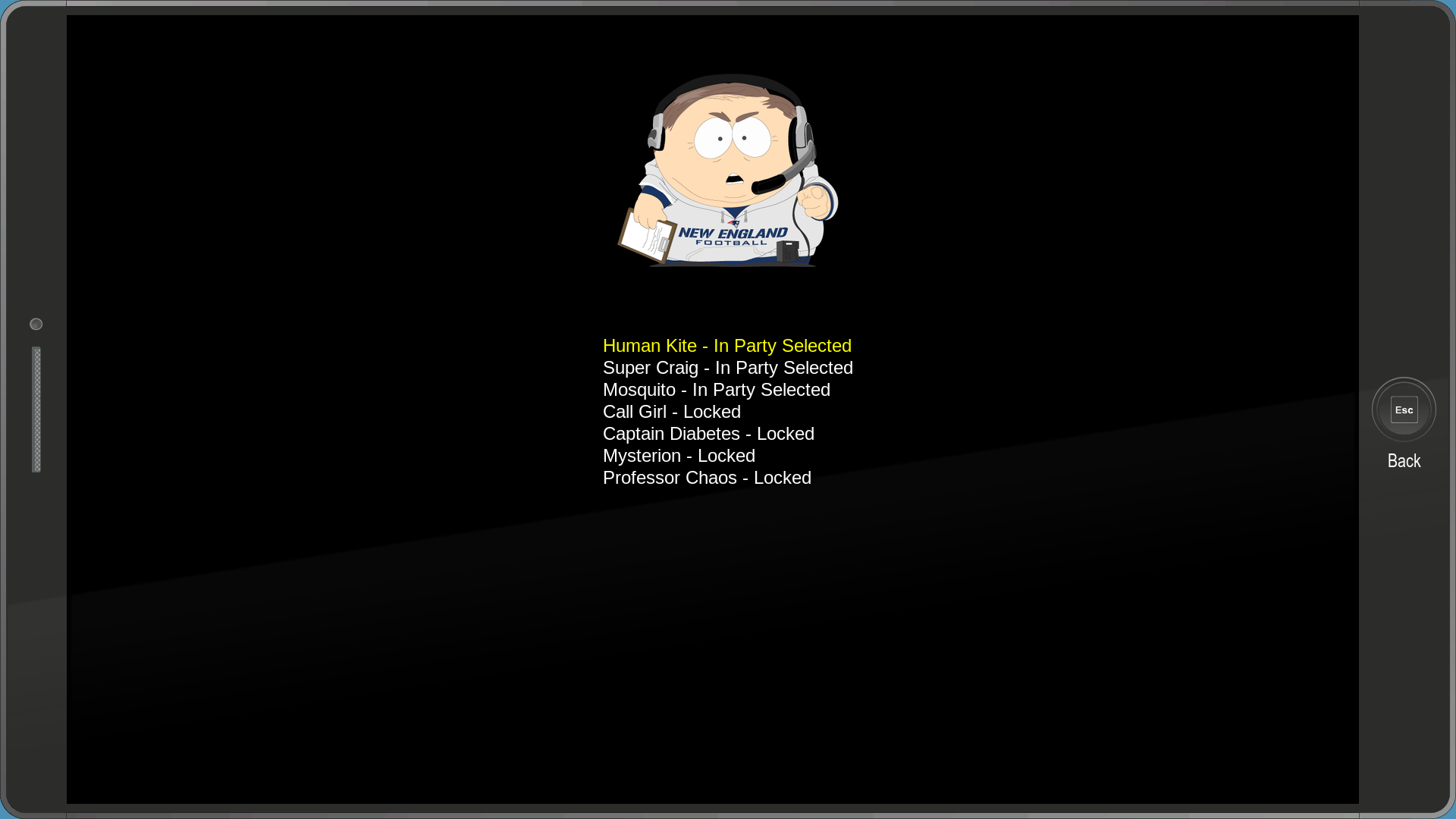
The Team category displays the names of all of your buddies and whether or not they're in your team.
debug_genderdebugmenu#
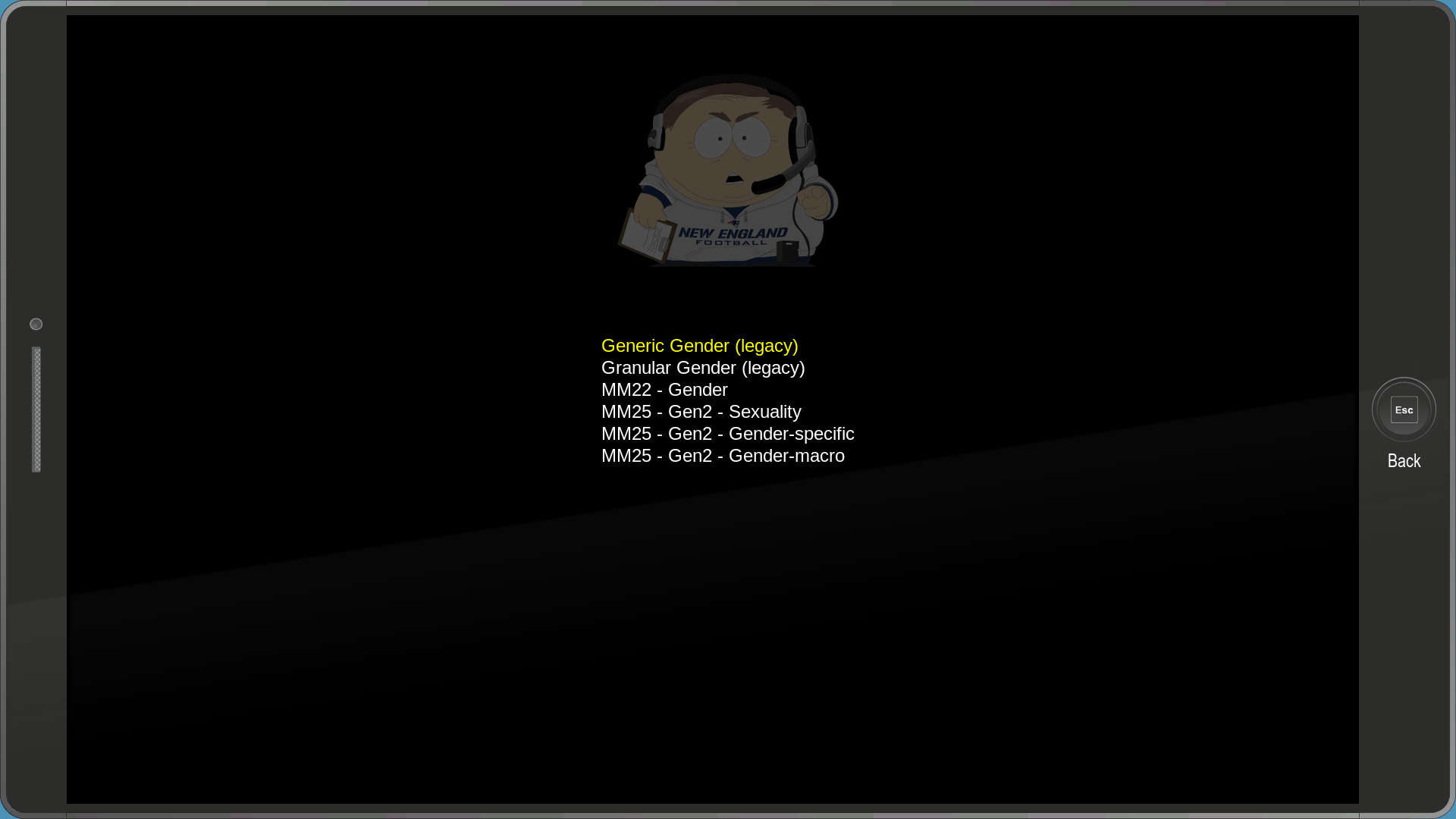
The Gender category is exactly that, you can change the New Kid's gender. For some reason the image of Cartman gets dark in this menu.
debug_racedebugmenu#
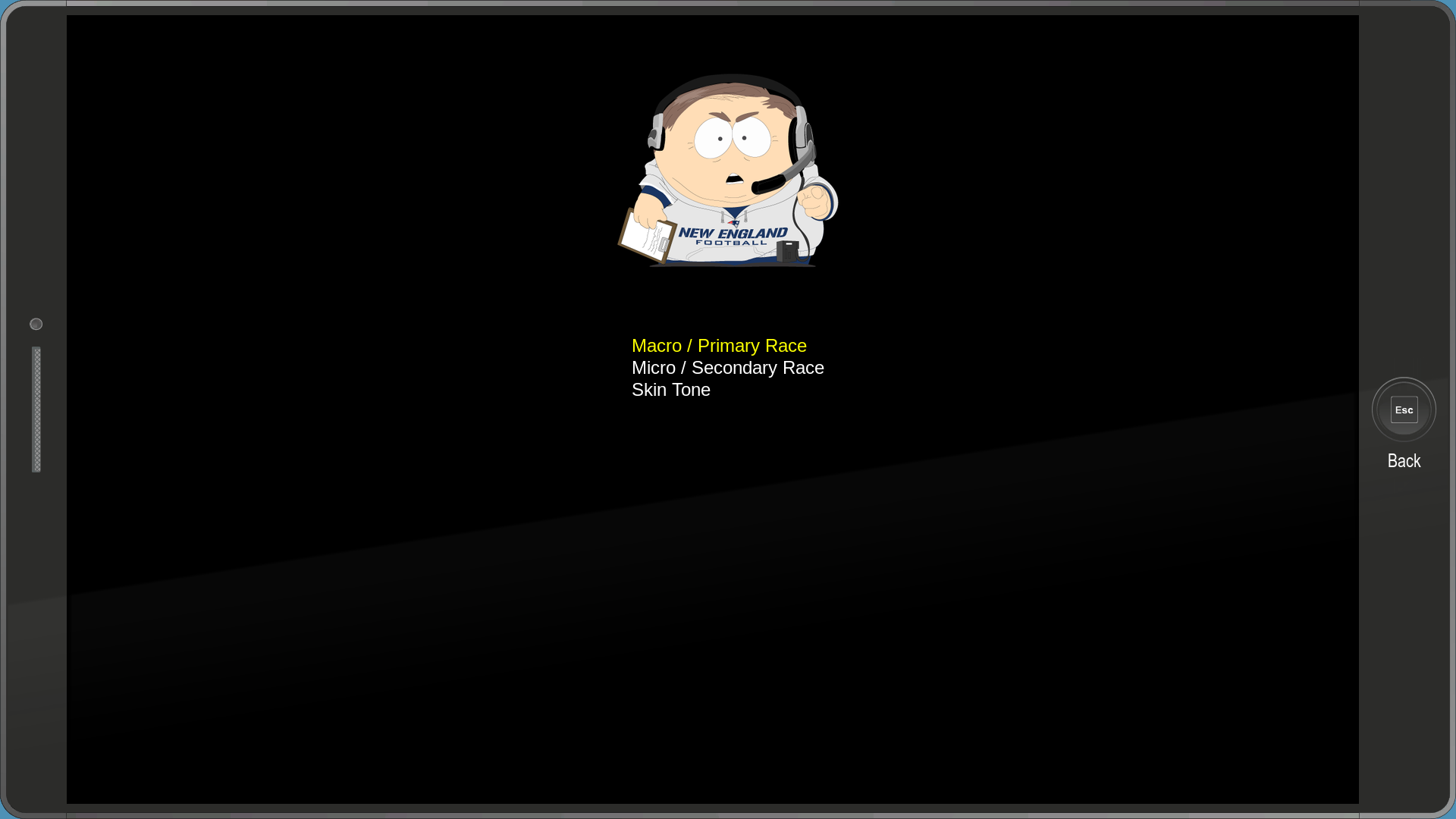
The Race & Skin Tone category allows you to change the New Kid's primary and secondary race, as well as skin color. Using this menu, it's possible to select the unique skin tone only used for Morgan Freeman.
debug_costumesandboxmenu#
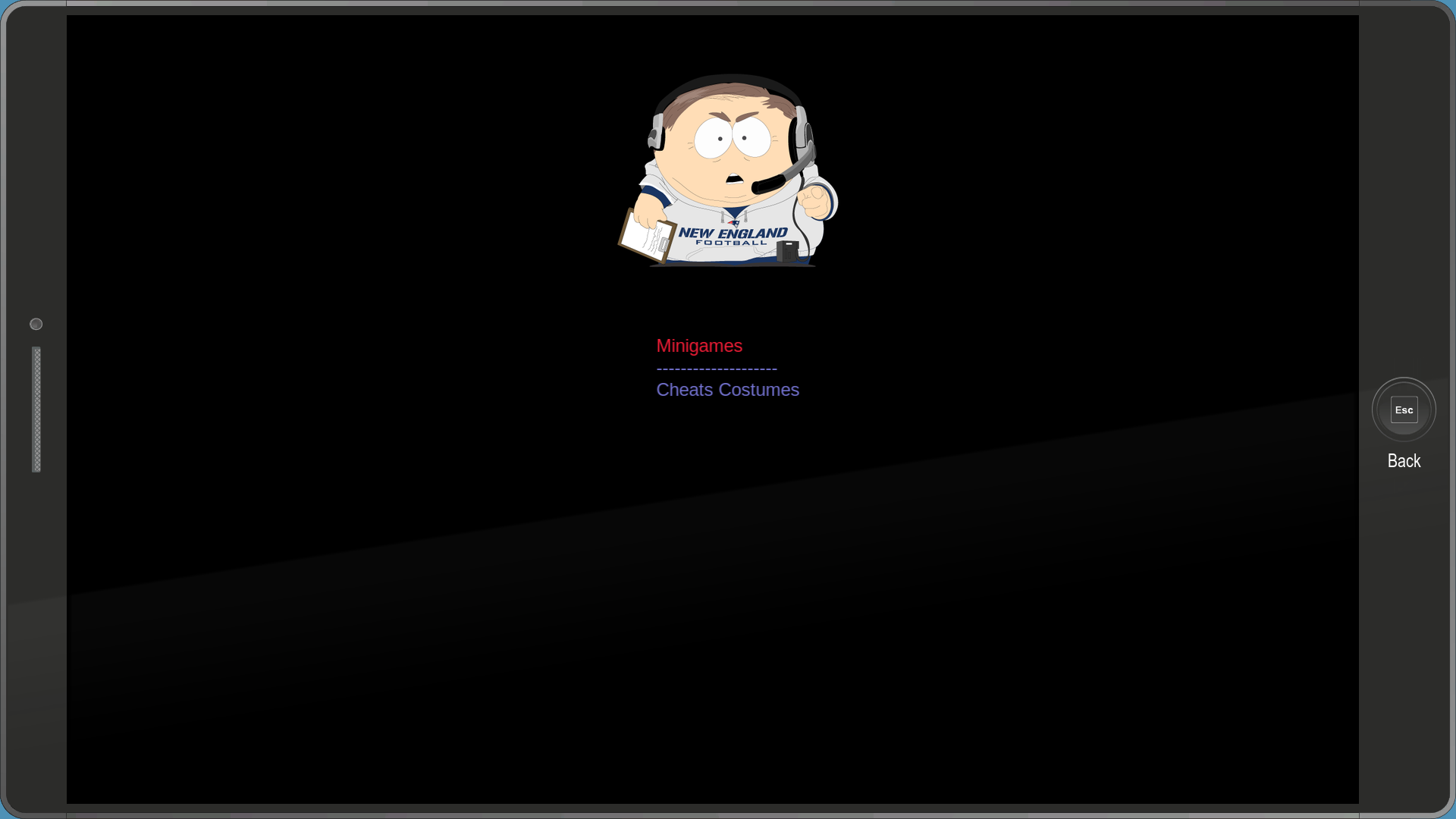
The Costume Debug category has three options, but sadly none of them do anything. According to the unused "sandbox_locations.juice" file, Minigames would've likely allowed you to teleport to certain minigames, while the Cheats Costumes was likely going to unlock every costume in the game. The blanked out option could have been a cutscene viewer, though this is unknown.
debug_equip_random_powers#
Randomizes your power loadout.
dev_loadgame#
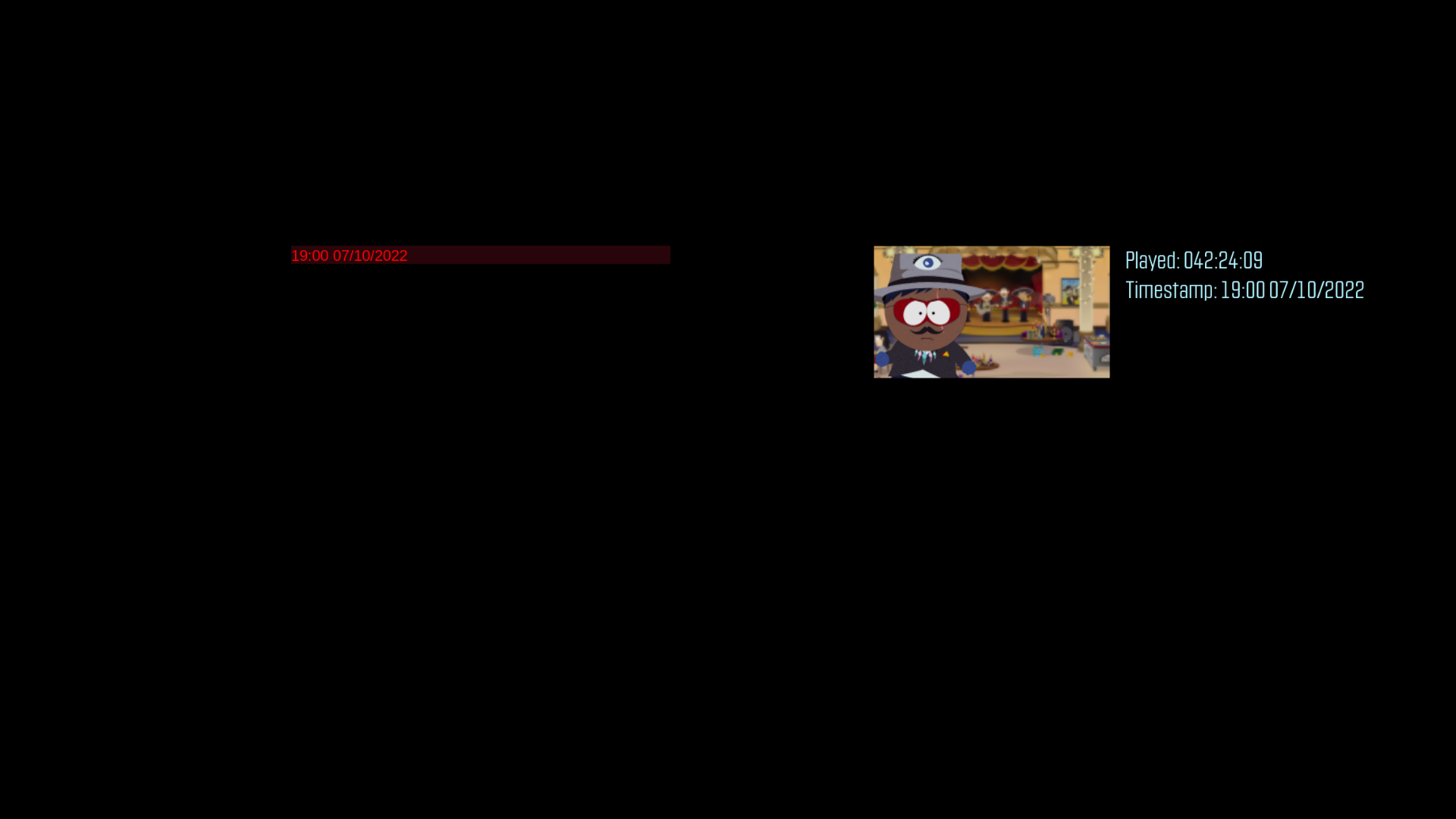
A simple menu that only allows you to load your first save.
dynamic-arrays#

A menu that contains some text in a speech bubble.
ease_inout_with_reset-playground#


A menu used to test various pop-up effects. Clicking trigger will play the animation, while reset resets it.
explore_interaction_prompt#
A menu that displays the text "keyhole placeholder icon" on the screen. It appears on the screen (though barely) when trying to enter the Cemetery during the unused SM64 mission.
fpp_startmenu#
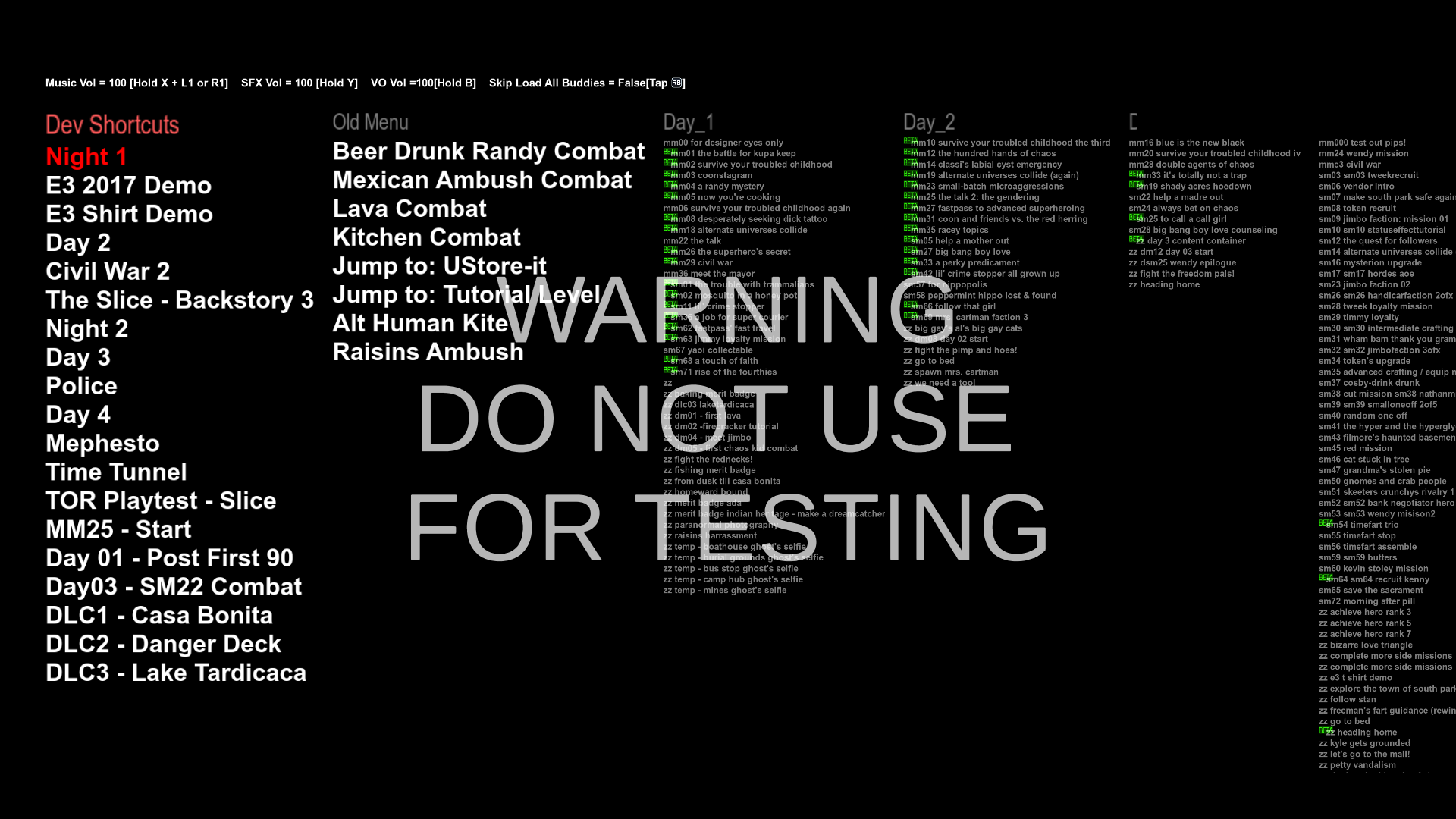
A menu which allows you to load any mission and objective, even unused ones! "Skip Load All Buddies" should be set to true in order to make the menu work properly.
inventory_ui_demo_01#

Appears to be a really early inventory. Nothing can be interacted with.
lapdance#
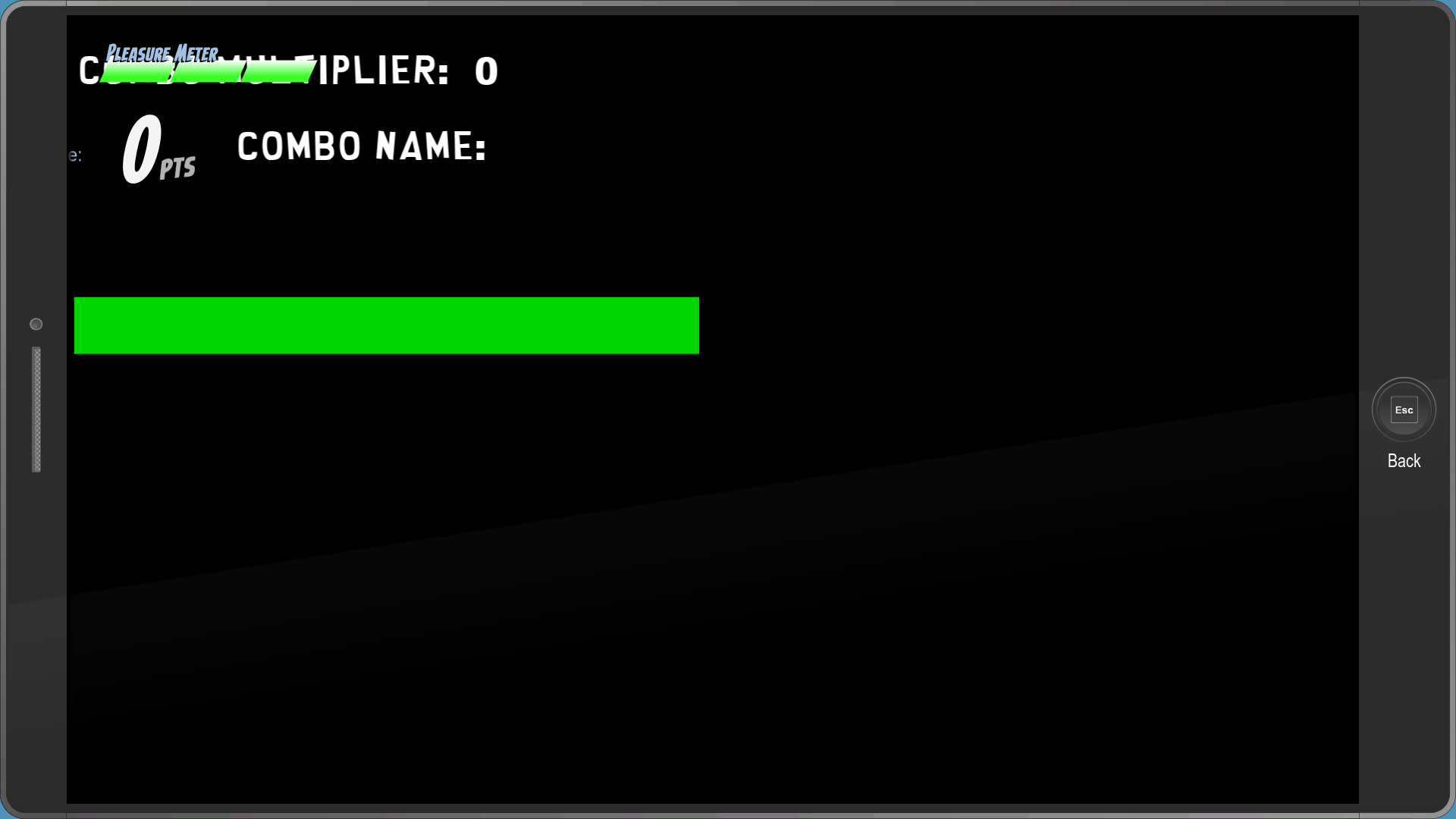
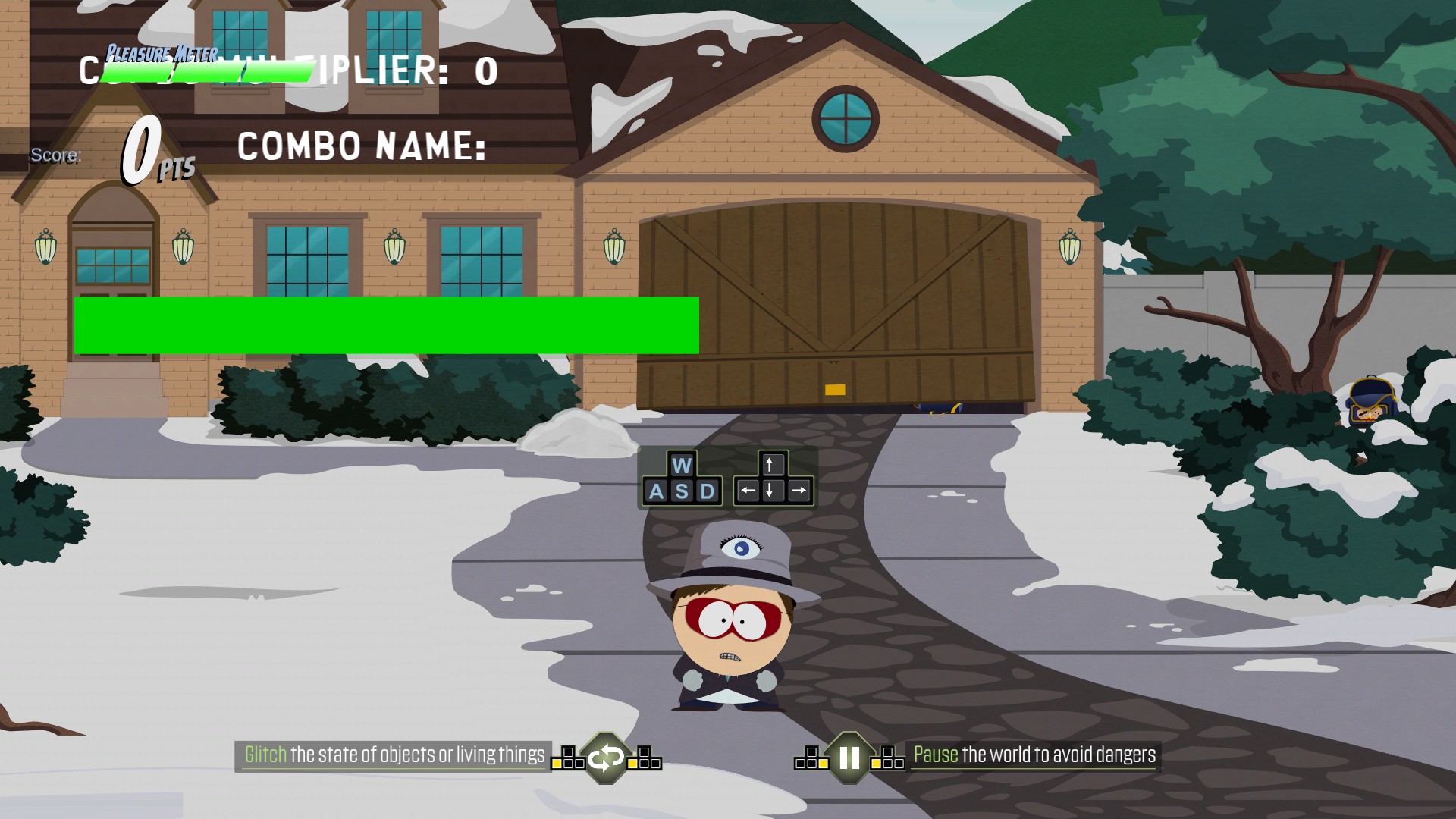
An early version of the Lapdance minigame's UI.
marc ui string test#
A simple menu that displays the message "Press (the punch button) to Punch".
mouse-controller-basic#


A menu that was used to test some expand effect. Highlighting the word will make the pink rectangle expand.
mouse-dynamicdraw-hurtme-bar#
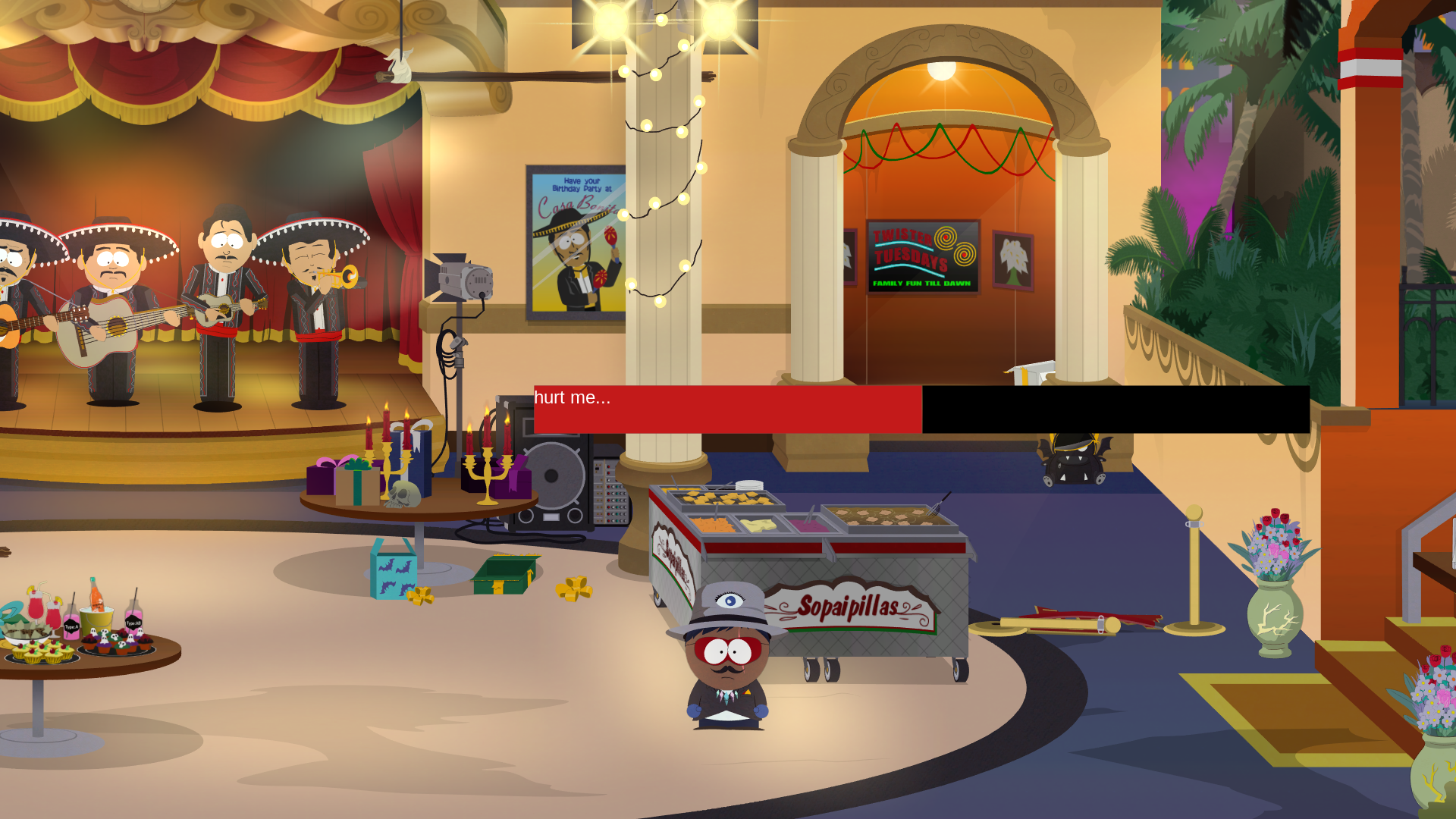
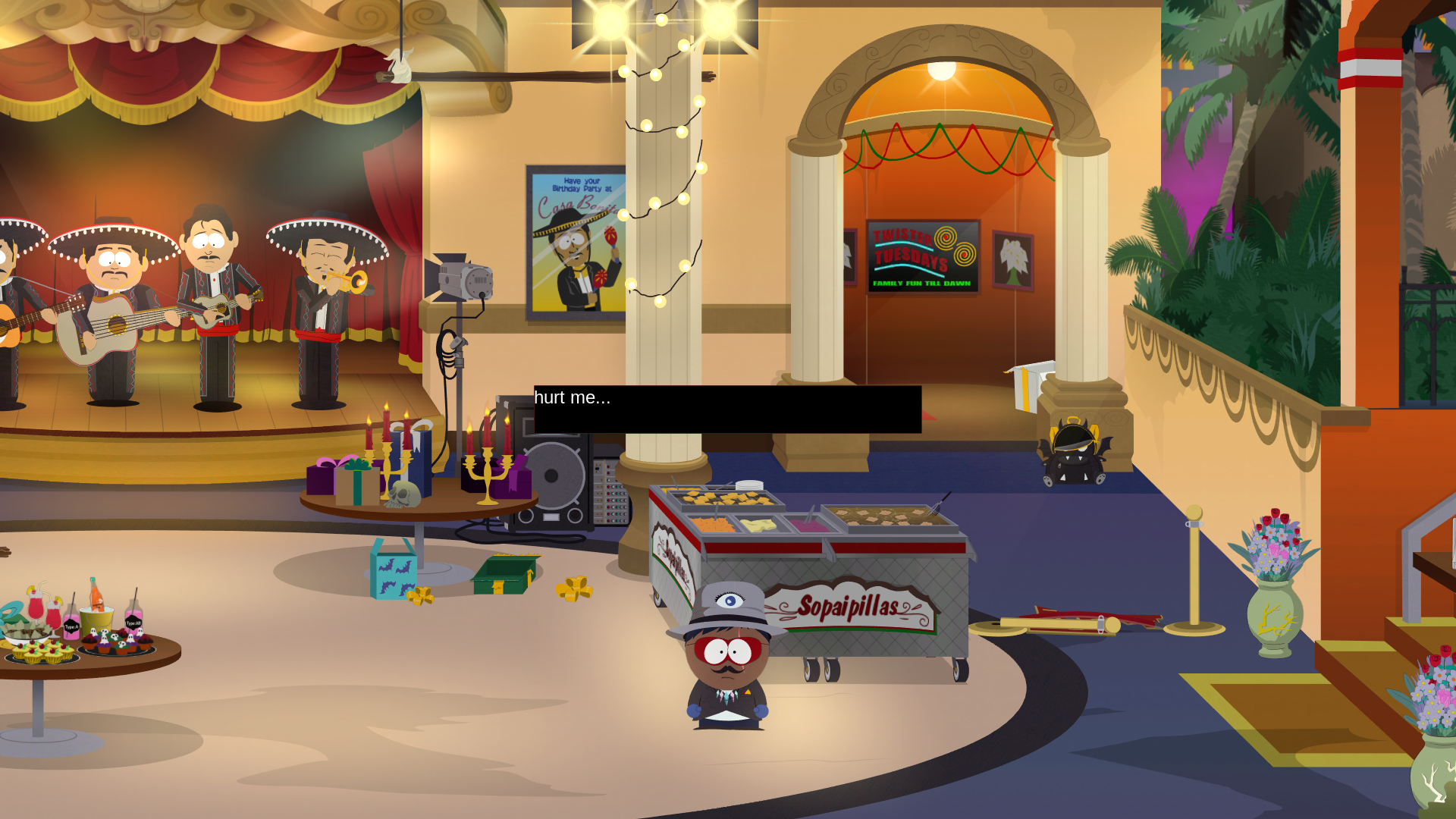
An effect test menu. Holding the "hurt me..." text makes the red part of the bar retract.
mouse-dynamicdraw-hurtme-sector#
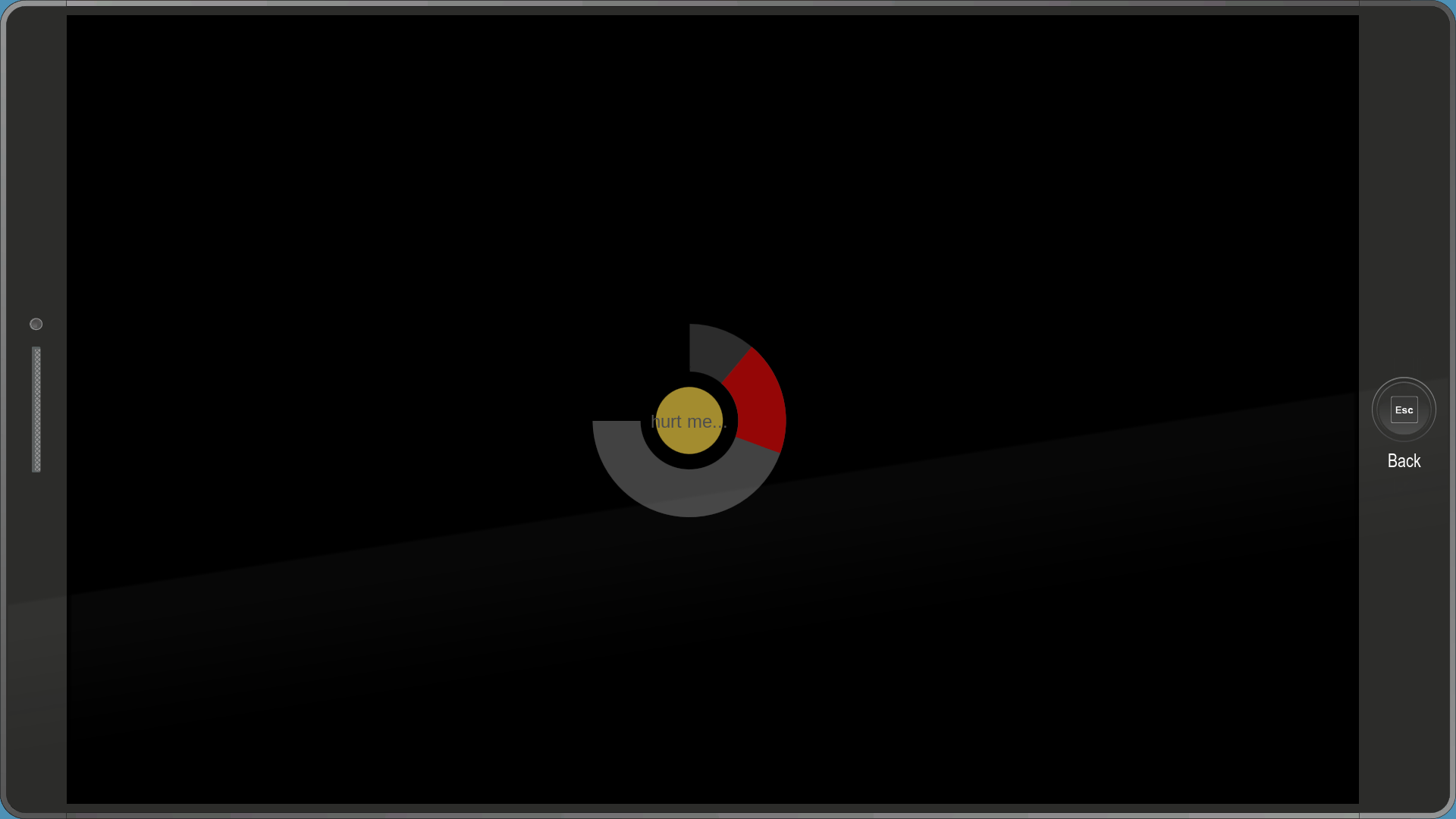
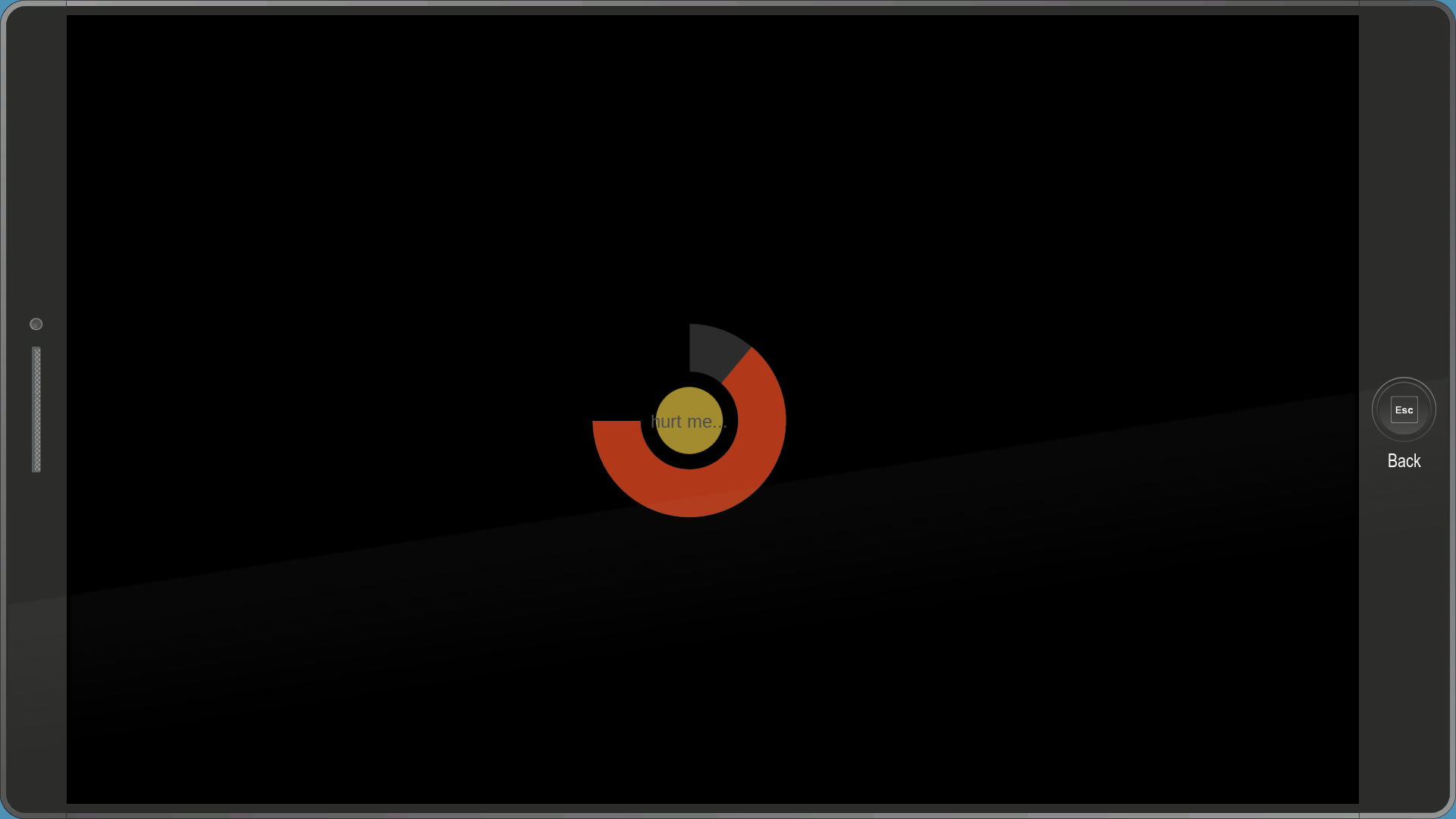
Yet another effect test menu. Holding the "hurt me..." button will make the bar slowly extend to the left.
mouse_position_debug_output#

A simple menu that displays your cursor's position.
moviesample01_bink_getmovie#
A menu that was supposed to play the unused binktest.bik video, but for some reason doesn't.
moviesample02_bink_movie#
Same as moviesample01_bink_getmovie.
nestedtest-01-nospawnui#


Same as mouse-controller-basic, but with a different effect. Highlighting any of the words makes the pink bar extend to both sides slowly.
nestedtest-02-spawner#

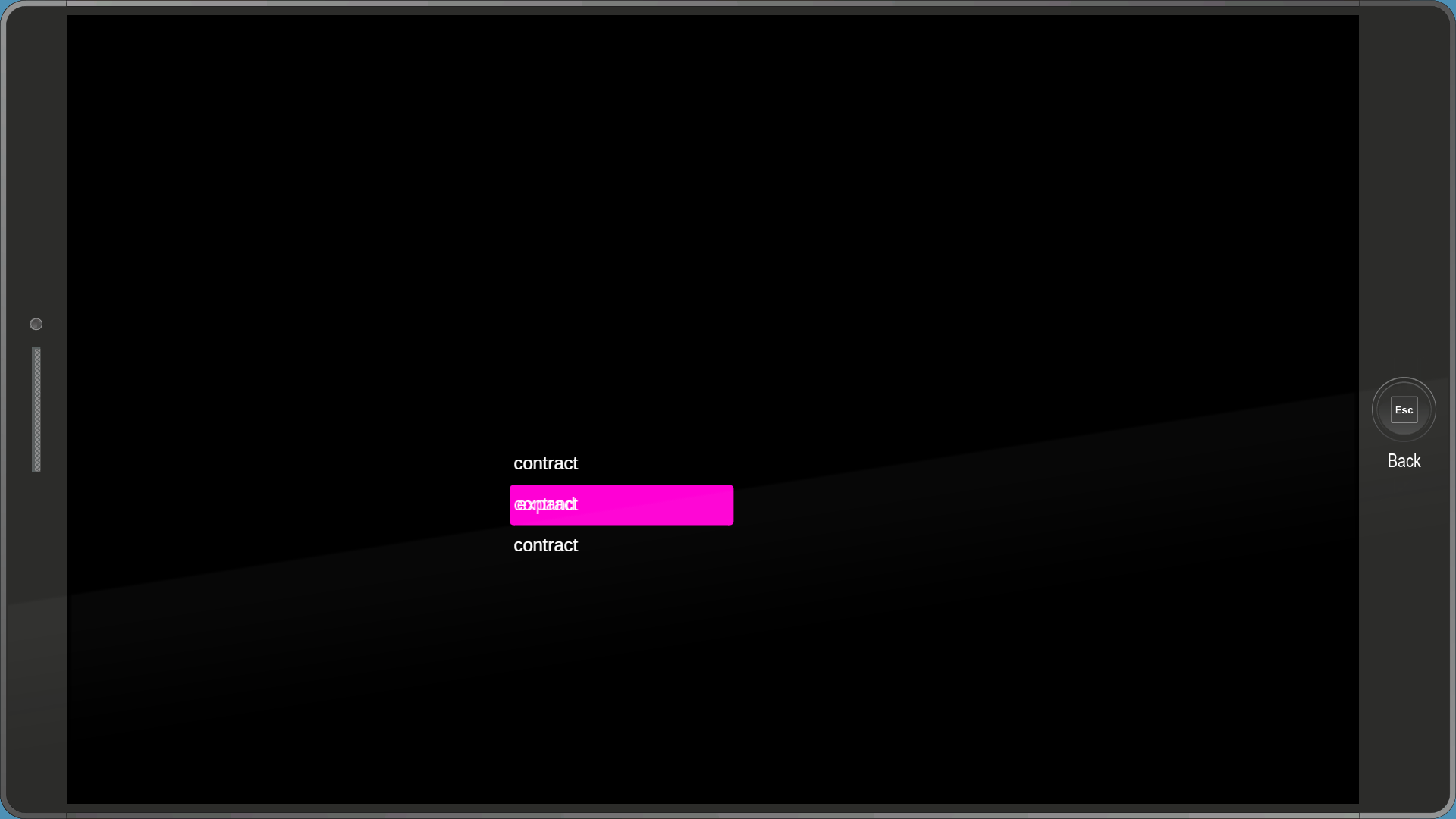
Same as nestedtest-01-nospawnui and mouse-controller-basic except with a different effect, and the bars only extend to the right side.
pausemenu_accordion_anim#
A non-functional menu that was most likely used to test some sort of effect with images. All of the images used by this file have been removed from the files, however their filepaths still remain:
camel\ui\temp assets\pause\title_menu_placeholder.png
camel\ui\temp assets\pause\bg_subscreen.png
camel\ui\temp assets\pause\menupanel_left.png
camel\ui\temp assets\pause\menupanel_right.png
camel\ui\temp assets\pause\menupanel_center.pngpausemenu_layoutdefinition_mapquest#
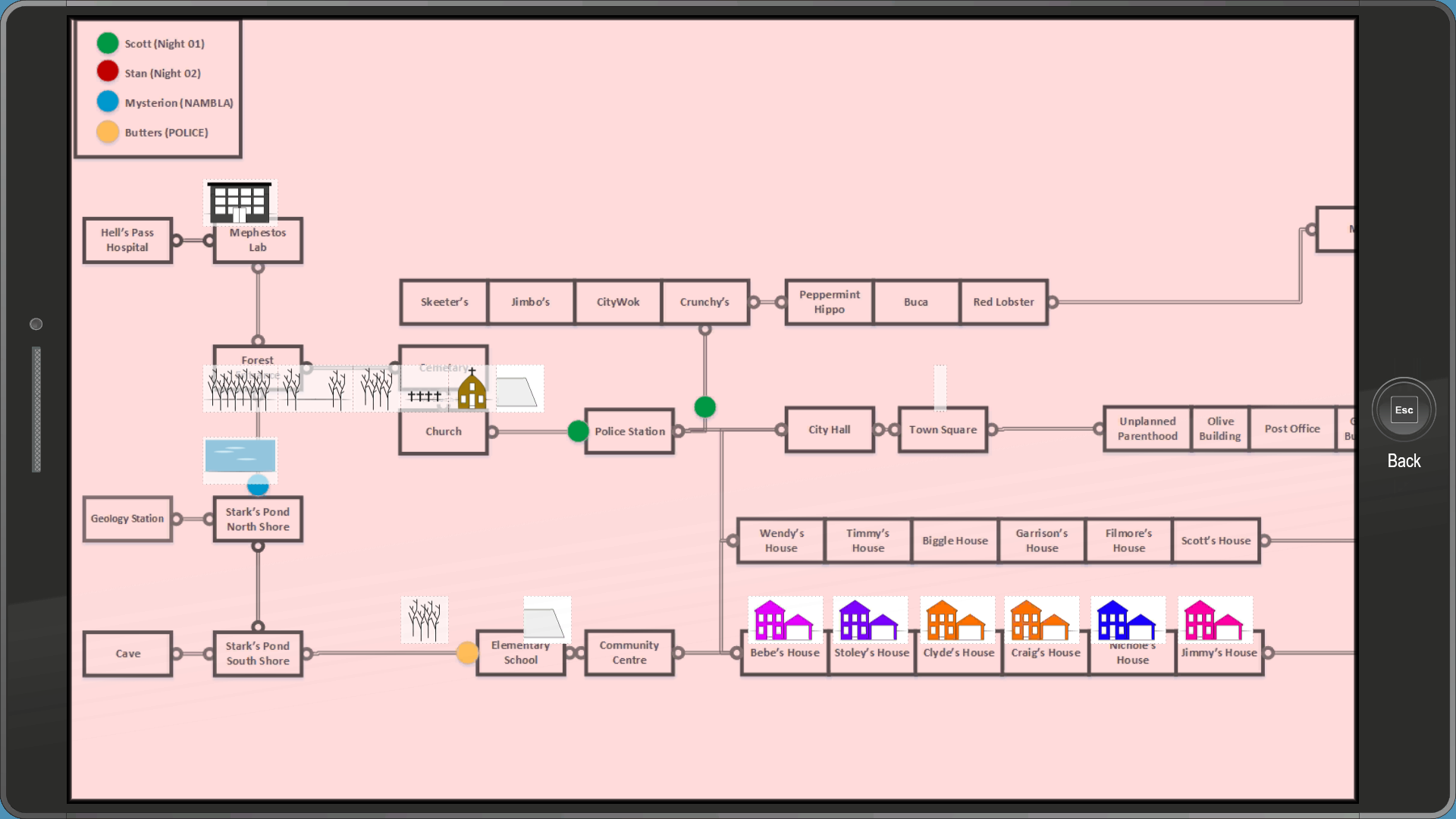
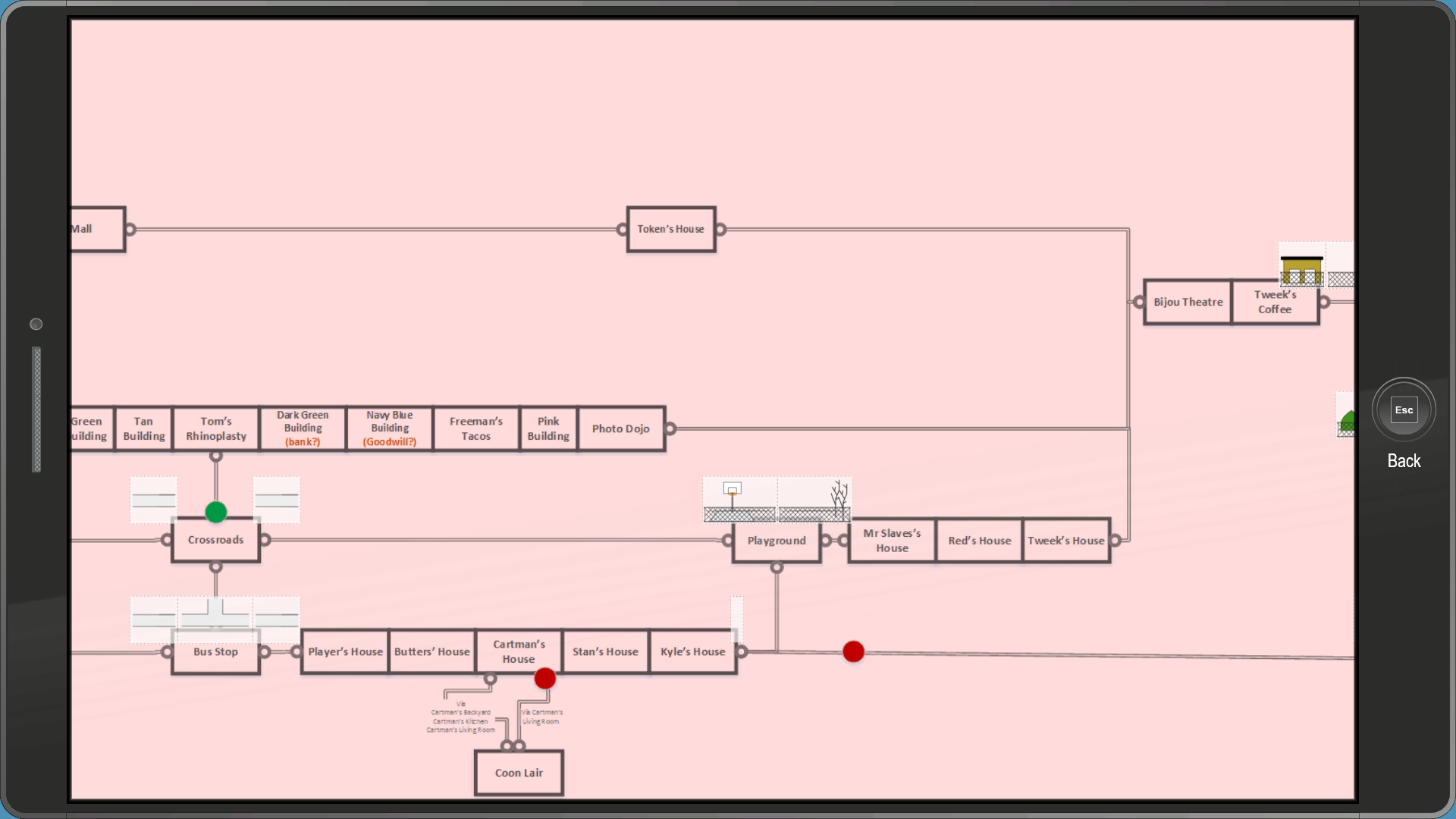
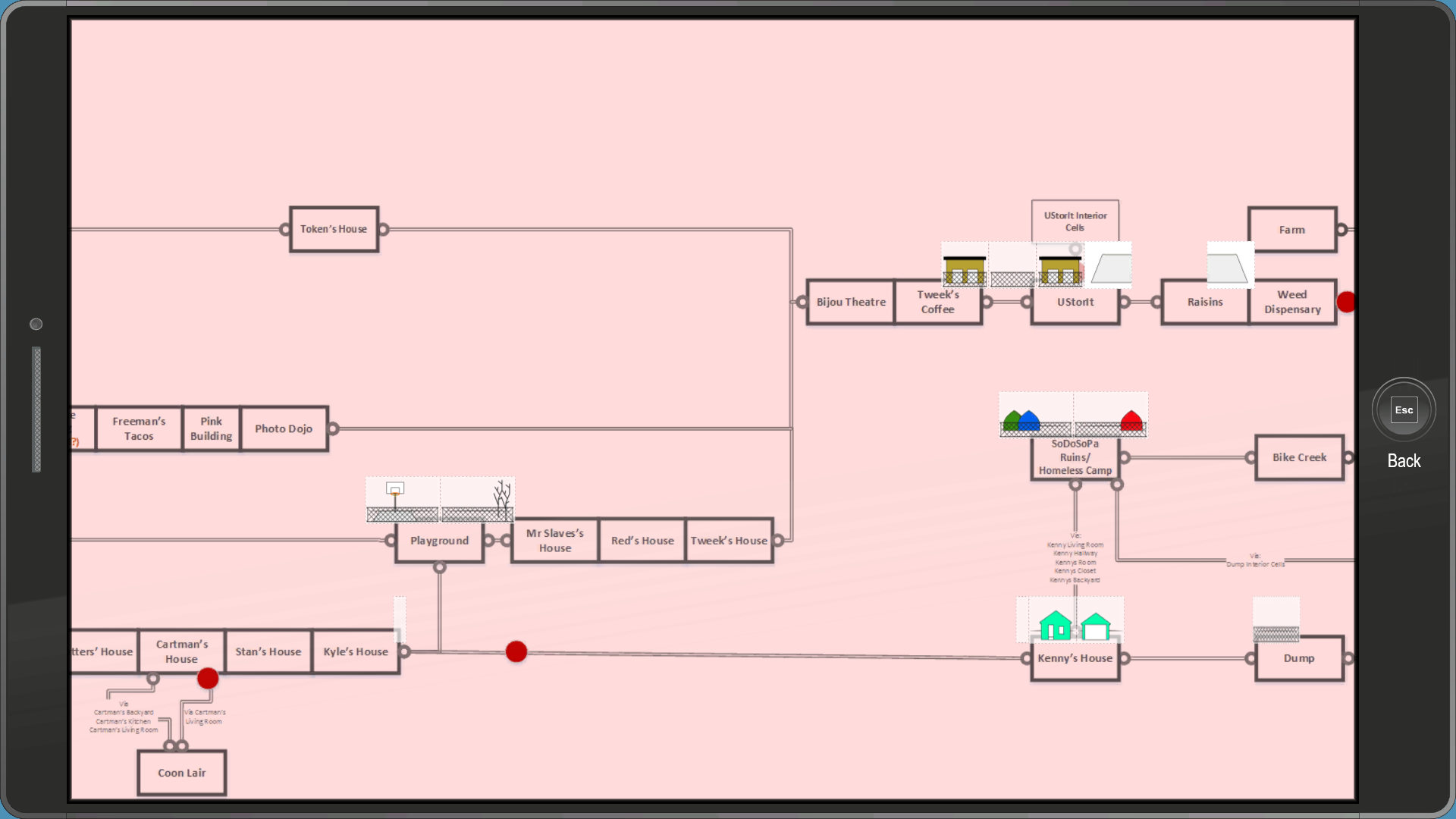
An interesting menu used to test the Map app's layout. It uses a very early version of the map, plus some early icons for some areas.
pausemenu_layoutdefinition_mapquest_tray#
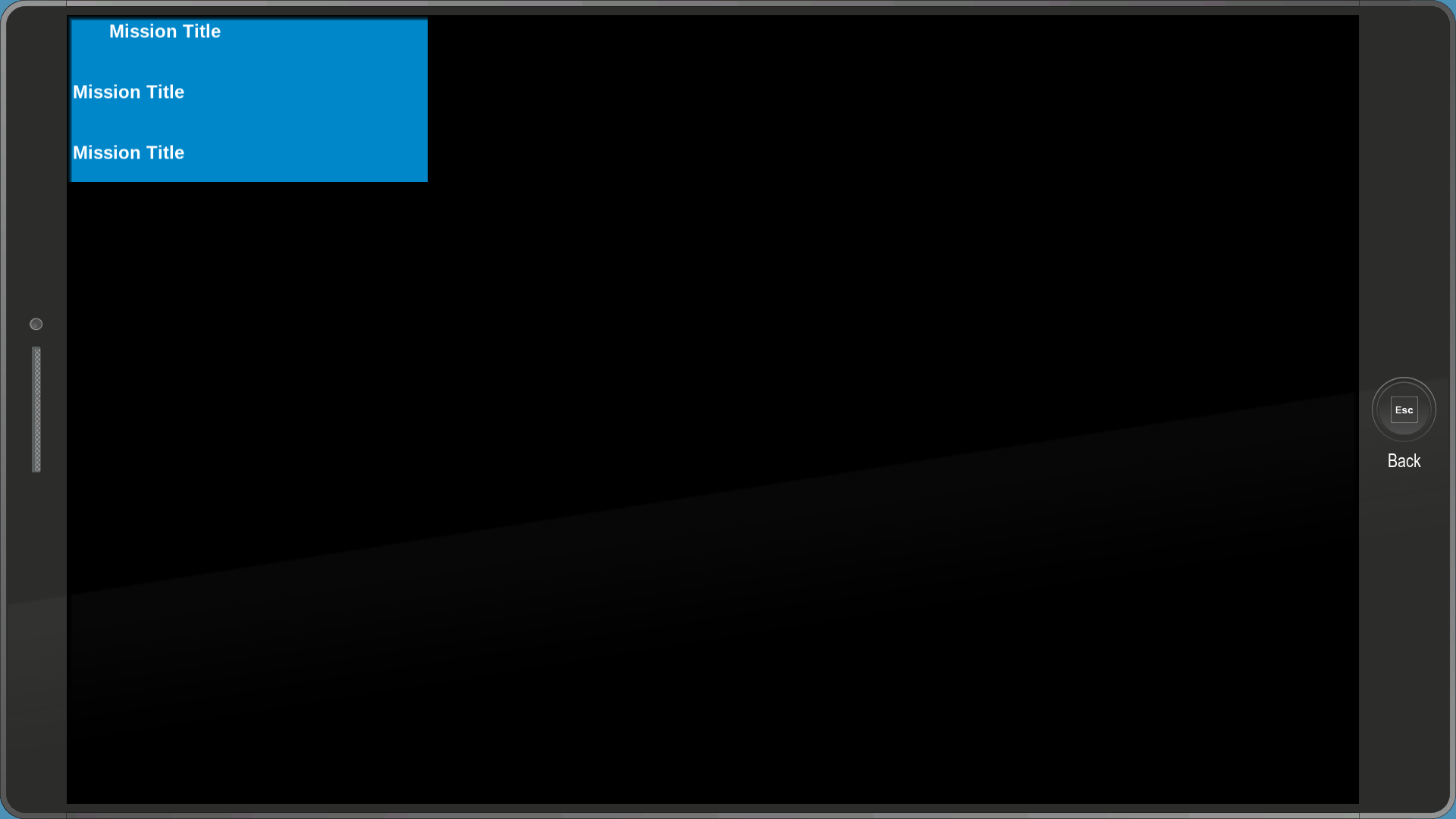
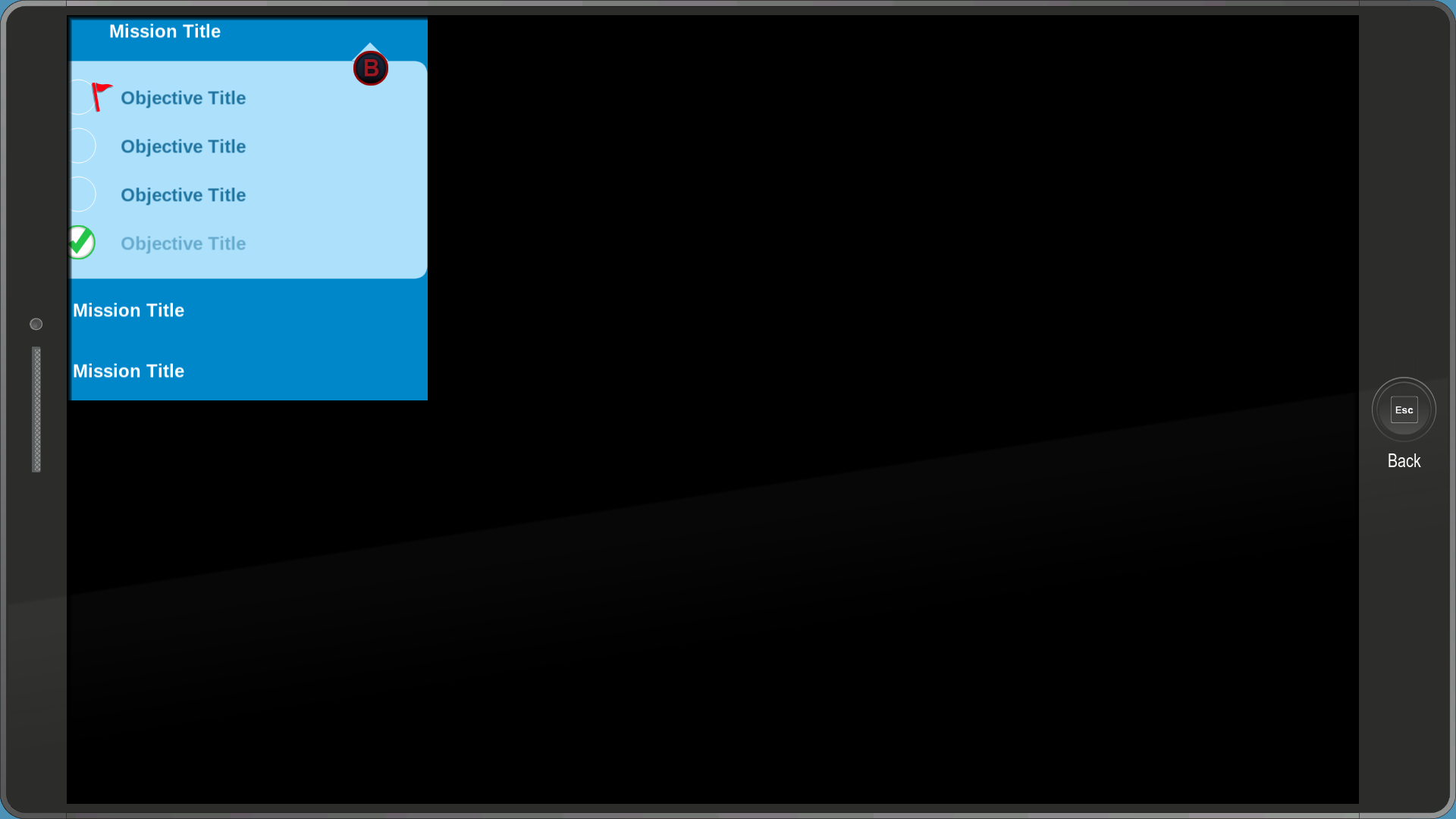
A menu used to test the missions section in the Map app.
rewind_credits#
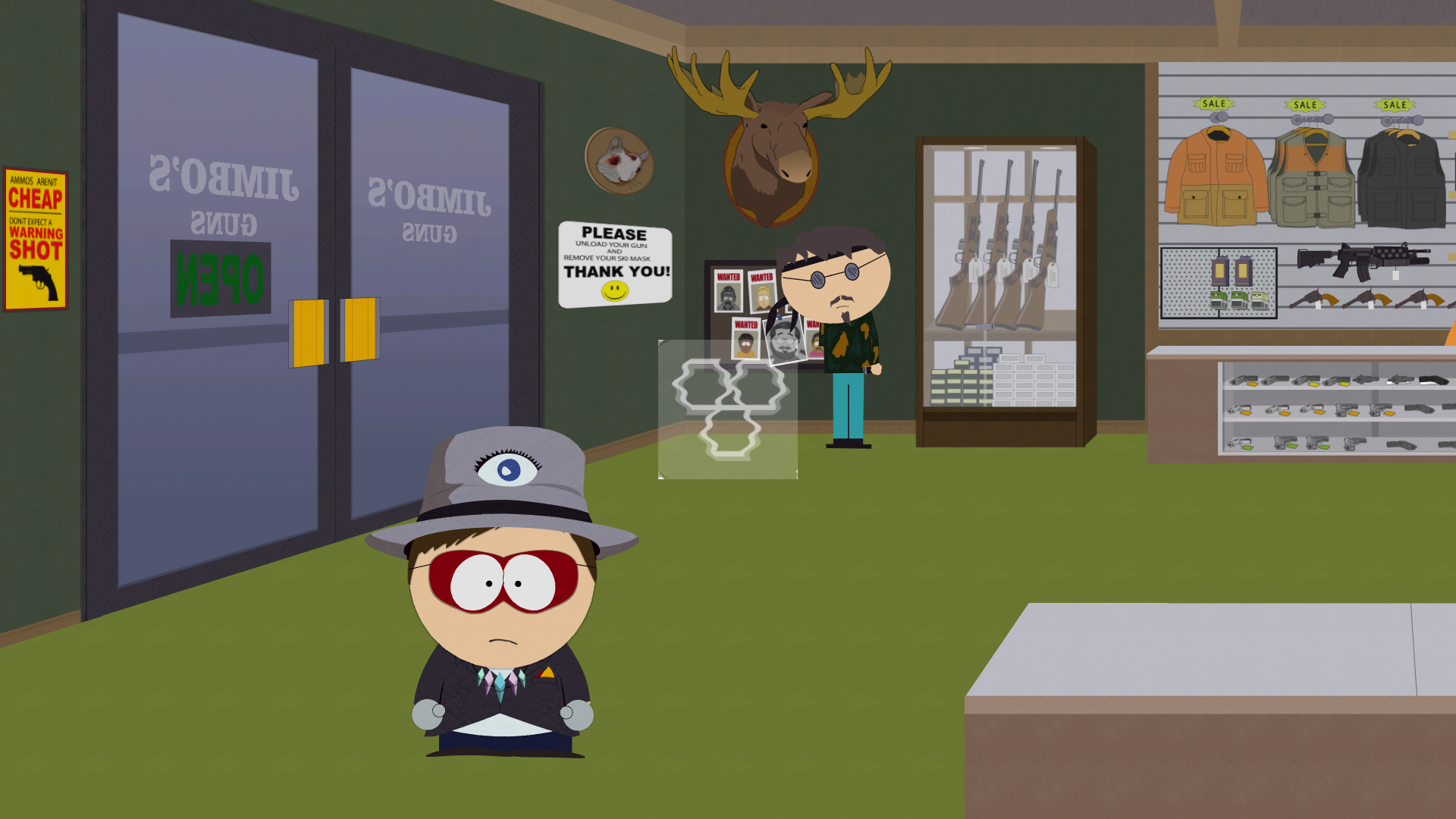
A menu that displays the icon for the Allies app with a holographic effect applied to it.
sam_test#
A menu that simply displays the text "|empty|" in the middle.
scwt_otome_test#

An...interesting menu to say the least, which was most likely used to test the typewriter effect. It contains a conversation between "TW" (Wonder Tweek's initials backwards) and "SC" (Super Craig) talking about Tumblr fanart. Hovering over the blinking square will progress the story.
The full story:
TW: Hi it's me
SC: I love tumblr fan art of us
TW: You do?
SC: Yeah, it is good stuff
TW: You know what else is good
SC: I dunno you tell me :3
(end of story)selfie#
An early version of the selfie menu, which has no borders.
test_tane#
Exactly the same as sam_test but with the words "test tane" instead.
test_tooltips#
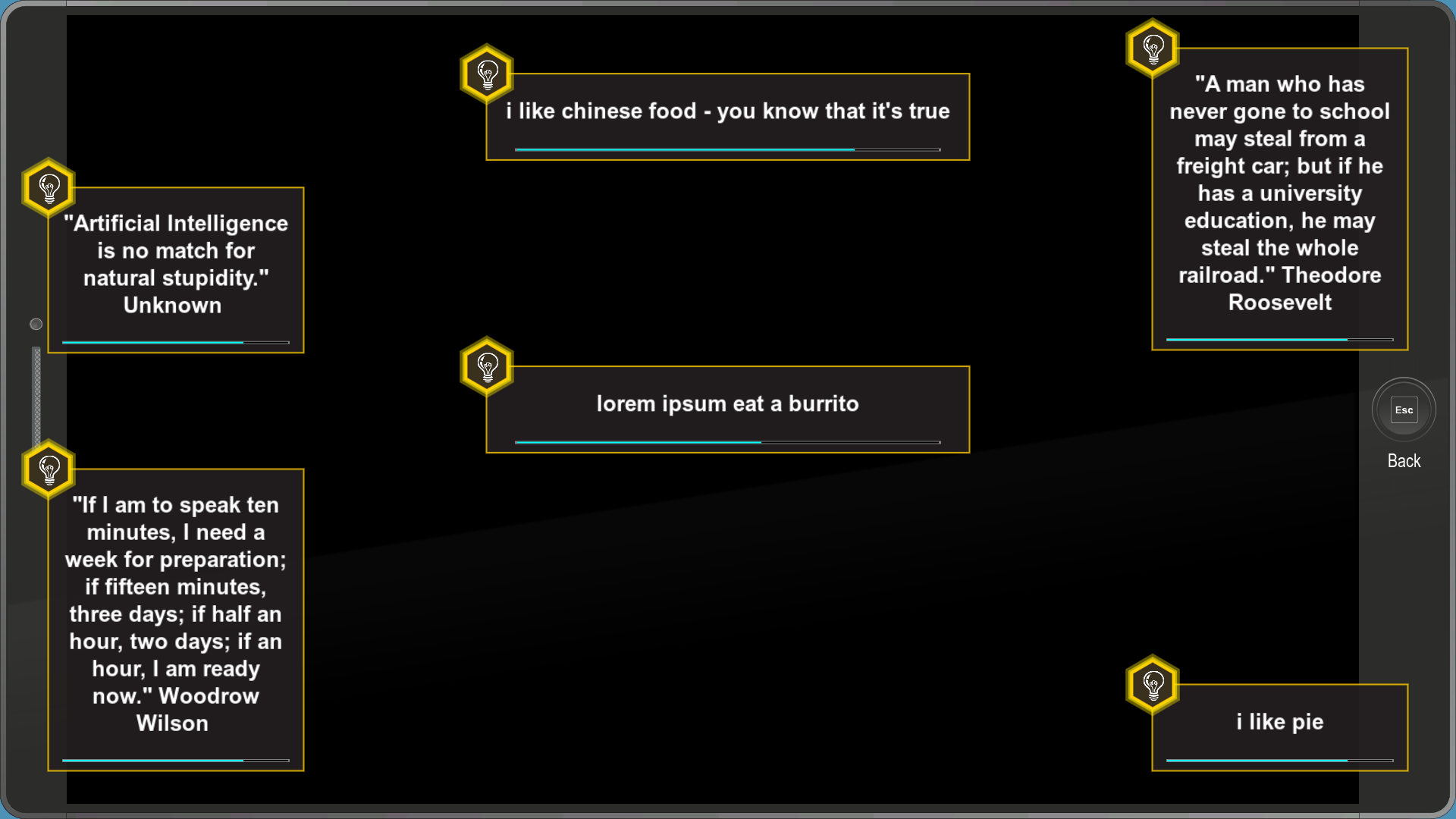
A menu used to test tooltips. The bar on the middle one constantly resets. It contains a bunch of quotes and some other goofy messages.
text-layout-basics#
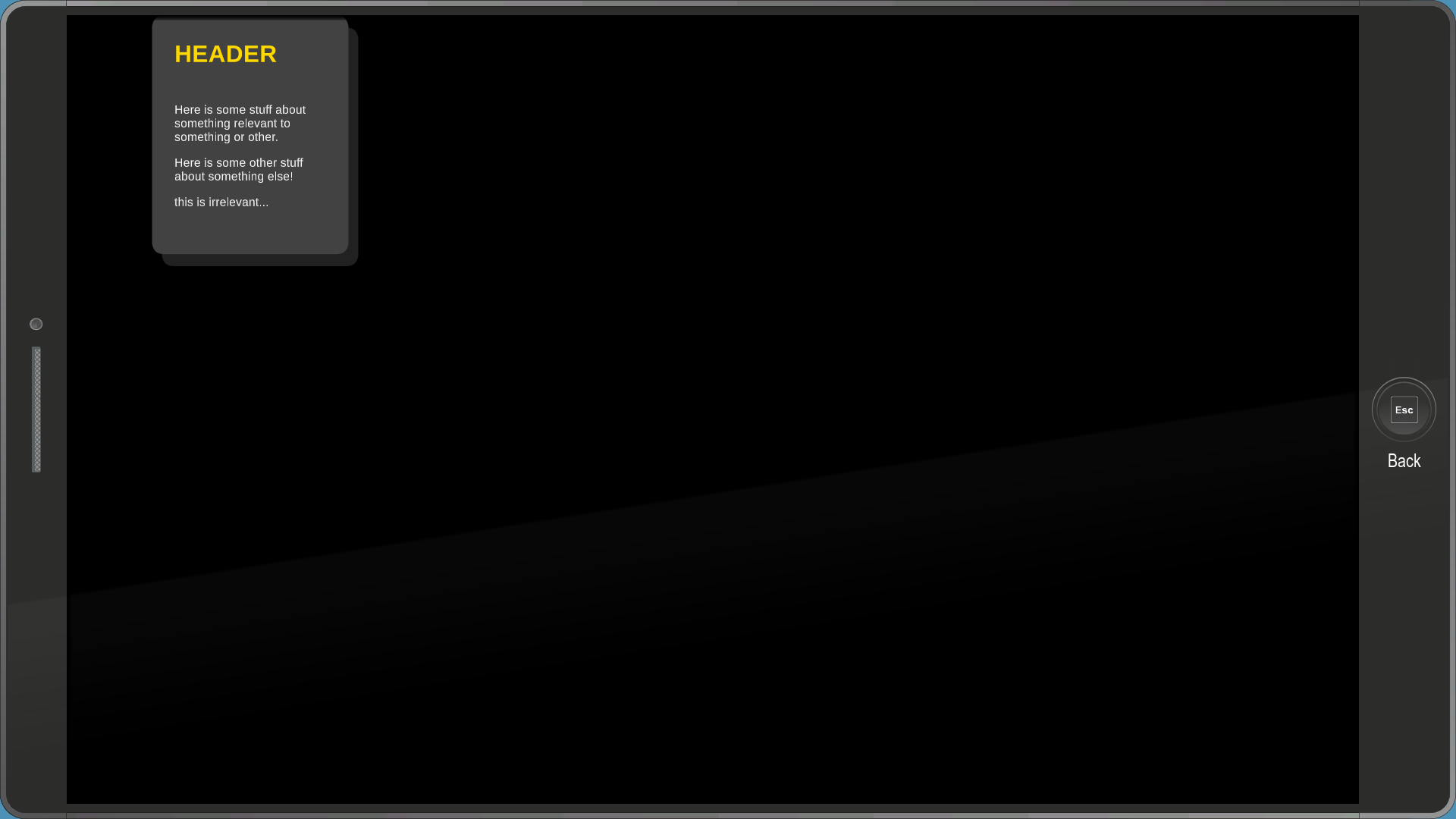
A menu that contains a textbox with a style not seen anywhere in the game.
tinty_mctinterson#
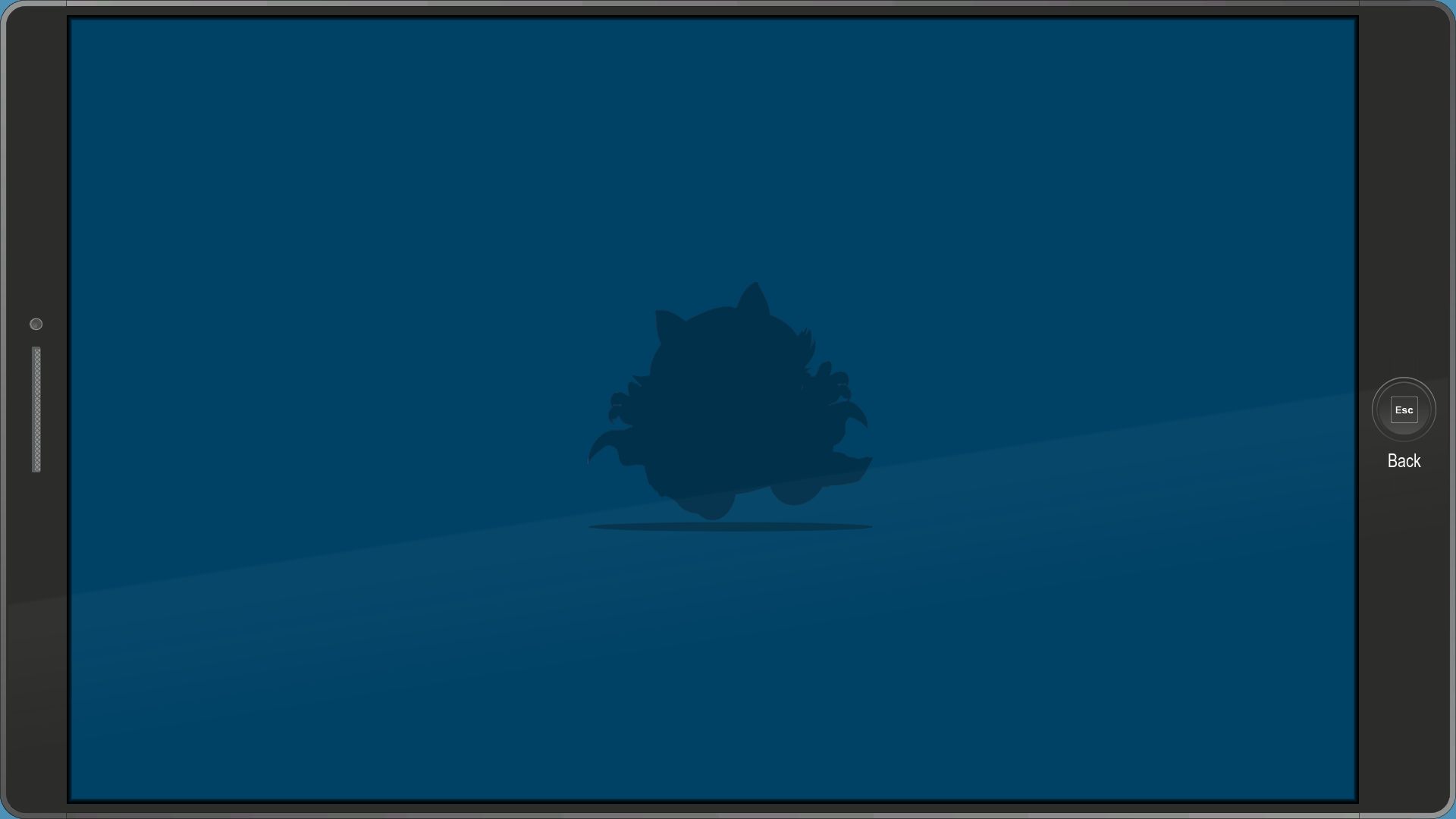
A menu used to test tinting.
tinty_mctinterson_simple#
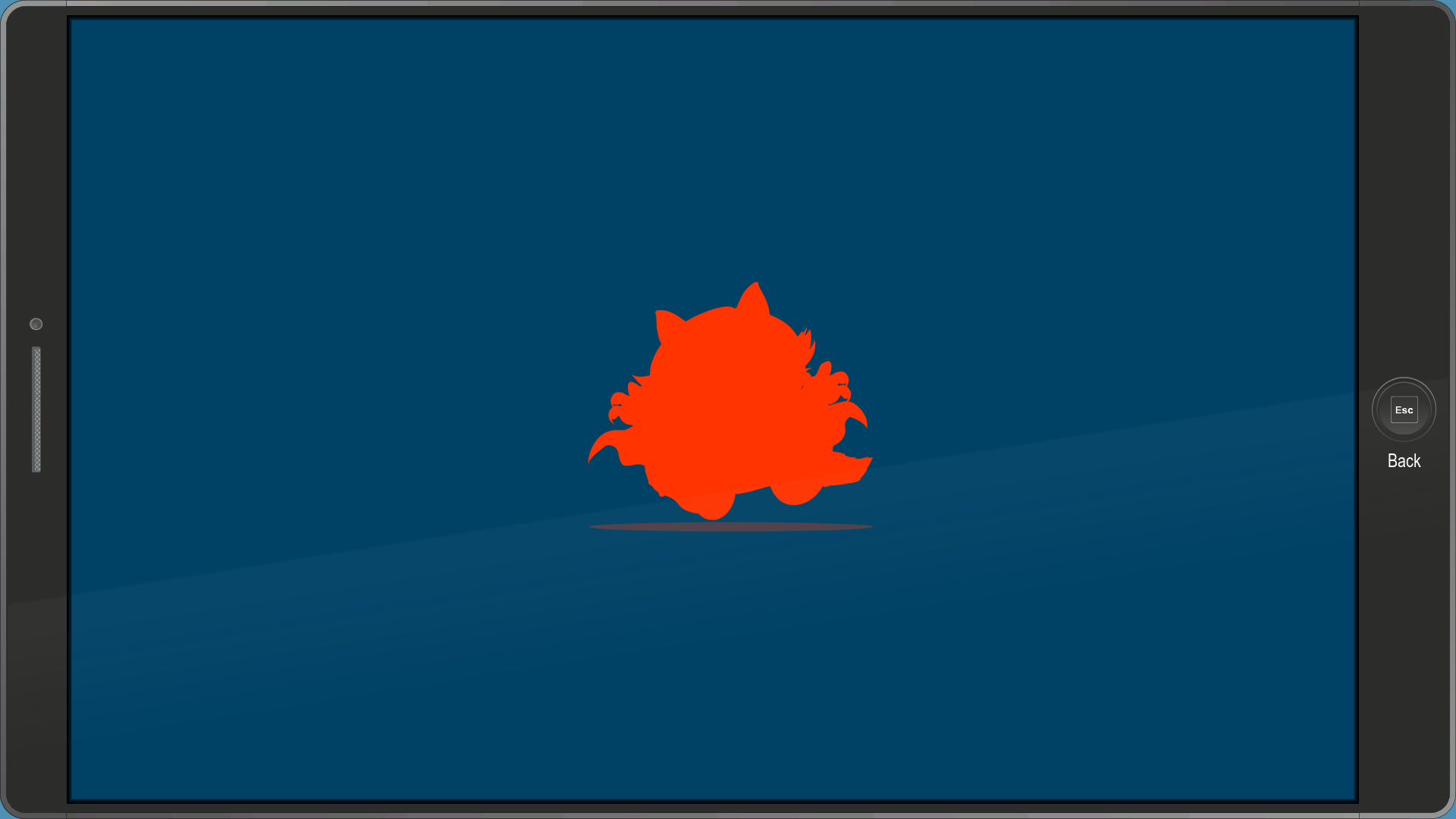
Same as tinty_mctinterson, but the Coon is orange here.
todd_test_movie#
A simple menu that plays this unused video of Professor Chaos on a loop.
todd_test_movie_bink#
Once again, same as sam_test and test_tane, but with the words "TEST MOVIE" instead.
test_uplay#
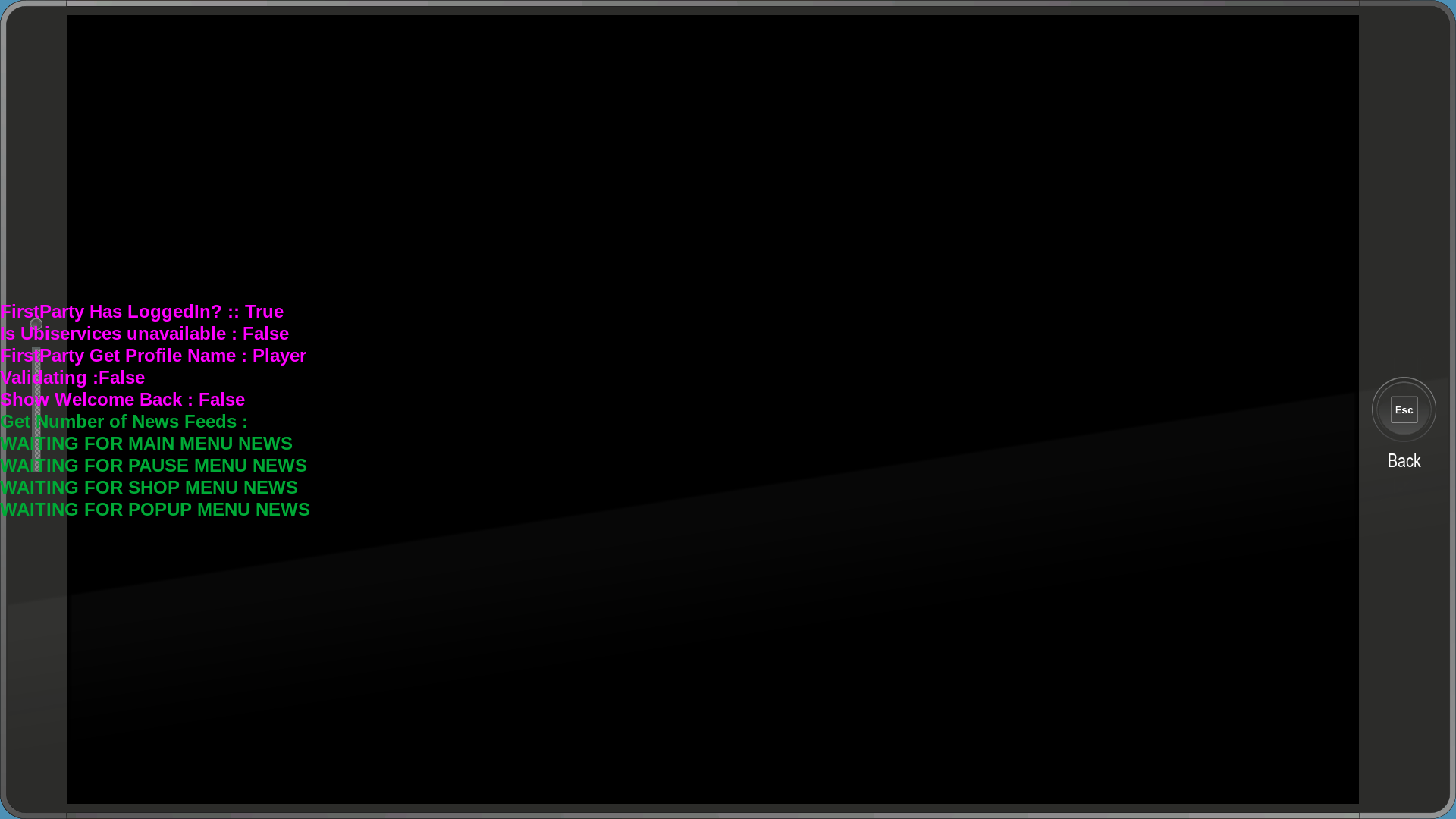
Some sort of test menu for Ubisoft's Uplay service.
uiaction_test#
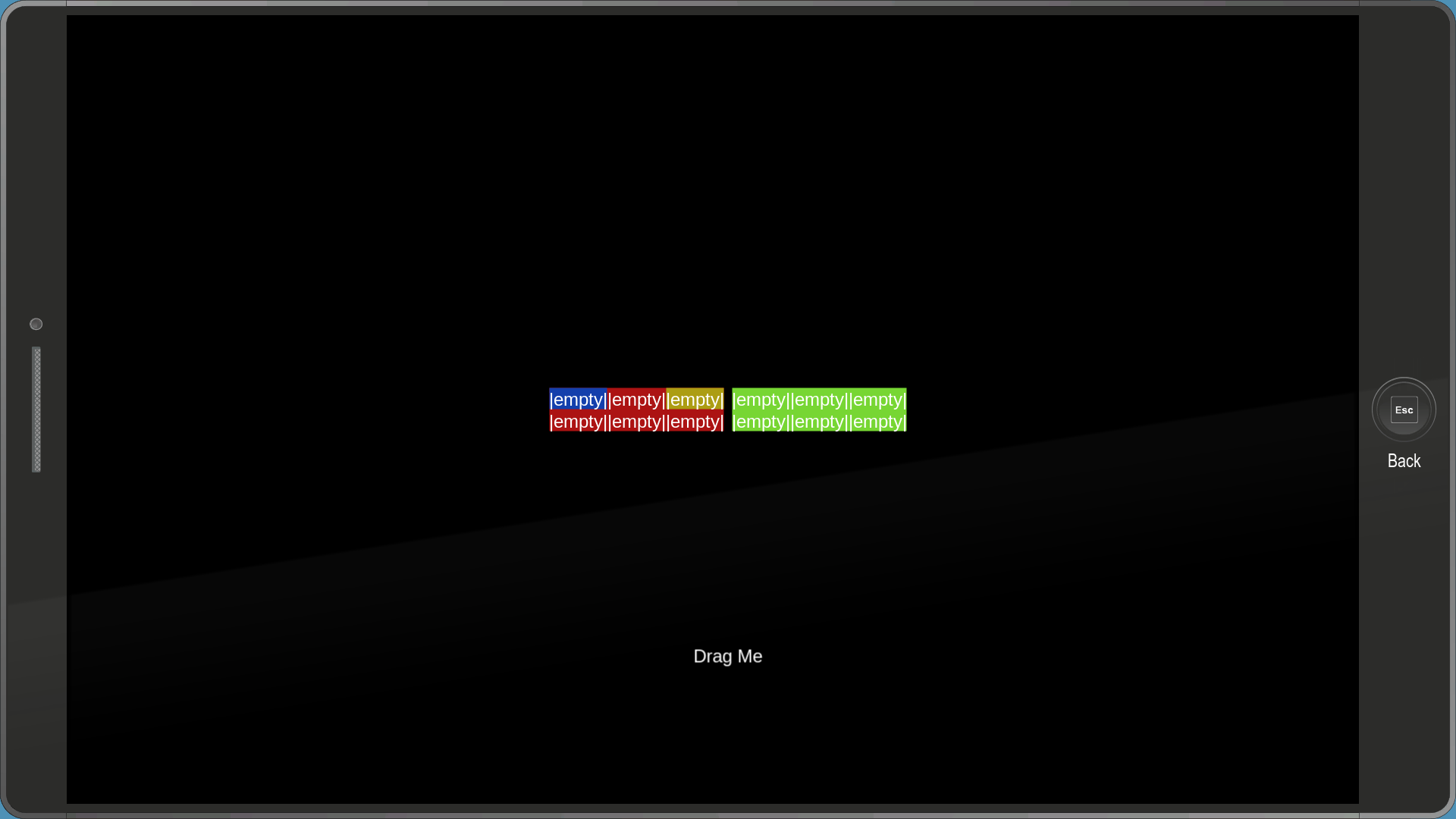
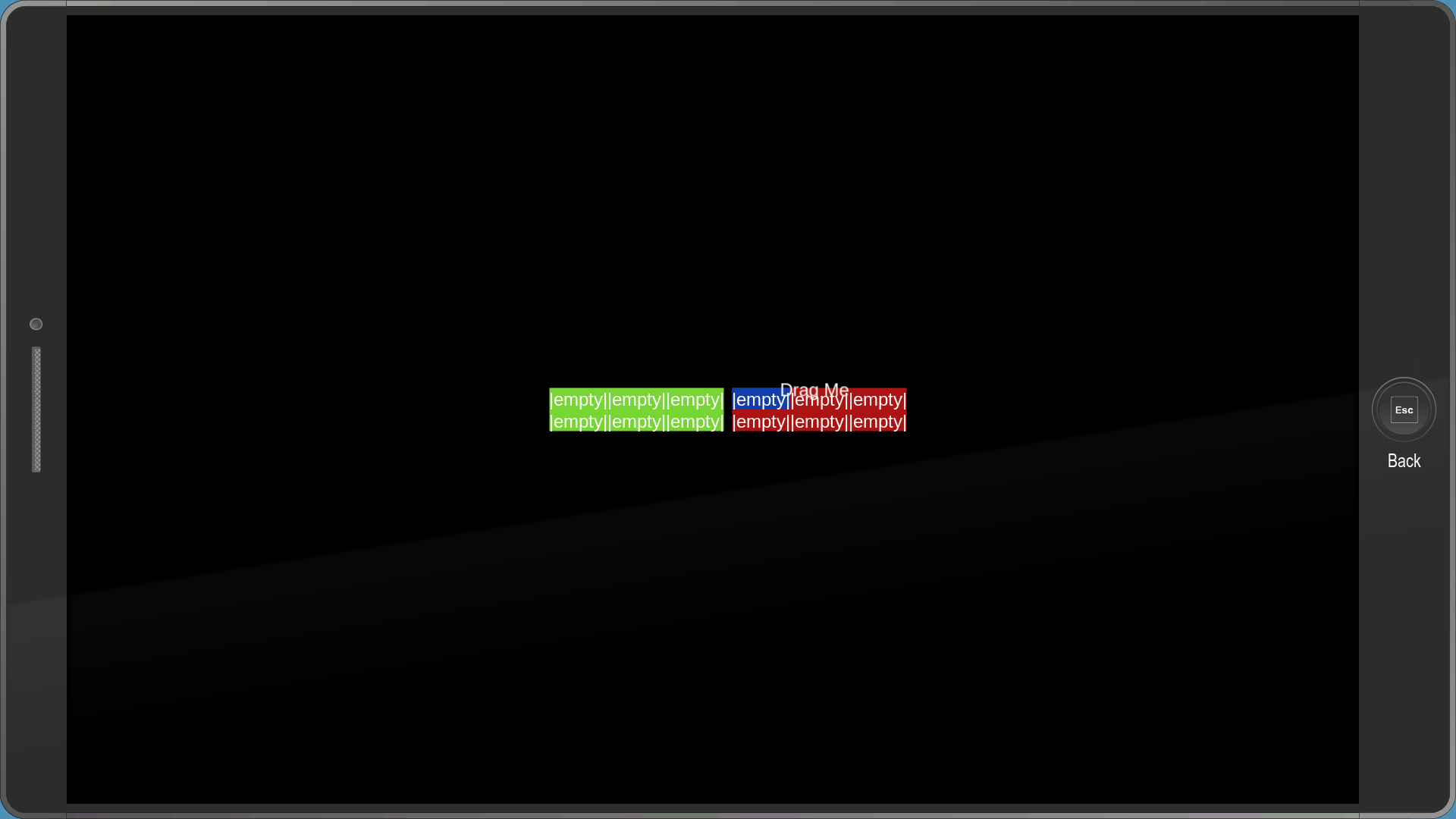
A menu used to test dragging objects with the cursor. The "Drag Me" text can be picked up and dragged around. You can drop it in the boxes but nothing happens.
ui_timmy_timeline#
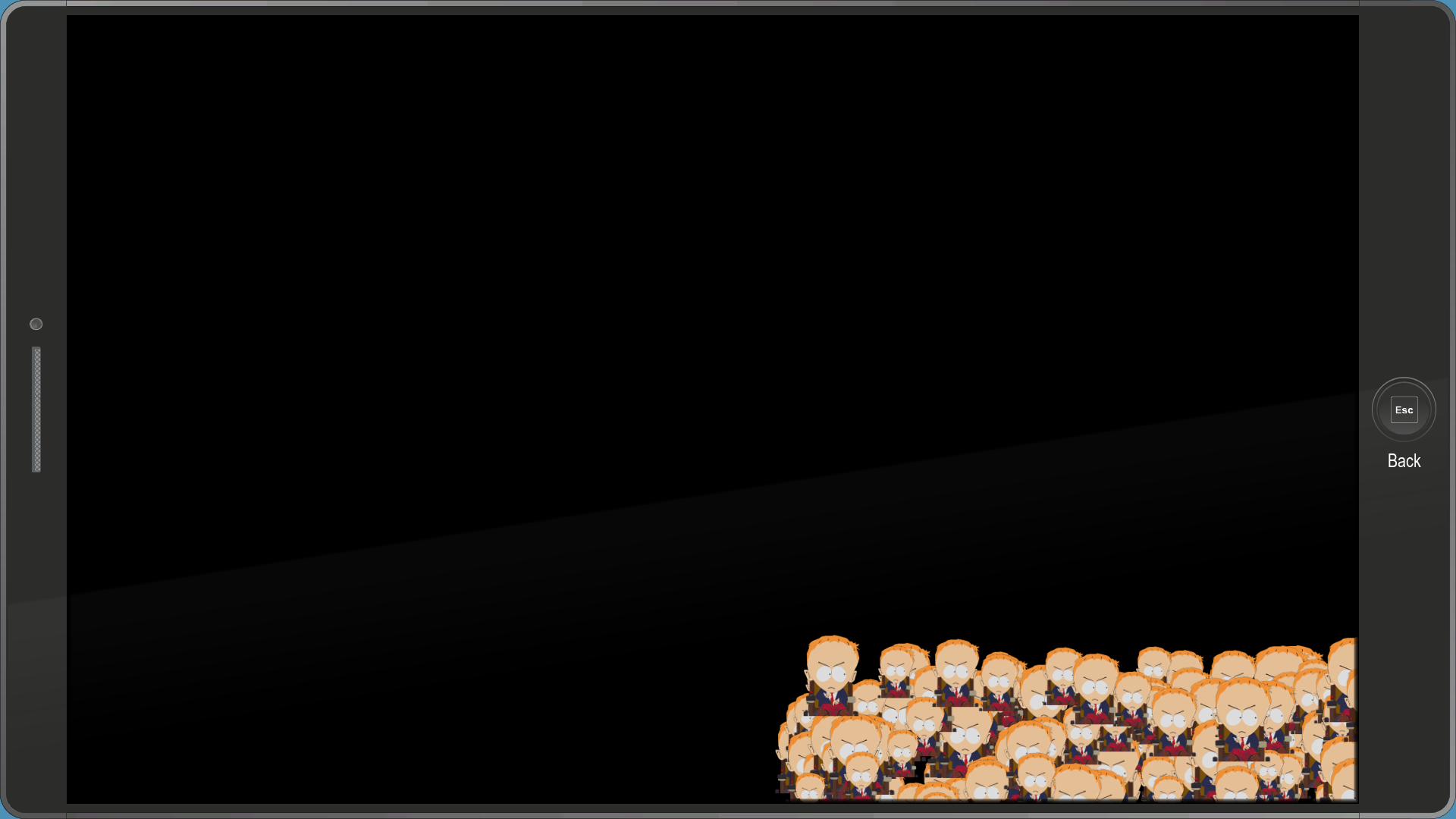
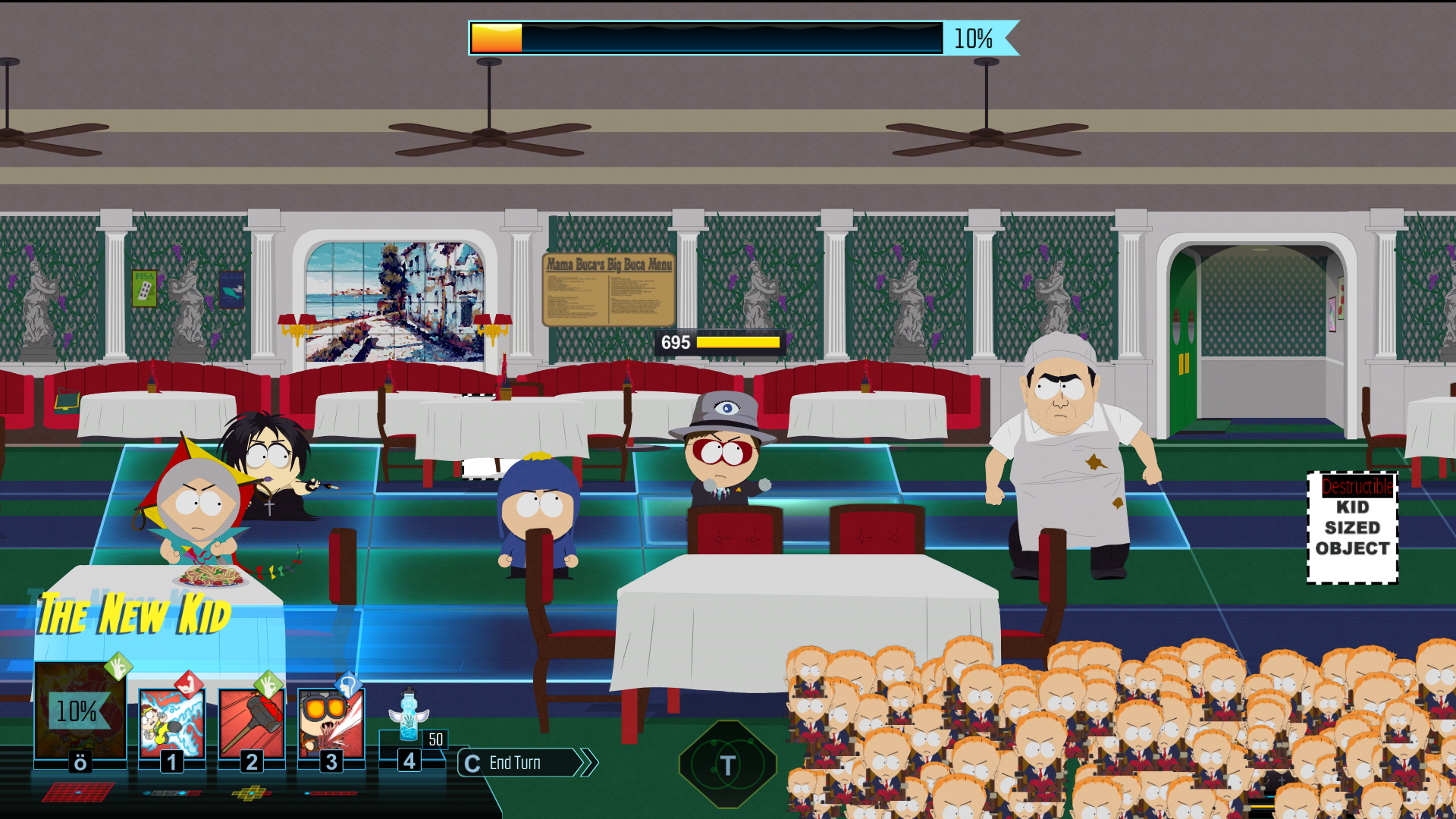
This one's...bizarre to say the least. It contains multiple copies of Doctor Timothy's timeline portrait, all of which grow and shrink at different times. It's an early version of one of the effects of Timmy's Mindfuck power in Bring the Crunch, specifically the one that covers your timeline.
ui-system-gettingstarted#
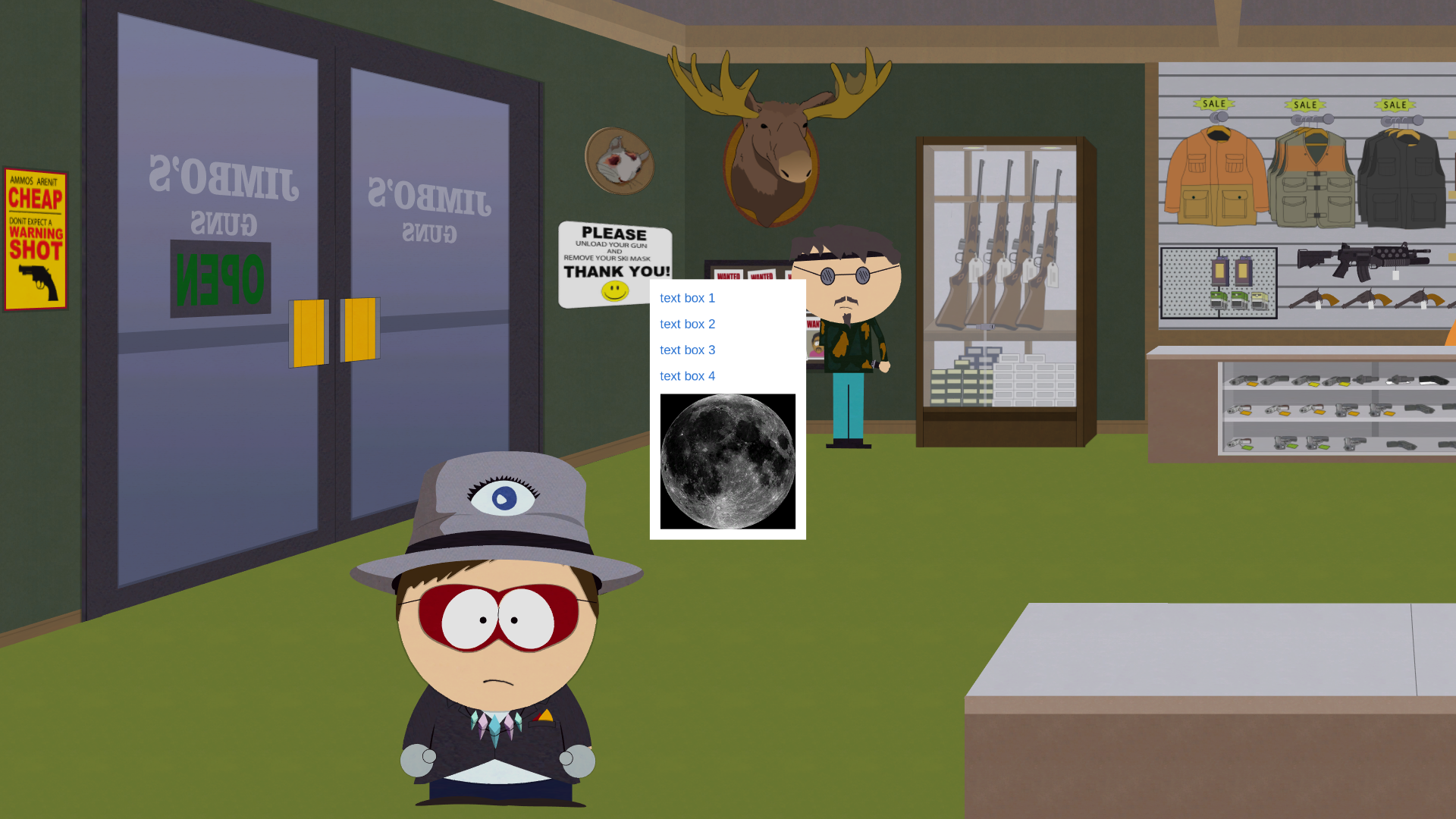
A simple menu that displays a textbox with four options, alongside an unused image of the moon. Judging by the filename and some developer comments, this might be the first .muigraph file ever implemented in the game.
vita_cards#
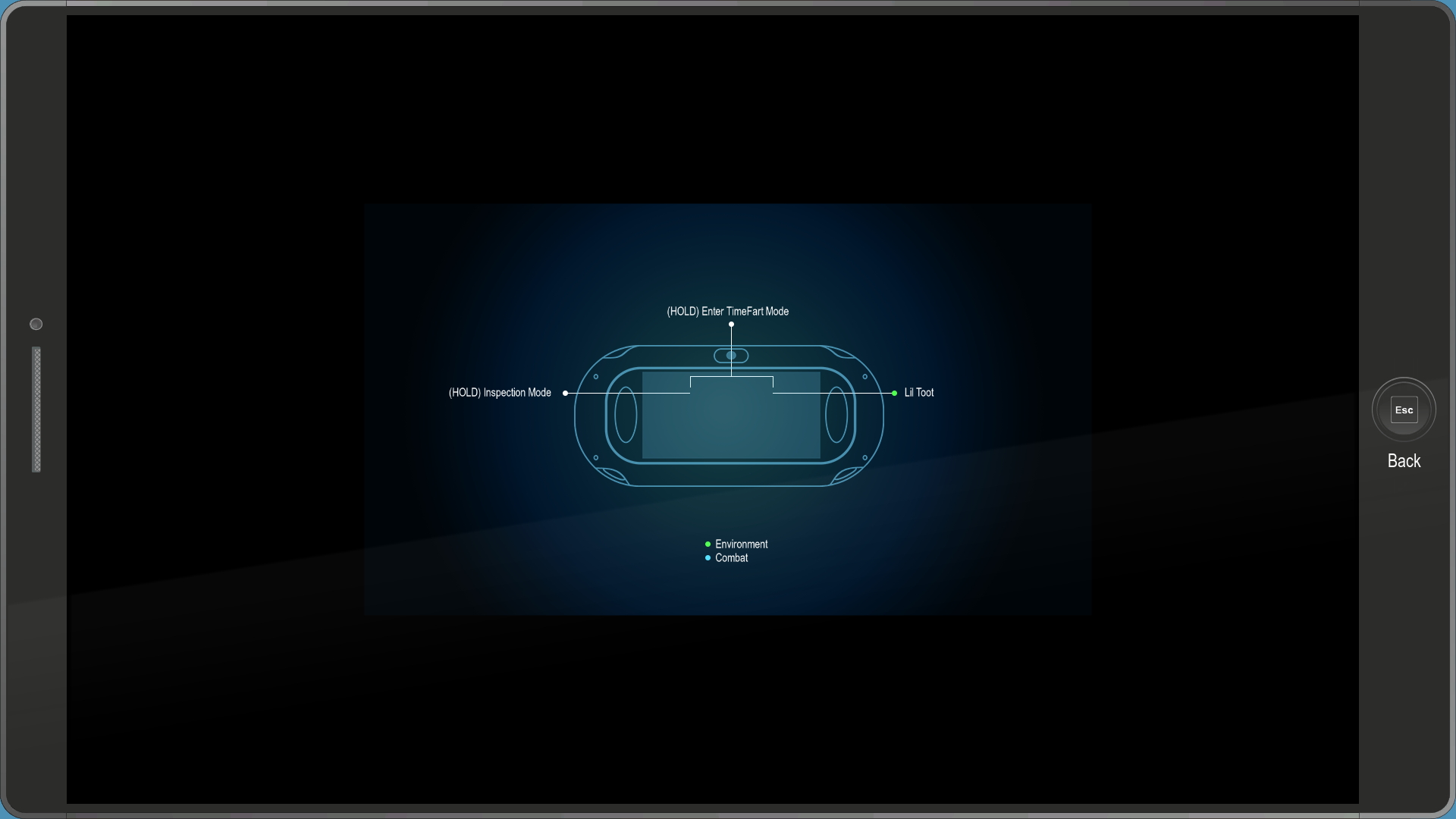
A simple menu that displays control instructions on top of an otherwise unused image of a PlayStation Vita in the game's artstyle.
Early Menus#
pausemenu_missions#

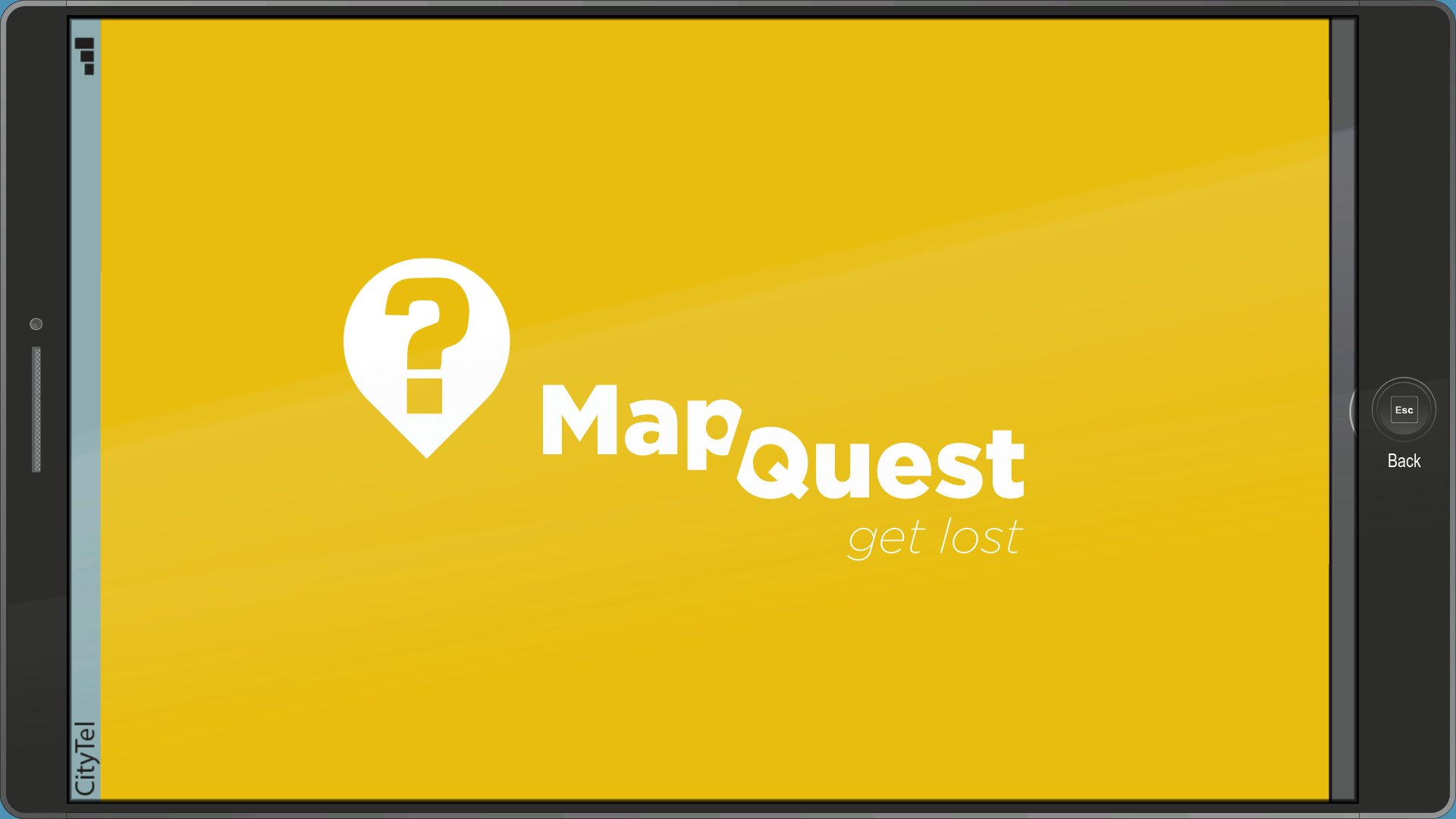
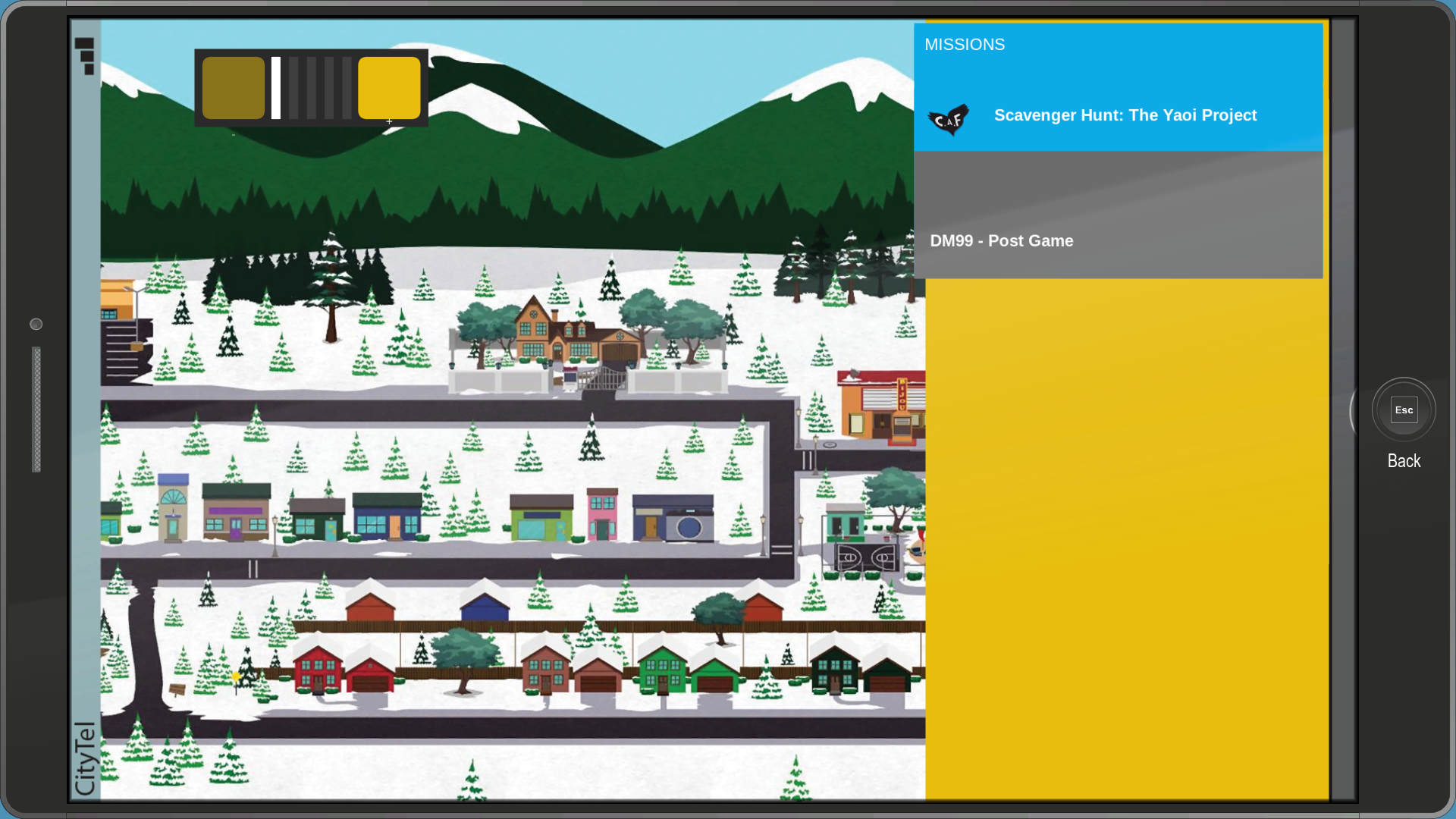
An early version of the Map, known as MapQuest. The map in the background is taken directly from The Stick of Truth. An earlier version of the phone can be seen in the background.
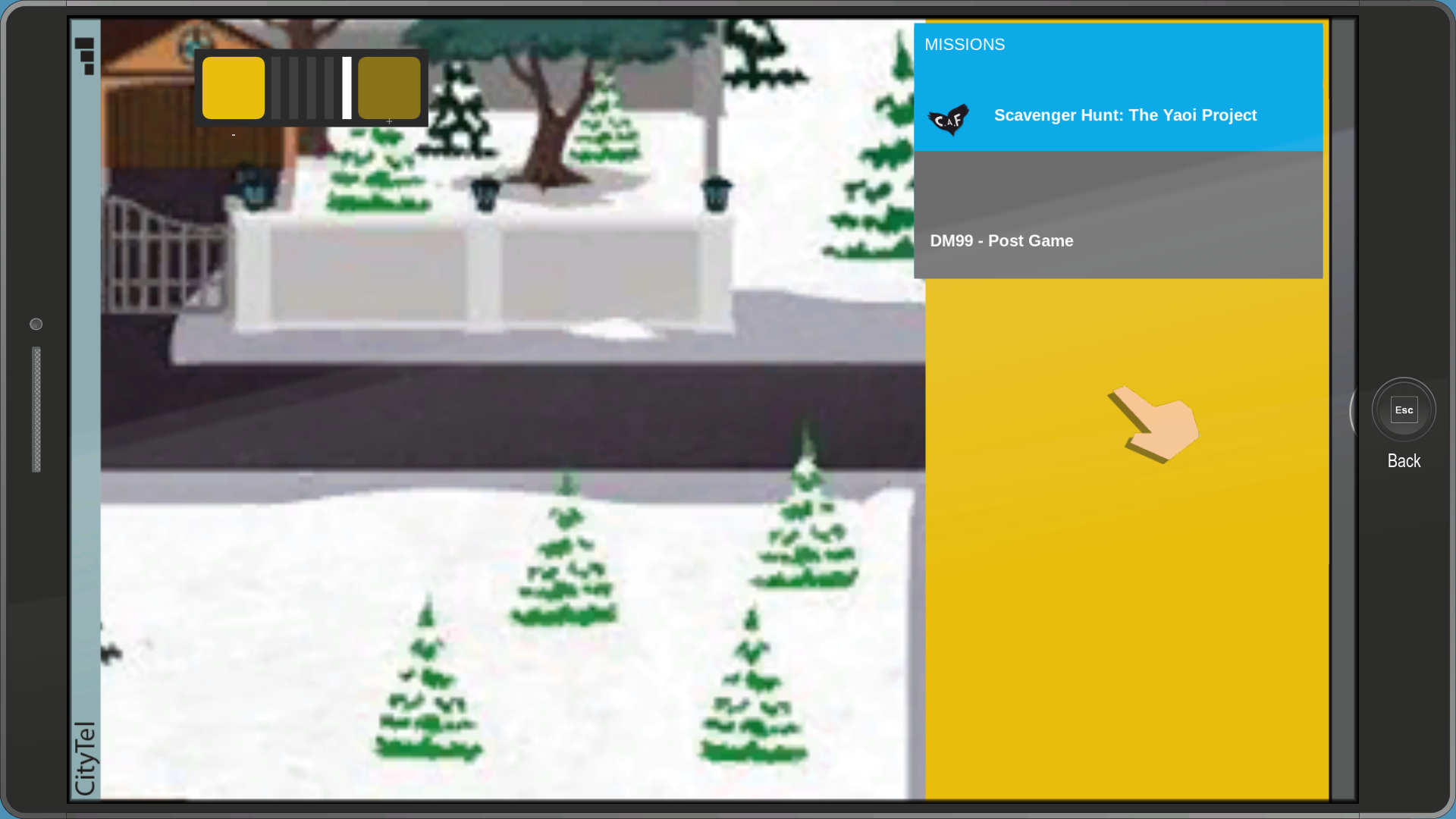
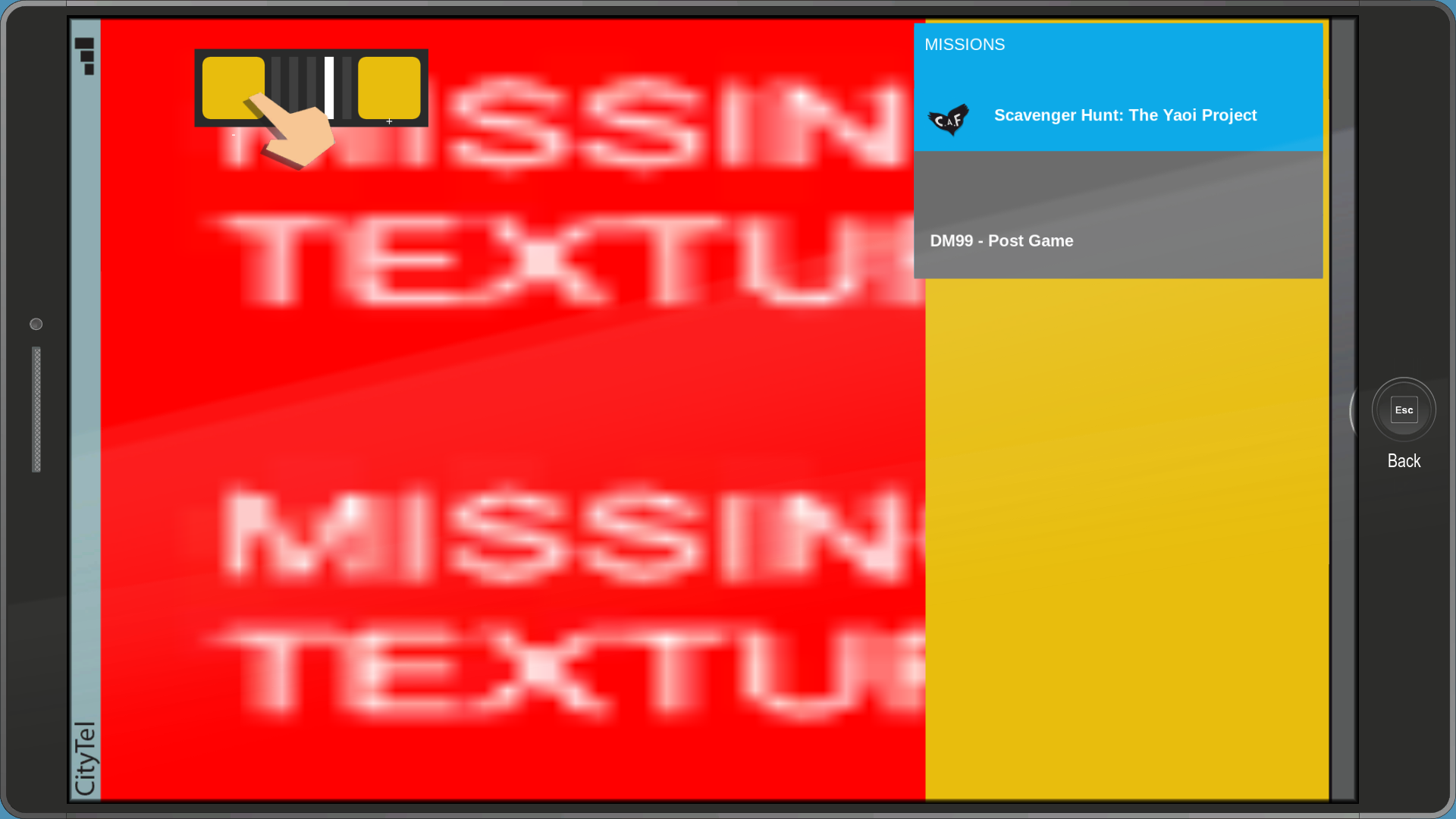
Interestingly, you can zoom in and out of the map, a feature that was cut from the final version. The transition effect uses placeholder textures.
pausemenu_backstory_classselect#
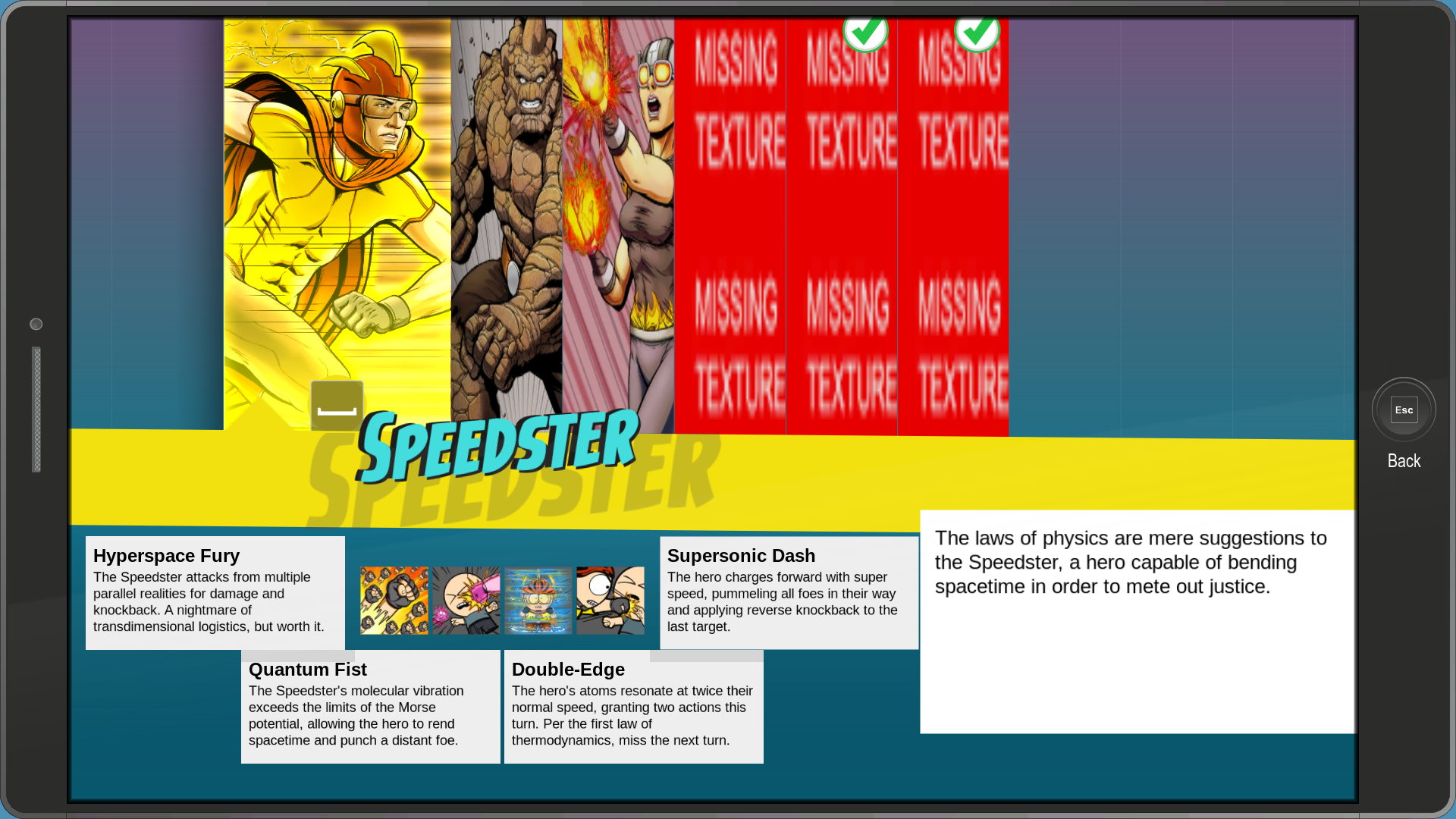
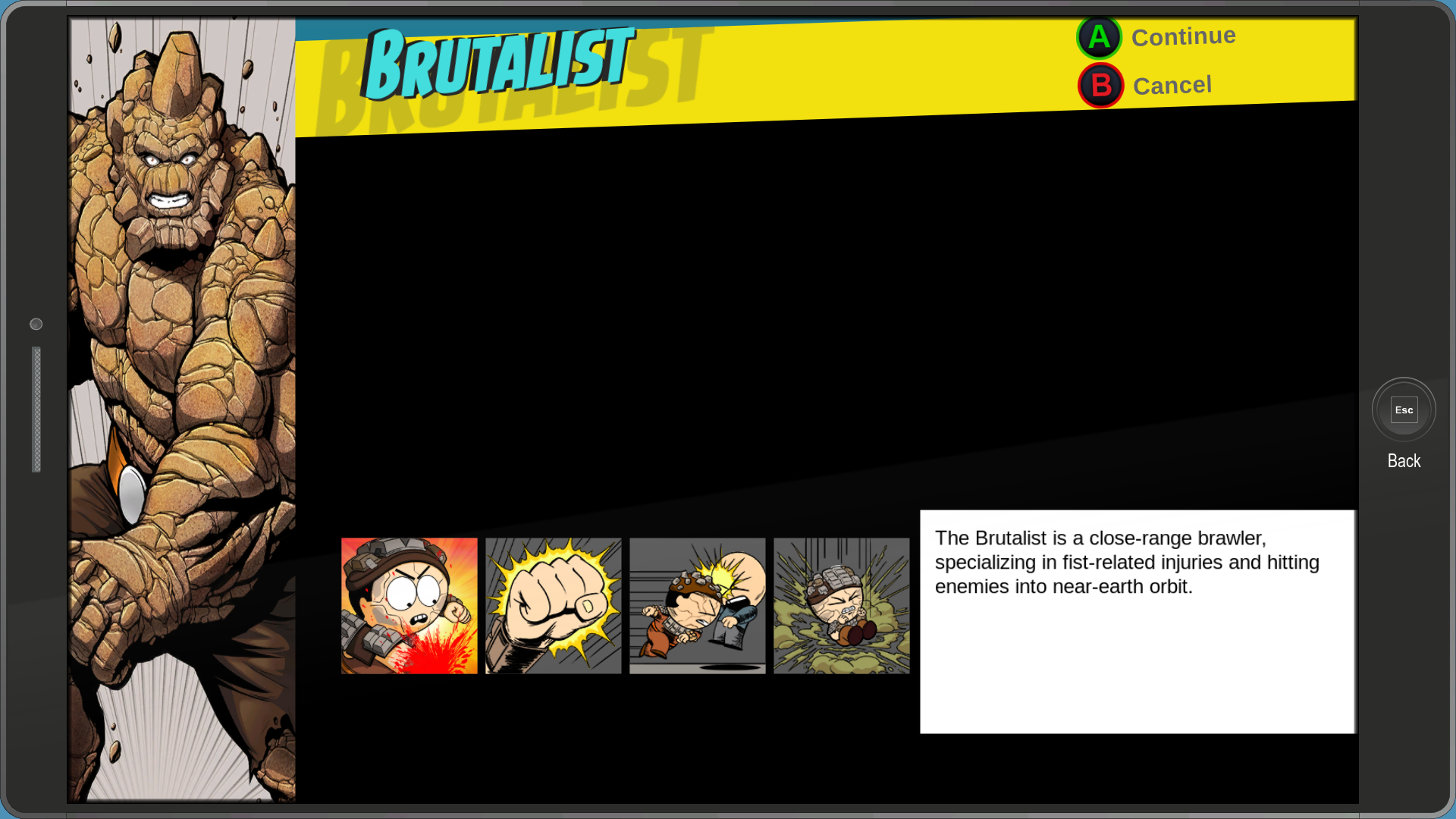
An early version of the Class selection screen, which can be seen in a lot of early gameplay videos.
pausemenu_charactersheet_new#

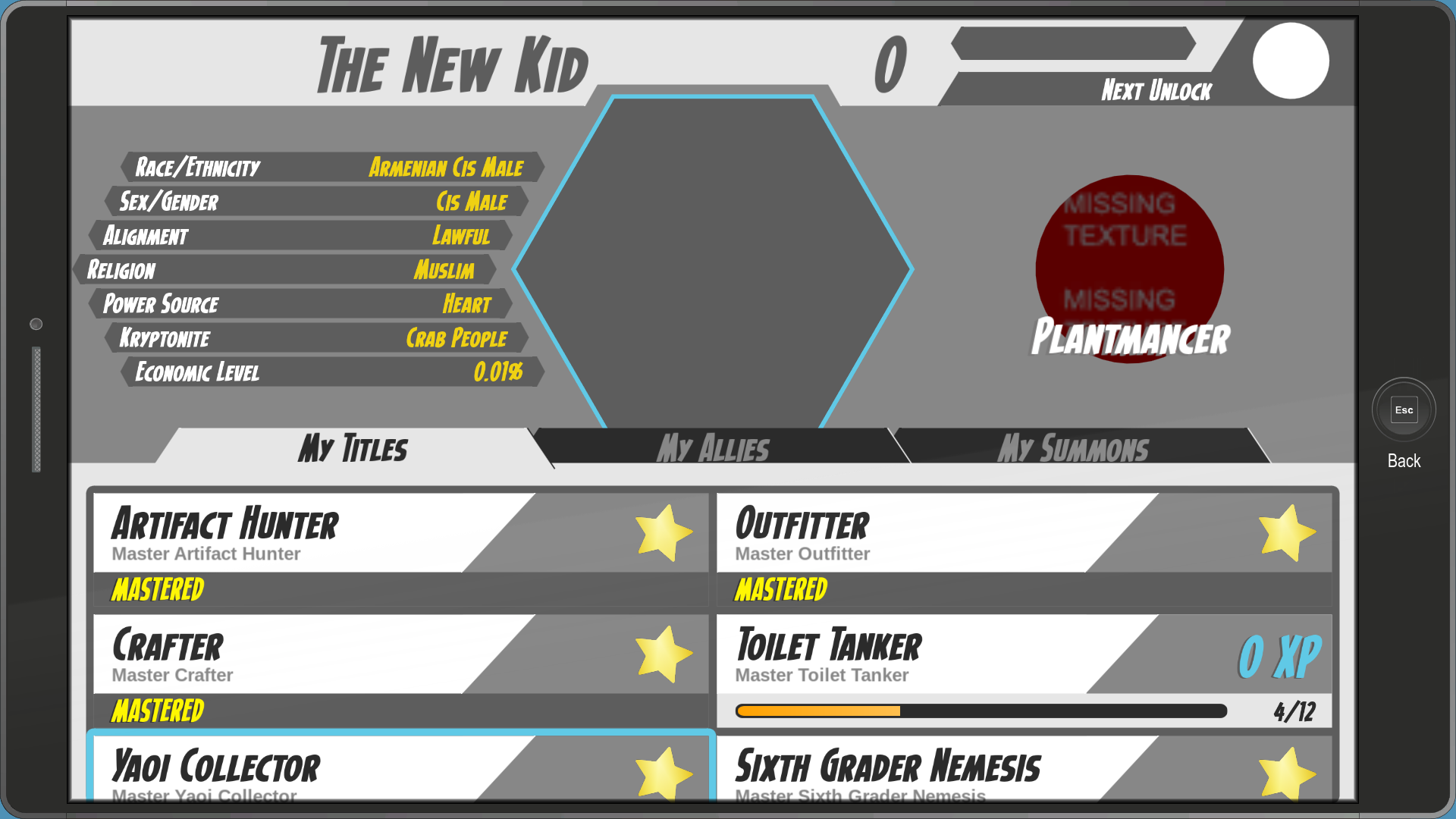
Despite the name, this is actually an early version of the Character Sheet app.
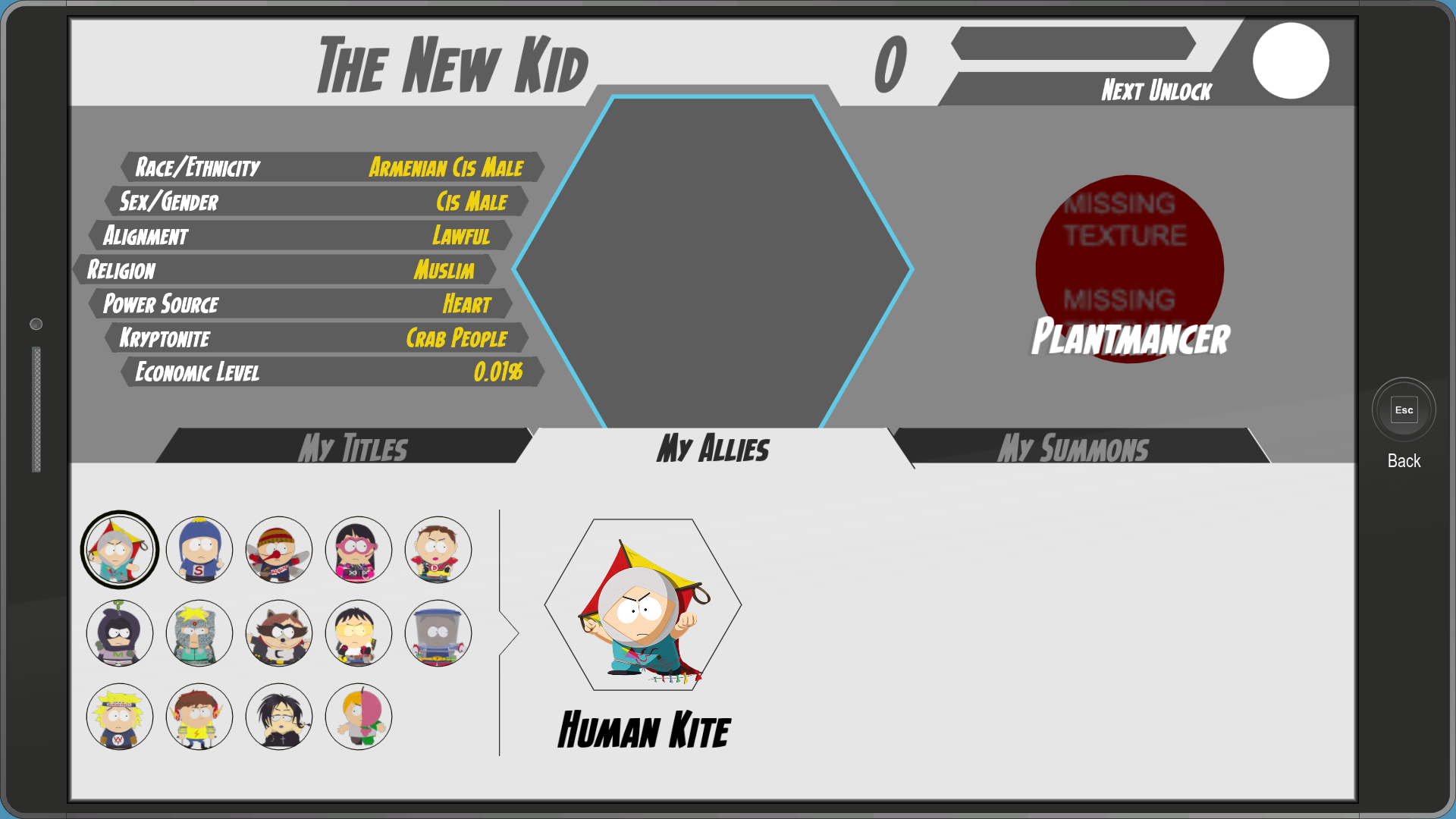
The My Allies section has one suspicious empty spot that was most likely going to be reserved for Doctor Timothy.
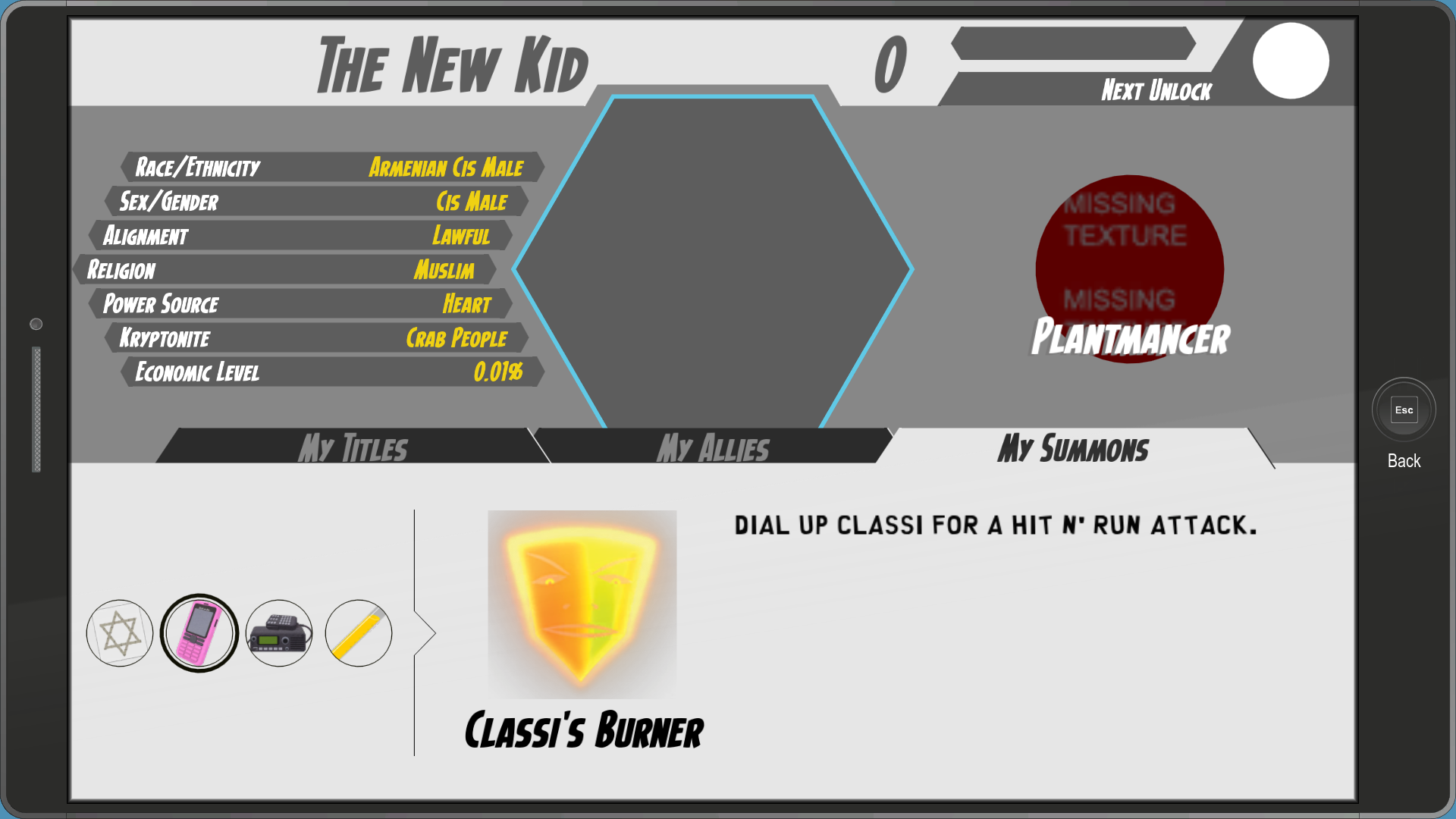
The My Summons tab has all 4 summons, who all use placeholder icons.
pausemenu_coonstagram#
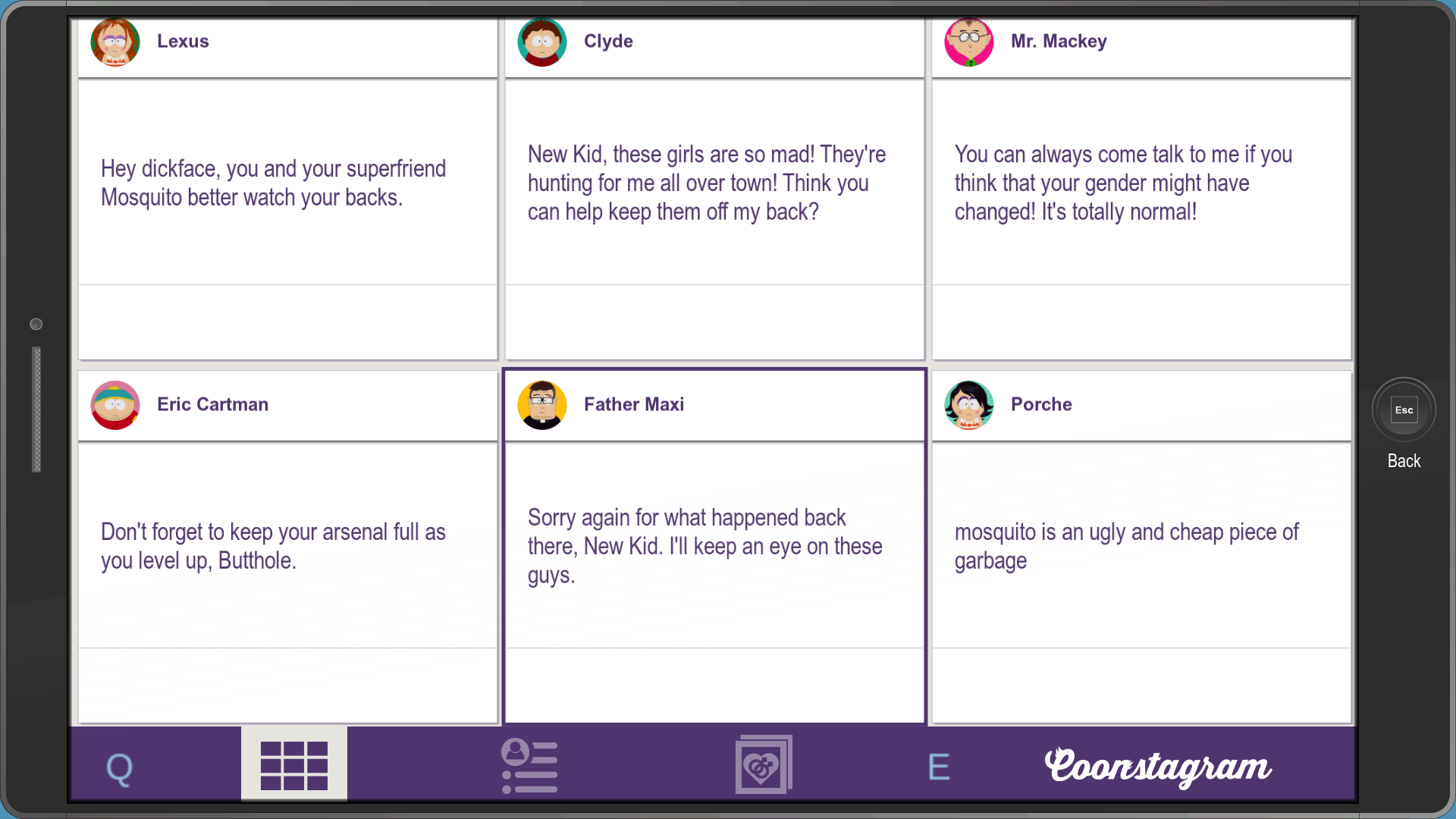
An early version of the Coonstagram app, which is a lot more interactive compared to the final game.
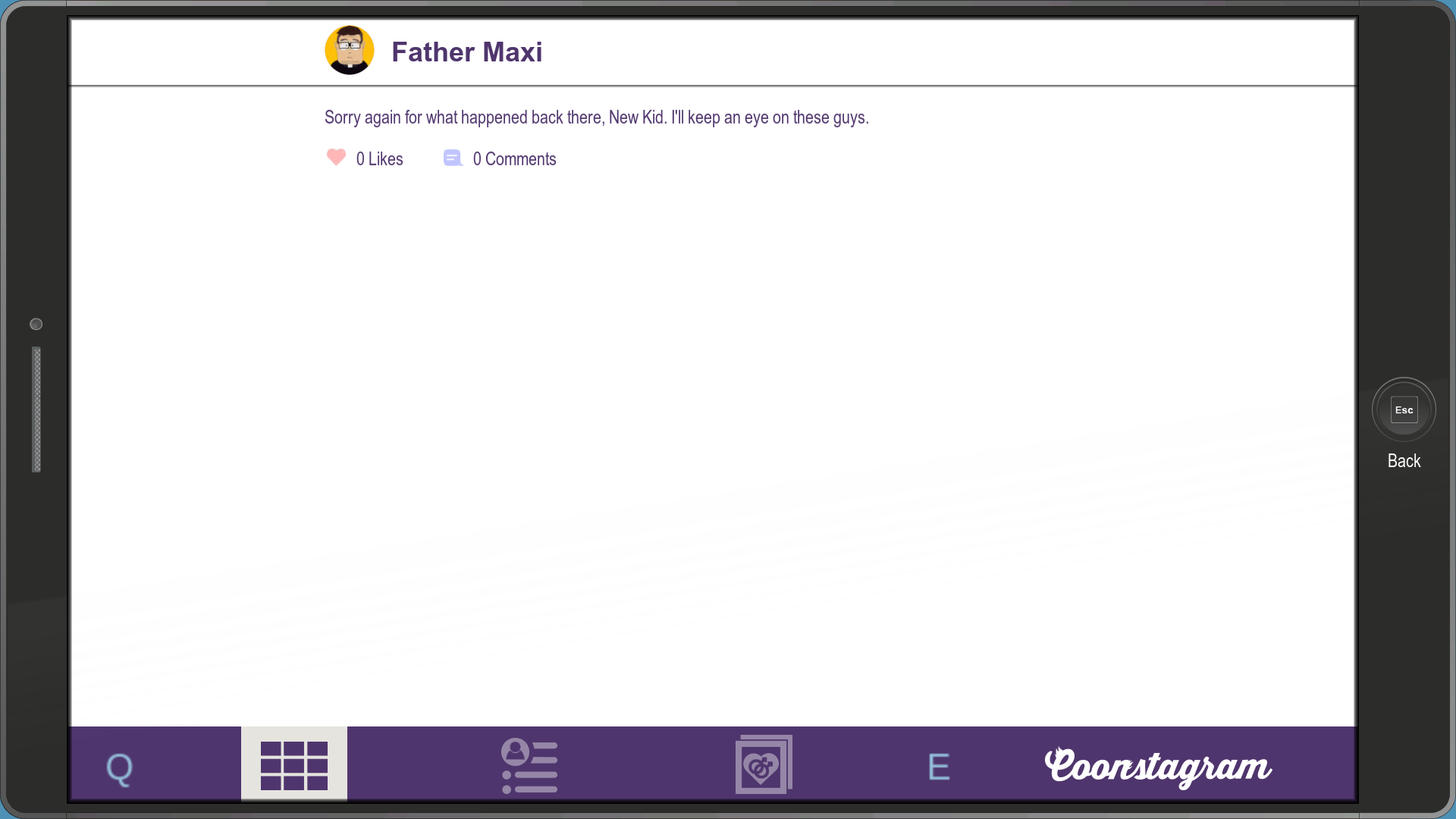
You can click on any post to view the likes and comments. Selfies don't appear for some reason.
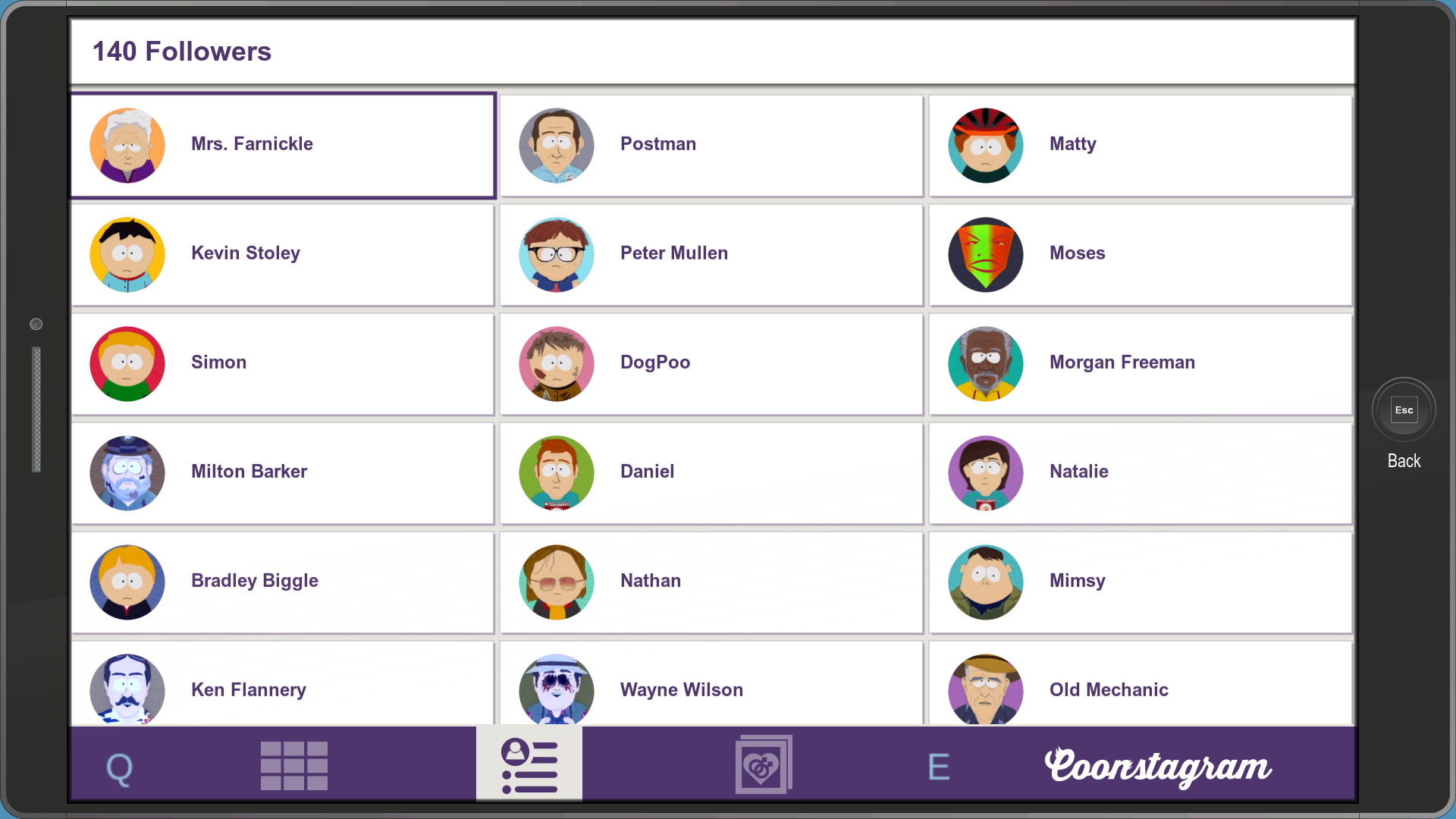
The followers tab.
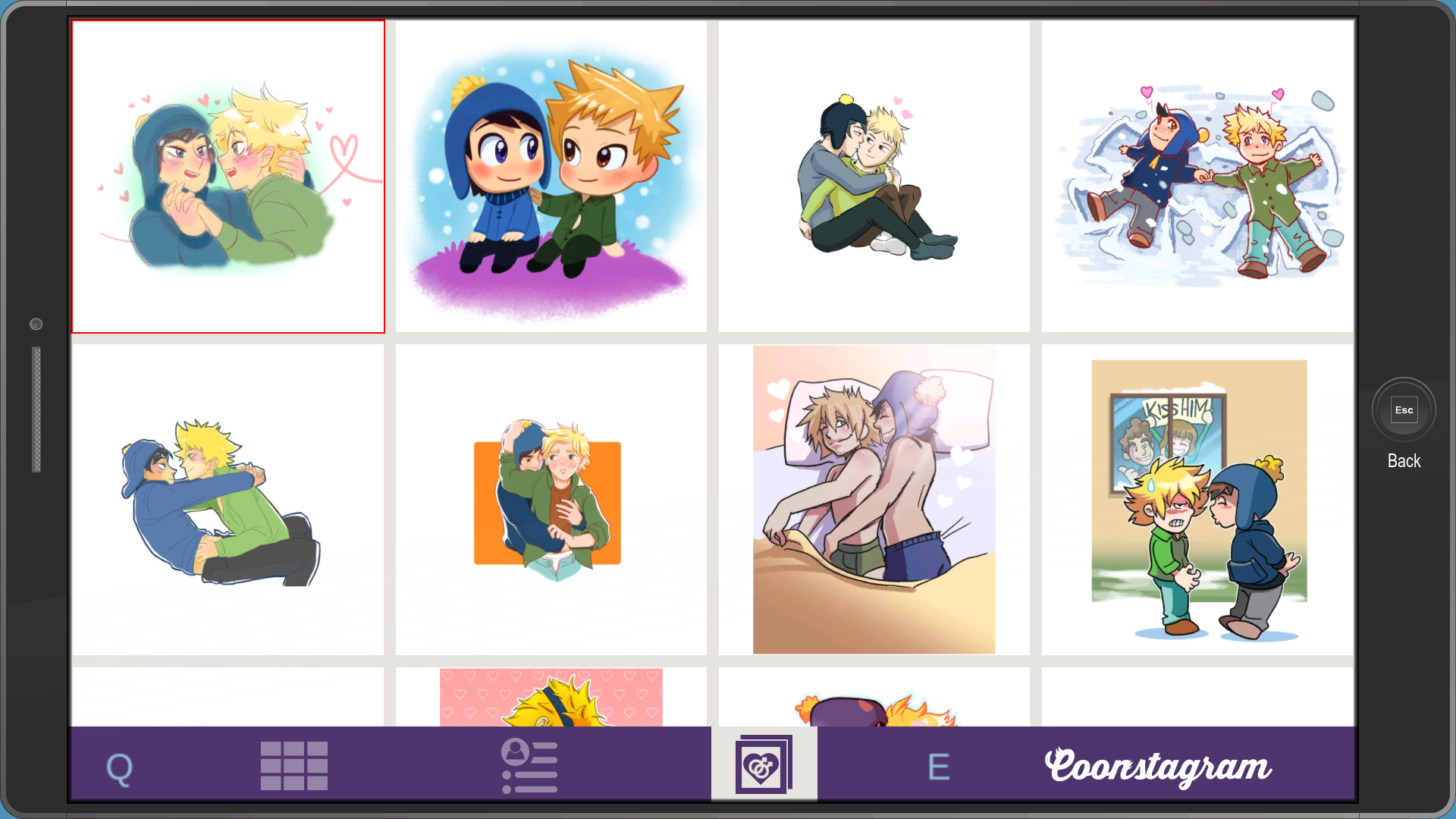
Interestingly, this menu has a separate tab for the Yaois. In the final game, Yaois are only viewable in the Settings app.
pausemenu_character#

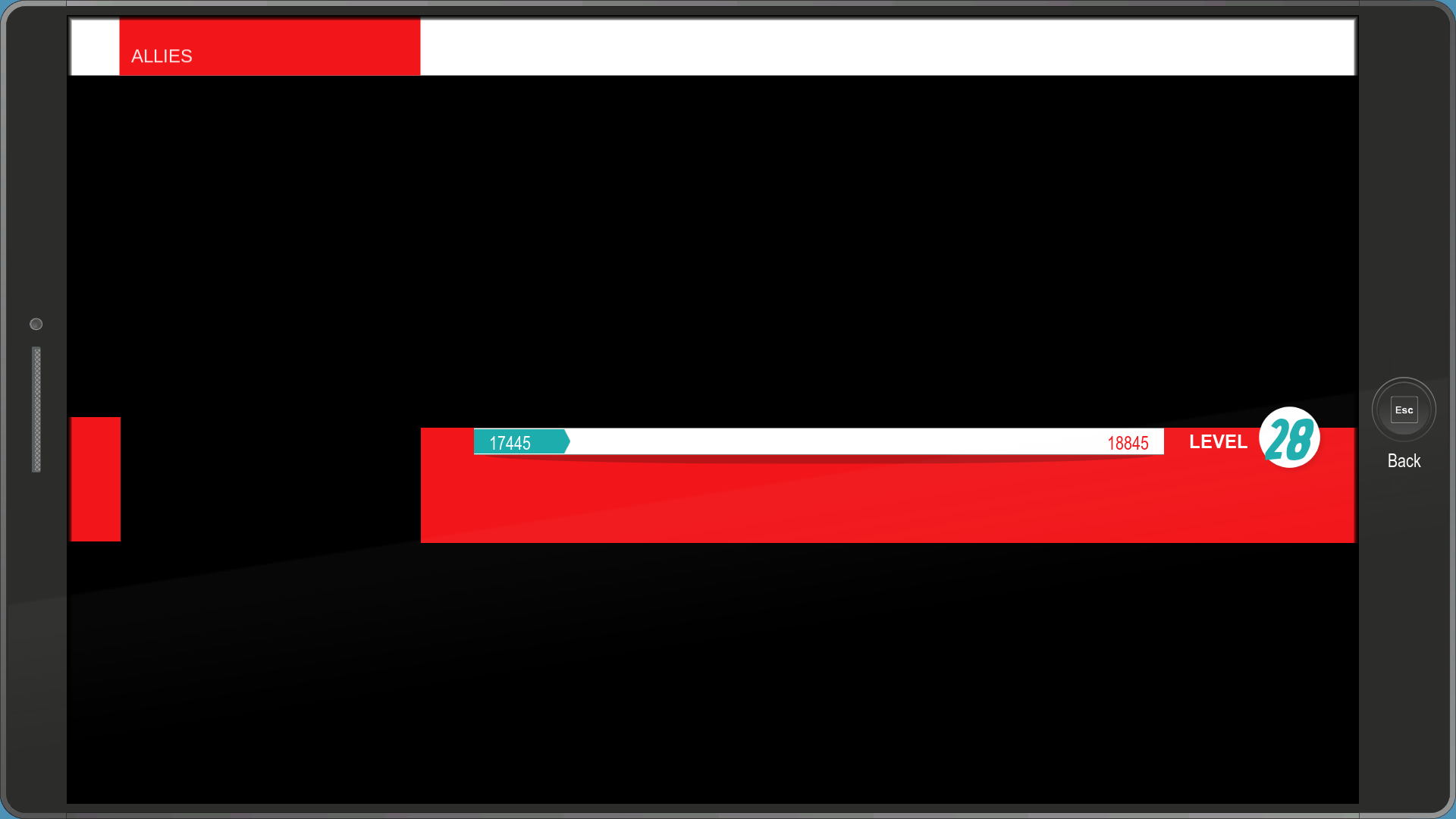
An even earlier version of the Character Sheet app.
pausemenu_costume#

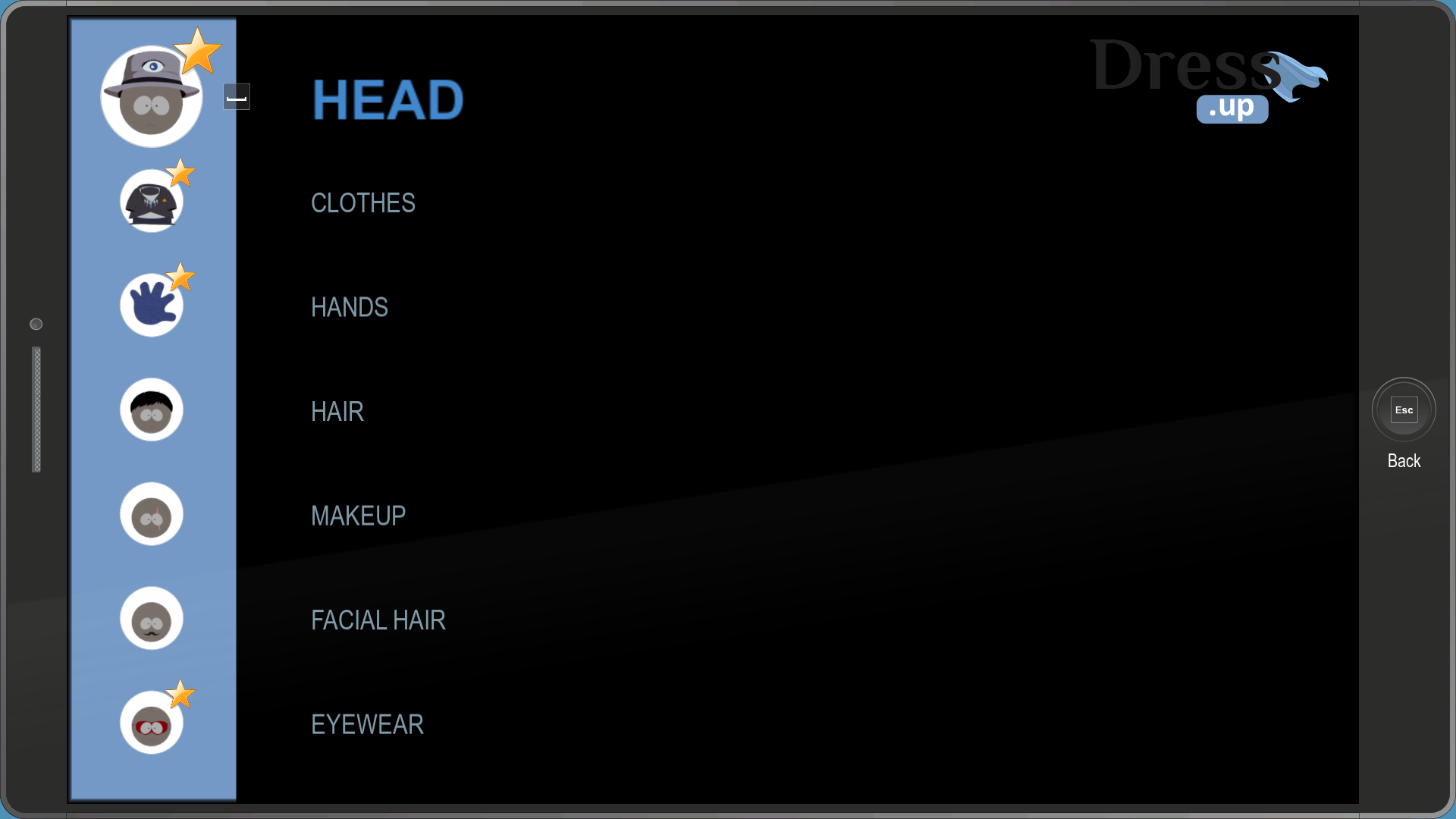
An early version of the Costumes app, known as Dress.up.
pausemenu_items#
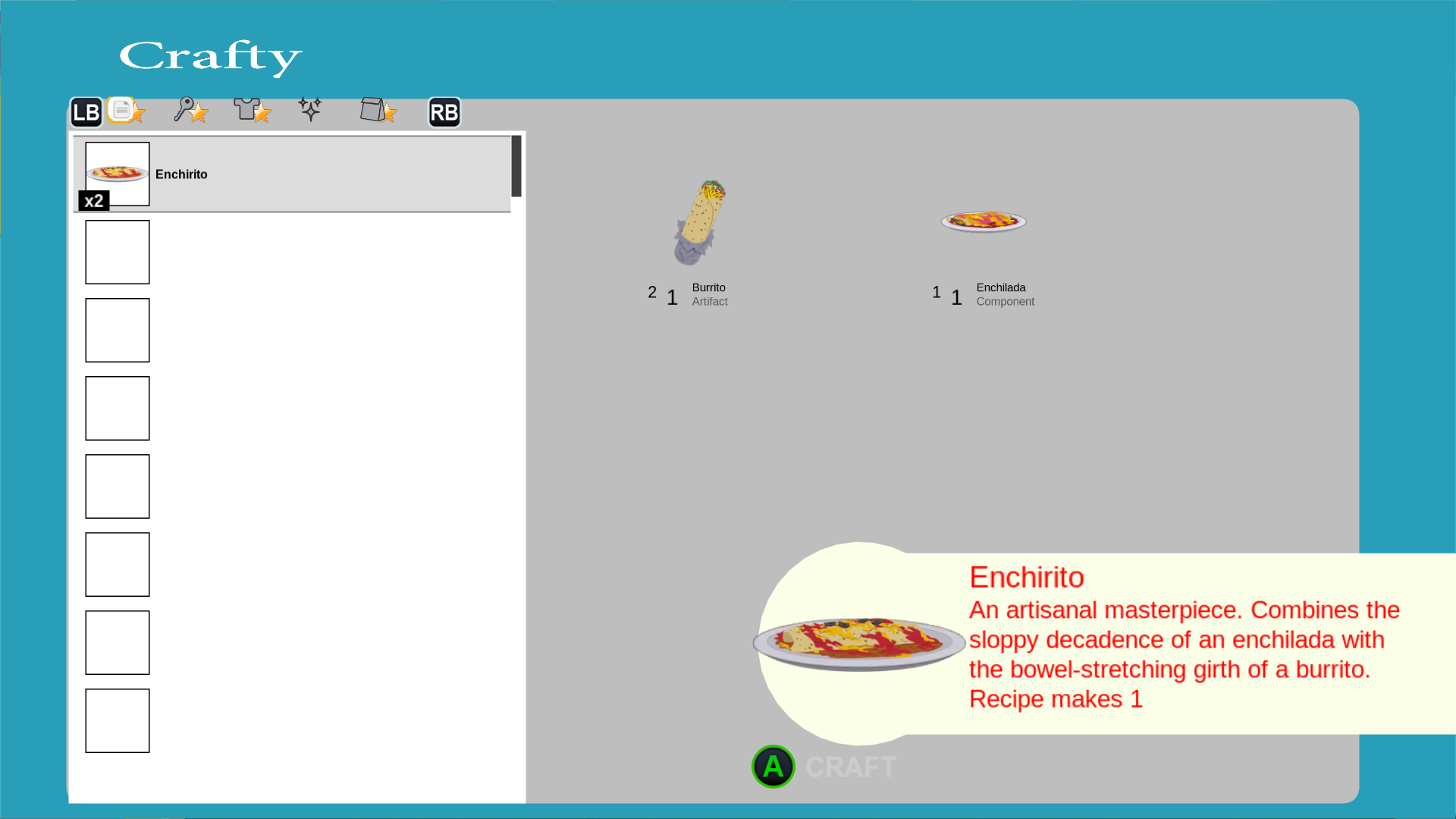
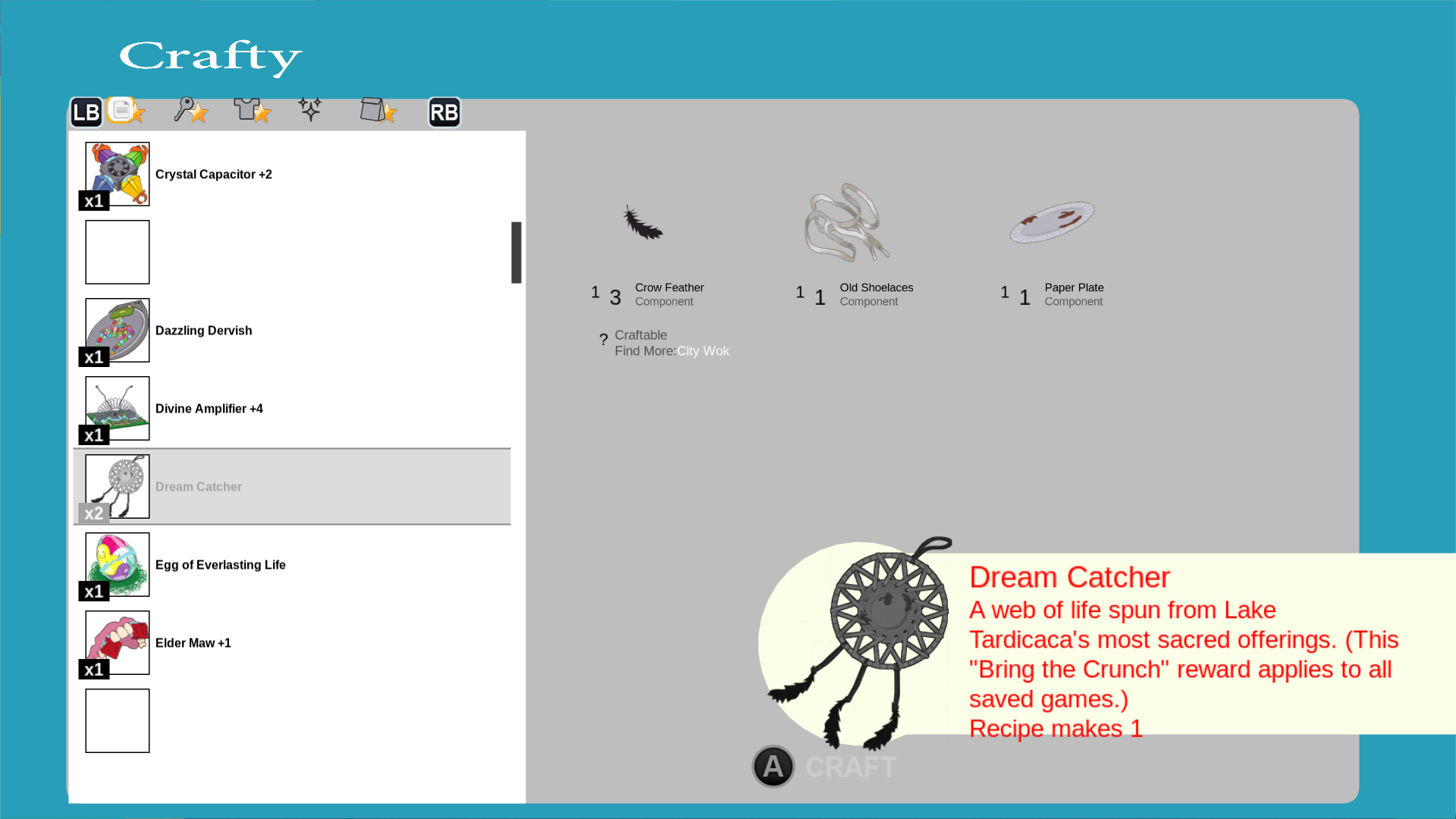
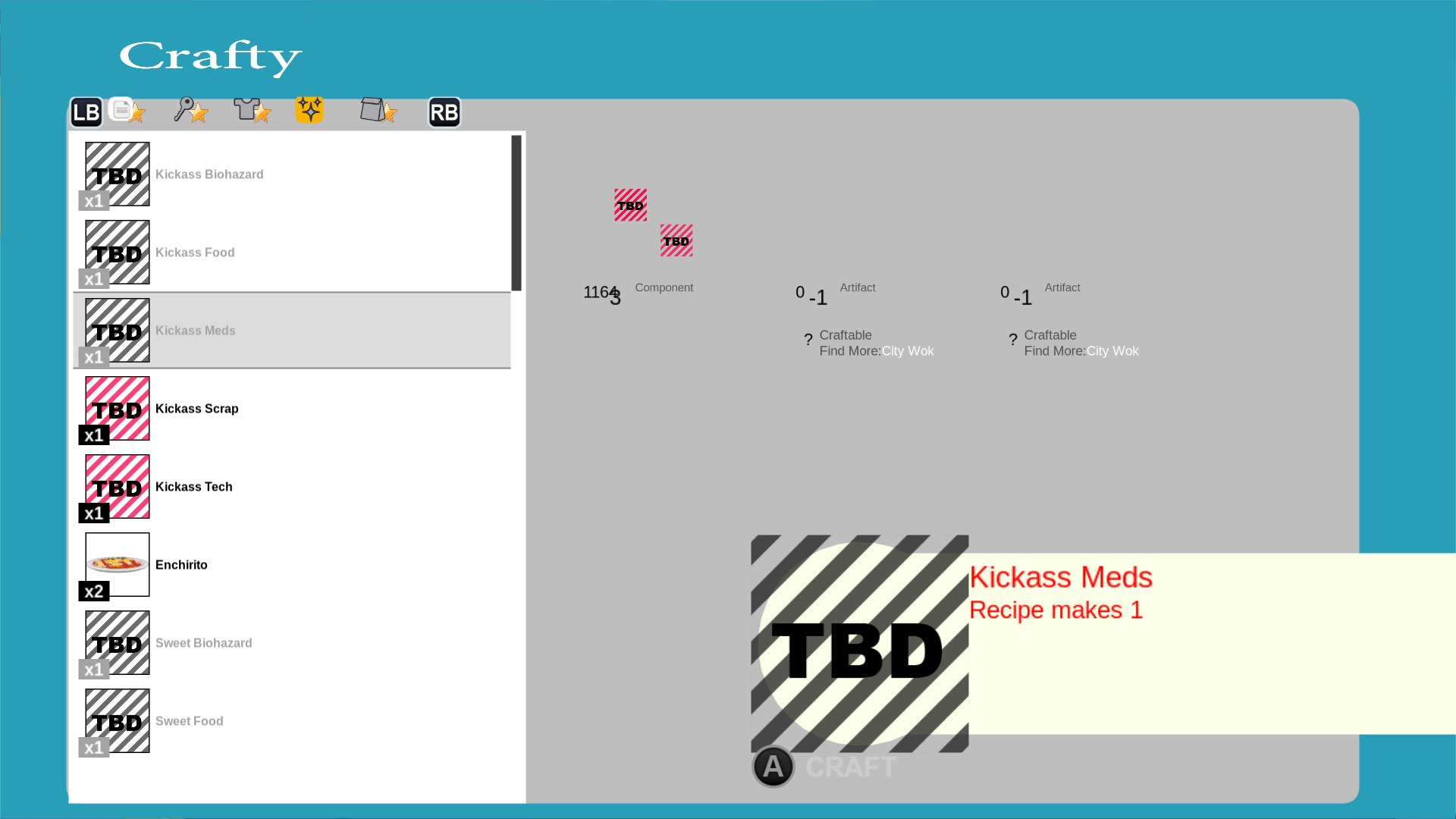
A very early and unfinished version of the Crafting app, known as Crafty.
savegame#
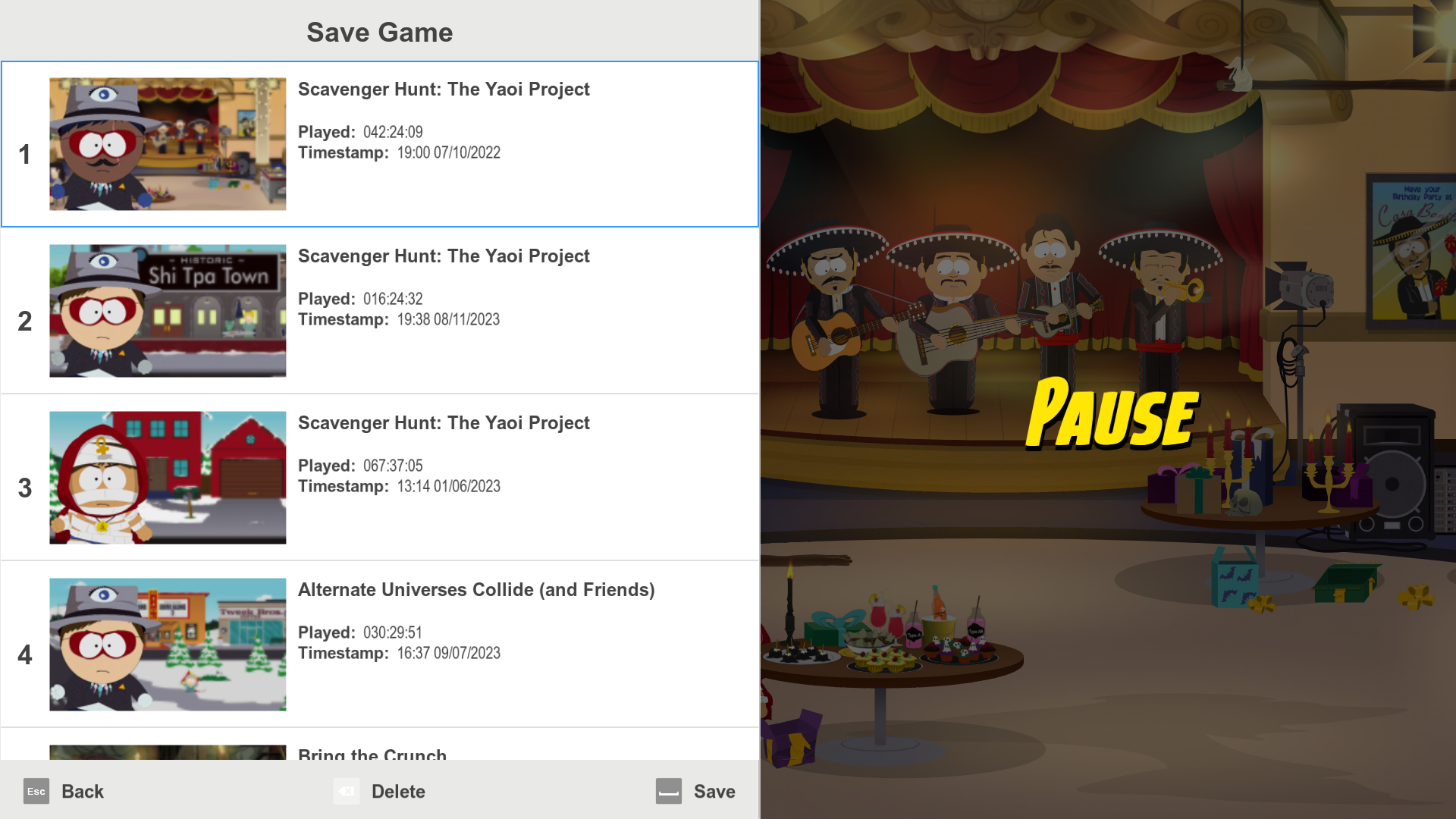
An early version of the pause menu with a completely different artstyle.
system_pausemenu#
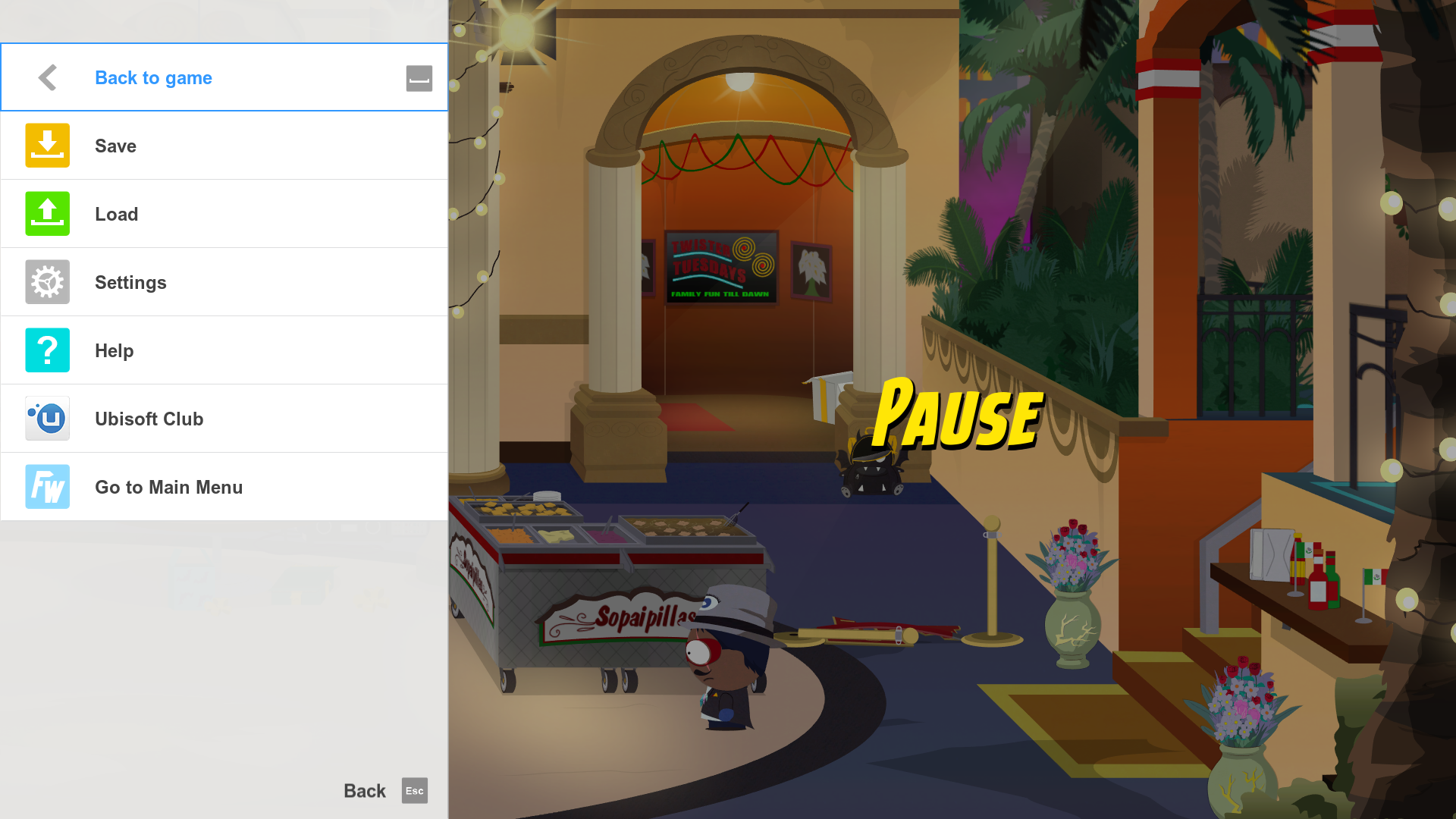
An early version of the pausemenu, once again in a different artstyle. Selecting the Settings option softlocks the game.
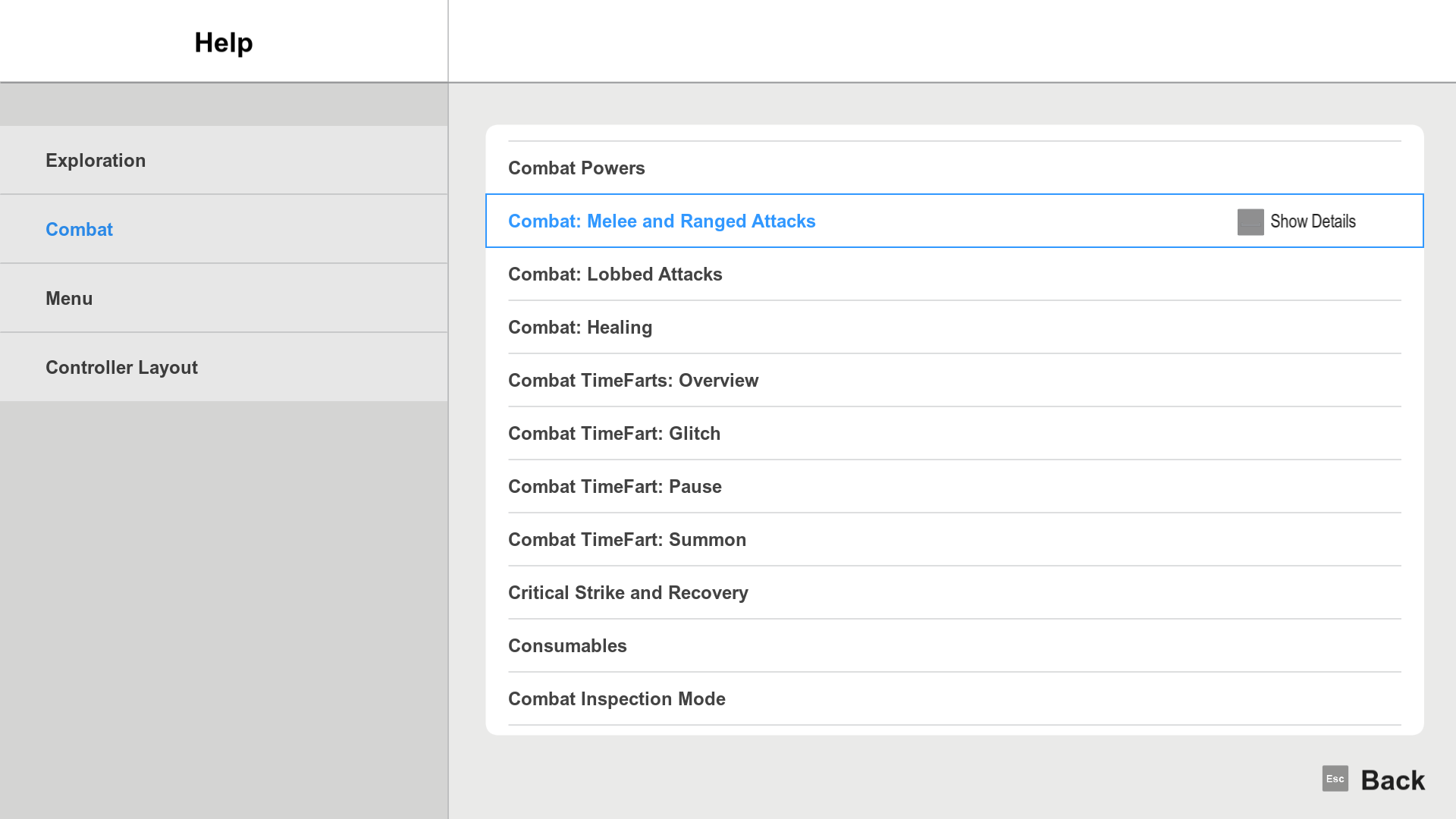
The Help menu contains information about the game.
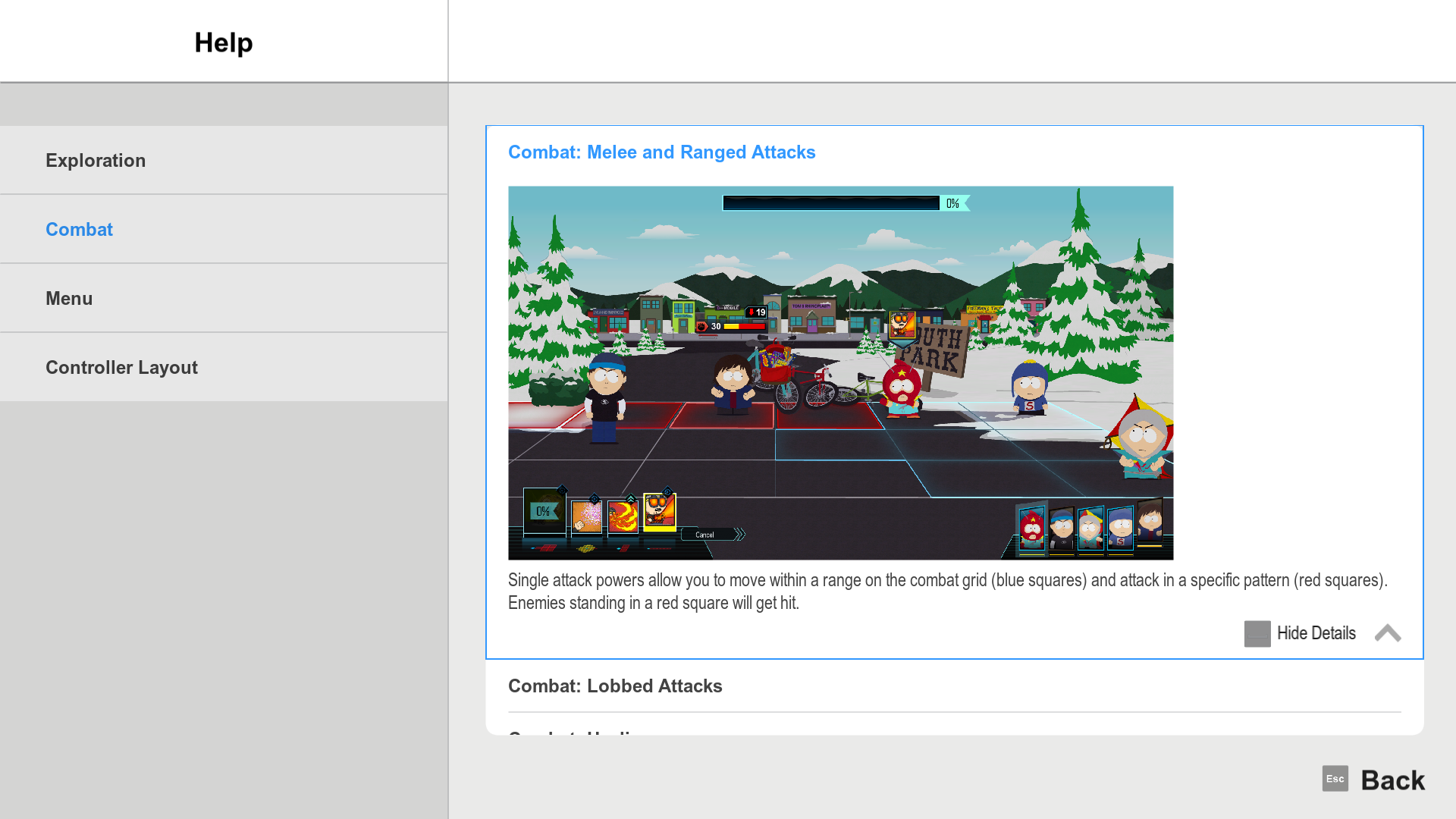
Interestingly, it contains 3 screenshots from an earlier version of the game.
E3 Leftovers#
e3_2017_demo_set_class_and_powers#
A menu which gives you the powers and classes seen in the E3 2017 demo.
system_pausemenu_e3_2017#
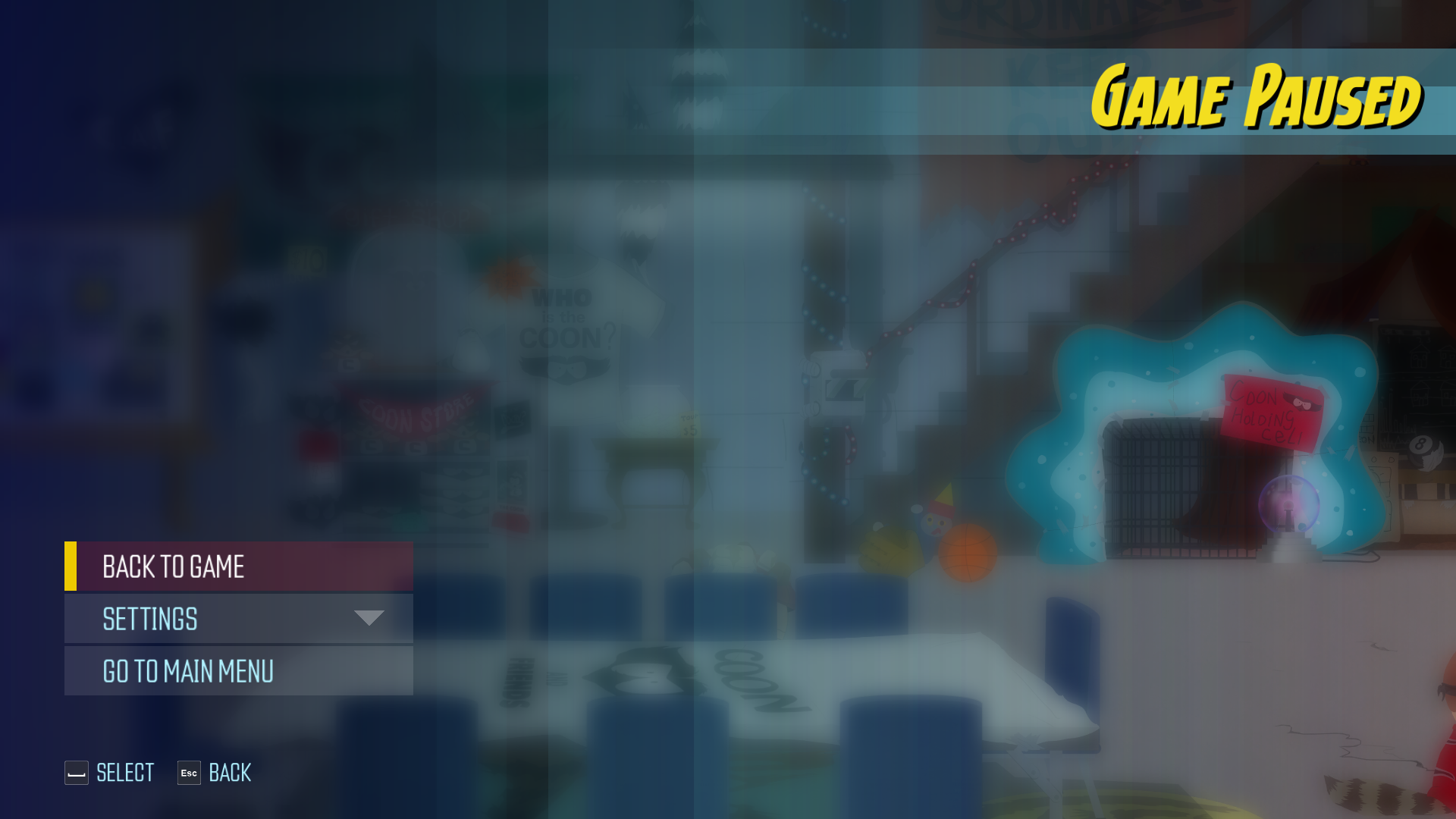
An early version of the pause menu used in the E3 2017 demo.
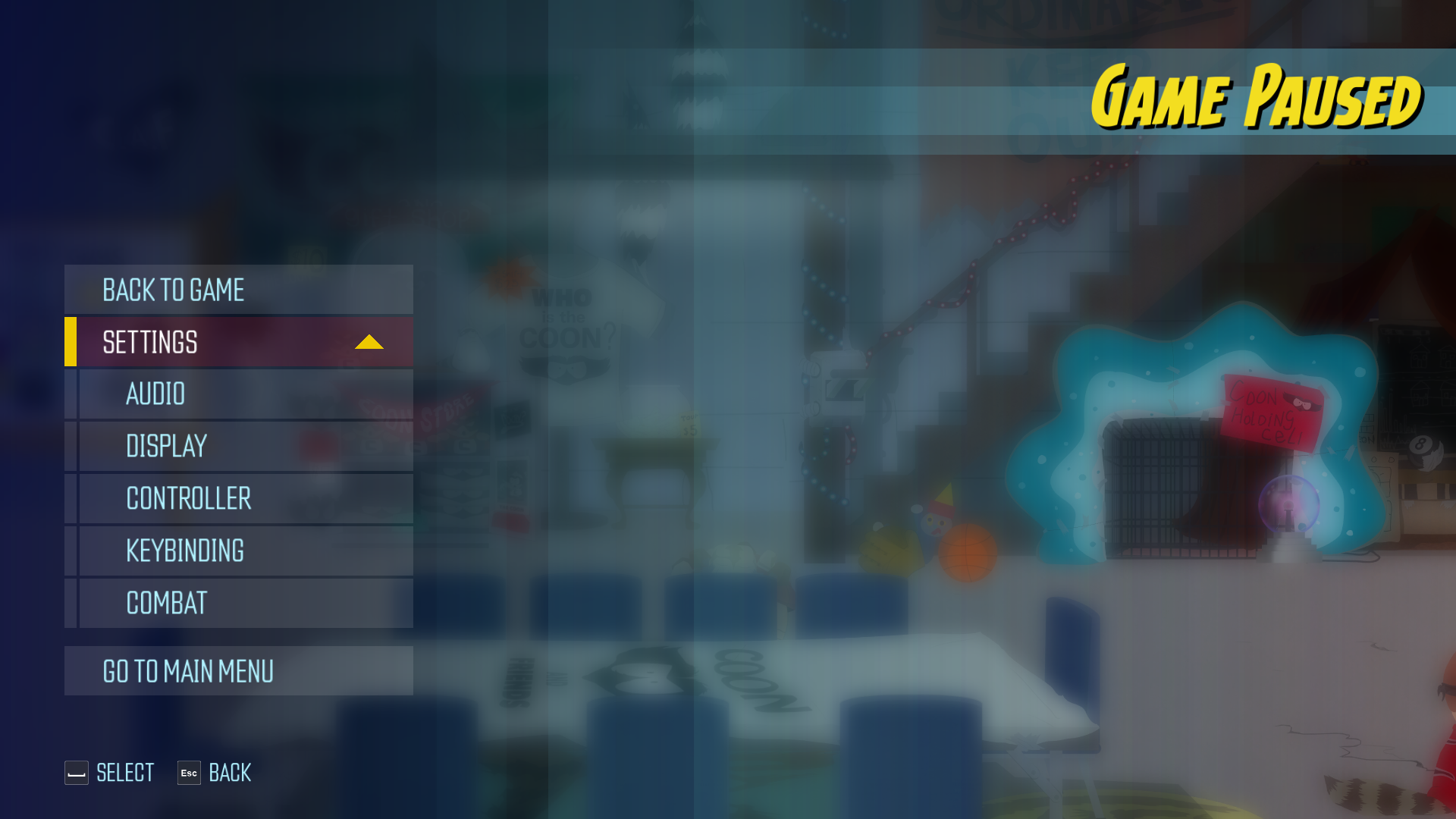
Interestingly, the Settings section contains an option called Keybinding, which was removed from the final game.
e3_laterthatday#
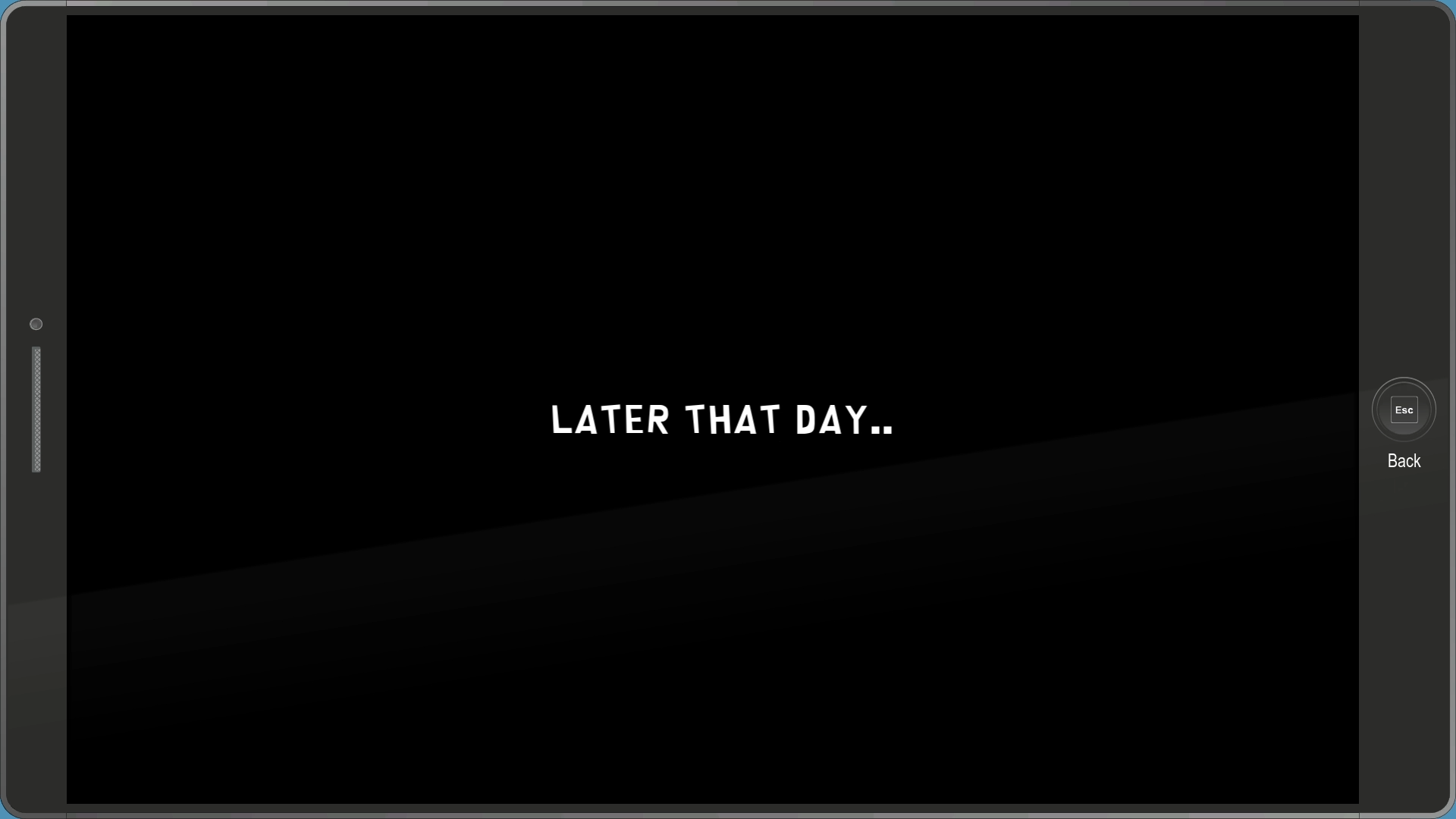
A simple menu that displays the text "later that day..".
e3_startbink#
A menu which displays this video of Captain Diabetes standing in front of the Peppermint Hippo.
e3_thankyou#
The thank you screen seen at the end of the 2016 Gamescom demo.