 Prototype Info
 Notes
Notes
 Unused ItemsHey kid, want an end portal?
 Unused BlocksI'm red?
 Unused TextFor example: crafting descriptions, in case you don't know what a lever is.
 Version DifferencesHey, my Minecraft is looking a LOT different from yours!
 DemoA demo based on Alpha v2.1 was released to the iOS and Android markets alongside the actual Alpha v2.1.
Unused Packs

|
To do:
|
vanilla_gametest_v2#
vanilla_gametest_v2 is a behavior pack that contains a single file, contents.json. This file doesn't contain any sort of useful information, just a JSON file set to have no contents.
{
    "content": []
}beta#
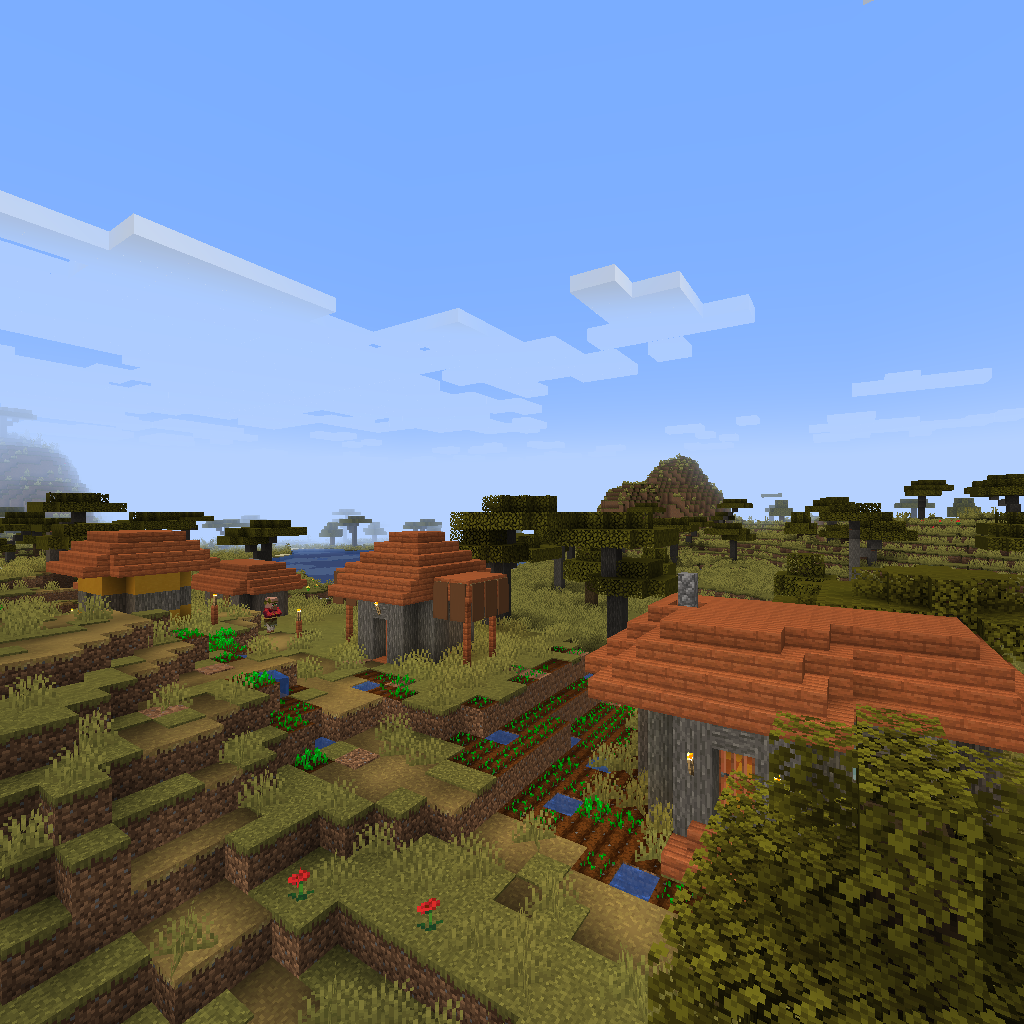
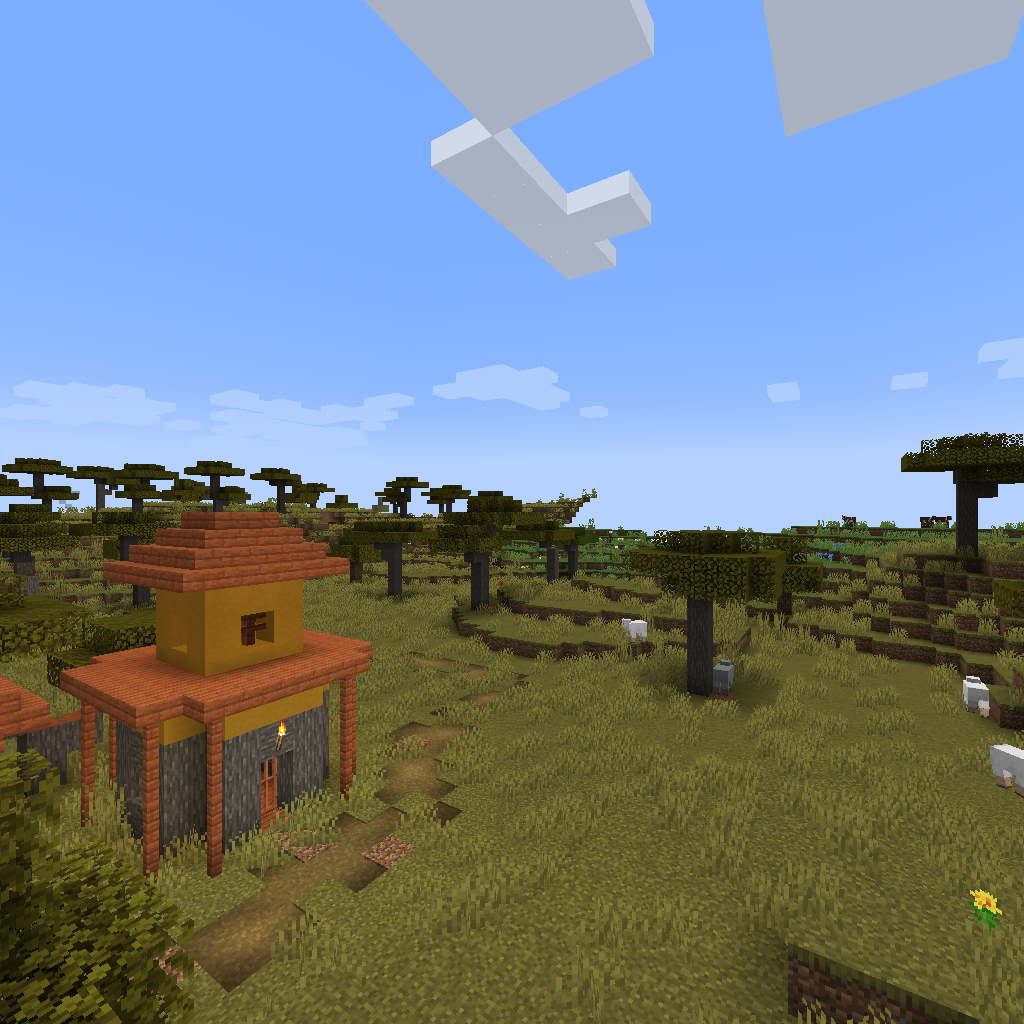
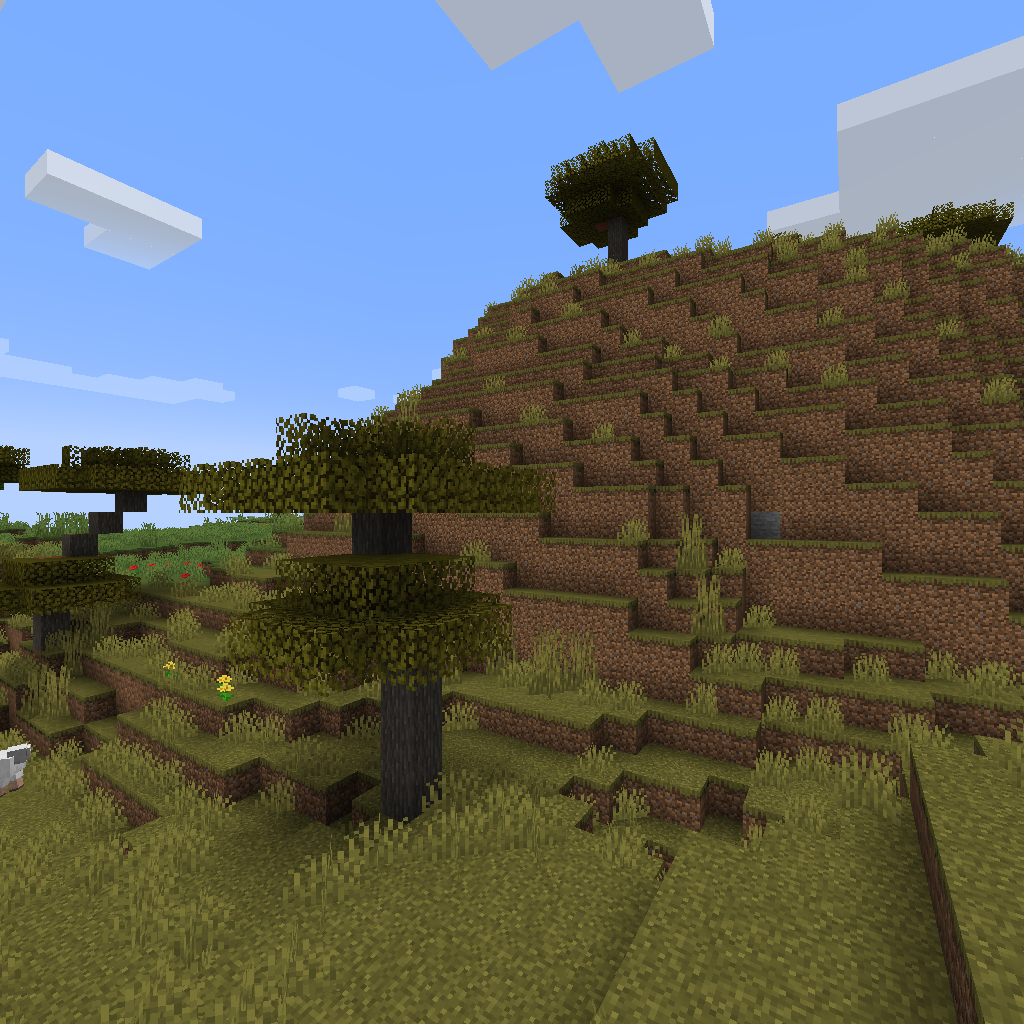
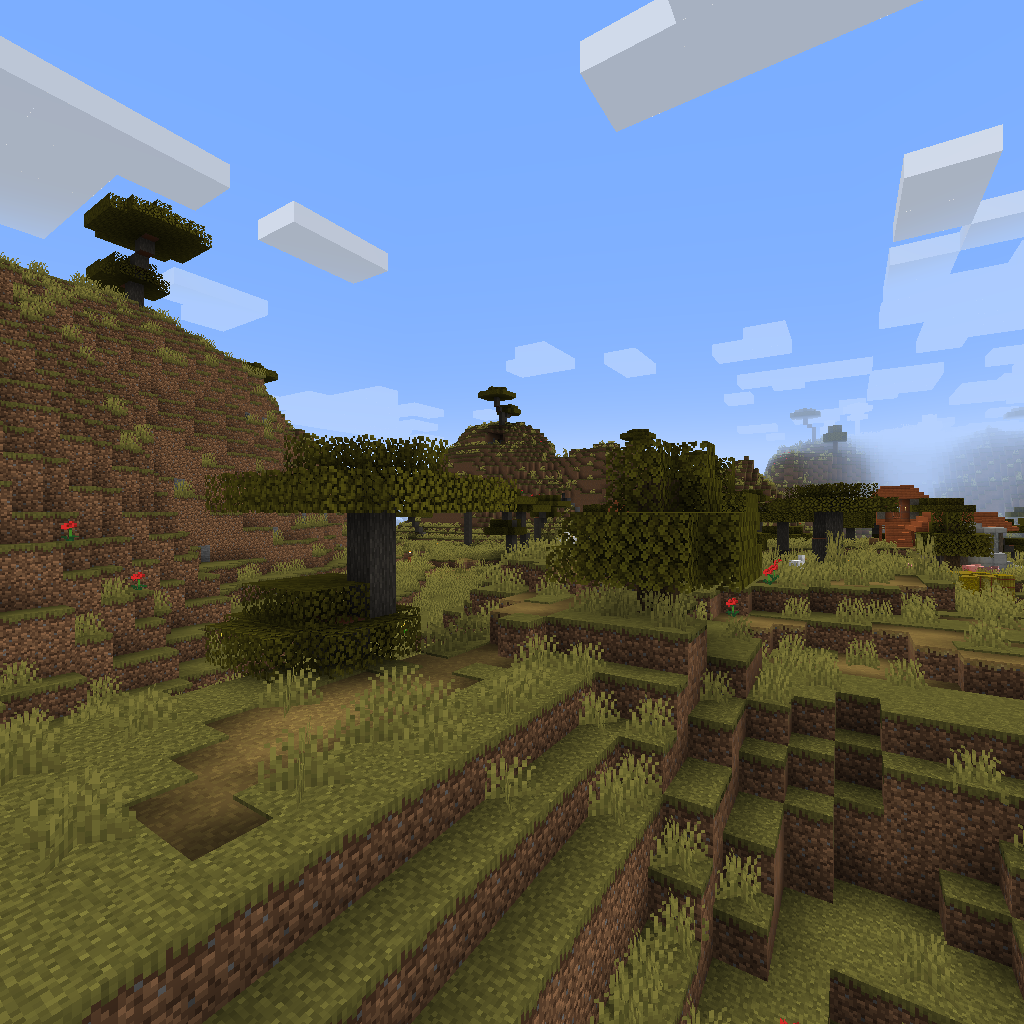
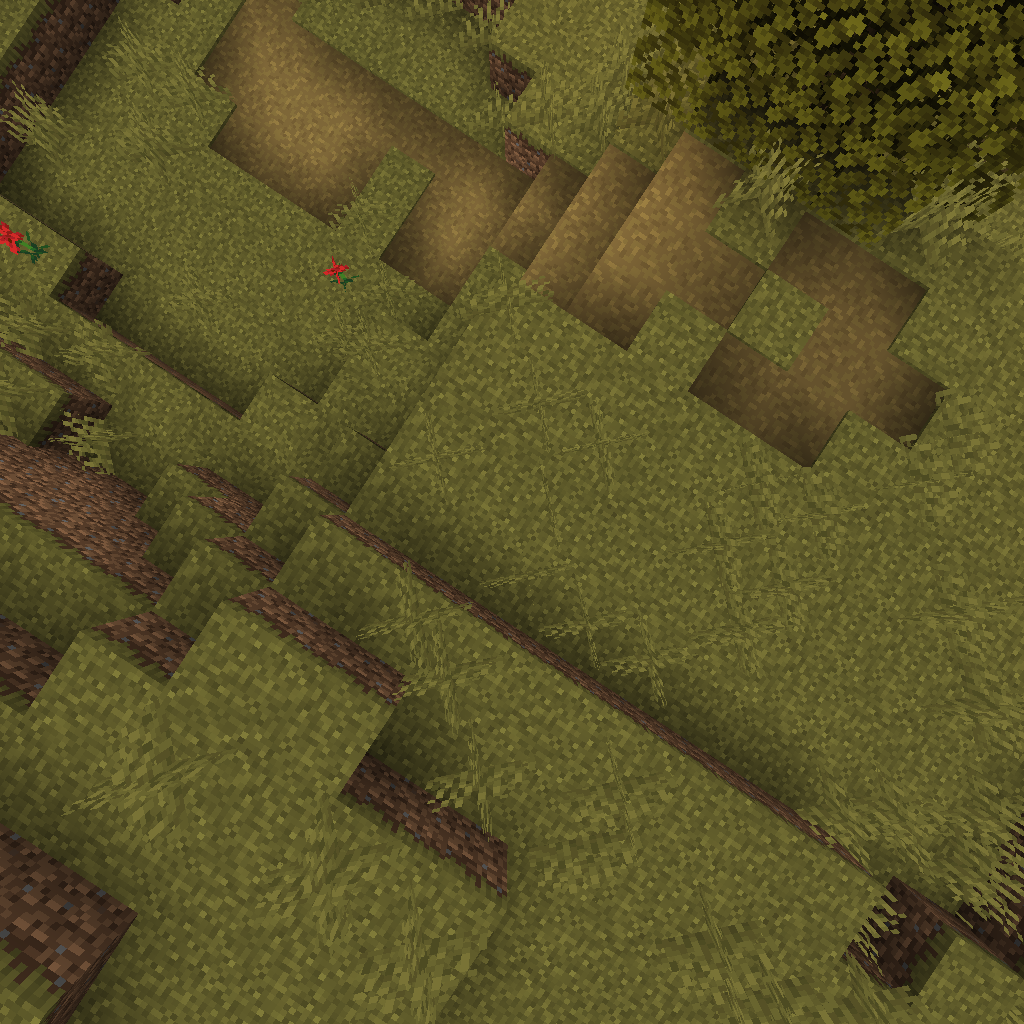
beta is a resource pack that as the title suggests contains textures that were used by the Beta version of Bedrock Edition. The contents of this pack go unused, due to the fact that this pack cannot be enabled in the standard version. Everything seen in this pack is never used nowadays, due to Beta's being replaced by previews.



contents.json#
{
    "content": [
        {
            "path": "loading_messages.json"
        },
        {
            "path": "manifest.json"
        },
        {
            "path": "pack_icon.jpg"
        },
        {
            "path": "splashes.json"
        },
        {
            "path": "texts/bg_BG.lang"
        },
        {
            "path": "texts/cs_CZ.lang"
        },
        {
            "path": "texts/da_DK.lang"
        },
        {
            "path": "texts/de_DE.lang"
        },
        {
            "path": "texts/el_GR.lang"
        },
        {
            "path": "texts/en_GB.lang"
        },
        {
            "path": "texts/en_US.lang"
        },
        {
            "path": "texts/es_ES.lang"
        },
        {
            "path": "texts/es_MX.lang"
        },
        {
            "path": "texts/fi_FI.lang"
        },
        {
            "path": "texts/fr_CA.lang"
        },
        {
            "path": "texts/fr_FR.lang"
        },
        {
            "path": "texts/hu_HU.lang"
        },
        {
            "path": "texts/id_ID.lang"
        },
        {
            "path": "texts/it_IT.lang"
        },
        {
            "path": "texts/ja_JP.lang"
        },
        {
            "path": "texts/ko_KR.lang"
        },
        {
            "path": "texts/nb_NO.lang"
        },
        {
            "path": "texts/nl_NL.lang"
        },
        {
            "path": "texts/pl_PL.lang"
        },
        {
            "path": "texts/pt_BR.lang"
        },
        {
            "path": "texts/pt_PT.lang"
        },
        {
            "path": "texts/ru_RU.lang"
        },
        {
            "path": "texts/sk_SK.lang"
        },
        {
            "path": "texts/sv_SE.lang"
        },
        {
            "path": "texts/tr_TR.lang"
        },
        {
            "path": "texts/uk_UA.lang"
        },
        {
            "path": "texts/zh_CN.lang"
        },
        {
            "path": "texts/zh_TW.lang"
        },
        {
            "path": "textures/textures_list.json"
        },
        {
            "path": "textures/ui/panorama_0.png"
        },
        {
            "path": "textures/ui/panorama_1.png"
        },
        {
            "path": "textures/ui/panorama_2.png"
        },
        {
            "path": "textures/ui/panorama_3.png"
        },
        {
            "path": "textures/ui/panorama_4.png"
        },
        {
            "path": "textures/ui/panorama_5.png"
        },
        {
            "path": "textures/ui/title.png"
        }
    ]
}loading_messages.json#
{
    "loading_messages": [
    "beta.loading.1",
    "beta.loading.2",
    "beta.loading.3",
    "beta.loading.4",
    "beta.loading.5",
    "beta.loading.6",
    "beta.loading.7",
    "beta.loading.8",
    "beta.loading.9",
    "beta.loading.10",
    "beta.loading.11",
    "beta.loading.12",
    "beta.loading.13",
    "beta.loading.14",
    "beta.loading.15",
    "beta.loading.16",
    "beta.loading.17"
    ],
    "creative_loading_messages": [
    "beta.loading.1",
    "beta.loading.2",
    "beta.loading.3",
    "beta.loading.4",
    "beta.loading.5",
    "beta.loading.6",
    "beta.loading.7",
    "beta.loading.8",
    "beta.loading.9",
    "beta.loading.10",
    "beta.loading.11",
    "beta.loading.12",
    "beta.loading.13",
    "beta.loading.14",
    "beta.loading.15",
    "beta.loading.16",
    "beta.loading.17"
    ],
    "realms_loading_messages": [
      "tips.realms.1",
      "tips.realms.2",
      "tips.realms.3",
      "tips.realms.4",
      "tips.realms.5",
      "tips.realms.6",
      "tips.realms.7",
      "tips.realms.8"
    ]
}manifest.json#
{
    "format_version": 2,
    "header": {
        "description": "resourcePack.betapack.description",
        "name": "resourcePack.betapack",
        "uuid": "6b22ea2b-bac1-4c07-95a1-bc7bc5818b1c",
        "version": [0, 0, 1],
        "min_engine_version": [1, 13, 0]
    },
    "modules": [
        {
            "type": "resources",
            "uuid": "d5566886-7920-42ac-8ed5-43656dd2520f",
            "version": [1, 0, 0]
        }
    ]
}splashes.json#
{
  "splashes": [
    "Beta!"
  ]
}textures_list.json#
Found in textures\textures_list.json
[
  "textures/ui/panorama_0",
  "textures/ui/panorama_1",
  "textures/ui/panorama_2",
  "textures/ui/panorama_3",
  "textures/ui/panorama_4",
  "textures/ui/panorama_5",
  "textures/ui/title"
]
Language Files#
There are multiple different language files found in texts. Because this wiki is in English and to prevent this section from becoming too big, only en_GB.lang will be shown here.
menu.play=Play Beta
beta.loading.1=When you're on the beta, you can only play with other friends who are also on the beta!
beta.loading.2=Remember, you can't play on most servers when you're on the beta.
beta.loading.3=Whatever you buy in the beta is real and will still be there if you leave the beta.
beta.loading.4=Don't forget to create backups of your worlds before loading them in the beta.
beta.loading.5=Please log all bugs you find at bugs.mojang.com
beta.loading.6=Want to chat with us about the beta? Join the Minecraft Discord at discord.gg/Minecraft
beta.loading.7=Do you have a great idea for a new feature? Tell us on the beta forum of the feedback site at feedback.minecraft.net
beta.loading.8=Find a bug? Please tell us about it at bugs.mojang.com
beta.loading.9=If your friends can't join your world, it may be because they aren't also on the beta.
beta.loading.10=Remember to back up your worlds often and before you open them in the beta.
beta.loading.11=Thank you for participating in the beta!
beta.loading.12=Need help leaving the beta? Check out aka.ms/MinecraftXIP
beta.loading.13=The beta programme is currently only available on Windows 10, Xbox One and Android.
beta.loading.14=Remember, beta builds are not the final product. You might find crashes, glitches and other weird stuff.
beta.loading.15=We love your feedback! Tell us what you think at feedback.minecraft.net
beta.loading.16=Did you know you can talk to our developers on discord.gg/Minecraft?
beta.loading.17=Don't worry about crashing because crashes on the beta mean fewer crashes later!
tips.realms.1=Take a screenshot using the Game menu.
tips.realms.2=A Realm is always online, so you and your friends can play here whenever you want.
tips.realms.3=Keep up to date with what's going on in your Realm by checking the Story Feed in Realms Stories.
tips.realms.4=Share your great moments with the other players on this Realm by adding a story to the Story Feed.
tips.realms.5=Check the Timeline in Realms Stories to find out when others are playing.
tips.realms.6=Access Realms Stories from the game menu while playing on the Realm.
tips.realms.7=Get to know your Realm's community on the Members tab in Realms Stories.
tips.realms.8=Use Realms Stories to get social, keep up with your friends' progress and organise playtime.Chemistry#
This pack contains the Chemistry blocks seen in the education edition and in-game by turning them on.
The files below go unused due to the pack itself never being shown in the resource pack selection menu.
pack_icon#

manifest#
{
  "format_version": 2,
  "header": {
    "uuid": "0fba4063-dba1-4281-9b89-ff9390653530",
    "name": "pack.name",
    "version": [1, 0, 0],
    "description": "pack.description",
    "min_engine_version": [1, 14, 0],
    "pack_scope": "world"
  },
  "modules": [
    {
      "description": "pack.description",
      "version": [1, 0, 0],
      "uuid": "d4646532-92b7-4b69-b7eb-5c20159b854c",
      "type": "resources"
    }
  ],
  "dependencies": [
    {
      // Chemistry behavior pack
      "uuid": "6baf8b62-8948-4c99-bb1e-a0cb35dc4579",
      "version": [1, 0, 0]
    }
  ],
  "capabilities": [
    "chemistry"
  ]
}OreUI#
OreUI is the name for Bedrock Edition's updated UI look.
The files below go unused due to the pack itself never being shown in the resource pack selection menu.
pack_icon#

manifest#
{
    "format_version": 2,
    "header": {
        "description": "The default Minecraft UI resources.",
        "name": "Minecraft UI Resource Pack",
        "uuid": "fdcdb085-9f06-464f-bf0e-25c0b37ff4a5",
        "version": [0, 0, 1],
        "min_engine_version": [1, 13, 0]
    },
    "modules": [
        {
            "description": "The default Minecraft UI resources.",
            "type": "resources",
            "uuid": "a405939d-2d00-471a-a51b-64217336b480",
            "version": [0, 0, 1]
        }
    ]
}Persona#
Persona is a pack containing assets for the avatar editor.
The files below go unused due to the pack itself never being shown in the resource pack selection menu.
pack_icon#

manifest#
{
    "format_version": 2,
    "header": {
      "description": "Persona Built-in Pack",
      "name": "Persona Built-in Pack",
      "uuid": "2099de18-429a-465a-a49b-fc4710a17bb3",
      "version": [ 0, 0, 1 ],
      "min_engine_version": [ 1, 14, 0 ]
    },
    "modules": [
      {
        "description": "Persona Built-in Pack",
        "type": "resources",
        "uuid": "06fc2efd-f57c-401b-bc94-1441a233d438",
        "version": [0, 0, 1]
      }
    ]
}
Vanilla Trial#
Contains assets for the (now partially defunct), seemingly Windows exclusive trial mode.
Manifest#
This file goes unused due to the pack itself never being shown in the resource pack selection menu.
{
    "format_version": 1,
    "header": {
        "description": "resourcePack.vanilla_trial.description",
        "name": "resourcePack.vanilla_trial.name",
        "uuid": "bd264cd8-8969-4e5e-865a-21096f5ad838",
        "version": [0, 0, 1],
        "min_engine_version": [1, 2, 6]
    },
    "modules": [
        {
            "description": "resourcePack.vanilla_trial.description",
            "type": "resources",
            "uuid": "91ae2c0b-a0a9-49e9-833e-df4b9fd54086",
            "version": [0, 0, 1]
        }
    ]
}
UI Textures#
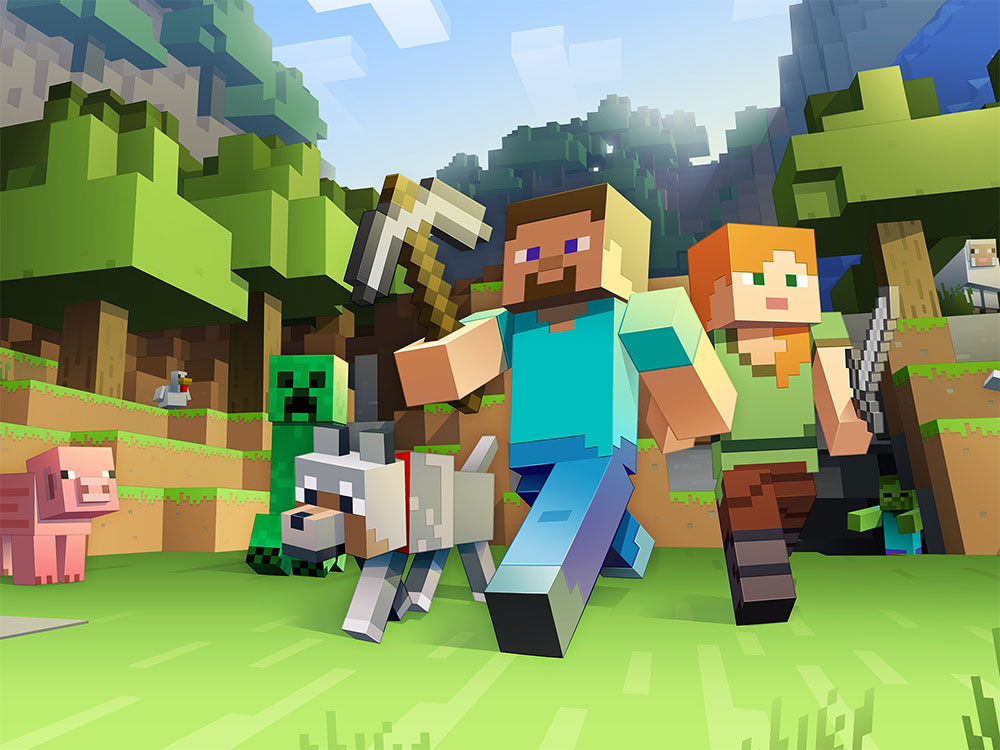
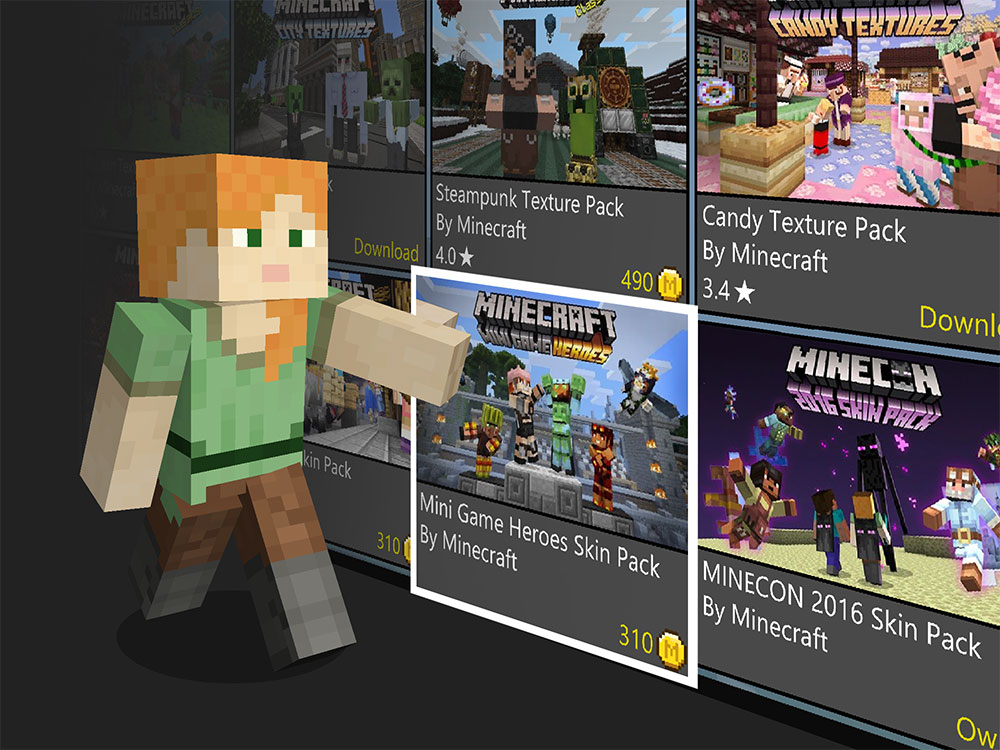
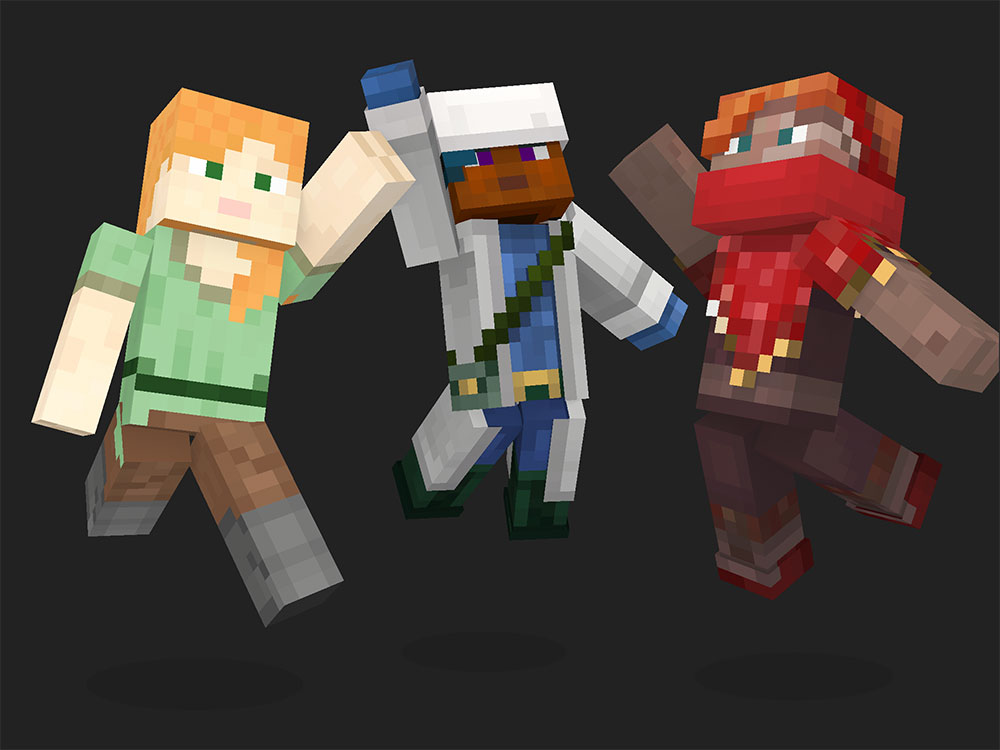
All of these textures can be found under vanilla_trail/textures/ui.
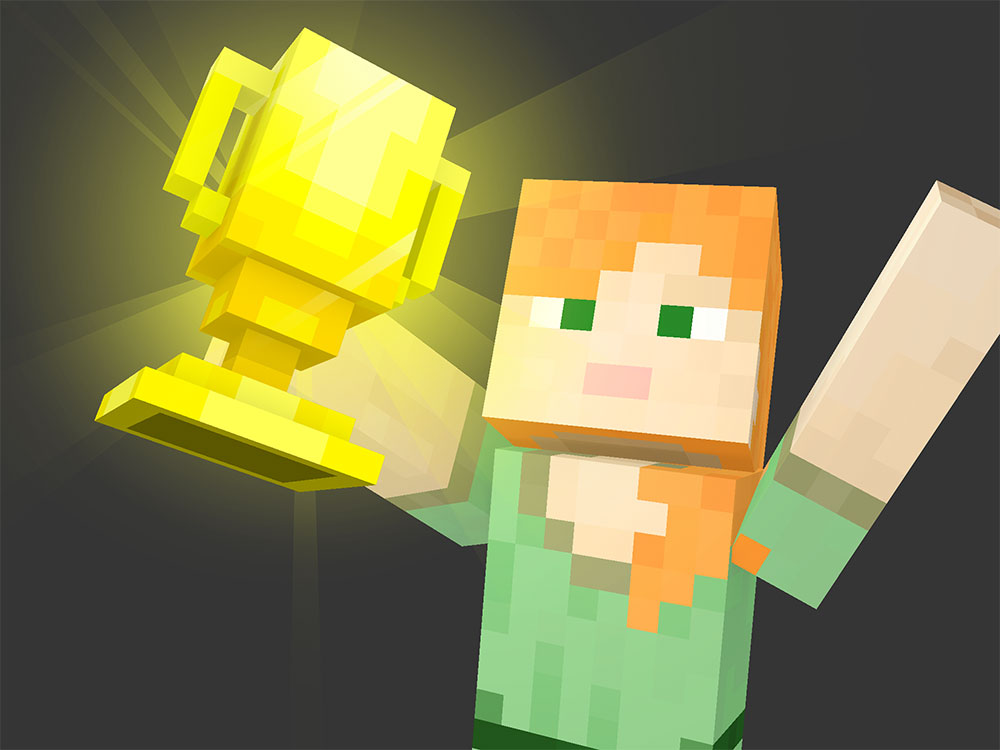








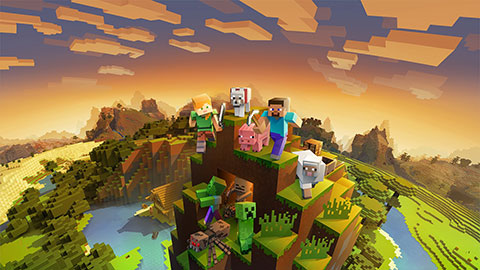
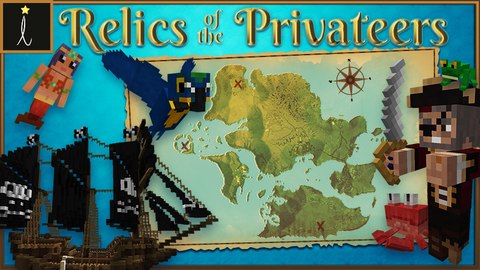
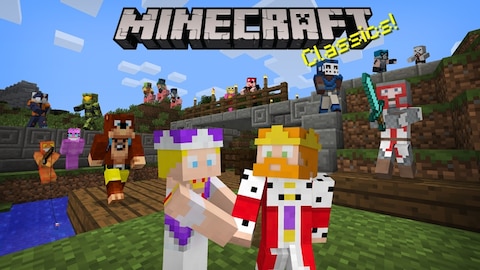
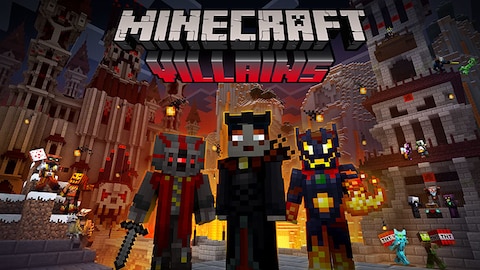
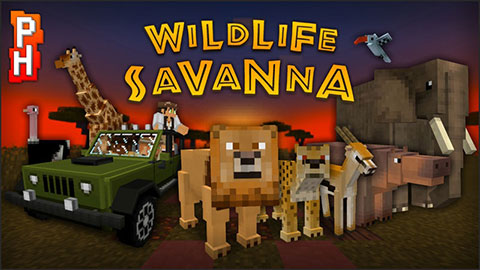
render_dragon.png#

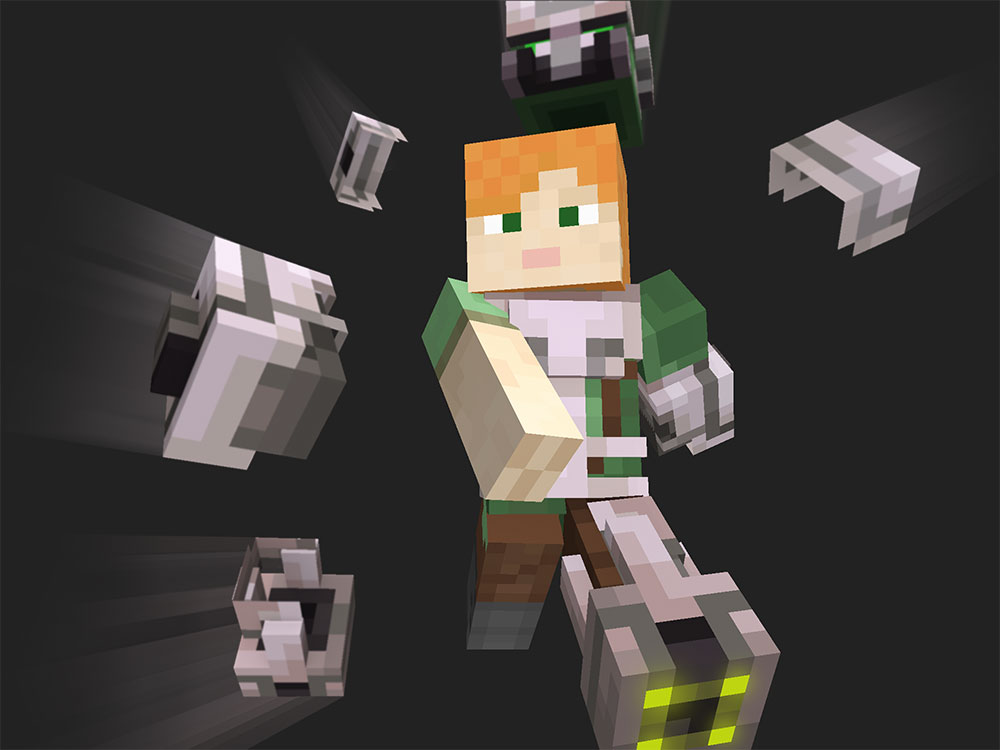
Found in vanilla_base\textures\ui\render_dragon.png. The pack this image is located in does go used, this image however, doesn't go used. This image also isn't registered in the textures_list.json file.

bug_pack_icon.png#

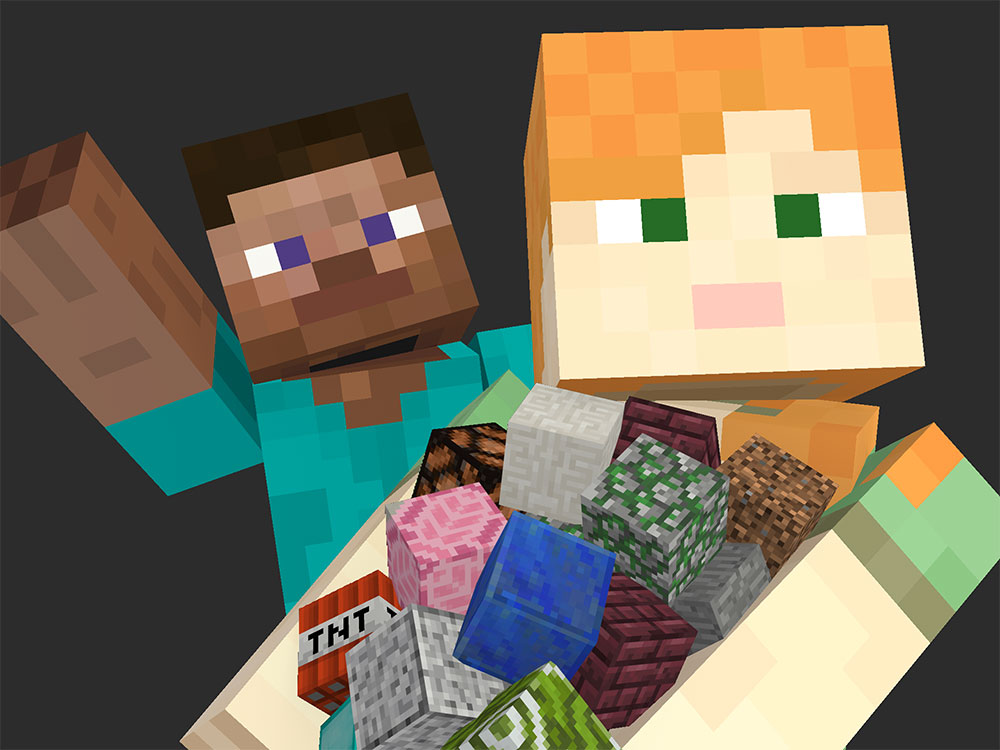
Found in vanilla\textures\ui\bug_pack_icon.png. The pack this image is located in does go used, this image however, doesn't go used.

Unused UI Elements
Crafting Menu Mock-up Image#
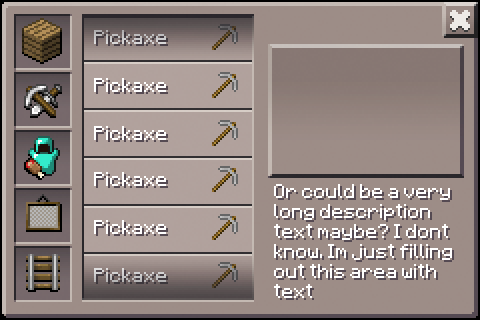
A mock-up image of the crafting menu found in version 0.3.0 of Minecraft PE. All the items are stone pickaxes, and there is a placeholder description text saying "Or could be a very long description text maybe? I dont know. Im just filling out this area with text"
Unused Start Menu Graphics#
Some graphics from Alpha 0.1.0, including these crudely drawn textures.


Unused World Graphics#

A trash icon for deleting worlds.

An add icon to add a world.
Unused URI's

|
This needs some investigation. |
URI also known as Uniform Resource Identifier1 allows programs to make scheme's that can for example open certain UI's in the program from the users web browser and file managers like Windows Explorer. Minecraft Bedrock Edition's URI prefix is minecraft://. Using this prefix the user can for example open up the server panel using minecraft://openServersTab.2 There are multiple URI's that go unused or don't do anything for the user.
fromtempfile#
minecraft://fromtempfile
This URI doesn't seem to do anything, which is why it isn't used in any official material.
Removed Content
grass_carried#
This block has ID 253
This block was added into the game in v0.5.0 and removed in v0.8.0-test1, until in 1.4.0 beta 1.2.20.1, it got changed to hardened glass.
grass_carried is only known to be obtainable through the use of inventory editors and other external tools. If placed in a world, the block can be mined instantly with any item, but it does not drop anything regardless of the method used.


Camera#
This block reserved ID 456.
The Camera allowed players to take snapshots from wherever the item is placed. It was somewhat buggy, though, and the photos taken with it tend to be obscured by the camera's own smoke particles. The texture for its tripod and item texture were replaced with the "chirp" and "blocks" discs respectively in Alpha 0.2.0. It was made invisible with the icon changing to an egg in Alpha 0.8.0 and was removed altogether in Alpha 0.9.0. The item was brought back for 0.14.0 but then removed in 0.16.0, and it is now only used in Education Edition.


Cyan Flower#
This flower was replaced with the Poppy in Alpha 0.9.0. It was originally red just like Java Edition, but the developers recolored it to cyan as a work-around for a hardware issue, likely the Xperia Play's screen's tendency to "bleed" when red colors are displayed for too long.34

Platform Differences
Due to the many different platforms supported by Bedrock Edition, there are a couple of small differences between some of these builds.
Tokens#
Tokens are a PS4 exclusive version of Minecoins. They are exactly the same, aside from some small design differences.5 The biggest difference is of-course the name and the icon for tokens. This icon can also be found in a leaked 1.21.20 development build in a pack named 3rdpartyconsole_ps5. This file is found under the name MCoin.png. 
Notification Sound#
The notification sound heard in-game uses the Xbox's notification sound on PC, Mobile, and Xbox versions of the game. When playing on the PlayStation and Nintendo Switch versions, the level up sound is heard instead.
References
|
The Minecraft series | |
|---|---|
|
Java Edition | |
|
Windows, Mac OS X, Linux |
|
|
Bedrock Edition | |
|
Android, iOS, Nintendo Switch, PlayStation 4, Xbox One, PlayStation 5, Xbox Series X and S, Windows |
|
|
4J Studios' Legacy Console Edition | |
|
Wii U |
|
|
Nintendo Switch |
|
|
Xbox 360 |
|
|
PlayStation 3 |
|
|
PlayStation Vita |
|
|
Other Legacy Editions | |
|
New Nintendo 3DS |
|
|
Spin-Offs | |
|
Windows |
Minecraft 4K (Java) • Brickcraft • Story Mode (Prototypes) • Story Mode: Season Two (Prototype) • Dungeons • Legends |
|
Mac OS X |
|
|
Android, iOS |
|
|
Nintendo Switch, PlayStation 4, Xbox One |
|
|
A Minecraft Movie | |
|
HTML5 |
|
