 This article has a talk page!
Unused Graphics#
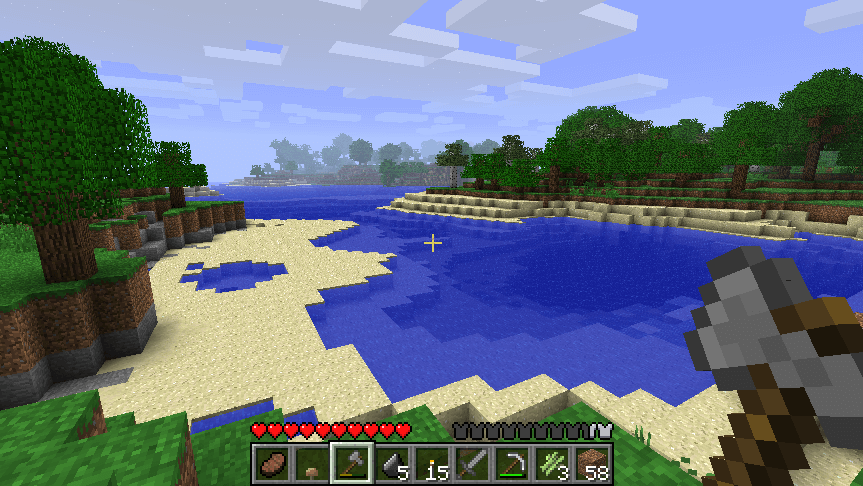
Hidden in the game files are a lot of leftovers from the GUI of Java Edition, including curiously a gui.png file that seems to match up with Classic 0.30, a pre-alpha version of Java Edition.






Unused Blocks#
Command Blocks#
The Command Block was ported over from the Java Edition but is inaccessible without editing the save file. Due to a lack of an equivalent user interface, it is only barely functional. While it could run commands by being powered by a redstone source, it could not be modified. Later updates did port over the chain and repeating variants to the game, but also broke what little functionality they had left. A tooltip string is present though, simply stating "Used to execute commands."
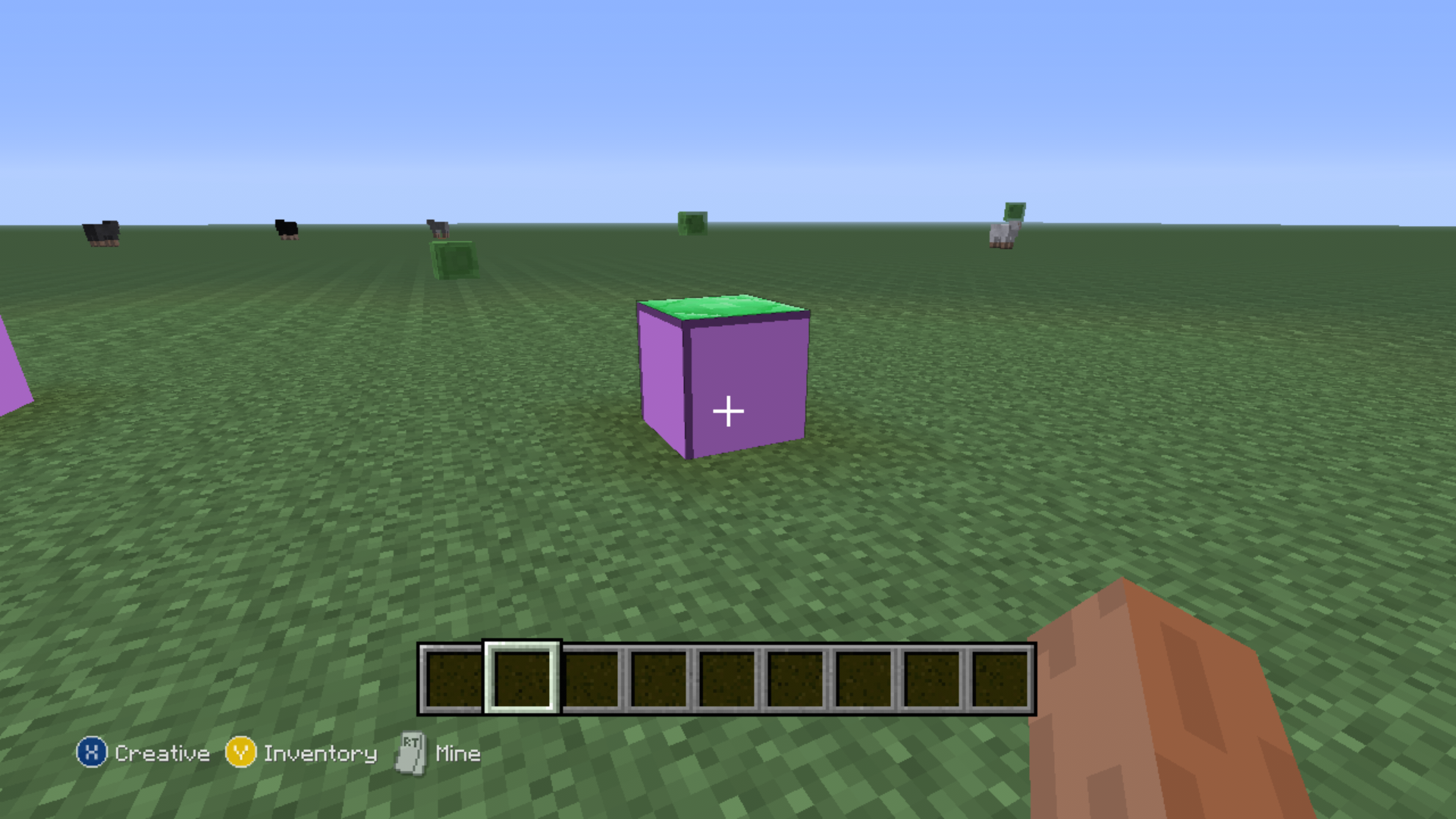
Locked Chest#
The Locked Chest was amongst the many blocks ported over and behaves identically to its Java Edition counterpart. It has an ID of 95.
Unused Items#
debug_fourj_item#
minecraft:debug_fourj_item may be an item used by 4J Studios to test new item and entity behavior. It does nothing when used, and has the texture of an barrier. It has no "What's This" hint and no name.
Shield#
Despite never getting the Java Edition's Combat Update, the shield was still ported over in later updates. It lacks a model.
Unused Entities#
Spectral Arrow#
The Spectral Arrow was another element from the Combat Update that was ported over in later updates, but it is completely inaccessible. They are functionally identical to regular arrows.
Minecart with Command Block#
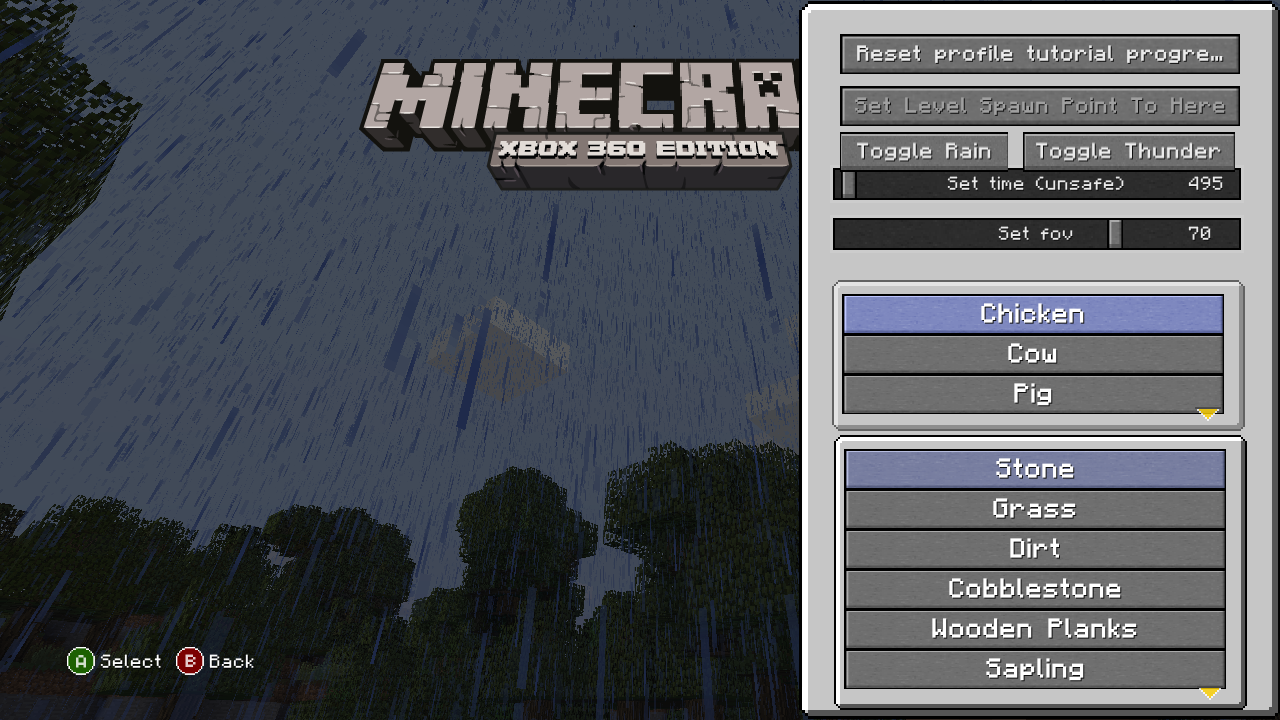
The Minecart With Command Block was ported from the Java Edition, but it is completely inaccessible. They appear and behave like regular minecarts. They have an unused "What's This" hint, stating "Used to execute commands on the move!"
Physical and Digital Differences#
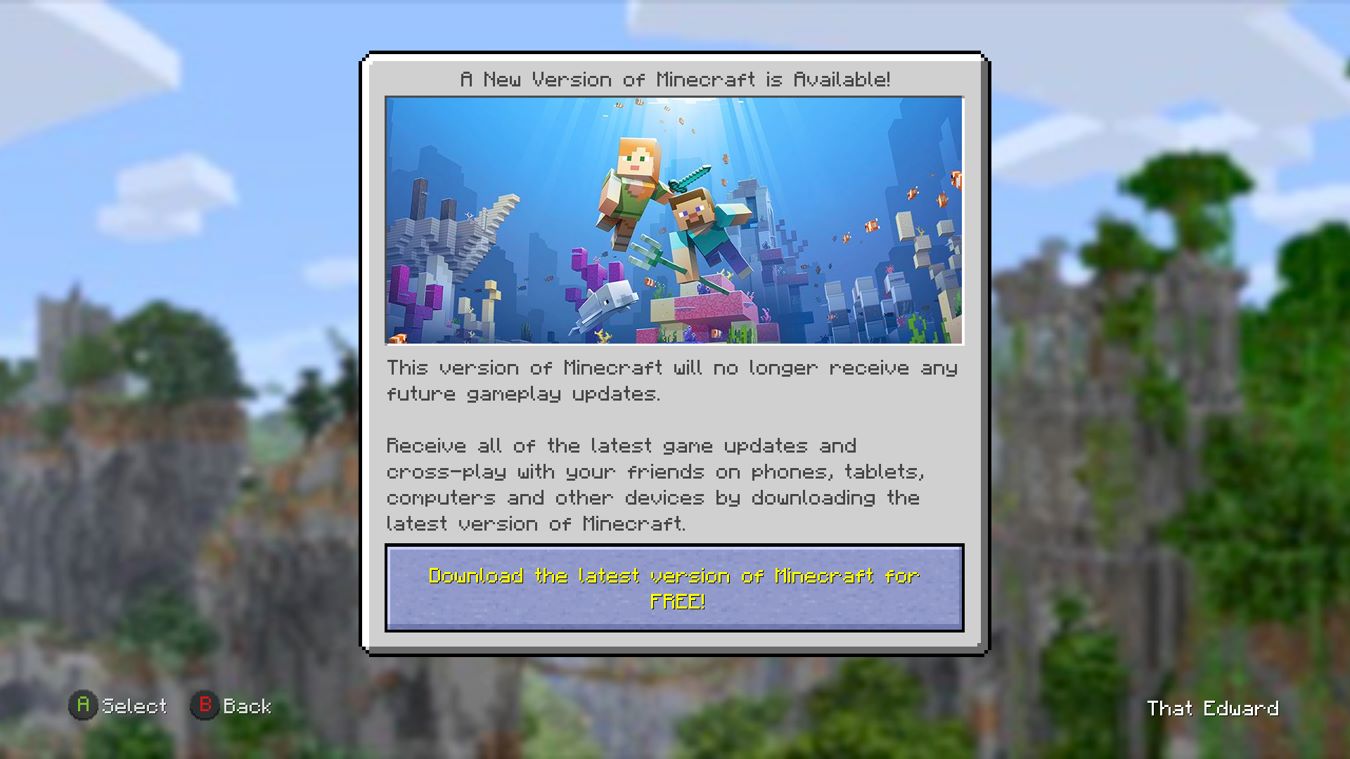
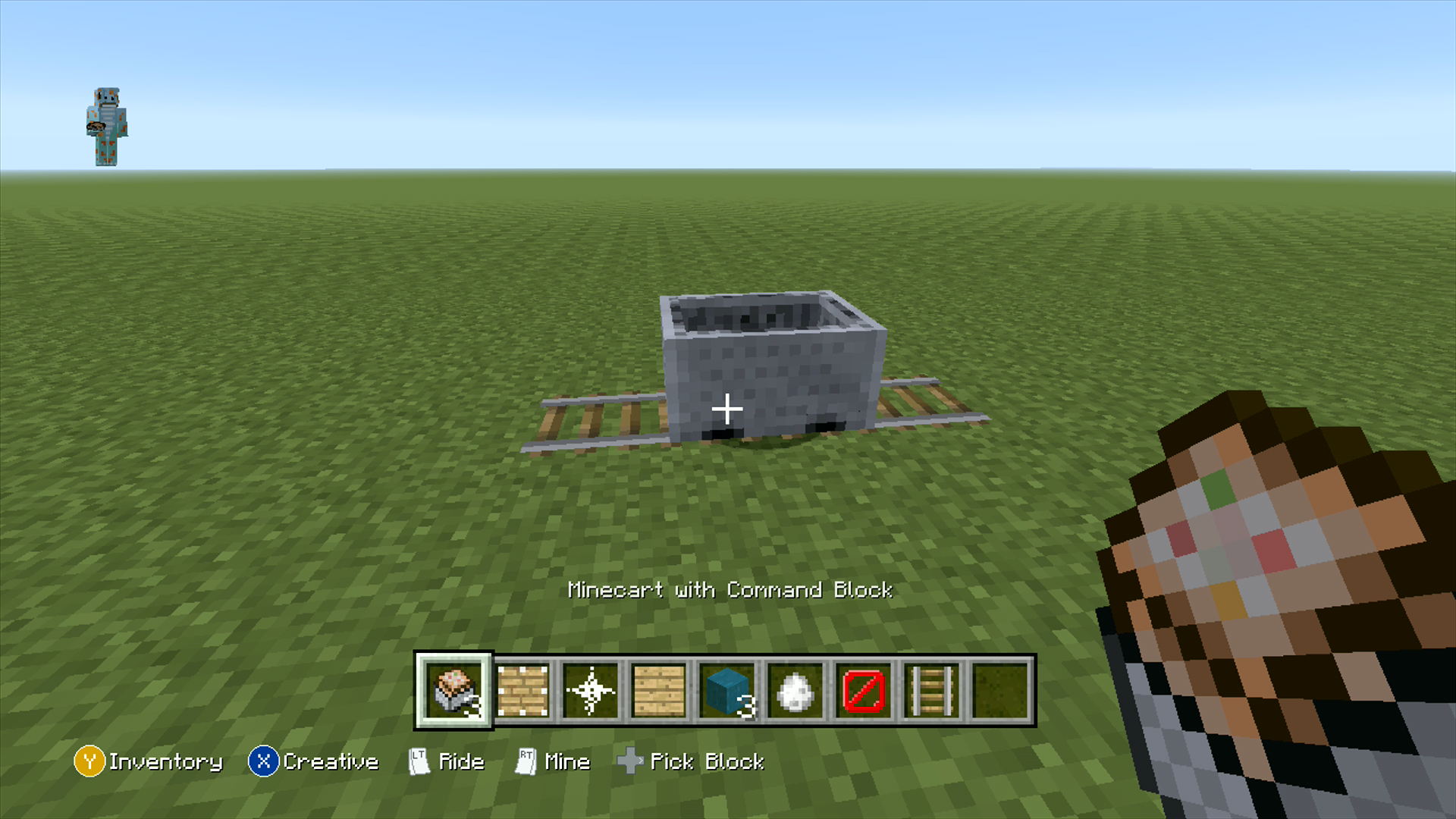
The physical disc version displays this splash screen before loading the game. Also, the disc version is updated to TU9, while the digital version is TU0.
Debug Menu#
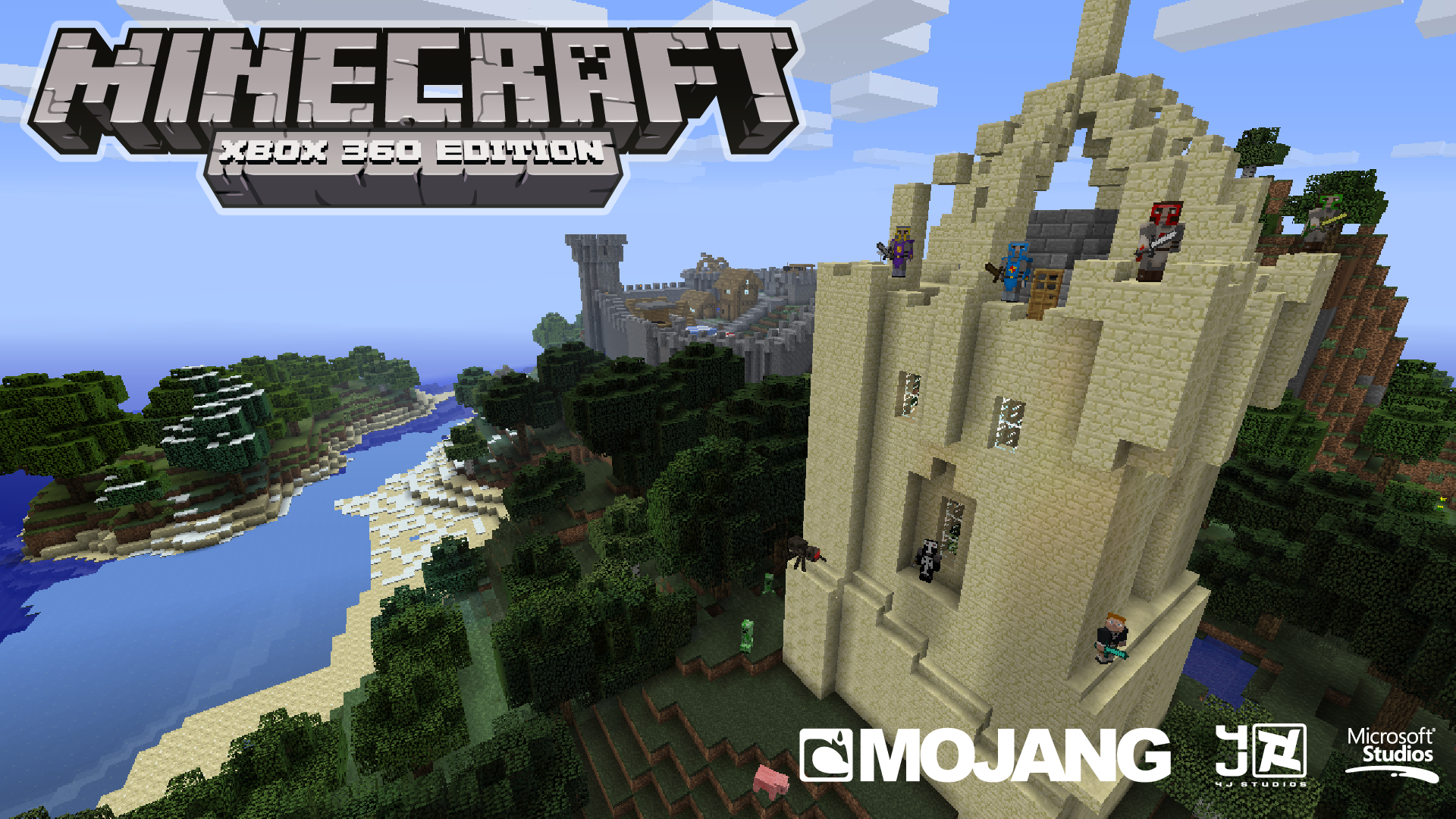
A debug menu exists in the game. It's currently unknown how to activate it in-game, but it can be accessed with hex editing. The debug menus only work on TU1 and below. Later updates disabled and added more debug menus, such as schematic creators, item editors, fill area, and much more. Supposedly, the debug options were accessed by a hidden "Debug Settings" button in the xur.
Debug Options |
Debug Menu |
|---|---|
 |
 |
(Source: james2452)
Facebook Integration#

|
To do: |
Watch on YouTubeThe game initially had a feature where you could take a screenshot and upload it to Facebook. Upon doing so, you were given a free dashboard theme. This was later removed in an unknown update.
Trial Mode World#

|
'This page or section details content from theFebruary 2026 Minecraft Leak.''' |
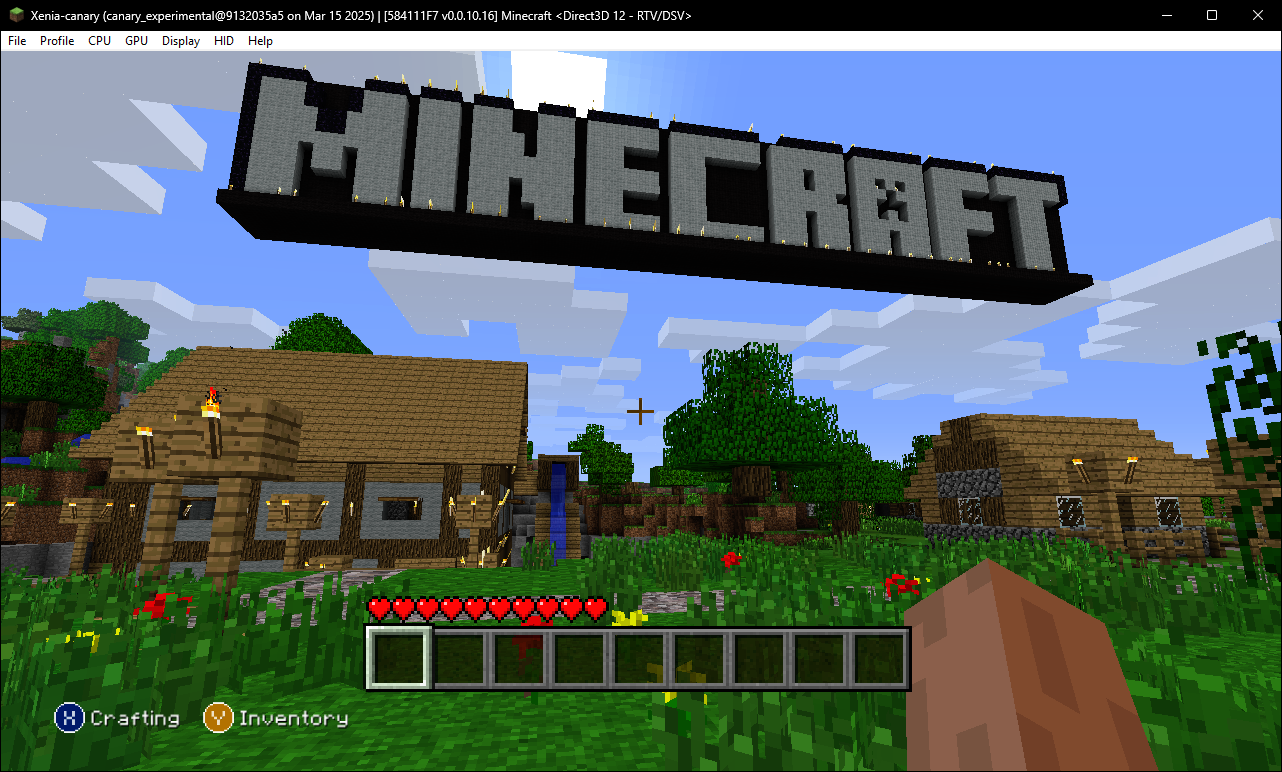
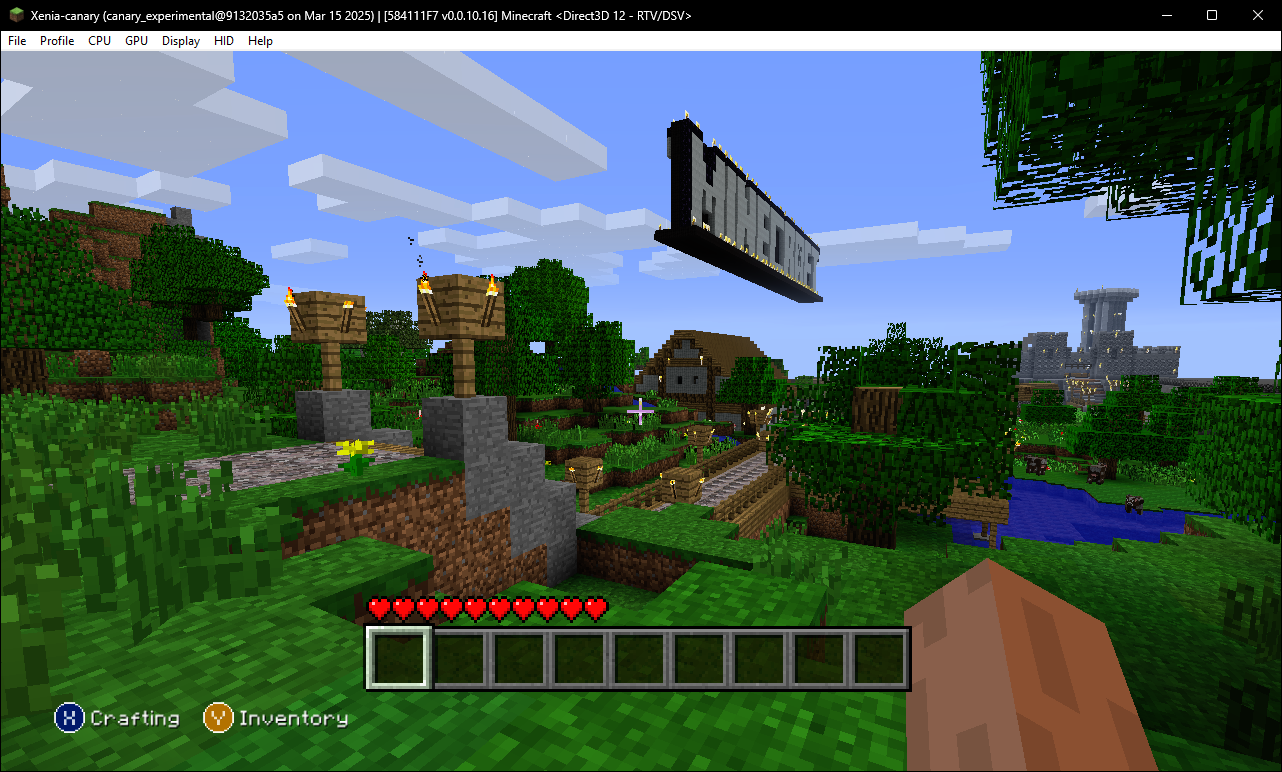
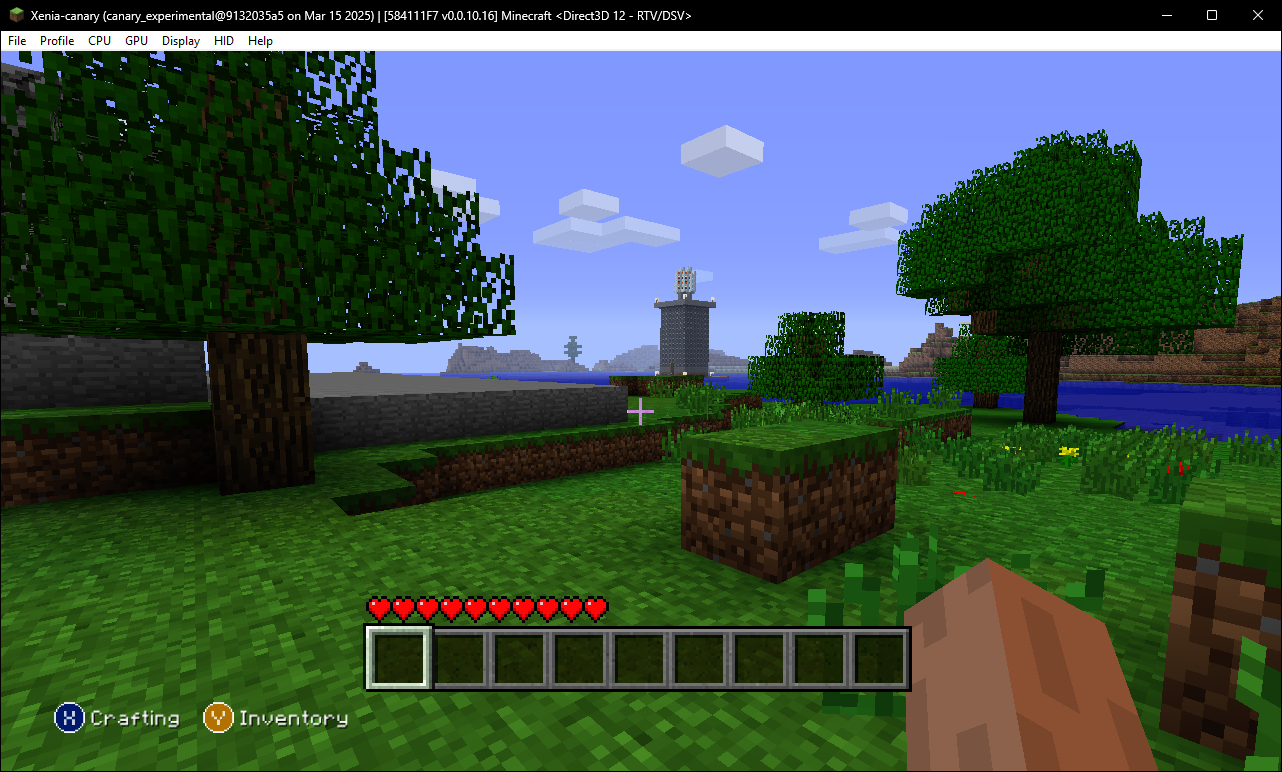
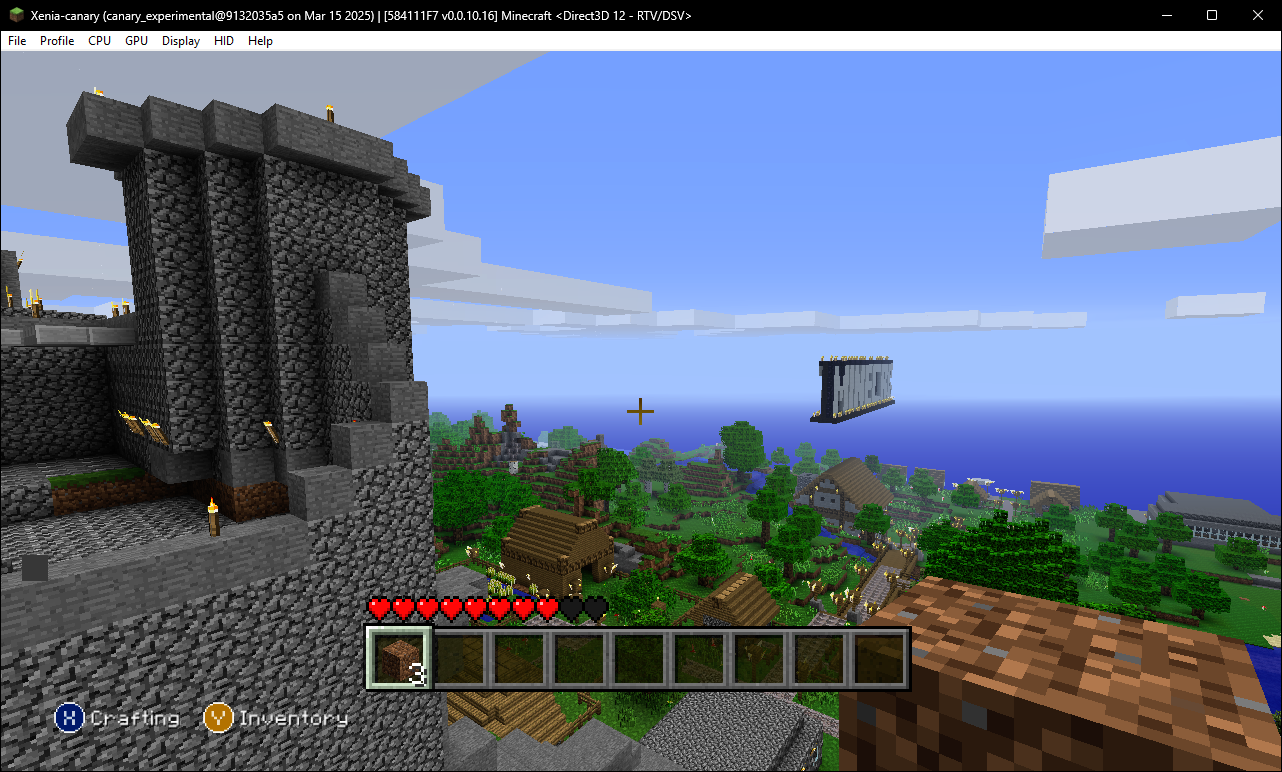
In the leaked Legacy Console Edition sources, there is a world found under Common/Trial/TrialLevel.mcs. The world cannot be opened through normal means, as the header written out for the decompressor is different from that of the final release.
The world happens to be a very early version of the Tutorial World, likely because they were probably working on a Trial world before they scrapped it to work on making a tutorial world instead. It shares many common aspects with the normal tutorial world, with parts of the spawn town appearing in the final tutorial world in a different position.
It seems like the world size of this world was originally 512x512, as the world border terrain falloff begins ~15 blocks away, and new chunks get generated past the smaller border. This indicates that the old "classic" world size was 512x512. 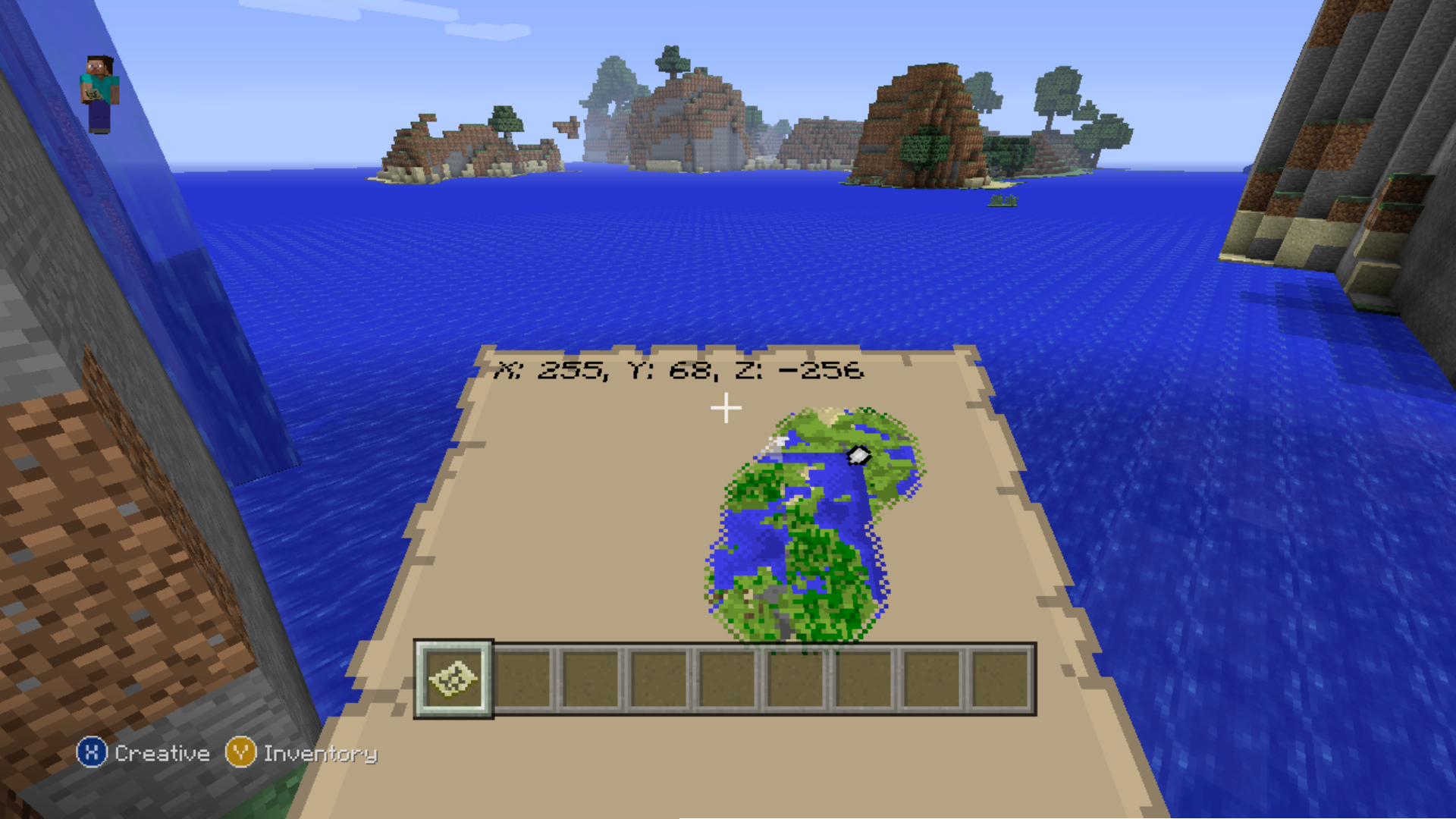
Gallery#
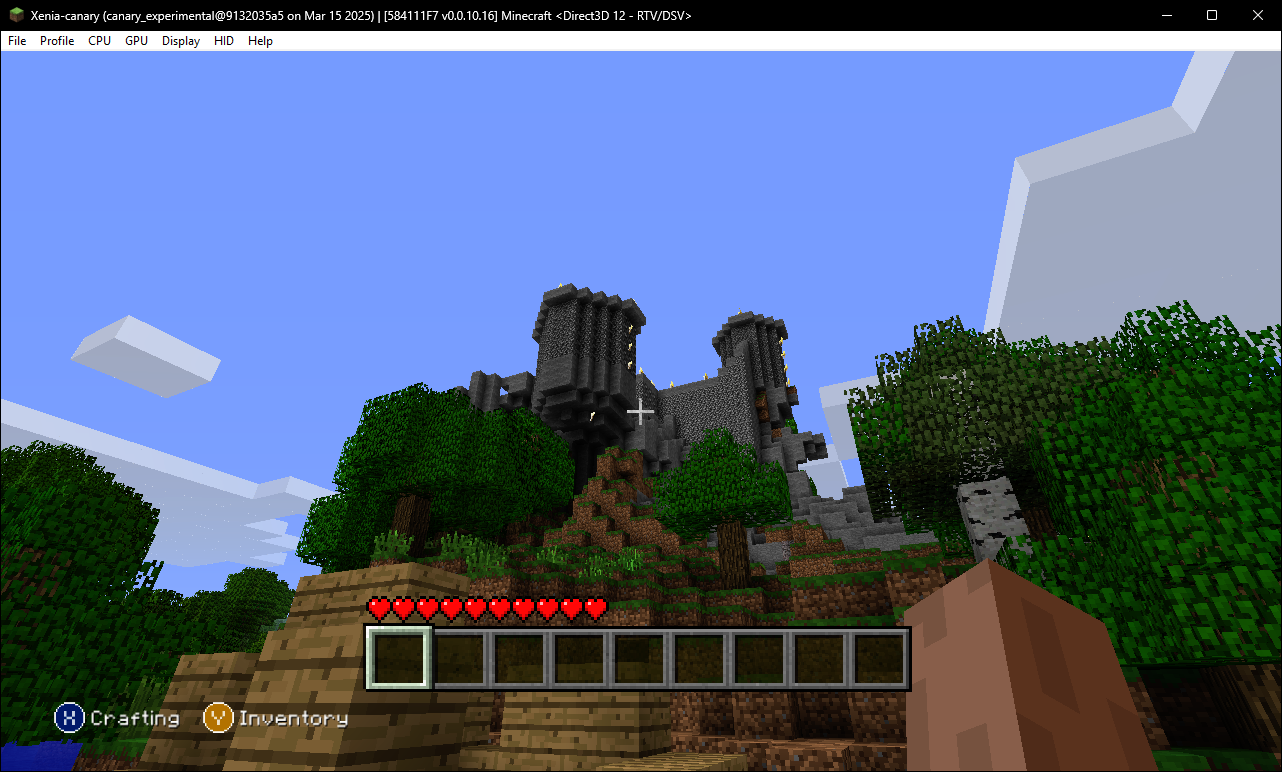
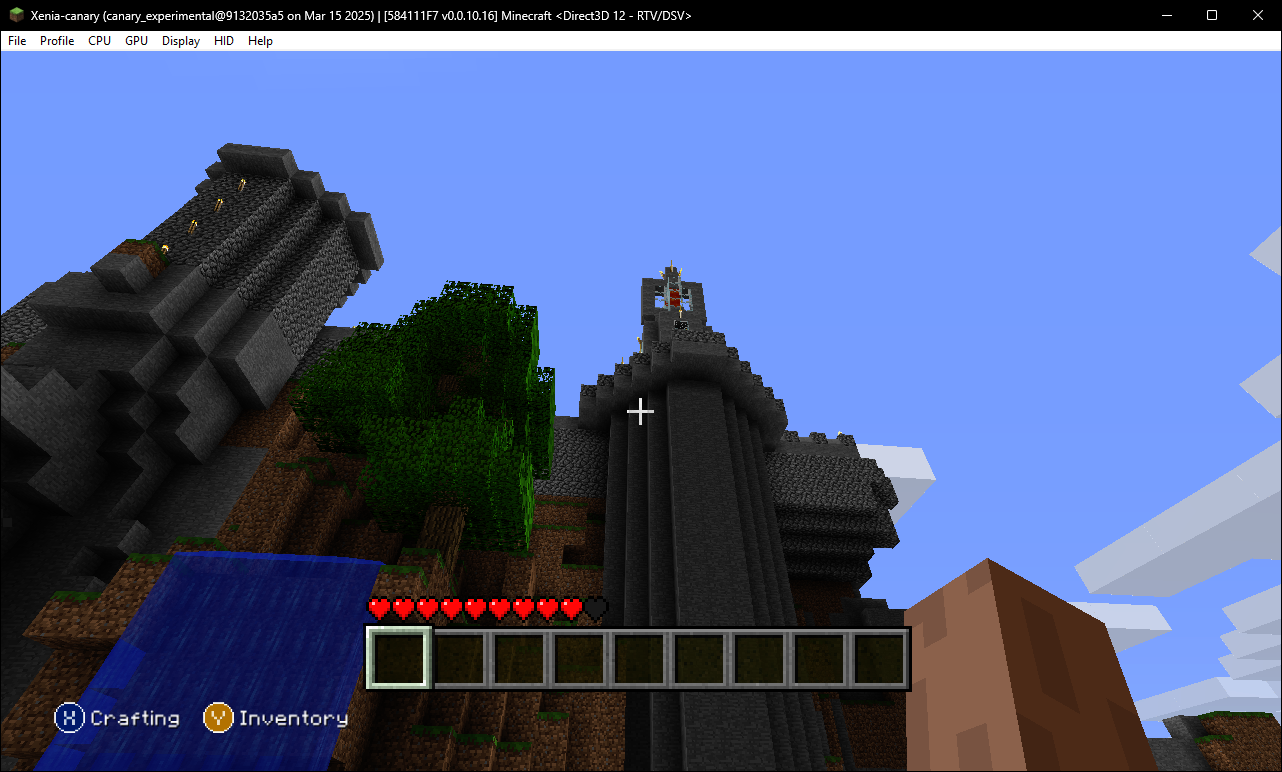
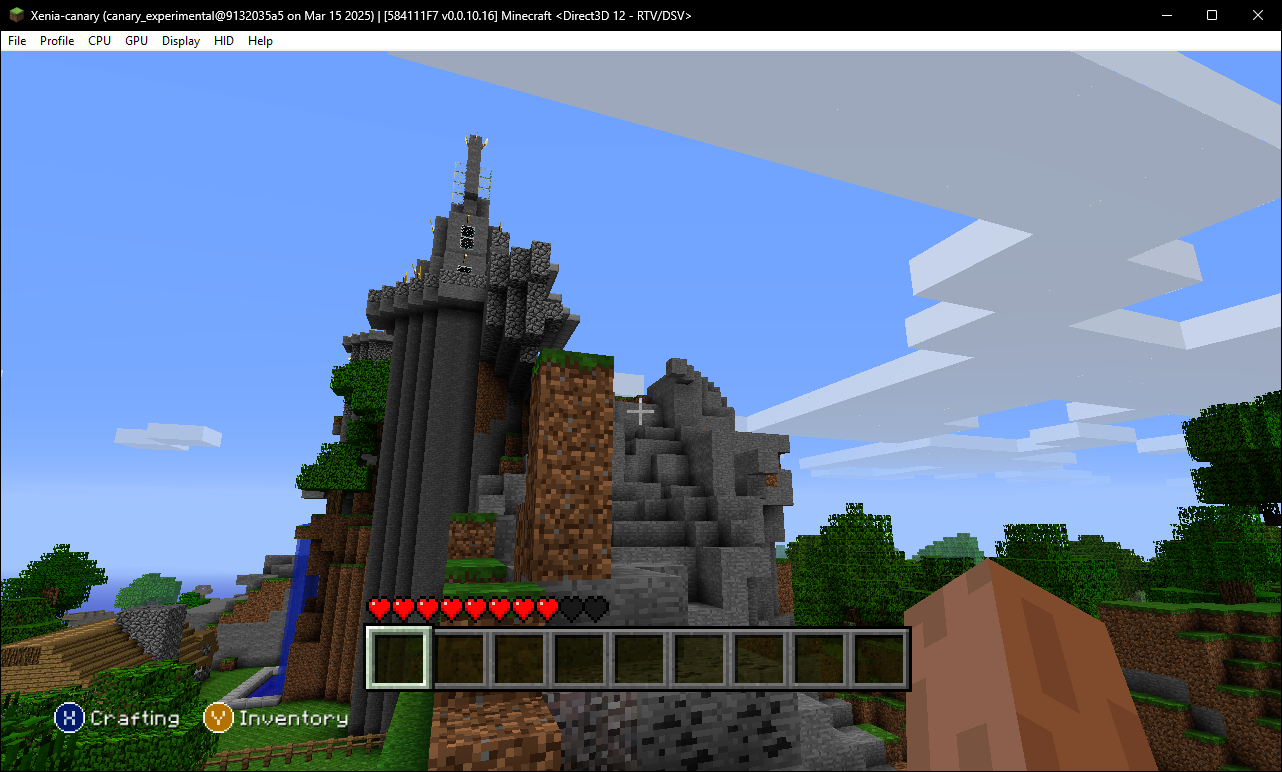
Castle#
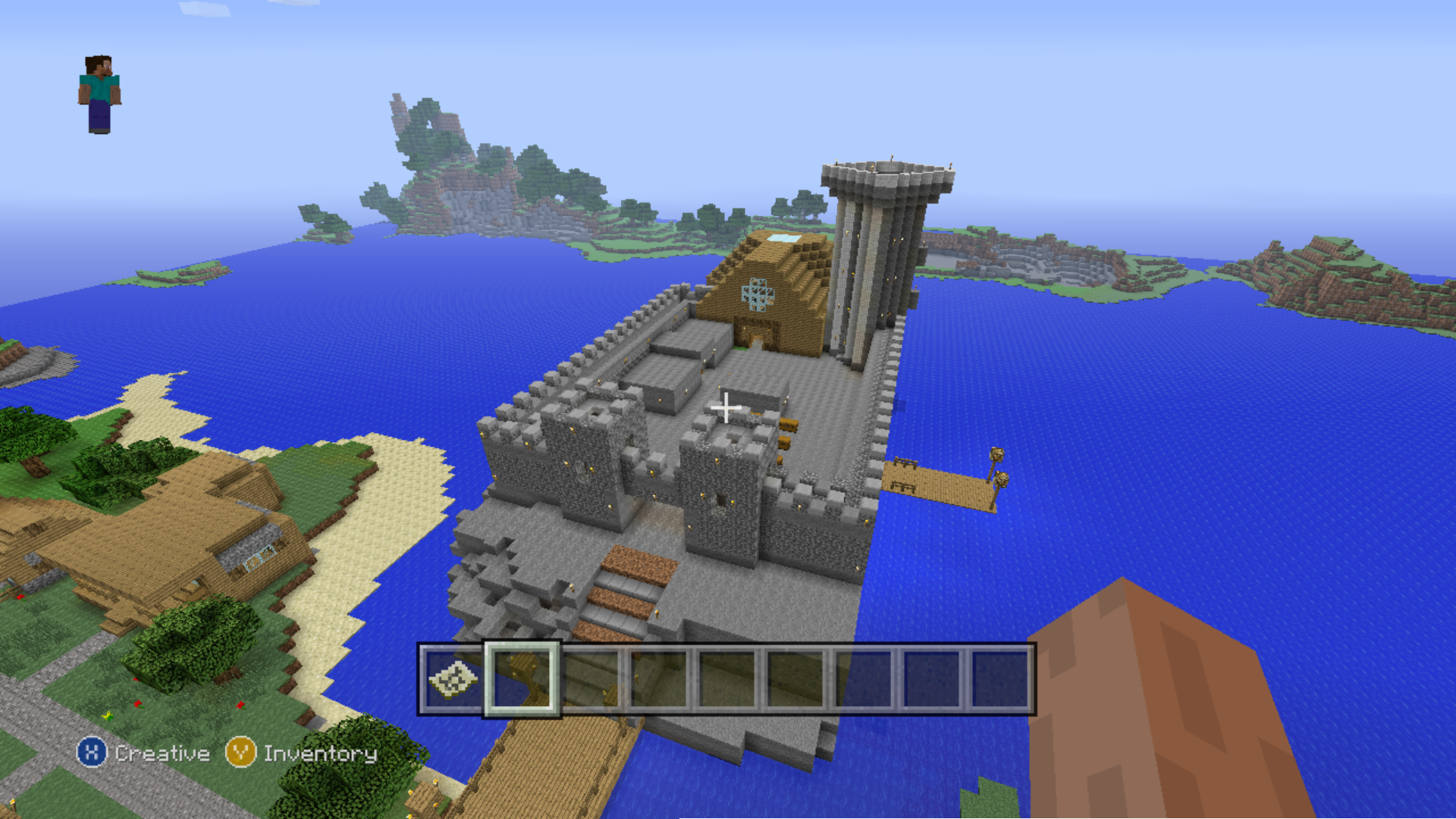
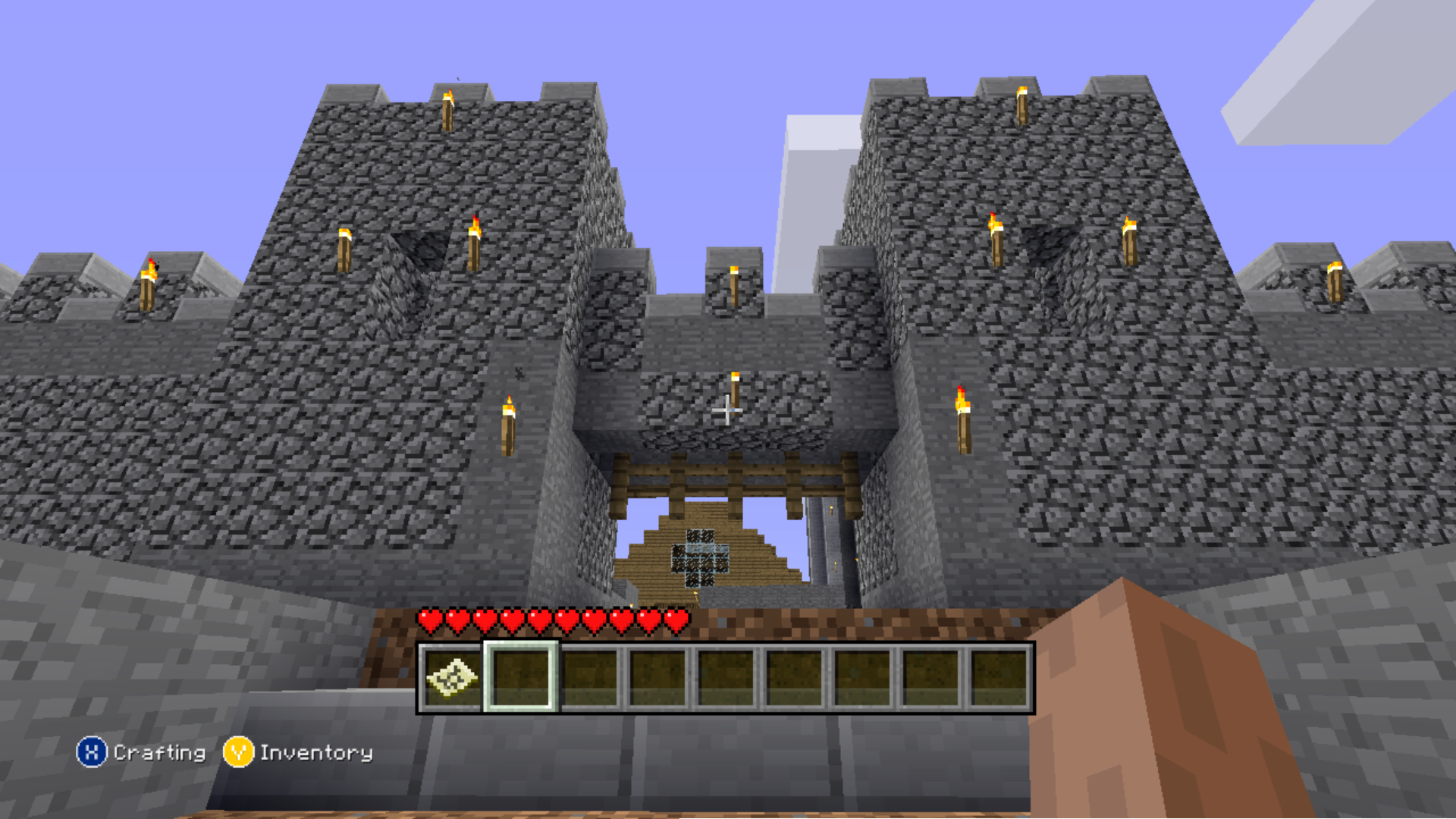
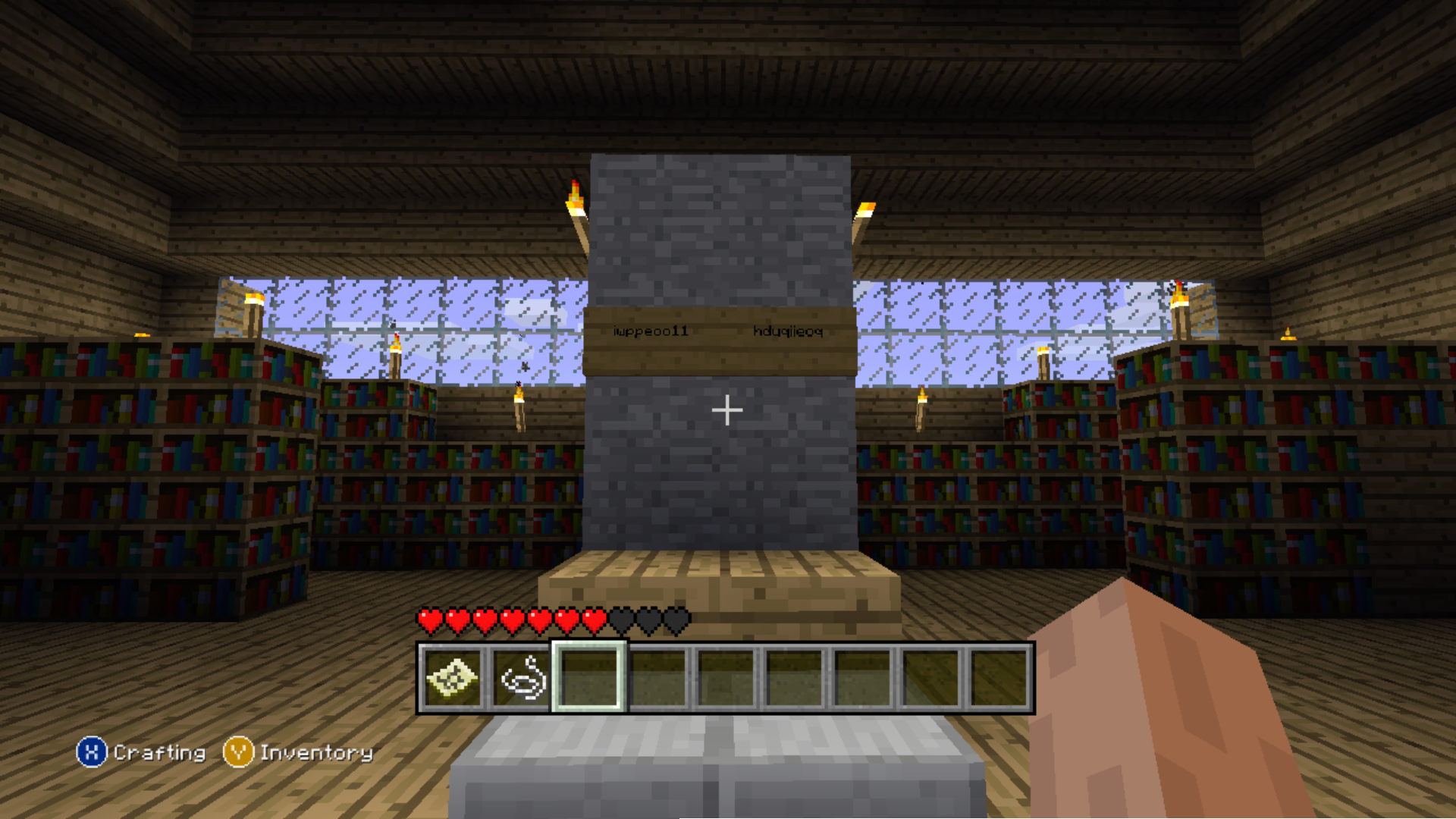
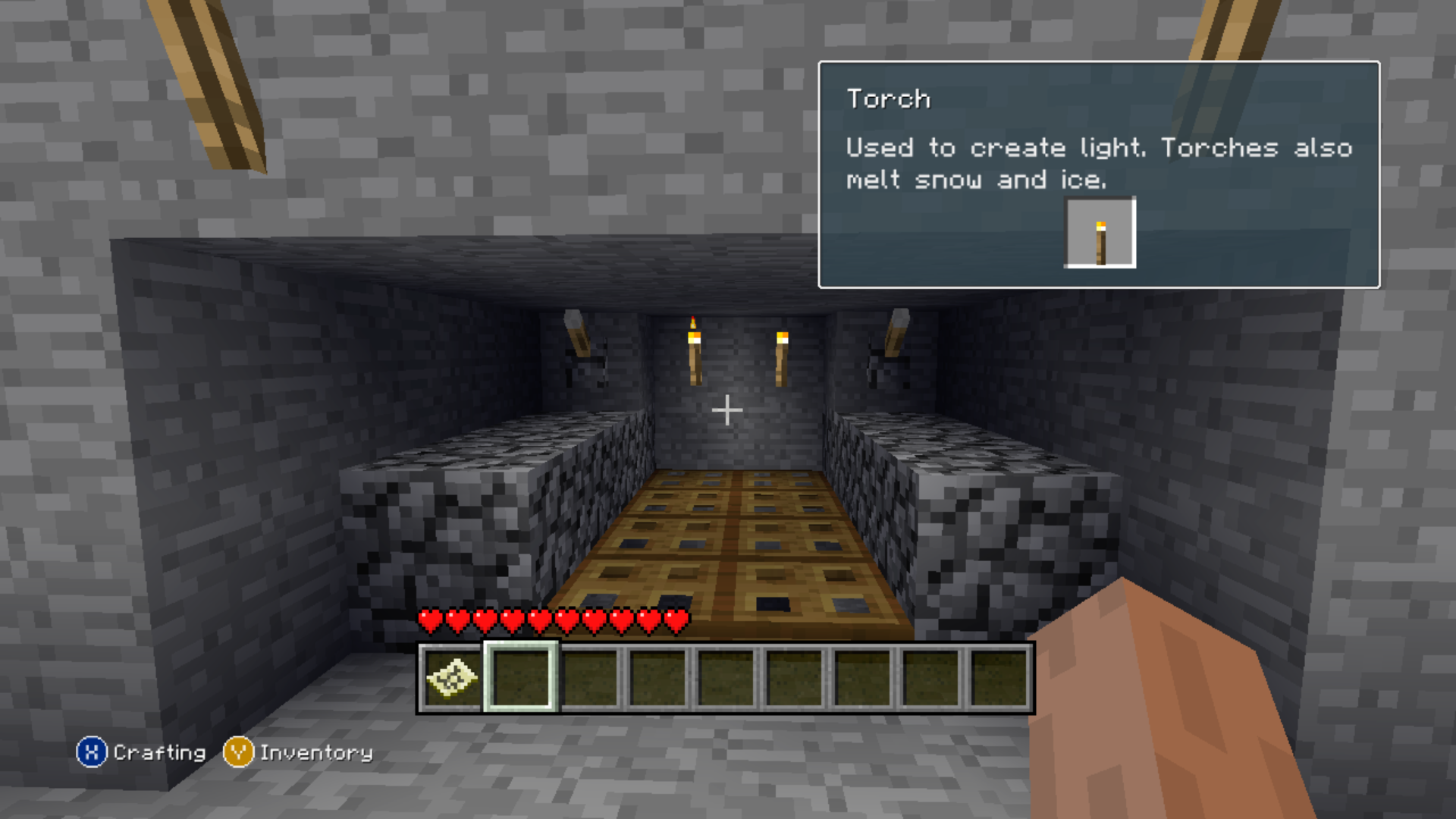
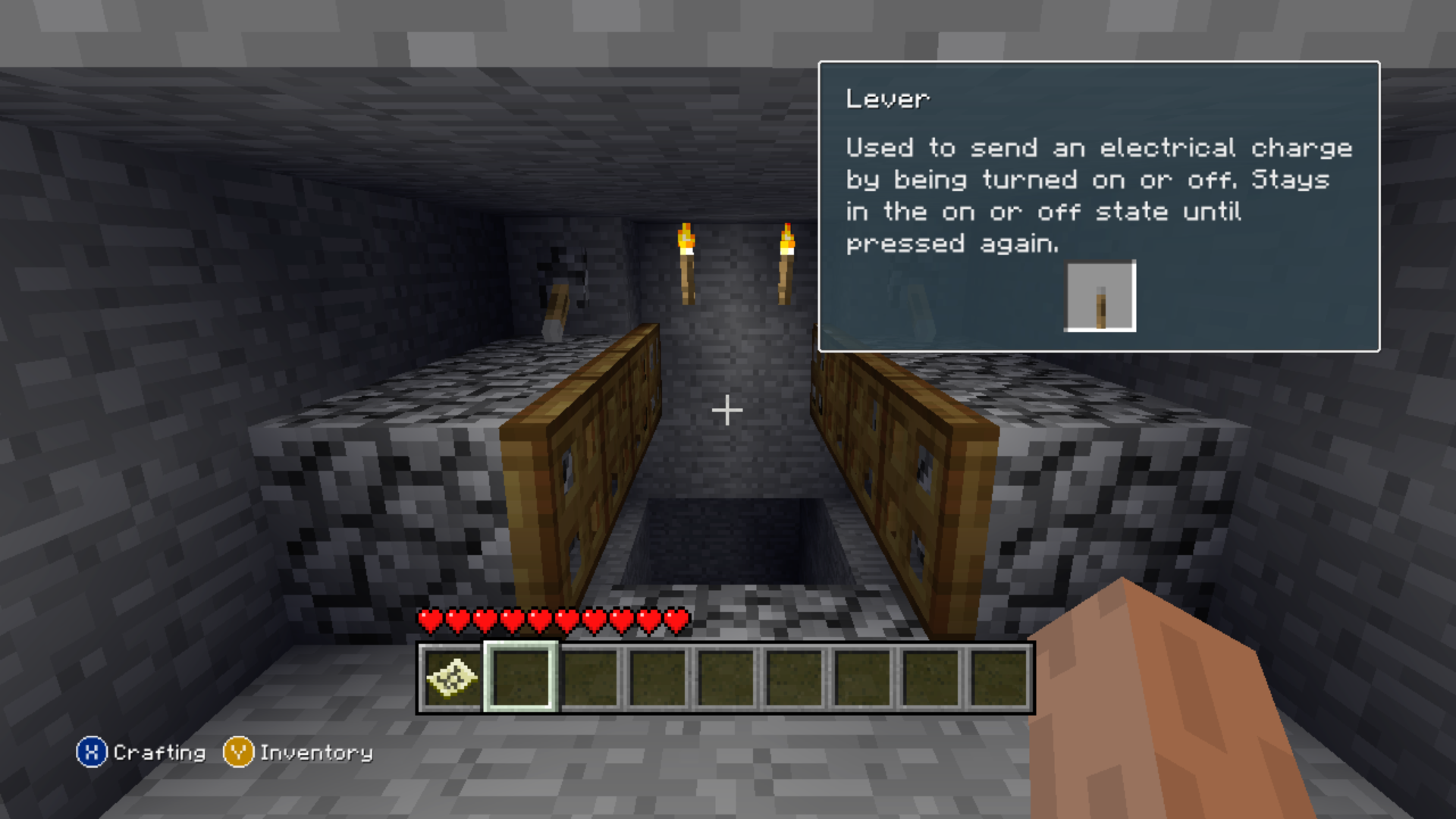
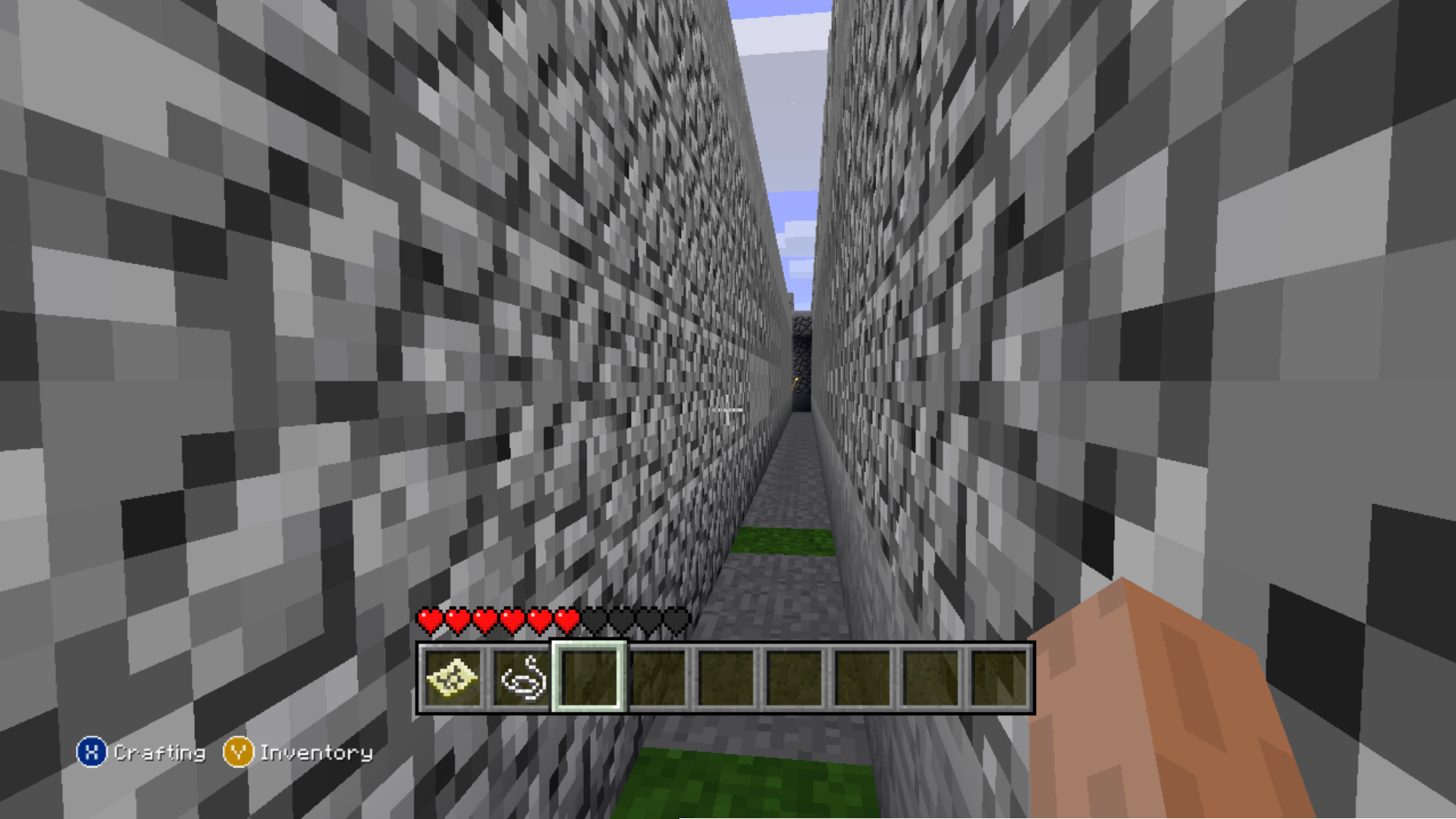
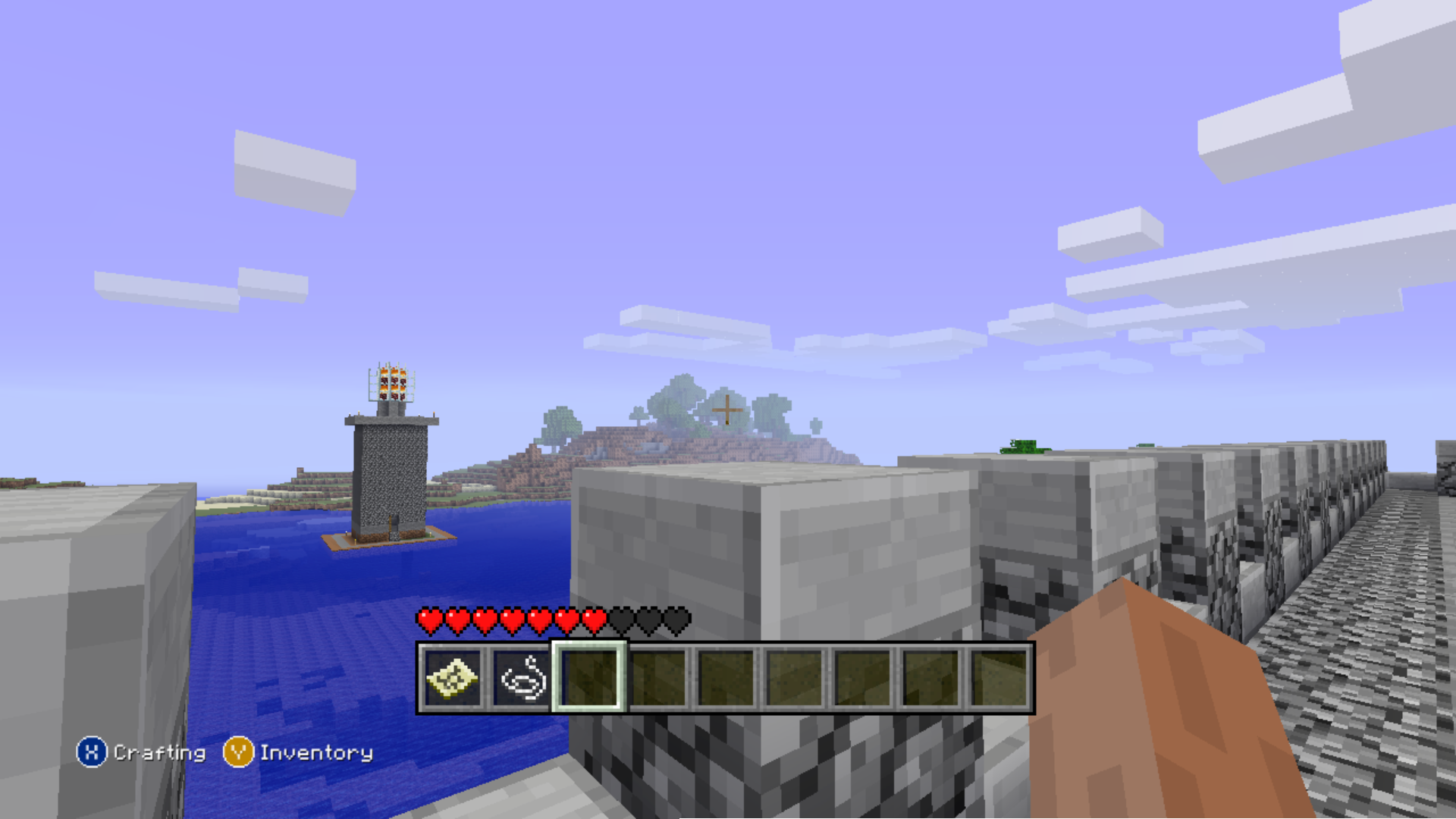
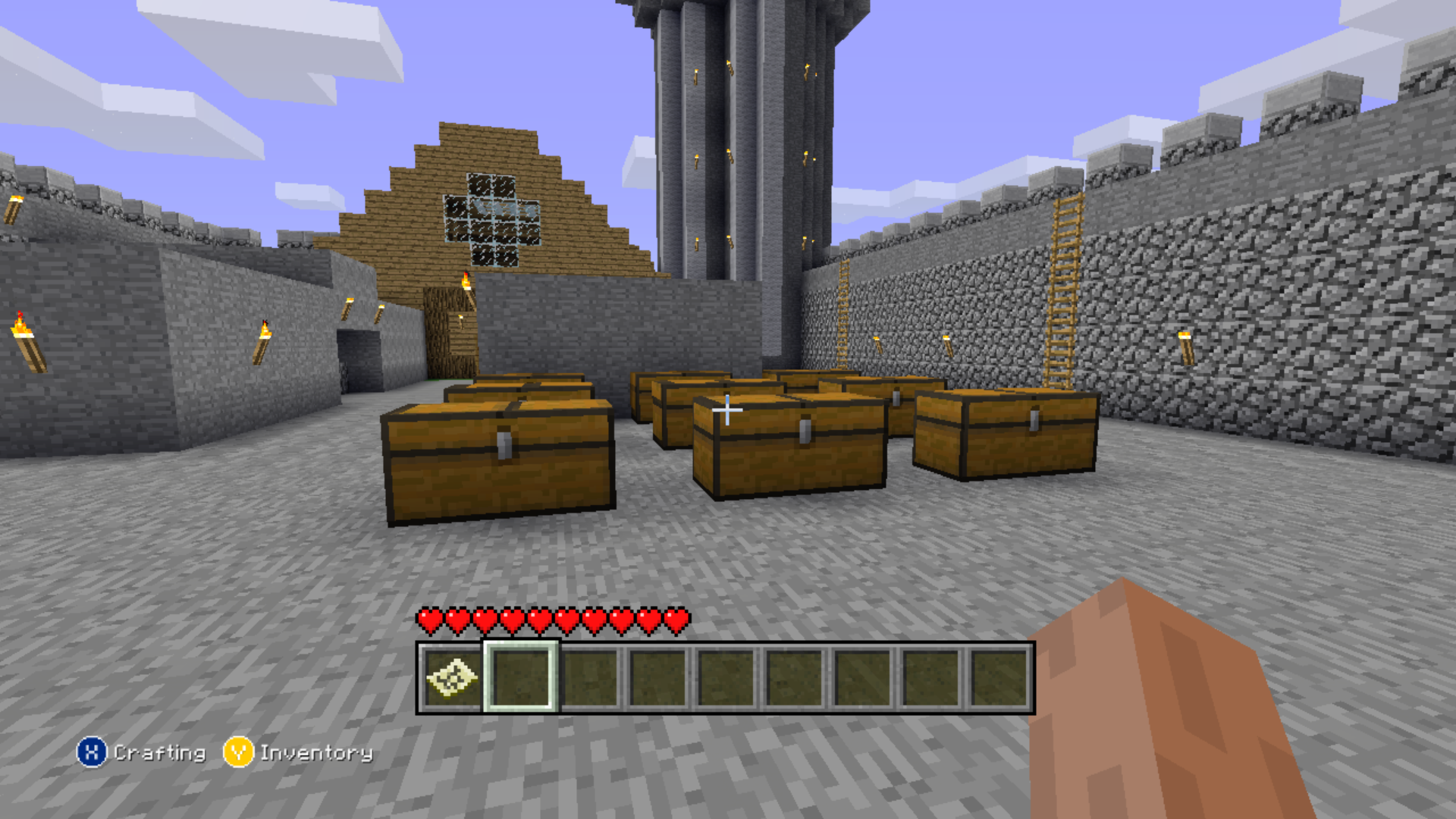
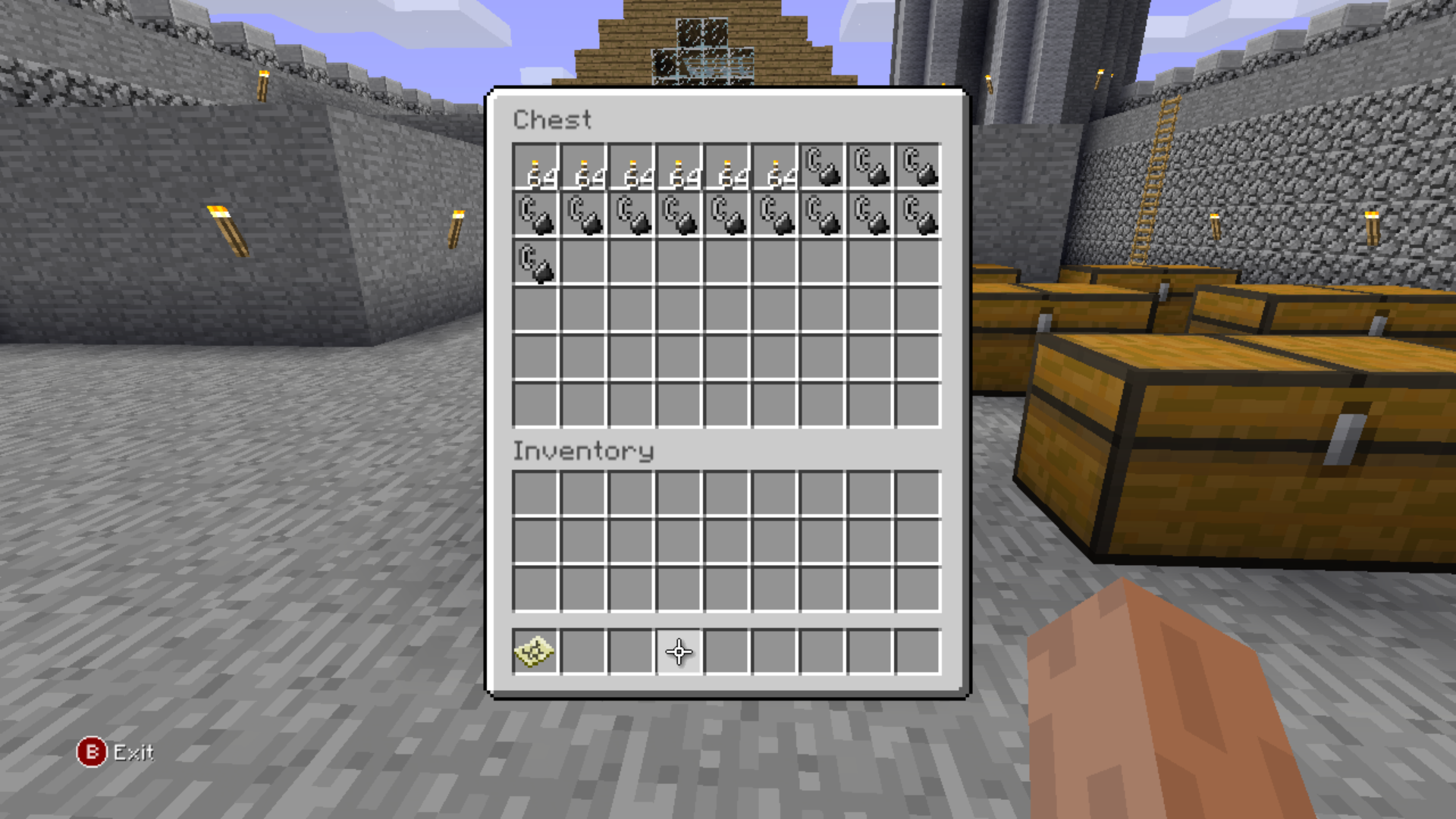
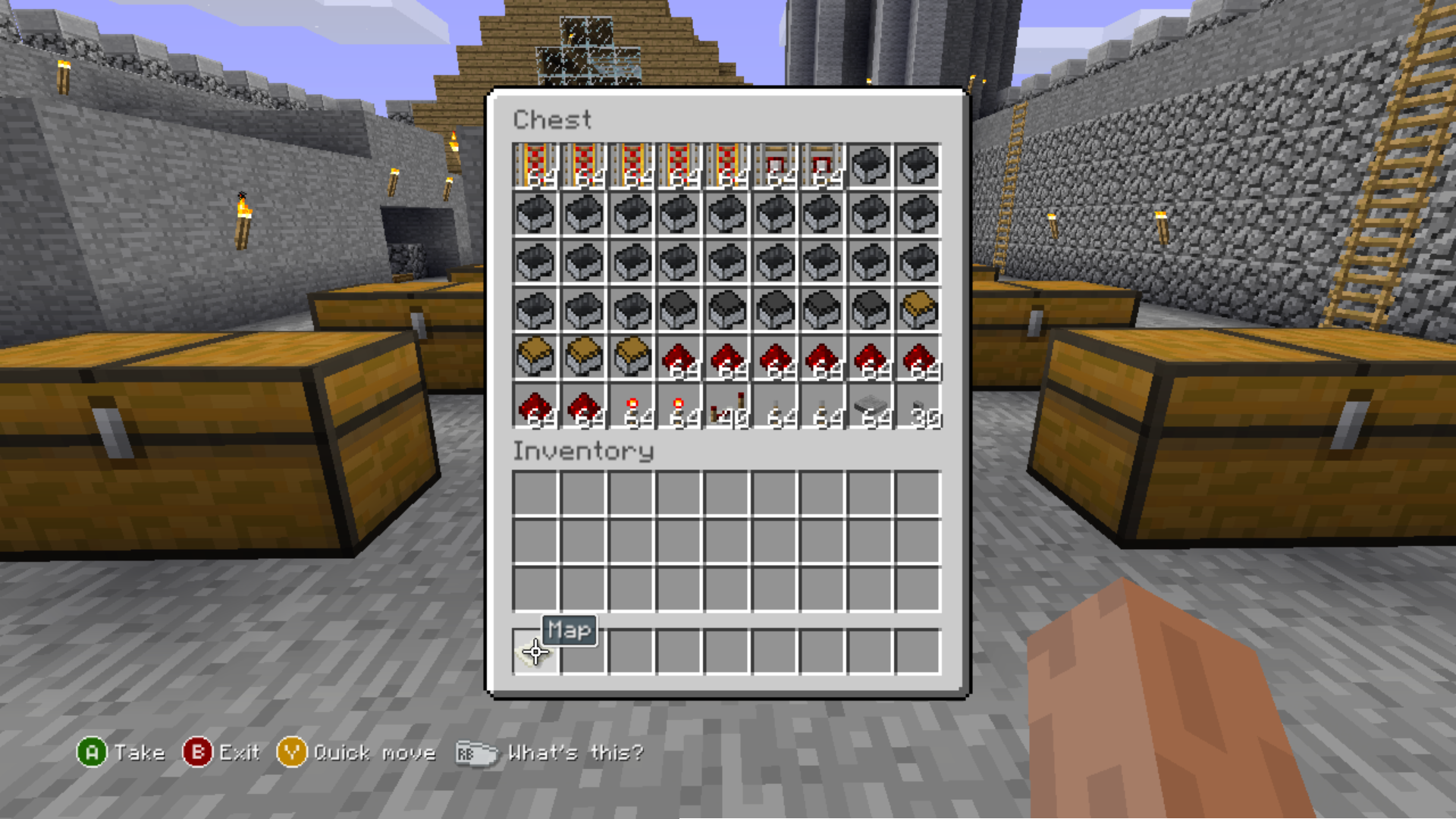
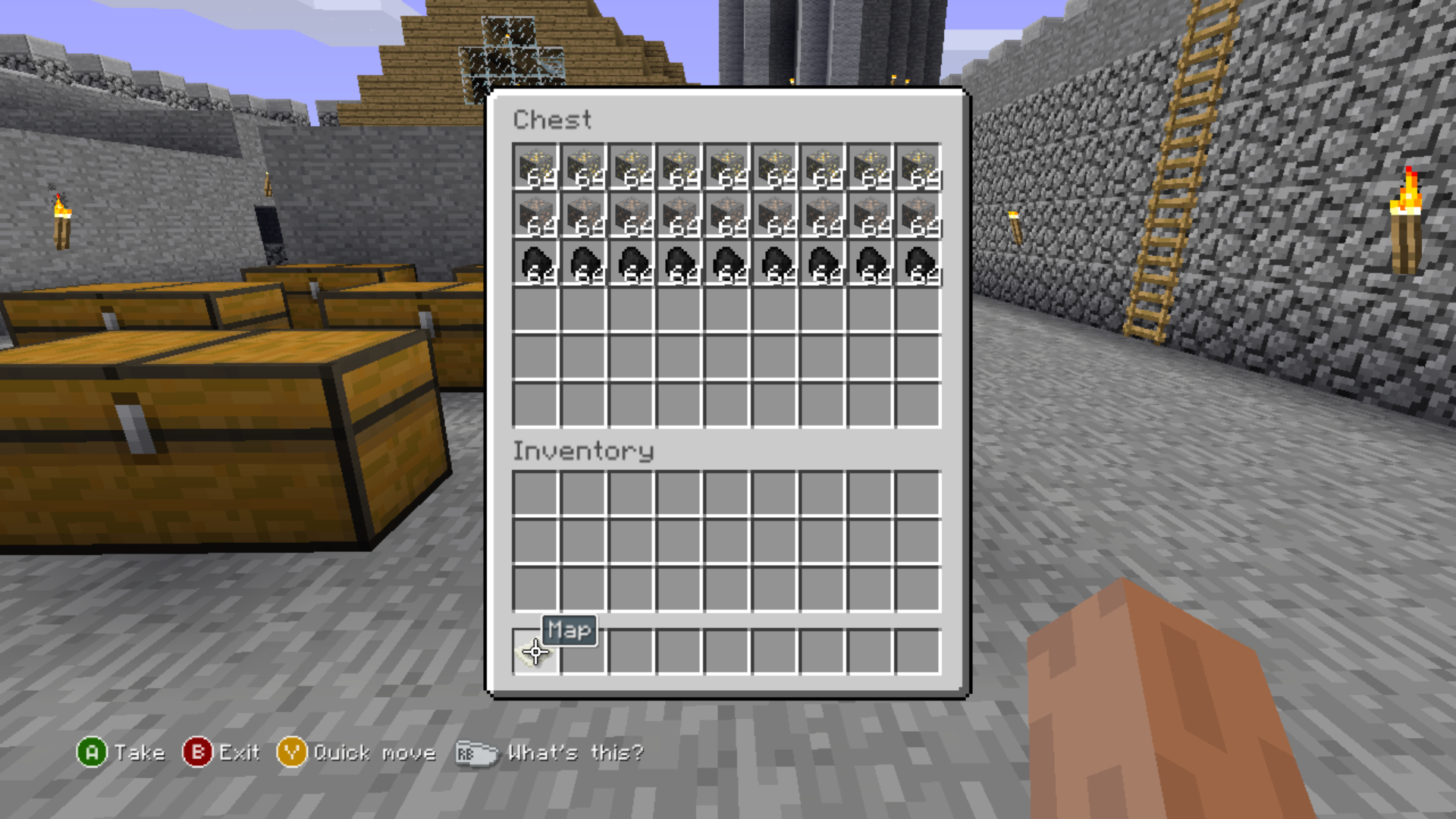
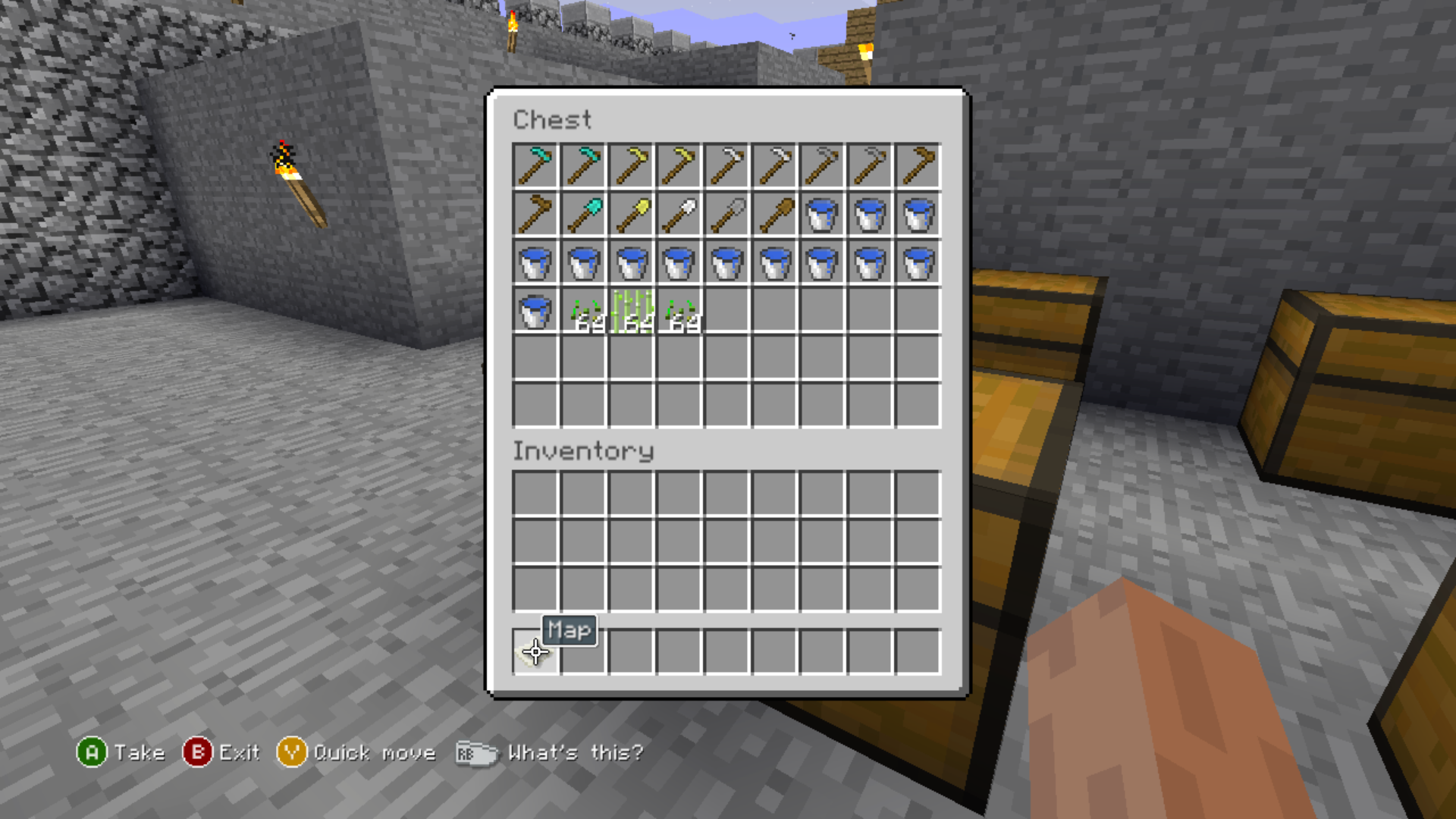
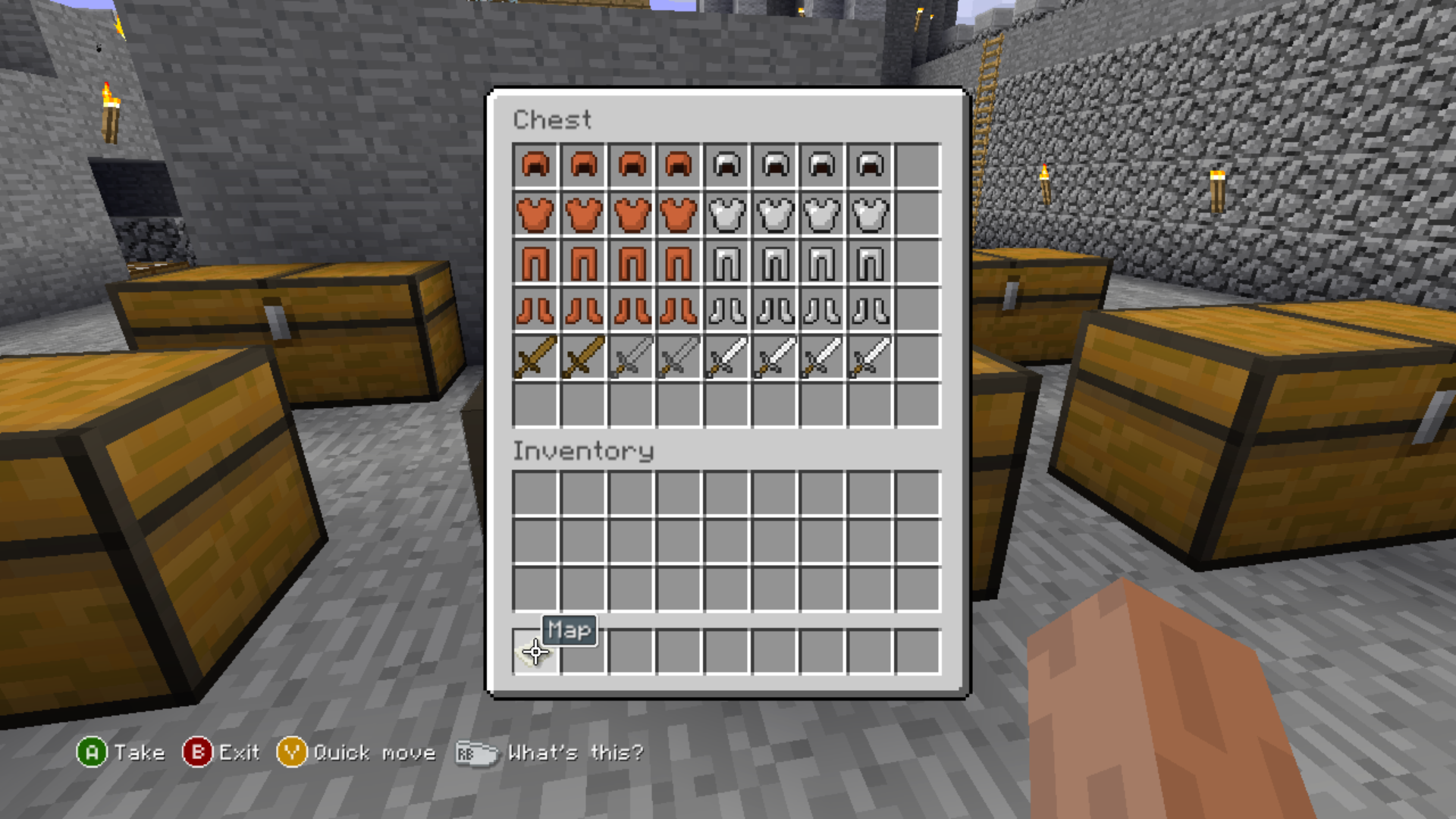
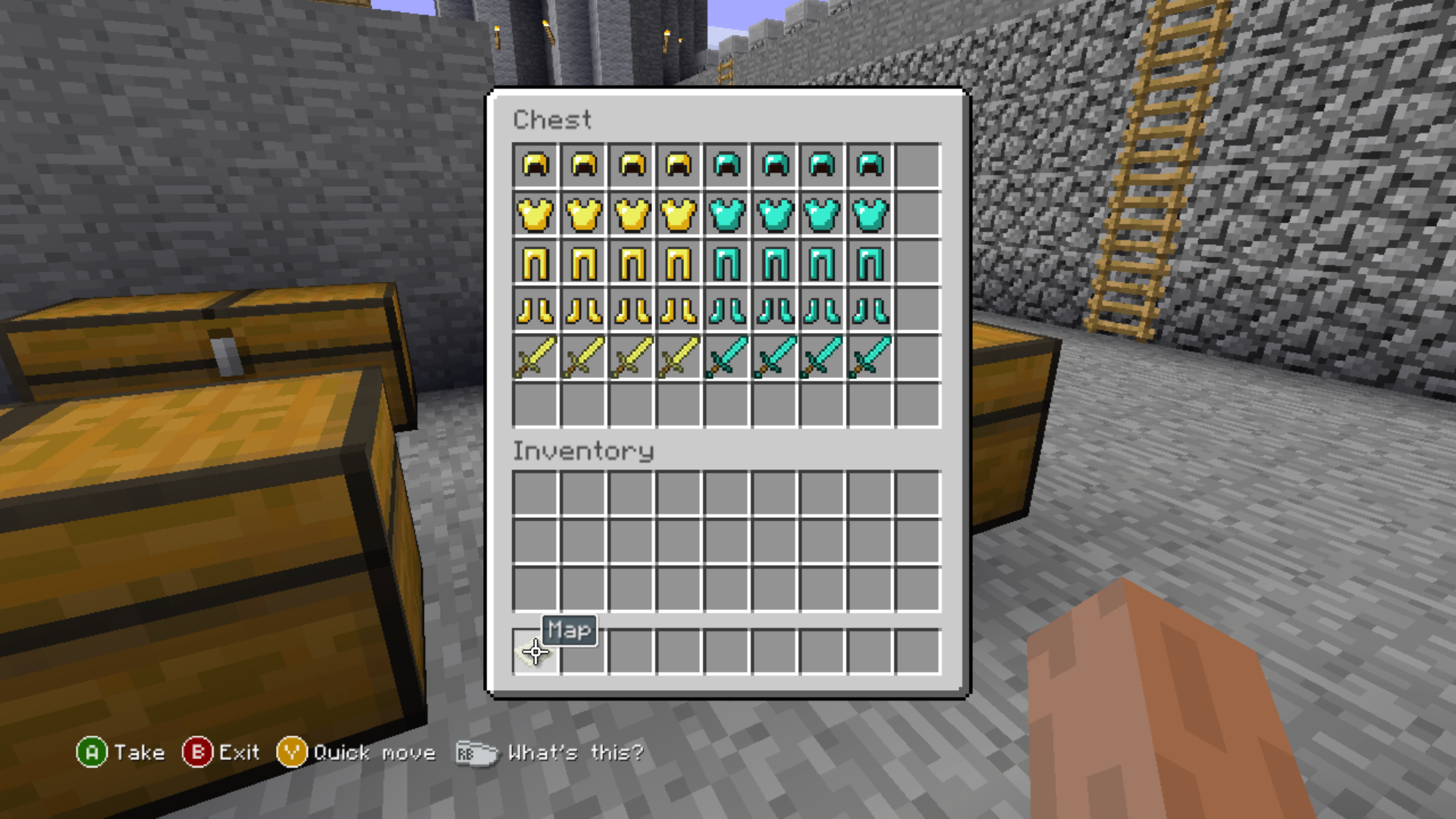
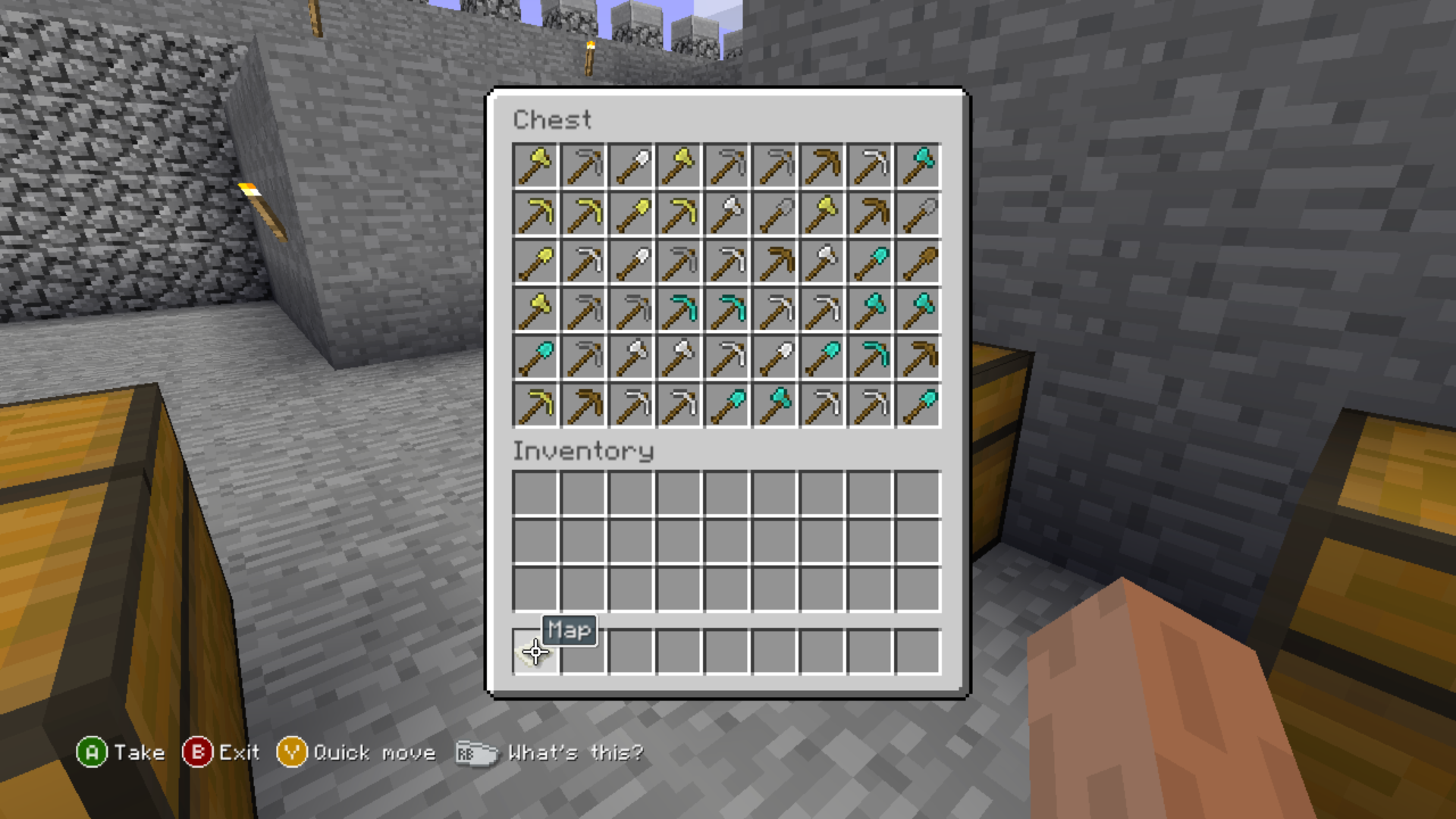
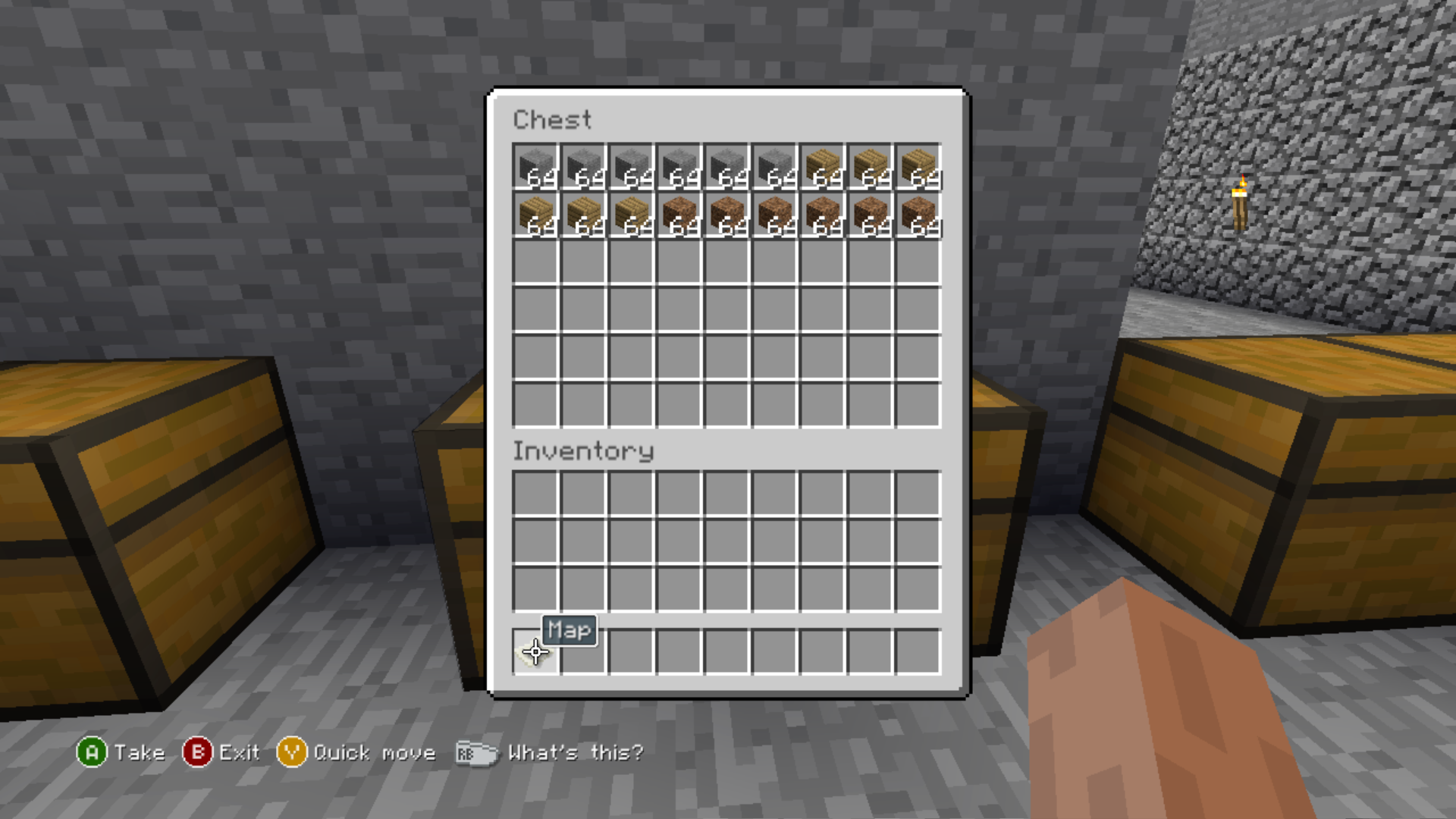
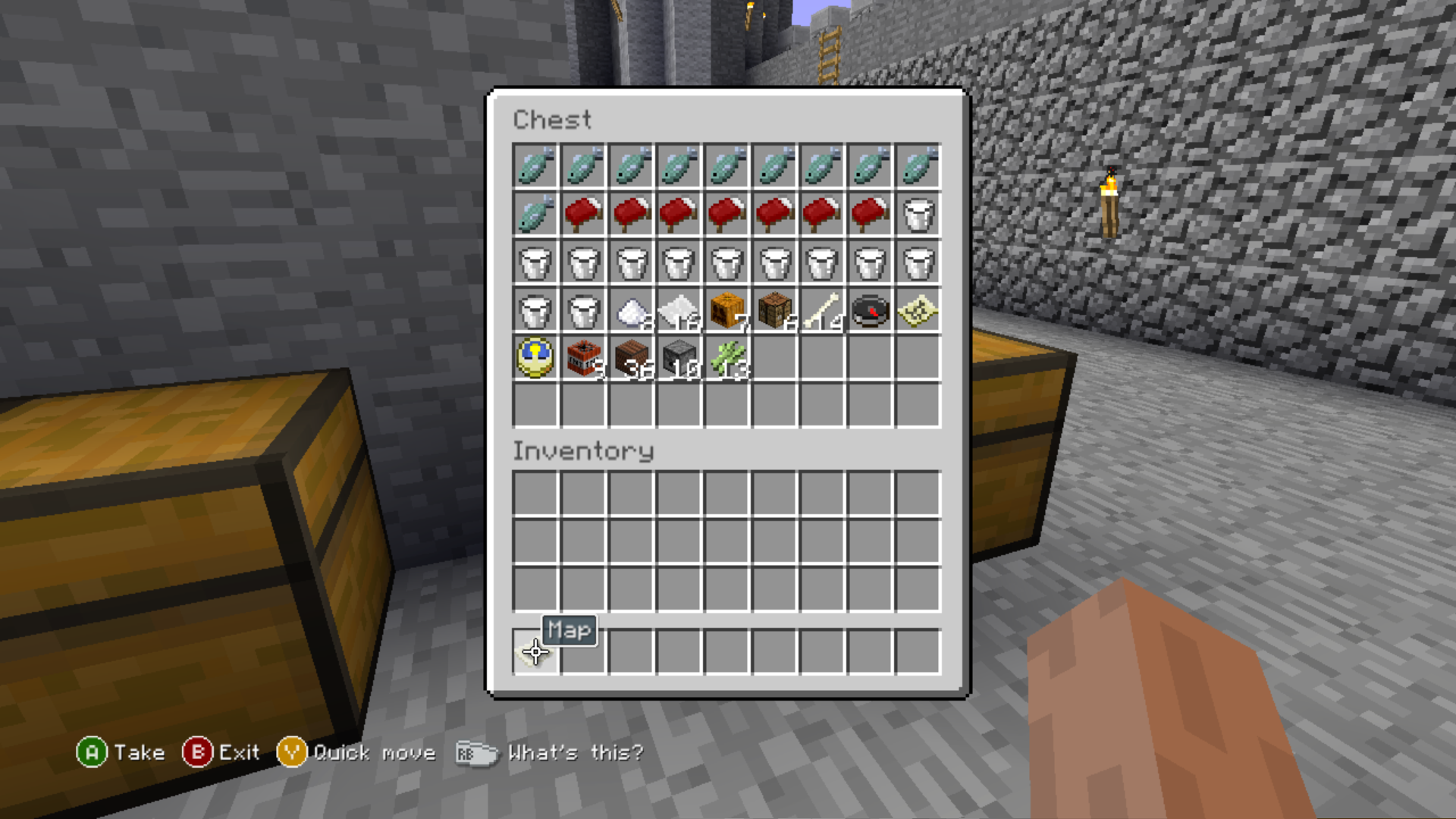
Debug Chests
In the castle are a set of chests with various items in it, likely for some sort of debugging or other test use.
Fixing the header#
Save files in the Xbox 360 Edition are compressed with LZX (aka XMemCompress or XCompress), however the expected compression header for 4J's Compression impl differs from the one seen in the already known prototype and release versions of the game.
Note: All values here are Big Endian.
Release/late prototype header:
Name |
Type |
Offset |
Info |
|---|---|---|---|
Decompressed file size |
uint32_t |
0x0 |
Unknown if this field is read by the decompressor |
Padding |
uint32_t |
0x4 |
Empty. |
Compressed file size |
uint32_t |
0x8 |
Size of the compressed data |
Early prototype header:
Name |
Type |
Offset |
Info |
|---|---|---|---|
Padding |
uint32_t |
0x0 |
Empty. |
Compressed file size |
uint32_t |
0x4 |
Size of the compressed data |
You can fix the header by performing the following:
- Get the total file size in bytes and save it, you'll need this later.
- Download a Hex Editor, such as ImHex or HxD.
- Drag the file into the hex editor, you will be met with a structure matching the early prototype header for the first 8 bytes.
- Add an int (4 bytes) starting at offset 0x00.
- Replace that int with the big endian hex value for the file size we grabbed earlier.
- The header now matches the expected release header, however the world is not inside an Xbox 360 CON container, so you may need an emulator or other tool to properly load it.
Trial Exit Game Screenshot#
In early versions, pressing exit game while the game is running in trial mode will display a screenshot. It would cycle through 8 different screenshots. However, after an unknown update it will just display an empty screen, possibly because the screenshots were never updated.
|
The Minecraft series | |
|---|---|
|
Java Edition | |
|
Windows, Mac OS X, Linux |
|
|
Bedrock Edition | |
|
Android, iOS, Nintendo Switch, PlayStation 4, Xbox One, PlayStation 5, Xbox Series X and S, Windows |
|
|
4J Studios' Legacy Console Edition | |
|
Wii U |
|
|
Nintendo Switch |
|
|
Xbox 360 |
|
|
PlayStation 3 |
|
|
PlayStation Vita |
|
|
Other Legacy Editions | |
|
New Nintendo 3DS |
|
|
Spin-Offs | |
|
Windows |
Minecraft 4K (Java) • Brickcraft • Story Mode (Prototypes) • Story Mode: Season Two (Prototype) • Dungeons • Legends |
|
Mac OS X |
|
|
Android, iOS |
|
|
Nintendo Switch, PlayStation 4, Xbox One |
|
|
A Minecraft Movie | |
|
HTML5 |
|