This is a sub-page of Minecraft (Bedrock).
There are several items in the game that can only be obtained with inventory editors, which makes these items unused. Some of the blocks associated with these items might seem unused, but all blocks listed here are actually used, just unobtainable in this form. Any item displayname containing tile. and .name is a generic placeholder.
Water & Lava Blocks#
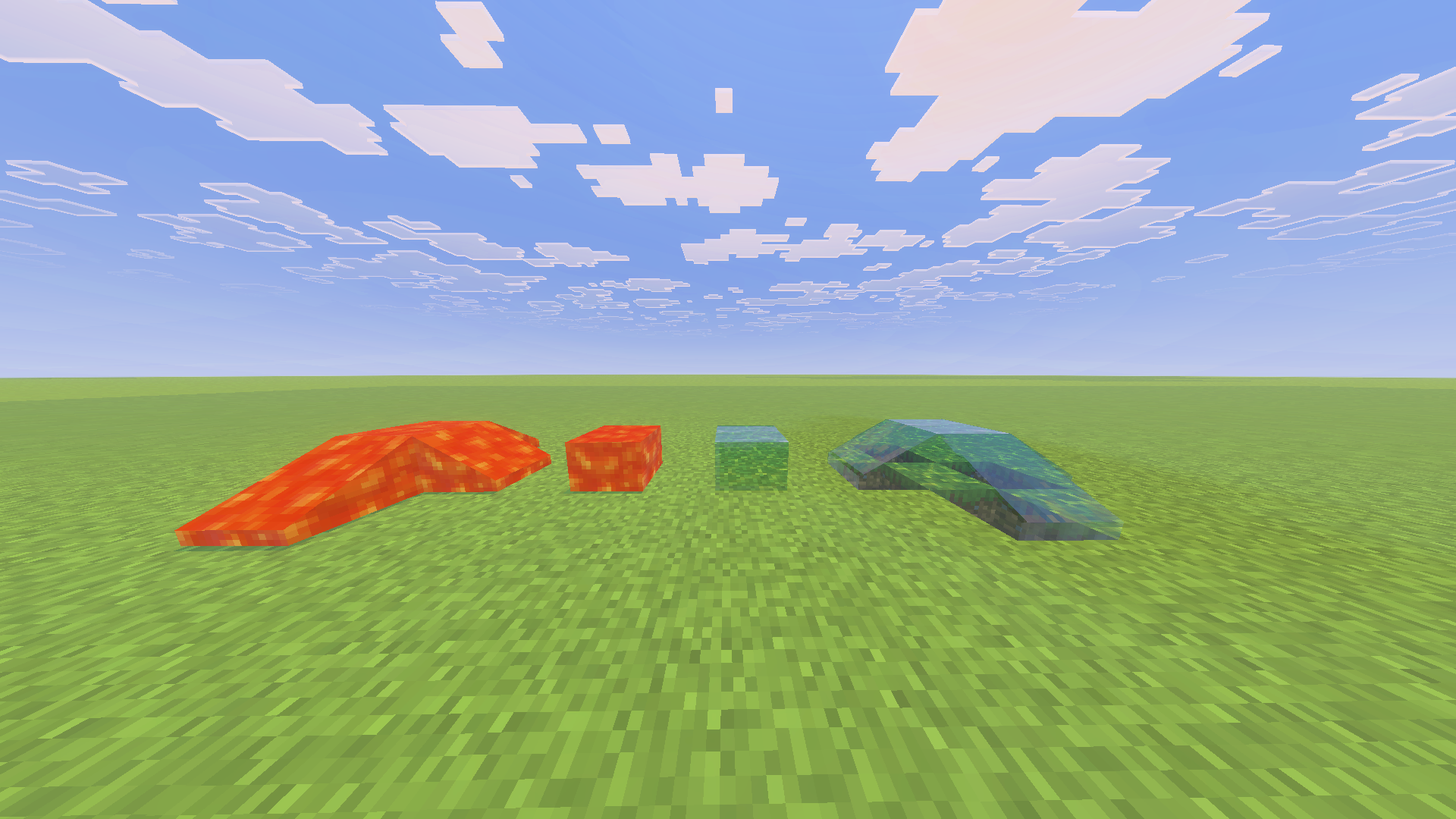
There are two variants of these blocks, static and flowing. The item icons for these items are animated, just like the normal water and lava blocks. Interestingly, when the water item is held by the player, the item slot renders blue, whilst the item model in the players hand renders gray. These items are in the item category Nature.
Item Icon |
ID |
Name |
Type |
|---|---|---|---|
 |
8 |
Water |
Flowing |
|
9 |
Water |
Static |
 |
10 |
Lava |
Flowing |
|
11 |
Lava |
Static |
Bed#
This item called bed reserves ID 26. This item when placed down places an invisible half of a bed. This block gets destroyed when trying to move it with a piston and drops a normal bed item.

Piston Arm Collision#
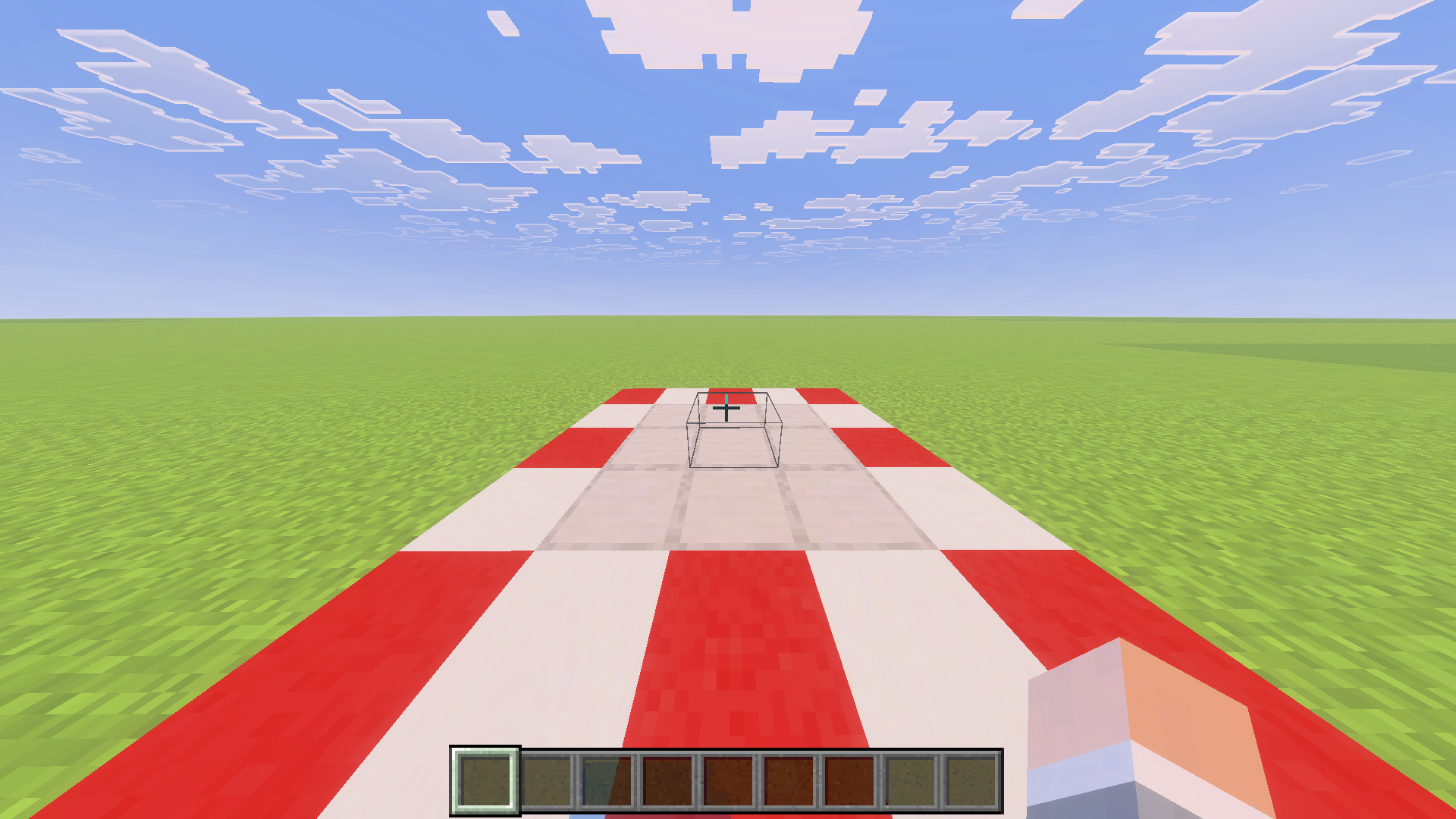
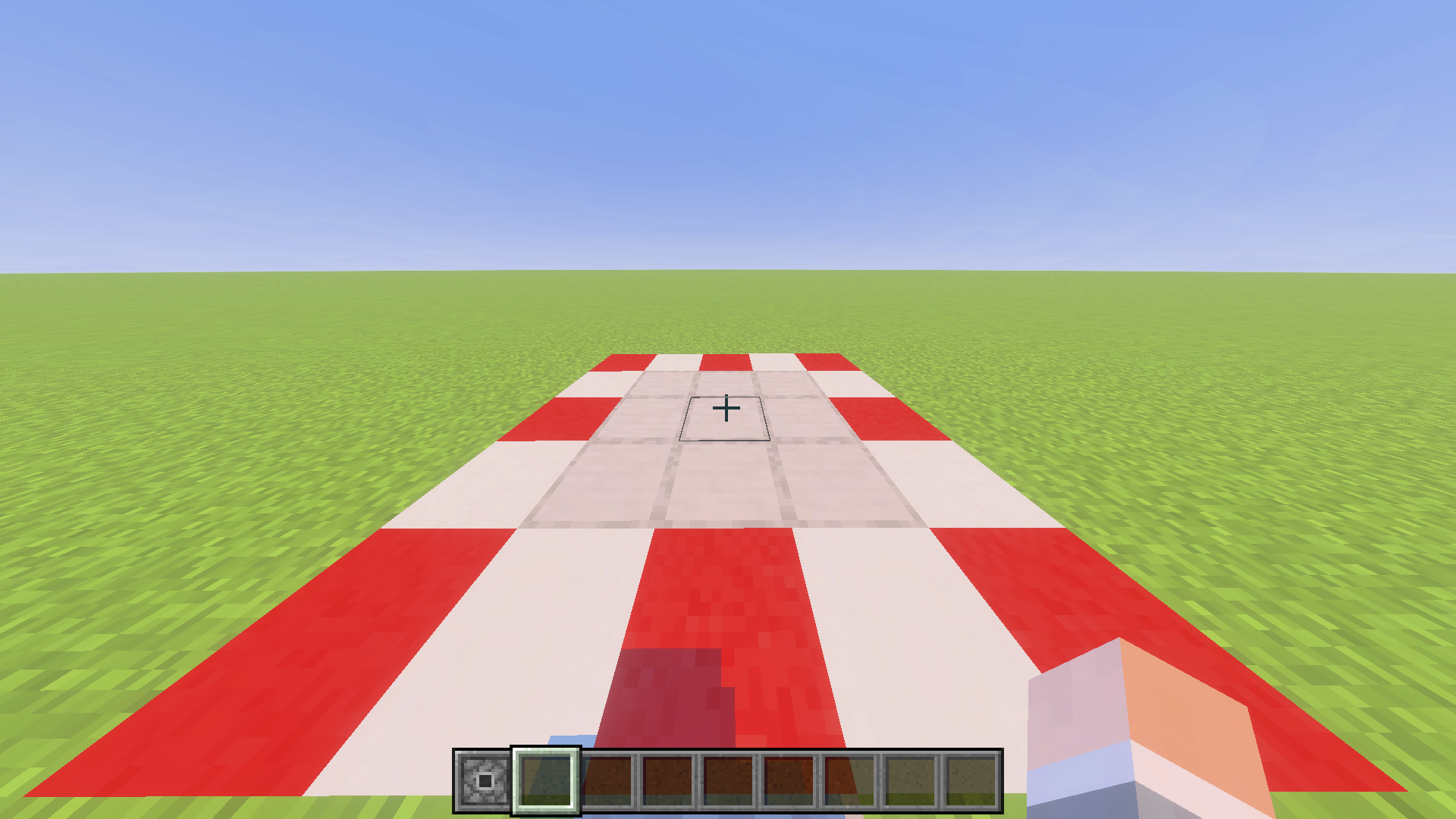
This item called tile.piston_arm_collision.name reserves ID 34. This item when placed down places an invisible block with no collision that cannot be replaced by other blocks or moved by pistons. Placing down a piston block next to tile.piston_arm_collision.name removes this block. This block can also be removed using commands.

Fire#
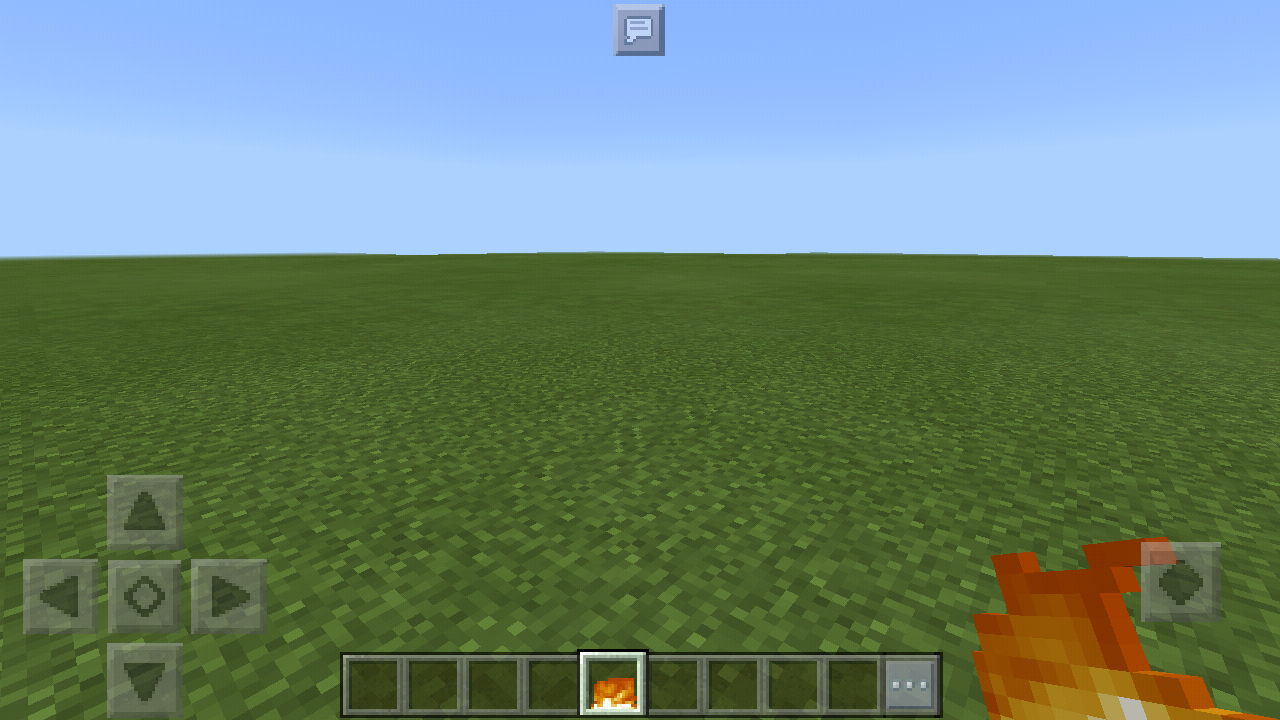
This block reserves ID 51, has the item name Fire and is in the item category Nature. When you place it down, the sound that plays is the sounds that wood blocks would make when they are being pressed.

Redstone Dust#
This item called Redstone Dust reserves ID 55. This item when placed down places a normal deactivated piece of redstone dust. This block gets destroyed when trying to move it with a piston and drops a normal redstone item. This block can be rendered in every possible redstone signal strength in the item slot.


Differently powered and inverted Redstone Components#
These items are the item form of powered on / inverted redstone components. When the powered on items are placed down, they place the powered on variant of the block before changing back to their base form one redstone tick later. If you pick block the Inverted Daylight Detector, it gives you the item.daylight_detector_inverted.name item.
Item Icon |
Display Name |
Internal Name |
Item ID |
|---|---|---|---|
 |
tile.lit_redstone_ore.name |
lit_redstone_ore |
74 |
 |
Redstone Torch |
unlit_redstone_torch |
75 |
 |
item.powered_repeater.name |
powered_repeater |
94 |
 |
item.lit_redstone_lamp.name |
lit_redstone_lamp |
124 |
|
item.powered_comparator.name |
powered_comparator |
150 |
 |
item.daylight_detector_inverted.name |
daylight_detector_inverted |
178 |
Crops#
These items are the item form of the blocks placed down by seeds and other items that place crops on farmland like the pitcher pod. These blocks in item form can only be placed down on farmland. Some other ones like sugarcane are only separate items due to the item used to normally place down the crop have a different texture for the item compared to the block.
Item Icon |
Display Name |
Internal Name |
Item ID |
|---|---|---|---|
 |
Crops |
item.wheat |
59 |
 |
Sugar Cane |
item.reeds |
83 |
 |
Pumpkin Stem |
pumpkin_stem |
104 |
|
tile.melon_stem.name |
melon_stem |
105 |
 |
Carrots |
carrots |
141 |
 |
Potatoes |
potatoes |
142 |
 |
Beetroot |
item.beetroot |
244 |
 |
tile.torchflower_crop.name |
torchflower_crop |
-567 |
 |
tile.pitcher_crop.name |
pitcher_crop |
-574 |
Lit Furnace#
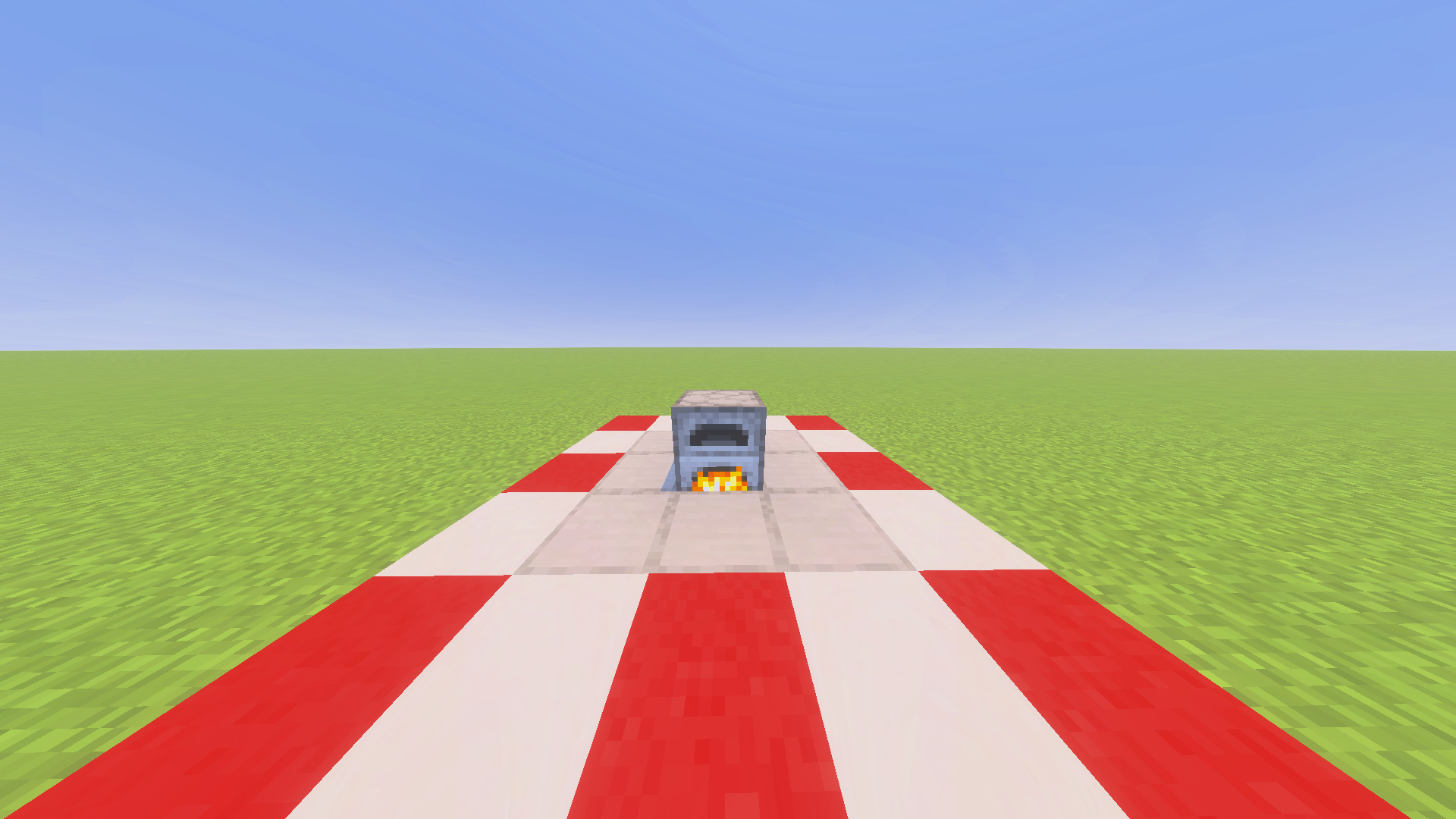
This item called tile.lit_furnace.name, with the internal name lit_furnace reserves ID 62. This item when placed down places a normal lit furnace that doesn't contain any items or fuel charge.

Flower Pot#
This item called Flower Pot reserves ID 140. When placed down it places down a normal flower pot.

Signs#
Standing Sign#
These items when placed down place a normal standing sign with no text. The placed down standing sign will always face north. 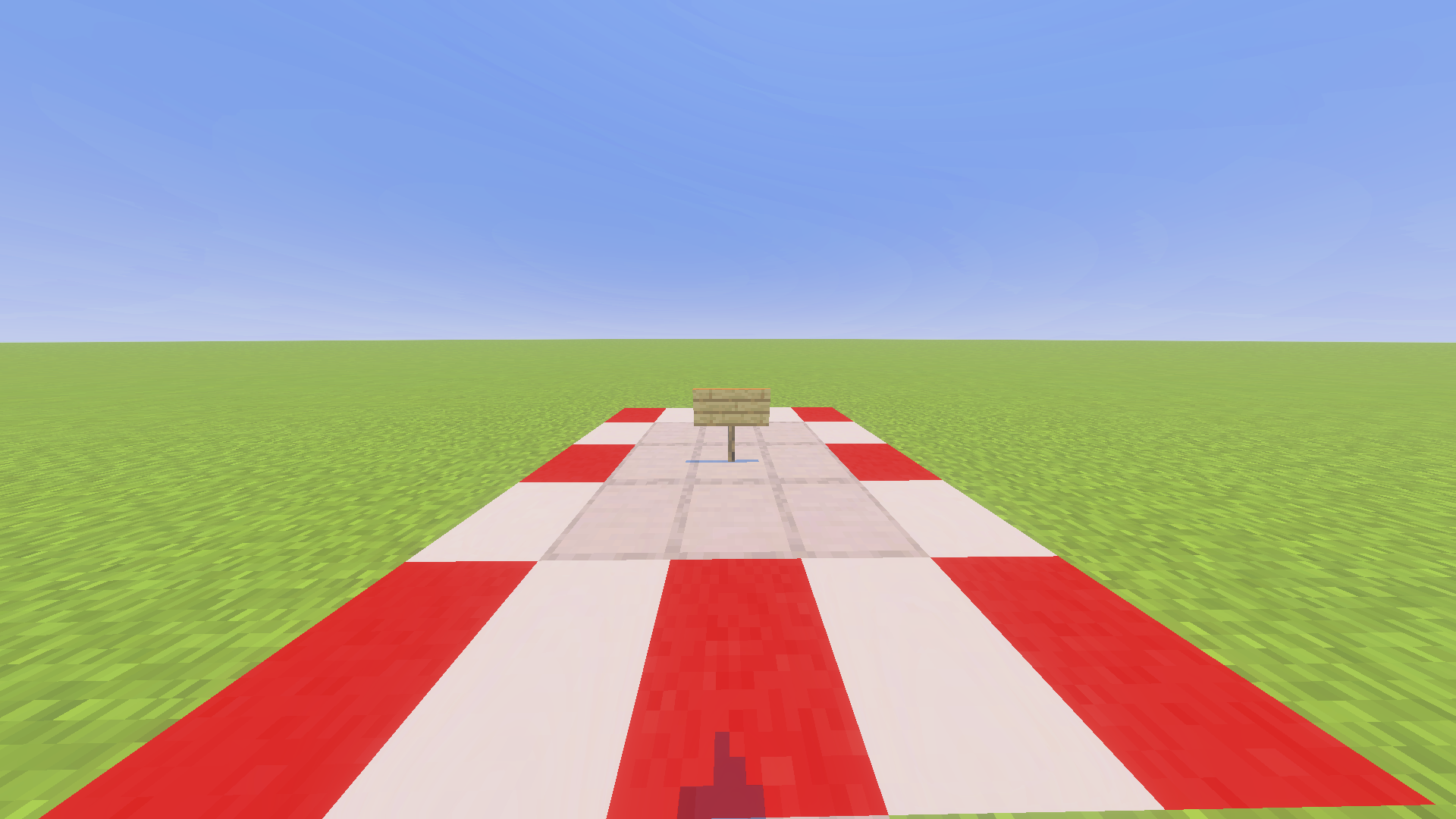
Item Icon |
Display Name |
Internal Name |
Item ID |
|---|---|---|---|
|
Sign |
standing_sign |
63 |
 |
Spruce Sign |
spruce_standing_sign |
-181 |
 |
Birch Sign |
birch_standing_sign |
-186 |
 |
Jungle Sign |
jungle_standing_sign |
-188 |
 |
Acacia Sign |
acacia_standing_sign |
-190 |
 |
Dark Oak Sign |
darkoak_standing_sign |
-192 |
 |
Crimson Sign |
crimson_standing_sign |
-250 |
 |
Warped Sign |
warped_standing_sign |
-251 |
 |
tile.mangrove_standing_sign.name |
mangrove_standing_sign |
-494 |
 |
tile.bamboo_standing_sign.name |
bamboo_standing_sign |
-518 |
 |
tile.cherry_standing_sign.name |
cherry_standing_sign |
-542 |
 |
tile.pale_oak_standing_sign.name |
pale_oak_standing_sign |
-1001 |
Wall Sign#
These items when placed down place a normal wall sign with no text, unless this block is placed on a wall, the sign will always face south. There is one other difference between these wall signs and a wall sign that is placed down using the sign item. The hitbox for the wall sign placed down using these items is a full block. This happens because the placing direction isn't registered when using these items, causing the hitbox to be set to the default block hitbox, as no specific hitbox gets registered. 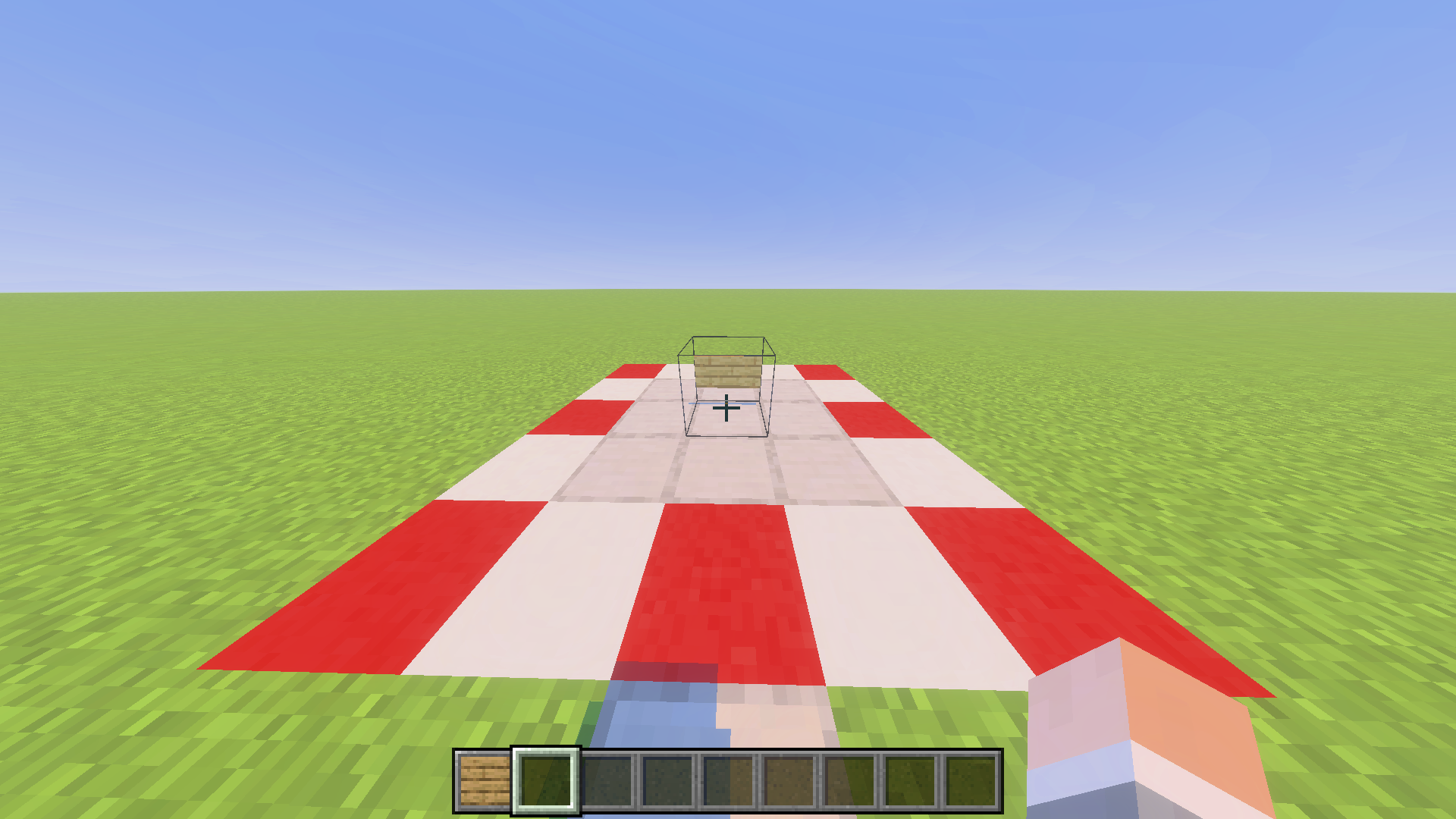
Item Icon |
Display Name |
Internal Name |
Item ID |
|---|---|---|---|
|
tile.wall_sign.name |
wall_sign |
68 |
|
tile.spruce_wall_sign.name |
spruce_wall_sign |
-182 |
|
tile.birch_wall_sign.name |
birch_wall_sign |
-187 |
|
tile.jungle_wall_sign.name |
jungle_wall_sign |
-189 |
|
tile.acacia_wall_sign.name |
acacia_wall_sign |
-191 |
|
tile.darkoak_wall_sign.name |
darkoak_wall_sign |
-193 |
|
Crimson Sign |
crimson_wall_sign |
-252 |
|
Warped Sign |
warped_wall_sign |
-253 |
|
tile.mangrove_wall_sign.name |
mangrove_wall_sign |
-495 |
|
tile.bamboo_wall_sign.name |
bamboo_wall_sign |
-519 |
|
tile.cherry_wall_sign.name |
cherry_wall_sign |
-544 |
|
tile.pale_oak_wall_sign.name |
pale_oak_wall_sign |
-1003 |
Doors#
These items when placed down place an invisible half of their respective door type that breaks and drops a normal door item of their type when updated. The bamboo. cherry, copper and pale oak doors don't seem to have these item forms. 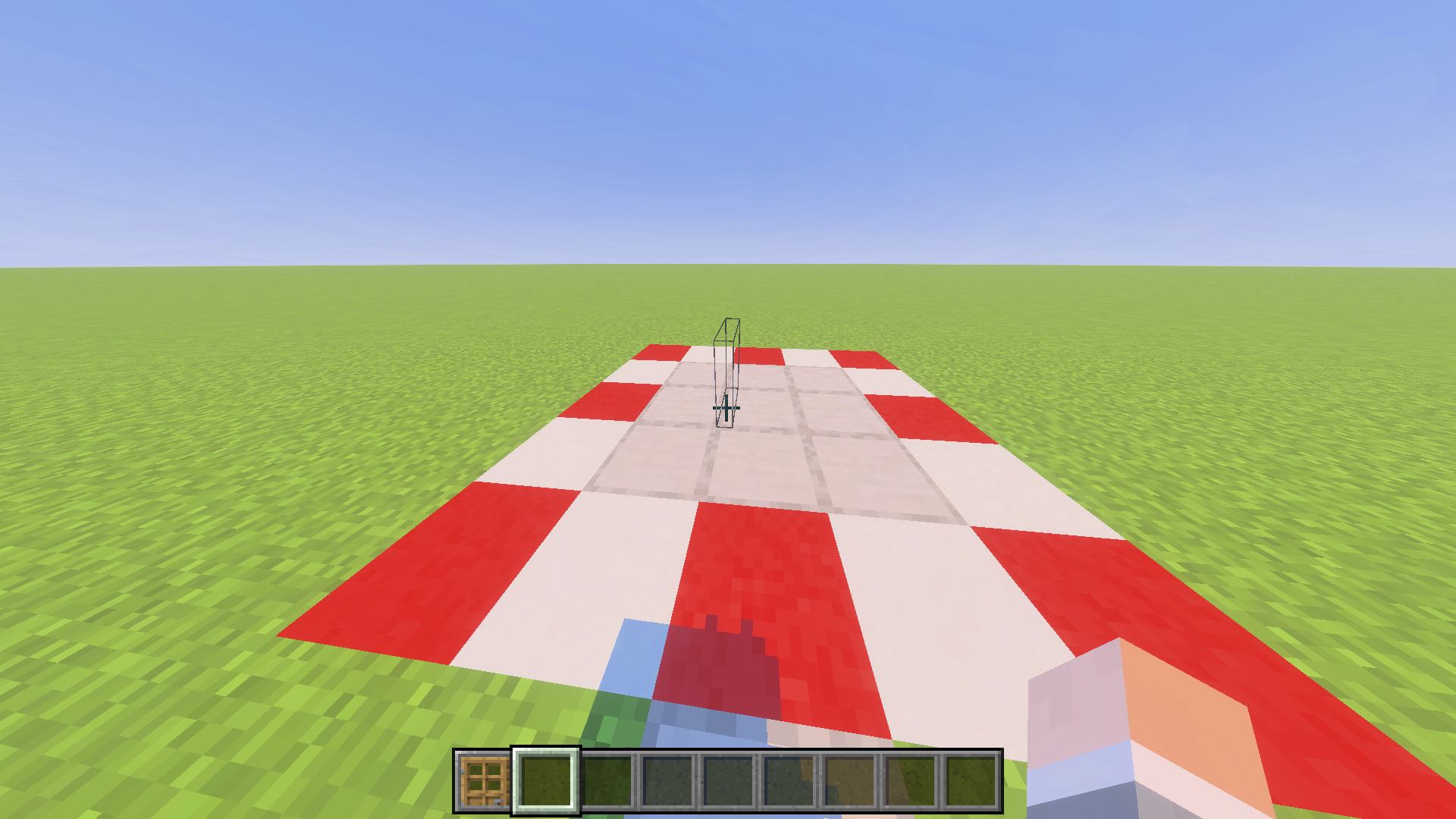
Item Icon |
Display Name |
Internal Name |
Item ID |
|---|---|---|---|
 |
tile.wooden_door.name |
item.wooden_door |
64 |
 |
Iron Door |
item.iron_door |
71 |
 |
tile.spruce_door.name |
item.spruce_door |
193 |
 |
tile.birch_door.name |
item.birch_door |
194 |
 |
tile.jungle_door.name |
item.jungle_door |
195 |
 |
tile.acacia_door.name |
item.acacia_door |
196 |
 |
tile.dark_oak_door.name |
item.dark_oak_door |
197 |
 |
Crimson Door |
item.crimson_door |
-244 |
 |
Warped Door |
item.warped_door |
-245 |
 |
tile.mangrove_door.name |
item.mangrove_door |
-493 |
Bamboo#
This item called tile.bamboo_sapling.name, with the internal name bamboo_sapling reserves ID -164. This item when placed down places a bamboo sapling block. This item has the same placing down requirements as the normal bamboo item.

Kelp#
This item called tile.kelp.name, with the internal name item.kelp reserves ID -138. This item when placed down places a normal kelp block. This item can only be placed down in water. The item texture in the inventory uses the same animation texture as the kelp block.

Cake (Block Item)#
This item called Cake reserves ID 92
It was add in Pocket Edition v0.7.0 Alpha

Item Frames#
These items are the item form of the blocks placed down by the Item Frame and Glow Item Frame items.
Item Icon |
Display Name |
Internal Name |
Item ID |
|---|---|---|---|
 |
tile.frame.name |
item.frame |
199 |
 |
tile.glow_frame.name |
item.glow_frame |
-339 |
Portals#
These items are the item form of all the portal blocks. Only the Nether Portal item is animated (not shown here). The other two portal items aren't animated.
Item Icon |
Display Name |
Internal Name |
Item ID |
|---|---|---|---|
 |
Portal |
portal |
90 |
 |
tile.end_portal.name |
end_portal |
119 |
 |
tile.end_gateway.name |
end_gateway |
209 |