 Animal IslandEven unlockable stuff has things unused.
 Version DifferencesA re-release of a remake of a re-release. We need to go deeper.
Debug Mode#

|
This page or section needs more images. |
The game has a debug mode, called "zuru mode" in the code, with two different levels. Mode 1 can be activated on a regular retail game by entering a special button combo on a controller in the second port. The full debug mode, mode 2, is activated based on the game's disc ID. If the ID is 0x99, zuru mode 2 will be activated immediately and remain on at all times. If the ID is between 0x90 and 0x98, mode 2 only becomes active when a controller is plugged in to the second port.
When debug mode is activated, the letter "D" will appear in the top-right corner of the screen. In mode 1 the letter is yellow, and in mode 2 the letter is green. Mode 1 has fewer capabilities than mode 2.
Activating#
To activate mode 1 on a regular game disc, enter the following code on Controller 2 at any time:
- L + R, then while holding both press Z
- D-Up
- C-Down
- C-Up
- D-Down
- D-Left
- C-Left
- C-Right
- D-Right
- A + B
- Start
(If this code looks familiar, it was also used in The Legend of Zelda: Ocarina of Time for that game's crash debugger.)
Entering the code while already in mode 2 will display a debug output for the button combination, tracking the status of the user's progression through the button code.
To activate the full debug mode, set the disc ID version field to 0x99. Use a hex editor to change byte #7 (0x00000007) of the ISO/GCM file. It works on all versions - the North American, European, Japanese (both versions), and Australian games can all be modified in this way.
Alternately, the following Action Replay codes can be used:
|
美国 |
PAL |
|---|---|
|
|
Features#
- Shows info about the build date/version/etc. on startup, on the title screen, and during K.K. Slider’s performance.
- Shows the ID of the current message in the corner of the screen.
- Shows 3D arrows pointing to various special things (like event NPCs and balloons).
- Shows a CPU/memory usage meter on the boot screen.
- Enables button combos on Controllers 2 and 3.
- Prevents Resetti from showing up.
- Shows a crash dump if the game crashes.
- More?
Controller 3 features an item select that can spawn a variety of items into your pockets:
- This is only available when the disk version is set to 0x90 or greater (mode 2).
- Pressing Start toggles the debug item spawner on and off.
- When enabled, the text ナシ (nothing) appears on screen.
- D-Pad Up cycles through the categories FTR (furniture), PPR (paper), MNY (money), TOL (tools and umbrellas and junk), FSH (fish), ELS (other junk), CPT (carpet), WLL (wallpaper), FOD (food), MSC (music), DST (calendar/diary things), LOT (raffle tickets), IST (insects), HPY (grab bags), and KAB (turnips).
- D-Pad Left/Right change the number.
- Holding B while changing the number will increase/decrease the number by 10.
- Holding A while changing the number will increase/decrease the number by 100.
- D-Pad Down puts one of the selected item in your pocket.
- Pressing X will fill in your entire catalogue.
- In Doubutsu no Mori e+, pressing Y will cycle your Kanji proficiency level between the different modes.

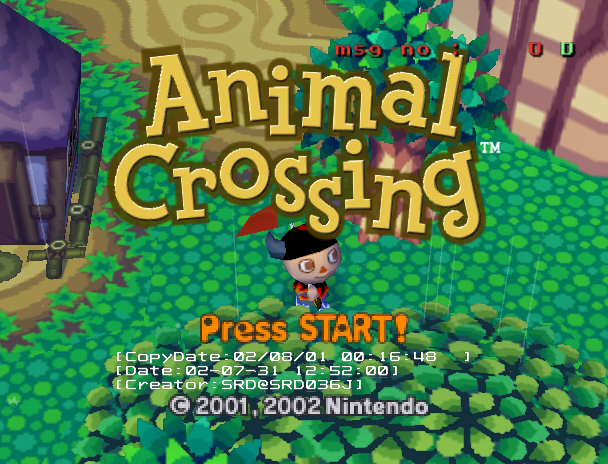
Controller 2 features everything else. Most buttons, when pressed once, will show or hide a debug display. The C-Stick is four separate buttons, one for each of Up, Down, Left, and Right. R changes the game speed rather than displaying something on-screen.
In the item screen, C-Down gives you one Net, Axe, Shovel, and Fishing Rod; C-Left increases your money by 1,000 Bells; and C-Right fills your inventory with 30,000-Bell bags.
Controller 2 also has two-button combinations, all of which involve holding L, R, or Start. All but one of the possible combinations opens memory editors of some kind (the exception being holding R and pressing D-Pad Down, which pauses and unpauses the game). Memory editors can be opened by holding one of the three buttons mentioned earlier, and pressing another button twice. For example, holding L and tilting the C-Stick left twice opens the "S(SREG)" editor, holding L and tilting the C-Stick left again flips to the next page, and so on. The editor closes when there are no more pages or when a different button combo starts (e.g., holding R and pressing Start once).
Editors are navigated using the D-Pad to scroll up and down between items, and left and right between possible values. The editor that opens from holding R and pressing Start, "H(HREG)", can be used to activate a debug controller input display by navigating to item 47 and setting its value to nonzero.
When playing NES games, a few debug controls will be enabled on Controller 1:
- L + R - Freezes the emulation when held. If a certain debug flag is set, this will display the NES game file menu.
- L + C-Stick Left/Right - Slows down or speeds up the emulation depending on how much the C-Stick is pressed.
- L + A/B - Toggles a turbo controller function for the button pressed.
(Source: jamchamb (button code), Little_mac)
Map Select#
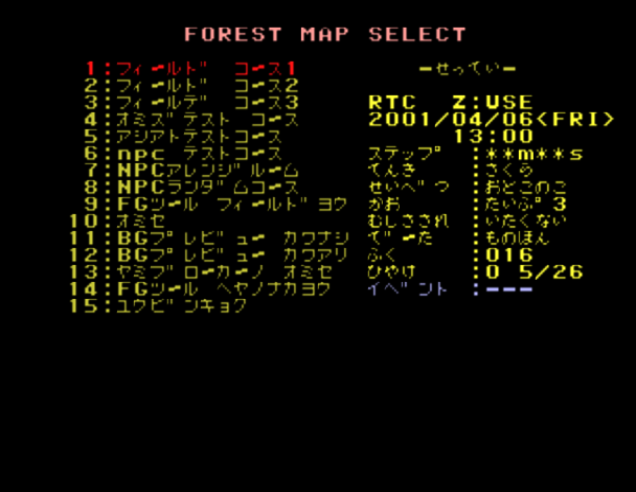
The "forest map select" from Doubutsu no Mori still exists and can be activated using one of the following Action Replay codes and pressing the Reset button once at the title screen or twice in-game:
|
美国 |
PAL |
|---|---|
|
|
(Source: Ralf (gc-forever))
Player Select#
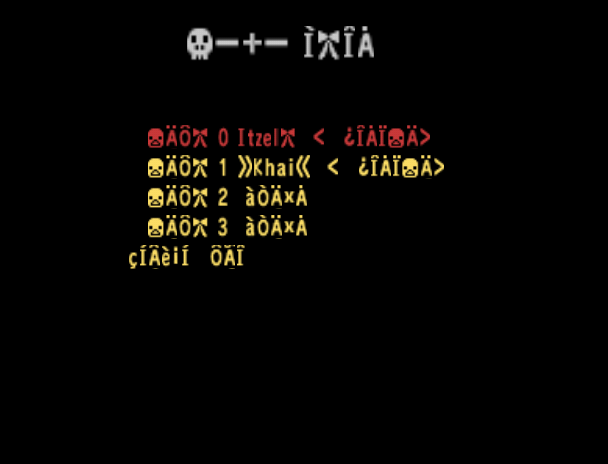

The player select debug menu allows the selection of any of the four players, or any players visiting from another town. If the player selected doesn't exist, it will start the new player creation sequence with Rover.
The following Action Replay code will enable it after pressing Start on the title screen:
USA |
|---|
|
The following Action Replay code will translate the menu to English:
USA |
|---|
|
Save Type Select#

 The save type selection menu allowed the developers to test both saving to a Flash ROM and N64 Controller Pak.
The following Action Replay code will enable the debug save screen after pressing Start on the title screen:
USA |
|---|
|
The following Action Replay code will translate the menu to English:
USA |
|---|
|
NES Filer Mode#
The NES emulator has a "filer mode" that can be used to cycle through the in-game ROMs. When debug mode is enabled, there's also a text display showing the ROM filenames and a demo mode toggle.
The following Action Replay code will enable the NES filer mode:
USA |
|---|
|
Unobtainable NES Games#
The Forbidden Four#
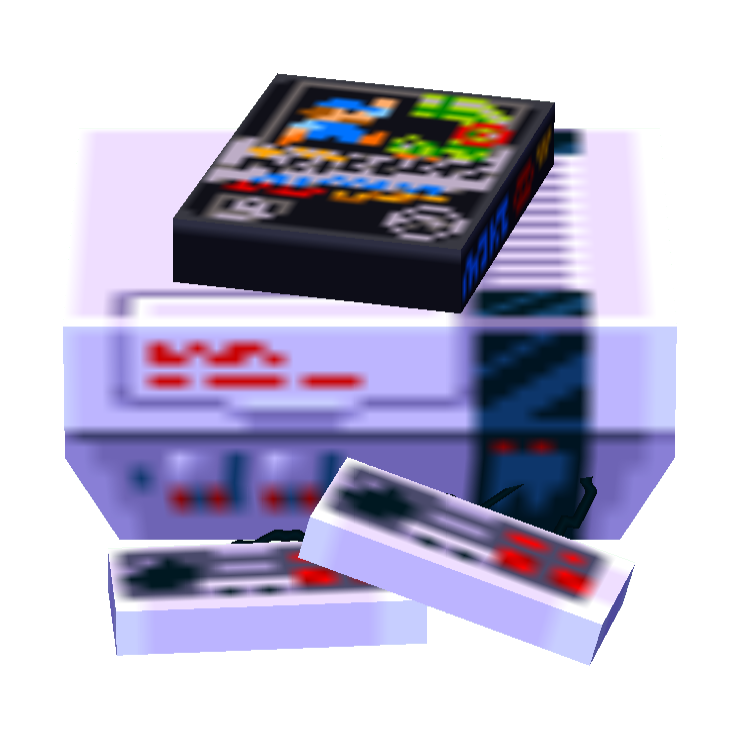
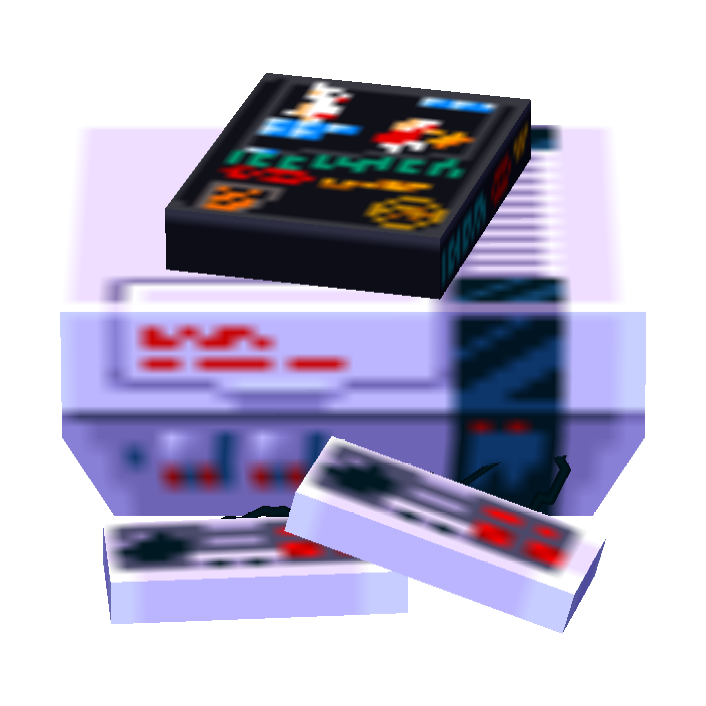
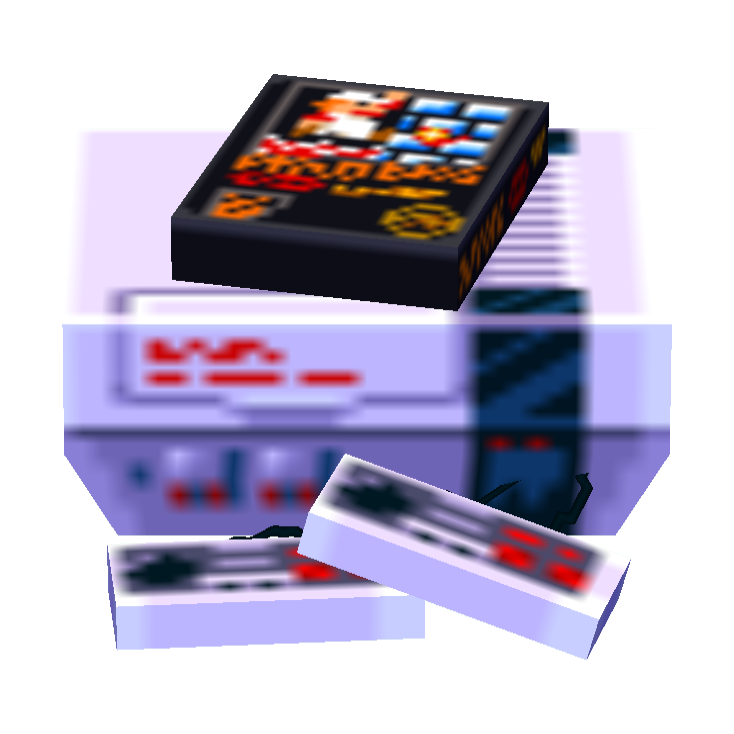
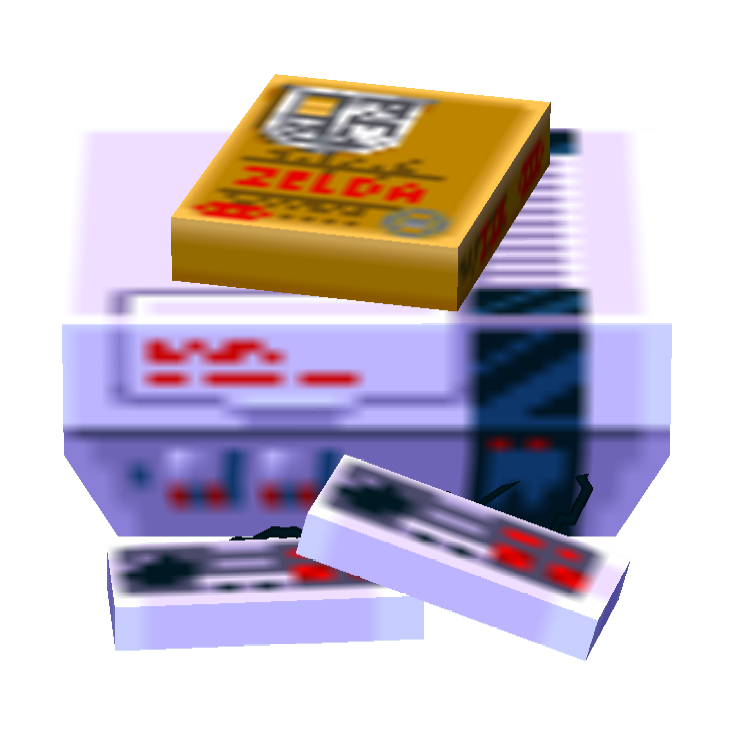
In addition to the 15 available NES games, there are four normally unobtainable games dubbed "The Forbidden Four" by fans: Mario Bros., Ice Climber, Super Mario Bros., and The Legend of Zelda. Certain NES game requirements were shifted around in each regional version of the game, which resulted in some obscure methods to obtain them.
- In the initial Japanese release, Ice Climber could be obtained as a gift when transferring save data from Doubutsu no Mori via Nintendo's now-discontinued Data Moving Service (which required mailing Nintendo of Japan ¥630, an N64 Controller Pak with Doubutsu no Mori save data, and a 59-block GameCube memory card with Doubutsu no Mori + save data), while Super Mario Bros. was given away as a limited-run Famitsu prize. Both games could also be obtained by mailing villagers passwords written on the back of associated e-Reader character cards; this process is also the sole method of legitimately obtaining both Mario Bros. and The Legend of Zelda.
- In North America, Mario Bros. and Ice Climber were obtainable via e-Reader cards included in Series 4 of the Animal Crossing-e line of e-Reader card packs. Because the Series 4 pack was released late into the e-Reader's North American life cycle, they were produced in much smaller quantities and consequently are much rarer than cards from the first three series. Super Mario Bros. and The Legend of Zelda, meanwhile, are not legitimately obtainable in any capacity.
- In the European release, due to the removal of e-Reader functionality (owing to the fact that the e-Reader was never released in PAL territories due to its commercial failure in North America) and the lack of a replacement system, it is impossible to legitimately obtain any of these four games.
These games can only be obtained by hacking them into the player's inventory (particularly for European versions, where none of these were ever made available legitimately), as trying to unlock them with a trade code generator will not work. Interestingly, all except The Legend of Zelda have Advance Play options, and in Doubutsu no Mori e+ the Advance Play data still remains via hacking, even though the games were otherwise erased as console items.
Games No Longer Obtainable Without Universal Item Codes#

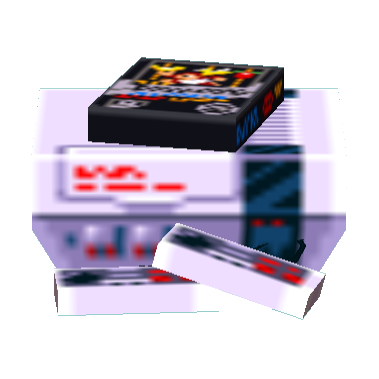
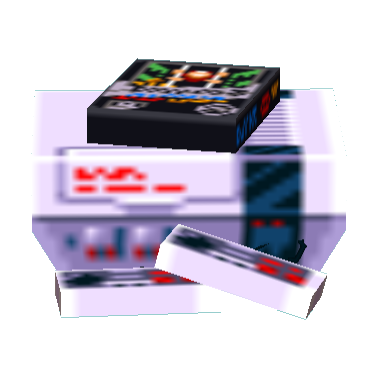

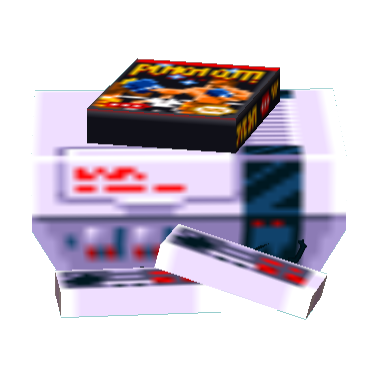
While all 19 NES games outside of the Forbidden Four are accessible without hacks, five of them cannot be obtained without the use of universal item codes or third-party code generators due to the method by which they were meant to be accessed by players. Soccer, Donkey Kong Jr., Donkey Kong 3, Clu Clu Land D, and Punch-Out!! were all only available through secret codes generated for the player's specific name and town through Nintendo of America's official website for the game. Because the site is now offline, this means that the official code generation service for these items is no longer functional.
Removed Games#
On top of the 19 games that can be played, several more are referenced by the game but do not have ROMs or models in the game's data: NES Open Tournament Golf. Gomoku Narabe Renju, Mahjong, Nazo no Murasamejou, and Super Mario Bros. 2 are only included in the Japanese version (Doubutsu no Mori+), with Gomoku Narabe Renju and Mahjong taking the place of Excitebike and Soccer. Nazo no Murasamejou can be played by setting item 03 of the H(HREG) editor to 21 and starting the Famicom, and Super Mario Bros. 2 can be played by setting item 03 of the H(HREG) editor to 22 and starting the Famicom.
The only mentions for most of these games are in static.map, though Gomoku Narabe Renju can also be seen referenced at F4C2C.
External NES Games#
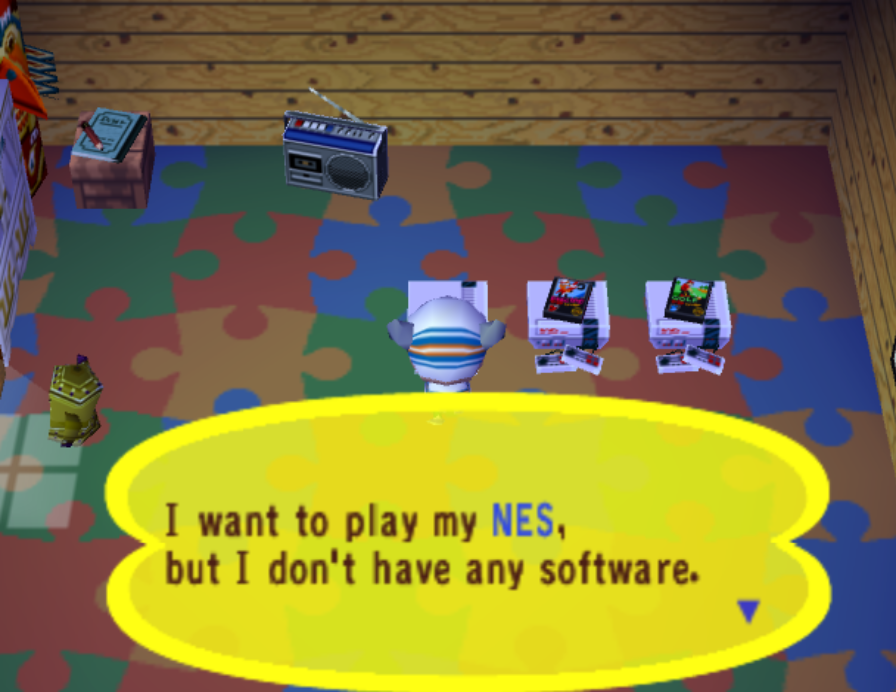
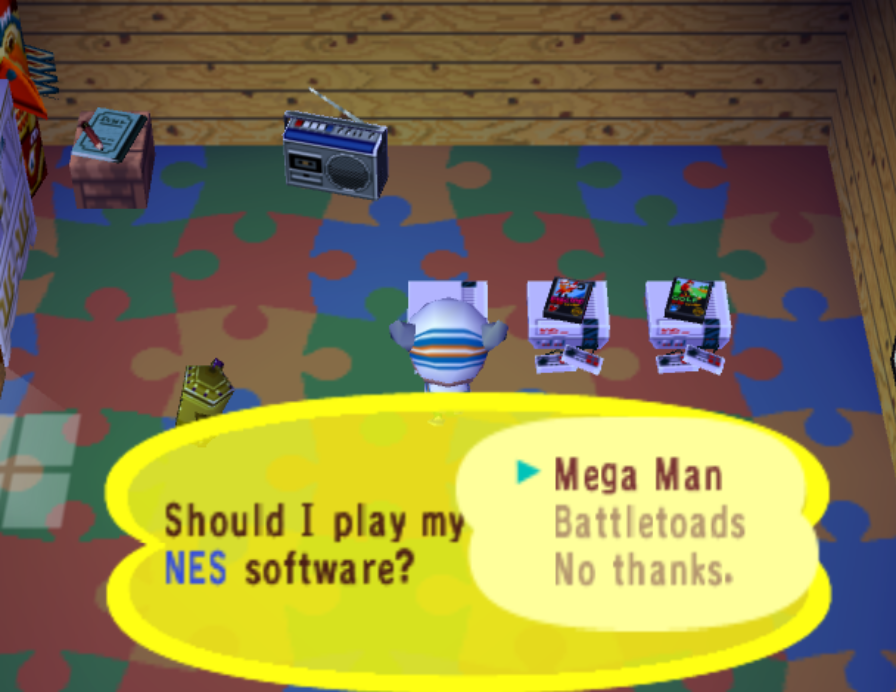
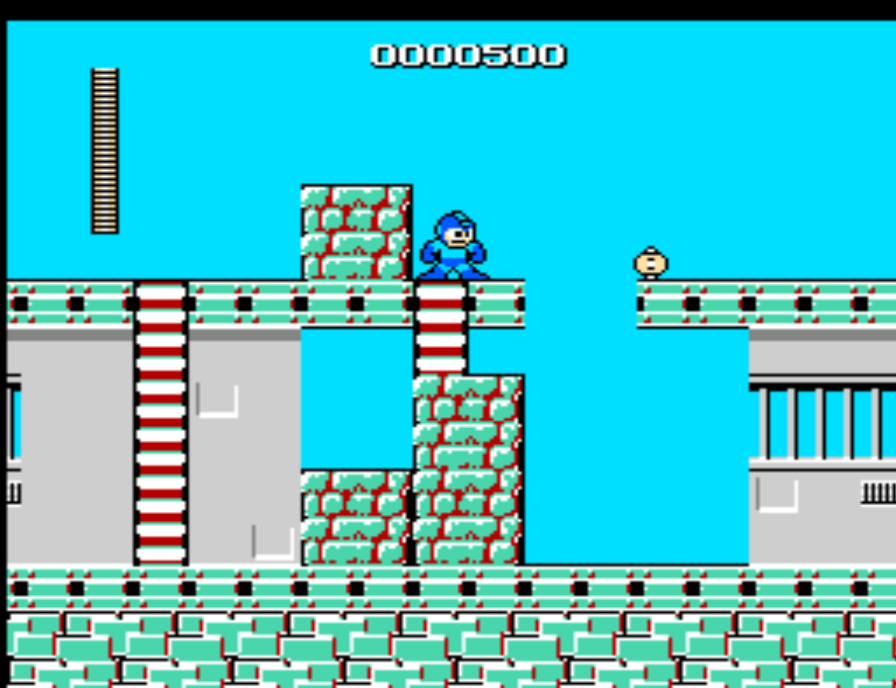
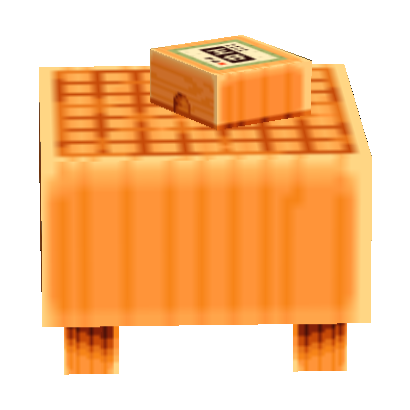
Each of the playable NES games that can be obtained in-game come as an individual furniture item featuring an NES console with a game box on top of it (a Famicom with a unique cartridge design in the Japanese version). There is also a generic NES console item (a Famicom Disk System in the Japanese version) that can be purchased from Redd that was originally thought to be unplayable, because it would only display the message "I want to play my NES, but I don't have any software." This item actually scans Memory Cards for special files that contain NES ROMs.
ROMs loaded from the Memory Card are loaded into the same NES emulator used for the built-in NES games. The code for loading these ROMs is fully working and features an entire system for loading ROMs and ROM metadata, as well as creating save files for each external ROM. It seems that Nintendo originally intended to be able to release more NES games for Animal Crossing on Memory Cards, but never followed through with it. This functionality is present in all versions of the game.
One of the metadata tags in the ROM loader supports patching ROMs after they are loaded. This tag can also be used to patch Animal Crossing itself, allowing mods to be loaded via Memory Card.
(Source: jamchamb)
Crisp (Unused NPC)#
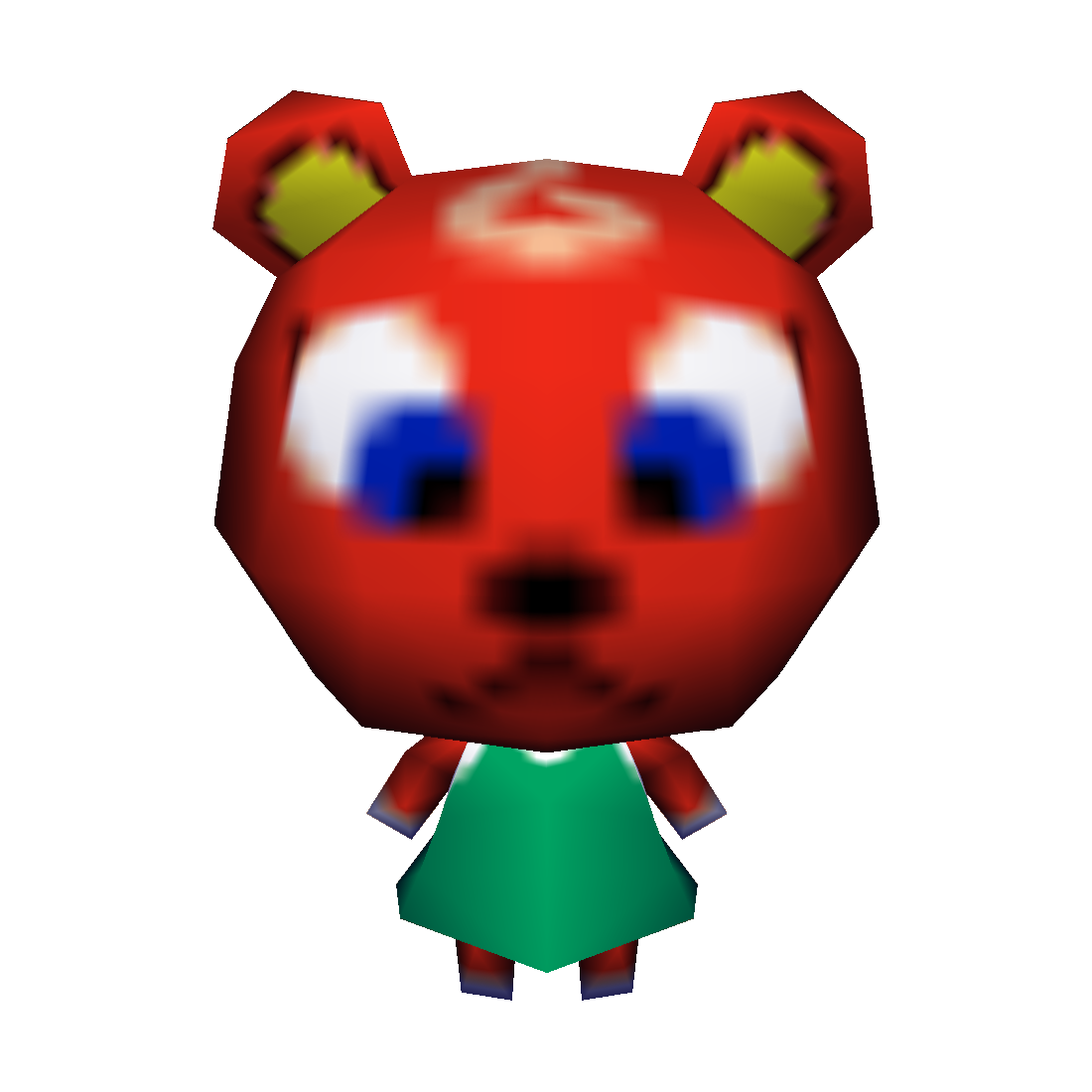
An odd unused NPC, formerly fandubbed "Blazel" can be found within the game's code; her earlier nickname comes from the fact that her design incorporates several elements of that of both Bliss/Caroline and Hazel. However, recent digging within the files of Doubutsu no Mori+ has revealed her Japanese name to be Shaki' (シャキッ), meaning "Crisp"; immediately following this name is the text "とりゃ〜" (Torya〜), which may have been a catchphrase. These two text files are the last ones in the game's code associated with Crisp, indicating that she may have been removed late into development. Internally, her texture and model files refer to her as "xsq", which likely means "extra squirrel". Crisp's earlier translated name was "Chestnut" due to a translation error.
However, despite initial speculation that Crisp may have been a cut villager, there is prominent evidence suggesting that she was actually meant to be a special character. In the game's code, Crisp is referred to under the filename "ac_ev_dokutu", which can be broken down into "Actor Event Dokutu". Characters with "ev" in their filename are traveling characters like Redd or Saharah, while "dokutu" is most likely a Kunrei-shiki romanization of "dokutsu" (土窟/どくつ), meaning "cavern" or "hole in the ground"; most other actor characters also had their names shortened in code. Given that the player can use a shovel to dig holes and thus uncover buried items, and that real squirrels are known for burying their spare food, it's possible that Crisp's intended role in the game would've had something to do with burying special items that the player would then dig up to collect.
Crisp can be spawned into a player's town using the below Action Replay code, using xxxx as a regular villager, with yyyy being set to either D06C or E15A.
040051A0 3C600001
040051A4 3863xxxx
040051A8 7C032040
040051AC 7C832378
040051B0 4082000C
040051B4 3C600001
040051B8 3863yyyy
040051BC 4E800020
0453A198 4BACB009
04544FFC 4BAC01A5
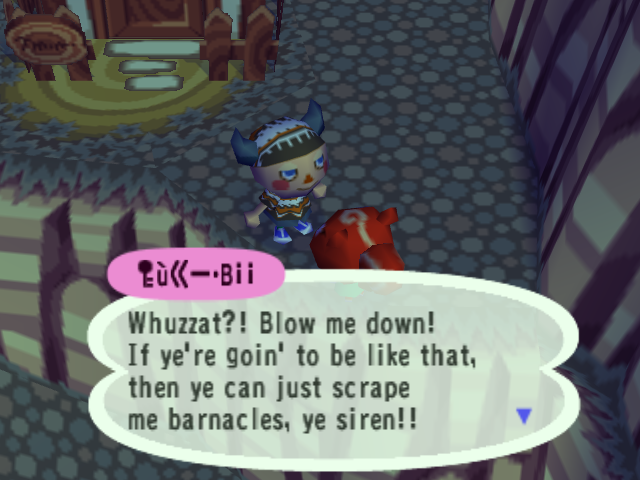
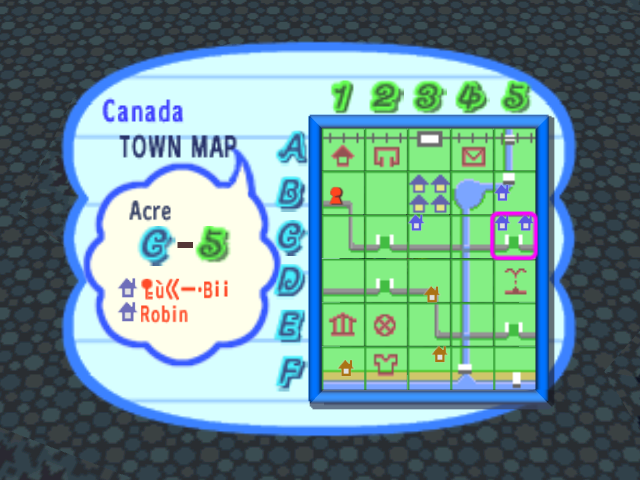
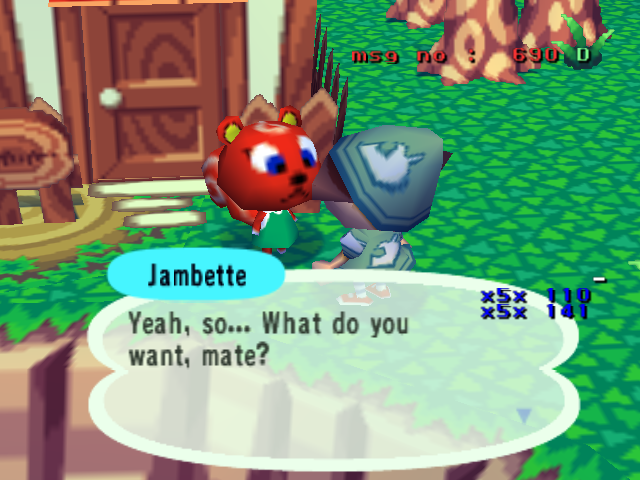
Because her text data was overwritten, Crisp will use one of Kapp'n's dialogues when D06C is used. When E15A is used, she'll use whatever text corresponds to the villager she overwrote's gender. If she is spawned into a player's town with the above code and yyyy set to D06C, her name will be displayed as "[key symbol] ù«–•B¡¡". This is the default name for special NPCs, which was untranslated from Doubutsu no Mori+ (ジョニー・B) and translates to Johnny B; the garbled appearance of the name is the end result of the game attempting to display text characters that no longer exist in its code, instead displaying characters that occupy the same hexidecimal positions as their kana counterparts. When using E15A, she will take Jambette's name; this is because Jambette's villager index is cataloged first at E05A. Because villager text data data wraps around after E0FF, long before E15A, Crisp will use Jambette's data by default.
Title Theme#
In the normal course of play, the game's title theme fades out after a minute and 3 seconds, corresponding with the length of time of the demos played on the title screen. However, the full track runs for an additional 21 seconds, with this extended outro only normally being accessible by ejecting the game disc during the first demo that plays when booting the game up. Technically speaking, this means that the full title theme isn't completely unused, but it is inaccessible under typical circumstances.
|
In-game |
Full |
|---|---|
Leftover Items#
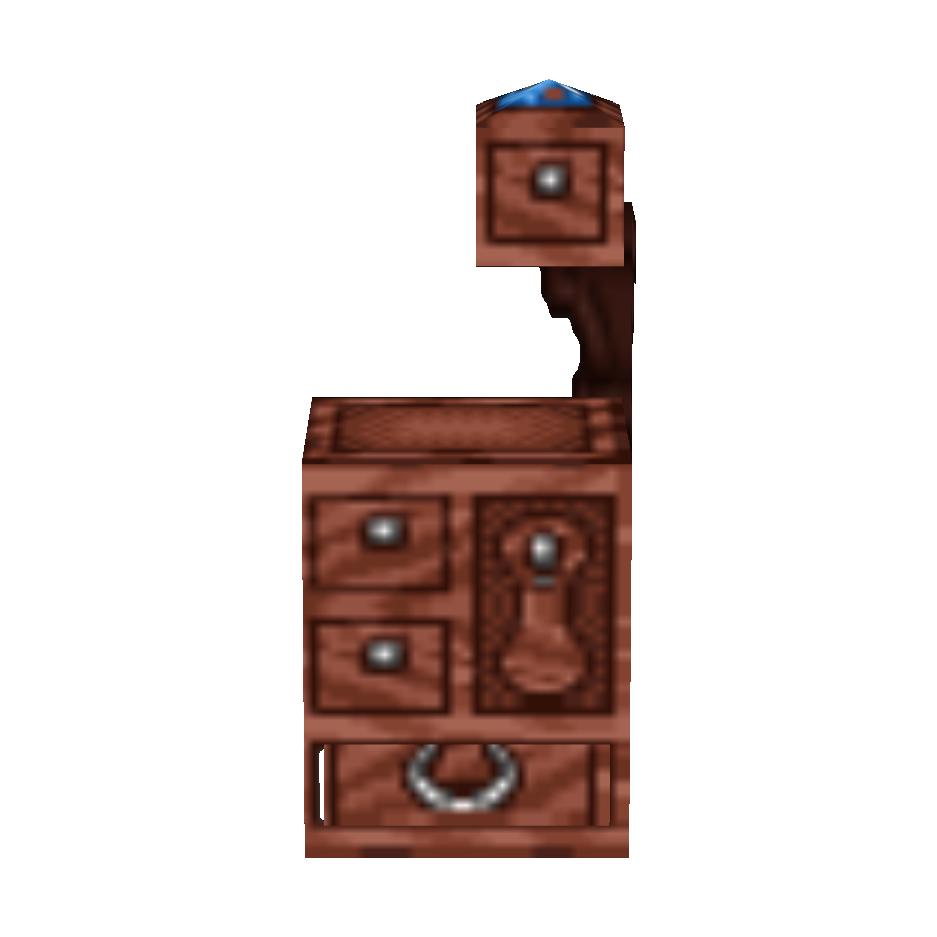
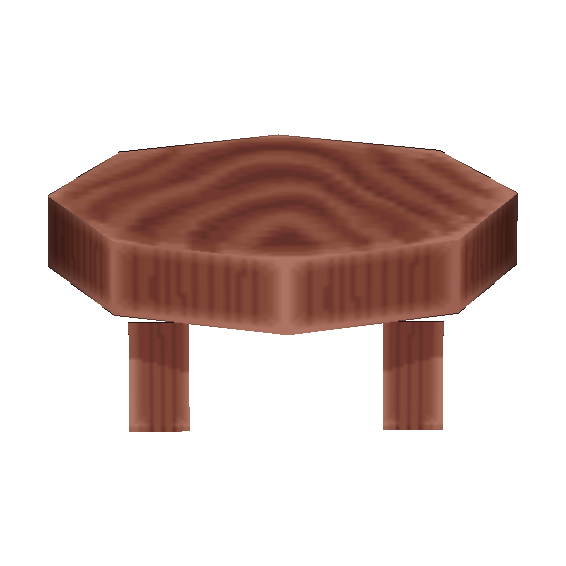
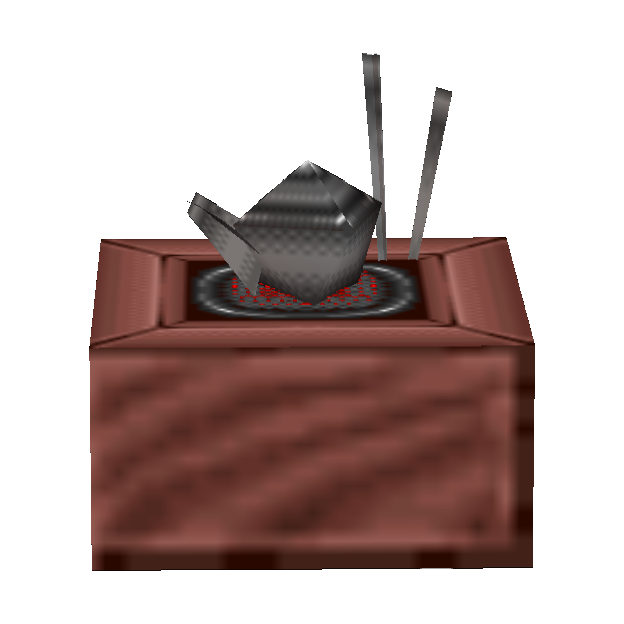
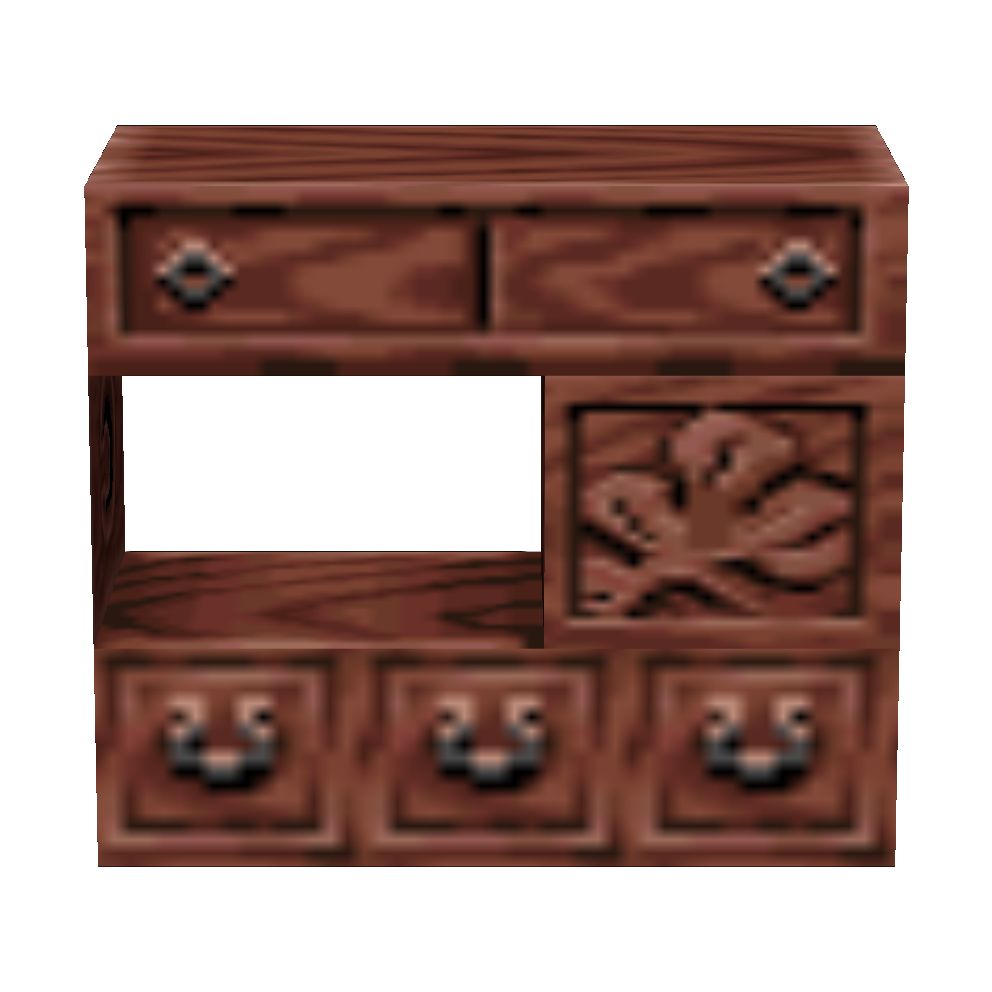
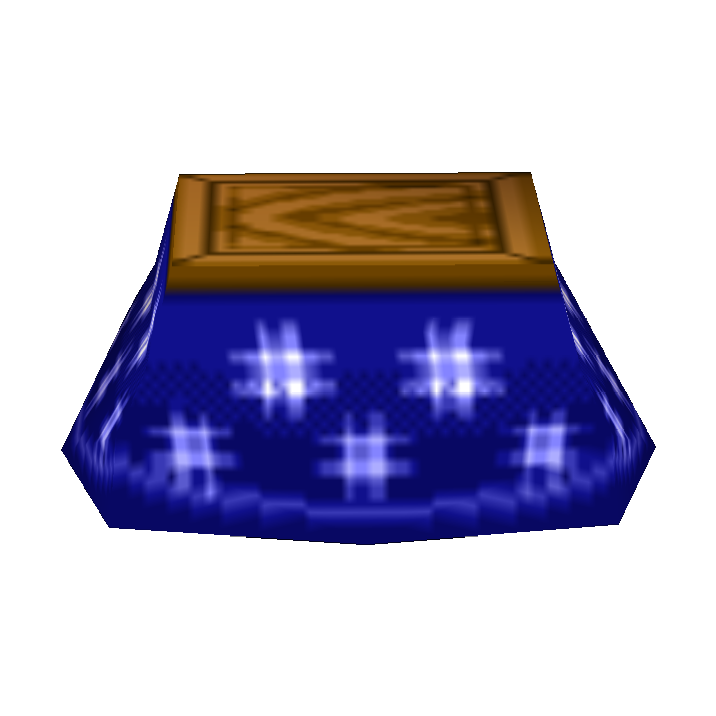
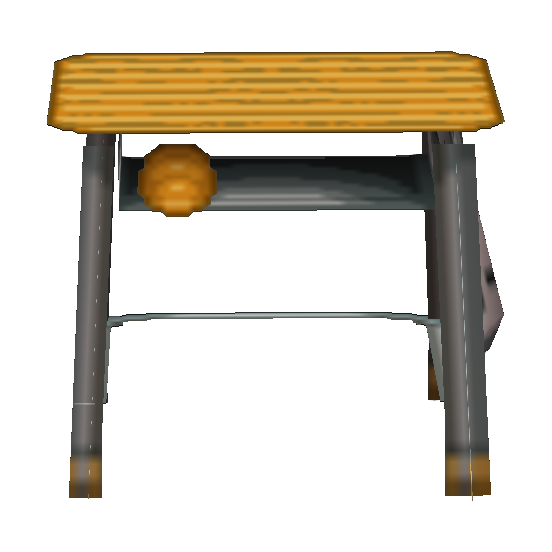
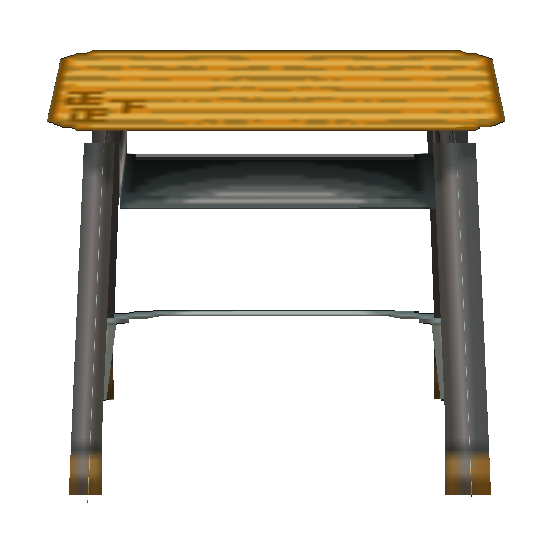
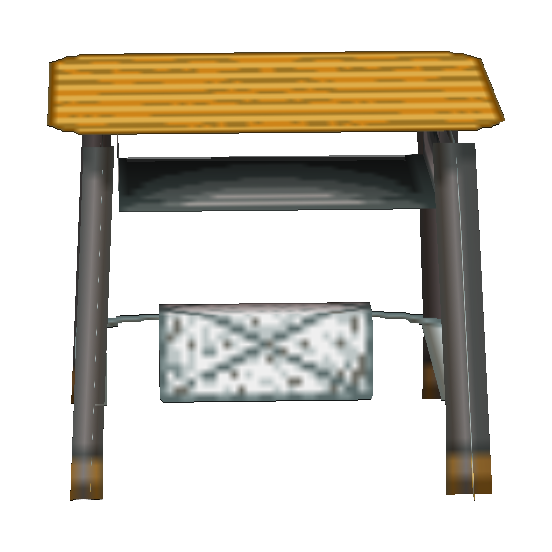
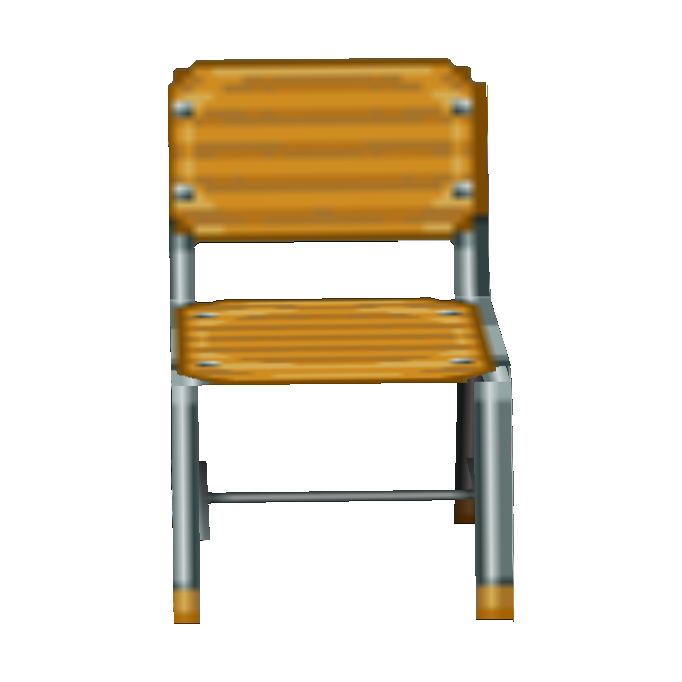
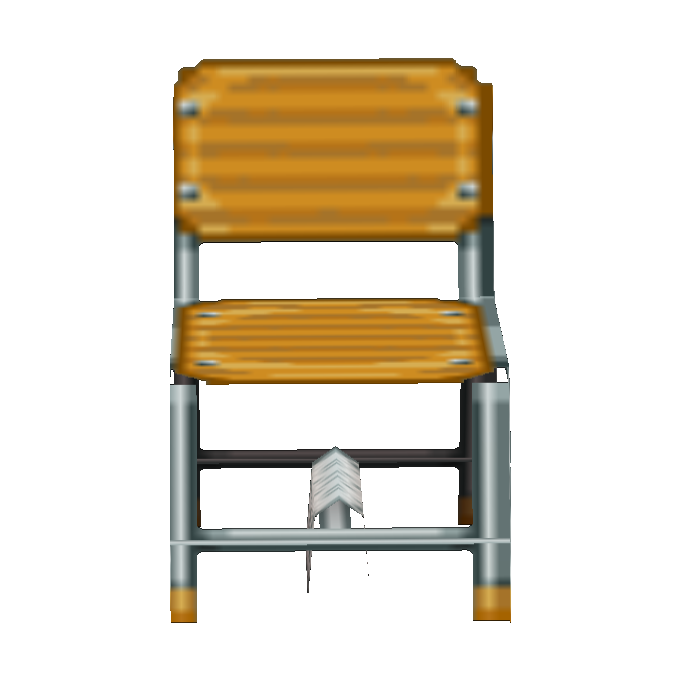
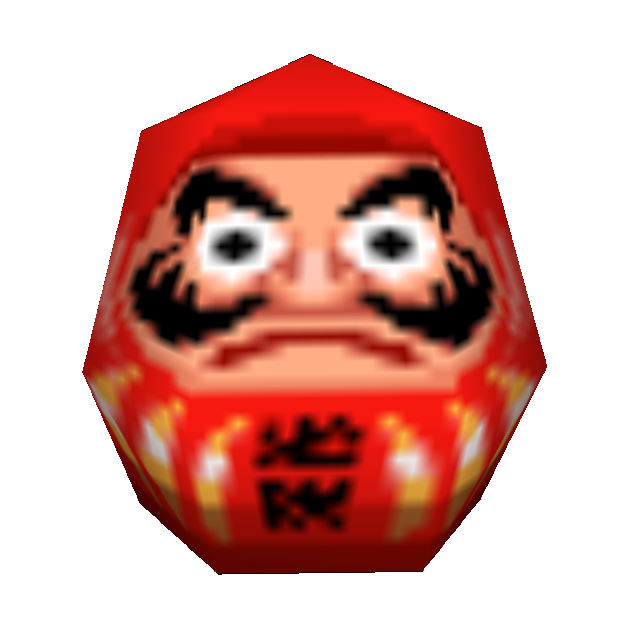
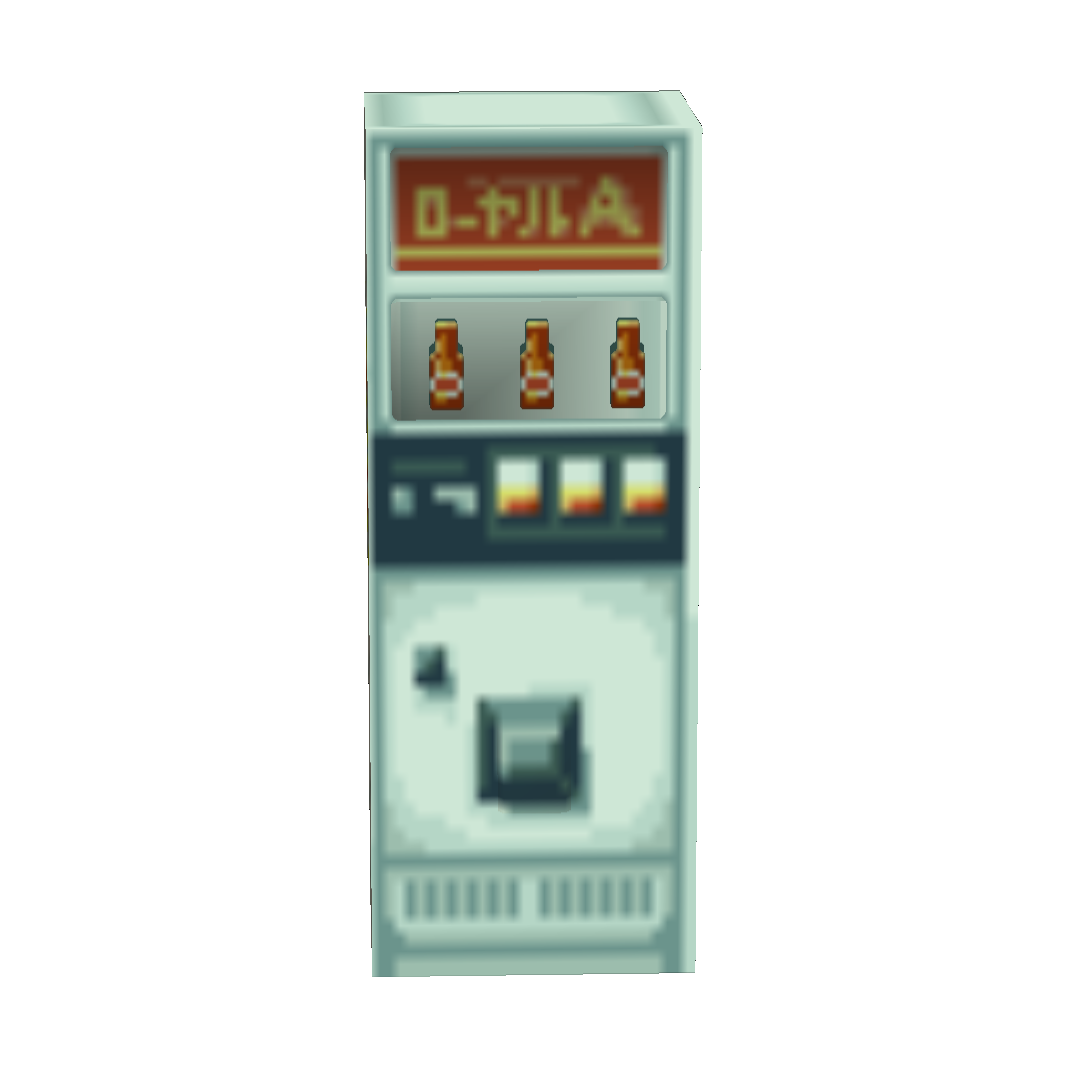
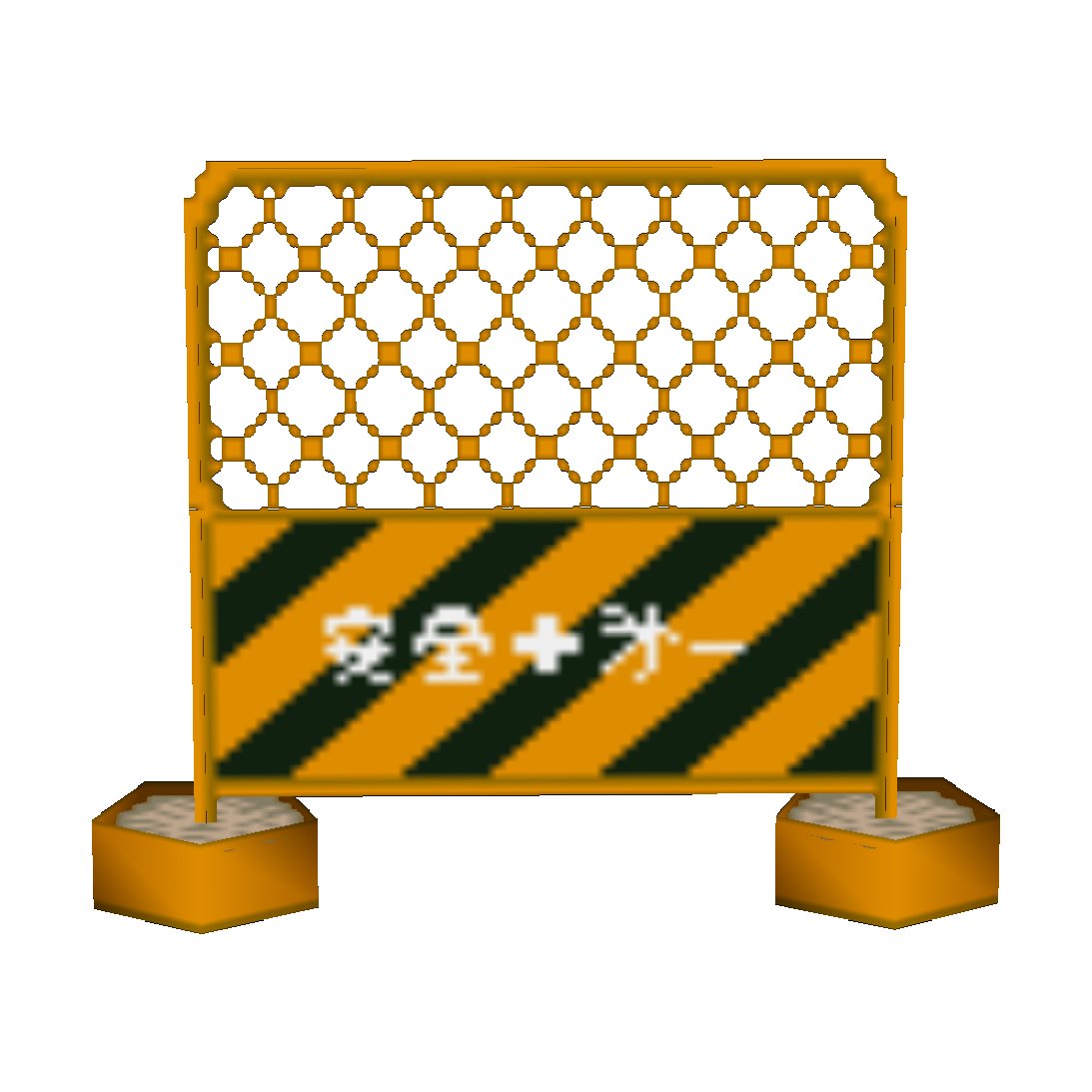
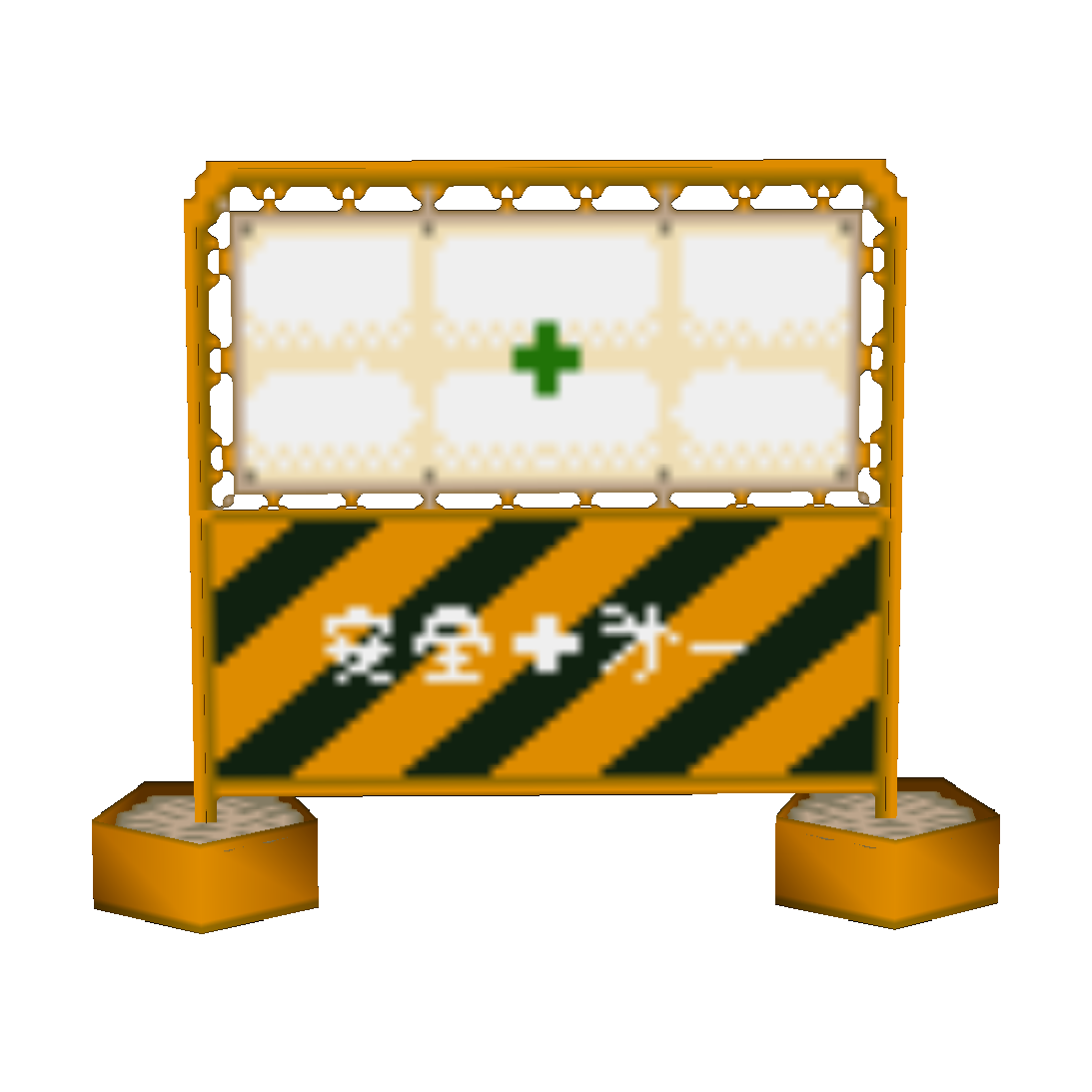
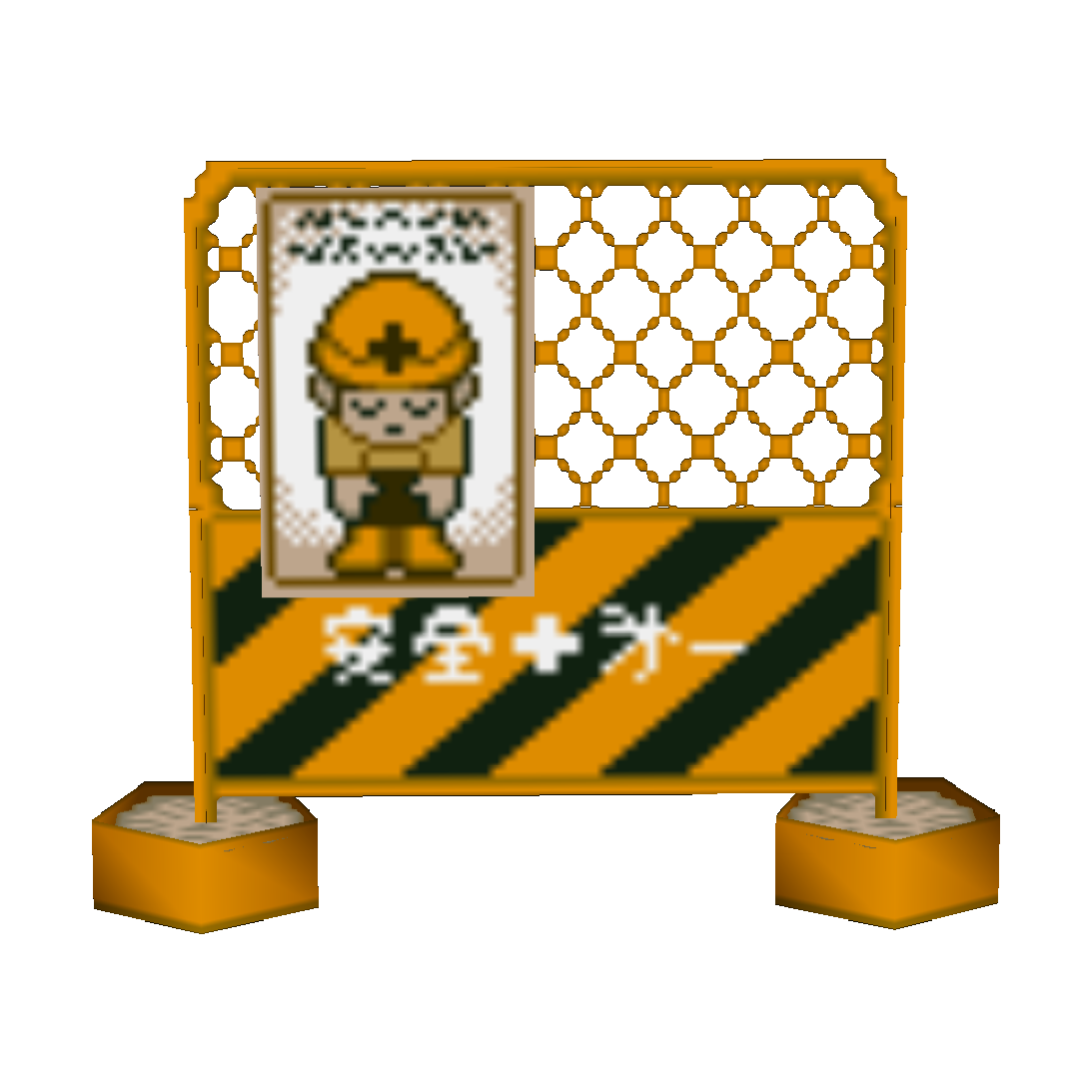
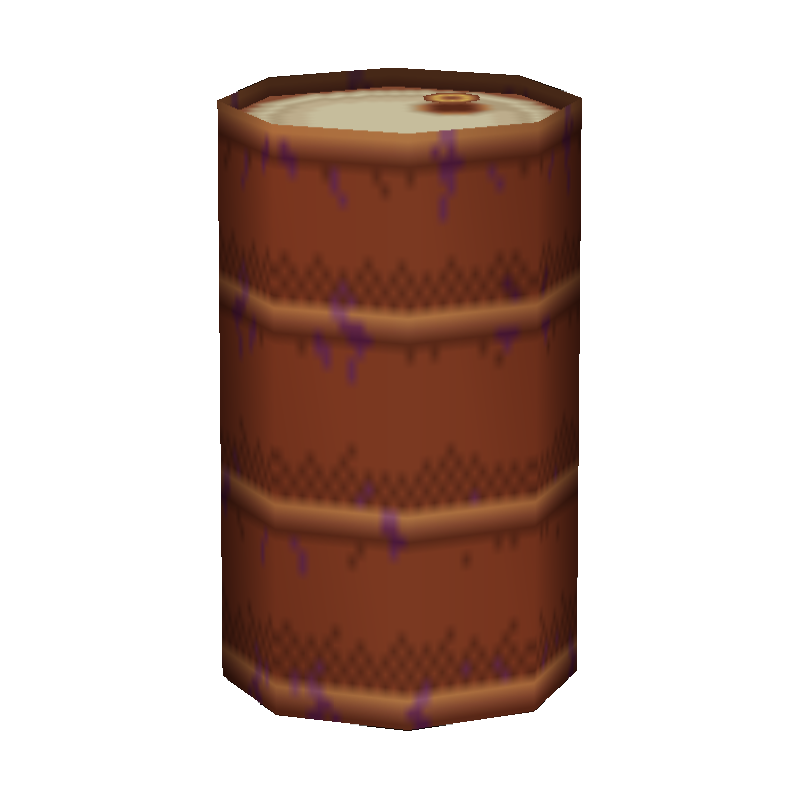
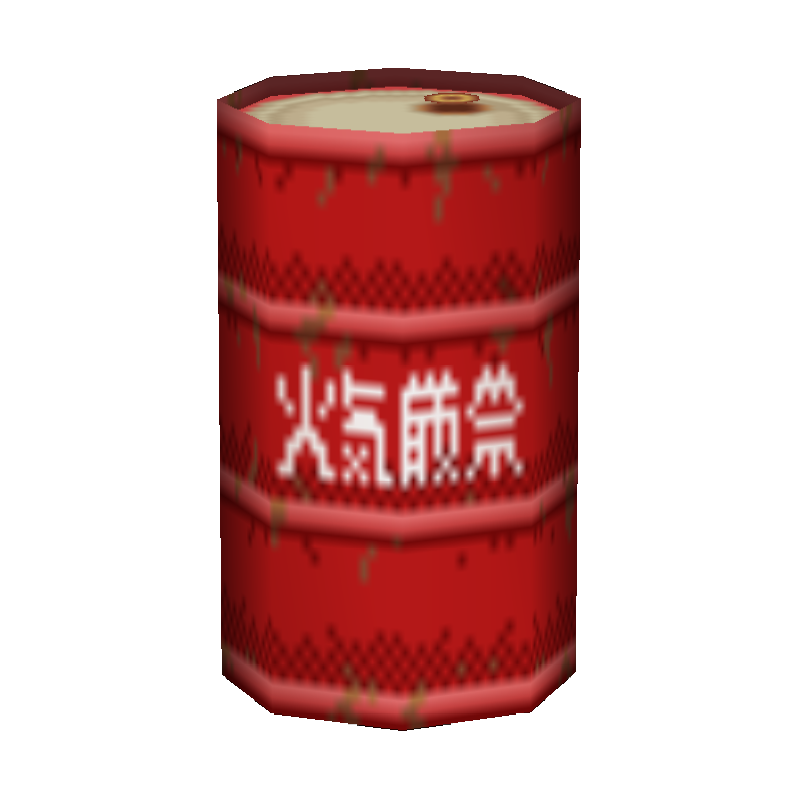
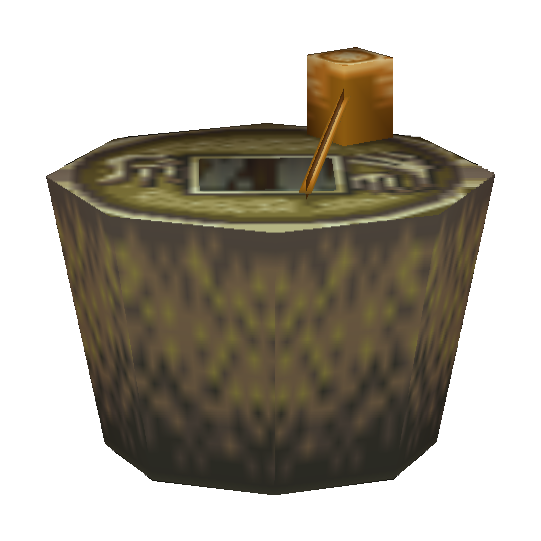
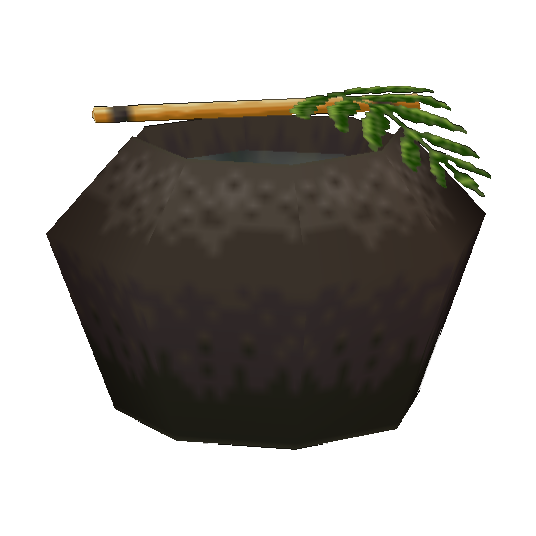
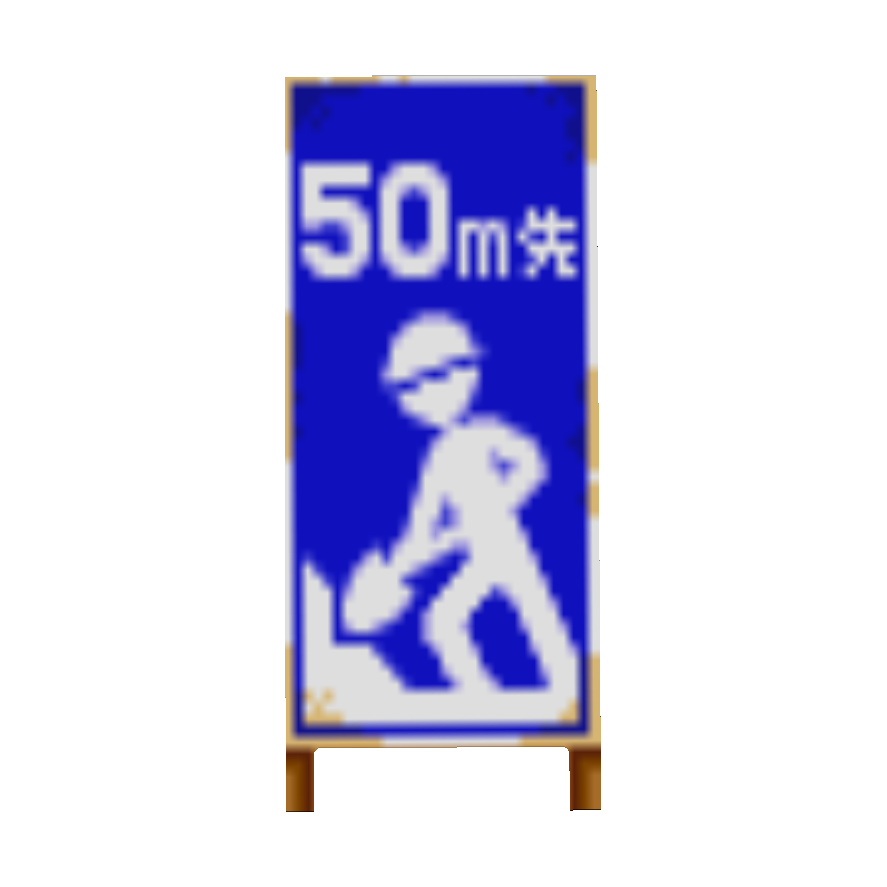
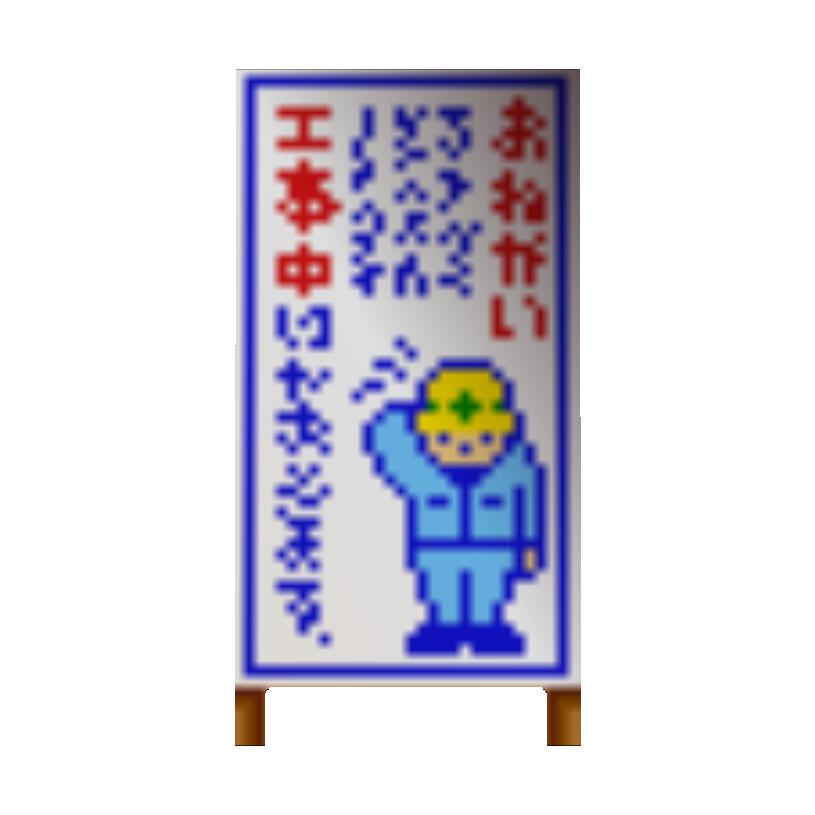
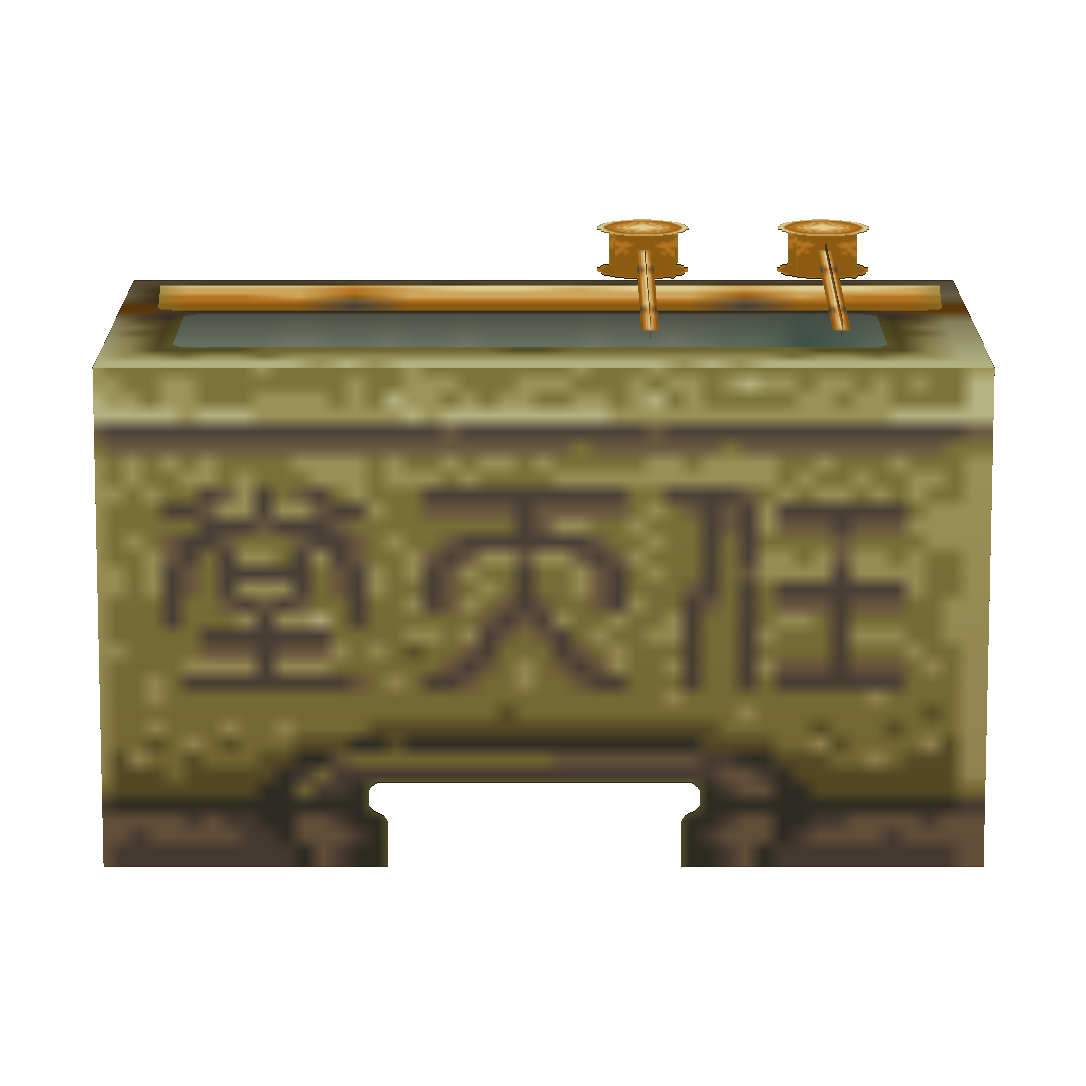
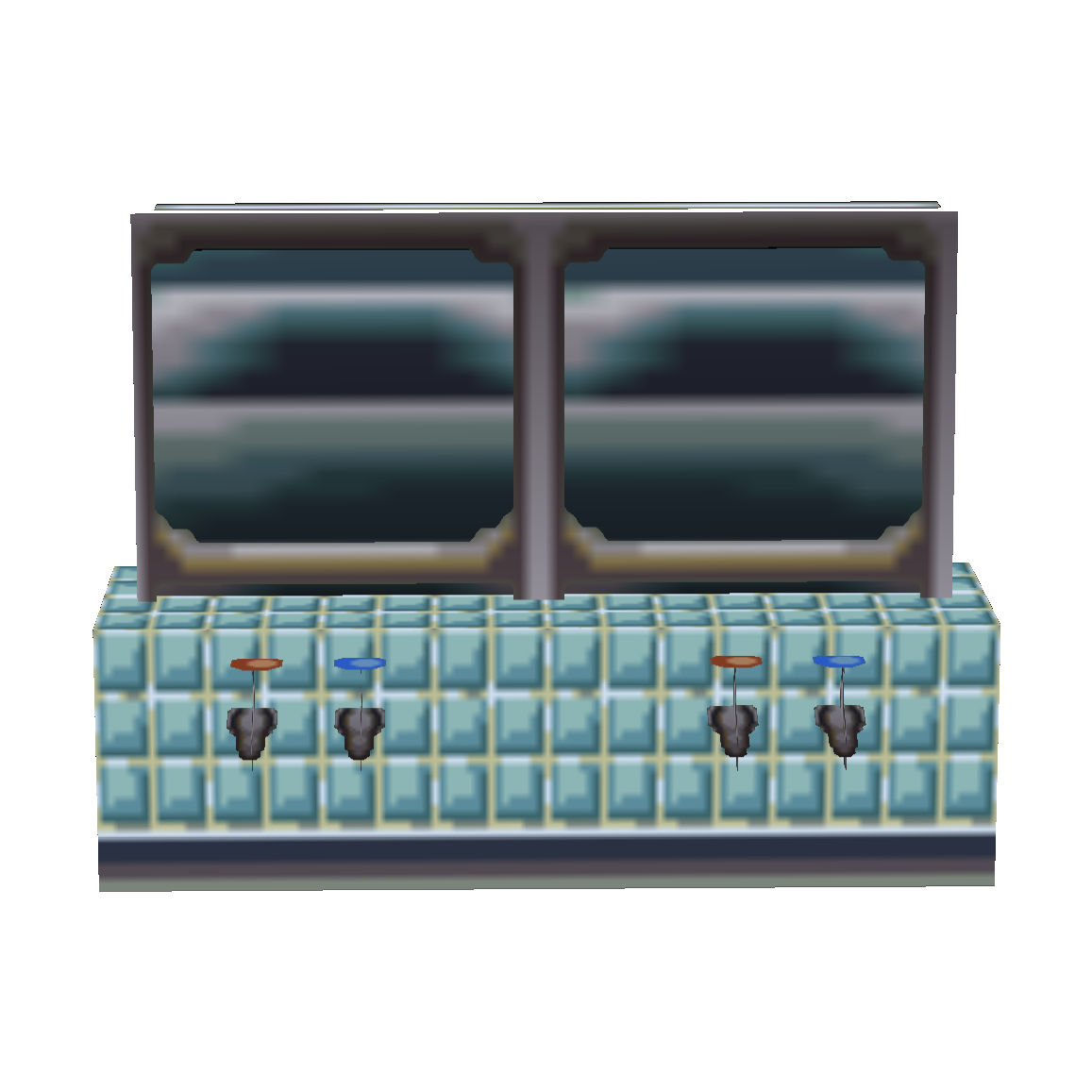
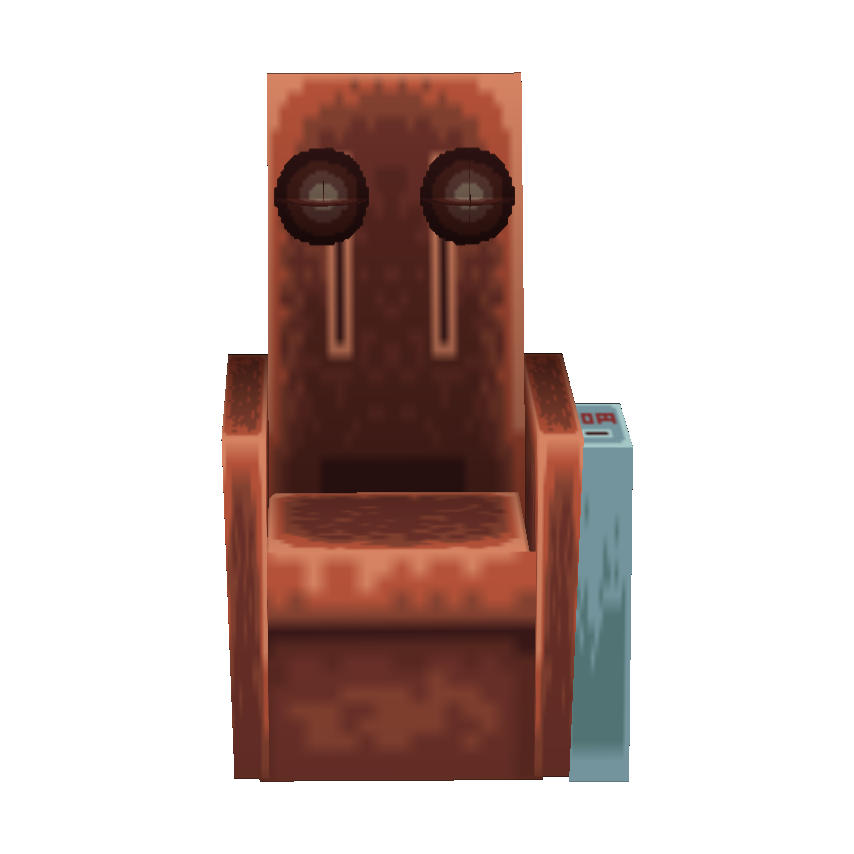
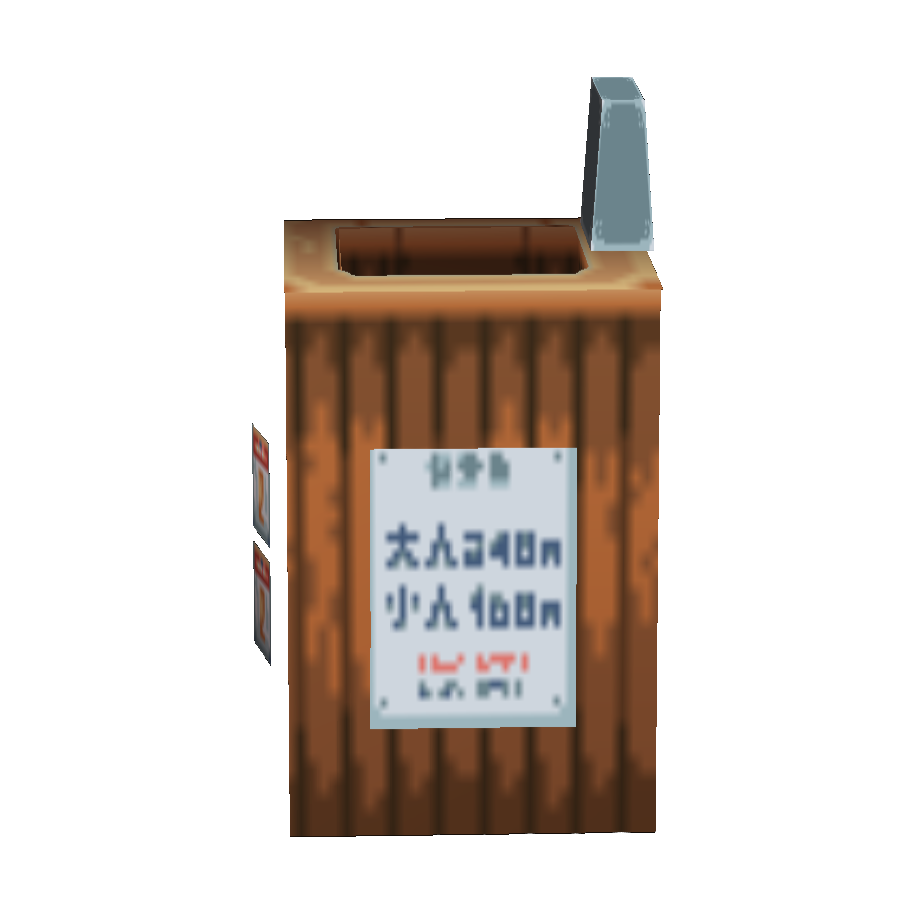
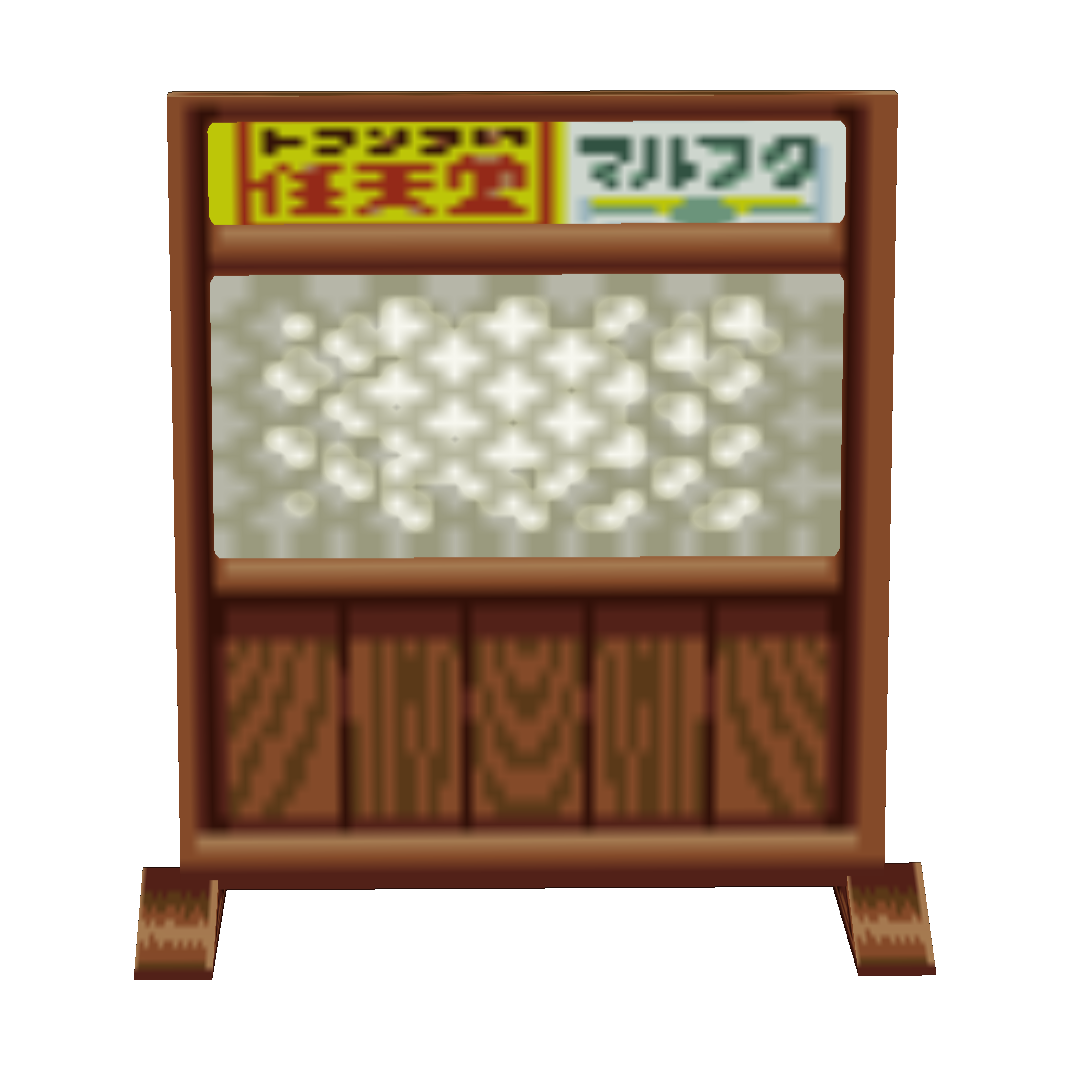
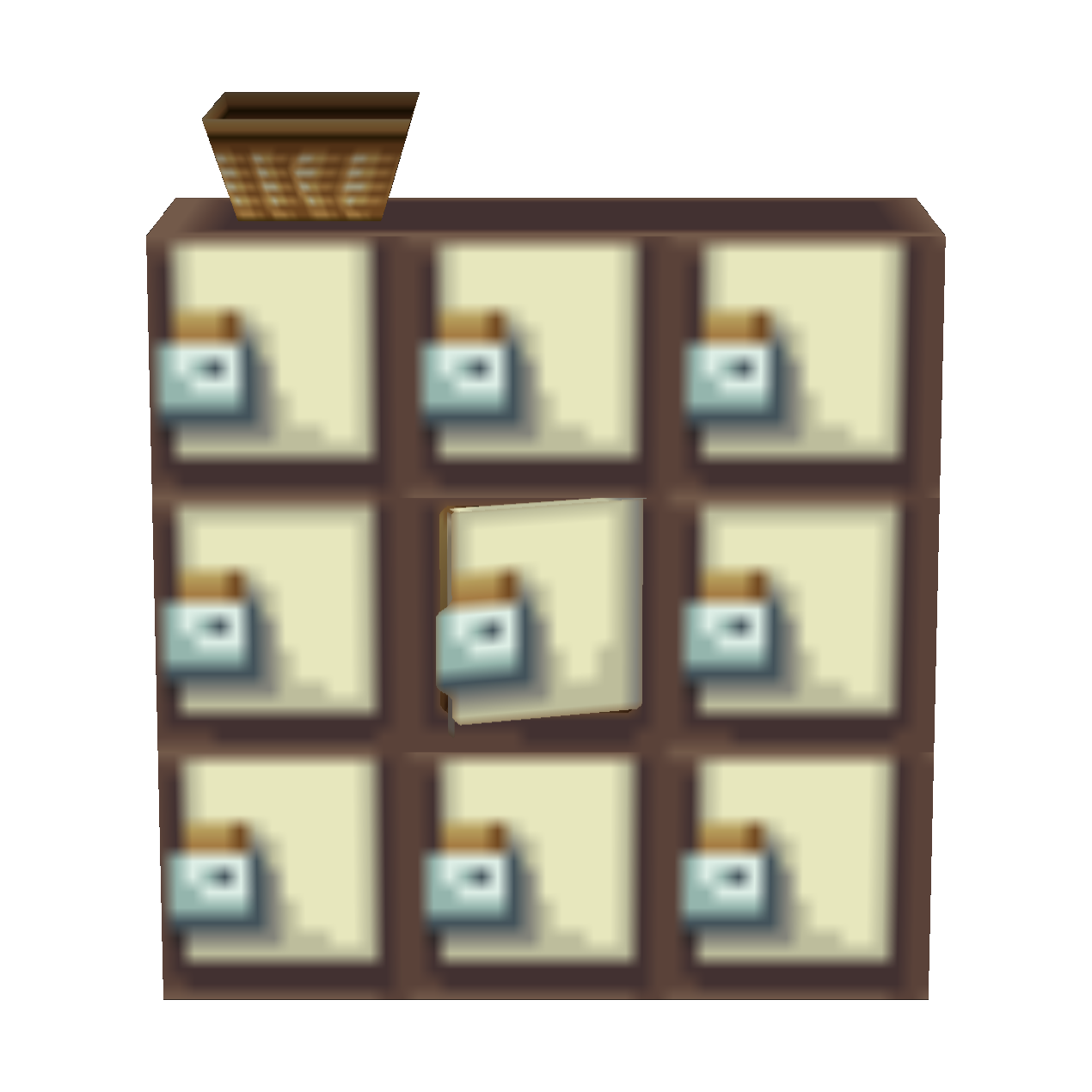
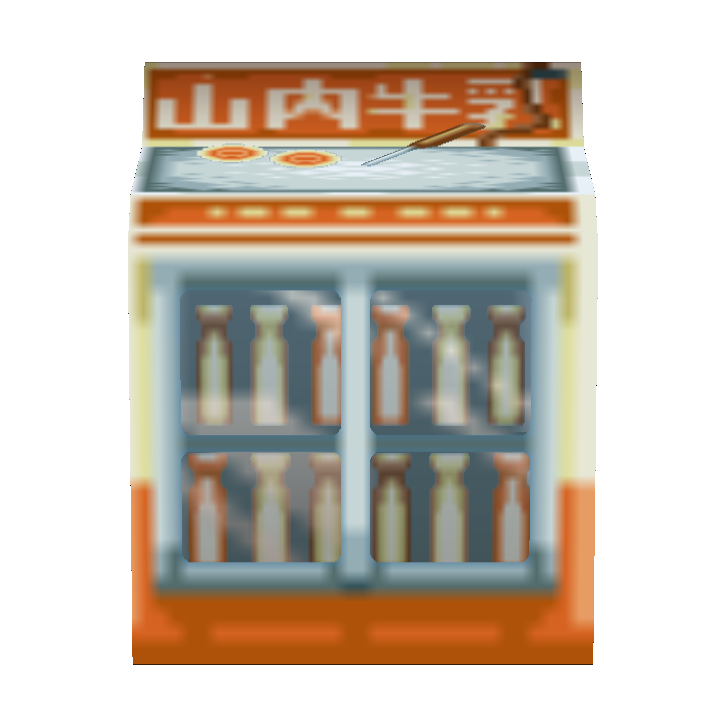
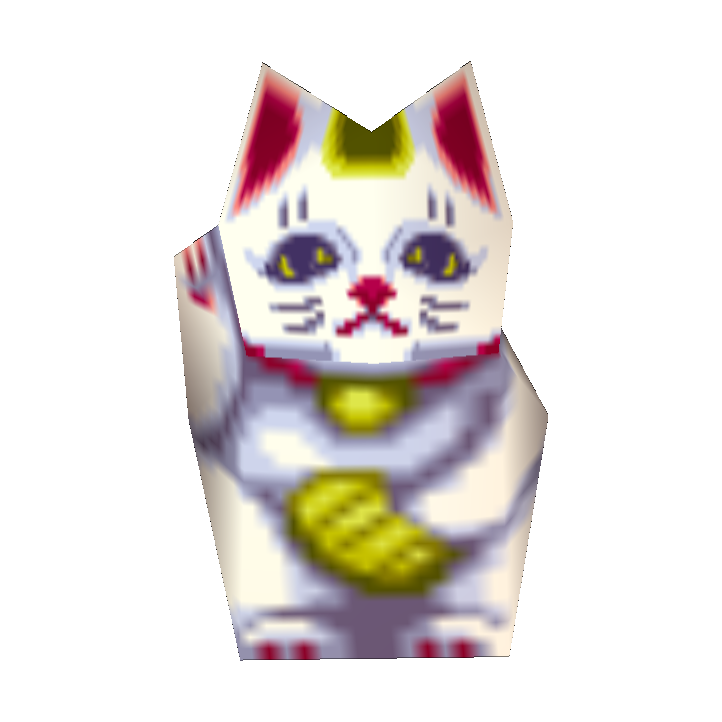
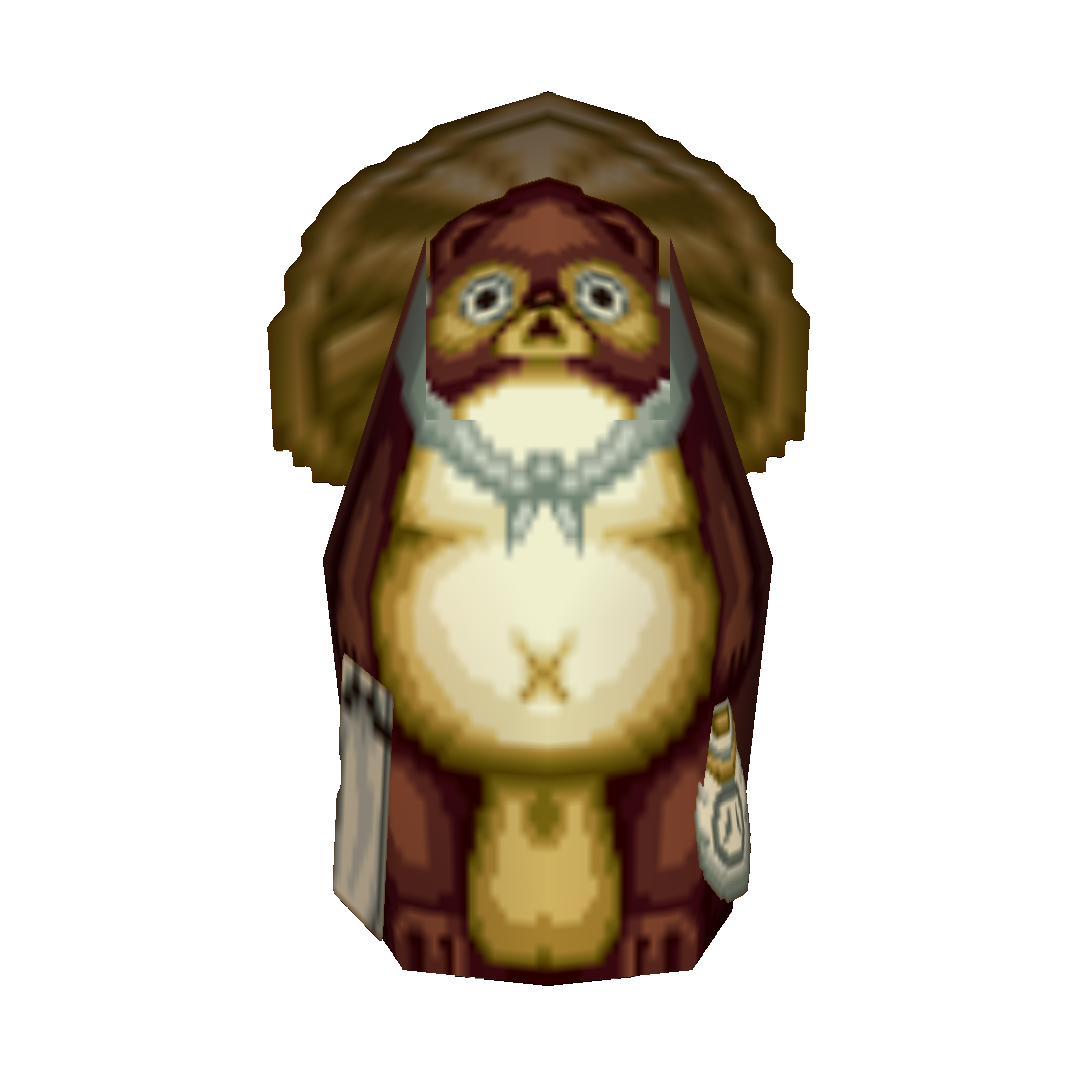
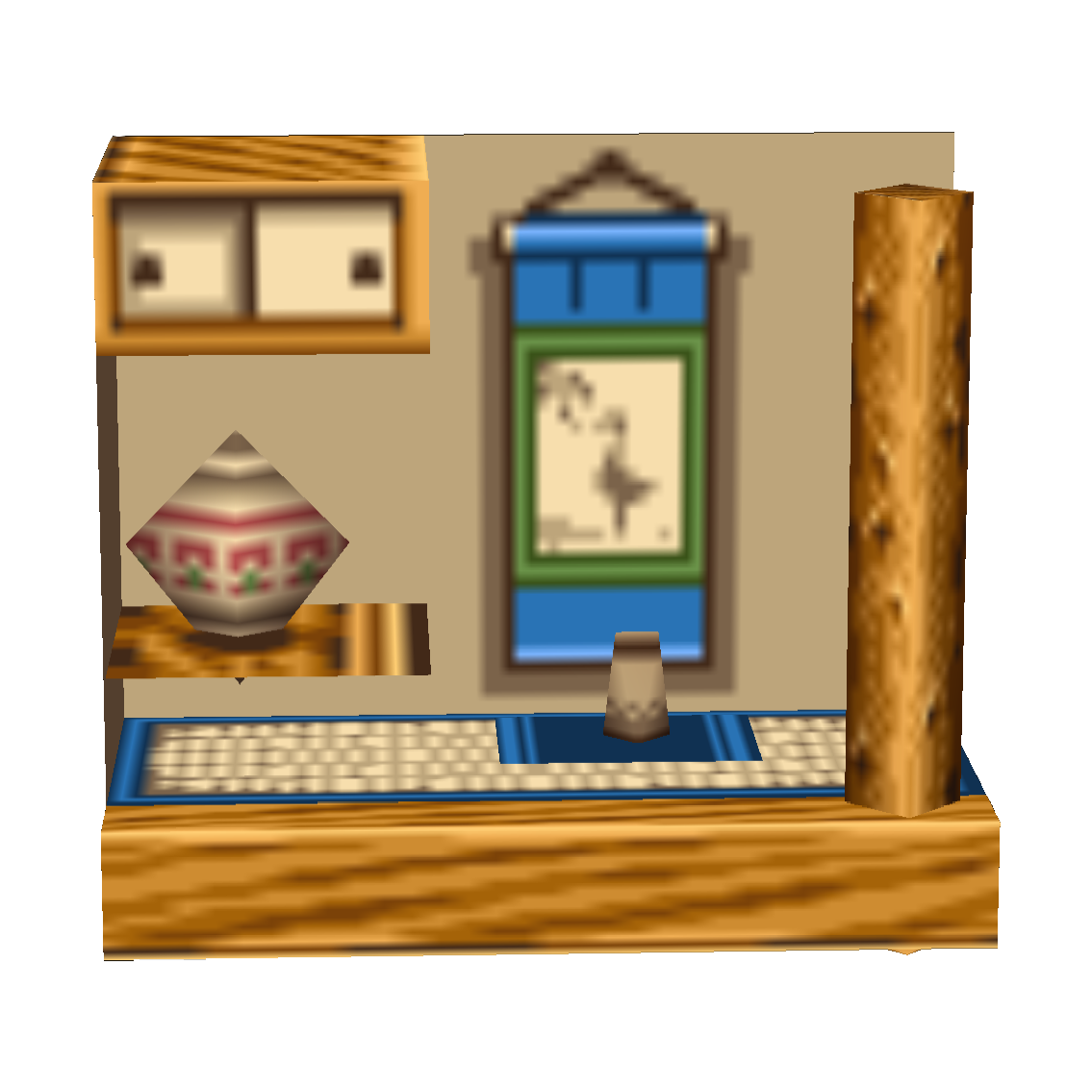
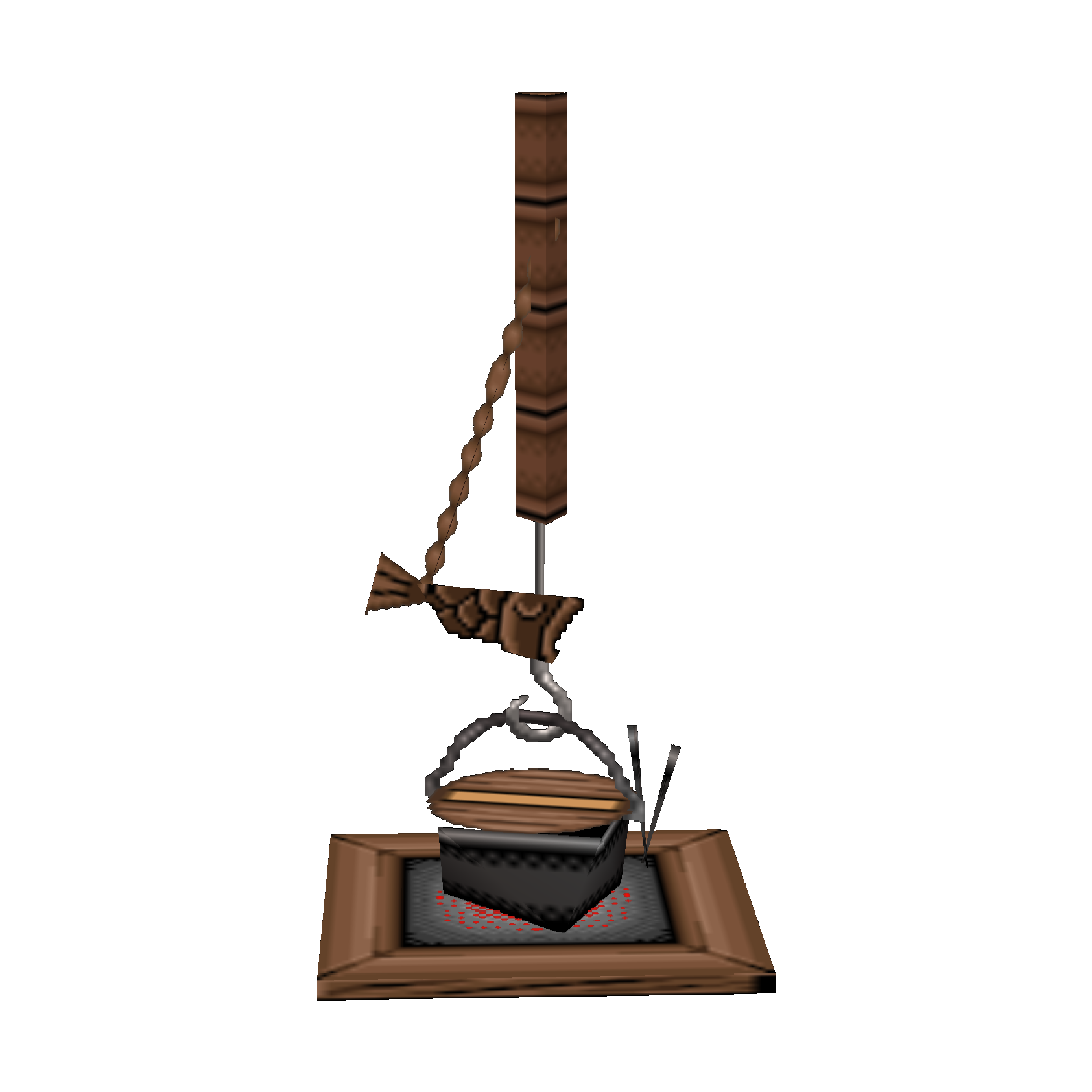
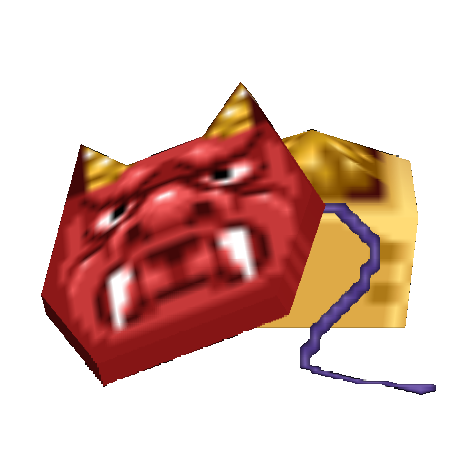
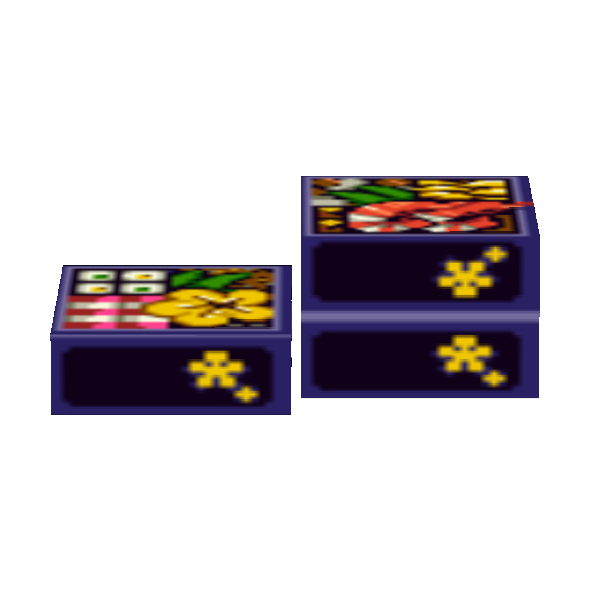
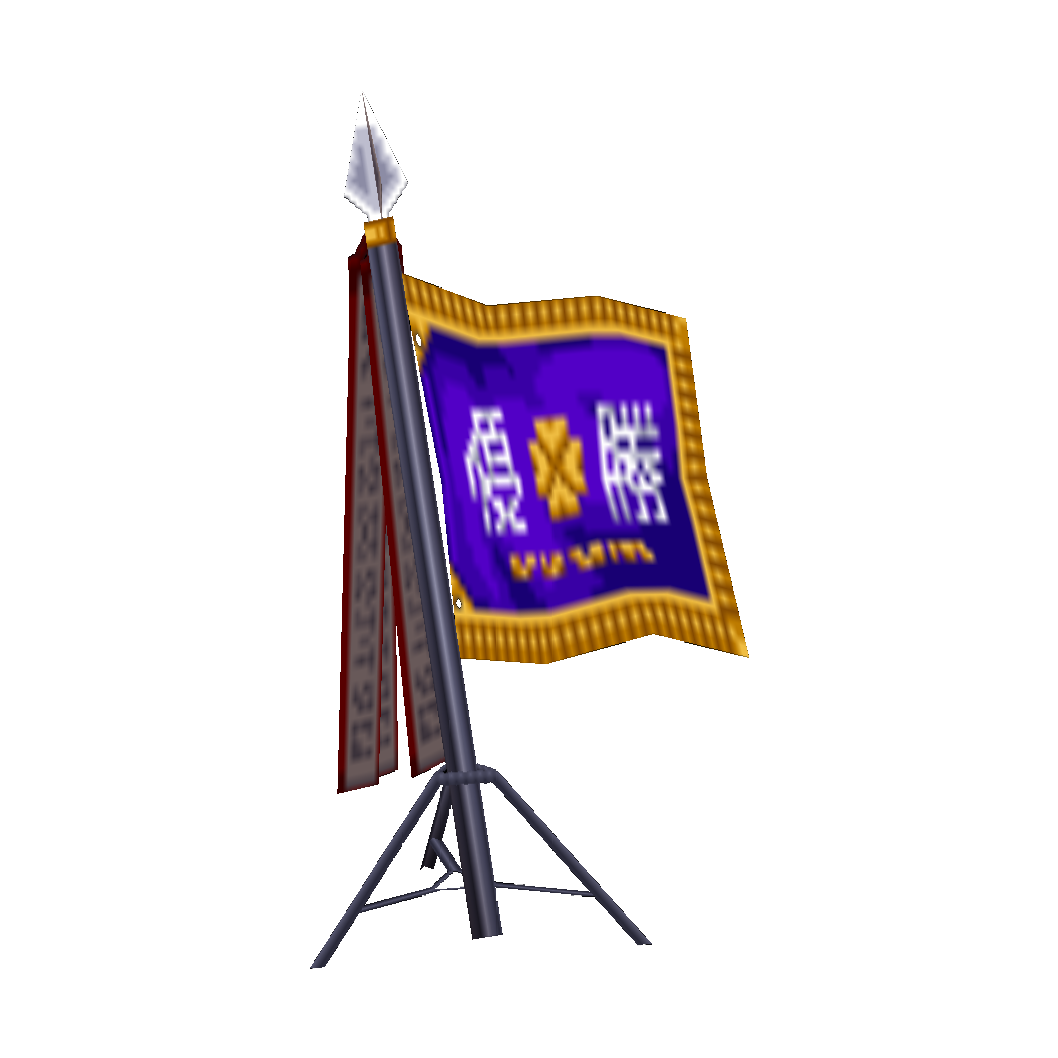
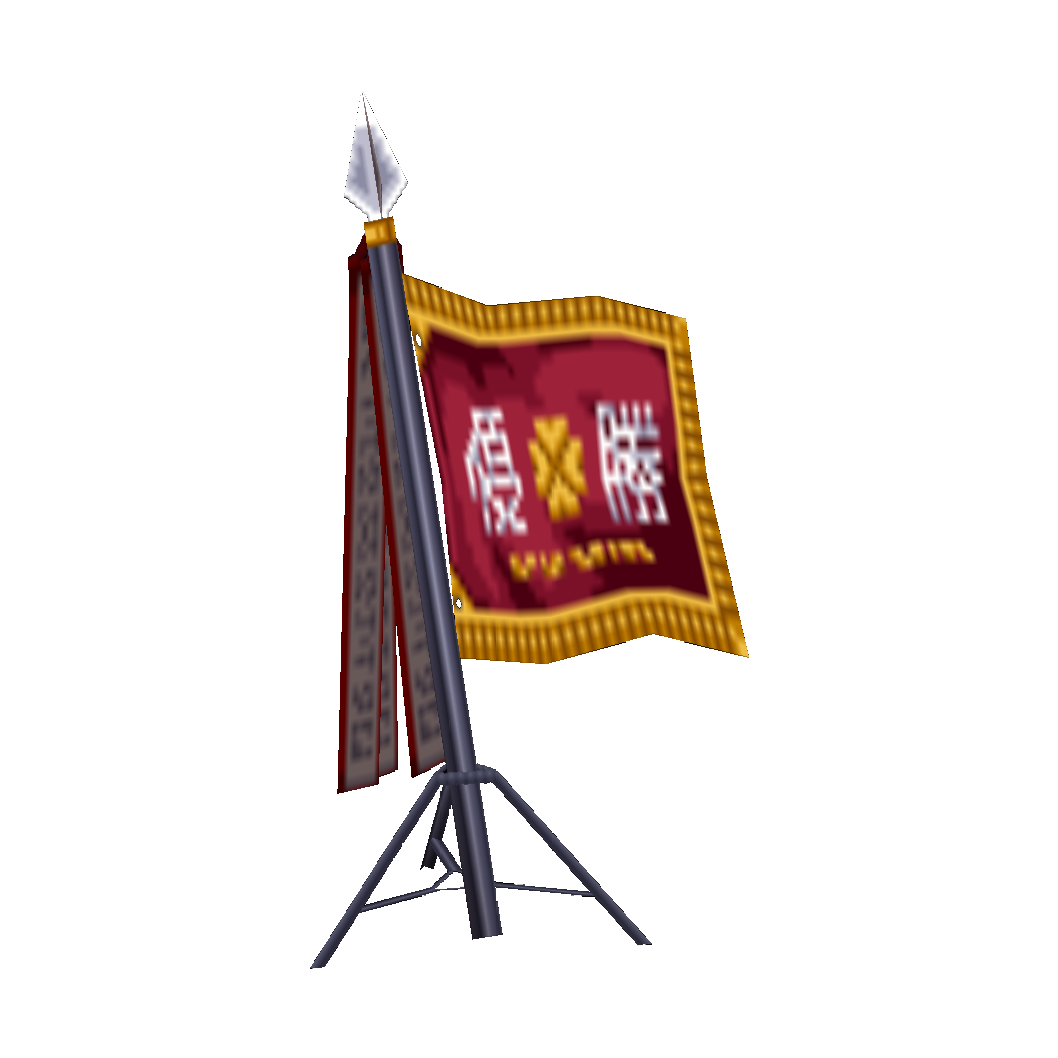
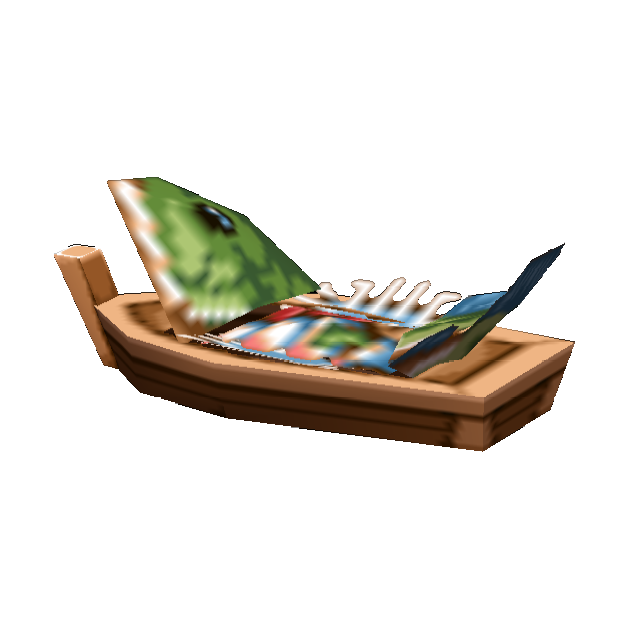
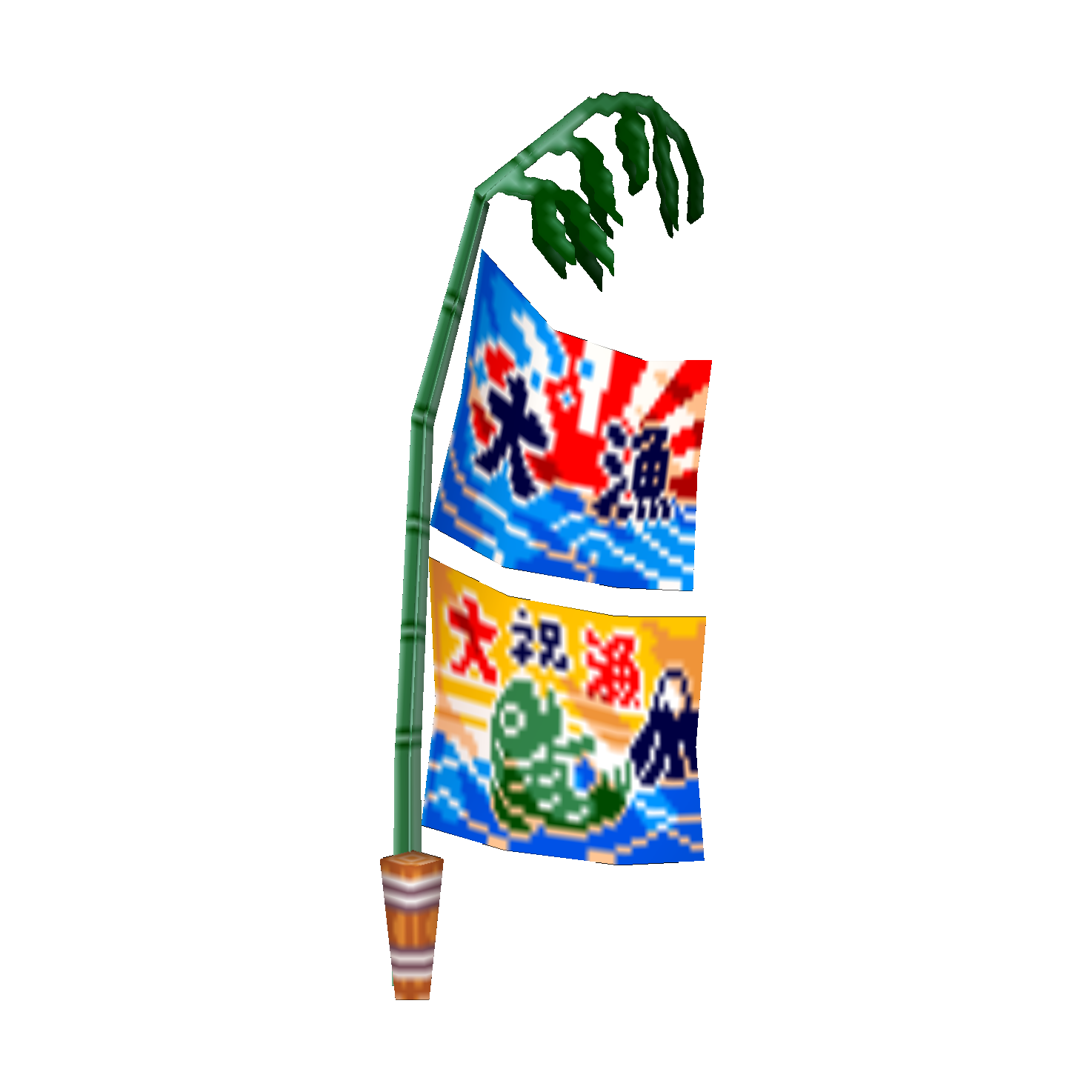
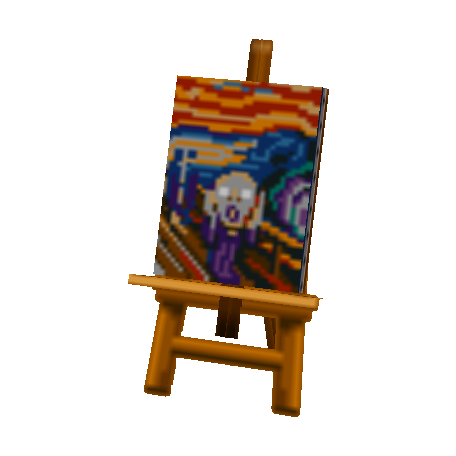
Several furniture items are leftover in the files from Doubutsu no Mori +, the Japanese exclusive GameCube version of the game released before. When spawned, they appear as a "DUMMY" model that is a white triangle with red Japanese text on it reading "ダミー" or "DUMMY". Below is a list of the item's names along with their internal hexadecimal IDs and their models from Doubutsu no Mori +.
Name |
ID |
Doubutsu no Mori + model |
Name |
ID |
Doubutsu no Mori + model |
Name |
ID |
Doubutsu no Mori + model |
||
|---|---|---|---|---|---|---|---|---|---|---|
dresser |
10 7C |
 |
tansu |
10 80 |
 |
sewing box |
10 84 |
 |
||
paper lantern |
10 8C |
 |
tea table |
10 90 |
 |
shogi board |
10 94 |
 |
||
screen |
10 98 |
 |
bus stop |
10 A0 |
 |
hibachi |
10 C0 |
 |
||
tea tansu |
10 CC |
 |
pink kotatsu |
10 D0 |
 |
blue kotatsu |
10 D4 |
 |
||
nice speaker |
11 F8 |
school desk |
12 00 |
 |
graffiti desk |
12 04 |
 |
|||
towel desk |
12 08 |
 |
kadomatsu |
12 20 |
 |
kagamimochi |
12 24 |
 |
||
heavy chair |
12 40 |
school chair |
12 44 |
 |
towel chair |
12 48 |
 |
|||
stepstool |
12 50 |
giant dharma |
13 F8 |
 |
dharma |
13 FC |
 |
|||
mini-dharma |
14 00 |
 |
striped cone |
14 18 |
 |
cola machine |
14 20 |
 |
||
barricade |
14 30 |
fence |
14 34 |
 |
plastic fence |
14 38 |
 |
|||
fence and sign |
14 3C |
 |
brown drum |
14 4C |
 |
red drum |
14 54 |
 |
||
juice machine |
14 58 |
trash can |
14 60 |
 |
garbage pail |
14 64 |
 |
|||
robotic flagman |
14 74 |
 |
zen basin |
14 90 |
 |
wash basin |
14 98 |
 |
||
warning sign |
14 A0 |
route sign |
14 B0 |
men working sign |
14 B4 |
 |
||||
caution sign |
14 B8 |
 |
temple basin |
14 BC |
 |
bucket |
15 20 |
 |
||
faucet |
15 28 |
 |
spa chair |
15 2C |
 |
massage chair |
15 48 |
 |
||
bath mat |
15 4C |
 |
spa tub |
15 50 |
 |
clerk's booth |
15 64 |
 |
||
spa screen |
15 74 |
 |
bath locker |
15 94 |
 |
milk fridge |
15 98 |
 |
||
lucky cat |
1E 74 |
 |
lucky black cat |
1E 78 |
 |
racoon obje |
1E 80 |
 |
||
lucky frog |
1E 84 |
 |
alcove |
1E DC |
 |
hearth |
1E E0 |
 |
||
post box |
1F A8 |
 |
moon dumpling |
30 38 |
 |
bean set |
30 3C |
 |
||
osechi |
30 40 |
|
spring medal |
30 58 |
 |
fall medal |
30 5C |
 |
||
long-life noodle |
30 68 |

|
bass boat |
30 6C |
 |
mortar ball |
30 8C |
 |
||
big catch flag |
30 98 |
 |
hibachi grill |
31 BC |
|
dreadful painting |
31 D8 |
 |
||
novel painting |
31 DC |
 |
Unused Items#
Several items in the game's files are unused and unobtainable through gameplay. Below is a list of the item's names along with their internal hexadecimal IDs.
Name |
ID |
Image |
Notes |
|---|---|---|---|
golf trophy |
32 1C |
 |
- |
tennis trophy |
32 28 |
|
- |
kart trophy |
32 30 |
|
- |
Legend of Zelda |
1D F0 |
 |
Fully functional unobtainable NES game furniture and fully playable copy of the NES game "The Legend of Zelda". Has its own unique model. |
Legend of Zelda |
1F BC |
 |
Broken NES game. Crashes and resets Animal Crossing when pressed and attempts to load. Model is reused from the plain game-less "NES" item. |
sickle |
22 2C |
 |
Handheld item, no model visible when placed in house or equipped but uses a toolbox sprite from previous versions of the game when dropped outside. Of note is that an inventory icon for the sickle is present in the 2020 source code leak for Doubutsu no Mori. |
- |
Various |
 |
Can be spawned as an object on the ground, but is an unused object and sprite in normal gameplay. Cannot be picked up. Of note is that the 2020 Doubutsu no Mori source code leak includes three generic fish icons, one of which resembles this sprite, rather than distinct ones for each species; this appears to be a remnant of that idea. |
unknown |
Various |
 |
Broken item that has no model visible when placed. When picked up, it cannot be interacted with in the inventory or sold at Tom Nook's Shop, only prompting an error noise when A is pressed on it. Has its own unique inventory icon. |
DUMMY |
33 C4 |
|
The model for most leftover and unused items. Unlike other items, this one can be accessed through a glitch. Winter Igloo Campers have the DUMMY in the pool of items that they can give the player. |
§ÿ³„Ñ à |
25 00 |
 |
|
§ÿ³„ÕØ |
25 01 |
 |
|
§ÿ³„ÁÂÖ |
25 02 |
 |
|
money1000Bell |
25 0D |
|
|
爁 |
25 13 |
 |
|
🗙♀☂Þ🐷 |
25 1D |
 |
Unobtainable Clothing#
Eight unobtainable clothing items exist in the game. They can be spawned as items from memory and can be obtained through universal item codes, but only exist for villagers during certain events in normal gameplay.
Name |
ID |
Image |
Texture |
Notes |
|---|---|---|---|---|
Plum Kimono |
24 12 |
 |
 |
Worn by villagers on New Year's Day in Doubutsu no Mori +. |
Somber Robe |
24 13 |
 |
 |
Worn by villagers on New Year's Day in Doubutsu no Mori +. |
Red Sweatsuit |
24 14 |
 |
 |
Worn by the red team during the Sports Fairs |
Blue Sweatsuit |
24 15 |
 |
 |
Worn by the blue team during the Sports Fairs |
Red Puffy Vest |
24 16 |
 |
 |
Worn by female villagers during the Fishing Tourneys |
Blue Puffy Vest |
24 17 |
 |
 |
Worn by male villagers during the Fishing Tourneys |
Summer Robe |
24 18 |
 |
 |
Worn by villagers during the Fireworks Festival in Doubutsu no Mori +. |
Bamboo Robe |
24 19 |
 |
 |
Worn by villagers during the Fireworks Festival in Doubutsu no Mori +. |
Doubutsu no Mori Leftovers#
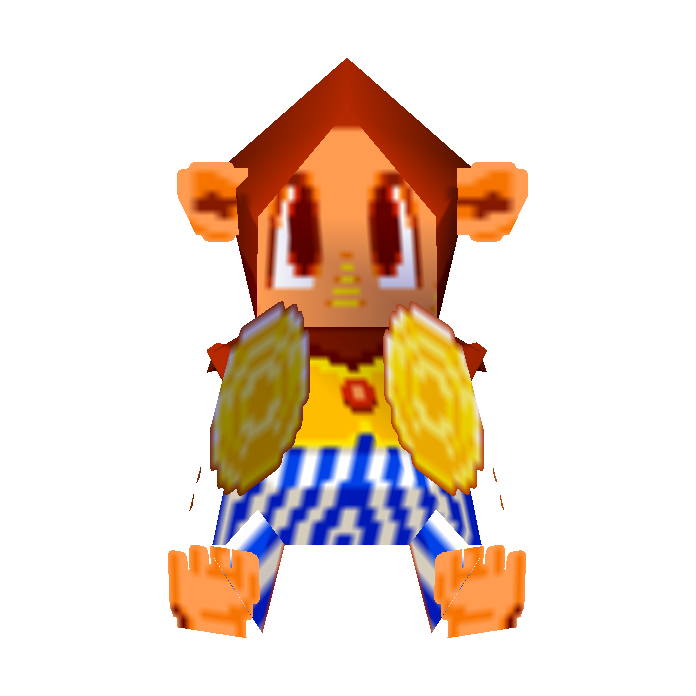
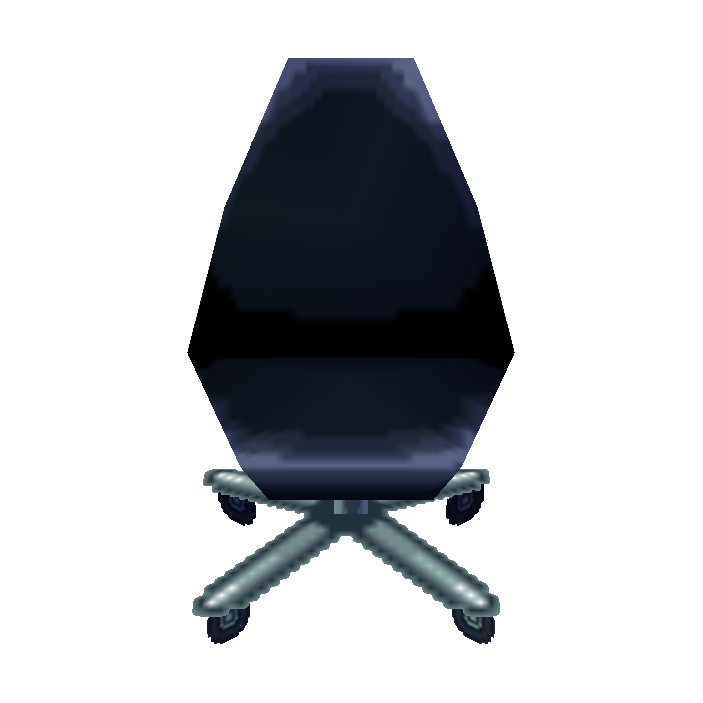
In addition to the items shown above, eight unused furniture items from the original Doubutsu no Mori remain in the code of Doubutsu no Mori +, Animal Crossing, and Doubutsu no Mori e+. In most cases, their models are removed; their IDs instead point to duplicates of the Spooky Wardrobe furniture item in + and the DUMMY furniture item in Animal Crossing and e+. The sole exception is the unused chair, the model for which is still present in + (though not Animal Crossing or e+, where it again just appears as a DUMMY item).
Name |
ID |
Image |
Notes |
Name |
ID |
Image |
Notes |
|
|---|---|---|---|---|---|---|---|---|
zabuton |
10 9C |
 |
- |
chest |
10 B0 |
 |
- |
|
rack |
10 B4 |
 |
- |
nice speaker |
11 F8 |
 |
- |
|
unused dresser |
12 F0 |
 |
- |
unused monkey |
13 14 |
 |
Animated; perpetually claps. |
|
modern den chair |
13 44 |
 |
Interactive; can be sat on. |
unused chair |
14 CC |
|
Interactive; can be sat on. |
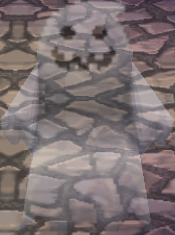

Unused Seasonal Palettes#
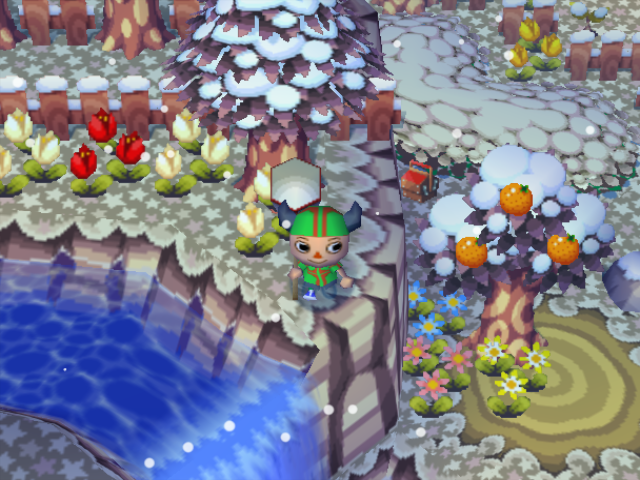
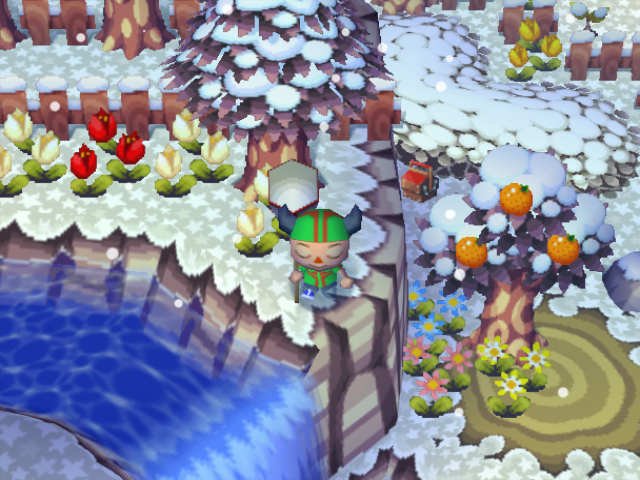
In Doubutsu no Mori e+, two unused seasonal environment palettes were added for grass. These palettes go unused in the final game. The first palette appears to be for a transition between Fall and Winter, as the grass underneath the bush is green. The second palette is likely for mid- or late Winter.
Unused Text#
At the beginning of string_data.bin is a test line of text.
Test Line of textAmong the catchphrases are some temporary strings of text that indicate catchphrases that haven't been translated.
TRANSLATEAt the beginning of mail_data.bin is some testing related text for letters.
This is mail 0
This is mail 1.
message_data.bin contains two messages that mention E3. It appears they would be used if the player tried to send mail at the post office, possibly while playing an E3 demo.
{{DEMO_NPC0:PLAYER:WORRY}}I'm terribly sorry,{{PAUSE:0x06}} but since
{{COLOR_CHAR:e11ed7:0x02}}E3 is being held today,{{BUTTON}}
{{CLEAR}}We're not accepting any
letters.{{PAUSE:0x0c}} I apologize for
the inconvenience.{{DEMO_NPC0:PLAYER:DEFAULT}}
{{CONTINUE}}
Listen,{{PAUSE:0x06}} {{COLOR_CHAR:e11ed7:0x02}}E3 is being held
today.{{BUTTON}}
{{CLEAR}}We don't save letters during
{{COLOR_CHAR:e11ed7:0x02}}E3.{{PAUSE:0x0c}}
{{SOUND_CUT:0x00}}{{COLOR_LINE:969696}}(We're just too busy!){{SOUND_CUT:0x01}}{{DEMO_NPC0:PLAYER:DEFAULT}}
{{CONTINUE}}Build Dates#
COPYDATE contains the following final build dates:
JP + |
JP + Rev 1 |
US |
JP e+ |
JP e+ Rev 1 |
AU |
|---|---|---|---|---|---|
|
|
|
|
|
|
EU English |
EU French |
EU German |
EU Spanish |
EU Italian |
|
|
|
|
|
|
Build Directories#
static.str contains the directories from which various relocatable module files were compiled:
Doubutsu no Mori+/Animal Crossing#
d:\home\otsuki\Project\GCFOREST\src\bin\HW2\foresta.plfDoubutsu no Mori e+#
d:\Project\Dolphin\GCFOREST\src\bin\HW2\foresta.plf
d:\Project\Dolphin\GCFOREST\src\bin\HW2\forestd.plf
d:\Project\Dolphin\GCFOREST\src\bin\HW2\foresti.plf
d:\Project\Dolphin\GCFOREST\src\bin\HW2\foresto.plf
boot.dol Strings#
boot.dol, the game's executable, has a few interesting strings.
Error Messages#
Jam/seq :: Sequence Error occerd... I try to continue
OK! YOU ARE GREAT!
:::there is some error in this heap!
Sorry, not prepared for SZP archive.
Other Strings#
SHOP PROMOTE VERSION
The DISP SW is JAPAN MODE now but this GAME is NES version
QFC ver.011012   (C)2001 Nintendo
Developer Credit#
// Coded by KawasedoAt D79E1 is comment that matches a string found in the Game Boy Advance Bootstrap ROM, so it is safe to assume that the .dol contains a copy of the GBA Bootstrap and it is not otherwise part of the game.
Resetti Easter Egg#
The sixth time you meet Resetti, he will force you to copy what he says by typing it in. However, typing in the following phrases (or anything containing them) will trigger an Easter egg. Some of these things are somewhat vulgar.
no
nope
heck no
NO!
jerk
Die!
Loser
RESET
Freak
Creep
no way
Leave!
No way!
shut up
go away
Pinhead
Dirtbag
Scumbag
Shut up!
Go away!
butthead
Bite me!
U R ugly
groundhog
You stink
I + reset
You suck!
I hate you
Moles suck
Who cares?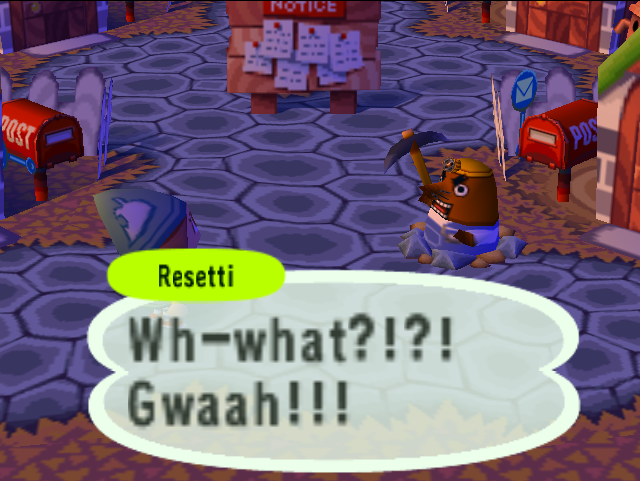
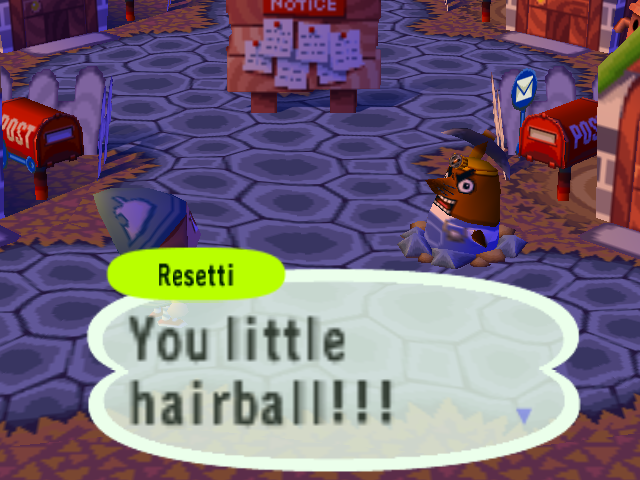
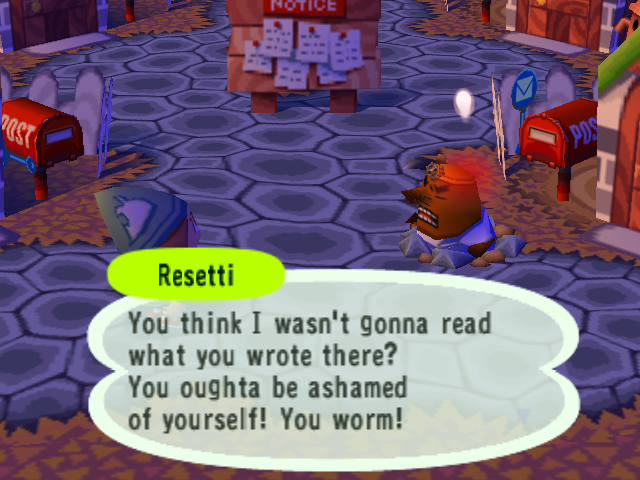
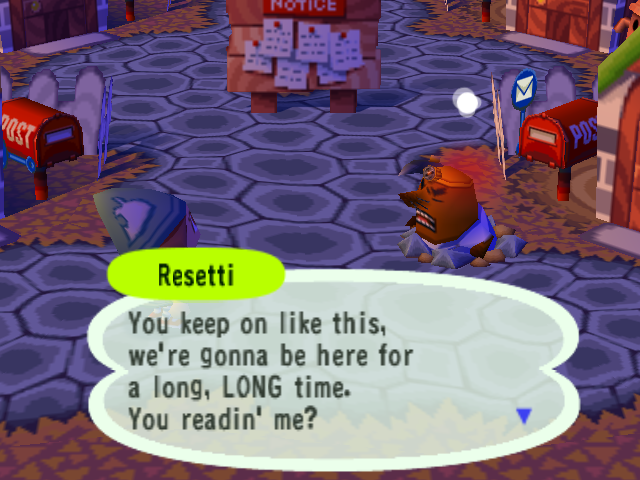
Doubutsu no Mori e+ 1.01 NES Tags#
Version 1.01 of Doubutsu no Mori e+ added the following new NES Info Tags:
[.data]: Famicom.a/tags_table_external_bbram_default
[.data]: Famicom.a/tags_table_external_disksystem_default
[.data]: Famicom.a/tags_table_external_famicom_grand_prix
[.data]: Famicom.a/tags_table_wrecking_crew
[.data]: Famicom.a/tags_table_vs_excitebike
[.data]: Famicom.a/tags_table_kaettekita_mario_bros
[.data]: Famicom.a/tags_table_doctor_mario
[.data]: Famicom.a/tags_table_adventure_of_link
[.data]: Famicom.a/tags_table_adventure_of_link_rom
None of the games mentioned here are playable in Doubutsu no Mori e+, or in any version of Animal Crossing for that matter, indicating that these games were either planned for inclusion but ultimately cut, or were intended to be patched into the game through a promotional event.
|
The Animal Crossing series | |
|---|---|
|
Nintendo 64, iQue Player |
|
|
GameCube |
|
|
Nintendo DS |
|
|
Wii |
|
|
Nintendo 3DS |
|
|
Wii U |
|
|
iOS, Android |
|
|
Nintendo Switch |
|