 This article has a talk page!
This is a sub-page of Proto:LittleBigPlanet 2.
General Differences#
- The Reset Costume, Random Costume, Save Costume and Wash Costume functions are not present on the Materials page of the Customise Character menu.
- The default level background is referred to as "Tutorial Background - Plain" and has the description "Simple background from the tutorials." In the final game it shares the same name and description as the default level background from the first game.
- The Controlinator will prevent players and Sackbots from entering and exiting it if it's attached to the front of an object that occupies the front-most layer. No such restriction exists in the final game.
Create Mode Differences#
- The default value on the Sequencer's Seconds per stripe tweak is 7.7, which was changed to 1.0 in the final game.
- The tweak menu for Sackbots is arranged differently compared to the final game.
- The Use Player Costume option is found within the Costume tweak, rather than being a separate tweak just below it.
- The Expression tweaks are found at the bottom of the tweak menu, just above the Look At tweaks. Additionally, the tweaks themselves use different graphics compared to the final, and the default value for the Expression Level tweak is 1.
- The Lighting option in Global Controls is reversed so that Day is on the far left, and Night is on the far right. In the final game, Day is on the far right, while Night is on the far left.
- To access the Fog Colour settings, Fogginess must be set to 1% or higher. Fog Colour isn't dependant on Fogginess in the final game.
- The colour range on the Fog Colour slider includes the default background colour, black, grey, blue, green, orange, a whitish green, and black again.
- In the final game, the colour range includes the default background colour, black, grey, blue, green, orange, yellow, turquoise, light blue, purple, pink, red, a more saturated shade of orange, a more saturated shade of yellow, beige, and white.
User Interface Differences#

|
This page or section needs more images. |
Level Details#
- The interface that appears after pressing the Square button on a level badge is completely different.
- A minimalist menu appears, featuring only the title of the level, the creator and a series of buttons above and below the title and creator.
- When playing a Story Level, the only buttons present are Play! on the top, and Details on the bottom. A Photos button is also present, though it's greyed out.
- On My Moon, there are level management options that appear to be laid out similarly to the final game.
- Pressing the Details button reveals more detailed information about the level, including the description, high scores and collected prizes, alongside an Activity and Comment button found at the bottom of the menu.
- A minimalist menu appears, featuring only the title of the level, the creator and a series of buttons above and below the title and creator.
Pause Menu#
- A handful of differences can be observed in the Settings section of the Pause Menu.
- The Online Play options are found near the bottom of the list of categories, just above Web Privacy. In the final game, they're at the top of the list.
- Under Display, Screen Size is managed by a slider, just like the Gamma setting. This was replaced with a button that brings up a special screen for managing screen size.
- The Credits are unchanged from the first game.
Video Differences#
|
|
This page or section needs more images. |
Attract Mode Loop#
|
Early Screensaver |
Final Screensaver |
|---|---|
The early Attract Mode video uses the game's Story Trailer from Gamescom 2010, but without audio. The final video is a compilation of footage from both the game's Story Mode and various community levels.
Graphical Differences#
- Objects set on fire produce smoke particles. This does not happen in the final game.
User Interface#
Spinning Earth Animaion#
Beta 1.00 |
Final |
|---|---|
 |
 |

The early spinning Earth animation is rounder, slightly less erratic and uses different shades of blue and green. The land on the final's animation is also more pronounced.
Level Rating Icons#
Beta 1.00 |
Final |
|---|---|
 |
 |
 |
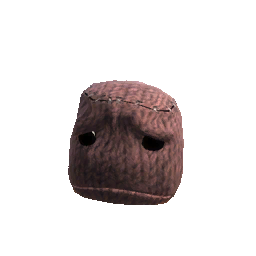 |
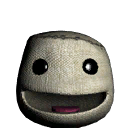
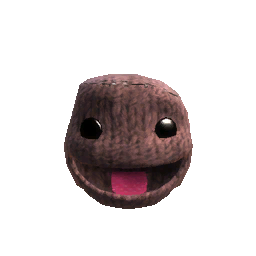
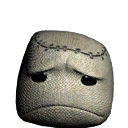
The icons for rating a level were changed after this build; the Sackboy heads seen in the final icons are angled differently, use the default Brown Knit skin and generally appear closer to how Sackboy is rendered in-game. The final icons were also upped to 256x256, compared to the beta's 128x128 icons.
Versus Badge#
|
|
This page or section needs more images. |
Beta 1.00 |
Final |
|---|---|
 |
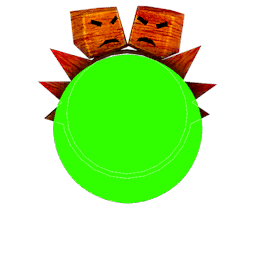 |
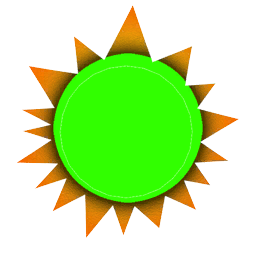
The Versus badge for marking levels as Versus levels is just a yellow sun in the Beta.
Note Tool#
Note Textures
Beta 1.00 |
Final |
|---|---|
 |
 |
 |
 |
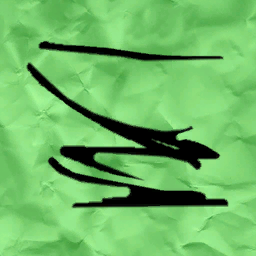
The Note Tool was originally yellow with a simplistic doodle and a red pin. In the final game, this was changed to a green note with a slightly more elaborate doodle and a blue pin; the exact same textures as the Note decoration from The Factory of a Better Tomorrow. The early Note textures were eventually used in LittleBigPlanet PS Vita.
Note Icon
Beta 1.00 |
Final |
|---|---|
 |
 |
The Note Tool's icon was also updated as a result of the aforementioned texture changes.
Pins#
Huge Air!
Beta 1.00 |
Final |
|---|---|
 |
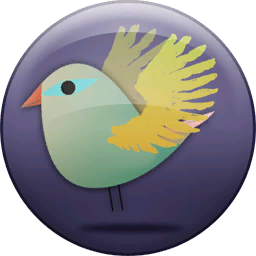 |
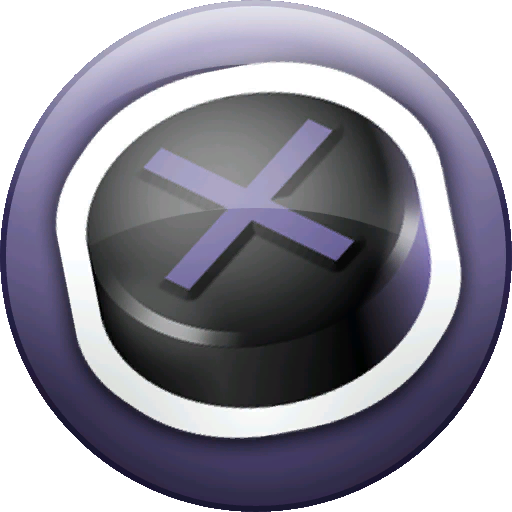
The Huge Air! Pin's graphic changed from a sticker of the Cross button to a bird.
Costume Piece Icons#
Sticking Plasters
Beta 1.00 |
Final |
|---|---|
 |
 |
The Sticking Plasters skin has a different icon with white bandages along the top.
Shutter Shades
Beta 1.00 |
Final |
|---|---|
 |
 |
The Popit icon for the Shutter Shades costume piece shows red glasses. They're coloured white in the final game.
Fins
Beta 1.00 |
Final |
|---|---|
 |
 |
The Popit icon for the Fins costume piece depicts two green flippers, instead of one white flipper.
Retro Glasses
Beta 1.00 |
Final |
|---|---|
 |
 |
The Retro Glasses icon was brighter in the beta.
Wooden Knight Skin
Beta 1.00 |
Final |
|---|---|
 |
 |
The Popit icon for the Wooden Knight Skin uses a placeholder icon from the first game. A proper icon was created for the final game.
DaVinci's Icon
Beta 1.00 |
Final |
|---|---|
 |
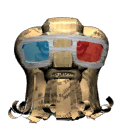 |
DaVinci's icon is an earlier render, though his model has no visible differences.
Baghead
Beta 1.00 |
Final |
|---|---|
 |
 |
The Baghead icon was at double resolution.
Cleaning Bandana
Beta 1.00 |
Final |
|---|---|
 |
 |
The Cleaning Bandana icon was at double resolution.
Winter Hat
Beta 1.00 |
Final |
|---|---|
 |
 |
The Winter Hat icon was at double resolution.
Outfit Icons#
Viola
Beta 1.00 |
Final |
|---|---|
 |
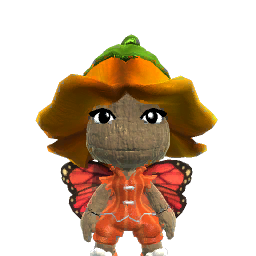 |
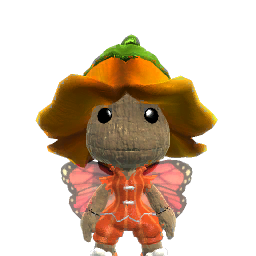
The outfit icon for Viola had plain eyes.
Cupcake
Beta 1.00 |
Final |
|---|---|
 |
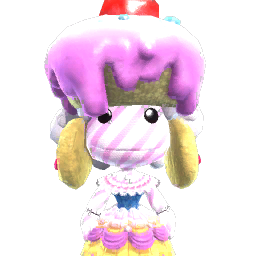 |
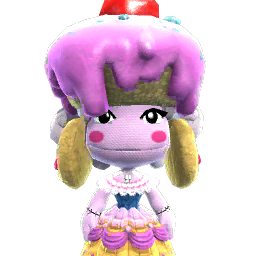
The Cupcake outfit icon had eyelashes and the Berrie skin.
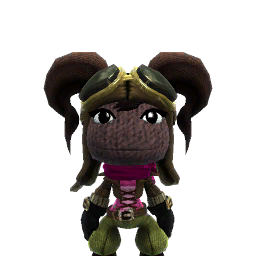
Aviatress
Beta 1.00 |
Final |
|---|---|
 |
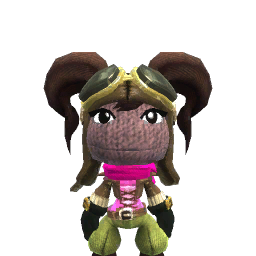 |
The Aviatress costume's icon was darker.
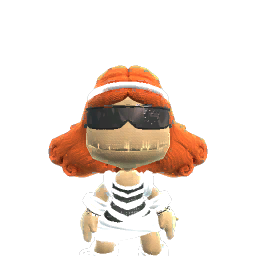
Cordlass
Beta 1.00 |
Final |
|---|---|
 |
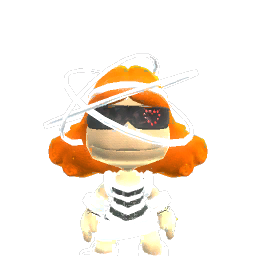 |
The Cordlass costume's icon has a number of differences, including a different headpiece, glasses without the glowing heart, and the skin used having a different, more detailed scrolling glow texture.
Powerup Textures#
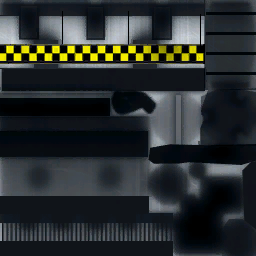
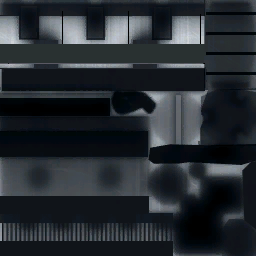
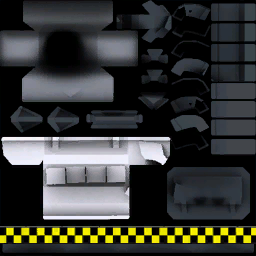
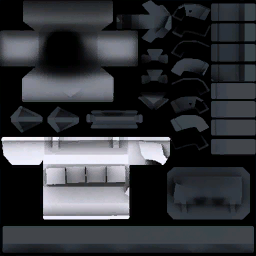
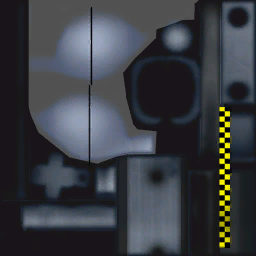
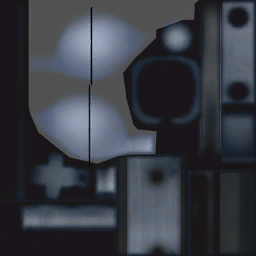
The diffuse textures for the Grappling Hook, Grabinators and Creatinator powerups had yellow and black checkerboard strips similar to the Jetpack powerup that were removed from the final game and replaced with neon.
Grapple Hook
Beta 1.00 |
Final |
|---|---|
 |
 |
Grabinators
Beta 1.00 |
Final |
|---|---|
 |
 |
Creatinator
Beta 1.00 |
Final |
|---|---|
 |
 |
Early Sackbot & Creatinator Icons#
Early icons for the Creatinator and the Sackbot can be found in the files.


Music Icons#
Beta 1.00 |
Final |
|---|---|


 |
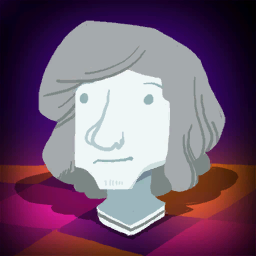
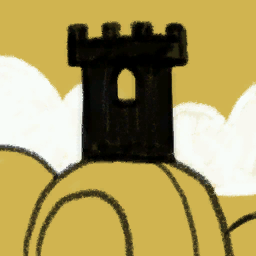
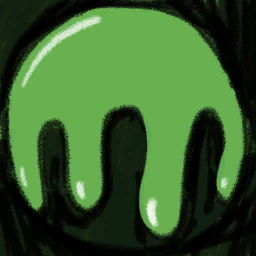
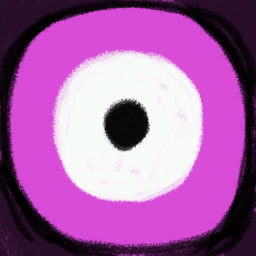
 |
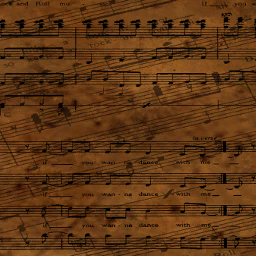
The icons for some of the cinematic tracks used placeholder icons in the beta, with the icon for the Disco Divertimento Duo using a picture of some music notation.
Object Icons#
Icons for objects that reflect how they were changed in development.
Beta |
Final |
|---|---|


|


 |
Decoration Icons#
Icons for decorations that reflect how they were changed in development.
Beta |
Final |
|---|---|


 |


 |
Stickers#
PlayStation 3 Controller Diagram
Beta 1.00 |
Beta 1.02 |
Final |
|---|---|---|
 |
 |
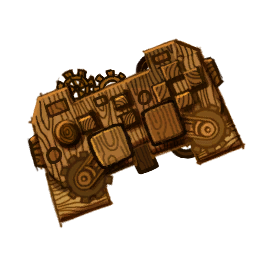 |
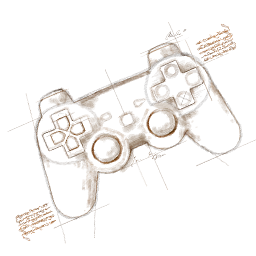
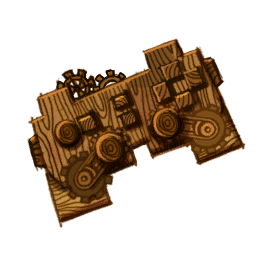
This sticker went through a few revisions before the final design.
Avalonia Red
Beta 1.00 |
Final |
|---|---|
 |
 |
The yellow Avalonia logo was originally red.
Factory Logo
Beta 1.00 |
Final |
|---|---|
 |
 |
They changed the factory logo to make it more consistent, but it somehow ended up worse.
Pink Planet
Beta 1.00 |
Final |
|---|---|
 |
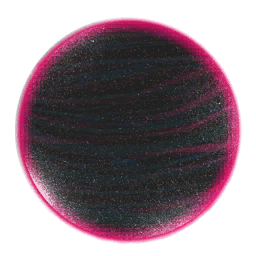 |
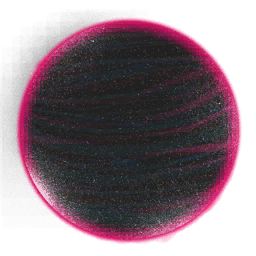
Some bad pixels were removed from behind the planet.
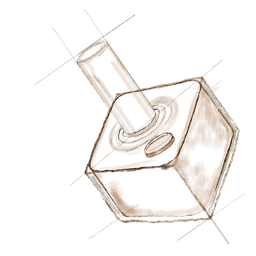
Joystick
Beta 1.00 |
Final |
|---|---|
 |
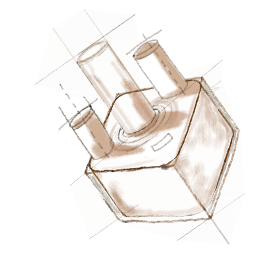 |
Some more buttons and shadows were added to the sketch.
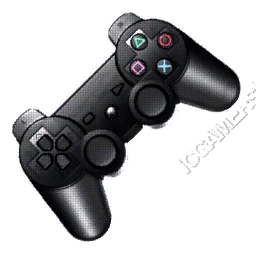
PlayStation 3 Controller
Beta 1.00 |
Final |
|---|---|
 |
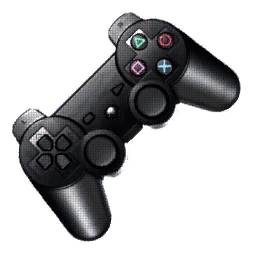 |
gamedata/lbp2/unthemed/stickers/signage_common_controller.tex had an ICGAMERS watermark in the beta that was later removed.
Babbage
Beta 1.00 |
Final |
|---|---|
 |
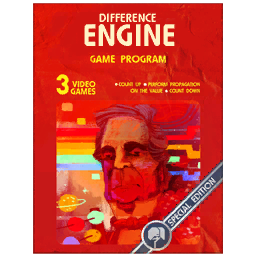 |
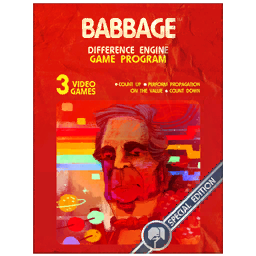
gamedata\lbp2\th_cosmos\stickers\object_cosmos_babbage.tex changed the title from Babbage to Difference Engine.
Wine Glass
Beta 1.00 |
Final |
|---|---|
 |
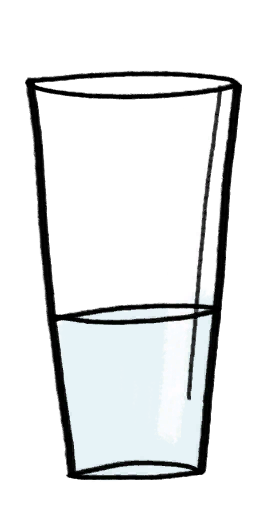 |
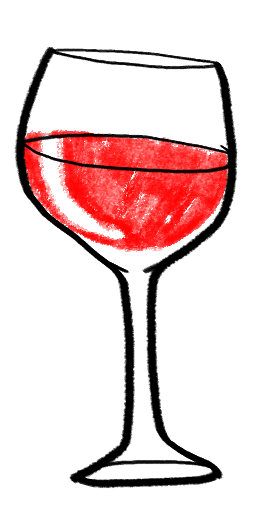
A wine glass sticker was changed to a glass of water in the final game, likely due to alcoholic references.
Pod Background Icons#
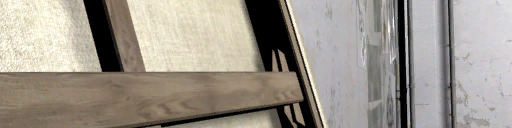
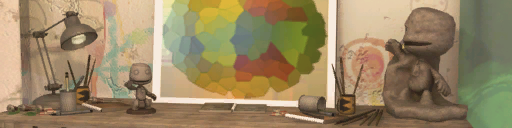
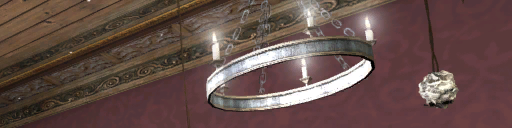
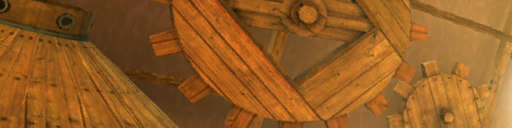
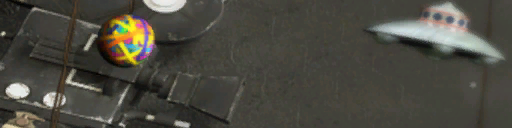
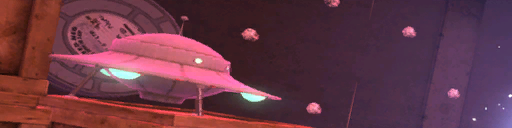
Three of the Pod Backgrounds had their icons changed before the game released.
Default Pod Background
Beta 1.00 |
Final |
|---|---|
 |
 |
Da Vinci's Hideout Pod Background
Beta 1.00 |
Final |
|---|---|
 |
 |
The Factory of a Better Tomorrow Pod Background
Beta 1.00 |
Final |
|---|---|
 |
 |
Object Textures#
Cardboard Box
Beta 1.00 |
Final |
|---|---|
 |
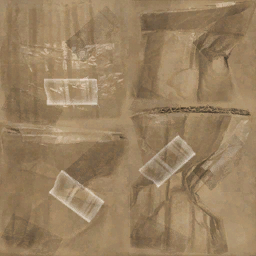 |
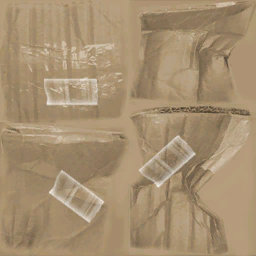
gamedata\lbp2\th_cosmos\mesh\cosmos_cardboard_box\cosmos_cardboard_box.tex was given more dirt.
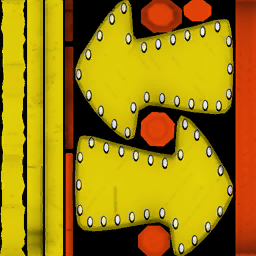
Neon Arrow Sign
Beta 1.00 |
Final |
|---|---|
 |
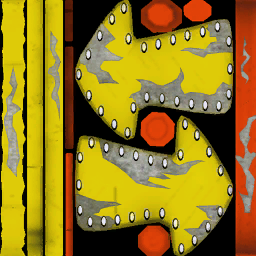 |
gamedata\lbp2\th_popov_factory\mesh\factory_exhaust\factory_neon_sign_diffuse.tex was changed to look more torn up.
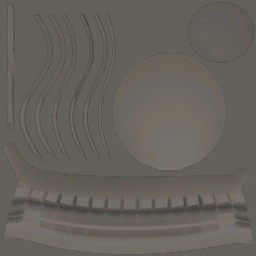
Tube
Beta 1.00 |
Final |
|---|---|
 |
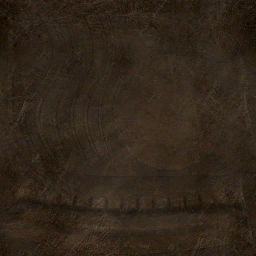 |
gamedata\lbp2\th_victorian_lab\mesh\victoria_tube_light\victoria_tube_diffuse.tex was changed to look more dirty. Notice a running theme?
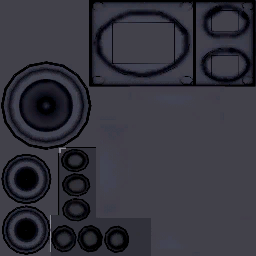
Square Speaker
Beta 1.00 |
Final |
|---|---|
 |
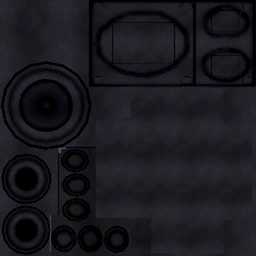 |
gamedata/th_henry_garage/mesh/speaker_square/speaker_square_diffuse.tex, once again, was made to appear dirtier in the final game.
Costume Textures#
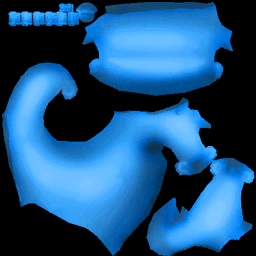
Cynthia Hair
Beta 1.00 |
Final |
|---|---|
 |
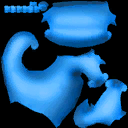 |
gamedata\lbp2\th_henry_garage\costumes\avalonia_cynthia_hr_diffuse.tex was at twice the resolution as it is in the final game.
Changed Popit Items#
|
|
This page or section needs more images. |
Items that have multiple differences; they have different icons as well as models and textures.
Objects#
Game & Watch#
The object for what is clearly an LBP version of a Game & Watch was changed, likely to avoid copyright issues.
Icon
Beta |
Final |
|---|---|
 |
 |
Calculator#
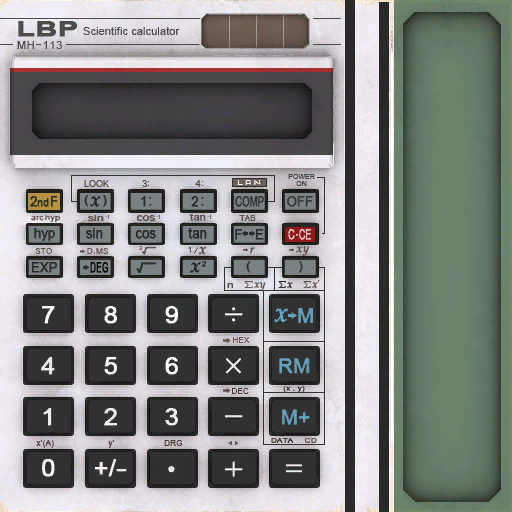
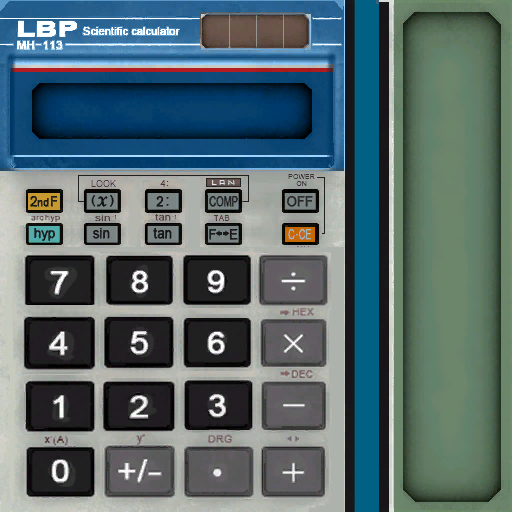
The calculator object had some buttons moved around and its color was changed.
Textures
Beta 1.00 |
Final |
|---|---|
 |
 |
Icon
Beta |
Final |
|---|---|
 |
 |
Decorations#
Dog Nose#
Icon
Beta |
Final |
|---|---|
 |
 |
Digital Watch#
|
|
This page or section needs more images. |
Model
Beta 1.00 |
Final |
|---|---|
 |
 |
Icon
Beta |
Final |
|---|---|
 |
 |
Costumes#
|
|
This page or section needs more images. |
Victoria#
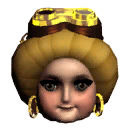
Though not visible in her icon, Victoria's dress has a more detailed trim on the bottom, whereas it's completely round in the final. Her earrings and goggles are also different.
Victoria's Icon
Beta 1.00 |
Final |
|---|---|
 |
 |
Clive#
Clive's Face
Beta 1.00 |
Final |
|---|---|
 |
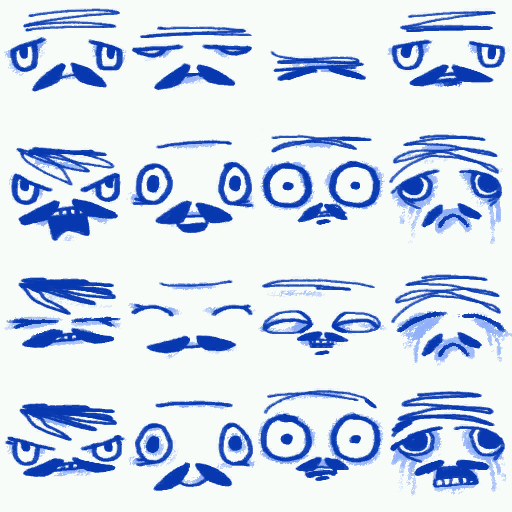 |
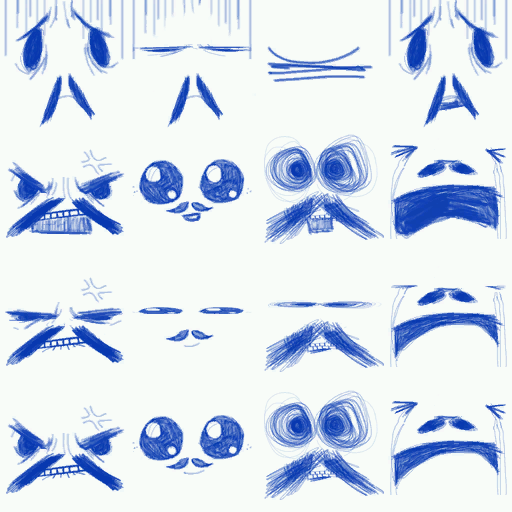
Clive had a very different set of face textures in this build. These were all changed to make his face more consistent.
Clive's Icon
Beta 1.00 |
Final |
|---|---|
 |
 |
His different face is reflected in his icon as well.
Eve#
Eve's Icon
Beta 1.00 |
Final |
|---|---|
 |
 |
Eve's early icon shows longer hair and more bars on her cage.
Higginbothem#
Higginbothem's Head
Beta 1.00 |
Final |
|---|---|
 |
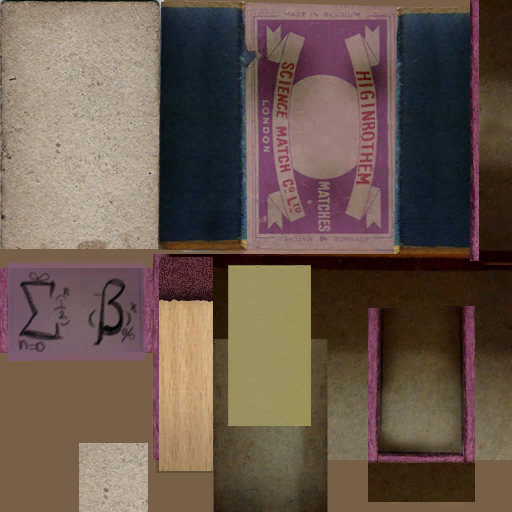 |
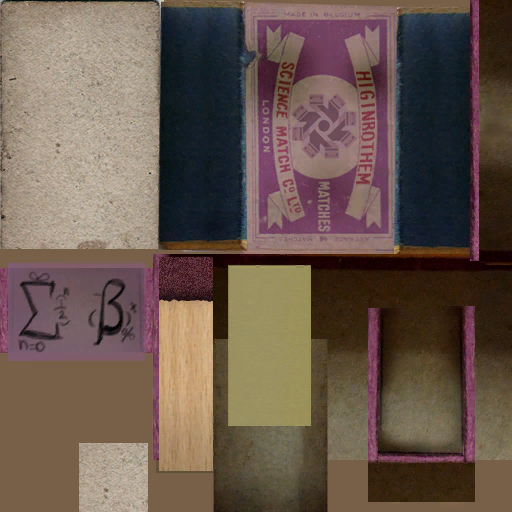
His head texture originally had a version of the Factory Symbol sticker on his face, but this was removed in the final game.
Higginbothem's Icon
Beta 1.00 |
Final |
|---|---|
 |
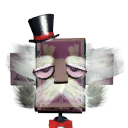 |
Higginbothem's icon shows him with crazier eyes that were toned down for the final game. The final game also adds bits of hair that cover his ears.
Changed Audio#
- The Splat destruction effect uses the same sounds as a paintball getting destroyed. Unique sound effects were created for the final game.
Negativitron Gibberish Voice
Beta 1.00 |
Final |
|---|---|
The Negativitron's gibberish voice sounds completely different compared to the final game.