 This article has a talk page!

|
This page is rather stubbly and could use some expansion. |
Castlevania: Lords of Shadow 2 is the sequel to the first game...and was the last original non-slot machine/mobile entry in the franchise until the release of Haunted Castle Revisited in 2024. It wasn't the best note to end on at that, with acclaim and sales being much lower than its predecessor, with most complaints boiling down to the overall presentation and polish being lower despite combat still being fun.
Debug Menu#
As in the first game, a debug menu is present in the PS3 version and can be accessed via hacks.
Method |
Code |
|---|---|
Memory (PS3) |
001168C4 38A00003 |
Eboot (PS3) |
OGP 38A0000038C0000030639E70 |
Once activated, the following options will appear in the Pause Menu:
- Chapters
- Debug
- Camera Light
-The Chapters Menu allows the player to access all chapters of the game's story mode from different checkpoints. Items unlocks depend on the chapter, and loading a chapter will reset every upgrades, experience points, skills, challenges, artworks and lore.
-Selecting Camera Light will enable a light source from the camera.
-And finally, selecting the Debug Menu will load a list of various debug options :
Option |
Effect |
|---|---|
God Mode |
Gives the player unlimited health. |
Beefed Up |
Unlocks every upgrades and skills and sets health, magics and concentration to max and experience points to 100000. |
Know-it-all |
Unlocks every artworks and lore. |
Fill Stars |
Sets every Challenges to fully completed in Lord of Shadow difficulty (200%). |
Buy all combos |
Unlocks every skills in the game. |
Hide Scorer |
Hides the HUD. |
Hide Checkpoints |
Hides the checkpoint icon when a checkpoint is reached. |
Hide Messages |
Hides the HUD and in-game messages and hints. |
Show Loading Icon |
Shows the loading icon everytime the game is loading resources. |
No QTEs |
Same option as Play without QTEs in Configuration > Game Options. Disables QTEs. |
Show Subtitles |
Same option as the one in Configuration > Video. Shows subtitles. |
ShowGameVersion |
Shows the game version in the upper right corner of the screen. |
QA Data |
Shows various debug informations. Also enables ShowGameVersion by default, but can be disabled. |
The Debug Menu also enables the Cheats menu in the Extras without having to input the Konami code and works perfectly with the DLCs.
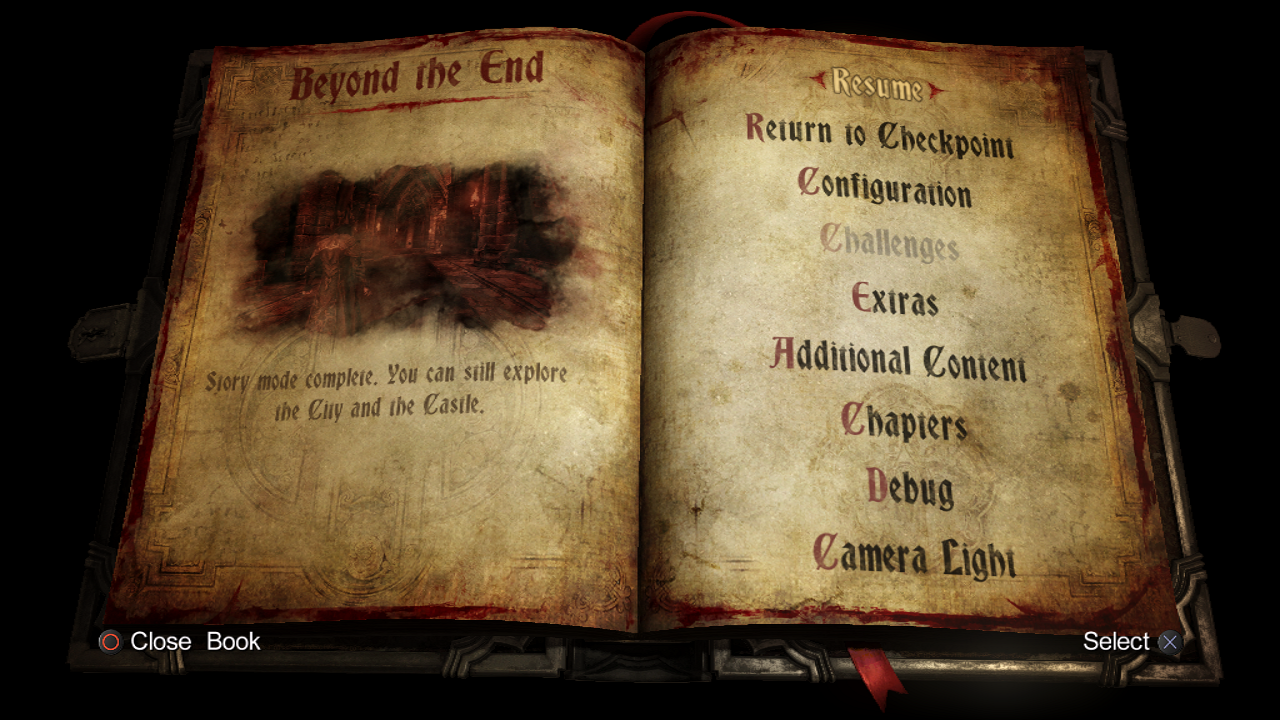
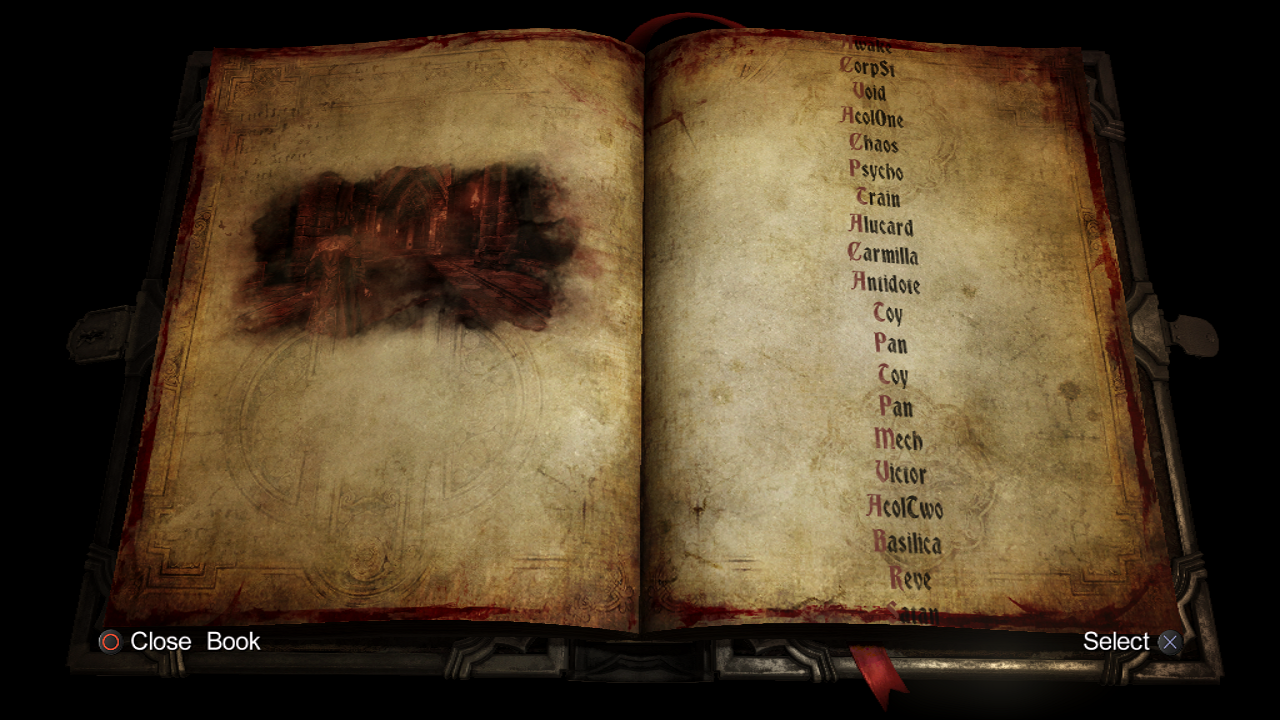
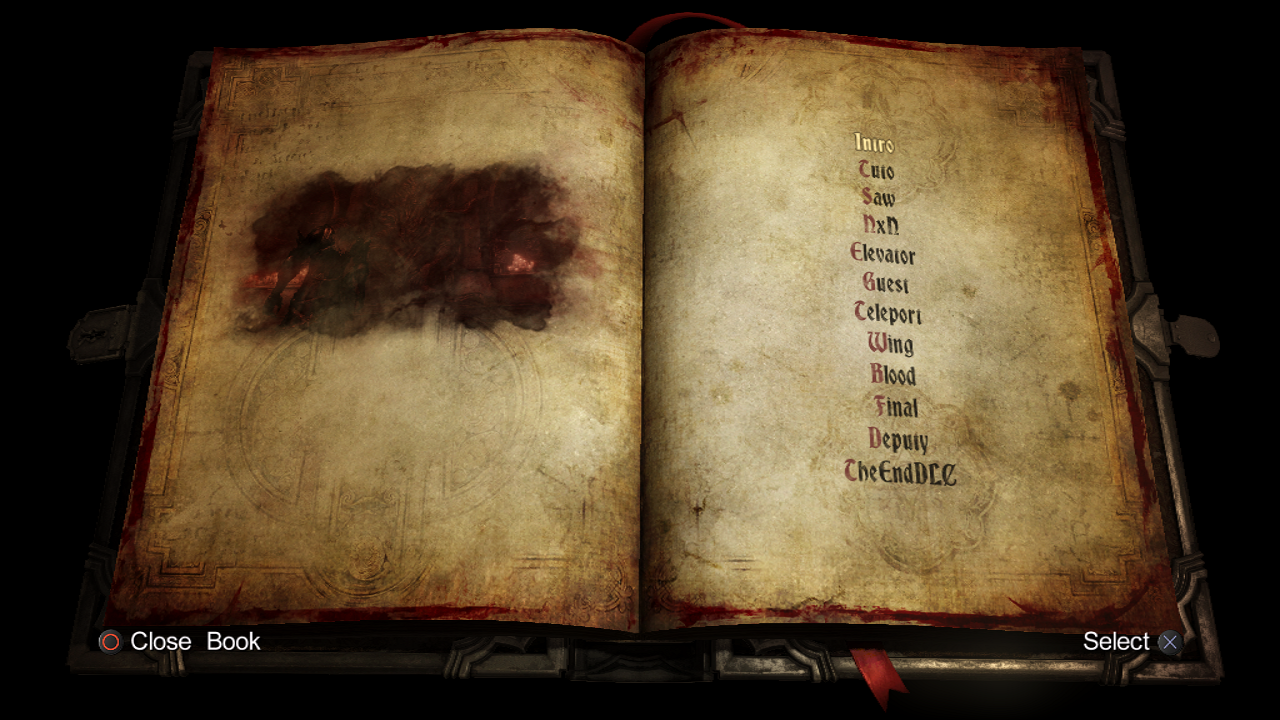
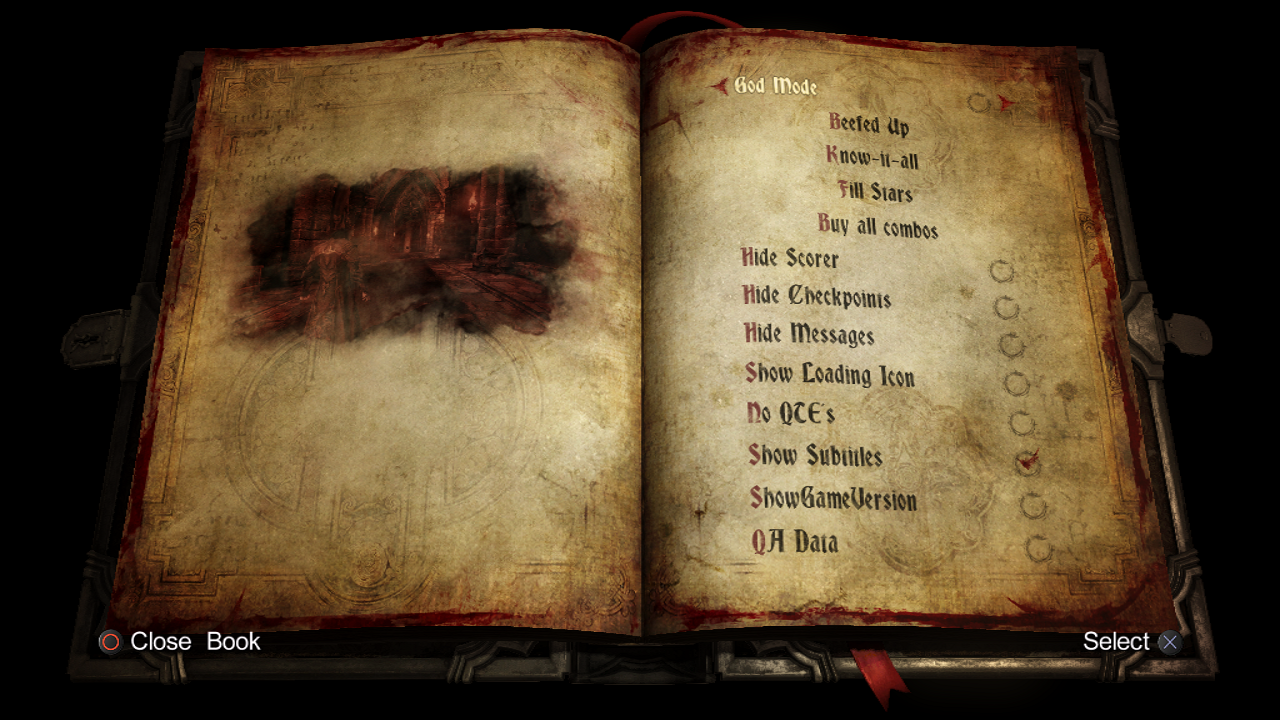
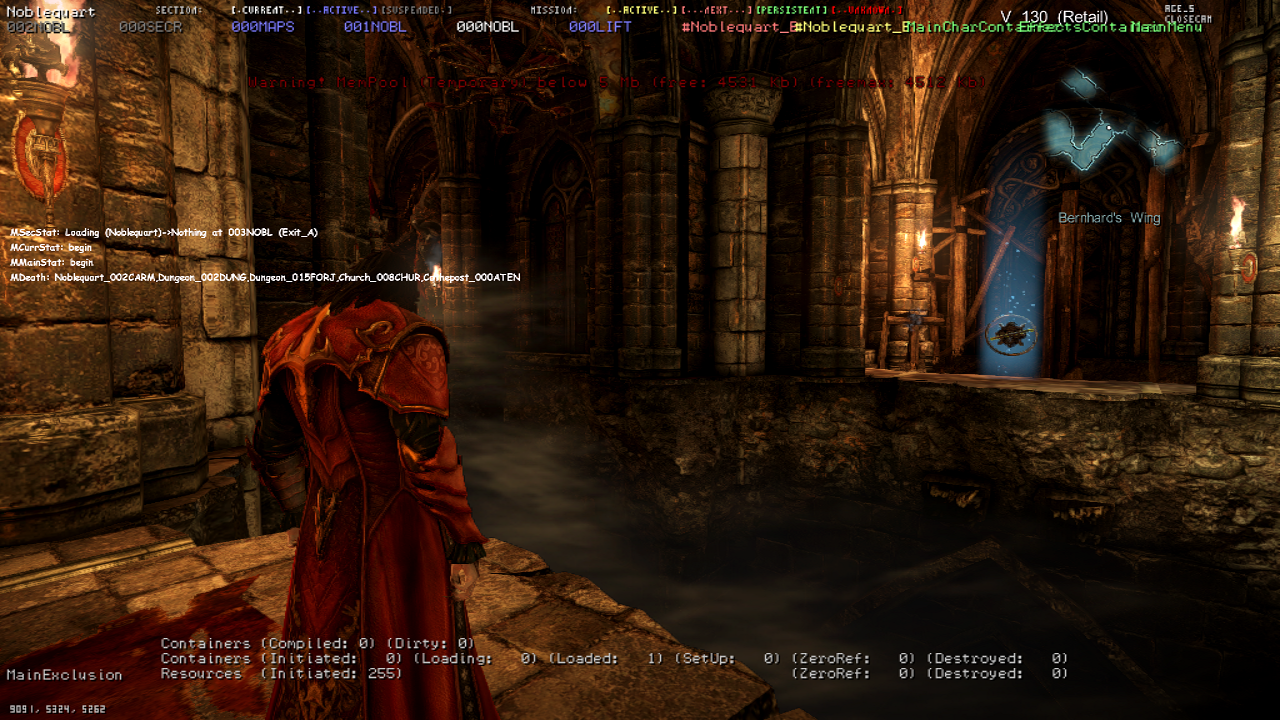
(Source: Codemasters Project)
|
The Castlevania series | |
|---|---|
|
NES |
Castlevania • Castlevania II: Simon's Quest • Castlevania III: Dracula's Curse • Kid Dracula |
|
MSX2 |
|
|
Arcade |
|
|
Game Boy |
Castlevania: The Adventure • Castlevania II: Belmont's Revenge • Castlevania Legends • Kid Dracula |
|
SNES |
|
|
Sharp X68000 |
|
|
TurboGrafx-CD |
|
|
Genesis |
|
|
PlayStation |
Castlevania: Symphony of the Night (Prototype) • Castlevania Chronicles |
|
Sega Saturn |
|
|
Nintendo 64 |
|
|
Game Boy Advance |
Castlevania: Circle of the Moon • Castlevania: Harmony of Dissonance • Castlevania: Aria of Sorrow |
|
Windows |
Castlevania: Lords of Shadow • Castlevania: Lords of Shadow 2 • Haunted Castle Revisited |
|
Nintendo DS |
Castlevania: Dawn of Sorrow (Prototype) • Castlevania: Portrait of Ruin • Castlevania: Order of Ecclesia |
|
J2ME |
|
|
PlayStation 2 |
|
|
PlayStation Portable |
|
|
WiiWare |
|
|
Xbox 360, PlayStation 3 |
Castlevania: Harmony of Despair • Castlevania: Lords of Shadow • Castlevania: Lords of Shadow 2 |
|
Nintendo Switch |
|