 This article has a talk page!
Tag: The Power of Paint is a parkour-like game with a banging soundtrack where you use a paint gun and you have three different kinds of paint to jump, speed up, and stick to walls. Later, Valve hired the developers to contribute to Portal 2.
Sub-Page#

File Name Oddities#
In the folder Assets/Sounds/Music there is a duplicate of titlescreen.mp3 labeled song1.mp3, which is a minute and twenty-three seconds longer than the former, while also being uncut. Also, some of the songs in the folder have song tags.
Unused Levels#
 |
Download Deprecated Levels Folder File: TPOP_Deprecated_Levels.zip (77 KB) (info) |
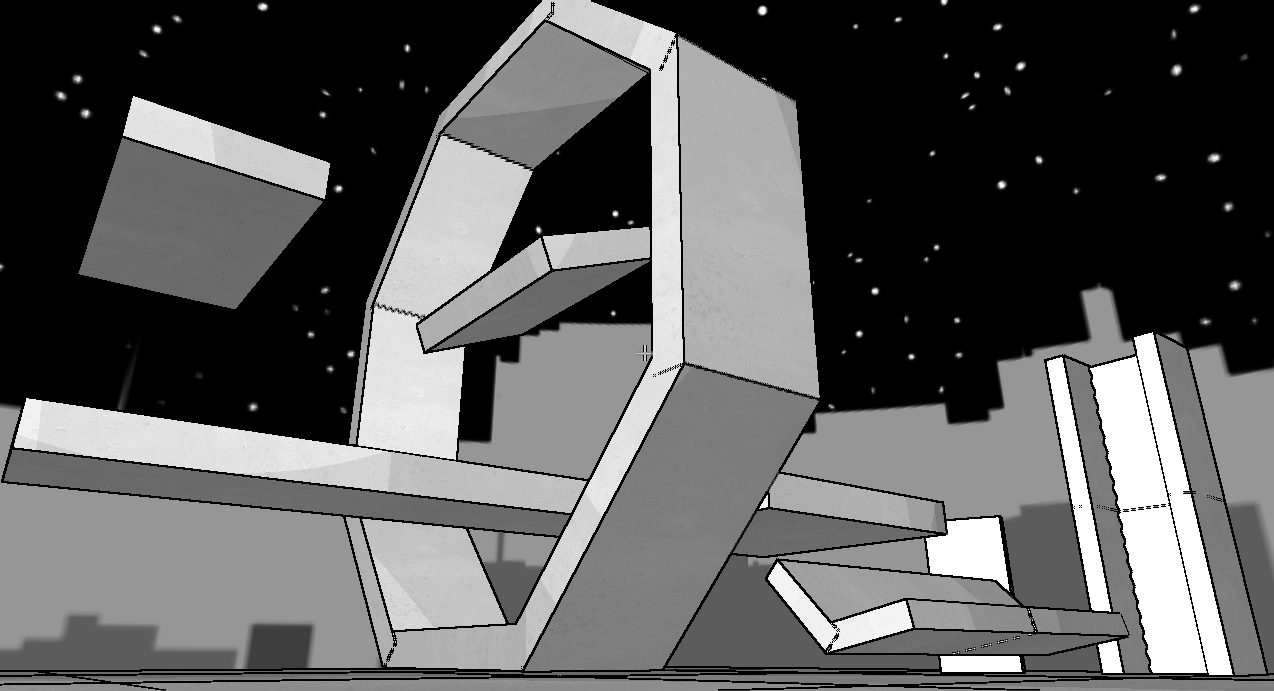
There is a folder called Deprecated Levels in \Game Data\Level Definitions\ with a lot of testing material. To play these levels you need to put the unused objects into the Objects folder.

|
To do: |

Unused Objects#
|
Download Deprecated Objects Folder File: TPOP_Deprecated_Objects.zip (91 KB) (info) |
There is a folder called Deprecated Objects in \Game Data\Object Definitions\ with a lot of testing material just like the levels.
Unused Text#
//TestBuilding
shader CelShader.fx
technique CelShadedTexture
begin
float4  DiffuseColor <1,1,1,0>
texture DiffuseTex TestPaint.png
end
TestBuildingMaterial.txt
//Waterfall material
shader Waterfall.fx
technique ColorFaceCelShaded
begin
end
WaterfallMaterial.txt
Development Text#
Aw, you fail.  Try "setnetmode host" or "setnetmode client"
Failed to render mesh, shit happen.
No goal object set for the game. Game will go on FOREVA
Invalid Message received by Game Logic
A few error messages found in the executable.
Debugging Material#
Press ~ to open up the developer's console, and type Help for more commands.
Here are a list of commands:
Code |
Description |
|---|---|
Help |
Brings up a list of commands. |
connecthostip xxx.xxx.xxx.xxx |
A command for an undocumented online play. |
toggledd |
Toggles a bunch of debug information on the top right of the screen. |
togglegraphicsprofiler |
I think this does something in the ERRORS txt file?. |
togglepostprocess |
Enables/Disables the black outlines. |
physicsdebug -b: draw bounding, -k: draw kd-tree, -all, -none |
Draws a bounding box over objects. |
toggleframestep |
Enables/Disables everything. |
scaletime float |
Slows or speeds up time. 1 is the default. |
lookat object name |
Looks at an object. Edit mode only. |
editor |
A level editor. |
aidebug |
Enables/Disables free-cam. |
playaidebug |
Same as above. |
togglecam |
Lets you move the camera freely. |
createobject object name |
Creates an object in the editor. |
save filename |
Must be in editor. Saves current level to Level Definitions. |
createspawnpoint spawn point type |
Creates spawnpoint while in editor. |
newlevel |
Clears level while in edit mode. |
setfps float |
Sets FPS. When set to 0, the game will crash. |
togglestickcam |
Enables/Disables stick paint physics. |
videoram |
Says how much RAM is used in the console. |
objectcount |
Displays number of objects. |
setfov |
Alters field-of-view. Crashes the game if no float value is specified. |
stopbgm |
Stops playing background music. |
playbgm |
Plays background music. |
listlevelnames |
Lists level names. |
loadlevel levelname |
Loads levels. |
objectcount |
Lists number of objects in level. |
scalegravity float |
Changes gravity. |
connecthostindex |
A command for the undocumented online play. |
setnetmode host/client |
Sets if you are a host or client when using the online play. |
chat |
Should send a chat message when playing with someone else. |
log string |
Repeats text from string. |
TAG.ini also has a couple of strings, too.
[Debug]
bDebugdraw = 0
fProfilerInterval = 0.25
bGraphicsProfiler = 0
bStickCam = 1 toggles stick camera/physics. Just like togglestickcam.
Changing 0 to 1 for bDebugdraw just enables debugging information like the console command, toggledd.
Online Multiplayer#
|
|
To do: |
Tag has an entire multiplayer mode hidden away in the commands. Multiplayer is never mentioned anywhere on the download page or anywhere else so it seems it's yet to be documented.
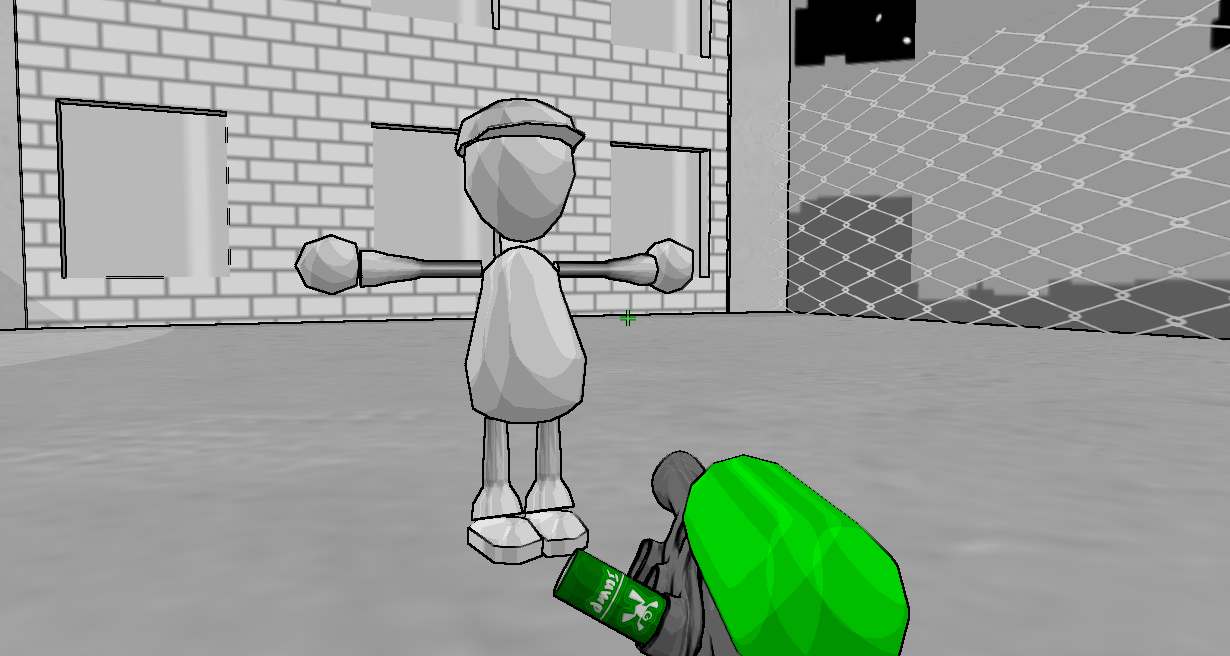
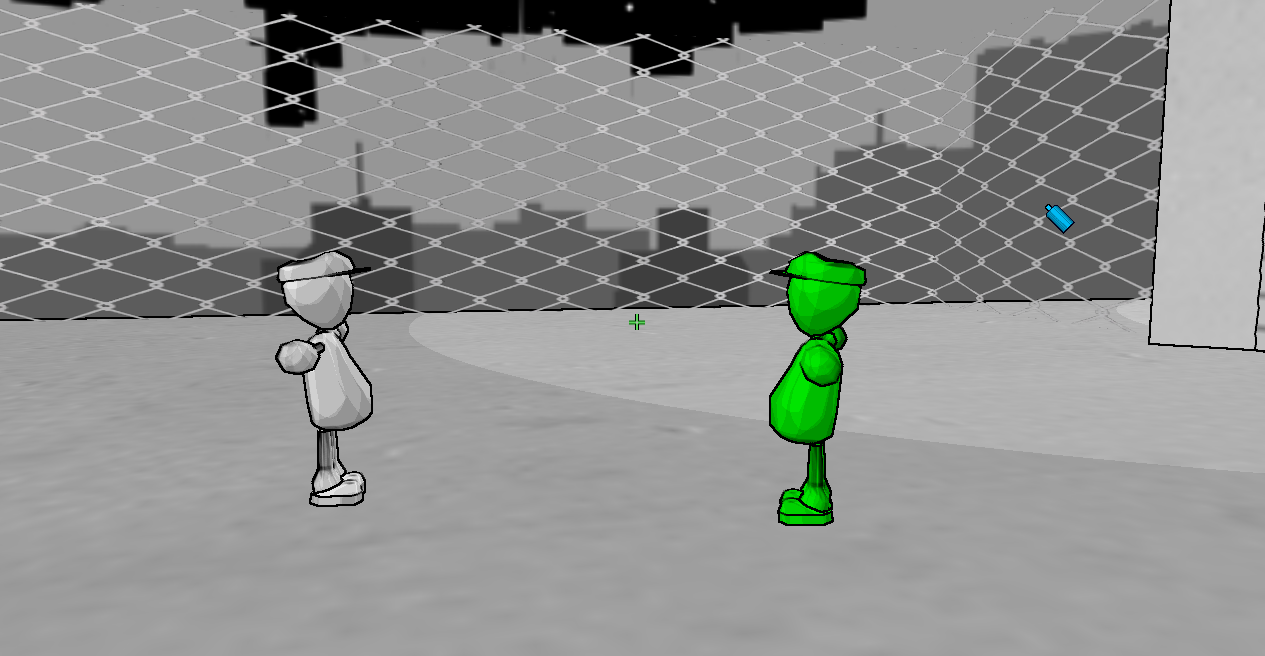
Seems like in early development game supposed to be team-based shooter. Leftover of that fact can be found in object definition LocalPlayer.xml, there is an empty file named PlayerTeam as well as Tag.exe having links to it. It can also be indirectly confirmed, if you modify LocalPlayer.xml by setting the Visible field to true, you can see yourself by using the console commands aidebug or editor, or just by looking up or down: You will see a portion of the player character instance you control, and after picking up any paint, you will see how the player model will be colored to match the selected paint color in the gun.
You can spawn another LocalPlayer object, by entering editor mode with editor console command and then spawning it with createobject localplayer. You will control the latest created player instance, whereas the previous instance can still interact with paint surfaces, pickups and triggers (like death triggers or tips).
Unused Graphics#


There are a few billboard textures that aren't used in the game.

A template for the billboard signs.

Unused particle effect for sparks.

Early version of the color change tip.

The game displays the 1-2-3 tooltip instead of this one.

A specular map for a tiger model from the Microsoft DirectX SDK.
Unused Models#

|
This page or section needs more images. |


Unused UI Elements#
In Game Data/UI Definitions there are some unused UI elements. It is currently unknown how to use them though. Replacing other files does nothing.
Unused Sound Effects#

|
This page or section needs more audio. |
There are 3 unused sound effects inside of Tag. All of them are from free sound libraries.
A short clip of rain. No metadata.
A ricochet sound effect taken from a sound pack by Hollywood Edge.
A strange sound effect that is never used in-game.
Unused Music#
There is one unused song titled song2.mp3 in the game's files.
|
The Portal series | |
|---|---|
|
Windows |
Portal • Portal 2 (Prototypes) • The Lab • Aperture Desk Job |
|
Linux |
|
|
Xbox 360, PlayStation 3, Mac OS X, Nintendo Switch |
|
|
Related | |
|
Xbox 360, PlayStation 3 |
|
|
Windows |
SteamVR Performance Test (Prototype) • Narbacular Drop • Tag: The Power of Paint |
|
See Also | |