This is a sub-page of Sonic the Hedgehog (2006).
Debugging Features#
DevTitle#
An unused animated title screen referred to internally as "DevTitle" - pressing Start will take you to a debug menu that unfortunately no longer renders, but is still functional. The sprite data was found for this, and its functionality has been somewhat restored through hacking.
DevTitle Controls:
- Directional Pad - Move
- A/X/Start - Select
Sub-menus:
- StageSelectParameterStage - deserializes stage information from stageselect.lub.
- Uses the same controls as DevTitle.
- StageSelectParameterStage (?) - same as above.
- StageSelectParameterStory - boots back to the main menu to Episode Select.
- StateEndingMode - plays Sonic's credits sequence.
- Unknown (?) - possibly TestCellSpriteMode, but it doesn't appear to render anything.
- TestTextMode - displays text-related textures in a debugging view - by default, it displays the button prompts in their order of appearance in picture.pft.
- Left Analog Stick - Move
- Right Analog Stick - Scale
- Start - Reset
- Select - Change Sprite


(Source: Original TCRF research)
DebugWait#
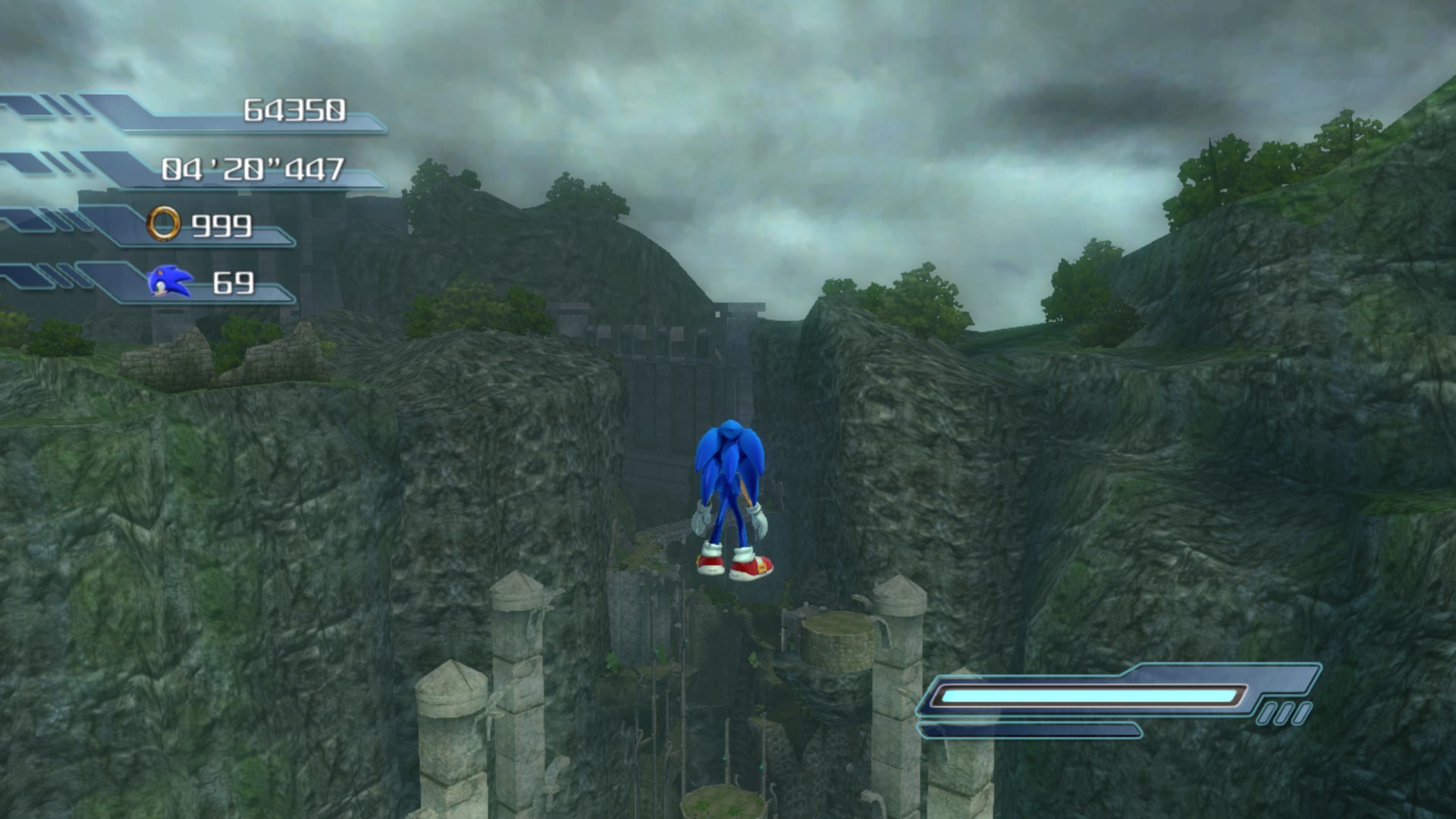
All characters support unused debug modules found in common.lub which allows you to fly around with no-clip.
States:
- State Module: state_module_debug - enables the DebugWait state.
- Posture Control: posture_control_debug - enables debug movement.
- Input System: input_system_debug - enables debug controls.
Controls:
- Left Analog Stick/Directional Pad - Move.
- Left Bumper (L2) - Unlock all upgrades.
- Right Bumper (R2) - Increase Ring count by 99.
- Y (Triangle) - Increase height.
- A (Cross) - Decrease height.
ViewTexture#
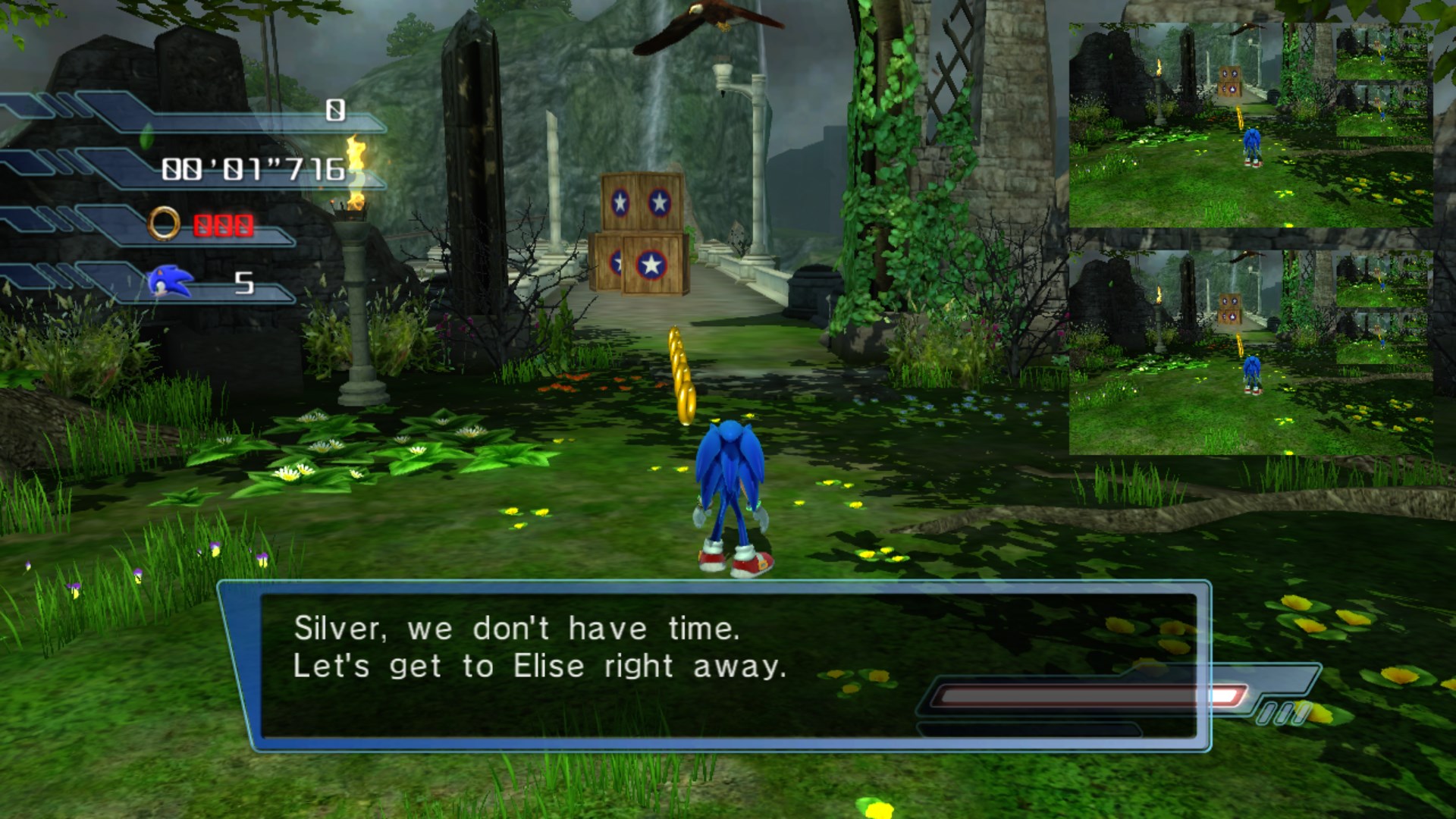
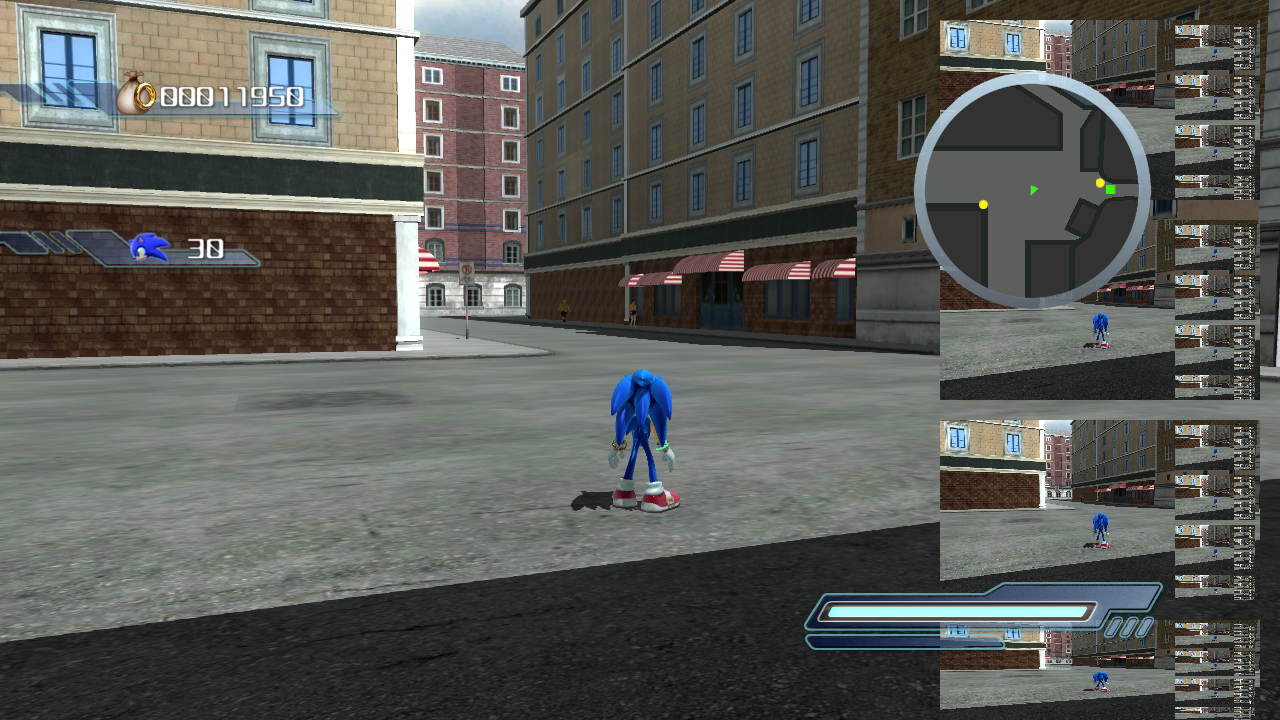
cache.arc contains a script called render_debug.lub that is loaded when the game starts up - this script contains only one function called ViewTexture. This appears to be early code for how the game renders the mini-map for the towns (as the code is functionally identical). By default, the debug version will copy the backbuffer and render it as separate windows. You can create more than one, which leads to interesting behaviour when they clip the edges of the screen.
(Source: Original TCRF research)
Demo Camera#
Found disabled in the executable is a camera mode that allows you to zoom in and out of the player on screen. The camera is unrestricted by gravity and unaffected by collision, allowing full 360° movement with the Right Analog Stick regardless of speed or nearby terrain.
Controls:
- Right Analog Stick - Rotate.
- Left Trigger - Zoom out.
- Right Trigger - Zoom in.
- Left Bumper - Reset.
This mode is likely the same one used by promotional screenshots and some trailers.