The Windows version of Shrek 2 is the first official Unreal Engine 2 Shrek-themed platformer/beat 'em up game.
Most content can be found or accessed through the use of cheat codes, memory hacking, UTPT (viewed with the Lineage 2 setting; can roughly view code) or a patched version of the Unreal Runtime 2 editor.
Sub-Pages#
 Unused GraphicsWay more than you'd expect.
 Unused ModelsFeaturing some unlucky knights.
 Unused Cutscene DataNothing actually watchable here, but still a lot of stuff!
Unused Music#
Finished#
Audio |
Notes |
|---|---|
3_The_Hunt |
Going off what we know from Shrek 2: Team Action, it's safe to assume this would be used in a Hamlet-style level. The name doesn't suggest this at all though, and would suggest it would've played somewhere in Hunt. Now where this would've played in Hunt is unknown, but there is a chance it would've played as the music for when Puss in Boots shows himself. |
3_The_Hunt_PIBFight |
This is an alternate music track for when the player fights Puss in Boots. |
7_Prison_Donkey |
Despite the name of the tracks, these are not the main music tracks that are played during these levels. While these are definitely prison-themed, they were never used in the final game and each character had a different prison theme. |
8_Prison_PIB |
|
9_Prison_Shrek |
|
cutscene_DriveThru_donut01 |
You may know that when you walk up to the drive through in this game, you will usually hear a jingle. These music pieces were the original jingles. This also keeps a bit of a beat in the background, which would've been good shopping music. This was cut most likely due to issues with getting the main music to fade in and out properly with these jingles without them feeling odd or jarring. |
cutscene_DriveThru_donut02 |
|
FGM_drivethru_background_processed |
|
PNB_stinger3 |
Puss in Boots has four music stingers related to him. The developers didn't use this one, though. |
Empty#
Several music files are empty. It's unclear if they had any music at some point of development.
Unused Sounds#

|
This page or section needs more audio. |
All Unused Sound Effects#
This video shows all of the unused sound effects. Timestamps for the sound packs are in the description.
All Unused Dialog/Voice lines#
This video shows all of the unused dialog/voice lines. Timestamps for the characters are in the description.
Unused Areas#
Poison Apple Secret Room#
Watch on YouTubeThe game has an unused Poison Apple bar hidden in two of the game maps. Its almost completely untextured version is hidden on the first Swamp level, but it has some goods to collect. A textured version is present on the Donkey escape part of the Fairy Potion Lab level. It has no collectible items and you would get to that room using a secret door. This door wasn't finished. If you cause the event donkey_door that was supposed to open the door - it'll only move the poster on that door, but not the door itself.
FGM Commercial In-Game#
There are several out of bounds room on the first Swamp level, looks like initially FGM Commercial could be made as an in-game cutscene instead of a cartoon-like video.
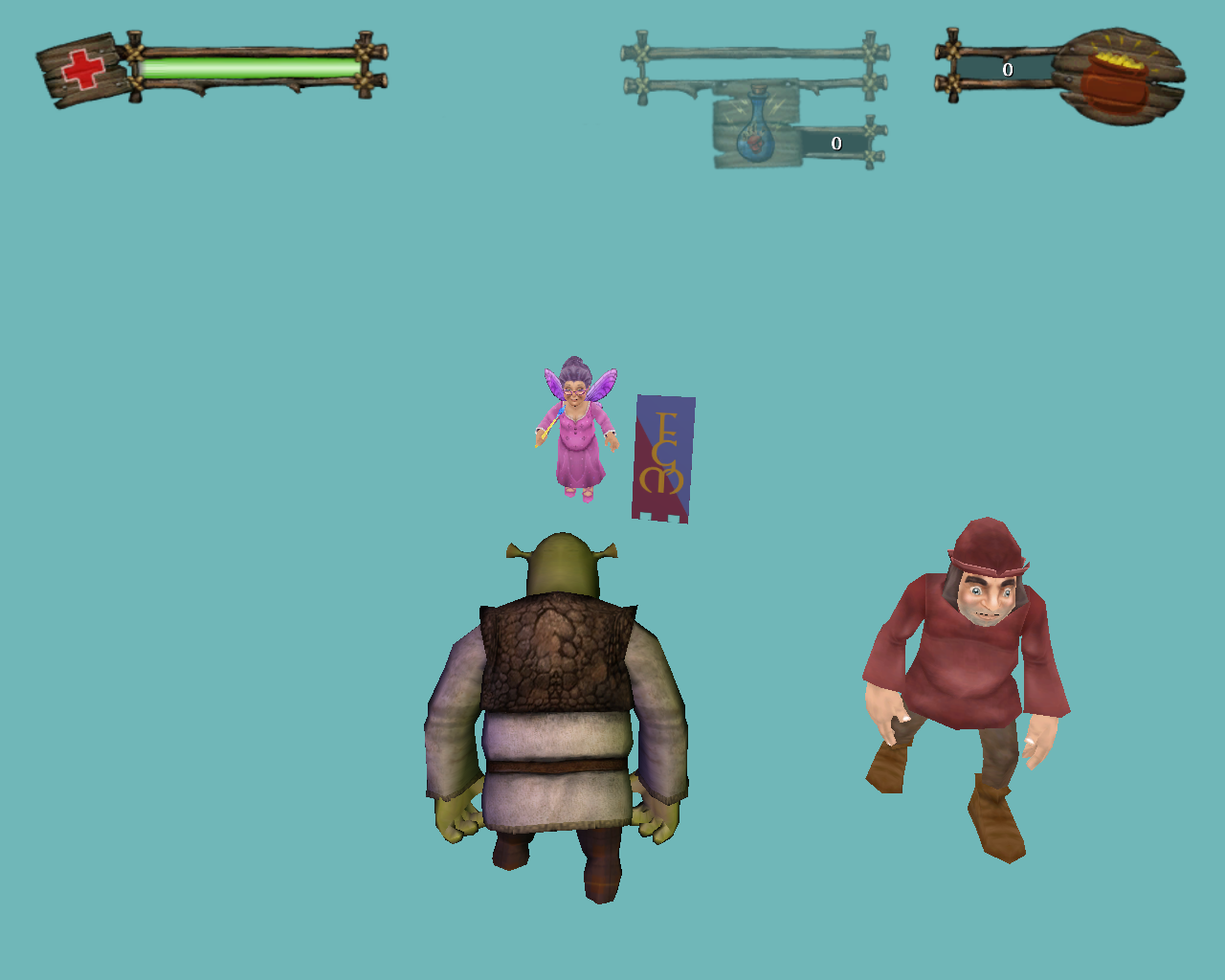
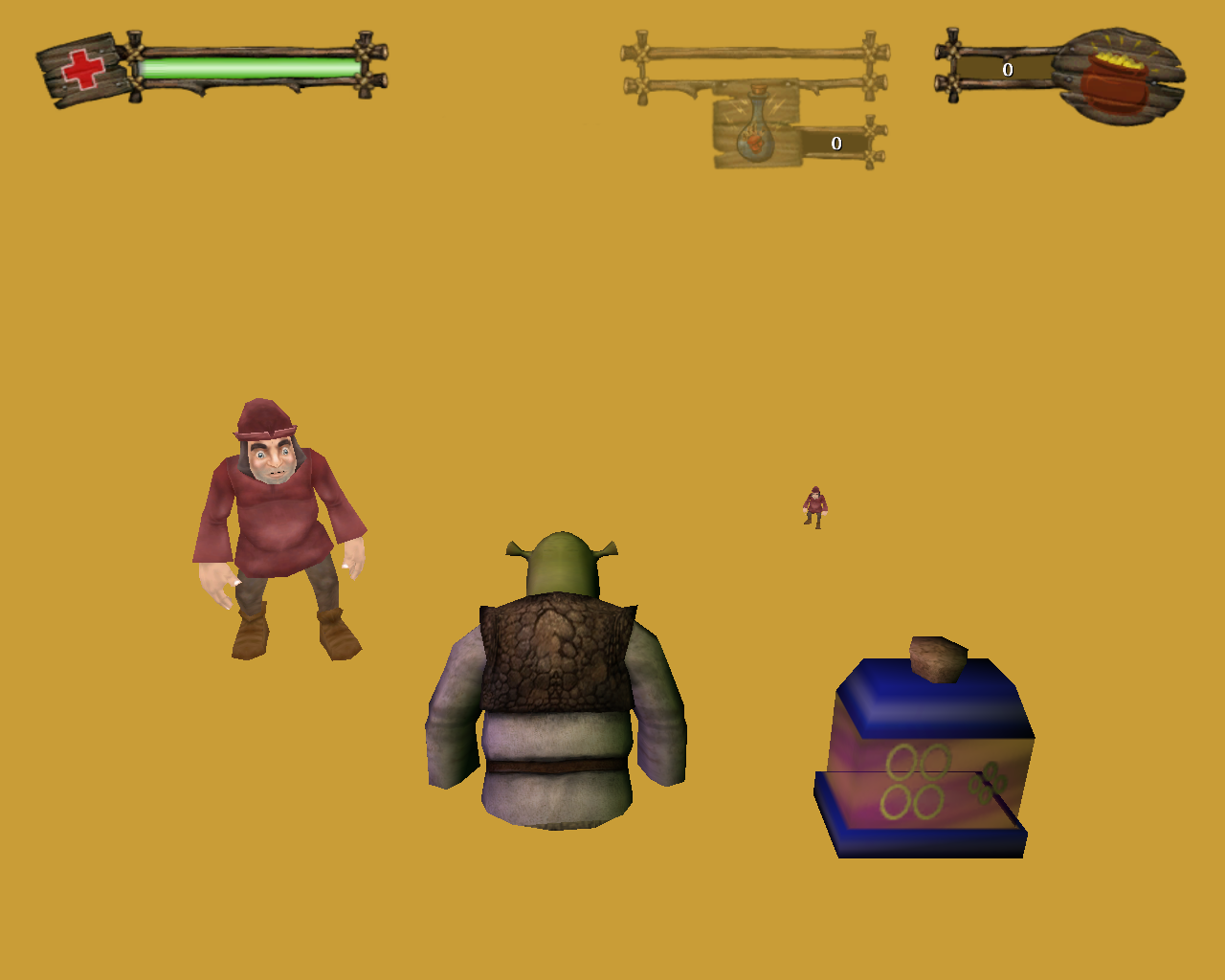

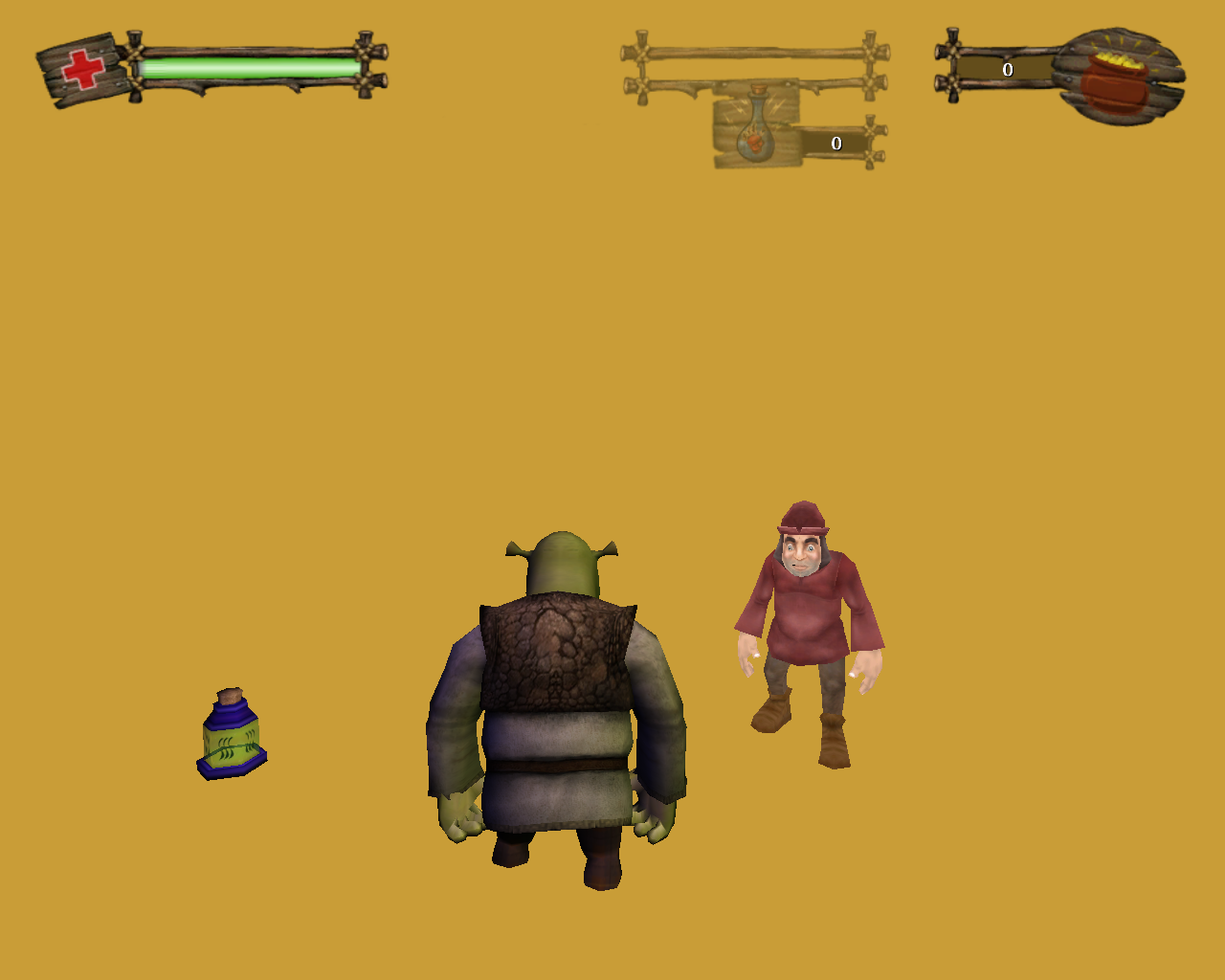
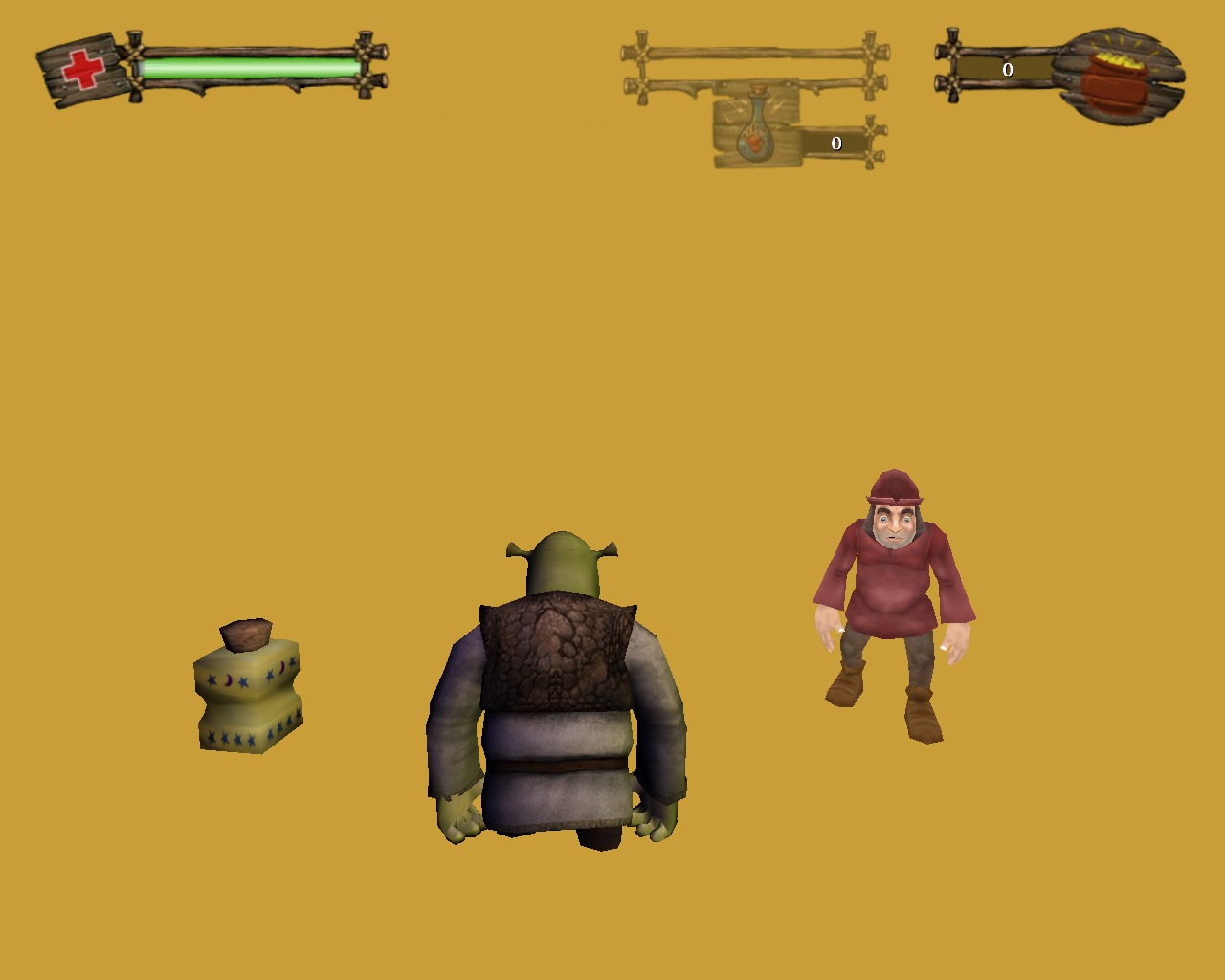

Unused Potions#
Watch on YouTubeWatch on YouTubeThere's a couple of unused potions. One of them would summon save game fairies to fight enemies. The other one simply turns enemies into white mice.
Unused Text#
Harry Potter Menu (Button Text)#
Found within the files are numerous leftovers from KnowWonder's Harry Potter games.
Text |
Notes |
|---|---|
|
|
|
Your health stats would've likely been viewable through the pause menu |
|
This and the button text below this prove that objectives would've been a thing before, similar to Shrek 2: Team Action |
|
|
|
Since the only thing closely resembling this is the potion inventory menu, we can assume you could view your current amount of every potion in the pause menu. |
|
This was scrapped likely because the developers ran out of time. |
|
|
|
Maybe your cursor would be visible during all cutscenes and you could click a button to skip it, or this could mean that this text would appear in a corner if the cutscene is skippable (if this was the case, they likely removed it due to almost every cutscene in the game being skippable). |
|
This was likely scrapped due to time. |
|
At one point, you were able to switch between a hardware and software renderer, but this was too hard for them to implement properly. |
|
|
|
This would've allowed the user to switch between full screen and windowed on the fly, instead of pressing Alt + Enter. |
|
Old text for the object detail setting. |
|
This was replaced with a slightly better explanation. |
|
|
|
This and the next 3 below show that at one point, it was possible to save inside of a bonus world and then come back later. This was completely scrapped later and they instead added an auto-save feature before and after leaving the world. Also, take note of the word "room." This could possibly imply that beanstalk worlds were not planned, since you don't call an outdoor level a room. |
|
These buttons were likely packaged before the developers even started to work on Shrek 2. Nothing under "Options_" can be confirmed to be intended for Shrek 2 at all. |
|
|
|
This could imply online co-op (which we know was going to be a thing). How else could a slot be in use. |
|
|
|
This text in particular is quite interesting. Perhaps this text would've appeared when you try to use a potion while the potion HUD is faded out (same for the one below). |
|
These buttons here add to the theory that this text would appear in a corner of the screen in every cutscene. |
Debug Mode#
Some Unreal Engine commands are working as is (eg. ghost), you just need to bind them to buttons in User.ini file in the Shrek 2 folder of the common Documents Windows folder. However, to access more dev commands, you need to use Set KWGame.KWVersion bDebugEnabled True | Set SHGame.Version bDebugEnabled True command first. All dev commands will be unlocked after you pressed the button with this command during the gameplay. A full list of commands can be found in the source.
Below you can see the major ones:
Console#
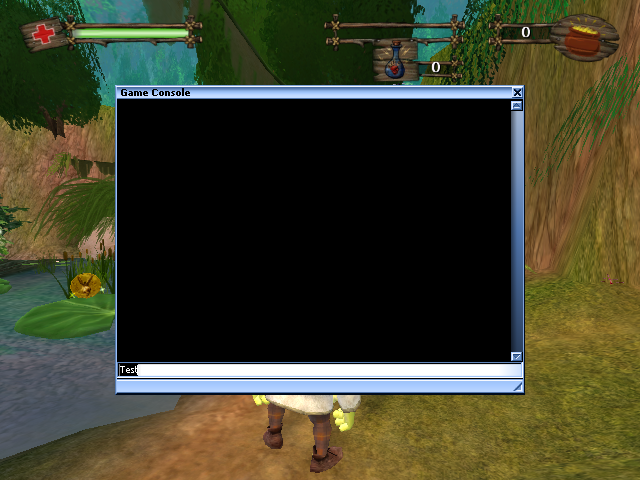
If you want to access the console, use set windowconsole bShowConsole true command. Then you can open it by pressing the ~ button.
Dev Menu#
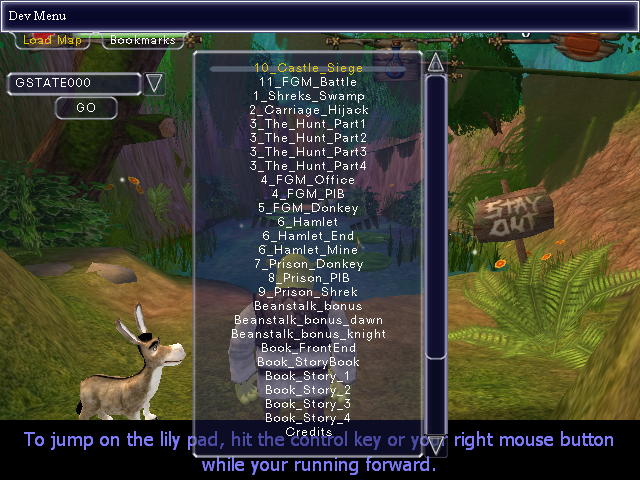
Command ShowDevMenu opens this menu, where you can load any map from the Maps folder:
Debug Menu#
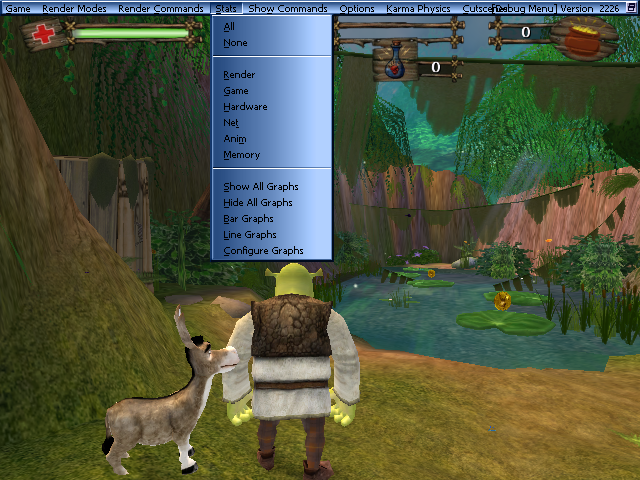
Repeated Set SHGame.Version bDebugEnabled True command use also toggles a dev menu with lots of debug commands and options for you to play with.
Free Cam#
Command Deletecam allows to explore the game in a free camera mode. After enabling it, you can move your camera to any point and place your character at this point by clicking it again.
Standard UE Cheats Oddity#
Sometimes cheats like ghost become inaccessible. It's caused by a bug if you load a save. To make them all available again, use RestartLevel command or simply complete your current level.
|
The Shrek series | |
|---|---|
|
PlayStation |
|
|
PlayStation 2 |
SuperSlam (Prototypes) • Shrek the Third • Shrek's Carnival Craze |
|
PlayStation 3 |
|
|
PlayStation Portable |
|
|
Xbox |
|
|
Xbox 360 |
|
|
GameCube |
|
|
Wii |
|
|
Game Boy Color |
|
|
Game Boy Advance |
Swamp Kart Speedway • Hassle at the Castle • Reekin' Havoc • Shrek 2 • Beg for Mercy • SuperSlam • Smash n' Crash Racing |
|
Windows |
Twisted Fairy Tale Fun • Shrek 2 • SuperSlam • Shrek the Third • Shrek's Carnival Craze • Forever After |
|
Nintendo DS |
SuperSlam • Smash n' Crash Racing • Ogres and Dronkeys (Prototypes) • Shrek's Carnival Craze |
|
iOS, Android |
|
|
Adobe Flash |
|
|
V.Smile |
|
|
V.Flash |
|
|
See Also | |