 This article has a talk page!
Unused Music#
There seems to be three unused variants for Flutter Speed's tutorial. It could have either been used for different types of bugs, or each bug was supposed to get its own theme.
Software Legal Info#

|
To do: |
The content's of this game's legalinfo.xml are posted below. The date of the file suggests that the game was built or finalized on February 10, 2026, at 1:09 a.m. (Japan Standard Time).
<?xml version="1.0" encoding="UTF-8" standalone="no"?>

<SoftwareLegalInformation>

  <OutputDateTime>2026-02-10T01:09:23.184Z</OutputDateTime>

  <DeclarationRequiredNotations>

    <TechnologyName>Havok</TechnologyName>

    <TechnologyName>NintendoWare_Bezel_Engine-2_v0-</TechnologyName>

    <TechnologyName>NintendoWare_Bezel_Engine-1_</TechnologyName>

    <TechnologyName>NintendoWare_Bezel_Engine-1_</TechnologyName>

    <TechnologyName>NintendoWare_Bezel_Engine-1_</TechnologyName>

    <TechnologyName>QREncoder</TechnologyName>

    <TechnologyName>Unity</TechnologyName>

    <TechnologyName>UnrealEngine-5</TechnologyName>

    <TechnologyName>UnrealEngine-4</TechnologyName>

    <TechnologyName>VoiceTrigger</TechnologyName>

    <TechnologyName>Bitsery</TechnologyName>

    <TechnologyName>NintendoWare_FreeType_For_Ui-2_13_2</TechnologyName>

    <TechnologyName>NintendoSDK_implot</TechnologyName>

    <TechnologyName>NintendoWare_Meshoptimizer_For_MeshCodec</TechnologyName>

    <TechnologyName>NintendoWare_Zstandard_For_MeshCodec</TechnologyName>

    <TechnologyName>SMAA_For_NDSR</TechnologyName>

    <TechnologyName>NEX</TechnologyName>

    <TechnologyName>NEX</TechnologyName>

    <TechnologyName>Breakpad</TechnologyName>

    <TechnologyName>Capstone</TechnologyName>

    <TechnologyName>glew</TechnologyName>

    <TechnologyName>NintendoSDK_imgui-knobs</TechnologyName>

    <TechnologyName>NintendoSDK_imnodes</TechnologyName>

    <TechnologyName>NintendoSDK_libcurl</TechnologyName>

    <TechnologyName>NintendoSDK iWnnKit for Ounce</TechnologyName>

    <TechnologyName>NintendoSDK_movie</TechnologyName>

    <TechnologyName>NintendoSDK_OpenSSL_For_NintendoSDK</TechnologyName>

    <TechnologyName>NintendoSDK_Vulkan</TechnologyName>

    <TechnologyName>nlib_LZ4</TechnologyName>

    <TechnologyName>nlib_bsdiff</TechnologyName>

    <TechnologyName>NintendoSDK_Google_APIs_For_NPLN</TechnologyName>

    <TechnologyName>NintendoSDK_gRPC_For_NPLN</TechnologyName>

    <TechnologyName>NintendoSDK_ngtcp2_For_NPLN</TechnologyName>

    <TechnologyName>NintendoSDK_OpenSSL_For_NPLN</TechnologyName>

    <TechnologyName>NintendoSDK_raft_For_NPLN</TechnologyName>

    <TechnologyName>NintendoSDK_WebRTC_For_NPLN</TechnologyName>

    <TechnologyName>NRD</TechnologyName>

    <TechnologyName>Pia_ZStandard</TechnologyName>

    <TechnologyName>RTXGI</TechnologyName>

    <TechnologyName>SkiaGraphicsLibrary</TechnologyName>

    <TechnologyName>TrmwKit_MediaPipe_Hand_Gesture_Classification</TechnologyName>

    <TechnologyName>TrmwKit_MediaPipe_Pose_Landmarker</TechnologyName>

    <TechnologyName>TrmwKit_MediaPipe_Virtual_Background</TechnologyName>

    <TechnologyName>TrmwKit_MediaPipe_Face_Detection</TechnologyName>

    <TechnologyName>TrmwKit_MediaPipe_Face_Landmark</TechnologyName>

    <TechnologyName>TrmwKit_RTMPose</TechnologyName>

    <TechnologyName>Wslay</TechnologyName>

    <TechnologyName>nghttp2</TechnologyName>

    <TechnologyName>OpenSSL 1.1.1w</TechnologyName>

  </DeclarationRequiredNotations>

  <ProductRegions>

    <Usa>true</Usa>

    <Japan>true</Japan>

    <Europe>true</Europe>

    <Asia>true</Asia>

    <China>false</China>

  </ProductRegions>

  <FormatVersion>2.0.0</FormatVersion>

  <ApplicationId>0x0100d9f01d474000</ApplicationId>

  <Platform>NX</Platform>

  <DataHash>ab715343b56cb8e482fc1fc6a5f0f95f</DataHash>

</SoftwareLegalInformation>
Additionally, the Starter Demo's legalinfo.xml file has a different date, which suggests that the Starter Demo was built or finalized on March 19, 2026 at 9:41 a.m. (Japan Standard Time), more than a month after the full game was built or finalized.
<?xml version="1.0" encoding="UTF-8" standalone="no"?>

<SoftwareLegalInformation>

  <OutputDateTime>2026-03-19T09:41:15.718Z</OutputDateTime>

  <DeclarationRequiredNotations>

    <TechnologyName>Havok</TechnologyName>

    <TechnologyName>NintendoWare_Bezel_Engine-2_v0-</TechnologyName>

    <TechnologyName>NintendoWare_Bezel_Engine-1_</TechnologyName>

    <TechnologyName>NintendoWare_Bezel_Engine-1_</TechnologyName>

    <TechnologyName>NintendoWare_Bezel_Engine-1_</TechnologyName>

    <TechnologyName>QREncoder</TechnologyName>

    <TechnologyName>Unity</TechnologyName>

    <TechnologyName>UnrealEngine-5</TechnologyName>

    <TechnologyName>UnrealEngine-4</TechnologyName>

    <TechnologyName>VoiceTrigger</TechnologyName>

    <TechnologyName>Bitsery</TechnologyName>

    <TechnologyName>NintendoWare_FreeType_For_Ui-2_13_2</TechnologyName>

    <TechnologyName>NintendoSDK_implot</TechnologyName>

    <TechnologyName>NintendoWare_HarfBuzz_For_Ui-7_3_0</TechnologyName>

    <TechnologyName>NintendoWare_Meshoptimizer_For_MeshCodec</TechnologyName>

    <TechnologyName>NintendoWare_Zstandard_For_MeshCodec</TechnologyName>

    <TechnologyName>SMAA_For_NDSR</TechnologyName>

    <TechnologyName>NEX</TechnologyName>

    <TechnologyName>NEX</TechnologyName>

    <TechnologyName>Breakpad</TechnologyName>

    <TechnologyName>Capstone</TechnologyName>

    <TechnologyName>glew</TechnologyName>

    <TechnologyName>NintendoSDK_imgui-knobs</TechnologyName>

    <TechnologyName>NintendoSDK_imnodes</TechnologyName>

    <TechnologyName>NintendoSDK_libcurl</TechnologyName>

    <TechnologyName>NintendoSDK iWnnKit for Ounce</TechnologyName>

    <TechnologyName>NintendoSDK_movie</TechnologyName>

    <TechnologyName>NintendoSDK_OpenSSL_For_NintendoSDK</TechnologyName>

    <TechnologyName>NintendoSDK_Vulkan</TechnologyName>

    <TechnologyName>nlib_LZ4</TechnologyName>

    <TechnologyName>nlib_bsdiff</TechnologyName>

    <TechnologyName>NintendoSDK_Google_APIs_For_NPLN</TechnologyName>

    <TechnologyName>NintendoSDK_gRPC_For_NPLN</TechnologyName>

    <TechnologyName>NintendoSDK_ngtcp2_For_NPLN</TechnologyName>

    <TechnologyName>NintendoSDK_OpenSSL_For_NPLN</TechnologyName>

    <TechnologyName>NintendoSDK_raft_For_NPLN</TechnologyName>

    <TechnologyName>NintendoSDK_WebRTC_For_NPLN</TechnologyName>

    <TechnologyName>NRD</TechnologyName>

    <TechnologyName>Pia_ZStandard</TechnologyName>

    <TechnologyName>RTXGI</TechnologyName>

    <TechnologyName>SkiaGraphicsLibrary</TechnologyName>

    <TechnologyName>TrmwKit_MediaPipe_Hand_Gesture_Classification</TechnologyName>

    <TechnologyName>TrmwKit_MediaPipe_Pose_Landmarker</TechnologyName>

    <TechnologyName>TrmwKit_MediaPipe_Virtual_Background</TechnologyName>

    <TechnologyName>TrmwKit_MediaPipe_Face_Detection</TechnologyName>

    <TechnologyName>TrmwKit_MediaPipe_Face_Landmark</TechnologyName>

    <TechnologyName>TrmwKit_RTMPose</TechnologyName>

    <TechnologyName>Wslay</TechnologyName>

    <TechnologyName>nghttp2</TechnologyName>

    <TechnologyName>OpenSSL 1.1.1w</TechnologyName>

  </DeclarationRequiredNotations>

  <ProductRegions>

    <Usa>true</Usa>

    <Japan>true</Japan>

    <Europe>true</Europe>

    <Asia>true</Asia>

    <China>false</China>

  </ProductRegions>

  <FormatVersion>2.0.0</FormatVersion>

  <ApplicationId>0x0100107027310000</ApplicationId>

  <Platform>NX</Platform>

  <DataHash>018d82ed48b9ef52f2c4fa2d81ac624c</DataHash>

</SoftwareLegalInformation>
Regional Differences#
|
|
To do:
|
HOME Menu Icons#
North American |
European/Australian |
Japanese |
|---|---|---|
 |
 |
 |
Simplified Chinese |
Traditional Chinese |
Korean |
|---|---|---|
 |
 |
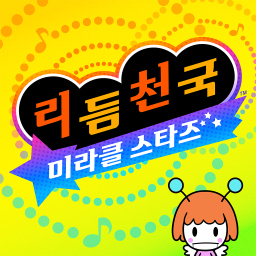 |
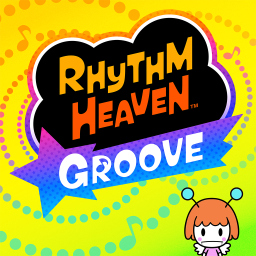
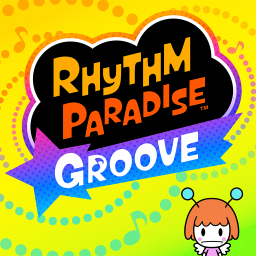
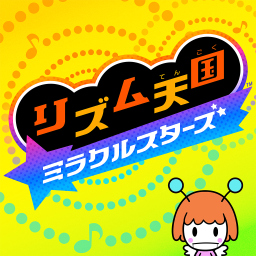
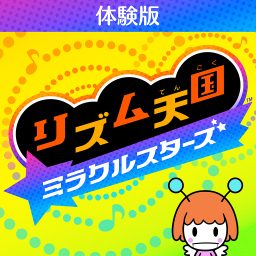
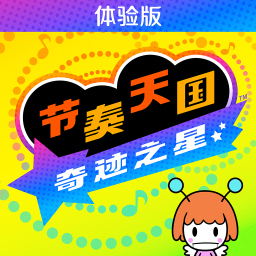
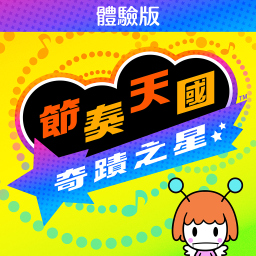
As with most other Switch games released on the platform, the logo on the game's HOME menu icon is different to reflect the region. Li'l Miss Reeds is also scaled up a bit more in the Japanese, Chinese, and Korean icons compared to the North American and European/Australian icons.
North American |
European/Australian |
Canadian French |
French |
|---|---|---|---|
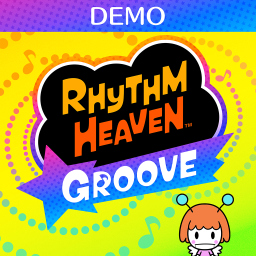 |
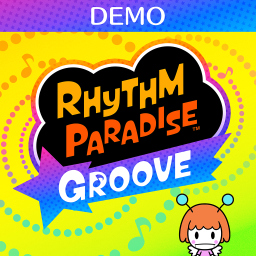 |
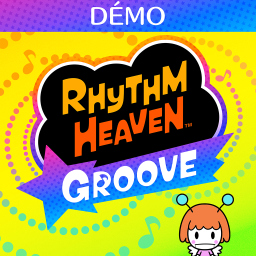 |
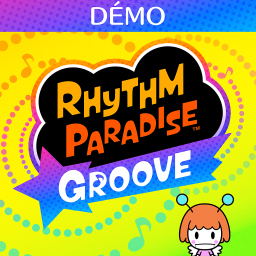 |
Japanese |
Simplified Chinese |
Traditional Chinese |
Korean |
|---|---|---|---|
 |
 |
 |
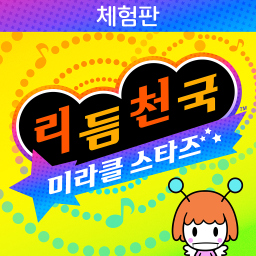 |
This also applies to the game's Starter Demo. Additionally, the Starter Demo also has two additional icons for French and Canadian French languages.
(Source: JacintaB20 and DogToon64)
Title Screen#
Japanese |
American |
Europe/Australia |
|---|---|---|
 |
 |
 |
Korean |
Traditional Chinese |
Simplified Chinese |
|---|---|---|
 |
 |
 |
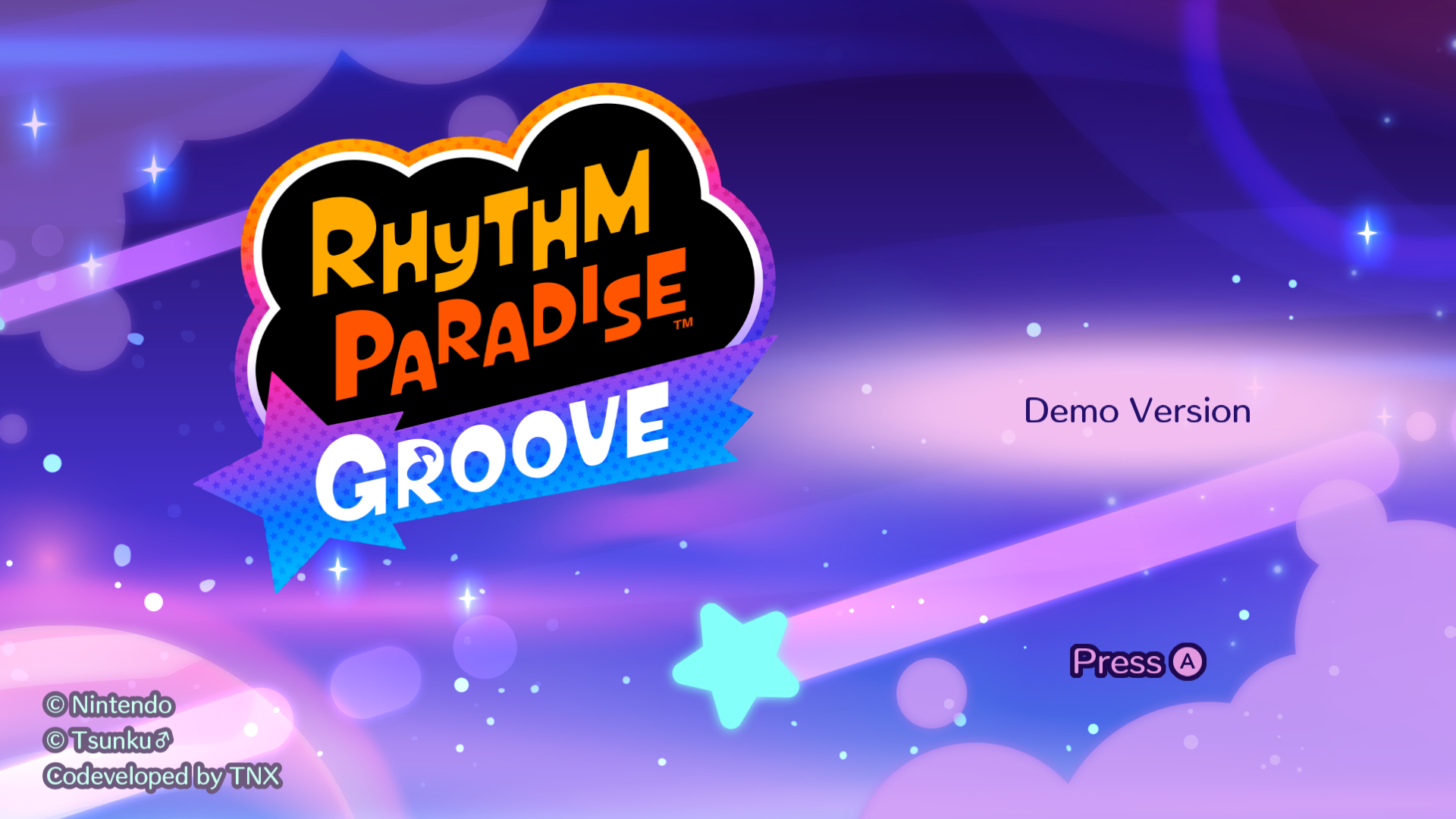
Japanese (Demo) |
American (Demo) |
Europe/Australia (Demo) |
|---|---|---|
 |
 |
 |
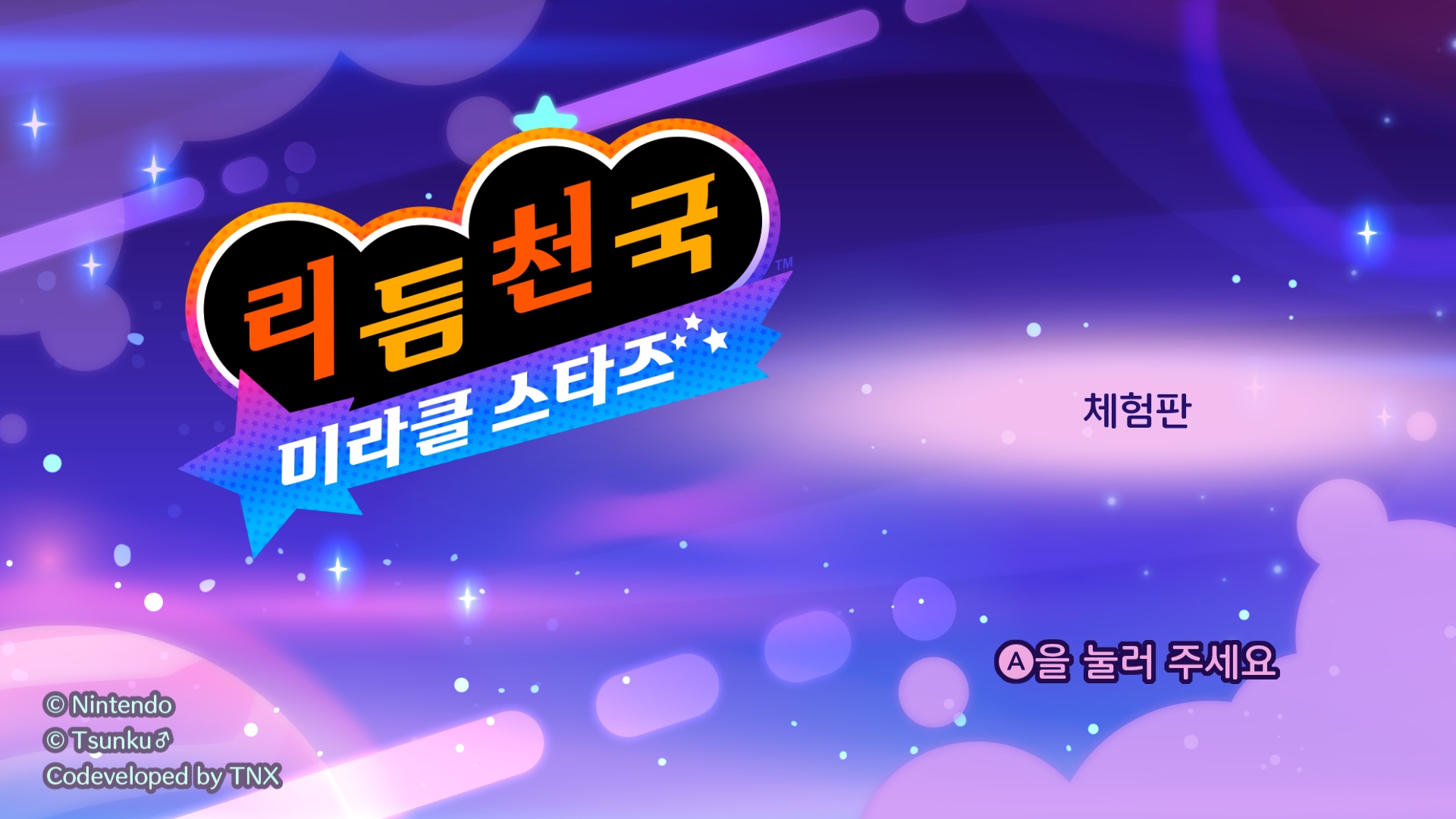
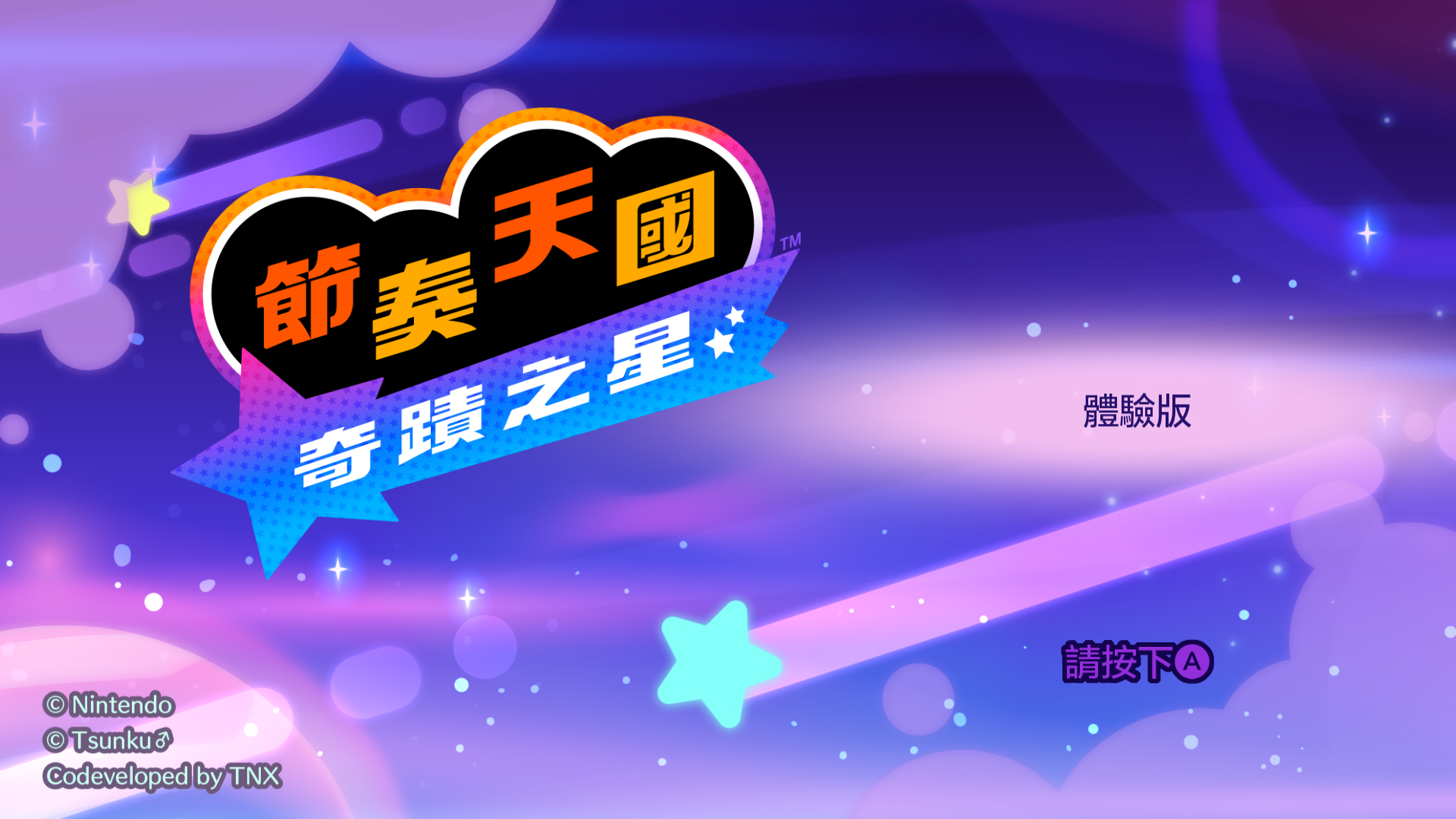
Korean (Demo) |
Traditional Chinese (Demo) |
Simplified Chinese (Demo) |
|---|---|---|
 |
 |
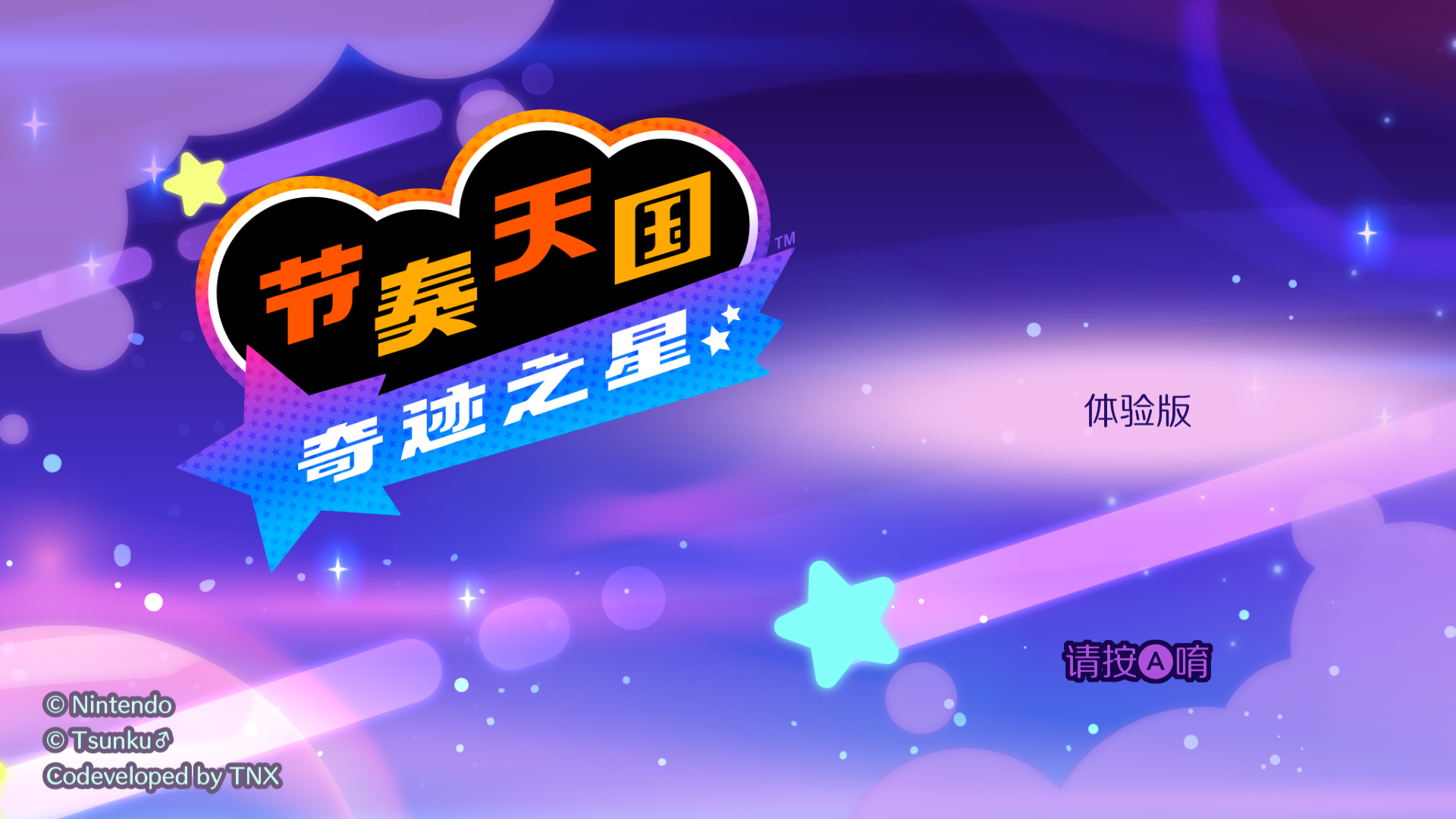 |
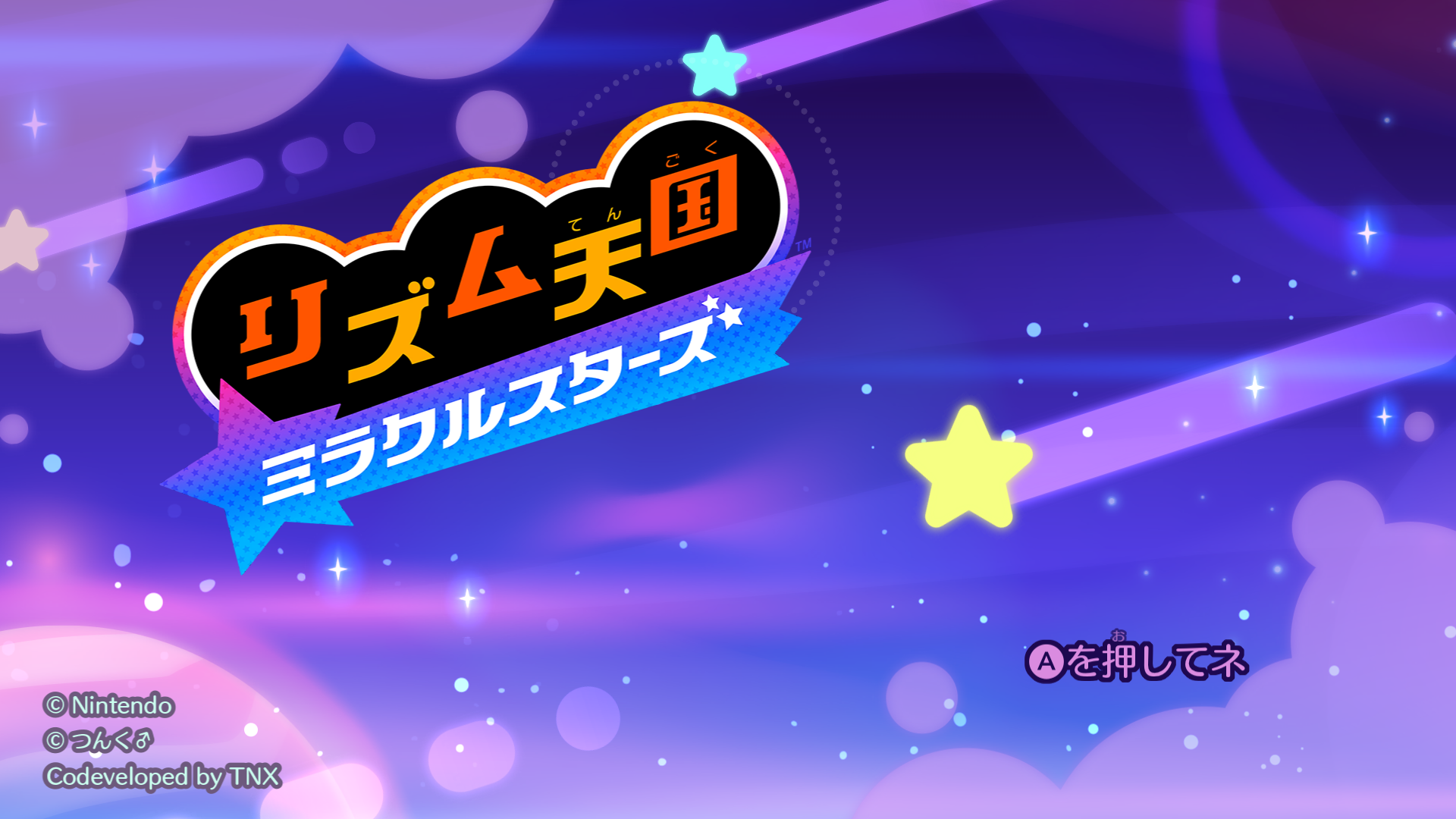
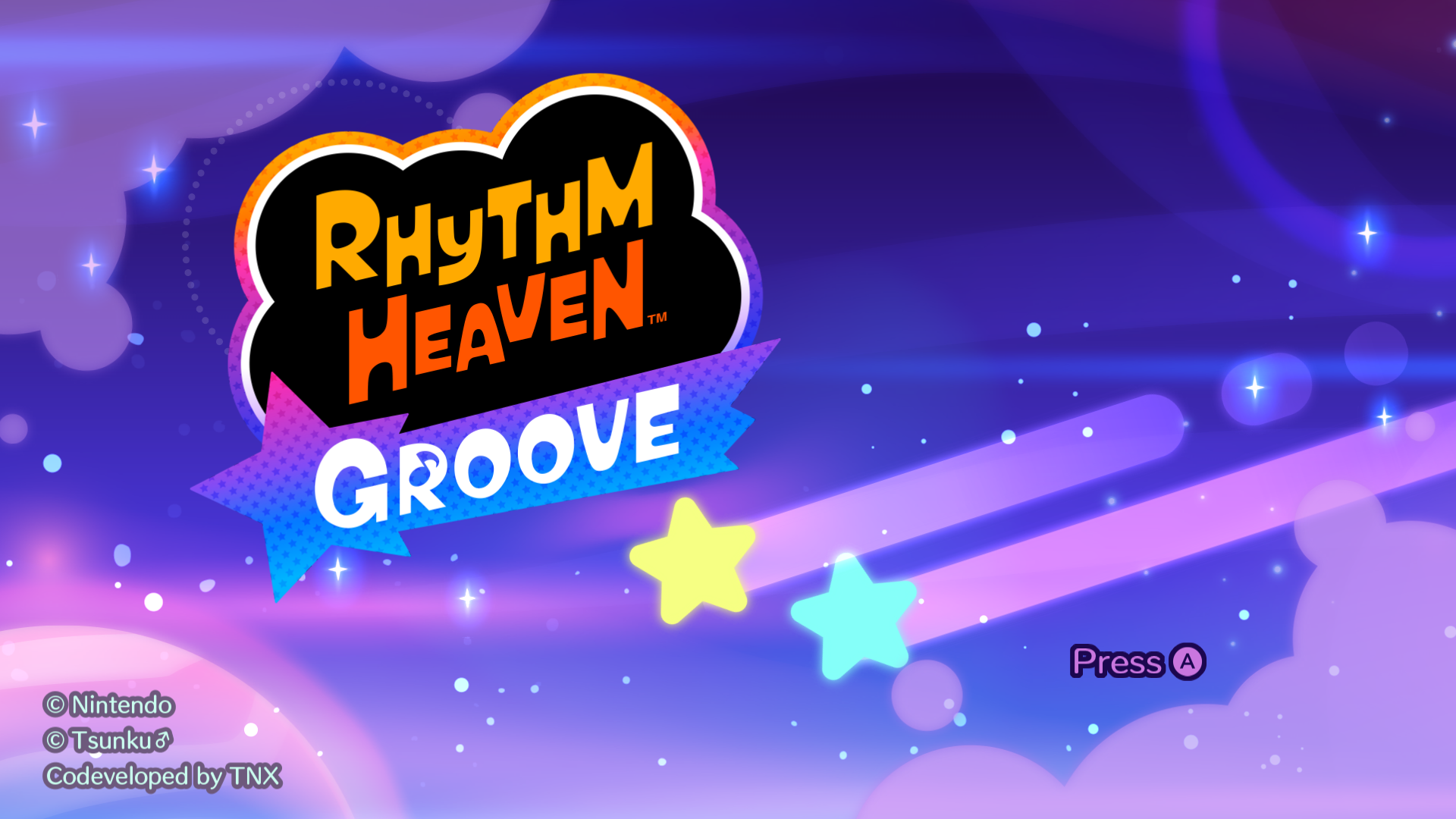
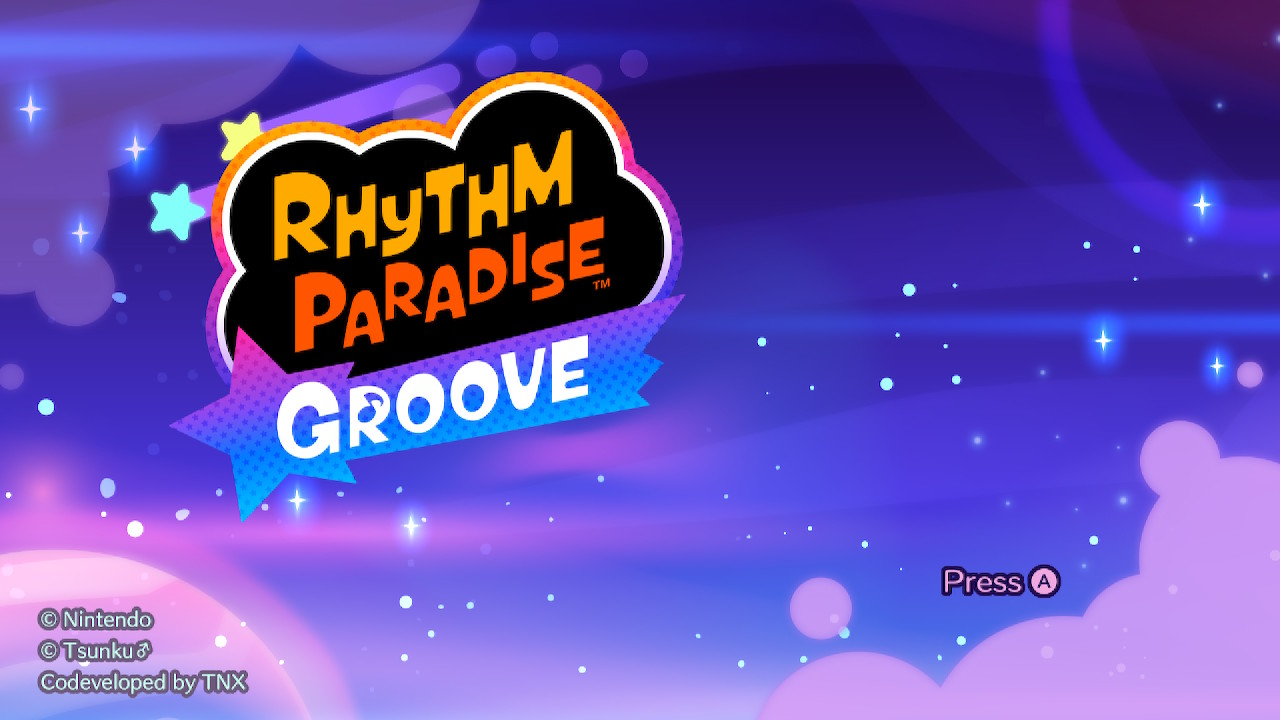
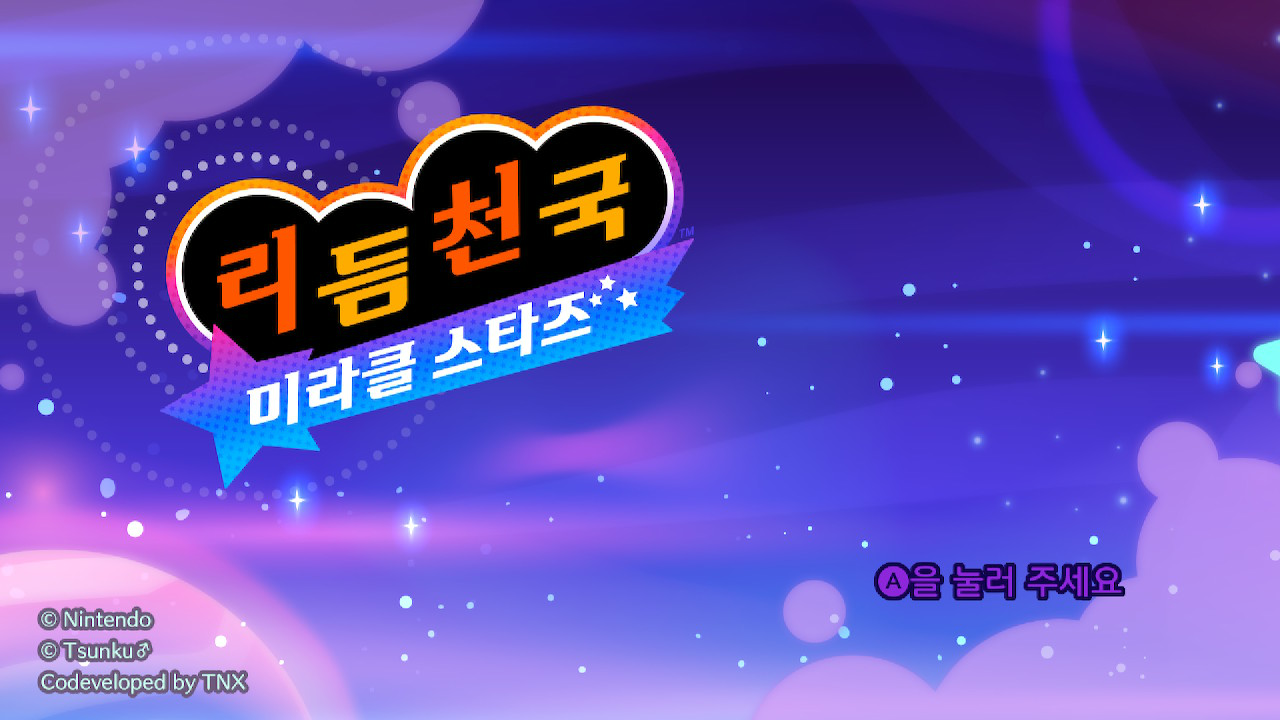
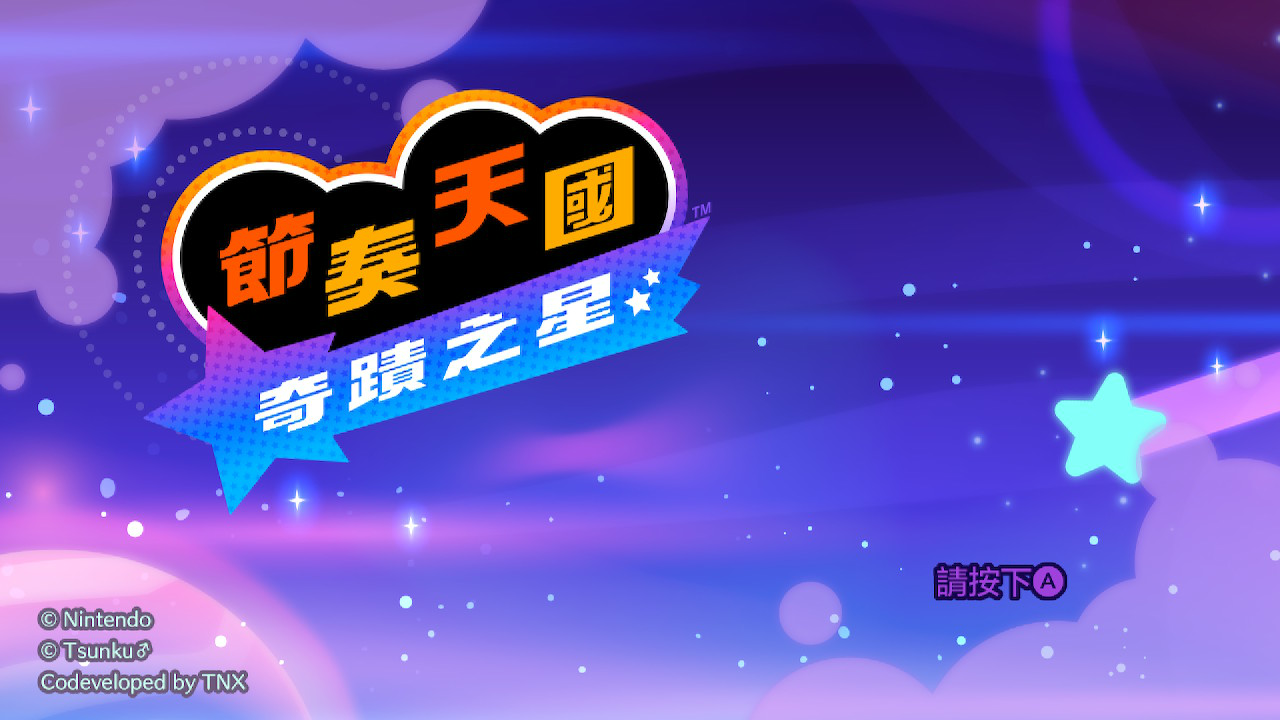
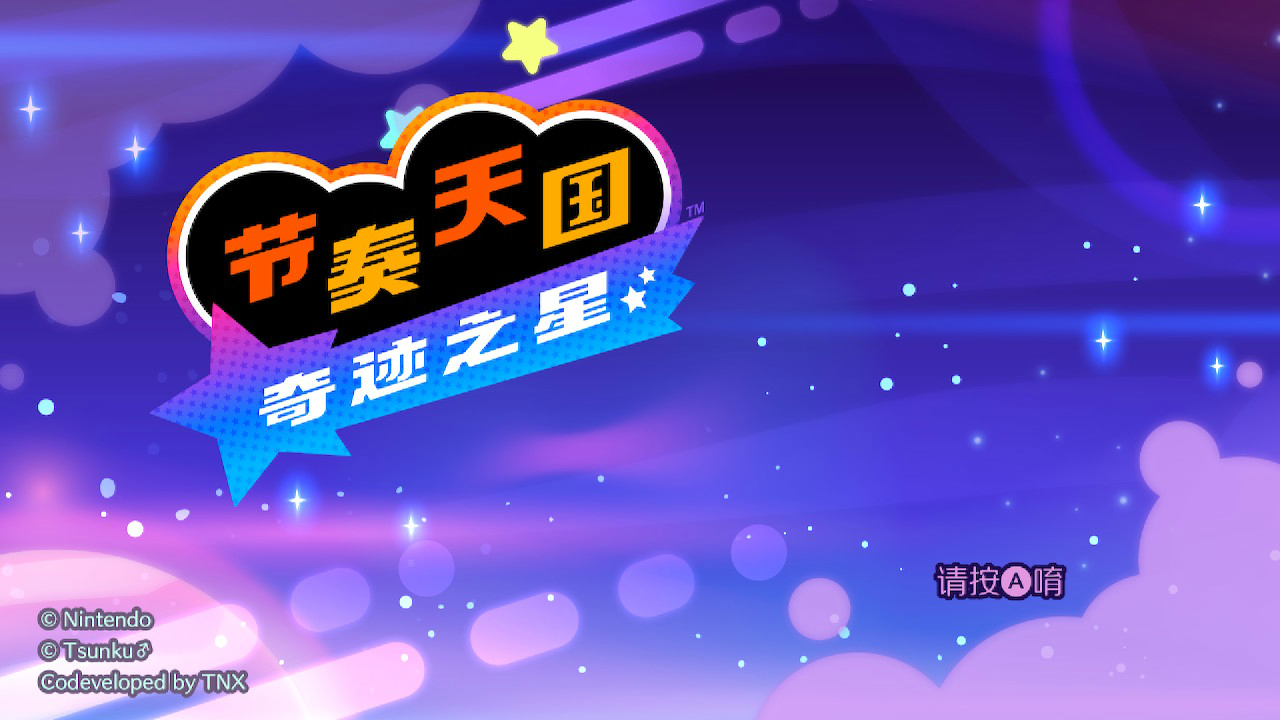
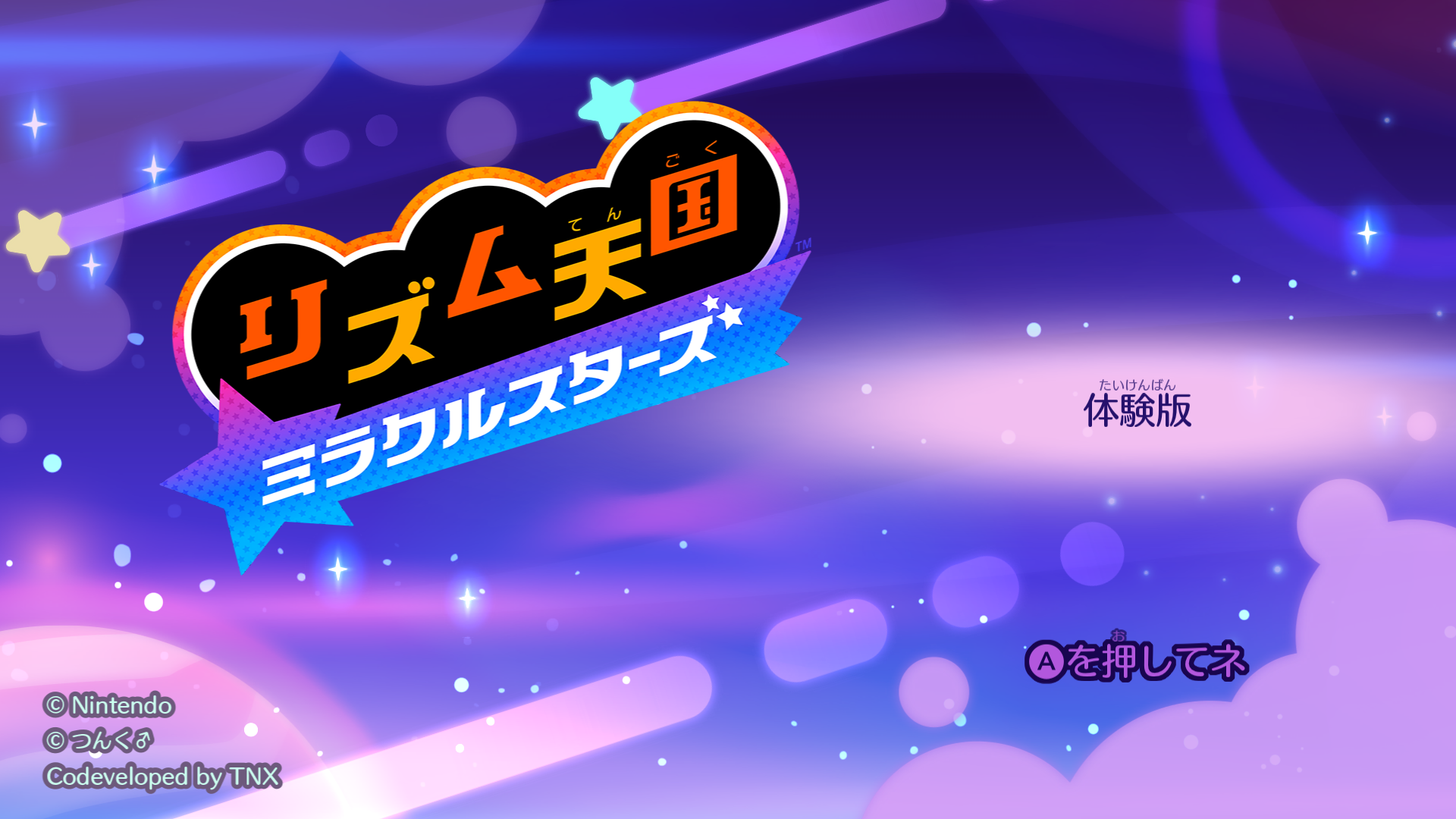
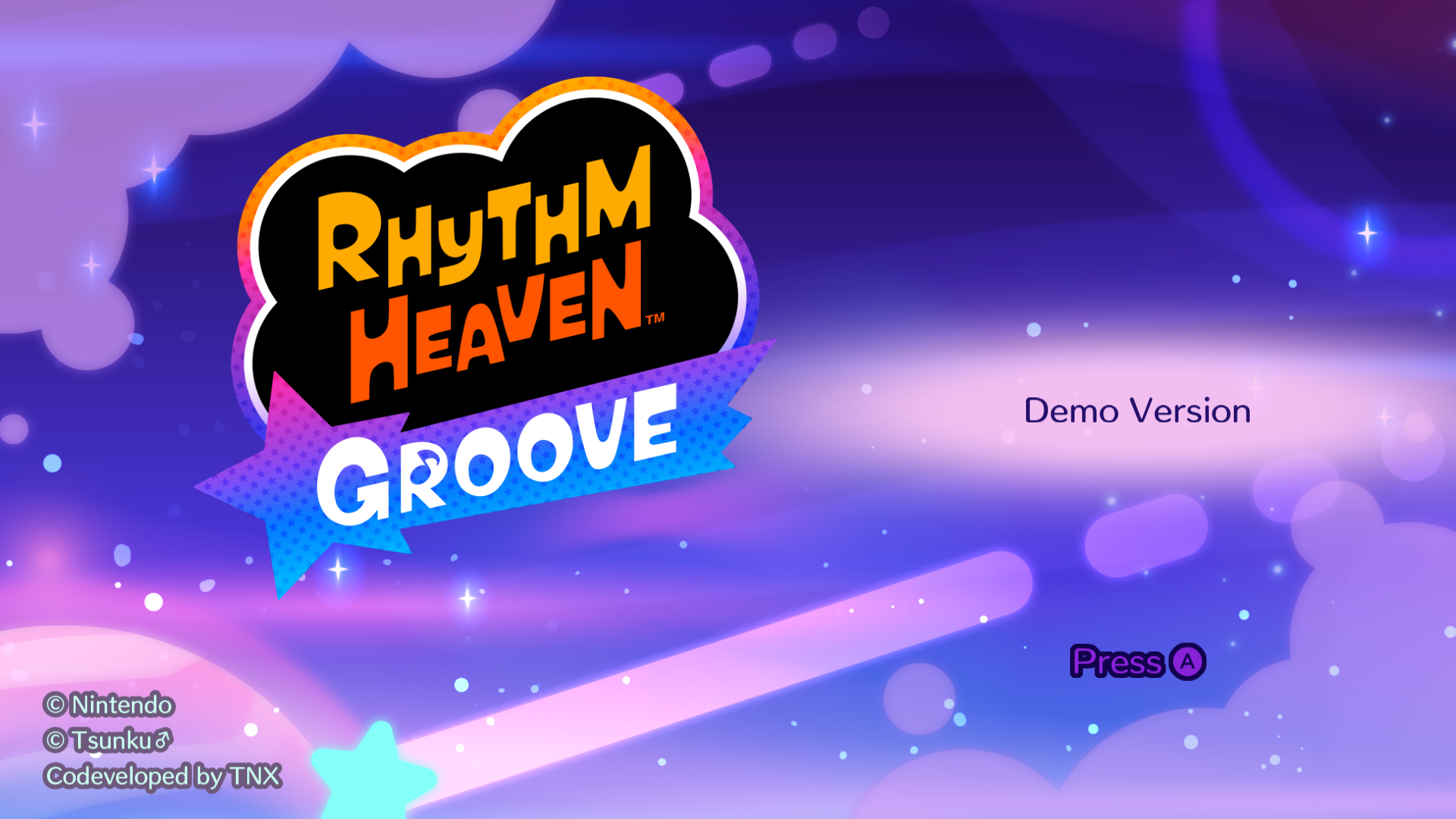
Like previous entries in the series, the game's logo is different between regions as Rhythm Heaven Groove is titled as Rhythm Paradise Groove in Europe and Australia, and Rhythm Tengoku: Miracle Stars in Japan. This game is known as Rhythm Cheonguk: Miracle Stars in Korea, though previous games in the series had the Rhythm Sesang name due to trademark issues. These changes were carried into the game's Starter Demo.
This logo change also applies to the Game Select menu in both of the Play Solo and Play with Friends modes as well.
Play Solo#
|
|
To do:
|
Japanese |
American |
Europe/Australia |
|---|---|---|
 |
 |
 |
Korean |
Traditional Chinese |
Simplified Chinese |
|---|---|---|
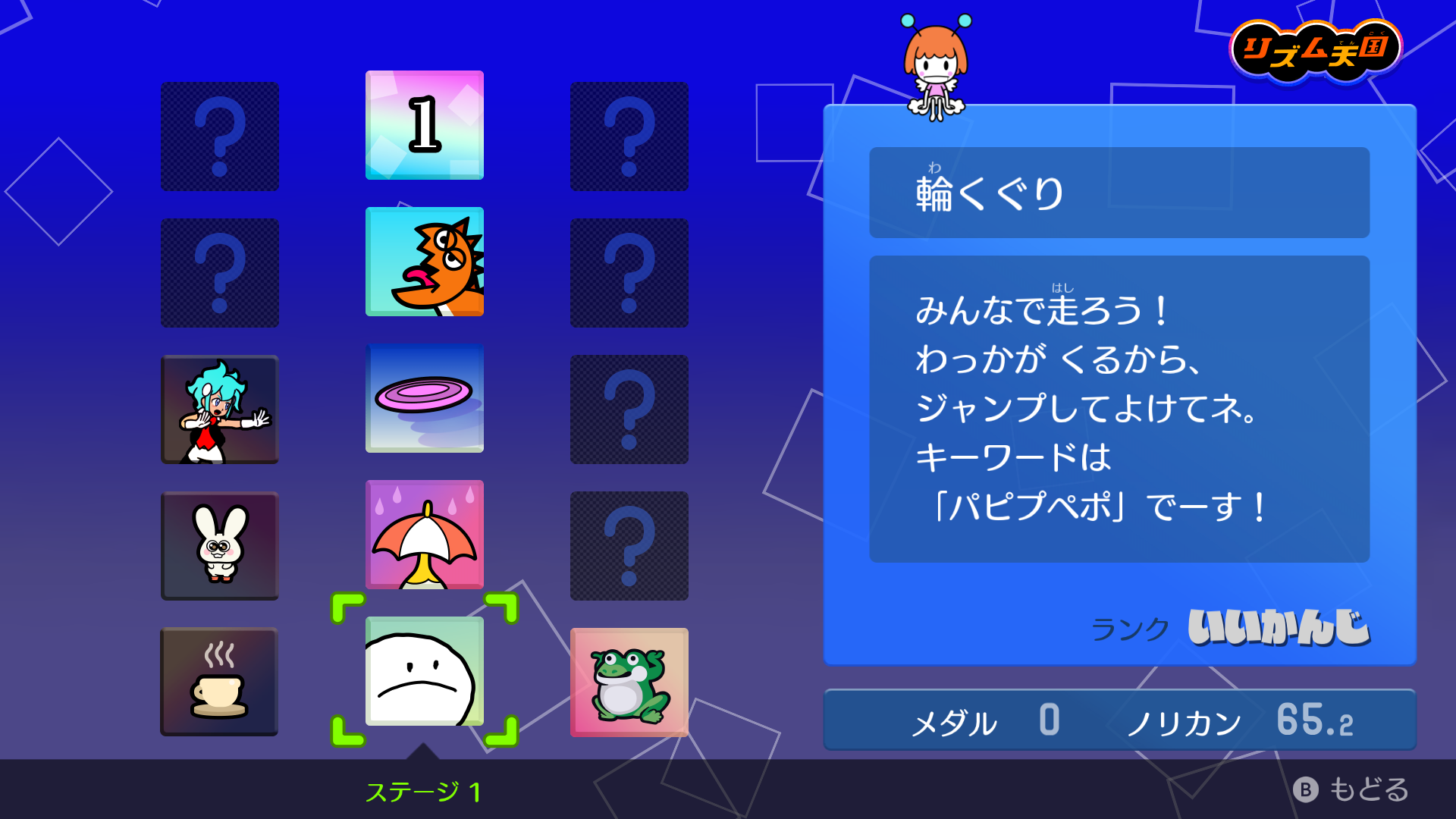
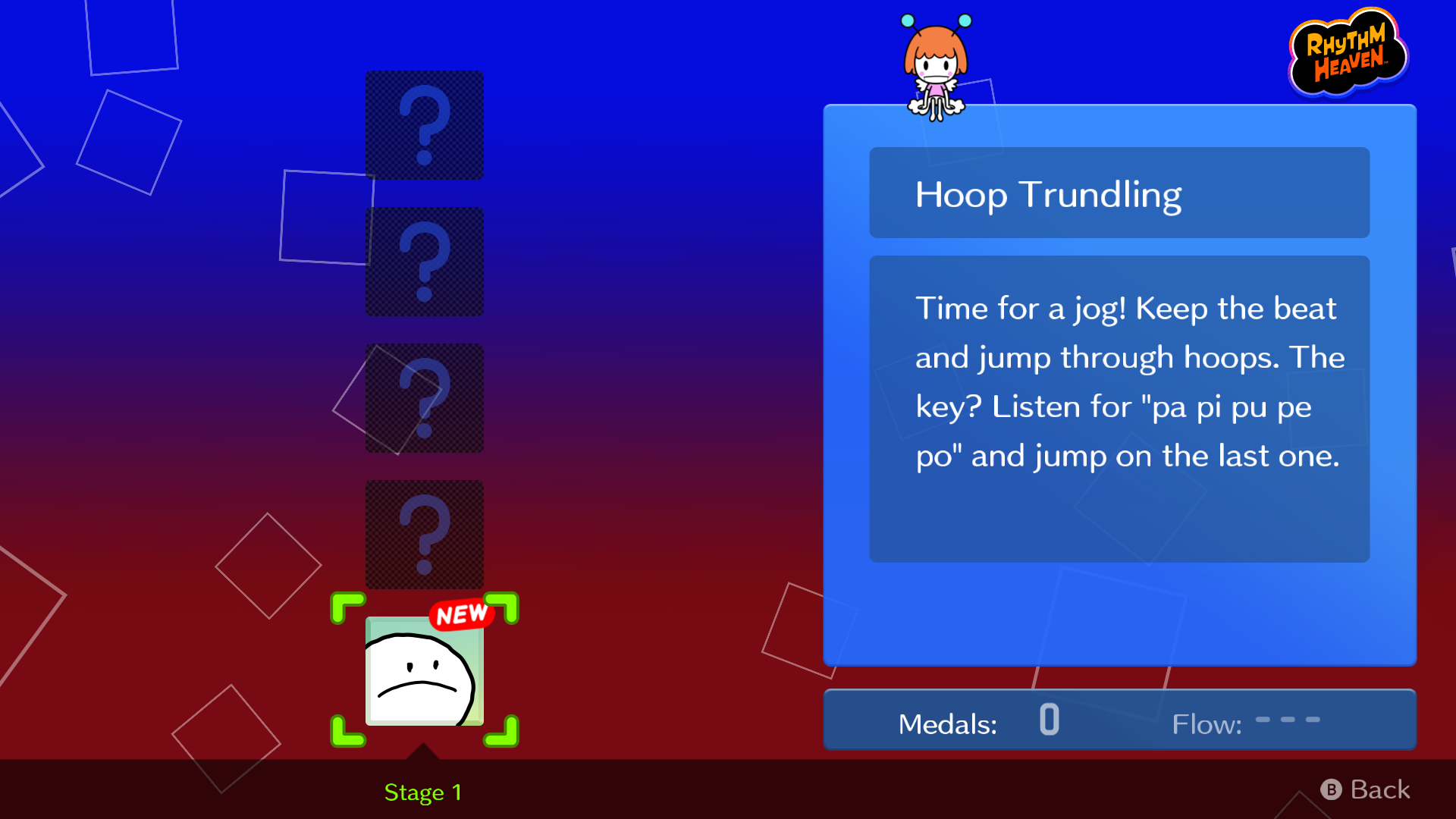
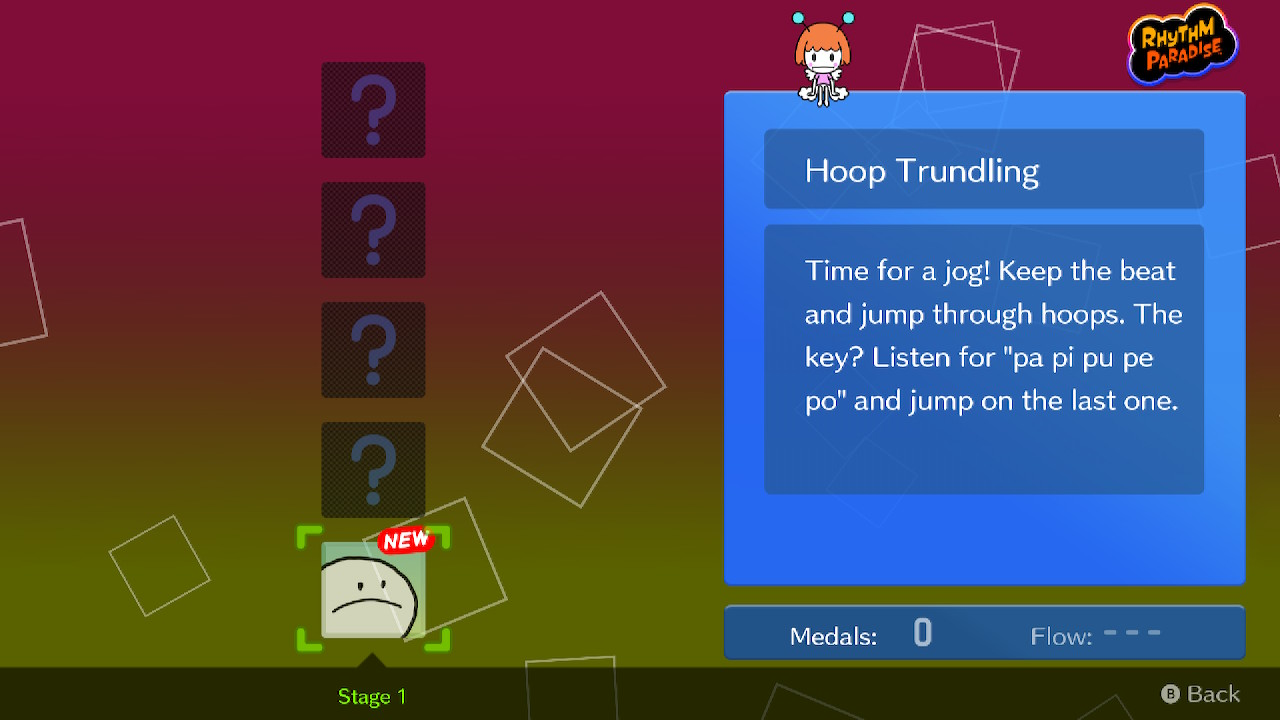
On the Play Solo game select menu, the game's logo (without the Groove/Miracle Stars text) is changed to reflect the region.
Play with Friends#
|
|
To do:
|
Japanese |
American |
Europe/Australia |
|---|---|---|
 |
Korean |
Traditional Chinese |
Simplified Chinese |
|---|---|---|
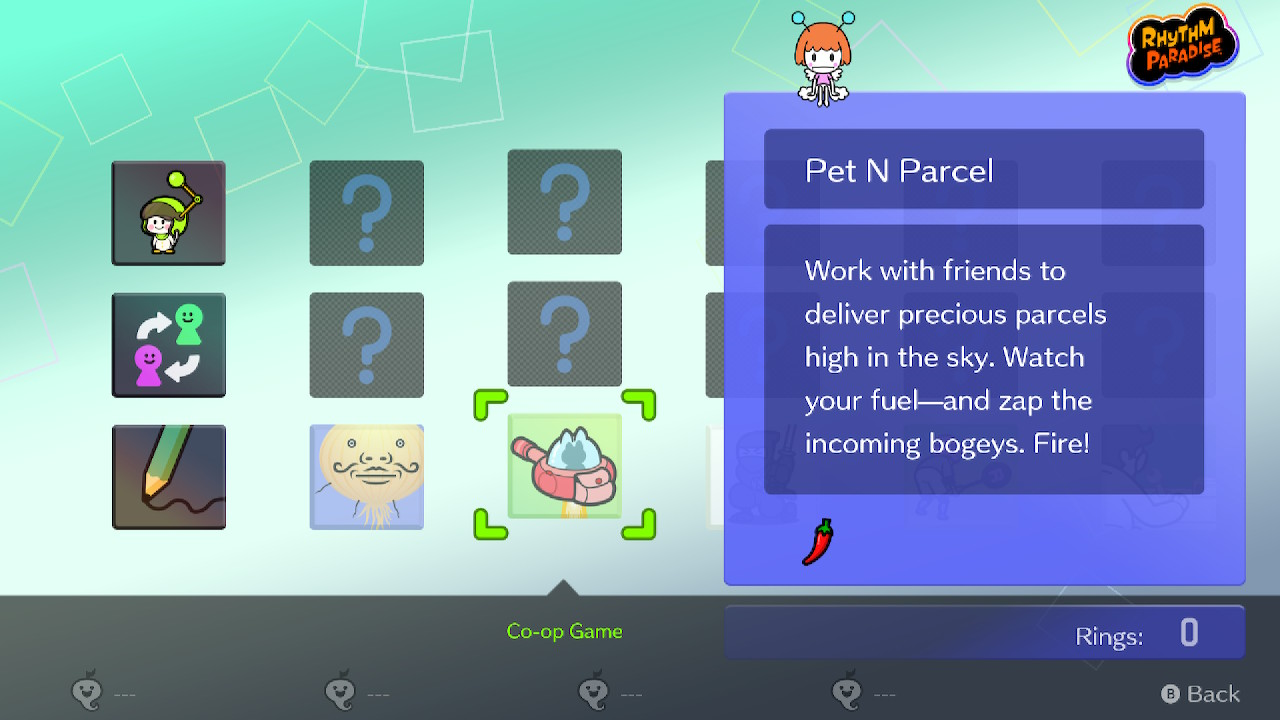
The logo changes also apply to the Play with Friends game select menu.
English Translation Changes#
|
|
To do:
|
Like most other Nintendo Switch games from its era, the English translation of Rhythm Heaven Groove has minor text differences between the American and European/Australian versions, as well as in the Starter Demo.
Game Name#
American |
Europe/Australia |
|---|---|
Rhythm Heaven Groove |
Rhythm Paradise Groove |
Rhythm Heaven Groove: Demo Version |
Rhythm Paradise Groove: Demo Version |
Main Menu#
American |
Europe/Australia |
|---|---|
About Rhythm Heaven |
About Rhythm Paradise |
About Rhythm Heaven/Rhythm Paradise#
American |
Europe/Australia |
|---|---|
Rhythm Heaven is a game where you match your actions to the beat. |
Rhythm Paradise is a game where you match your actions to the beat. |
Play Solo#
American |
Europe/Australia |
|---|---|
Soccer Dreams |
Football Dreams |
For Soccer Dreams, all instances of "soccer" are replaced by "football" in the European and Australian versions.
Rhythm Reference#
American |
Europe/Australia |
|---|---|
Time for more soccer practice! |
Time for more football training! |
In the "Practice Buddies" Game Comic, there is a minor change in the text for the first panel of the comic.
Promotional Comic#
American |
Europe/Australia |
|---|---|
Introducing...Rhythm Heaven Groove! |
Introducing...Rhythm Paradise Groove! |
Nintendo eShop Starter Demo#
|
|
To do:
|
A Starter Demo for Rhythm Heaven Groove was released on June 22, 2026. Only the first five single-player Rhythm Games in Stage 1 (Hoop Trundling up to Remix 1) and the multiplayer game Rhythm Tweezers are present. The demo contains an eShop storefront option, as with most other Switch games with eShop demos. The save data in this Starter Demo can be carried over into the full game.
A version of this demo was made available at Nintendo Switch 2 demo kiosks, with all five Stage 1 games already unlocked (as opposed to unlocking as you play through each game), and Cake Wait as an additional multiplayer game. The Read-Aloud Settings, TV Input Delay Settings and Title Screen options are missing, and pausing during gameplay is disabled. There is also a "Thank you for playing." screen that is not seen in the original demo after the 10-minute time limit is up, or if the demo is exited using the HOME button. Save data in this kiosk demo also isn't saved.
Main Menu#
Demo |
Retail |
|---|---|
 |
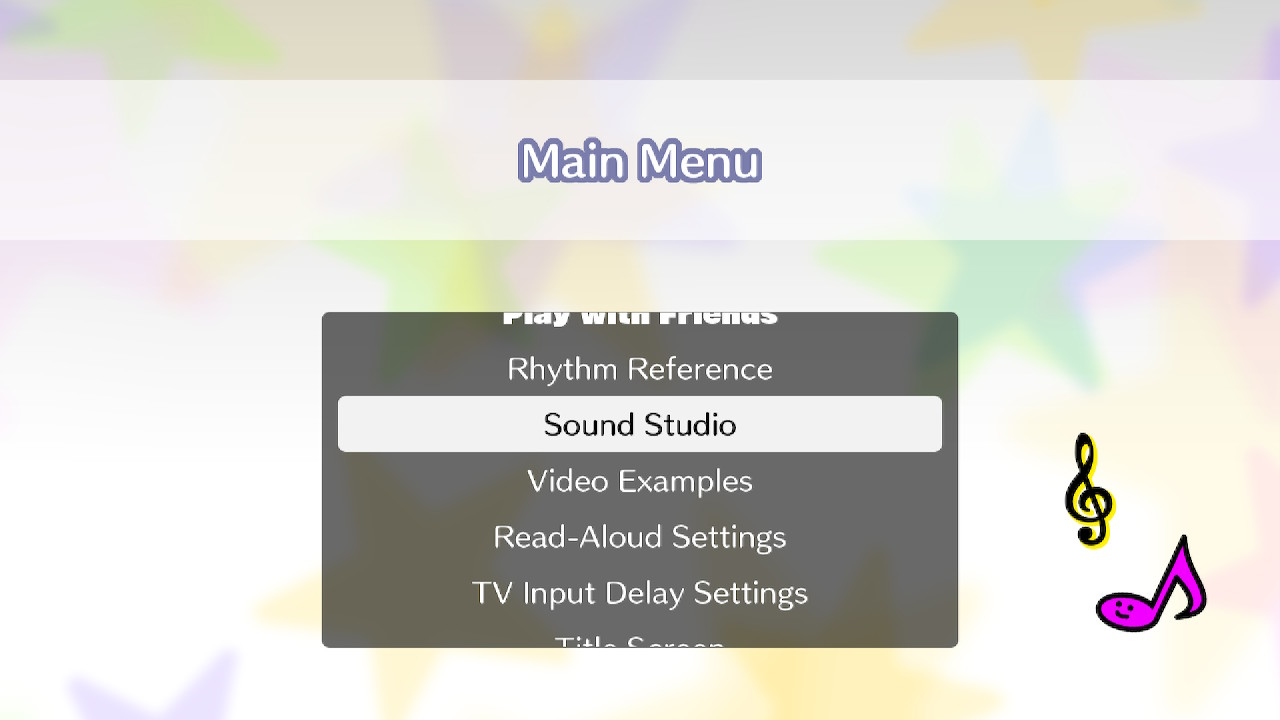 |
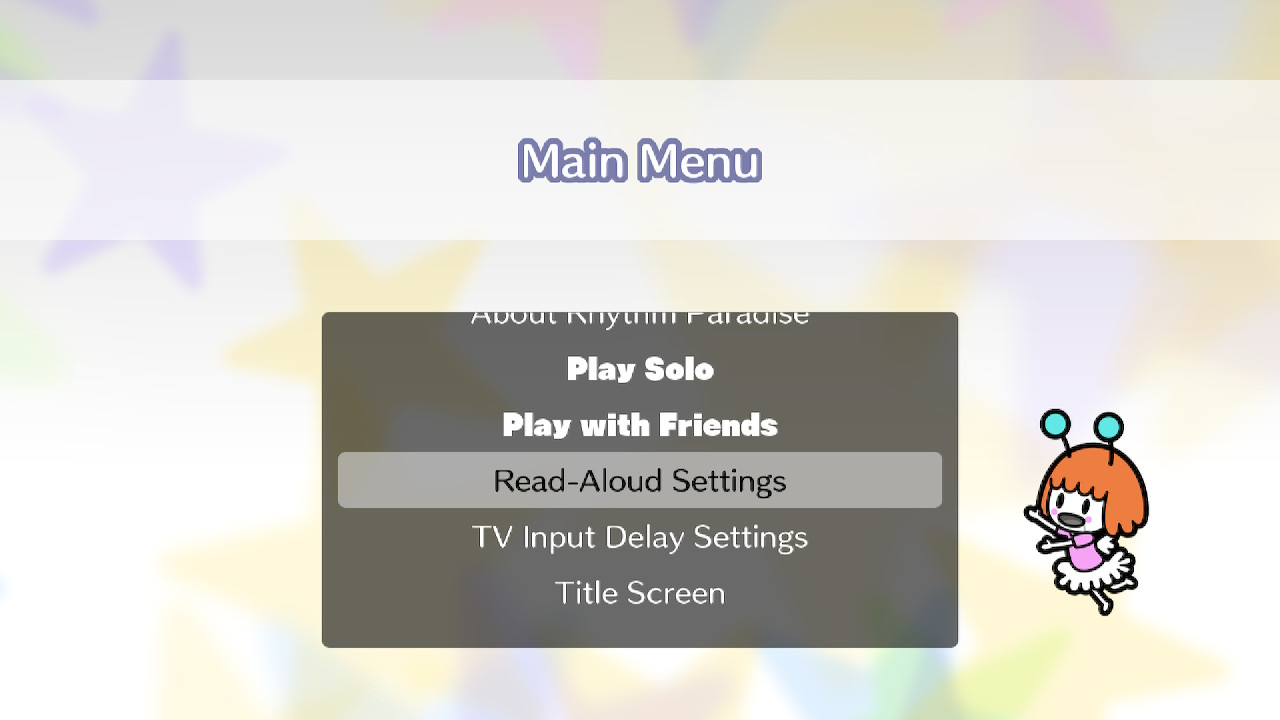
In the Starter Demo, the Rhythm Reference, Sound Studio and Video Examples options in the retail game are absent in the Main Menu. The other options (except for the promotional comic) are present in both versions.
Play with Friends#
Demo |
Retail |
|---|---|
 |
|
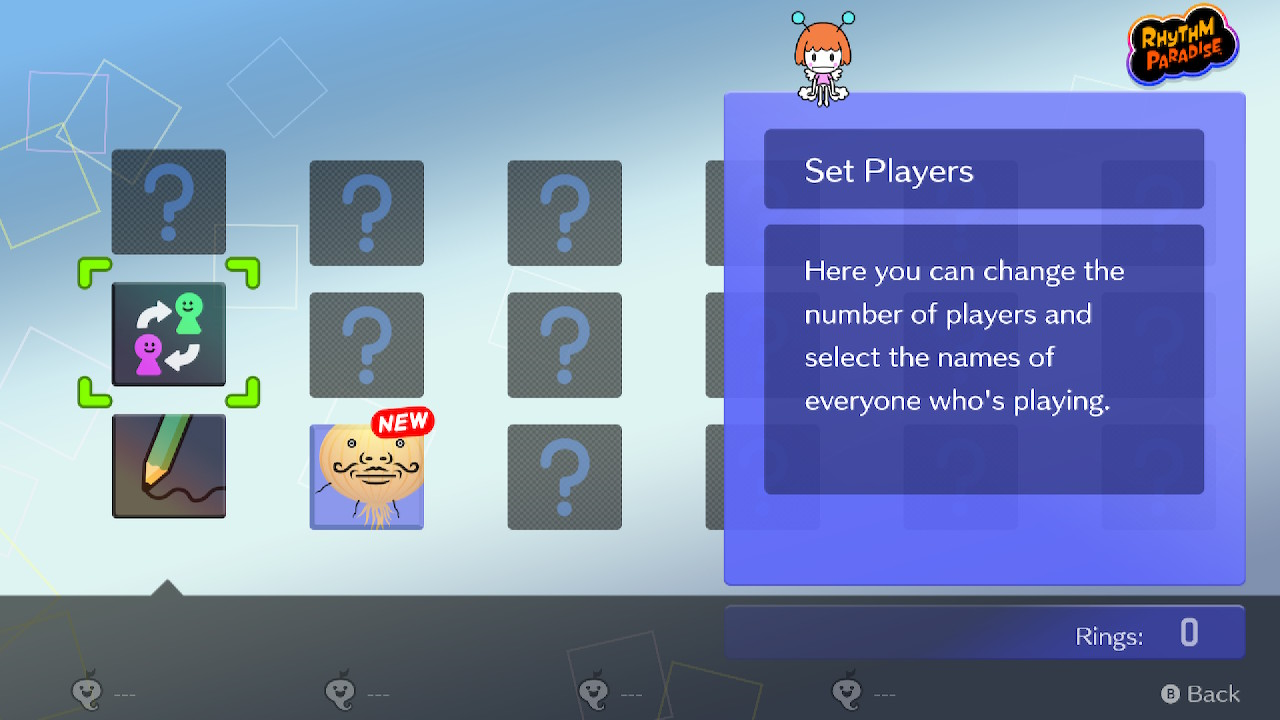
In the Starter Demo, the Group Toy Box and the rest of the multiplayer Rhythm Games are absent in the Play with Friends mode's game select menu.
Promotional Comic#
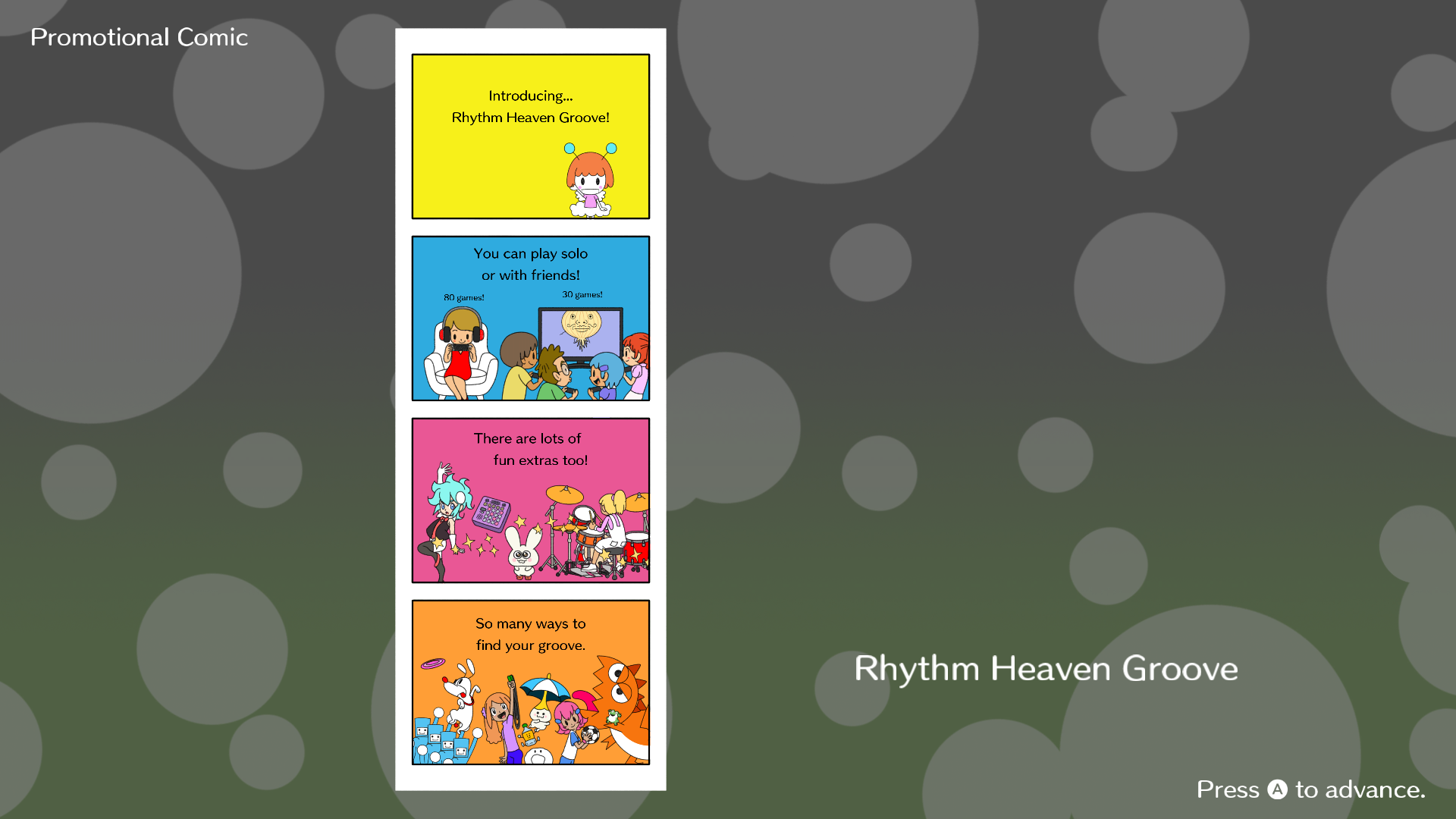
A "promotional comic" is also an option in the Main Menu, displaying a 4-panel comic about the full version of Rhythm Heaven Groove. The file for the promotional comic, comic_trial_00.tex, is absent from the full game.
Internal Project Name#
The game's codename is Aloha.1
Internal Text-To-Speech Voice Names#
Present in voicetext/ are the text-to-speech voices used by Li'l Miss Reeds in each of the game's languages, being in the same file format, .vtdb2, as the voices used in Tomodachi Life: Living the Dream. As this game uses VoiceText for text-to-speech dialogue, each of the voices have their own names, which are listed below. The names for the languages themselves were taken from the voices' extracted folder names.
- Mainland Mandarin: Hong
- Taiwanese Mandarin: Yafang
- Dutch: Anne
- American English: Ashley
- Canadian French: Chloe
- European French: Roxane
- German: Lena
- Italian: Elisa
- Japanese: Hikari
- Korean: Hyeryun
- European Spanish: Lola
- Mexican Spanish: Gloria
All voices except for those in Chinese appear to have been obtained from a Korean contractor, as their directories follow the folder structure: home\joonwoo\tts_release\버전관리\데이타\(language name in Korean)\(voice name). The Chinese voices appear to have been sourced from an internal Nintendo-run Git repository, following the structure D_\git_test\_Nintendo\(language code).
References#
|
The Rhythm Heaven series | |
|---|---|
|
Game Boy Advance |
|
|
Arcade |
|
|
Nintendo DS |
|
|
Wii |
|
|
Nintendo 3DS |
|
|
Nintendo Switch |
|
|
See Also | |