 TS1_1999_Alpha_Setup_Splash.png
This is a sub-page of Proto:The Sims (Windows).
 Object ListQuasi-diagonal ducks, an Elvis painting and some other stuff.
 Sprite ListPlenty of things to talk about here.
 Floors & WallsIntroducing... catalog names.
 User Interface TextAre we Pollyannas or Scrooges?
General Differences#
- The most strikingly difference is that the build no longer has scenarios.
- This build has no music at all, being removed from the filepaths they were originally included in.
- The mosaic blur is now implemented. It is used when a Sim uses the toilet, but strangely also used when a Sim uses the hot tub.
Startup#
Steering Committee |
Alpha |
|---|---|
 |
 |
Before the game properly starts up, the player is greeted with splash art. This has been changed from the rudimentary yellow box welcoming the player to The Sims from the Steering Committee build to an awkwardly cropped render of Ross and Sam smiling against a plain background.
Neighborhood#
Steering Committee |
Alpha |
Final |
|---|---|---|
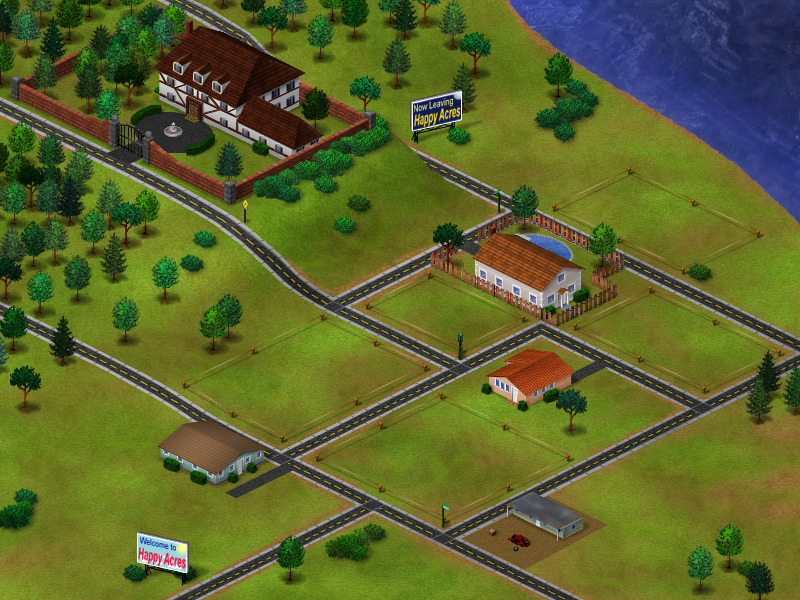 |
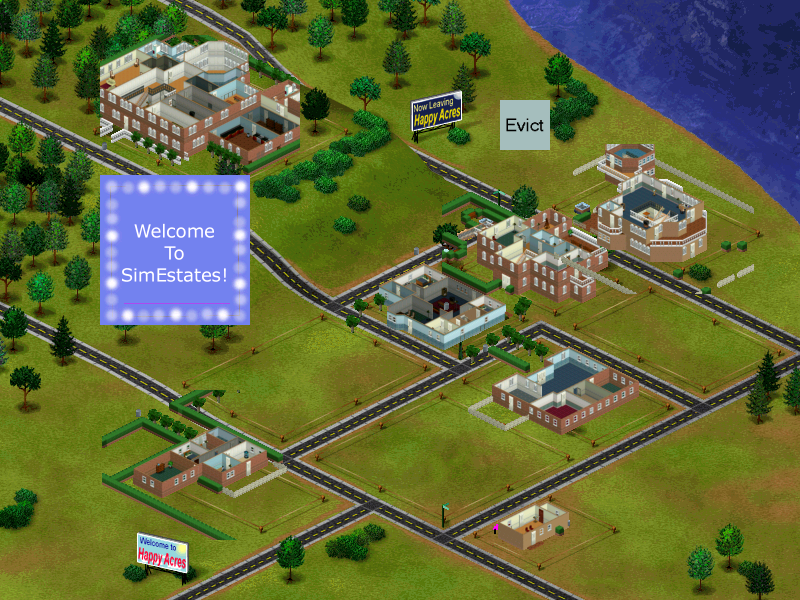 |
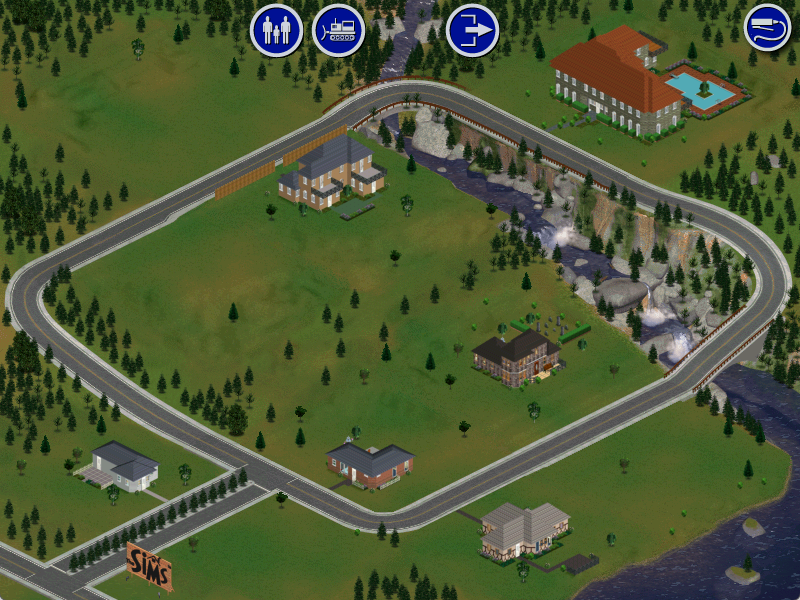 |
Happy Acres, or SimEstates has evolved from the Steering Committee prototype.
Live previews of houses have been implemented, allowing the player to show off their architectural prowess, unfortunately the dynamic roofs present in the final game have yet to be implemented leaving houses exposed to the non-existent elements, and making the neighborhood look like a cluttered mess. Unlike the previous prototype and the final game, there are no families moved in by default, meaning that the player will have to move them in themselves.
Newly added are the Evict button and the "Welcome to SimEstates" marquee whose graphics remain in the final game, unused. Clicking on the marquee allows the player to enter Create-A-Sim, here named Pick A Family. While Evict allows the player to evict any families they have moved in and bulldoze any existing houses.

Attempting to bulldoze the SimEstates Marquee will net you this message that goes unused in the final game.
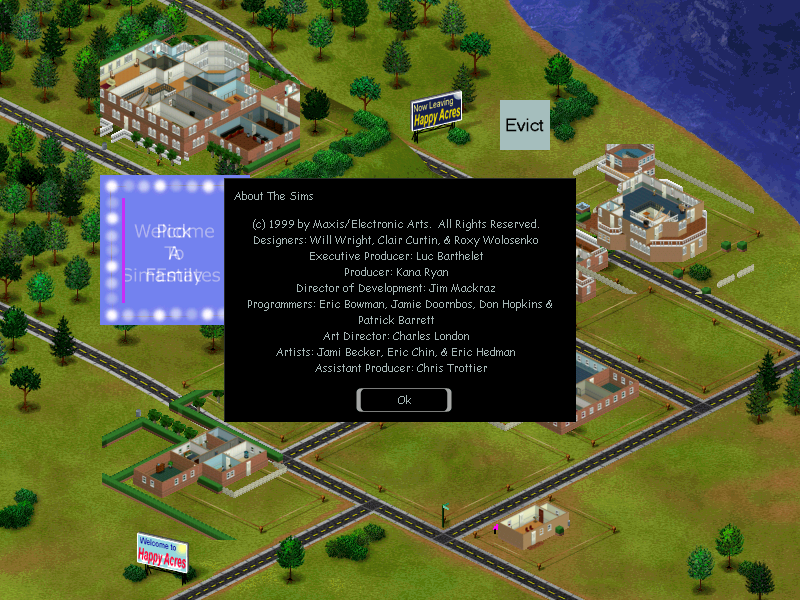
Clicking on the "Welcome to Happy Acres" sign will bring up the credits for the build, similar to how clicking on the "The Sims" sign will bring up the credits in the final game.
Steering Committee |
Alpha |
|---|---|
|
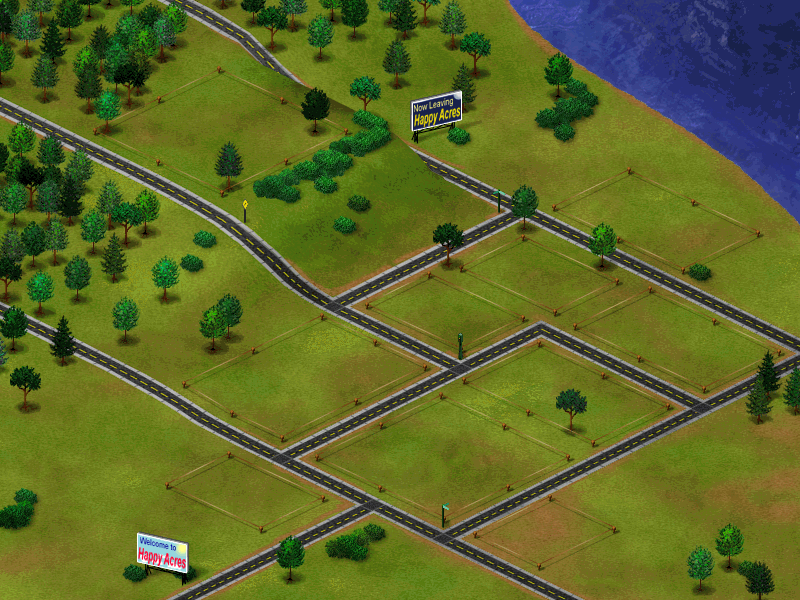 |
In terms of the raw graphic used for the neighborhood screen, the houses baked onto the Steering Committee iteration have been fully removed and replaced with an empty plot of land.
Pick A Family/Create A Sim#
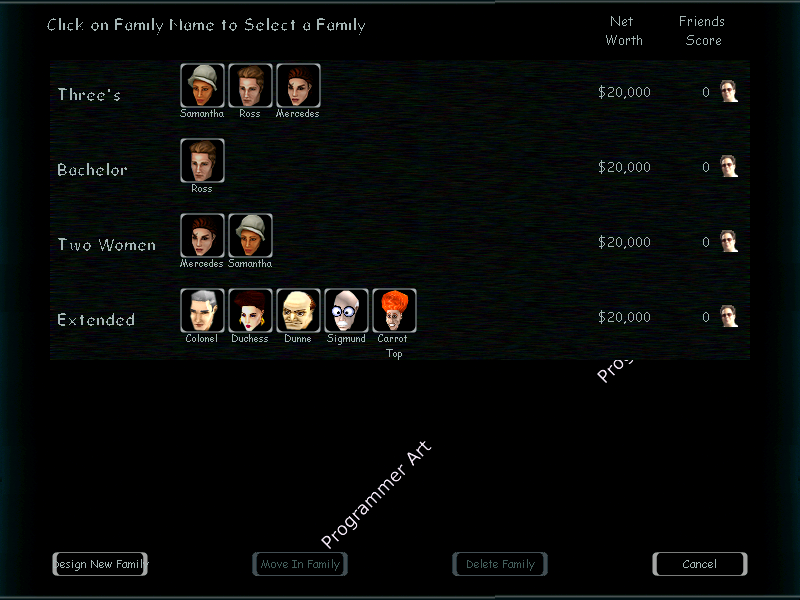
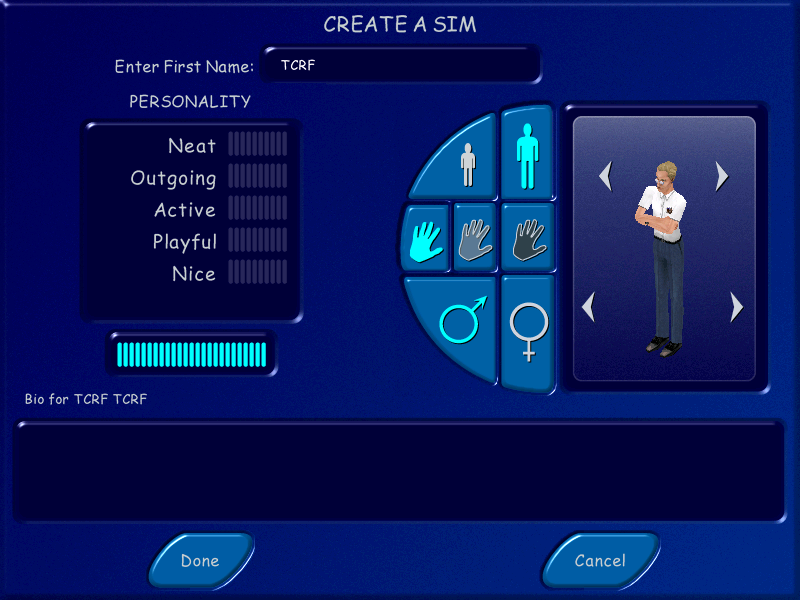
Create A Sim has been added to the game, though in a very early state. It doesn't go by Create A Sim in this build, the entry marquee instead refers to it as Pick A Family although the screens lack a snappy name. The player can still create Sims to their heart's content like the final game.
Overall it's a bit more barebones compared to the final iteration, but the basics are there.
Alpha |
Final |
Notes |
|---|---|---|
style="text-align: center; background-color:#EAECF0;color:#17191c;--link:#12467a;--newlink:#9c2b26;--dim:#4a4d52" ; colspan="3"|Select A Family |
||
| |
| |
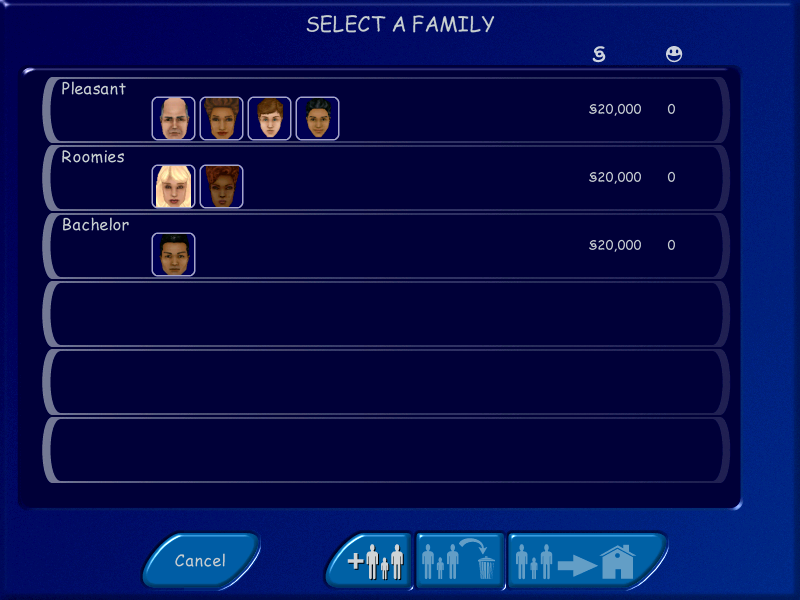
The entirety of Create A Sim is plastered with a plain black background with "Programmer Art" written on it and features rougher art all around, with liberal use of very textured buttons. Sims' names are also displayed underneath the thumbnail of their heads, a feature that would survive until at least July or August. The Family Friends counter, here named Friends Score also outwardly display the obscure in the final game The families available by default are also quite different, with the three families that occupied Levels 1 through 3 from the previous prototype available to move in, as well as a new Extended family comprised of the unused sims from the previous prototype. But despite the changes, new families still start with a healthy §20,000 as their net worth. Except here they are dollars. |
style="text-align: center; background-color:#EAECF0;color:#17191c;--link:#12467a;--newlink:#9c2b26;--dim:#4a4d52" ; colspan="3"|Create A Family |
||
| |
| |
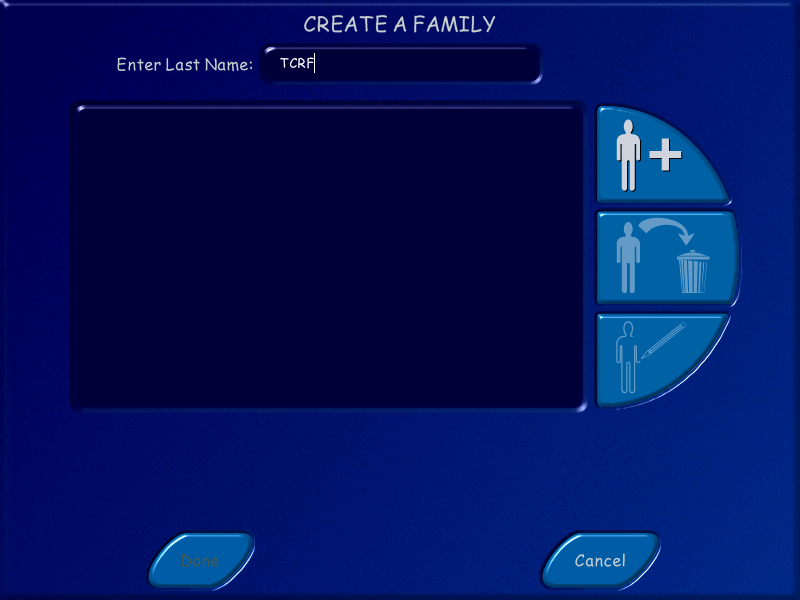
Apart from the rudimentary art and feel of the screen, it is very close to its final iteration, even retaining the same general layout. |
style="text-align: center; background-color:#EAECF0;color:#17191c;--link:#12467a;--newlink:#9c2b26;--dim:#4a4d52" ; colspan="3"|Create A Sim |
||
| |
| |
While the overall layout is similar to the final iteration, there are some minor differences that set it apart. The ability to choose the sim's sex or skin tone are not present in this build, that is instead determined by the specific skin that the player can choose. Which itself is different from the final game, Create A Sim only displays a small thumbnail of the sim's head, instead of their whole body in this build of the game. The player is also unable to select a separate head and body as they could in the final game. The player is also able to choose whether a given sim will be an adult or child, however both share the same pool of skins and do not seem to have any differentiation in gameplay. The ability to write a biography for a sim is absent in this build however. The most notable difference is that skills were not built up organically during the course of play, but were instead allocated during the sim's initial creation just like personality points, both share the same pool of 65 points for the player to add to their heart's content, the 65 point pool was pared down to a mere 25 in the final game to accommodate the lack of skill allocation. It is worth noting that there does not seem to be a way to remove points once they have been added, whether that is intentional or due to Create A Sim being in a rudimentary state is unknown. |


-2fOddities-2fEarly_Builds_Artifacts#Smiley.bmp)