 This article has a talk page!
This is a sub-page of Prerelease:The Sims (Windows).
May#
E3 1999#
[[File:TS1 E3sloppybooth.png|thumb|right|E3 1999: Will Wright showcases The Sims at its "messy bedroom" booth setting.
(Source: Patrick J. Barret III)
]] A semi-structured demo build of The Sims took a timid place at E3 1999 on May 13-15, prompting significant changes to the game's appearance and overall behavior in comparison to previous builds, as we'll explore below. The familiar demo approach of using the game as a storytelling medium continues here: We once again follow Michael's life progression, this time extending beyond the "bachelor pad" scenarios of previous demos, as the engine now also introduces a new pivotal feature: the ability to read custom content. This feature laid the foundation for the participatory culture within the game community, which would later become, some might say, the game's saving grace.
Booth#
The booth for the original The Sims stood out for its understated charm. It emulated the game's sandbox spirit, divided into two contrasting sections reflecting the diverse Simming possibilities awaiting players. On one side, a wood fence enclosed a cloudy suburban haven, exuding the promise of the American Dream. In stark contrast, the other side resembled a messy bachelor's pad, overflowing with drink bottles and scattered belongings. This playful chaos hinted at the game's lighter side, where being a loser did not imply losing the game. Embedded within the walls, screens looped the game's official trailer. Interestingly, this very trailer would later become the game's opening video, whose comparative analysis can be read in another subpage. Crowning the booth, the early red logo of The Sims.
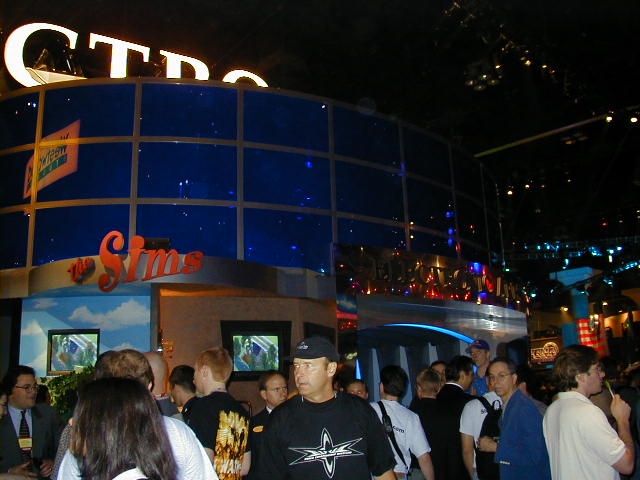
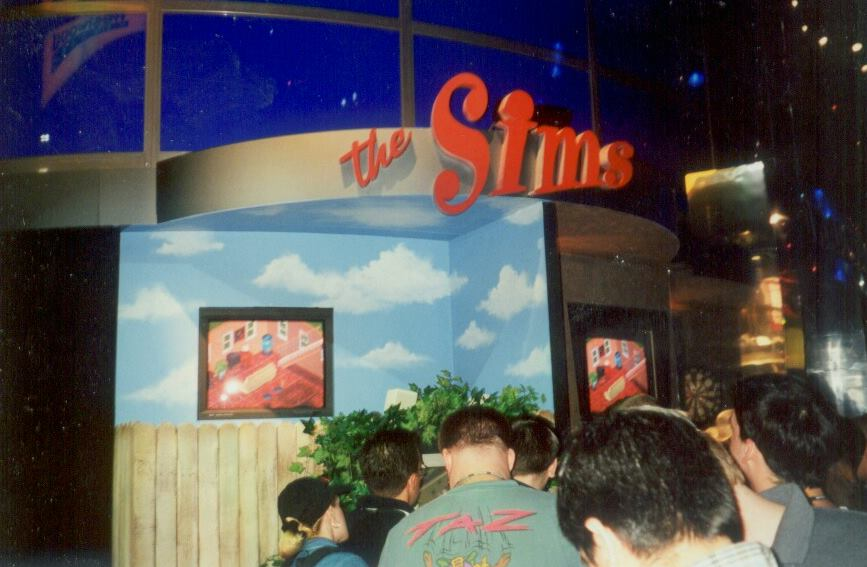
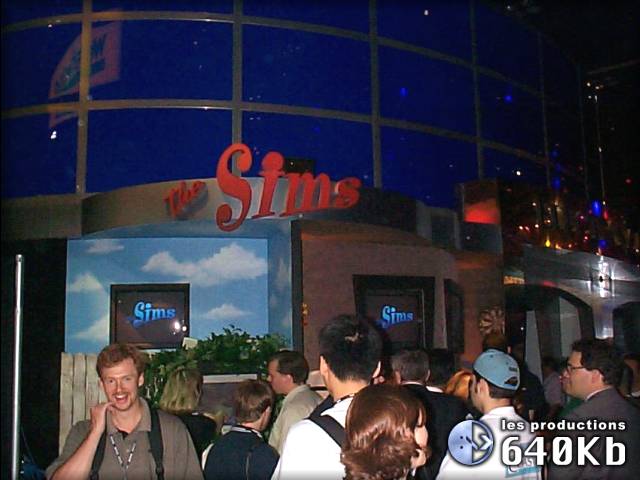


(Photo 2: Patrick J. Barret III)
(Photo 3: Micro.Info E3 '99 Photo Album)
(Photos 4, 5, 6, 7: https://micro.info/chronique/chronique.php?Id=205 Micro.Info - Will Wright Interview)
Demo#
Building upon the storytelling approach of past demos, the E3 1999 presentation for The Sims unfolded through a pre-scripted sequence across four distinct house save files. Each savefile served as a mini-vignette in Michael Ryan's life, chronicling his journey from humble beginnings to the pinnacle of his military career and blossoming romance. The final house, however, showcased the feature of custom content, demonstrating the personalization of the Sims' world with downloaded skins.
Neighborhood Menu#
Mar '99 |
May '99 |
|---|---|
 |
 |
(Image 1: LEVEL Issue 07/99)

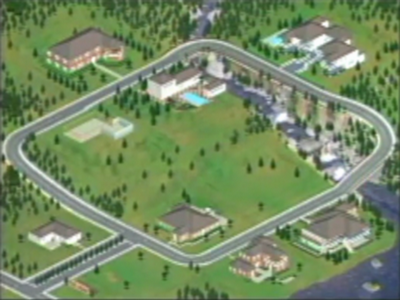
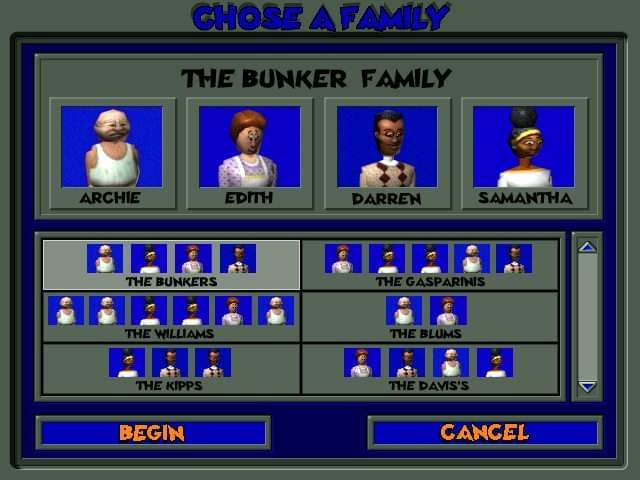
Many of the house save files that belonged to former demo iterations can still be seen here, even though their layout went through alterations here and there. It's worth noting that none of these made it to the final build. Aside from cosmetic environmental changes (the addition of extra pine trees on the corner of the screen and small adjustments to the borders of the river streams...), it's notable that it is the very first build where the user actually may have access to a Create a Family screen and a Bulldoze/Evict button, establishing the idea that the non-linear facet of the game was bound to be more prominent than the scenario-based approach seen in previous builds.
Scenario 1 (Bachelor Pad)#
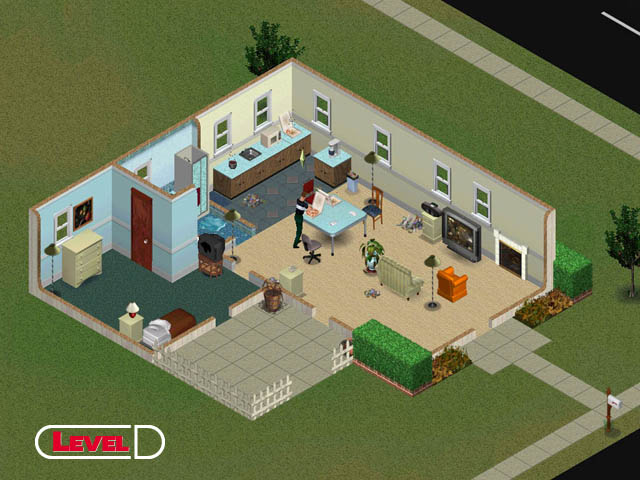
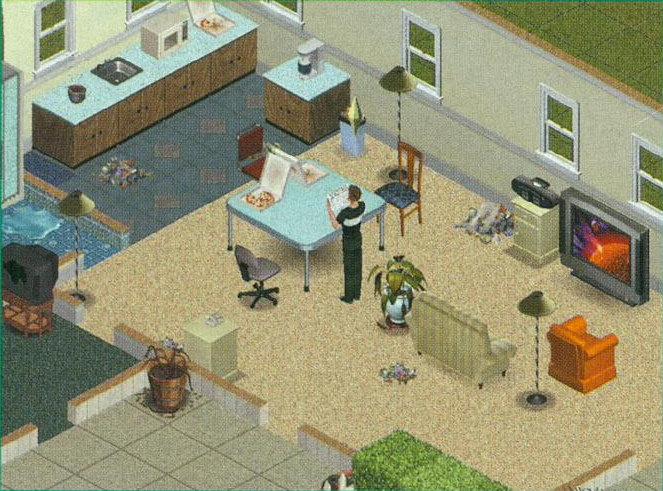
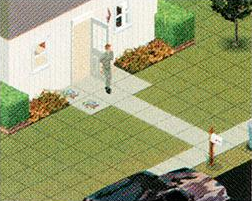
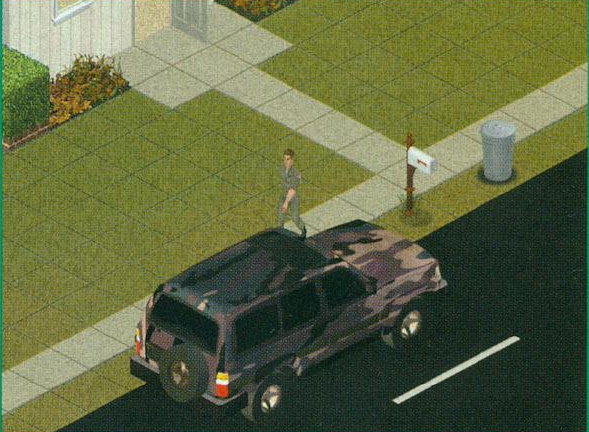
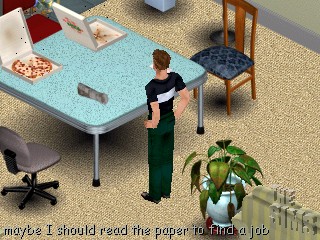
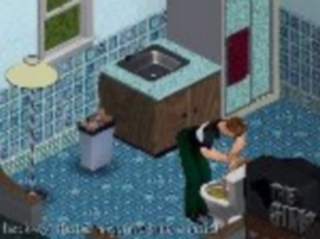
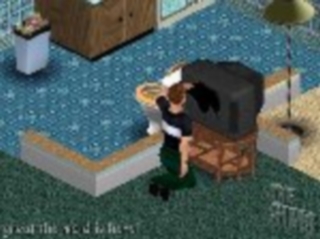
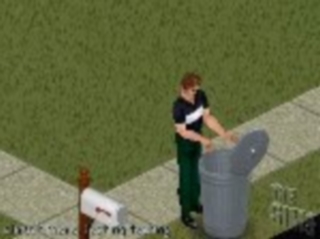
(Image 1: LEVEL Issue 07/99 (CD-Rom))
(Images 2 & 4: Xtreme PC Issue 21)
(Image 3: NEXT Generation Issue 56)
(Images 5, 6, 7, 8: SimWebCam)
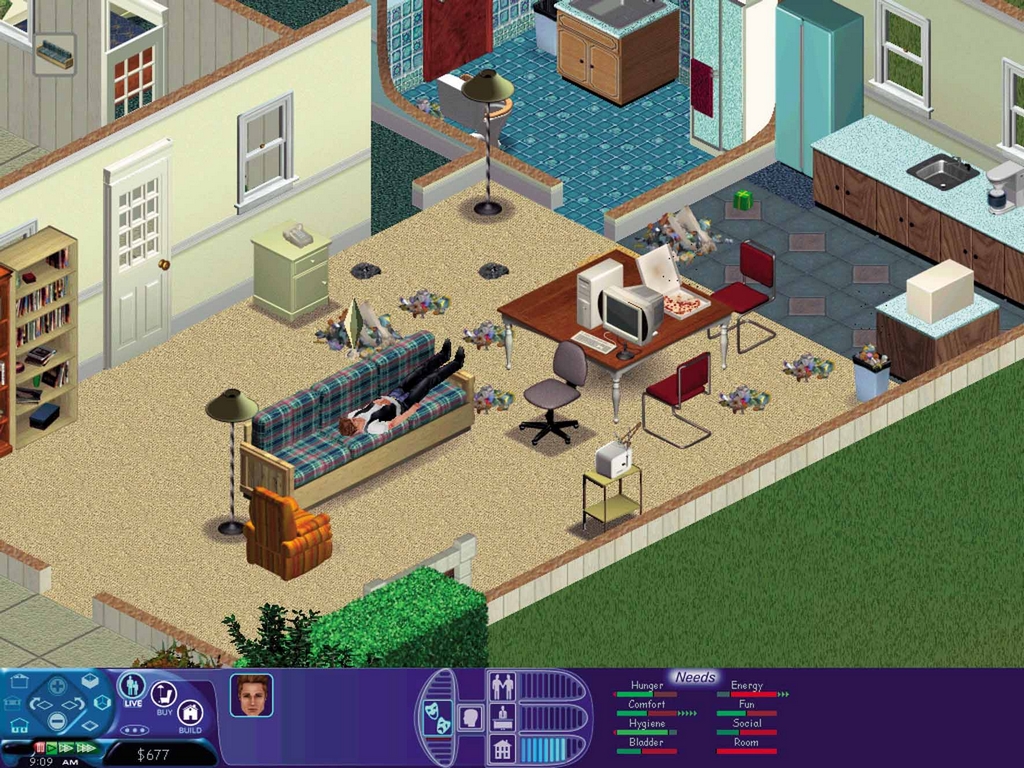
We had a chance to sit down with Luc Barthelet, general manager of Maxis, to have a look at the work in progress. Luc started off with showing us some of the basic things Michael, the Sim he created, could do. Michael had ordered pizza just before the demonstration started and it was being delivered promptly. While Michael was eating, Luc was queuing several things that he would like him to do next. Money was running out so time to see what job ads he could find in the newspaper. Michael was too depressed to look for a job so Luc decided to give him a little boost, a shower could well do the trick. Sims will generally do what you tell them to do unless they are not in the mood for it. It's your job to help them get into the mood and to help you out, a couple of dynamic statistics that show the Sim's needs and wants have been added. The shower helped but just to be sure, Luc told him to make some coffee. Once this was done, Michael felt up to finding a job. $250 a week to work for the army? Sure, why not! There are a couple of bills left to be paid so any job will do at the moment.

This is a small example of the depth of the game. Everything works and everything has a reason. You won't have to micro-manage the game as the pizza guy just walks in without you answering the door but you will have to tell your character to go take a leak and make some food. If you don't, you might find your character short-lived. Money is important in the Sims, just like it is in real life. You start out with enough money to build and decorate a small house. If you are unhappy with something you've bought, you can sell it whenever you want to. Things also break down. In our example, Michael loves watching TV and when it broke down, Luc sold his fridge to be able to afford a new one.

Next to the army, Sims have many other job opportunities and each job will have a career path filled with promotions. You don't necessarily have to play the nice guy. Crime has its own career path so you can also become a big crime boss. Promotions generally mean more money and more money buys you new things for your house like a computer, a new sofa or that huge bed. You may also be able afford a maid to keep the house clean and tidy as Michael is definitely a slob. Other Sims don't necessarily have that same problem and one of the cool features is that two Sims living together could cover for each others flaws.
Scenario 2 (Party)#
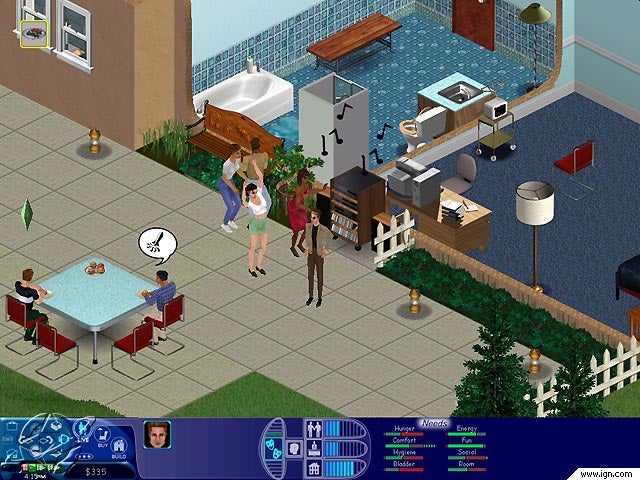
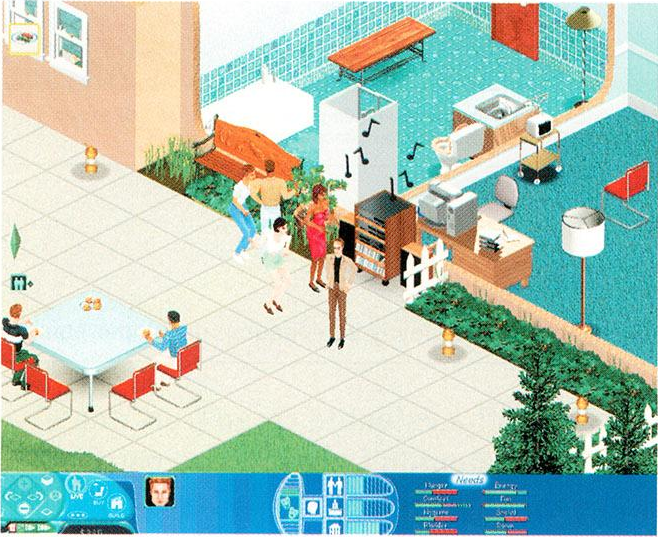
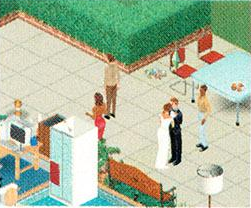
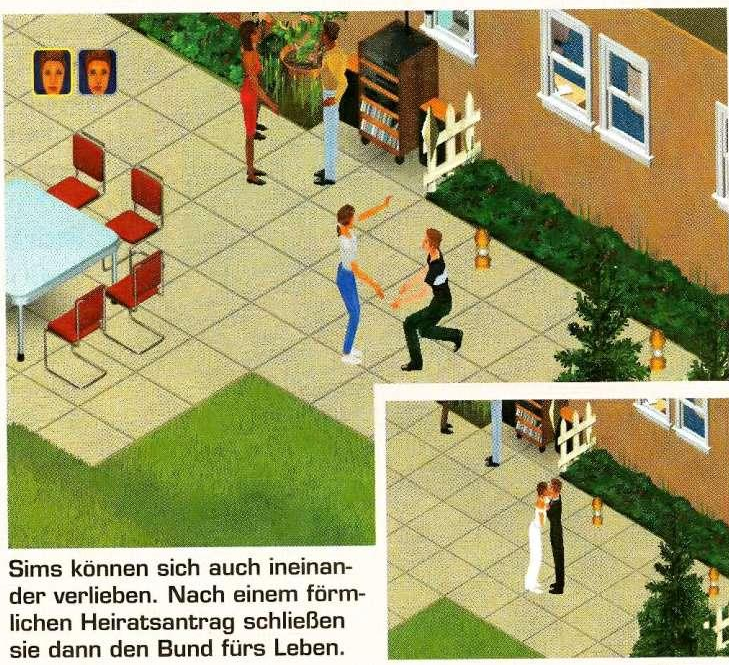

(Images 1, 3, 5: Maxis Promotional Screenshot)
(Image 2: NEXT Generation Issue 56)
(Images 6, 7, 8: SimWebCam)
SimWebCam Livestreams feature a distinct The Sims logo watermark.
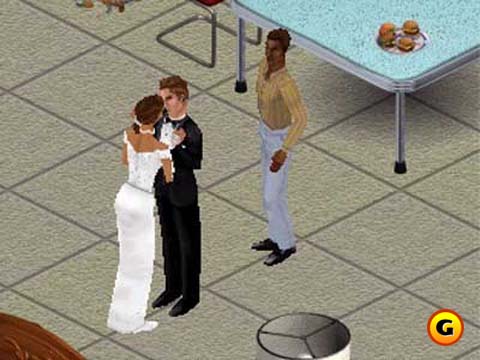
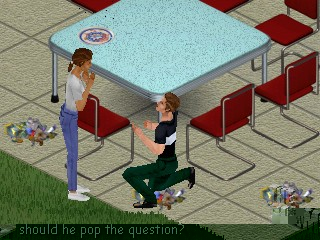
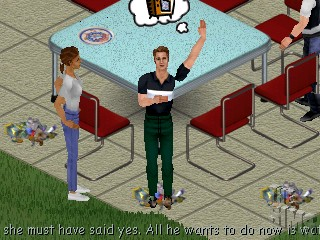
Just like in real life, Sims will meet other Sims and you can make friends and fall in love. Luc showed us a game that had been going for a couple of hours and Michael had some friends over for a party. You can find out how much your character likes or even dislikes someone but you don't know if that person likes your character. This is tricky but as in real life, there's only one way to find out. After a bit of smooth talking Luc told Michael to propose to Emma. She accepts, they marry and can start a family.Same-Sex Kiss Incident
A curious anecdote emerged from this demo save file of The Sims at E3 1999. A number of retrospective media reports claim that, on the first day of the event, attendees witnessed an accidental same-sex kiss between two female Sims. This unscripted moment reportedly boosted interest and attention in the then-unknown game, making it one of the highlights of E3. However, due to the lack of substantial coverage and verifiable details about this incident and its impact on people's perception toward it, its truthfulness and accuracy remain disputable.
(Source: New Yorker, 2014)
Scenario 3 (Baby)#
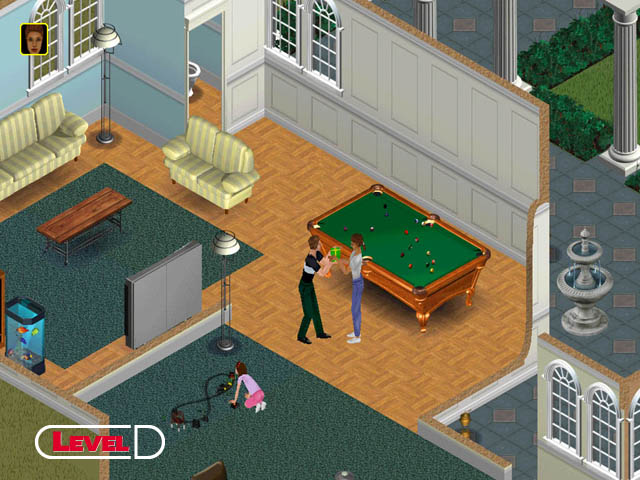
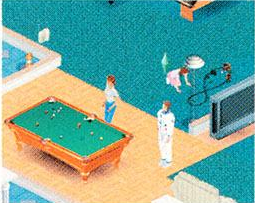
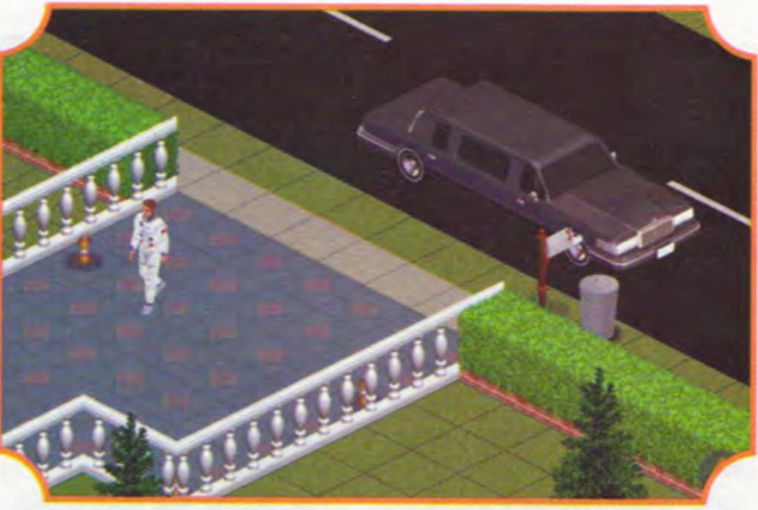
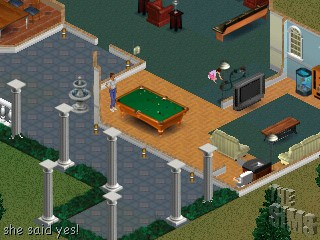


(Image 1: Maxis Promotional Screenshot)
(Image 2: LEVEL Issue 07/99 (CD-Rom))
(Image 3: NEXT Generation Issue 56)
(Image 4: PC Master Issue 115)
(Images 5, 6, 7: SimWebCam)
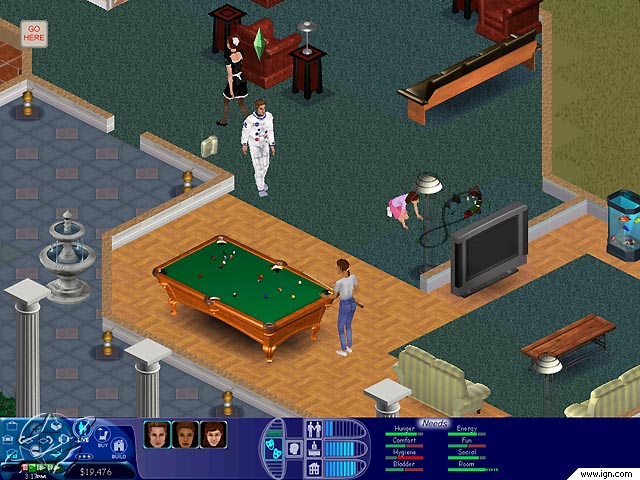
You can't control any characters that are not in your family but you 'can' control them when they are. So now you control 2 characters and as soon as the baby is born, you control a third. Once the baby is born, you will have to take really good care of it for the first three days. If you don't, a social worker will come and take it away.

Now that Emma and Michael are married with children, they will need more room. You can add new rooms to the house whenever you want to, as long as you have the money for it. The same goes for the decoration of the house and the garden. You could end up with a huge house with a large pool if you play your cards right.
Scenario 4 (Custom Content)#
(Image 1: Maxis Promotional Screenshot)
(Image 2: NEXT Generation Issue 56)
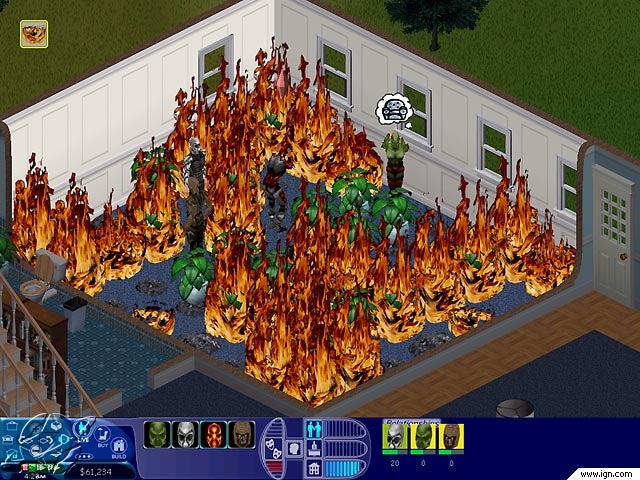
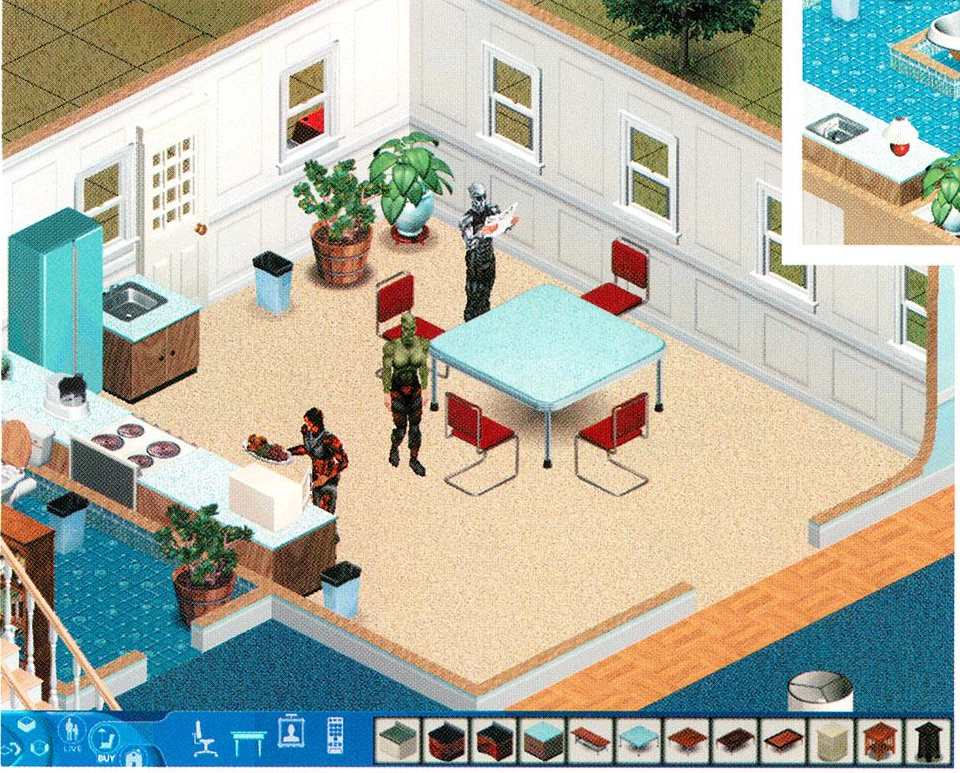
With all the excitement about the game play, I almost forgot to tell you about the graphics. The Sims looks fine with the same quality graphics that you can find in Sim City 3000. They won't really blow you away but I promise you, no one will notice once the game is underway. Users can add their own skins in the form of bitmaps. Luc used a couple of very familiar Quake skins just to show how easy it is to really customize the way your characters look. You can even make pictures of yourself and add your own face to the game.

Another interesting feature is that the game will make a web page of your progress in the game so far, each time you safe. You can upload this page to the Maxis website where it can be downloaded for others to use as well. The web page will have information on all major happenings, which will help recreate the story for the people who are playing your save game.
(Preview Text: Gamers Central (Falconer)})
General#
Logo#
|
Mar '99 |
07/15/1999 |
|---|---|

|
|
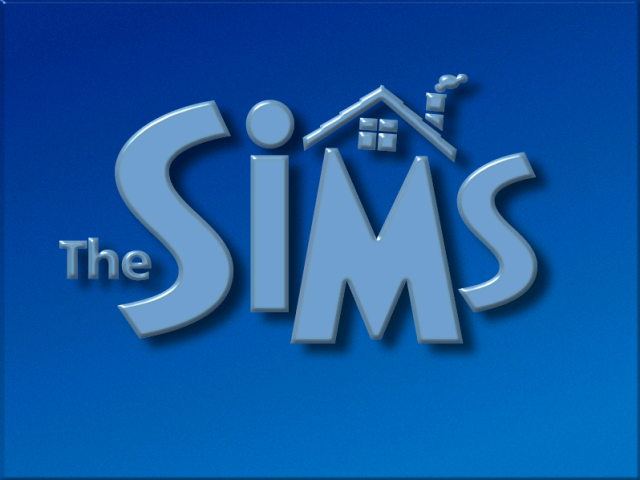
The game's logo has undergone a significant transformation since its first iteration, almost reaching its final state. It has adopted a clean sans-serif typeface and now incorporates a friendly house symbol above the "M" letter.
(Old Logo: The Sims Promotional Image)
(New Logo GFX Rip: The Sims Official Desktop Theme (July 1999))
Temporary Box Art#

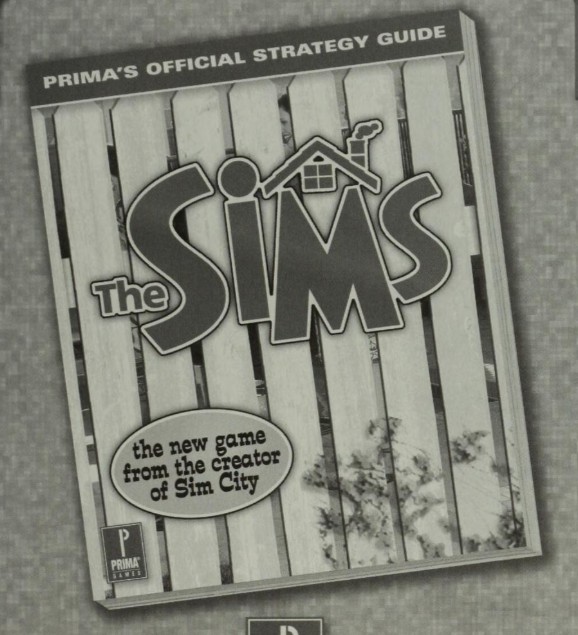
At this point in development, this temporary box art design has been, to a large extent, used to promote the game.
Promotional Renders#
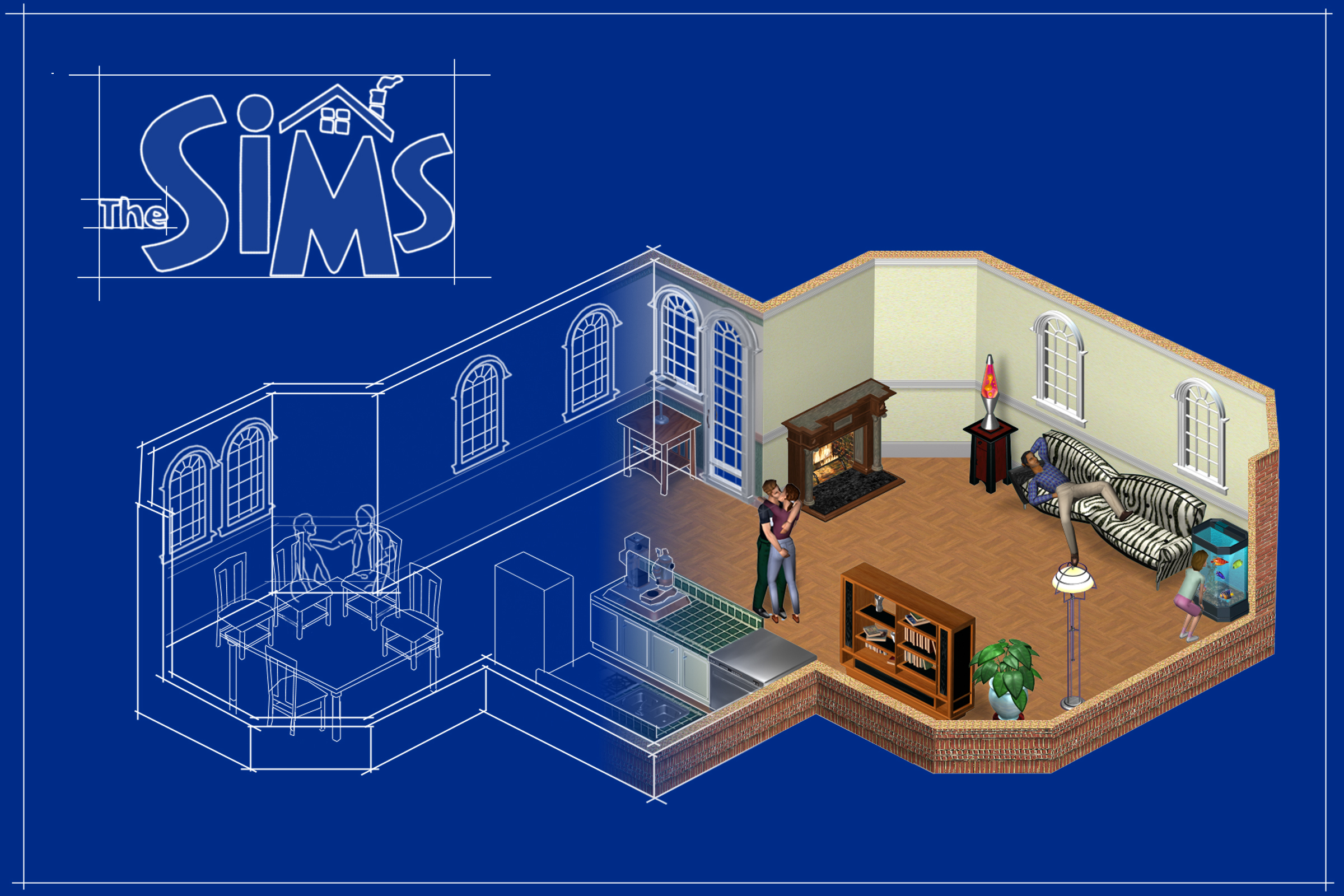
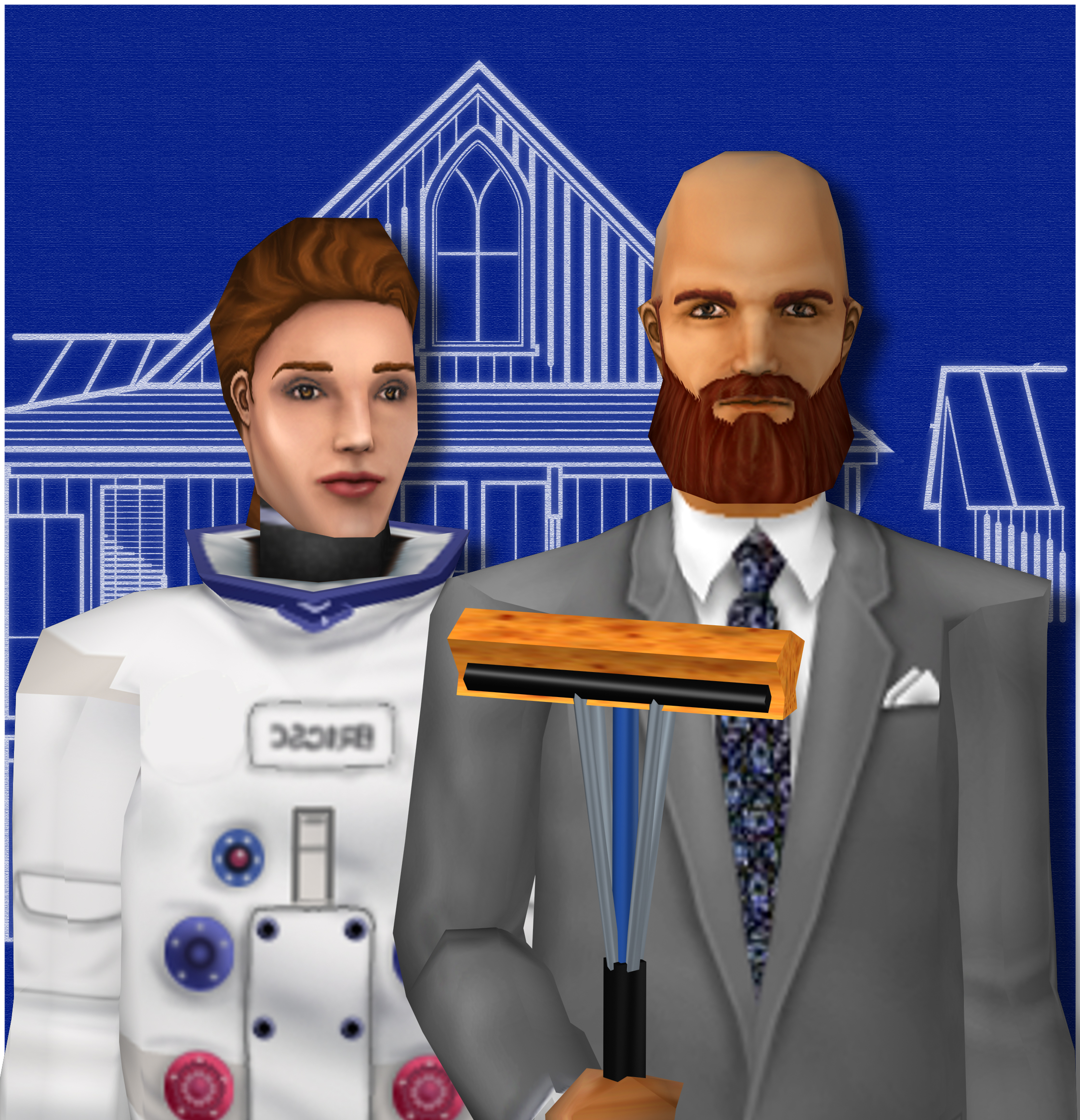
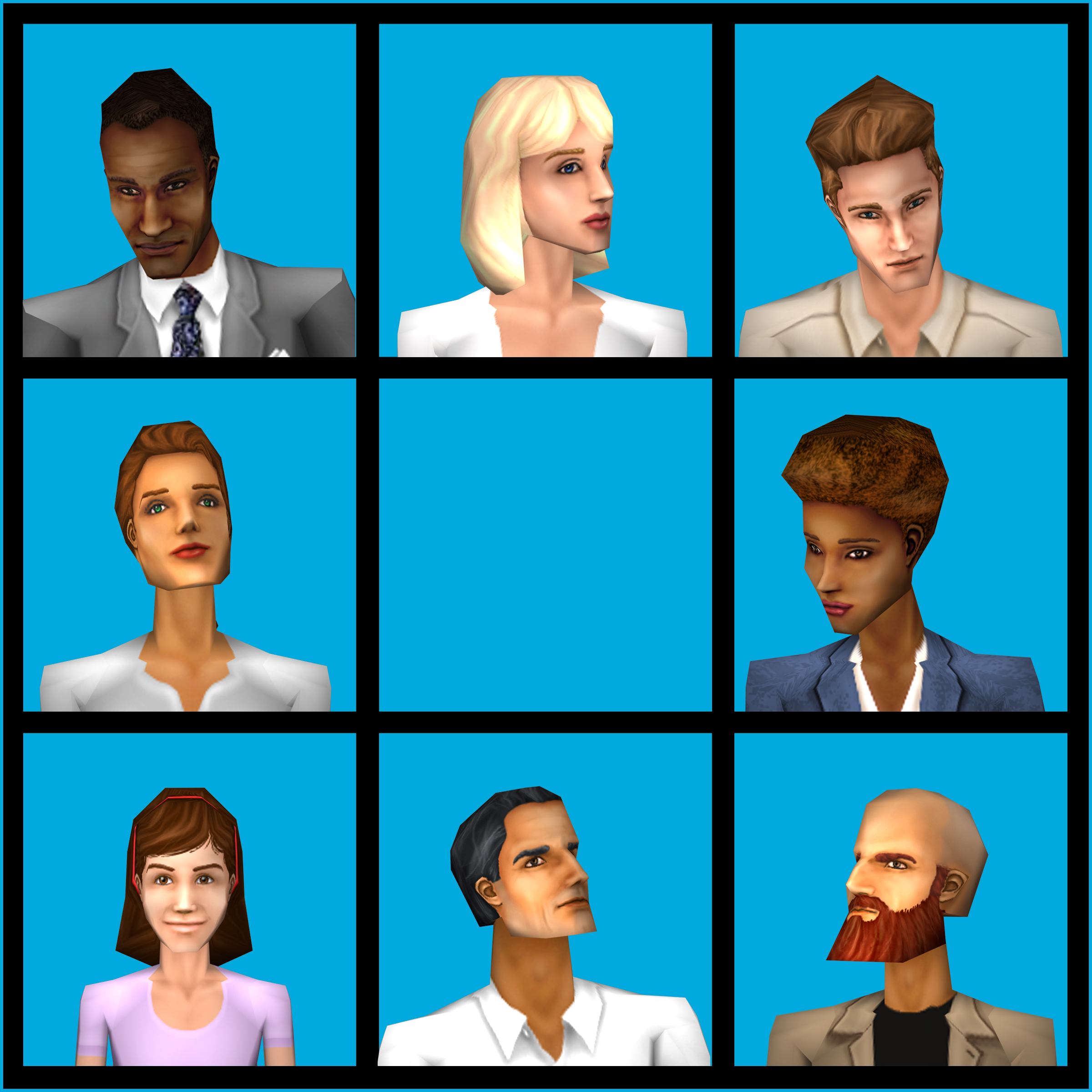
The first image is uses assets from builds prior to late 1999's, except it contains the later, finalized iteration of the game's logo.
July/August#
Neighborhood Menu#
Mar '99 |
May '99 |
|
|---|---|---|
|
|
 |
(Image 1: LEVEL Issue 07/99)
(Image 4: GameStar Issue 01/00)
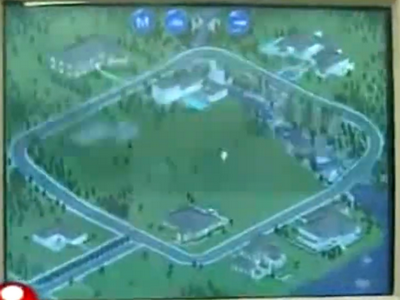
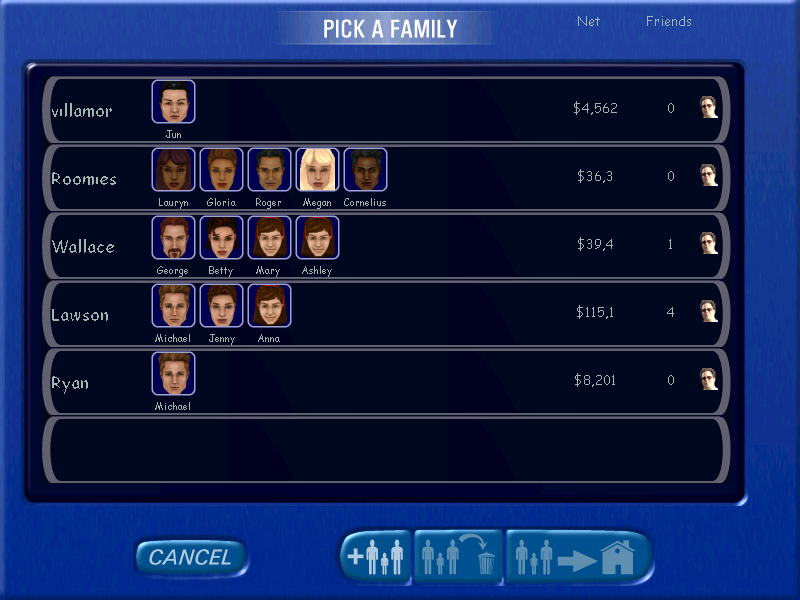
The current build sees the addition of a new household (Wallaces) as well as a minor modification of previously stablished lots. Houses at this point use unique red/blue roofs that were scrapped sometime in development.
|
Jul '97 |
Jul-Aug '99 |
|---|---|
|
|
(Image 1: Maxis Alumni)
(Image 2: Maxis Promotional Screenshot)
As opposed to the previously documented "create a family" screen, this time players are encouraged to create their own families, as opposed to being restricted to pre-made families composed of a cast of only four different Sims.
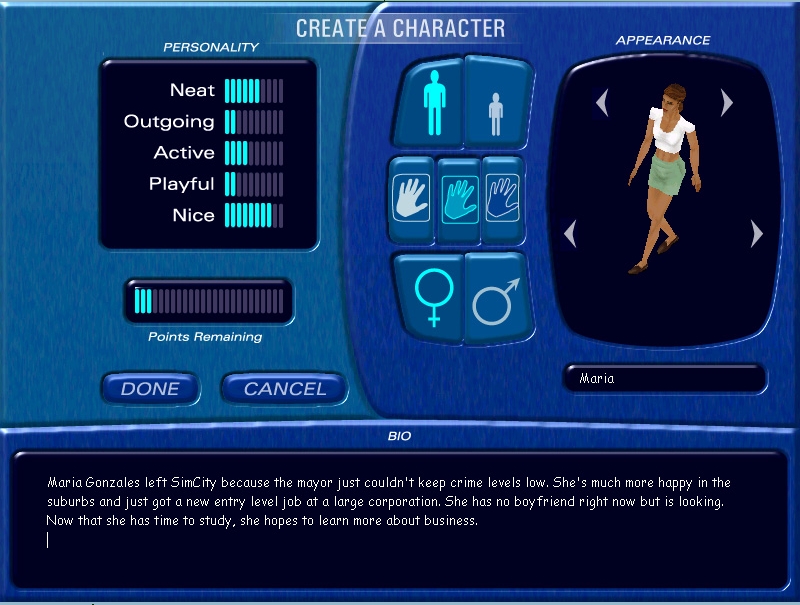
(Source: Maxis Promotional Screenshot)
This build marks the first appearance of a pre-relelase character creation screen, aptly titled... "Create-A-Character". It also solidifies the final set of Sim traits, as the sixth trait previously featured in builds—"Generous"—is permanently retired.
GUI#
Mar '99 |
May '99 |
|---|---|
 |
|
Jul-Aug '99 |
(Collapsed) |
 |
 |
(Images 1, 2, 3: Maxis Promotional Screenshot)
(Image 4: PC Format 01/00 Issue)
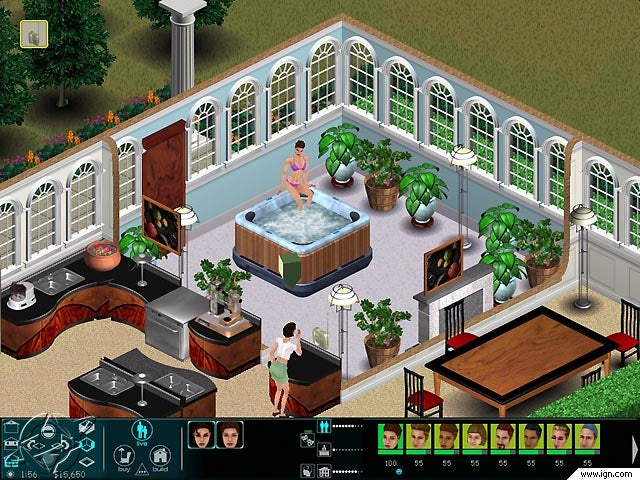
Since the E3 demo, a pivotal facelift was made for the game's control panel, with the most notable change being the new palette choice that gets near to those of the final product.
- Likely to further enhance usability, the GUI has been programmed to minimize its middle and right sections when clicking the Live Mode icon when users are in Live Mode already, similar to the final version.
- The icons have been reorganized into a clearer hierarchy, making it easier for players to check their active character's statuses at a glance.
- The personality panel icon has been conveniently placed between the mood meter and other buttons.
- Jul '99 new character thumbnail template seamlessly blends with the consistent blue color scheme of the GUI, while the main modes buttons receive additional contrast for improved visibility.
Sim Thumbnails#
Mar '99 |
May '99 |
Final |
|---|---|---|
 |
 |
 |
(Thumbnail 1: The Sims Press Kit Disc (April 1999))
(Mock-up 2: Sim Show 1.3 (Early Female Sim texture/mesh))
The character thumbnail template now uses its final palette iteration, matching that of the control panel more than it previously did.
Head Arrow#
Jan '99 |
Mar '99 |
May '99 |
|---|---|---|
 |
 |
 |
(GIF 1: GameStar Preview (June1999))
(GIF's 2, 3: Opening Video)
Now the Sim mood indicator prop is less of a literal arrow and more so an octagonal bipyramid, later called by the fans and game staff as the "plumb-bob". In spite of the changes, the prop's sensitivity to the characters' poor mood persists.
Build Mode#
Wall Tool
Jan '99 |
Mar '99 |
Jul-Aug '99 |
|---|---|---|
 |
 |
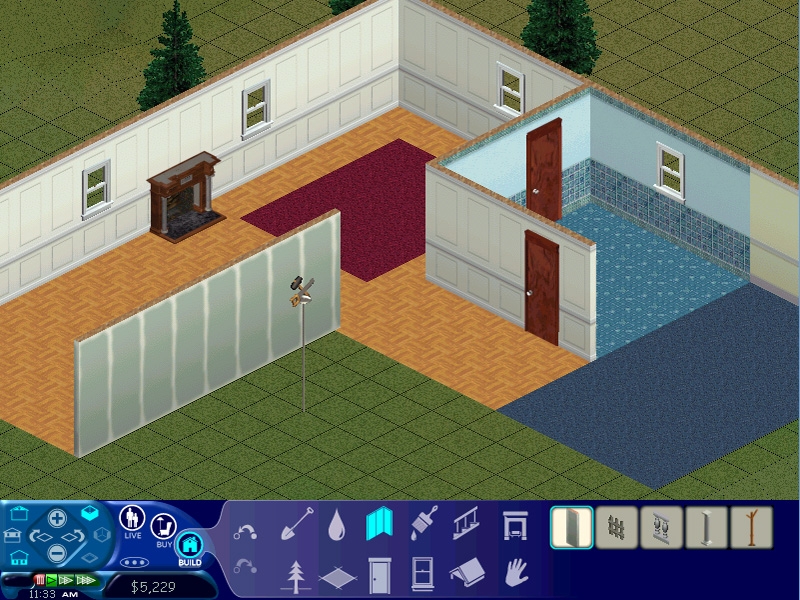 |
(Image 2: GameStar Preview (June 1999))
(Image 3: Maxis Promotional Image])
(Image 4: ZDTV - "Will Wright Profile" - 2002])
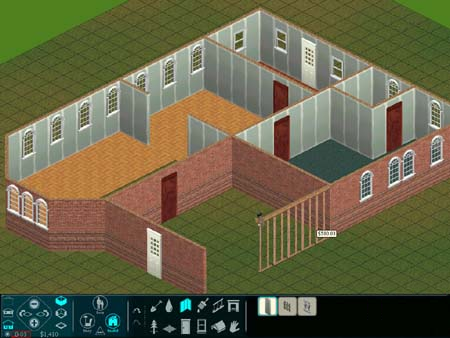
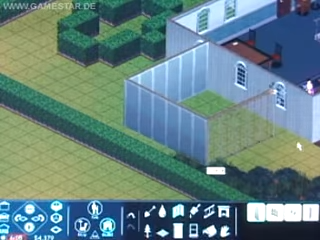
The changes covered above have been carried through the other game modes as well, without any modifications when it comes to the icon arrangements or thumbnail style.
Window Tool
Jan '99 |
Jul-Aug '99 |
|---|---|
 |
 |
(Image 1: GameStar Preview (June 1999))
(Image 2: Maxis Promotional Image])
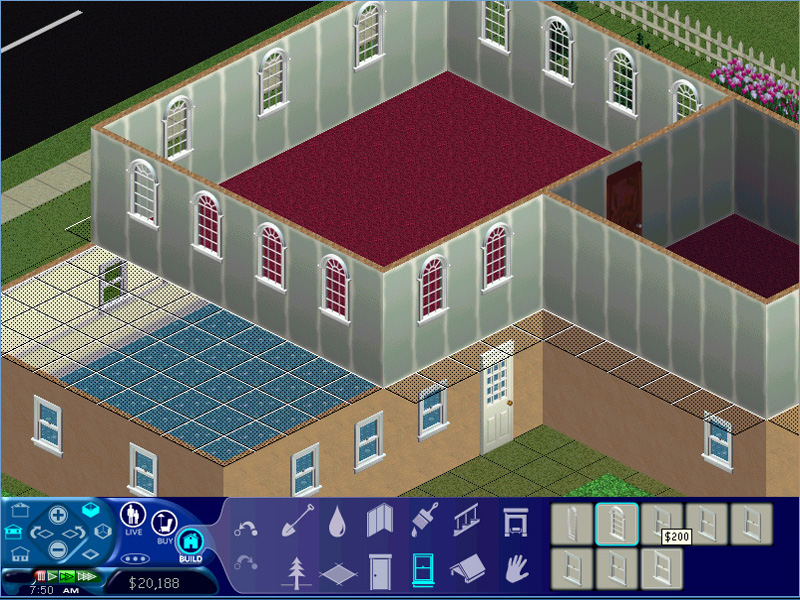
The Window Tool catalogue sees the addition of new items! Even if, in practice, it means duplicate slots from previously existing items.
Bachelor Pad Household A ("Ryan")#
(Source: Maxis Promotional Images)
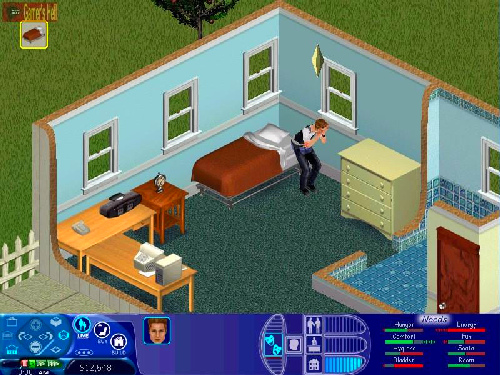
Despite numerous revisions, Michael Ryan, the sloppy character from previous demos, remains a constant presence.
Bachelor Pad Household B ("Lawson")#
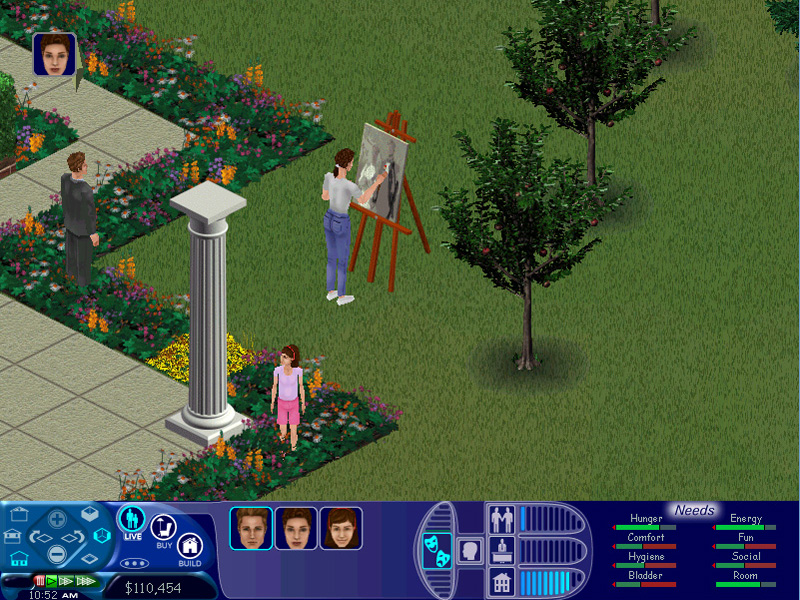
(Source: Maxis Promotional Image)
"Roomies" Household#
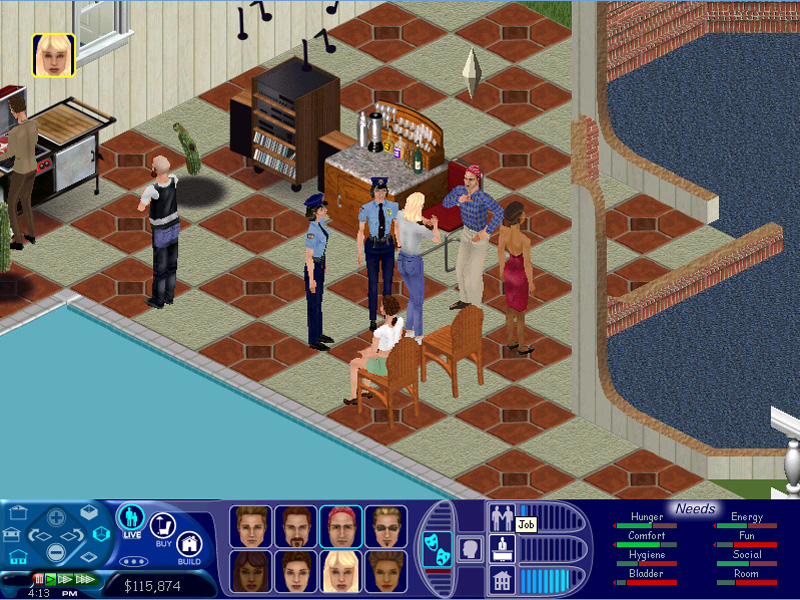
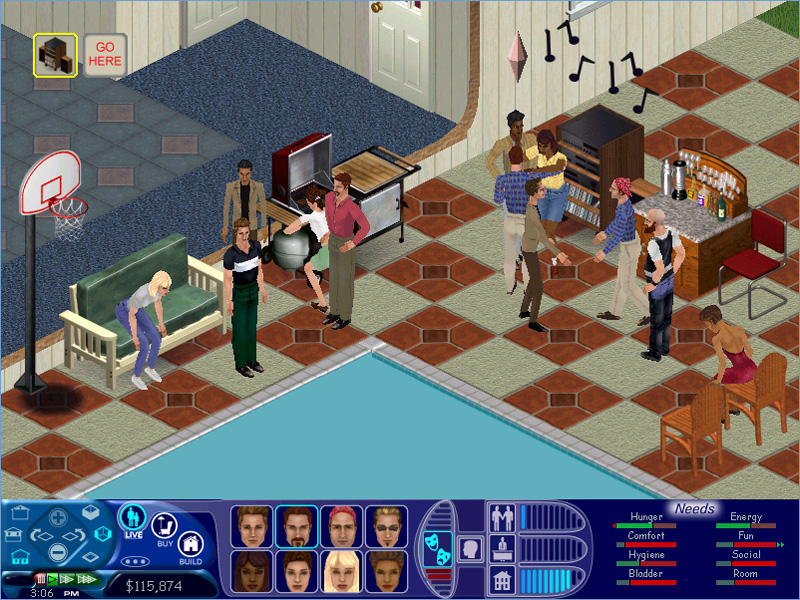
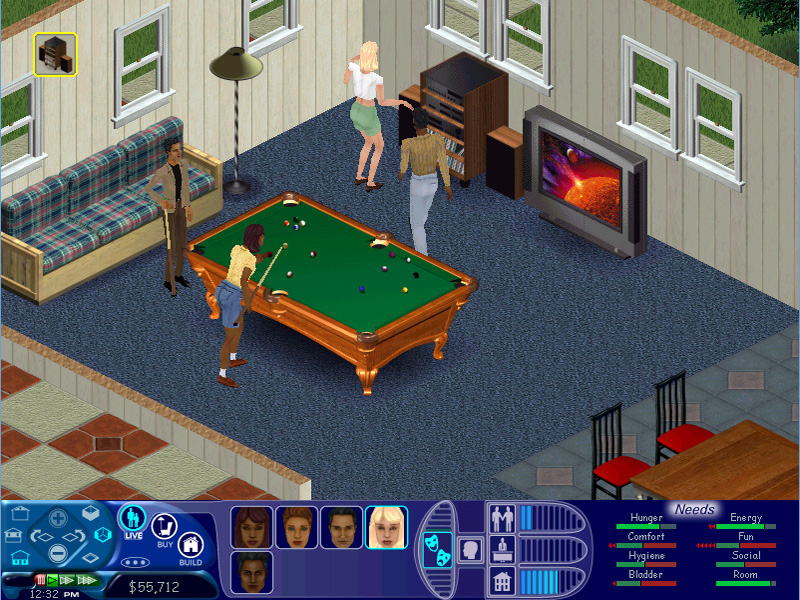

(Image 1: PC Format 01/00 Issue)
(All but Image 1: Maxis Promotional Images)
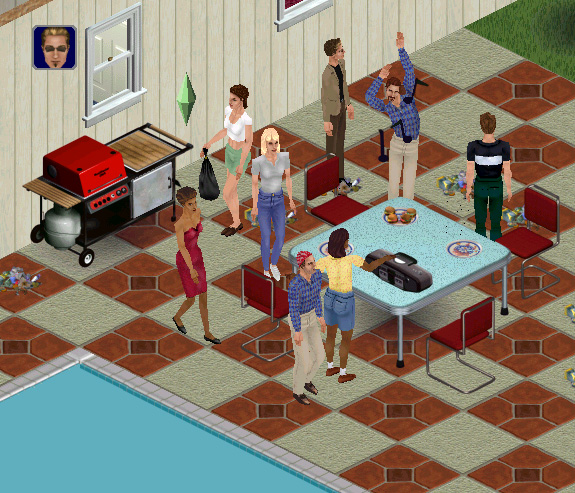
A better view, but a different setting of the youngster gathering household that has already been seen months prior to this build.
"Wallace" Household#
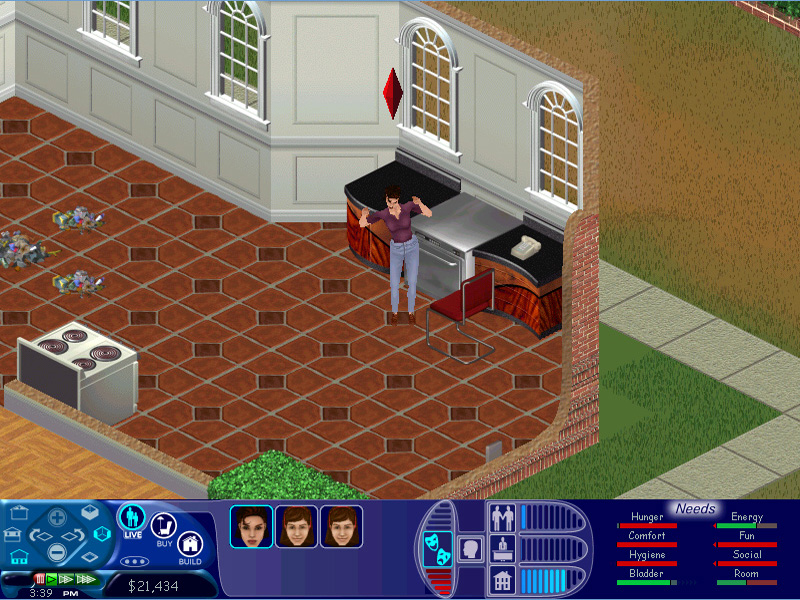
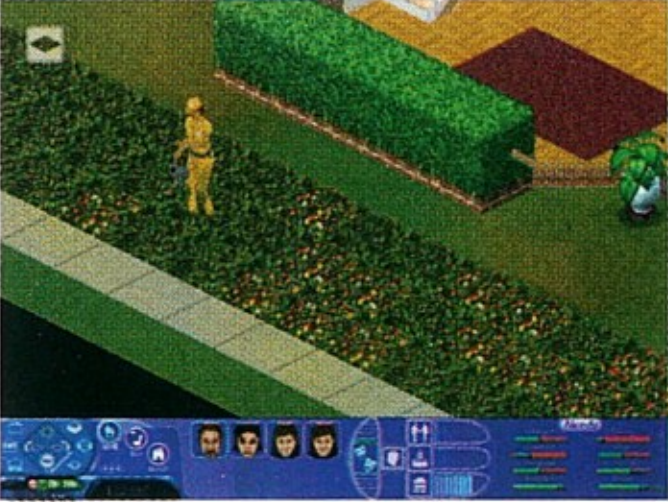
(All Images but 4: Maxis Promotional Images)
(Image 4: PC Format 01/00 Issue)
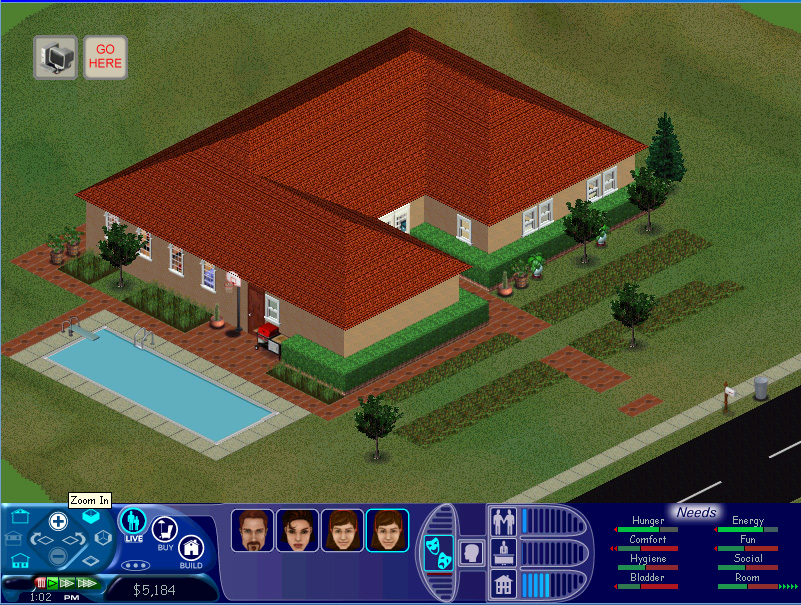
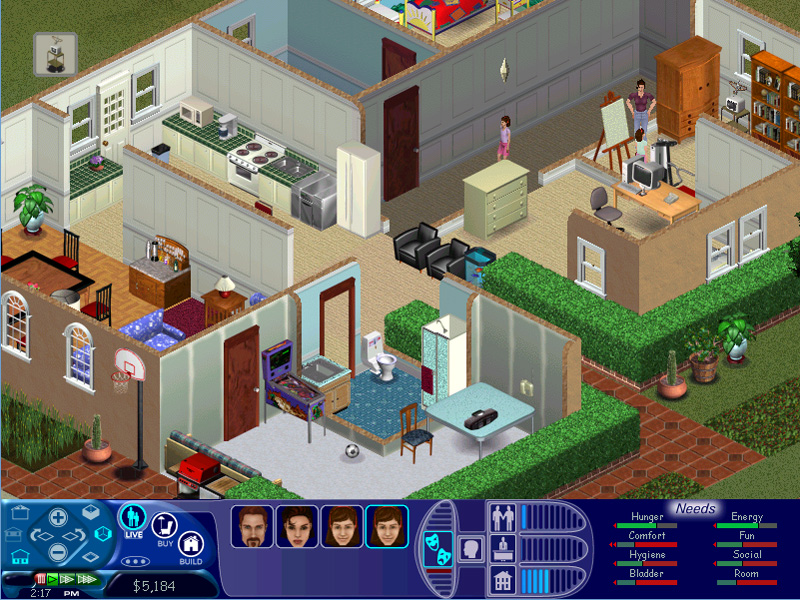
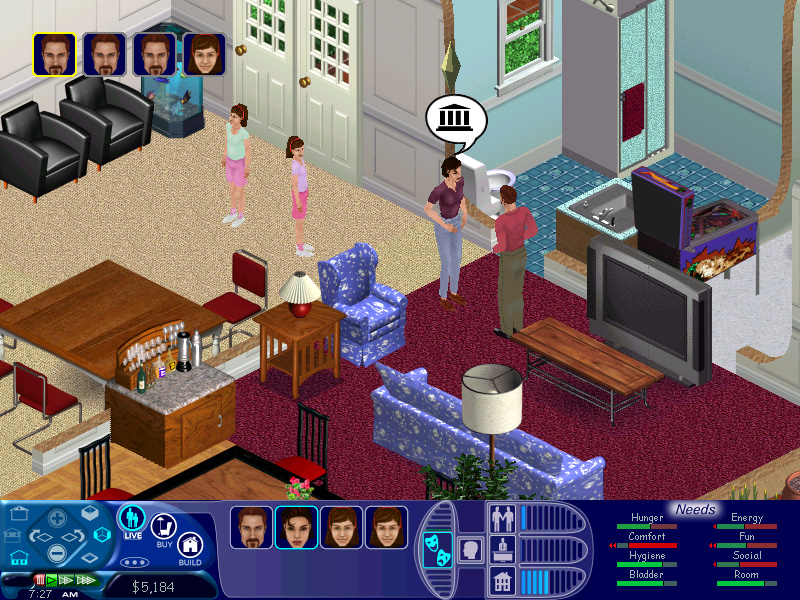
This pre-made house, more or less a simulacrum of the mid-class American family, interestingly belongs to an adult Sim that uses the former "Mercedes" head mesh and goes by Betty, which in a way aligns with the later Newbie household.
Camera Mode#
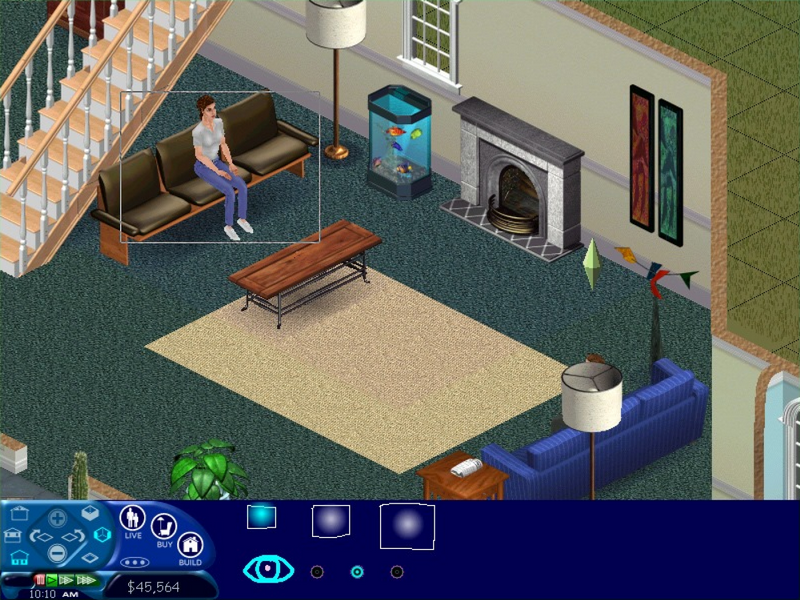
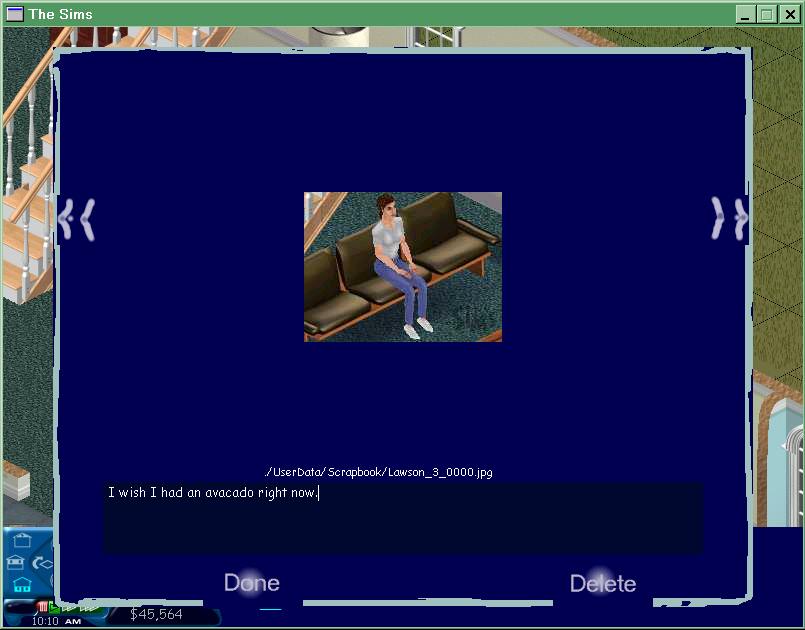 The first appearance of the Camera Mode, littered with funny placeholder UI graphics. There isn't a control panel button that could take players there yet, as the feature was first coded into the game as a debugging tool, most likely triggered by the
 cam_mode cheat code, still available (though blocked) in the final build:
"We had developed the scrap book as a debugging tool. We wanted a way in the game to take pictures and show those to each other. Almost immediately we realized that this was a fun toy and it ended up being one of the features in "The Sims" that helped our player community band together" |
- Charles London, The Sims Lead Artist1
(Source: D. Hopkins)
Maid#
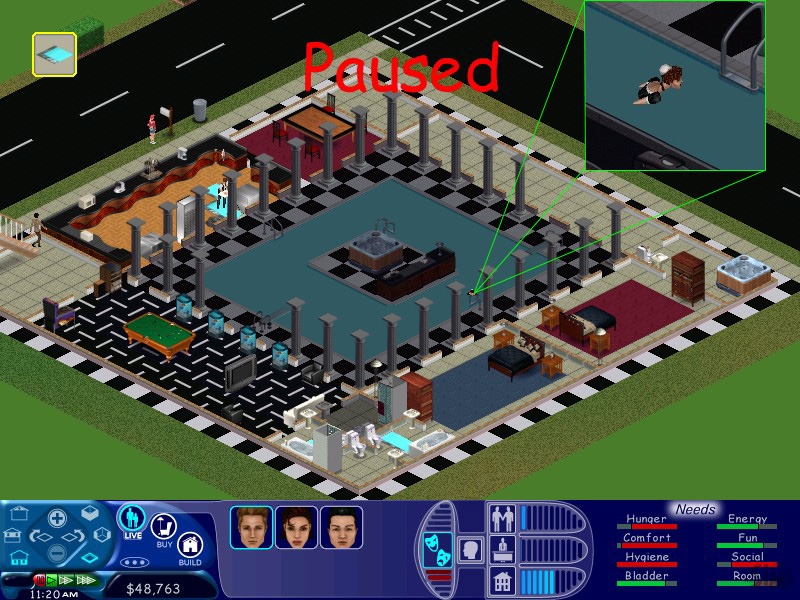
As the game nears its alpha development stage, developers test character behaviors to ensure the sharpest bug-proofing. In one particular case, the Maid NPC, in her earliest pre-release appearance, is assigned a surreal trajectory to reach her cleaning destination. This journey was probably designed to verify if swimming impedes her actions in any way. As it turned out, the Maid actually can swim all the way through to reach her destination!
(Source: D. Hopkins)