 This article has a talk page!
Bejeweled 2 is, as you may have guessed, the sequel to Bejeweled. It's also relatively large compared to the first game, with a bevy of new modes (some hidden) and new special gems, plus some beautiful background graphics and music.
Unused Music Sequences#
Offset 127, with tempo 128. Interestingly, this is the third track that plays when you place the CD into a CD player, but doesn't appear anywhere in-game. In the source tracker, this sequence is called "Get Ready!" as this might imply that this is played when you start a game in the main menu.
Offset 128, with tempo 125. A leftover duplicated fragment from the track that plays when you complete Puzzle Mode. Additionally, this sequence in the source tracker is called "Complete!" as it might imply that this might play after you complete a level. Likely was not going to be used as the music would have to stop to play this, then fade back in the main level loop tracks of Classic or Action.
Offset 144, 145, 184, each with tempo 125. These sequences are attached to each other at the end of the music tracker file. The first two sequences here are possibly scrapped for being too similar/early version of the track Schein. Additionally, offset 184 is a fragment of Final Destination on offset 168 heard at the end of Puzzle mode as well. This file is called "Mists of the Past/Totenschein" in the OpenMPT source tracker. Skaven has said that he did want to develop Mists of the Past further than the included sketch, but didn't get to, but he didn't want to delist it either. Instead, it now appears at the end of the IT files.
Offset 115, 116, each with tempo 128. Unlisted sequences that do not appear on the music tracker file's surface. It seems to be an early draft of the song "Schein".
Offset 141,142,143, each with tempo 136. Unlisted.
Offset 146, with tempo 136. Unlisted.
Unused Graphics#
loaderbar.png#


A very high-detailed and shiny loading bar. This texture is fully uncompressed unlike the other images.
SCORE.jpg#


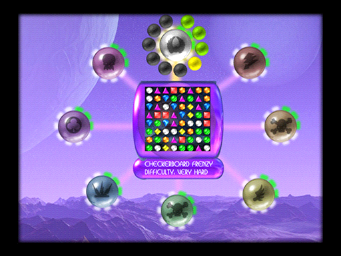
An unused score widget. Interestingly enough, this may be an earlier style of the score widget based on the style seen in this a prerelease image. There is no associated mask for this texture.
HELP-INDICATOR.jpg#


One half of the sprite, the arrow on the left is used, but the second arrow on the right isn't for some reason.
Bejeweled 1 Leftovers#
waitbar.gif#


The unused loading bar from Bejeweled is also in Bejeweled 2, still unused.
scorefont1.png#


The menu score font from Bejeweled Deluxe.
slider-thumb.PNG#


The slider knob from Bejeweled Deluxe.
Cancelled "Planet Pack"#
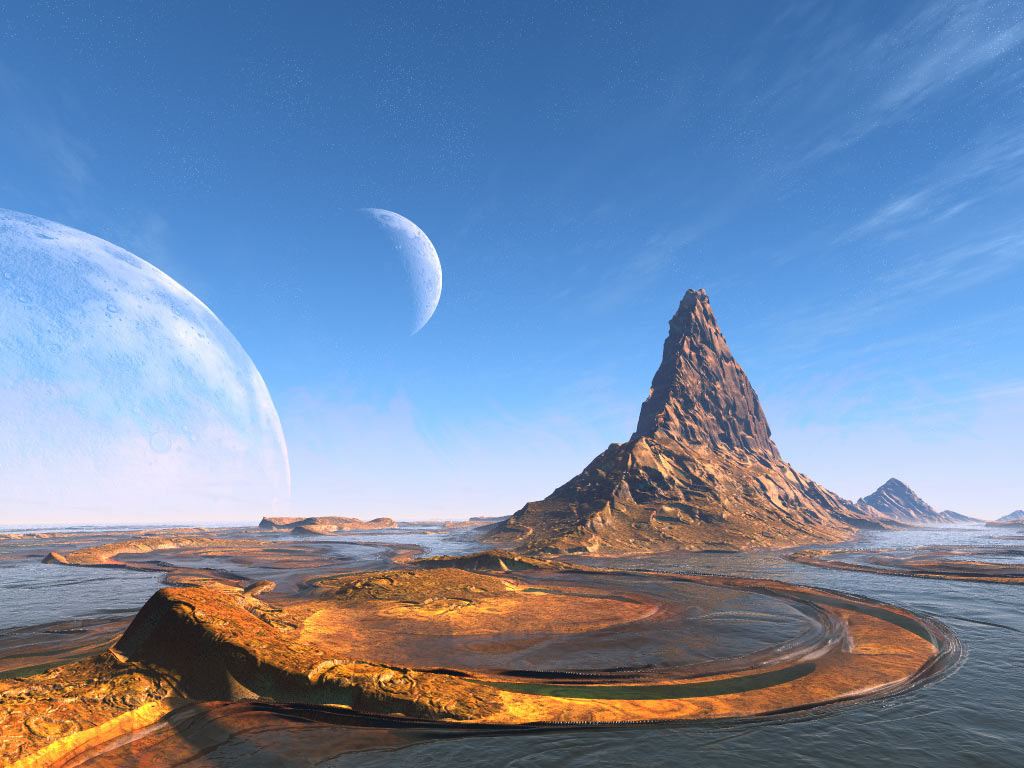
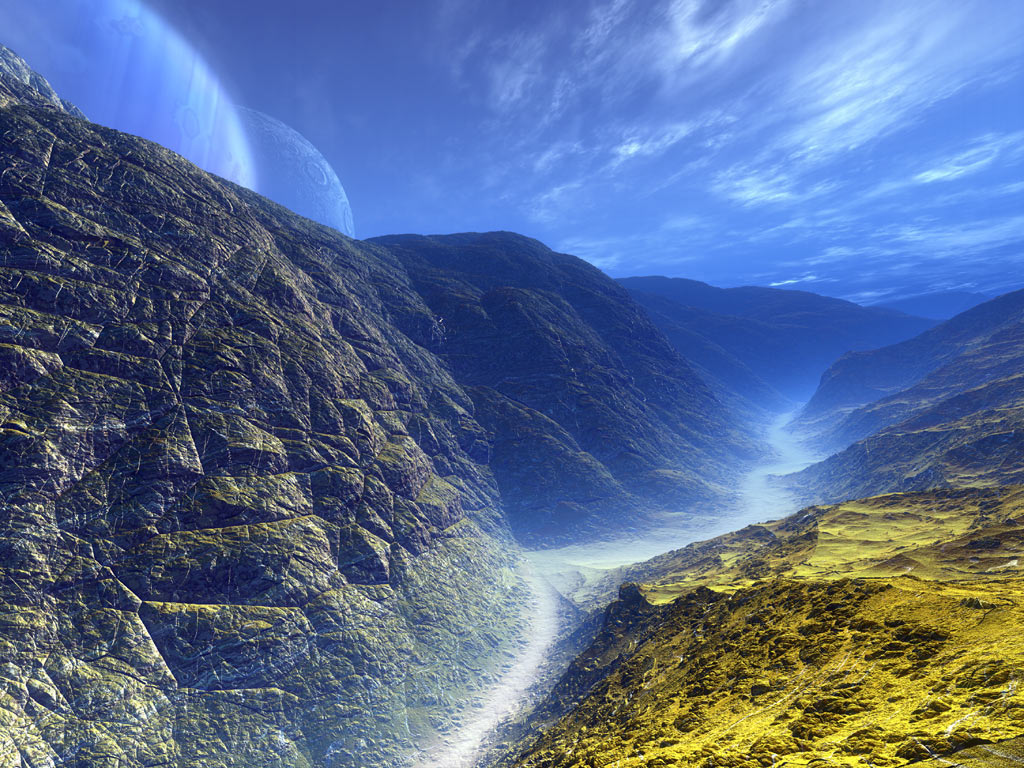
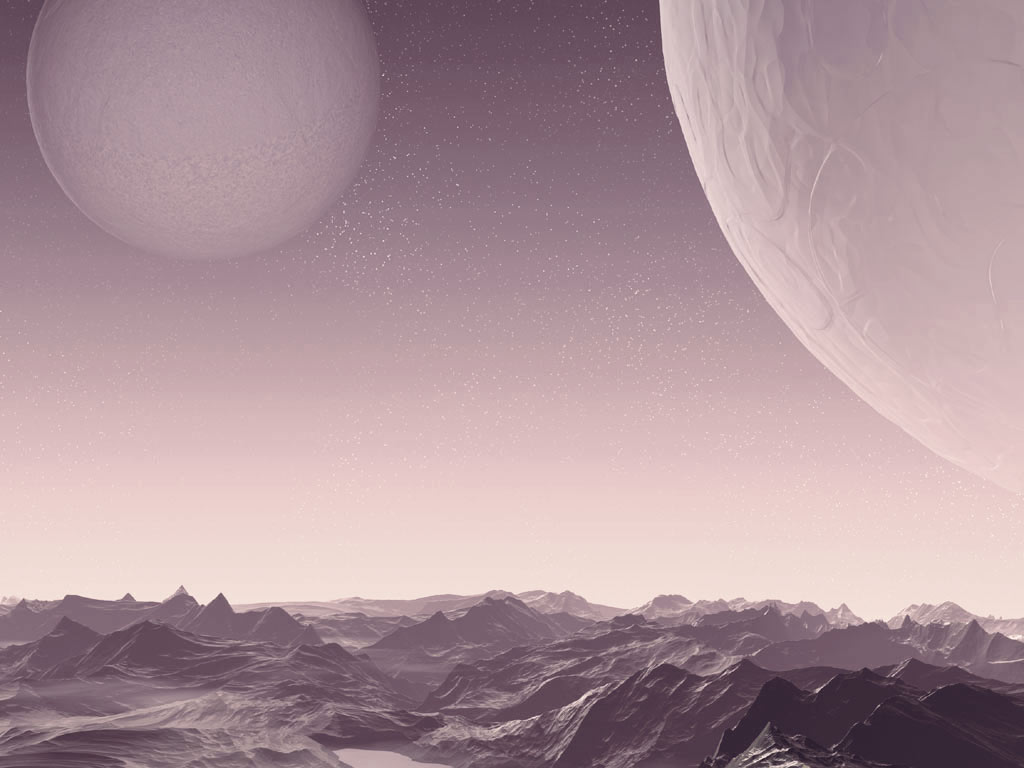
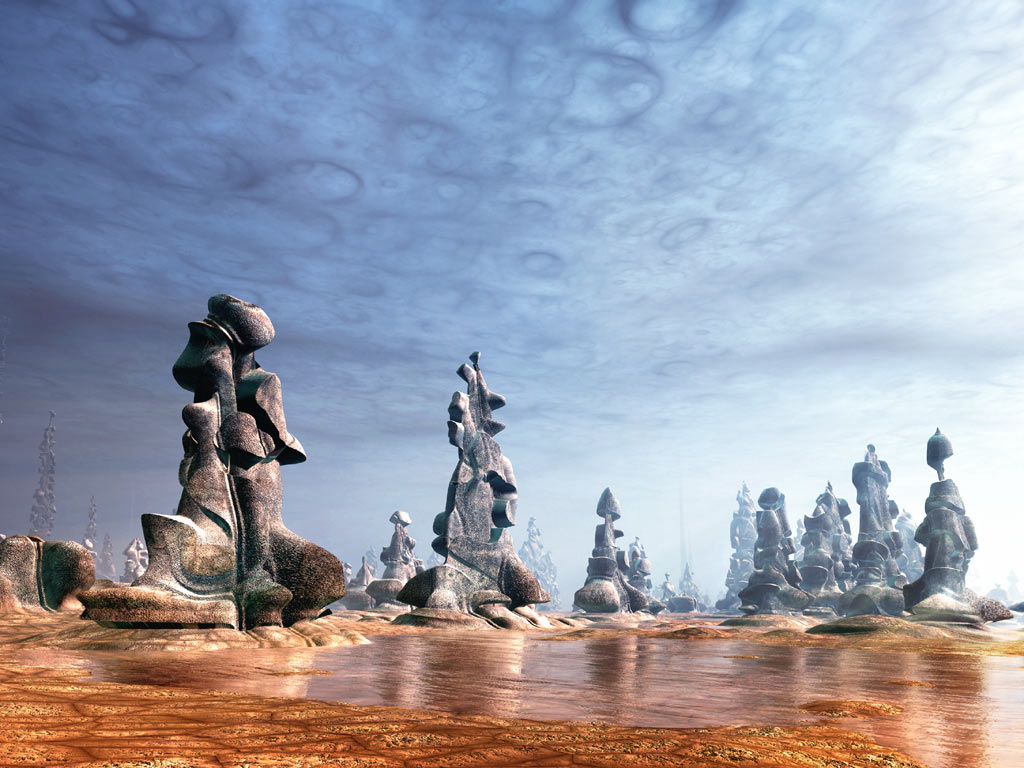
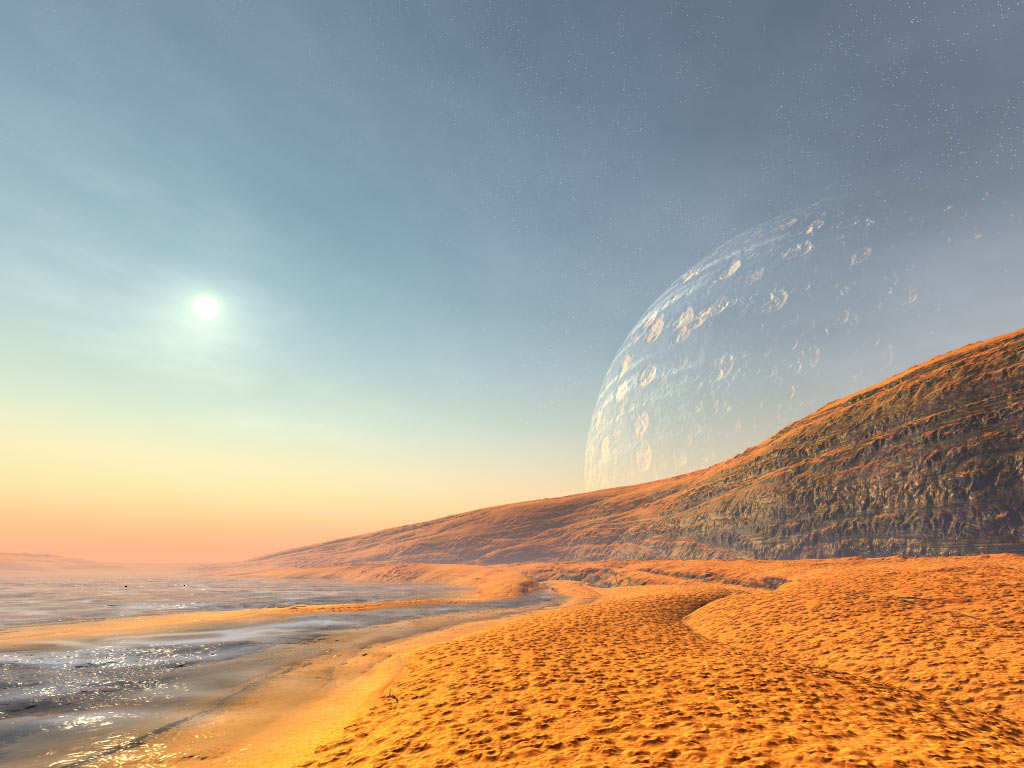
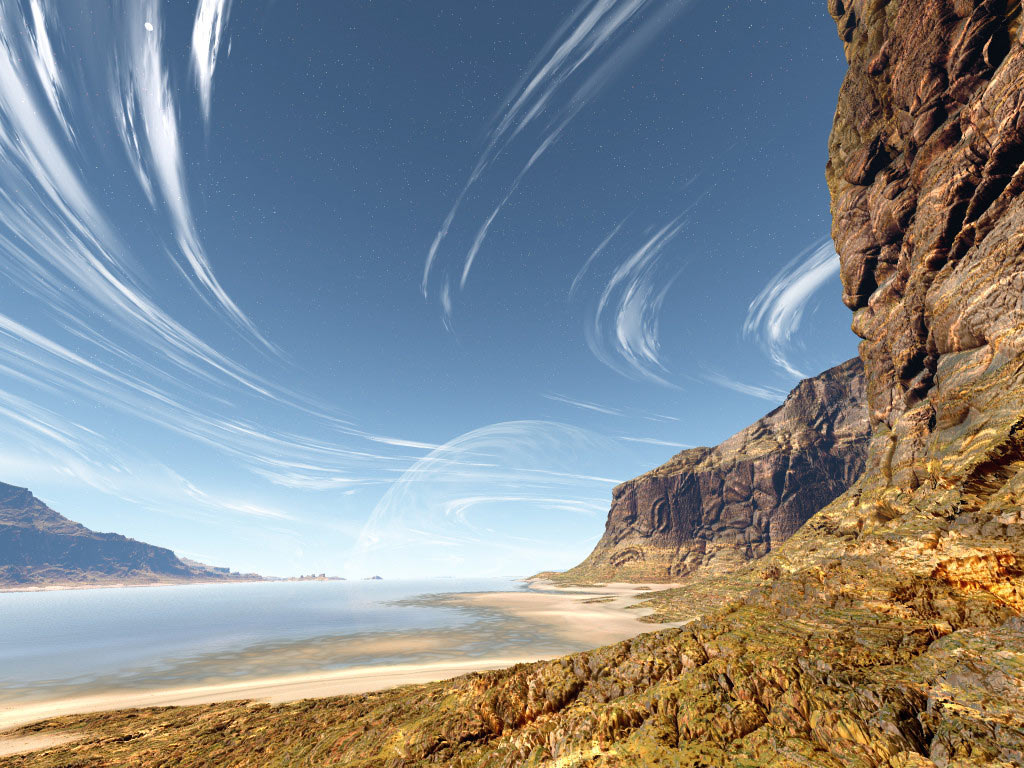
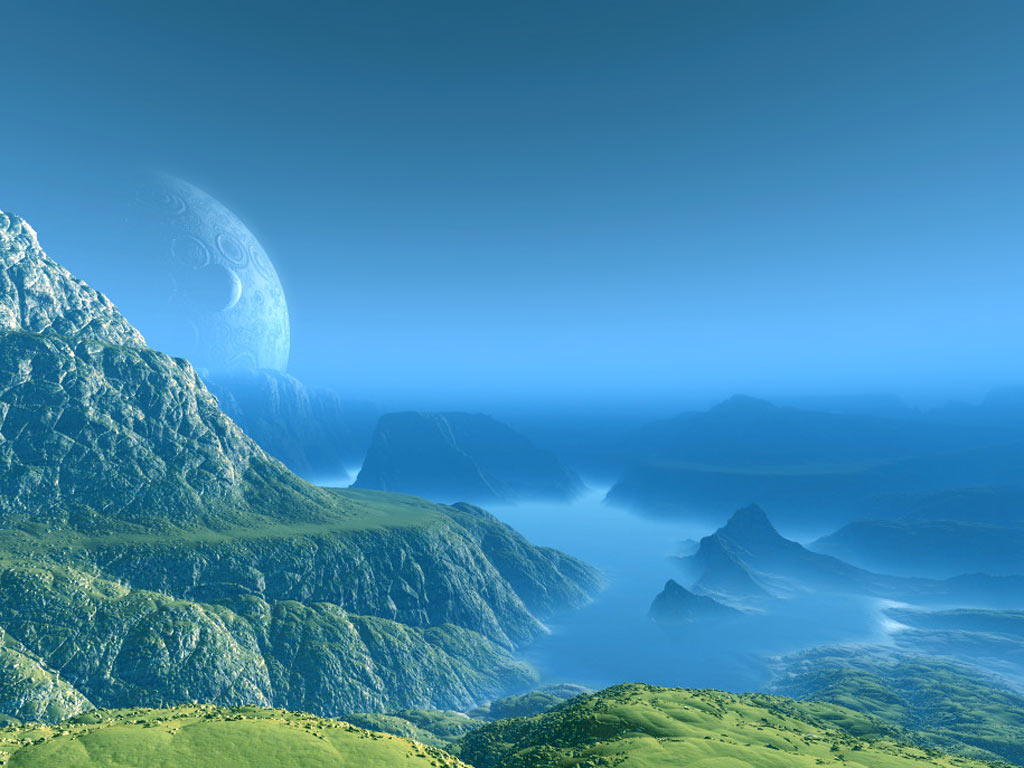
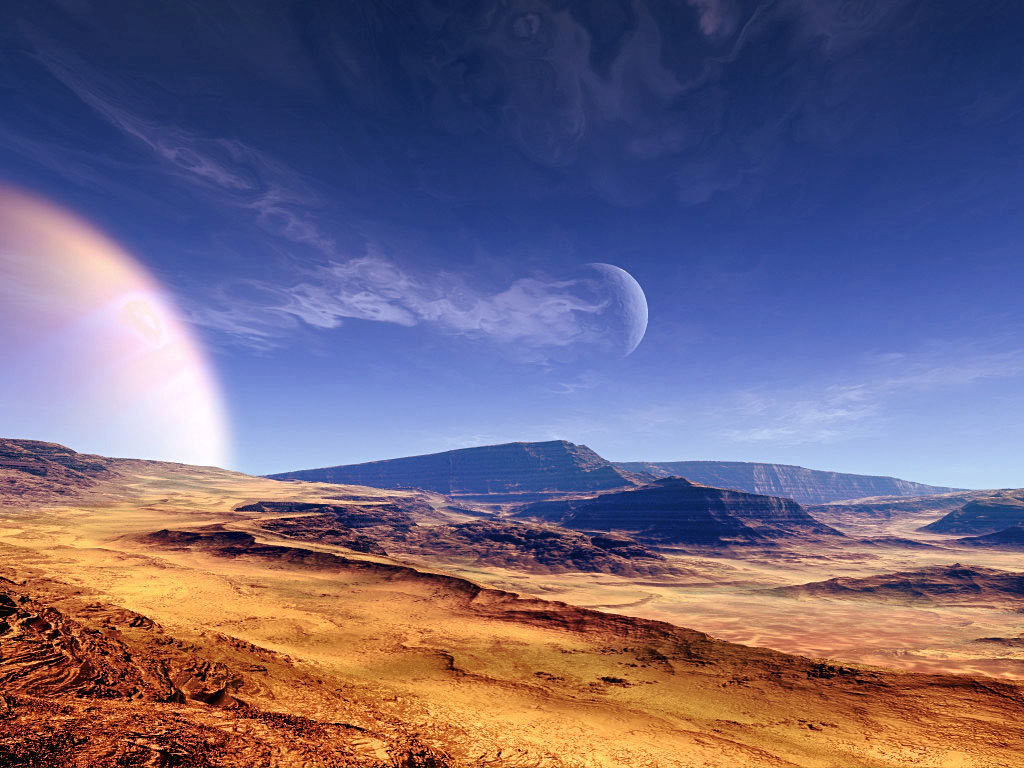
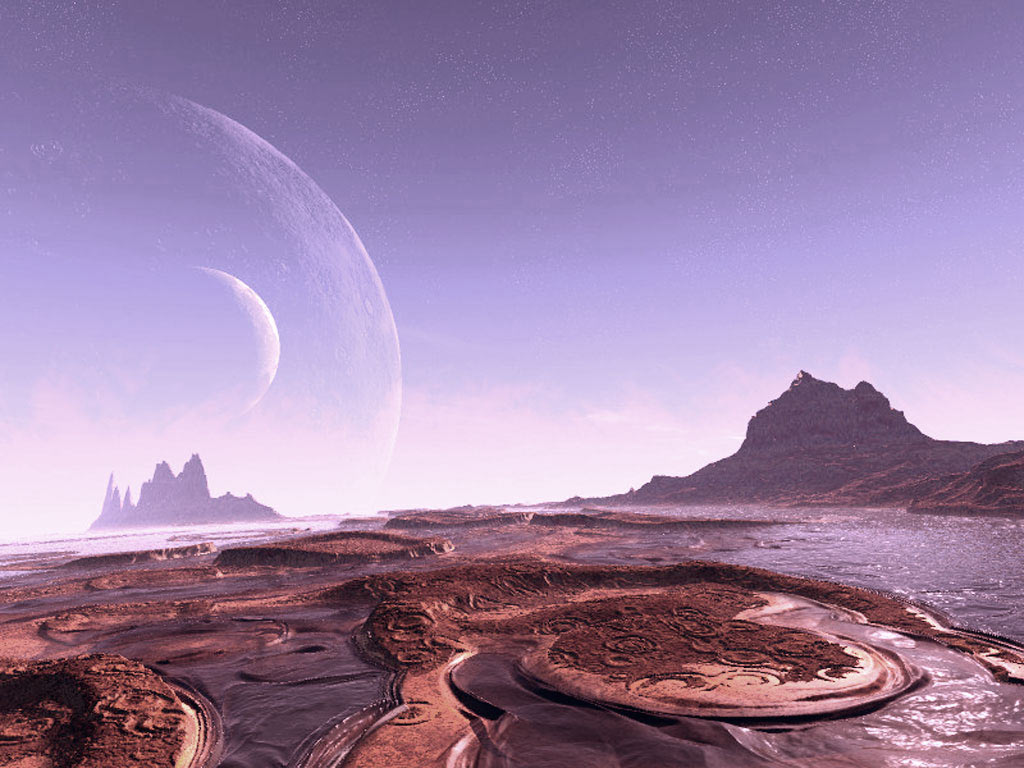
According to this download source, with an included digital signature MD5 hash by PopCap themselves for authentication, Bejeweled2 might have had a planned expansion pack that was scrapped for unknown reasons nearly a year after the game's release.
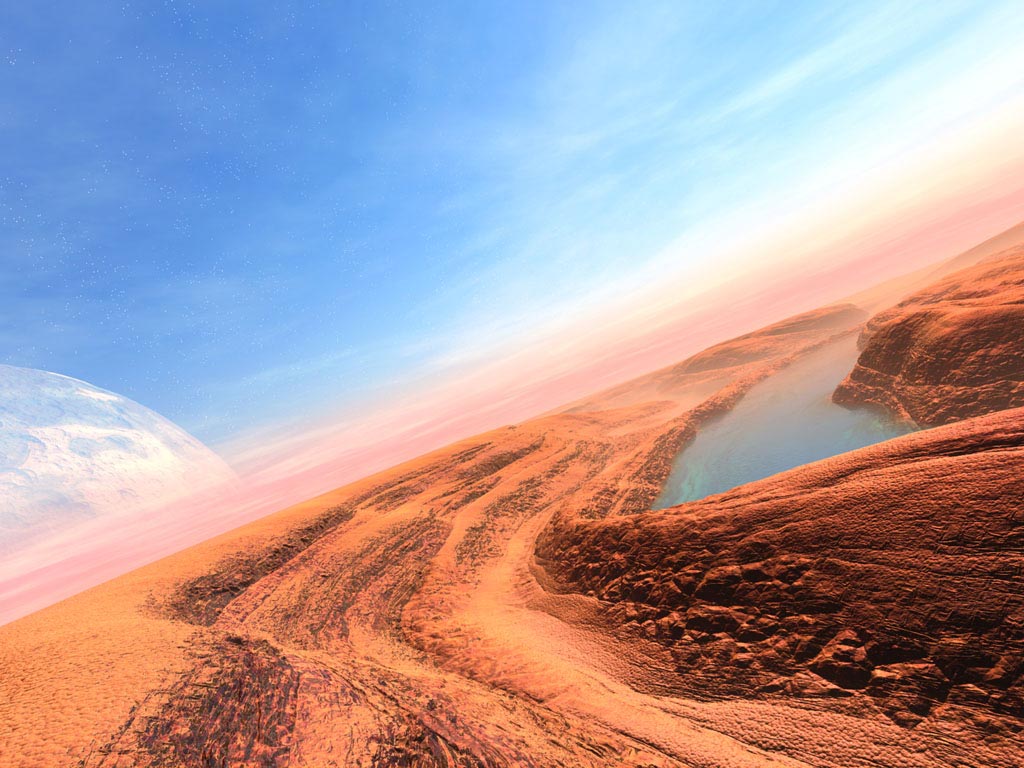
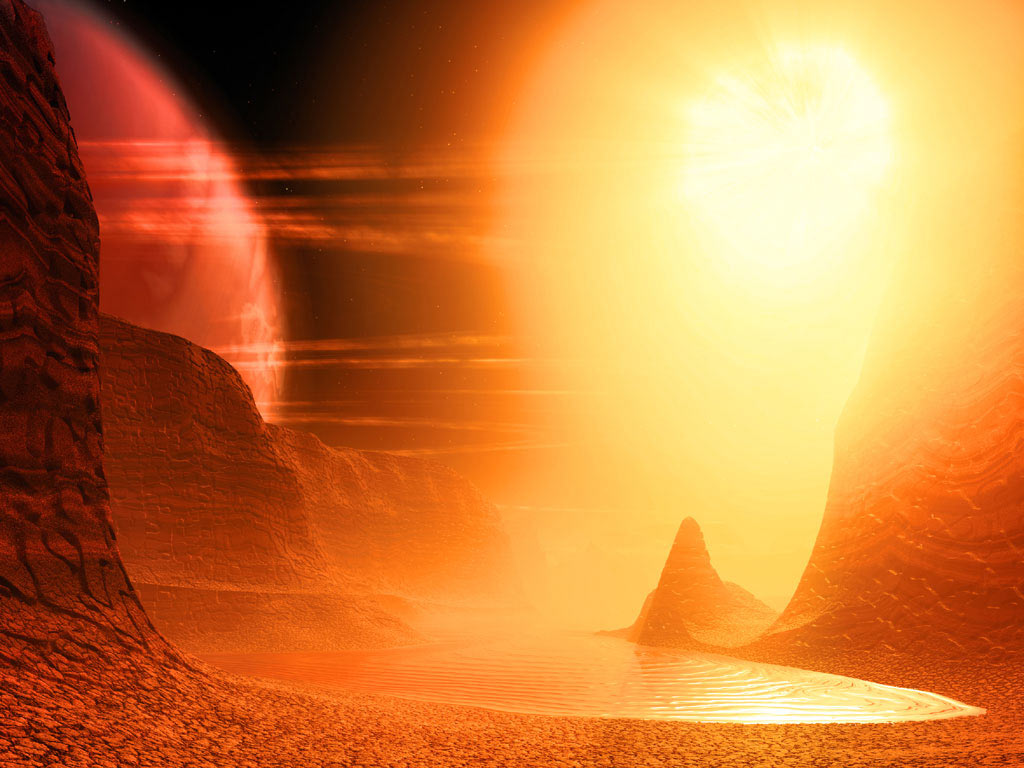
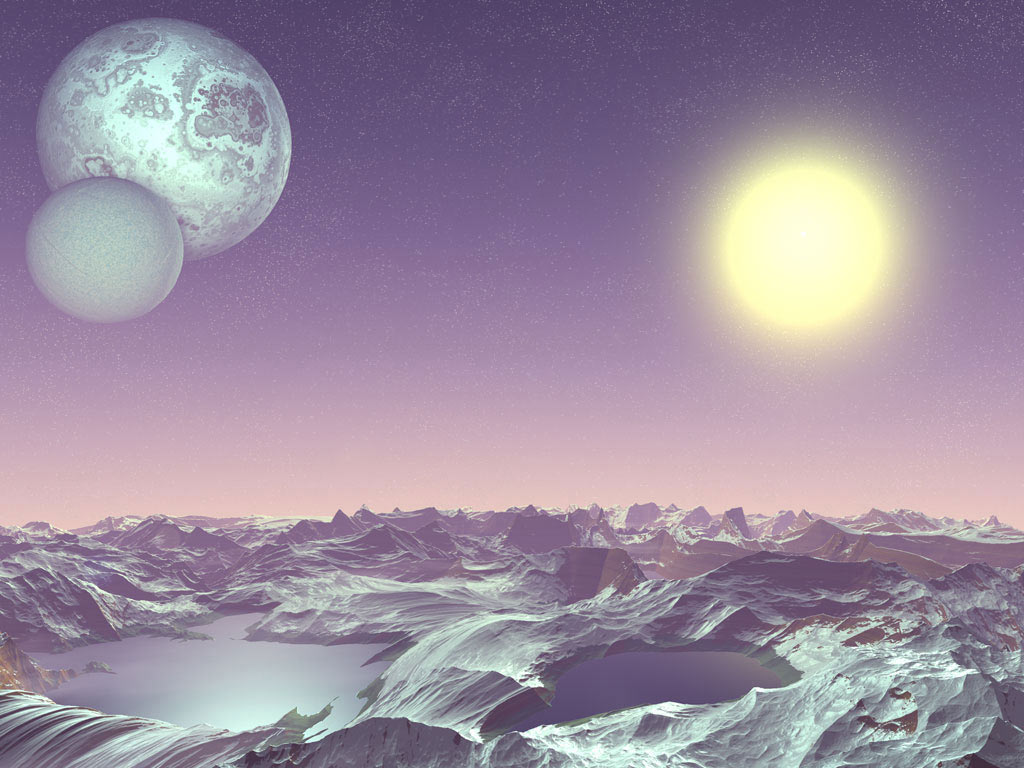
Running the installer would place new files under the C:\Program Files (x86)\PopCap Games\Bejeweled 2 Deluxe\images\backdrops folder, which includes a variety of 12 new backdrops under the codename planetpack. Besides these images, no such attachment or modification of files is done by the installation.
Version 1.1 was coded to have backdrops.lst updated with detection of new images being uploaded onto the backdrops folder, after executing the game. Version 1.0 prior lacks such a feature, however.
Without official sources, it is inconclusive calling it as an incomplete puzzle pack as nowhere does the installation process mentions an update to Puzzle Mode - perhaps a major backdrop update only.
It is also worth mentioning most or all backdrops were later reused in Bejeweled Twist.
Leftover Development Content#
Crash Log#
In the German localized release distributed by Oberon Media, a crash log is present in the German directory, it potentially relates to testing of a debug build of the game.
Exception: Access Violation (code 0xc0000005) at address 0072FE7C in thread DA4

Module: WinBej2_debug.exe

Logical Address: 0002:001C5E7C


0012FA0C 0072FE7C Sexy::ButtonWidget::MouseEnter+EC

Params: 0012FC38 0012FAF4 7FFD6000 CCCCCCCC


0012FAEC 0062136B Sexy::PodButton::MouseEnter+2B

Params: 09FD6E7C CCCCCCCC CCCCCCCC CCCCCCCC


0012FB1C 007239A5 Sexy::WidgetManager::MousePosition+B5

Params: 000000A1 00000058 003D6D78 0012FC40


0012FB30 00723E8C Sexy::WidgetManager::MouseMove+4C

Params: 000000A1 00000058 0012FC7C 0012FC48


0012FC40 0074F9F8 Sexy::SexyApp::ProcessDeferredMessages+798

Params: 0012FDB4 0012FC88 CCCCCCCC 000C09F8


0012FC7C 00752554 Sexy::SexyApp::DoMainLoop+F4

Params: FFFFFFFF 0012FE88 00370033 CCCCCCCC


0012FDB4 007526CD Sexy::SexyApp::Start+FD

Params: 00340034 00370033 7FFD6000 CCCCCCCC


0012FE88 00640B9A WinMain+3A

Params: 00400000 00000000 001423AE 00000001


0012FFC0 00810187 WinMainCRTStartup+1A7

Params: 00340034 00370033 7FFD6000 C03B0970


0012FFF0 7C816D4F RegisterWaitForInputIdle+49

Params: 00571A35 00000000 78746341 00000020


StackWalk failed (error 0)


EAX:0A9303B0 EBX:7FFD6000 ECX:0A035080 EDX:000000C8 ESI:0012FA04 EDI:0012FAEC

EIP:0072FE7C ESP:0012FA00  EBP:0012FA0C

CS:001B SS:0023 DS:0023 ES:0023 FS:003B GS:0000

Flags:00010246


Windows Ver: NT 5.1 Service Pack 2 Build 2600

DDraw Ver: 5.03.2600.2180

DSound Ver: 5.3.2600.2180


Product: Bejeweled2

Version: 1.0

Build Num: 0

Build Date:

Time Loaded: 00:00:57

Times Played: 45

Fullscreen: No

Primary ThreadId: DA4
Source Code#
A portion of source header files and a precompiled header file are present in the data directory in the Mac OS X version (one of the files has no data, unfortunately). How exactly the developers did the same mistake in Zuma Deluxe is an unsolved mystery. Interestingly, a file called test.h is also present which is pretty much a generated resources file for testing, however this one only has most audio files listed, but SOUND_LEVEL_UP and SOUND_MENU_CLICK are defined in the file, unlike the final game's resources file which suggests they were internally renamed in development. ProfileMgr.h was carried over from assumedly Zuma.
 |
Download Bejeweled 2 (Mac OS X) Source files File: Bejeweled2MacOSX_SourceFiles.zip (36,295 KB) (info) |
Development Images#
Under the Japanese localization, an unused folder named _dump can be found within the data folder, with contents of what consists to be game development leftovers. As these images are not under the usual images folder where all the graphics of the game are usually stored, they are independent and cannot be manipulated to appear in-game through the modification of the configuration files.
An HTML file is present within the folder that displays the five development images as thumbnails, while also showing size, transparency, and resolution info.
img0000.png#


|
To do: |
A window screenshot of FontTester from the PopCap Framework, loading img0001.png for the characters. The tool can load a font descriptor file to preview rendering of related text using the characters. Such a program is nowhere to be found within the game's files. The application is actually one built with the framework as a whole so debug keys could be used on it, one being able to dump a screenshot which might explain why it got here.
img0001.png#


The main textured font base used for the game's "LEVEL X", "WORLD COMPLETE", etc. lines.
img0002.png#


The full text that is linked towards the image of img0001.png. This text by itself is either scrapped out from the final game or used for demonstration purposes.
img0003/img0004.png#


A 64×64 black square that is duplicated twice but with sequential file names; there is a possibility that it might have served as the base background for img0001's text generator program.
Unused Code#
Additional Quit Dialog Text#
The game has code to display a second text line if the board class is active and in progress, suggesting your current game will be saved for next time. Normally it's not possible to quit outside the main menu and the game regularly autosaves your progress so this text goes unused. Maybe it was meant to be there if the user was able to quit inside the pause menu or suggests early development remnants. Exiting back to the main menu then clicking Quit very quickly can cause the text to display without modifying the game.
Your current game in progress
will be saved so you can
continue next time.
Inaccessible Debug Code#
|
|
To do:
In version 1.1/+:
|
Although impossible to access, some debugging code remained in the final game, with the text using the DEBUG font ID, continuum medium.
<Font id="DEBUG" path="ContinuumMedium18outline.txt" sm_path="ContinuumMedium12outline.txt" />Mode Info Display#
|
|
To do: |
Address |
Version |
|---|---|
000215AC (Executable) |
1.0 / June 6th 2005 (Mac, MumboJumbo) |
005AE259 |
1.13.2523 / January 21st 2009/2011 (Windows, PopCap.com WW/EN/FlowPlay/10 years) |
005A3B65 |
1.1.0.0 / April 10th 2007 (Windows, Steam) |
00414A29 |
1.0 / September 3rd 2007 (Windows, Japanese [Unwrapped]) |
0041517C |
1.0 / September 6th 2006 (Windows, PopCap.com Localized) |
004121A4 |
1.0 / October 27th 2007 (Windows, PopCap.com AX) |
004121AB |
1.0 / October 27th 2004 (Windows, PopCap.com EN) |
00415E71 |
1.1.0.0 / May 13th 2009 (Windows, PopCap.com Localized) |
00415E77 |
1.1.0.0 / May 13th 2009 (Windows, PopCap.com French) |
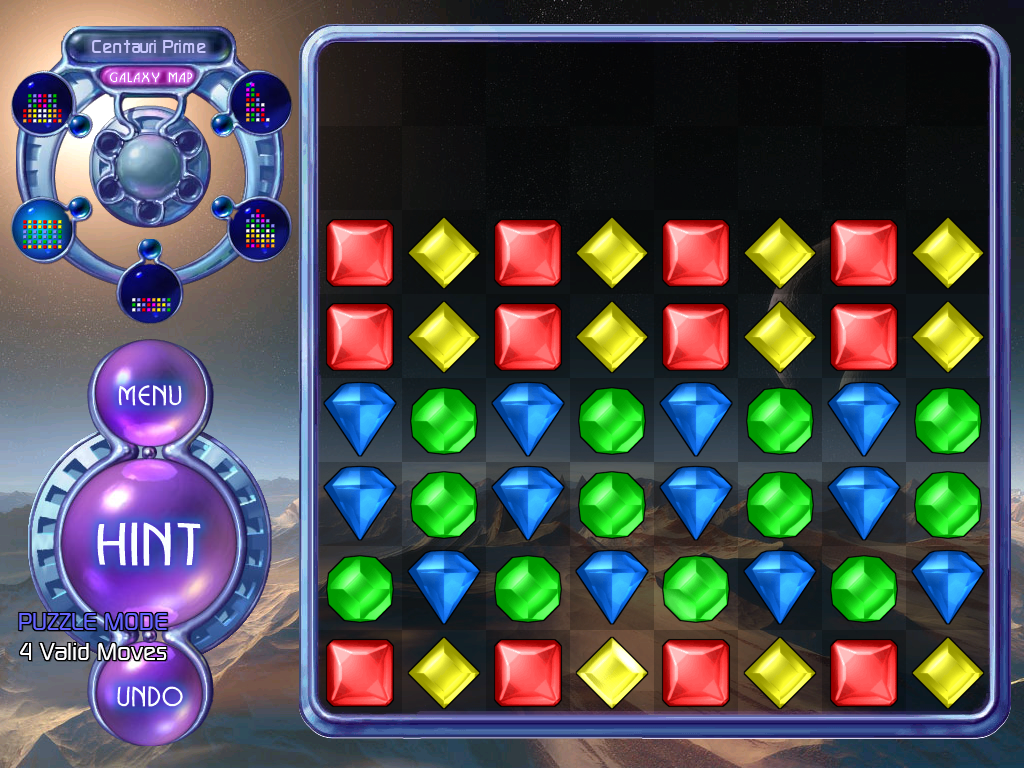
A simple call to draw text for the current game mode. In puzzle mode, the amount of valid moves or puzzle solving state is also drawn to the screen. To enable it, change the byte at the memory address to 1, for Japanese, change the function to NOP. High-Resolution mode must be enabled to see the text.
Dynamically Modifiable Values#
|
|
To do: |
The game on Windows was compiled with ModVals enabled, allowing the framework to reload constant variables on the fly from a copy of source code, without rebuilding the game. They also reveal line numbers in the game's source code.
SEXY_SEXYMODVAL.\Board.cpp0,4002
SEXY_SEXYMODVAL.\PodDialogButton.cpp0,106
SEXY_SEXYMODVAL.\PuzzleRatingDialog.cpp0,39
PAK Support#
The game's executable has full support for loading from a main.pak. Unfortunately, PopCap never released a version of the game using one and the game does not read the music directory in a PAK.
Development text#
|
|
To do: |
CVSThe game executable (on Windows) mentions a CVS directory in the root of the game installation that doesn't exist, suggesting the game was built off CVS version control.
Command-Line Parameters#
- -version - Shows the product name, version, build number, and build date with a popup instead of starting the game.
- -play - Plays a demo file then closes the game.
- -record - Records a demo and saves it after shutdown of the game.
- -recnum - Records sequentially-named demos each time you run the game. The filenames of the saved demos are "Popcap1.dmo", "Popcap2.dmo", "Popcap3.dmo", etc., with "Popcap" being replaced with a specified file name with -demofile.
- -playnum - Starts Bejeweled 2 with the previously recorded demo files sequentially.
- -crash - Crashes the game immediately with an Access Violation error.
- -screensaver - Makes the game act like it's a screensaver, any movement or key presses will immediately force close the game. Likely a remnant of Insaniquarium's screensaver command line.
- -demofile - Specifies the filename for the played or recorded demo and only works when used with the "-play" or "-record" command line parameters (see below). The correct syntax for this parameter is "-demofile=MyDemo.dmo" (minus the quotes), substituting "MyDemo.dmo" with your demo filename of choice (either a previously recorded demo to play, or a filename to save a new demo that you wish to record).
- -changedir - Changes the directory of where the game assets will be located.
Debug Commands#
|
|
To do: |
Pressing CTRL + ALT + D will play a sound to indicate that debug key input is enabled, allowing unique keys and key combinations to be typed for debugging displays or mechanisms, another use will disable it. This can only be used on Windows as the Mac OS framework port didn't support launch commands at the time.
- F2 - Start/Stop perf timing.
- F3 - Toggle FPS display.
- Shift + F3 - Toggle FPS/mouse coordinate display.
- F8 - Show current Video Stats (mostly used to see if 3D acceleration is currently on).
- Shift + F8 - Toggle 3D acceleration.
- F11 - Take screenshot (goes into the ProgramData/OEM/Bejeweled2/_screenshots) directory.
- Shift + F11 - Dump all program images in memory to the ProgramData/OEM/Bejeweled2/_dump directory.
Developer Notes#
Present in Config.xml.
<!-- Percent chance (0.0 - 1.0) that a bomb will fall -->
<!-- Percent chance (0.0 - 1.0) that a power gem will fall -->
<!-- Percent chance (0.0 - 1.0) that a rock will fall -->
<!-- Initial countdown value of a time bomb -->
<!-- Mininum number of gems needed in a match to create a power gem -->
<!-- Mininum number of gems needed in a match to create a wildcard destroyer -->
<!-- Number of points for each explosion in a chain reaction -->
<!-- Additional number of points for each extra explosion in a chain reaction -->
<!-- Number of points for each normal gem in a hyper gem electrocution -->
<!-- Number of points for each power gem in a hyper gem electrocution -->
<!-- Number of points for each power gem in a set -->
<!--
    The following difficulty levels are represented by a BASE and
    a MULT.  BASE is the value for level 1.  MULT specified how much
    that value increases per level.

    Also, note that that most of these values such as NormBonus take
    effect before the point multiplier is taken into account, which means
    that the point multiplier can change without affecting the difficulty
-->
<!-- How many points it takes to get to the next level in normal mode -->
<!-- Controls for points multiplier in normal mode -->
<!-- How many points it takes to get to the next level in timed mode -->
<!-- Point multiplier for timed mode -->
<!-- How fast does bonus bar start going down in timed mode -->
<!-- How fast the bonus bar accelerates downward in timed mode -->
<!-- How fast acceleration increases in timed mode -->
<!-- How many seconds to advance velocity by per level -->
<!-- How much grace time you are given per move in timed mode -->
<!-- Multiplied by move points for additional grace time -->
<!-- Max grace time -->
<!-- Point multiplier for endless mode -->
<!-- How many points it takes to get to the next level in endless mode -->
Regional Differences#
Different Sounds#
The Japanese version uses rather different-sounding voice sound effects for "No More Moves" and "World Complete", sounding comparatively "clearer" and "panned" to the ones featured in English releases.
No_More_Moves.ogg
World_Complete.ogg
Notably, the former file is used in all releases of the Xbox 360 version.
Bejeweled Leftovers#
In the Japanese version, levelup1.ogg can also be found under the sounds folder as an unused voice sound effect, not present in the English versions.
Revisional Differences#
Version 1.1#
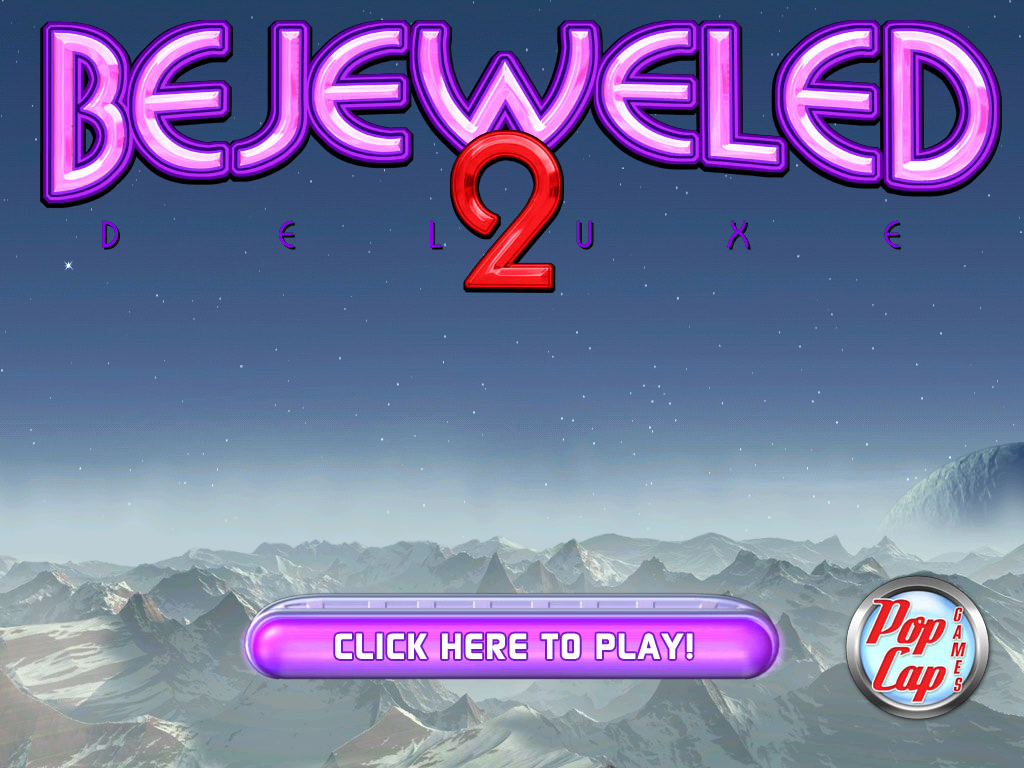
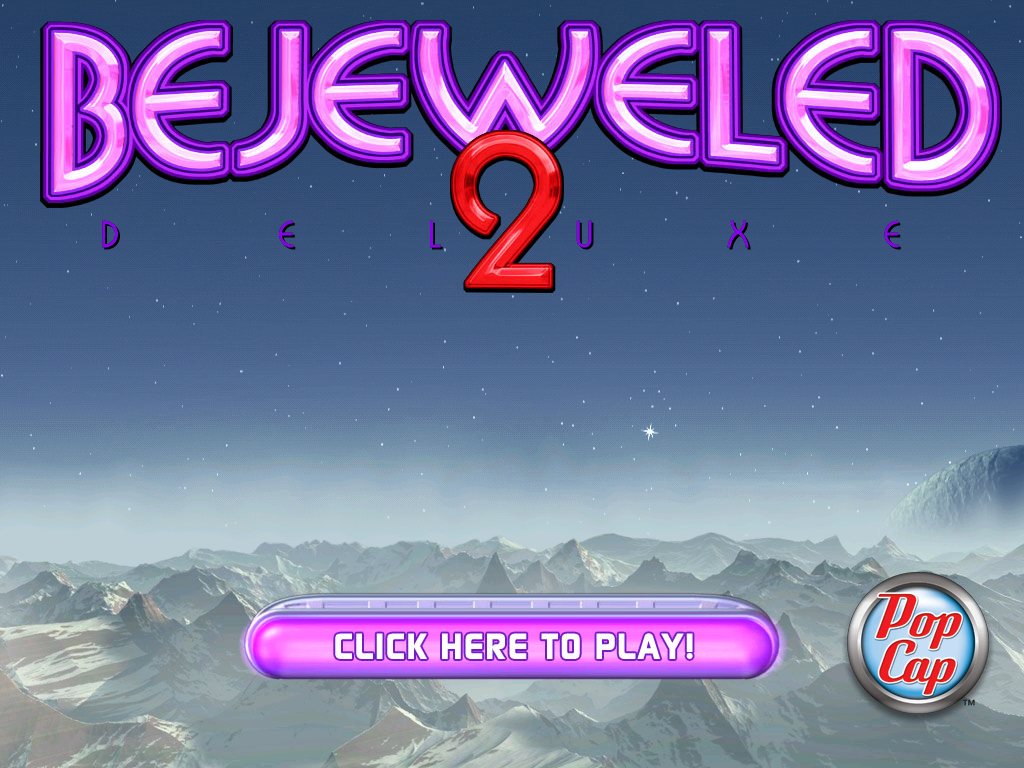
- v1.0 and older releases of v1.1 from earlier CD releases from PopCap, have the older PopCap logo at the bottom-right corner of the loading screen. Later releases (including the Steam version and later CD releases) of v1.1 have the newer PopCap logo with the absence of "GAMES" on the right.
- v1.0 occasionally asks the player whether to check for system updates at the loading screen. v1.1 doesn't do this.
|
Bejeweled 2 Deluxe v1.0 (PopCap, MumboJumbo CD) to Bejeweled 2 Deluxe v1.1 (PopCap/PopCap CD, initial) |
Bejeweled 2 Deluxe v1.1 (PopCap/PopCap CD/Steam, latest) |
|---|---|
|
|
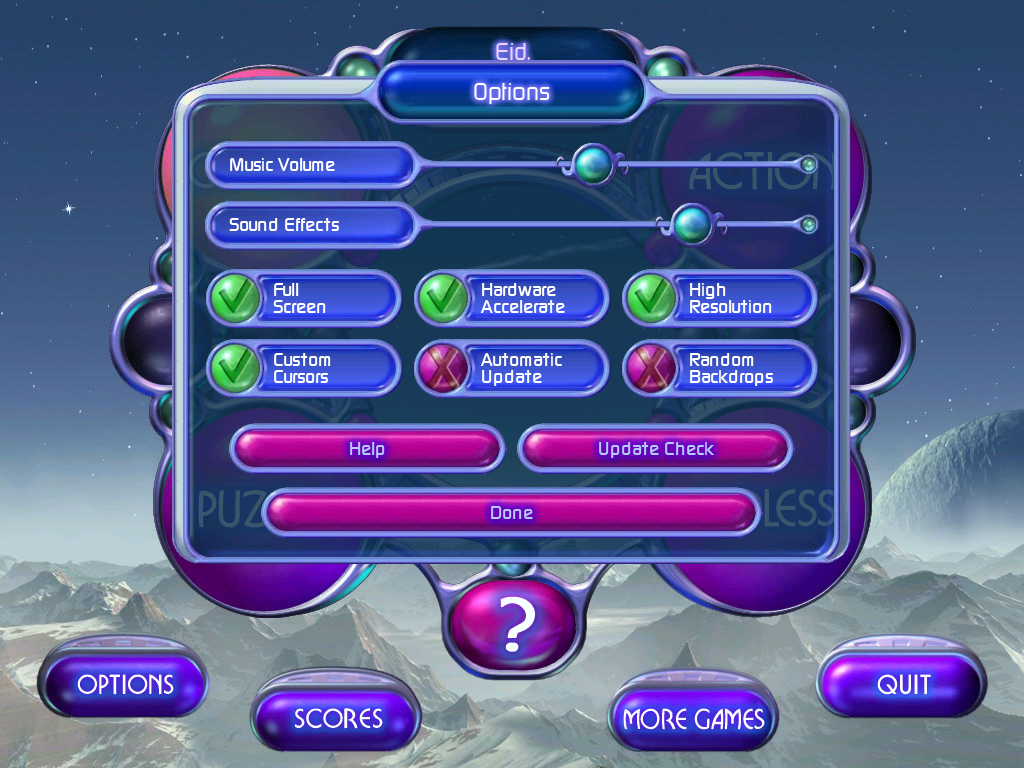
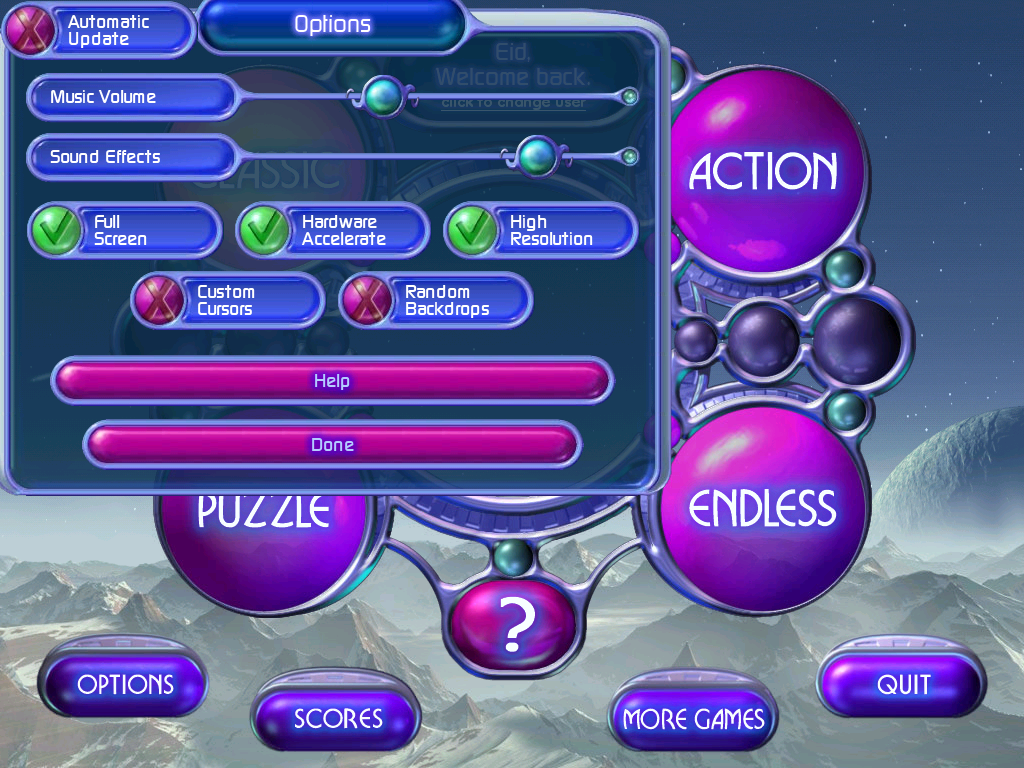
- In v1.0, the "Automatic Update" button is located between the "Custom Cursors" and "Random Backdrops" buttons in the options menu, which would lead the game into checking the PopCap servers if ticked. The "Update Check" button is used for its said purpose. However, in v1.1 these two buttons are missing, with the "Automatic Update" button hidden in the top-left corner, requiring you to drag the option window in order to view it. The button is non-interactable.
|
Bejeweled 2 Deluxe v1.0 |
Bejeweled 2 Deluxe v1.1 |
|---|---|
|
|
However, changing the string
- Although not existing in v1.1, under the Galaxy One folder of v1.0 there is a text document called sol.txt, which might be an uncompiled .sol file. "4,7" and "3,7" here to the X and Y axes of the gems to be swapped:
Solution: C:\GameSrc\cpp\WinBej2\puzzles\Galaxy One\tutorial8.sol
Start State: 2
:0
:1
[3C] 4,7 to 3,7 - 0
:2
[3C] 4,7 to 3,7 - 1
Bejeweled 2 Deluxe v1.0 |
Bejeweled 2 Deluxe v1.1 |
|---|---|
 |
 |
- v1.0's icon uses the Blue Gem design from Bejeweled Deluxe. v1.1 replaced it with the design used in this game.
Internal Project Name#
The game is internally referred to as WinBej22 which dropped the Diamond Mine branding and quite obvious, interestingly the game's main class is the exact same name from the previous game, WinDM3, despite being a newer game.
References#
|
The Bejeweled series | |
|---|---|
|
Java |
|
|
Windows |
Bejeweled • Bejeweled 2 • Bejeweled Twist • Bejeweled Blitz • Bejeweled 3 • Bejeweled Live |
|
Wii |
|
|
Mac OS Classic |
|
|
Mac OS X |
|
|
J2ME |
|
|
iOS |
Bejeweled 2 • Bejeweled Blitz • Bejeweled Classic • Bejeweled Stars |
|
Android |
|
|
Adobe Flash |
|
|
HTML5 |
|
|
PopCap Loader |
|