This article has a talk page!
This is a sub-page of Proto:Splatoon 2/March 28, 2017.

|
To do:
|
Dbg[Sys]#
|
|
To do:
|
Pressing S on a connected keyboard pauses the game and brings up a list of debug commands.
Button(s) |
Command name |
|---|---|
D-Pad Left |
Frame Step |
D-Pad Right |
Go On |
B |
EffectLink |
X + D-Pad Up |
ProcBar |
X + D-Pad Down |
GPUMonitor |
X + D-Pad Right |
Warning |
X + D-Pad Left |
Ctrl Status |
Y + D-Pad Up |
seadMenu |
Y + D-Pad Down |
DebugMenu |
Y + D-Pad Left |
Mem Profile |
Frame Step#
The game unpauses and proceeds normally as long as D-Pad Left is held down.
Go On#
Each time D-Pad Right is pressed, the game advances a frame.
EffectLink#
Does not seem to function.
ProcBar#
Displays a visualization of the current running processes. Pressing X + D-Pad Up twice more will fully display all processes. 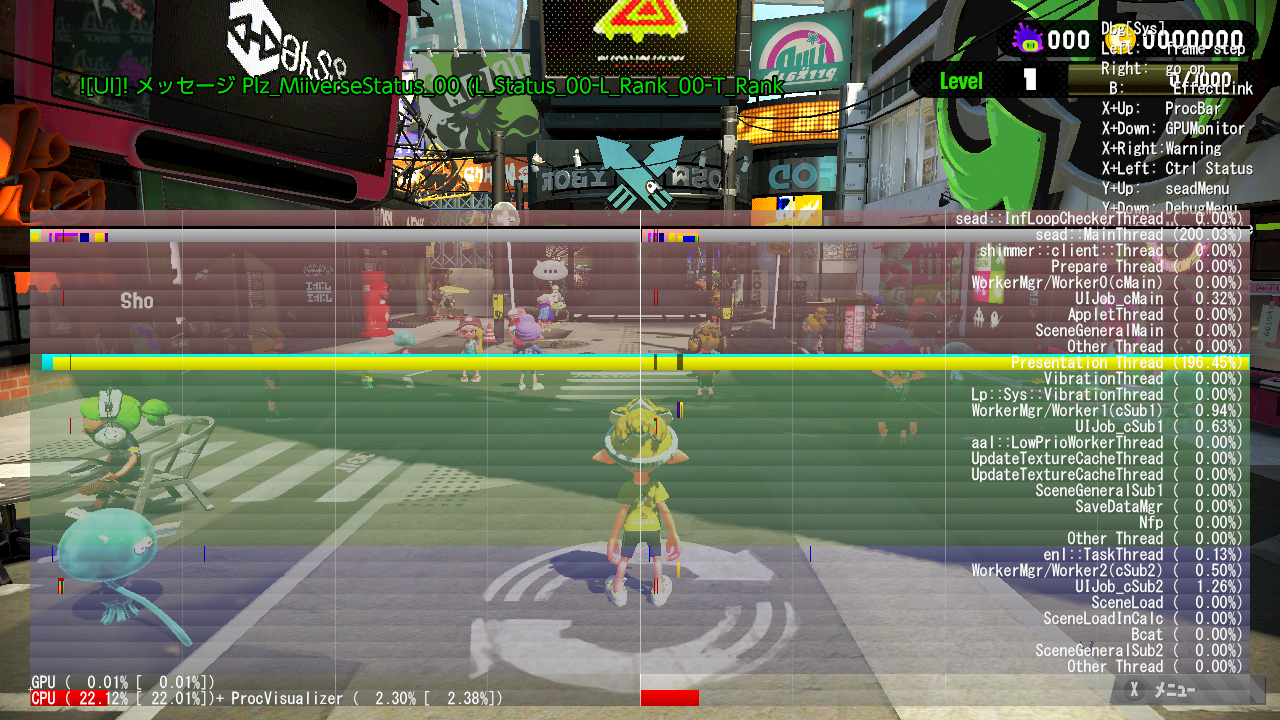
GPUMonitor#
Does not seem to function.
Warning#
Seems to toggle the visibility of warnings that appear in the screen's upper left corner. 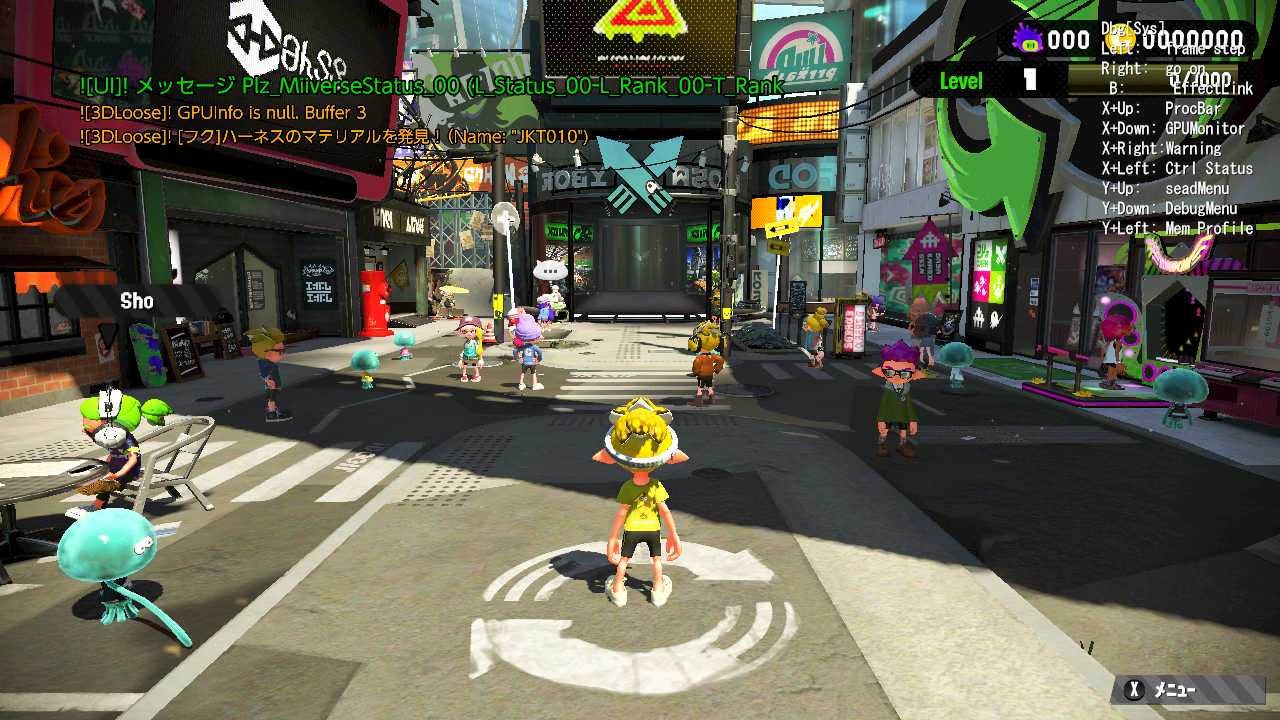
Ctrl Status#
Provides real-time controller details for players 1 through 8, such as connection status, control stick angles, and current buttons held. 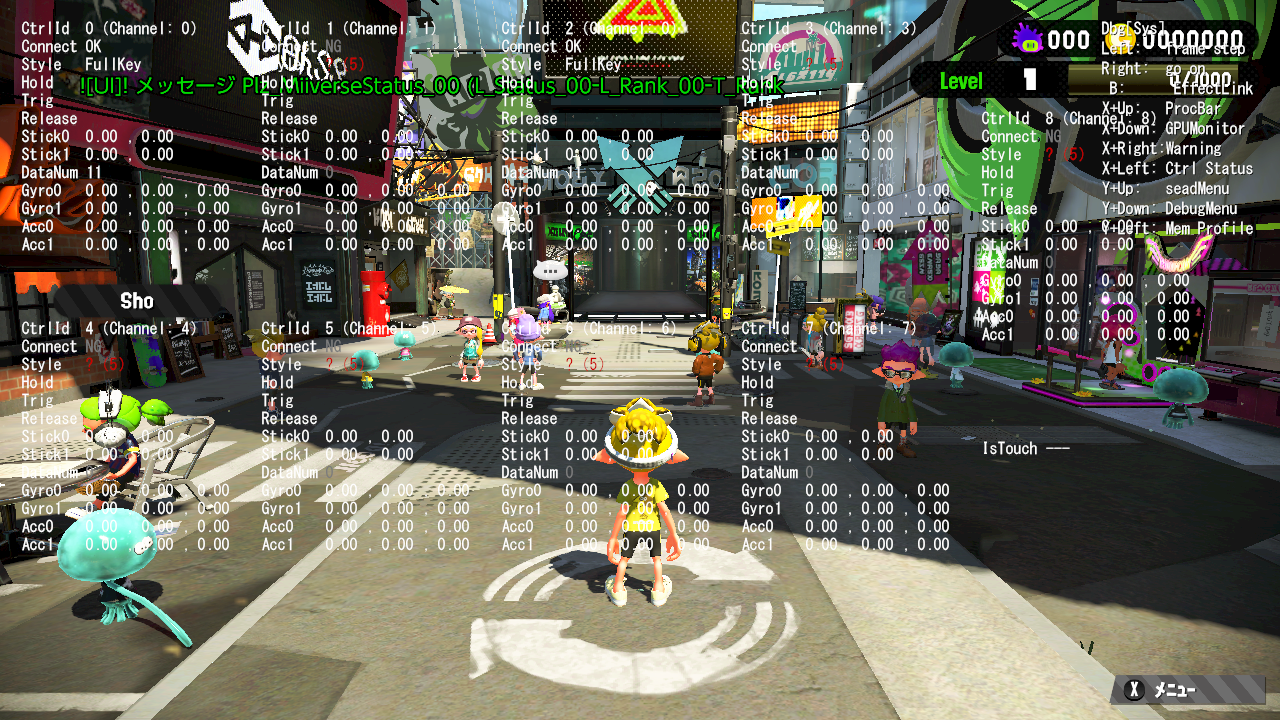
seadMenu#
Allows viewing of parameters relating to the game engine. 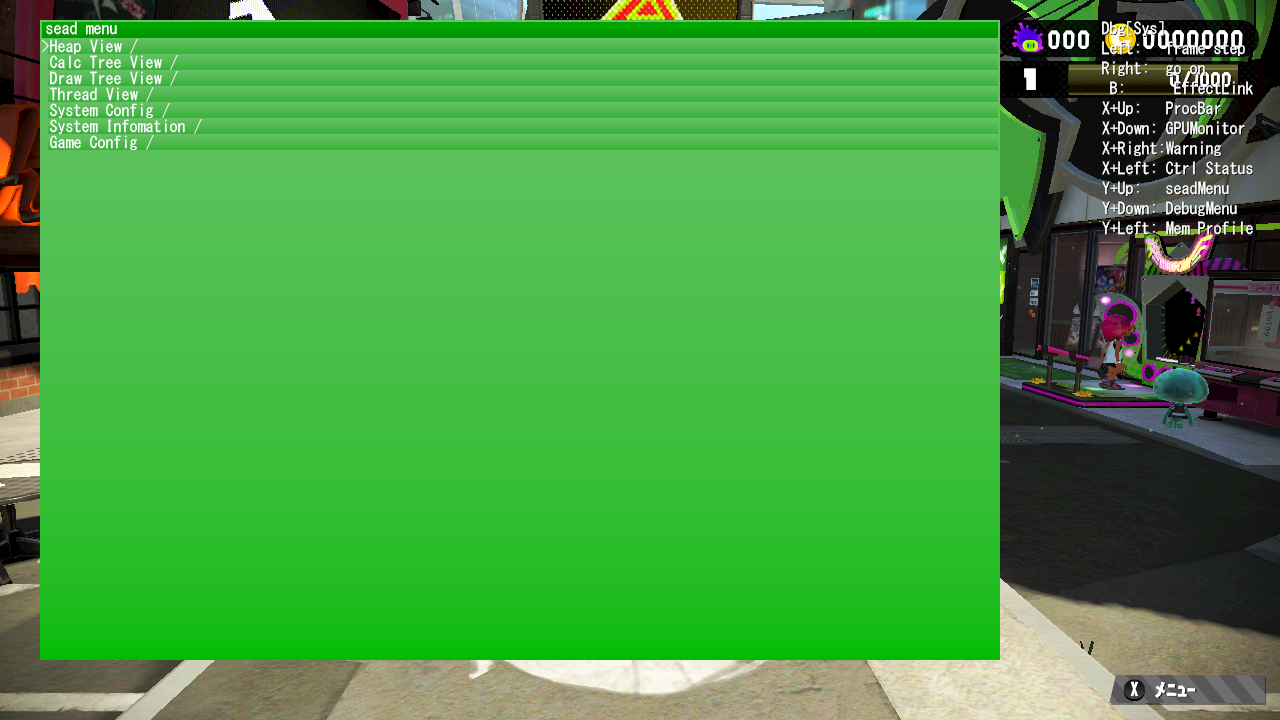
DebugMenu#
Brings up a menu with a variety of options. Depending on the player's current location (story mode mission, versus stage, or Salmon Run stage), the available options change. 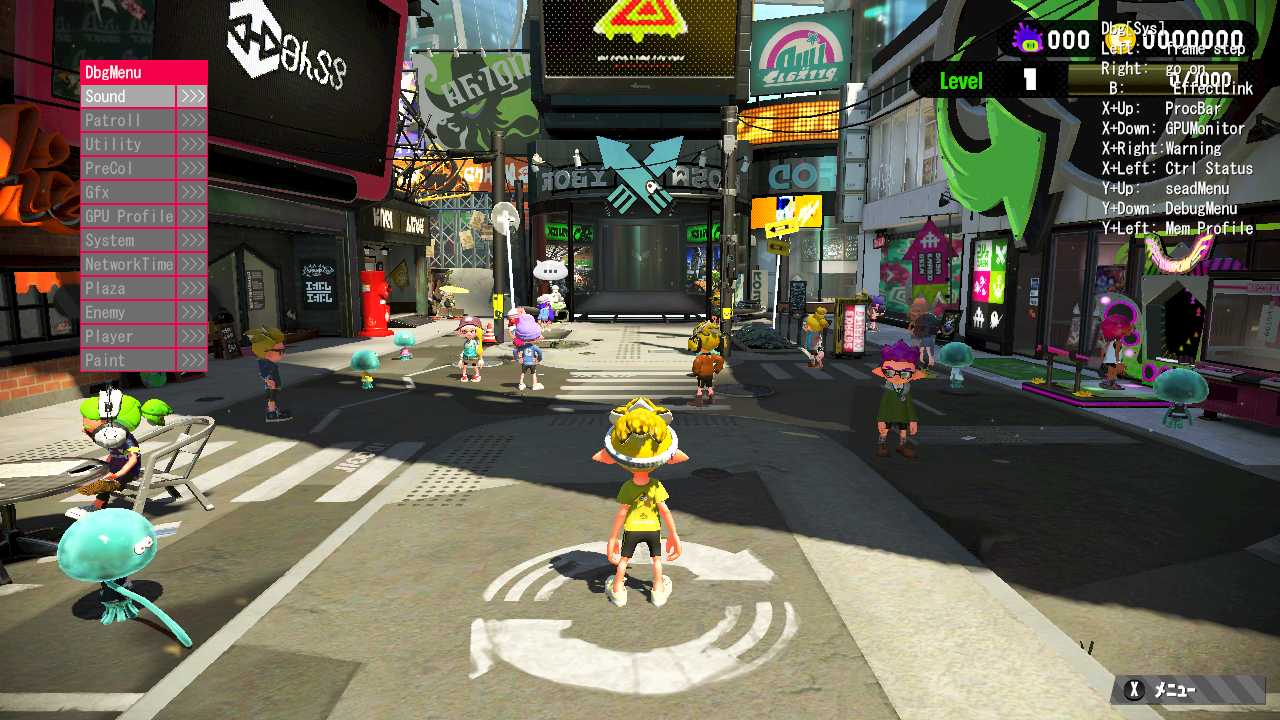
Mem Profile#
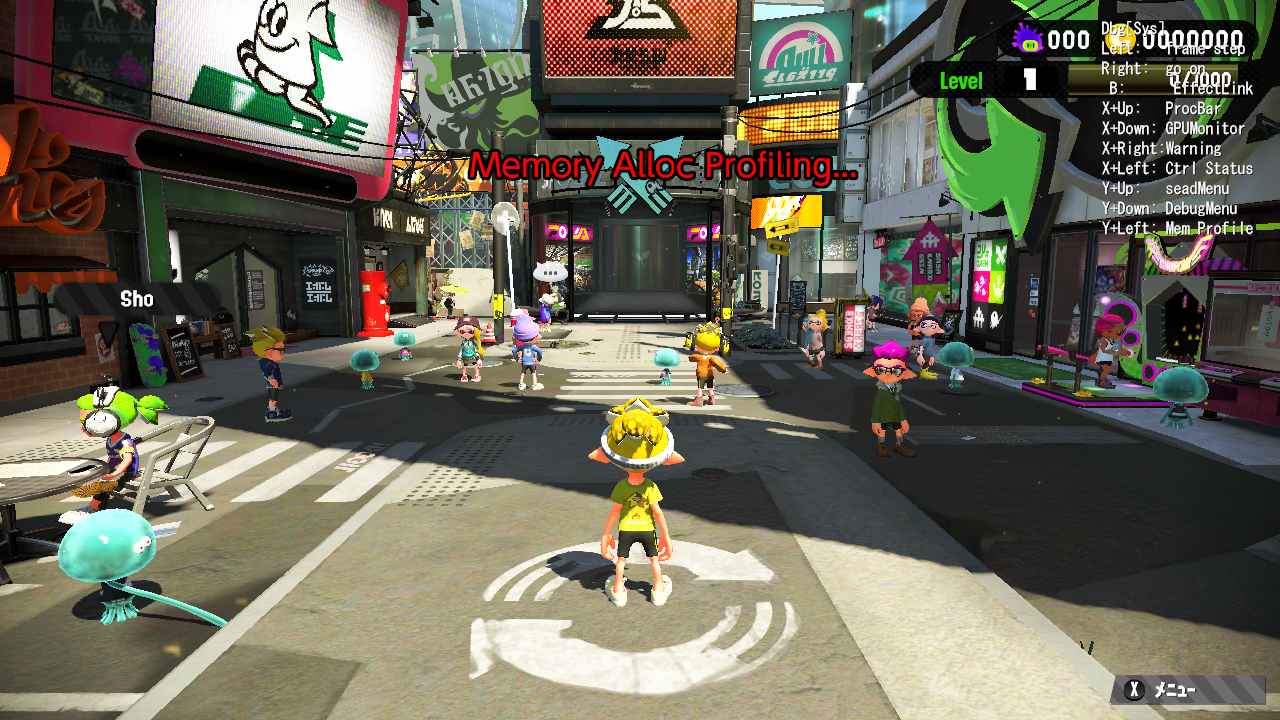
Displays the text "Memory Alloc Profiling...".