This article has a talk page!
This is a sub-page of Proto:Shining Force III.
 Saraband"The King of the Assembly, Benetram, is a great strategist and general. No way he would give up Barrand so easily. He must have some secret plan... Maybe something like taking the Emperor or a prince hostage..."
 Balsamo"The monks of the Bulzome sect behave quite well. They don't get drunk or cause trouble. That makes our job a lot easier. But... when we try to speak to them, they don't care much for conversation. I guess a tame life means no problems."
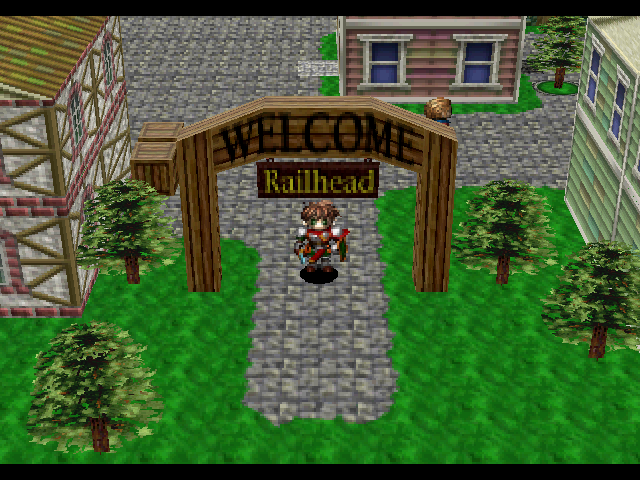 Railhead"It's strange to have church services packed, but if no one comes, it's a much worse. It's hard to get motivated here."
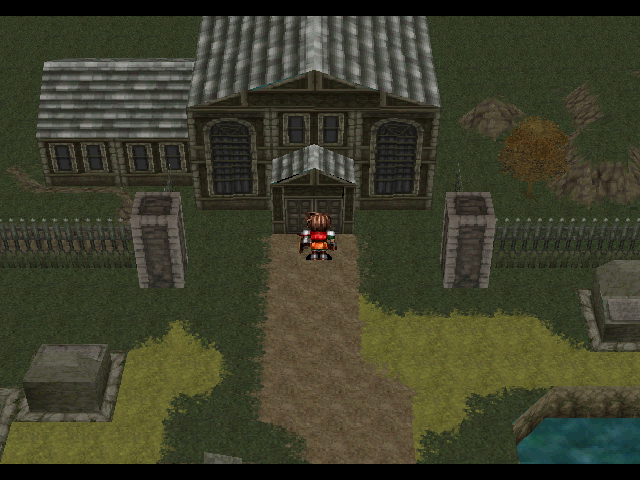 Quonos Village"Synbios, without Khan, even Vandal is helpless. Retreat and have Khan heal up and rejoin us"
 Vagabond"Whoo! Yea! Army! Hi, I'm JJ! That battle was exciting! Now I can't keep still! Ai laaaaaaate!"
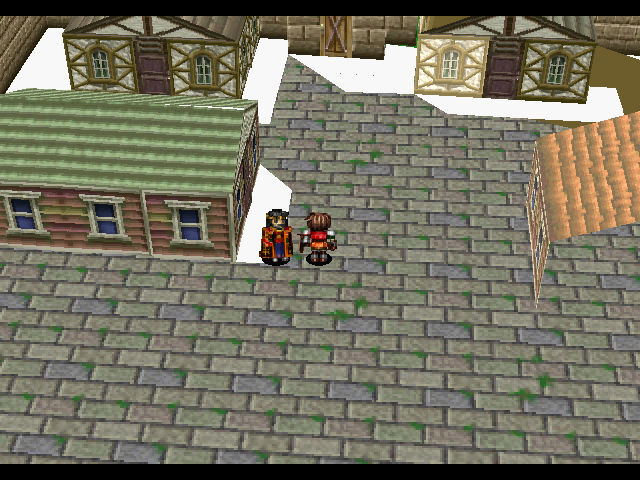 Storich"It's probably.... It must be.... They closed the gate to stop us from going to Flagard. But why?"
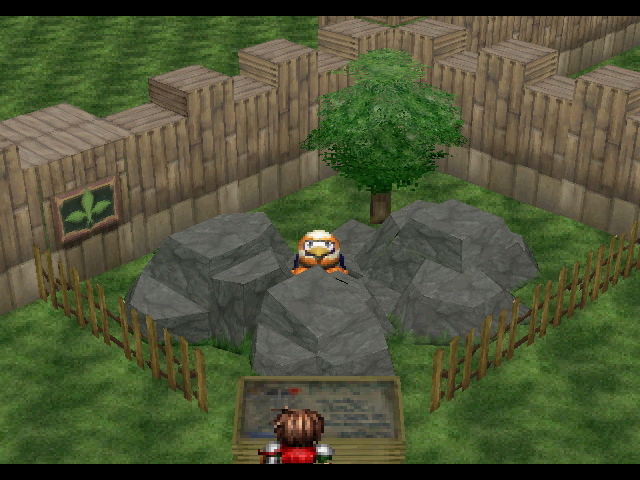 Flagard"But the negotiations failed, so I decided to make him disappear. I guess he won't last too much longer."
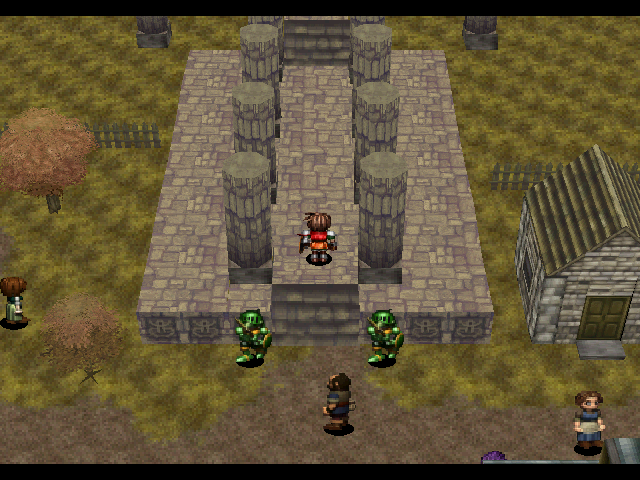 LookoverAll changes to the Town of Lookover, and its scenic Tower.
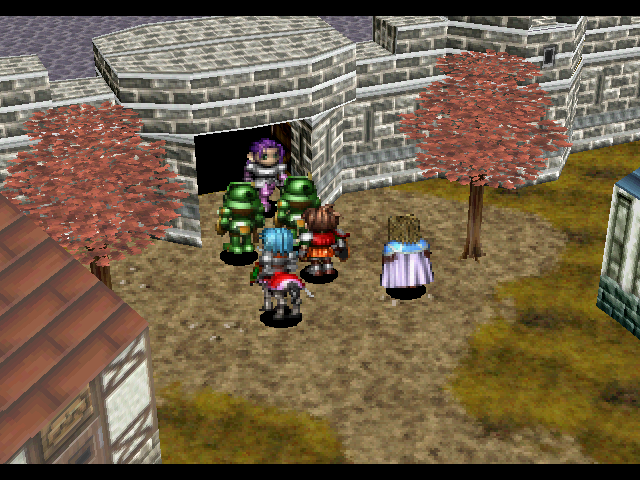 MalorieFrom the final town of the game up until the 2nd to last battle..
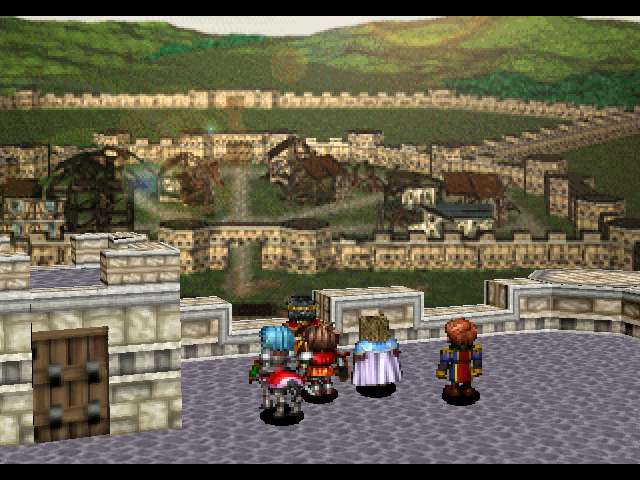 Aspia"! !".
Debug#
Entering 3602206e 0001 will enable a debug mode. Its functions are as follows:
Name |
Explanation |
|---|---|
Scn |
Area Warp - Select the map where you wish to go, hit A then close the menu. Has a bit below the area name, setting it to anything other than 0 doesn't appear to do anything. |
Flg |
Sets event flags. |
Prm |
Roster editor. Add or remove character, change their levels or classes. |
Itm |
Gives you any item in the game, provided you still have space. There is also an option for Max Gold. |
Sav |
Saves file. |
Lod |
Loads a save file. |
Snd |
Sound Test. |
12P |
This specific line was removed in the English version, though improperly in the prototype. Pressing it over and over will spout off random Japanese and garbage characters. |
Cfg |
The normal Configuration menu. |
Also, pressing X+Y+Z together will pause the game. In this mode, pressing any button other than Start will advance the game 1 frame, and pressing L will enable some printout information, pressing Start will exit this mode. Also, holding Z while in control of a character will enable you to walk through walls, and holding Z during battle instantly ends it (pressing Start during an enemy's turn kills that specific enemy). Holding R during a cutscene will skip through massive chunks of dialogue, though this can sometimes crash the game.
(Source: 1 Knight0fDragon)
General#
Prototype |
Final |
|---|---|
You need [###] blocks |
You need [###] blocks memory to save. To |
The system memory is |
The system memory is not ready. Use the |
The cartridge memory |
The cartridge memory is not ready. Use the |
{Color}{08}The system memory is |
{Color}{08}The system memory is not ready. Use the |
{Character} the {Class} |
{Character} the {Class} |
{Character} the {Class} |
{Character} the {Class} |
NOT EQUIPED |
NOT EQUIPPED |
AFTER PROMOTION |
AFTER PRMTN |
RESPONSE METHOD |
RESPONSE |
Natural Healing |
Ntrl Heal |
Remove cursed |
Remove |
Cursed |
Remove |
Remove equipment |
cursed equip |
Configuration Options: |
Configuration: |
Really Hard |
Difficult |
Super Hard |
Insane |
Saving. Don't power down please. |
Saving. Don't power down, please. |
Creating a new save file. |
Creating a new save file. |
{Character} is not |
{Character} is |
Something's there!{Small pause} |
Something's there!{Small pause} |
Should {Character} equip |
Should {Character} equip |
It's so hot... Maybe I should take this off... |
It's hot. Maybe I should take this off. |
{Character} is to equip the {Weapon/Accessory}?{Yes/No} |
Should {Character} equip the {Weapon/Accessory}?{Yes/No} |
...... |
. . . . . . . |
- Control codes are only left unaltered if they are relevant to the change, some common ones are:
* {02} - Line End
* {03} - Line Break
* {04} - Small Pause
* {05} - Next page symbol, occasionally shows up in longer conversations and for the purposes of this article, effectively just another line break.
* {07} - For color text, the color depends on separate control codes next to it.
* Anything from 10-1F - Taken from RAM. Generally, 10 is reserved for the main character's name, 1E is for Yes or No questions, or "JuMsY" the one time that shows up in the game, while the rest are context sensitive.
- ATK was abbreviated as ATT in this build
- Additionally, Speed and Agility were swapped around, to keep this article from becoming hopelessly redundant, changes like these will not be individually listed.
- Line 76F in all of the final's scripts is the line "Incompatible Peripheral". That is missing entirely from the prototype.
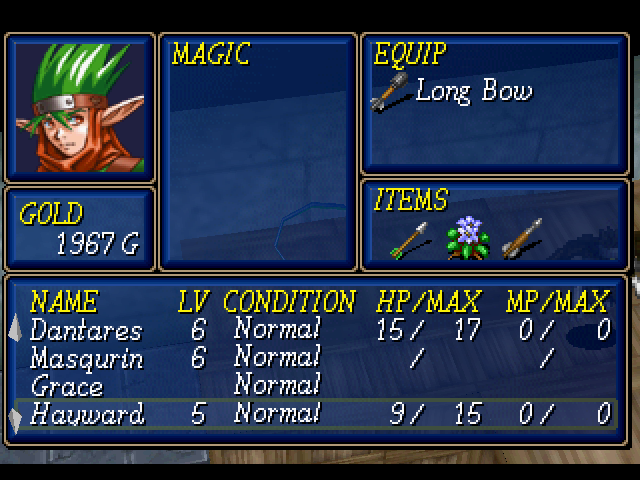
- Some of these lines were shortened in the final due to overflow and or wrapping errors. It is not uncommon for the text in this build to blank out while scrolling through it.
Classes#
Proto |
Final |
|---|---|
Yeoman |
Archer |
Penguin? |
Penguin |
Archer |
Marksman |
Item Description/Names#
Proto |
Final |
|---|---|
Circlet - raises Def,Luck, rec MP |
Circlet - raises Def, Luck, rec MP |
Sml Mithril |
Lrg Mithril |
Lrg Mithril |
Sml Mithril |
Enemy Names#
Japanese |
Proto |
Final |
|---|---|---|
サラバンドナイト |
Pegasus Knt |
Pegasus Kt |
マッドフォーク |
Mad Folk |
Kyon-shi |
Mad Folk appears to be the proper translation.
Location Names#
Proto |
Final |
|---|---|
Barland North Plateau |
Barrand North Plateau |
Barland N Plateau |
Barrand N Plateau |
Weapon Types#
Proto |
Final |
|---|---|
Laypia |
Rapier |
Ank |
Ankh |
This is the only time a "Laypia" is listed. Possible mistranslation.
File Select#
While most of the changes are already in place to some degree, the File Select still calls the game Scenario 1! Interestingly, an even earlier version of this screen appears in the game's manual, where it's misspelled as "Scearid".