This article has a talk page!
This is a sub-page of Proto:Halo: Combat Evolved.


Controls#
` - Open console
Escape / End - Quit game (No prompt)
On foot#
WASD - Move
Mouse 1 - Primary Fire
Mouse 2 - Alt Fire
R - Reload
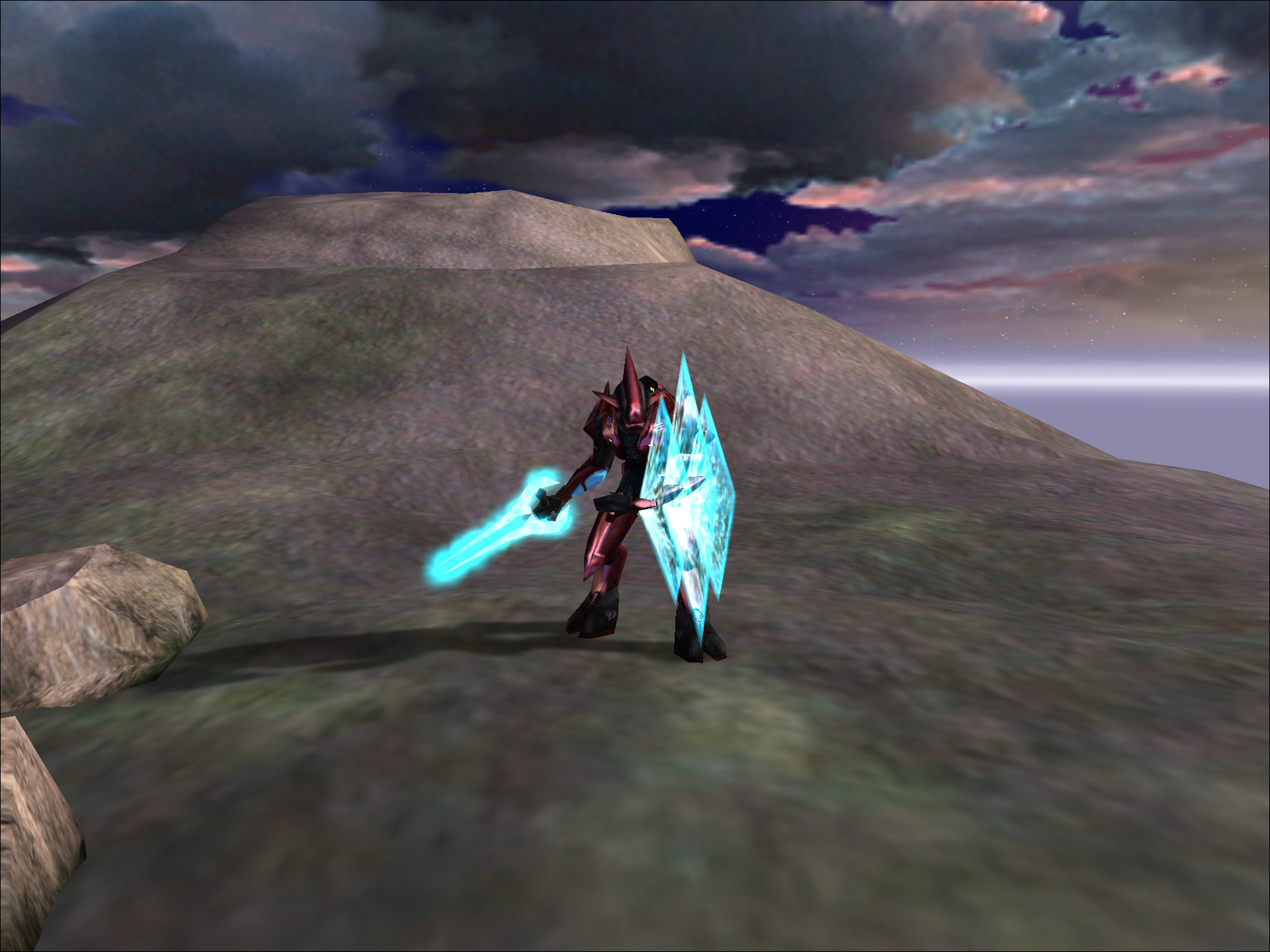
F - (As an Elite) Activate shield
Mouse Wheel - Zoom (Only on certain weapons or in third person)
E - Switch Weapons
Ctrl - Crouch, Pick up weapon
⇧ Shift - Walk Modifier: When held, the player can freely look around while walking in the same direction
Alt - Alert Carry
Shift+E - Drop weapon
Z - Enter vehicle
← Backspace - Switch camera mode
\ - Cycle bipeds
1 - 0 - Play animation
In a vehicle#
Mouse 1 - Attack
Ctrl - Reset vehicle (if flipped over)
Space - Handbrake
Editor#
- = - Cycle through object lists
Mouse 1 - Select object
Mouse 2 - Place object
Delete - Delete object
[ ] - (Primitive mode) Rotate primitive
Page Up Page Down - (Primitive mode) Change primitive elevation
F1 - Save changes
Free camera mode#
Mouse 3 (Hold) - Control camera
W A S D - Move camera
R F - Ascend / descend
Rasterizer#

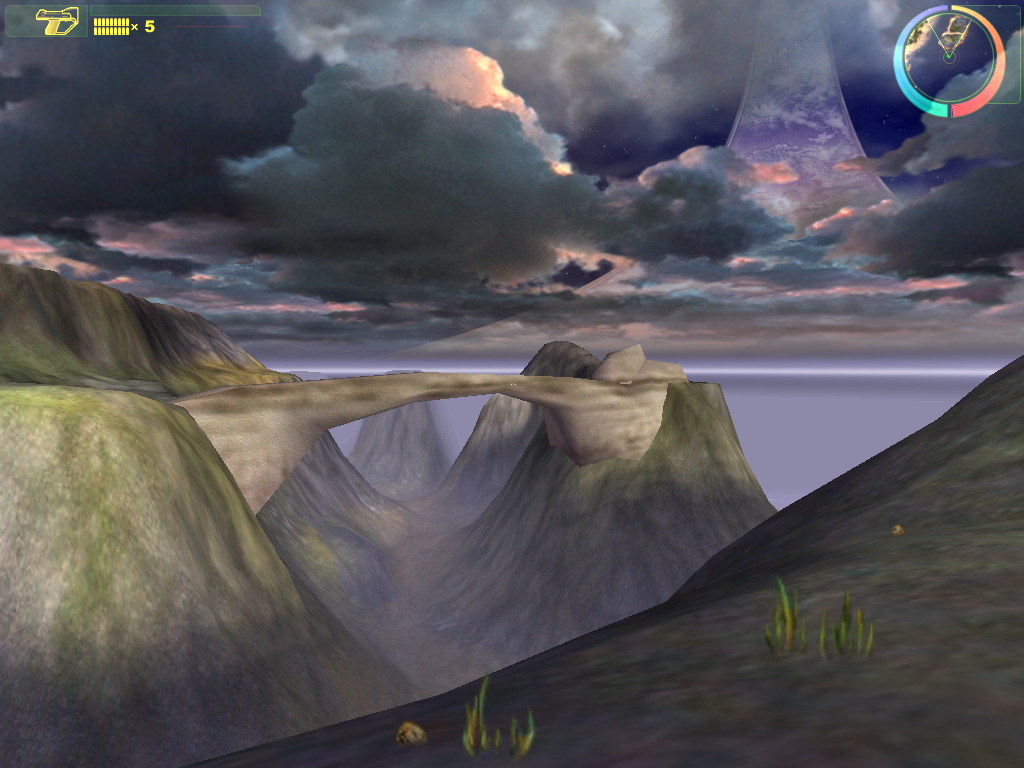
The game offers a rasterizer menu on boot. VoodooFX support had already been dropped in favour of D3D and a software renderer is incomplete but present. A majority of options on this menu do not work. It will list all available resolutions for your display. However, it will crash for resolutions above 1080P. Once it has crashed once the game needs to be closed and opened again as all options will cause a crash. The windowed mode option will still run in fullscreen but display as a small window in the corner of your display. All low and high res option function. However, they don't seem to change anything. The game has the same issues as the Gearbox PC port where aspect ratios wider than 4:3 will cause issues with FOV and make the game very zoomed in.
This dialog box exists in the resources of all future Blam-based game engines, including Halo Infinite, Destiny 2 and Marathon (2026).
4:3 |
16:9 |
21:9 |
|---|---|---|
 |
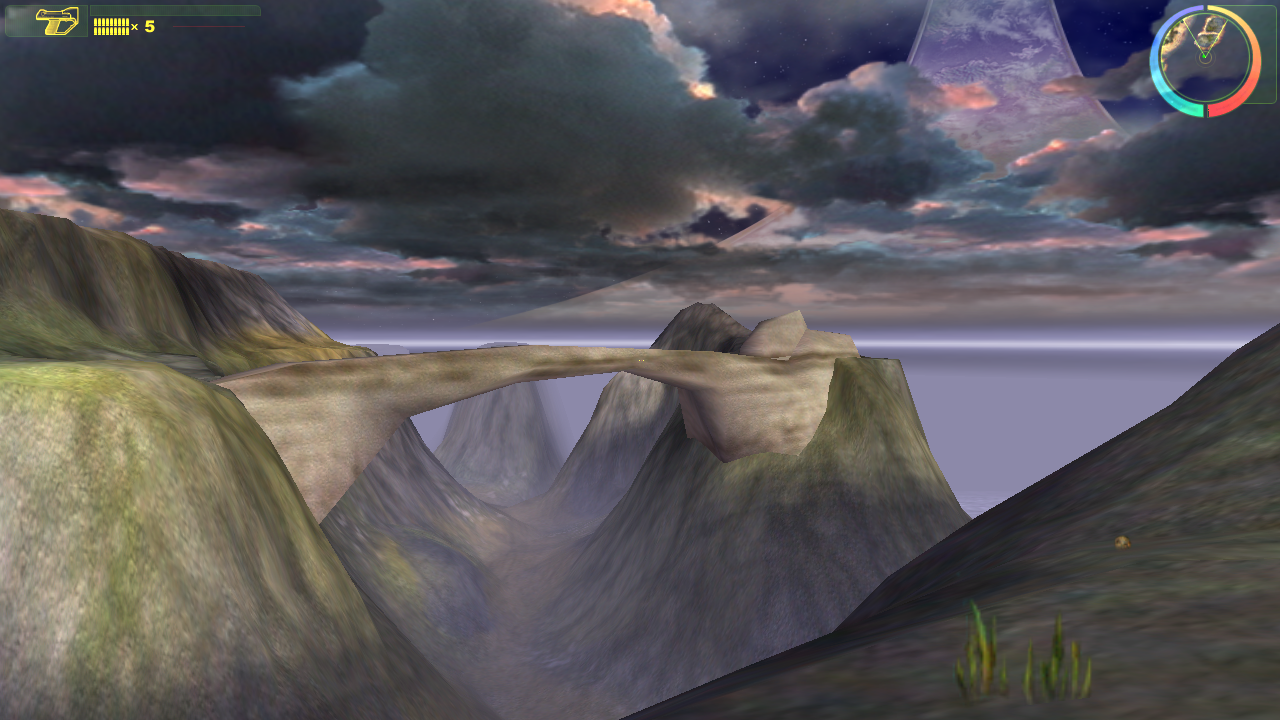 |
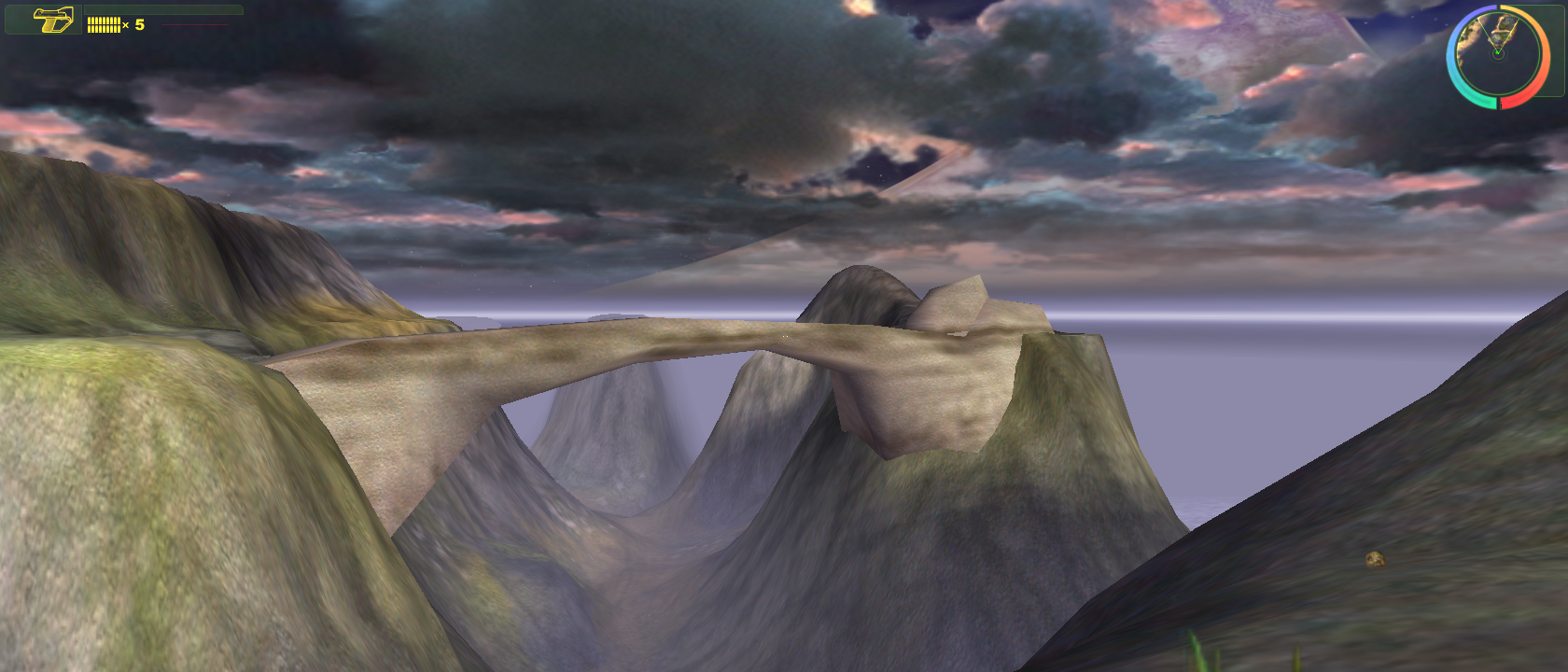 |
When ran in software it will display a wireframe instead. And not scale to the resolution.
|
D3D |
Software |
|---|---|
|
|

|
Camera Modes#
Similar to the editor tools for the final game, ← Backspace cycles through camera modes. You can cycle through first person, flying camera, following camera, and orbit camera. All modes except orbit camera exist in the final game.
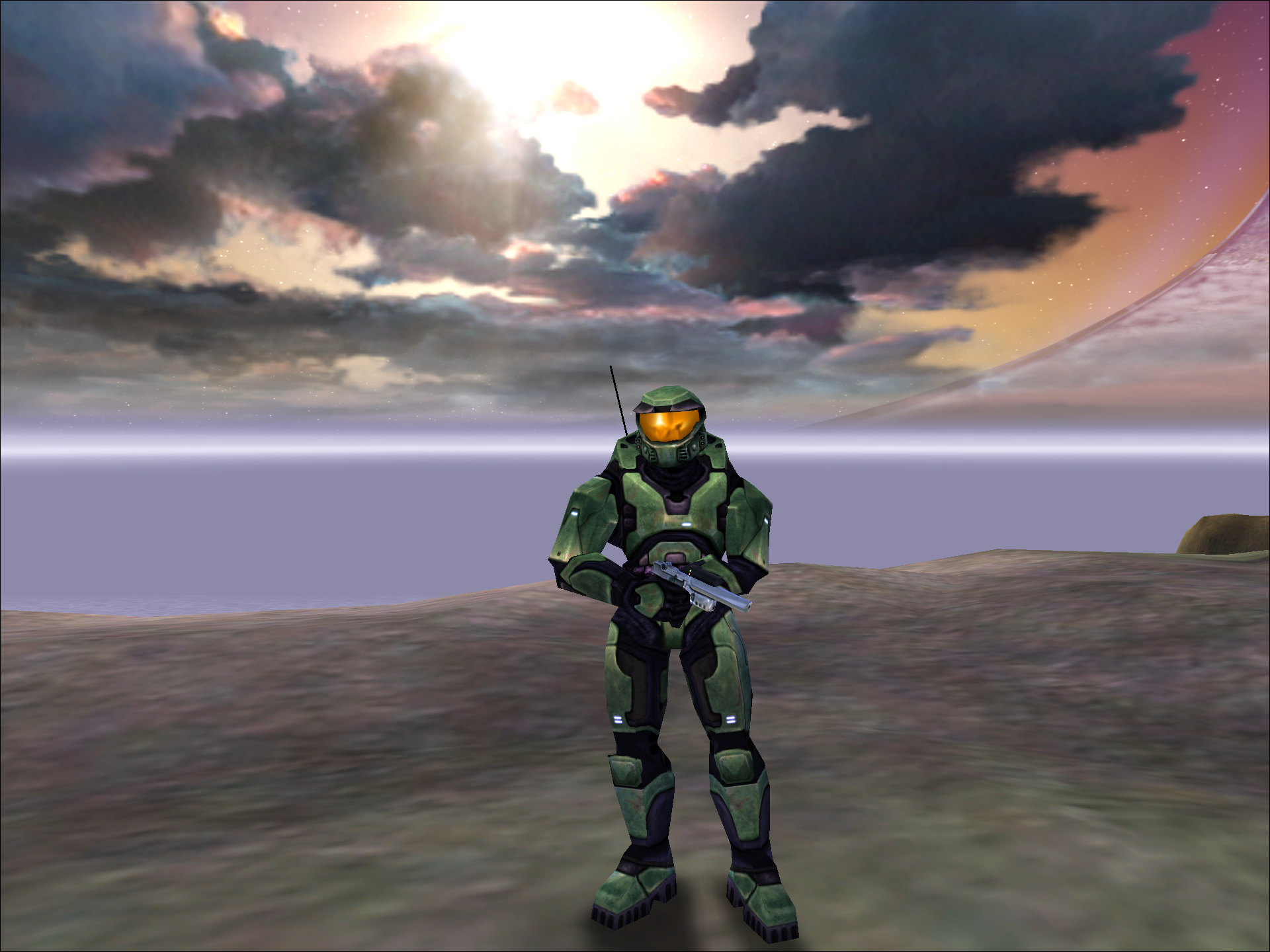
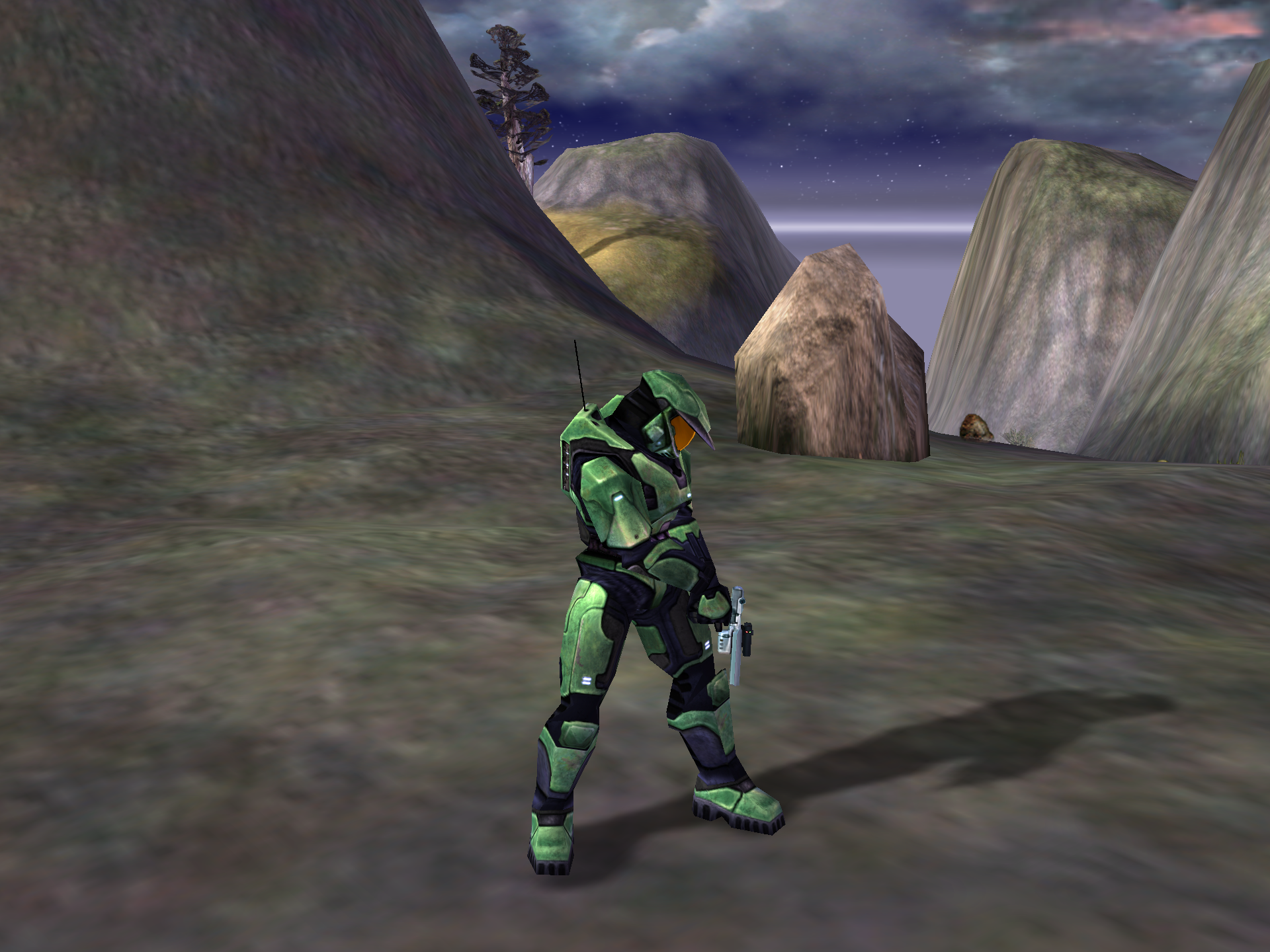
Pressing the \ key will cycle through nearby bipeds for the player to control. The game initially cycles between Cyborg and a nearly Elite, but if the player gets near any Marines, they can be cycled to.
|
Spartan POV |
Elite POV |
|---|---|
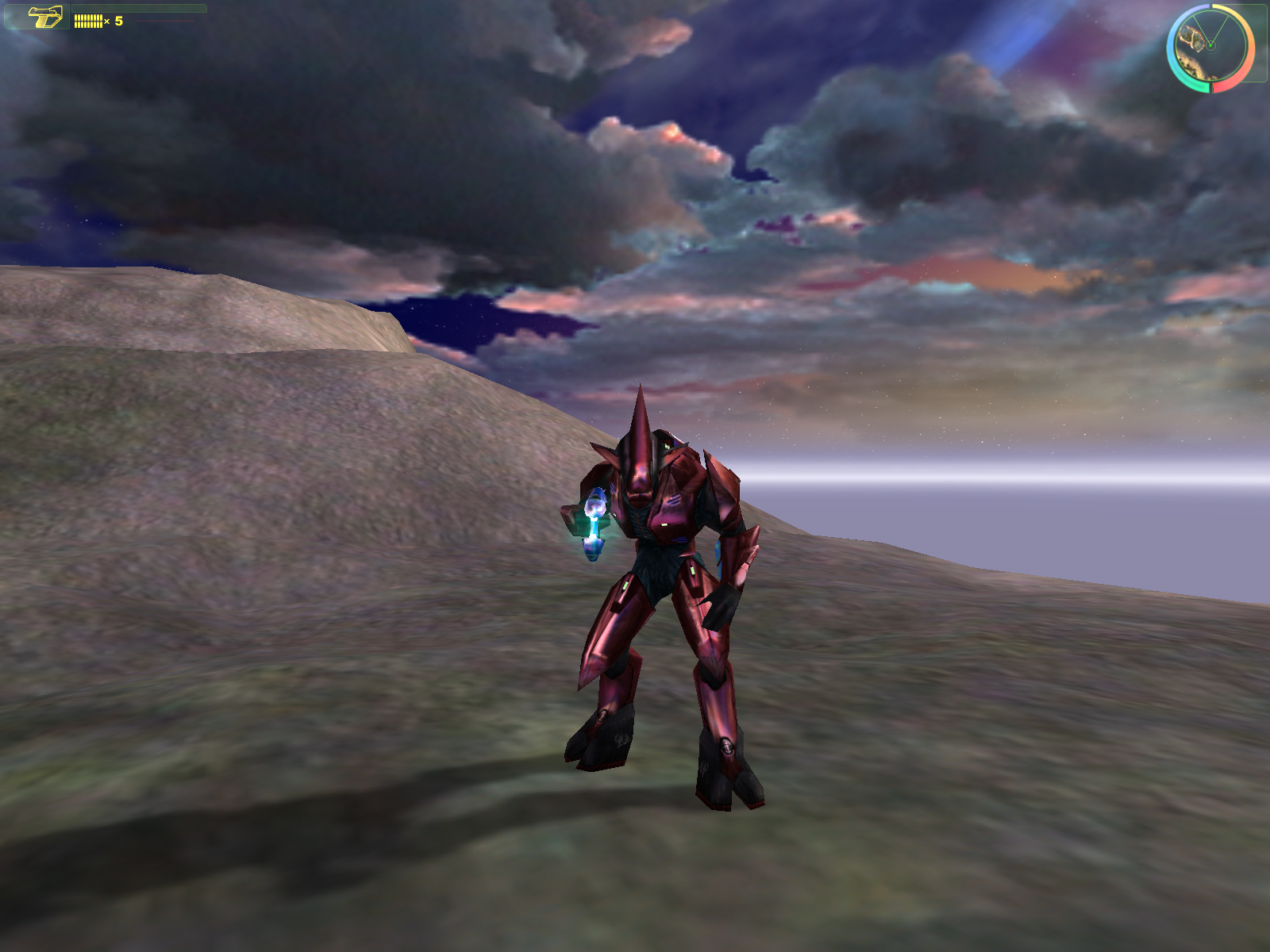
|
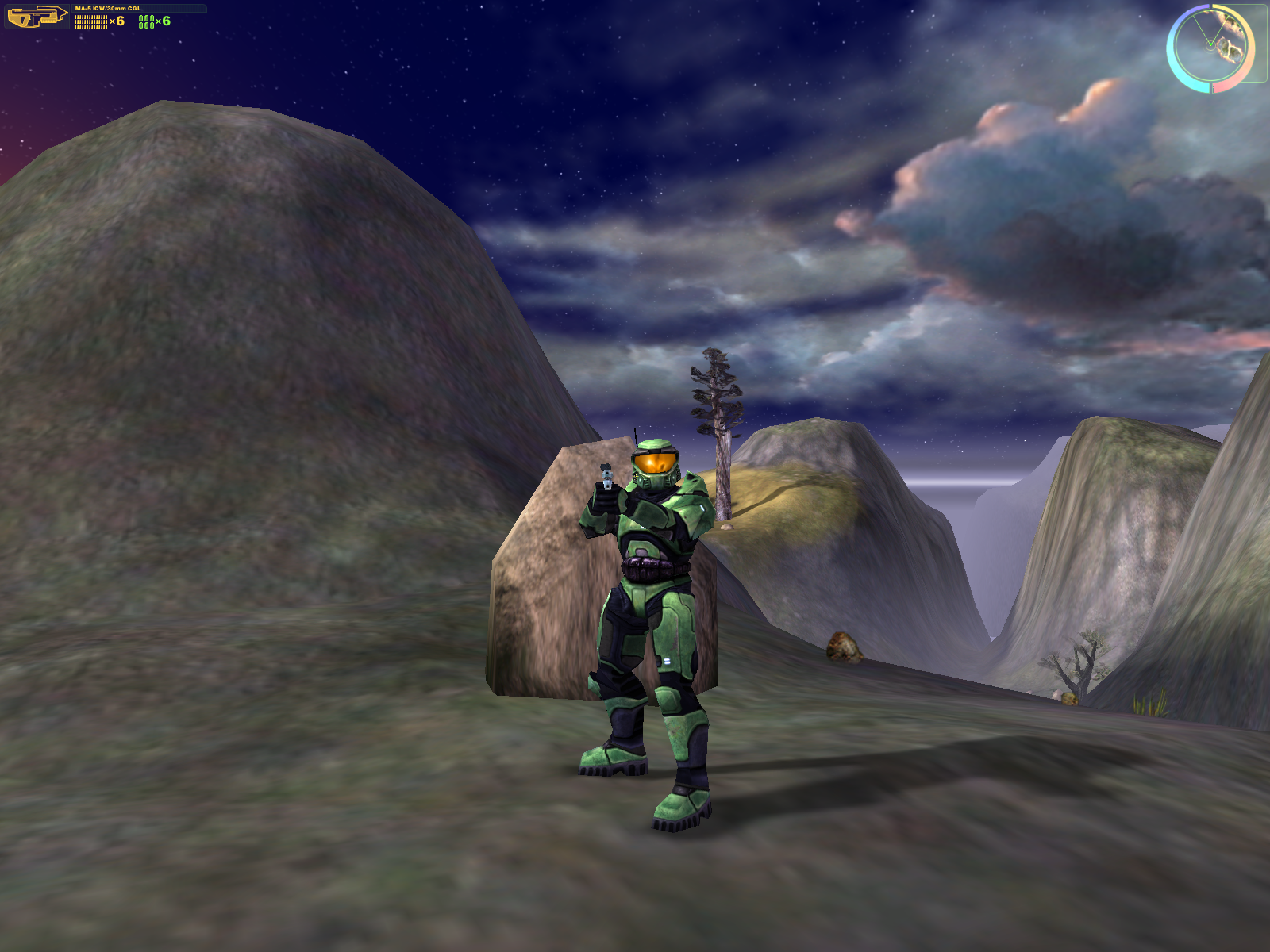
|
Editor#
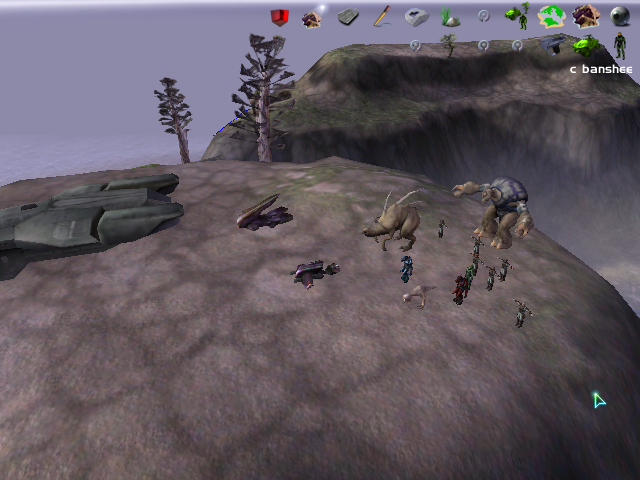
This build features a level editor, accessible by running the executable with the -editor or -edit argument from the command line. The editor allows users to edit the height of maps, and place structures and items along with various other features.
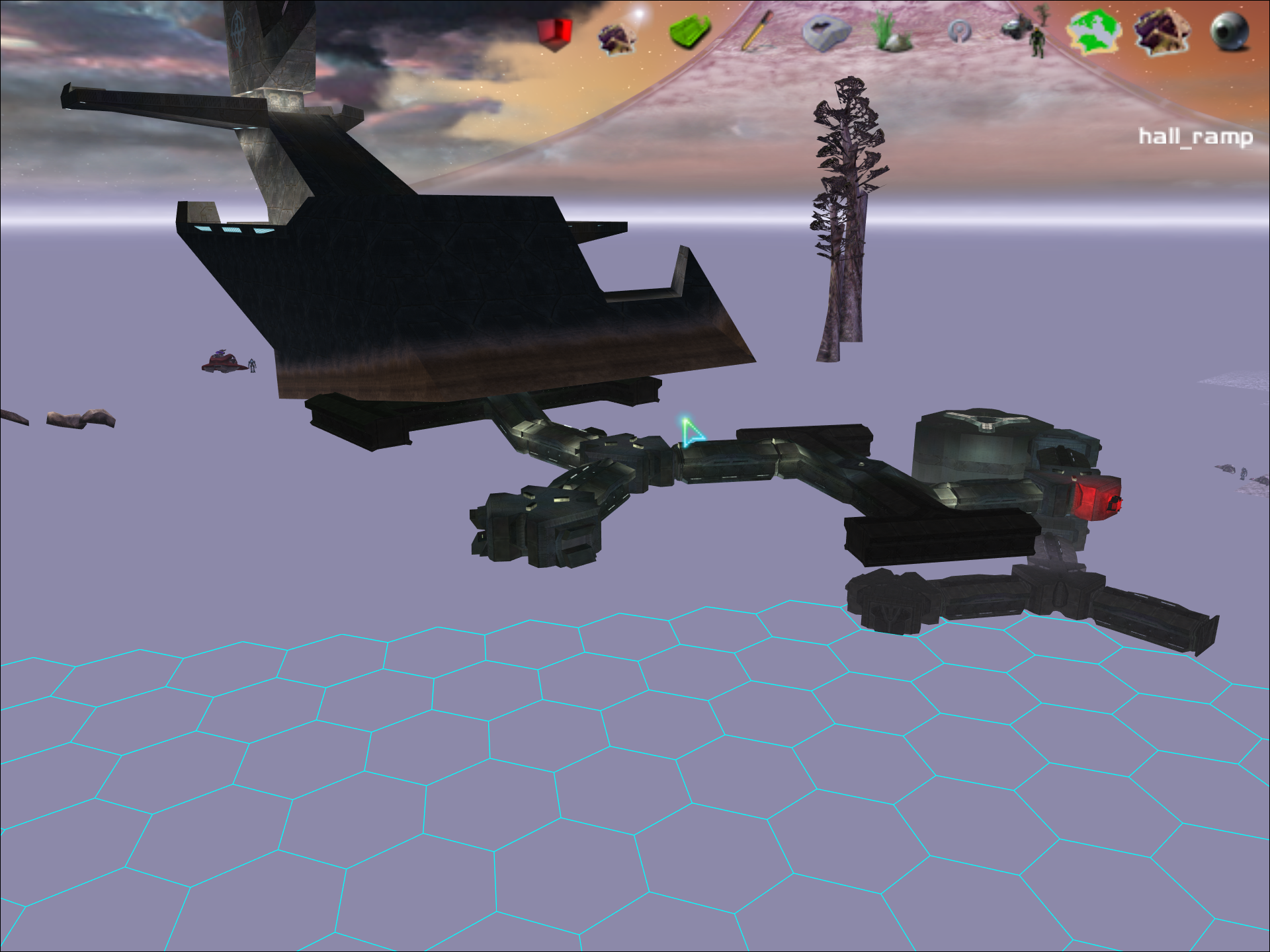
The Primitive Tool allows placement of small segments of level geometry in a hexagonal grid. The entire Forerunner base is built with this. According to a developer commentary, some geometry in the final game was built with this tool.
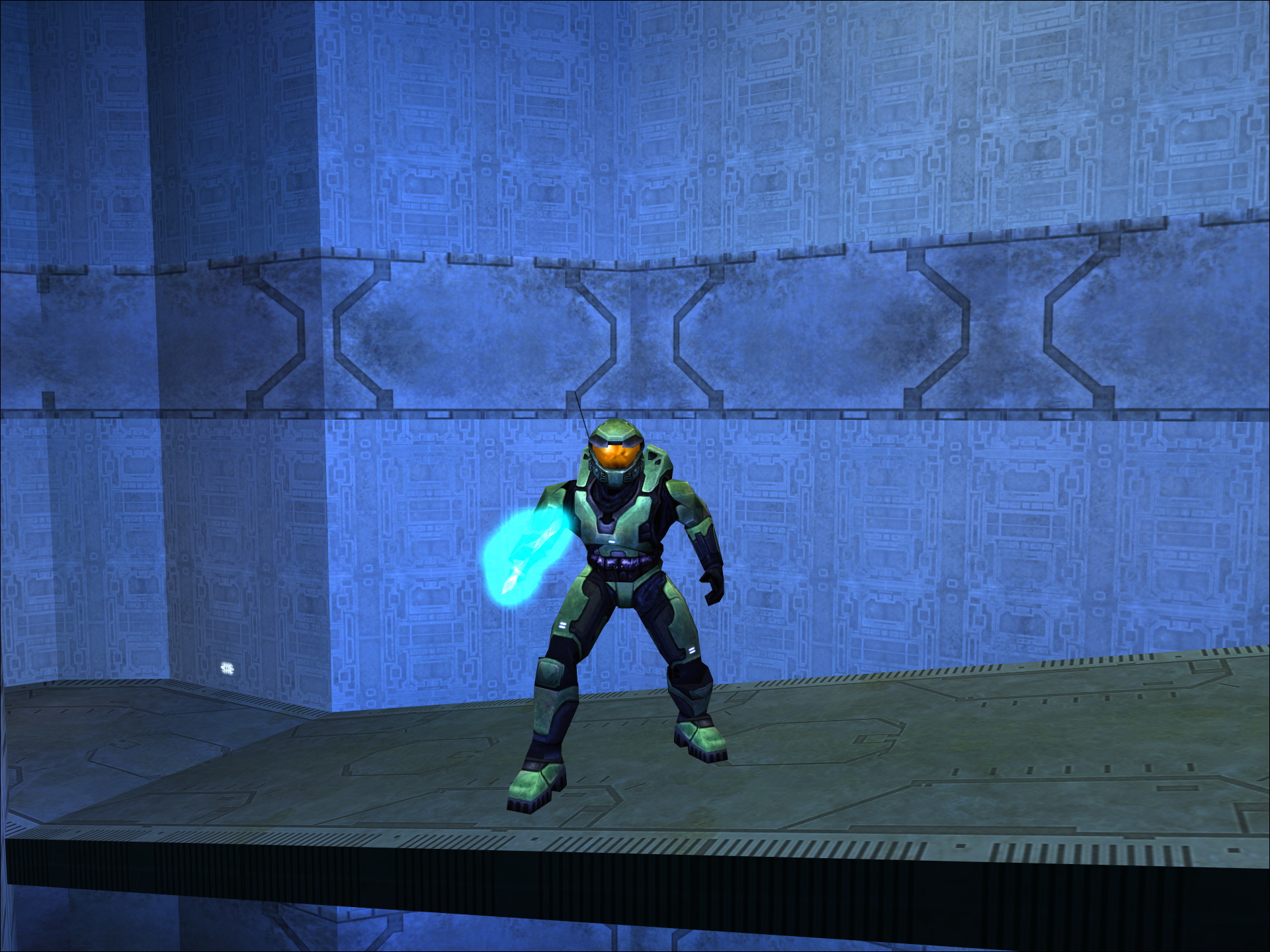
In geometry built with this tool, the Energy Sword has a pulsing blue light.
Oddities#
Things that are worth noting about the build that are also not very important.
- This build natively supports Dvorak keyboard layouts by translating key presses to their qwerty counterparts. The Gearbox PC port does not support this.
- When ran the build will create a debug.txt as well as a placeholder local and plugins folder, these will be read from if any edited tags or plugins are inside. A folder is also made to save your rasterizer settings but it is never read from.
- Jumping and movement in general is far less floaty and slow than in the released game.
- You shouldn't alt tab from the game. It is prone to crashing and graphical issues when you do.
- The 1 and 2 keys cause the characters to bob their heads, used in the E3 demo as talking animations.
- The Cyborg animation bug that led to modern machinimas (Looking down moves the head up) is not yet present.
- Actor collision is extremely buggy in this build. So buggy, in fact, that by default it's disabled. Use console command biped_physics_new to enable it.
- Press and hold Alt to trigger Alert Carry. This state has idle and forward walking animations for each weapon. This was used in the E3 demo by Marines and Cyborg.
- Cyborg has real animations for diagonal movement. In the final game, the biped slides around while using forward/backwards animations.
- The minimap used in the HUD is for a different map.
- When playing as an Elite, press F to toggle the shield.