 This article has a talk page!
This is a sub-page of Proto:Gran Turismo 2/July 29, 1999 Demo Builds.
Gran Turismo Mode is present and functional to some extent here, but little is available for the player to interact with. Twelve dealerships spread across four cities can be visited — with the rest of the map bearing "CLOSED" signs — but only the New Car lineups as well as main Tune Up screens are accessible within these places. Viewing the cars' 3D models is not possible, unlike some demos of the previous game.
On the technical side, menu files are not split per language yet, nor are they split between foreground and background. They also are just scattered in the gtmenu directory of GT2.VOL, whereas the final game packs them neatly in gtmenudat.dat and commonpic.dat containers. solodata.dat — which handles system messages and car descriptions — is nowhere to be seen yet, while iconimg.dat is present but limited to shortcut icons.
Menu Differences#
Dated about four months before the game went gold, the menu artwork in this build is noticeably different in several aspects.
General#
A number of differences is reflected in multiple menus across GT Mode:
- Common shortcut buttons use the opposite color scheme from the final product — yellow art on black background, as well as earlier, more complex art for the Home and Go Race icons. The Game Status shortcut is absent, with a memory card icon taking its place — this suggests that saving the game from within GT Mode, like in the original game, was initially considered. A compass icon is also present on new car lineup and tune up pages, taking the player back to that dealership's city of origin when clicked.
- The bottom section of the screen — where information on days, credits and current car is displayed — is separated from the rest by a gray line. The icons for credits and current car use rectangular shapes and different art, and the "back" arrow button with the human silhouette is absent — an arrow button, serving the same purpose, is placed on arbitrary places of the screen instead, above the gray line.
- City menus do not make use of the entirety of the screen, instead focusing on either a horizontal strip on the center or a vertical strip to the left (West) or right (East), with the remaining space being darkened. City and manufacturer names are both written in yellow on the top left or right corner in the darkened area, and national flags are not used.
- Dealership home pages do not feature flavor text describing the brands, nor use flags to identify their countries of origin. They use lists instead of rectangular buttons for the various options, and notably include a "Used Car" option for Western makes — this submenu is only found in Japanese dealerships in the final product.
- New car lineup menus look drastically different at this point. The buttons use the opposite color scheme — yellow text on black background, the manufacturer's logo is seen on the top center corner of the screen and, curiously, real photographs of the cars — presumably sourced from brochures like the home page pictures themselves — are used instead of renders of the game's body meshes.
- Tune up menus lack the "PARTS LINEUP" icon, instead using a yellow line to separate the top section of the screen from the rest. The background blueprints are the same, but with a yellow tint and a weaker blur effect. Buttons are slightly larger, have a red border and use a different typeface for their labels.
Main Menu#
|
July 29 Demo |
November 29 Retail |
|---|---|
|
|
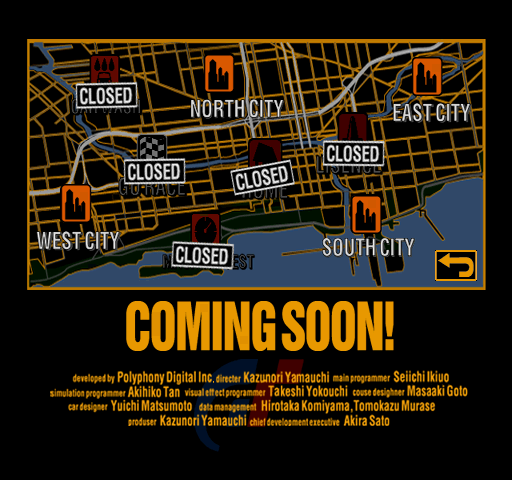
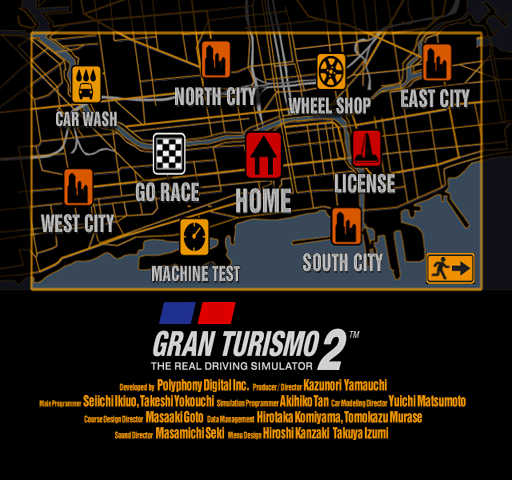
The general layout of icons on the world map is the same as the final product, but the placement itself differs to some extent. Icon label text uses a different, non-bold typeface, and isn't properly centered at points. The icons for "Home" and "Go Race" use the same art as their respective shortcut buttons, and "Wheel Shop" is notably absent, suggesting that either the idea hadn't been revisited yet, or the menu was initially going to be accessed from elsewhere.
The map artwork itself is early here, with streets being marked in gray and grassy areas in green — these details would be erased later on. It is also "zoomed out" compared to the final version, being entirely confined within the yellow rectangle.
Aside from the obvious "COMING SOON!" text, the bottom portion of the screen also contains its fair share of differences. The Gran Turismo 2™ logo is absent, with a faint GT one being used in the background instead. The credits list roles in different order, use less descriptive terms for some of them, lack others altogether and contain multiple grammatical errors.
East City#
|
July 29 Demo |
November 29 Retail |
|---|---|
|
|
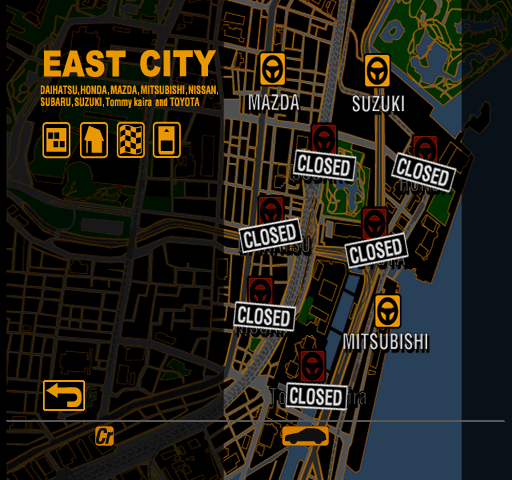
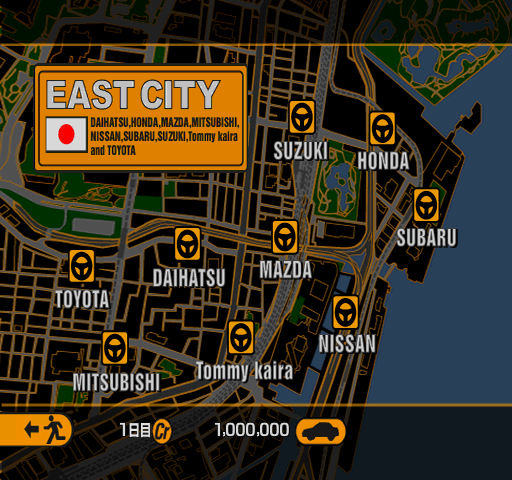
The map of East City uses the same background art as the final product, with its nine dealership icons being concentrated on the right half of the screen.
|
July 29 Demo |
November 29 Retail |
|---|---|
|
|
|
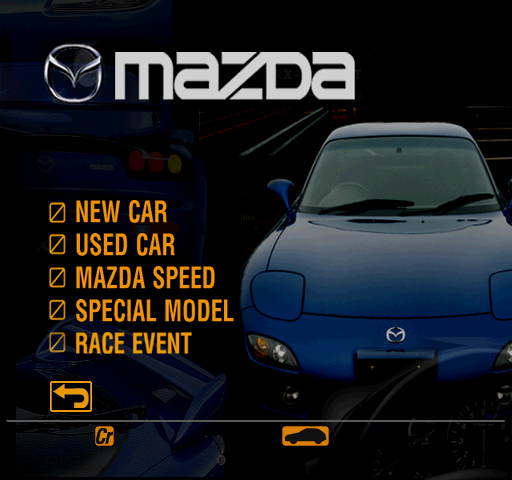
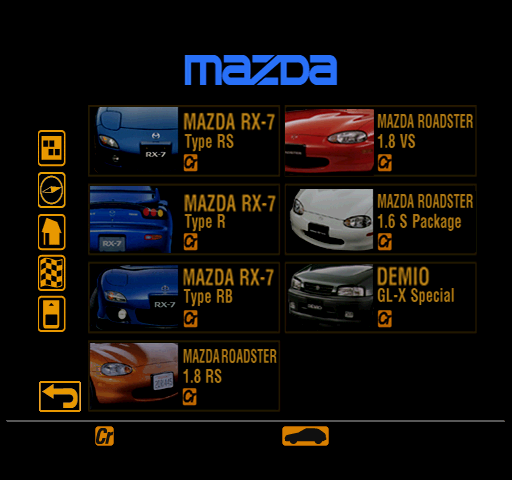
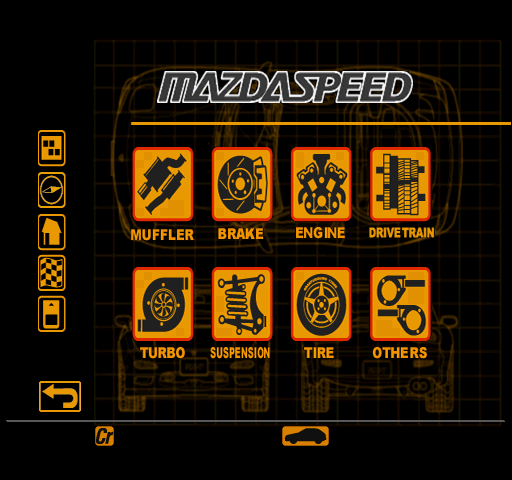
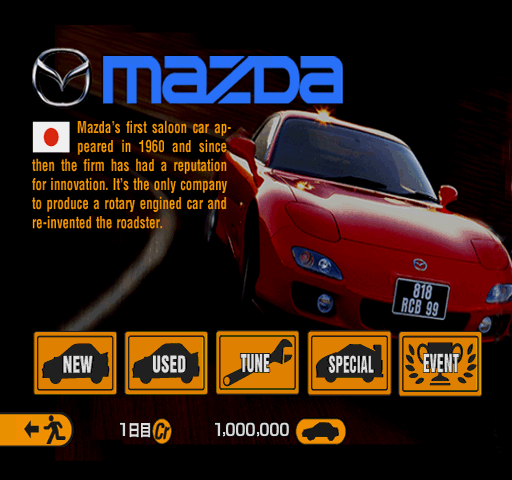
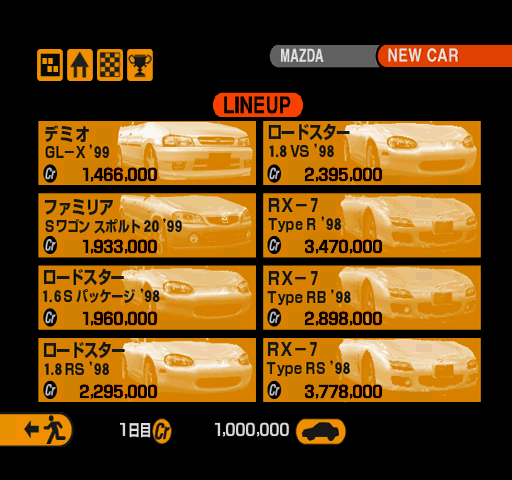
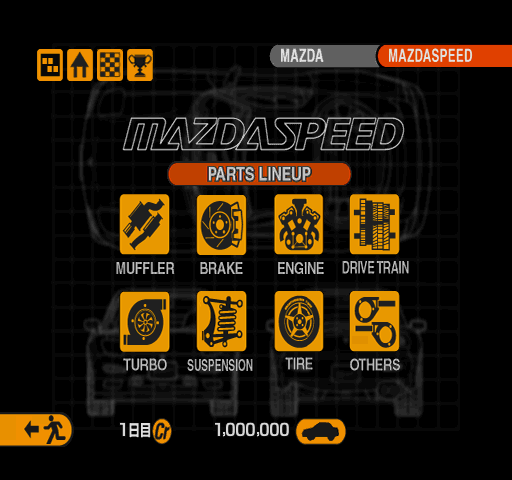
The main dealership screen of Mazda uses images of a blue RX-7 rather than the red one seen in the final product, as well as a white Mazda logo. The Familia S-Wagon is missing from the new car lineup, and the tune up screen sports a marginally different Mazdaspeed logo.
|
July 29 Demo |
November 29 Retail |
|---|---|
|
|
|
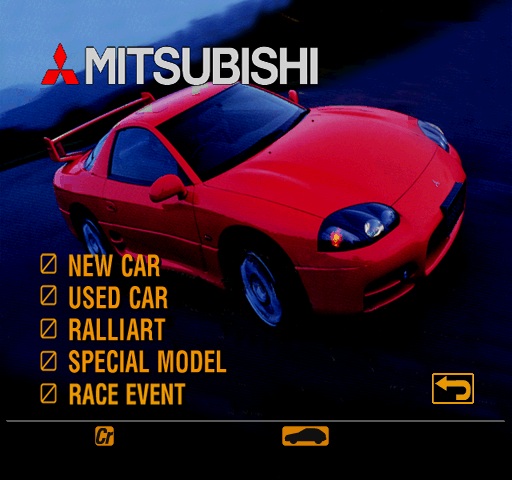
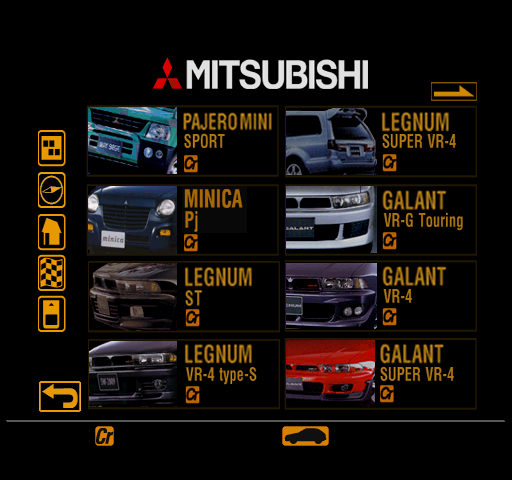
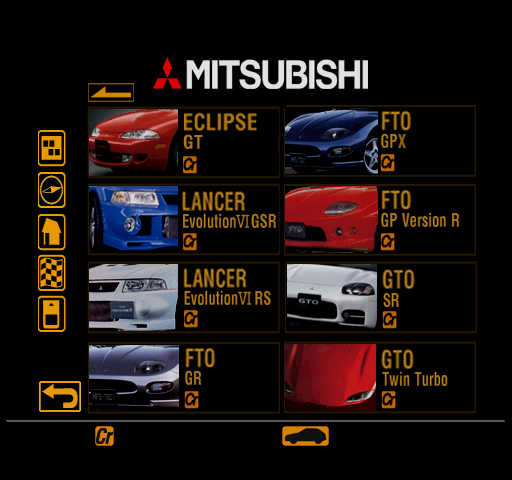
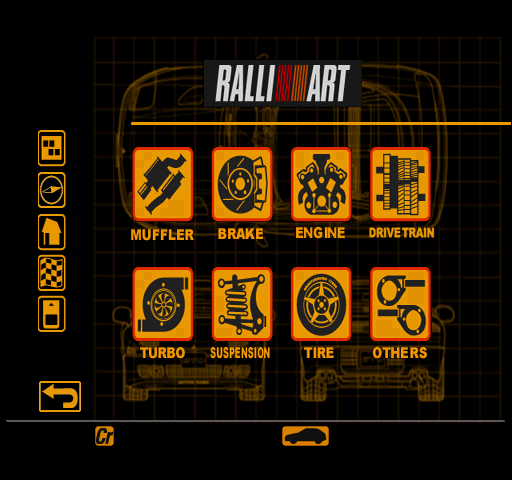
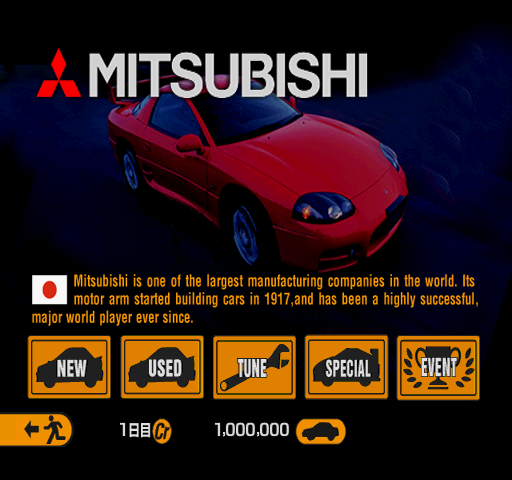
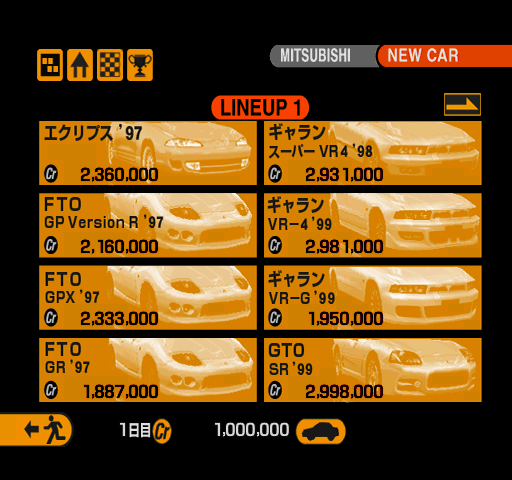
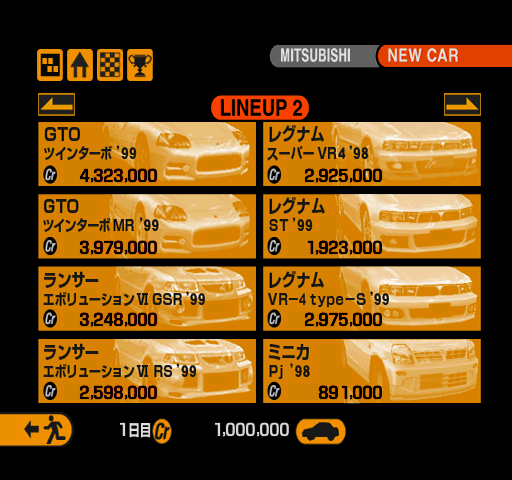

Mitsubishi uses the same photograph of a GTO as the final game, except at a different angle and with less editing. The new car lineup lacks all Mirage models as well as one GTO, and the main tune up menu uses a darker Ralliart logo.
|
July 29 Demo |
November 29 Retail |
|---|---|
|
|
|
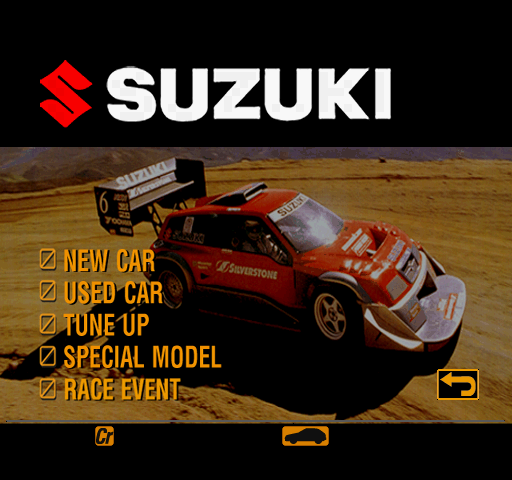

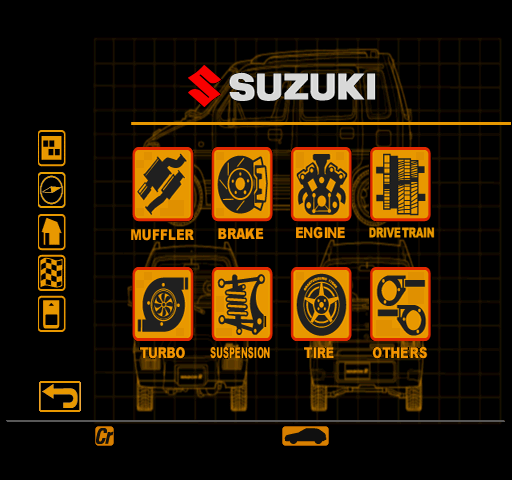
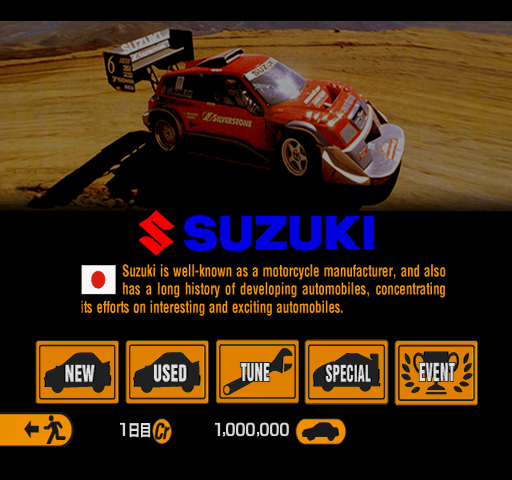


Suzuki uses the same picture of an Escudo, but with different cropping, alongside a white logo instead of blue. The lineup is the same except for the order, and the tune up screen uses the Suzuki logo again instead of Suzuki Sport.
North City#
|
July 29 Demo |
November 29 Retail |
|---|---|
|
|
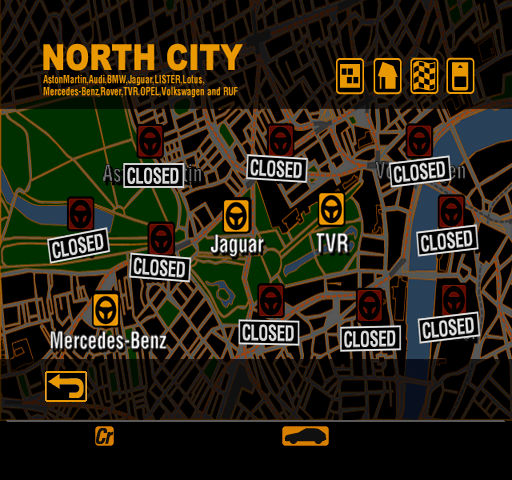
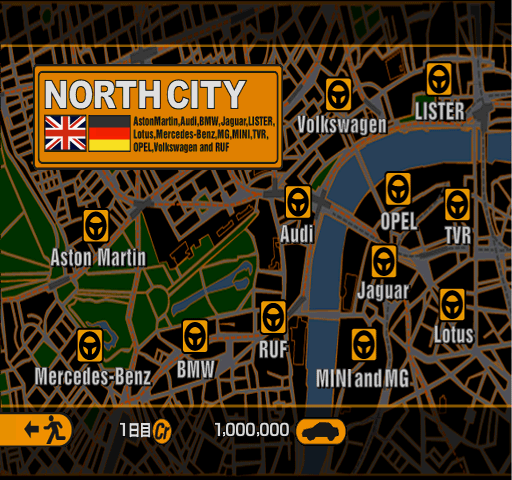
North City uses a less distorted, less cropped version of the map seen in the retail game. Its dealership icons are arranged horizontally, with "MINI and MG" being labeled Rover.
|
July 29 Demo |
November 29 Retail |
|---|---|
|
|
|
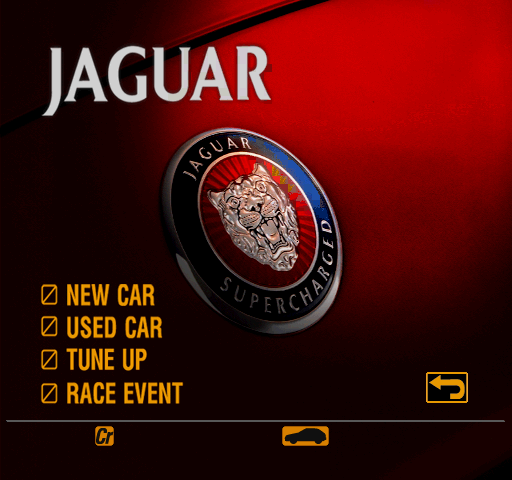
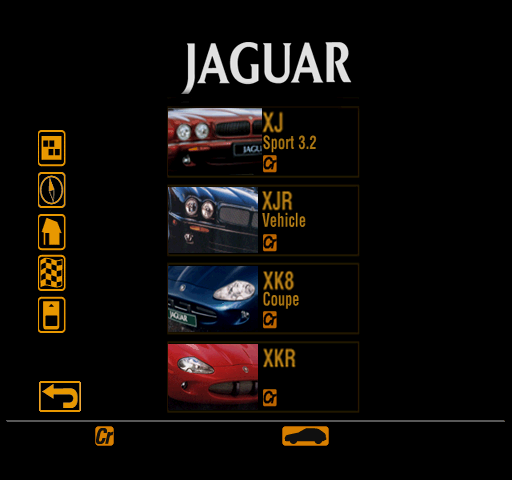
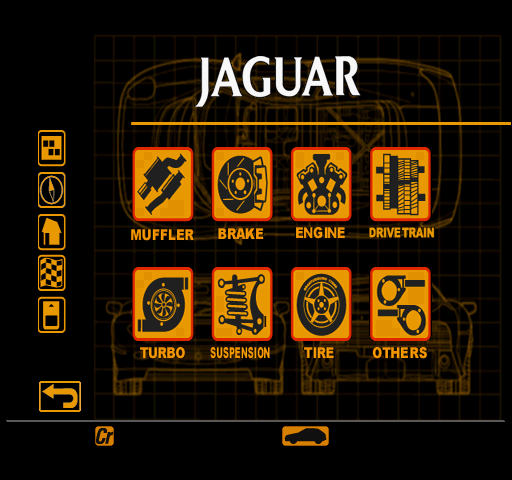
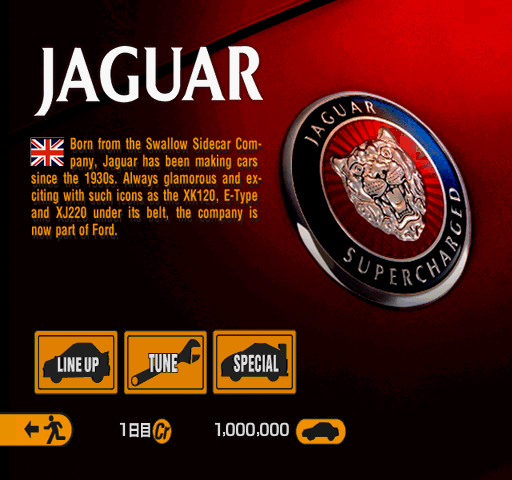
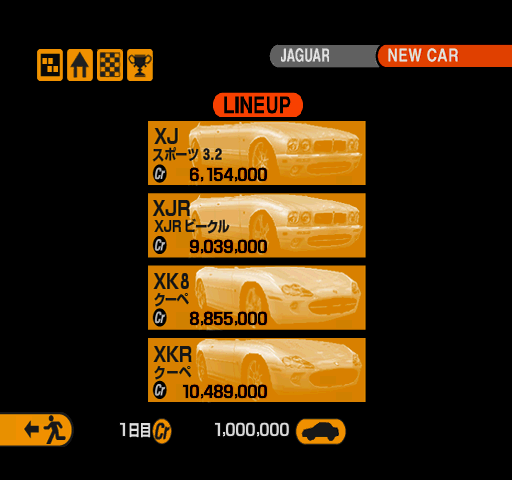
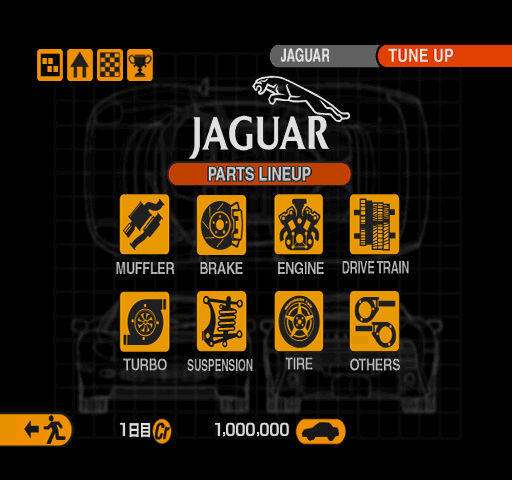
Jaguar's home page has the same photograph as the retail game, once again with a different crop job. The logo is slightly darker and has a shadow around it, which interferes with nearby tiles. The new car lineup matches the final game, and the tune up screen uses a logo that lacks the cartoon jaguar.
|
July 29 Demo |
November 29 Retail |
|---|---|
|
|
|
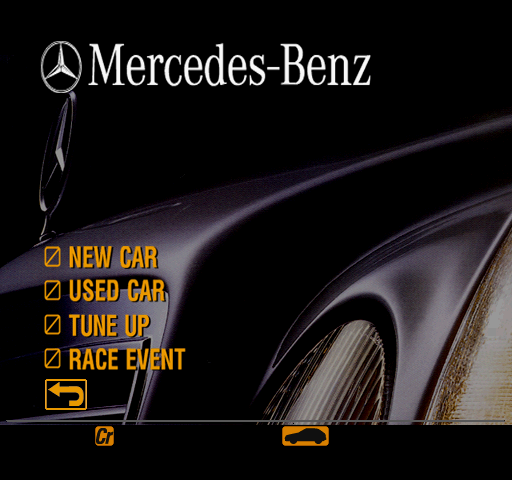
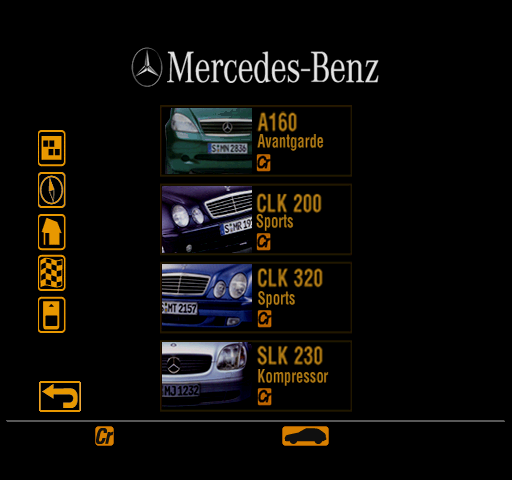
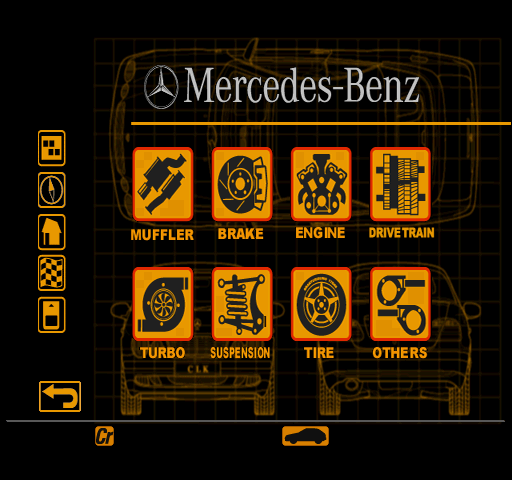
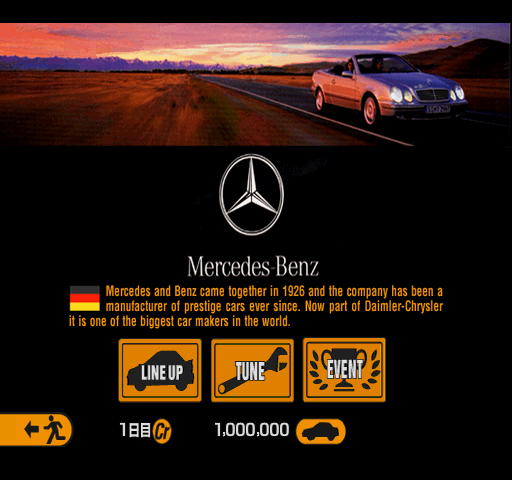
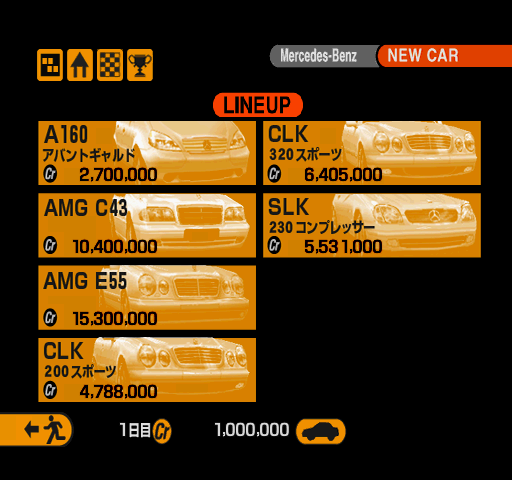
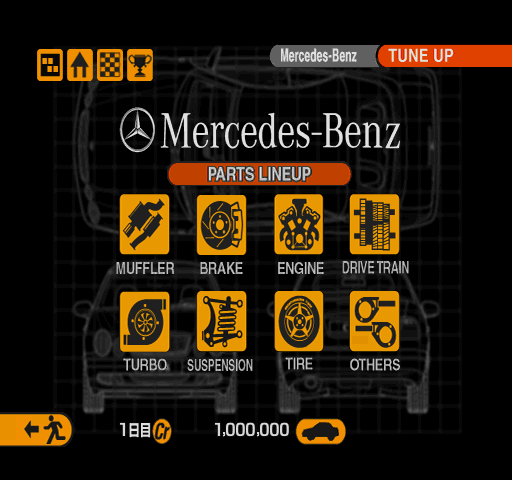
Mercedes-Benz uses a completely different photograph for its home page, as well as different arrangement of logos. The new car lineup lacks the AMG models, and the tune up menu uses a slightly darker logo.
|
July 29 Demo |
November 29 Retail |
|---|---|
|
|
|
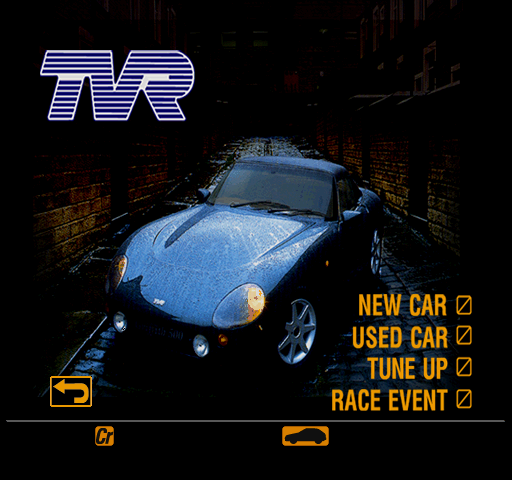
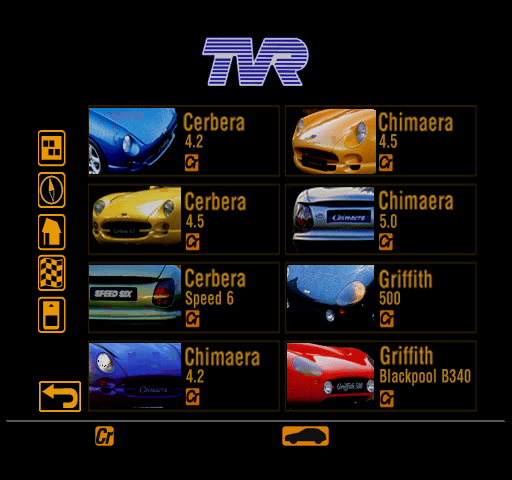
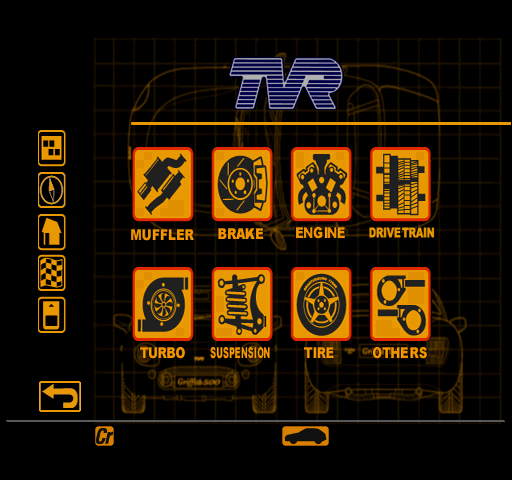
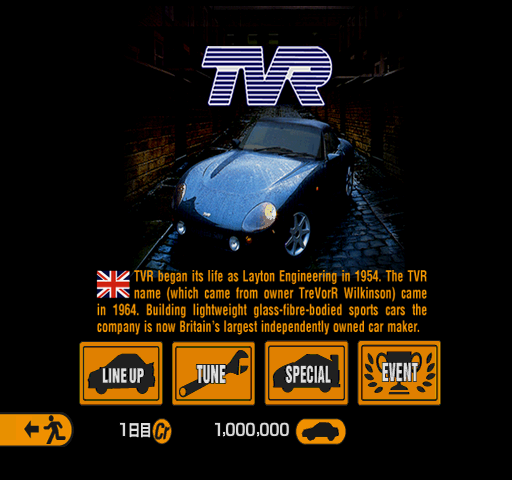
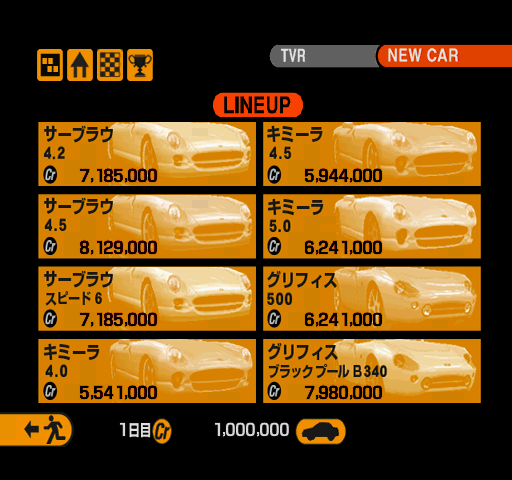
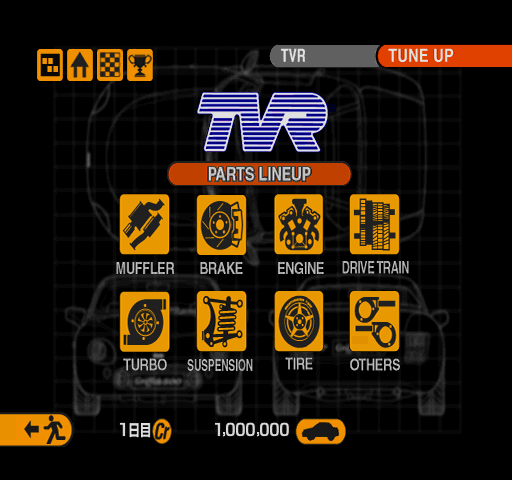
Aside from different cropping of its background image, not a whole lot is different about TVR here. Its new car lineup lists a Chimaera 4.2 instead of 4.0, and the tune up menu uses a slightly darker logo.
South City#
|
July 29 Demo |
November 29 Retail |
|---|---|
|
|
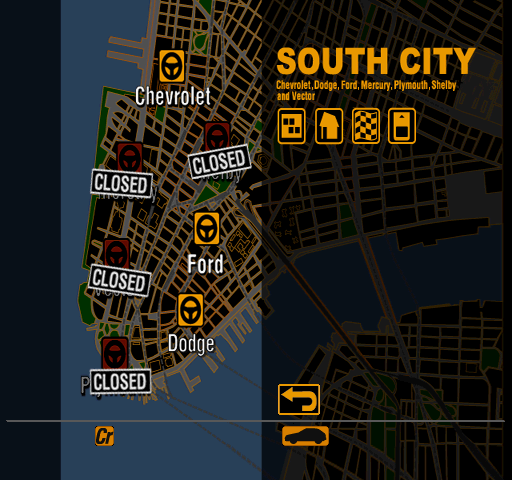
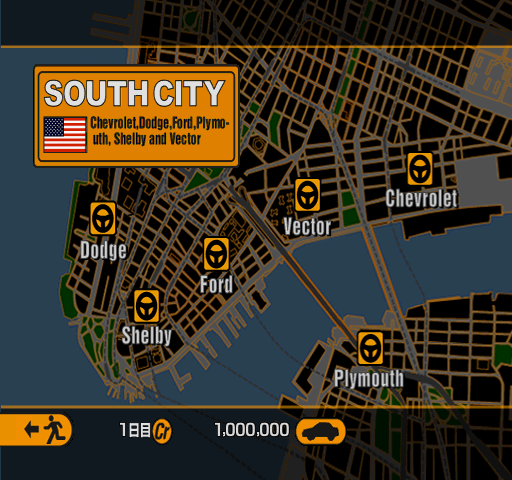
South City follows a similar trend to East City, with its dealership icons being concentrated on the left half of the screen. Being the fourth city in the menus' internal order at this point, it is speculated that this area might have been West City at an earlier point in development, though no known prerelease material confirms or supports this theory.
Of note, Mercury is present as a dealership here — its two cars would eventually be moved to the Ford lineup.
|
July 29 Demo |
November 29 Retail |
|---|---|
|
|
|
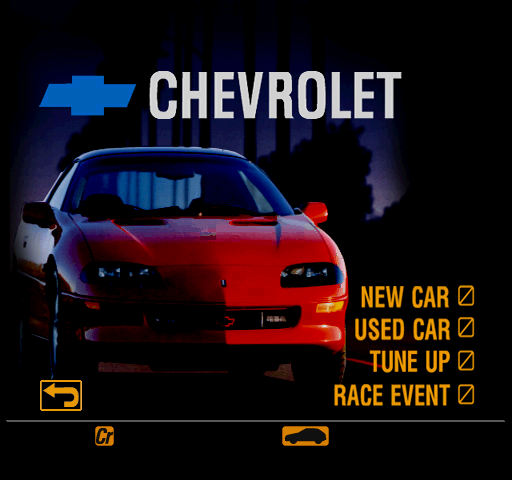

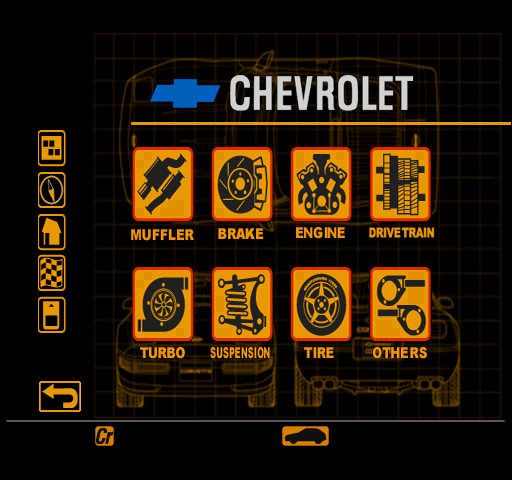
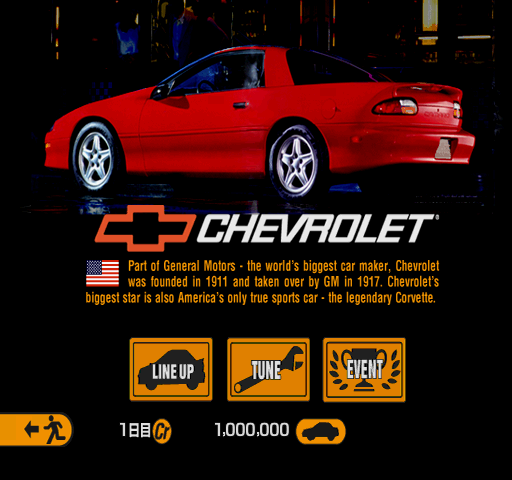
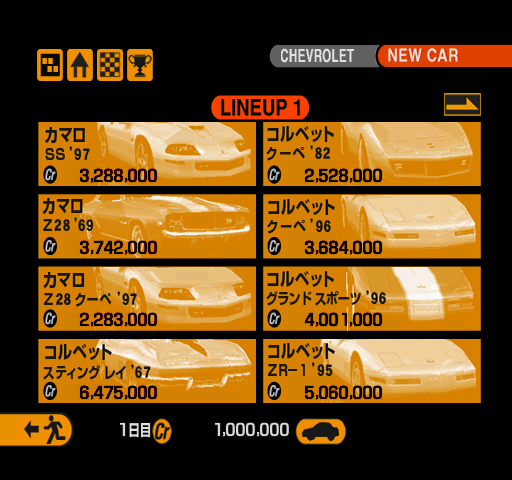
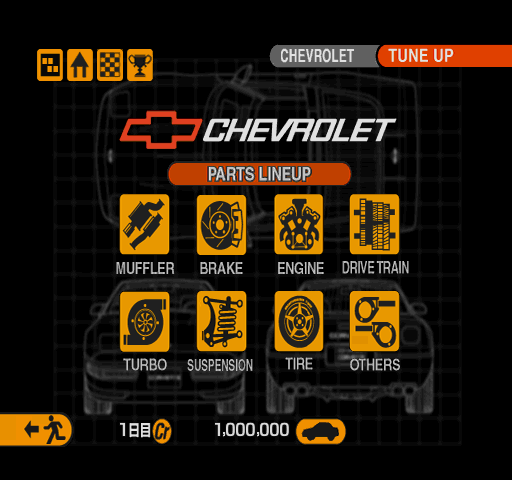
Chevrolet uses a different picture of a Camaro Z28, as well as a blue logo and different typeface for the "CHEVROLET" text. The new car lineup only features models from 1996 onwards.
|
July 29 Demo |
November 29 Retail |
|---|---|
|
|
|
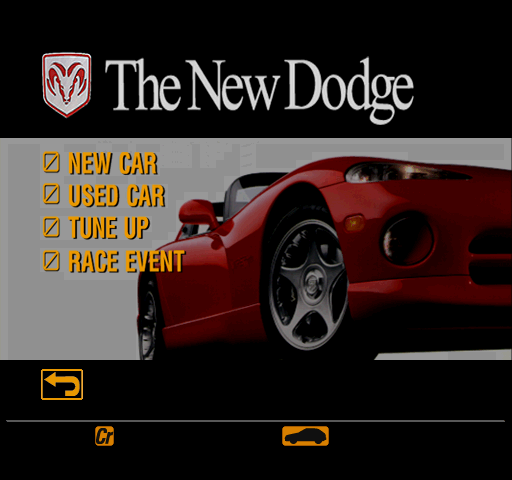
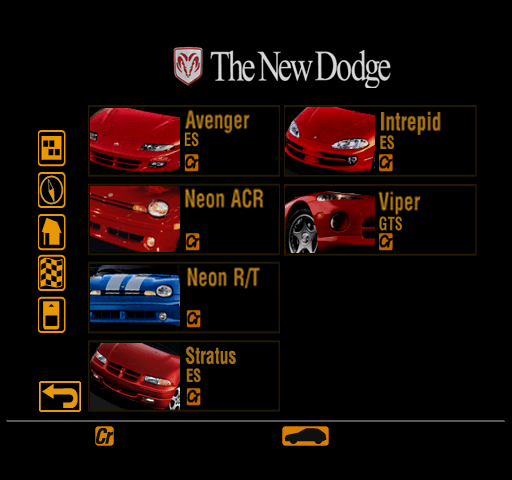
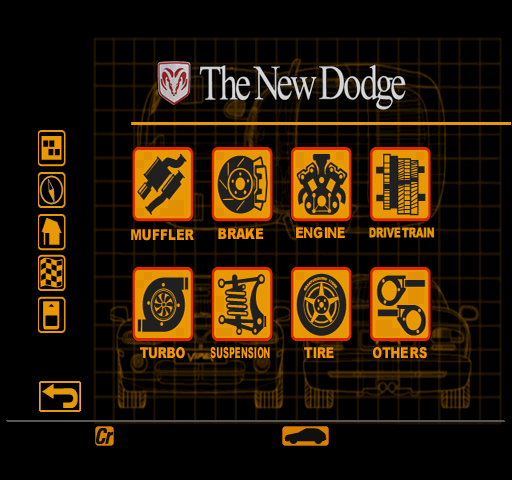
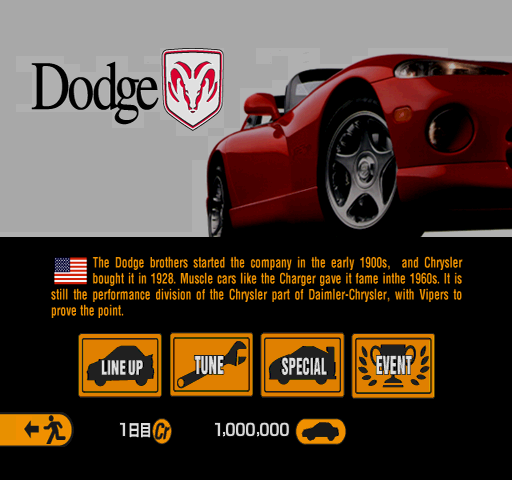
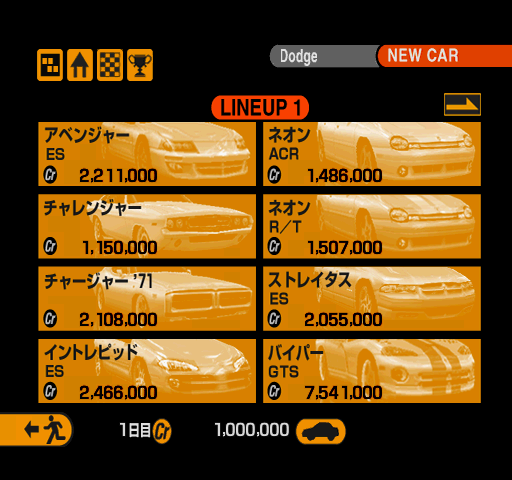

Dodge — or rather "The New Dodge" — uses the same photo as in the final game, with different cropping. The new car lineup lacks the classic muscle cars as well as the Viper RT/10, and the tune up menu is devoid of Mopar branding.
|
July 29 Demo |
November 29 Retail |
|---|---|
|
|
|
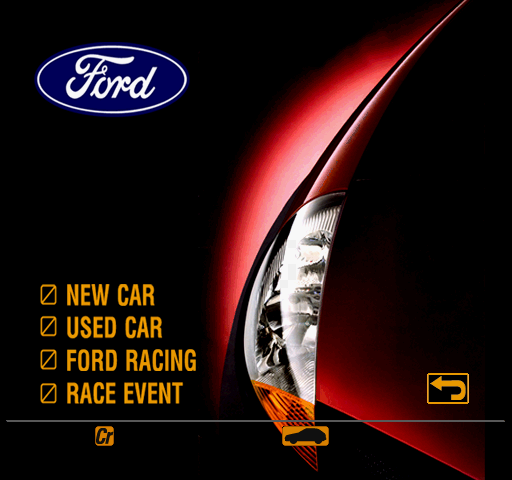
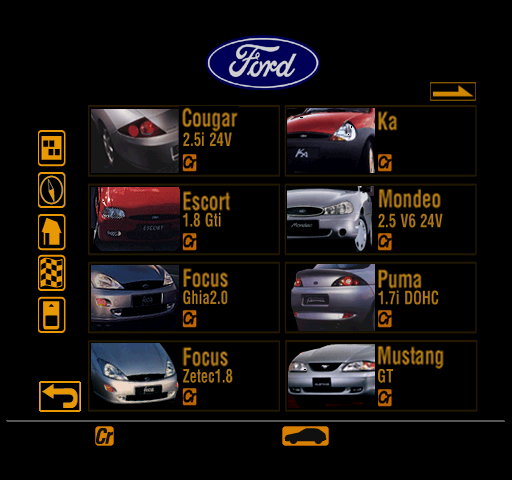

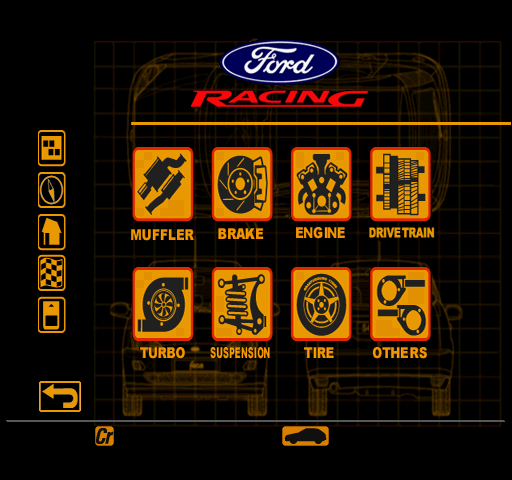
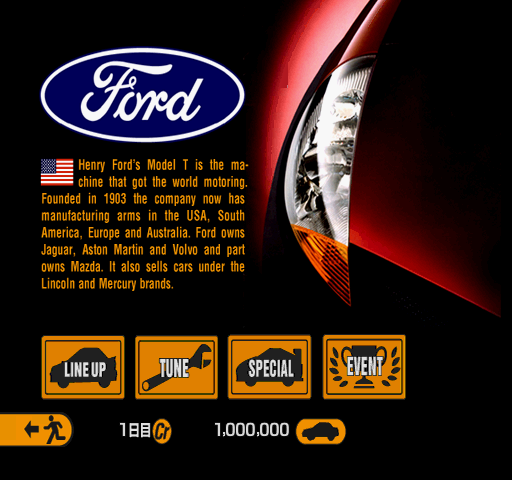
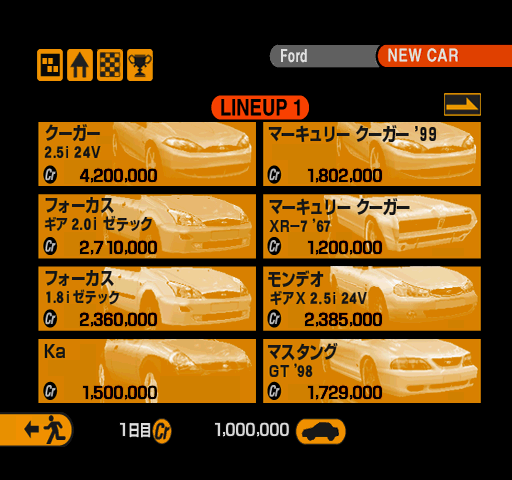
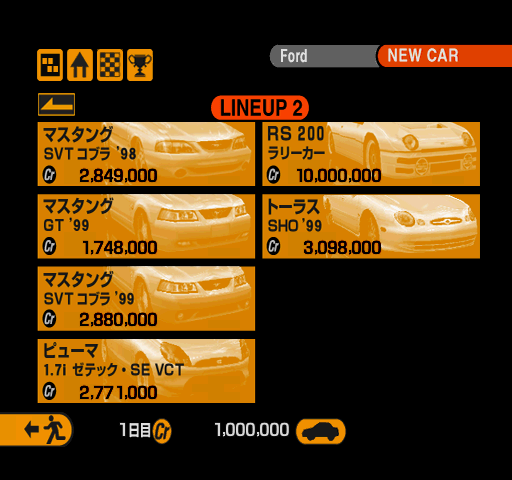
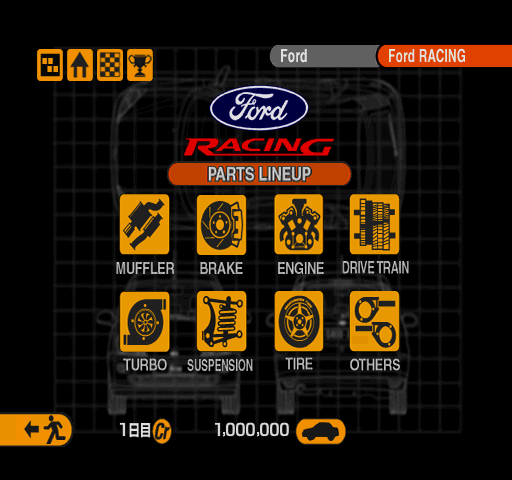
As usual, Ford uses the same image cropped differently, but with less compression artifacts, as well as a smaller Ford logo. The new car lineup not only lacks the 1998 Mustangs along with the RS200 and the two Mercury models, but also infamously features an Escort 1.8 GTi, which never made it past the placeholder stage.
West City#
|
July 29 Demo |
November 29 Retail |
|---|---|
|
|
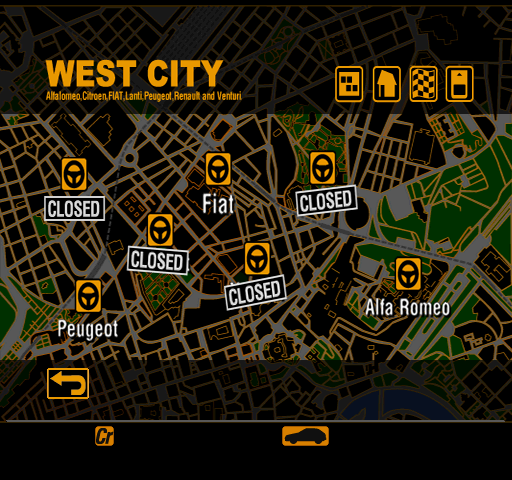
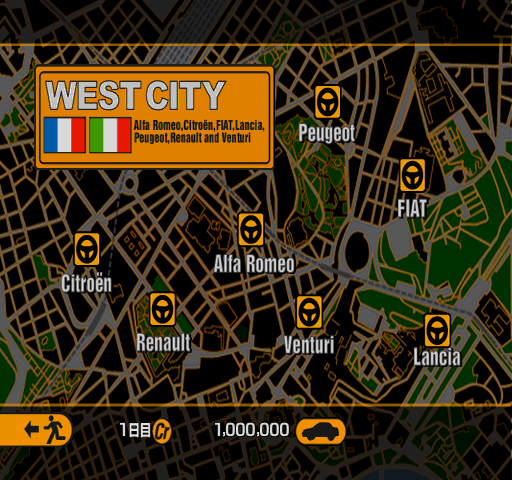
West City is laid out in a similar manner to North City, with the center of the screen being prioritized over the top and bottom corners. It is the third city in internal order here, suggesting the remote possibility of it being South City at an earlier stage.
|
July 29 Demo |
November 29 Retail |
|---|---|
|
|
|
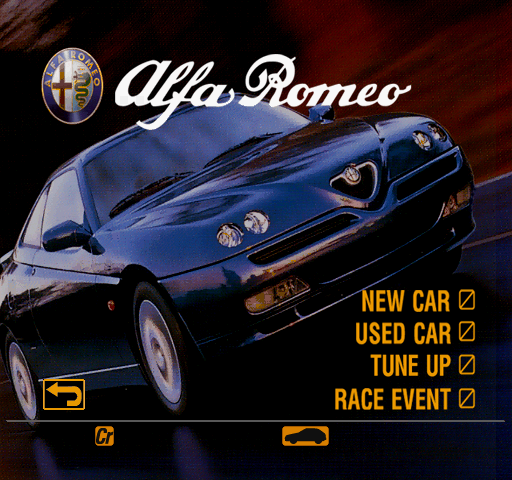
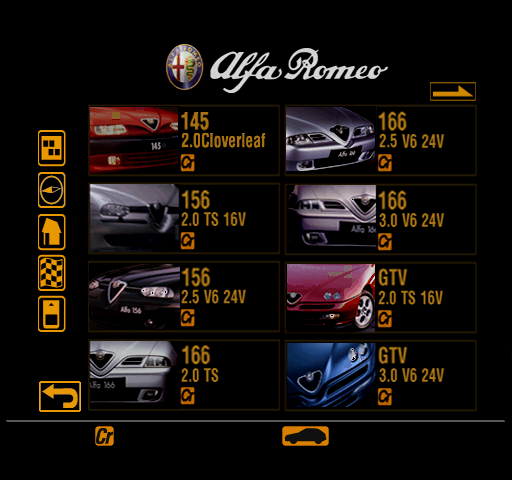
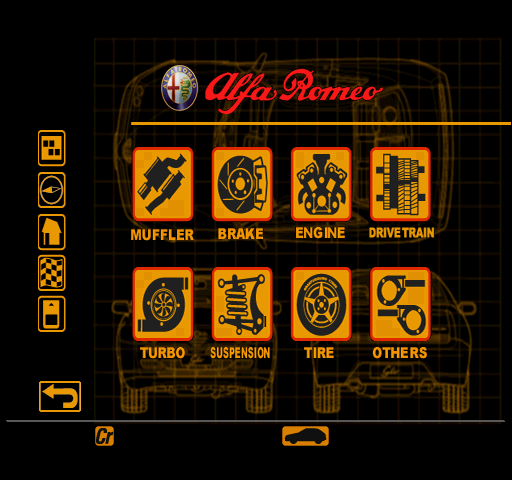

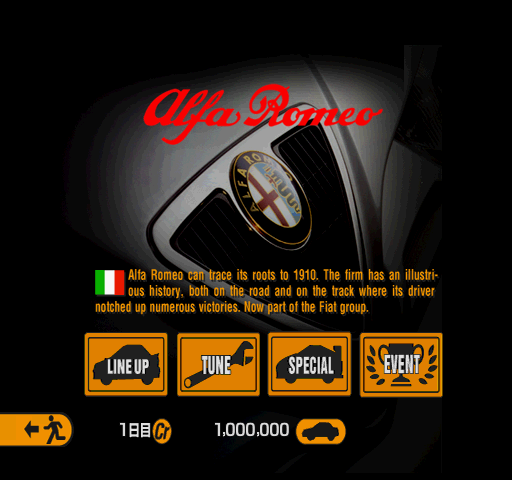
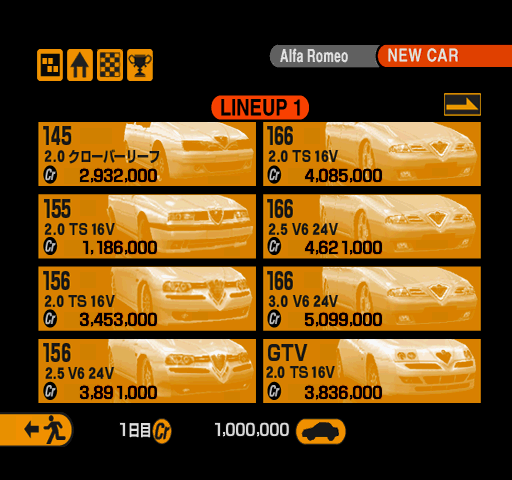
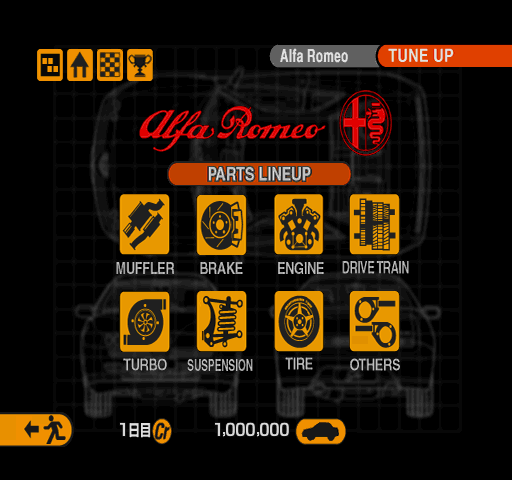

Alfa Romeo uses not just a different picture for its home page, but also a white logo and the make's badge next to it. The new car lineup lacks the 155, and the tune up menu uses a colored badge to the left of the logo.
|
July 29 Demo |
November 29 Retail |
|---|---|
|
|
|
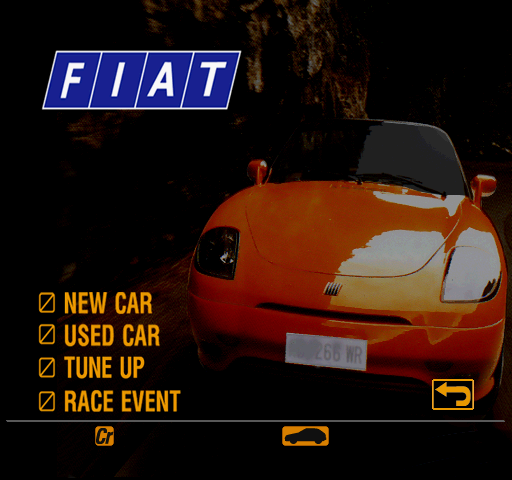
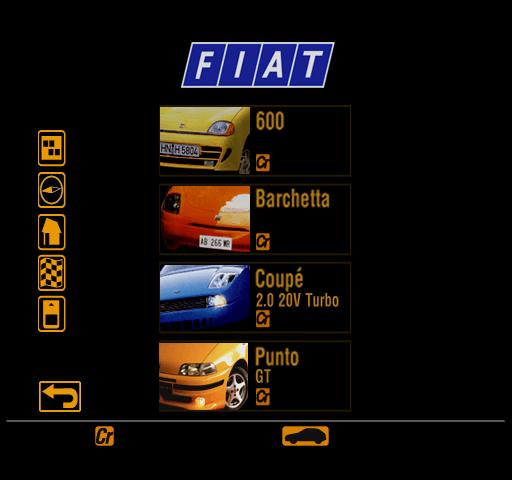
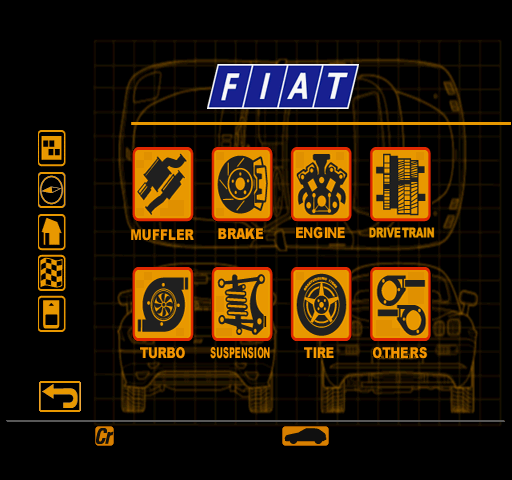
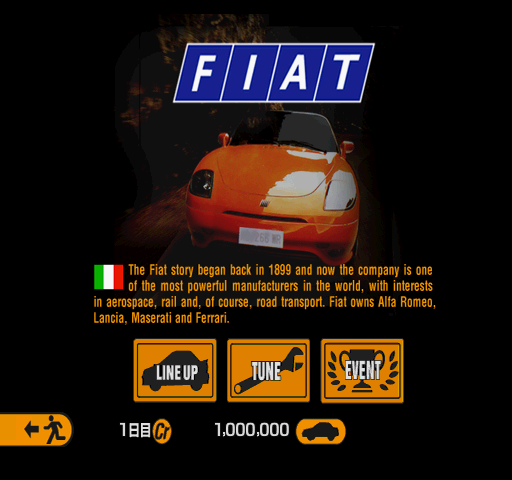
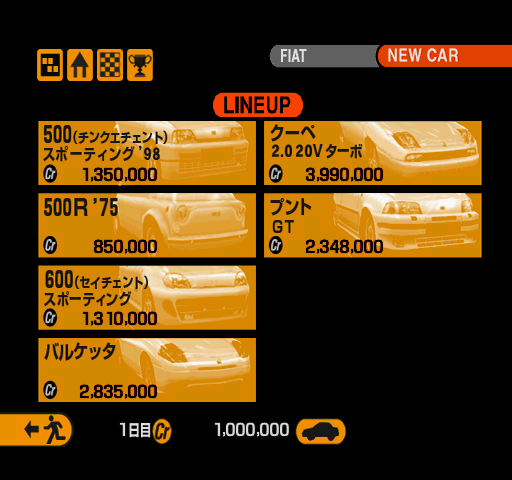

Fiat uses the same photo, covering more of the screen and highlighting PD's poor attempt at censoring the car's license plate. The lineup lacks the two Cinquecento models.
|
July 29 Demo |
November 29 Retail |
|---|---|
|
|
|
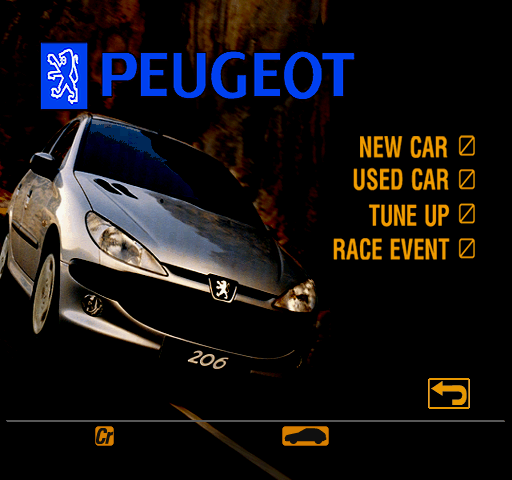
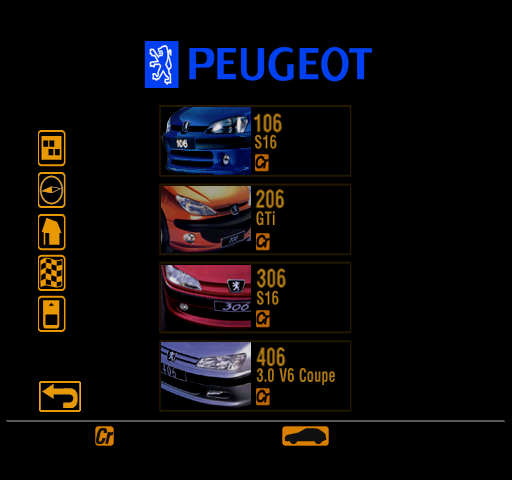
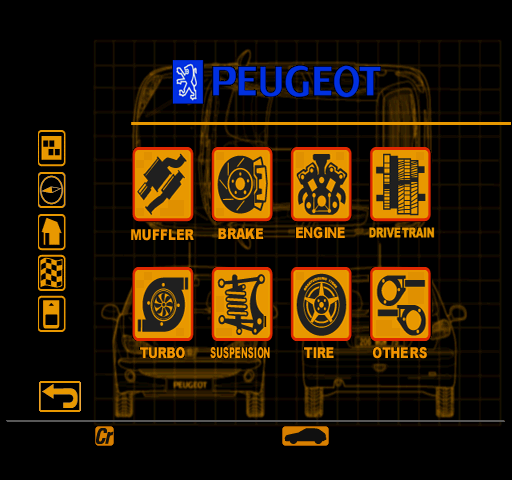
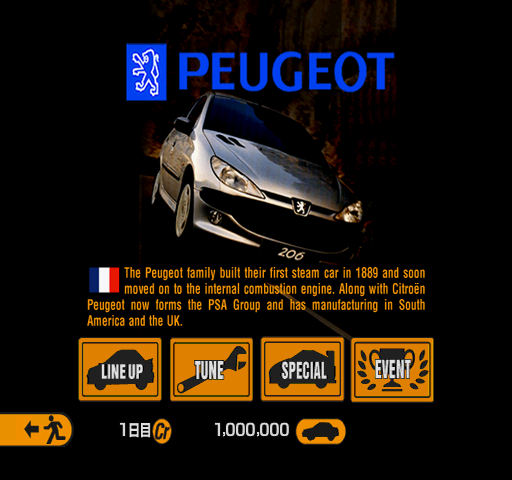
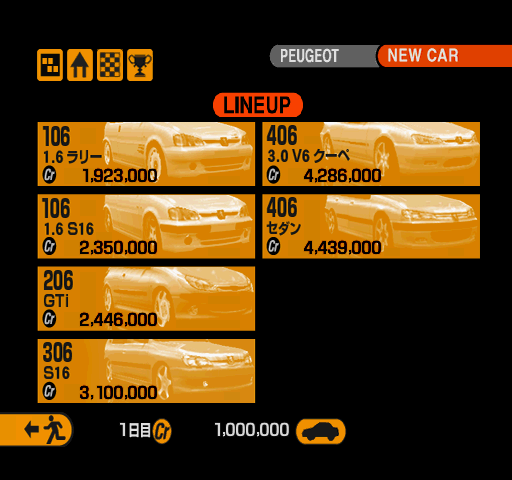

There's not a whole lot going for Peugeot here, just different cropping of its home page picture as well as the absence of 106 1.6 Rallye and 406 Sedan from its new car lineup.
Unused Content#
Not much exists in terms of GT Mode-specific unused content, as the available menu pages are, for the most part, all that is found in GT2.VOL.
Gran Turisumo Gallely#
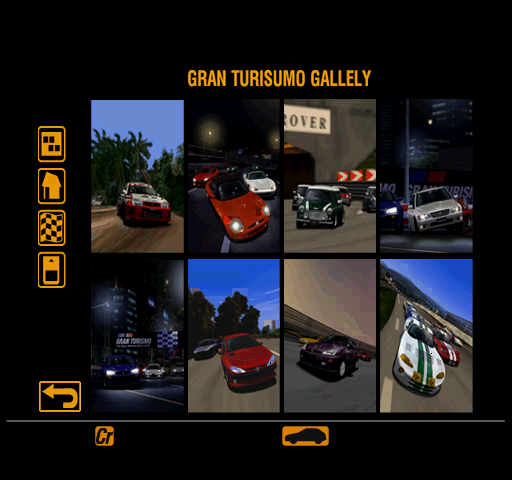
Found after all accessible pages in internal order is this gallery containing eight pieces of promotional art. It's unknown what its purpose might have been, as no equivalent page exists in retail versions of the game.
iconimg.dat#

iconimg.dat typically stores various icons commonly seen in most menu pages, such as the shortcut buttons seen on the top left corner of the screen. While such a file is present in this demo's data, it goes unused in favor of graphics baked into the background.