This article has a talk page!
This is a sub-page of Development:Cyberpunk 2077.

|
To do: |
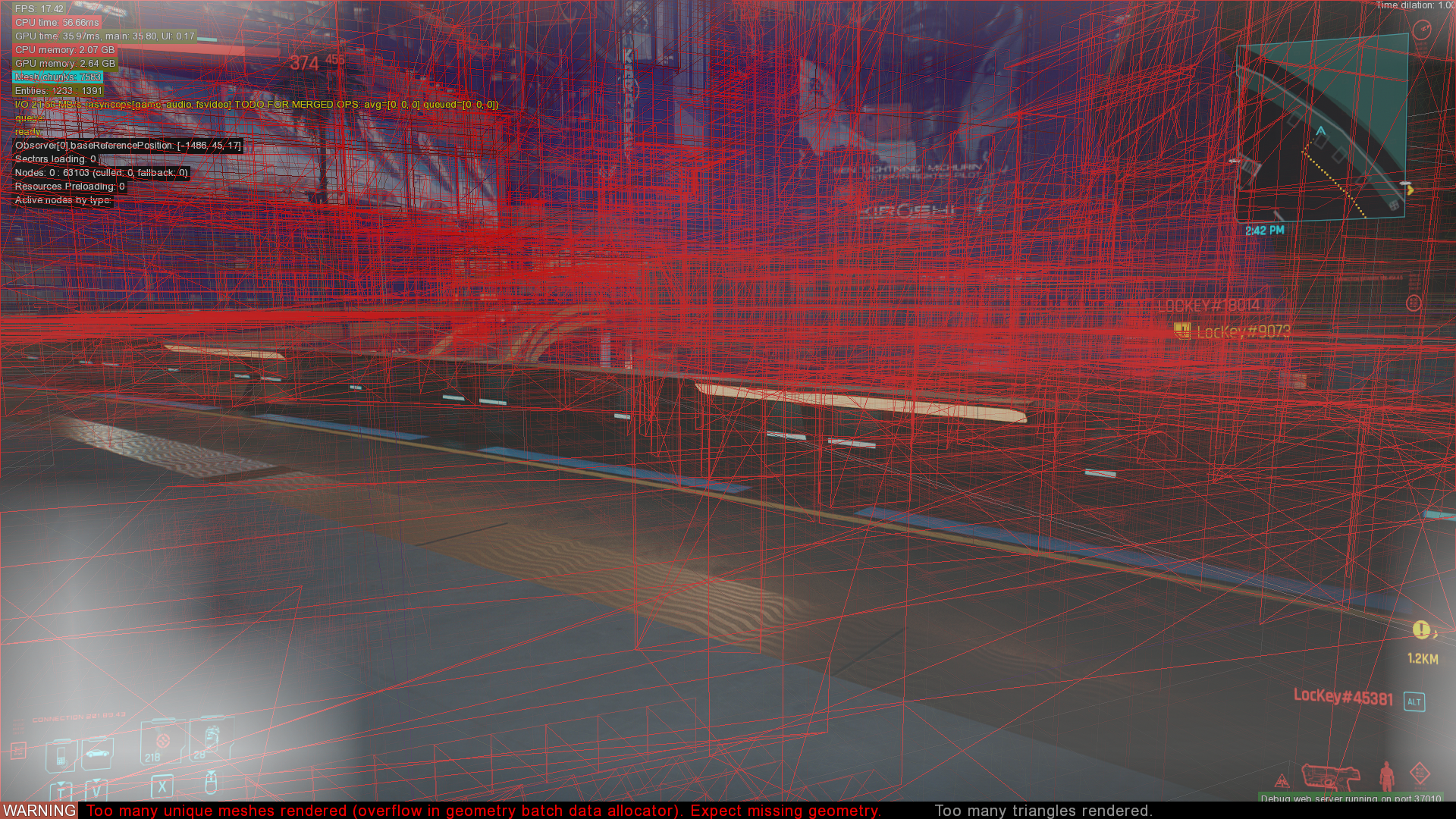
WARNING Too many triangles rendered.
— CD Projekt RED
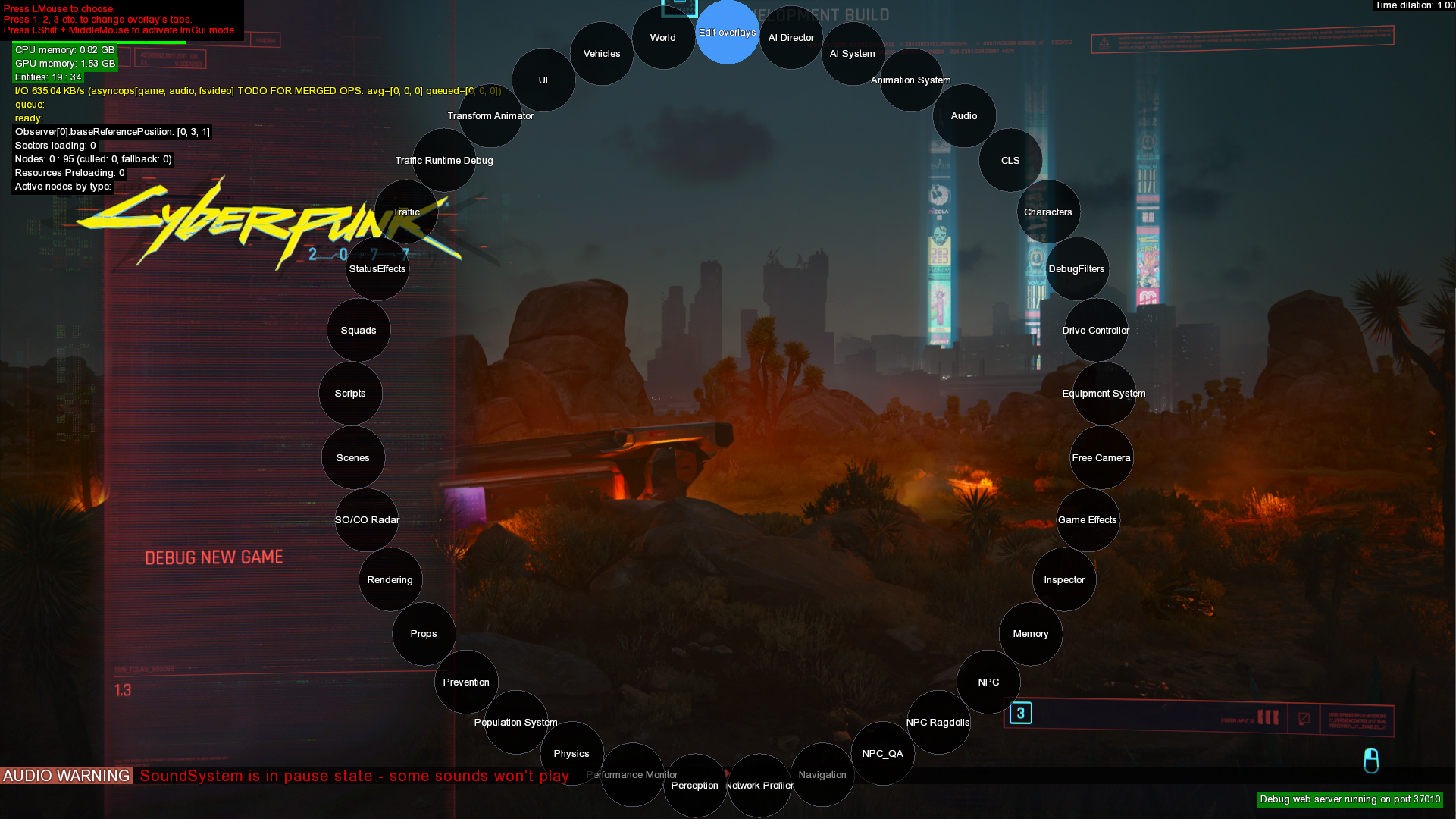
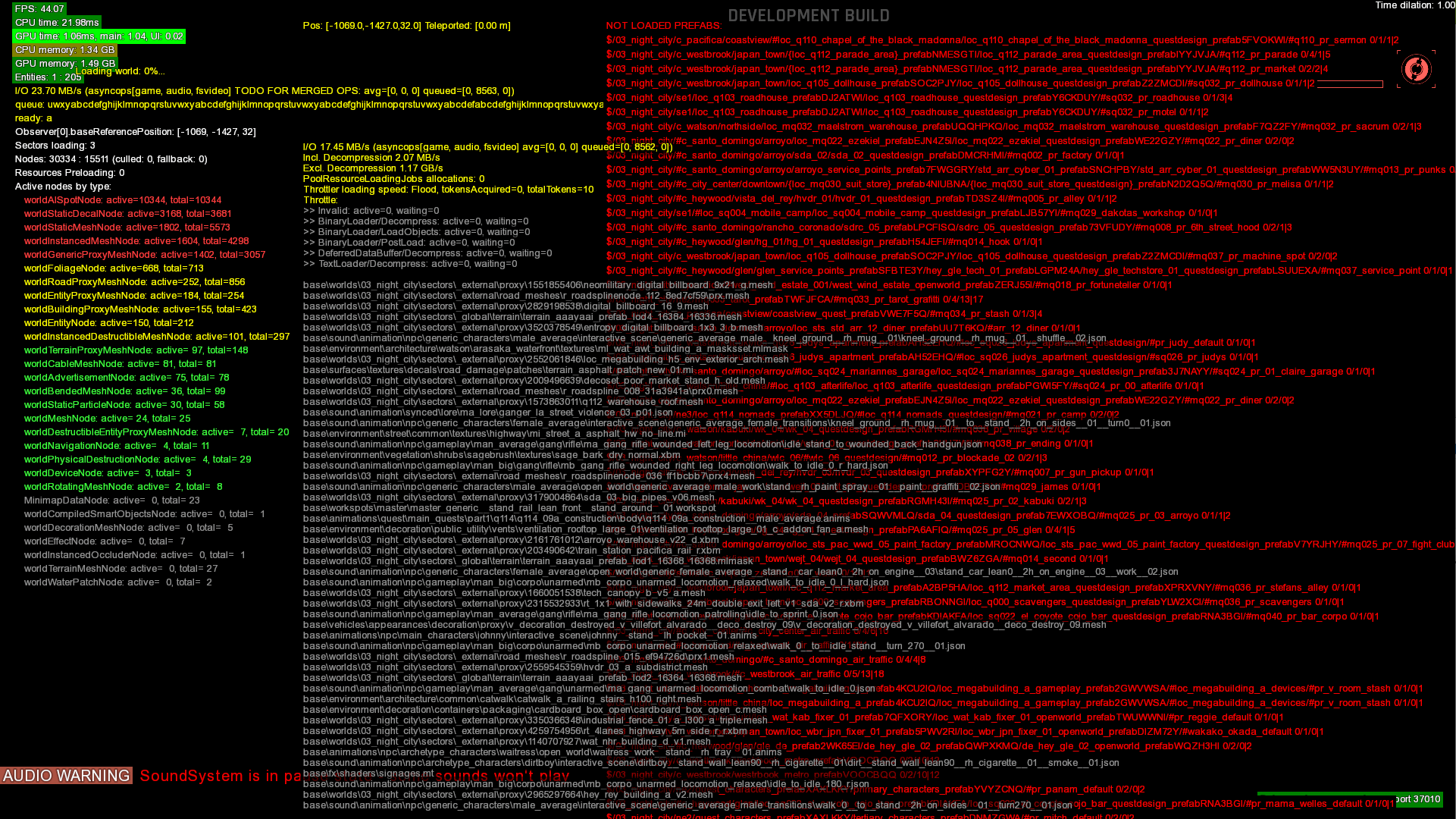
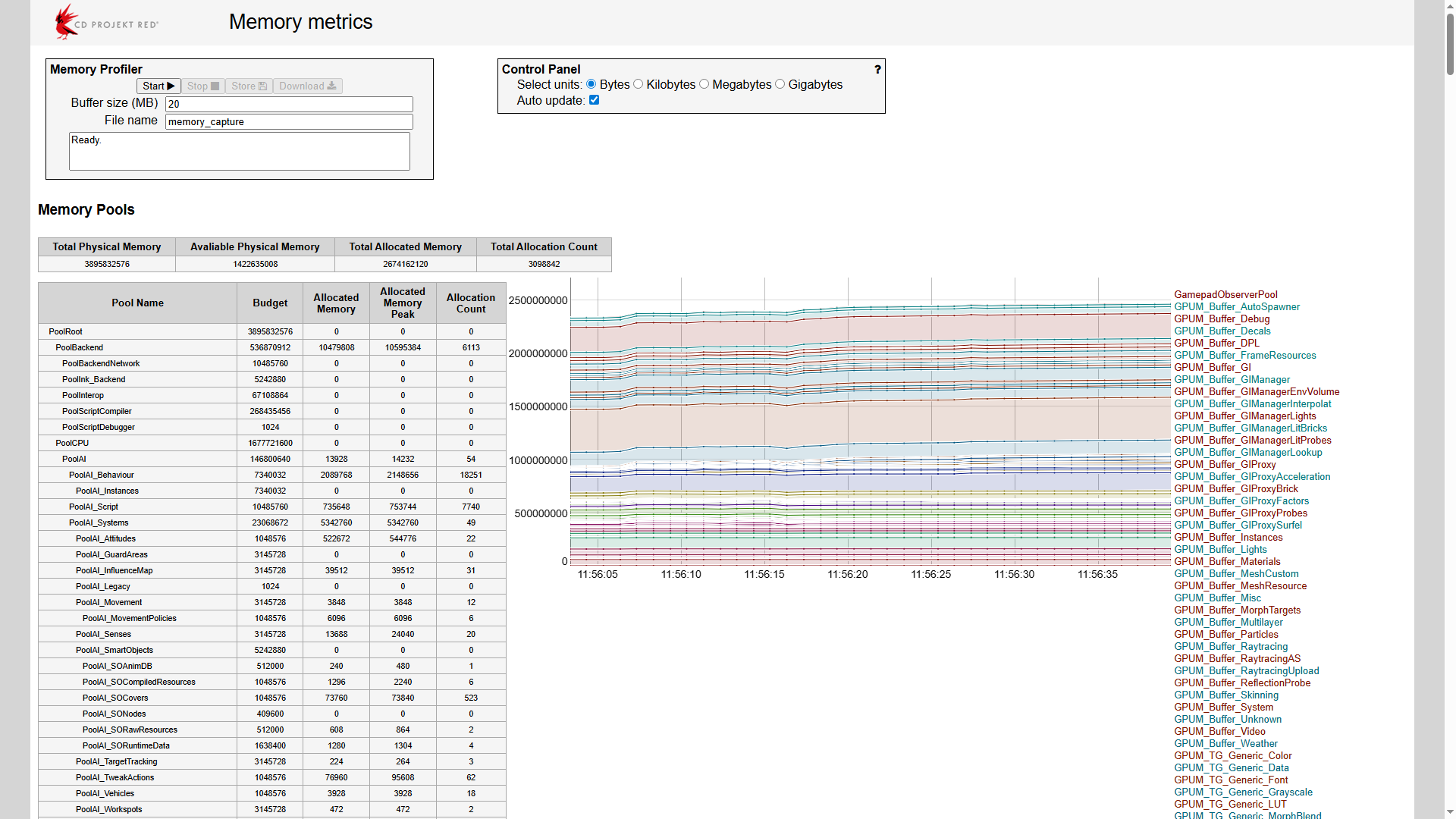
The Development Build that can be compiled from the source code contains a very comprehensive debug menu with many different features and settings. The debug menu is built with Dear ImGui. A selection of debug menu options can be accessed by using the radial menu in-game by pressing Shift+Alt or holding the View/Back button on an Xbox controller. The debug web server running on port 37010 can trigger and open further debug options not visible in the radial menu. To make the debug menus clickable, enable ImGui mode by pressing Left Shift + Middle Mouse Button.
Default#

Web Server#


Audio#
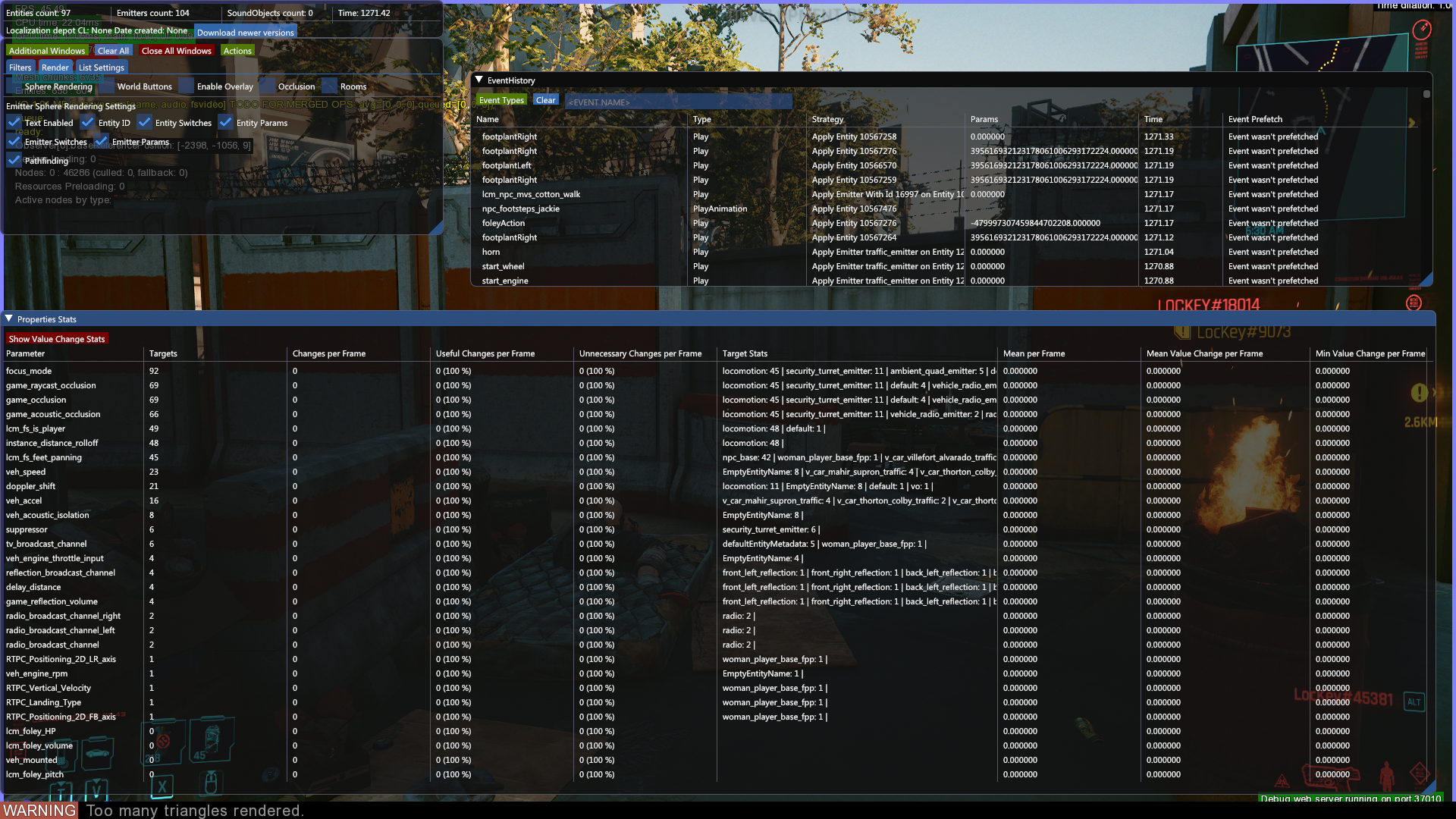
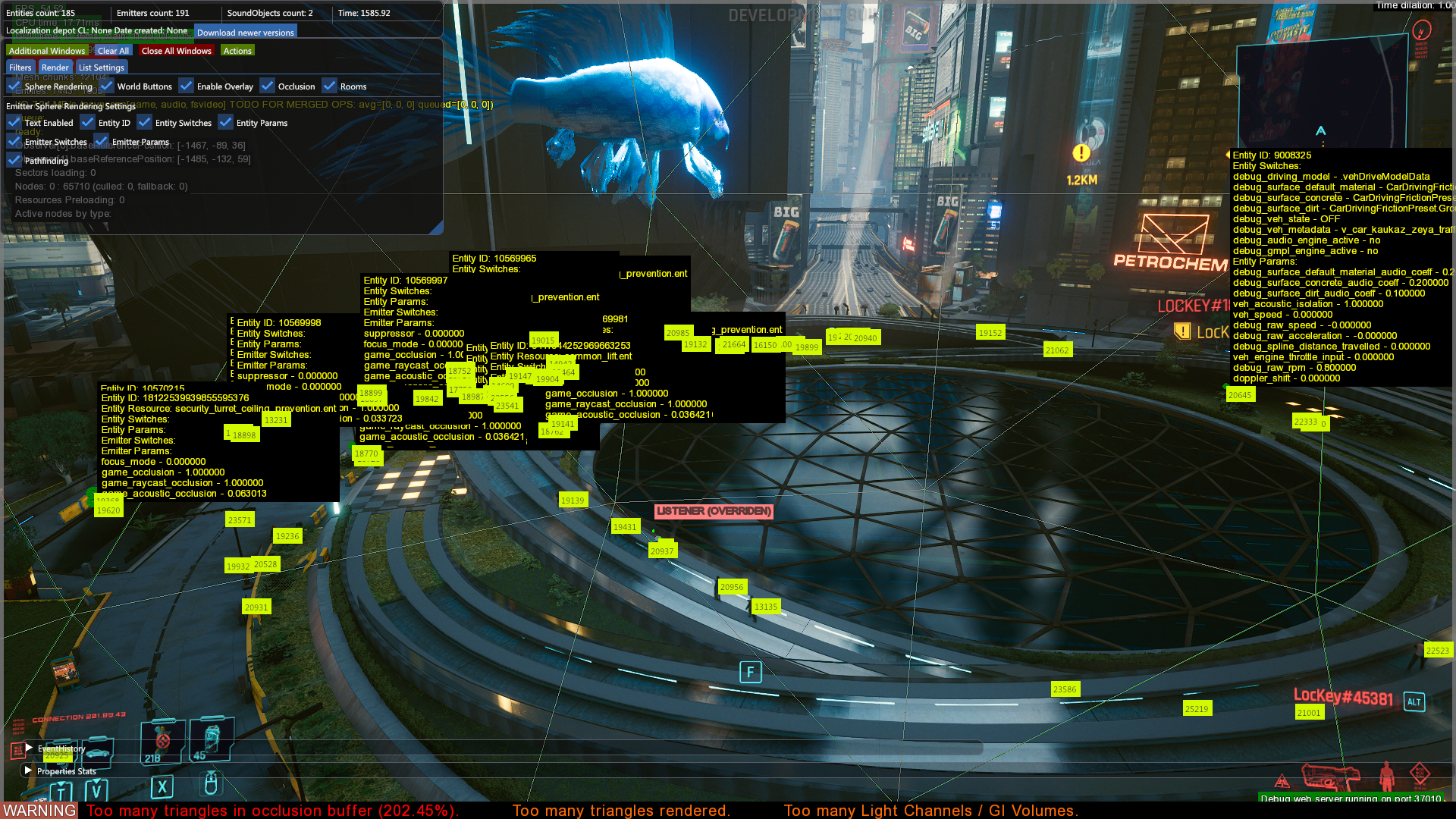
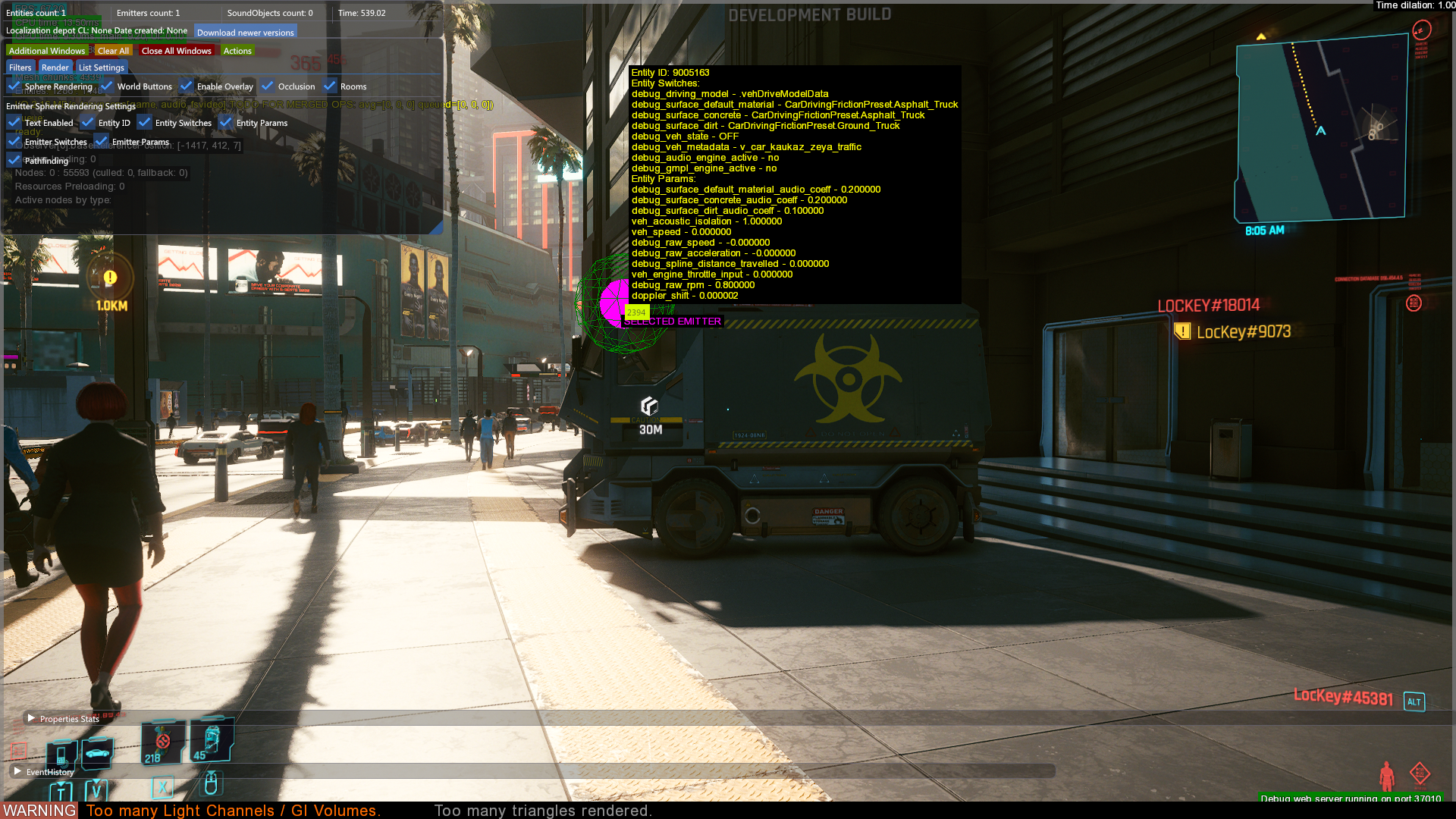
Displays informations about audio events, and what triggered these events. By default it opens the settings, event history and properties stats window.
Damage#
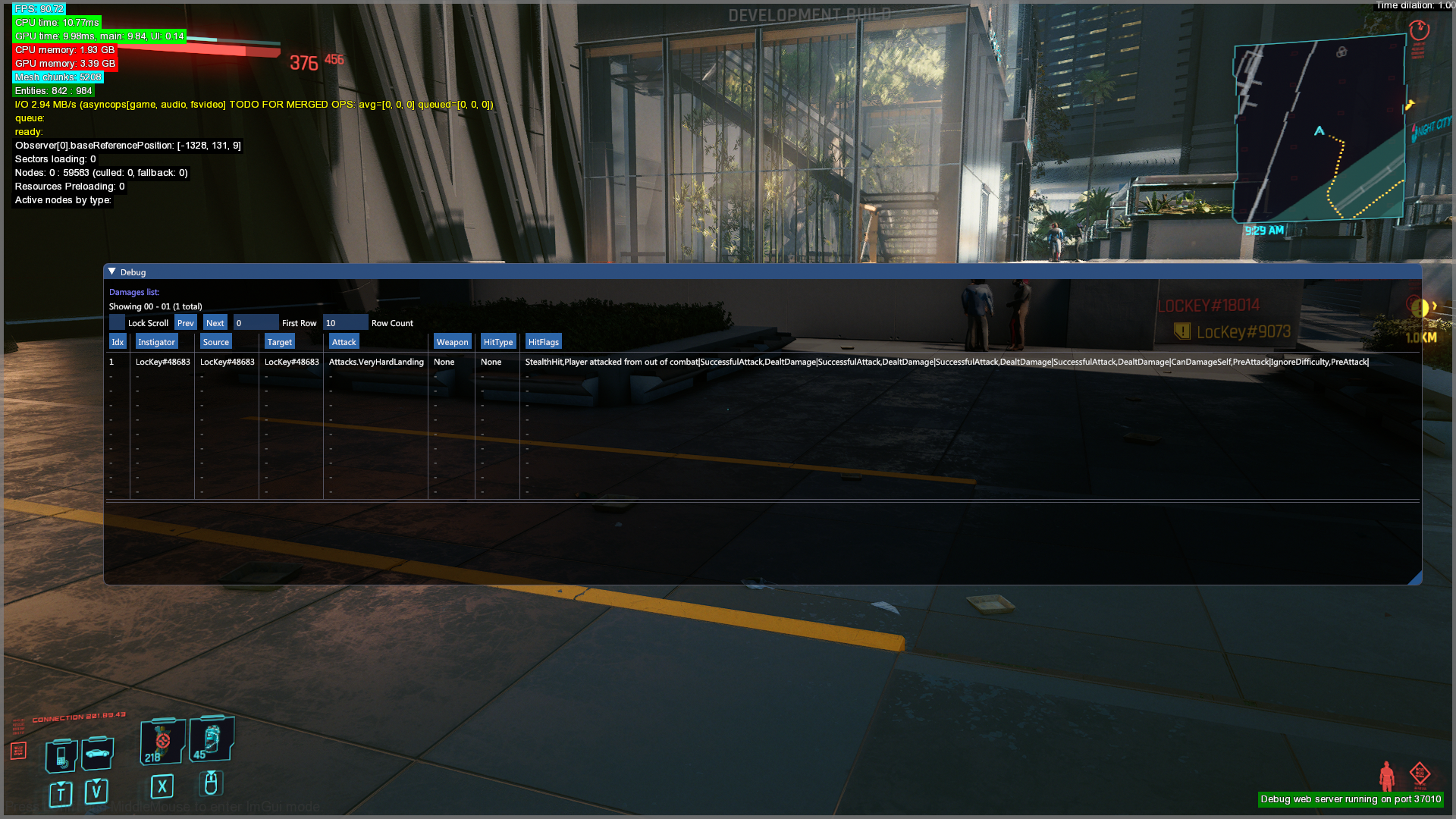
This debug filter is only available via the debug web server. Displays sources of damages applied to the player entity.
Dismemberment#
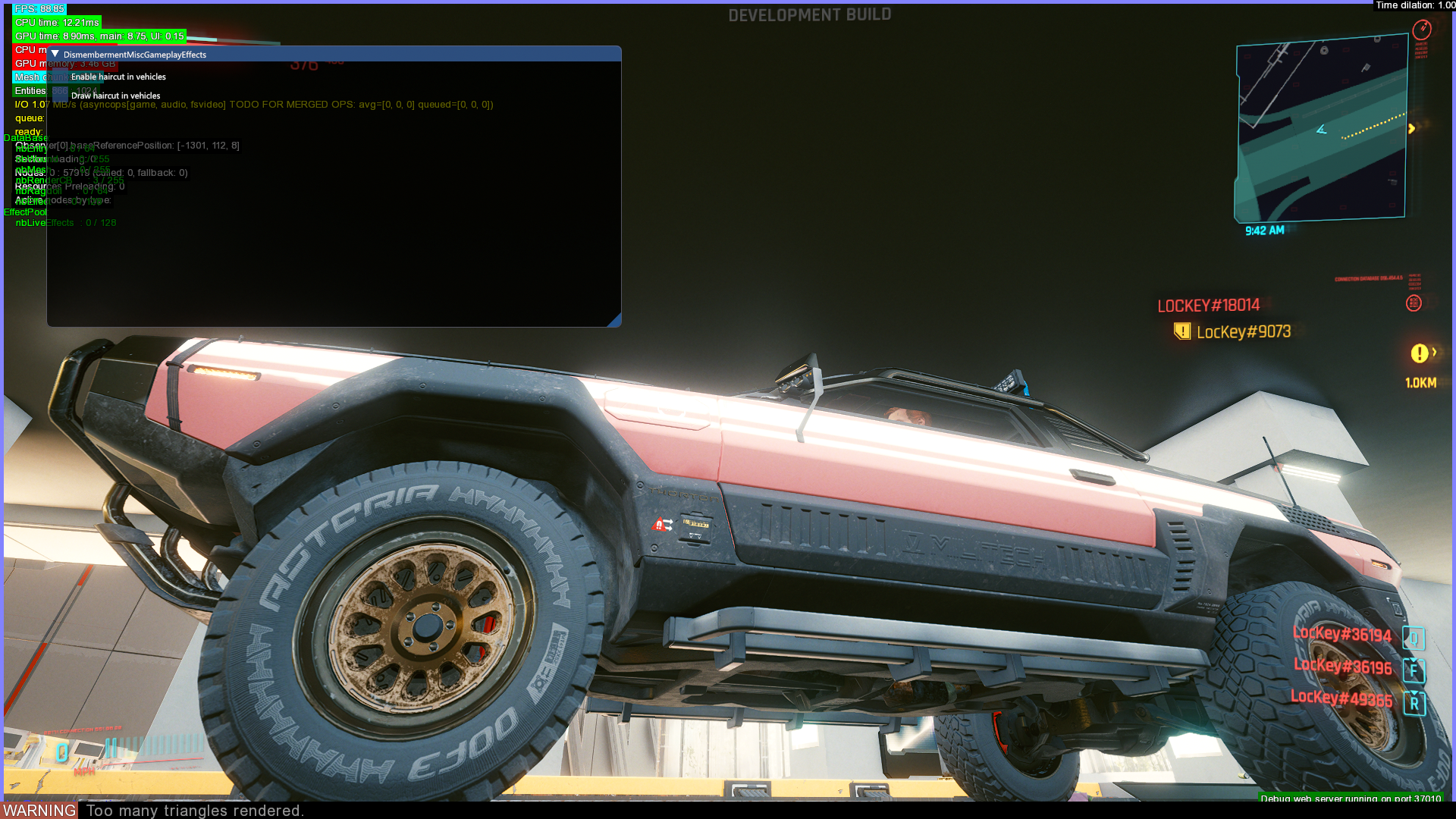
This debug filter is only available via the debug web server. Doesn't appear to do anything.
Game systems#
These debug filters are only available via the debug web server.
Attachment Slots#
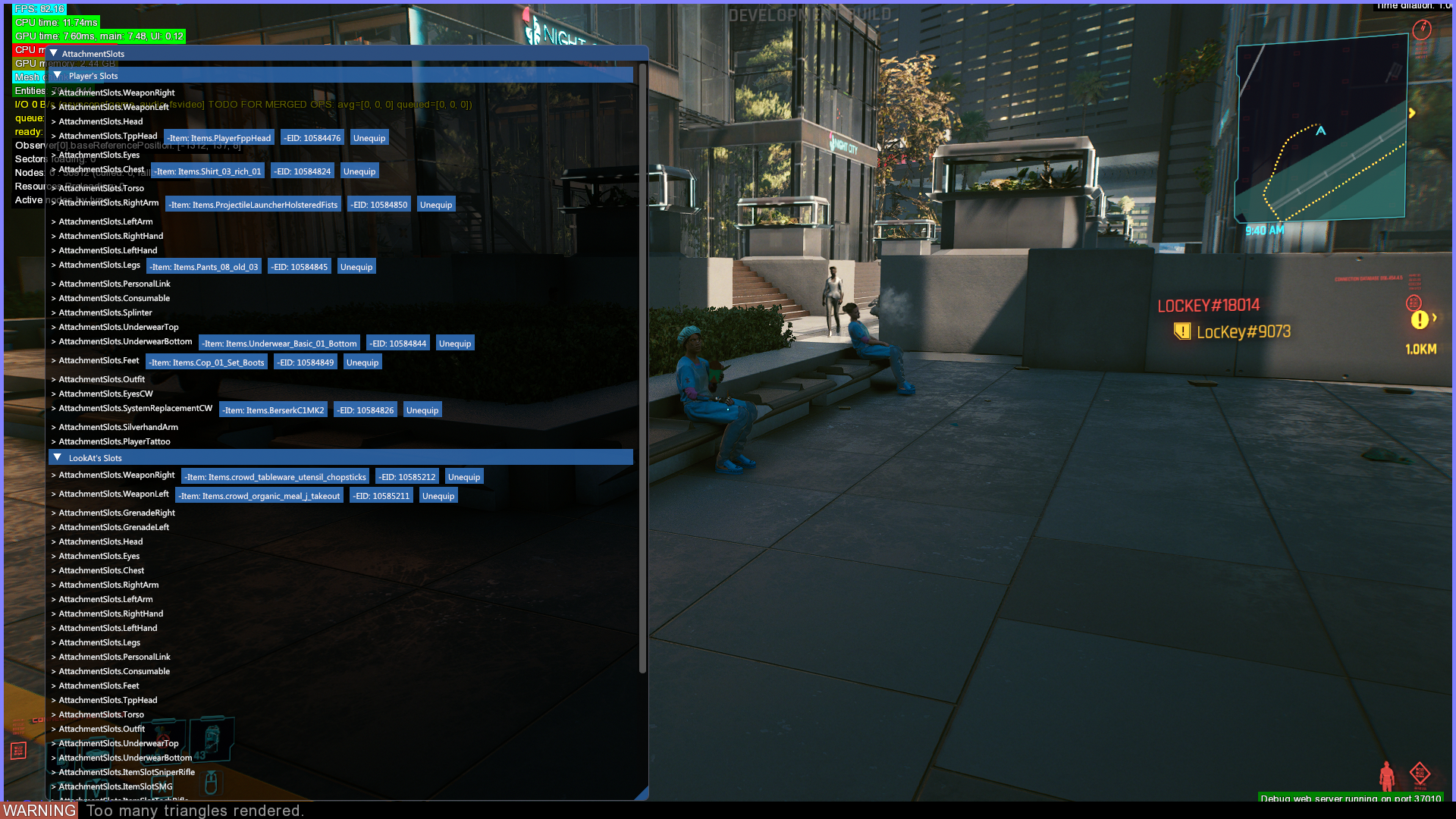
Displays items equipped in the slots of the player and the character the player is looking at.
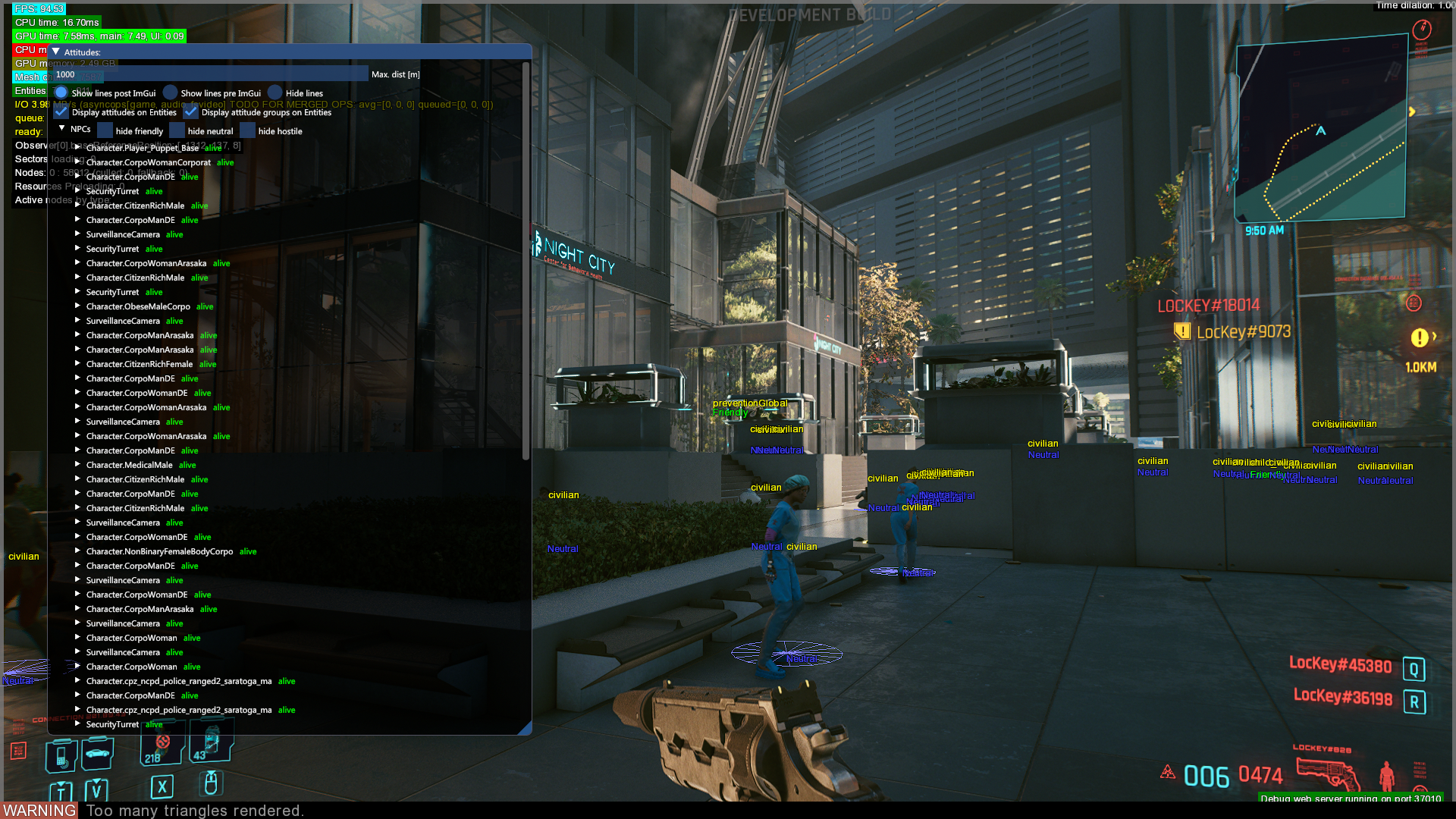
Attitude Manager#
Display info about various NPC entities attitudes, e.g. if they are afraid, neutral, friendly or enemies towards the player.
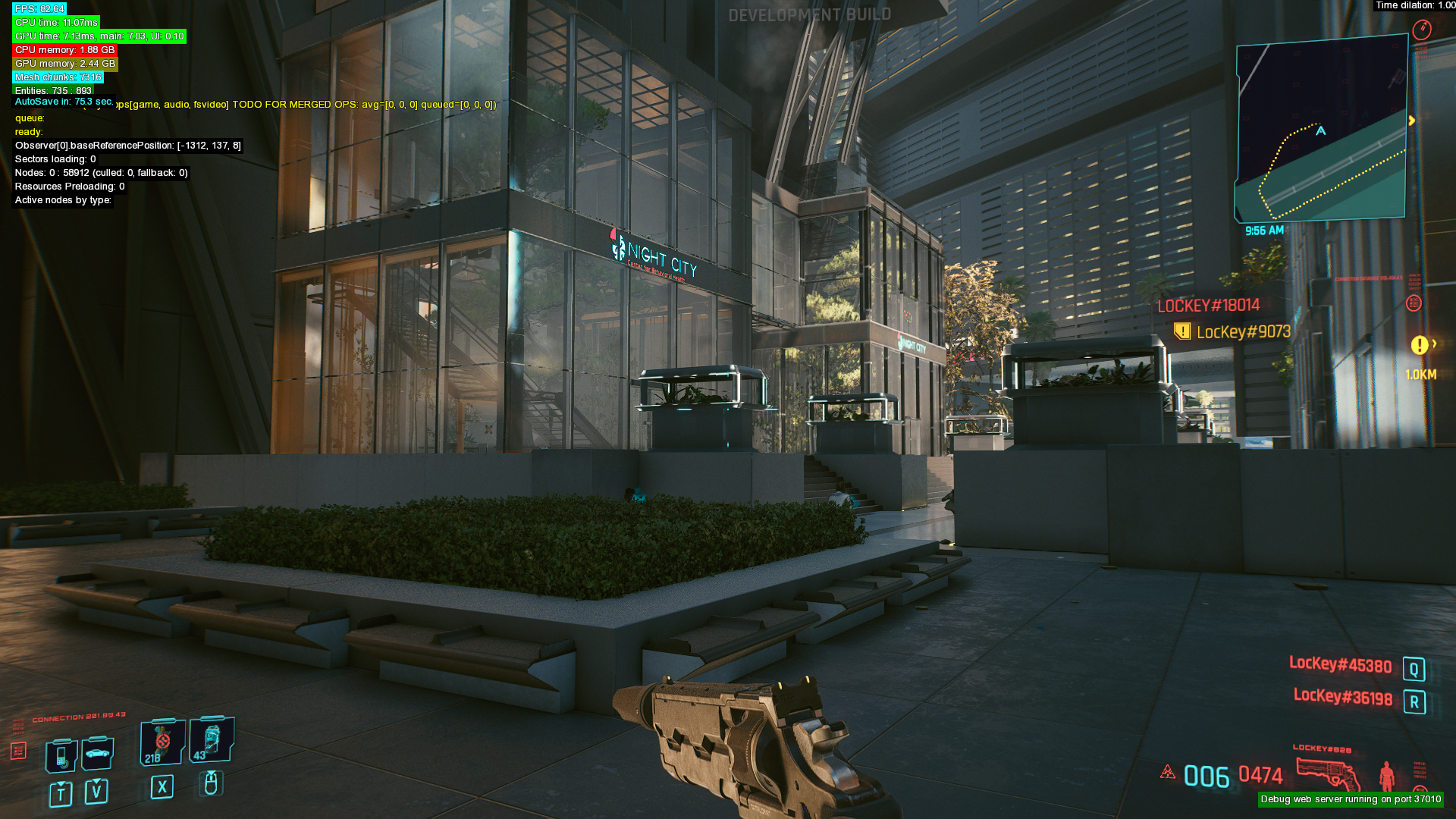
Autosave#
Displays a countdown until the next autosave is triggered.
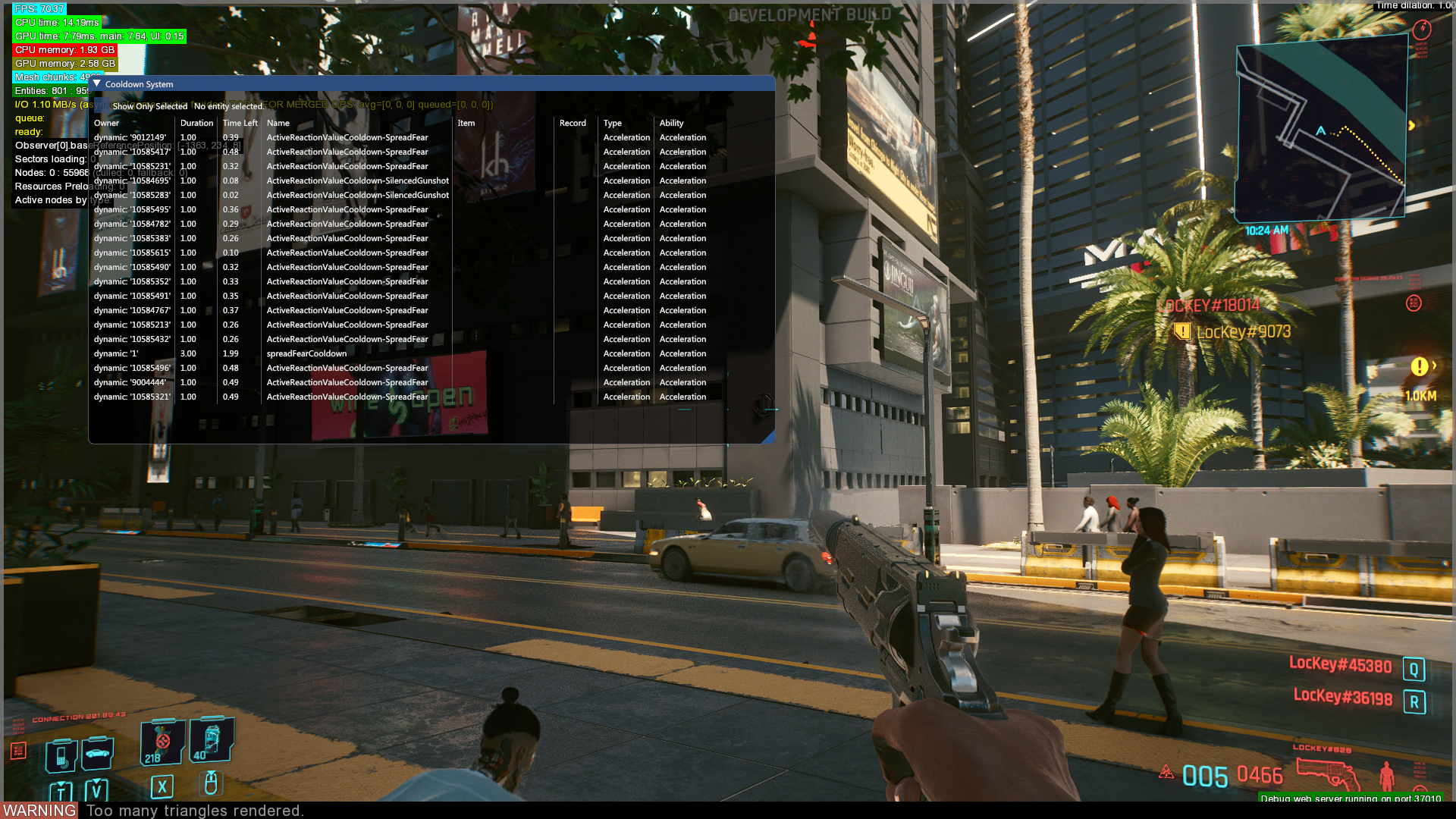
Cooldown#
Displays information about the cooldown system, which controls how fear is spread to other NPCs and counts down until fear is no longer spread to other NPCs.
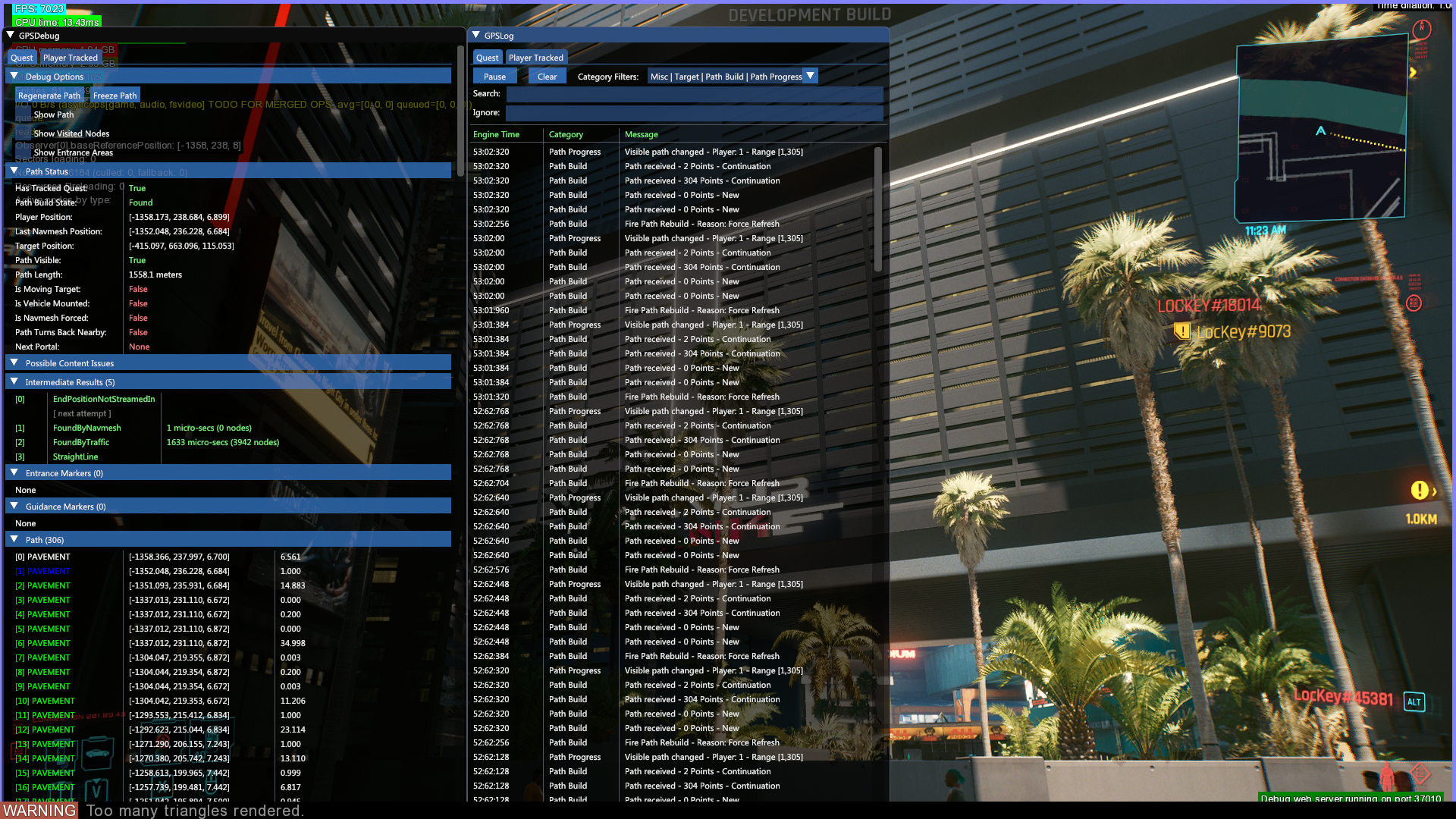
GPS#
Displays debug info and log data from the GPS system.
Influence Map#

|
This needs some investigation. |
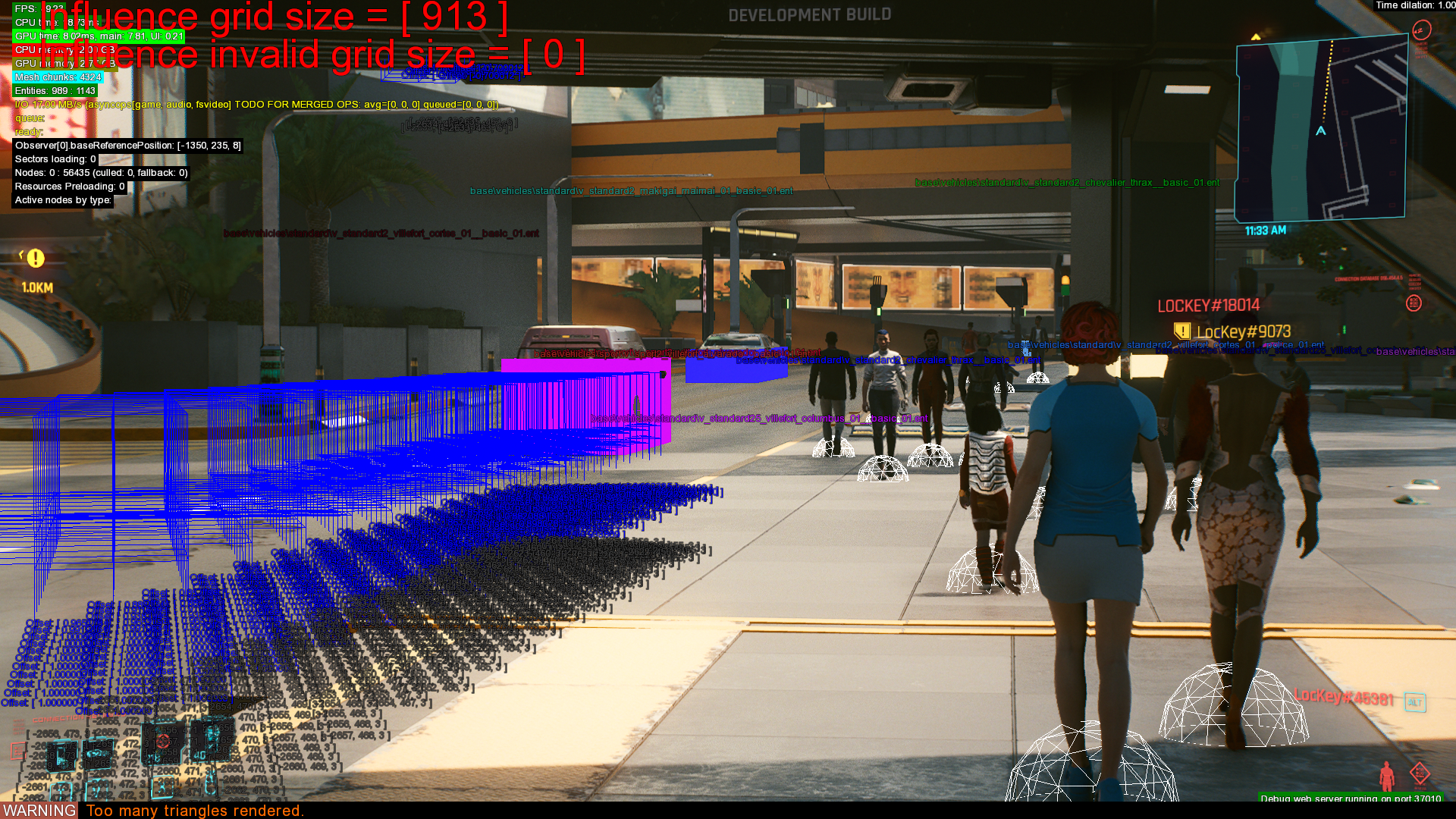
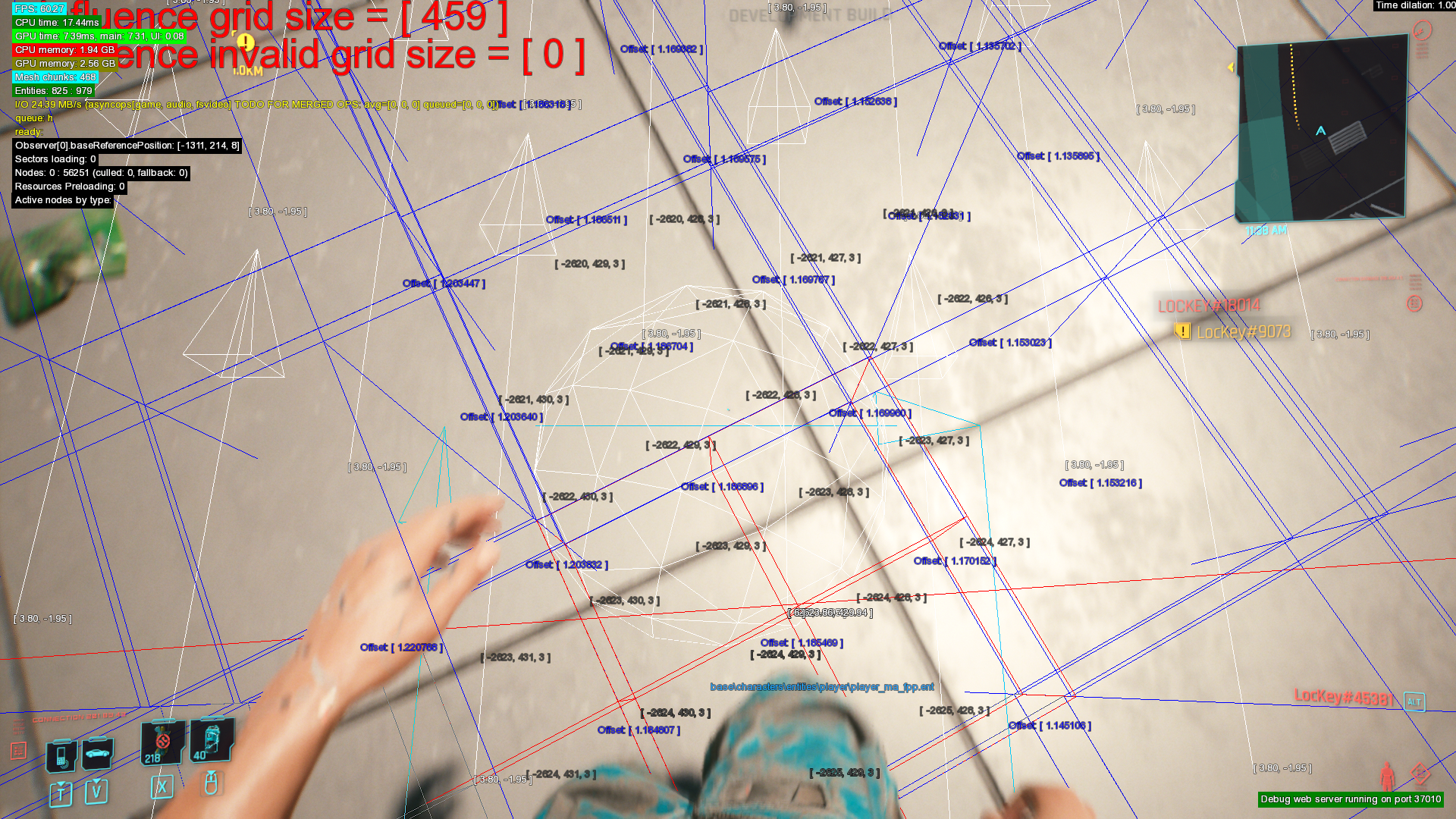
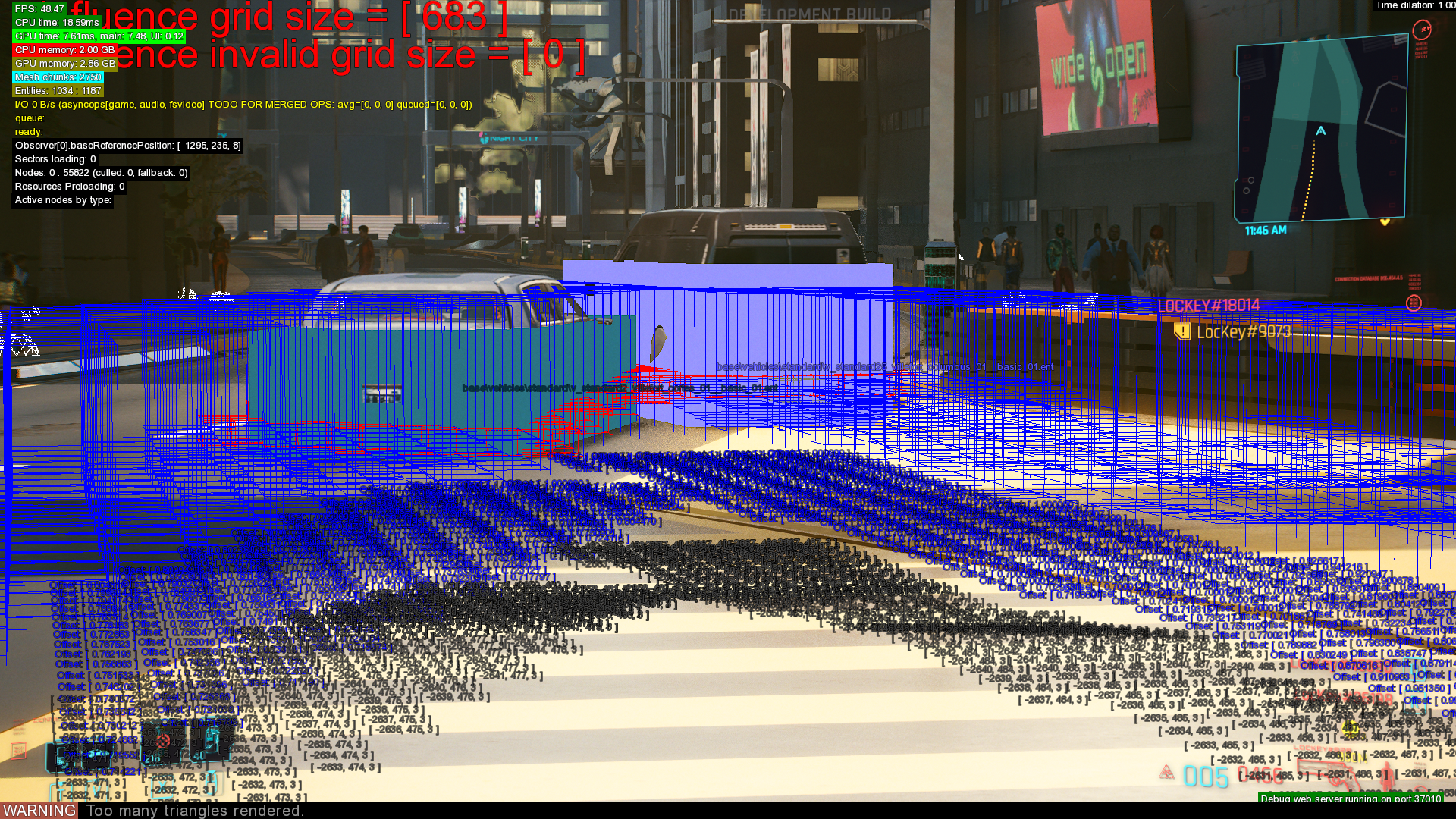
Shows information about influence, which are AI entities that react to the player.
Journal manager#
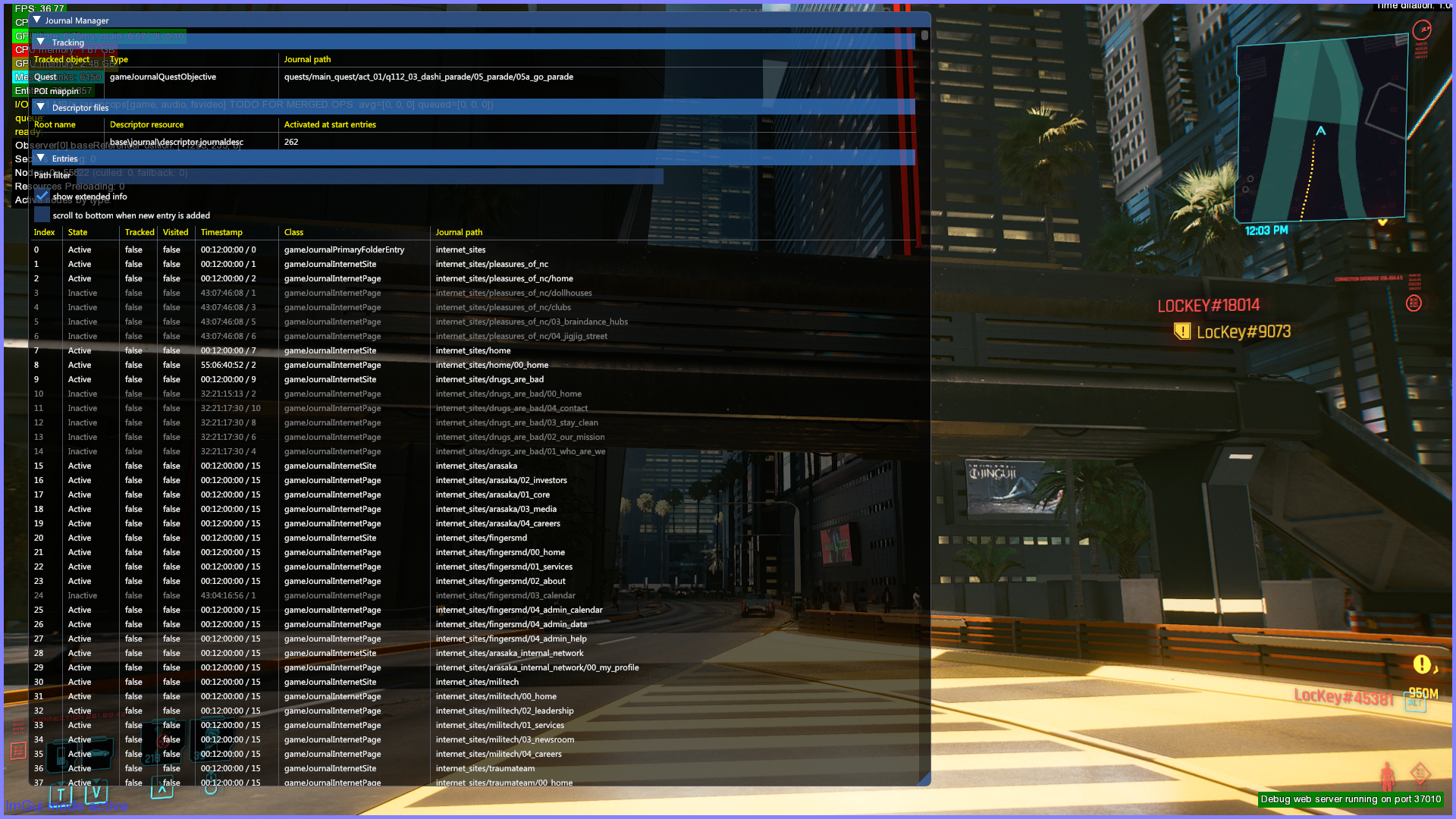
Displays info about the journal, which is used to control text assigned to messages, phone entries, websites and other things and shows if these entries have ever been displayed.
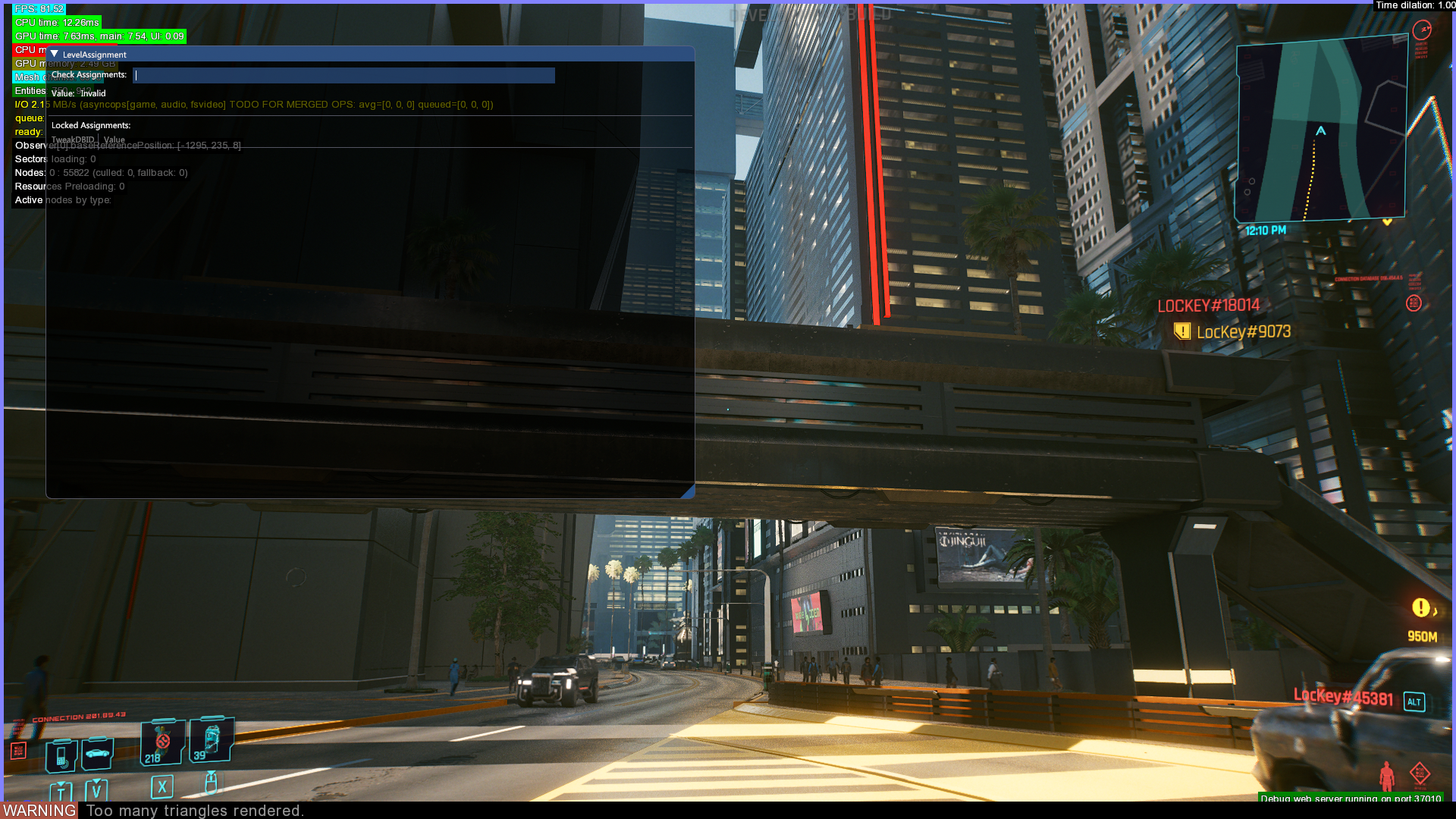
Level Management#
Possibly used to look up values in the TweakDB.
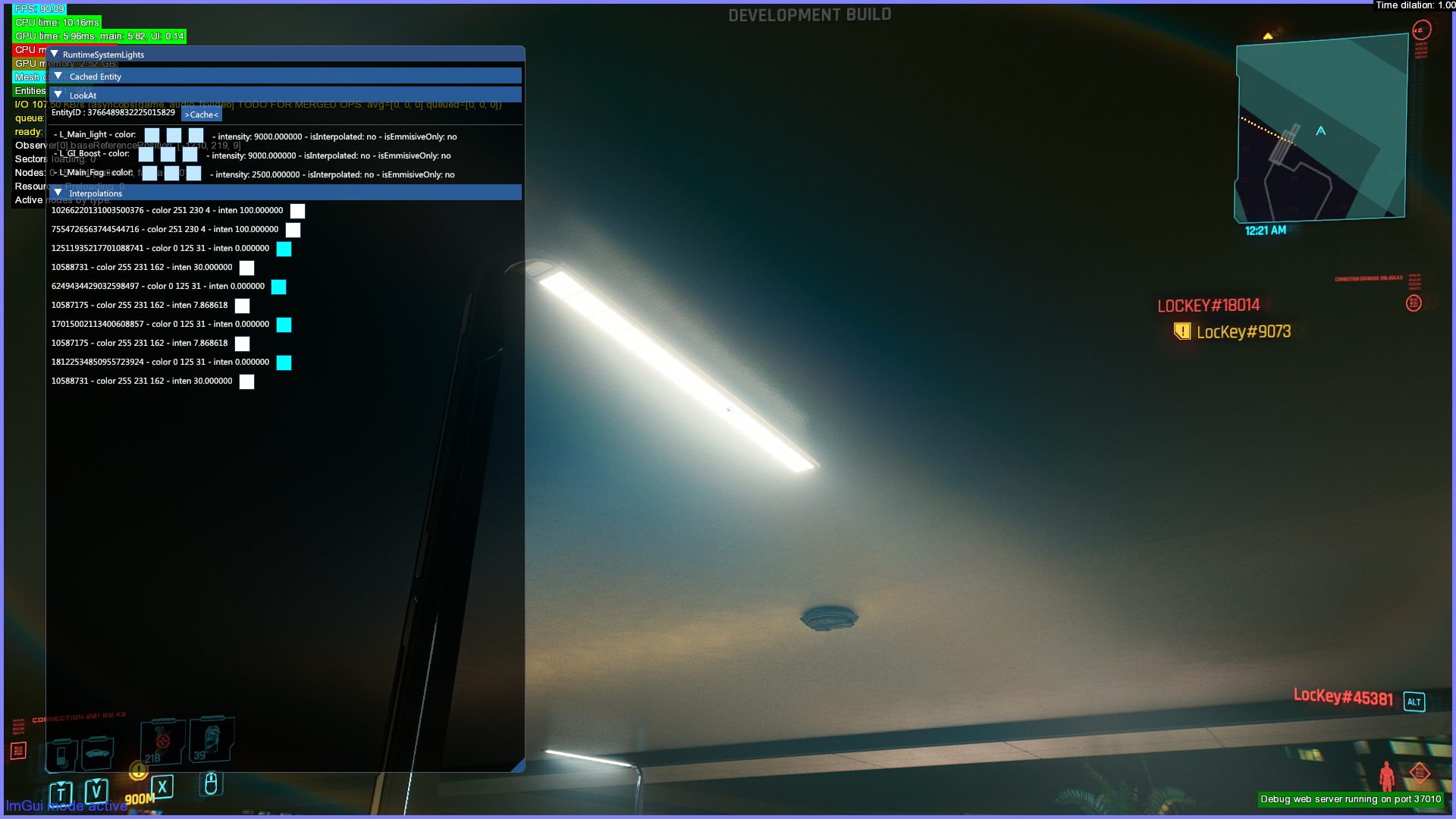
Lights#
Shows information about the light the player is currently looking at.
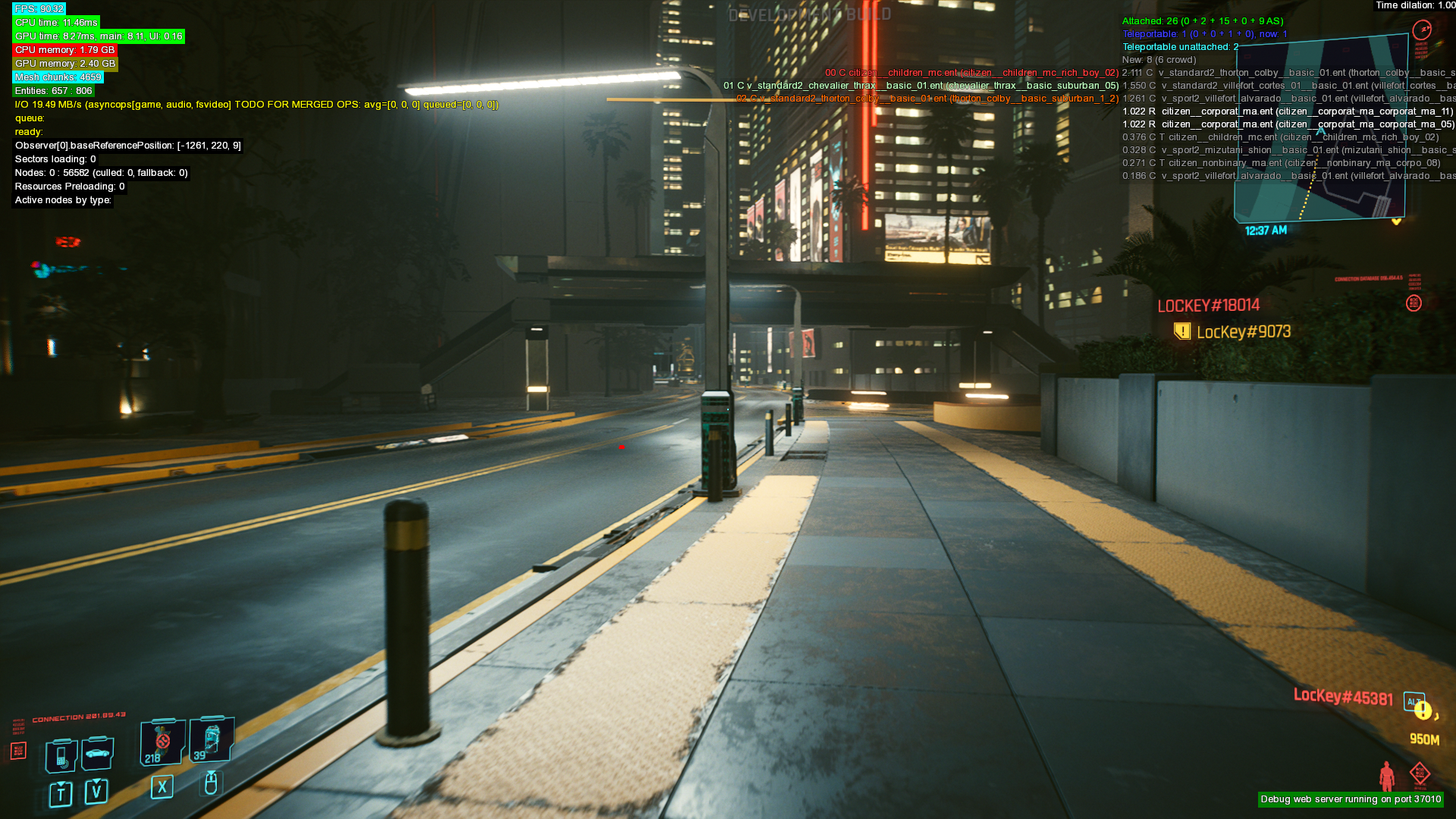
Population System#
Likely shows NPCs and vehicles that are allowed to spawn in the sector the player currently is in, and which ones that has currently spawned.
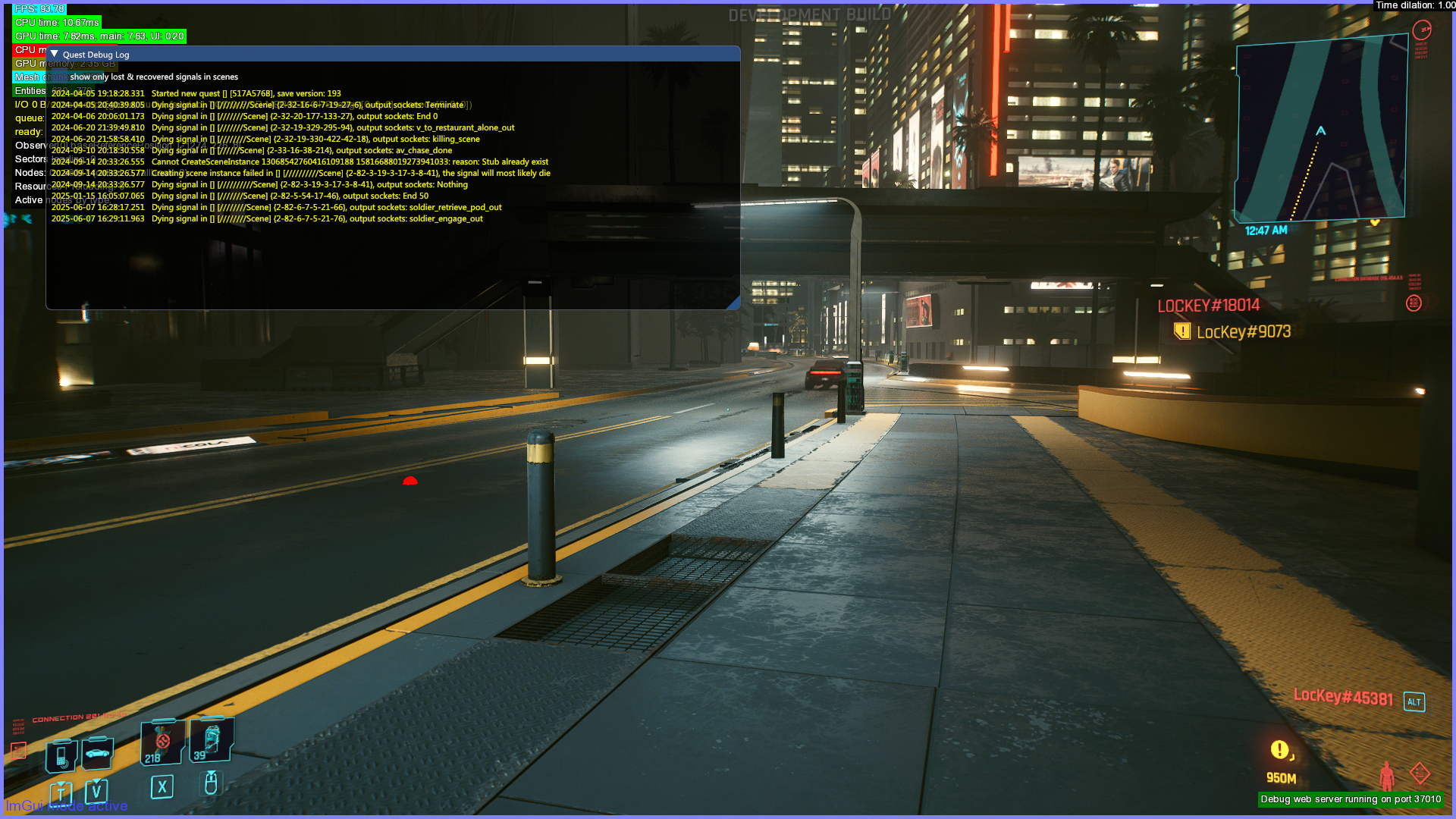
Quest system#
Debug log#
Displays information about quest sockets, seems to focus on displaying warnings and errors.
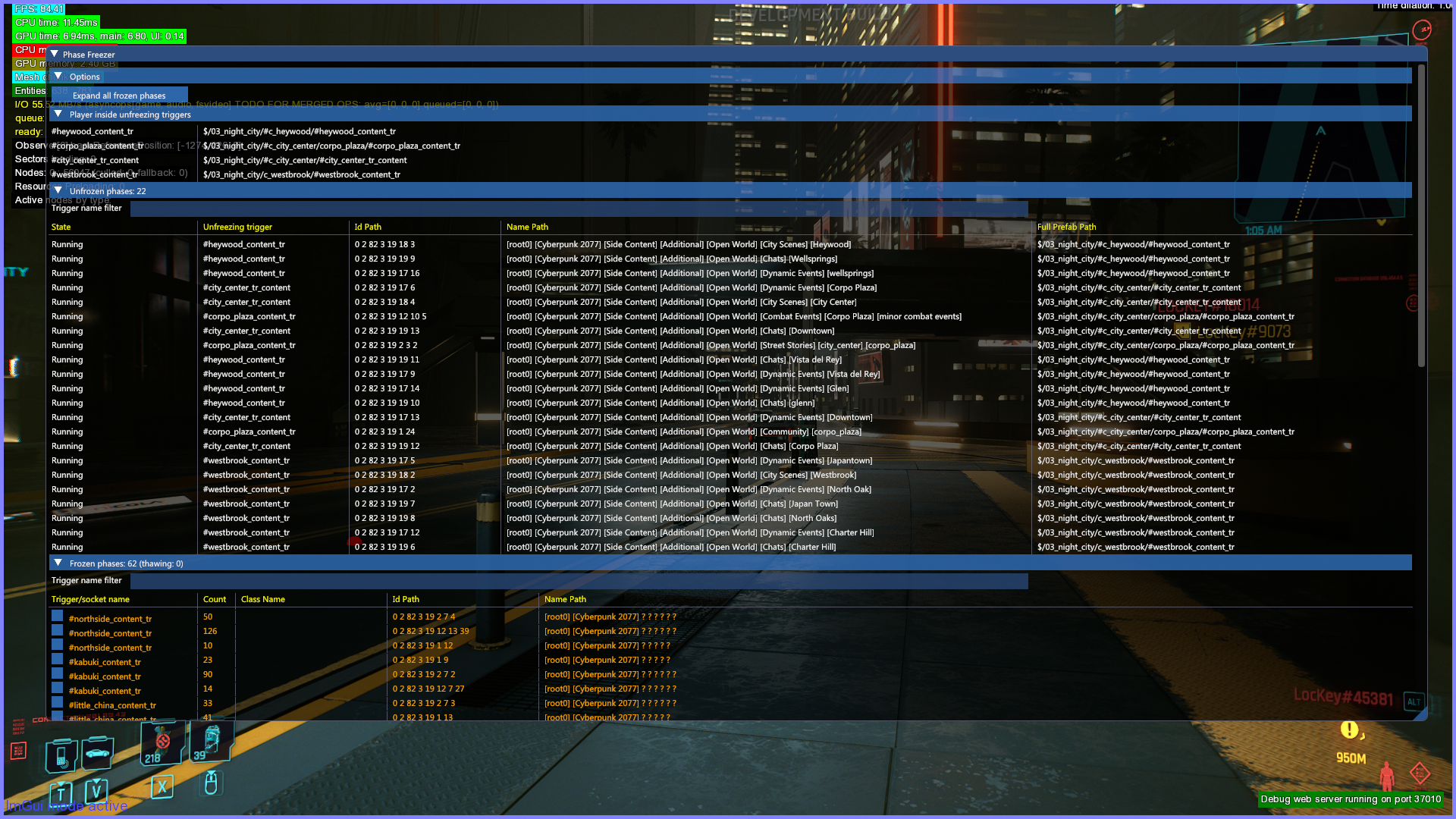
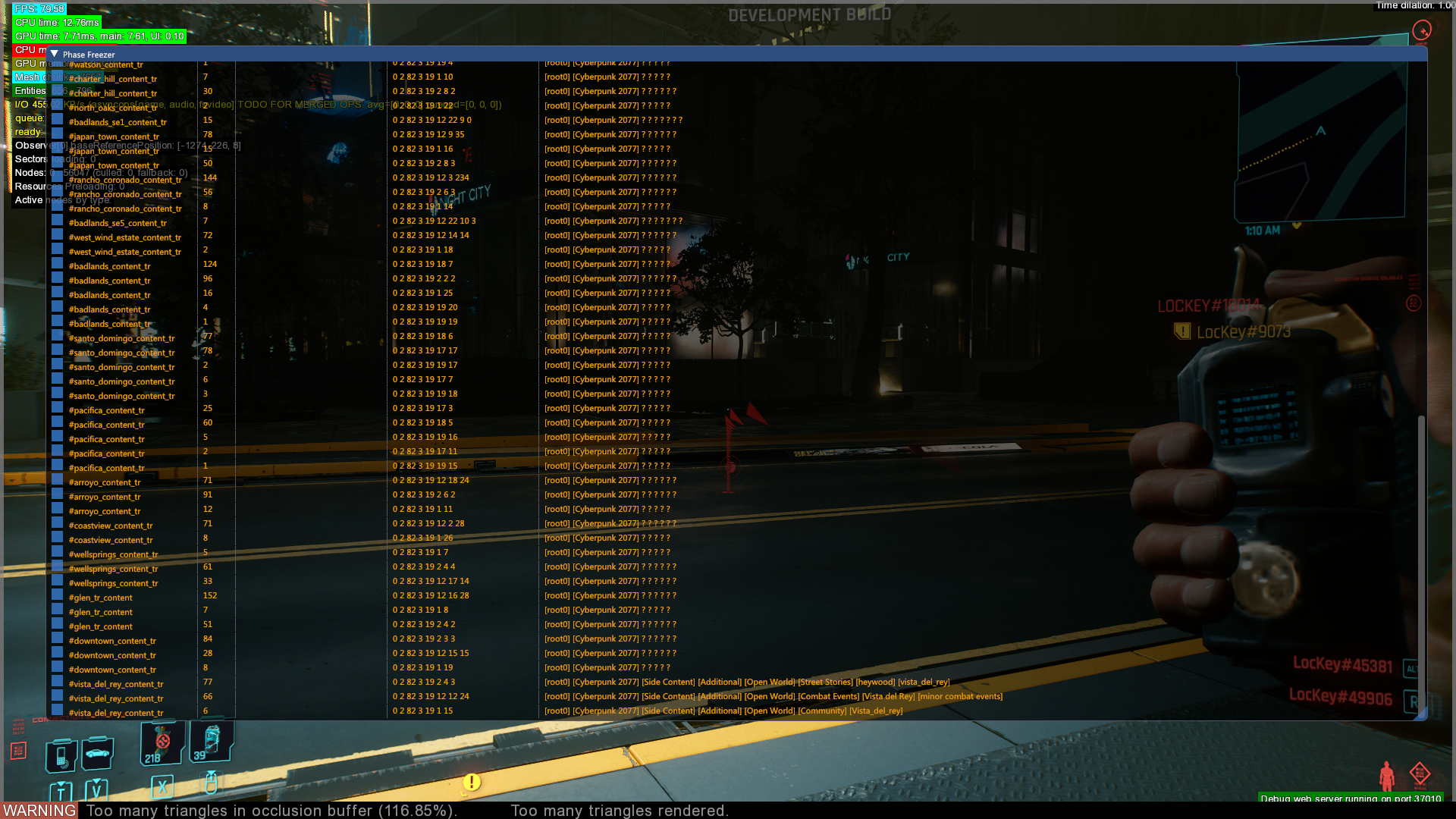
Phase Freezer#
Prefab Handler#
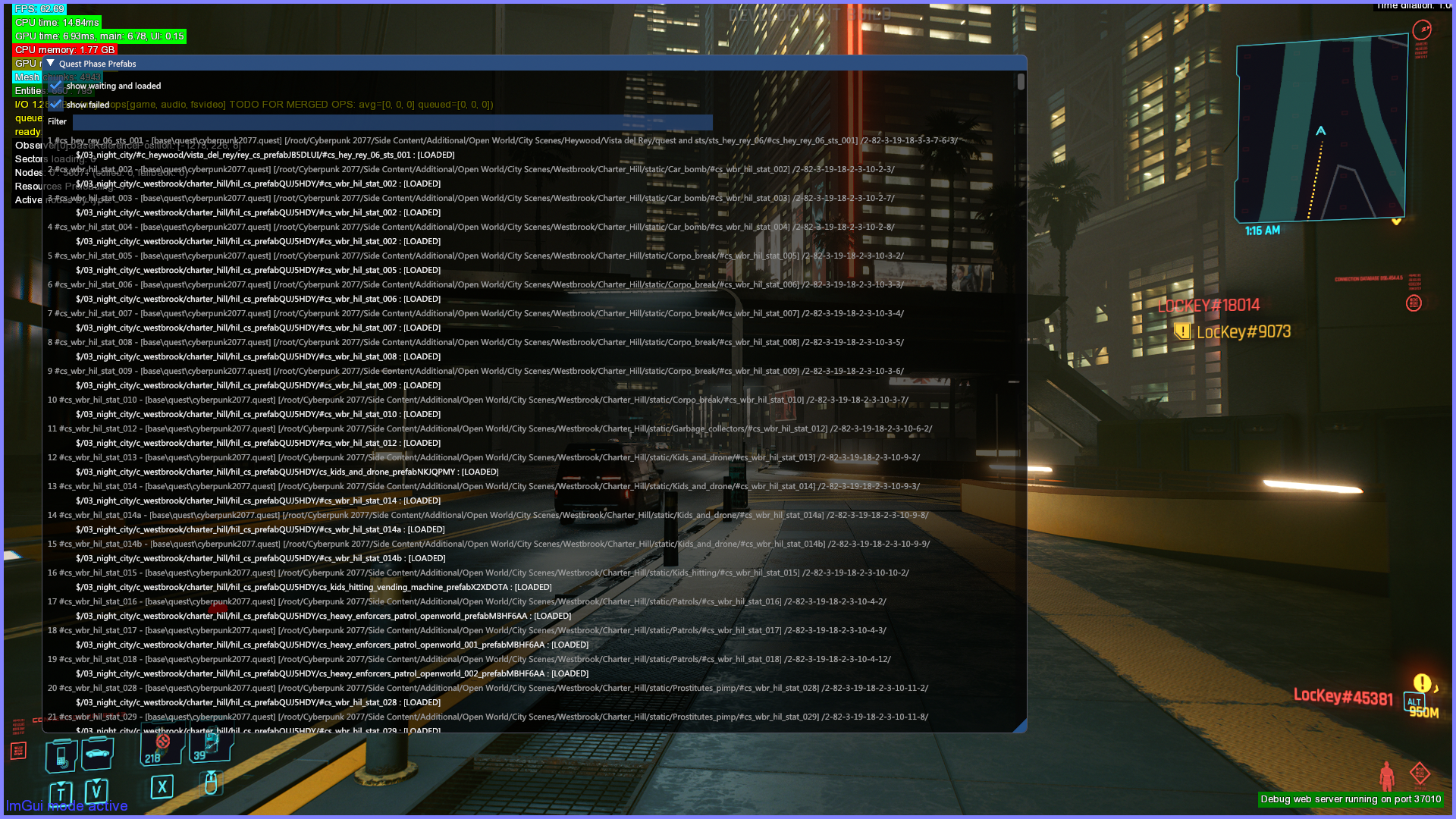
Displays information about loaded prefabs.
Prefab Loading#
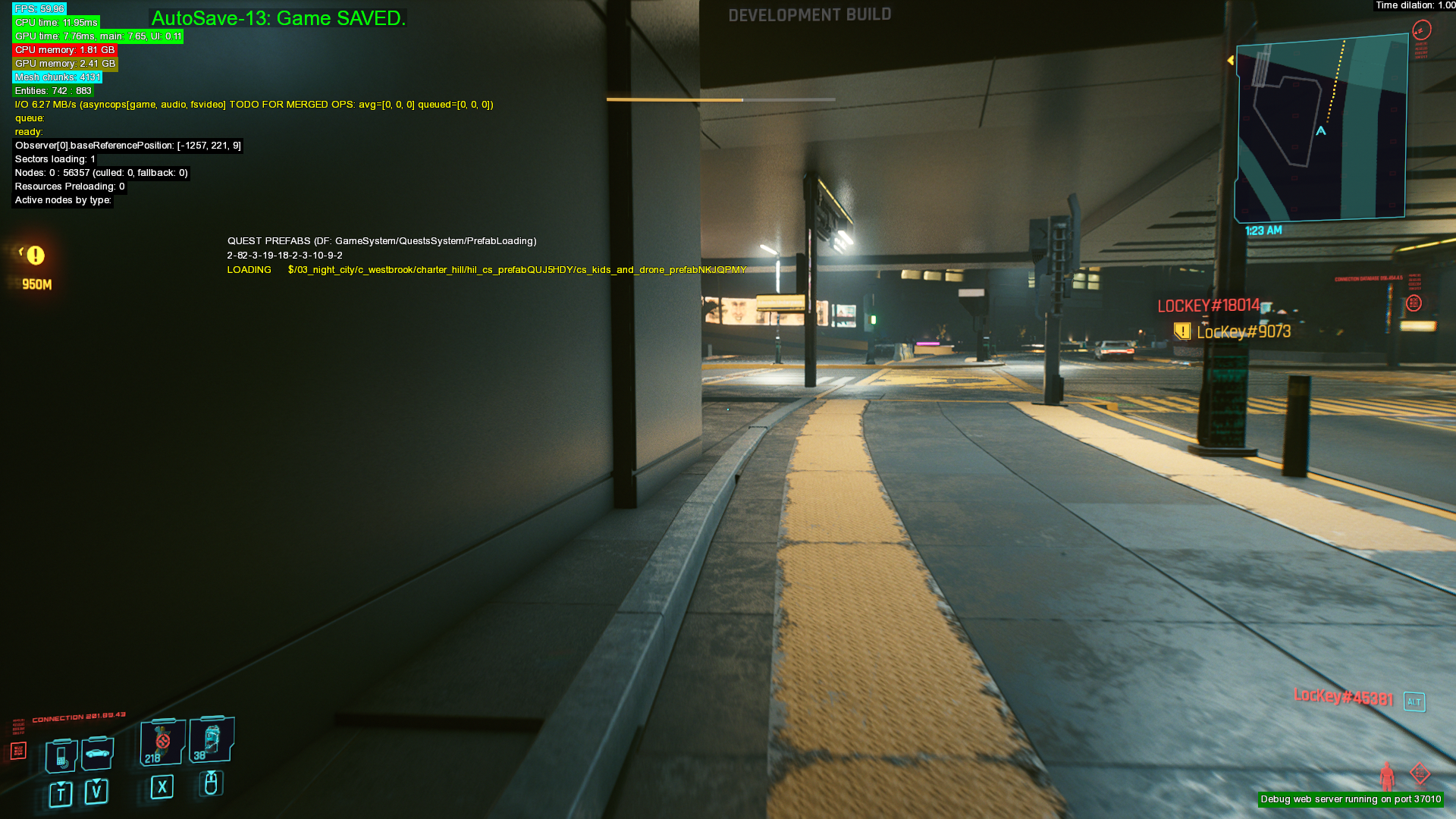
Displays information about prefabs currently being loaded.
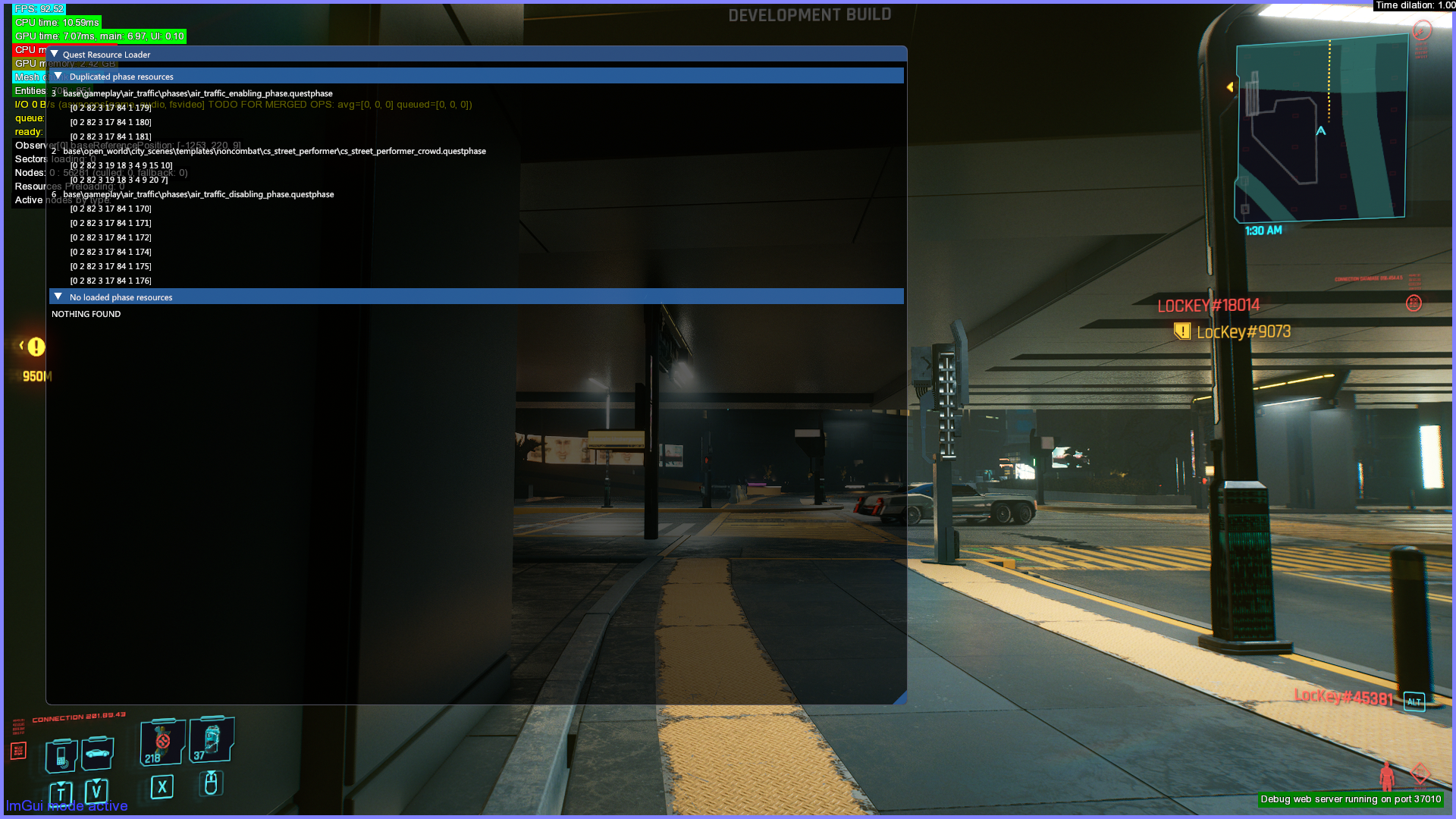
Quest Resource Loader#
Displays data about .questphase files currently loaded into the game.
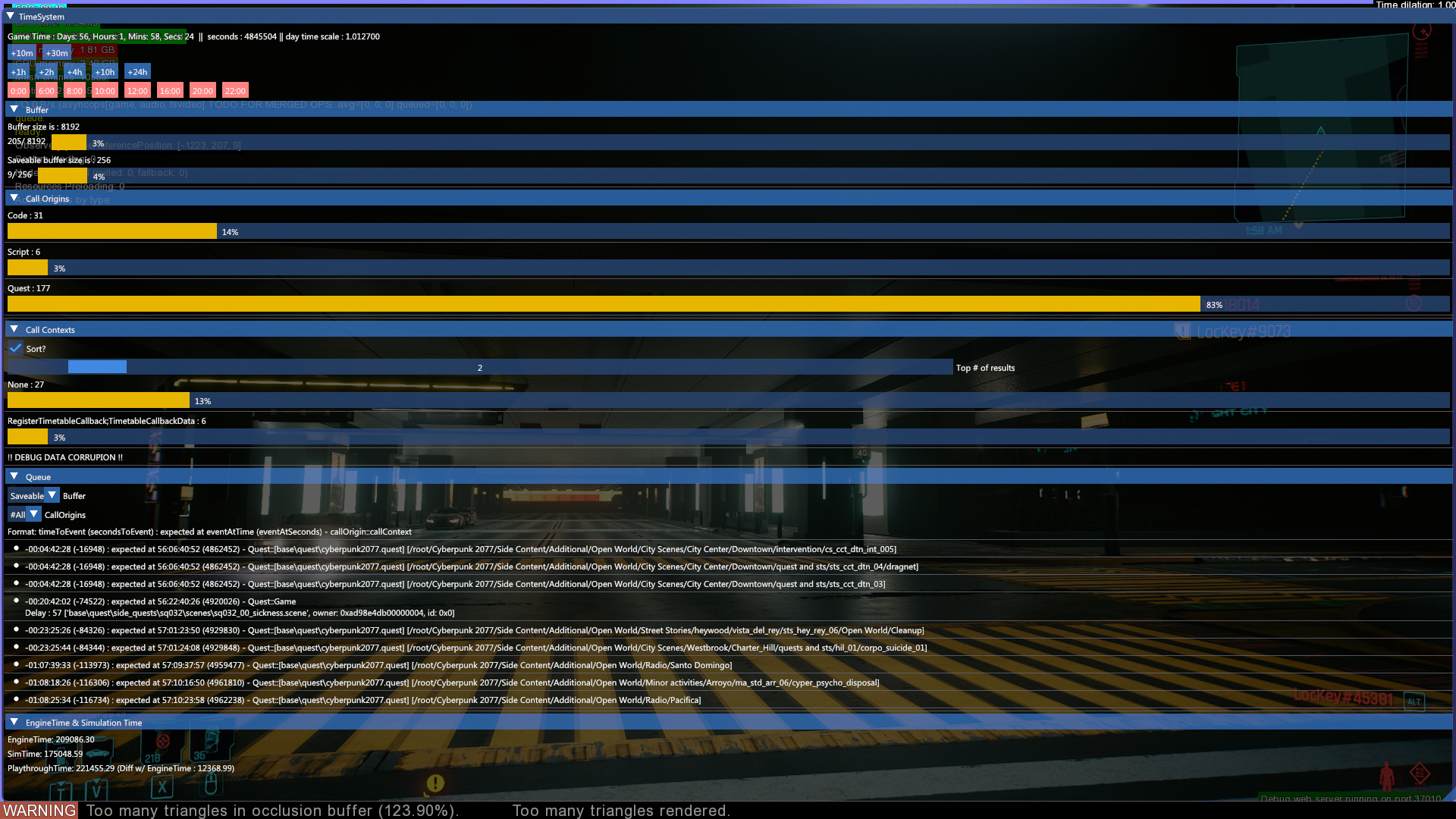
Time System#
This tool shows information about time. Shows game time, engine time, sim time and playthrough time. Can also be used to change the in-game clock.
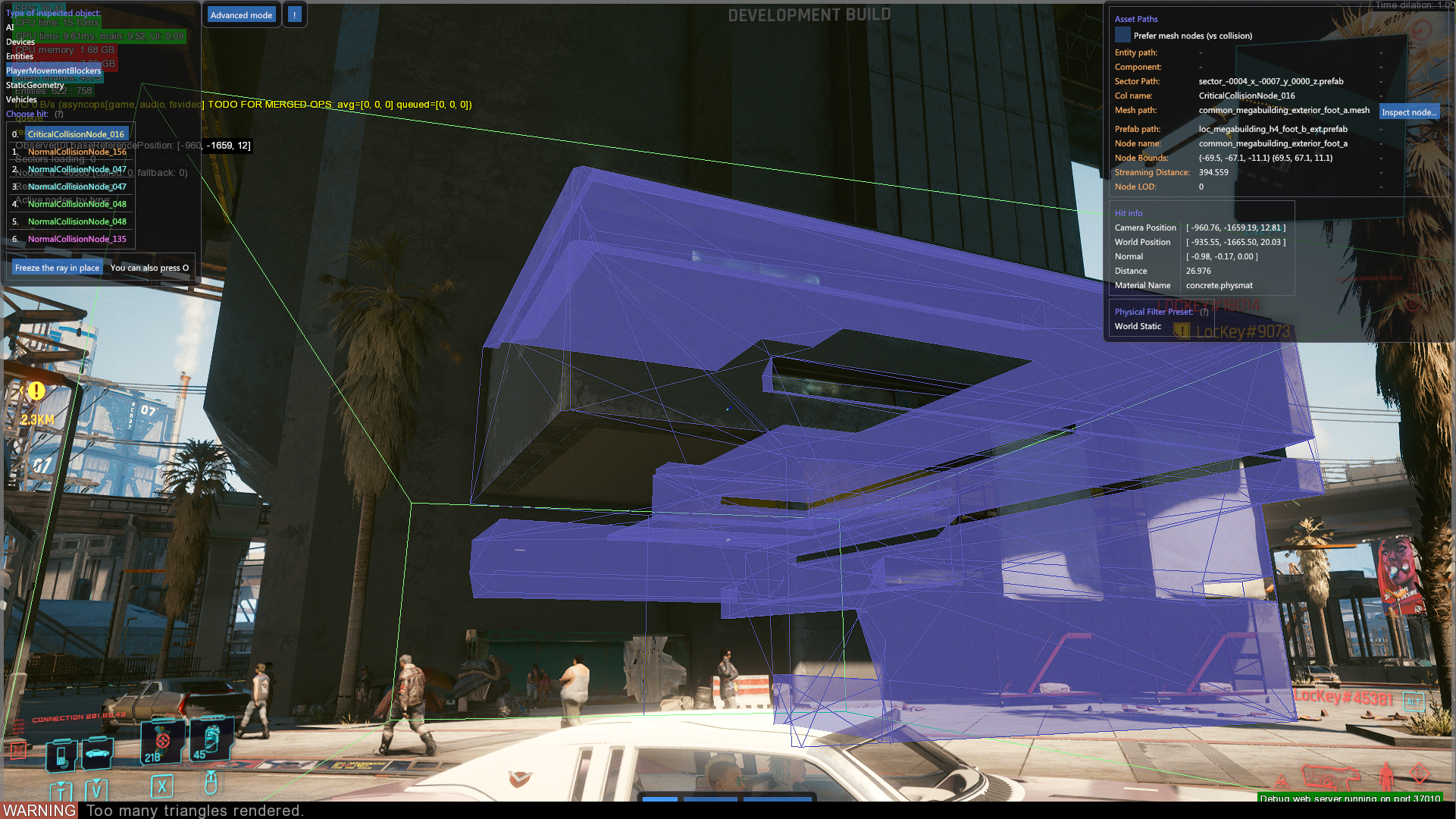
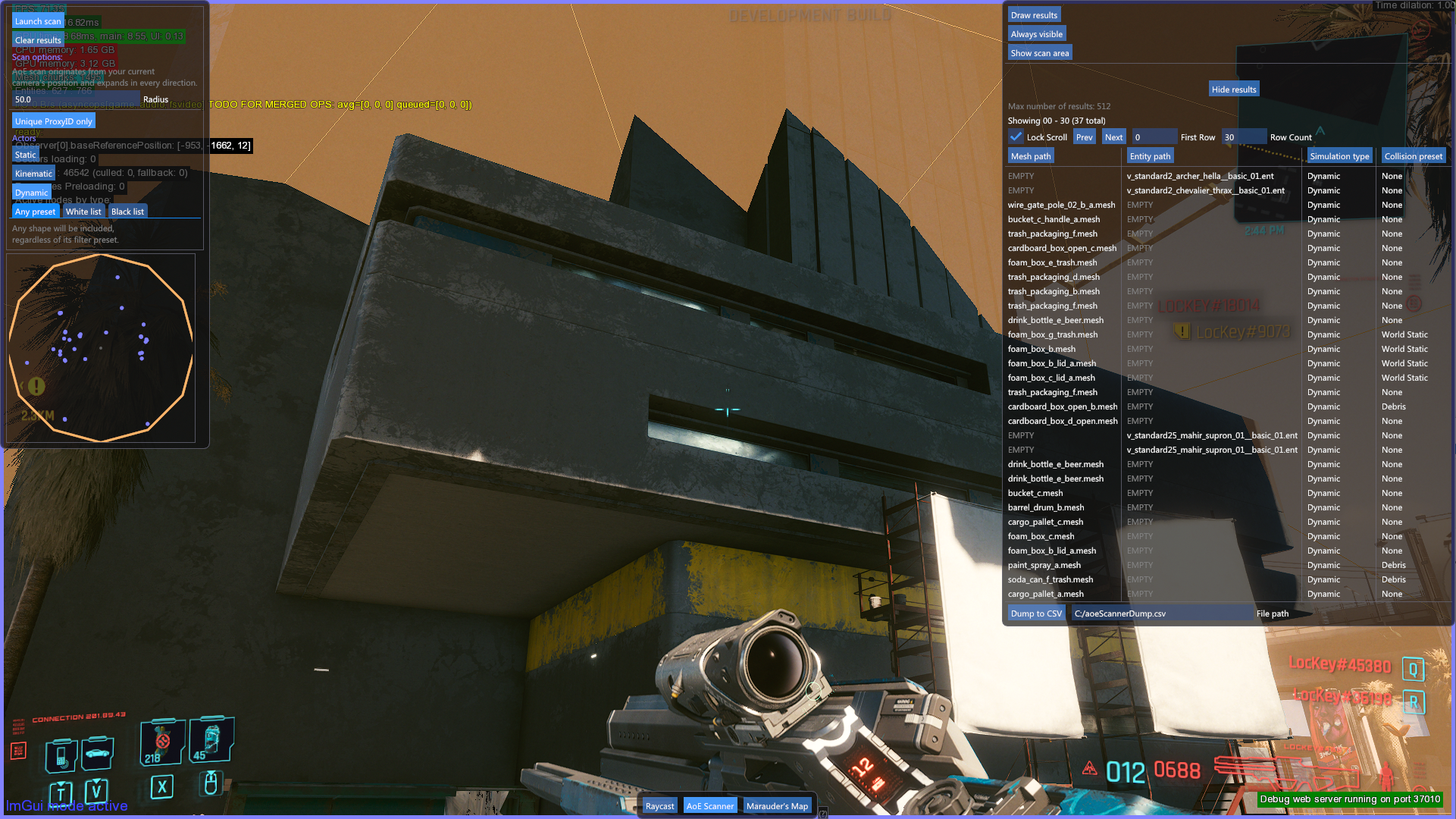
Inspector#
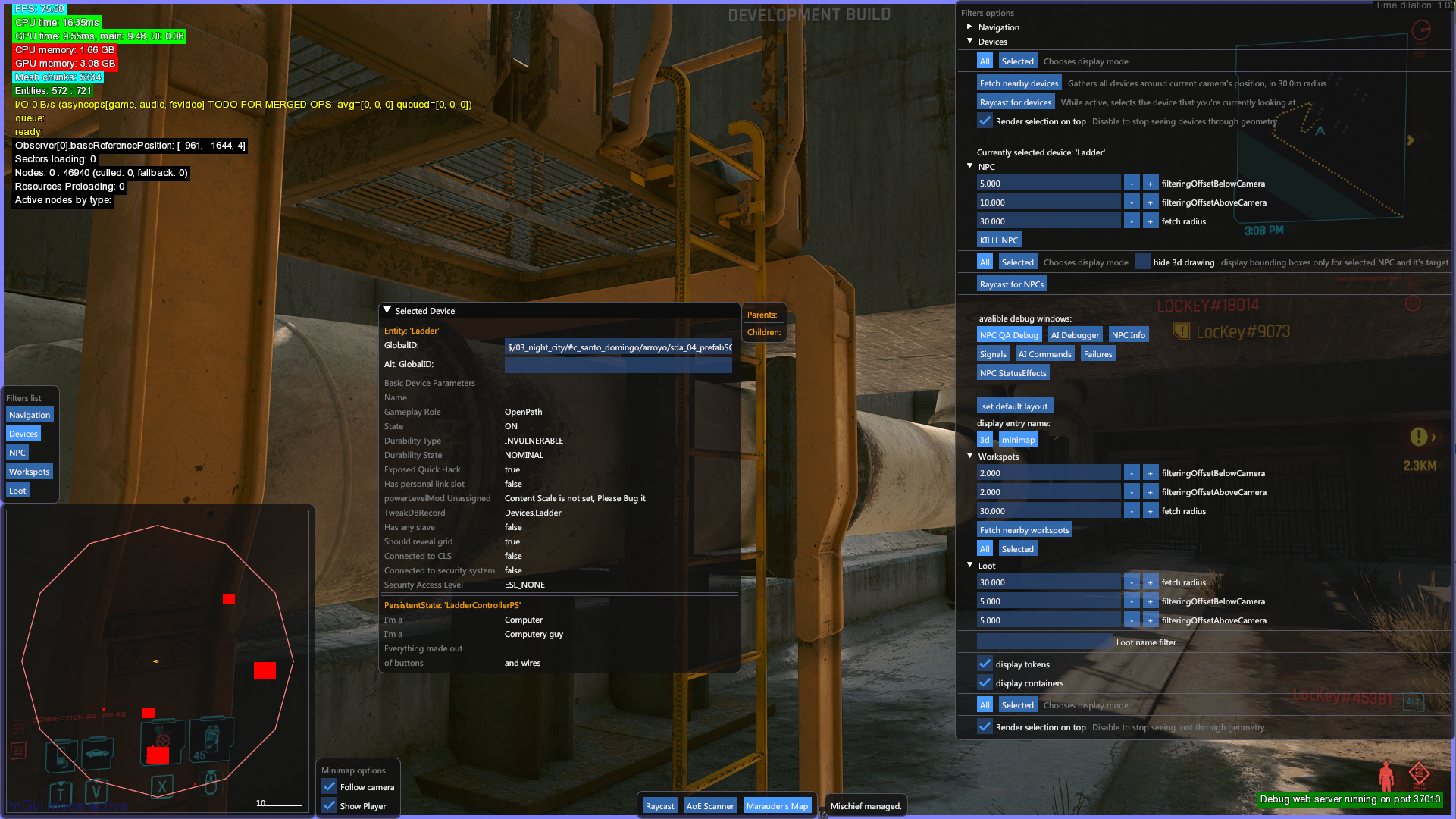
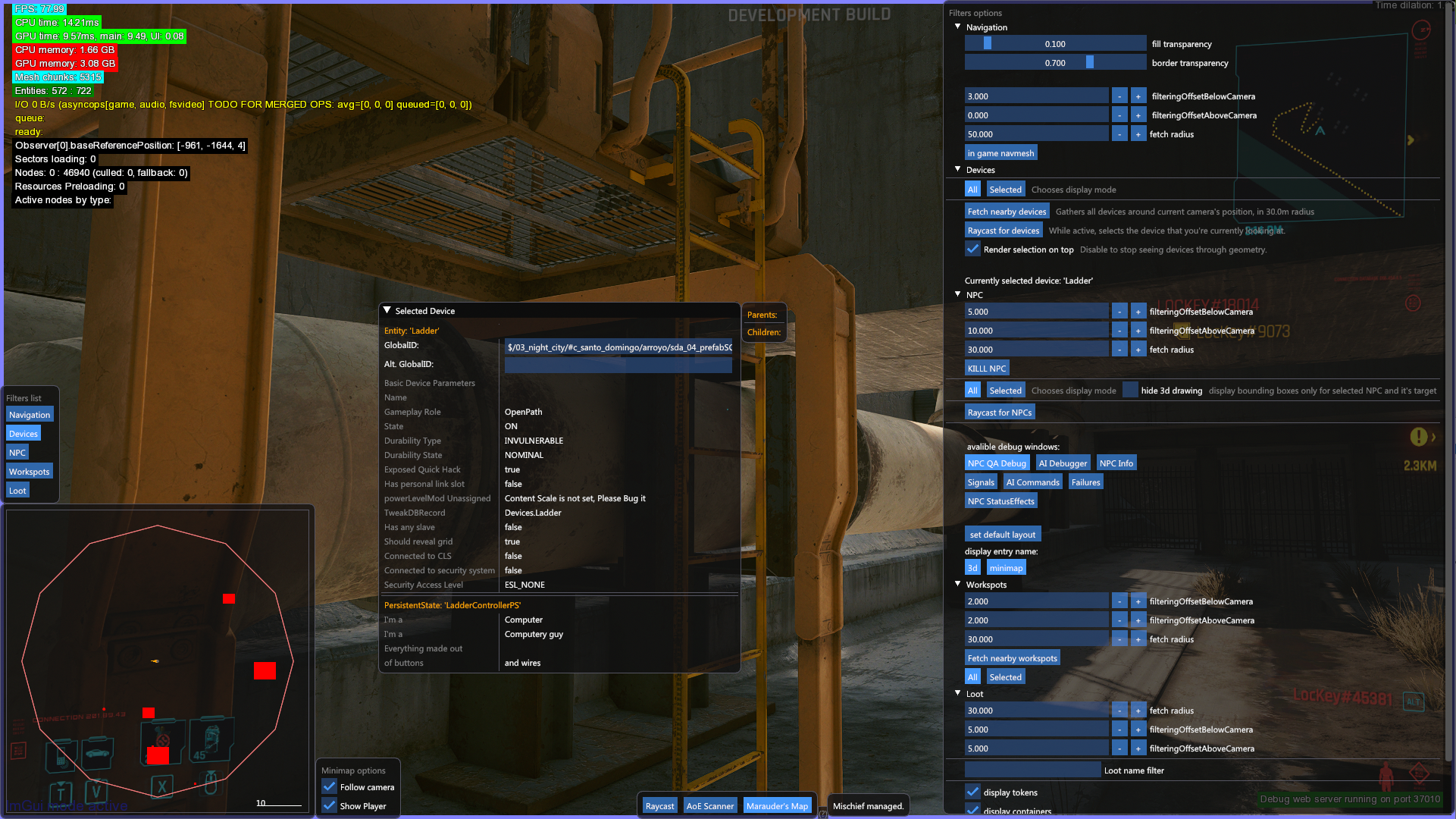
Displays various information of assets used by the game. Raycast refers to a scanner that shoots out a straight line from the center of the player's frustum/camera towards the asset of the item they are looking at and displays info such as its mesh/prefab path. AoE scanner refers to an Area of Effect scanner, that scans a wide area at the user's command. "Marauder's Map" refers to displaying all devices/NPCs within a certain radius of the player.
Memory#
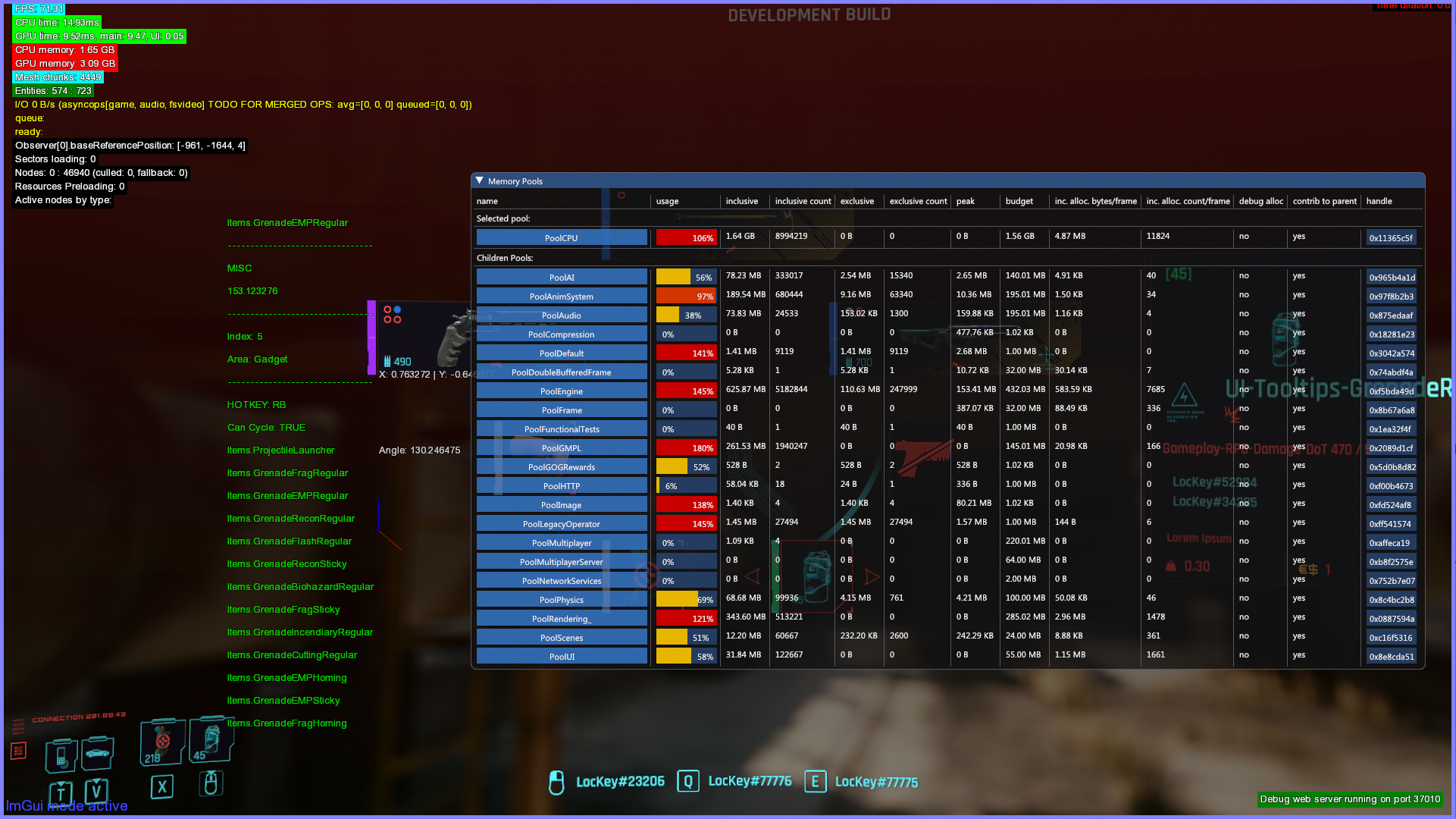
A menu that displays details about... memory pools.
Navigation#
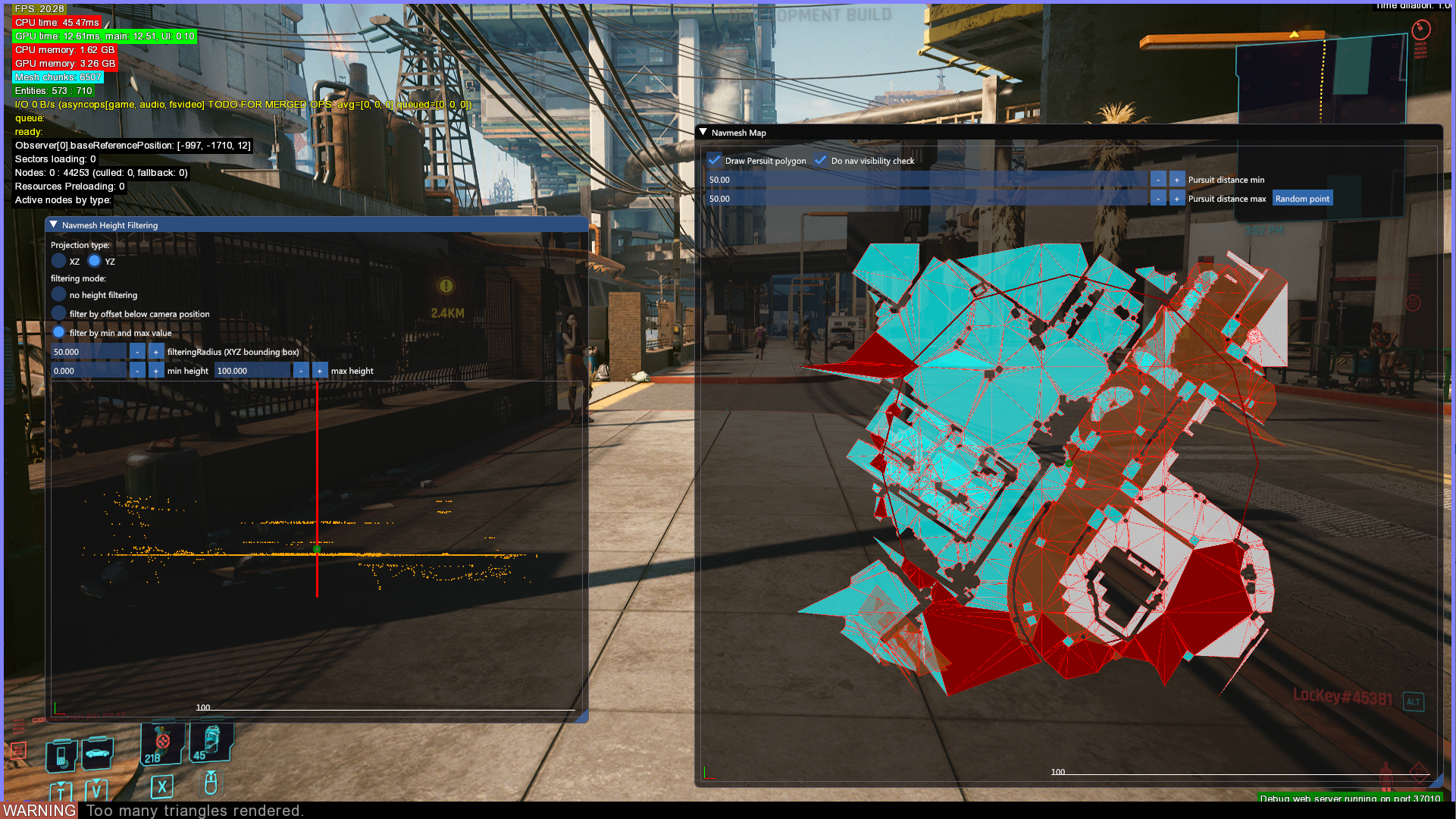
Displays navmeshes.
Nodes#
These debug filters are only available via the debug web server.
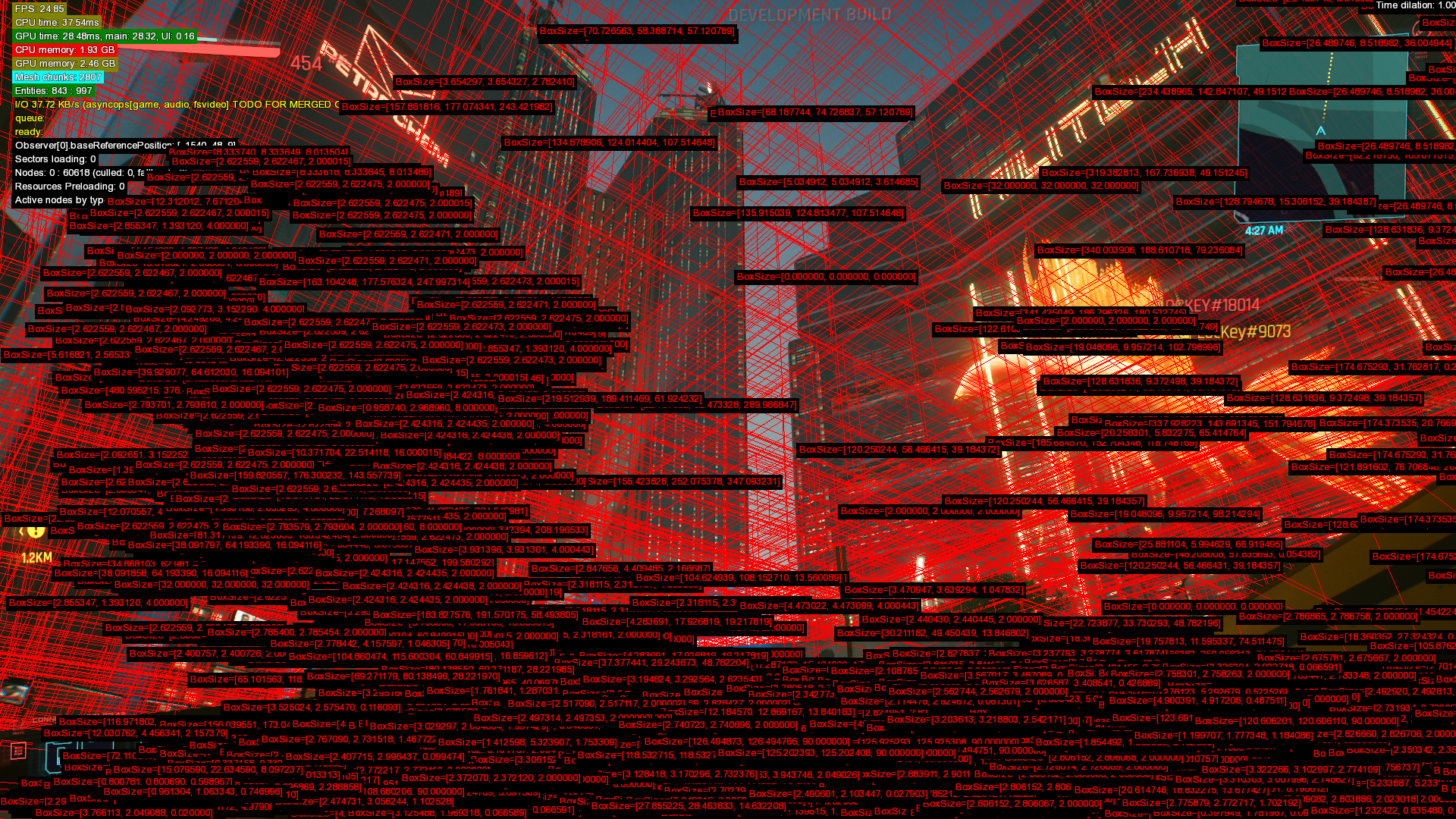
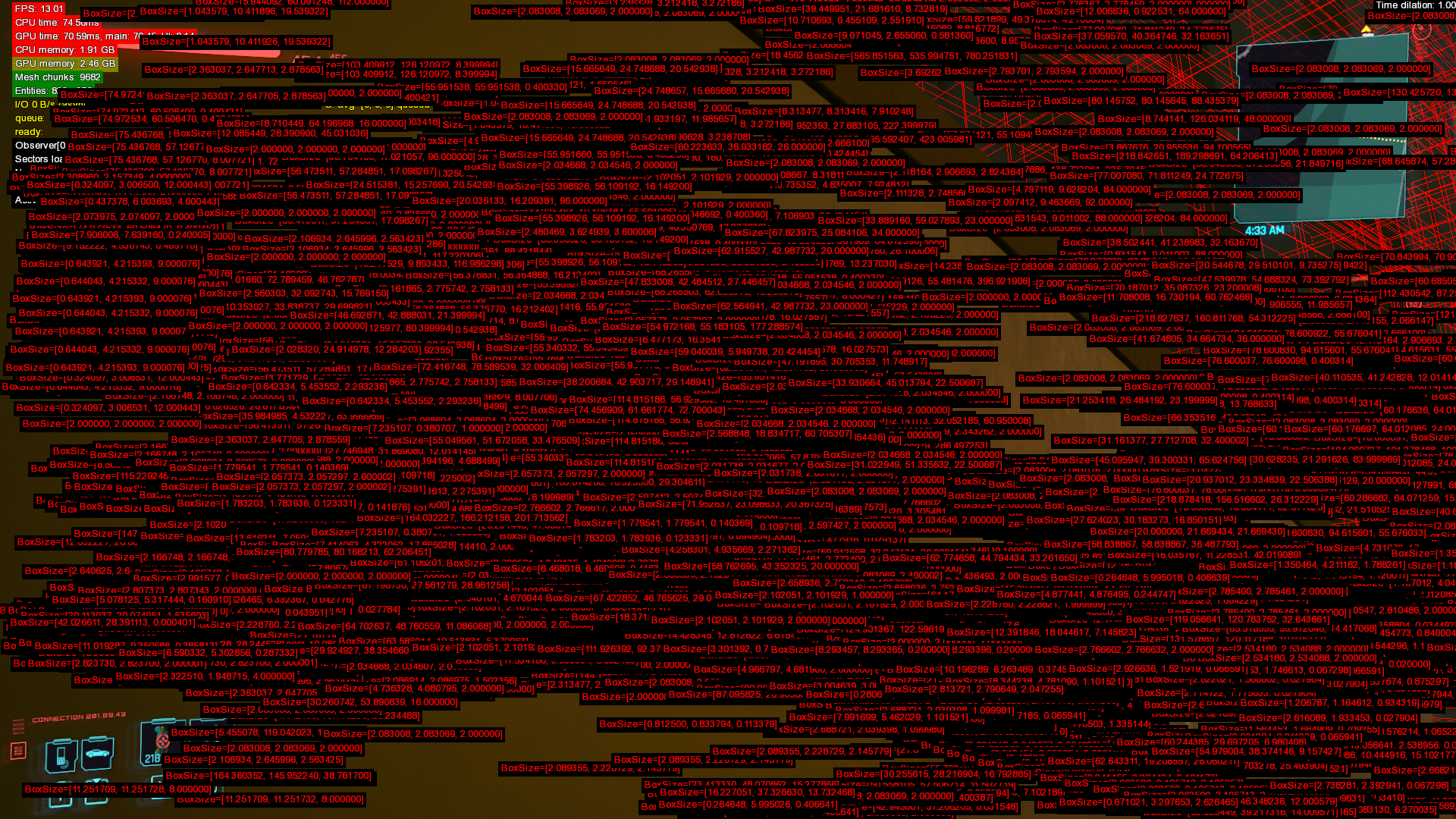
Bounding boxes#
Displays some kind of data about... bounding boxes?
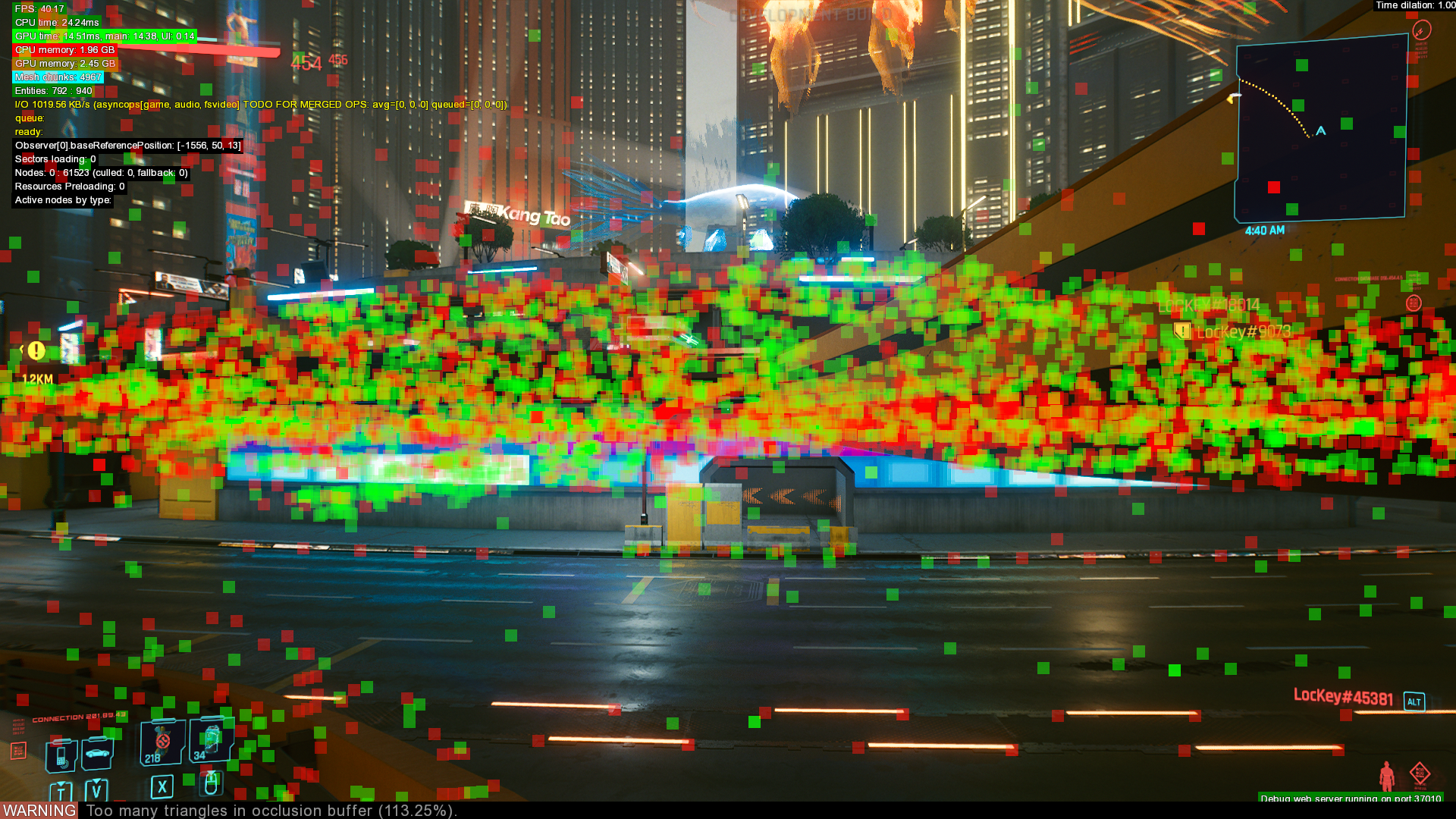
Density Visualization#
It is unclear what density refers to here.
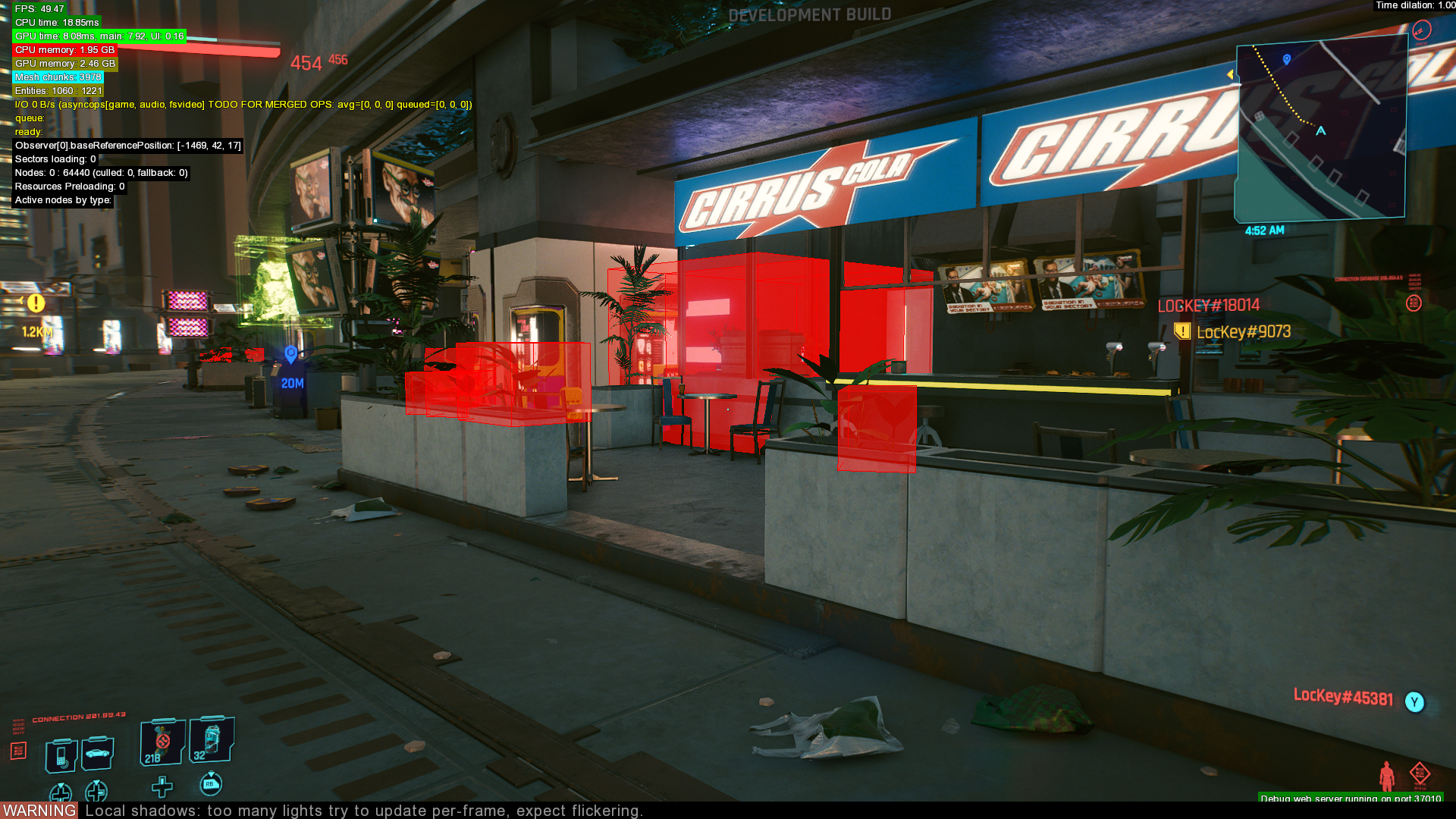
Excluded on console#
Likely displays assets that are not visible on console builds for performance reasons.
Socket Names Always Visible#
Appears to display the physical location of sockets in .questphase files.
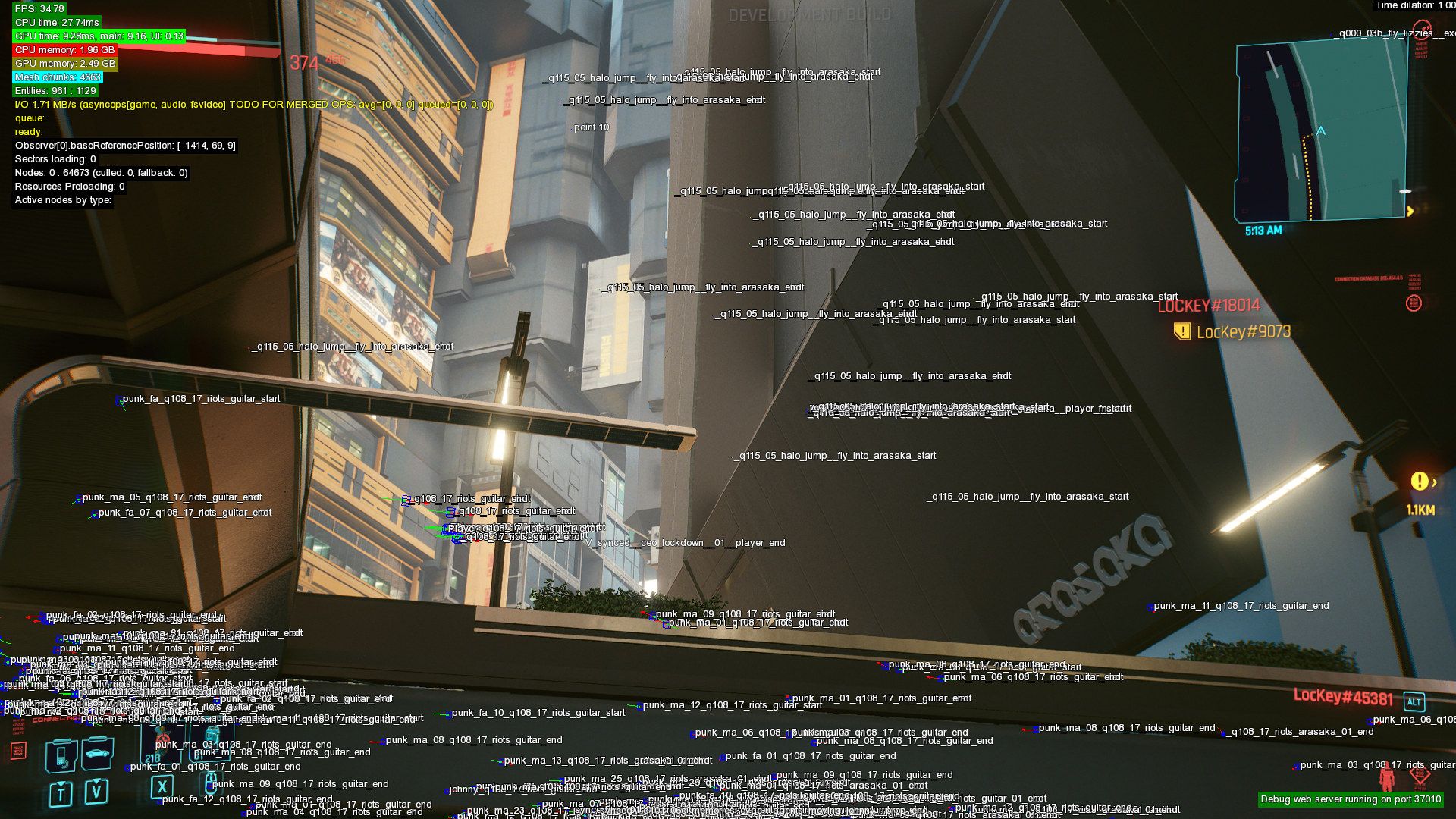
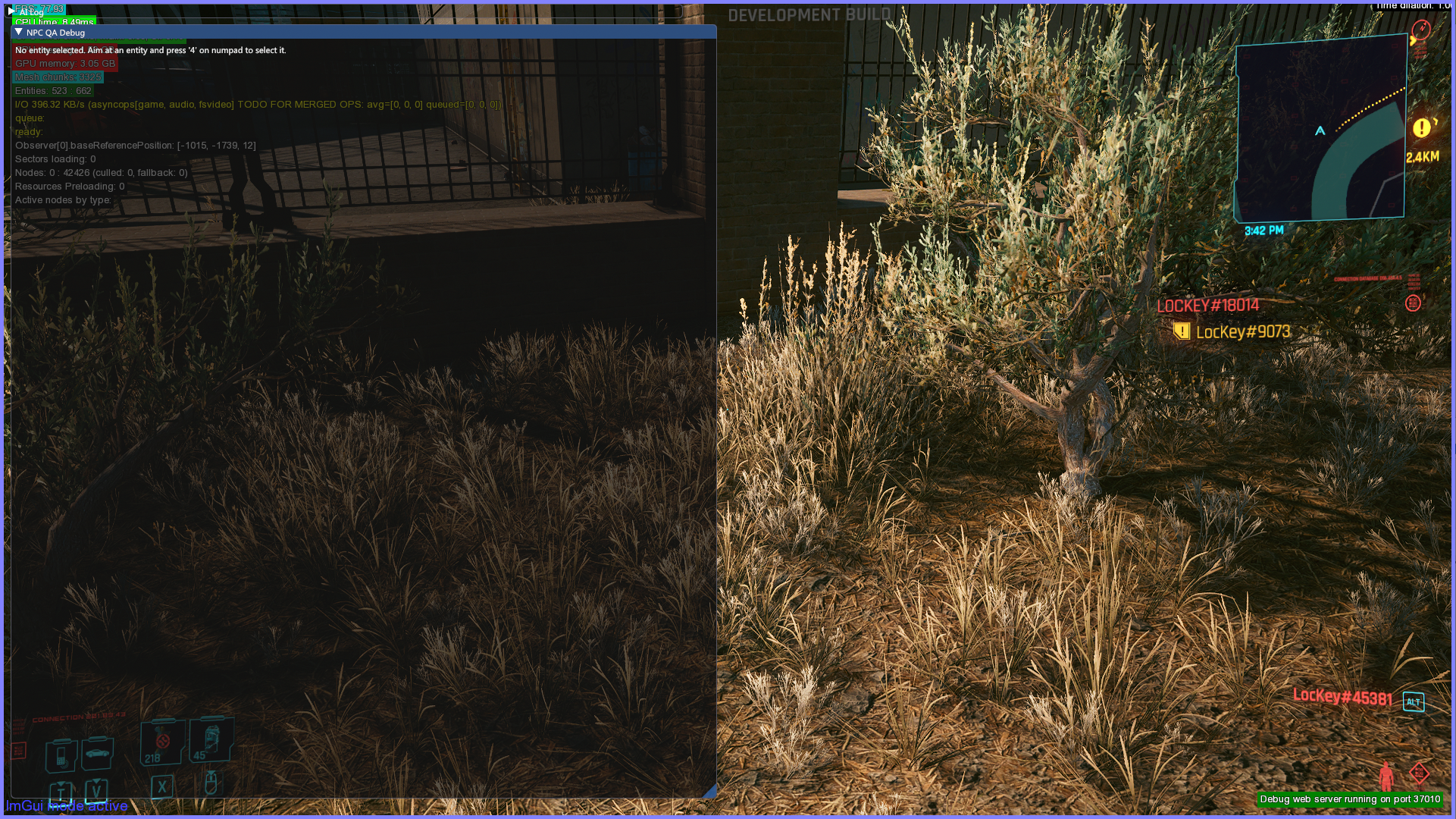
NPC QA#
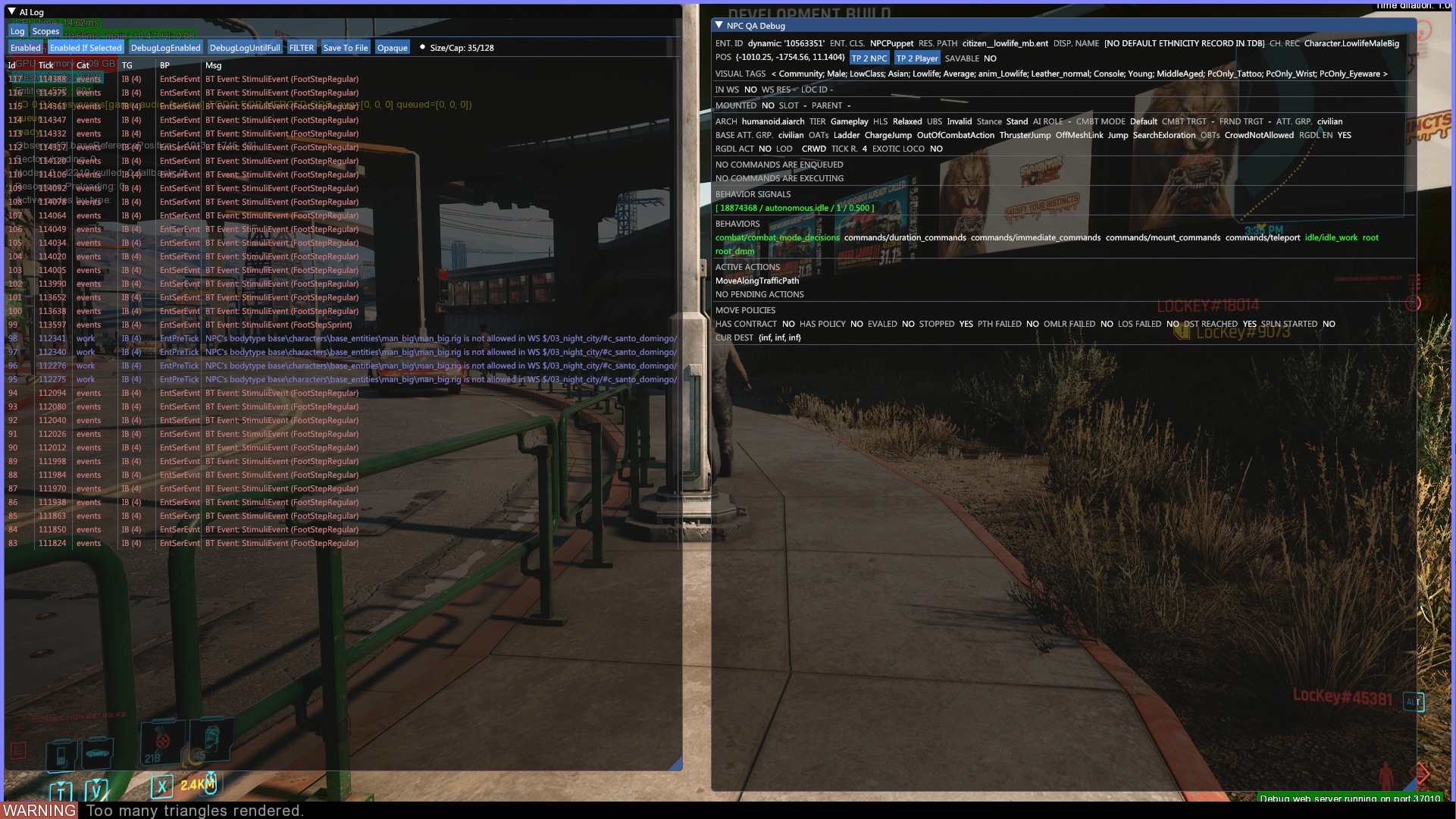
Displays debug data about the NPC in player view when user presses 4 on the numpad.
Overlay#
This debug filter is only available via the debug web server.
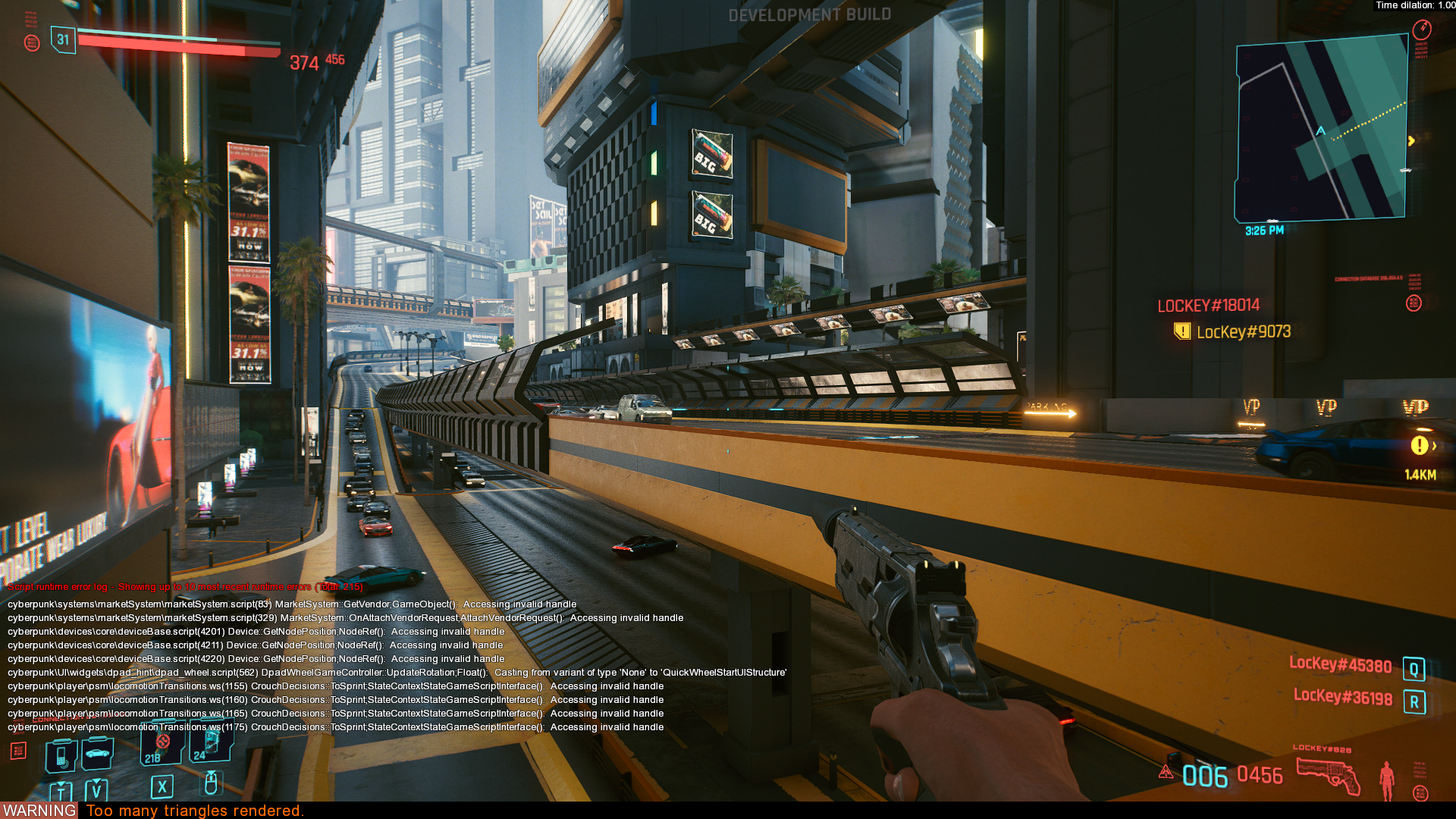
Script Runtime Error Console#
An error log that displays errors from scripts.
Ping System#
|
|
This needs some investigation. |
Sway/Spread Manager#
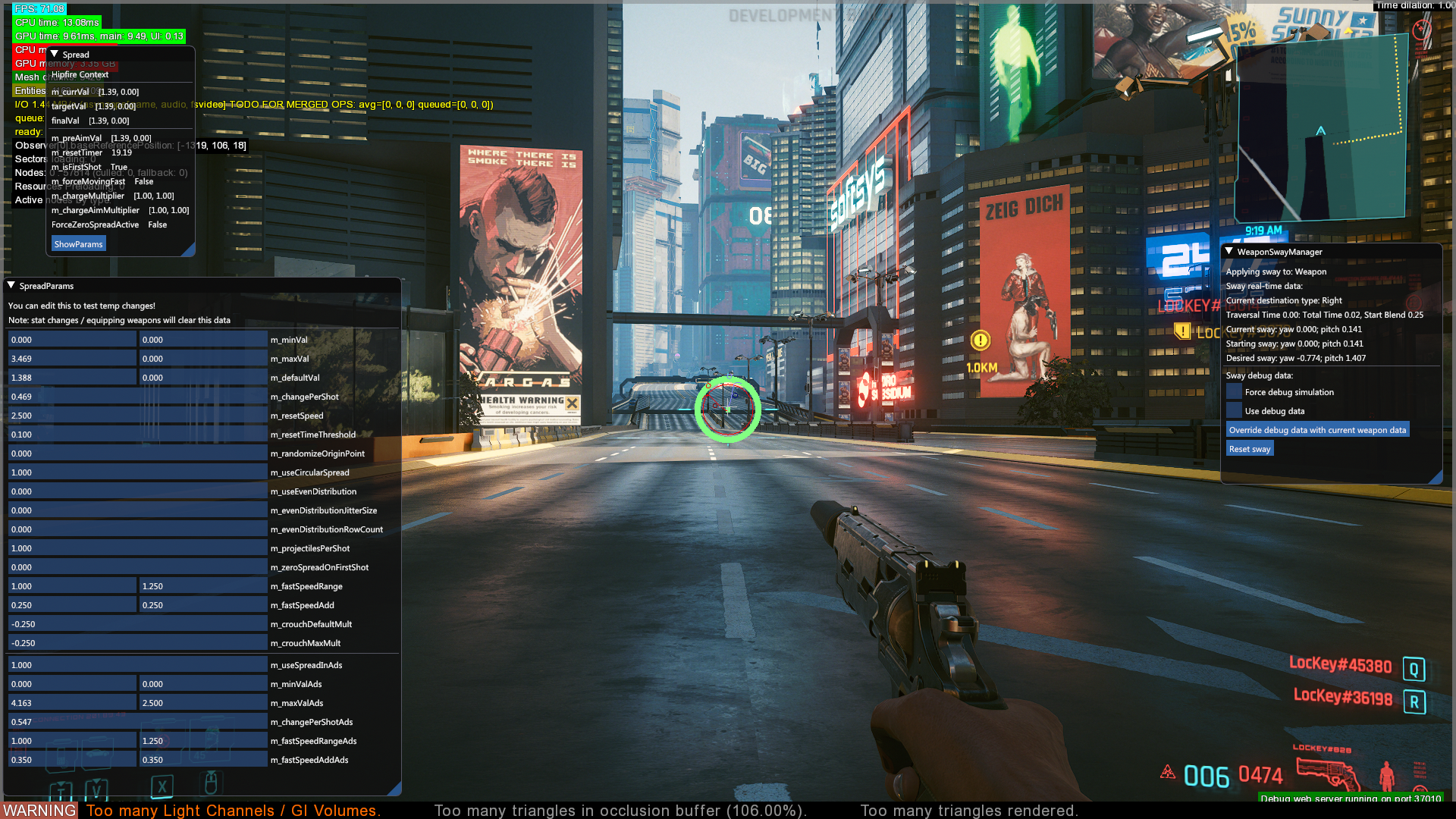
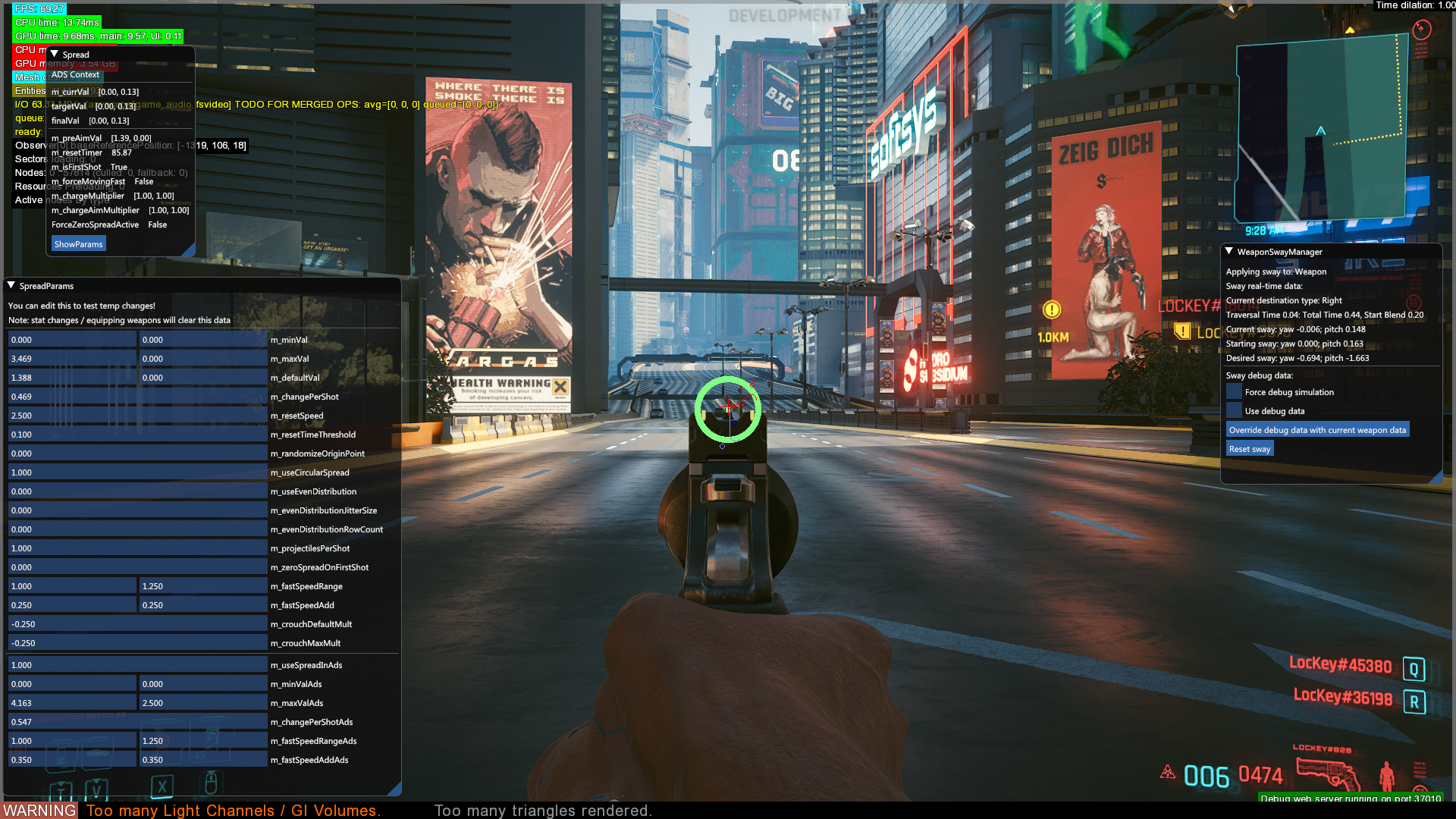
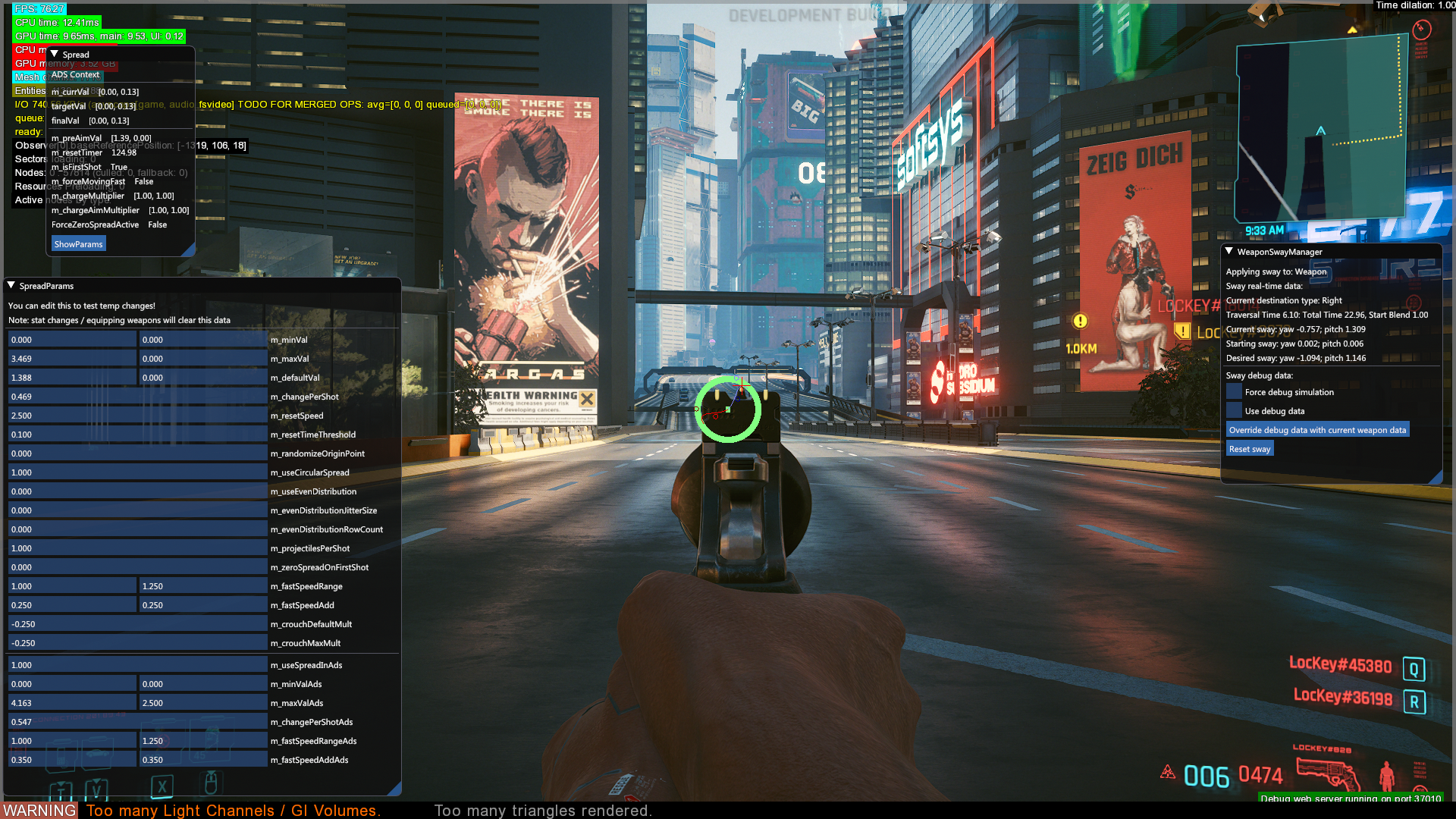
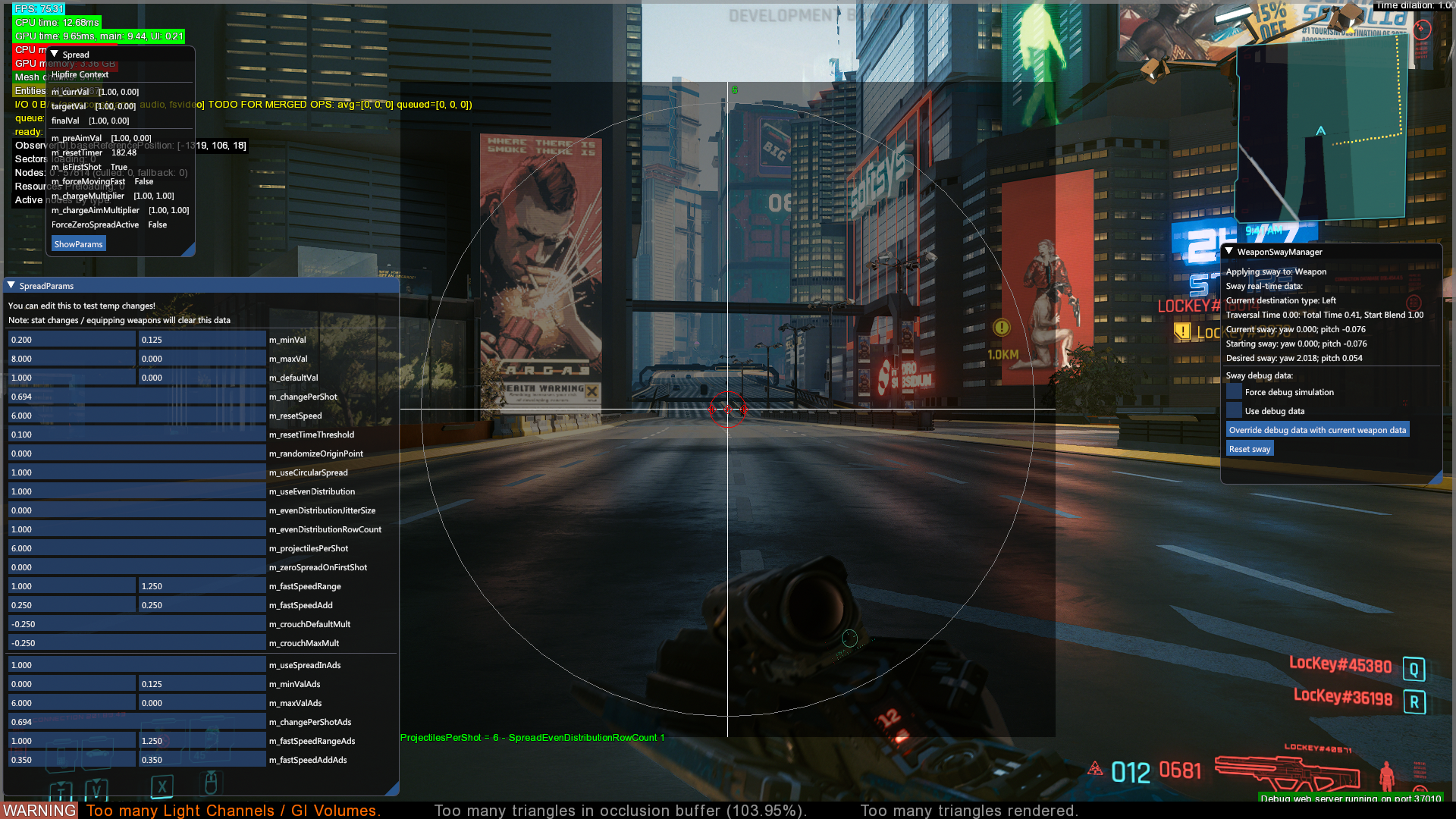
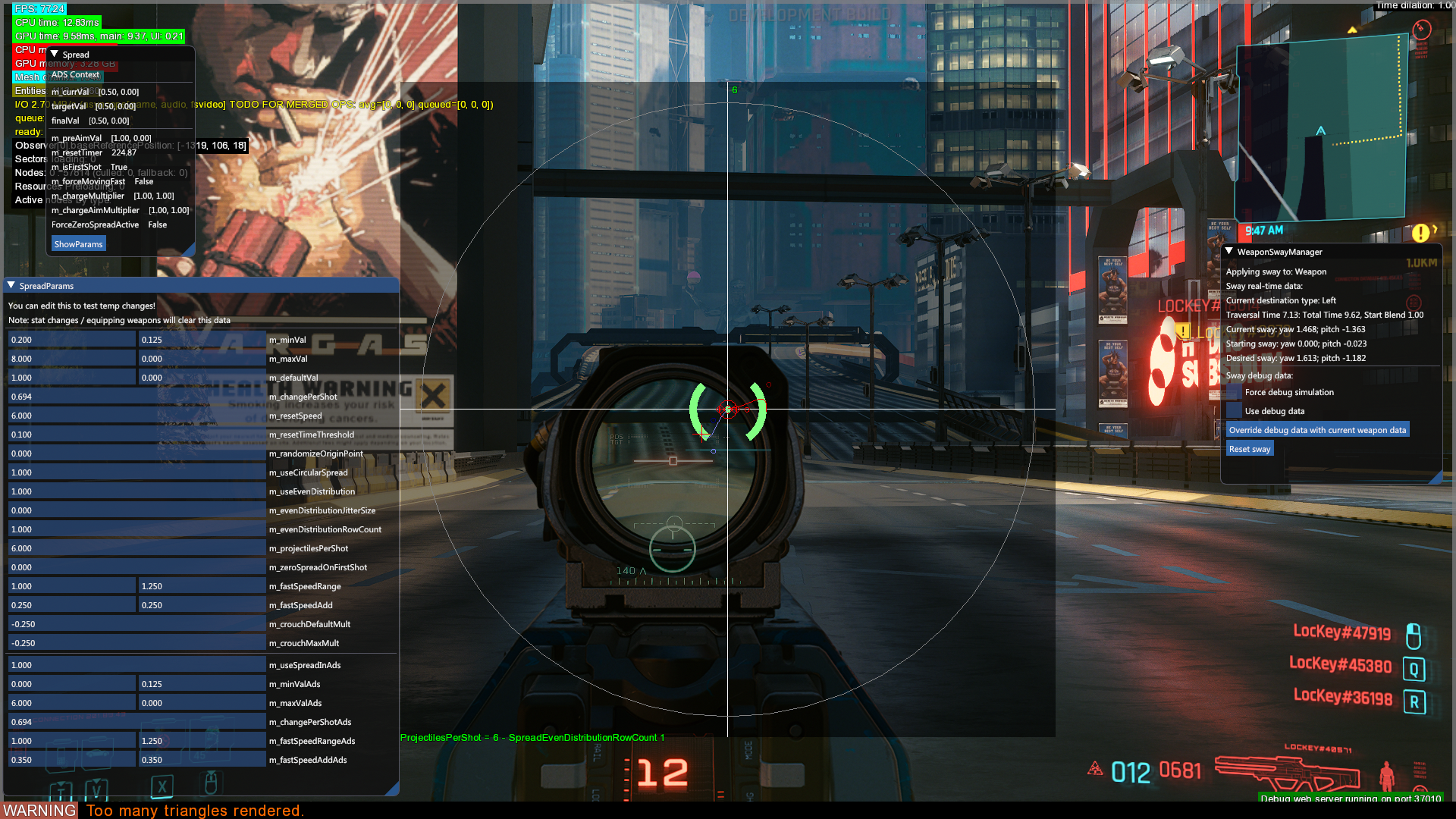
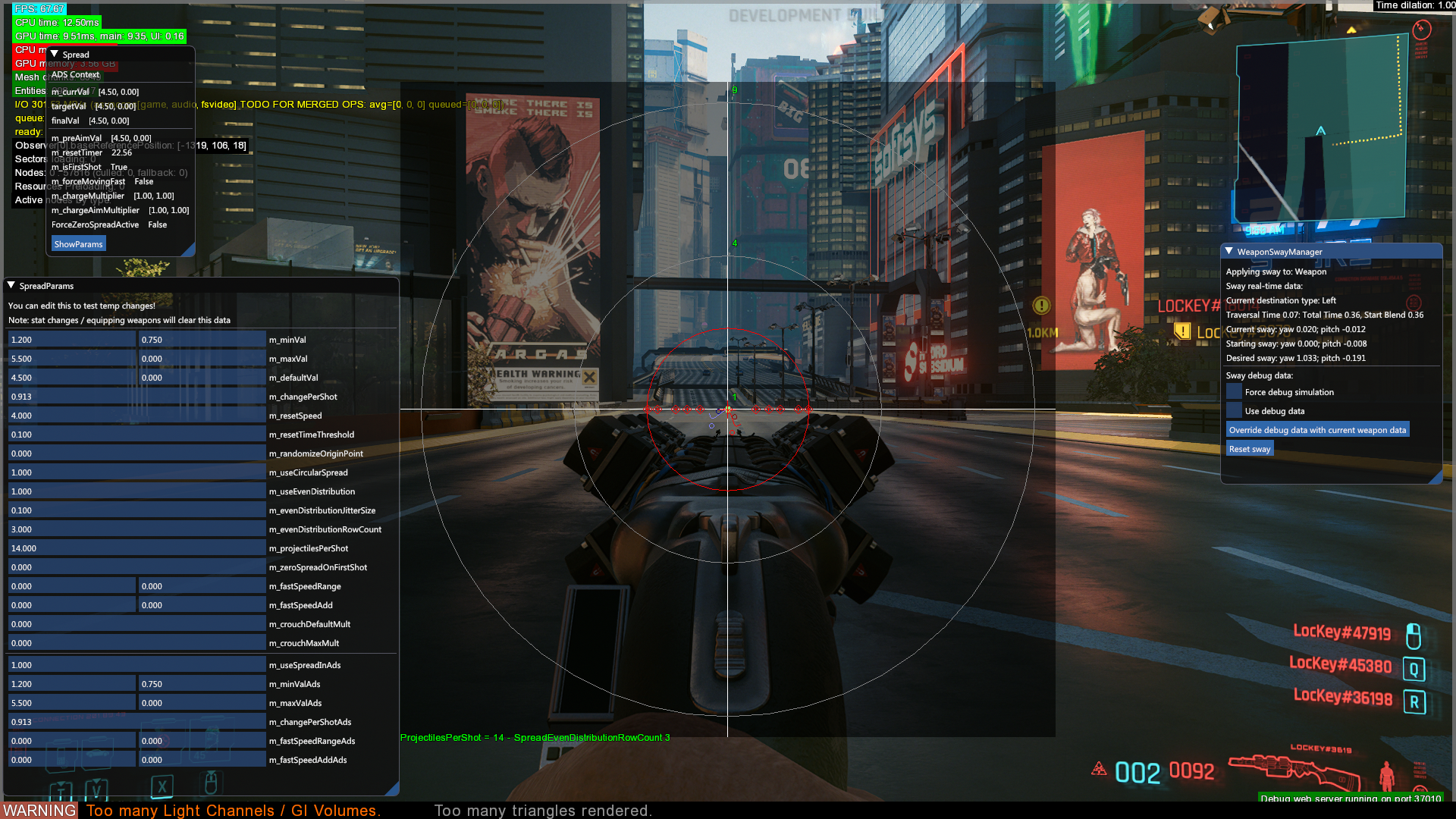
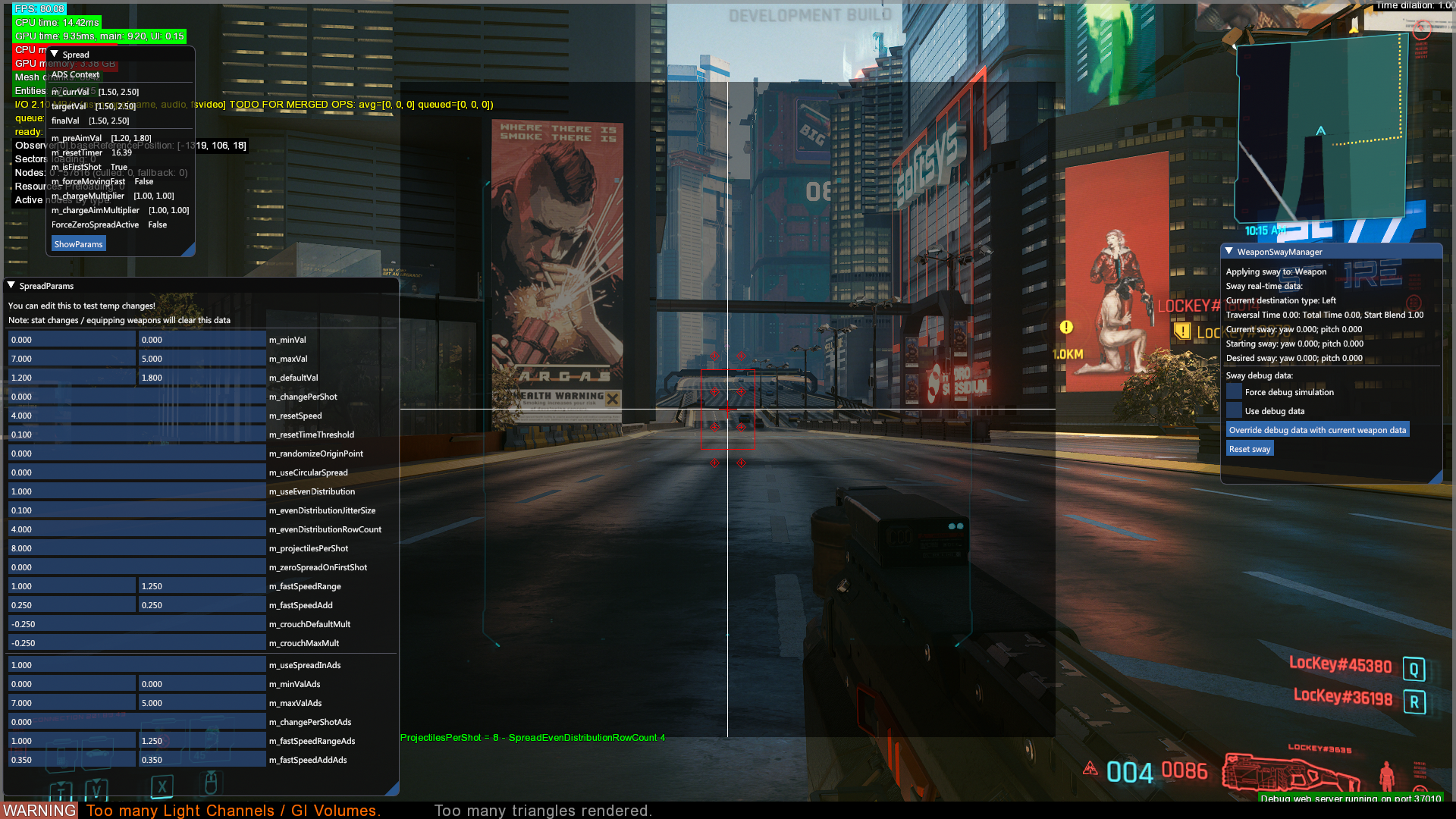
Accessible only via an option in the debug web server, this tool allows the user to display weapon sway and spread data.
Projectiles#
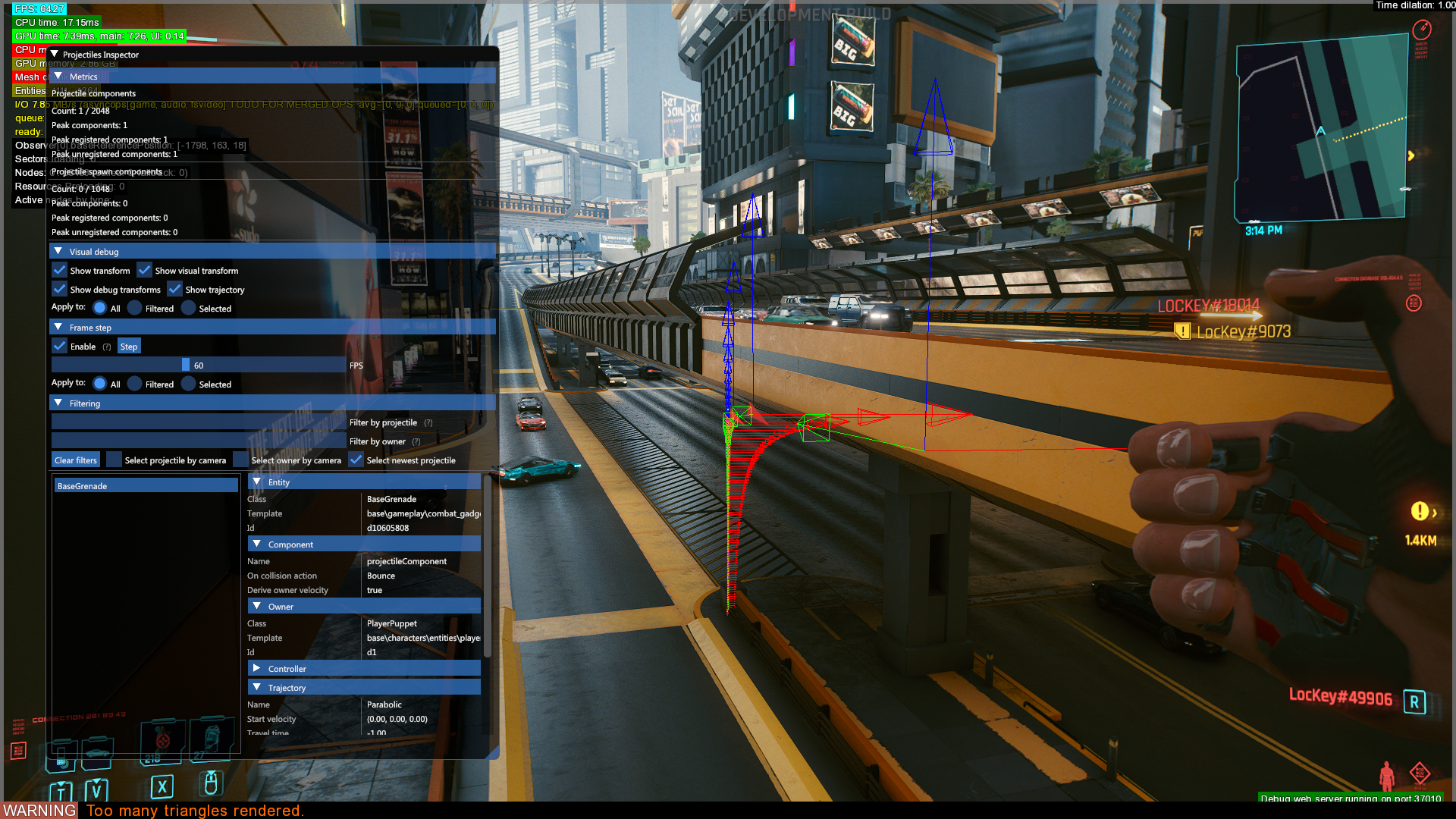
Displays data related to projectiles, such as trajectories, entity of the project and which entity that is the owner of the thrown entity.
QA#
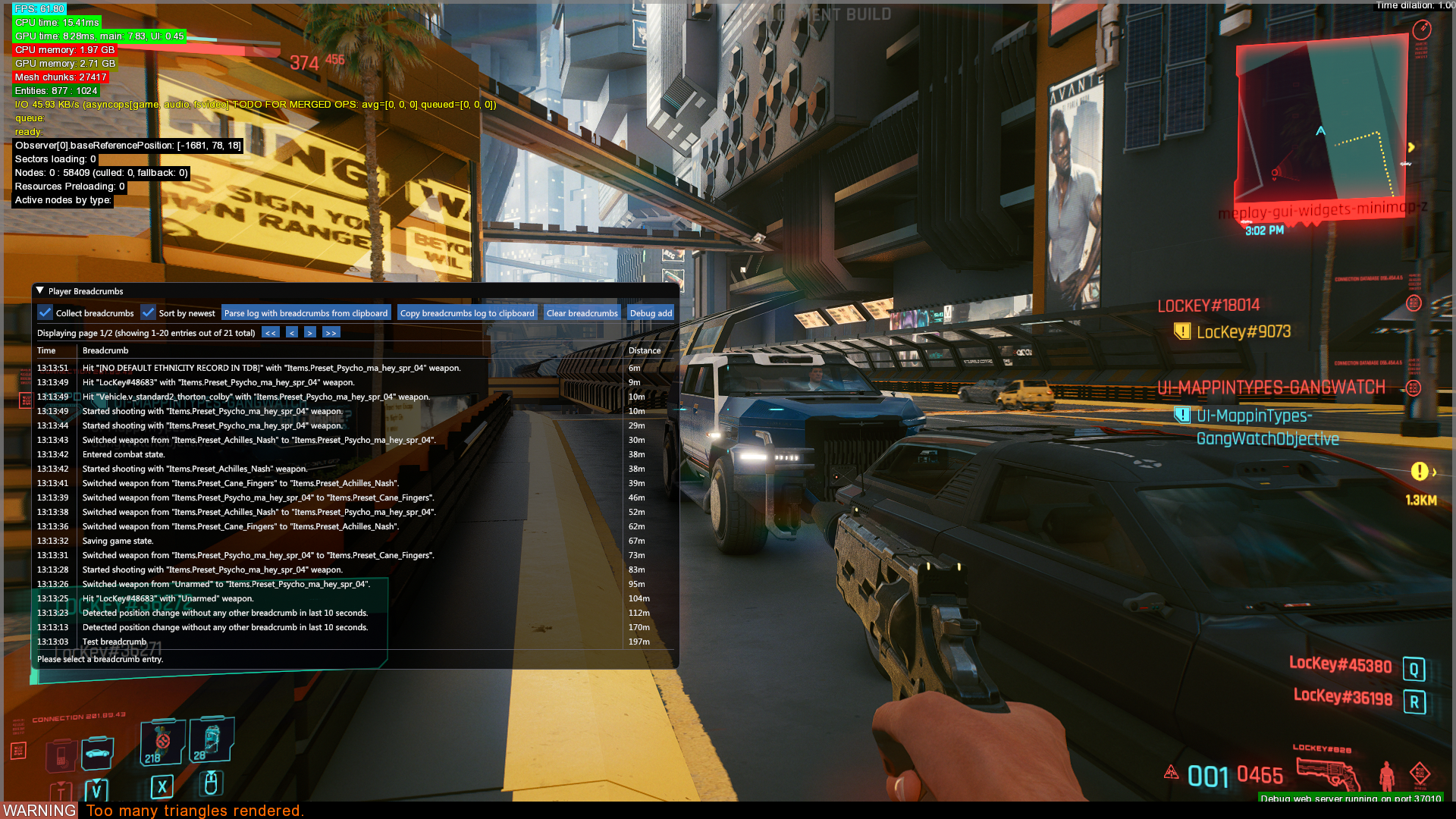
This debug filter is only available via the debug web server. Displays various breadcrumbs/information about actions the player and well as some other actions the NPCs have performed. Likely used to assist with bug tracking and/or in-game telemetry.
Rendering#
These debug filters are only available via the debug web server.
Debug#
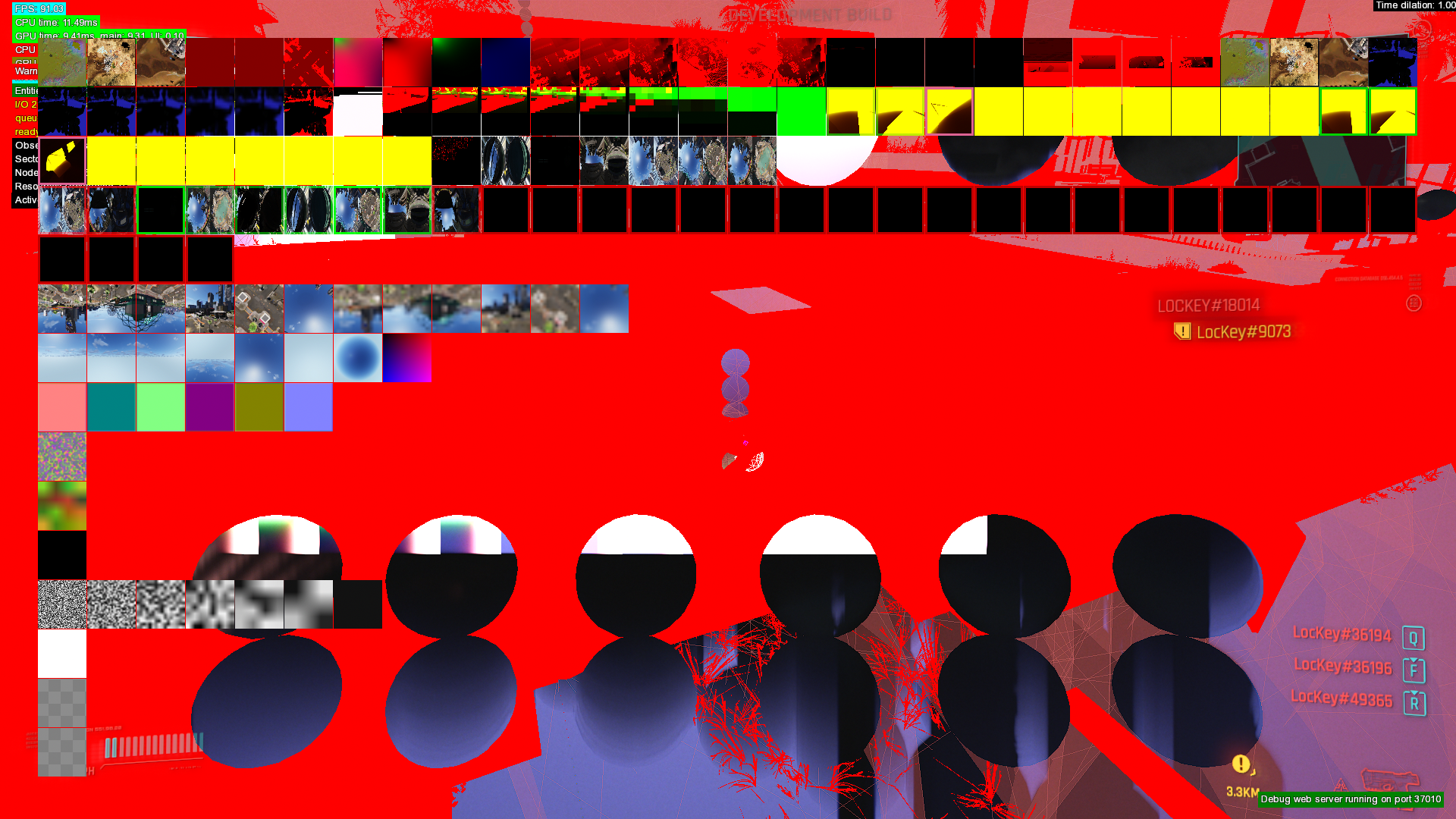
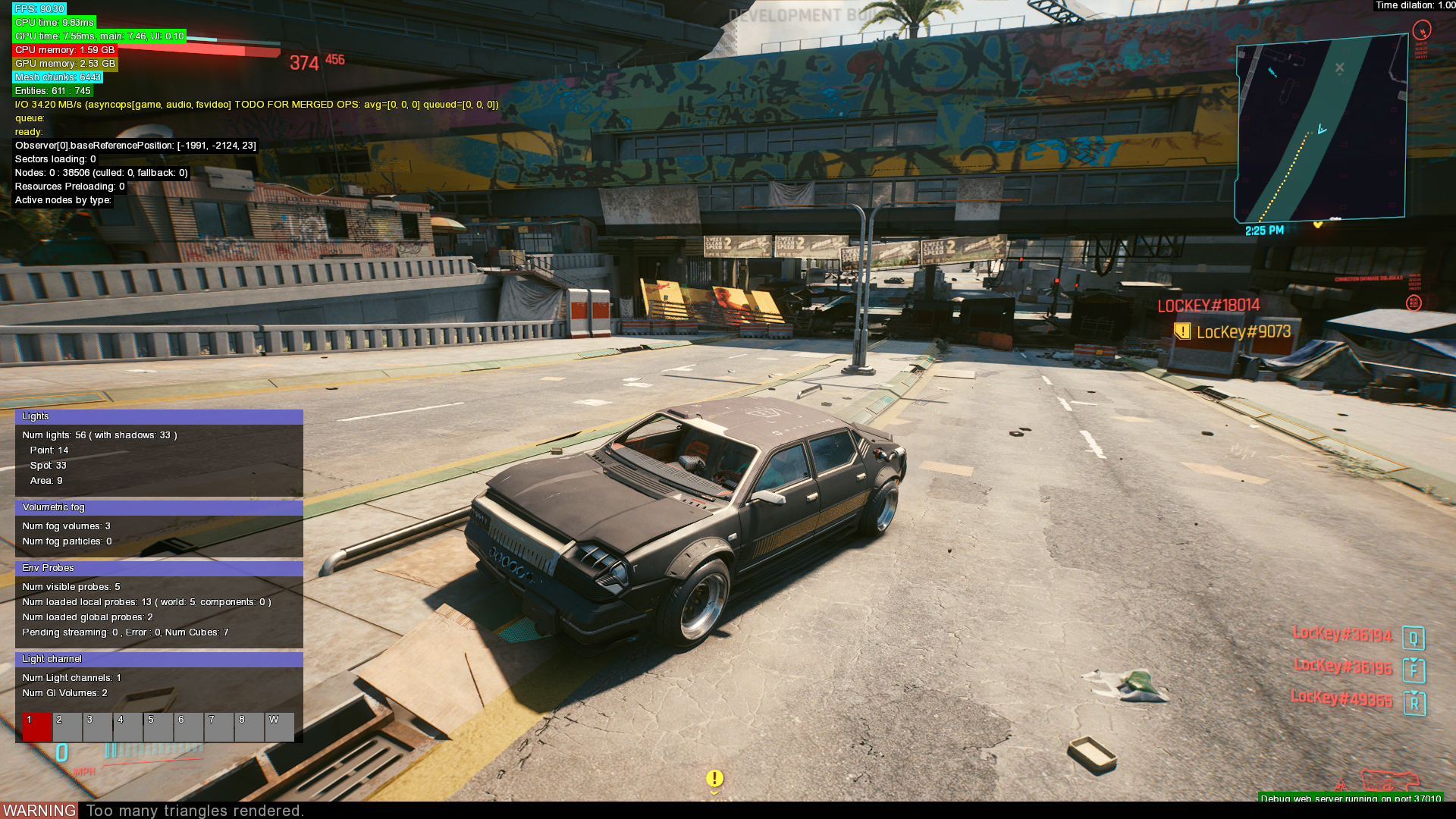
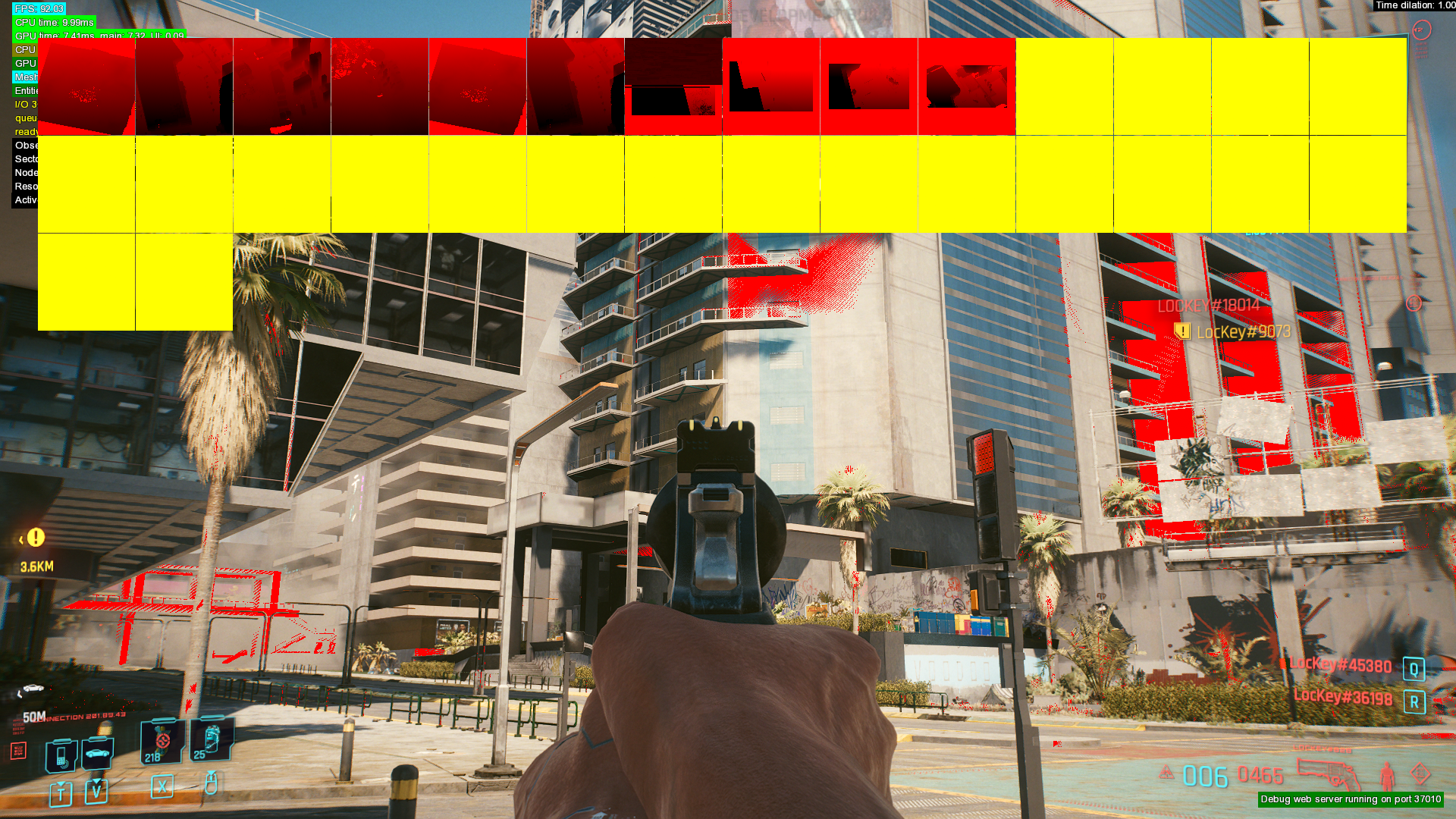
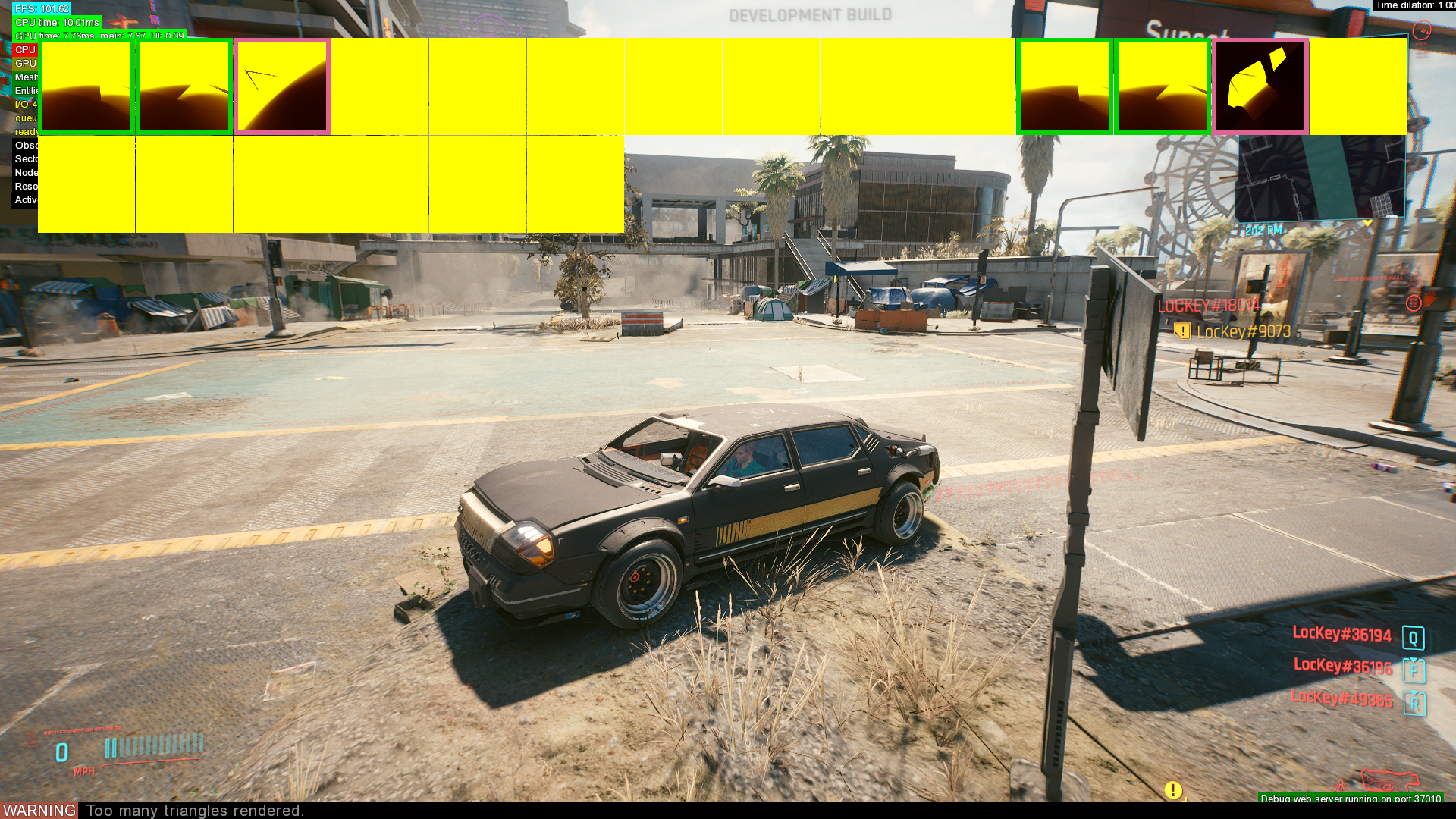
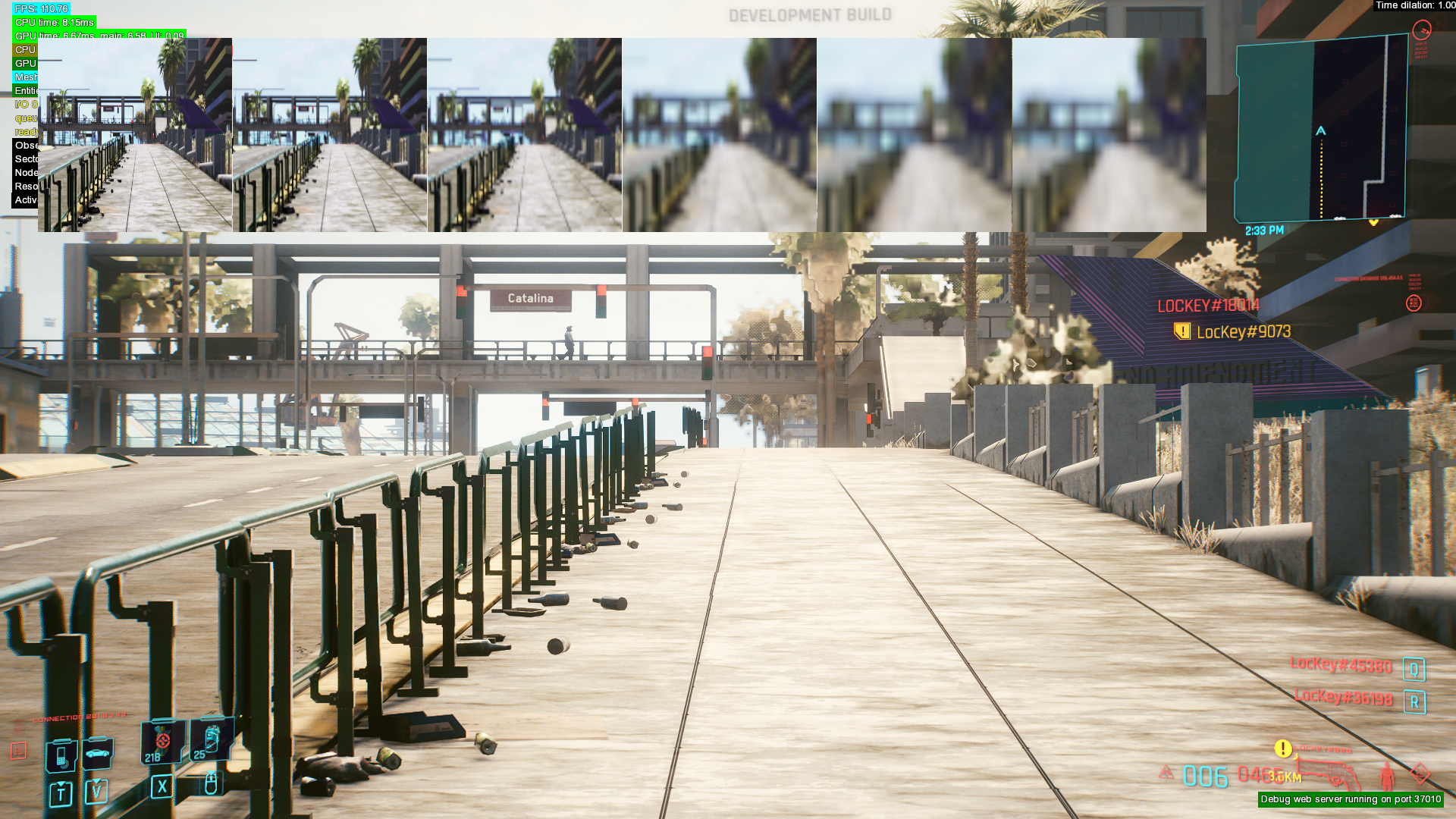
These debug debug filters are only available via the debug web server. Displays various debugging info related to the renderer.
Runtime System#
Entities#
|
|
This needs some investigation. |
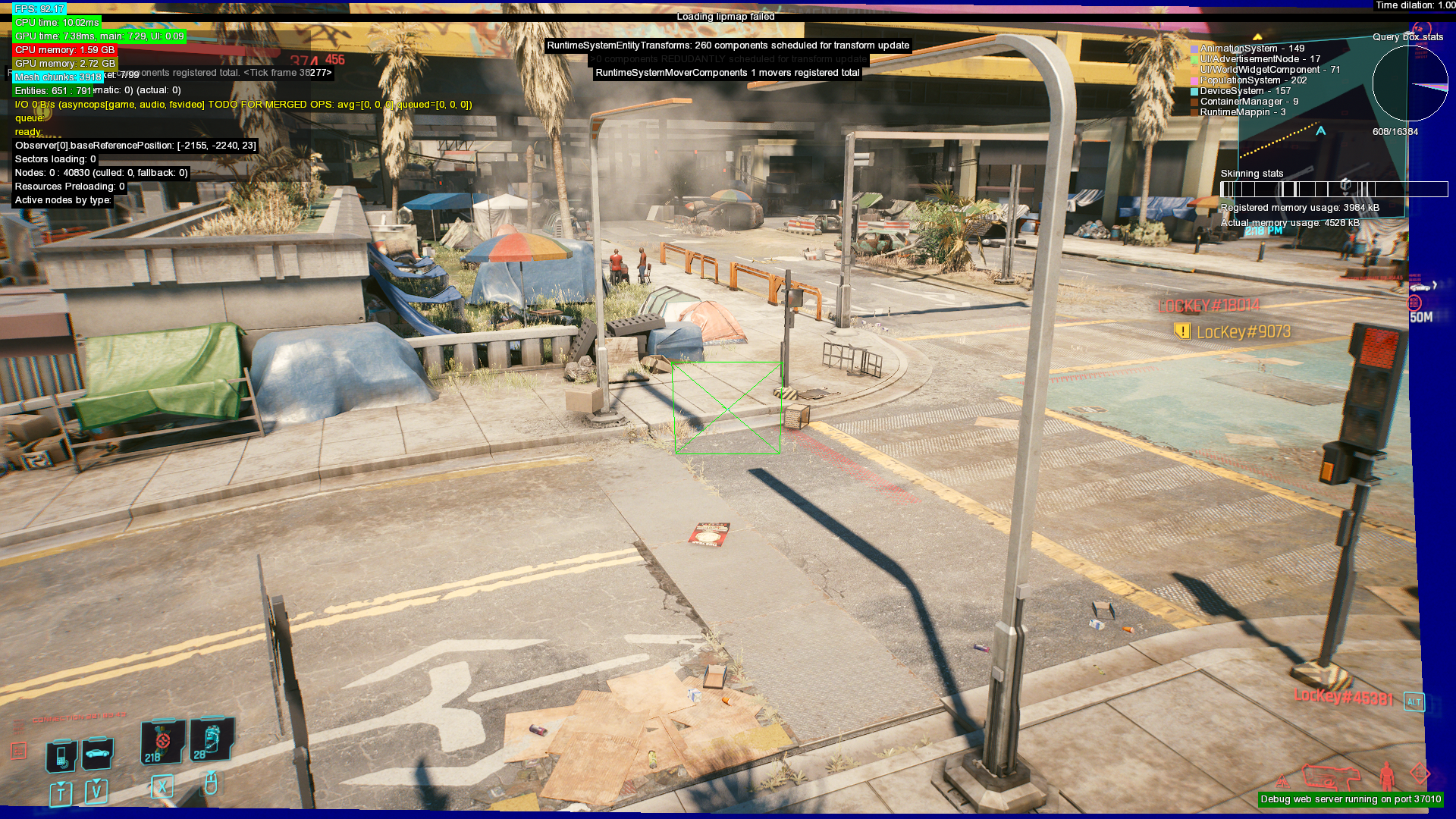
Unknown function. Appears to show something related to, uhh, entities and lipmaps? Some memory usage info as well. Partially makes the border of the window blue. Entities. Green arrow. Ticks. Registered components. Much information.
Node#
|
|
This needs some investigation. |
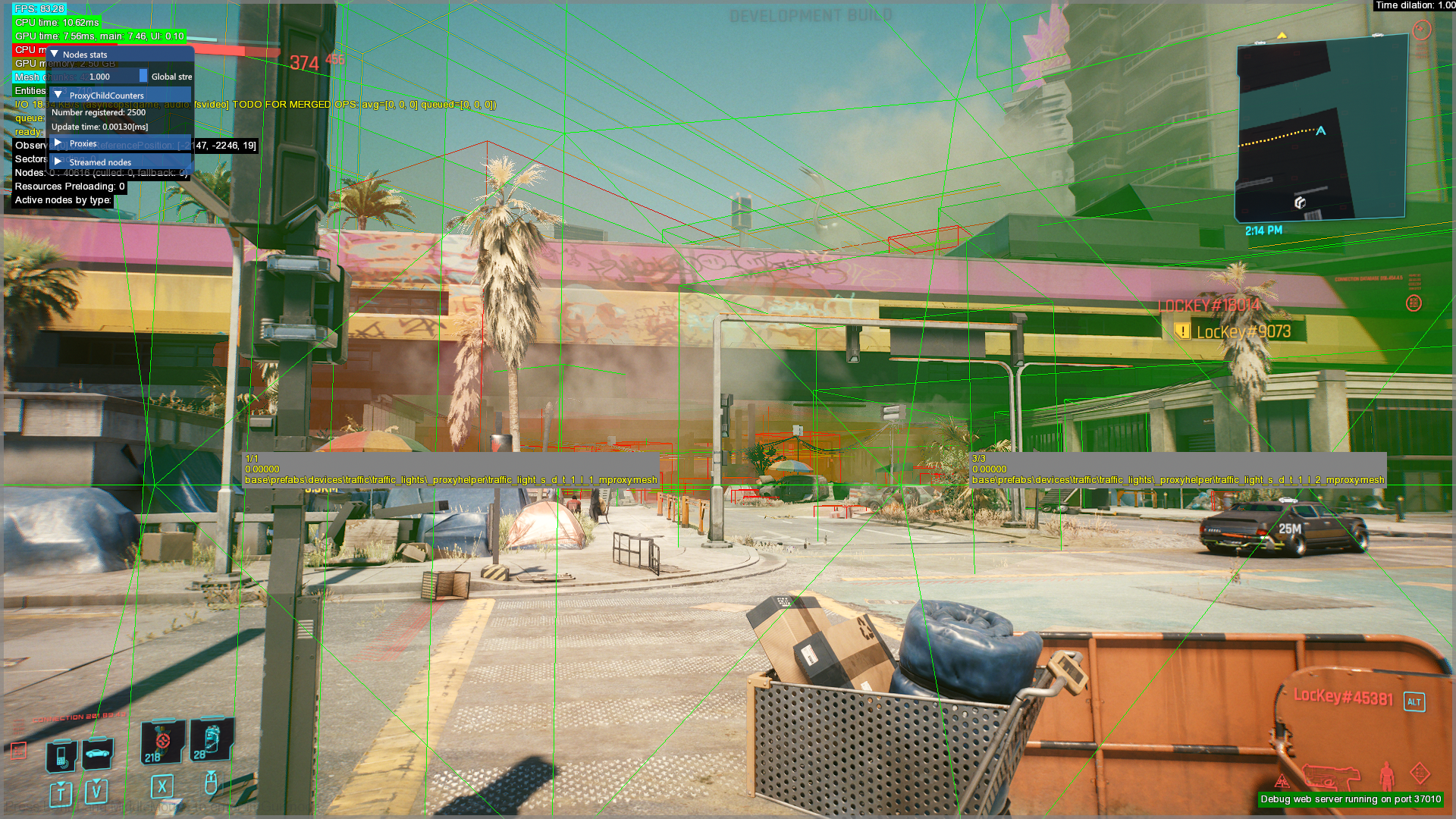
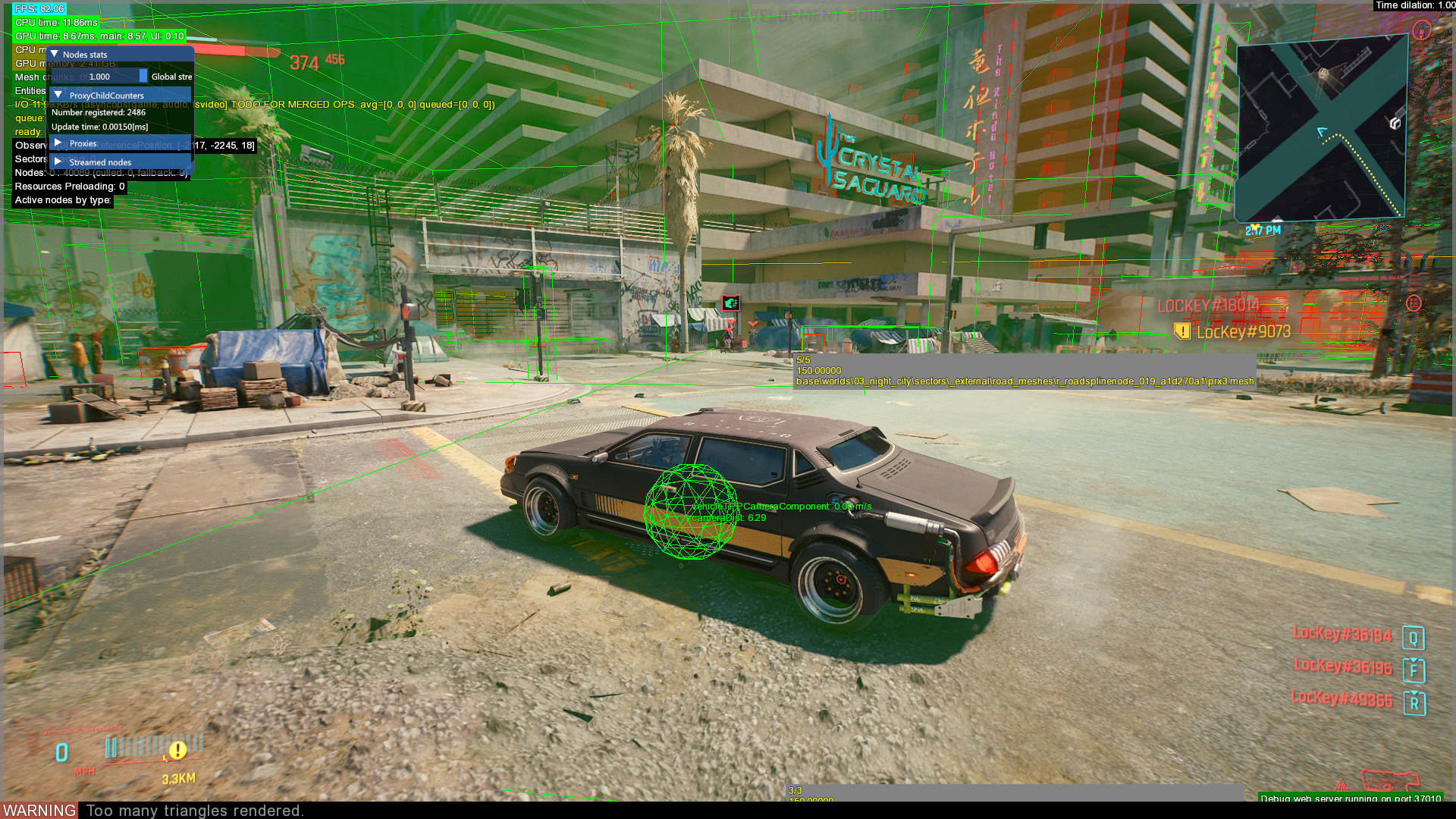
Used to show where various nodes on the map are located. Shows only some(?) nodes related to entities, meshes, area nodes and rendering nodes. The location and path of assets accessed via physical proxies on the map are shown in a gray text box.
Geometric Descriptor#
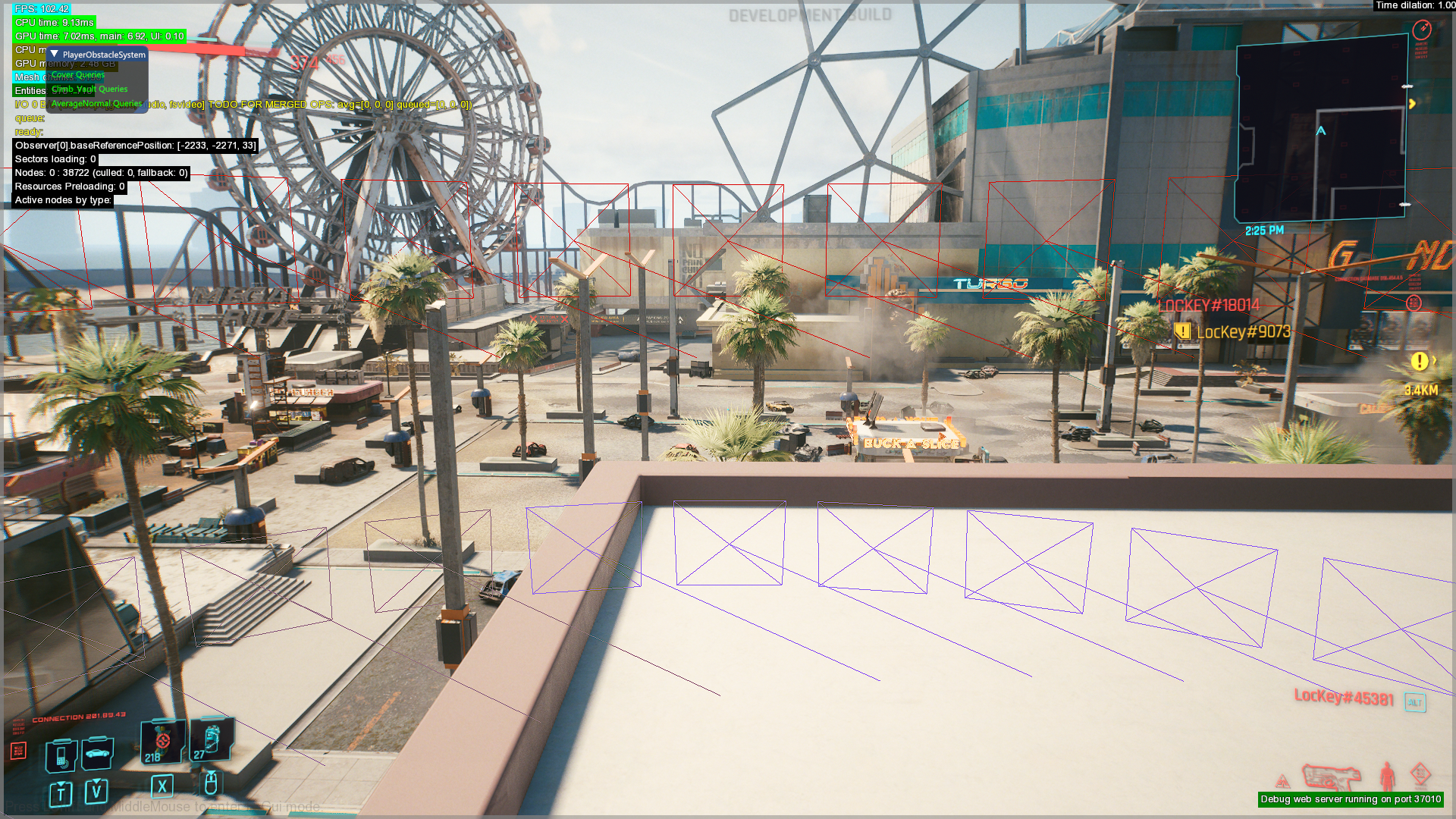
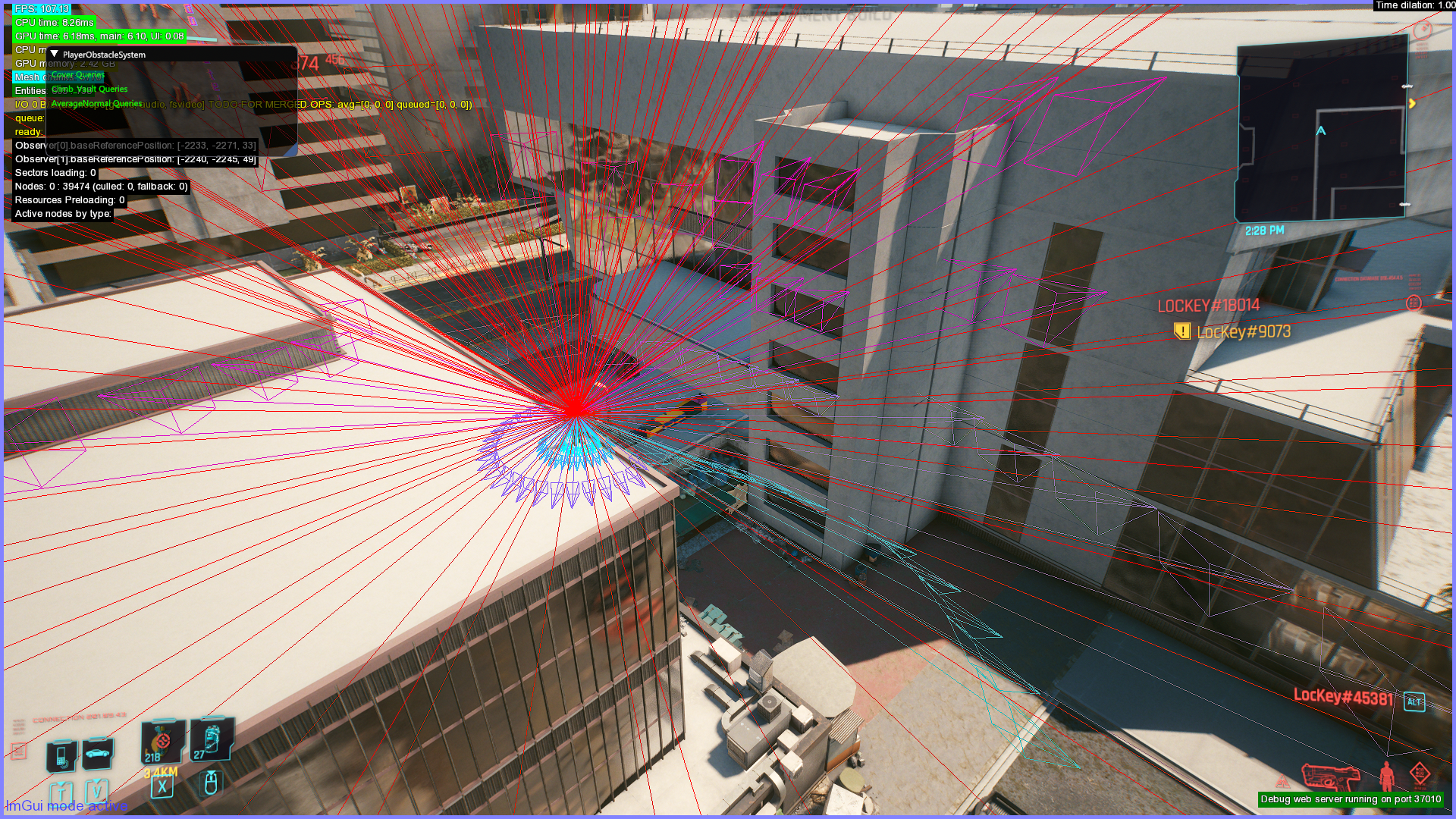
Used to show barriers in the way of the player, and geometric data.
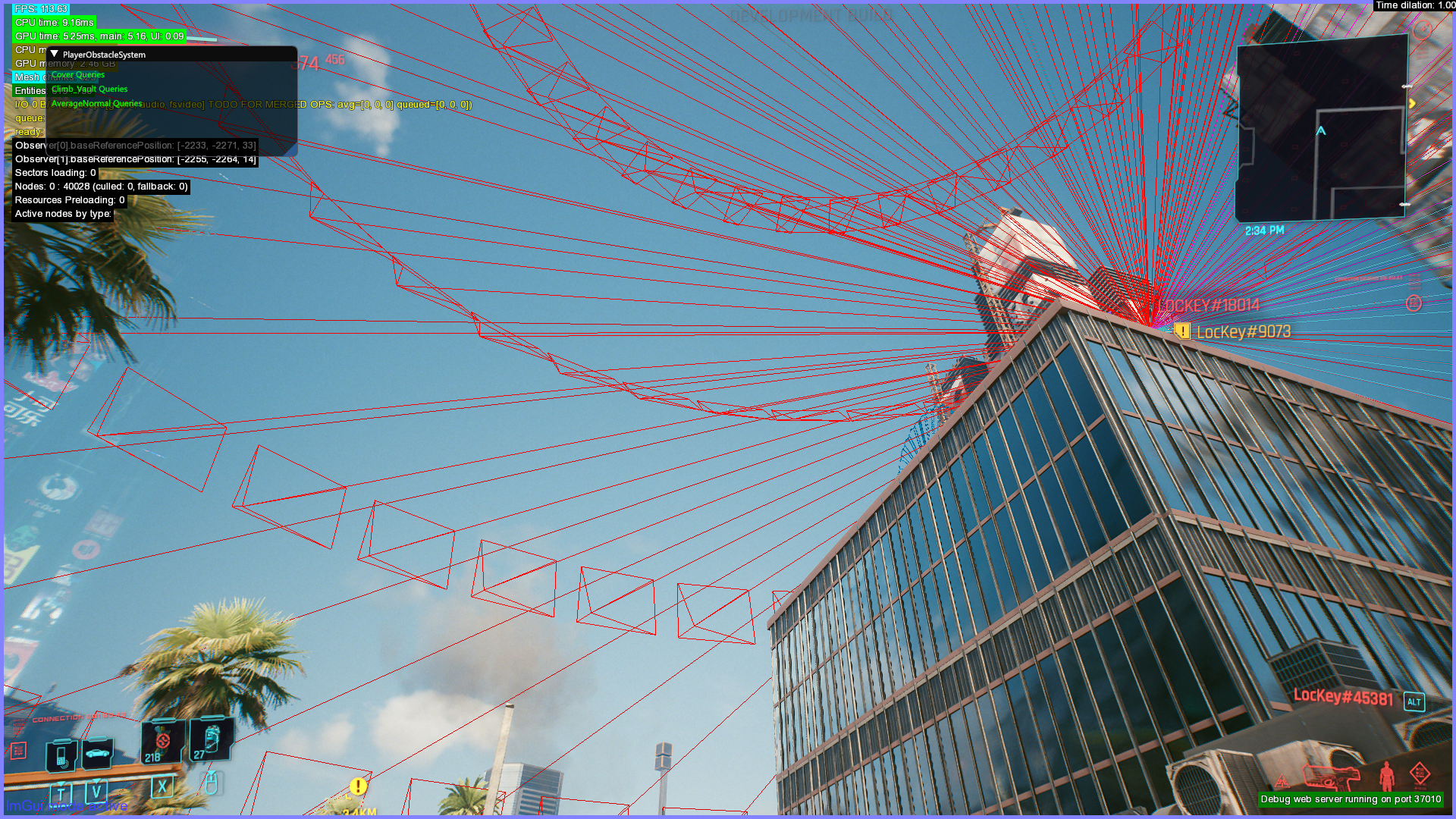
Streaming Query#
Displays some type of data related to roads.
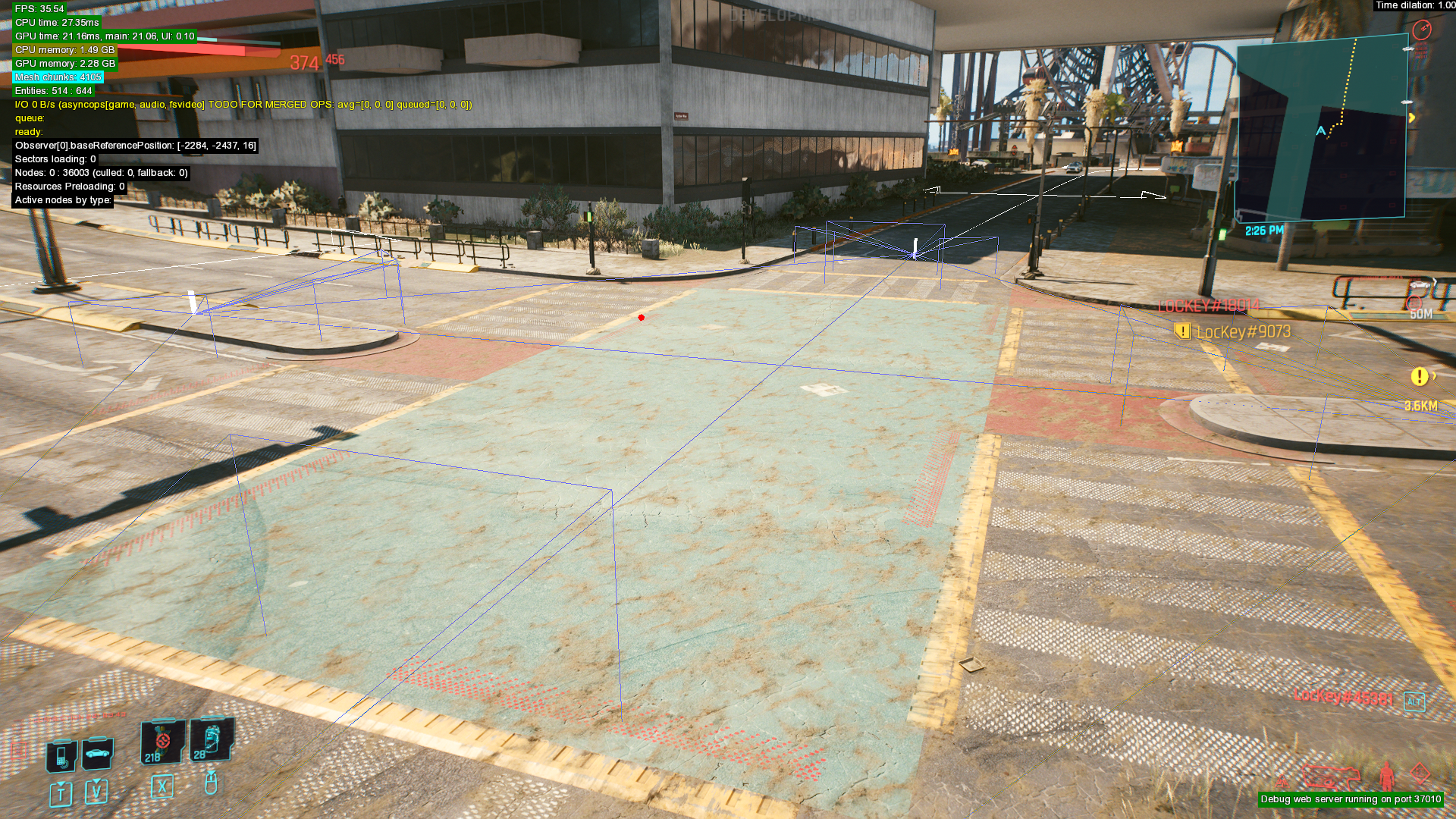
Scenes (Web server)#
This debug filter in the web server appears to be separate from the Scenes overlay in the radial menu. Displays data about characters and props spawned in quests.
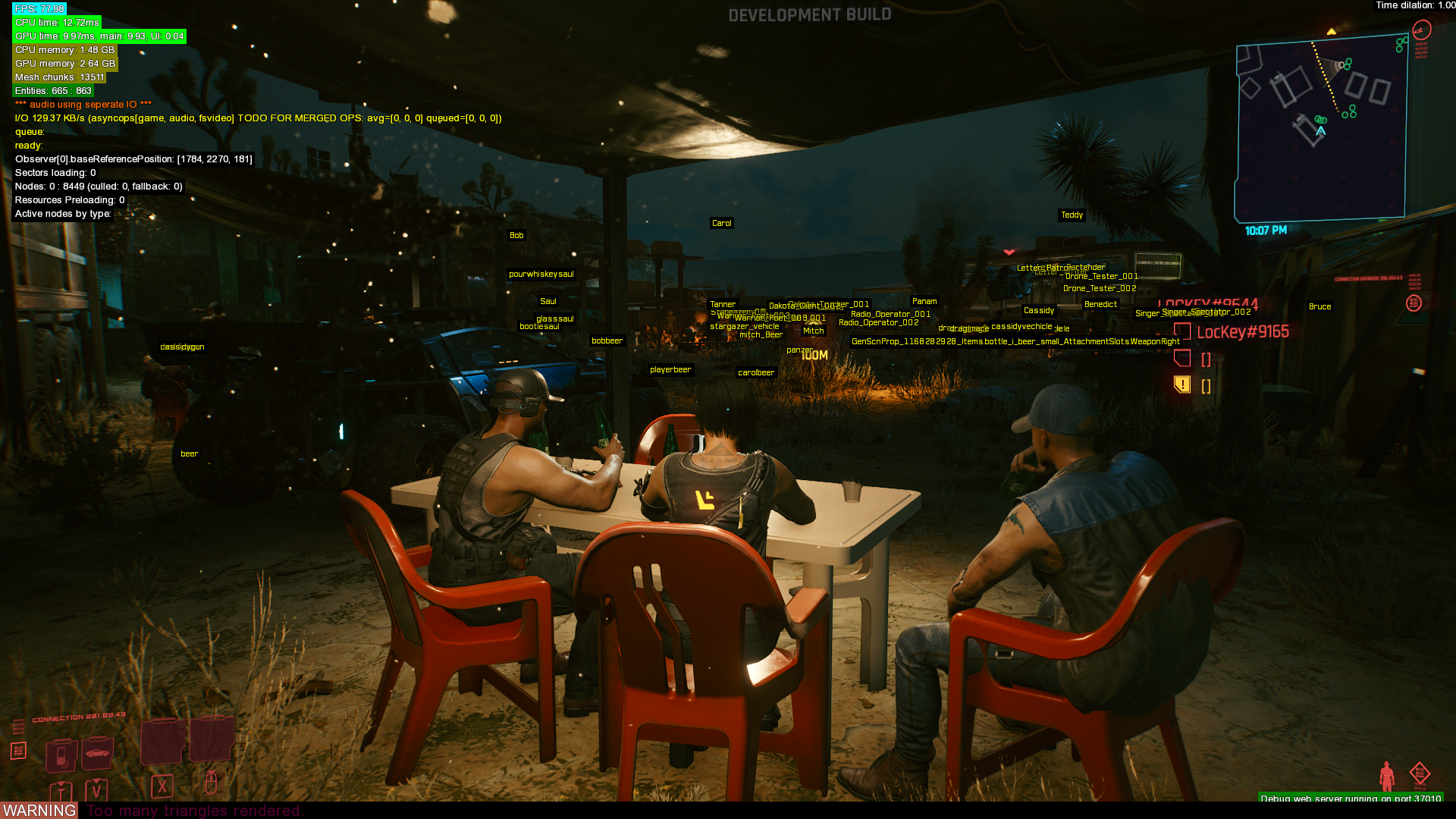
Stats#
These debug filters are only available via the debug web server.
Crowd Density#
Displays the amount of pedestrians/vehicles within the user's spawn range, and targets for pedestrians/vehicles to be spawned within the user's spawn range.
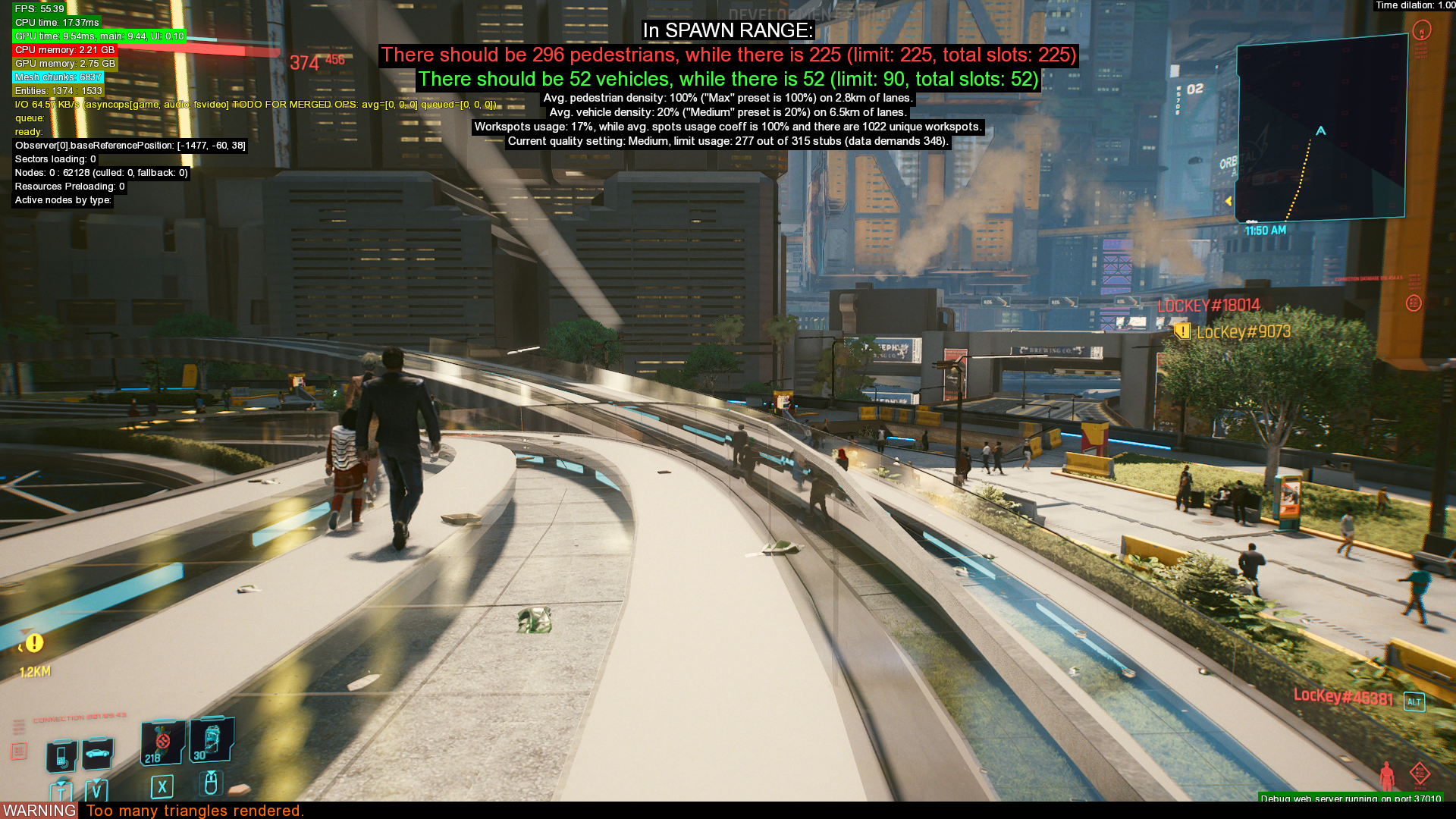
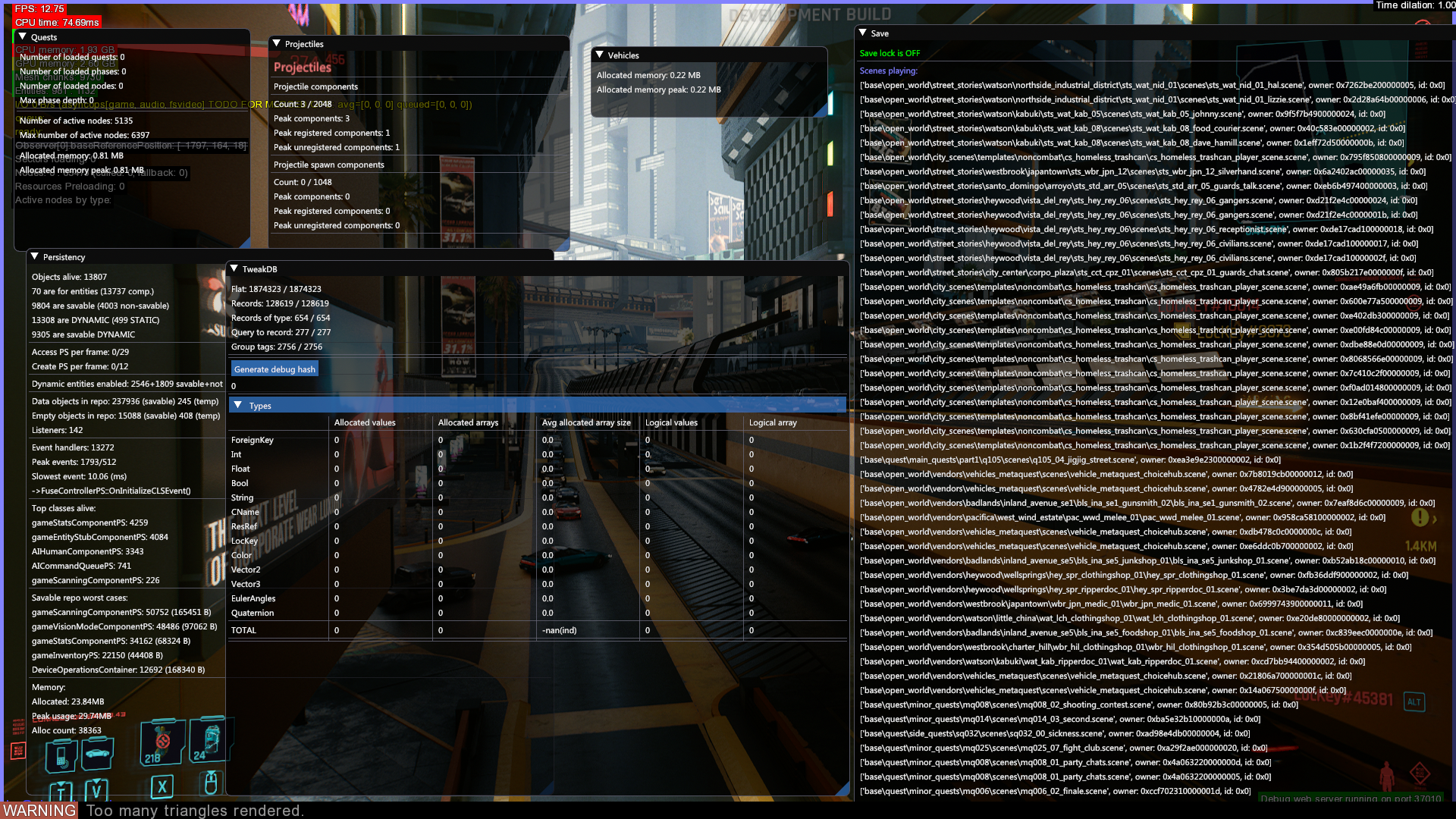
Gameplay Metrics#
Displays various metrics about various game systems, which includes saves, projectiles, TweakDB entries, quest data, save and vehicle information.
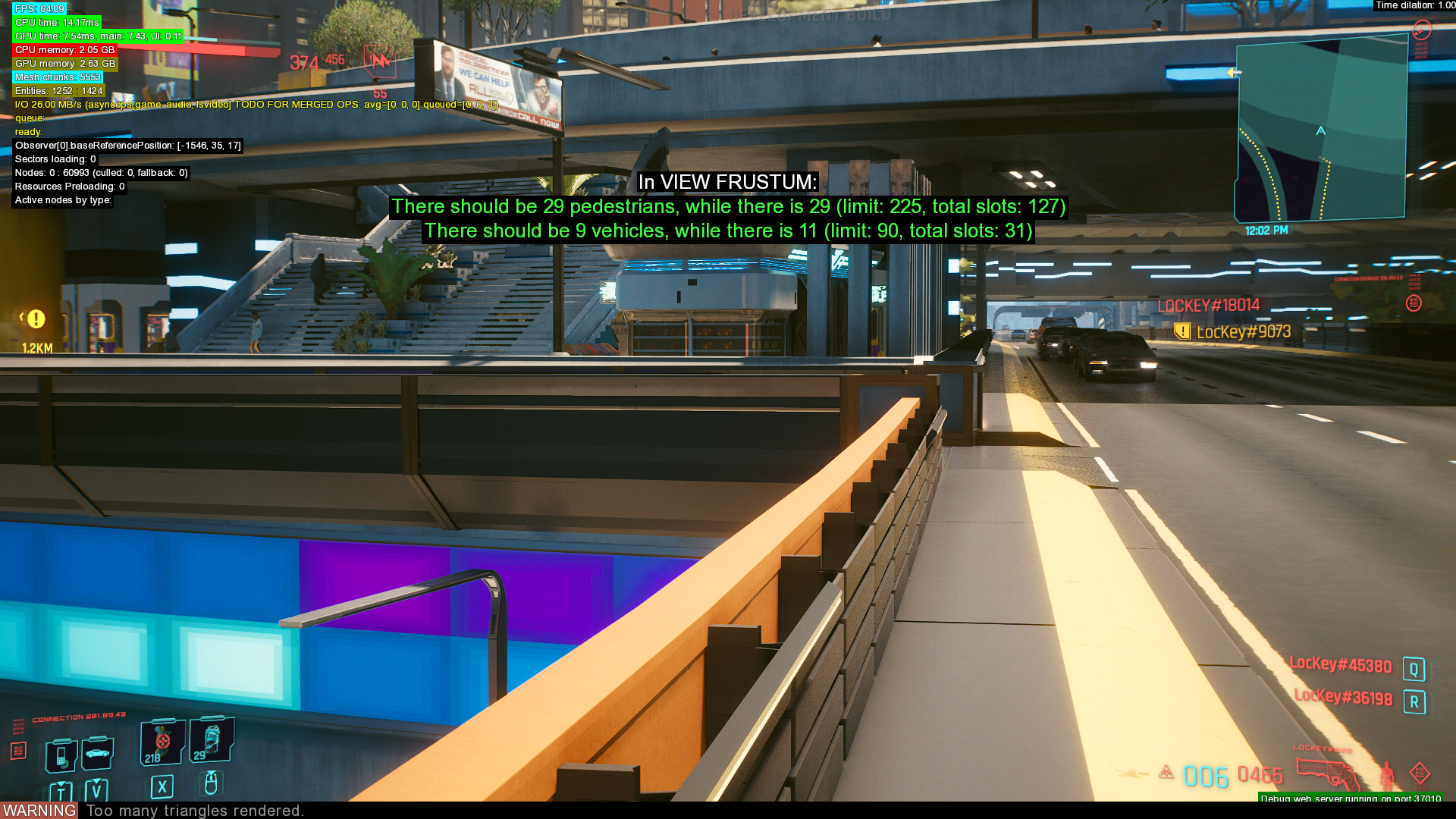
View Frustum#
Displays visible pedestrians/vehicles within the user's frustum/view, and targets for visible pedestrians/vehicles.
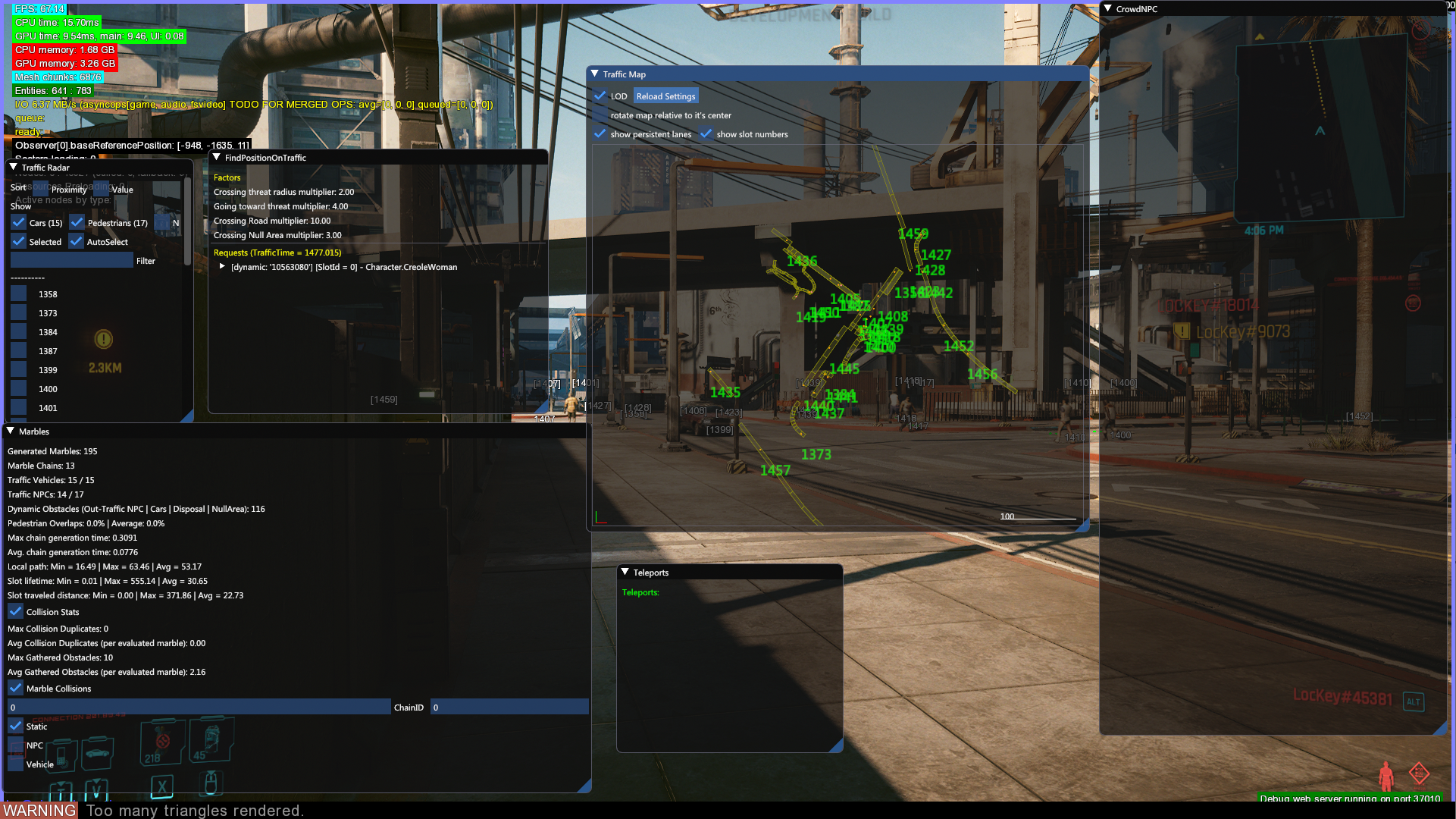
Traffic#
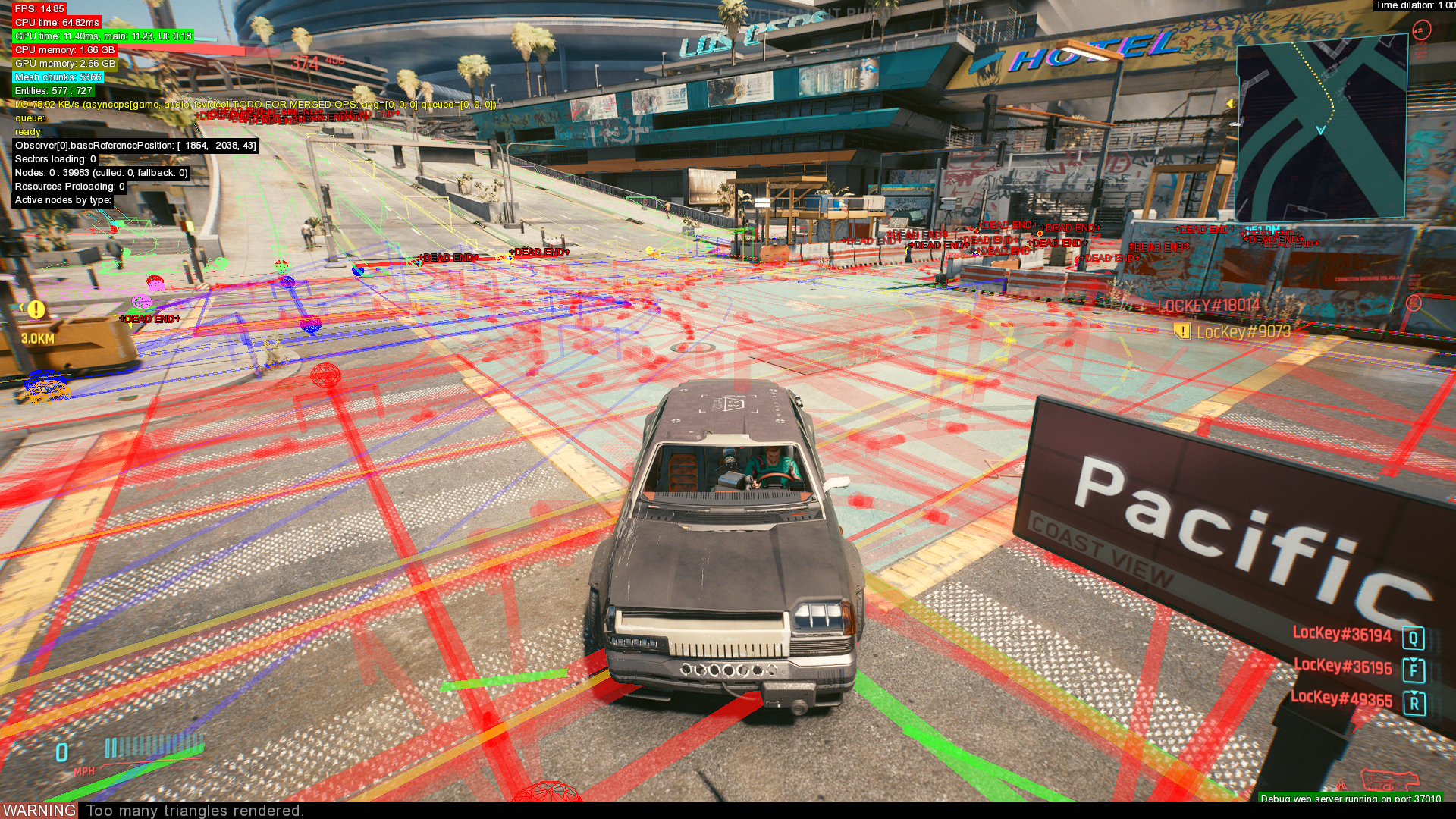
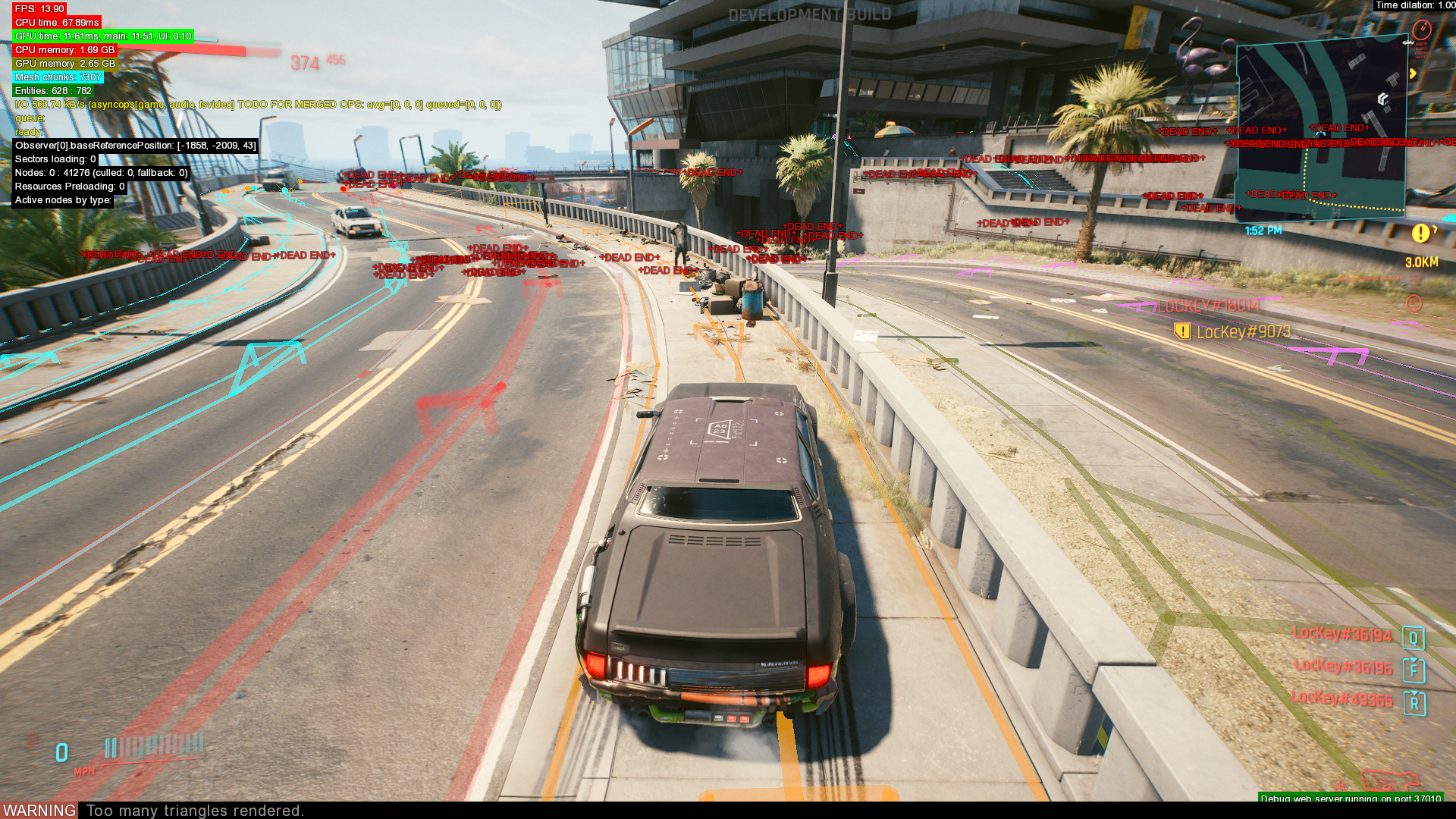
Displays debug information about traffic and NPCs.
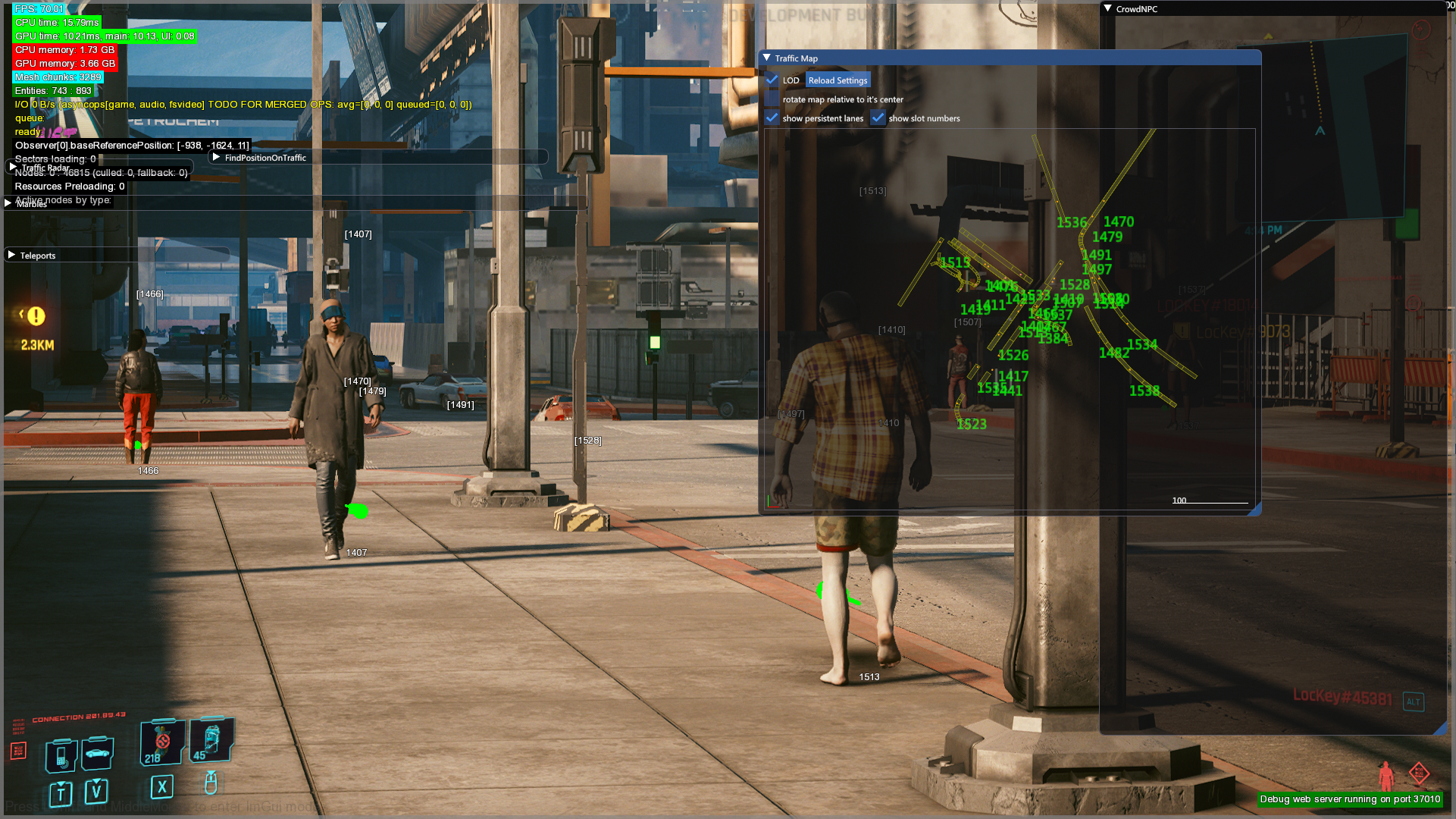
Lanes#
Displays paths used by NPCs and traffic. Shows the direction of traffic with arrows.
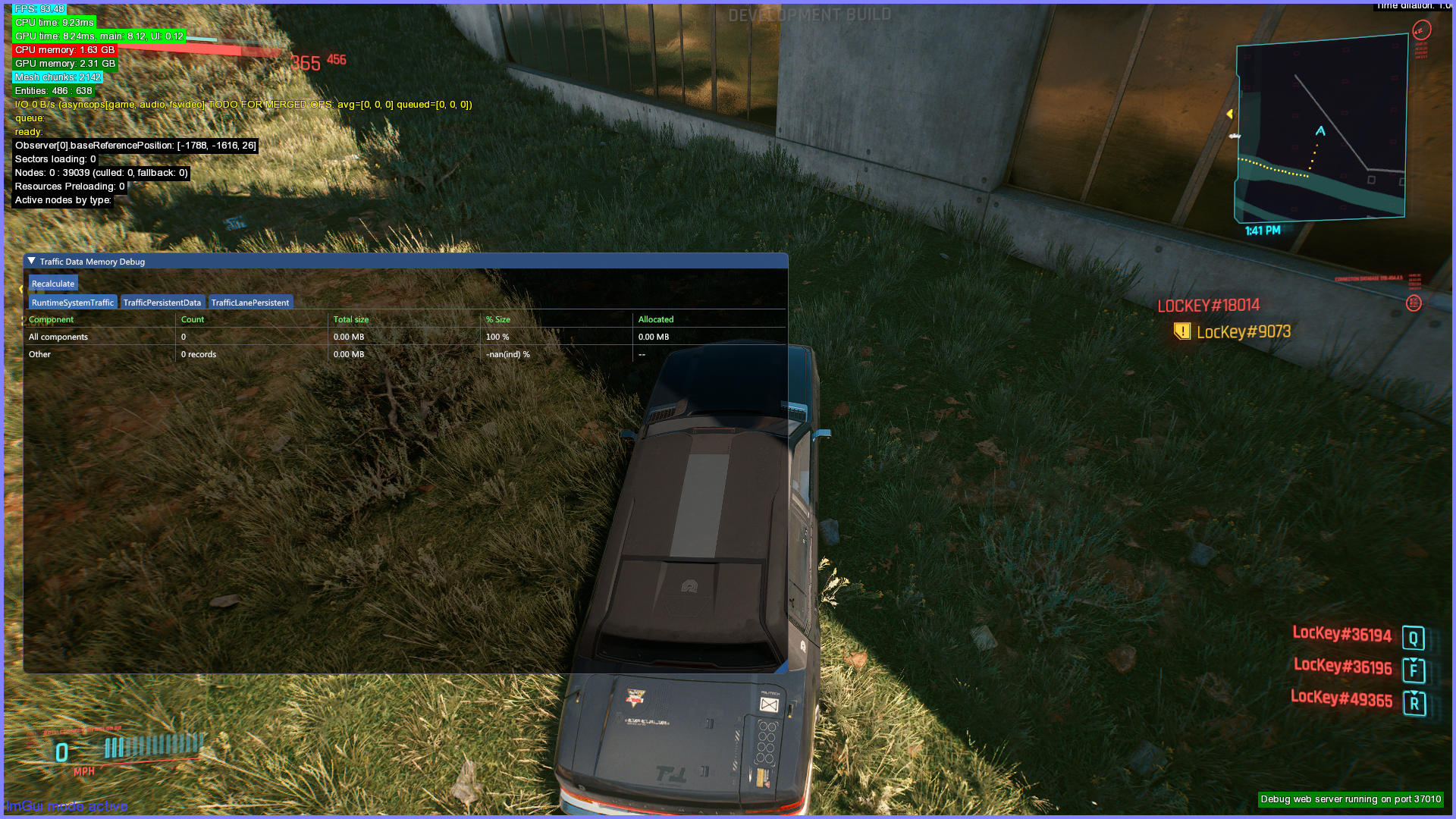
Memory Debug#
This debug filter is supposed to show memory used by traffic systems, but it doesn't appear to work properly, showing no memory is used.
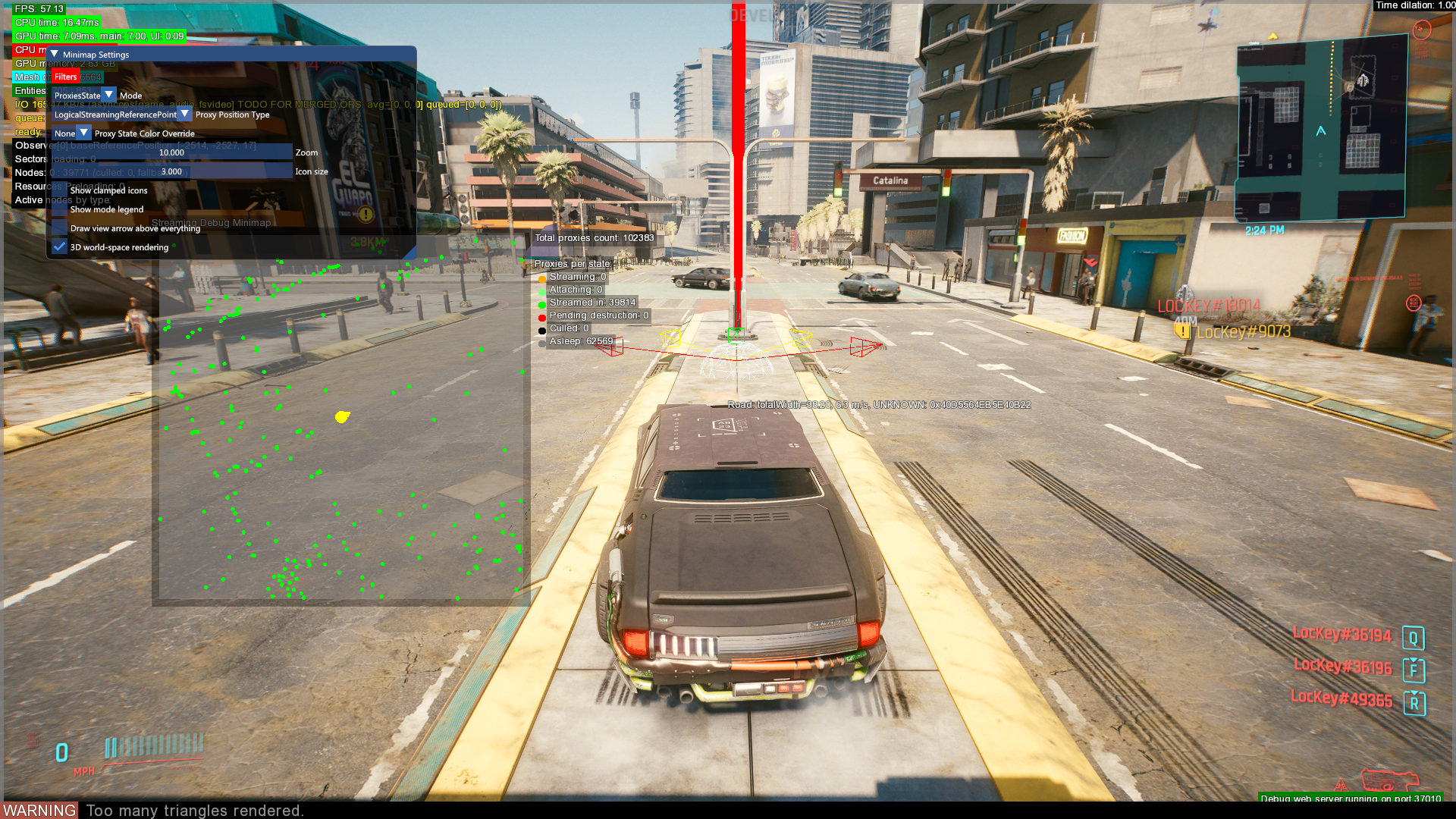
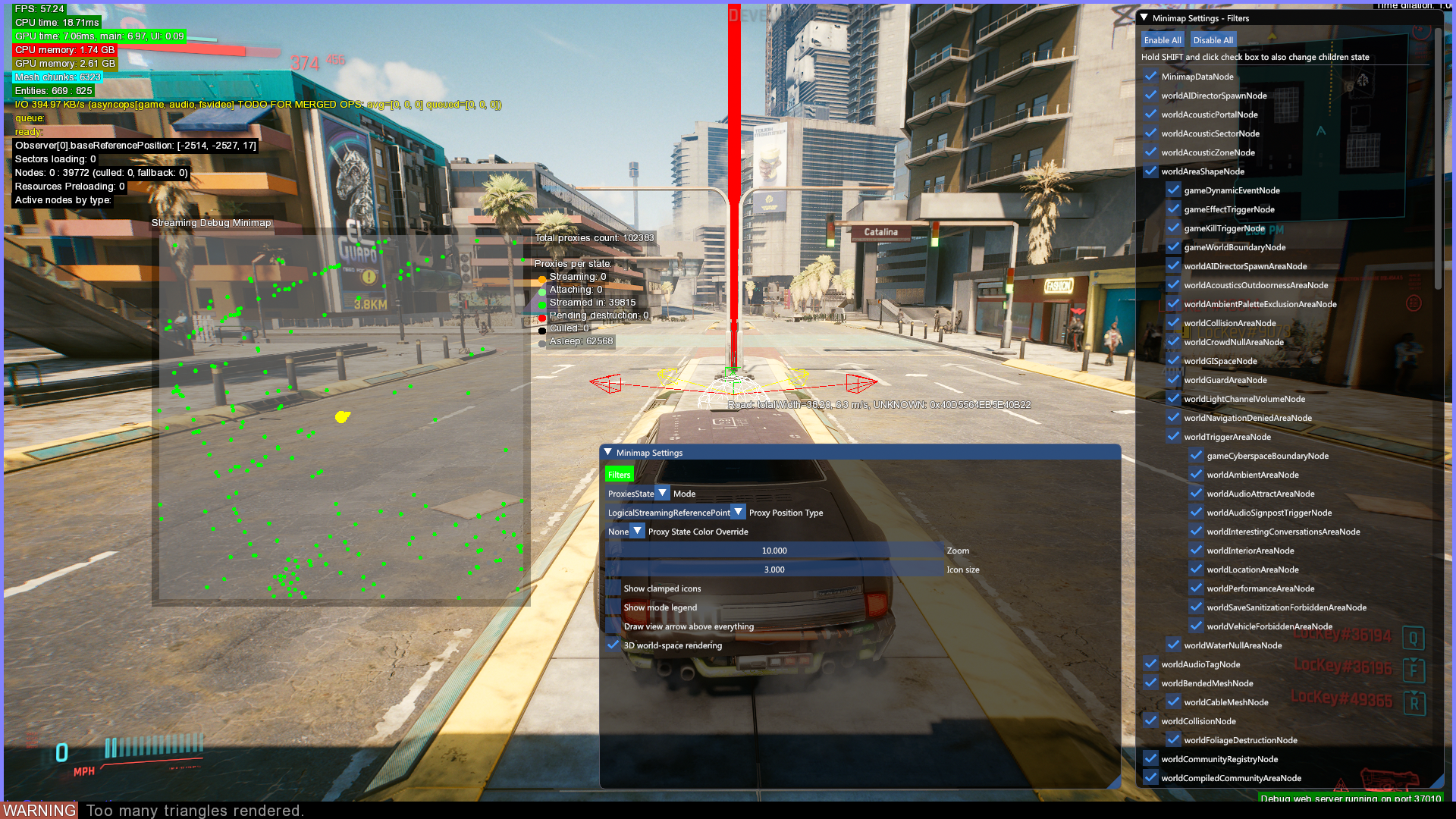
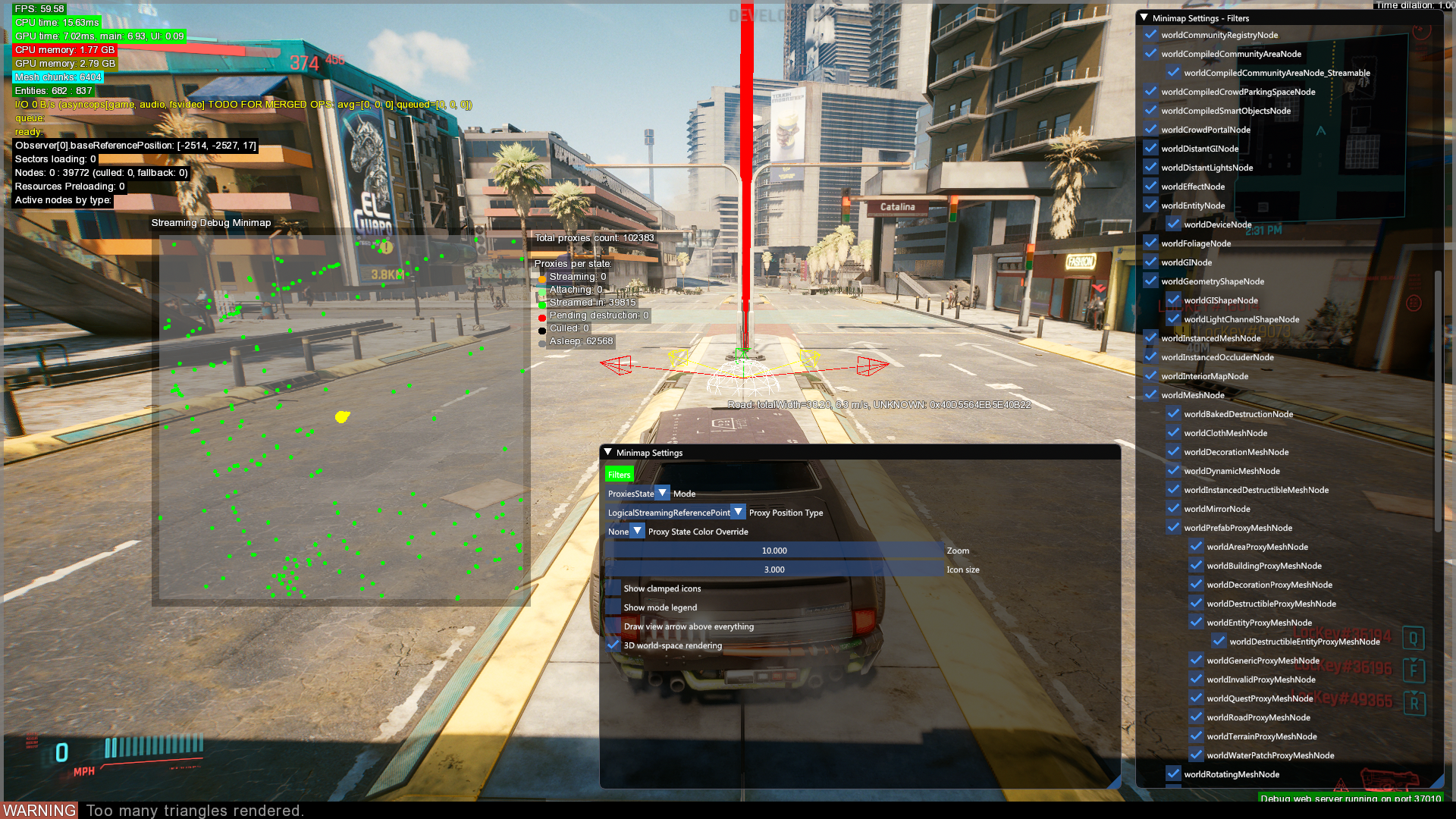
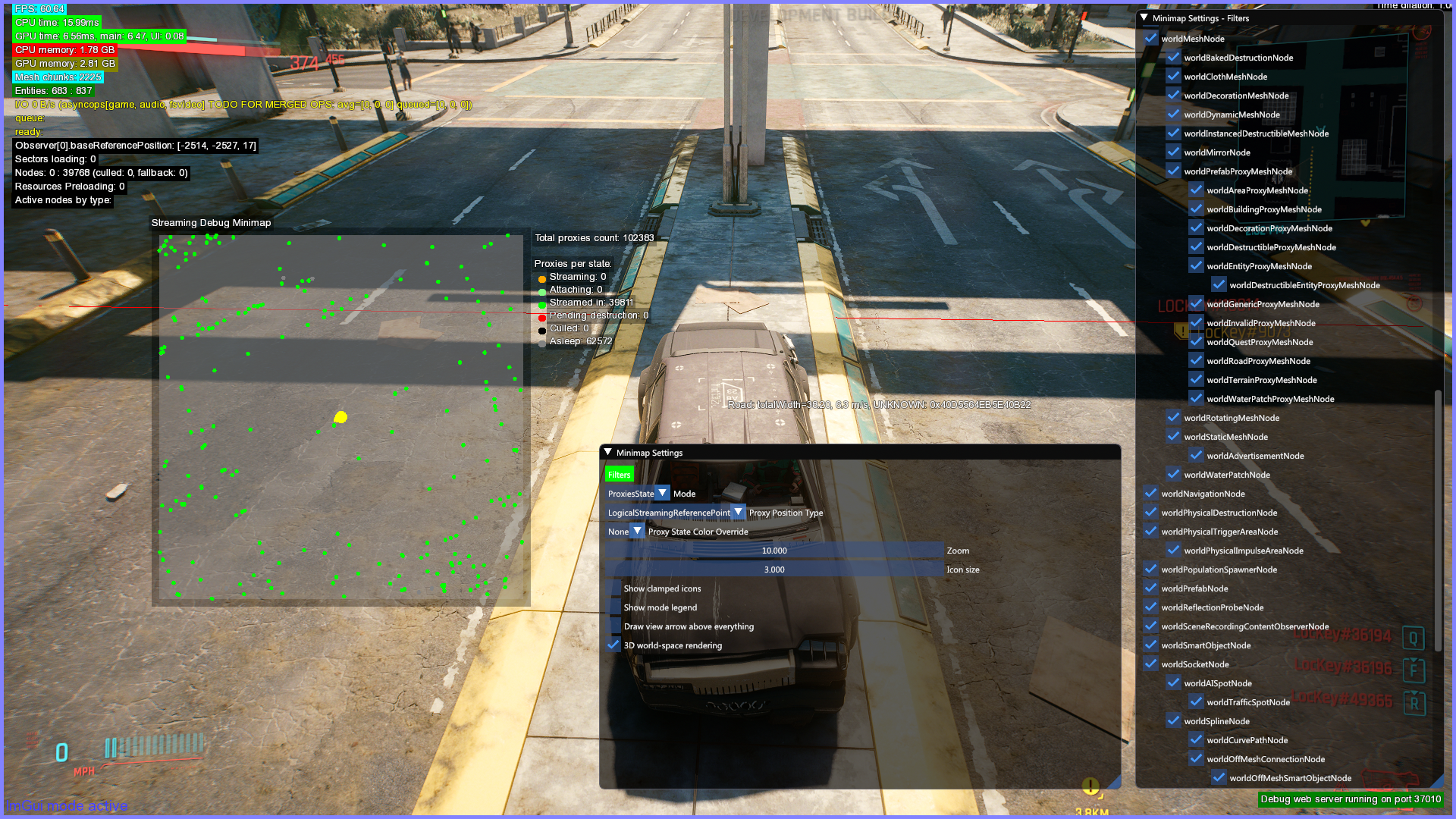
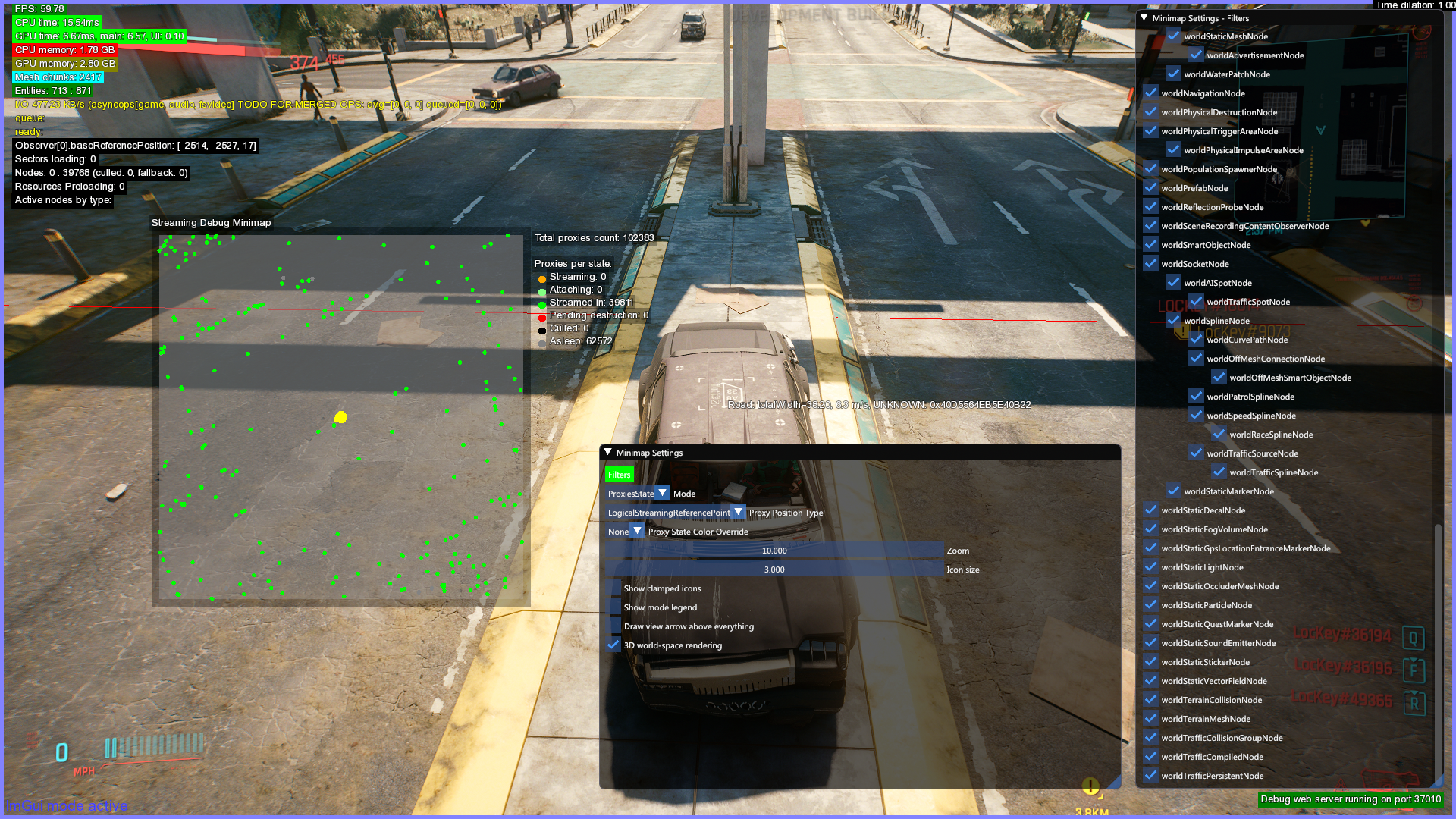
Streaming#
Displays various types of data likely used to stream and render the world.
Triggers#
Activators#
Likely displays entities that can activate triggers placed on the map.
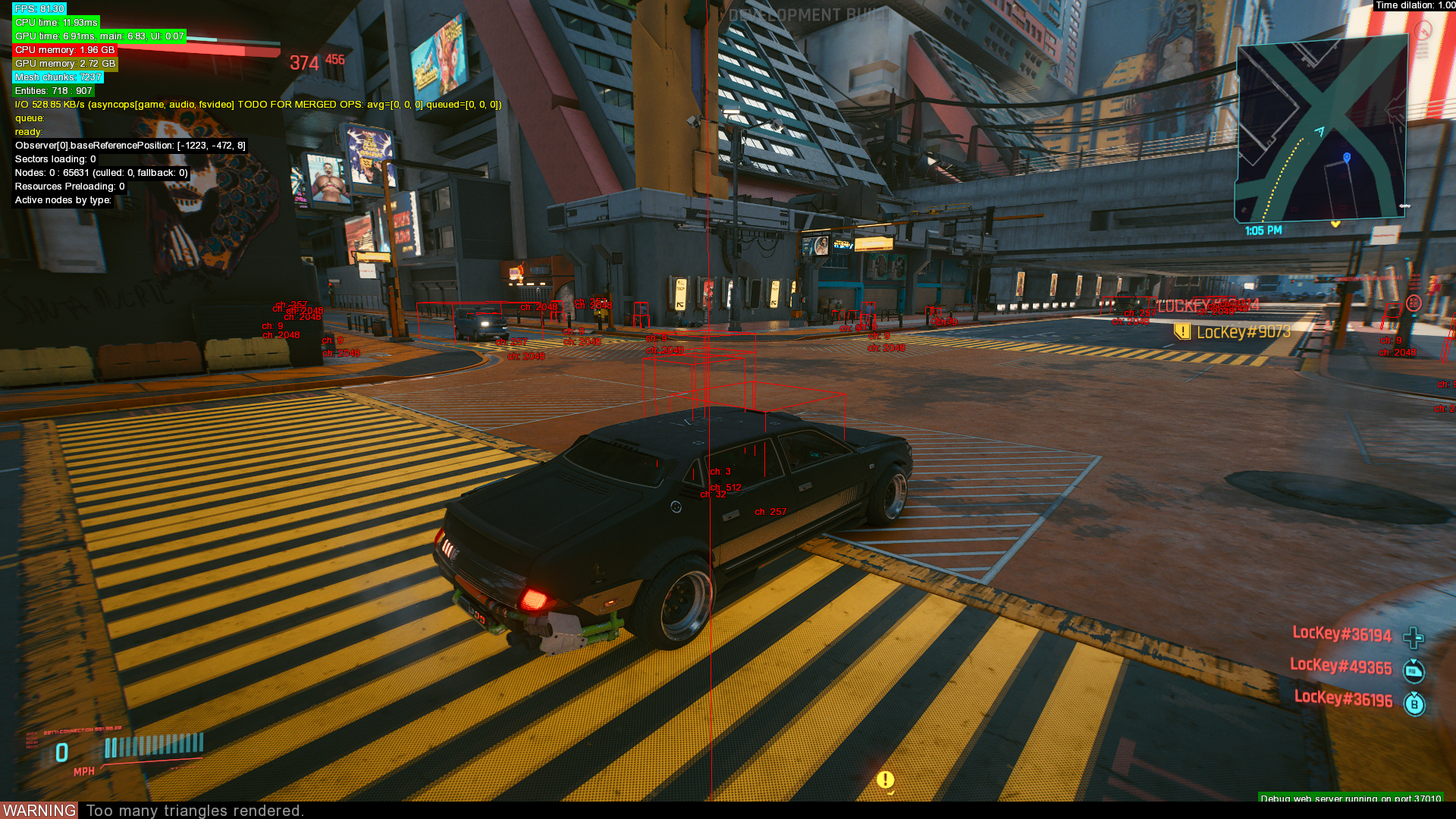
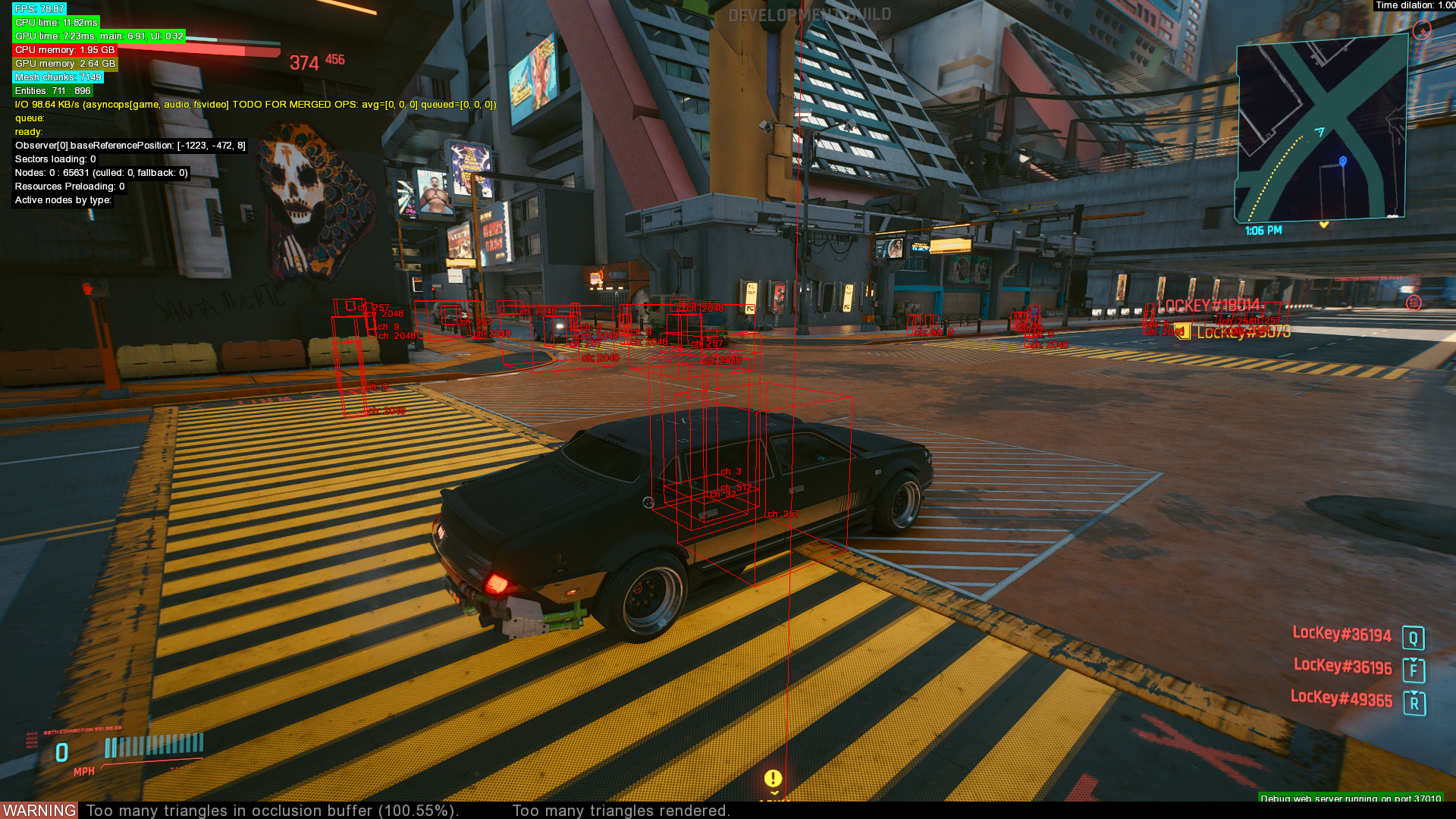
Shapes#
Likely reads some type of trigger data from .streamingsector files, but what the displayed data shows is unknown.
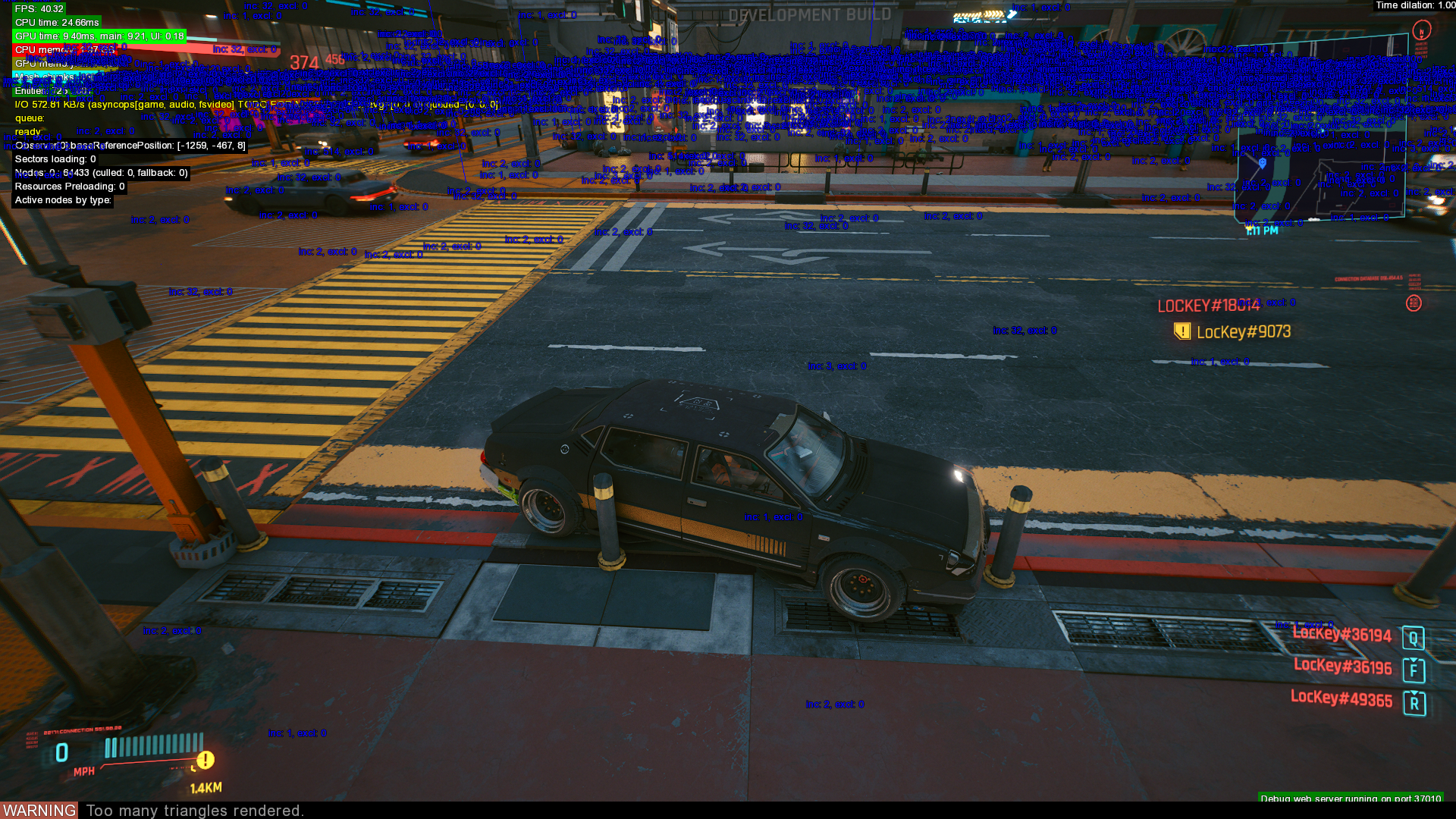
Vehicles#
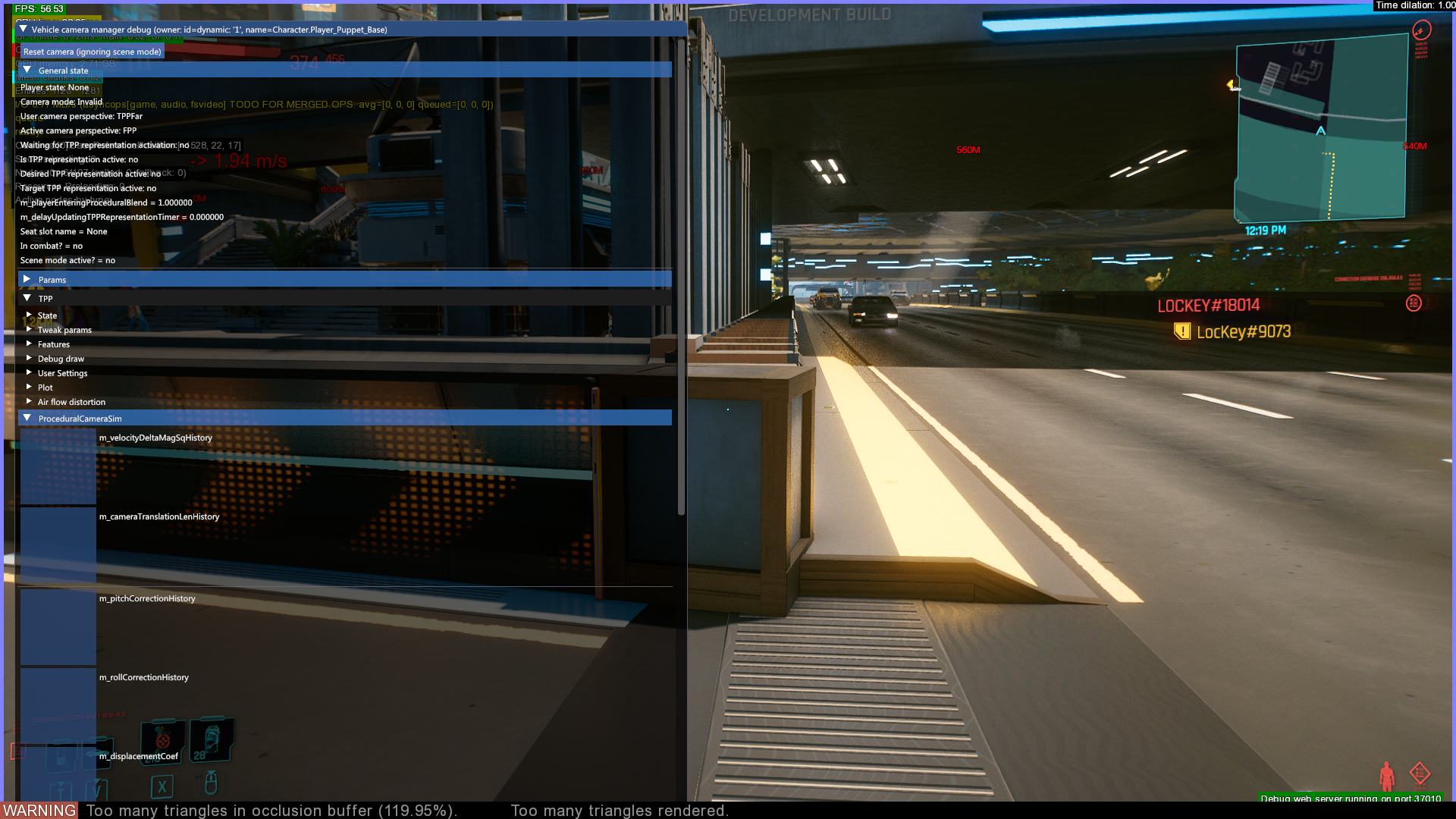
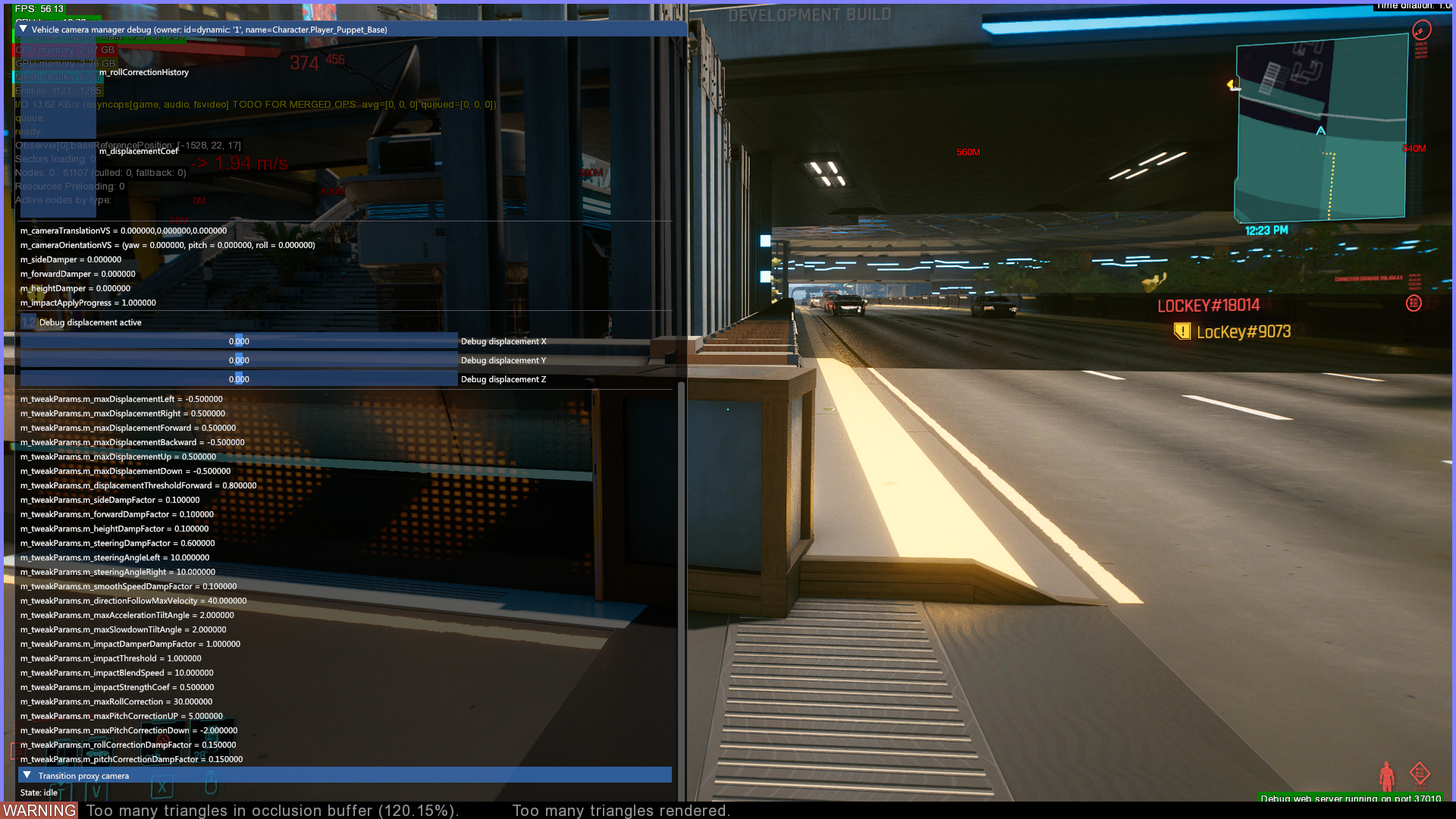
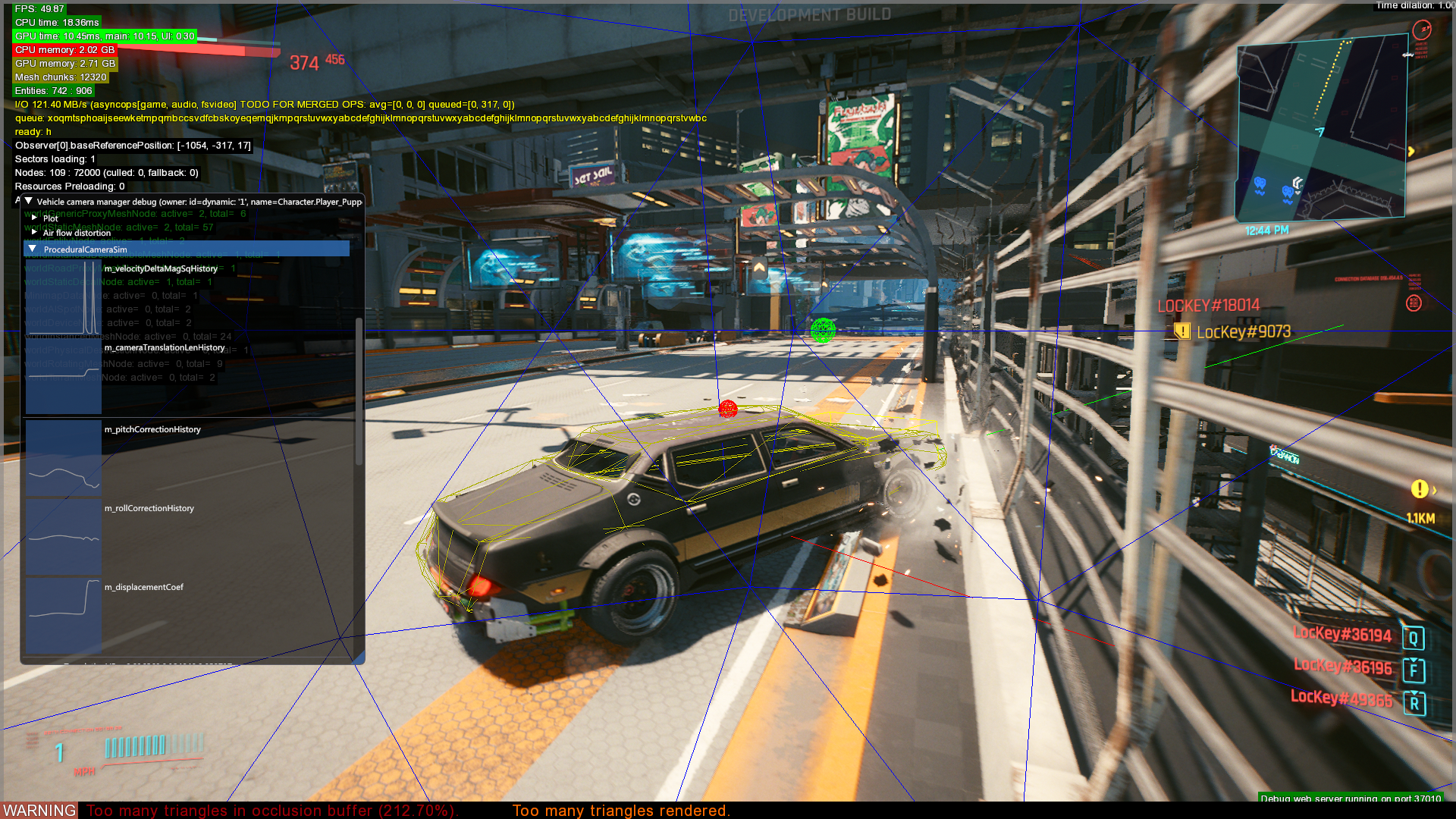
This debug filter is only available via the debug web server. Displays vehicle related debug info.