
|
To do:
|
The Last of Us Remastered is, you guessed it, a remaster of the widely praised linear PlayStation 3 exclusive survival game about fighting through hostile survivors, and zombified humans infected by a mutated Cordyceps fungus.
You play as a smuggler named Joel who is tasked with escorting a teenage girl named Ellie across the post-apocalyptic United States after what was supposed to be a short delivery goes horribly wrong.
Debug Menu#

|
This needs some investigation.
|
To enable this, you'll need a jailbroken PS4. The exploitable firmware versions are 9.00 and below.
All that needs to be done is open the executable of the game in a hex editor (eboot.bin for most PS4 games), and do the following edit:
For 1.00
Search For {{hex|0xF64597017410}}
Replace It With {{hex|0xF64597017510}}

For 1.09 to 1.11
Search For {{hex|0x753A84C07436}}
Replace With {{hex|0x753A84C07536}}
(Source: TheMagicalBlob (1.00) & illusion (1.09 - 1.11)
An eboot.bin with normally inaccessible options added in place of the otherwise useless "Crash..." sub-menu can be found here. This works with versions 1.09 to 1.11. 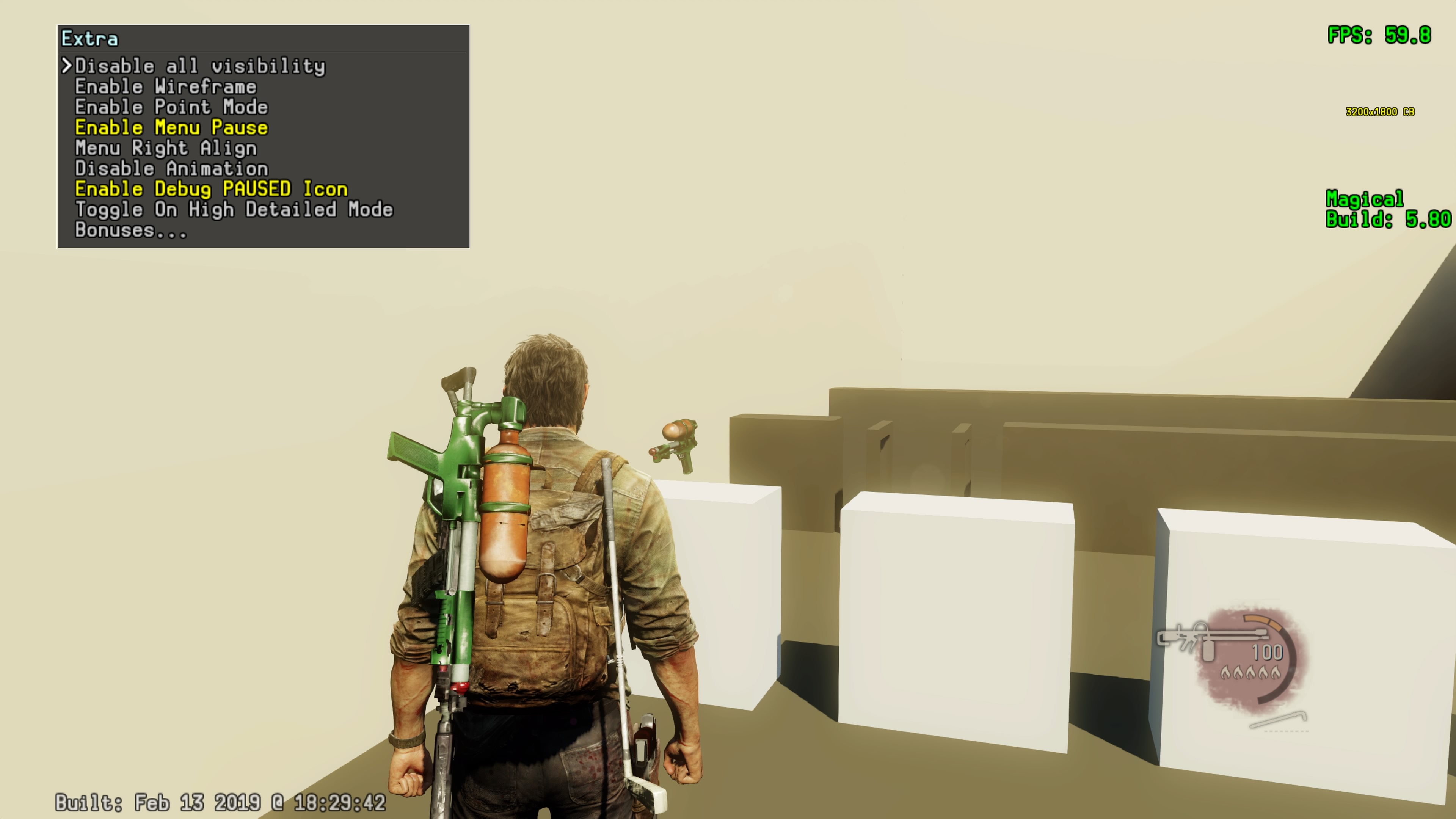

(Source: TheMagicalBlob)
Dev Menu#
After you enable the debug menu, you'll see the FPS counter at the top-right of the screen. Press L3 + Touchpad Right to open the Dev Menu, L3 + Touchpad Left for the Quick Menu, or L3 + R3 for Debug Fly (player will need to be spawned in a level to use this). L3 & Triangle normally toggles debug rendering, but none of its actually functional in the retail build, so it does nothing. Circle is also supposed to do something other than mark the selected option with a +, this is likely not fixable.
L3 + Triangle can instead be patched to toggle the FPS and Build text with this eboot.bin patch for versions 1.00, and 1.09 to 1.11:
1.00
Find: {{hex|0x4180b6852e000001}}
Replace With: {{hex|0x4180b6872e000001}}

1.09 to 1.11
Find: {{hex|0x80b0852e000001}} <br/>
Replace With: {{hex|0x80b0872e000001}}
(Source: TheMagicalBlob)
The Dev Menu has a couple of changes between the PS3 and PS4 debug menus with the addition of Crash... and Rendering... sub-menus. These sub-menus would also be in the PS3 version, but they were stripped out before release. 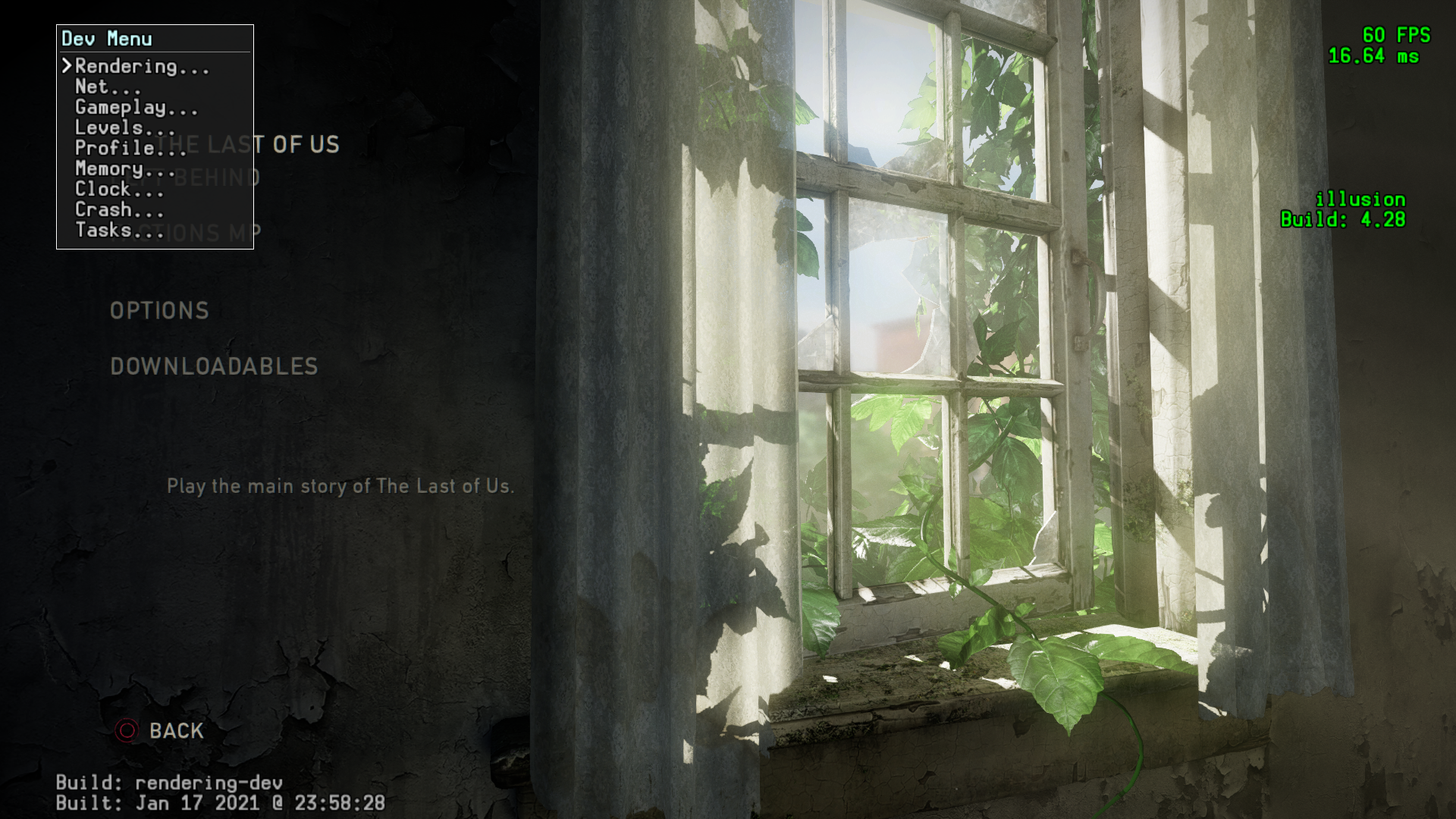
The Profile... and Net... sub-menus are empty, but can be restored through methods not currently released to the community.
Crash options all cause the game to crash, astonishingly. 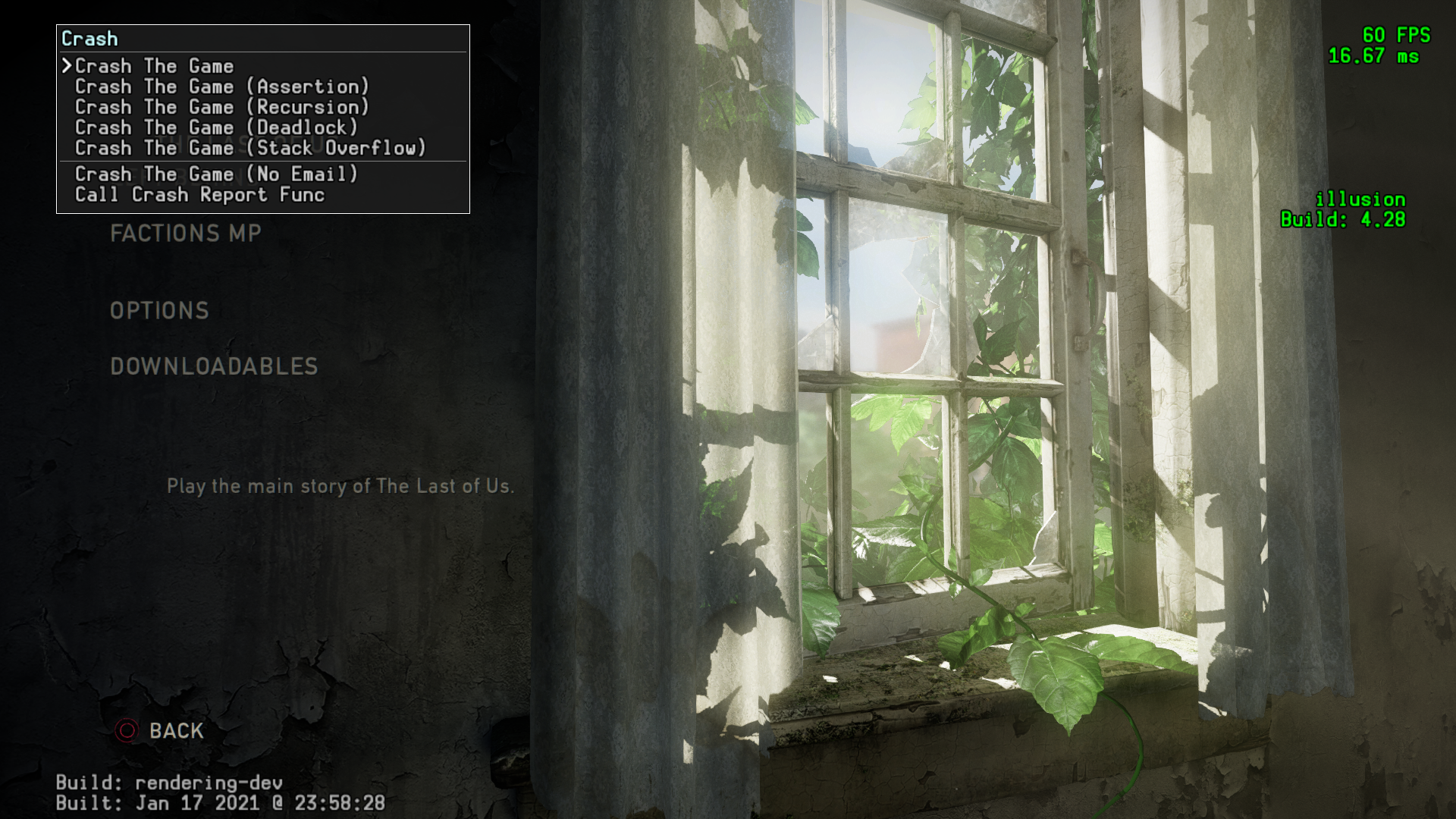
The Tasks sub-menu allows you to start from any specific part of either the story, or the Left Behind Add-on with a predetermined loadout, as well as choose whether or not to Keep Previous Inventory On Task Skip to bypass the preset loadouts. 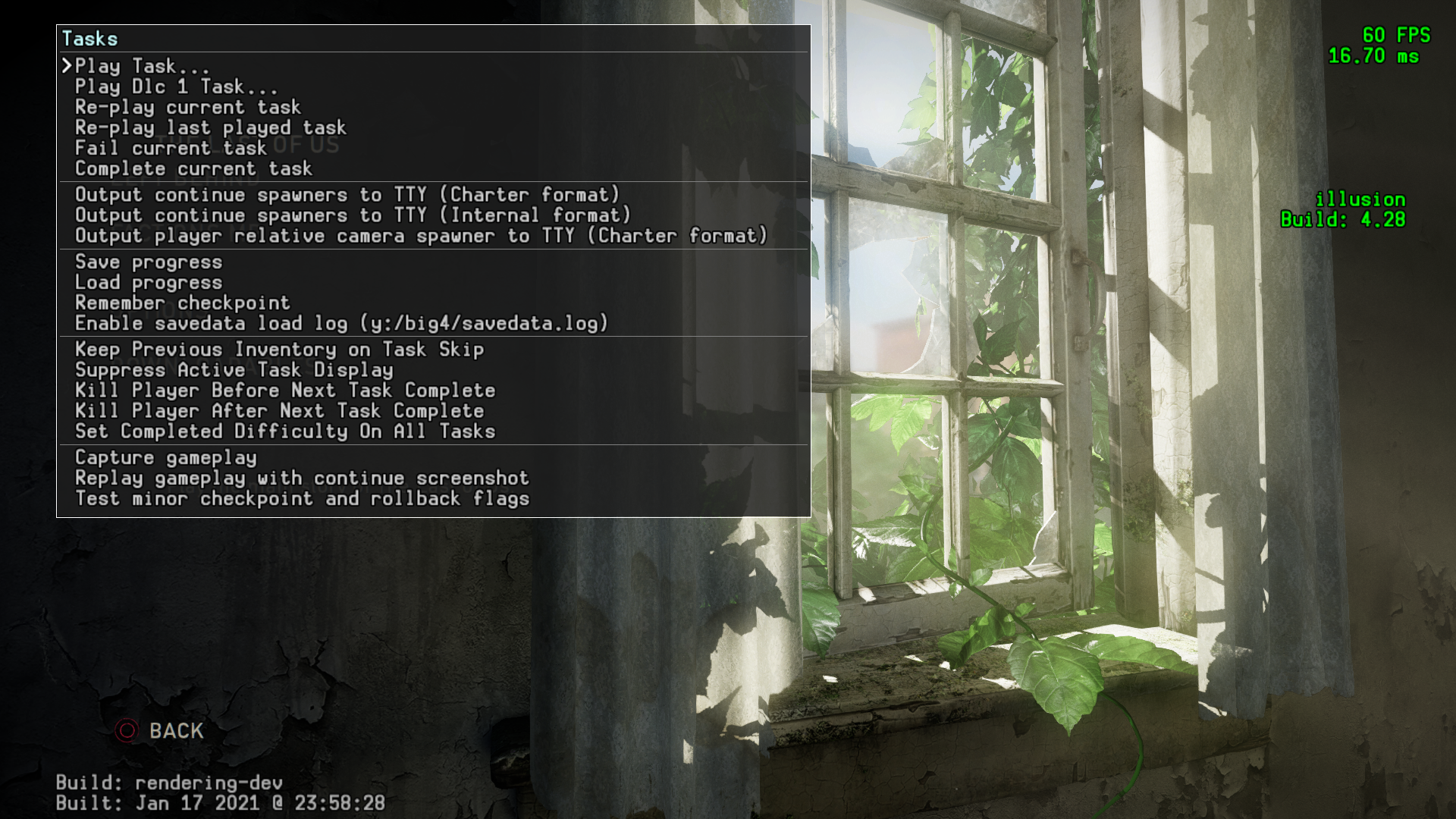
Rendering Options#
Reduced Menu#
The default Rendering menu in the release eboot.bin, most of the options do not show up.
This option changes Motion Blur. 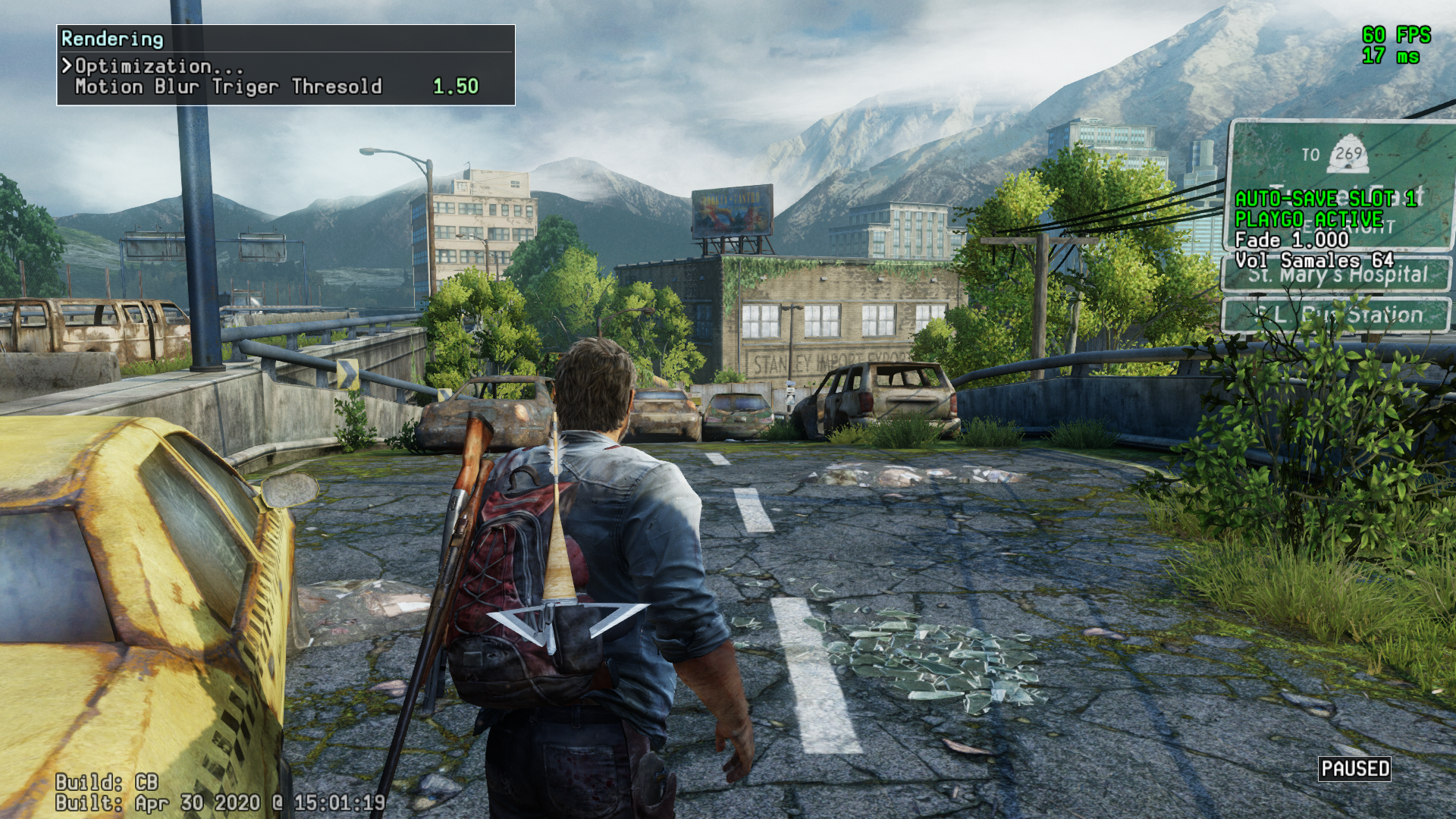
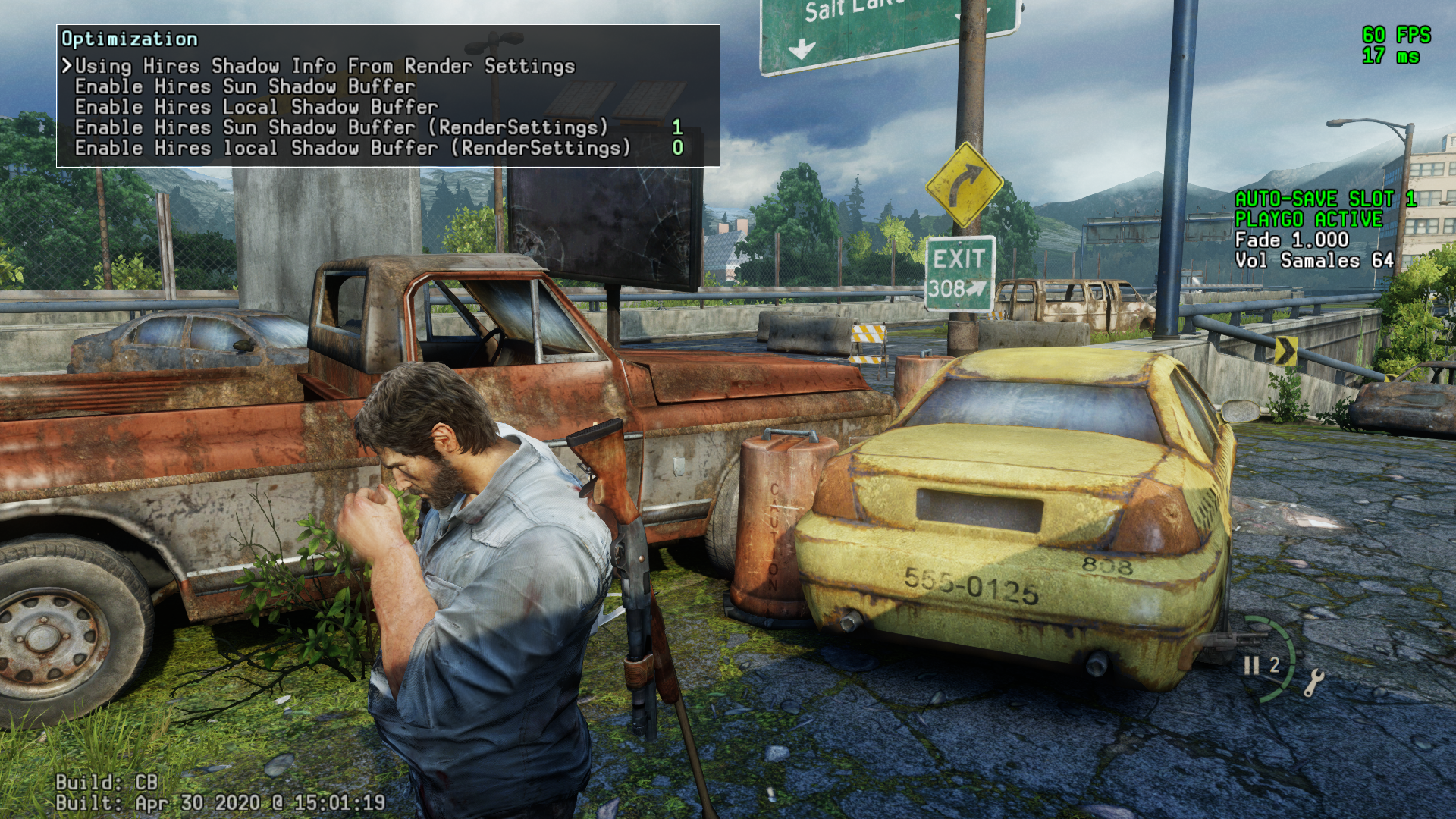
This option adds a minor shadow quality improvement with no framerate detriment in most environments. 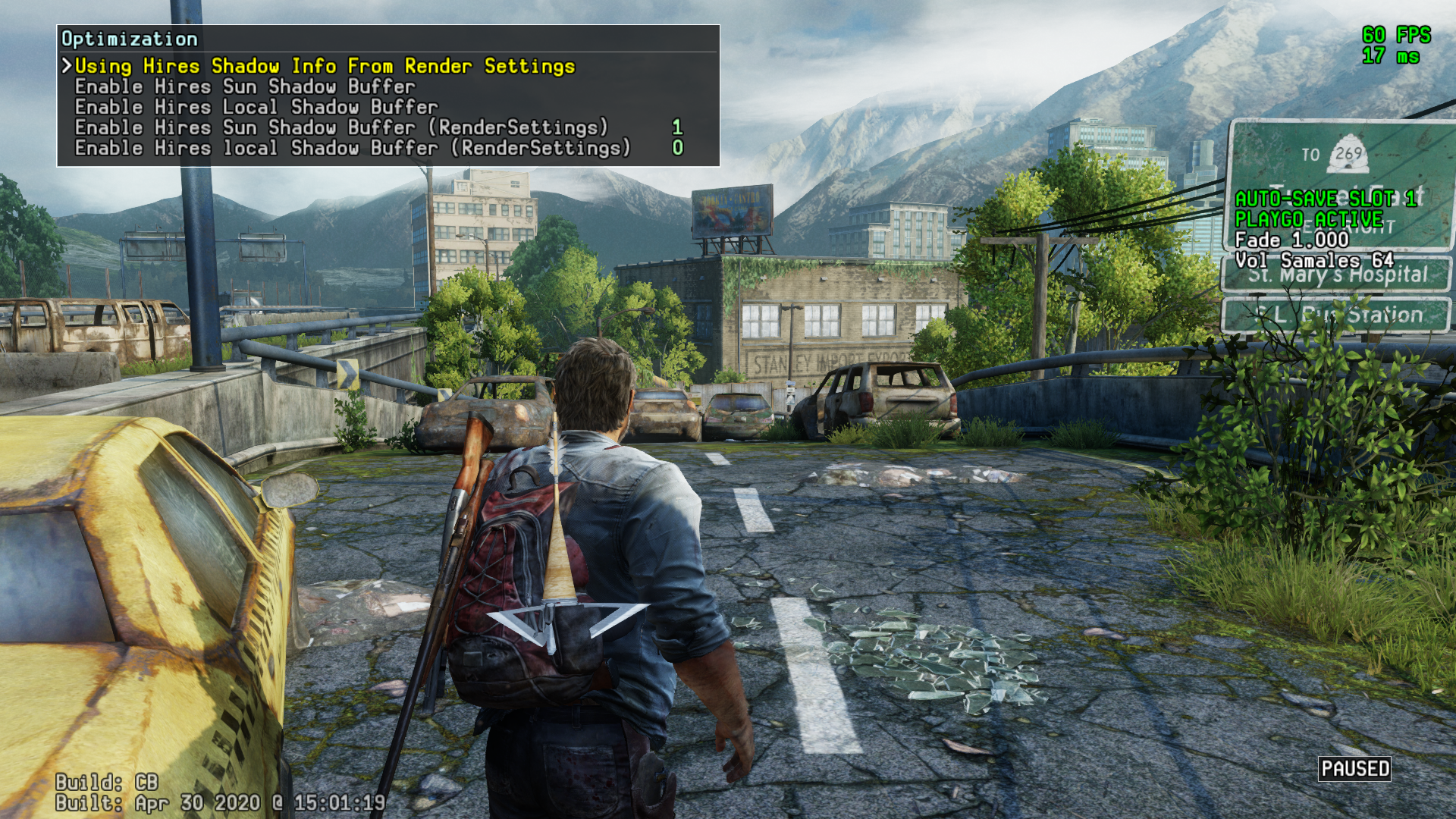
Restored Menu#
This is the full rendering menu that normally goes uncalled. There are plenty of non-functional options, but most of them still work. These options have been stripped completely from the PlayStation 3 original.
Apply these codes to the game's decrypted executable (.elf)
01.00
0x0006363C E8EF246D00
0x0094DD35 E900000000
01.11
0x00071F6C E84F6B8400
0x008BAE75 E993010000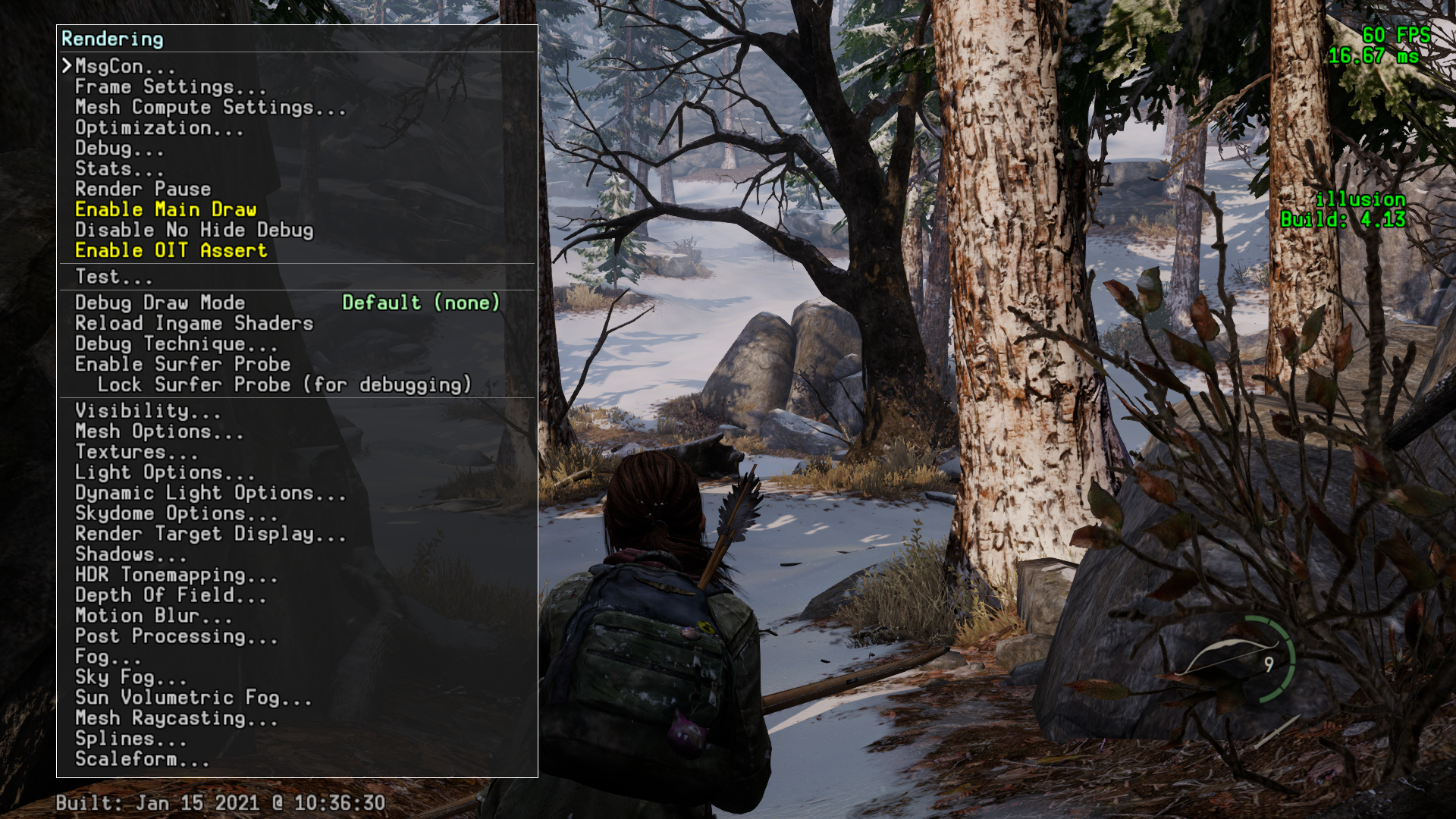
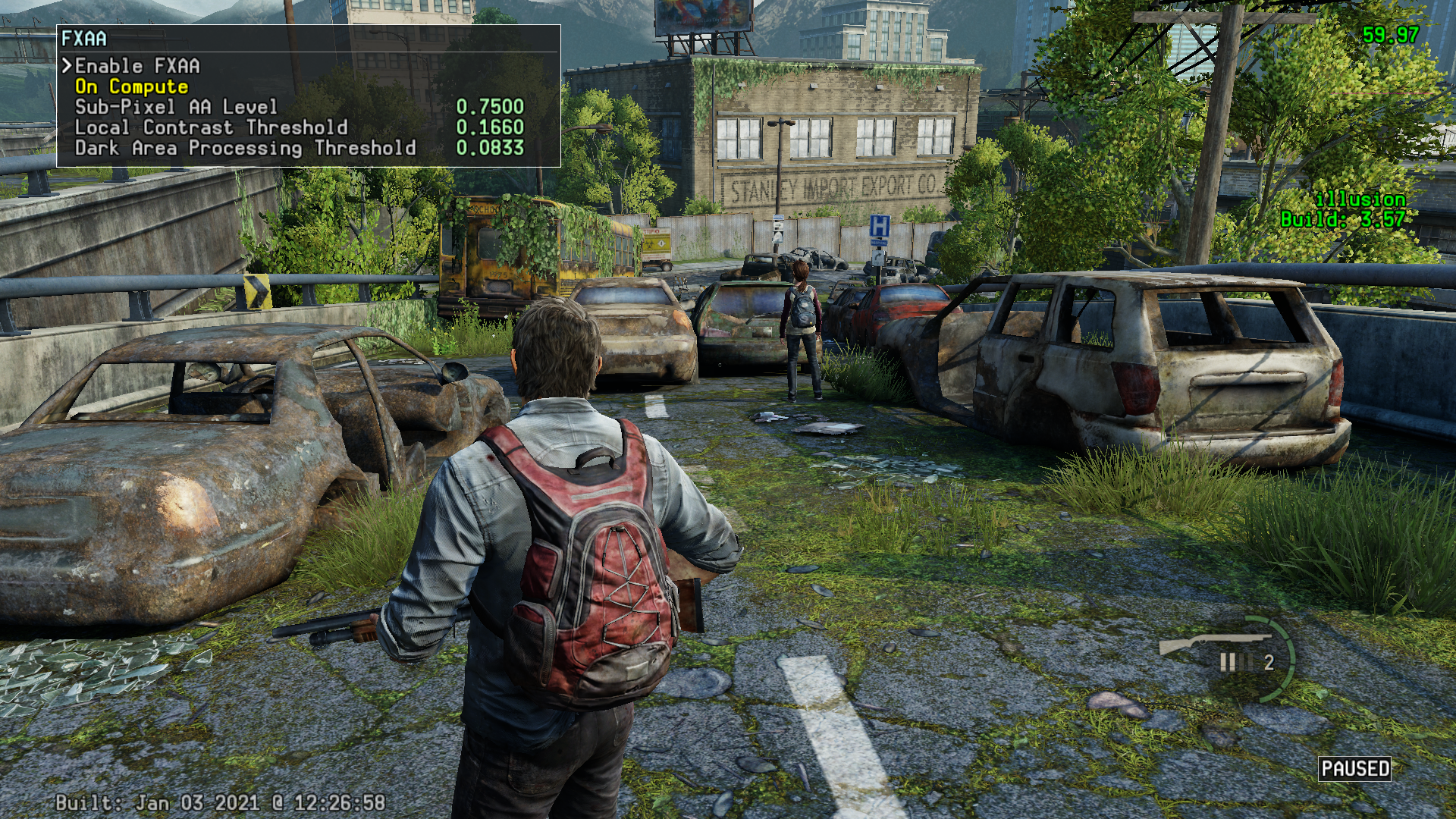
Post Processing > FXAA#
Changes Anti Aliasing (View Original to see differences.) 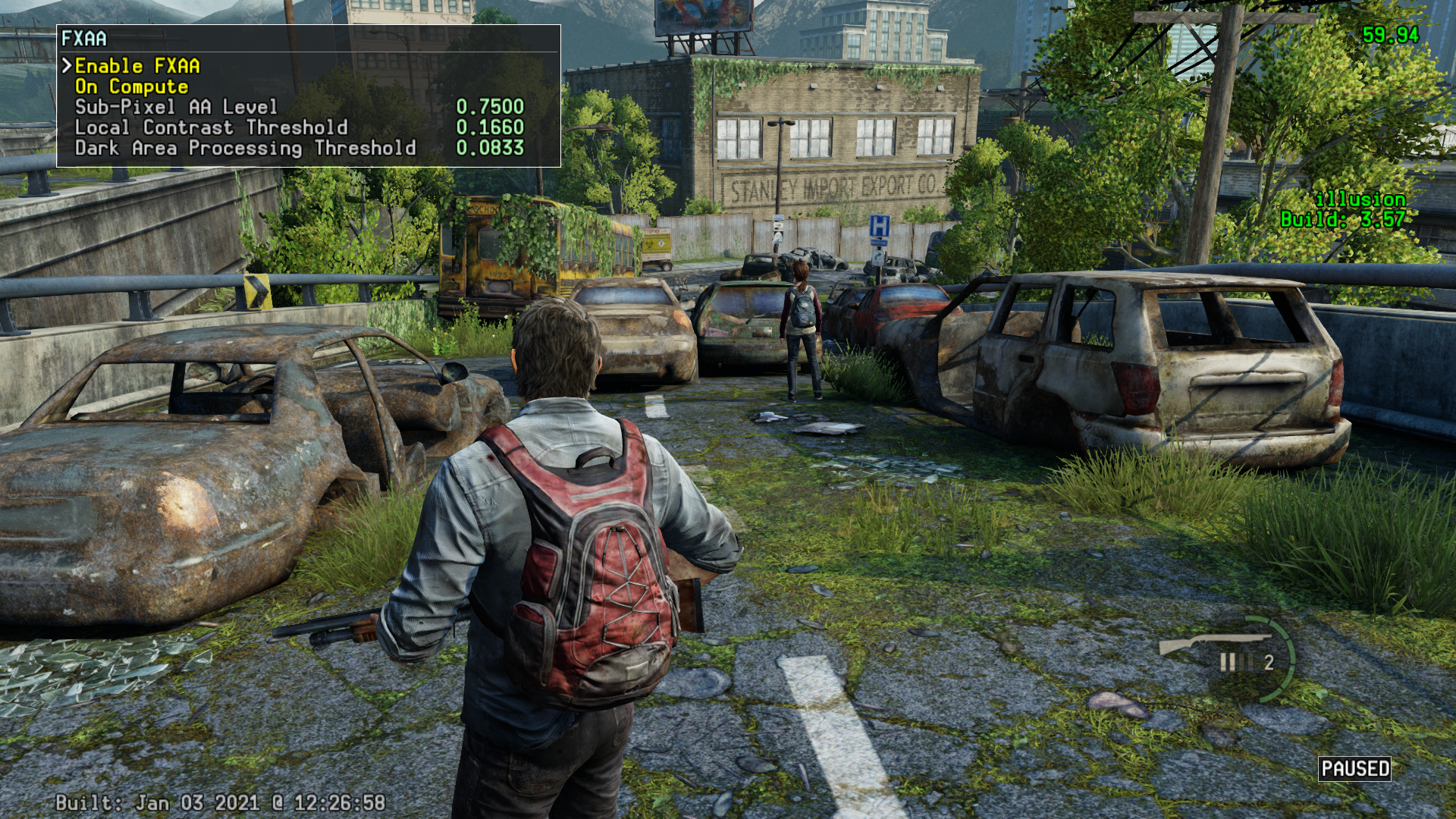
Neo Enhancements (PS4 Pro)#
High detail Mode 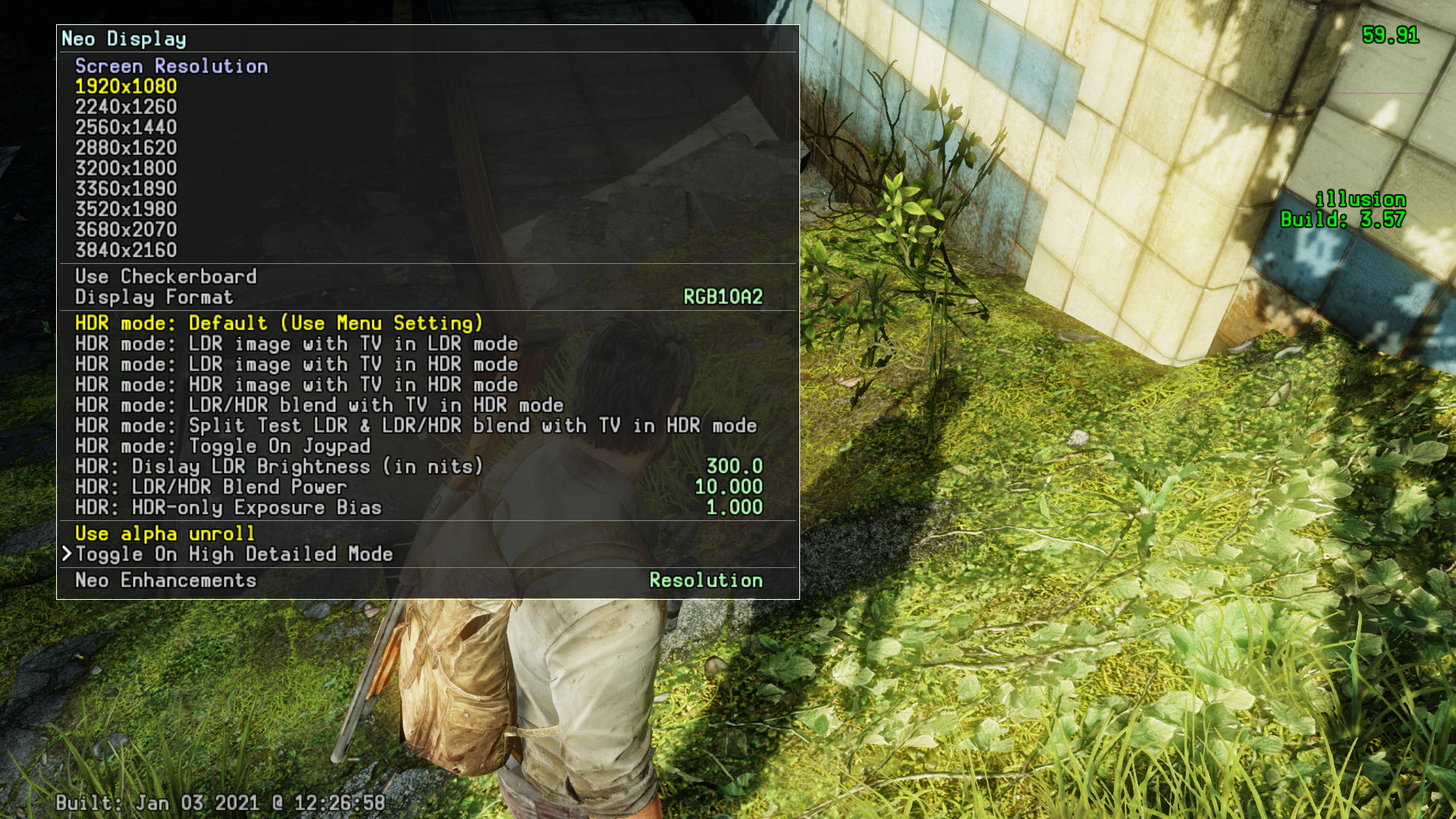
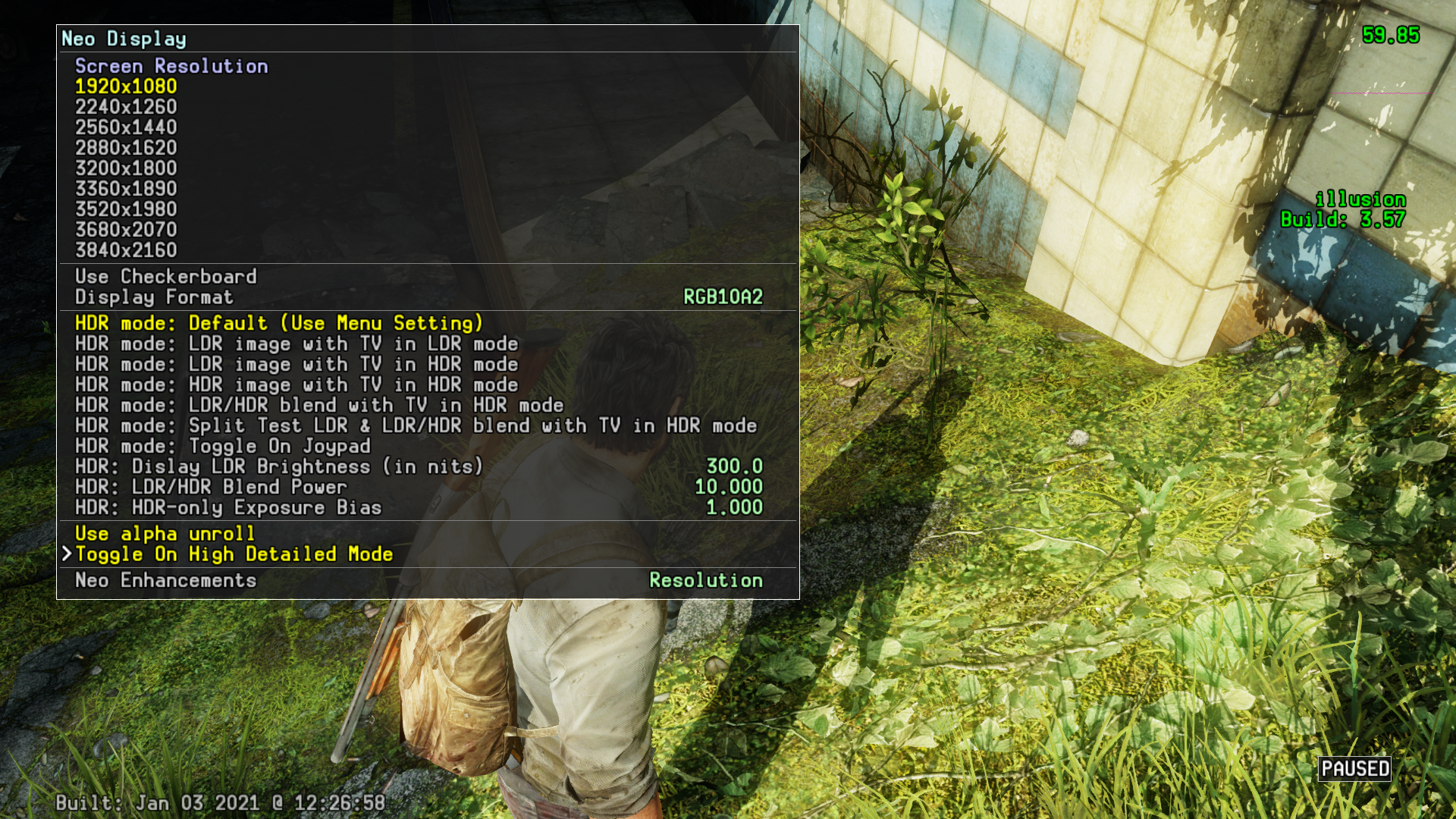
Enabling Checkerboard mode will cause corrupted graphics on a base PS4. 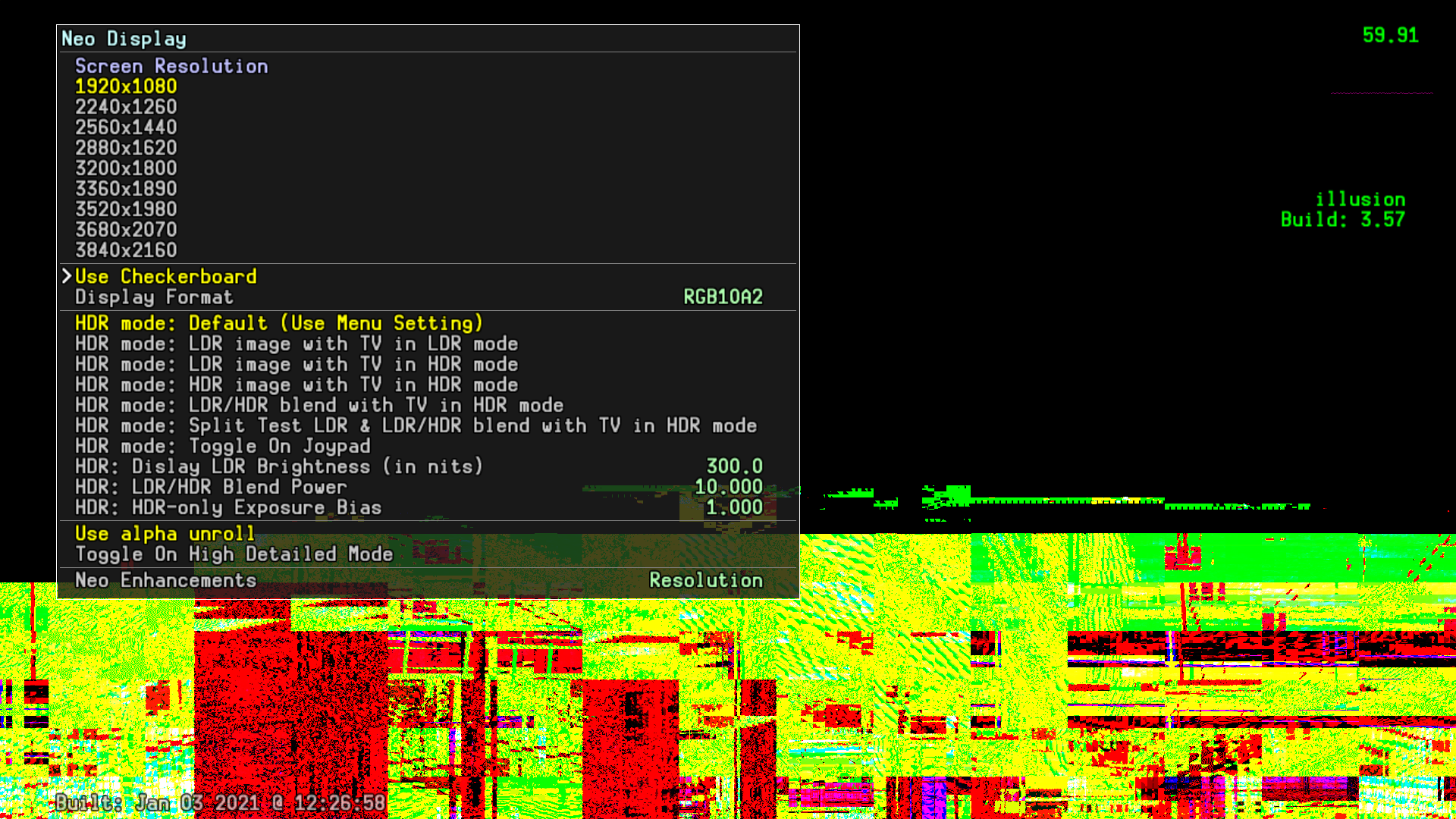
Debug Draw Modes#
Default (none) 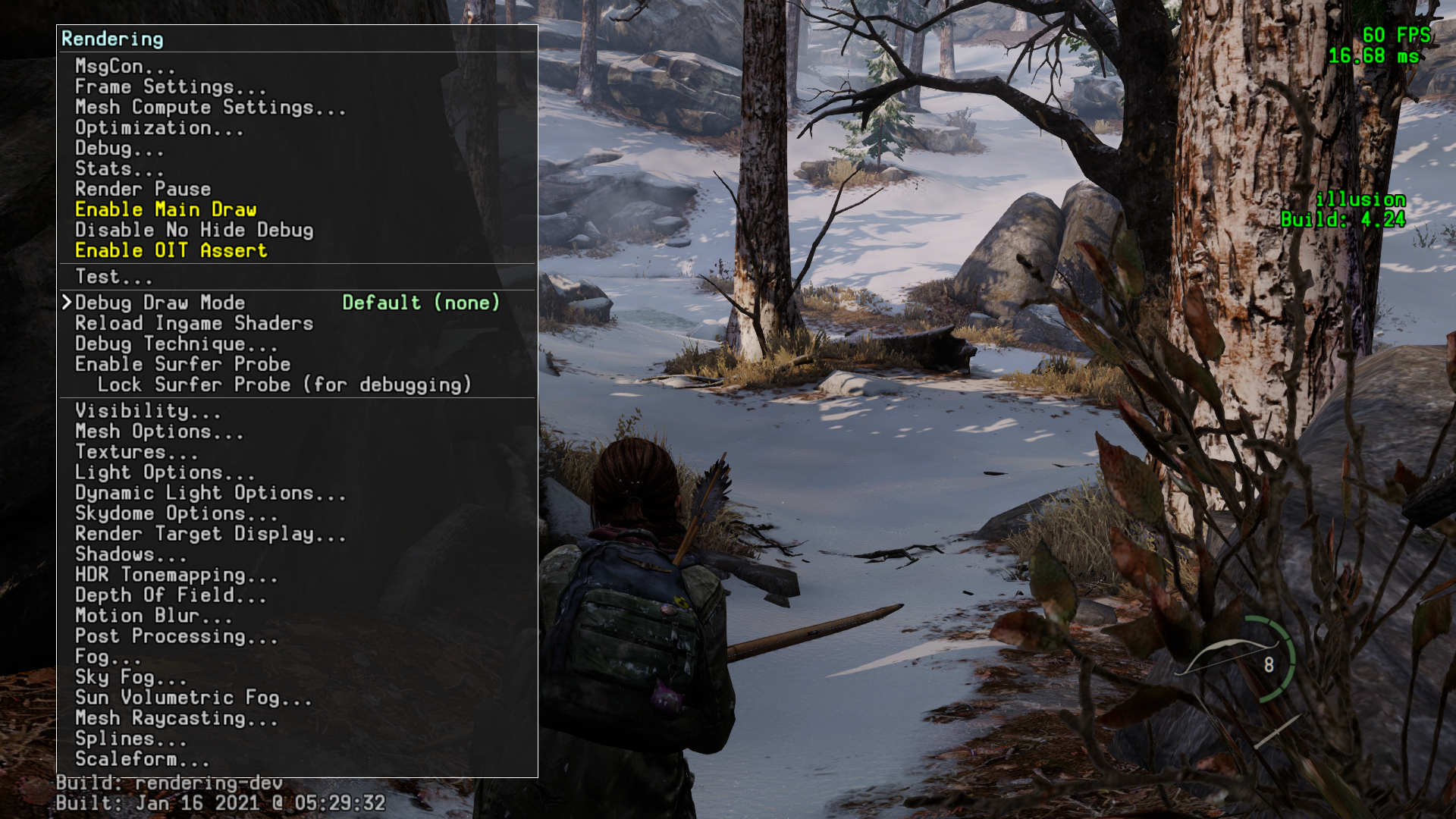
Show Instances 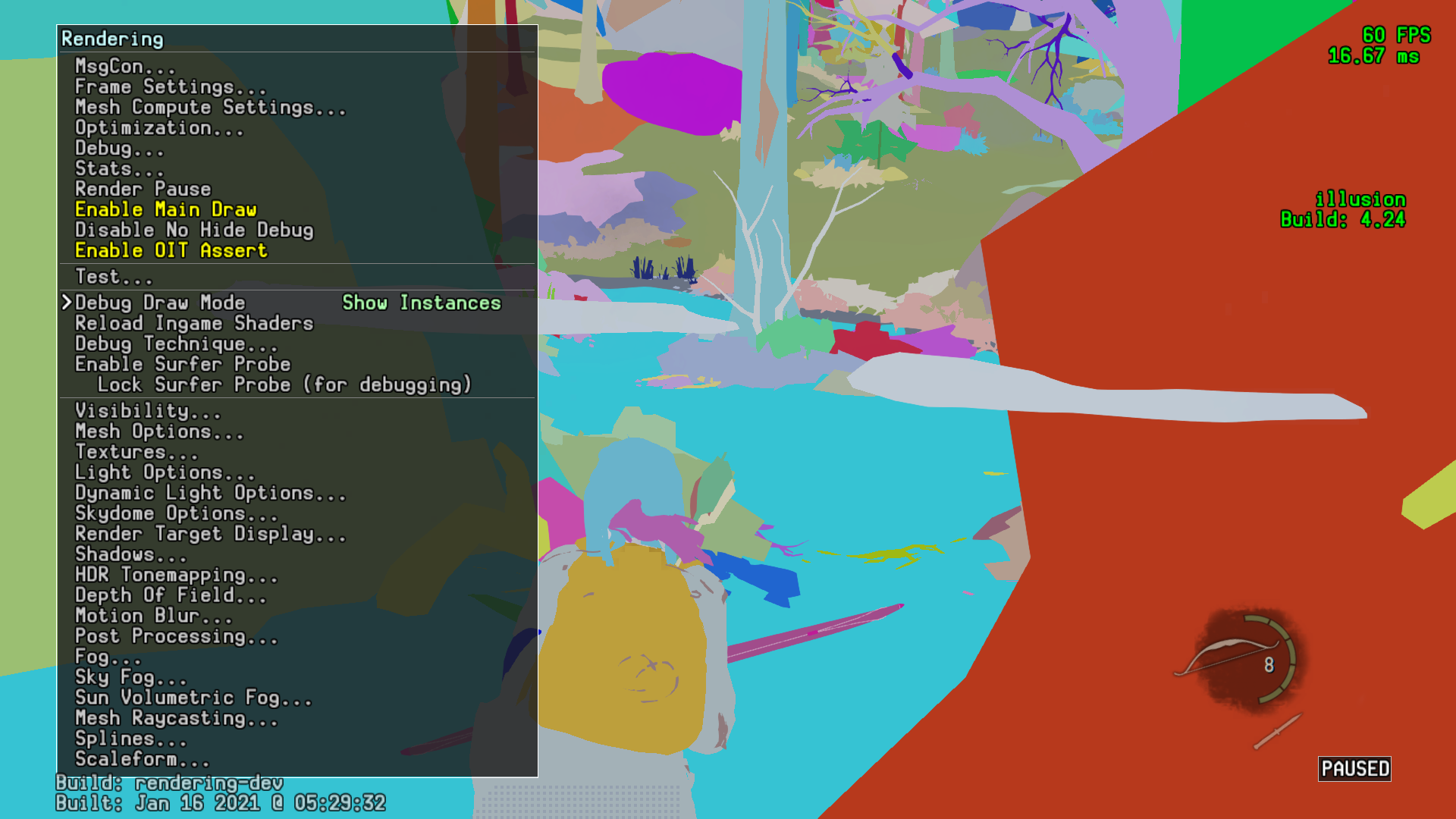
Show Materials 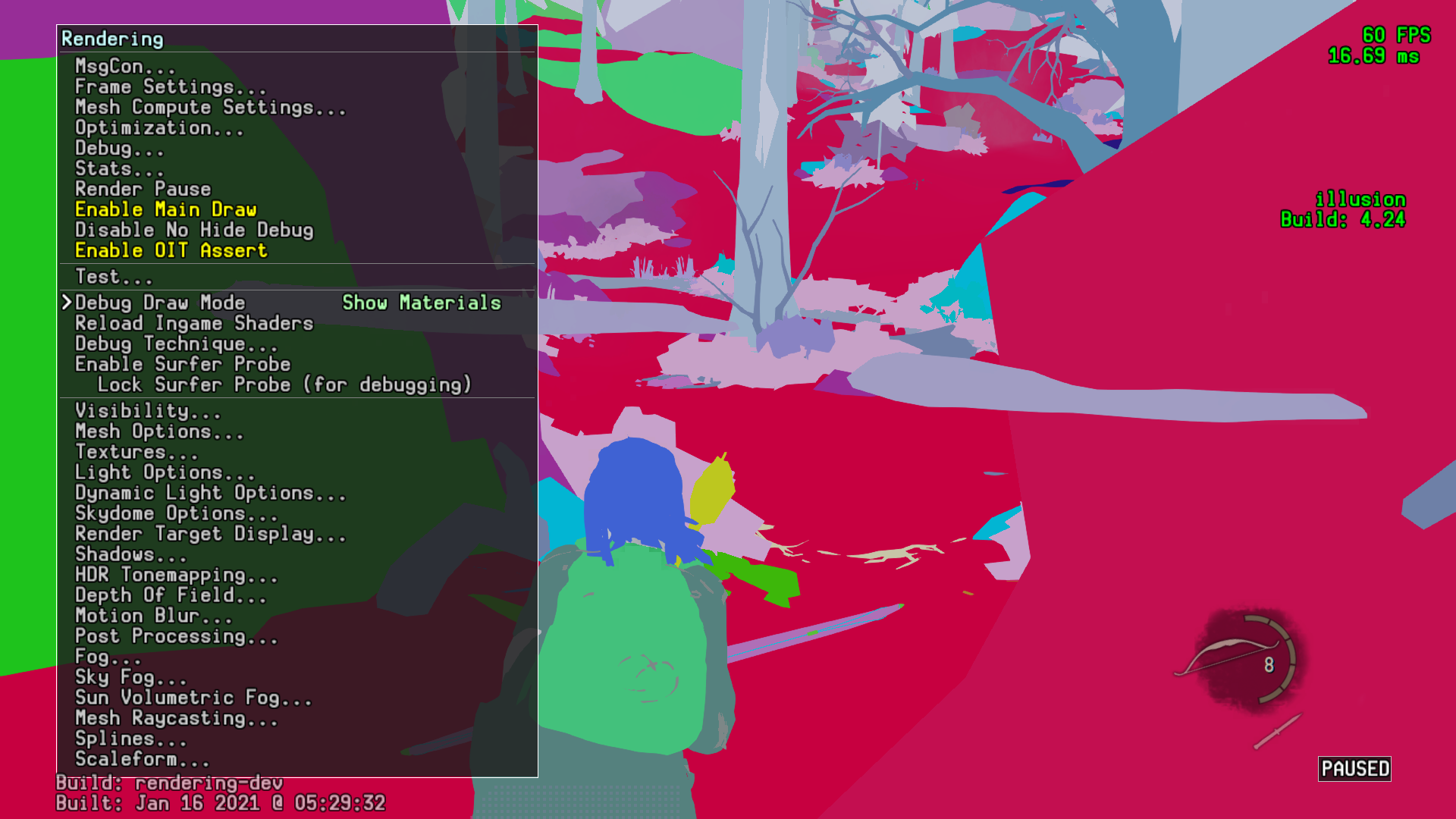
Show Std Pass VGPRs 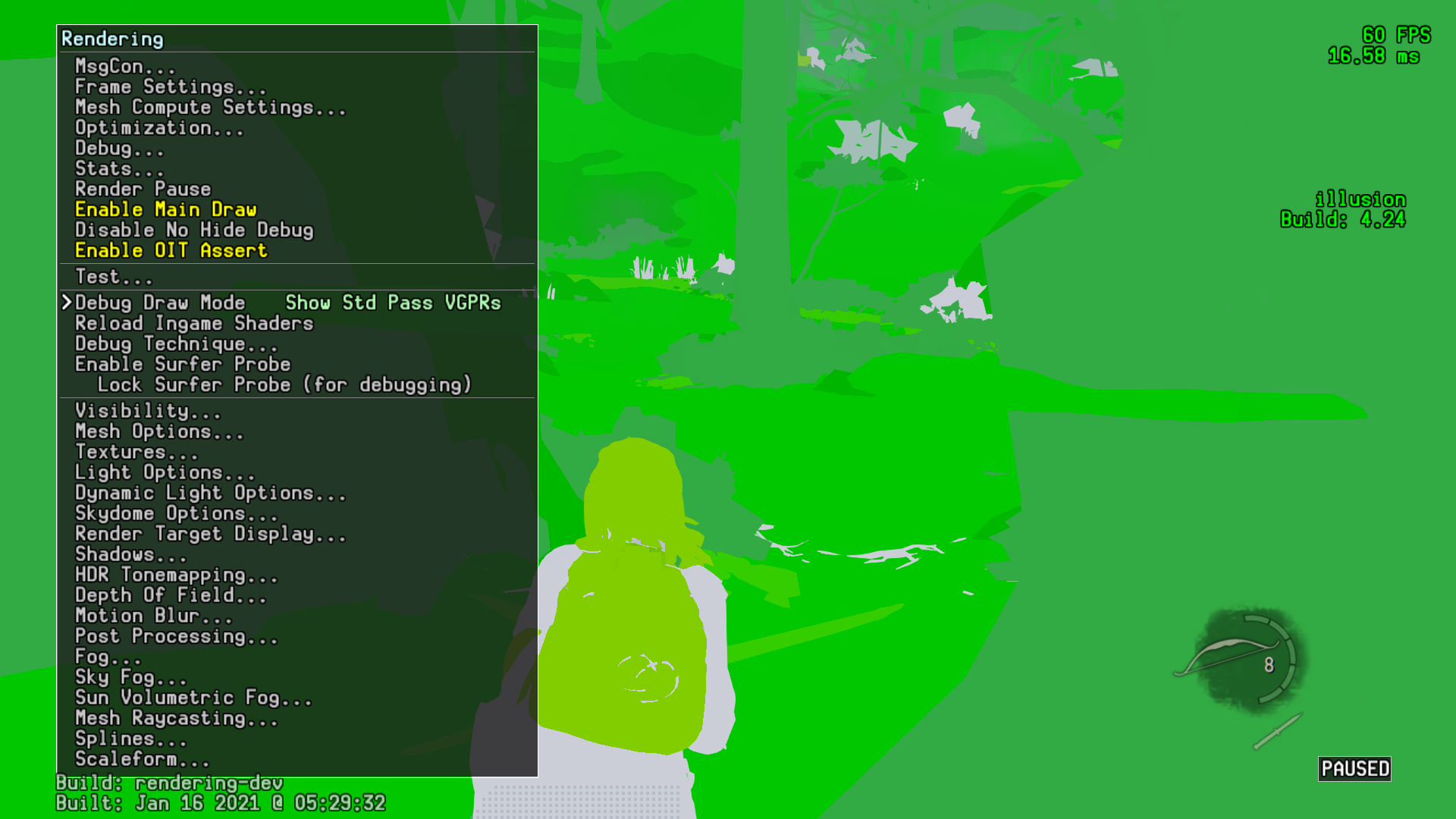
Show Std Pass SGPRs 
Show Grid 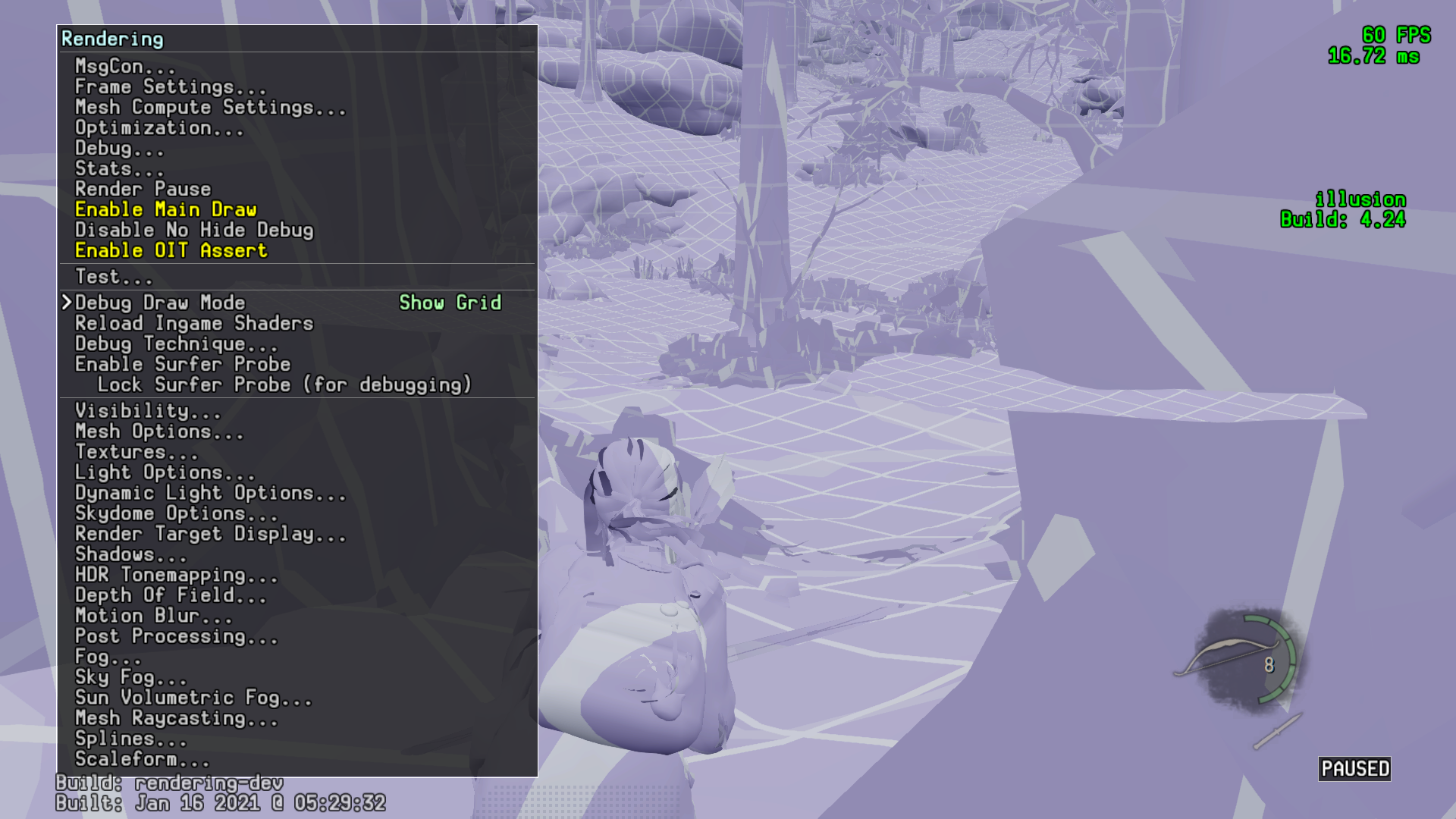
Show Book 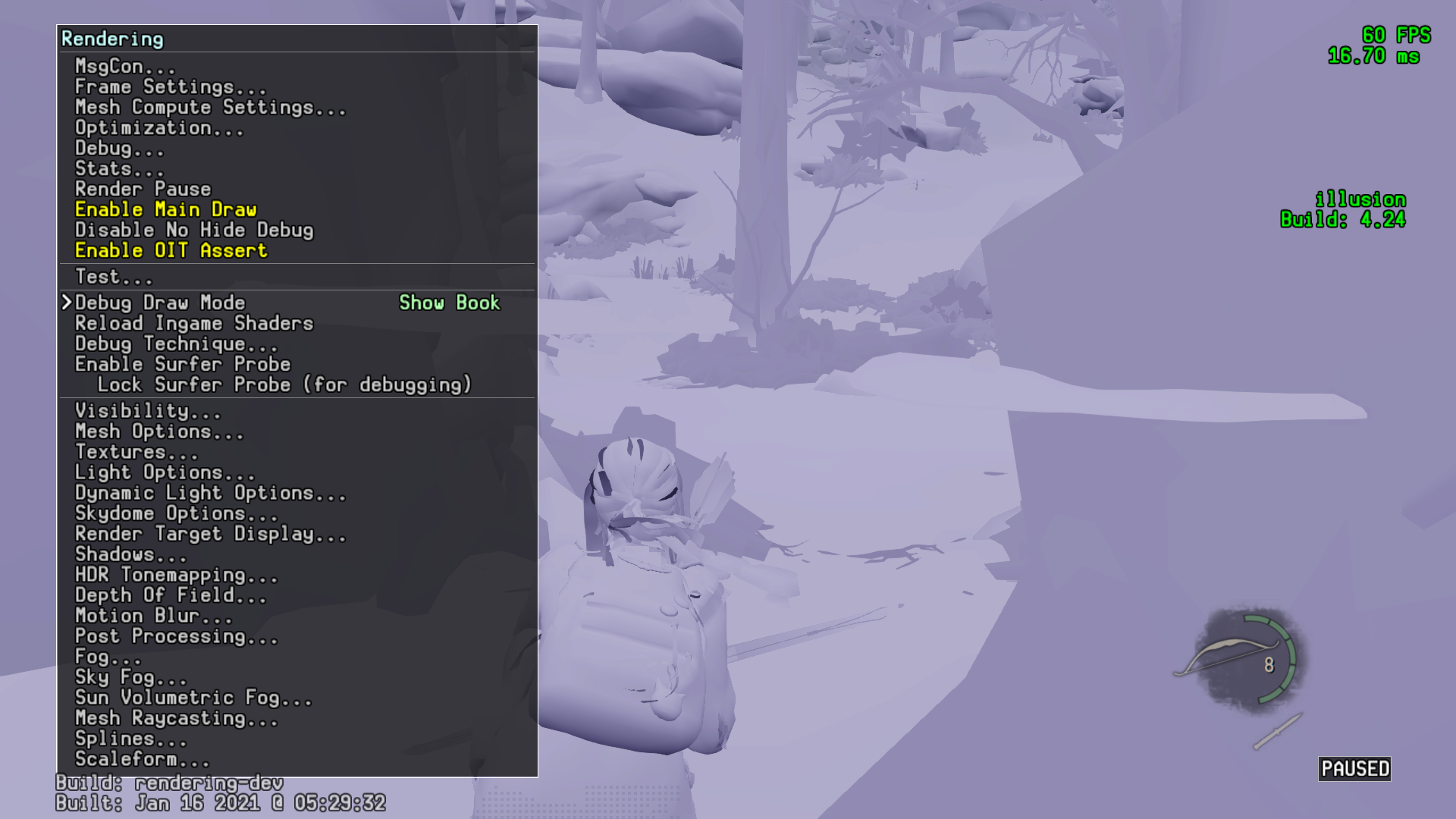
Visibility#
Disable All Visibility: Disabled 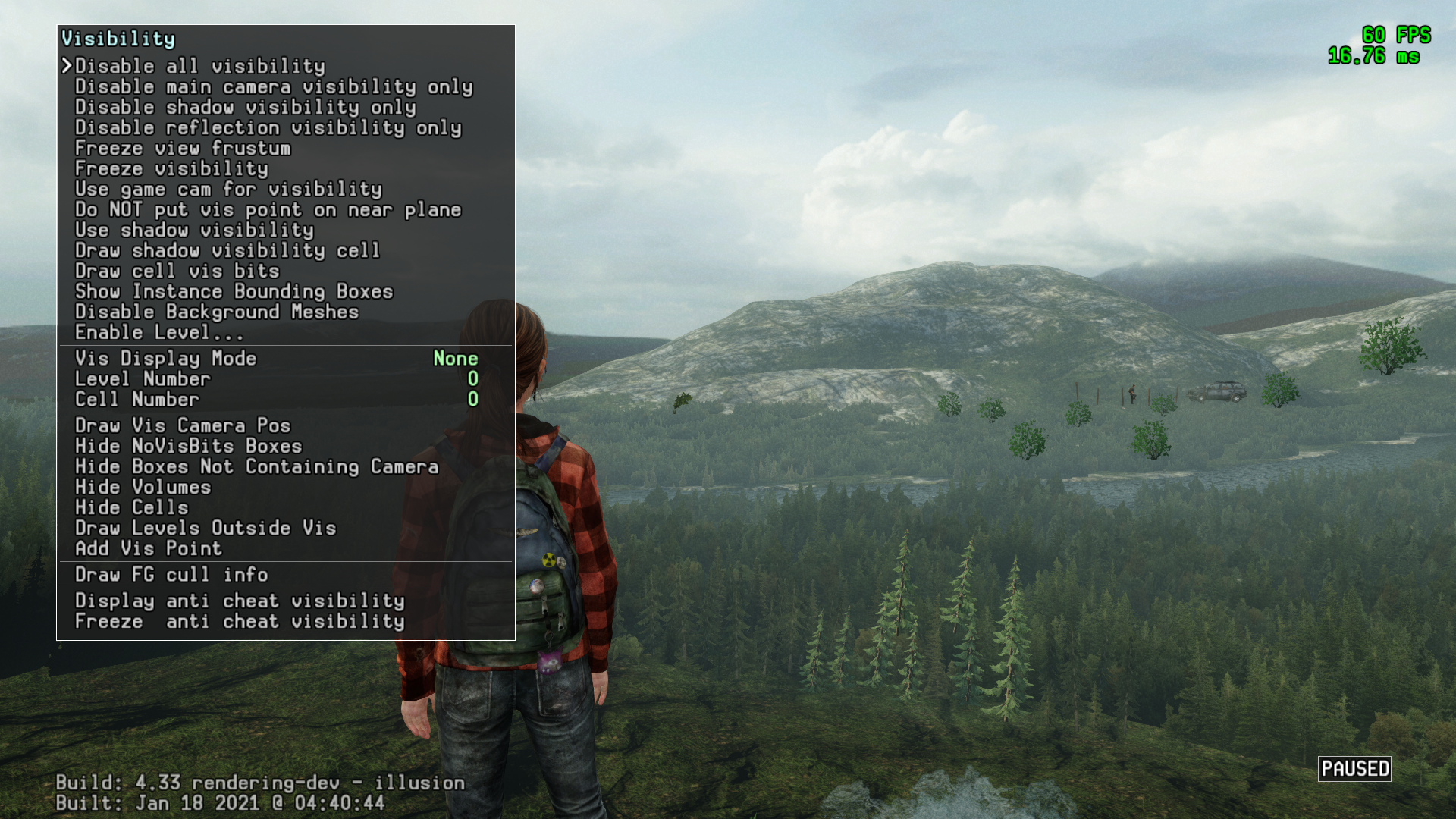
Disable All Visibility: Enabled 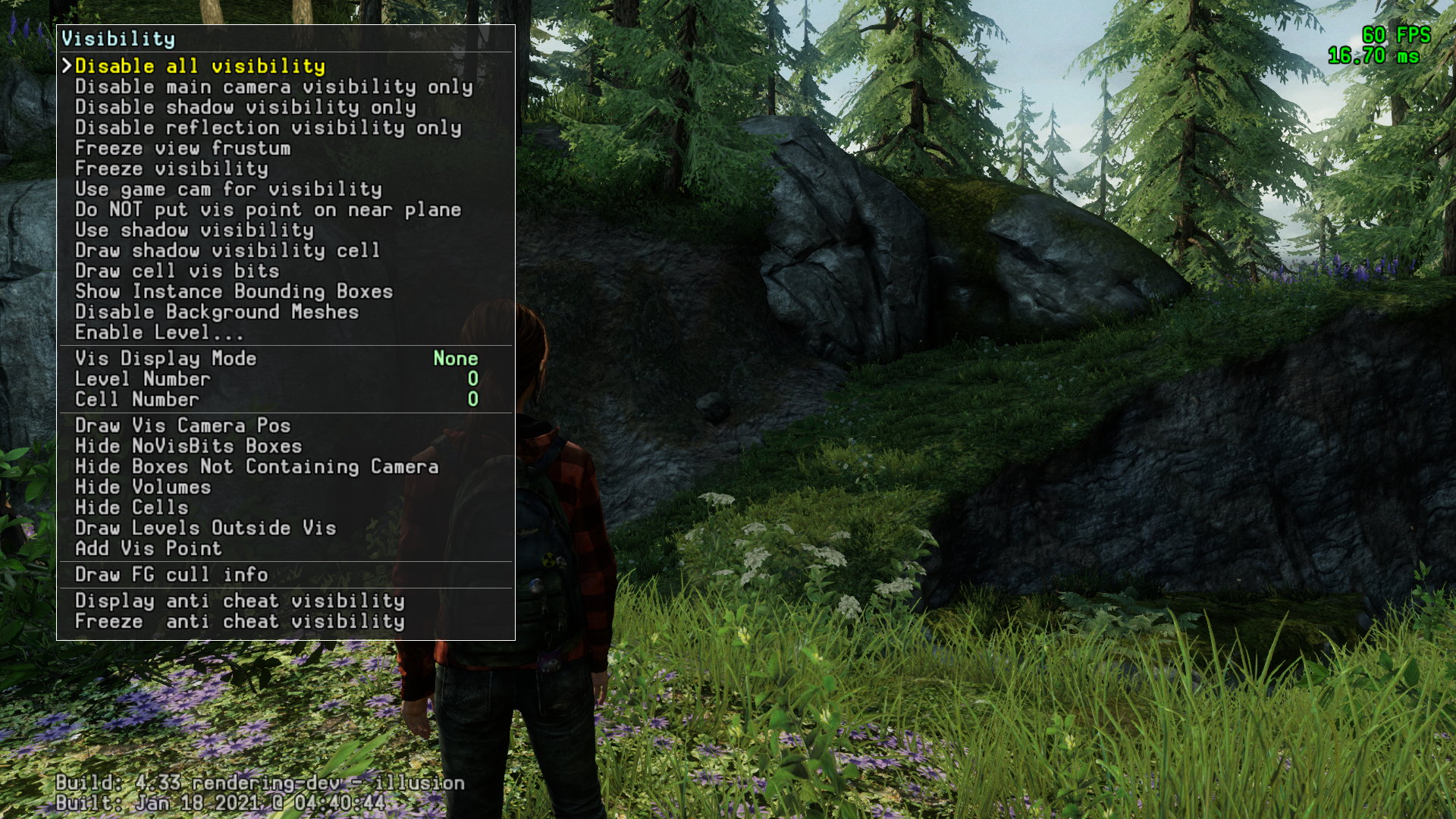
While the restored rendering menu isn't available to the community, this can be done publicly with the aforementioned patched executable available here.
(Source: TheMagicalBlob)
Mesh Options#
Enable Wireframe 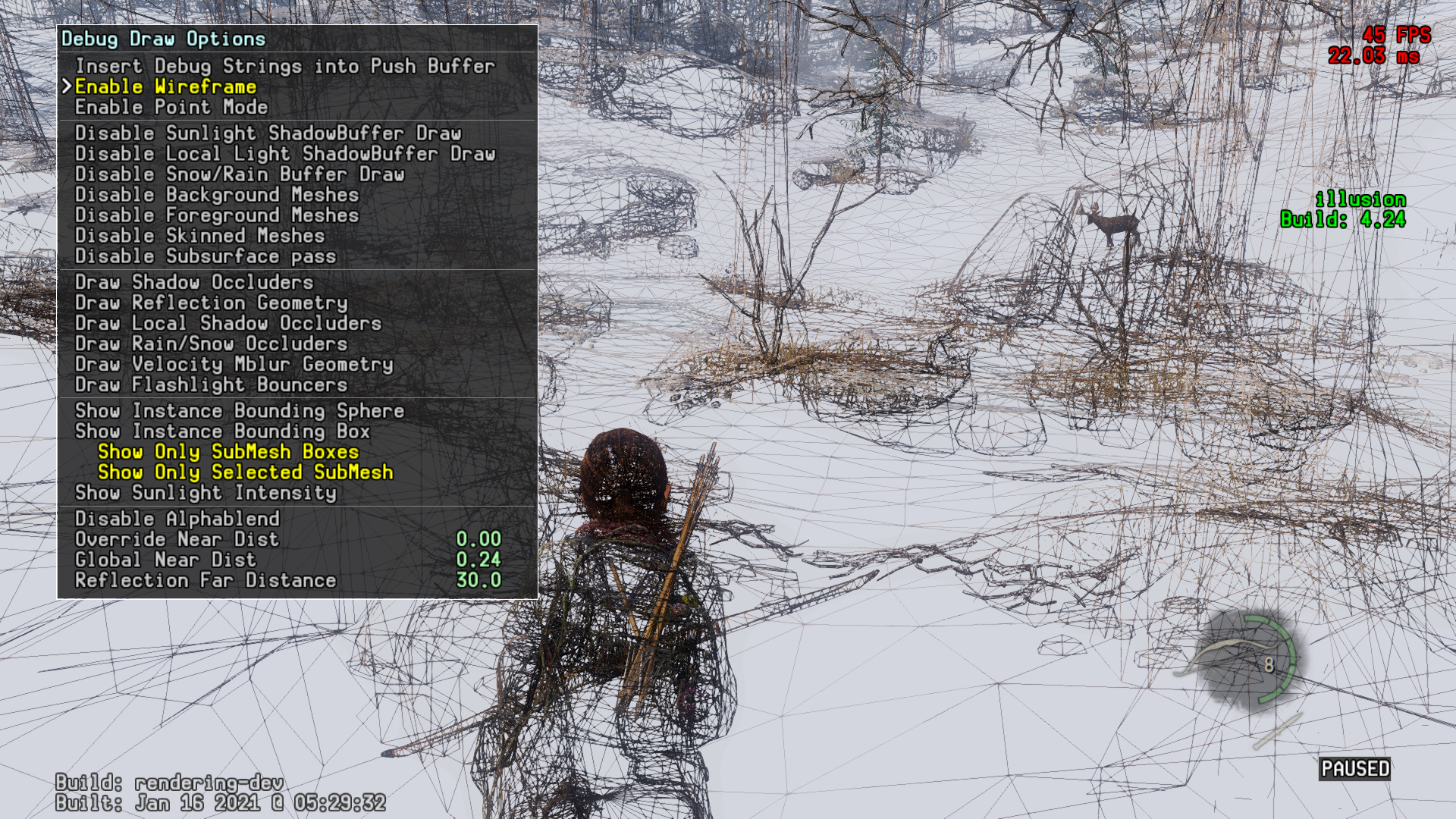
Enable Point Mode 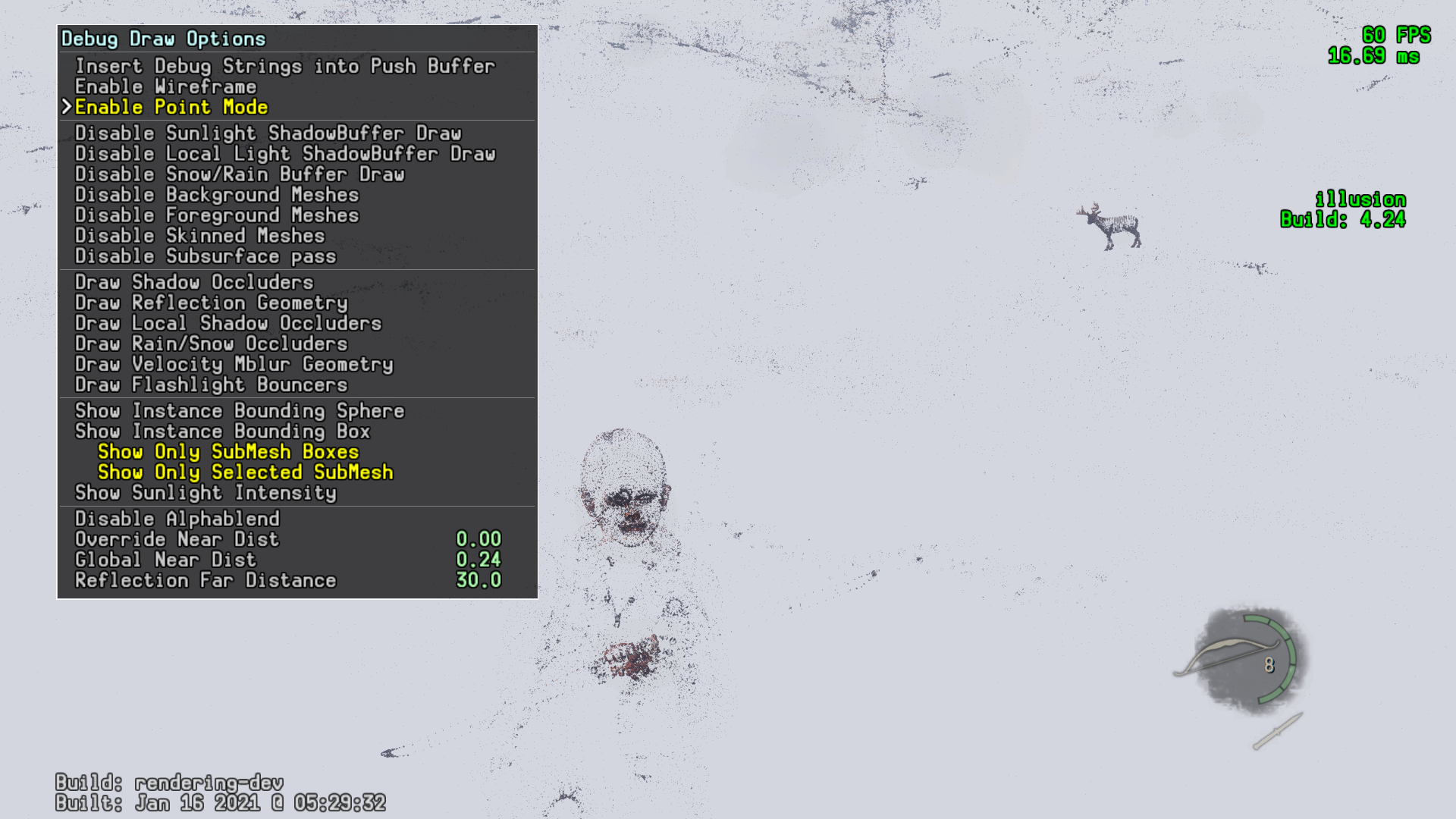
Dynamic Lights#
Show User Spotlight 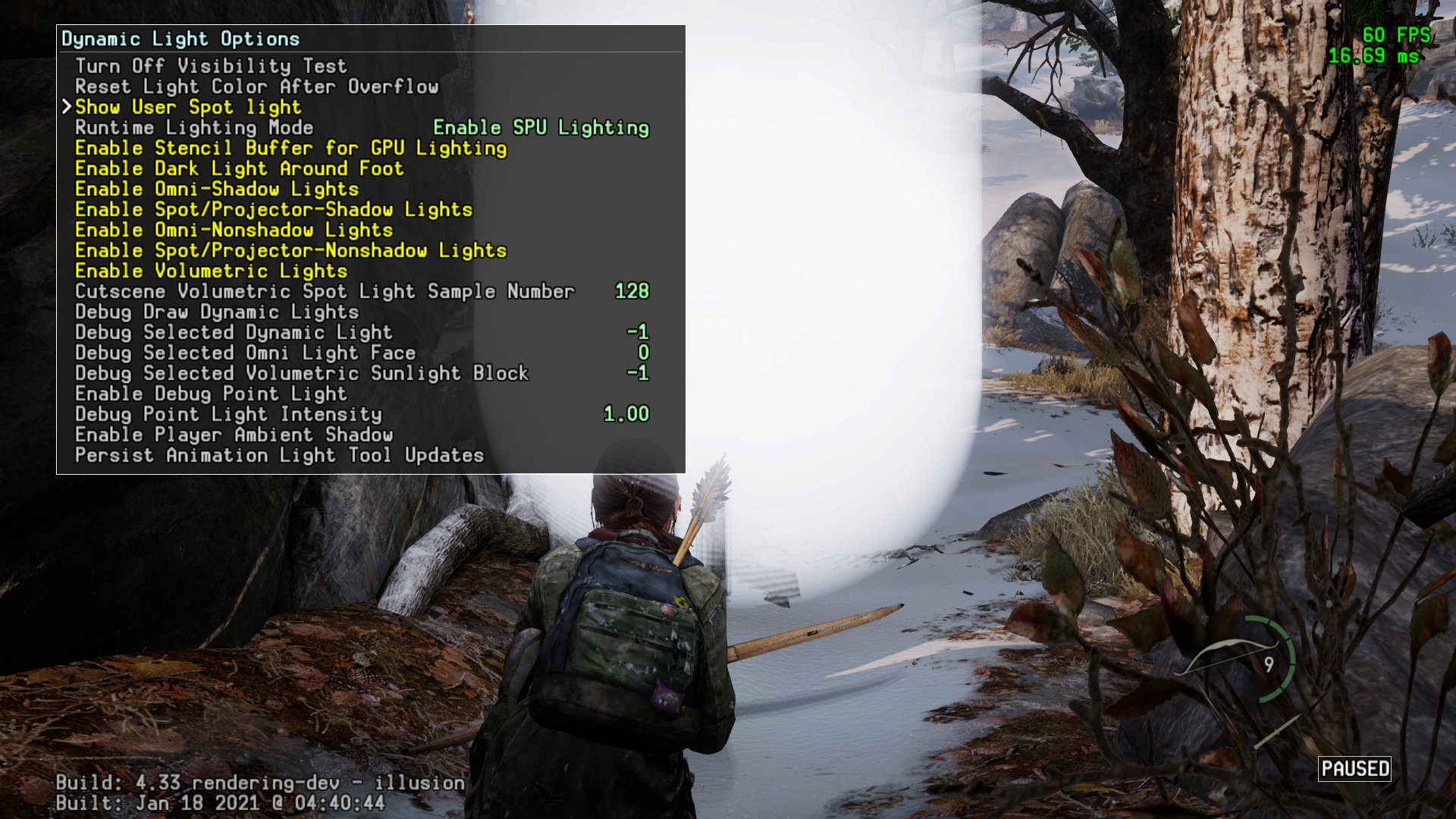
|
The Last of Us series | |
|---|---|
|
PlayStation 3 |
|
|
PlayStation 4 |
|