 This article has a talk page!
Purble Place is one of the new games (or, rather, a collection of games) included with Windows Vista and 7. The collection is intended for very young children and it shows.
 Prototype Info
 Notes
Notes
 Media Center Purble PlaceA full-screen version of the game embedded into the game's executable that can be launched from Windows Media Center.
 Unused SoundsThey didn't even bother deleting sounds from the prototypes!
Debug Menus#
As with most other games shipped with Vista and 7, it has an internal g_debugEnabled variable. However, the debug menus aren't seen until entering one of the mini-games.
Purble Shop#

The only part of the menu that appears to work is "Toggle Curtain", allowing the player to see behind the curtain. The rest appear to have been for the figure the player has to guess for, but they don't appear to be functional. The options consist of trying to pick the graphics currently available.
Comfy Cakes#

The only option that appears to work is "Win Game", which does indeed let the player win. "Reload Variables" doesn't appear to do anything on the surface, while "Time Attack Mode" would have toggled the automatically sliding conveyor belt mechanic.
Purble Pairs#

This menu is comparatively intact, with almost all of the options working. The options included in this menu are:
- Sneak Peak - Lets the player look at all the tiles, but only if none of them are flipped.
- Force Win - As you'd expect, the player automatically wins the game.
- Mixer - Mimics the sundae dessert "power-down"; the tiles are moved all across the playfield.
- Force Lose - Automatically makes the player lose in timed games. Does not work on untimed games.
- Time - Doesn't work. Possibly would have controlled the timer.
Revisional Differences#
|
|
To do: |
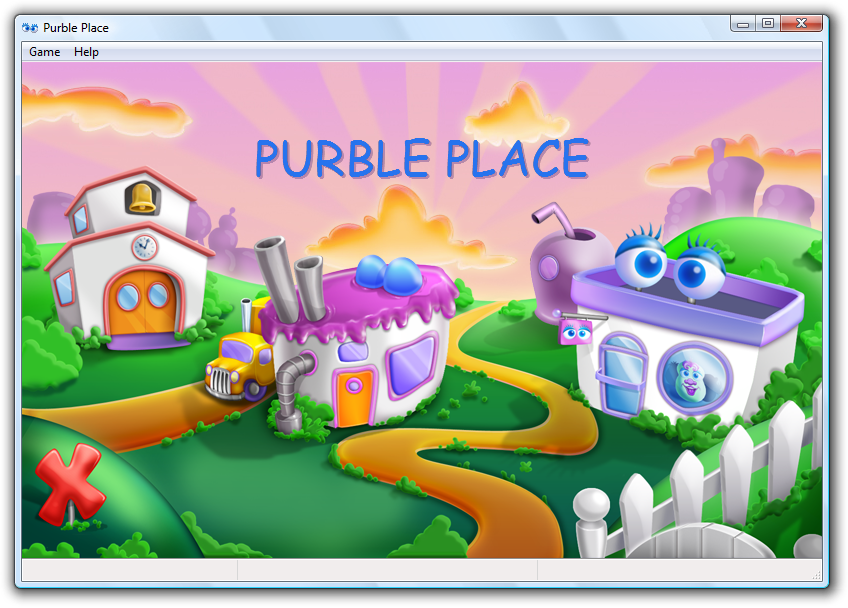
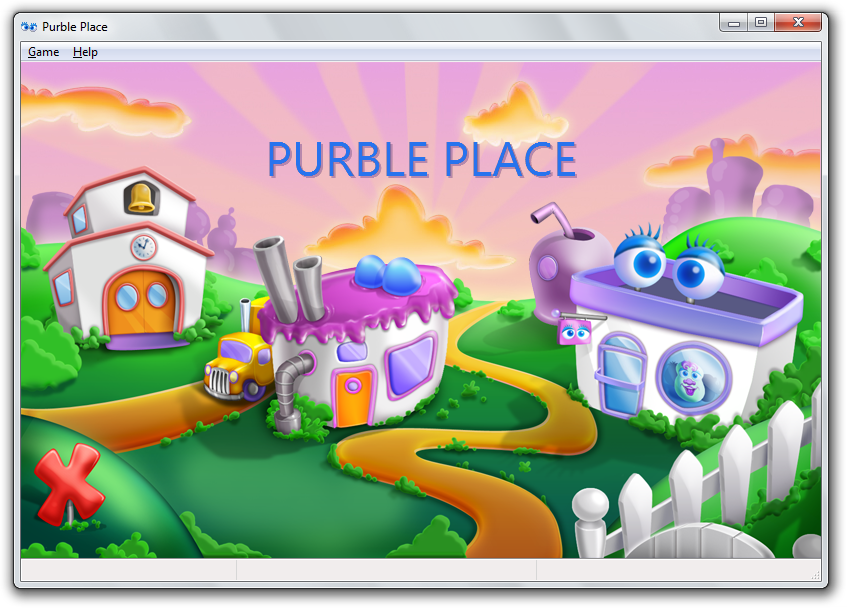
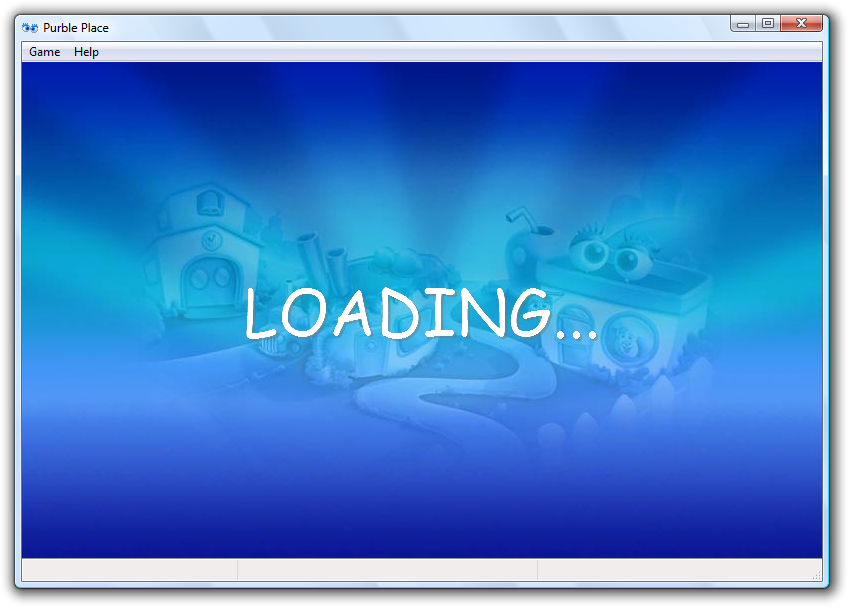
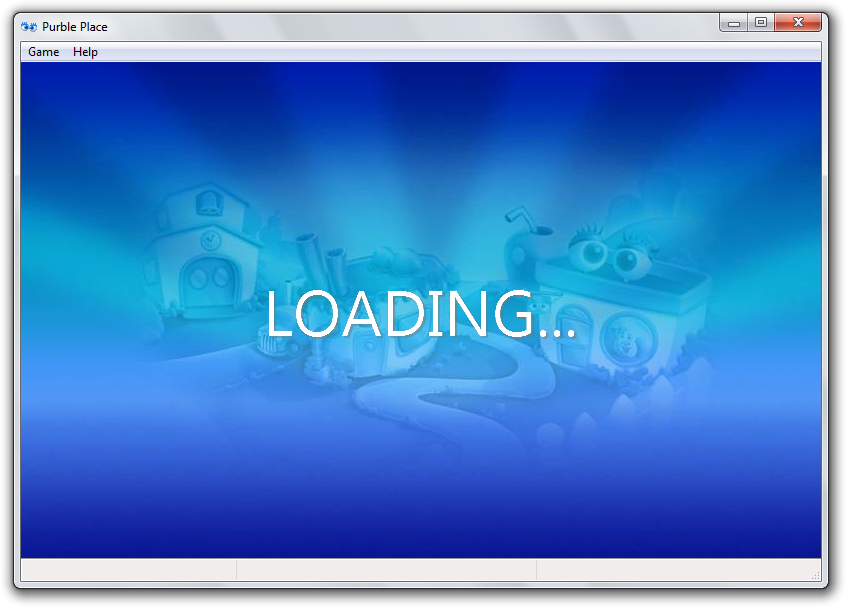
The Windows Vista version has the main menu's logo and the loading screen written in Comic Sans MS. In Windows 7 (starting from build 6931), it is now in Segoe UI.
Windows Vista |
Windows 7 |
|---|---|
 |
 |
 |
 |
Early Minigame Titles#
Internally, Purble Pairs and Purble Shop are called "Concentration" and "BuildAPurble" respectively.
XInput Support#
An interesting feature that isn't documented anywhere (Help Menu-wise) is XInput (gamepad) support - if the game detects an Xbox 360 controller plugged into a USB port, the P1 corner on the controller will light up, signifying the controller can be used. Possibly undocumented because Oberon Media thought people were too used to the traditional controls, and little kids wouldn't be using a controller.
It's a neat little feature, nonetheless.
Controls#
Button |
Effect |
|---|---|
Left analog stick/D-Pad/Shoulder Buttons/Triggers |
Moves the cursor. Oddly, they can also be used to navigate the menu bar. |
B/Back |
Varies. |
A/X |
Selects whatever the cursor is on. |
Y/Start |
Opens the Game Menu. |
Unused Graphics#
ui/buildapurble#
features/icons#
Alongside the icons for the used Purble Shop eyes exist these icons of the early versions of the Red/Pink eyes. These eyes were used in prototype builds pre-Windows Vista Build 5308.


features#
Inside the parent directory where the aforementioned Red Eye icons are buried contains these Green Mouth and Yellow Nose graphics. GreenMouthX2.png, however, is never seen in any of the available prototypes, and has been inside the game's files since the Windows Vista Build 5219 prototype.


shelffeatures#
The shelffeattures directory contains a shelf graphic for one of the Green Hair features seen in early prototypes.

Comfy Cakes#
Within the sheets for Comfy Cakes contains an early version of the filling machine, which was seen in the Build 5219 prototype.
Compared to the one used in the final build, this version notably features a less-detailed appearance.

Unused Dialogs#
Leftover Texture Pack Dialog#

The other Windows Vista games allow the player to choose a texture pack, but since Purble Place doesn't use texture packs, this dialog goes unused.
CONTROL "OK", 1, BUTTON, BS_DEFPUSHBUTTON | WS_CHILD | WS_VISIBLE | WS_GROUP | WS_TABSTOP, 236, 278, 72, 14
CONTROL "Cancel", 2, BUTTON, BS_PUSHBUTTON | WS_CHILD | WS_VISIBLE | WS_TABSTOP, 310, 278, 72, 14
CONTROL "Select Card Deck", 5002, STATIC, SS_LEFT | WS_CHILD | WS_VISIBLE | WS_GROUP, 7, 7, 234, 8
CONTROL "", 5000, "SysListView32", LVS_ICON | LVS_SINGLESEL | LVS_SHOWSELALWAYS | LVS_SHAREIMAGELISTS | LVS_ALIGNLEFT | WS_CHILD | WS_VISIBLE | WS_BORDER | WS_GROUP | WS_TABSTOP, 7, 17, 380, 108
CONTROL "Select Background", 5003, STATIC, SS_LEFT | WS_CHILD | WS_VISIBLE | WS_GROUP, 7, 135, 234, 8
CONTROL "", 5001, "SysListView32", LVS_ICON | LVS_SINGLESEL | LVS_SHOWSELALWAYS | LVS_SHAREIMAGELISTS | LVS_ALIGNLEFT | WS_CHILD | WS_VISIBLE | WS_BORDER | WS_GROUP | WS_TABSTOP, 7, 145, 380, 101
CONTROL "&Randomly choose deck and background", 5004, BUTTON, BS_AUTOCHECKBOX | WS_CHILD | WS_VISIBLE | WS_GROUP | WS_TABSTOP, 7, 253, 233, 10
Media Center Purble Place dialogs#
purbleplace.exe.mui contains dedicated dialogs, tips, scripts, etc., but there's also unused fullscreen dialog boxes of these.
Unused Tips#
Comfy Cakes#
Ingredient-on-top-of-Ingredient Tips#
In the final build, you are able to place a decoration on top of a decoration, replacing it. The same applies for batter, and thus, leaves both of these tips unused.
|42768|CCTips|Oops, you can't correct batter. You're allowed some mistakes, work on the other cakes on your line. // When you try to put batter on a batter already there.
|57636|CCTips|There's already a decoration there! // When you put a decoration on top of another decoration.
Game Over Tip#
This tip would have appeared when you "clog" the production line. It is unknown how you would do so.
GameLoseLineClog
350
|58004|CCTips|You've clogged the production line. Too bad! I'm sure you can do better next time. // When you clog the line and lose.
Intro
10
Rotating Cake Requirement#
These tips relate to the rotate cake mechanic, which for unknown reasons was cut after the Build 5219 prototype.
ContextualPreDecorationTurn
350
|61750|CCTips|You may have to turn the cake before putting on a decoration in order to get it in the right spot. Use the turn arrows. // When you have a decoration of the wrong orientation.
Intro
ContextualPostDecorationTurn
350
|61700|CCTips|You may have to turn the cake after putting on a decoration in order to get it in the right spot. Use the turn arrows. // When you have a decoration of the wrong orientation.
Intro
Purble Pairs#
Blank Card Flipping#
This tip would have displayed when trying to select an already-matched tile. You cannot do that in the final game, so this tip goes unseen.
BlankCard
|65388|CON_Tip_GamePlay|This tile has already been matched. Clear the entire board to win.
175
Error
false
10
Obscured Sprites#

Full head of Professor's head, without any face.

A full faceless head of Chef Purble.
Undocumented Comfy Cakes Keyboard Binds#
Interestingly, there are undocumented Comfy Cakes keyboard binds for moving the cake. W is for backwards movement, and E is for forwards movement.
Unused Purble Pairs Cards#
UI/CONCENTRATION/CARDS/CARDS.XML contains a bunch of unused card entries. The entire file could be unused since the files that are referenced by most of the entries do not exist.
Purble Shop#
Entries for cards that likely relate to prototype versions of Purble Shop.
1
0
0
UI\Concentration\Cards\EggPurbleHead.xml
EggPurbleHead
24
4
0
UI\Concentration\Cards\LumpyPurbleHead.xml
LumpyPurbleHead
25
4
0
UI\Concentration\Cards\RoundPurbleHead.xml
RoundPurbleHead
27
4
0
UI\Concentration\Cards\PearPurbleHead.xml
PearPurbleHead
14
0
0
UI\Concentration\Cards\PurpleHat.xml
PurpleHat
16
0
0
UI\Concentration\Cards\RedBowTie.xml
RedBowTie
Comfy Cakes#
Entries for unseen Comfy Cakes cards. What the Sad Chef card does, is unknown.
19
0
0
UI\Concentration\Cards\Trash.xml
Trash
20
0
0
UI\Concentration\Cards\TV.xml
TV
36
2
0
UI\Concentration\Cards\SadChef.xml
SadChef
Oddities#
Filling Internal Name Oddities#
The files for the filling ingredients have several name oddities.
- The mint and raspberry filling files in the
UI/ComfyCakes/Layersare named "raspberry" and "fudge" respectively. - There are animation scripts in
UI/ComfyCakes/MachinesnamedFILLINGMACHINECHOCOLATEBASEANIM.xml,FILLINGMACHINELEMONBASEANIM.XML, andFILLINGMACHINESTRAWBERRYBASEANIM.XML.- A button for a lemon filling can be seen on the reflection in the background of Comfy Cakes in the Build 5219 prototype.
Purble Shop Icon Oddity#
The Purble Shop seen in the menu has a oddity; the window which has Purble on it smiling uses early versions of Purbles seen in some prototypes.
Unused Sad Chef Constant#
|
|
To do: |
UI\Concentration\ConcentrationGame.xml has an entry named "MatchPointsSadChef" which is set to 10 like the other match points entries.
|
Introduced in Windows 1.0 |
|
|---|---|
|
Introduced in Windows 3.x |
Hearts (1993) (Prototypes) • Minesweeper (1990) (Prototypes) • Solitaire (1990) (Prototypes) |
|
Introduced in Windows 95 |
|
|
Introduced in Windows 2000 |
3D Pinball: Space Cadet (Prototypes) • Spider Solitaire (1998) (Prototype) |
|
Introduced in Windows XP |
|
|
Introduced in Windows Vista |
Chess Titans (Prototypes) • FreeCell (2007) • Hearts (2007) • Mahjong Titans (Prototypes) • Minesweeper (2007) (Prototypes) • Purble Place (Prototypes) • Solitaire (2007) • Spider Solitaire (2007) |
|
Introduced in Windows 8 Developer Preview |
|
|
Introduced in Windows 10 |
|
|
Other |
|
|
See Also | |