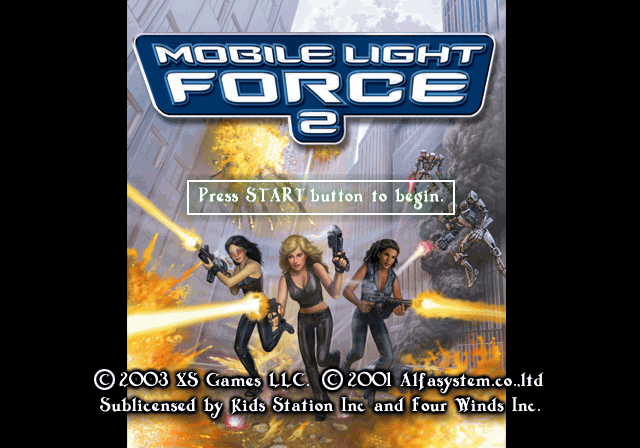
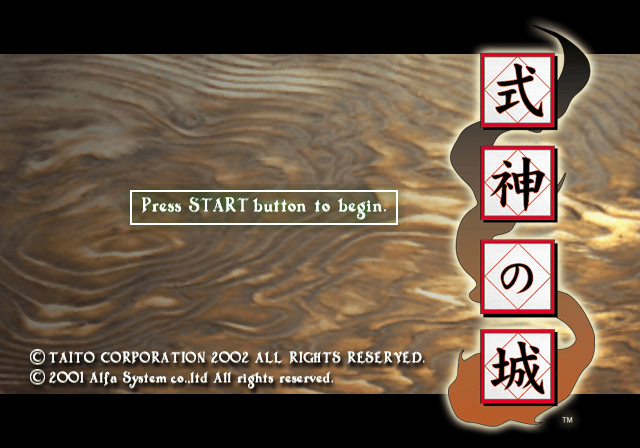
For reasons never entirely explained, a budget publisher took the PS2 port of the arcade game Shikigami no Shiro, completely removed the story, and renamed it to be a sequel to a completely unrelated budget game (the original Mobile Light Force was a PlayStation port of Gunbird).
A properly-localized version was released on PC in 2017 as Castle of Shikigami.
Debug Menu#
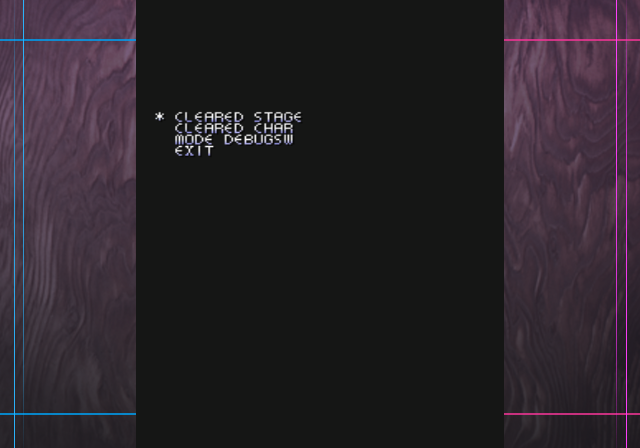
A small debug menu can be enabled with the use of codes below. It contains options such as complete any stage, invincibility, and level select. With the code on below, after selecting your character in Normal Mode, the debug menu will appear on-screen.
USA Codes:

Master Code (For use on an actual PlayStation 2 only)
901D7008 0C075BAA
Debug Menu Enable
2013ECE4 00000000
2013ED20 00000000

JP Codes:

Master Code (For use on an actual PlayStation 2 only)
901CEB78 0C073A86
Debug Menu Enable
2013A6B4 00000000
2013A6F0 00000000
Menu Option |
Effect |
|---|---|
CLEARED STAGE |
Allows you to set if a character has completed a stage or not. |
CLEARED CHAR |
It is unclear what this does. |
MODE DEBUGSW |
Brings you to a sub-menu where you can enable debug options. |
Exit |
Exits the debug menu. If level select is enabled, this will bring you to its menu. |
(Source: Original TCRF research)
CLEARED STAGE#
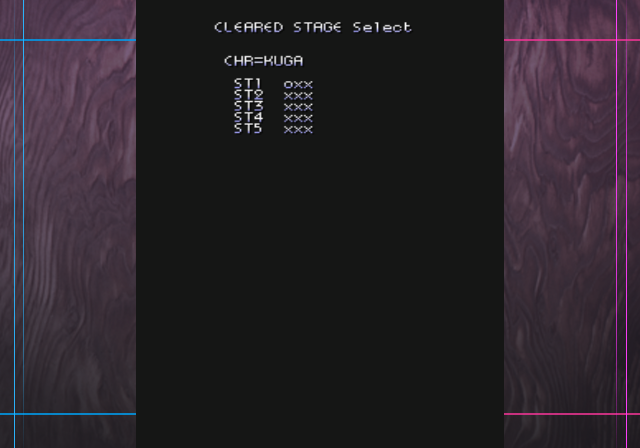
This menu will allow you to set individual character level progression.
CLEARED CHAR#
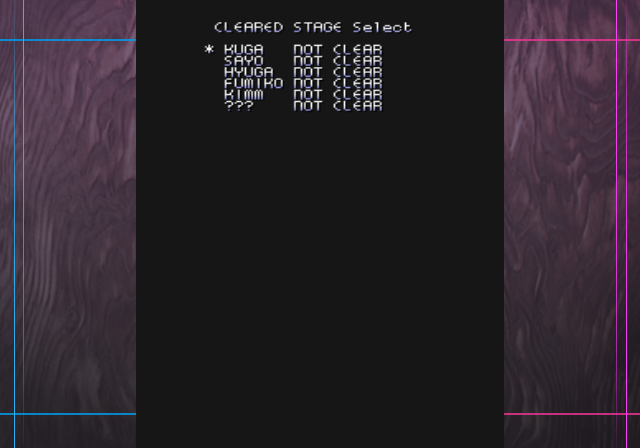
It is unclear what this does exactly.
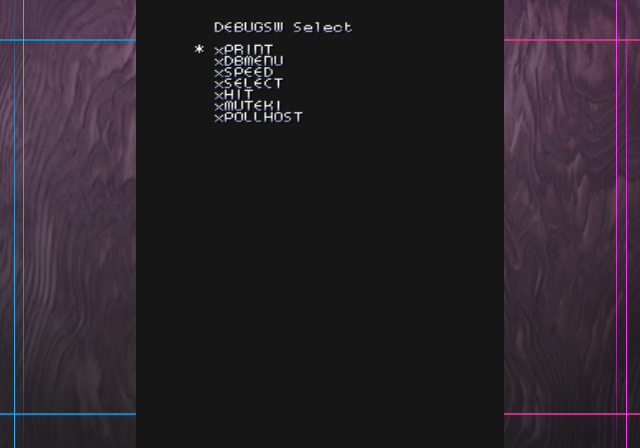
MODE DEBUGSW#
Menu Option |
Effect |
|---|---|
This displays 999 in the top-right corner once enabled. It is unclear what this means. |
|
DBMENU |
This enables your character to have four bullets. |
SPEED |
This will draw red bars on the side of the screen. It doesn't appear to do anything else. |
SELECT |
Enables the use of a level select menu when exiting the debug menu. |
HIT |
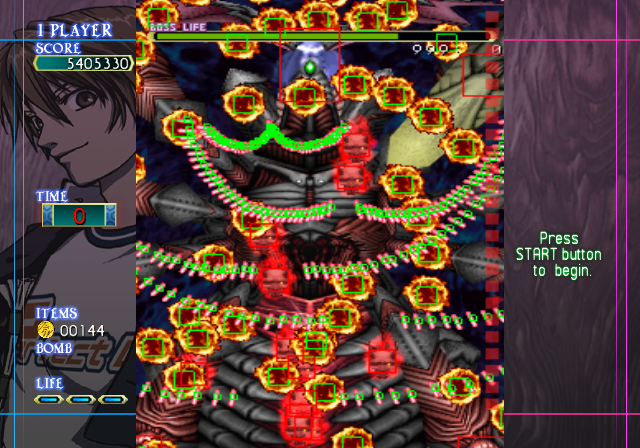
This will draw debug squares over enemies and projectiles. |
MUTEKI |
Grants you invincibility. |
POLLHOST |
It is unclear what this does. |
A screenshot of HIT enabled:
Level Select#
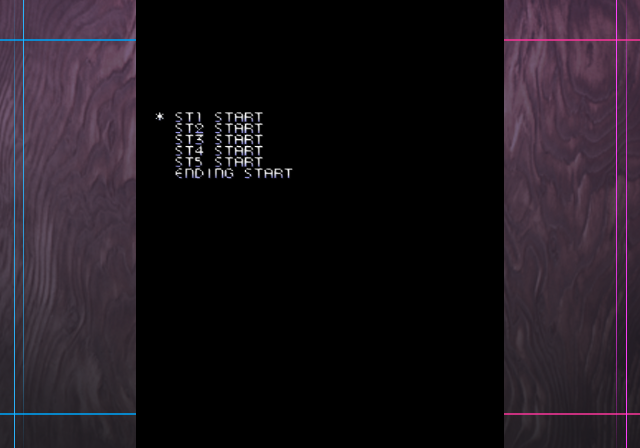
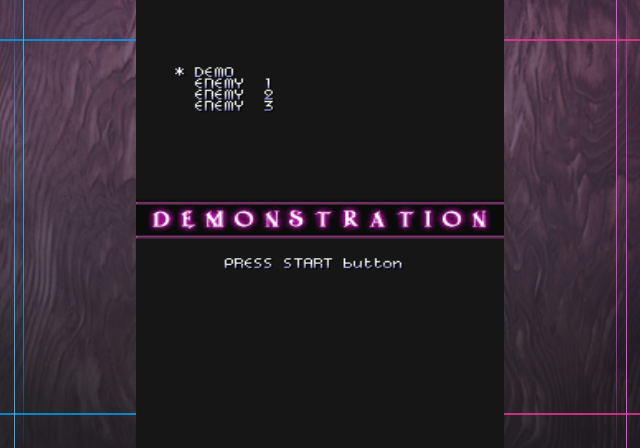
This menu will appear when exiting the debug menu if SELECT is enabled.
Unused Vertical Screen Mode#
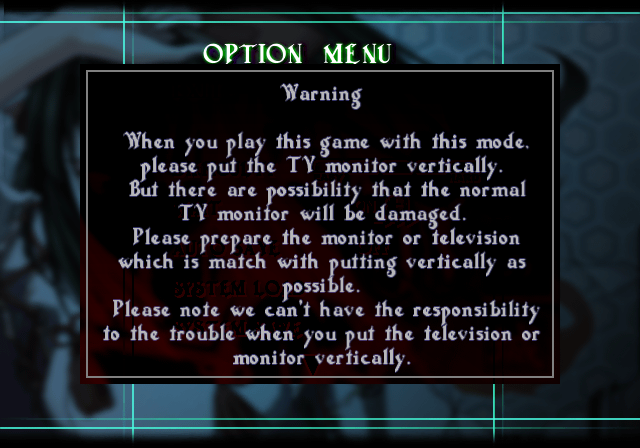
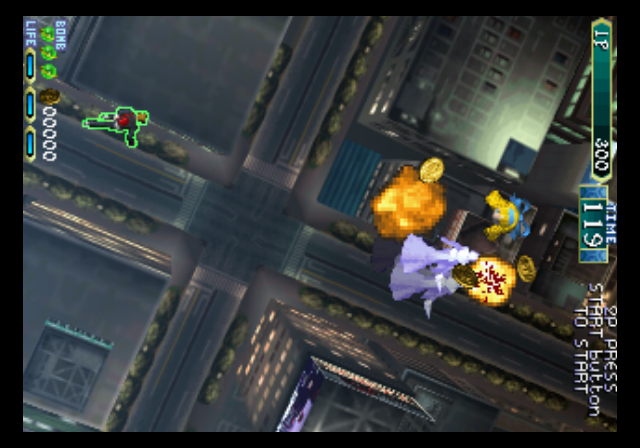
In the international versions of the game, they removed access to the vertical screen mode. With the use of codes we can re-enable it once again. With the below code on, enter the options menu and press Down once, then press Right to enable it.
USA Codes:

Select Vertical Screen Mode In Options
00123618 00000000
(Source: Original TCRF research)
Unused Text#

It's unclear what tilt is referencing.

Arcade leftover text.
Service and system error messages. It's unclear what they may be referencing.
Regional Differences#

|
To do:
|
US |
Japan |
|---|---|
 |
 |
|
The Castle of Shikigami series | |
|---|---|
|
PlayStation 2 |
Mobile Light Force 2 • Castle Shikigami 2 • Nanayozuki Gensoukyoku |