 This article has a talk page!
Unused Graphics#
Icons#
These ships were in the files of the game until Update 1.4. It is unclear whether it was meant to be a variant or the original ship design.

Blue Secret Coin#
Unused sprites of a blue secret coin found in version 1.9. This was an early design for user coins, which were introduced in version 2.0. This design could be seen in a teaser image for version 2.0 posted by RobTop.

Spinoffs#
Geometry Dash World#
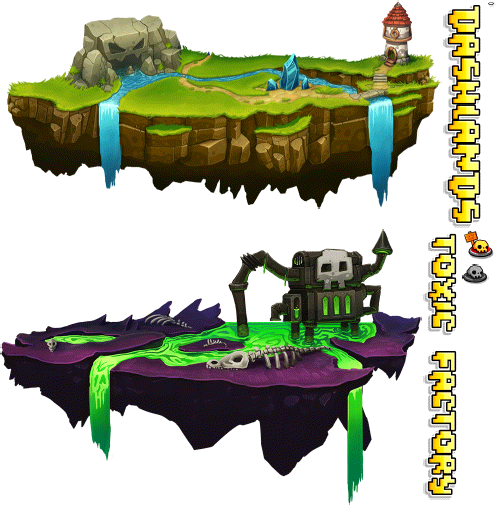
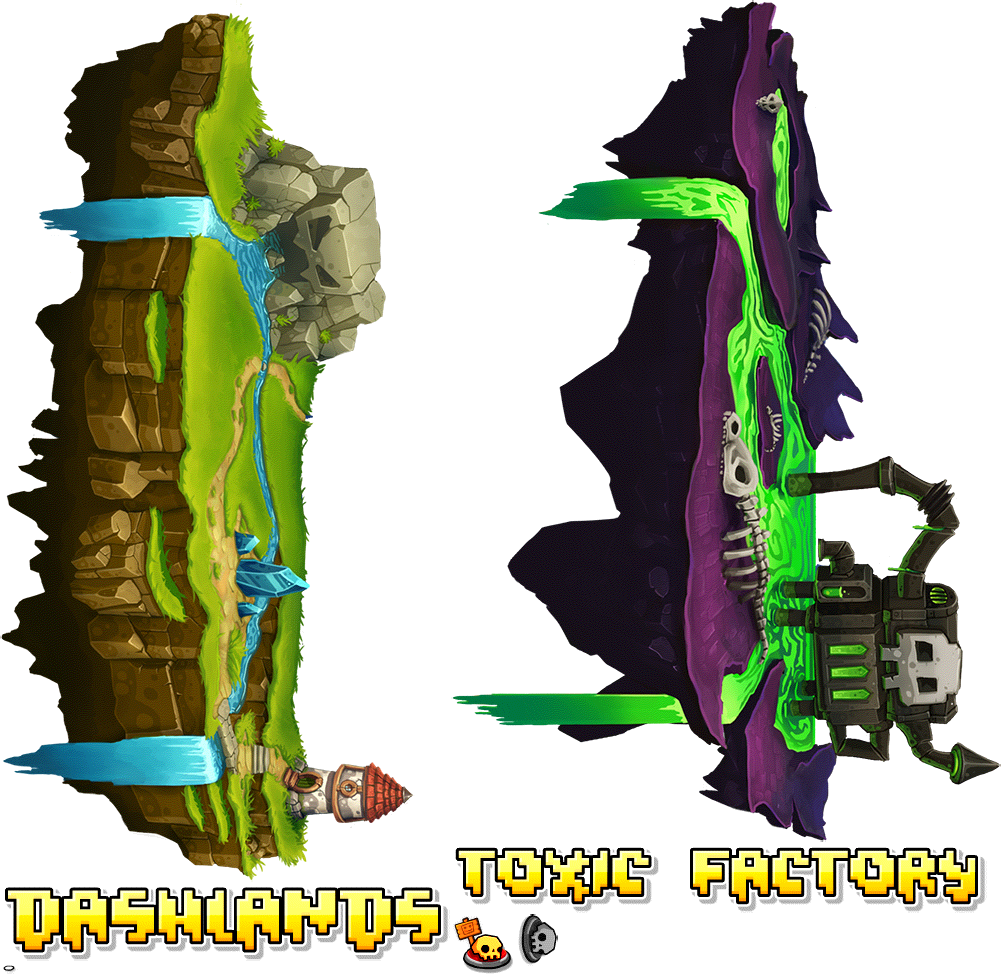
Graphics from the worlds in Geometry Dash World exist in the main version. They were exported in high graphics during the 2.11 update on PC, but Geometry Dash on mobile only supports up to medium quality graphics.
Get Orbs#
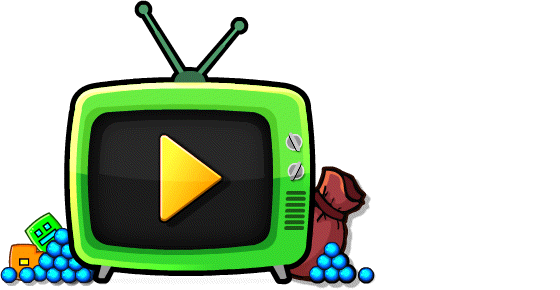
In Geometry Dash World, players were able to watch a video advertisement for 100 orbs in the shop.
Triggers#
Level End#
The block ID 34 was used to create the End Wall when completing a Classic level before 2.0. However, the game now uses the default block to spawn it, leaving this object with no purpose. When loaded, the trigger would have an appropriate graphic for it.

For some reason, the text is displayed in Berlin Sans rather than Pusab.
The following is a screen recording of the trigger's behavior after being scrapped. Due to the Level End graphic being removed, it now uses the Start Pos graphic, but it collides with the player and is visible during gameplay. 
Random Fade Transition#

This trigger was planned for release in update 1.1. However, it was never listed in the editor tabs until 2.2, where it was reintroduced as a new feature. Prior to 2.2, it collided with the player and was visible, but the trigger was still functional.
The following is a screen recording of the trigger's behavior before 2.2.
Color Triggers#


In update 2.0, the color triggers were unified. In 2.1, the special colors were too. The old special color triggers were kept in the game for compatibility reasons, and can now only be accessed through old levels. In 2.2, the textures were removed and shown as normal Col triggers.
Buttons#
There exists 2 versions of now obsolete "Auto Checkpoints" buttons, with one of them having a "No" symbol over it. The checkpoint icons are known to be from an earlier build of the game, as the tutorial shows auto checkpoints with this button.


In the editor pause menu, you are able to toggle on and off music guidelines. In older versions of Geometry Dash, the guidelines were referred to as "BPM". These buttons likely served the same purpose before being updated to the newer buttons.


The counter trigger is likely a placeholder for counter labels. However, it is still possible to see this trigger by selecting the counter label as a custom filter in the Delete tab.


Geometry Dash allowed users to sign in with Google+ back then. However, this is no longer the case as Google+ has been discontinued in 2019. In 2.2, assets for these buttons are still included in the files.


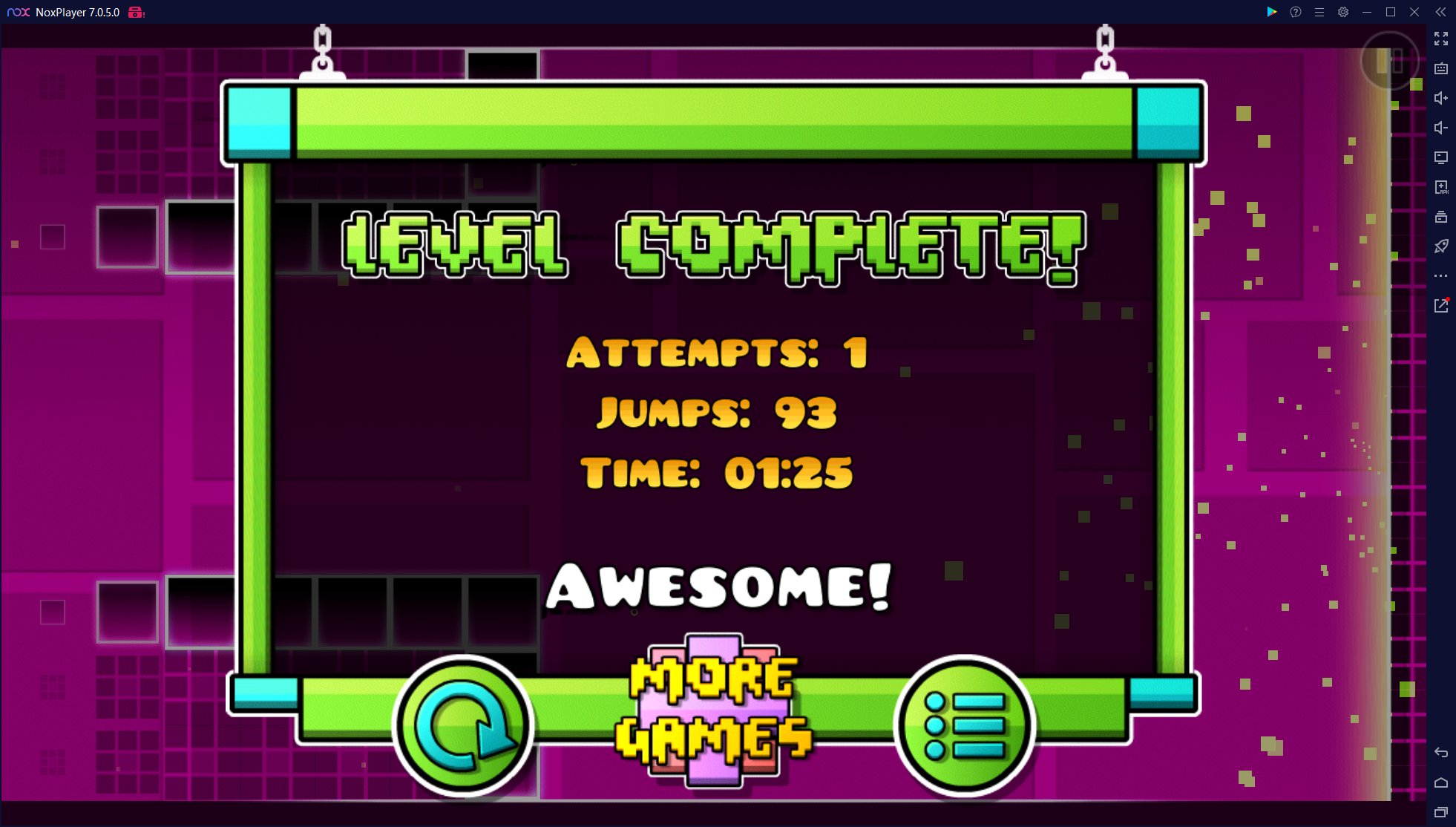
In the assets from 1.1 to 1.3, there exists an unused pink variant of the "More Games" button.

However, it was actually once used on the level completion screen in Geometry Dash Lite version 1.12, a very obscure update that only lasted 14 days.3 It seemingly also only existed on the Android version.
Everyplay#
The Windows version of Geometry Dash has sprites for a "watch replay" button.
This was used in the mobile version of Geometry Dash, for the now defunct Everyplay functionality, where you could view and share level replays. 
More Games Promotions#
Back when RobTop's games were still on Google Play and the App Store, in this popup were links to those. However, the games are no longer available for download and these images have since been removed.
Other Promotions#
RobTop Dialogue Icon#

dialogIcon_028 is an image that contains RobTop's icon. It may be a leftover from the 2.2 Sneak Peek, or there may have been some planned content involving this character.
Tiles#

|
To do: |
X Blocks#
These blocks use an interior design which is that of an X. They existed as objects in 1.3 but did not show up in the editor. They were directly replaced in 1.4 with the notched blocks seen in Clutterfunk, being assigned the same object IDs (76-82). Funnily enough, to this day object ID 79 is not assigned to anything, since it used to be the X corner block and the new blocks did not need a corner variant.

Old Slab Block#

Before update 2.1, this slab was able to be placed in the editor. This block was later removed in 2.1 and can only be accessed via old levels or saving it as a custom object from an old level.
Lined Blocks#
|
|
To do: |
The block set used mostly in Clubstep and Electroman Adventures has been replaced with non-solid variants. The original blocks were kept for compatibility reasons and are currently unavailable in the editor. 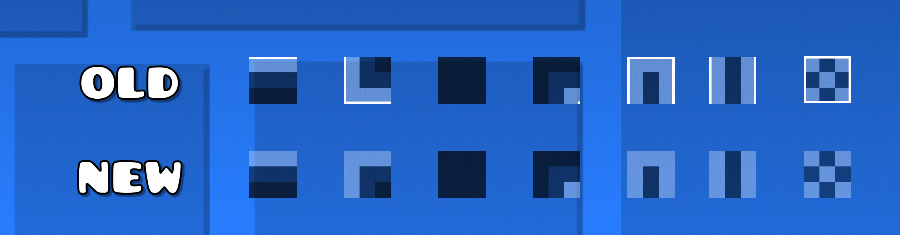
Unreleased Gauntlets#
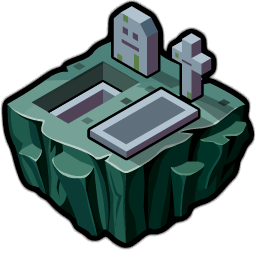
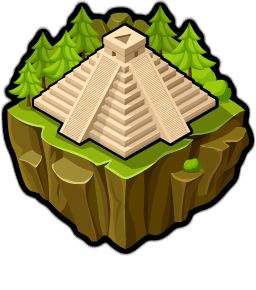
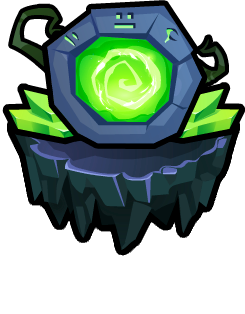
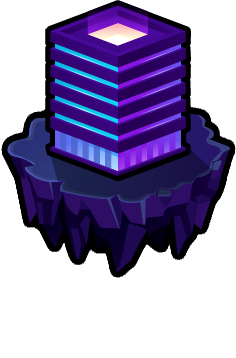
The gauntlet sprite sheet contains icons for many gauntlets that are currently unreleased. Names for some of these gauntlets can be found in the game's code alongside other gauntlet names. Some have been redrawn and used.




Hidden Songs#
There are hidden songs in the game's level editor. The first 21 slots are selectable in the game, but there are actually 37 slots. Most of these are used in Geometry Dash Meltdown, Geometry Dash World, or Geometry Dash SubZero. Oddly, the Meltdown/World/Subzero songs are not present in the mobile version's files, and attempting to play a custom level that uses one of these songs on mobile will result in no audio being played.
Slot |
Slotname |
Creator |
Played Song |
|---|---|---|---|
00 |
Practice: Stay Inside |
OcularNebula |
During Practice Mode: Stay Inside Me |
24 |
The Seven Seas |
F-777 |
The Seven Seas |
25 |
Viking Arena |
F-777 |
Viking Arena |
26 |
Airborne Robots |
F-777 |
Airborne Robots |
27 |
The Challenge (Shown as Secret) |
RobTop (Shown as DJVI) |
It's complicated. |
28 |
Payload |
Dex Arson |
Payload |
29 |
Beast Mode |
Dex Arson |
Beast Mode |
30 |
Machina |
Dex Arson |
Machina |
31 |
Years |
Dex Arson |
Years |
32 |
Frontline |
Dex Arson |
Frontline |
33 |
Space Pirates |
Waterflame |
Space Pirates |
34 |
Striker |
Waterflame |
Striker |
35 |
Embers |
Dex Arson |
Embers |
36 |
Round 1 |
Dex Arson |
Round 1 |
37 |
Monster Dance Off |
F-777 |
Monster Dance Off |
38 |
Press Start |
MDK |
Press Start |
39 |
Nock Em |
Bossfight |
Nock Em |
40 |
Power Trip |
Boom Kitty |
Power Trip |
41+ |
Unknown |
Unknown (Shown as DJVI) |
Back on Track |
The slots 24 to 26, 28 to 37 and 38 to 40 are not used in the main game, but are used in other editions of Geometry Dash. 25 uses the song from The Challenge and 00 and 36 uses Back on Track. The unused songs' music files were later added to the game in update 2.11, and SubZero songs were added in 2.2, but the options to use them are not shown.
Slot 41+ will show as unknown, as it is the default case in the switch statement that determines the song name and filename.
Unused Options#
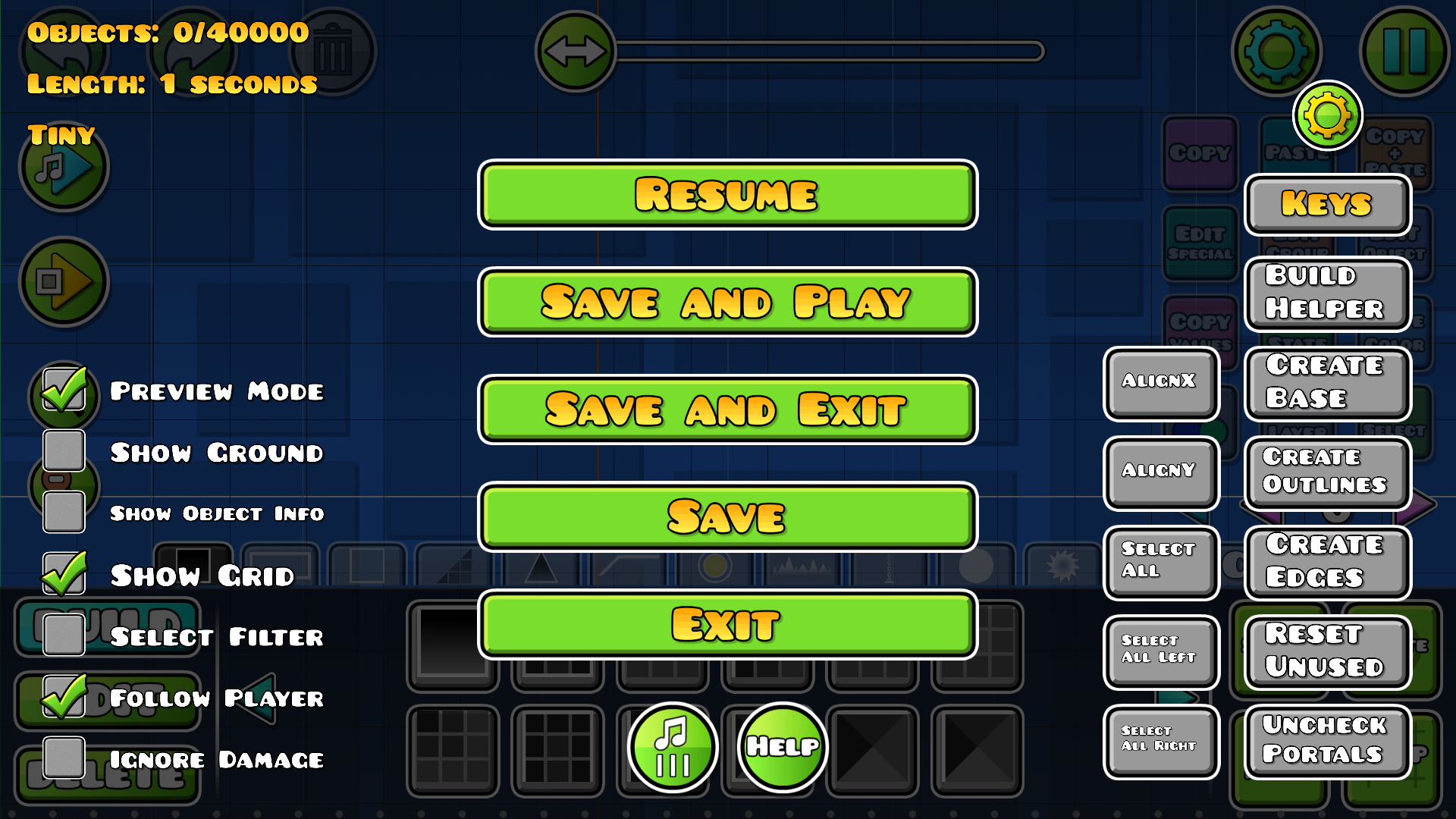
There used to be an option that would simply toggle whether or not the camera would follow the player in playtest mode. It was removed in 2.2 likely due to the addition of the Static trigger, which can do basically the same thing.
Unused Songs and Audio#
Explorers
In the files for Geometry Dash 2.2 on iOS, it was found to have the song for the upcoming level called Explorers that will (apparently) come in 2.21.
Counter003
A strange plink sound, likely a leftover from RobTop's other game Boomlings, which has a similar file named Counter001.
Unused/Beta Levels#
|
|
To do:
|
Placeholder Level#
Versions 1.0 to 1.3 contained entries for then-future levels "Time Machine", "Cycles" and "xStep" before their release. While typically inaccessible, when these levels were played, a placeholder level was used alongside the music for each level. All three entries used the same placeholder level.
A copy of this level is playable as a user created level (ID: 78386775), with Cycles used as the music.
Jumper#
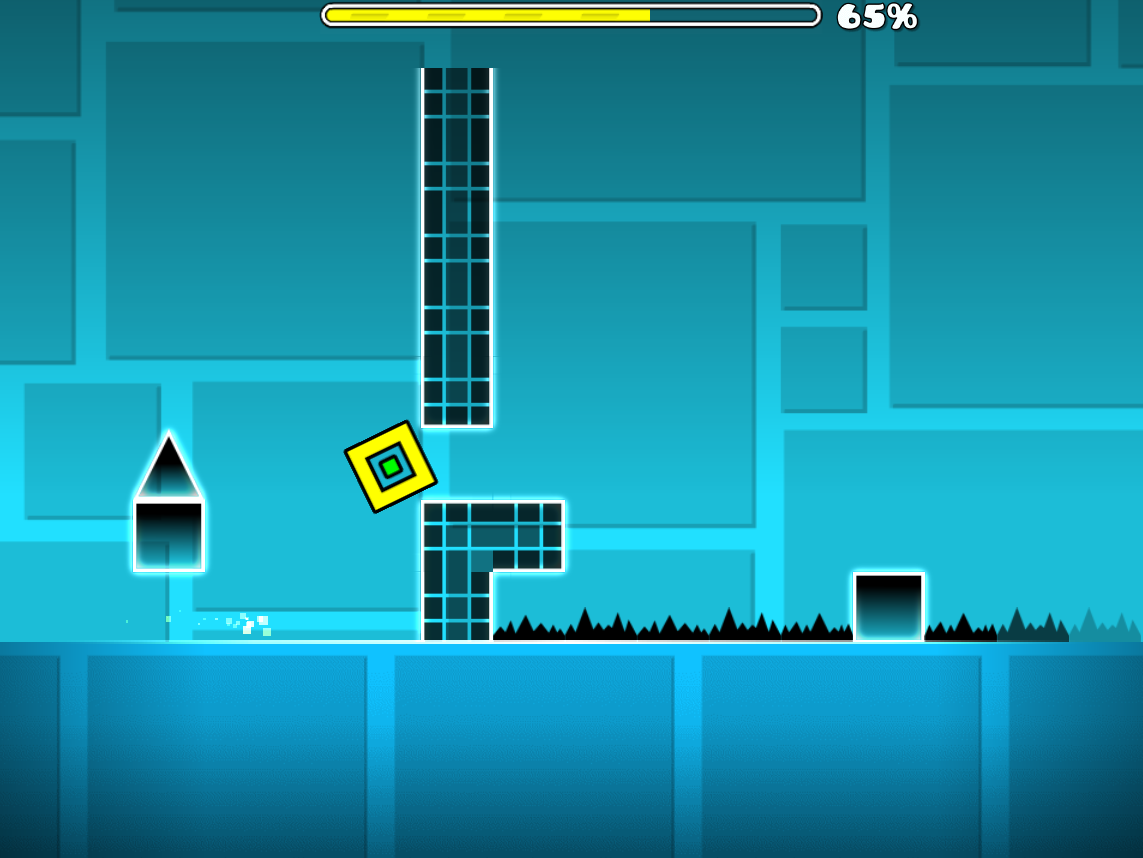
This Level had "4" betas. 3 were nearly the same level; 2 of these 3 were the exact same, only named differently. These levels were called "Level 91", "Dragons Fate" and "Dragons Touch". Dragons Fate and Level 91 were the duplicates. All 3 betas mentioned cut off after the first ship part, although "Dragons Touch" included the platform and the blue gravity portal after exiting the ship. "Level 1" was different, as it cut off after the 2nd ship part, where the spiked blocks were placed differently and a single block was placed after it.
All of these 4 levels were originally uploaded to the GD Beta Server along with "Chippe" (ID: 95, deleted), before 1.0.
Active#
From versions 1.4 to 1.9, text strings and object pulse data for the song Active by DJVI existed in the game's code. The song was never added to the game, and all data relating to it was removed by update 2.0. No level for this song was ever built.
Active
Active.mp3
http://www.youtube.com/watch?v=scaU56CWyJ4
Time Machine#
Beta 1#
Cuts shortly after the first ship part. has 2 platforms instead of orbs.
Beta 2#
Cuts off at 87% in itself, and after that, its just 3 lonely blocks spaced out.
Cycles#
Changes BG Color to Pink instead of Purple for the ball section, which cuts off after the 3 orbs and end with 2 sets of 2 blocks (like platforms of sorts) spaced out a bit.
Electrodynamix#
There are progressive changes in the beat version of this level:
- The level loses its color triggers by the UFO part.
- No floor spikes except for one in the cube section after.
- Regains Color triggers by the 3x mini Ship, the corridor to the speed portal was originally a pink orb.
- The level transforms into an unfinished layout after the ball that follows the second 3x mini ship, that enters an empty ship section.
It ends shortly after.
Dash#
According to Cvolton, this beta of Dash was uploaded as unlisted to the servers on February 14th, 2020 which was later deleted from the servers. Although unconfirmed, the name could be telling us that there are more betas waiting to be found in Robtop's save file. If you are curious on how the level looked, there are several re-uploads of the beta on the Geometry Dash servers.
Dash 008#
- The pixel block below the first orb does not have a hitbox
- The color of the background is black at the start
- The background isn't shown before the first jump
- The level has no middle ground
- The level has no shaders when hitting the first jump
- The level has no gradient on the screen
- The background does not pulse beyond the first cube part, resulting in a black background for the remaining length
- The level is not decorated after the first spider part
- The spider gameplay for the first use of the arrow trigger is entirely different
- The 3rd structure before the block hitting part has a pink pad
- The block hitting part only has the toggle orbs with no pixel blocks
- The block hitting part resembles the version seen in the sneak peek
- The pad after the block hitting part is a yellow pad instead of a red one
- When hitting the swing portal, the camera only rotates -15 degrees instead of having a dramatic build up
- Some pixel block decorations at the first part of the level are missing
Fingerdash#
In case you're wondering, Rise is the name of the MDK album that Fingerdash (or Fingerbang, as it's officially named) was originally released under. It was most likely used as a placeholder for the final name. These levels were found during 2017, when Robtop's save file leaked to the general public. It was found to contain betas of the main level called Fingerdash (which wasn't released at the time), along with some test levels. You can check out these Fingerdash betas for yourself by going to FingerdashBeta's levels in the main game or by downloading robtop's save file from here.
Rise 1#
- This version is not decorated yet
- Extra Black Orb
- No Dash Orbs
- No Spider gameplay
Rise 2#
- First jump is harder
- This version is slightly decorated
Rise 3#
- First jump was made easier
- More decoration
Rise Big Test#
- More decoration
- Unused objects are used
- Version 1.6 saws
- Version 2.0 blocks designs
Rise Big Test 2/3?#
- Version 1.6 and 2.0 saws and block designs are removed
Rise 004#
- Dash Orbs are added
Rise 005?#
- New 2.1 decoration
- Animated Lavafalls
Rise 008#
- Spider gameplay is added
Rise 008-013?#
- Small changes
Rise 014?#
- Animated monsters
- Spiral effect on the bat
- Rising lava
Rise 015-020?#
- More decoration
- Color tests
Rise 026#
- Level reaches to the end of the song
Rise 027?#
- Decorated Ship section
Rise 029#
- Decorated Robot section
Rise 030#
- Decorated Wave section
Rise 032?#
- Gameplay and decoration for final Wave section
- Finalized last Cube section
Rise 033-037?#
- First Cube and Spider are finalized
Rise 038#
- Purple palette instead of Orange in both Wave and last Spider sections
Rise 041-045#
- 3rd coin is how it's like in Geometry Dash World
- Different setup for the coins for the 3rd coin
Rise 046#
- Finalized coins to access the 3rd coin
Rise 052-059#
- The final UFO section has different block design
Fingerdash Test#
Duplicate Beta made to test crashes. This also includes an additional object:
- The S block.
Fingerdash#
This is the final publically released version of Fingerdash. No changes since Fingerdash Test.
Revisional Changes#
|
|
To do: |
In 1.1#
The ability to dislike and comment on user levels was added.
Verifying levels with practice was removed, and levels that did this had to be reverified.
In 1.3#
Stars were added as a reward for completing levels. Demons were also introduced as a new type of difficulty.
This update also introduced leaderboards.
In 1.4#
Ships now used both the primary and secondary colors instead of just the primary one, and it also could now be customized.
In 1.5#
You could now rate online levels with the demon difficulty as well.
In 1.6#
Map Packs were added, 3 new secret coins were implemented for each Main Level, and a new "Auto" difficulty was added.
In 1.7#
Many features. Some of them are as follows:
- Speed portals.
- A new trail.
- A customizable color channel
- Level Search Filters.
- A new feature to copy online levels.
- Objects were split into tabs in the editor.
- New decoration.
In 1.8#
- Slopes were added for the first time.
- Dual and Separate 2-Player mode
- Playtesting levels in the editor and the "Free Move" option; and even more features for the editor.
1.9#
- Custom songs from Newgrounds
- Google+ Account Creation replaced.
- Account Data Backup System.
- 4 new color channels since 1.7.
- Copying and Pasting in the Editor.
1.921#
- An option to reduce lag on some devices was added (Smooth Fix)
- Layers were added.
1.9 - 2.0#
User coins were added in 2.0 which could be added to user levels and collected to get achievements.
A glitch that pushed away an icon if it was affected by many speed portals in dual mode was fixed, however, that in turn made some levels impossible.
The "XL" length for 2+ minute long levels was added in 1.9. However, it was named "Extra-Long" and could not be selected in the search menu (instead, selecting "Long" yielded both Long and Extra-Long levels). In 2.0, it was renamed to "XL" and made selectable.
In 2.01#
The wave gamemode was added in 1.9, but there was only one wave icon, so there were none to select or unlock in the icon kit. When more wave icons were added in 2.0, if you clicked on a locked one, it would initially refer to the gamemode as a "dart", even though this was not the term commonly used in the community. In 2.01, this was changed to "wave".
In 2.1#
Levels didn't have special Demon types. The levels that had a Demon rating changed to either Easy, Medium, Hard, Insane, or Extreme Demon. This is to let players know how hard the Demon is. The Hard Demon graphic reuses the old Demon graphic.
Daily Levels were added. The developer chooses a (non-Demon) custom level every day and has continued to do so ever since the release of this update. If you don't beat the level within the day it was chosen, it will still be playable and you can choose to either play it or skip to the current Daily Level. This means that you actually have a maximum of 2 days you could beat a Daily Level on without missing one.
Mana orbs were added as an additional reward for beating levels. Before this, stars were the only reward.
New slope objects were added to allow for redone collisions. A similar change also occurred to many blocks that used the color black, which gave them a new object that had the ability to be colored to any color.
In 2.11#
Weekly Demons were added. Basically the same concept as Daily Levels, except only Demon difficulty and chosen weekly.
Leaderboards were added. On custom levels, you can see the top 200 highest percentages globally ("Top"), weekly ("Week") or amongst your friends ("Friends"). Identical records are ordered based on when they were achieved. Collecting coins will put you higher on the leaderboard - everyone with 3 coins is higher than everyone with 2 coins, etc.
Annoyingly, records before 2.11 are not saved whatsoever. This is even shown in-game with your pre-2.11 percentage appearing as normal and the saved "leaderboard percentage" appearing next to it in parentheses, which will be 0% at first. Getting a record past 2.11 will update this percentage until you reach your best pre-2.11 percentage, at which point the one in parentheses will disappear as it is no longer needed. To add insult to injury, your records will only actually be saved to the leaderboard if you click on the leaderboard button (yes, this means your "leaderboard percentage" is not actually automatically saved to the leaderboard). This may have been done to reduce server load, although mods exist that will automatically save your records without clicking the button.
In 2.2#
Many new things were added, such as:
|
|
To do: |
In 2.201#
Before 2.201 the option in the editor called "Show Hitboxes" was named "DebugDraw".
References#
- Geometry Dash Price history · SteamDB↩︎
- Official Geometry Dash Trailer. "Geometry Dash is coming to iOS and Android on August 13th!"↩︎
- Pink "More Games" button↩︎
|
The Geometry Dash series | |
|---|---|
|
iOS, Android |
Geometry Dash • Geometry Dash Lite • Geometry Dash Meltdown • Geometry Dash World • Geometry Dash SubZero |
|
Windows |
|