
|
To do:
|
Farming Simulator 2009 is a simulator about how farming looked like in the year 2009. It is the second installment of the Farming Simulator series which brought many new gameplay elements that heavily improved the experience from its predecessor. Most notably, it introduced more licensed real-life brands such as Poettinger, and in the Gold edition, even Horsch.
Debug Tools#
Many debugging tools of various uses are present in the game. To use them, you need to activate the development controls by going to Documents\My\FarmingSimulator2009\game.xml and under
Debug keybindings#
Some debugging tools are activated through a keybind. Those tools are the following:
Console#
Pressing ~ opens the game's console. 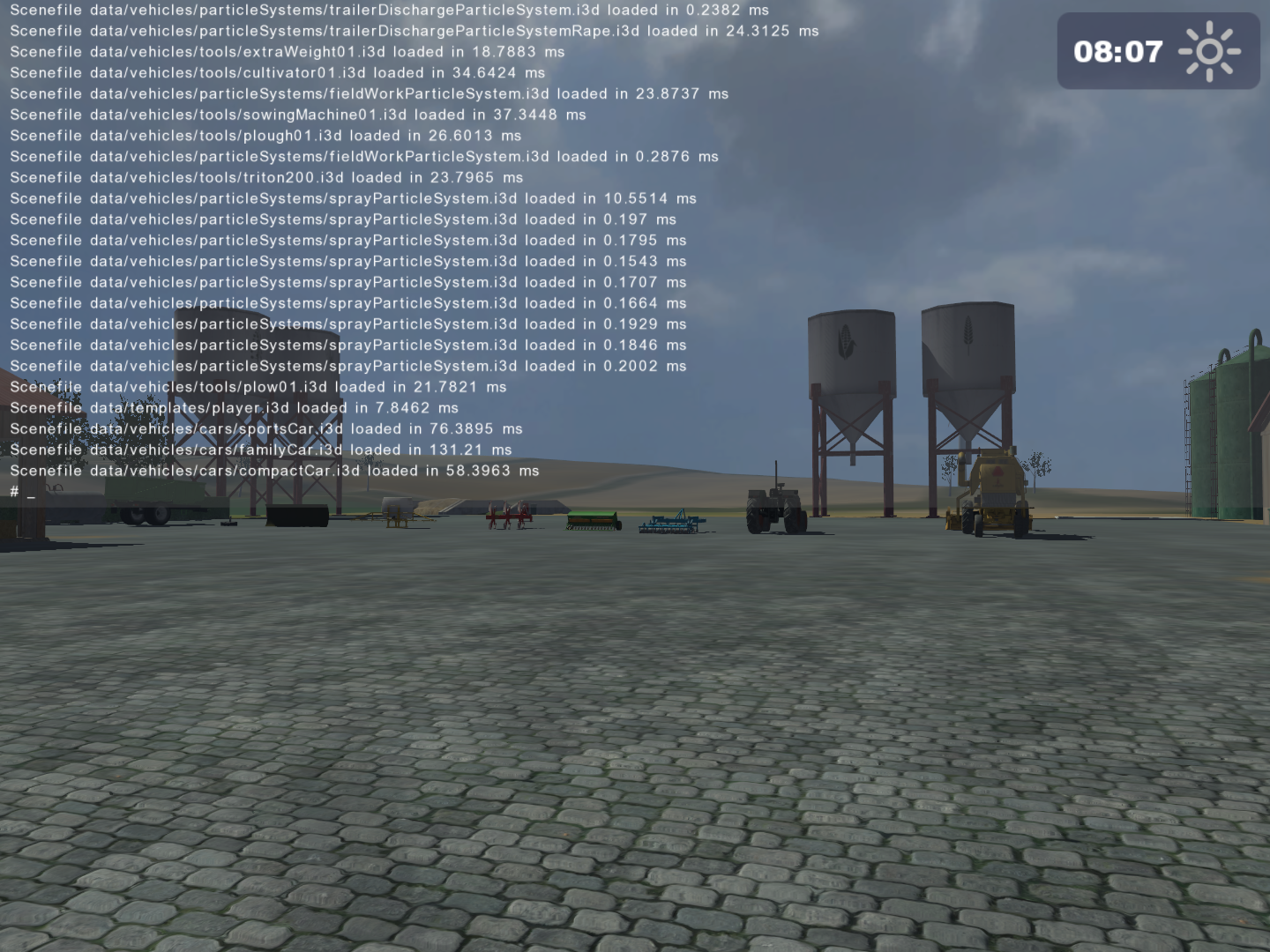
FPS Counter#
By pressing F2, an FPS counter is toggled in the top right corner of the screen. The counter is usually overlapping with the in-game clock, hence it may be quite hard to read. This keybind has the same functionality as the show_fps console command. 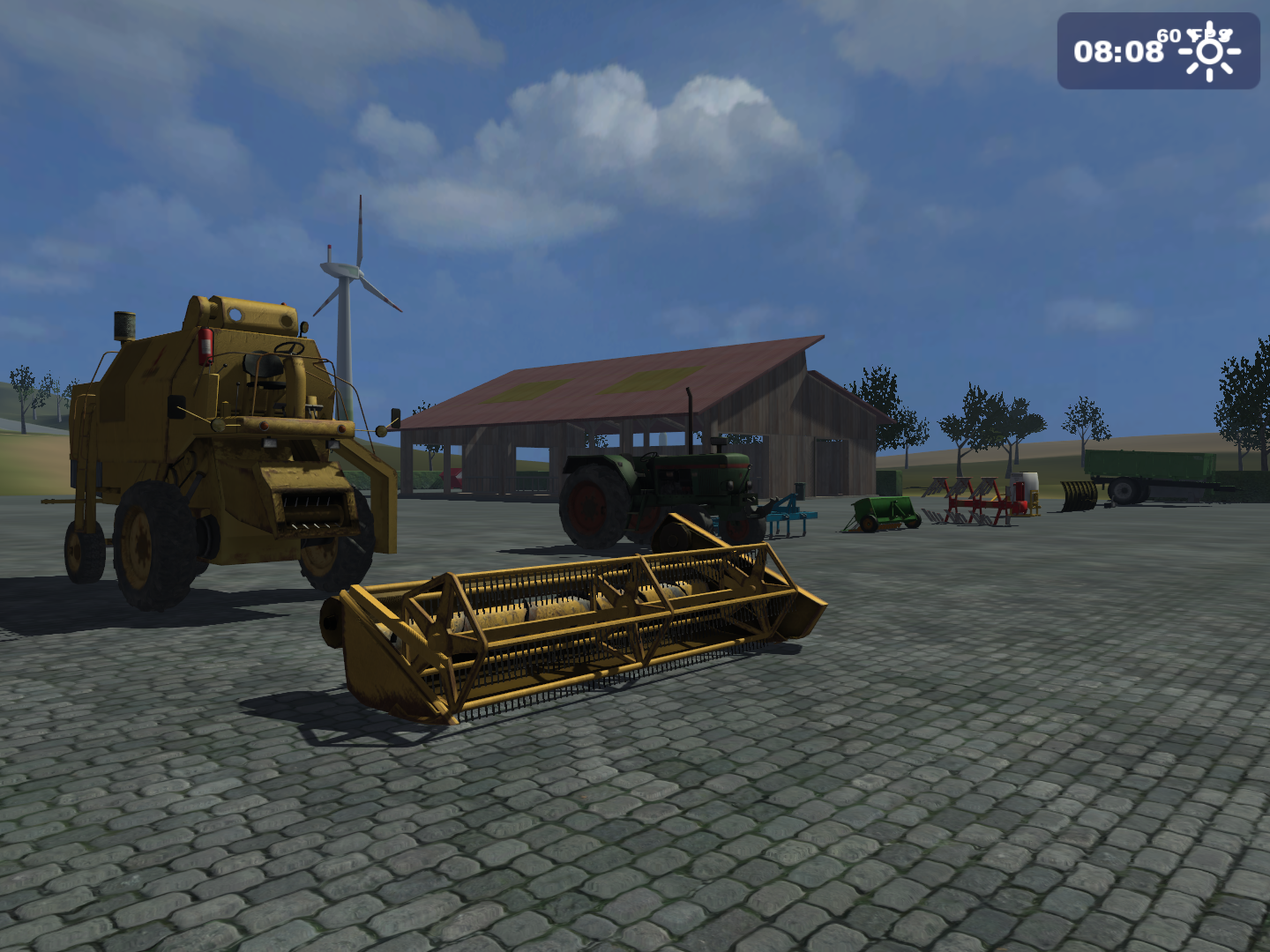
Toggle framerate limit#
By pressing F3, you can toggle a set framerate limit, usually set by the framerateLimitFPS console command. This keybind has the same functionality as the enableFramerateLimit console command.
Wireframe render#
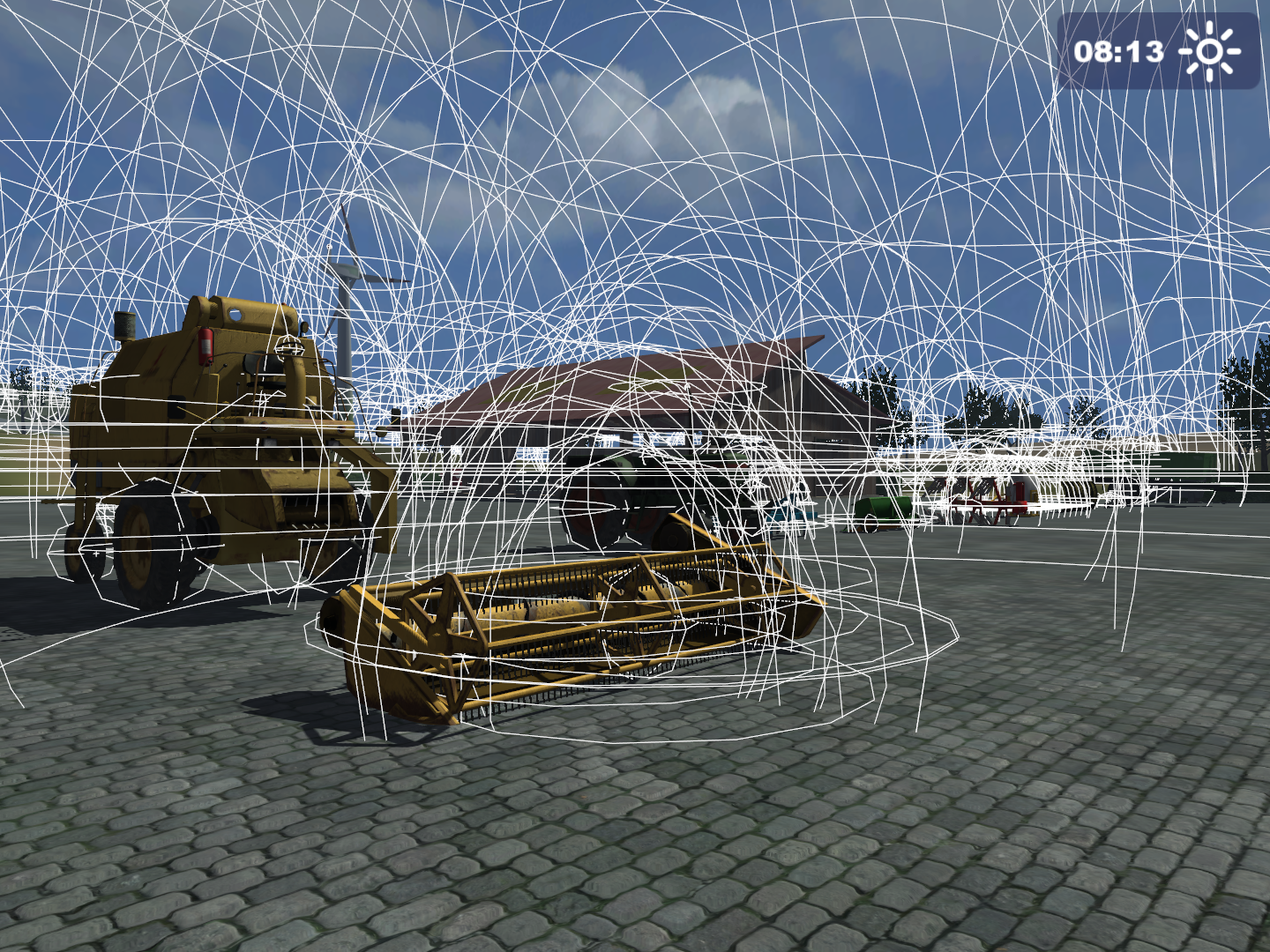
Pressing F4 toggles a wireframe view of every rendered 3D model. 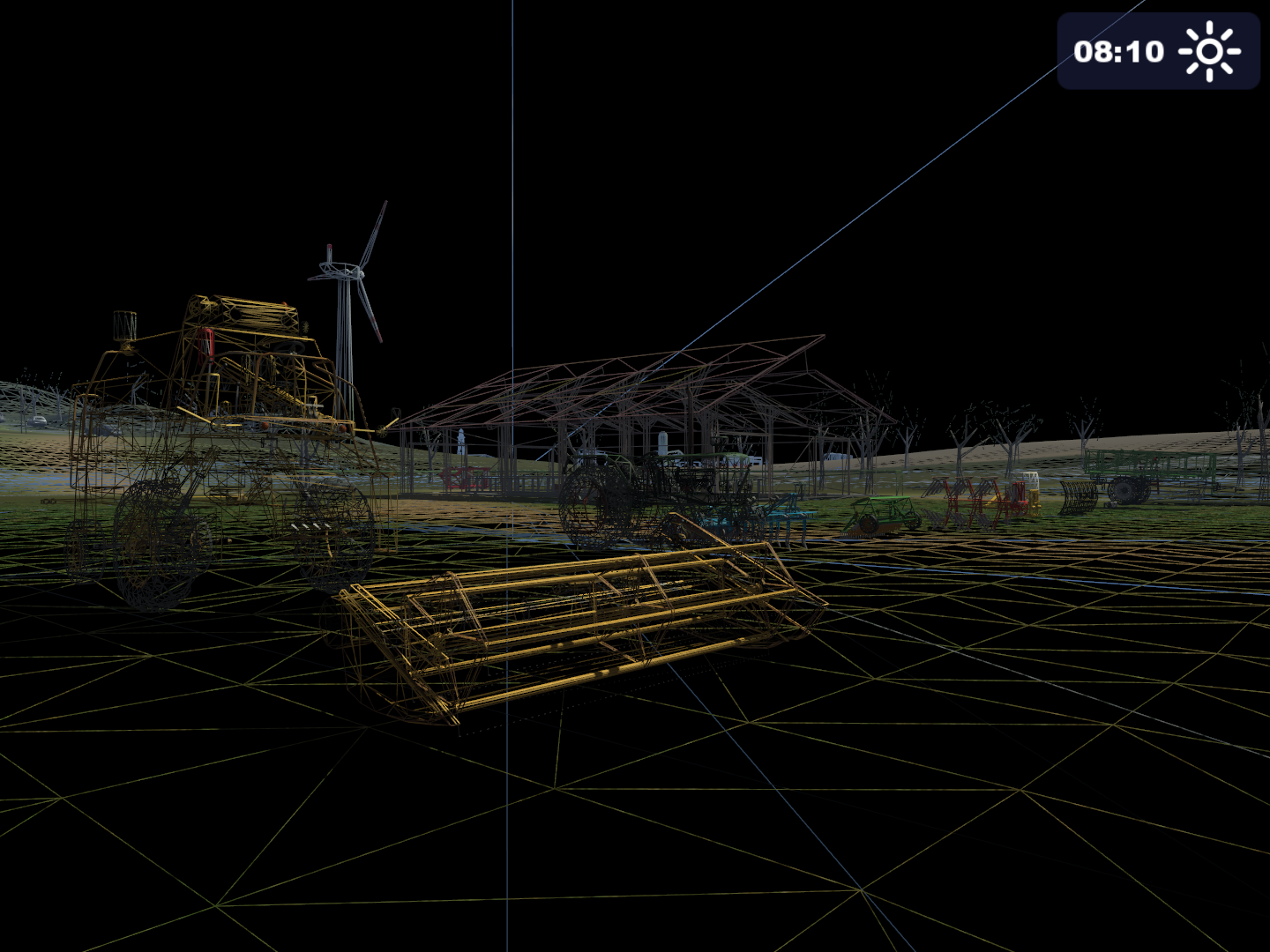
Physics-related renders#
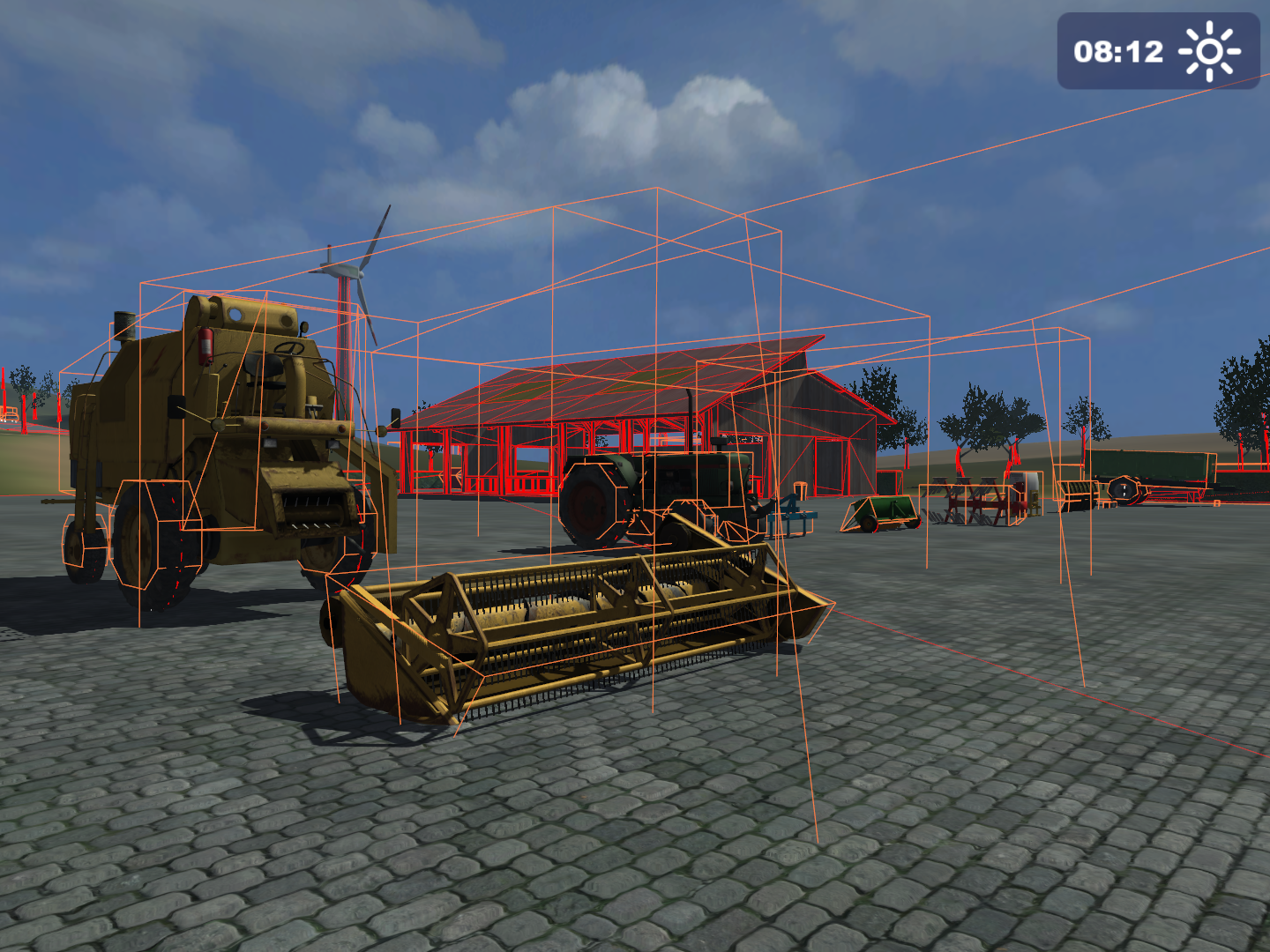
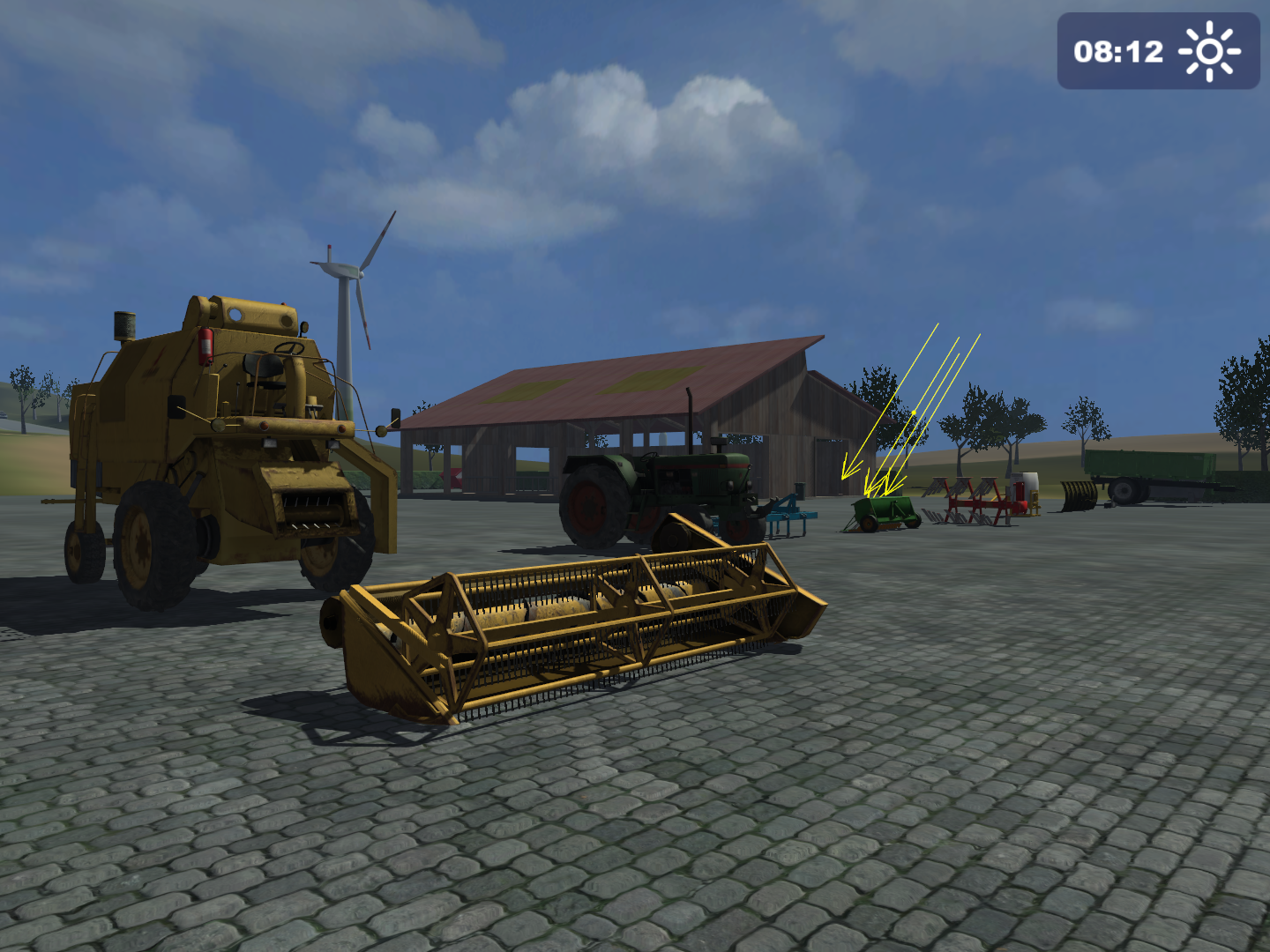
Pressing F5 cycles through three physics-related renders:
Various map cameras#
When being outside a vehicle and pressing F7, the player can scroll through every present camera view in this order:
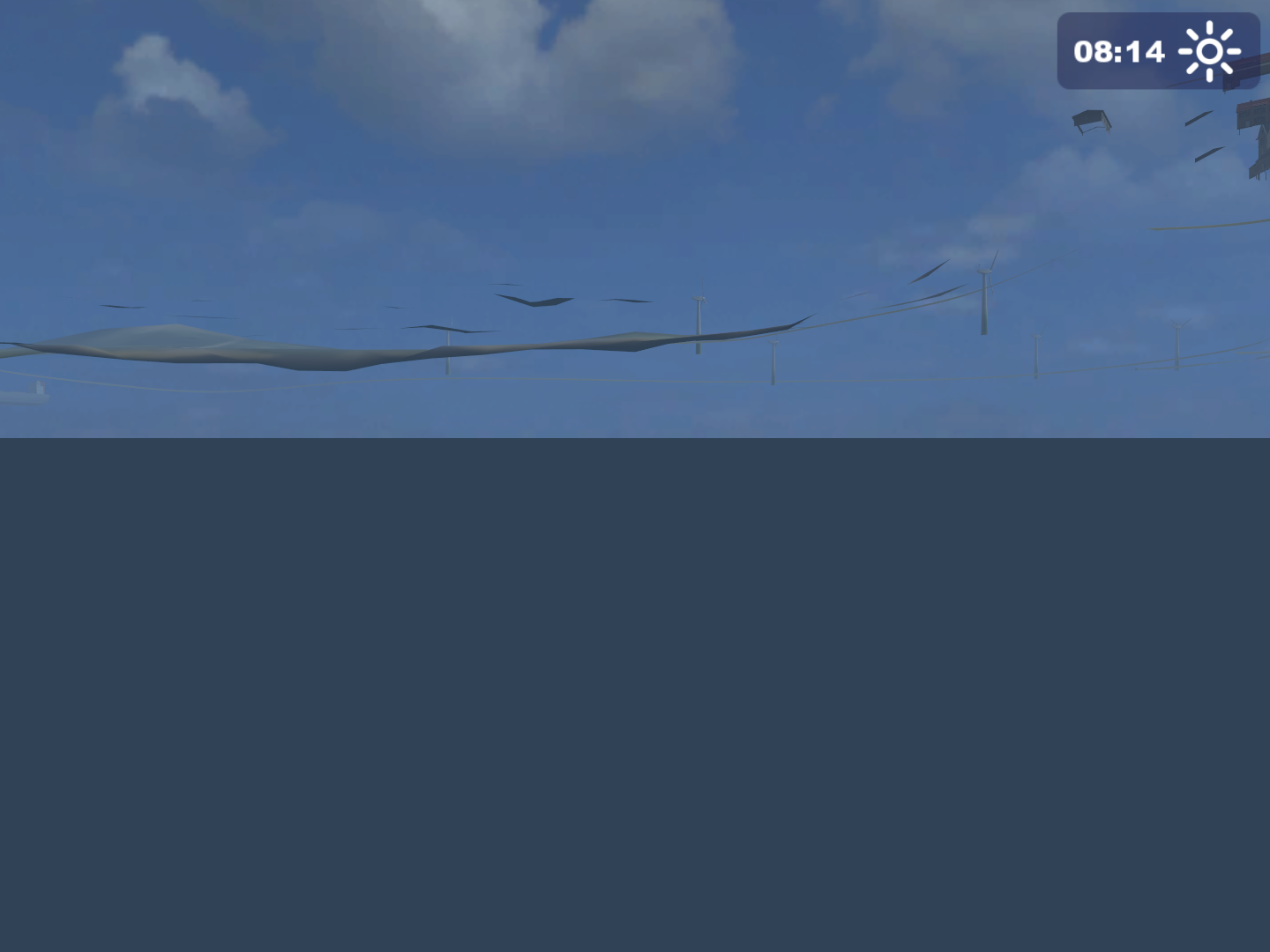
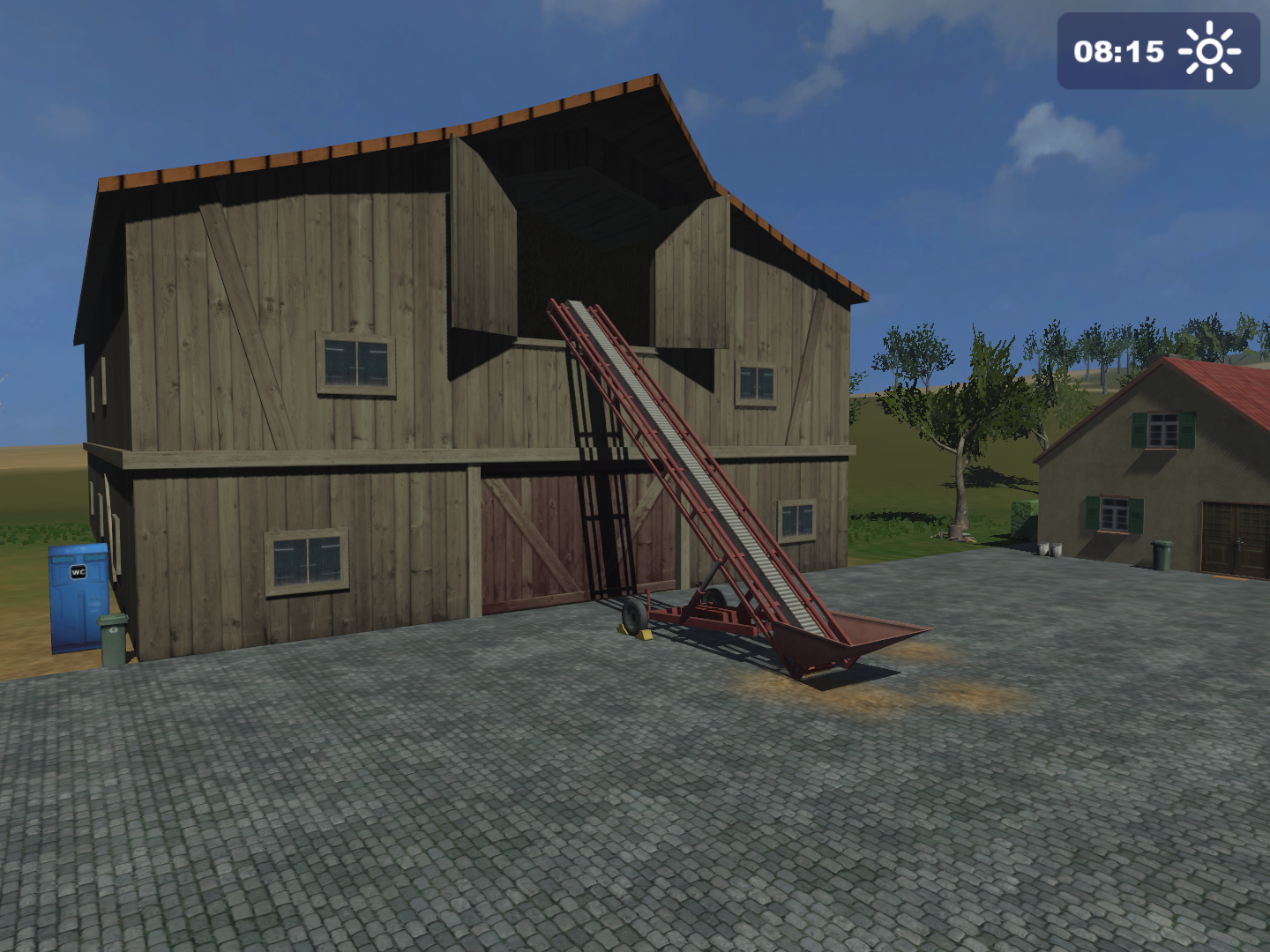
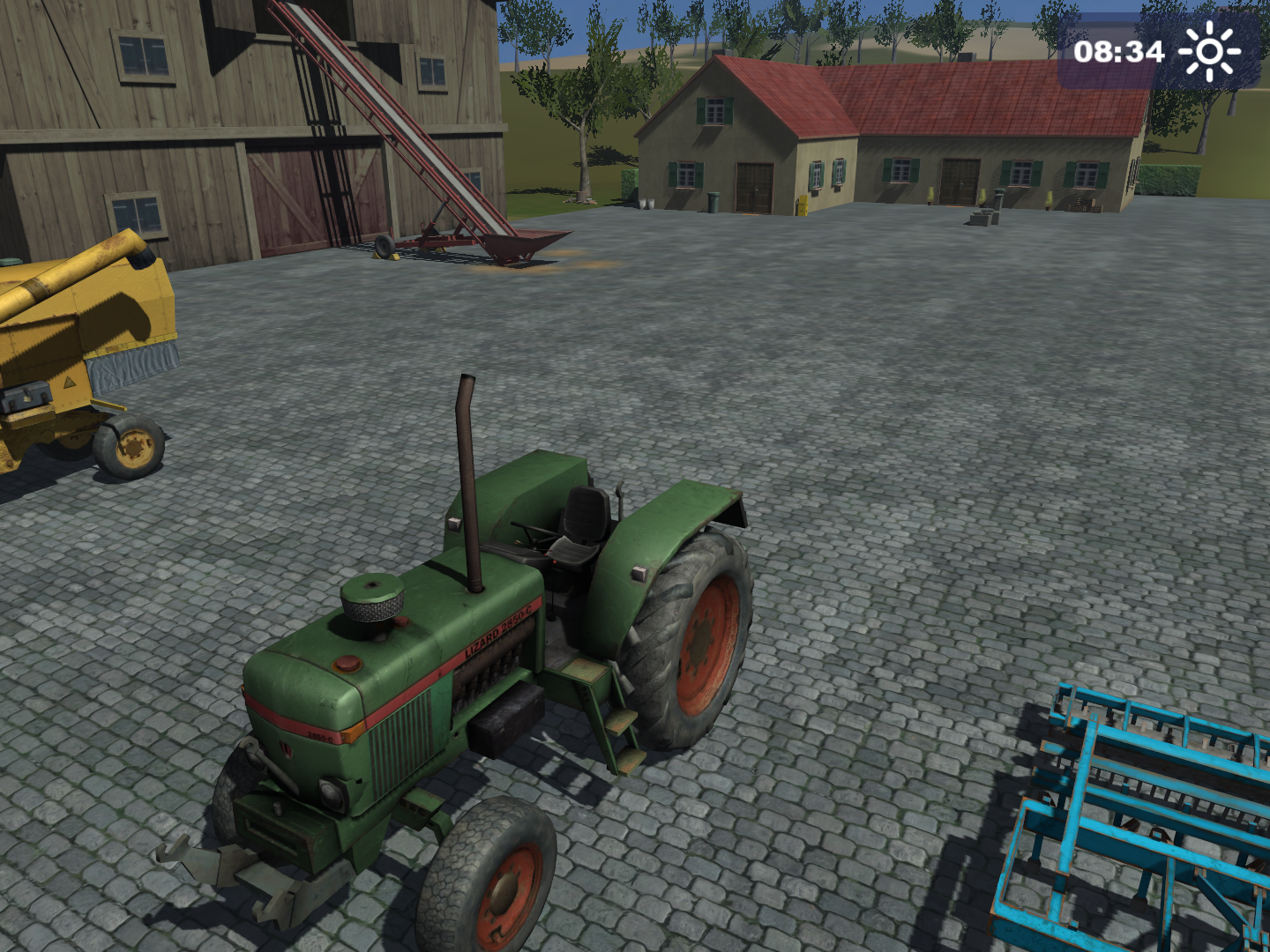
After scrolling through every present camera view, the game will revert back to the first-person player view.
Various savegame stats#
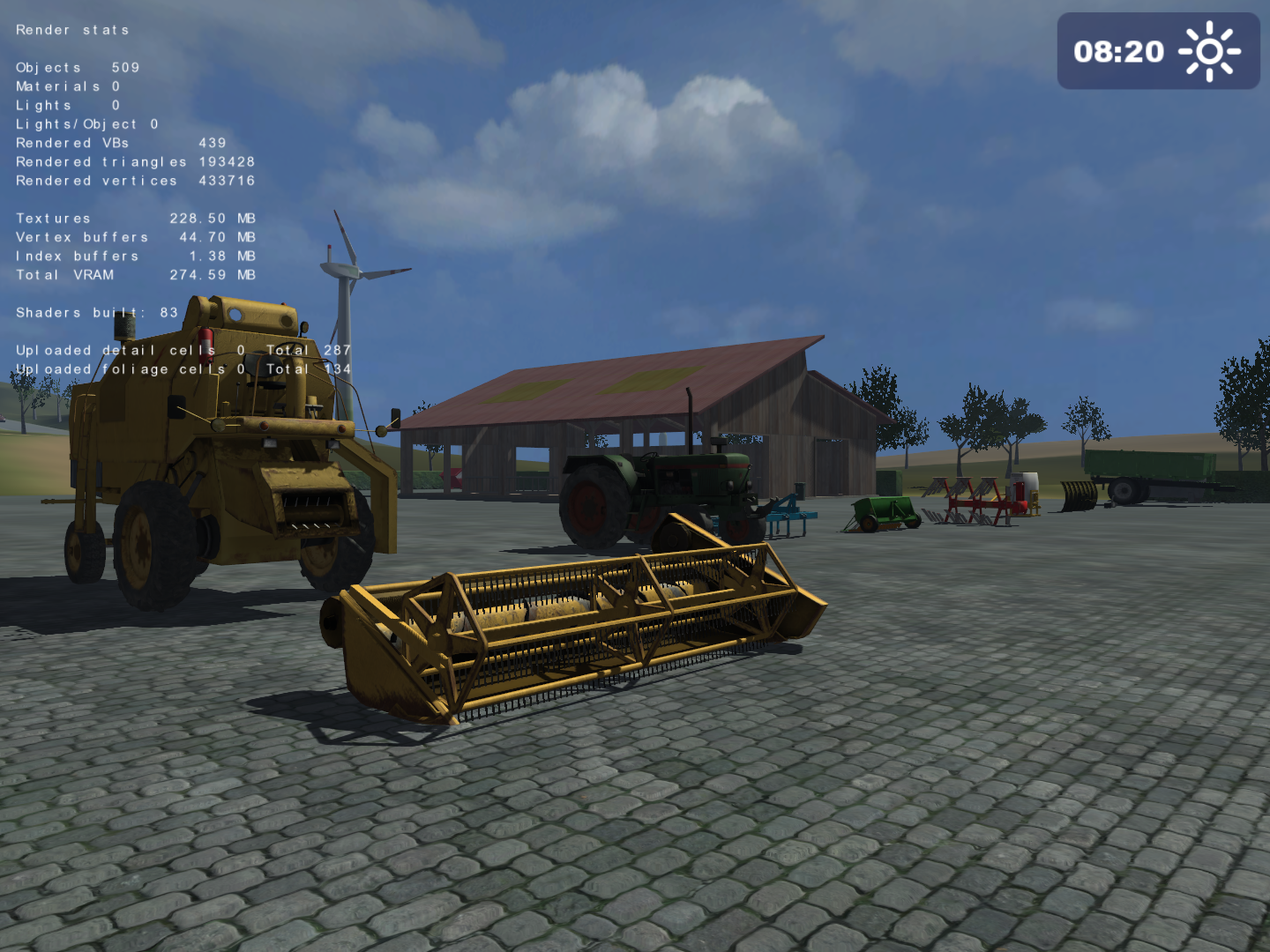
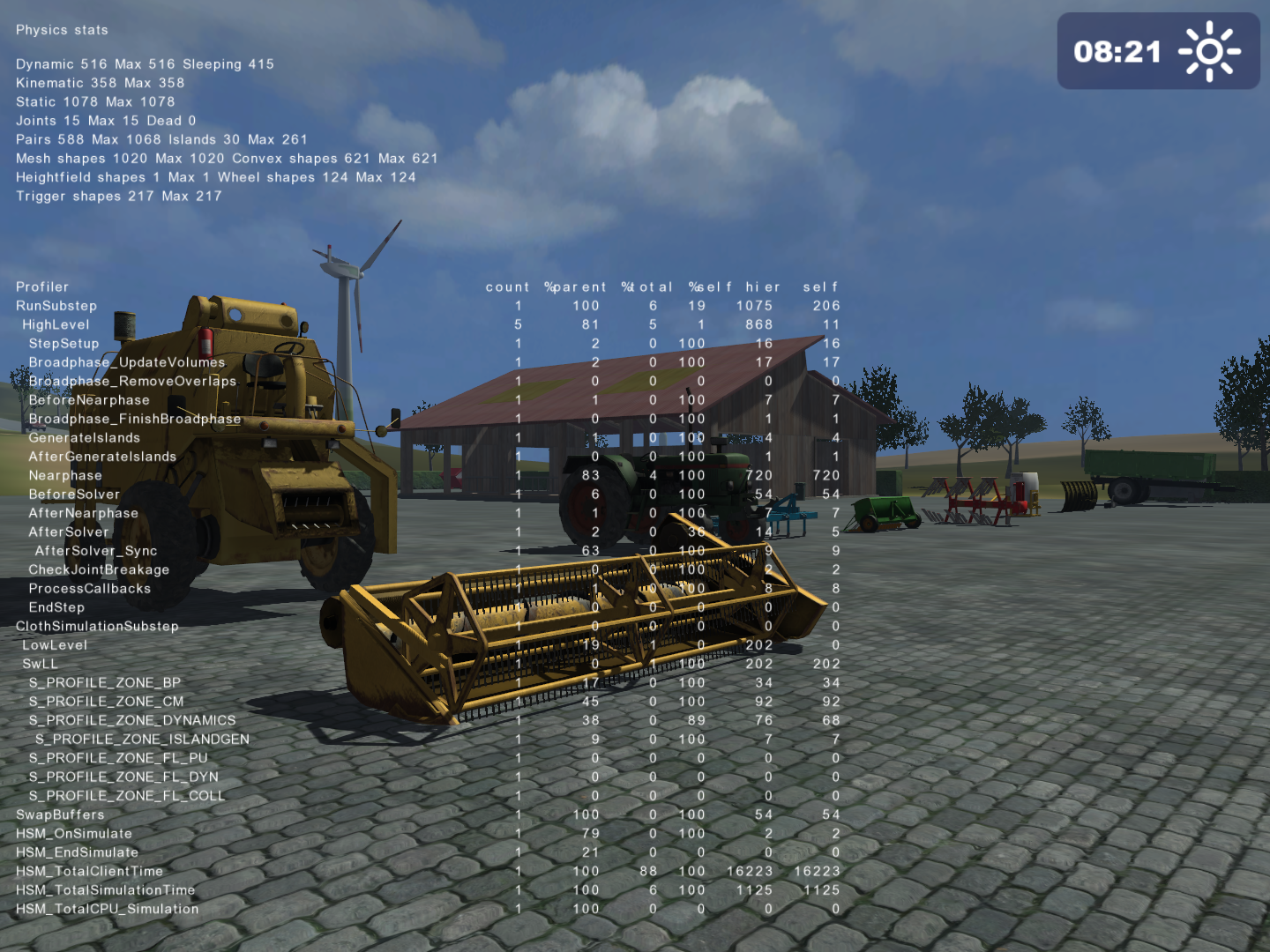
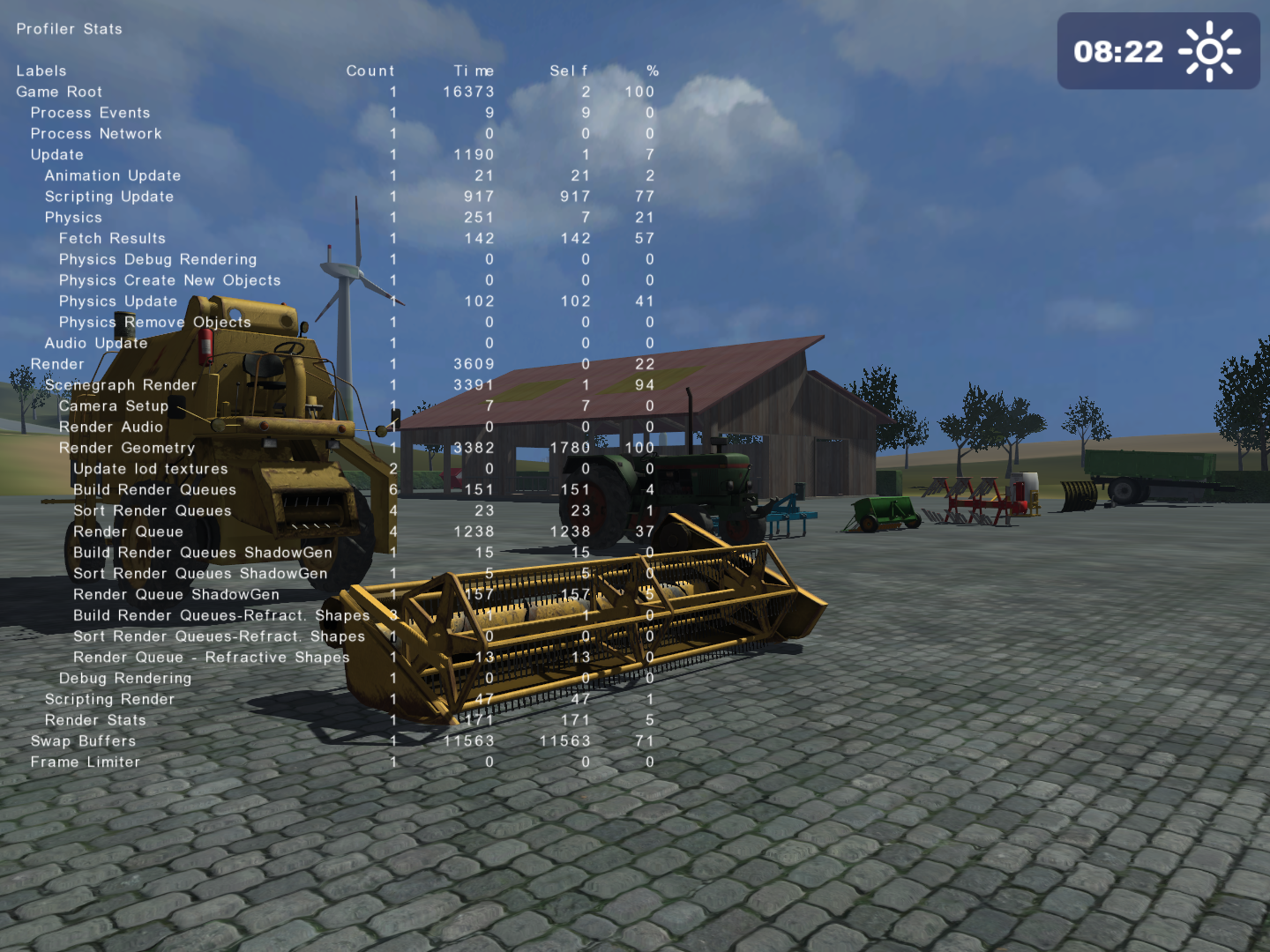
Pressing F8 scrolls through various statistics related to the loaded savegame, those being:
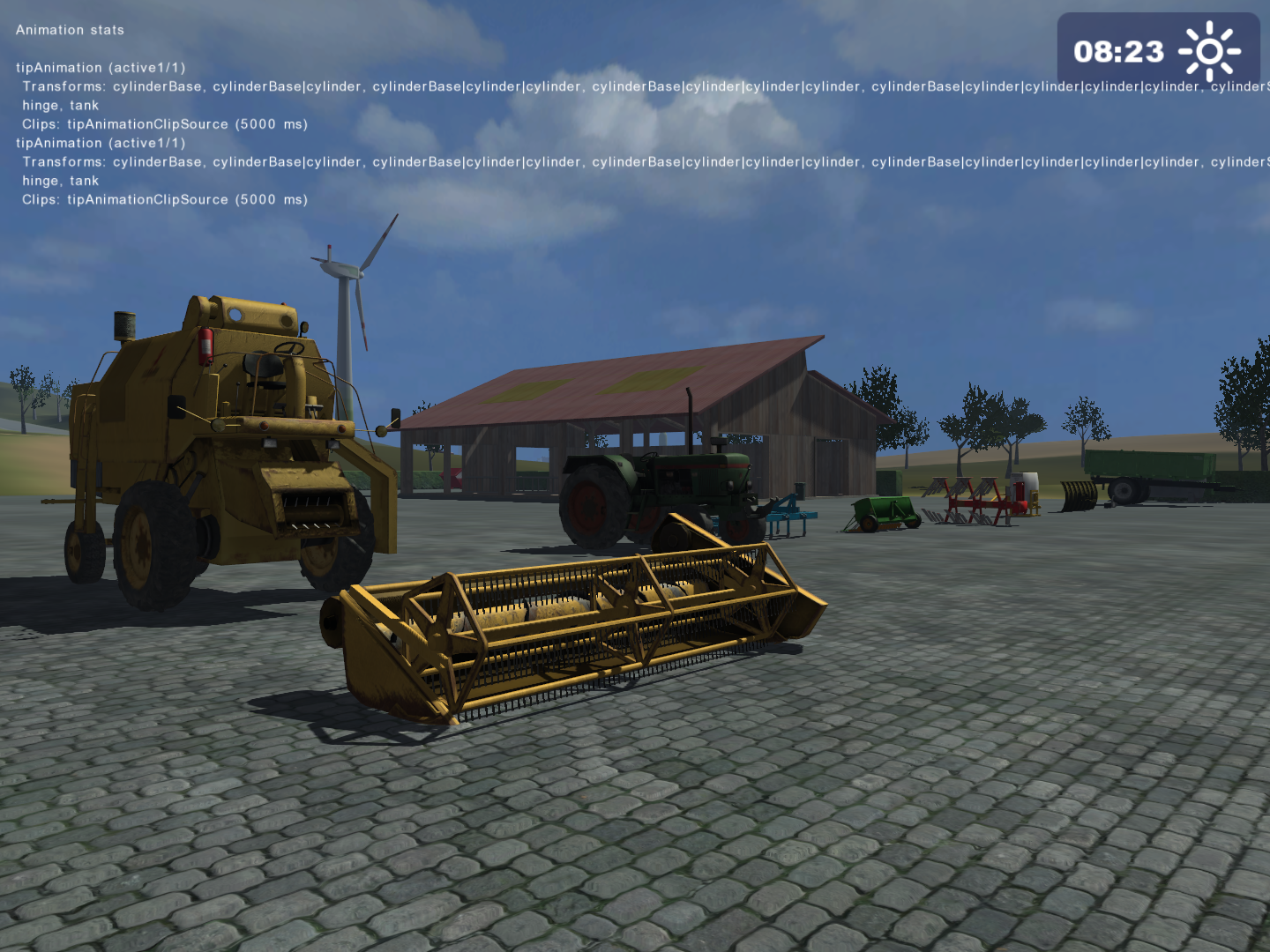
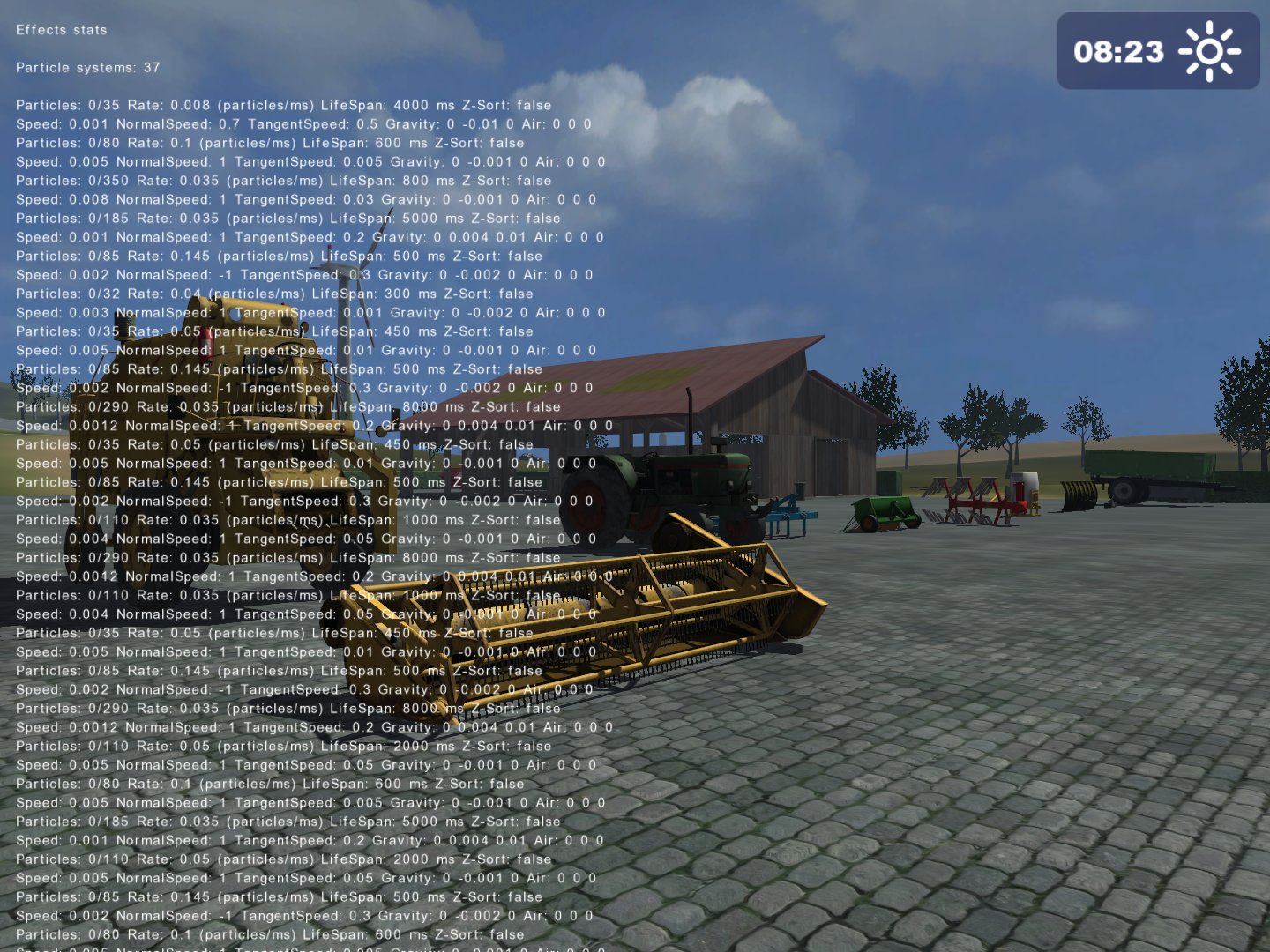
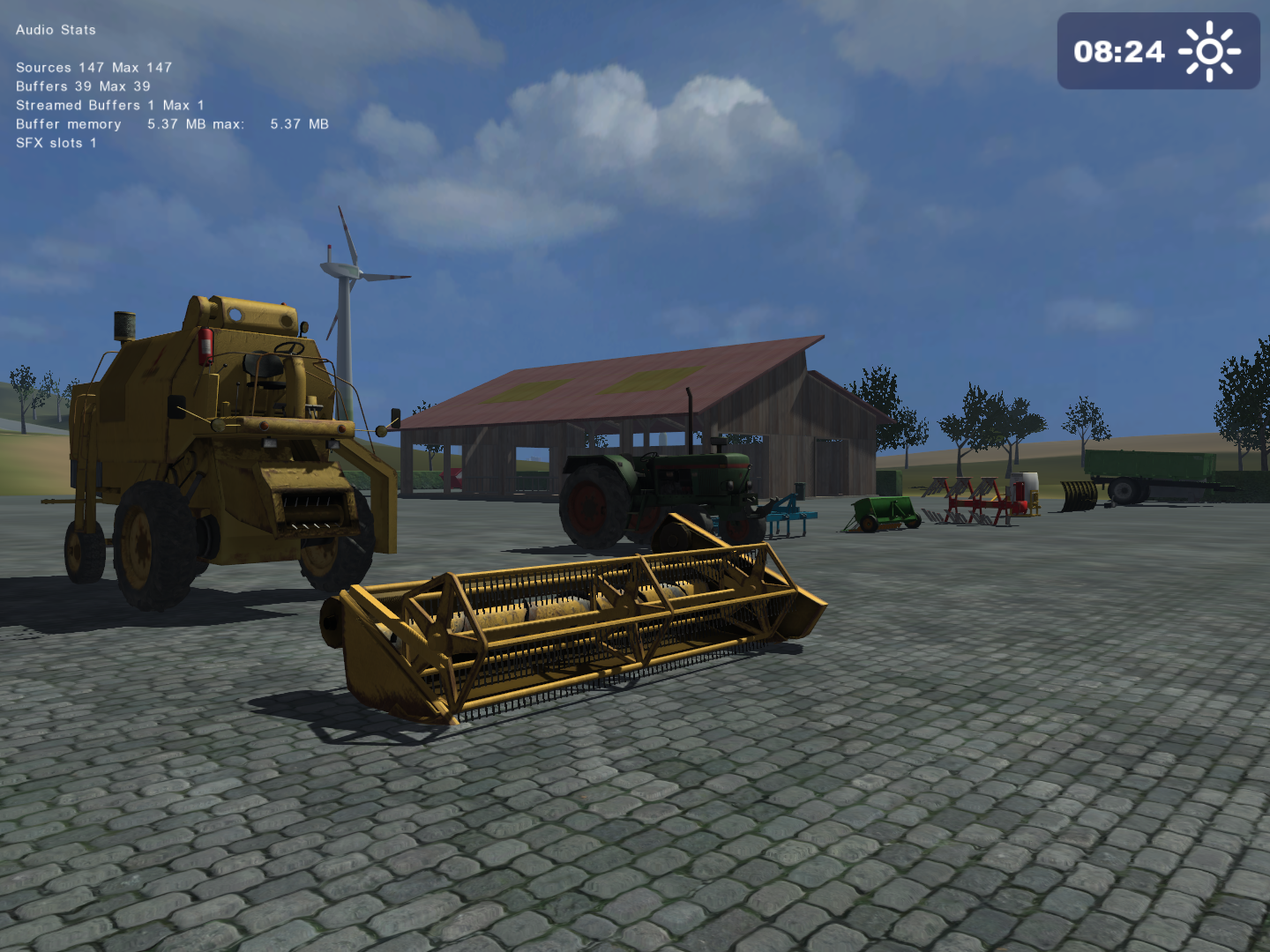
Connect to NVIDIA PhysX Visual Debugger#
Pressing F9 connects the game to an open Ageia/Nvidia PhysX Visual Debugger window. 
Connect to GIANTS Engine Studio/Debugger#
Pressing F10 connects the game to an open GIANTS Engine Studio/Debugger window. Unfortunately, all of the public versions of this debugger are incompatible with this game, as they were designed for newer titles like Farming Simulator 19 and onwards. Trying to connect will result in a game crash.
Console Commands#
Upon opening the console, starting a line with ~, and pressing Tab ↹, the player can scroll through a selection of debugging commands. The commands are executed by pressing ↵ Return. The available commands are the following: 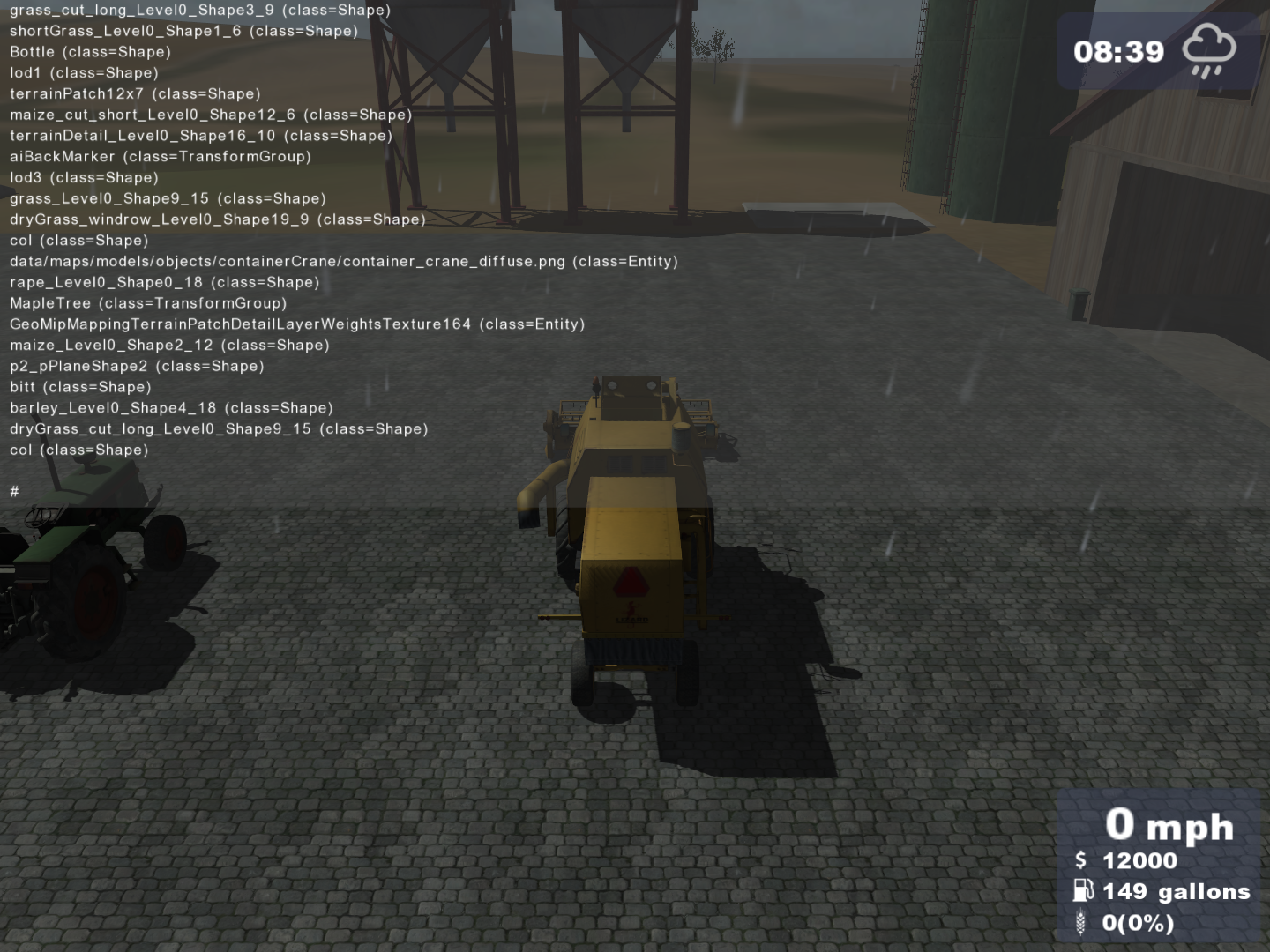
ambient#
Lists the 0-1 RGB value of the present world lighting. The player can also set a custom value, but this will only take effect in the mission mode where the day/night cycle is disabled. In career mode, the values will always instantly set back to normal because of it. 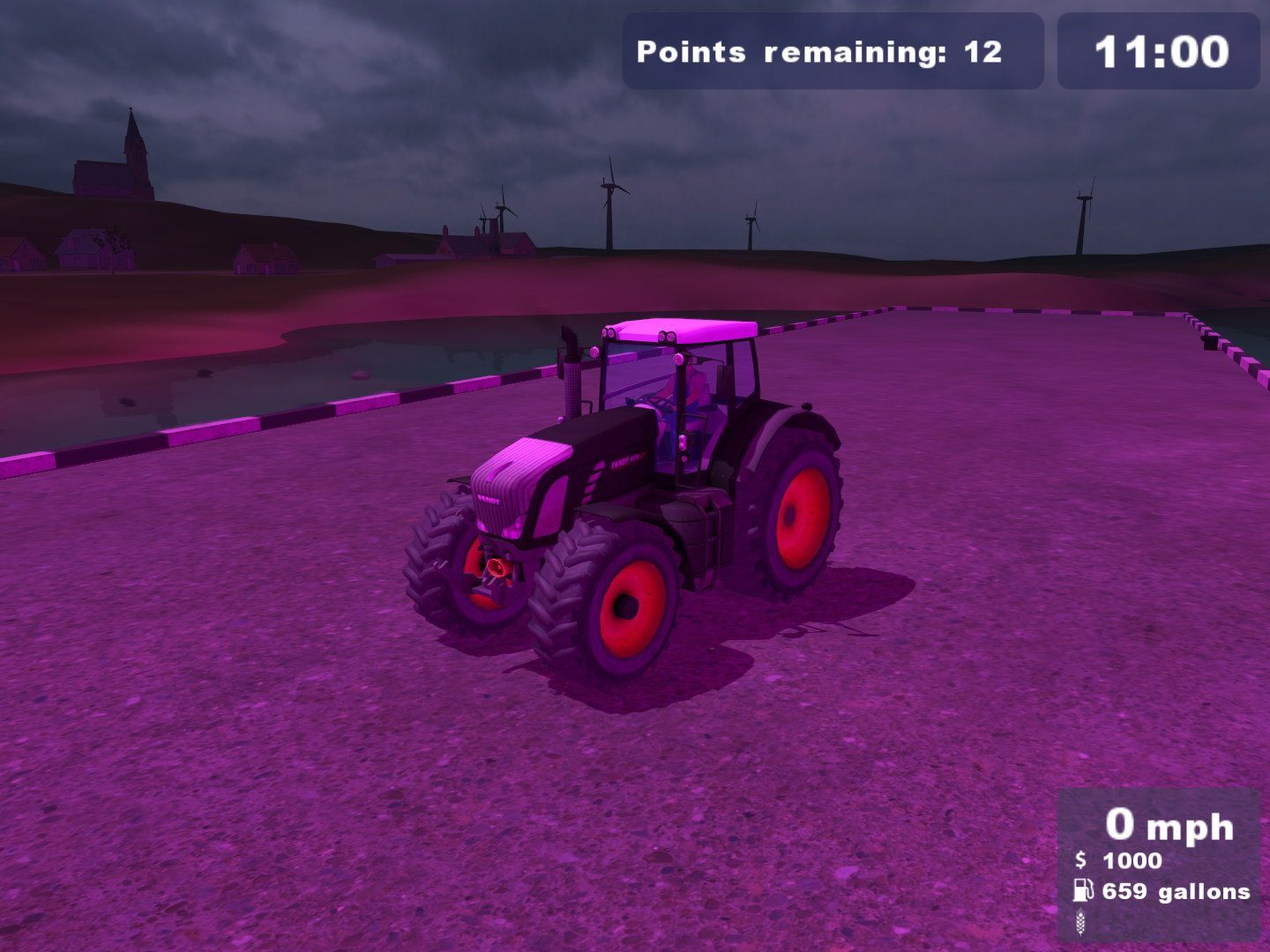
enableFramerateLimit#
Enables a set framerate limit. This same command can also be activated through the F3 keybind.
exit, q and quit#
Close the game.
framerateLimitFPS#
Sets an input framerate limit.
globalClipDistance#
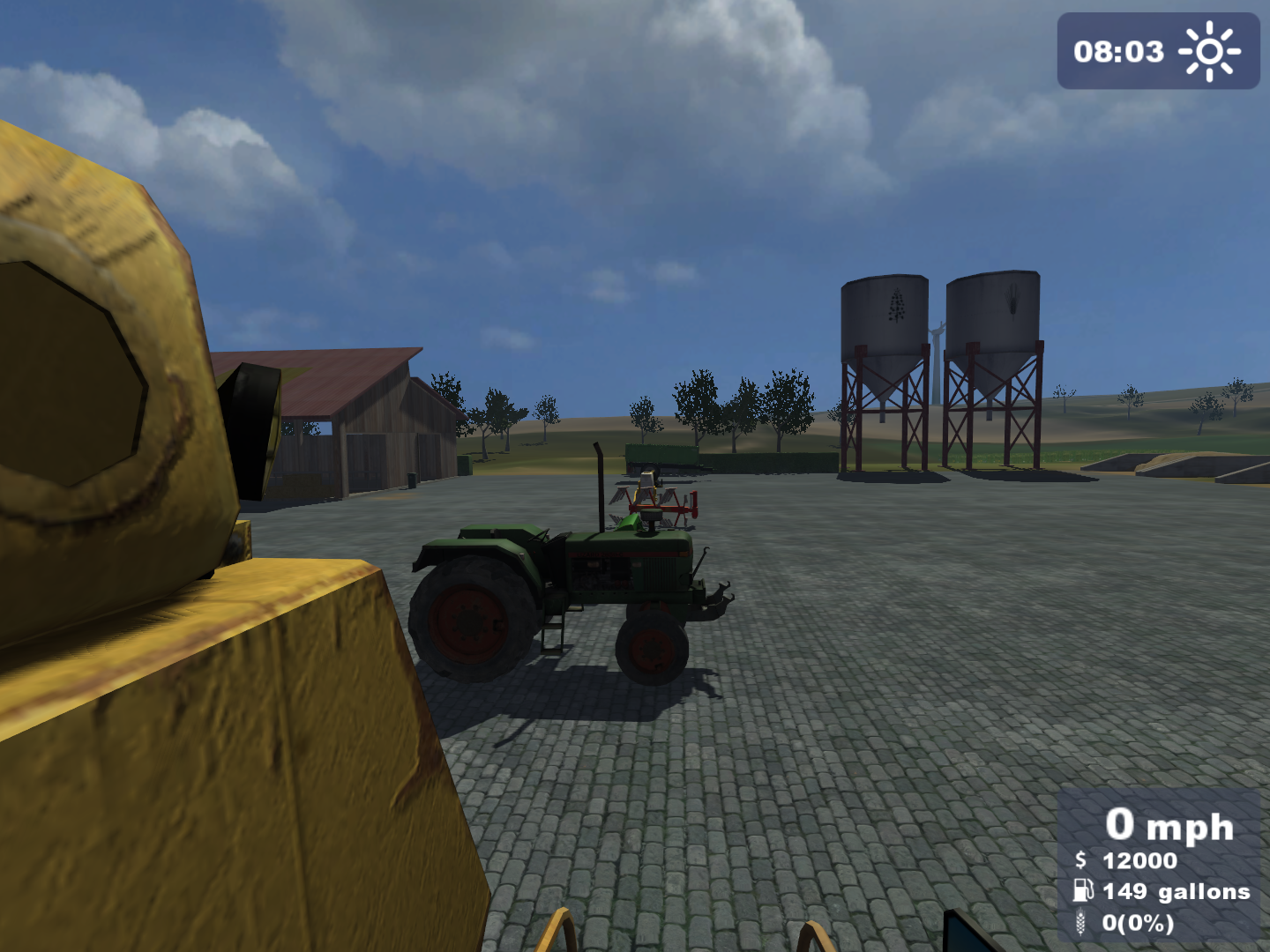
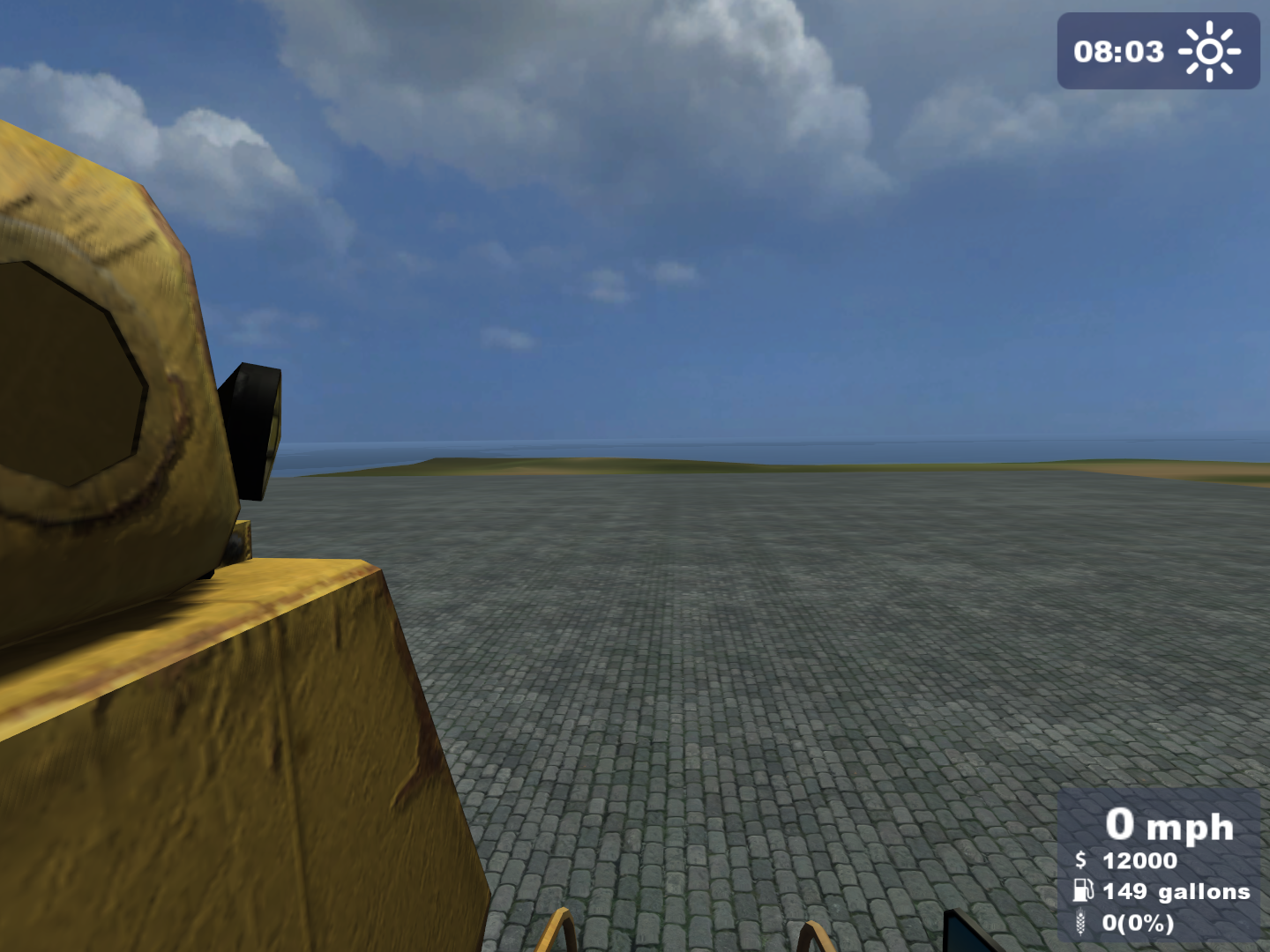
Changes the global clipping/rendering distance.
|
The normal culling distance. |
The culling distance set to 1. |
|---|---|
|
|
globalCullOverride#
Toggles culling. (Enables and disables the rendering of unseen geometry.)
listEntities#
Prints a list of all entities present in the loaded savegame.
listResources#
Prints a list of the sources of all entities present in the loaded savegame.
parallelRenderingAndPhysics#
Toggles parallel rendering and physics (switches the rendering and physics processes to run on different CPU threads).
reload#
Reloads a resource with given name.
reloadAll#
Reloads all resources with the same given type.
show_fps#
Toggles the FPS counter. This same command can also be activated through the F2 keybind.
sortGeometry#
Sorts render queue by material sort ID.
SDK folder#
In the game's installation CD, a folder named sdk can be found. As its name says, it contains various tools and materials the player can use to make their own mods. The included files are the following:
- A setup executable for GIANTS Editor 4.1.2.
- An .i3D format exporter plugin for Blender versions 2.48 - 2.49b.
- An .i3D format exporter plugin for 3ds Max 2008 - 2009.
- An .i3D format exporter plugin for Autodesk Maya 2008 - 2009.
- A sample LUA file called specializationSkeleton.
- A mod store icon background template named store_emptyMod.
- A farmerCar sample mod.
Interestingly, the contents and presence of this folder also vary from release to release. This folder is:
- complete in the 1.0 releases and the German, English and Polish 1.1 releases.
- lacking the GIANTS Editor setup in the Spanish and French 1.1 releases and the English Gold Edition.
- lacking the GIANTS Editor setup and the .i3D exporters in the German Gold Edition.
- completely absent from the Czech and Russian 1.1 releases and the Giants Gold Bundle and Polish Gold Editions.
specializationSkeleton.lua#
This .lua file serves as a structure template for additional mod LUA scripts.
--
-- SpecializationSkeleton
-- Desc
--
-- @author  Stefan Geiger
-- @date  30/11/08
--
-- Copyright (C) GIANTS Software GmbH, Confidential, All Rights Reserved.

SpecializationSkeleton = {};

function SpecializationSkeleton.prerequisitesPresent(specializations)
    return todo;
end;

function SpecializationSkeleton:load(xmlFile)
end;

function SpecializationSkeleton:delete()
end;

function SpecializationSkeleton:mouseEvent(posX, posY, isDown, isUp, button)
end;

function SpecializationSkeleton:keyEvent(unicode, sym, modifier, isDown)
end;

function SpecializationSkeleton:update(dt)
end;

function SpecializationSkeleton:draw()
end;store_emptyMod.png#

This image is used as a background template for mod store icons. It features a black to yellow gradient which isn't used in any store icon in the base game. 
Farmer car sample mod#
In this folder a fittingly named sampleMod can be found. It is a drivable version of the Compact car that can normally only be seen in the island's road traffic. Like its name says, this car serves a template for mods.
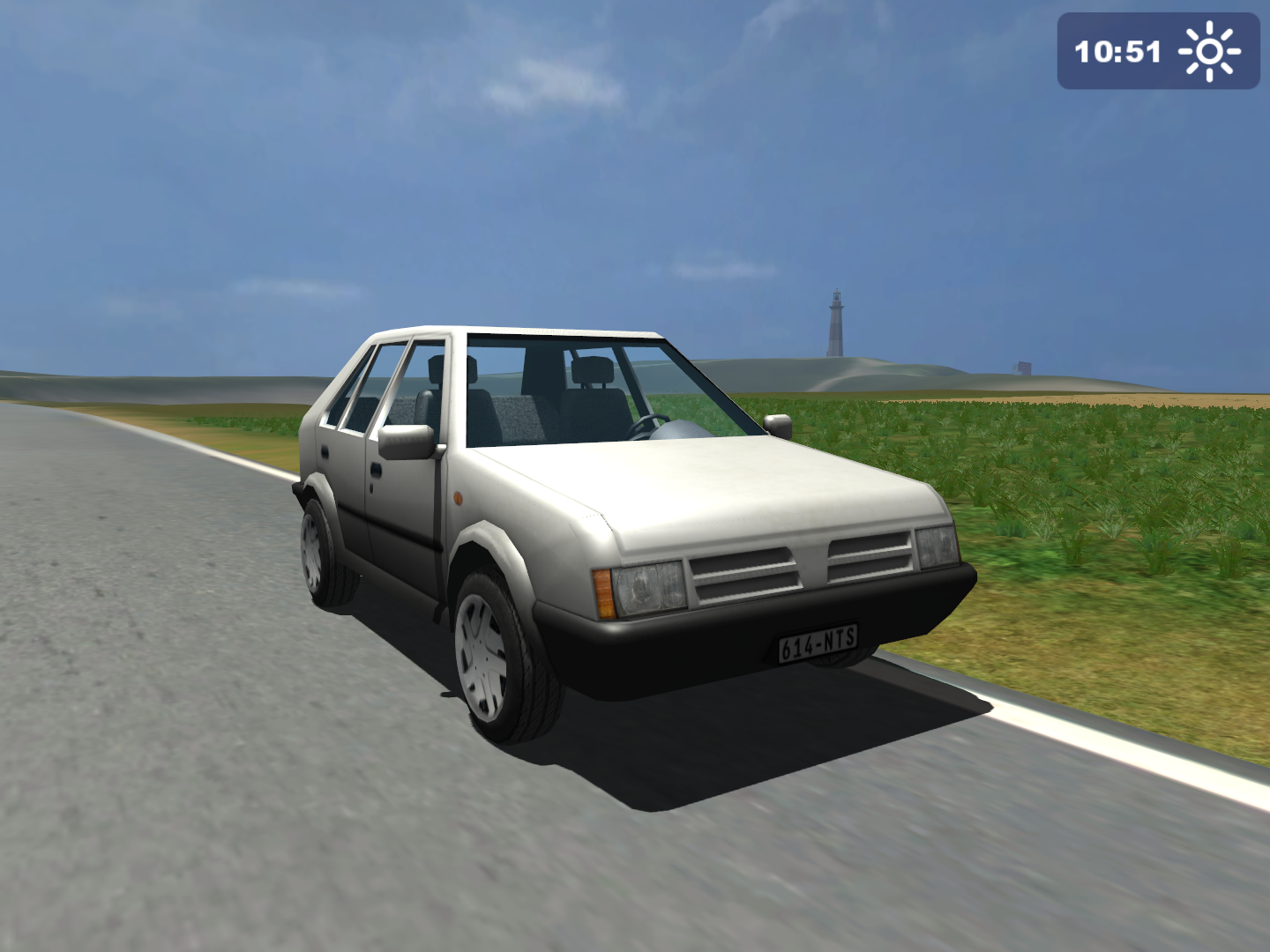
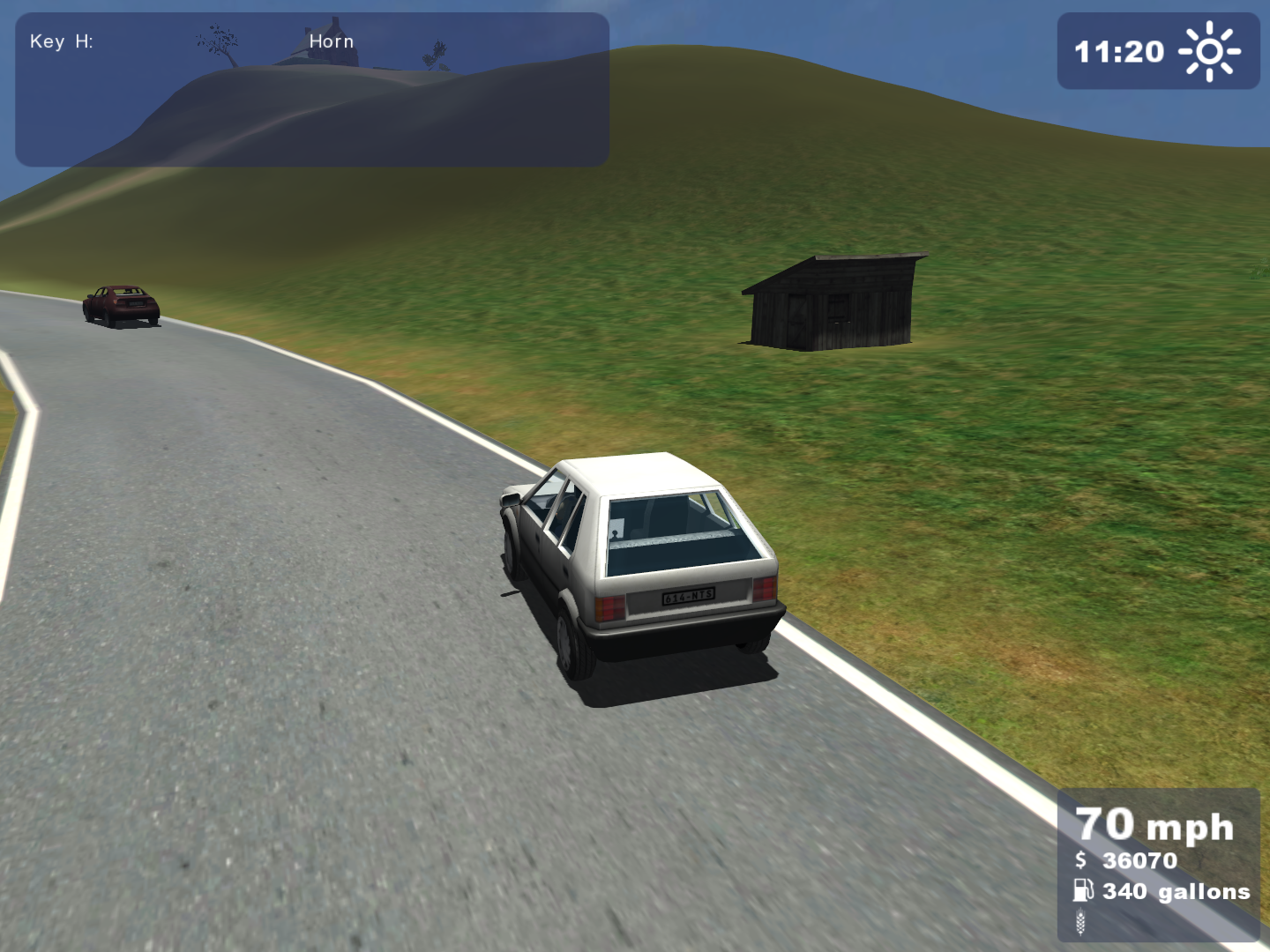
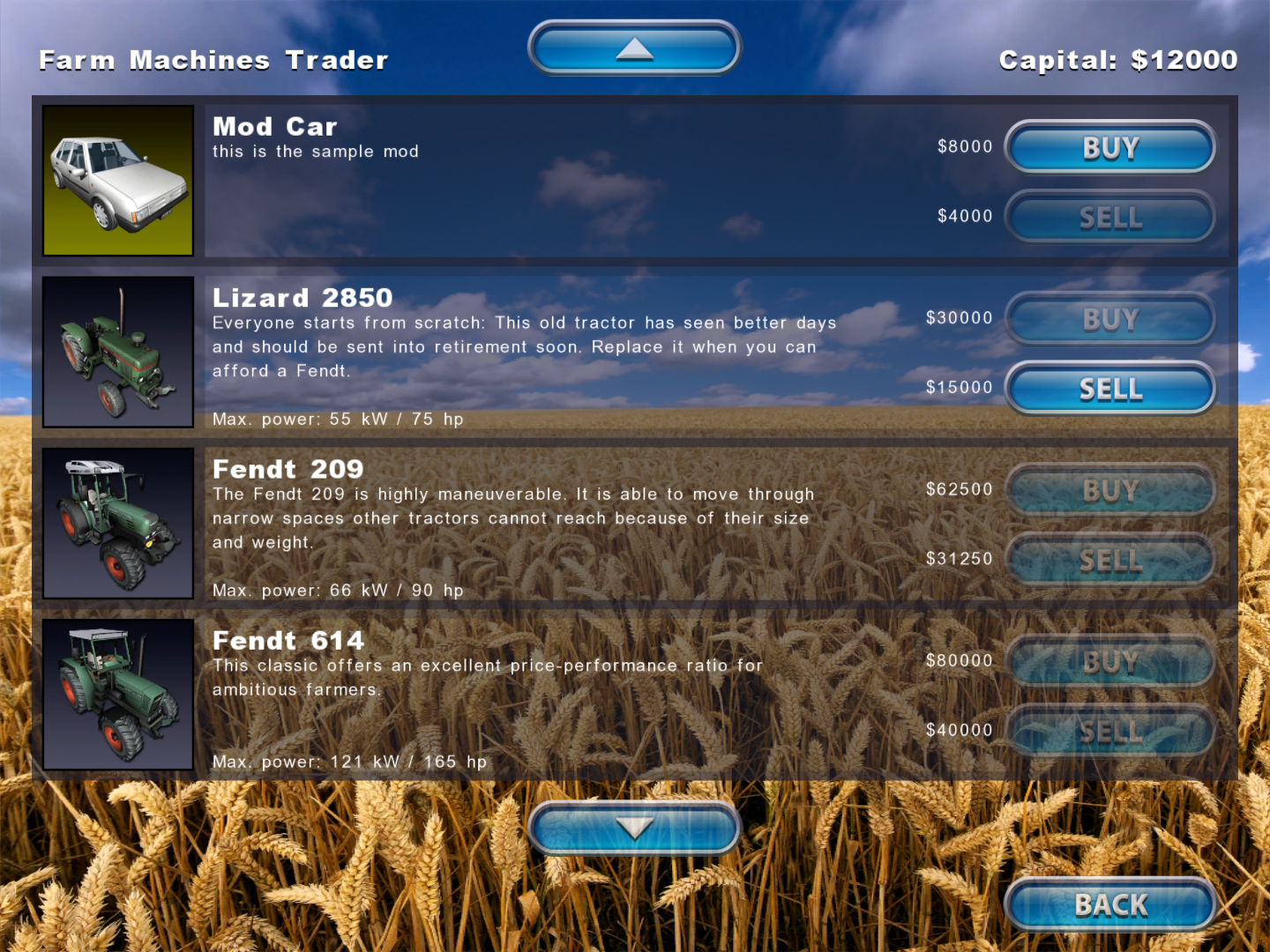
Inside this mod one can also find 7za.exe and makeZIP.cmd which are used for compressing the folder into a .zip file, an Autodesk Maya ASCII file of the car named farmerCar.ma, and ExtraFile.lua which is a template of how extra mod source files should be structured.
print("this is called when this mod is loaded");

modClassEventListener = {};

function modClassEventListener:loadMap(name)
    self.loadedMap = name;
    print("map " .. self.loadedMap .. " was loaded");
end;

function modClassEventListener:deleteMap()
    print("map " .. self.loadedMap .. " was deleted");
end;

function modClassEventListener:mouseEvent(posX, posY, isDown, isUp, button)
end;

function modClassEventListener:keyEvent(unicode, sym, modifier, isDown)
end;

function modClassEventListener:update(dt)
end;

function modClassEventListener:draw()
end;


addModEventListener(modClassEventListener);
Unused Graphics#
In the game's files, there are a few unused graphics of various uses.
Mission asset templates#
In dataS.gar there are a few templates for mission graphics. Interestingly, some also appear in Farming Simulator 2011 as leftovers from this release.



Demolition Company buttons#
In the gold release's menu folder there are three button graphics from one of GIANTS Software's other games, Demolition Company. Even though the gold edition was released in early 2010, all 3 files are dated to August 25th 2009. Considering that the latter was released in late April of 2010, it perhaps could mean that Demolition Company was in active development around the same time as Farming Simulator 2009.


Unused rose pickup#
Hidden in the pickups folder, a simple model of a rose is found called pickupFlower01. Judging by the name, this is likely an early version of the bottle pickup from the final release.


The .i3D file also references an unused sound for pickup objects found in sounds, named pickupSound.
Oddities#
Fendt 1290S rim color#
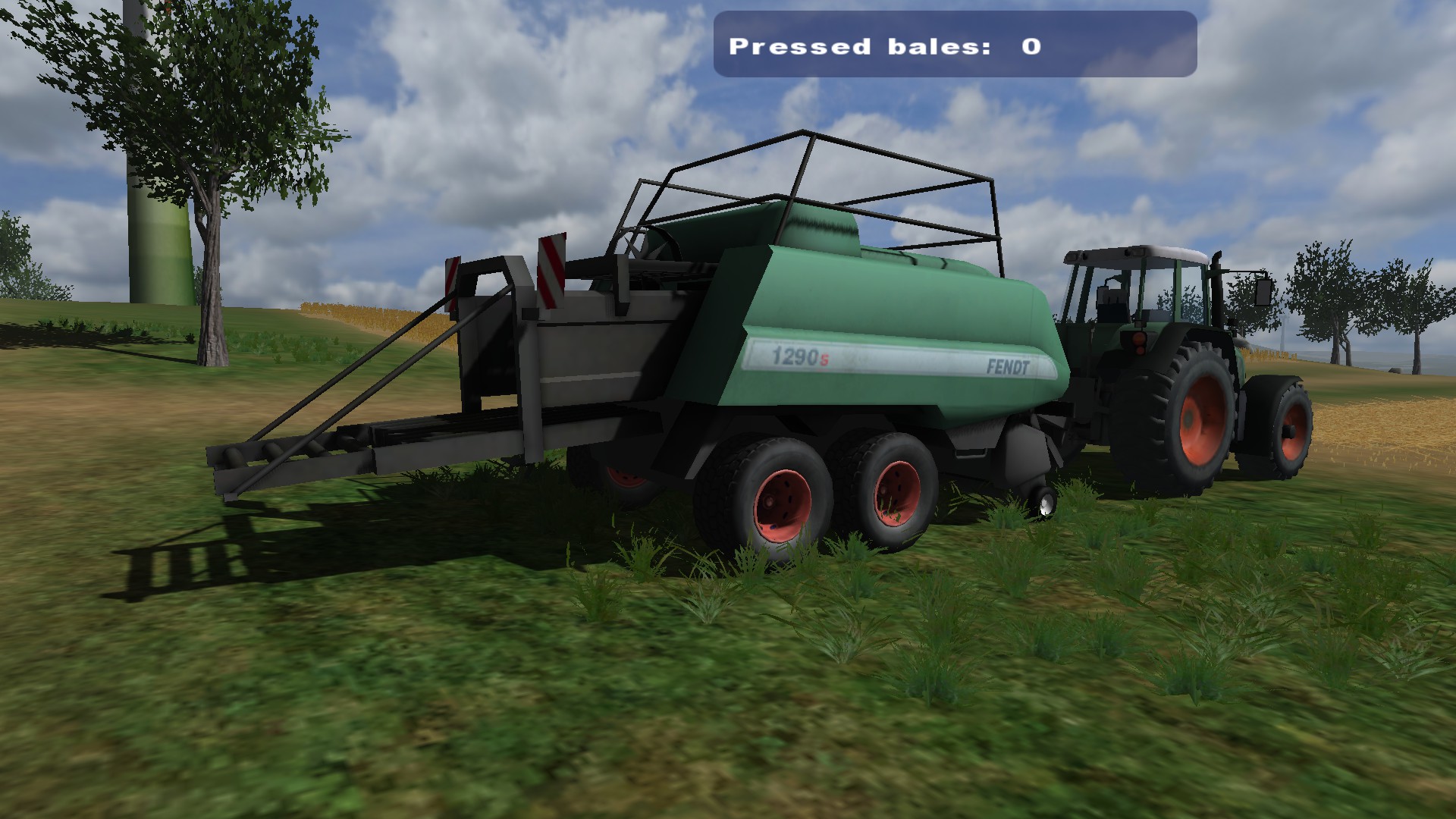
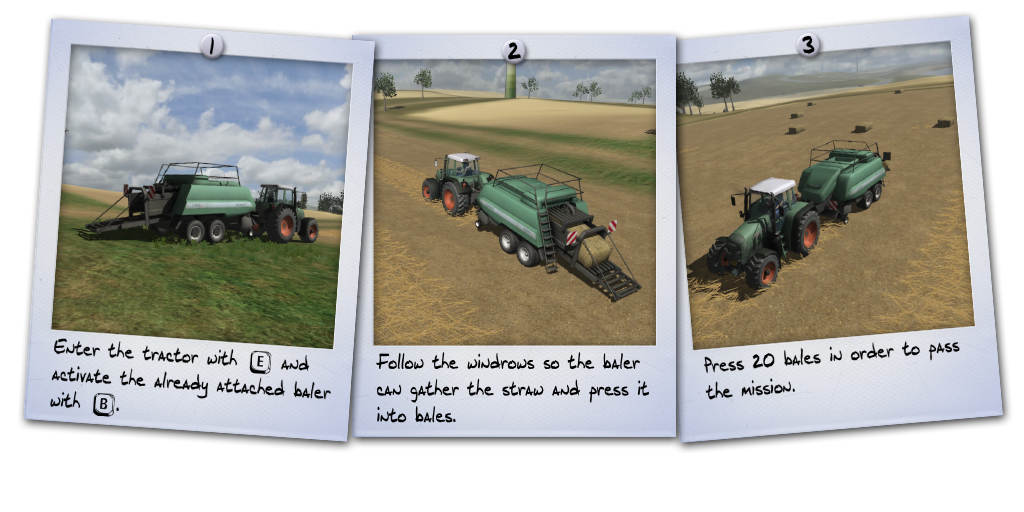
The mission briefing screenshots for the Quad baler mission picture the Fendt 1209S baler having white rims instead of the final red ones.
UFO/Saucer easter egg#
The game features an UFO as an easter egg. It is activated through a script called "saucer.lua" which checks if the ingame time is equal to midnight (12:00AM).
Revisional differences#
The two main Farming Simulator 2009 releases, namely the standard release and the Gold edition, feature a couple of differences.
Field sizes#
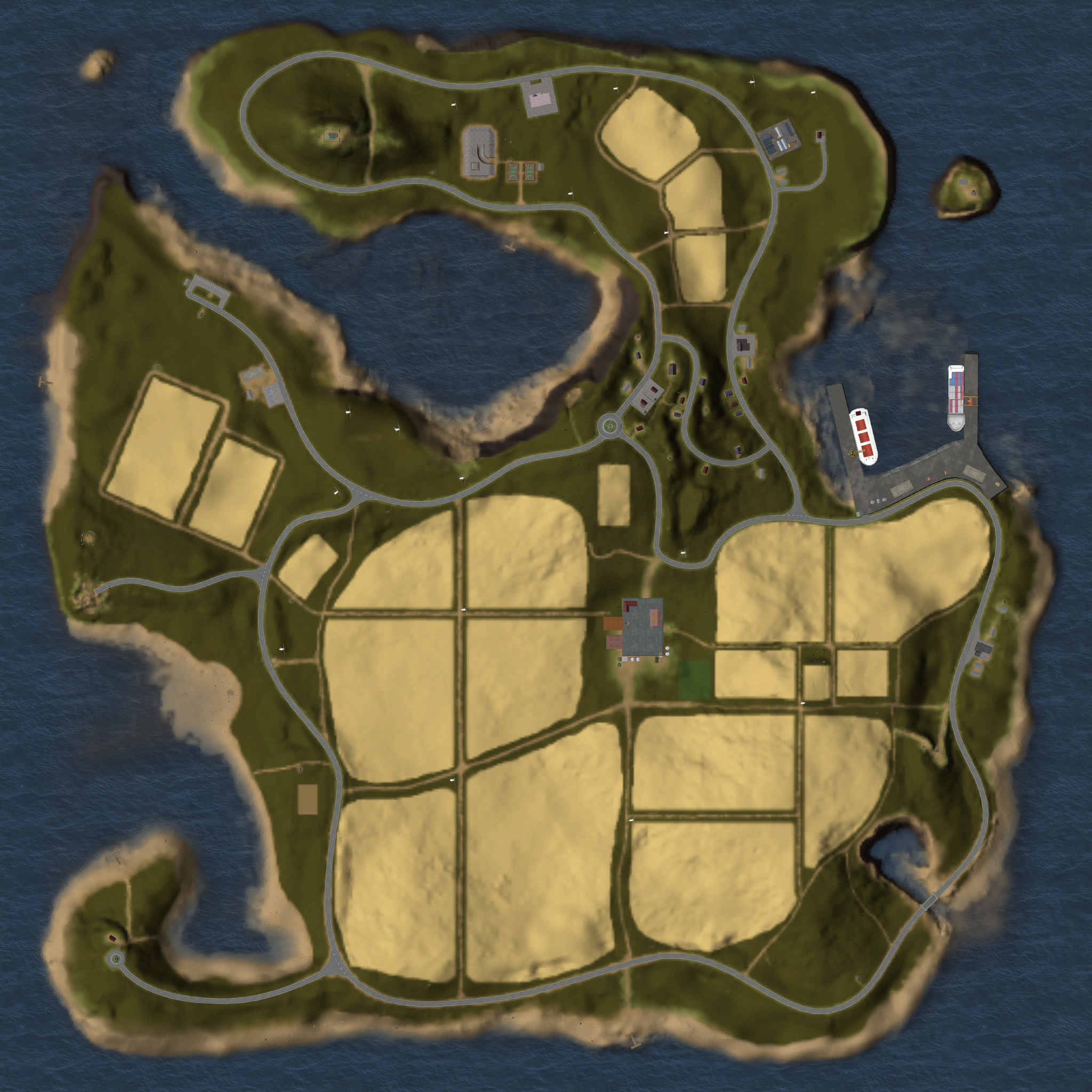
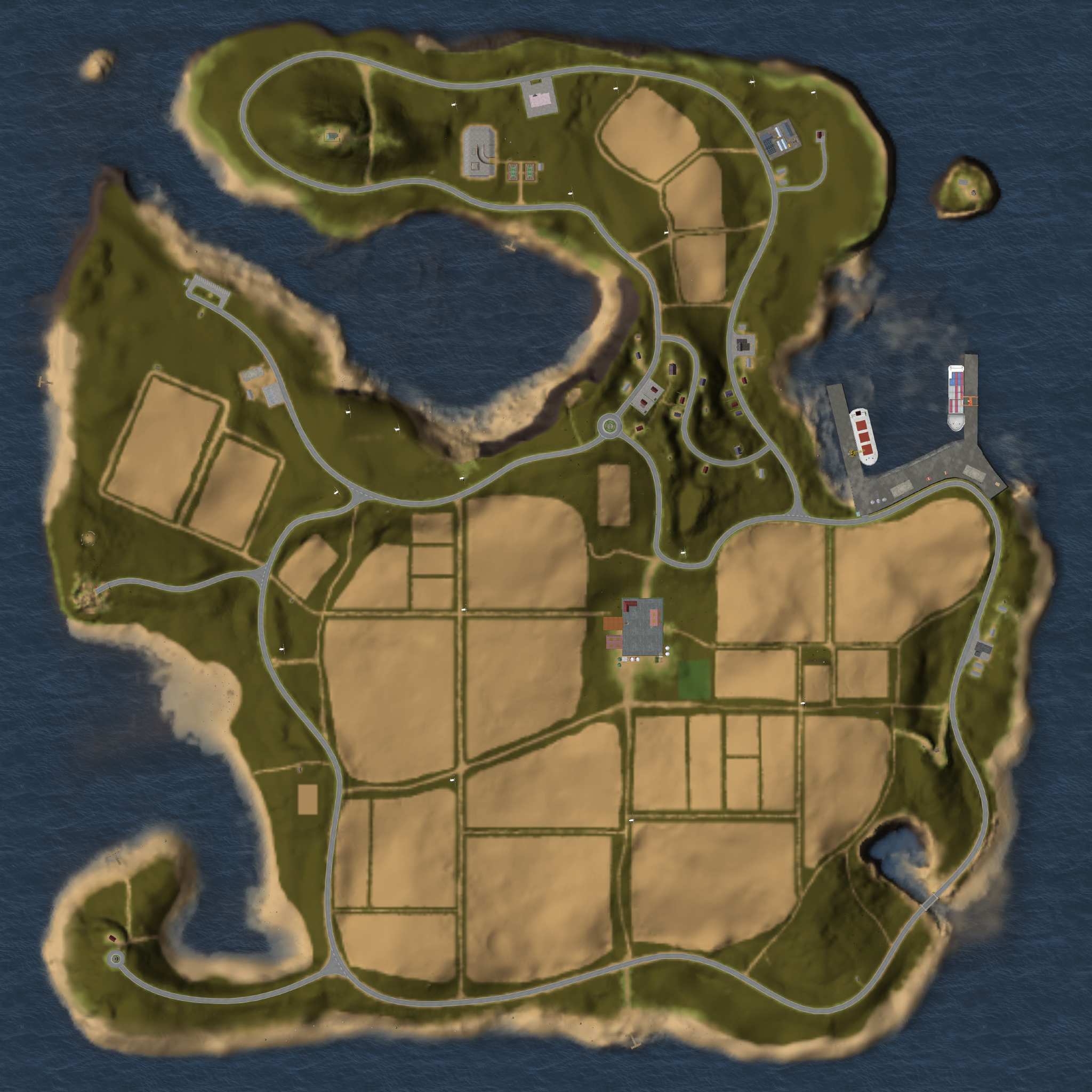
The Gold edition features an update to the map, namely to the size of the fields. In the standard release the map mostly consisted of large fields. Some of these fields were separated into smaller ones in the Gold release, likely to give starting players fields that are easier to maintain with the lower-end machinery.
Interestingly, the color of the fields on the PDA map are also different between releases. The standard release features a pale yellow coloring, and the Gold edition a pale orange/brown coloring.
|
The map in the standard release. |
The map in the Gold edition. |
|---|---|
|
|
References#
- GIANTS Software GmbH - www.giants-software.com, Mar. 2010↩︎
- ASTRAGON - www.astragon.de, Mar. 3rd, 2009↩︎
- ファーミング シミュレーター 2009 ~ 大地へ挑もう! ぼくらの農業生活 ~ 日本語版 日本公式サイト - 製品紹介 - simulator.zoo.co.jp, Jul. 3rd, 2009↩︎
- TriSynergy - An Evolutionary Approach to Software Publishing - www.tri-synergy.com, Sep. 17th, 2009↩︎
- Welcome to Excalibur Publishing Limited - www.excalibur-publishing.com, Jul. 2009↩︎
- Strona Symulator Farmy - Poznaj Techland – dewelopera światowej klasy elektronicznej rozrywki i programów tłumaczących. Zobacz jakie gry komputerowe i Translatory produkujemy, a jakie gry, programy tłumaczące i wspomagające naukę języków mamy w planie wydawniczym - www.techland.pl, Sep. 18th, 2009↩︎
- Farming Simulator 2009 - www.gram.pl↩︎
- PC TRAKTOR - Zetor Simulátor 2009 | Hry - PC | Simulátory PC | TopCD.cz - www.topcd.cz↩︎
- Farming Simulator 2009 - www.aerosoft.com↩︎
- Simulation de Vuelo - www.aerosoft.com↩︎
- Simulador de Granjero - www.draque.com↩︎
- Фермер - www.nd.ru↩︎
- Wendros - Farming Simulator 2009 - www.wendros.se↩︎
- 1 - www.aktronic.de↩︎
- Caractéristiques de Farming Simulator 2009 (2009) - SensCritique - www.senscritique.com↩︎
- Astragon - Simulator Spezialist : Landwirtschafts-Simulator, Bus-Simulator, Feuerwehr-Simulator, Handball-Simulator: Landwirtschafts-Simulator Gold Edition - www.astragon.de, Jan. 4th, 2010↩︎
- Das große Giants-Gold-Bundle Releases - MobyGames - www.mobygames.com↩︎
- simMarket: ASTRAGON - FARMING SIMULATOR 2009 secure.simmarket.com, Mar. 31st, 2009.↩︎
- simMarket: ASTRAGON - FARMING SIMULATOR 2009 GOLD EDITION secure.simmarket.com, Jan. 11th, 2010.↩︎
- Farming Simulator 2009 para PC | 3DJugeos - www.3djuegos.com↩︎
- GIANTS Software GmbH - www.giants-software.com, Jul. 24th, 2009↩︎
- Wendros - Farming Simulator 2009 - www.wendros.se↩︎
|
The Farming Simulator series | |
|---|---|
|
Windows, Mac OS X |
|
|
Xbox 360, PlayStation 3 |
|