 This article has a talk page!
The Wii version of Driver: San Francisco, which has nothing in common with the actual game. It is instead a prequel to Driver.

|
This needs some investigation. |
Debug Menu Text#
There is a folder on the disc named Development which has 21 text files in the DebugMenus sub-directory.
 |
Download the Development folder contents File: DriverSFWii-FIN_Development.7z (6.75 KB) (info) |
Debug Displays#
There are several options that can be toggled, but only a few of them display debugging-related information. The rest are either graphical options, or just simply don't work.

- Draw Time Stats
EUR |
008D606F 00000001 |
|---|---|
USA |
008D28AF 00000001 |

- Draw DL Statistics
EUR |
008D619F 00000001 |
|---|---|
USA |
008D29DF 00000001 |
These two options can also be enabled by toggling them in GlobalGameSettings.txt. The first option draws a white square on your vehicle and light grey squares on others. The second option draws a red square with a yellow line showing the Wii Remote's motion. 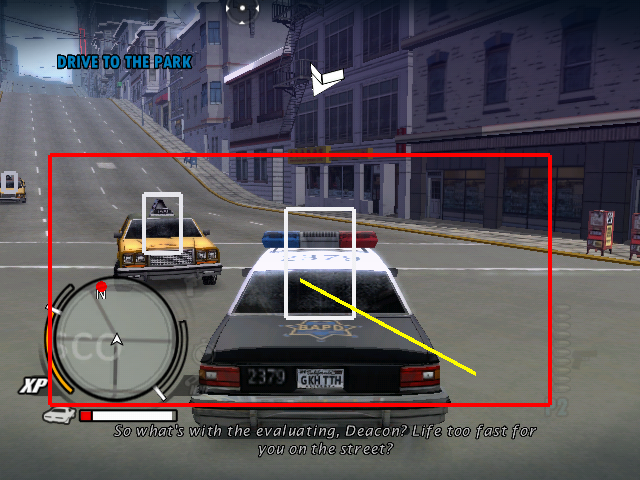
- kbDebugDrawMeleeMeter
EUR |
0072FBD3 00000001 |
|---|---|
USA |
0072C413 00000001 |
- kbDebugDrawMeleeInput
EUR |
0072FBD7 00000001 |
|---|---|
USA |
0072C417 00000001 |
(Source: Edness)
Debug Menus#
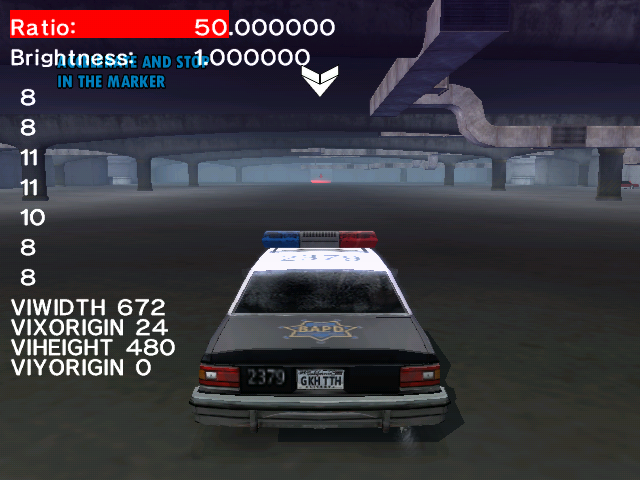
- Configure Render Mode
This option lets you change video rendering options such as the resolution the game is running in, using the 2nd player Wiimote. It can be toggled by pressing C + RIGHT and C + LEFT on the 1st Wiimote.
EUR |
USA |
|---|---|
28731672 00004002 |
2872DEB2 00004002 |
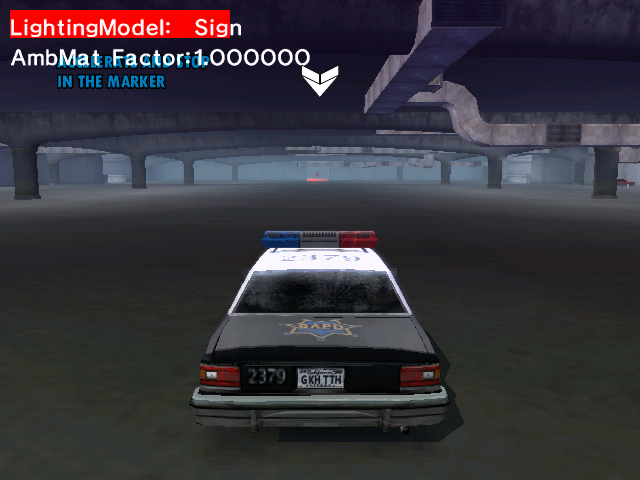
- Configure Lighting Model
This option lets you change lighting options, also using the 2nd player Wiimote. It can be toggled with C + UP and C + DOWN on the 1st Wiimote.
EUR |
USA |
|---|---|
28731672 00004008 |
2872DEB2 00004008 |
(Source: Edness)
Unused Graphics
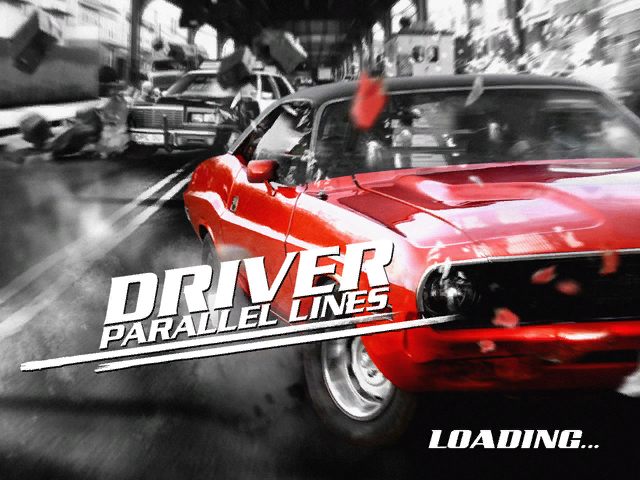
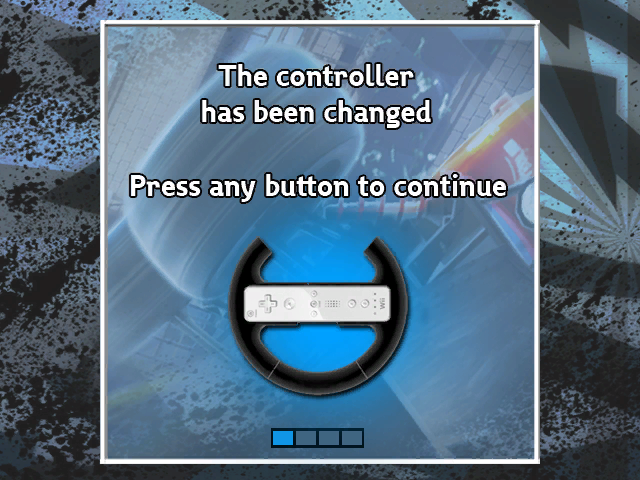
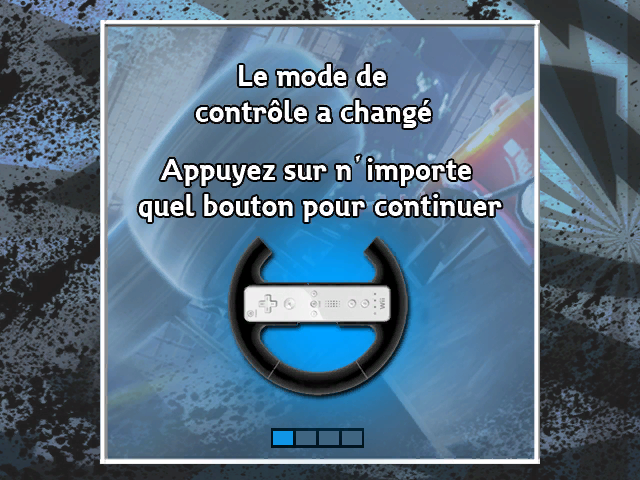
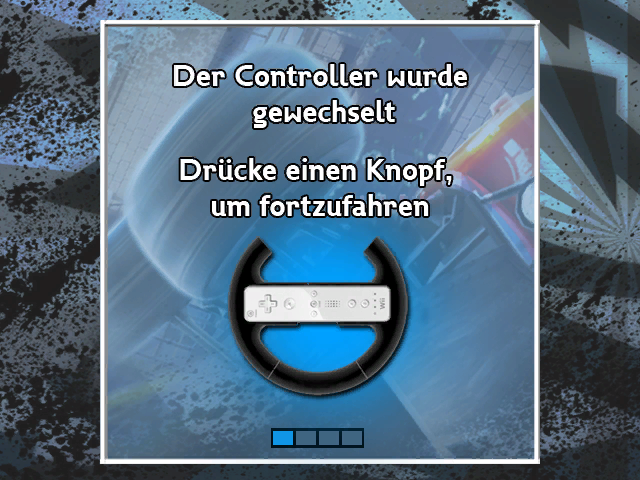
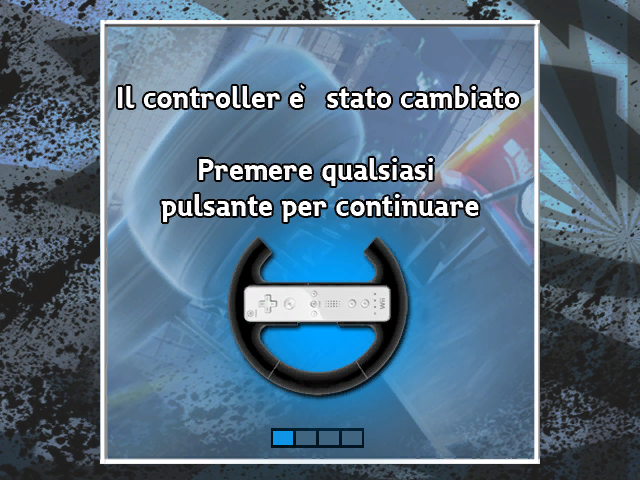
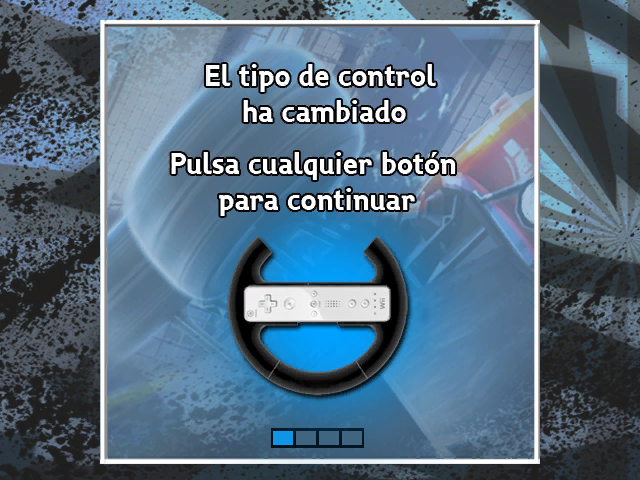
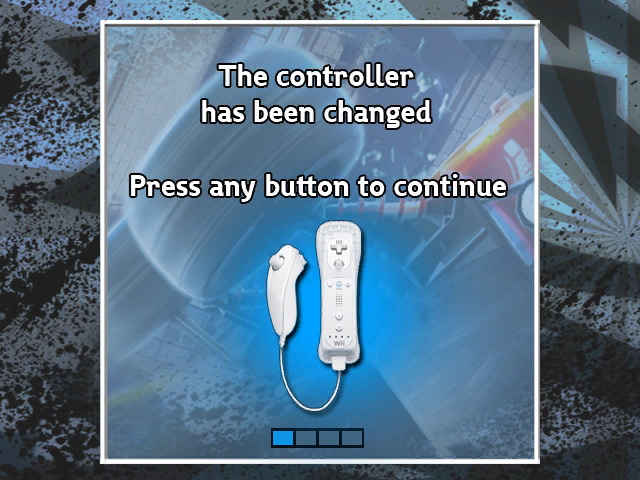
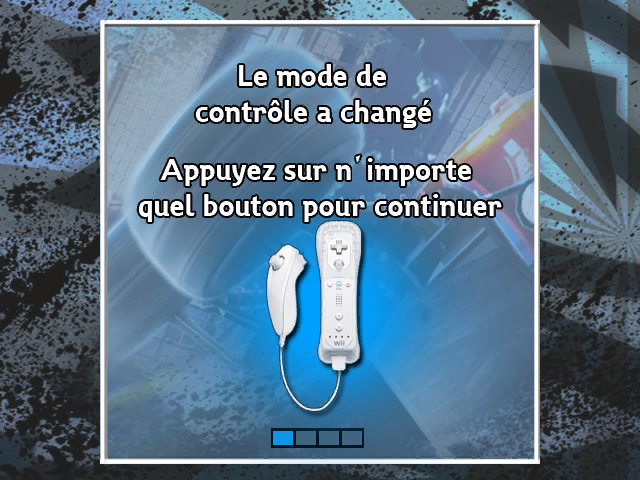
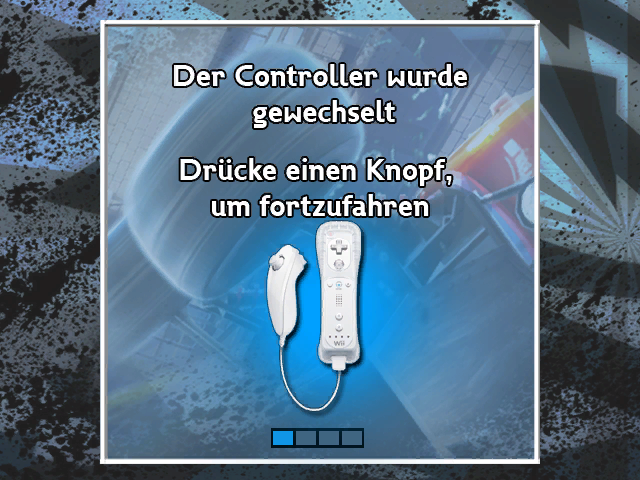
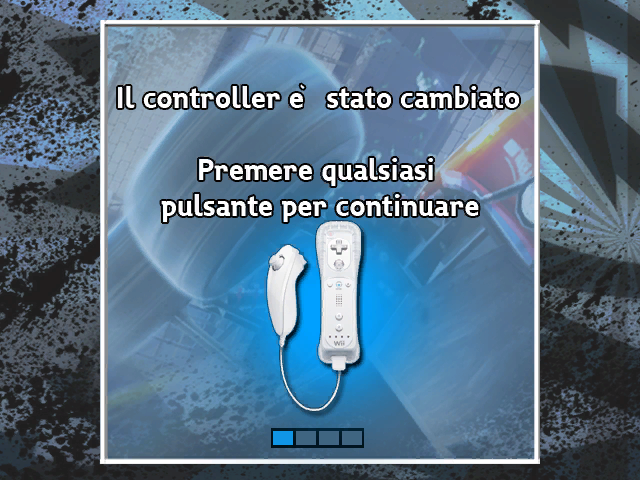
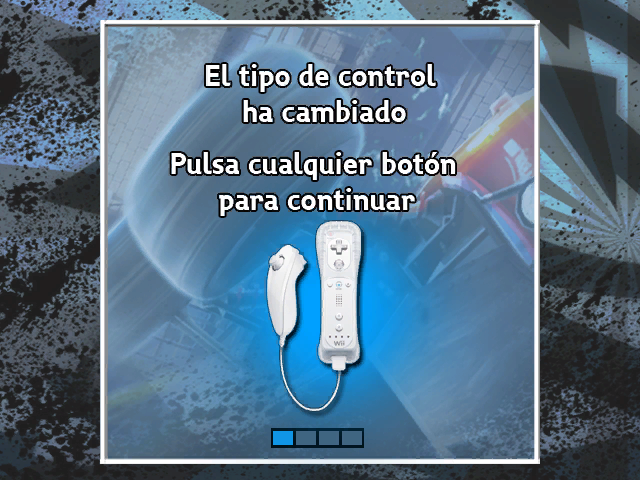
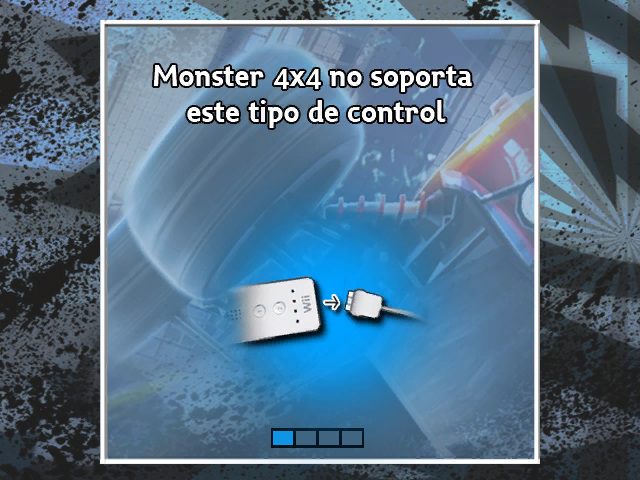
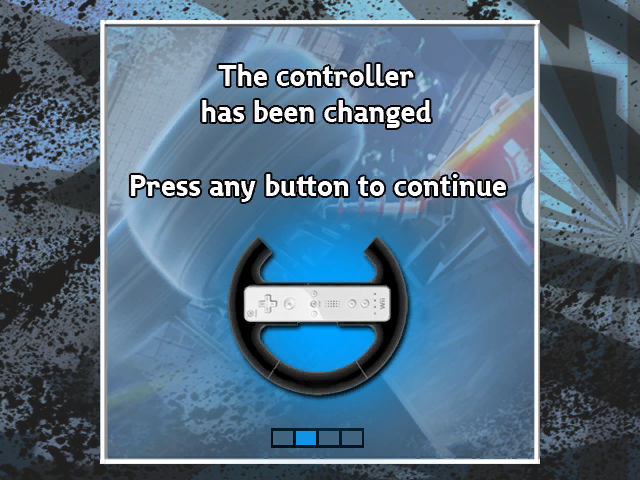
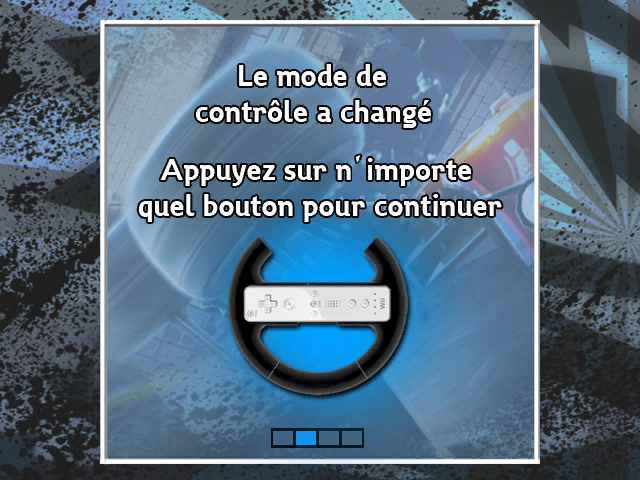
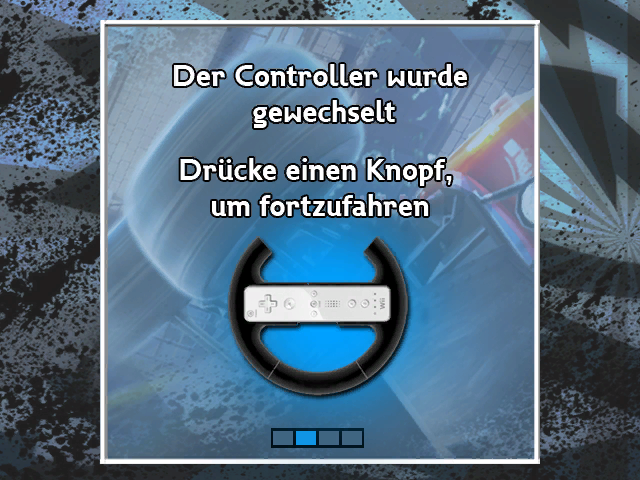
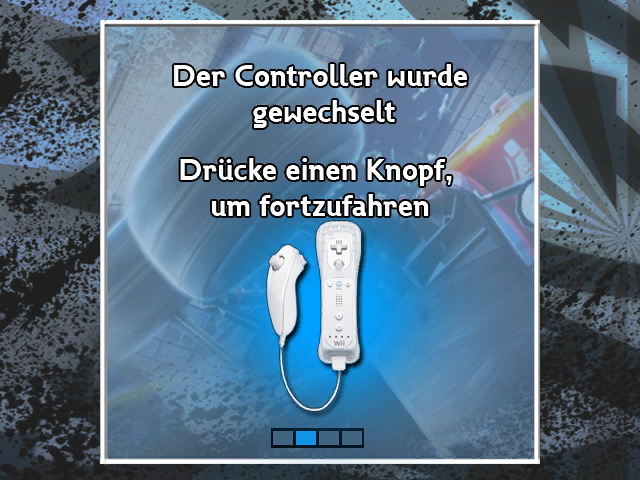
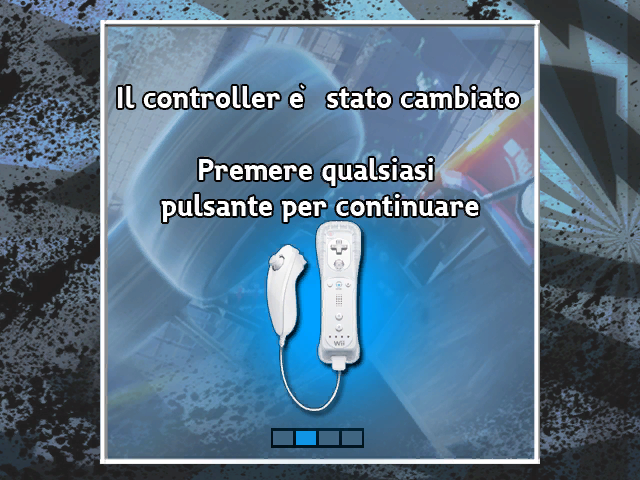
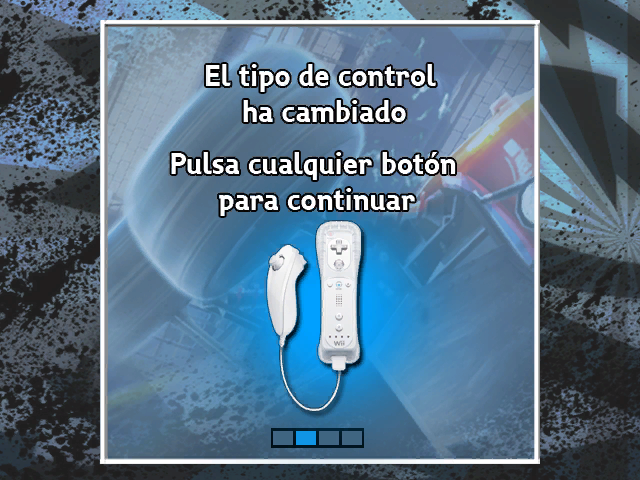
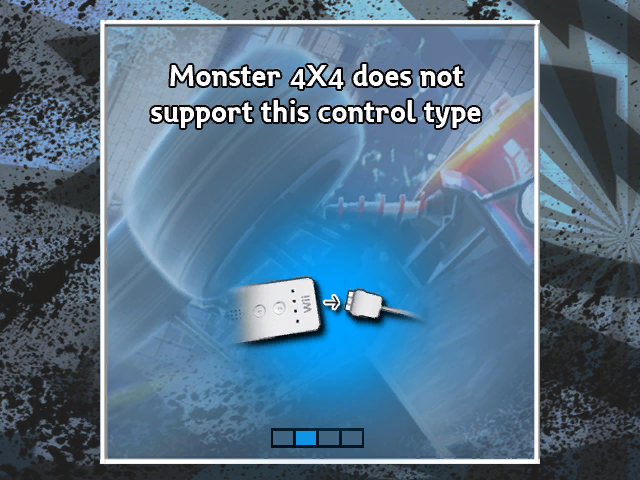
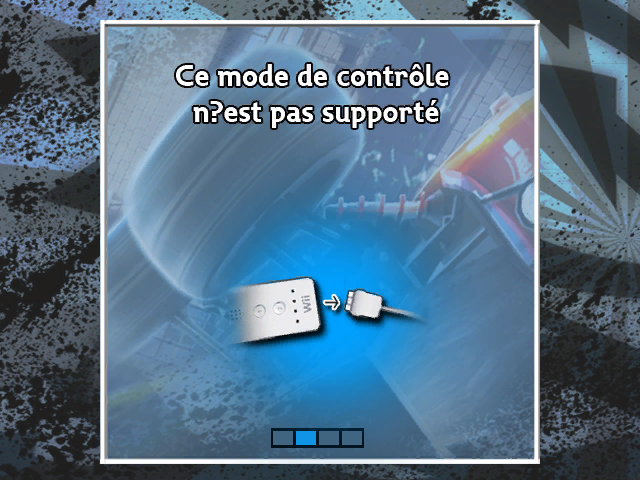
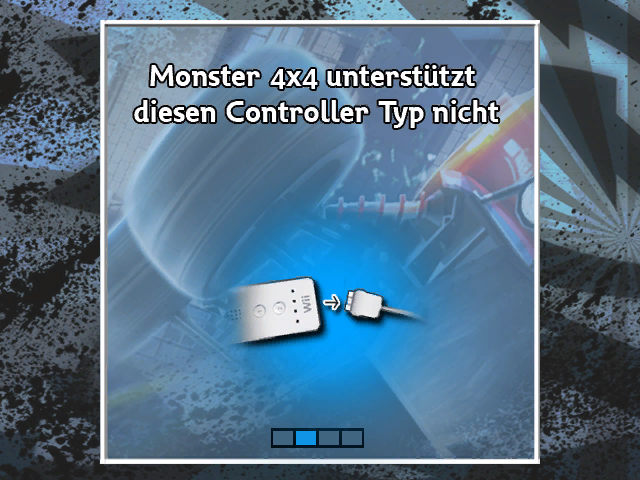
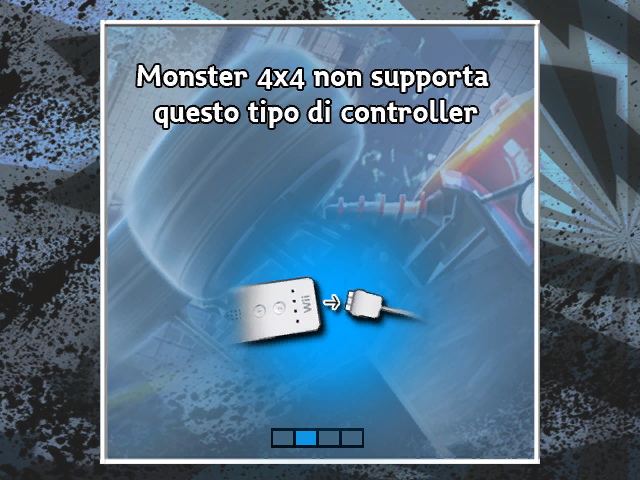
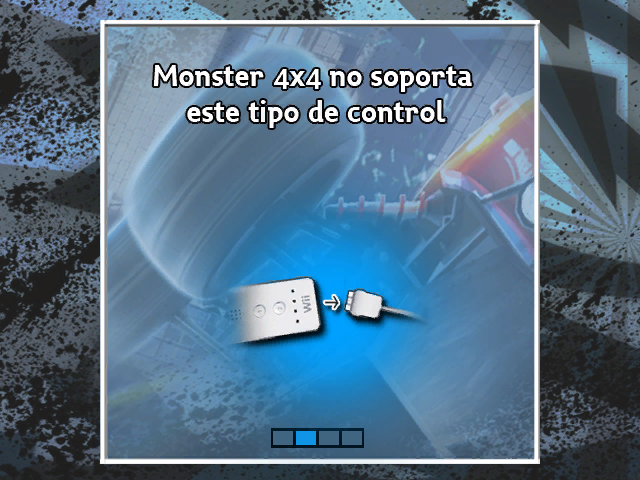
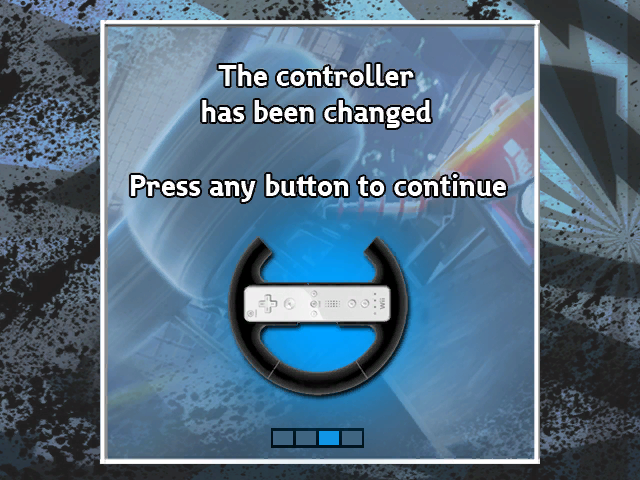
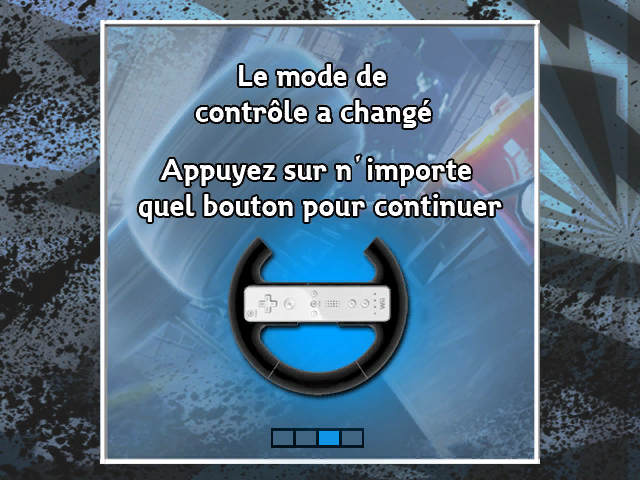
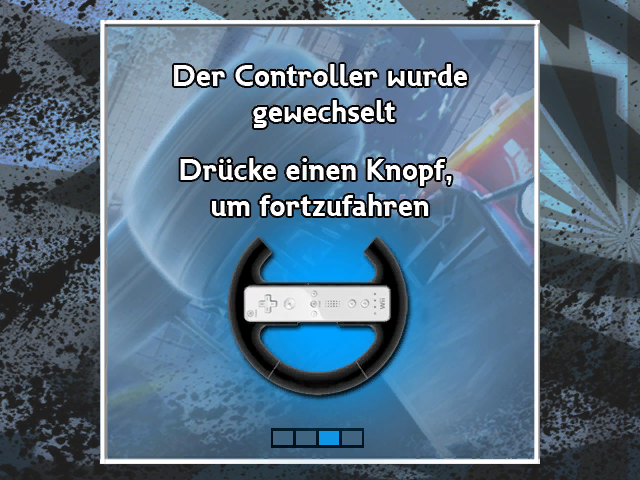
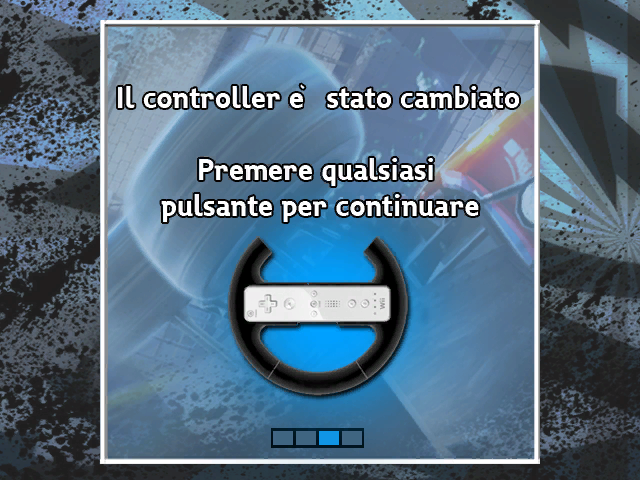
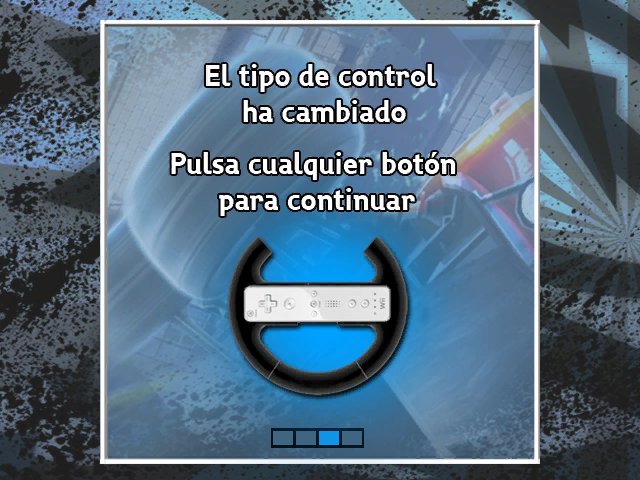
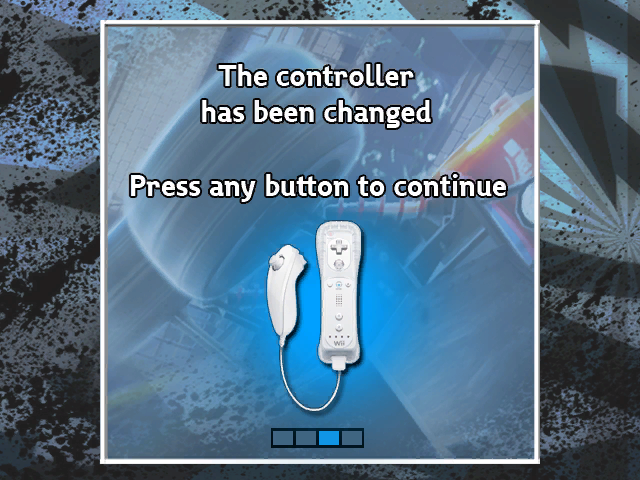
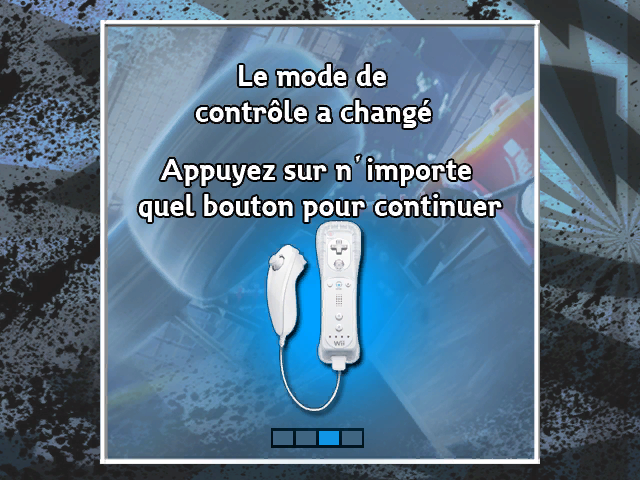
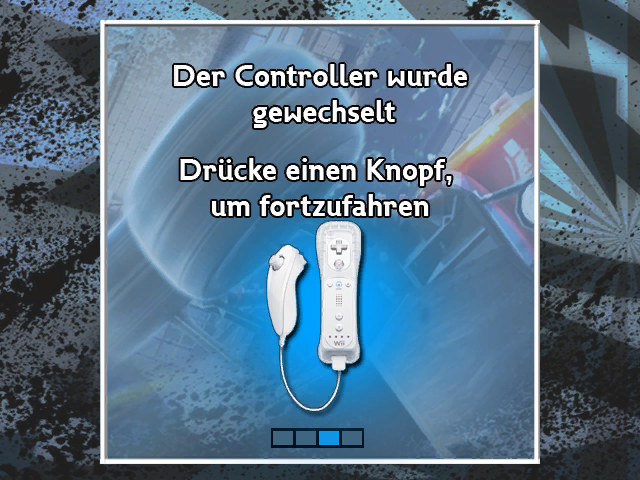
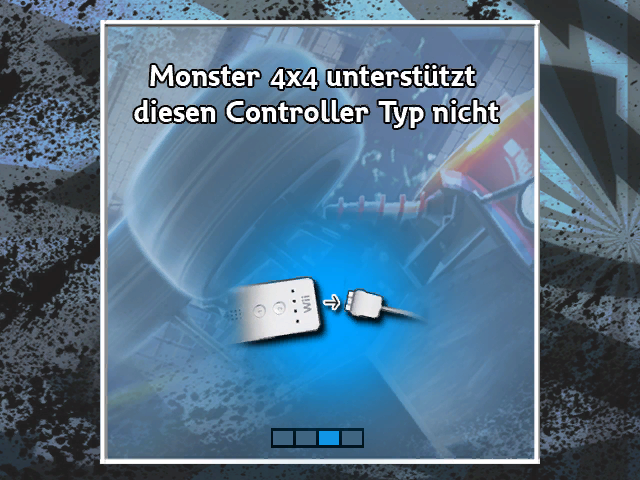
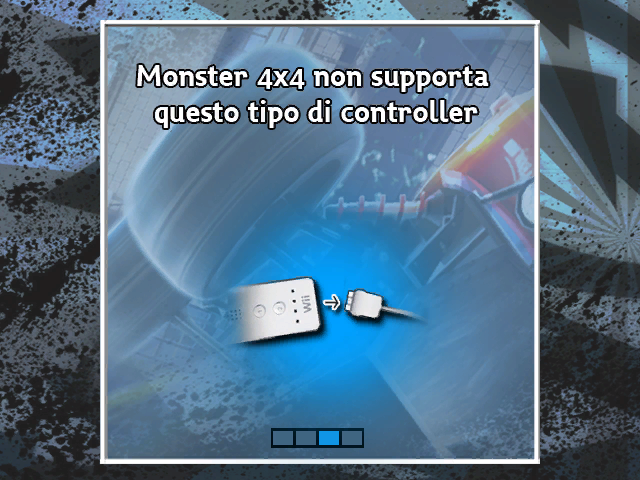
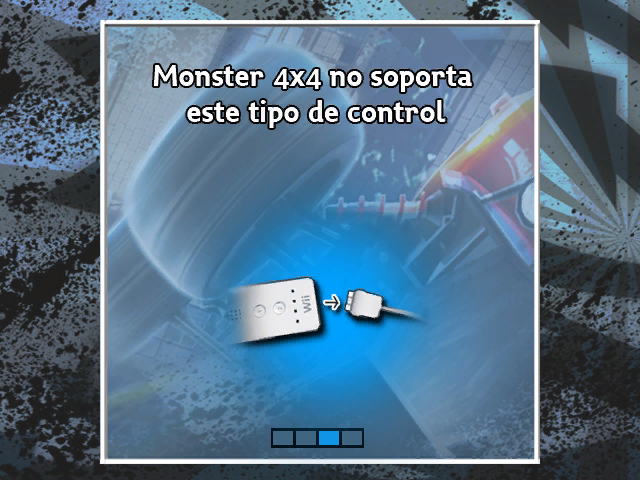
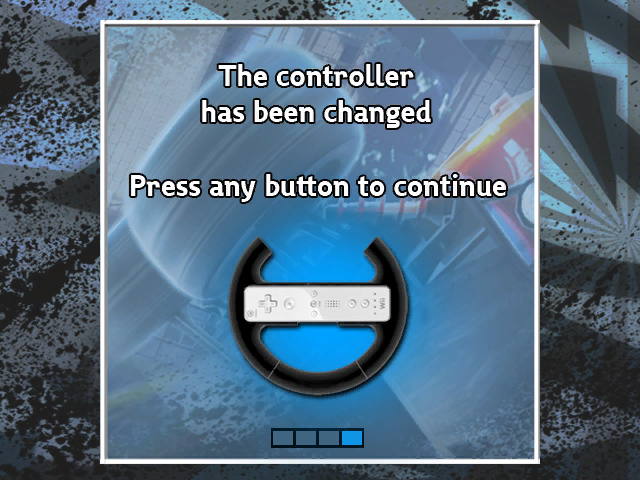
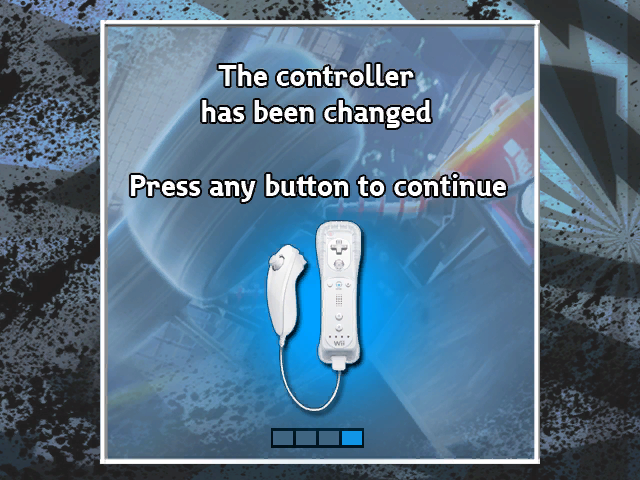
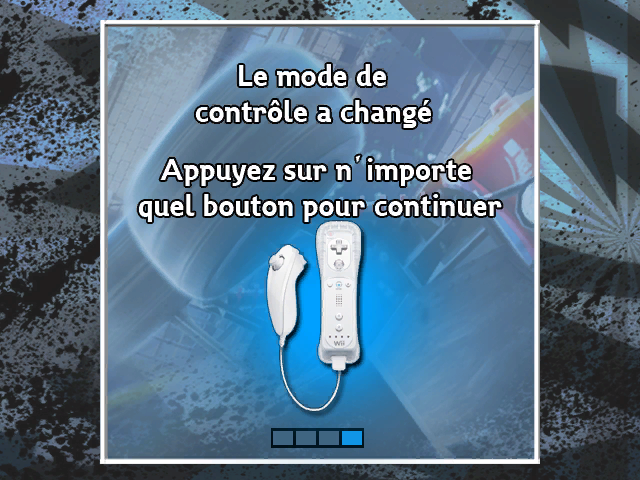
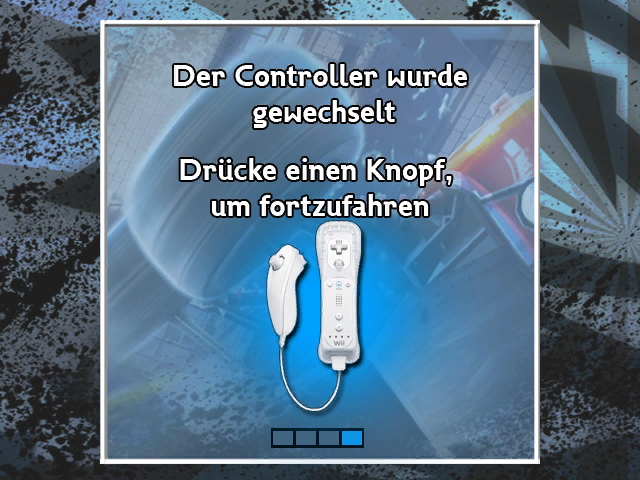
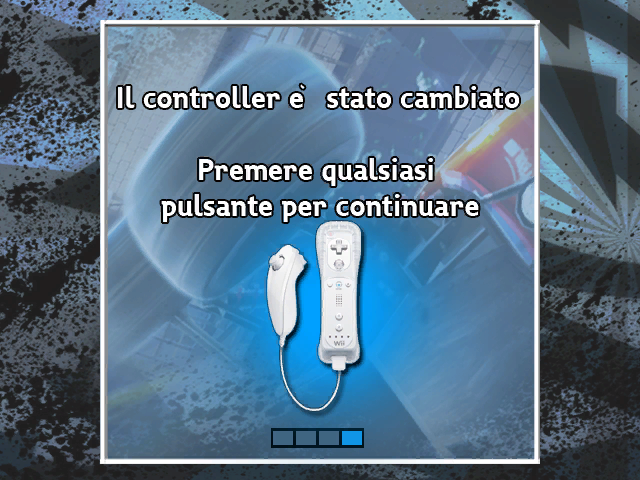
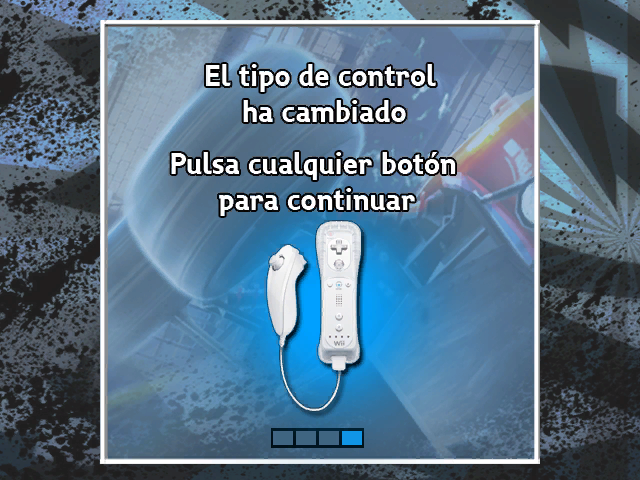
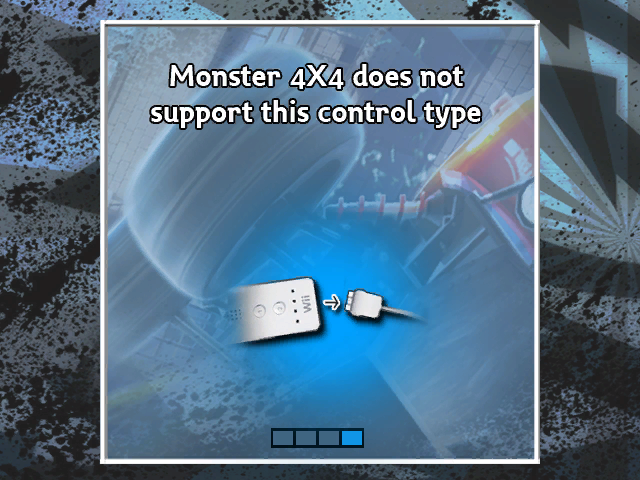
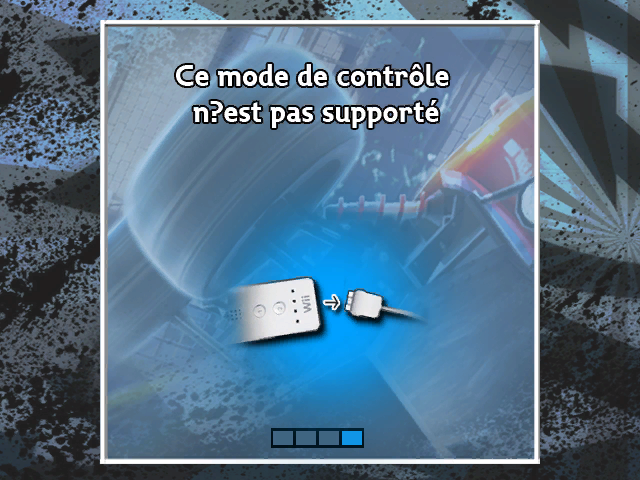
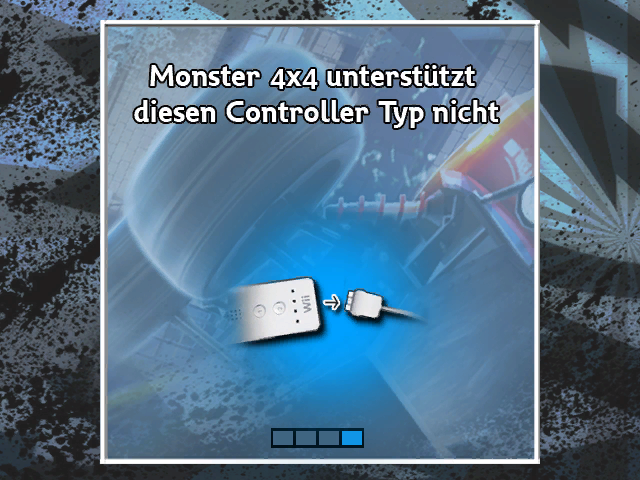
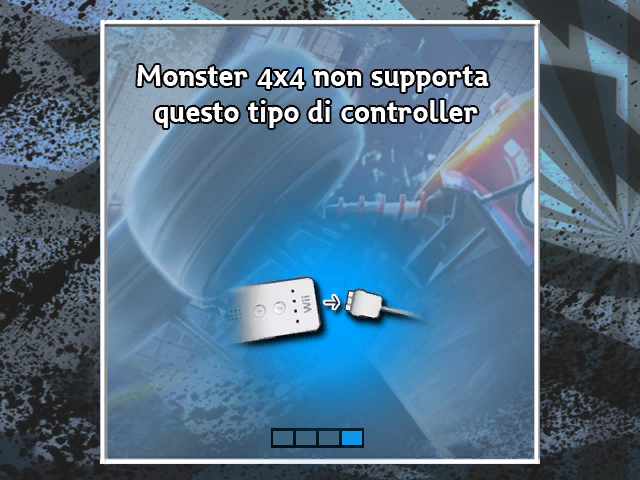
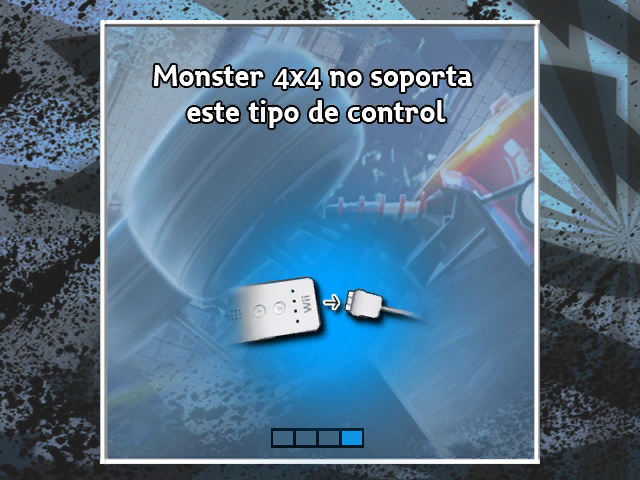
The logos folder and the controller sub-directory has some unused textures. Some mentioning Driver: Parallel Lines and some mentioning Monster 4x4: Stunt Racer.
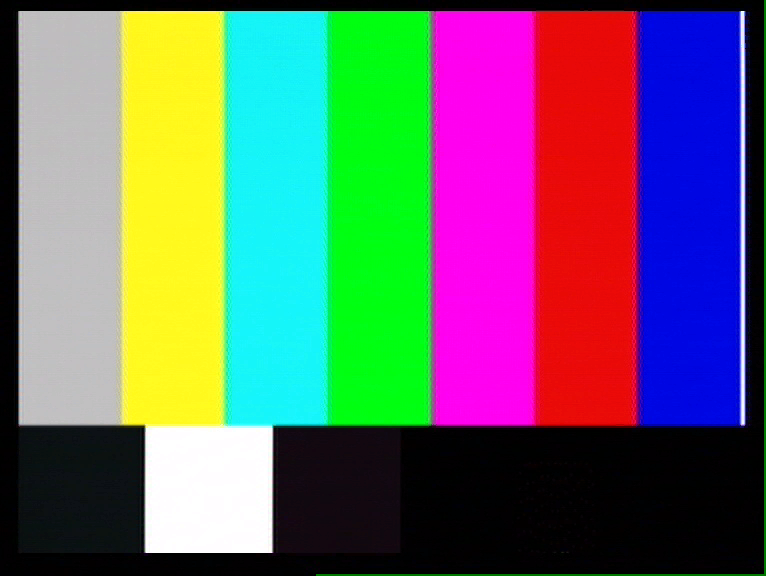
- The calibration.tpl texture is a composite capture card screenshot of a screen calibration card. Comes with dot crawl and everything.


;controller sub-directory
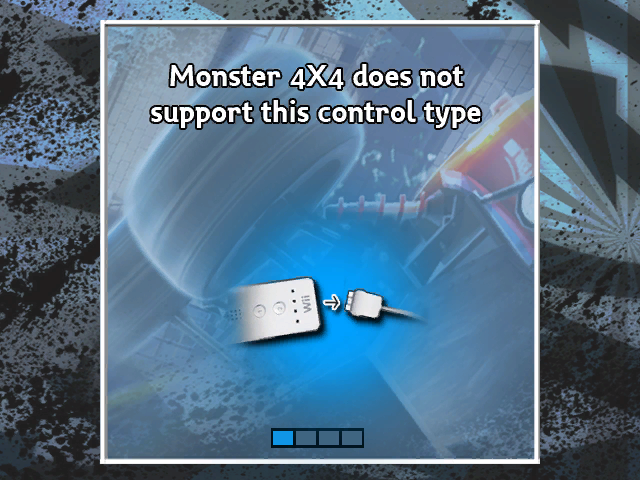
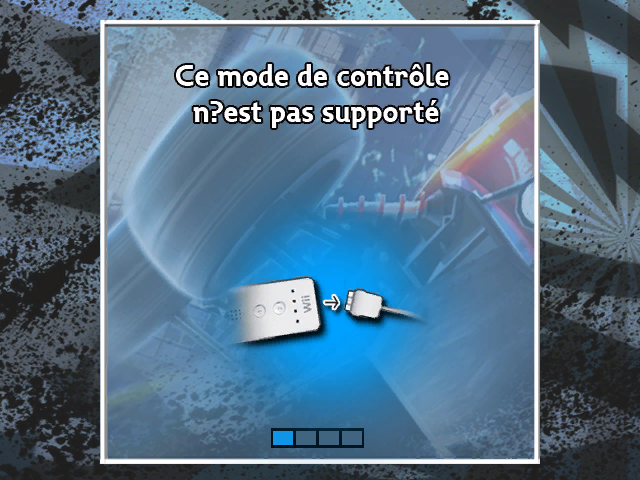
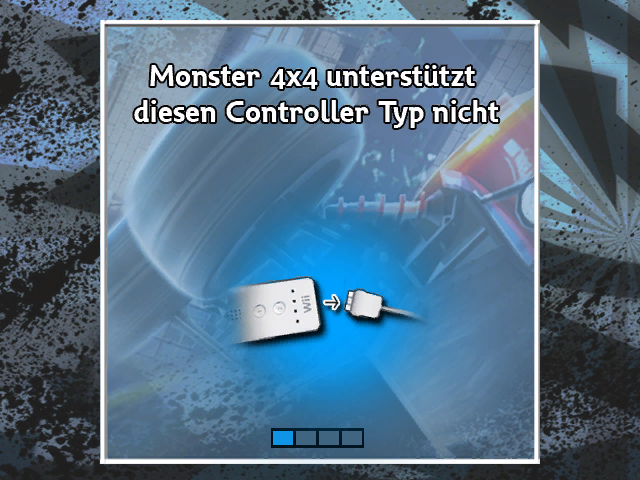
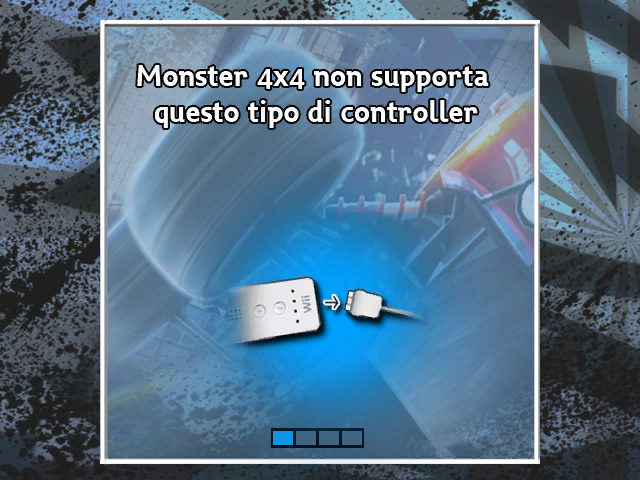
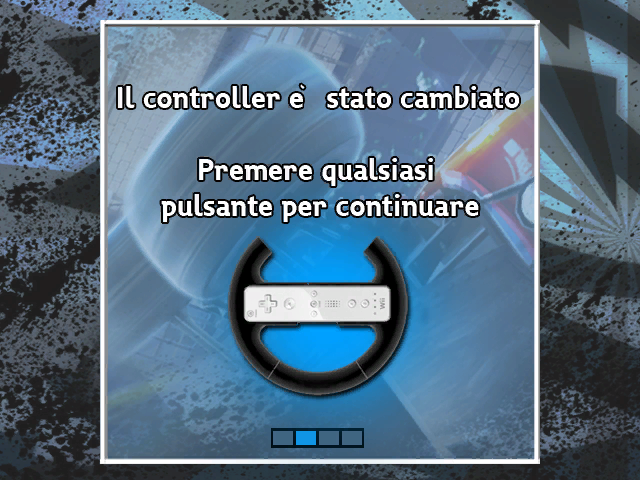
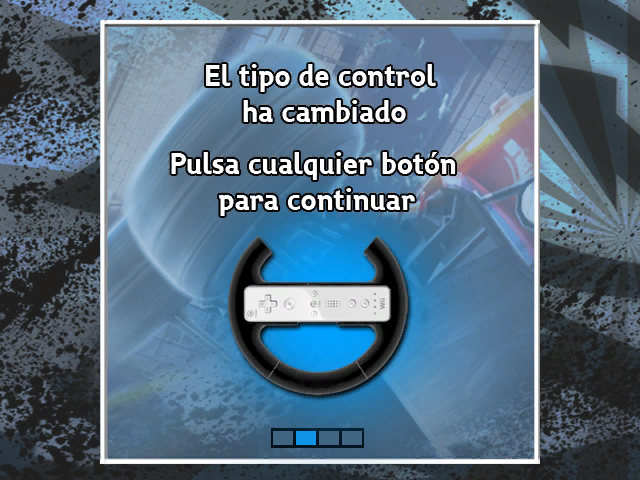
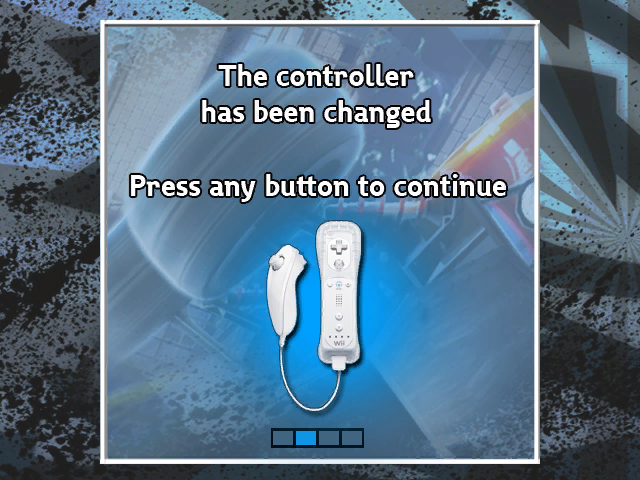
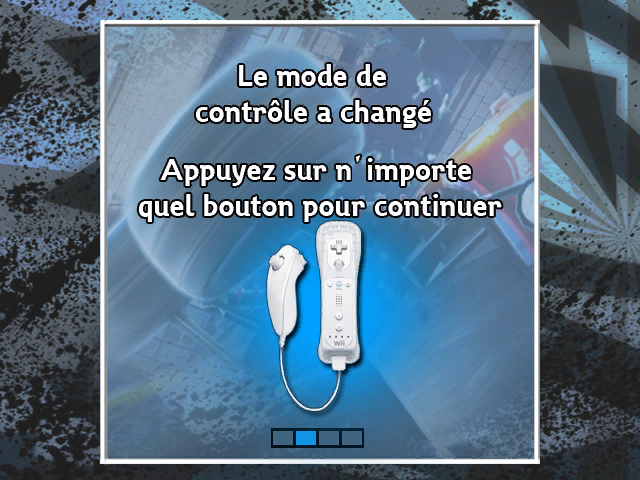
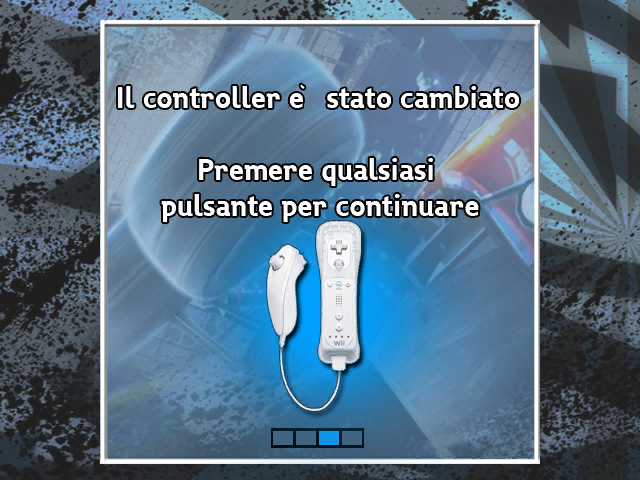
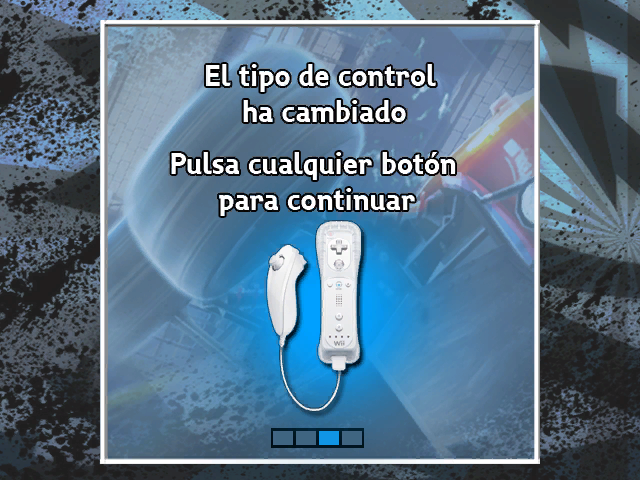
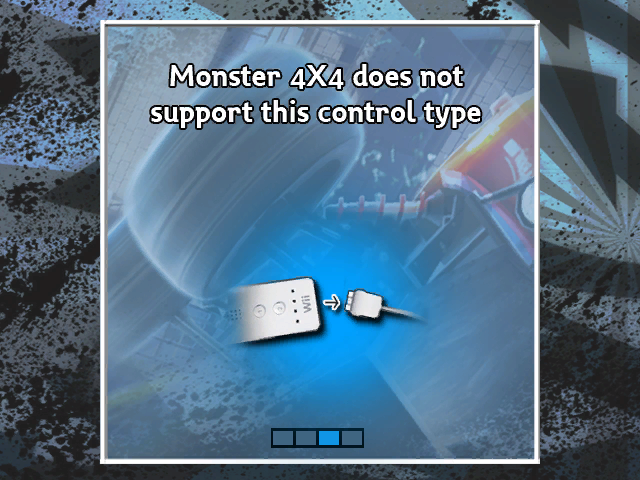
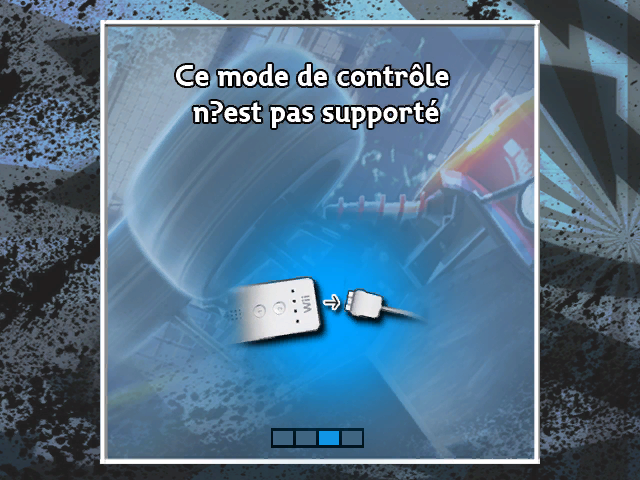
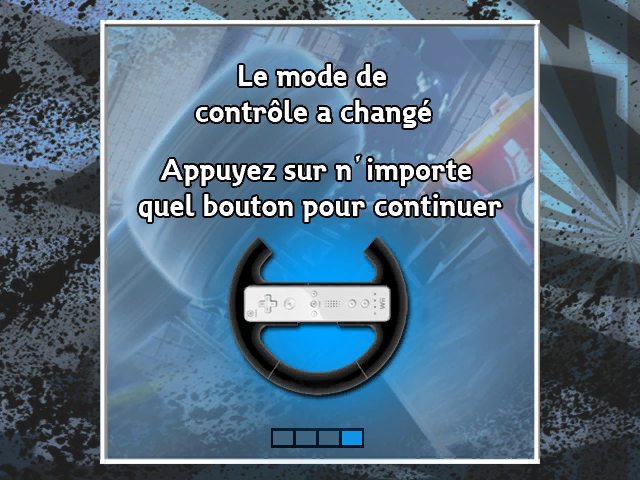
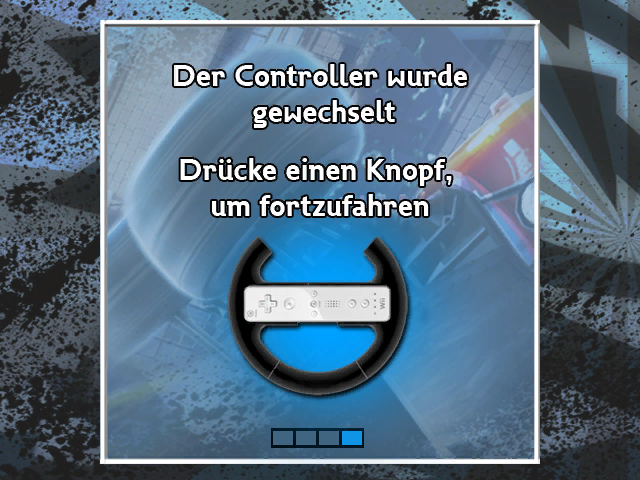
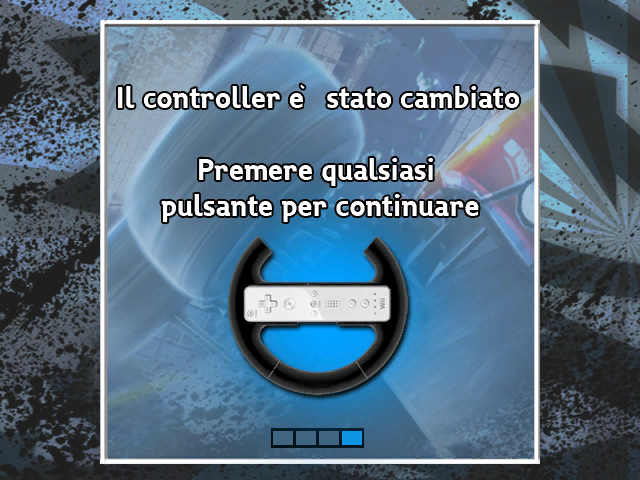
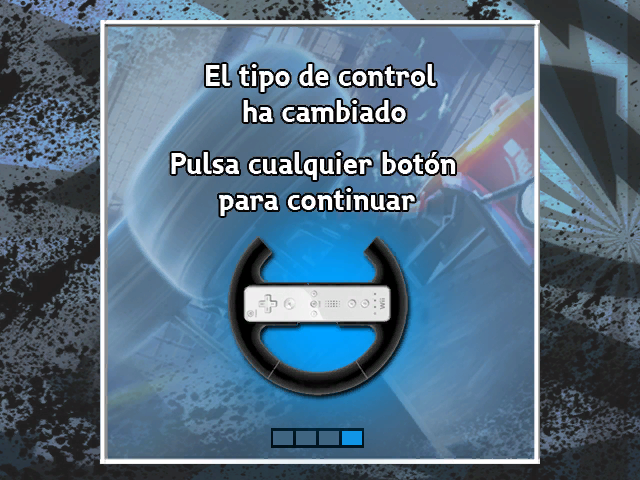
The Driver series
| |
|---|---|
| PlayStation | Driver (Prototypes) • Driver 2 |
| Windows | Driver (Demo) • Driv3r • Parallel Lines • San Francisco |
| Game Boy Color | Driver |
| Game Boy Advance | Driv3r (Prototypes) |
| PlayStation 2, Xbox | Driv3r • Parallel Lines (Prototype) |
| PlayStation 3, Xbox 360, Mac OS X | San Francisco (Prototypes) |
| Wii | Parallel Lines • San Francisco |