 This article has a talk page!
This is a sub-page of Proto:Superliminal.

|
This needs some investigation.
|
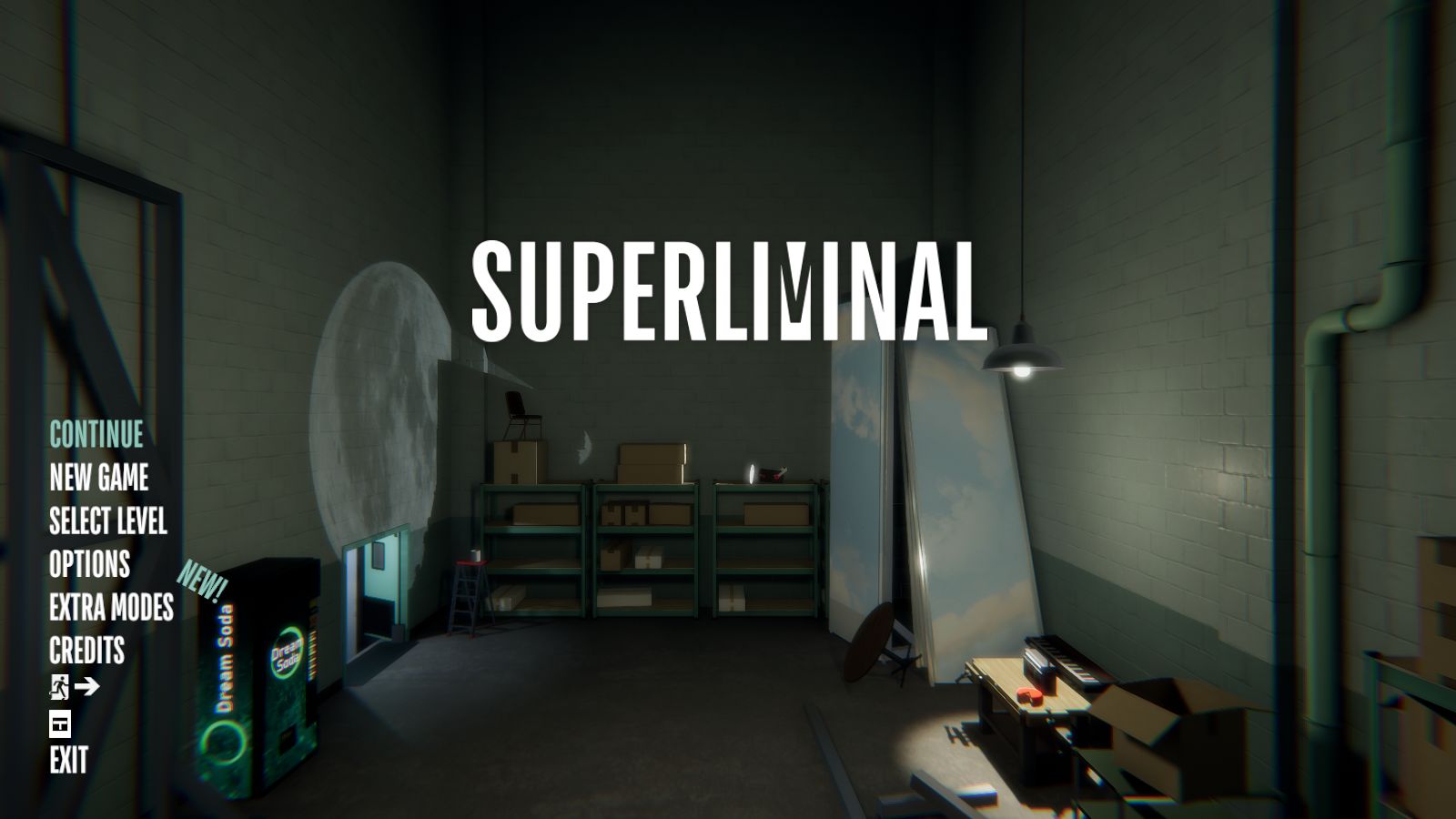
Added on November 4th, 2020 (10:07 UTC), this build more resembles the Initial Steam Release. Also, Somnasculpt Workshop is broken in this version for some reason.
File Differences#
Removed Files:
- playtimeData.txt
- SuperliminalSteam_Data/plugins/Steamworks.NET.txt
Main Menu Differences#
Version 1.10.2020.10.29.1225 |
Version 1.10.2020.11.3.1313-1.10.2020.11.4.1036 |
|---|---|
Main Menu |
|
 |
|
Extra Modes Menu |
|
 |
 |
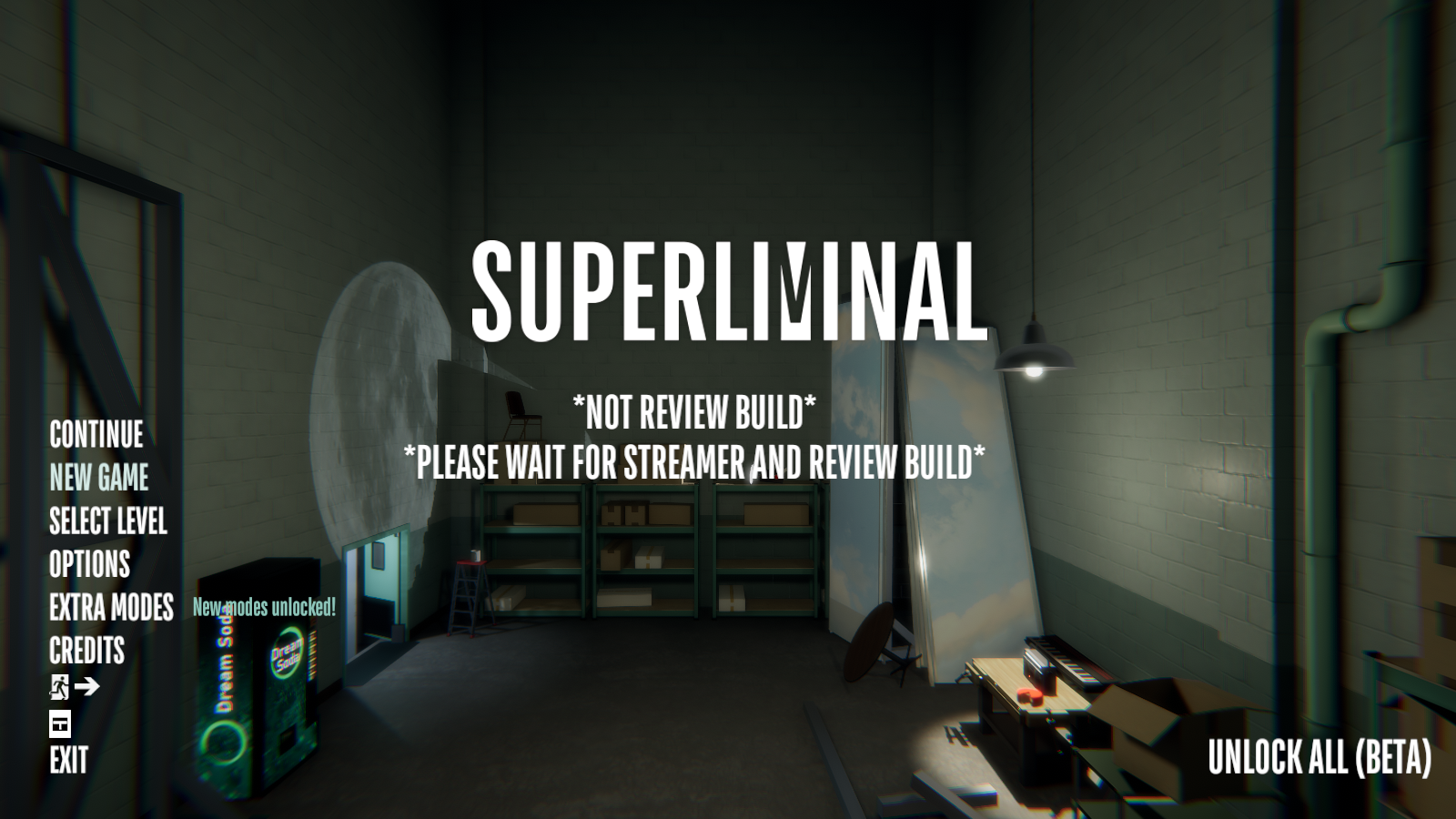
- Both the Main Menu & Extra Modes Menu both now resemble their Initial Steam Release layout.
- The old CHALLENGE MODE is now gone, and (NEW) CHALLENGE MODE takes it's place while using the older name.
Challenge Modes#
Challenge Mode#
|
Version 1.10.2020.10.29.1225 |
Version 1.10.2020.11.3.1313-1.10.2020.11.4.1036 |
|---|---|
|
|
Version 1.10.2020.10.29.1225 |
Version 1.10.2020.11.3.1313-1.10.2020.11.4.1036 |
|---|---|
 |
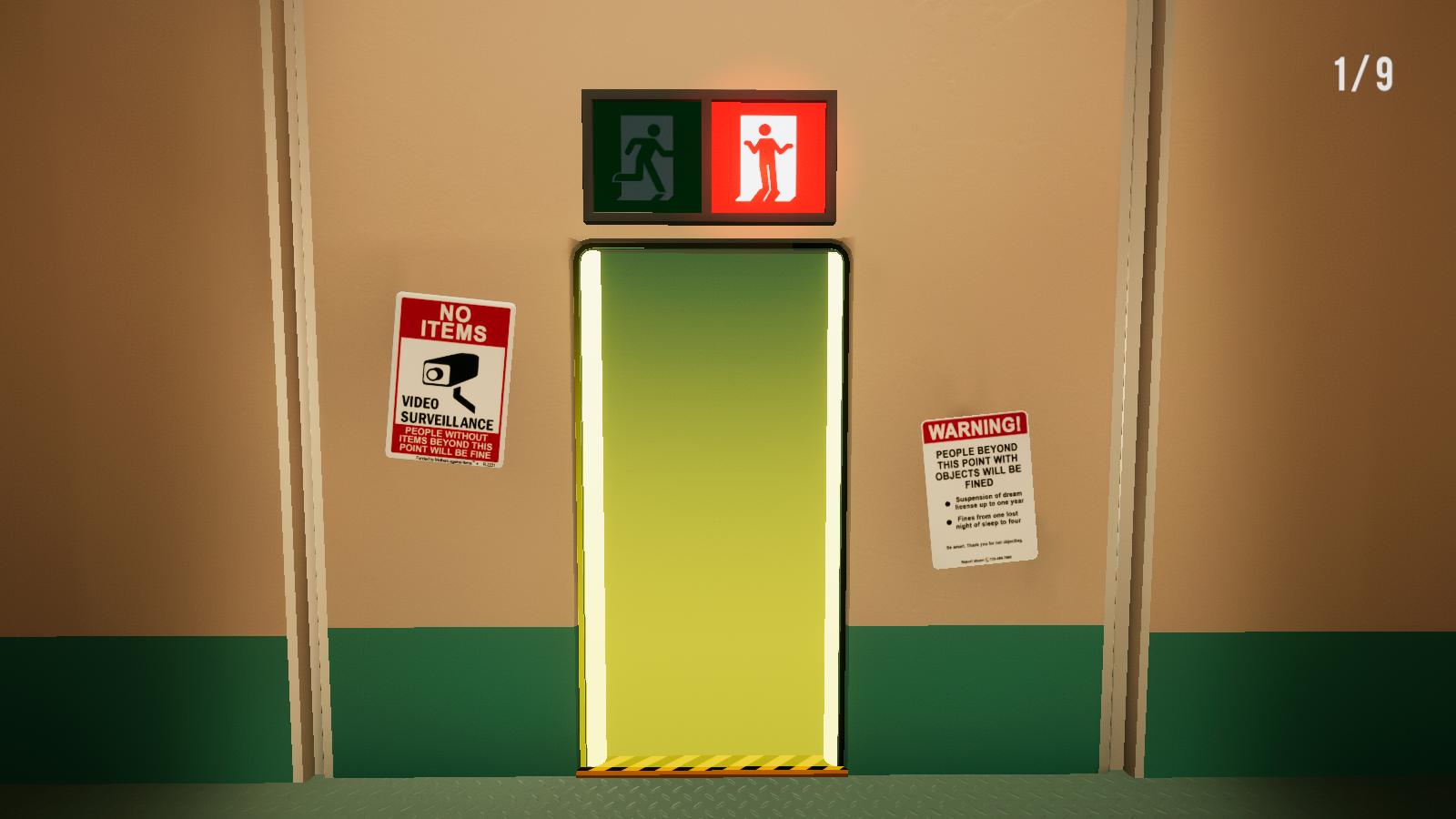 |
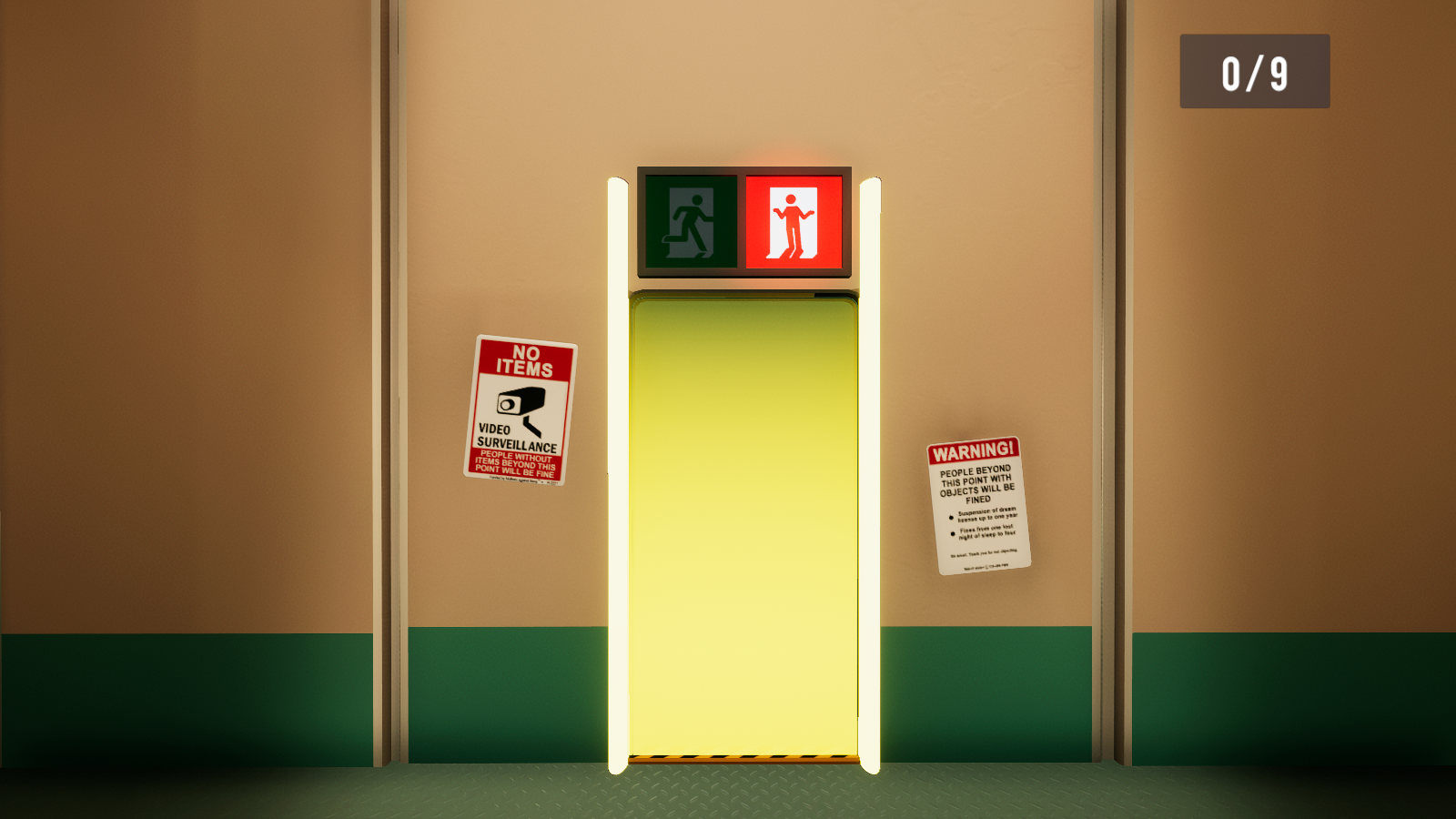
- Everything about the Challenge Mode now resembles it's Initial Steam Release.
Challenge Differences#
|
|
This needs some investigation. |
Somnasculpt Workshop (Beta)#
|
|
This needs some investigation. |
Originally, in this version Somnasculpt Workshop doesn't load and just crashes the game. Below are instructions to fix it if you own the game on Steam.
How to fix this area#
Note: Only works if you own the game on Steam.
- Open the Steam console with the command "steam://open/console" - you can type this command in a web browser, in file explorer, or in the run box (opened by pressing windows + r).
- Download version 1.10.2020.11.4.465 using this command:
download_depot 1049410 1049411 2101740051927655154 - Once it finishes downloading, right click any game in your Steam library, hover over "Manage" and click "Browse local files".
- Navigate to the folder you downloaded by clicking on "steamapps" in the filepath, then going to "content", then "app_1049410", then "depot_1049411".
- Copy level24 from the SuperliminalSteam_Data folder into 1.10.2020.11.3.1313's SuperliminalSteam_Data folder.
This won't break anything (as far as I know) since in the next version for this mode only this file has been changed (-40 bytes). - Launch the game and go to the Somnasculpt Workshop mode.
And then it should be working like normal.
WorkshopRoom#

|
To do:
|