 This article has a talk page!
This is a sub-page of Proto:Superliminal.

|
This needs some investigation.
|
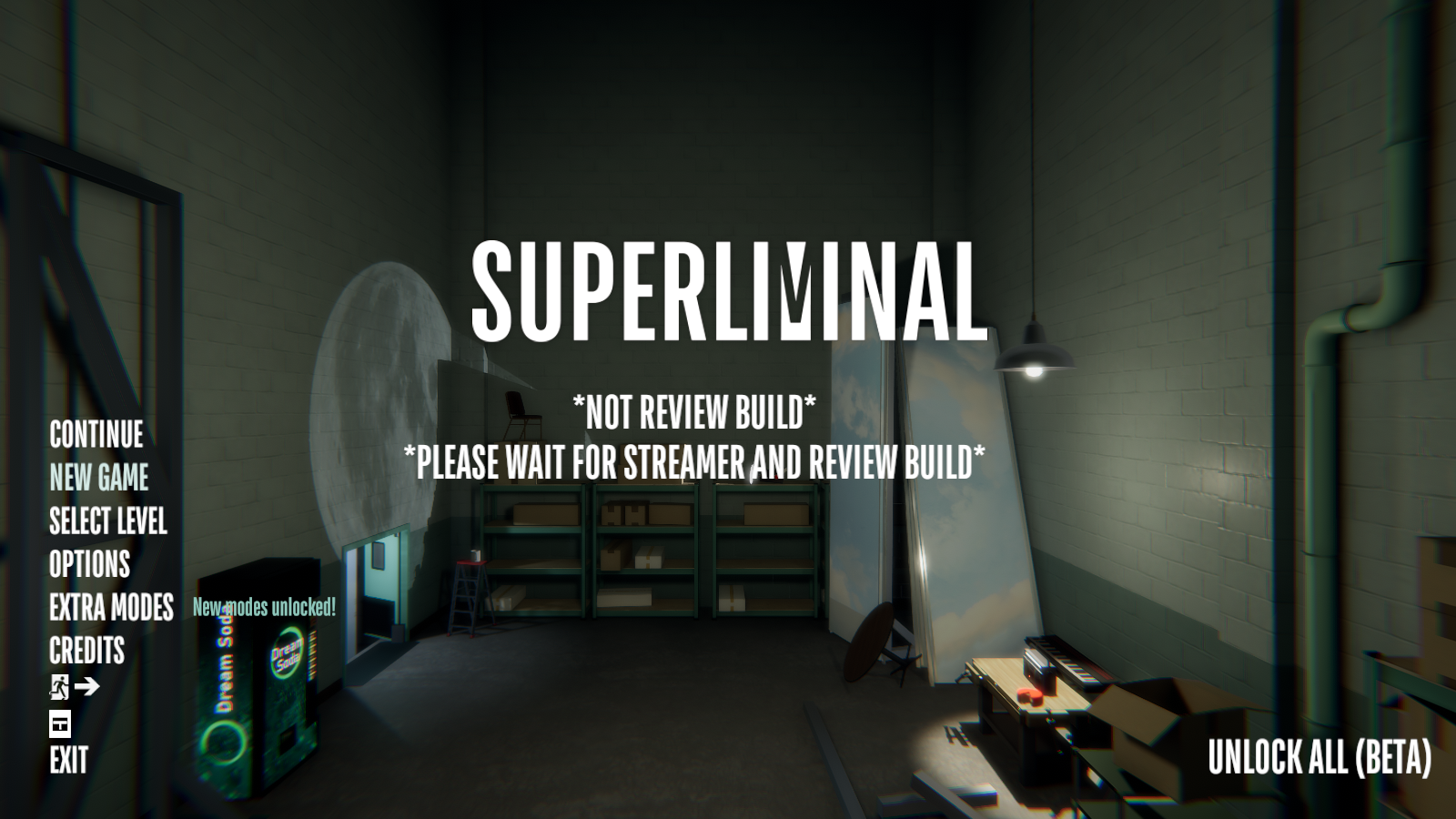
Added on October 30th, 2020 (04:40 UTC), this build of Superliminal contains early Somnasculpt Workshop and Challenge Mode material.
File Differences#
Added Files:
- Galaxy64.dll
- GalaxyCSharpGlue.dll
- SuperliminalSteam_Data/Managed/Antlr4.Runtime.Standard.dll
- SuperliminalSteam_Data/Managed/GalaxyCSharp.dll
- SuperliminalSteam_Data/Managed/glTFLoader2.dll
- SuperliminalSteam_Data/Managed/ICSharpCode.SharpZipLib.dll
- SuperliminalSteam_Data/Managed/IxMilia.ThreeMf.dll
- SuperliminalSteam_Data/Managed/LibTessDotNet.dll
- SuperliminalSteam_Data/Managed/Newtonsoft.Json.dll
- SuperliminalSteam_Data/Managed/StbImageSharp.dll
- SuperliminalSteam_Data/Managed/TriLibCore.dll
- SuperliminalSteam_Data/Managed/TriLibCore.Fbx.dll
- SuperliminalSteam_Data/Managed/TriLibCore.Gltf.dll
- SuperliminalSteam_Data/Managed/TriLibCore.Gltf.Draco.dll
- SuperliminalSteam_Data/Managed/TriLibCore.HDRLoader.dll
- SuperliminalSteam_Data/Managed/TriLibCore.Obj.dll
- SuperliminalSteam_Data/Managed/TriLibCore.Ply.dll
- SuperliminalSteam_Data/Managed/TriLibCore.Stl.dll
- SuperliminalSteam_Data/Managed/TriLibCore.ThreeMf.dll
- SuperliminalSteam_Data/Plugins/Galaxy64.dll
- SuperliminalSteam_Data/Plugins/GalaxyCSharpGlue.dll
- SuperliminalSteam_Data/Plugins/StandaloneFileBrowser_x86renamed.dll
- SuperliminalSteam_Data/Plugins/StandaloneFileBrowser.dll
Removed Files:
- SuperliminalSteam_Data/Managed/Pcx.dll (Contained data for PointCloudData & PointCloudRenderer)
playtimeData.txt#
In the root folder of the game, there is a text file called playtimeData.txt that tracks playtime and does have initial starting data that is different from the version before. This is the last time playtimeData.txt has been used.
Version 1.10.2020.10.28.32 |
Version 1.10.2020.10.29.1225 |
|---|---|
Previous Level Play Time: [00:00:03.5542329] |
Previous Level Play Time: [00:00:03.3426614] |
Main Menu Differences#
Version 1.10.2020.10.28.32 |
Version 1.10.2020.10.29.1225 |
Version 1.10.2020.11.4.1036 |
|---|---|---|
 |
|
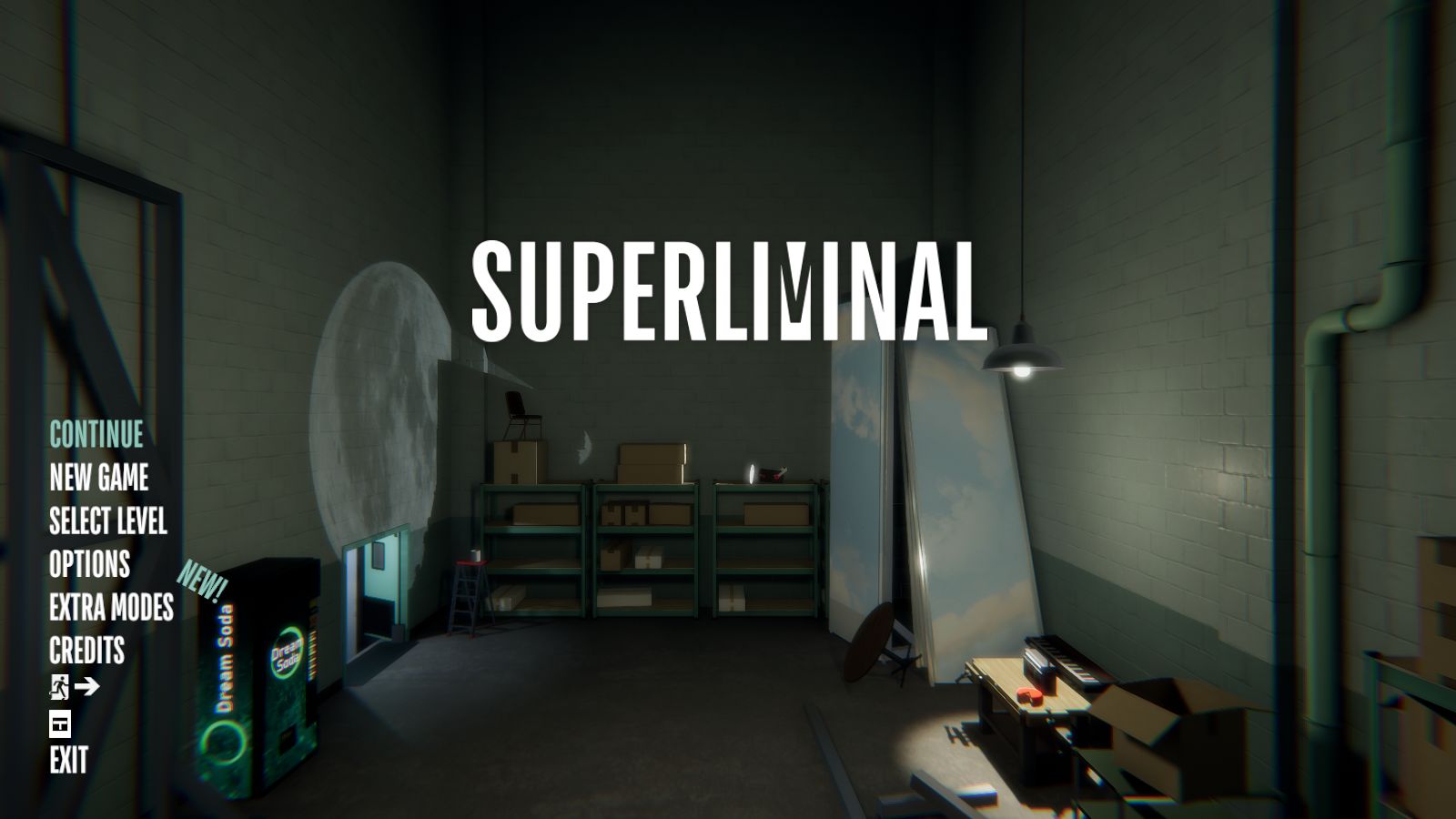 |
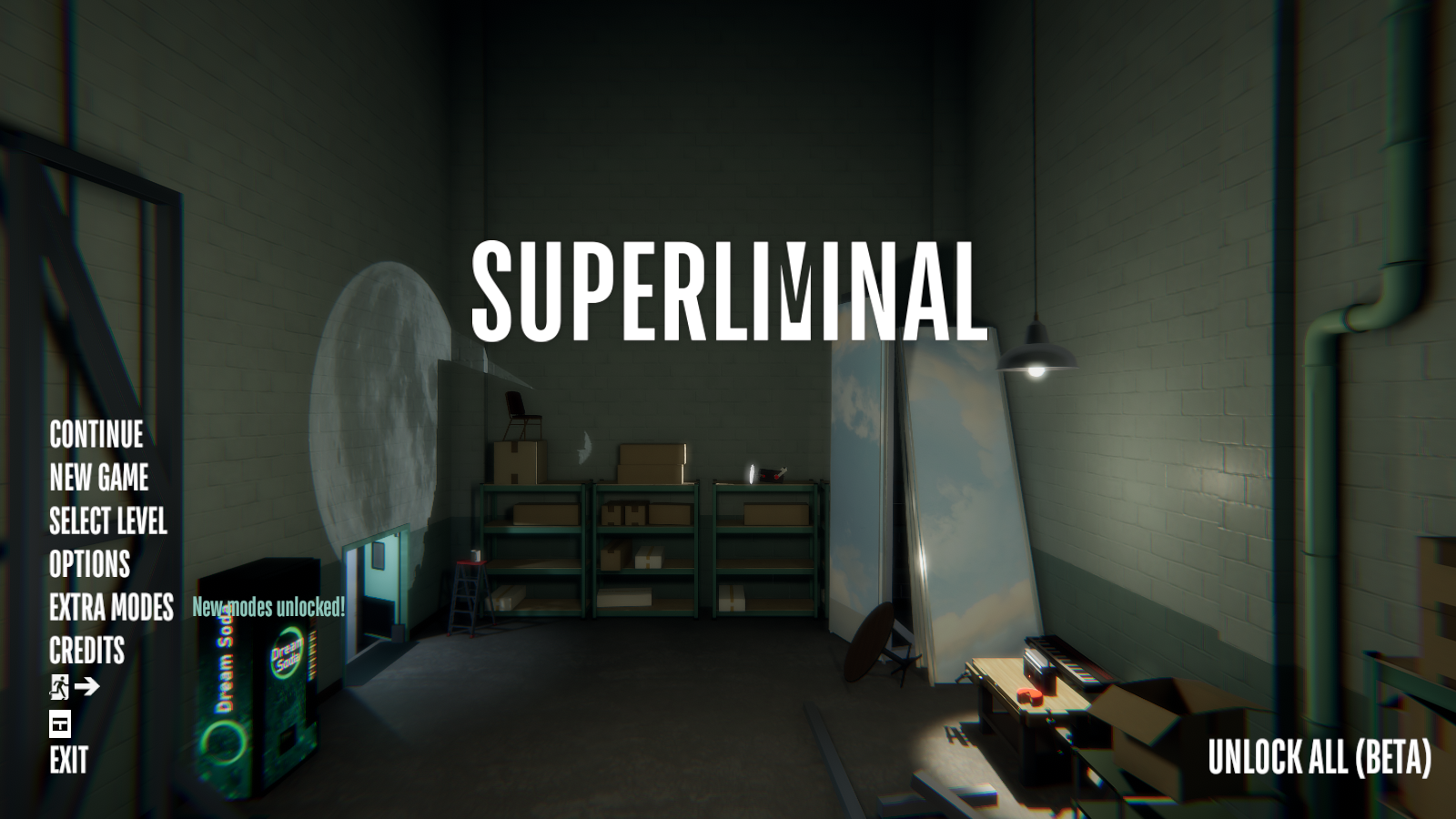
- *NOT REVIEW BUILD* *PLEASE WAIT FOR STREAMER AND REVIEW BUILD* has been added to the title screen.
Extra Modes Menu#
Version 1.10.2020.10.28.32 |
Version 1.10.2020.10.29.1225 |
Version 1.10.2020.11.4.1036 |
|---|---|---|
 |
 |
 |
- COMMENTARY MODE is now called DEVELOPER COMMENTARY.
- WORKSHOP MODE is now called EXPERIMENTAL WORKSHOP.
Challenge Modes#
(NEW) Challenge Mode#
|
Version 1.10.2020.10.29.1225 |
Version 1.10.2020.11.4.1036 |
|---|---|
|
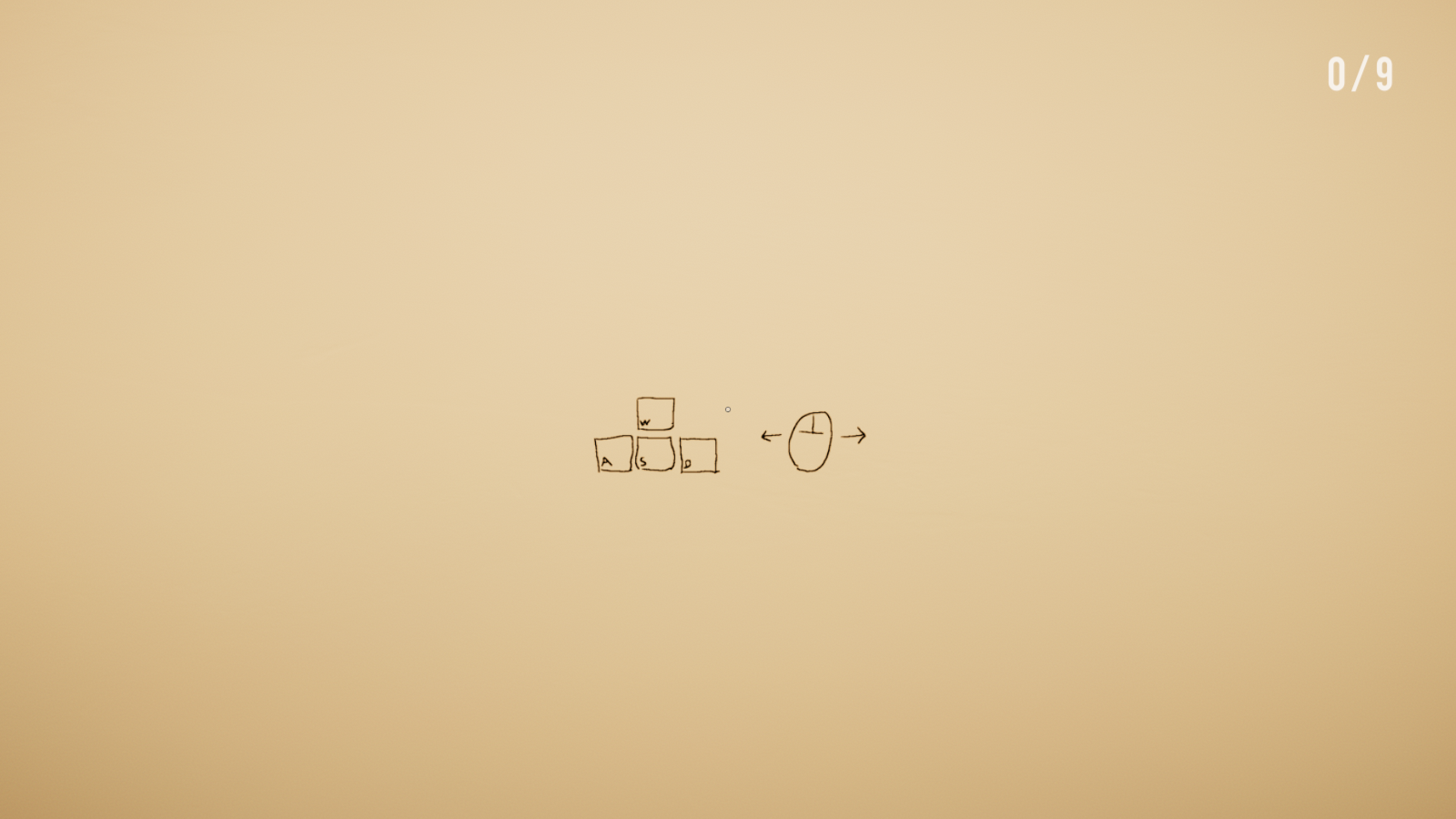
|
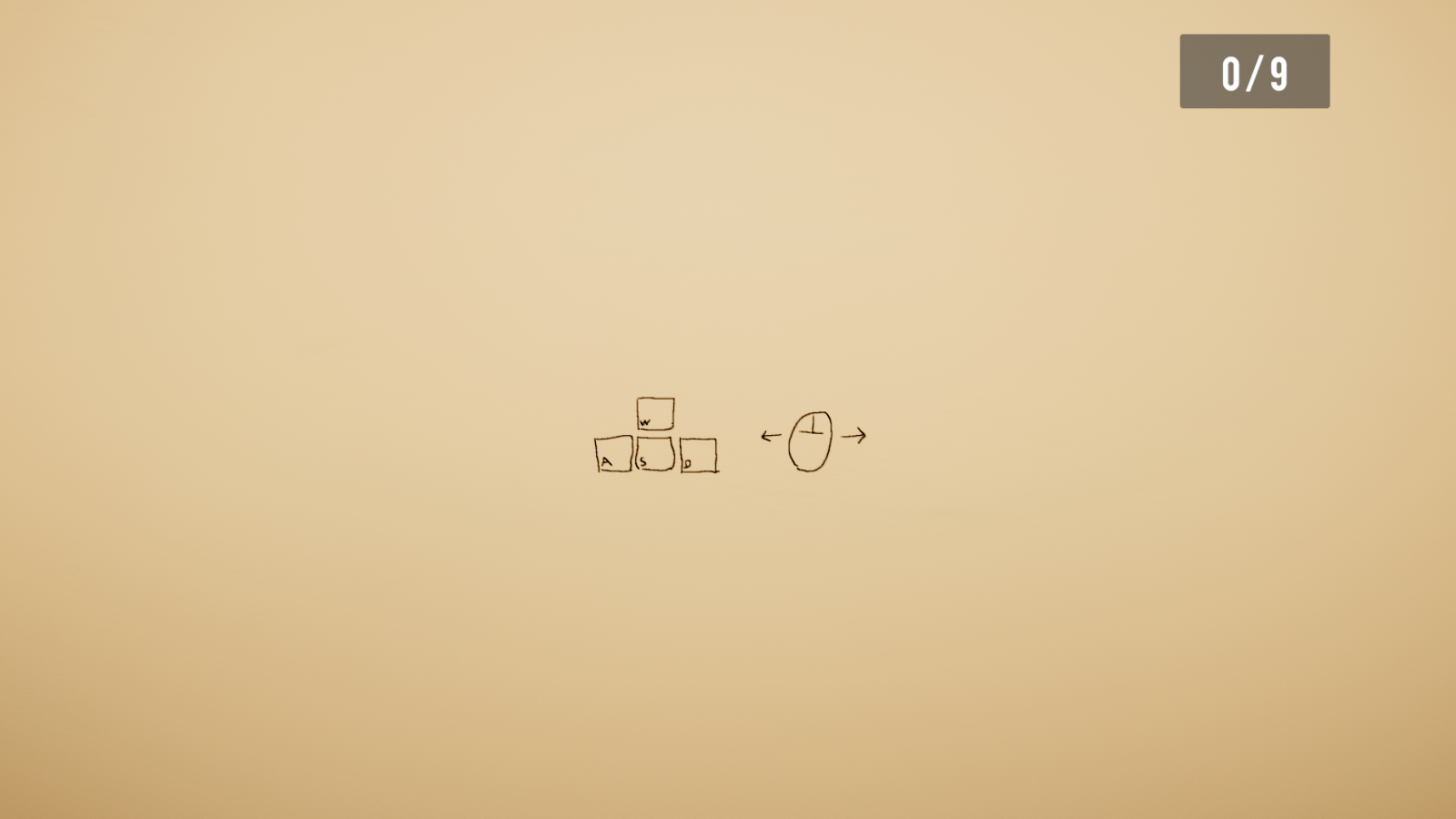
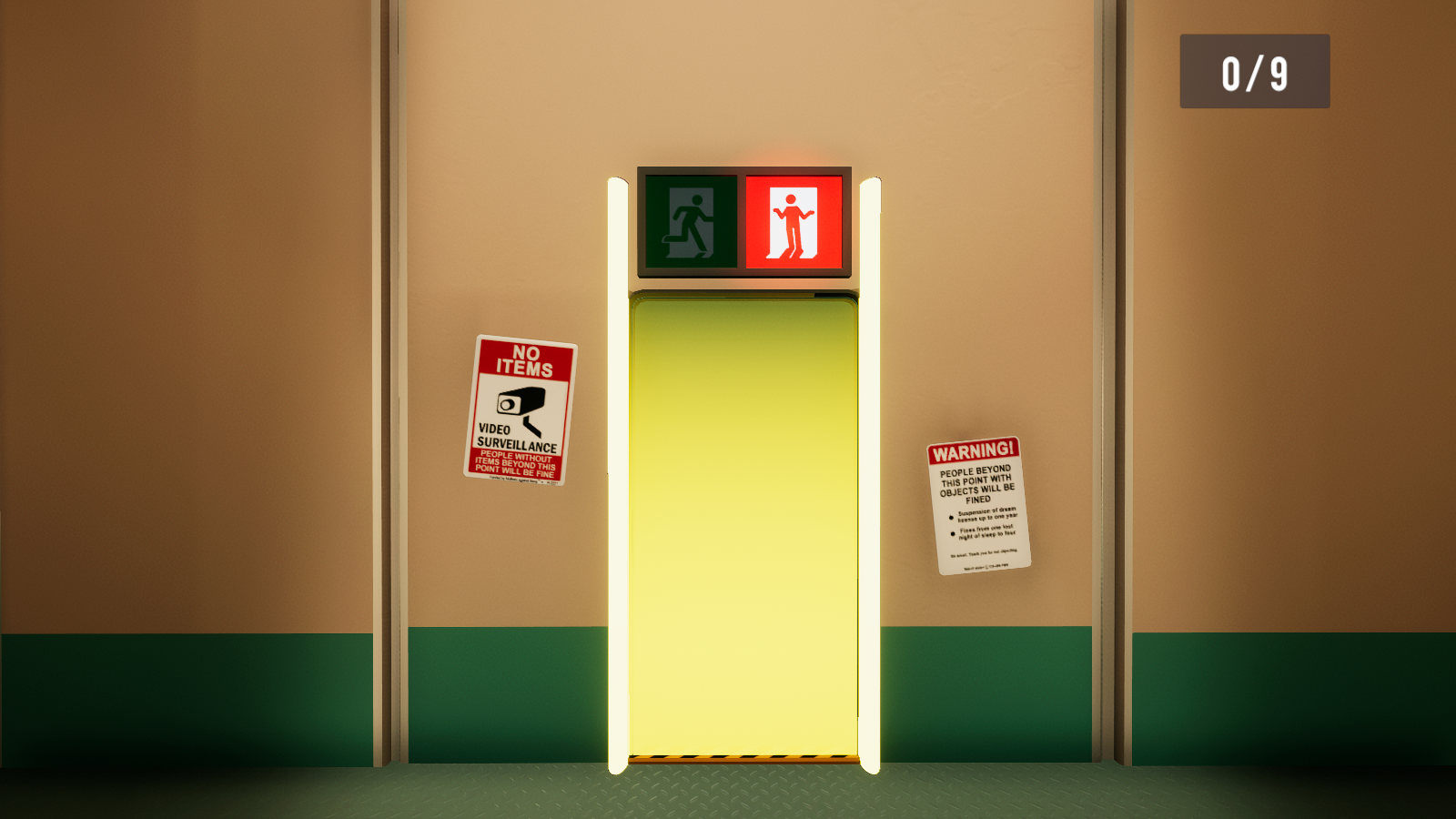
- The Challenge counter UI was added, and it has a gray semi-transparent box around it. Oddly, this UI element does not disappear if the level has been exited.
Version 1.10.2020.10.28.32 |
Version 1.10.2020.10.29.1225 |
Version 1.10.2020.11.4.1036 |
|---|---|---|
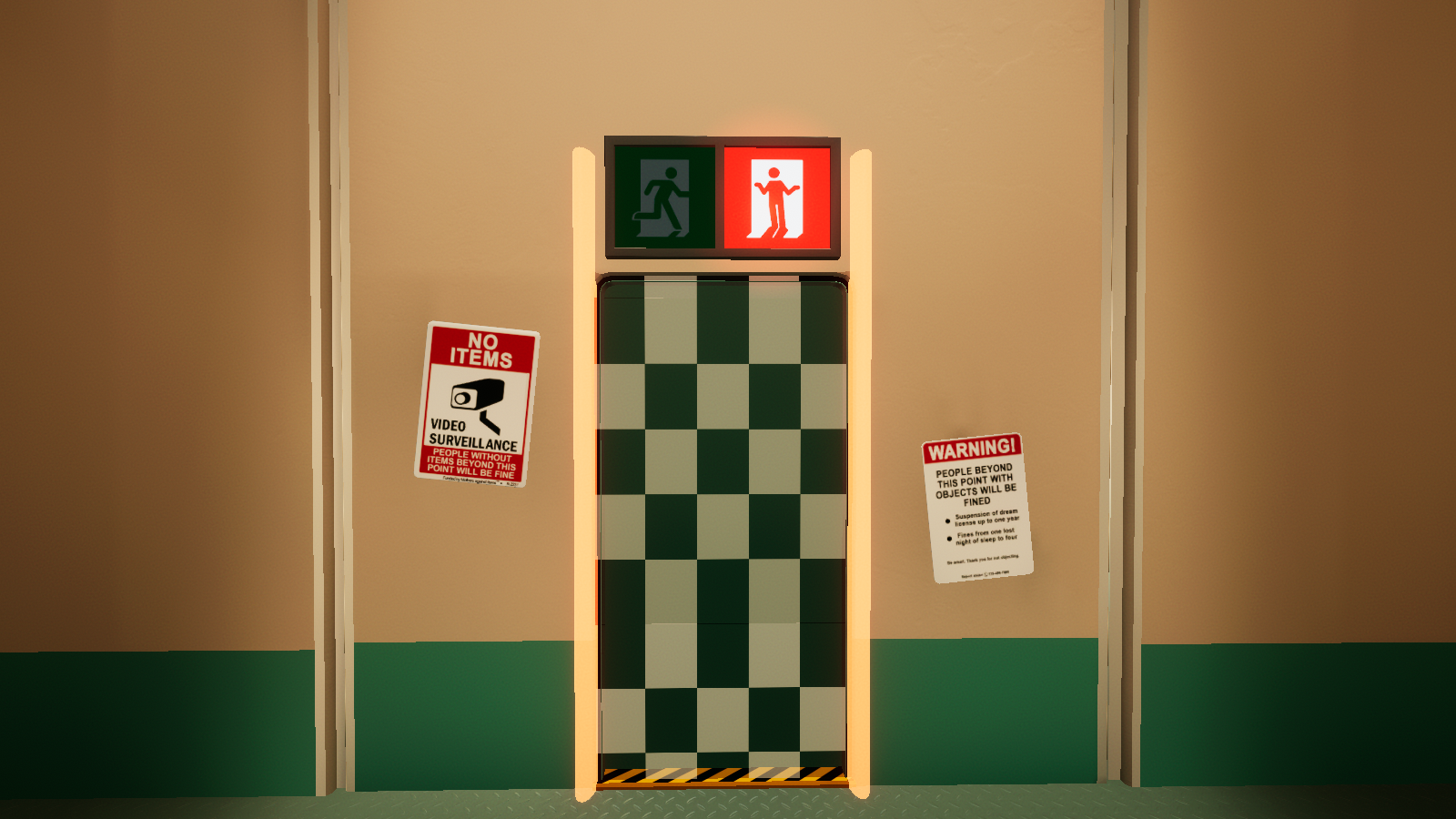 |
 |
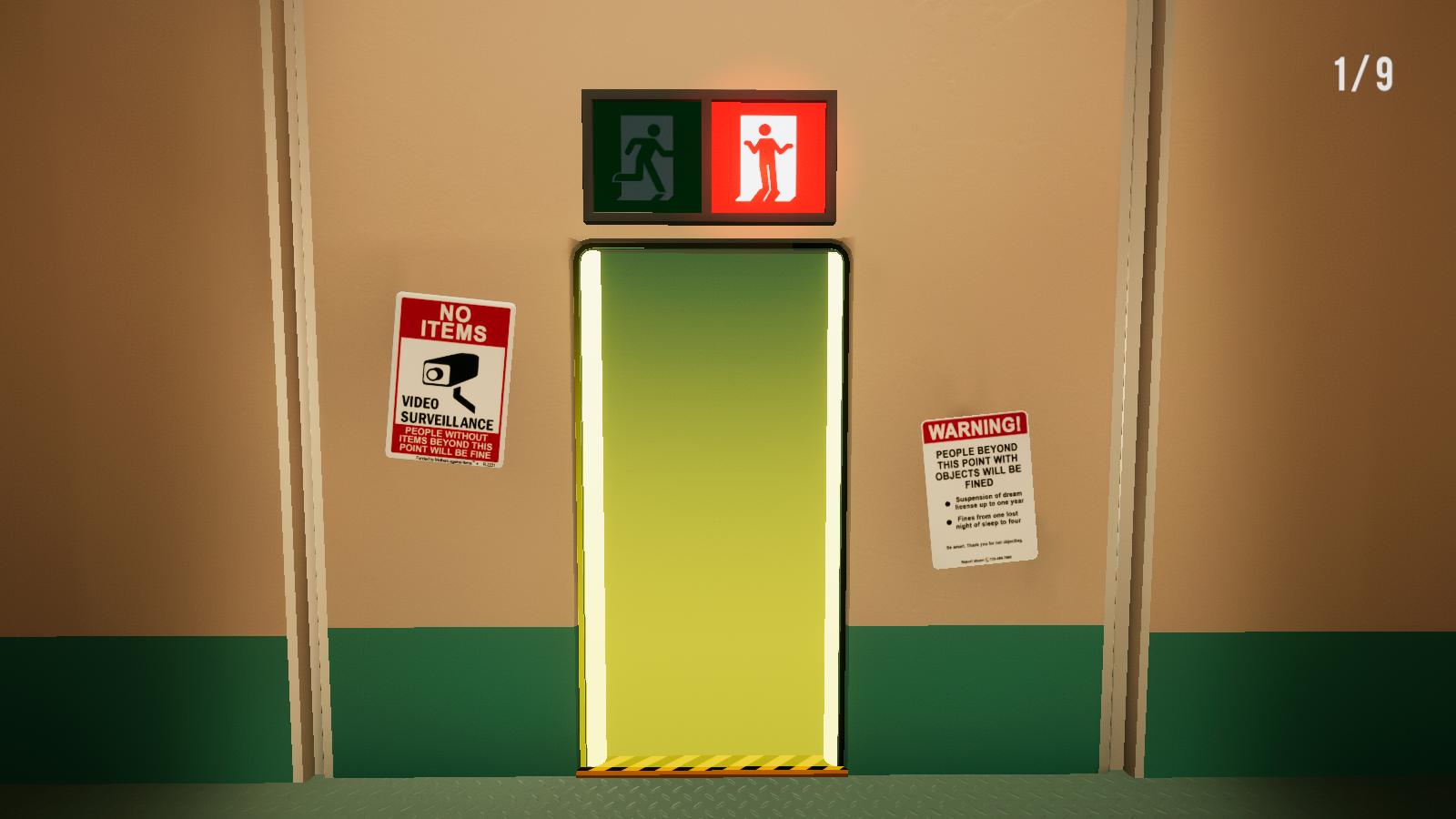 |
- The finish door now more resembles the Initial Steam Release but there's lines are still projecting outside of the door.
Challenge Differences#
|
|
This needs some investigation. |
Experimental Workshop#
WorkshopRoom#
Version 1.10.2020.10.28.32 |
Version 1.10.2020.10.29.1225 |
Version 1.10.2020.11.4.1036 |
|---|---|---|
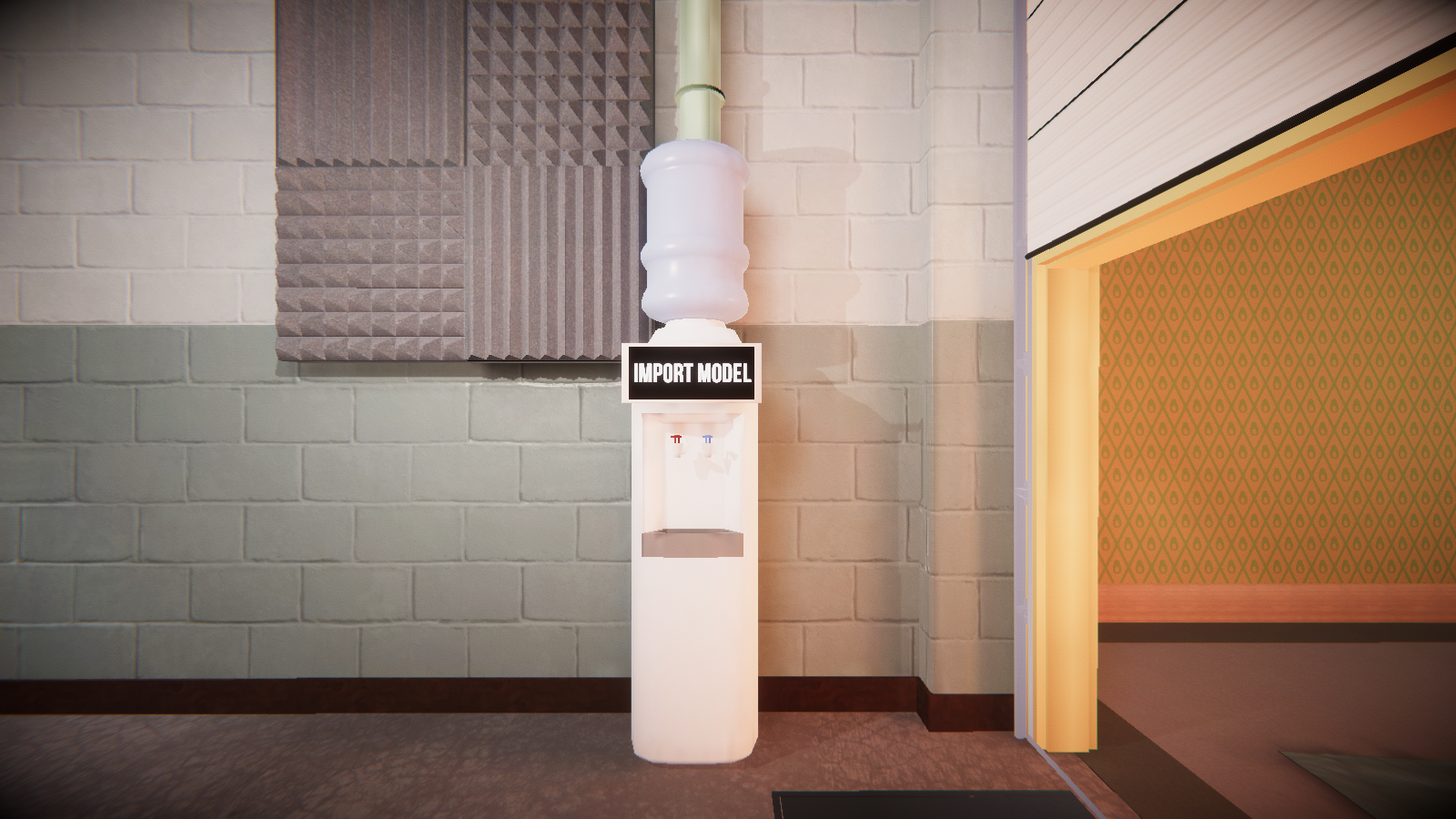 |
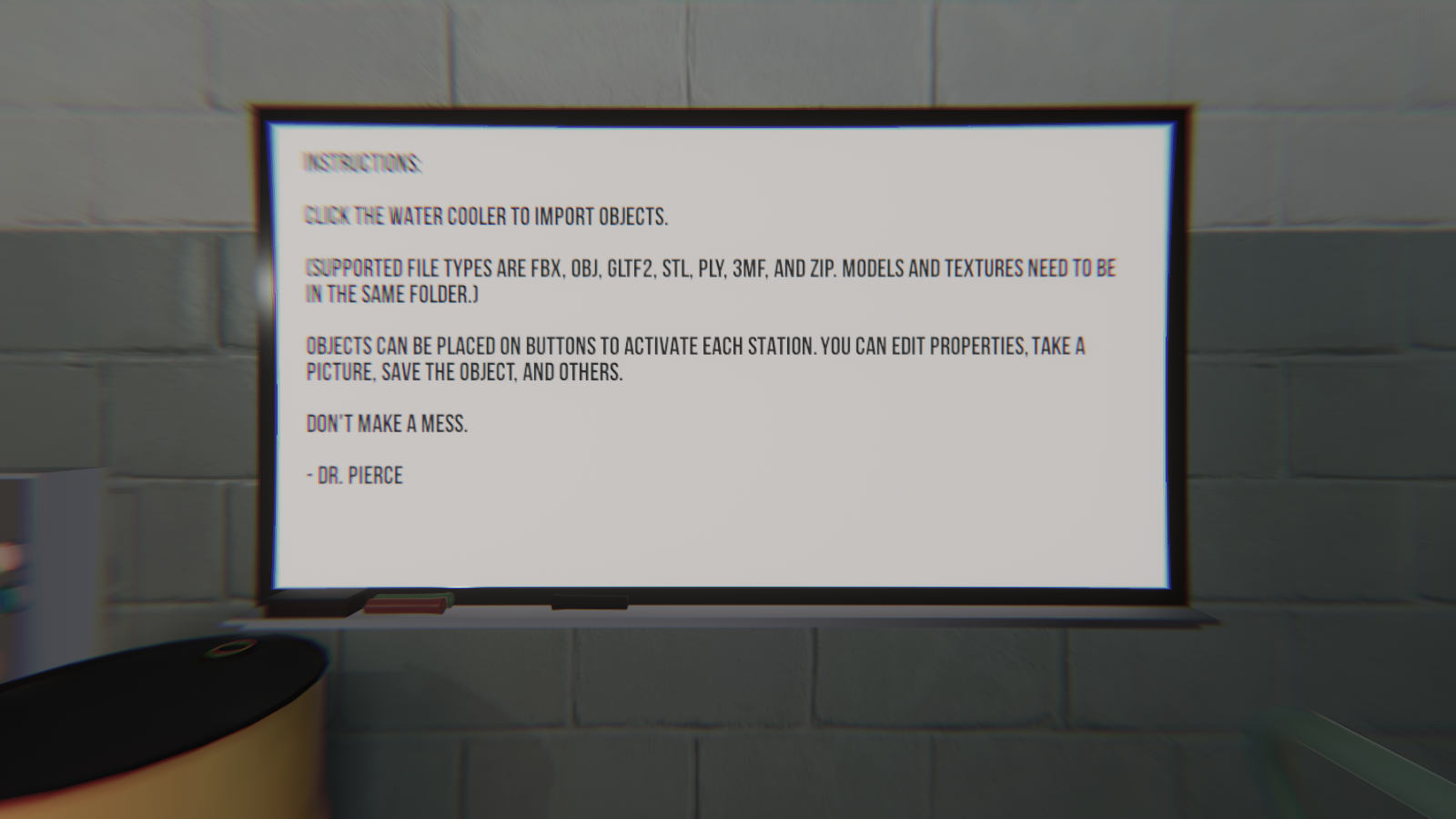 |
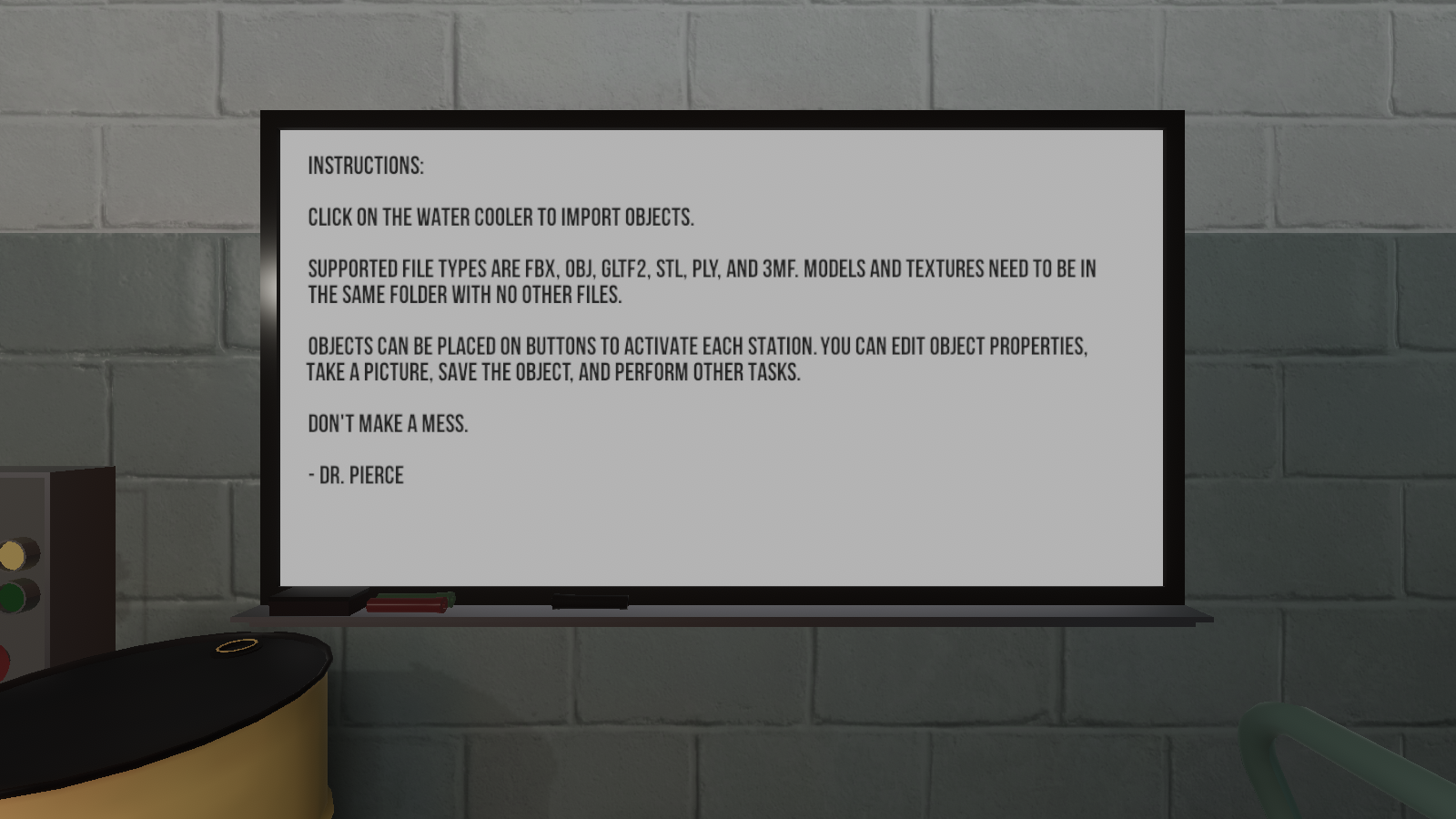 |
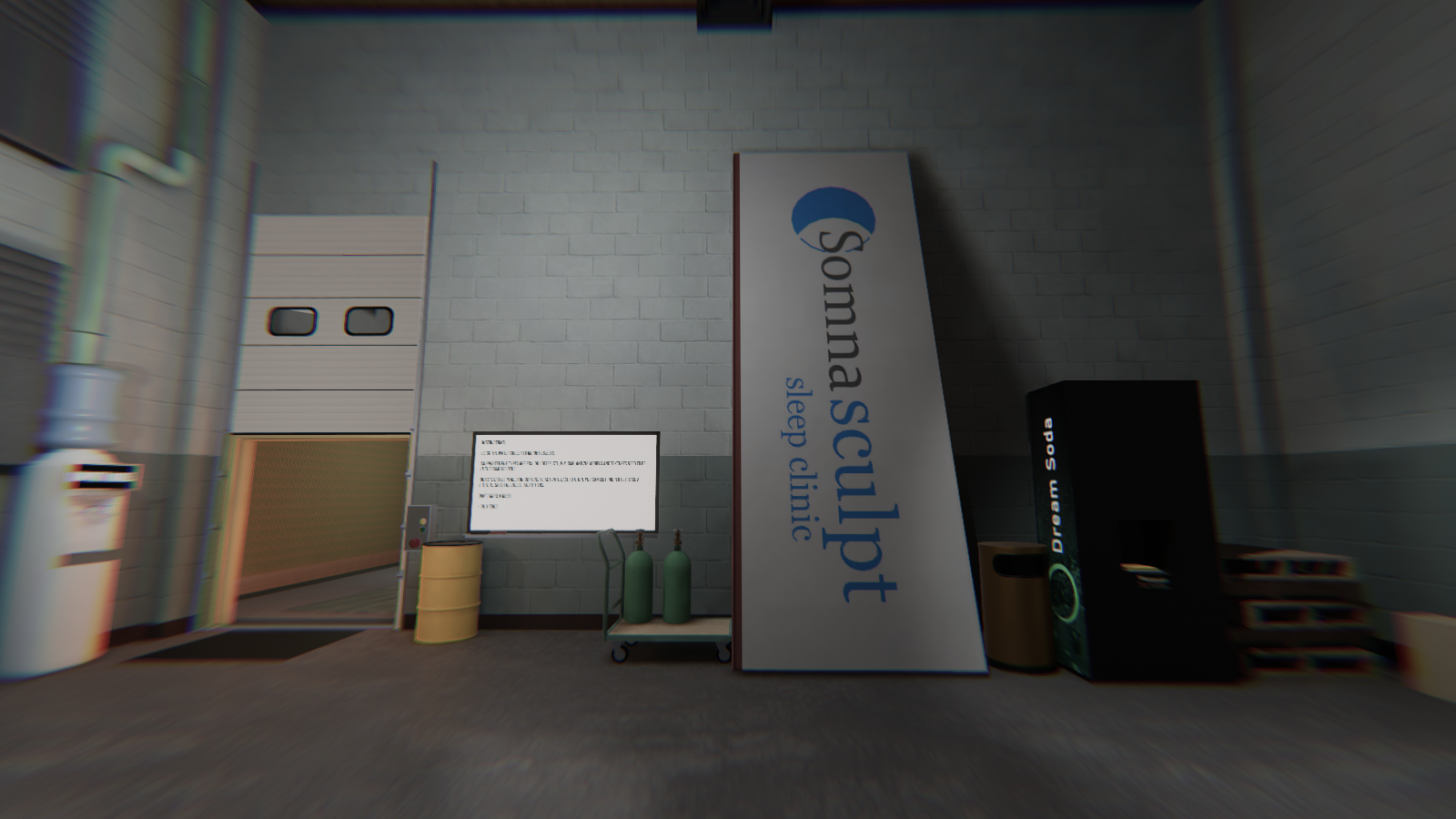
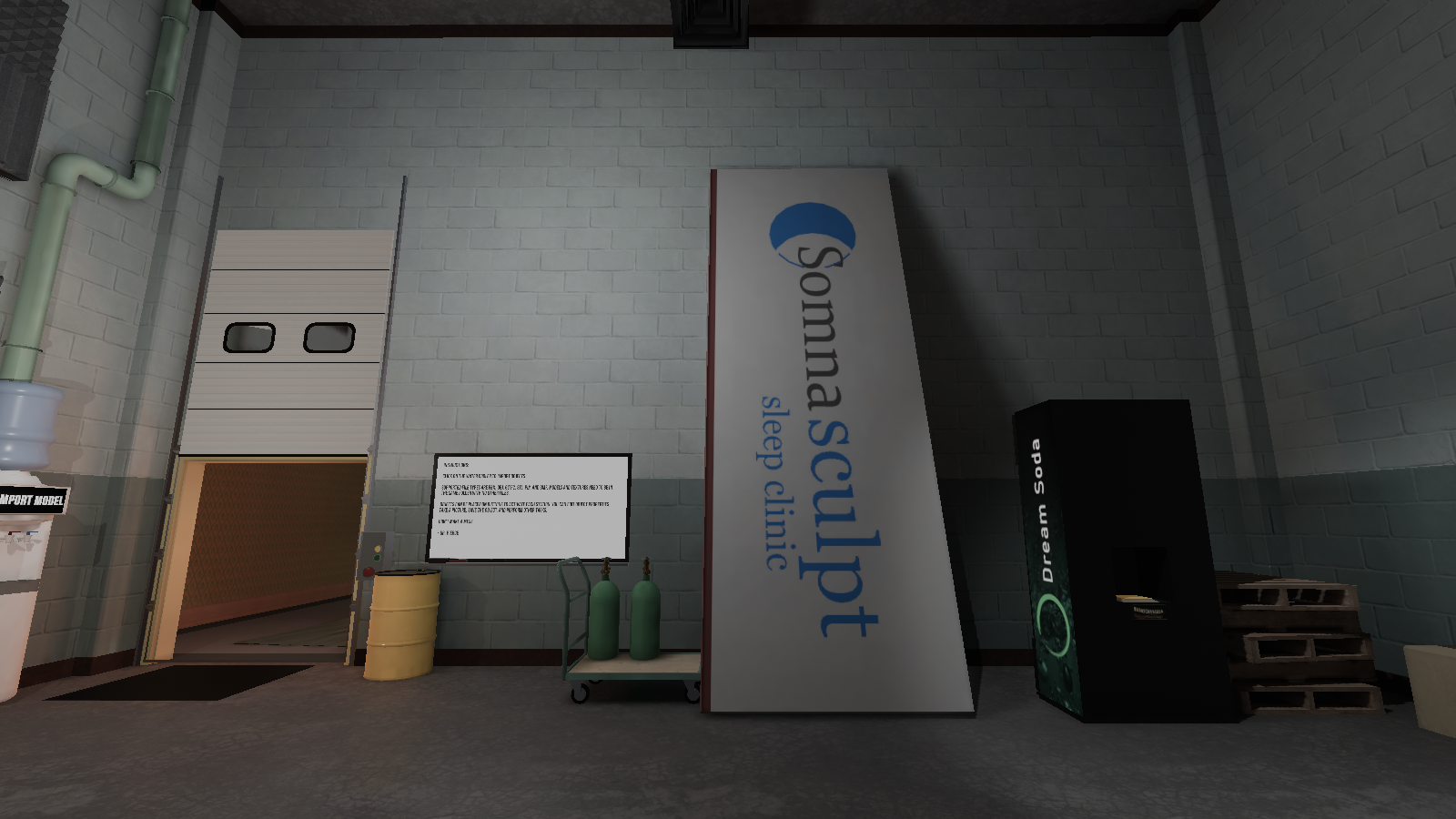
- The player is spawned in front of the whiteboard.
- The lighting effects now match the initial version, but now a sort-of fisheye post-processing effect is now added.
- Oddly, the Import Model water dispenser now displays the windows file explorer instead of its own internal browser.
South (Version 1.10.2020.10.24.58) |
South (Version 1.10.2020.10.29.1225) |
South (Version 1.10.2020.11.4.1036) |
|---|---|---|
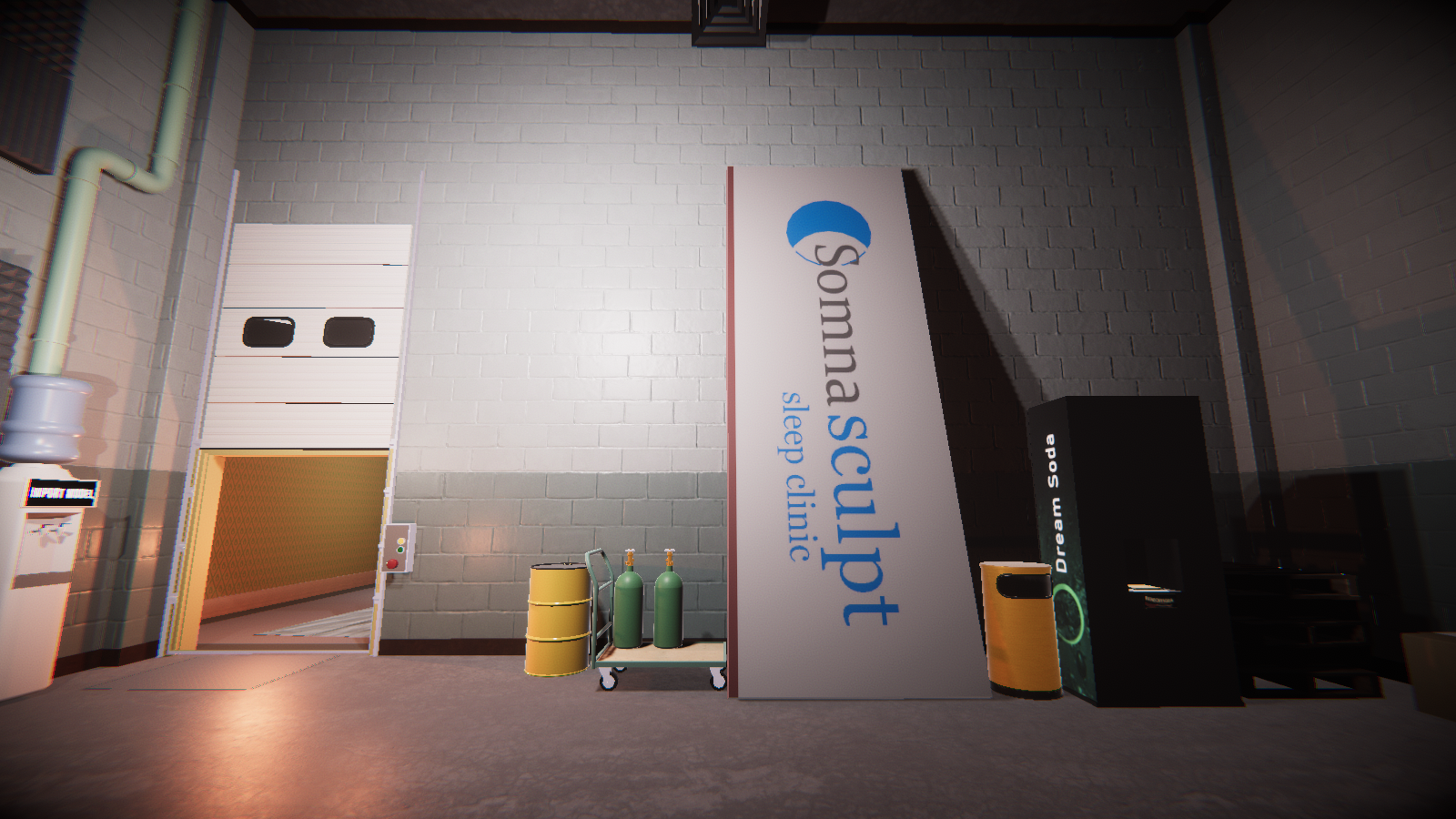 |
 |
 |
Version 1.10.2020.10.29.1225 |
Version 1.10.2020.11.4.1036 |
|---|---|
|
|
INSTRUCTIONS: |
INSTRUCTIONS: |
- The oil canister has been moved to the left of the whiteboard.
- The Whiteboard has now been added but with different text.
DreamConstructionRoom#

|
To do: |
- The hallway and the office room have been added.